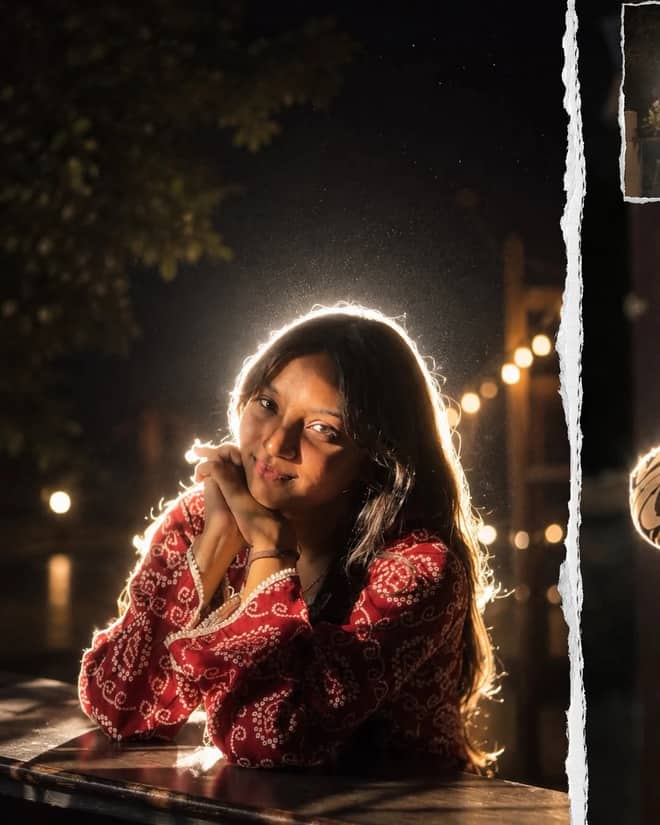
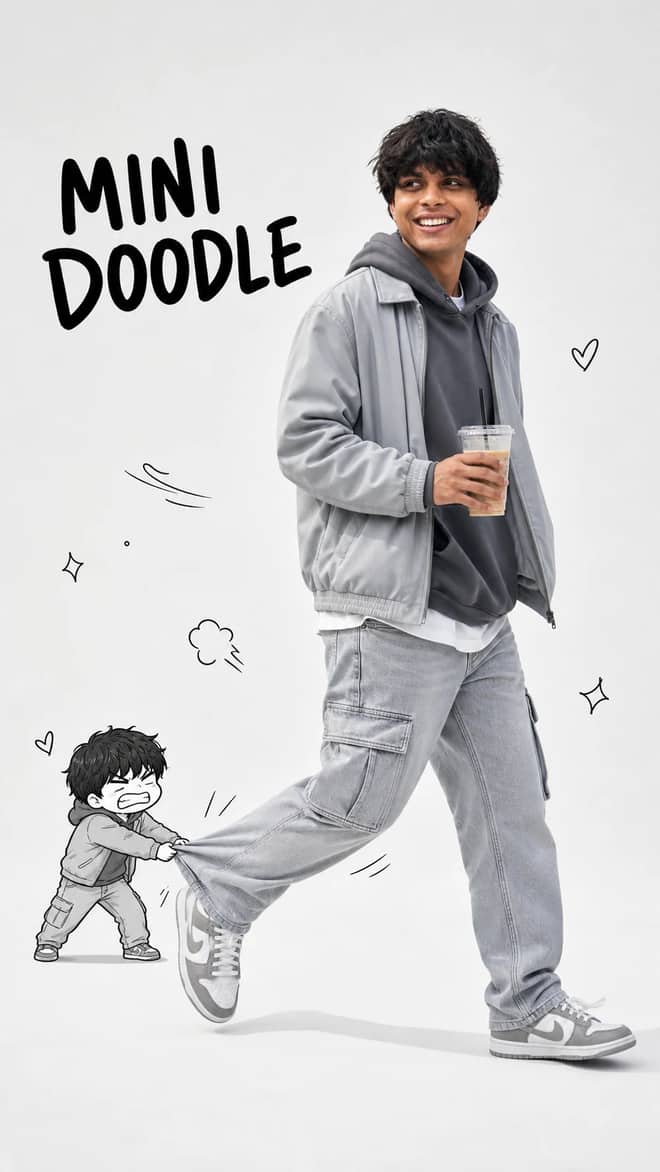
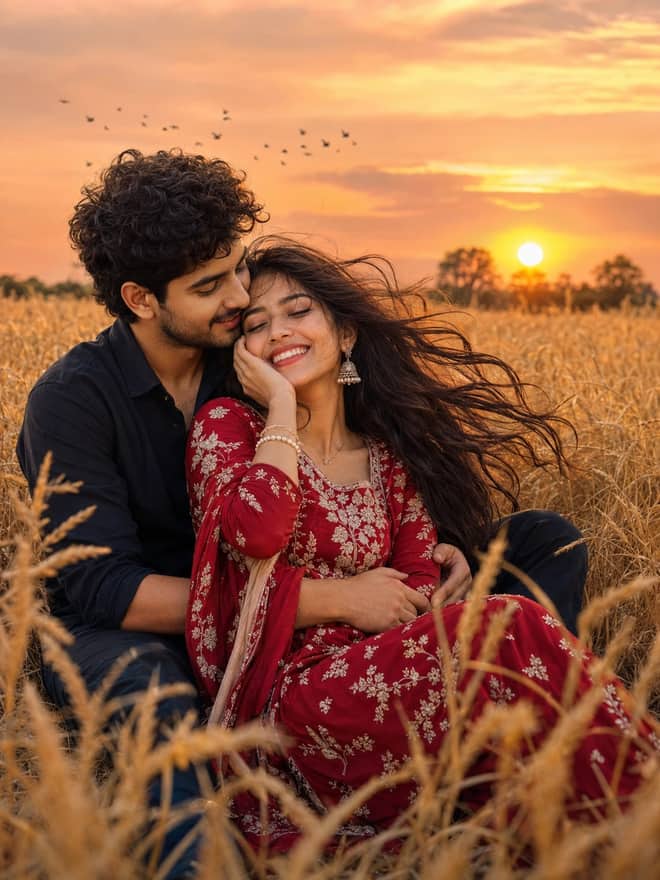
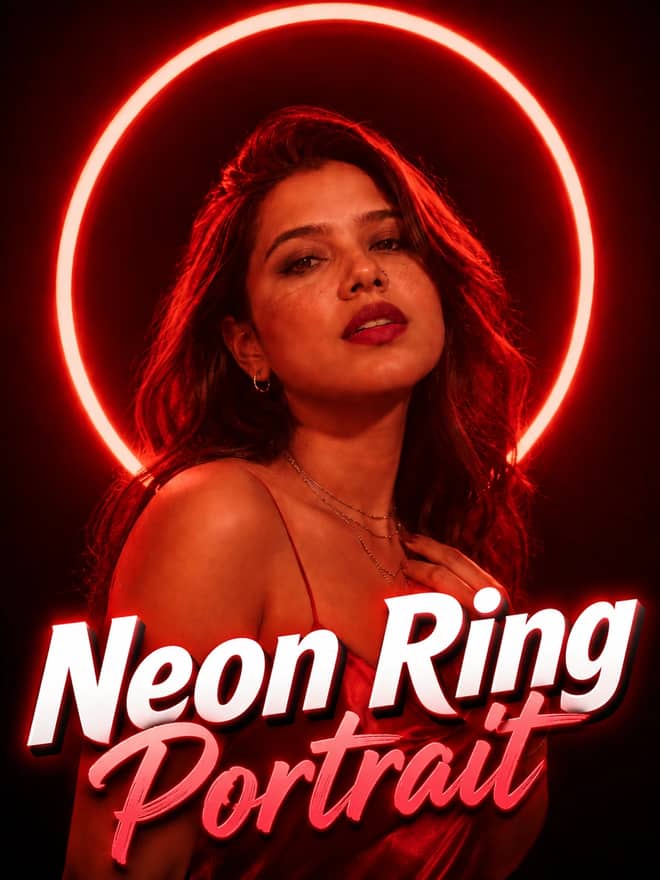
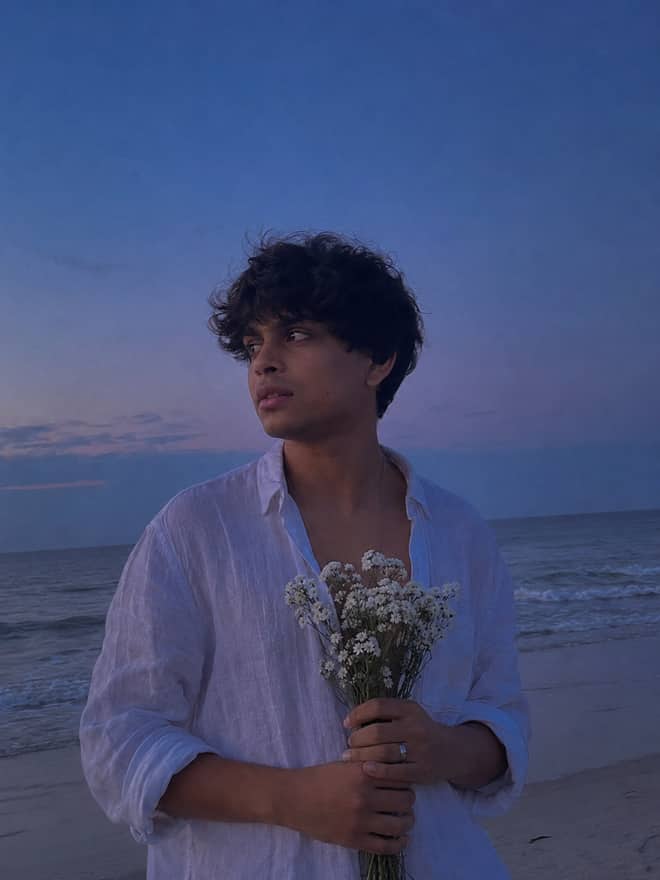
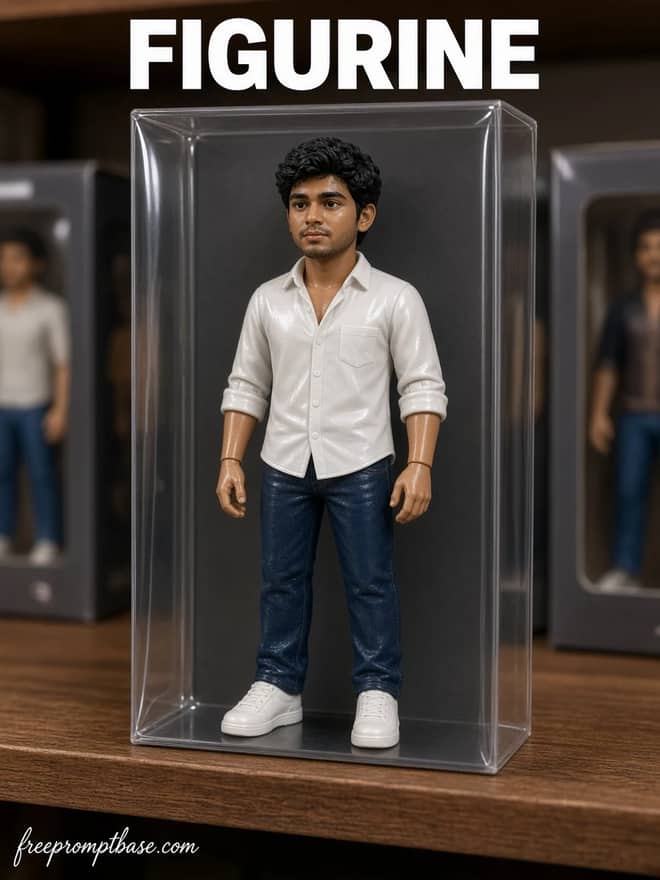
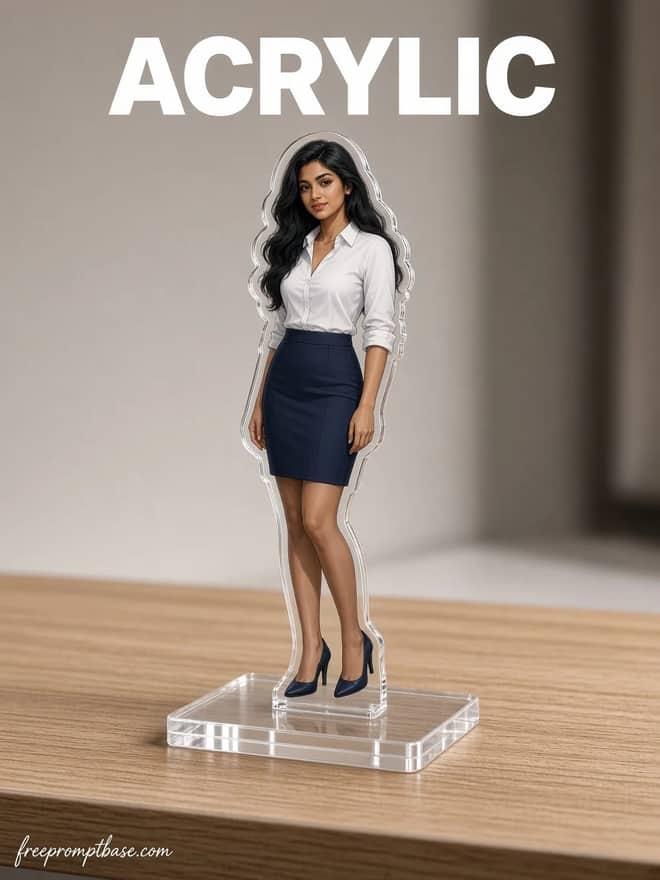
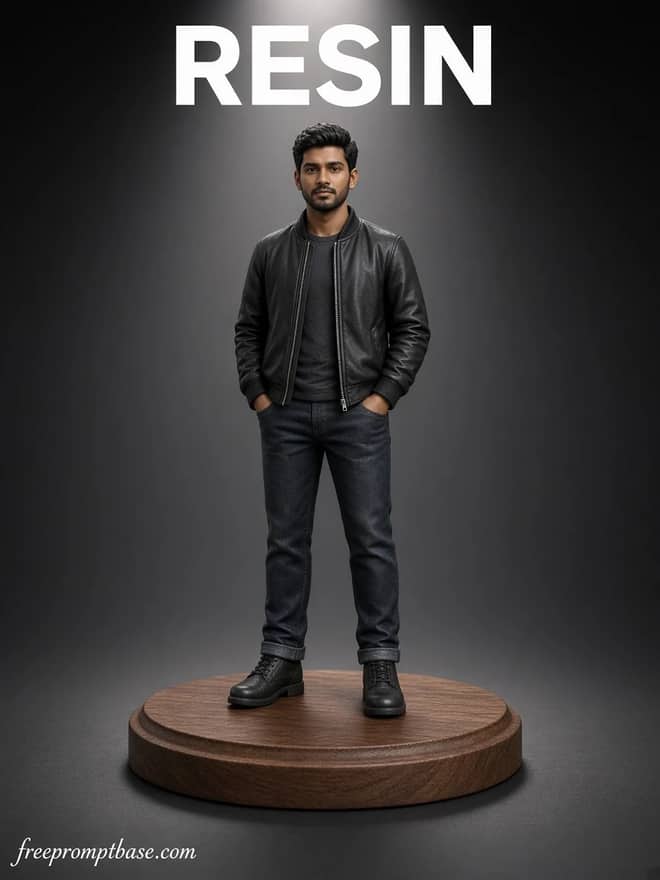
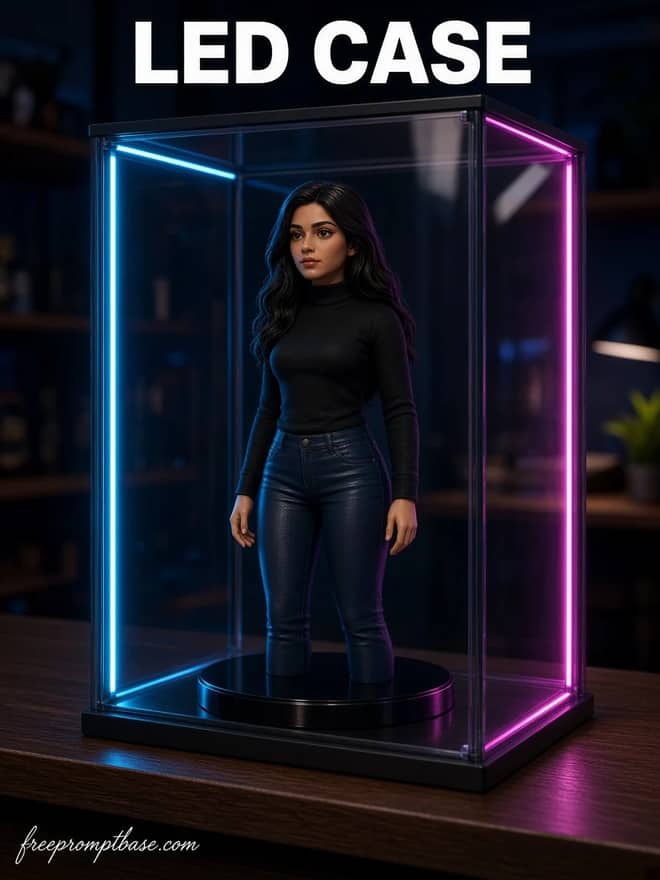
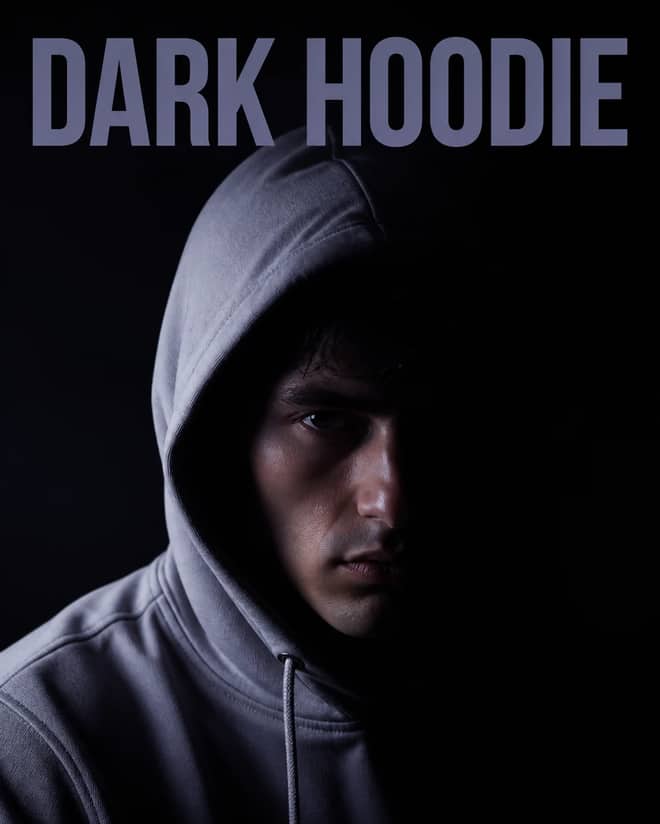
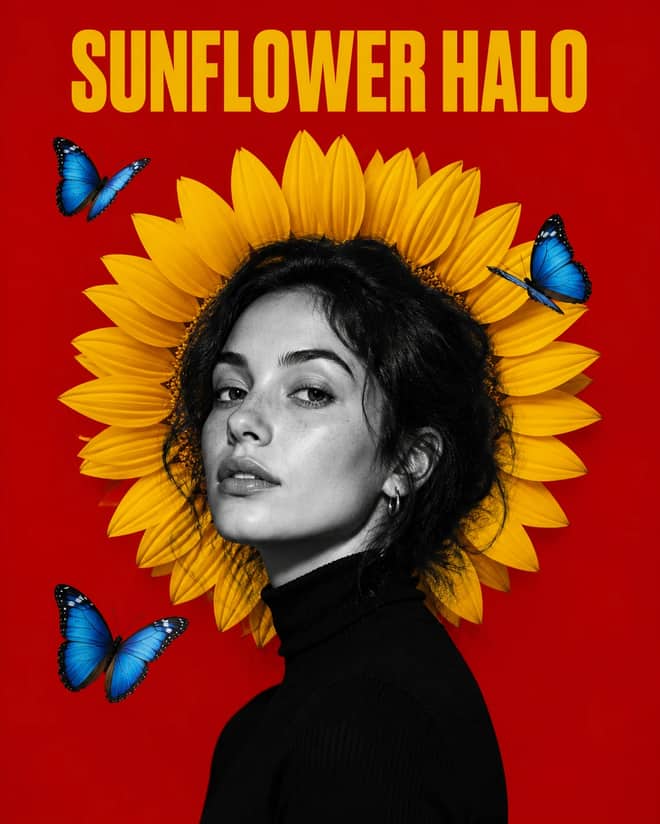
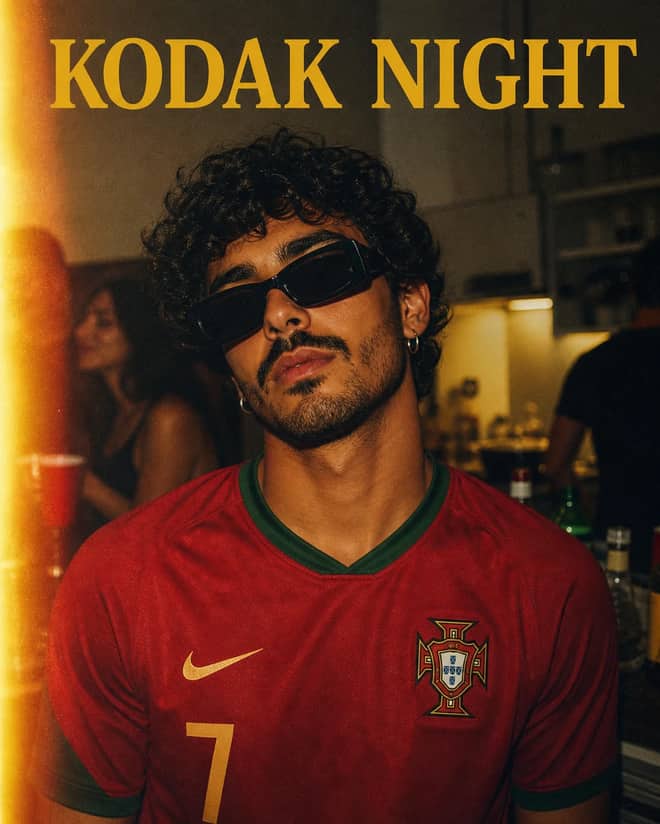
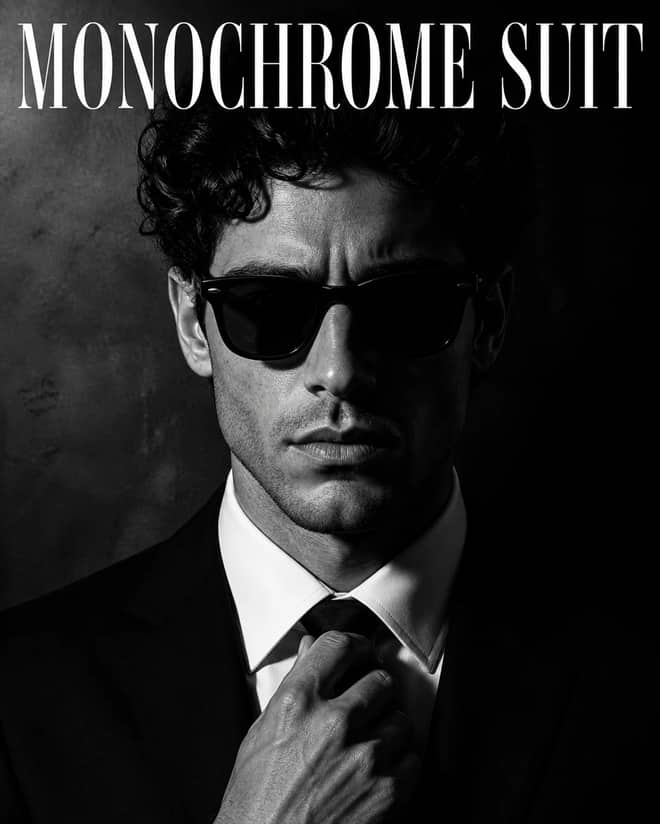
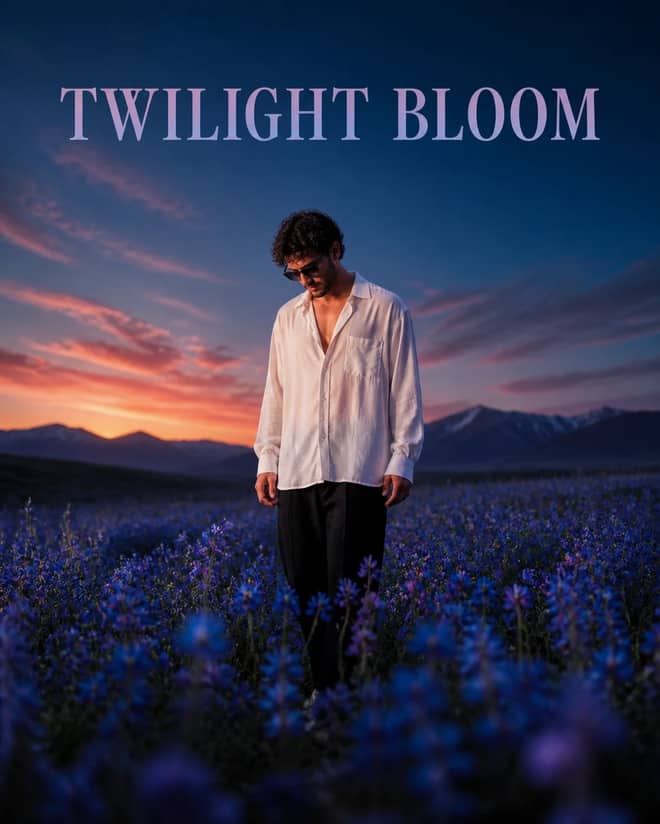
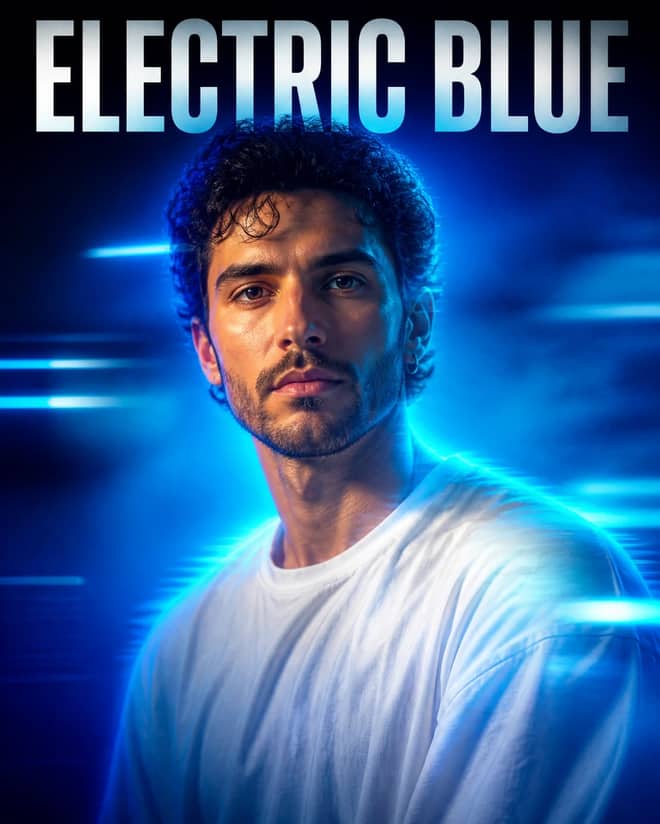
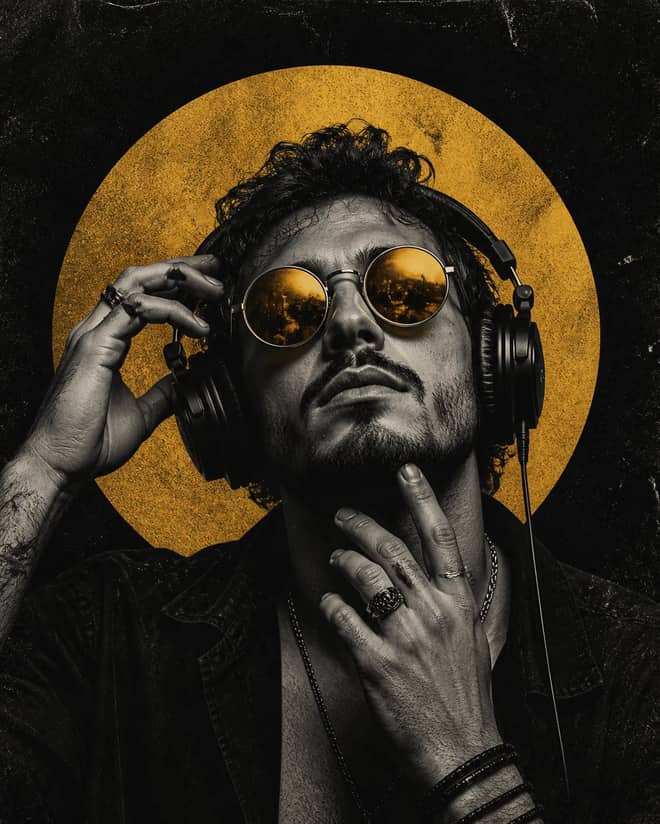
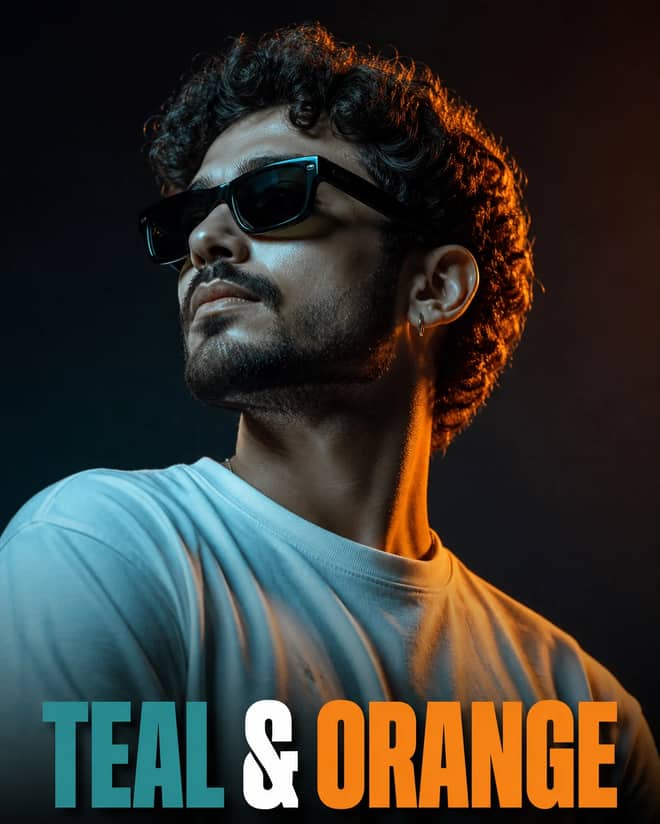
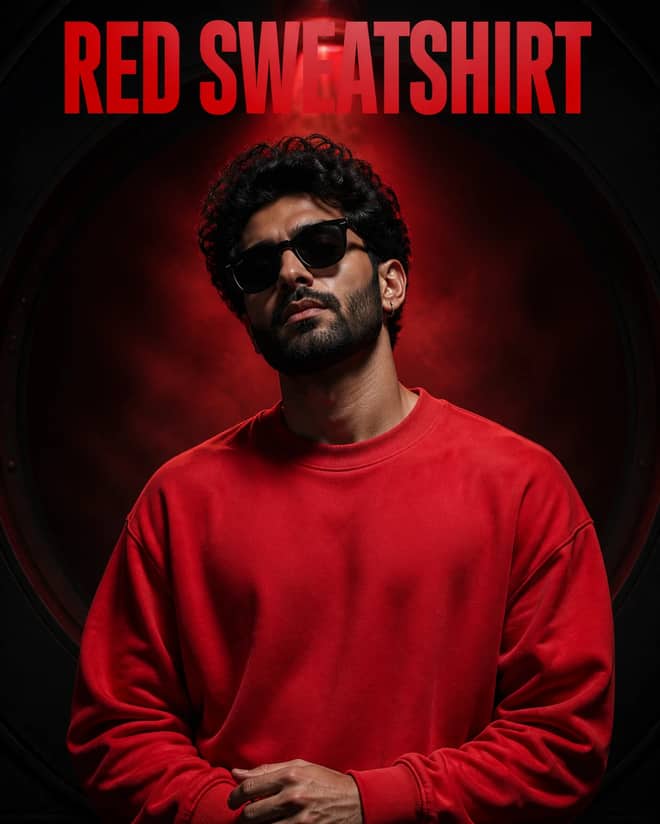
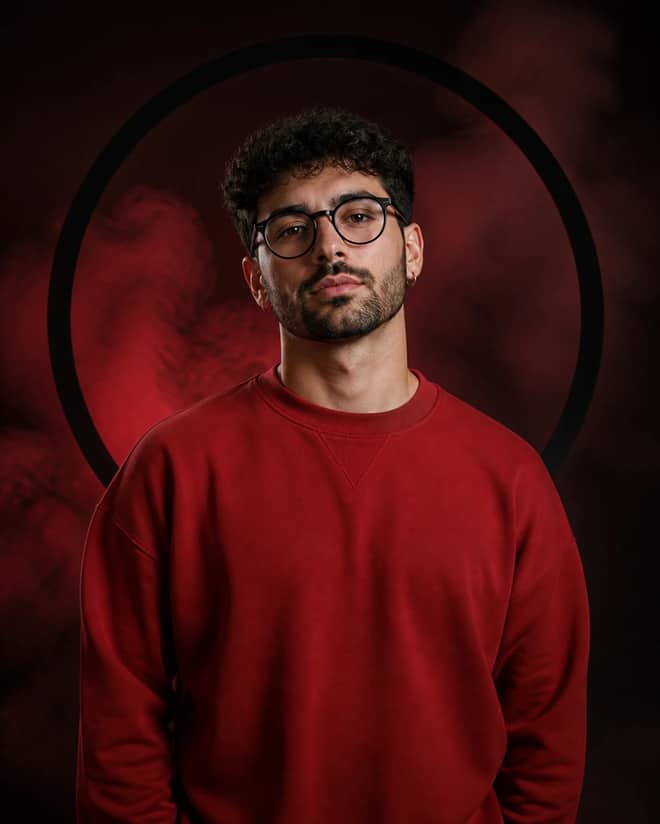
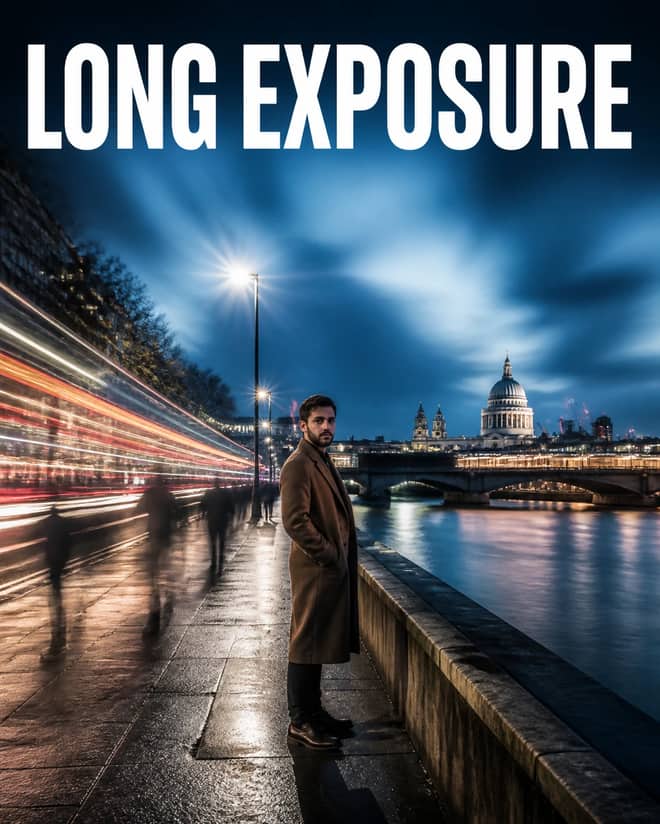
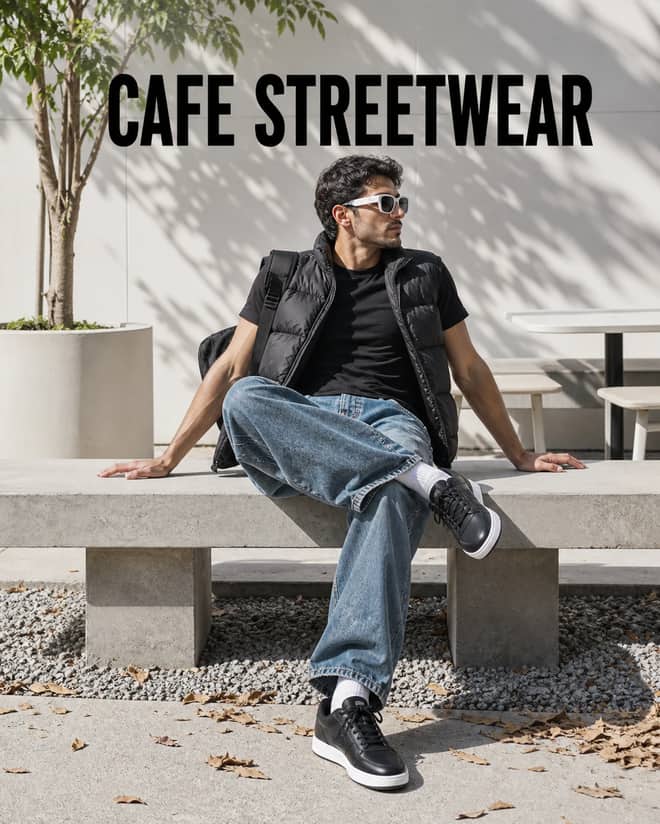
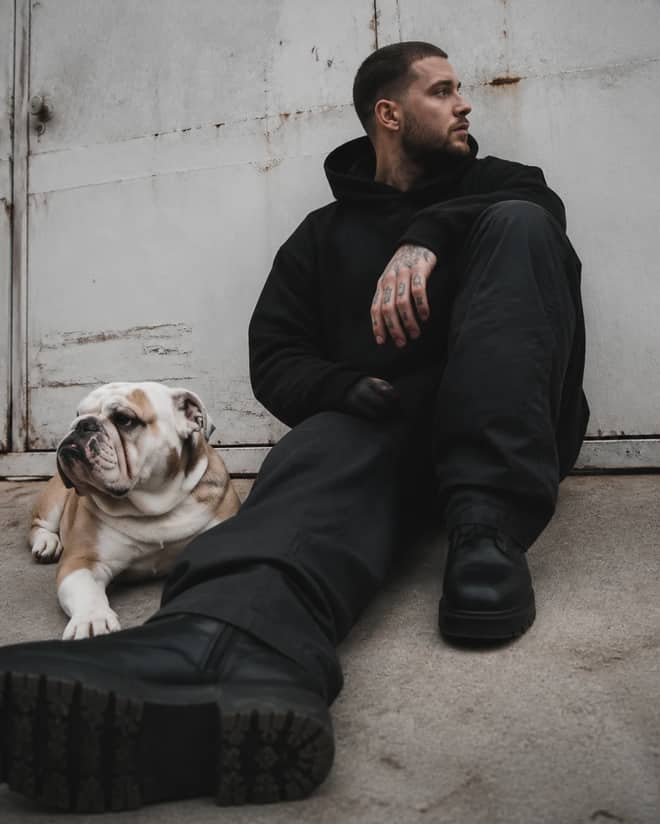
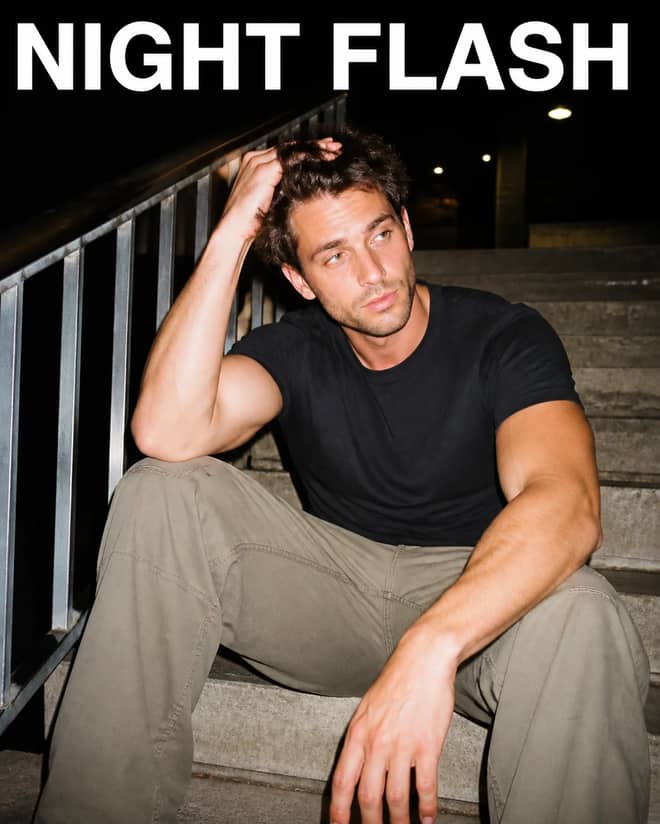
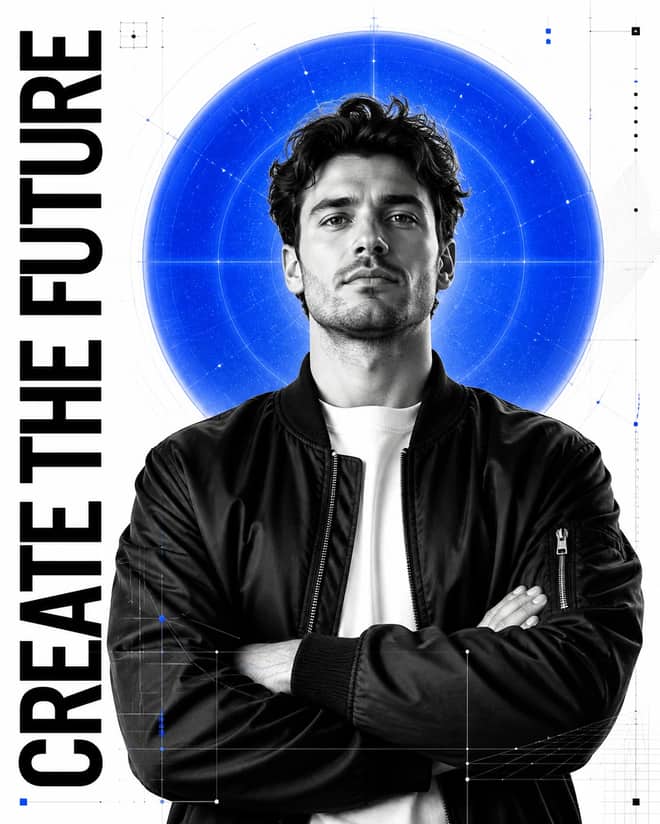
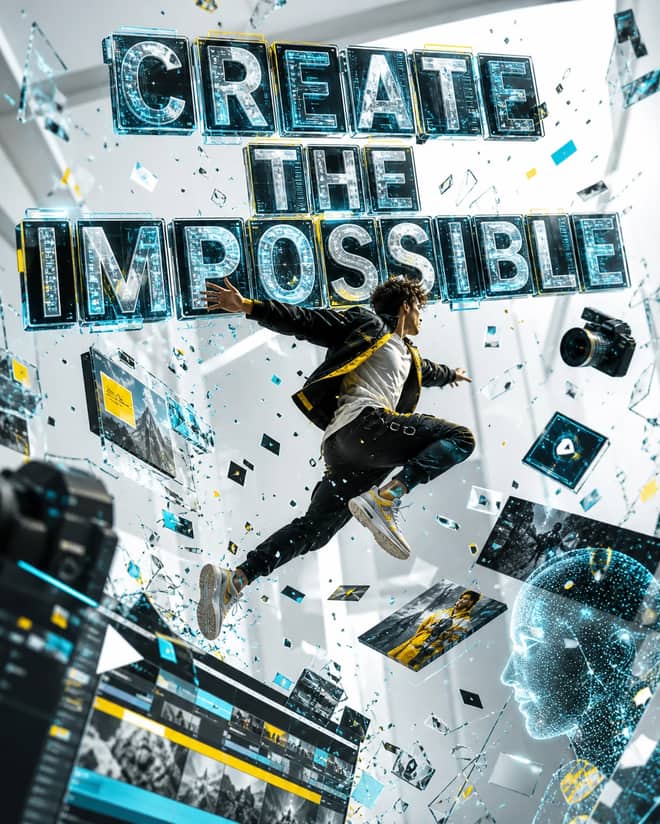
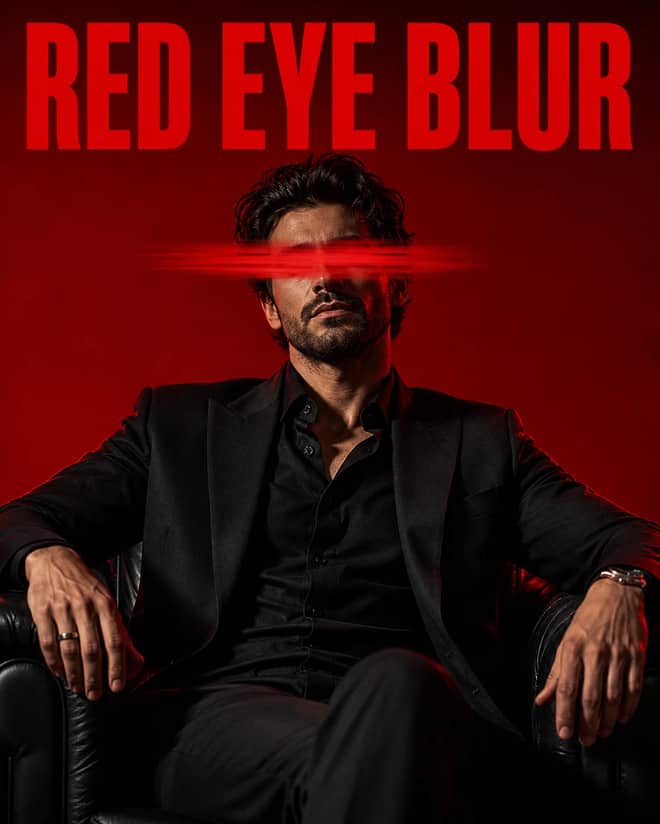
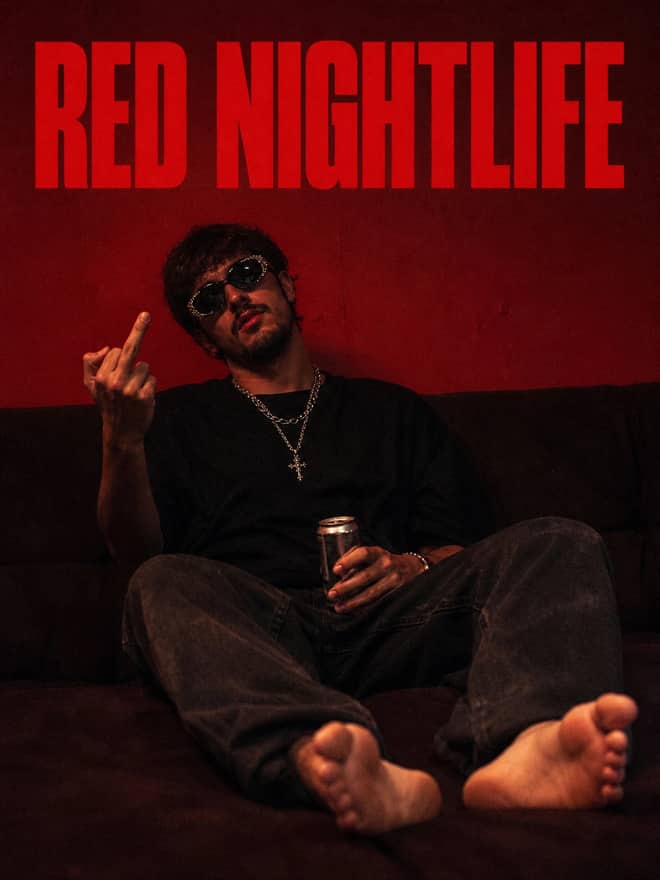
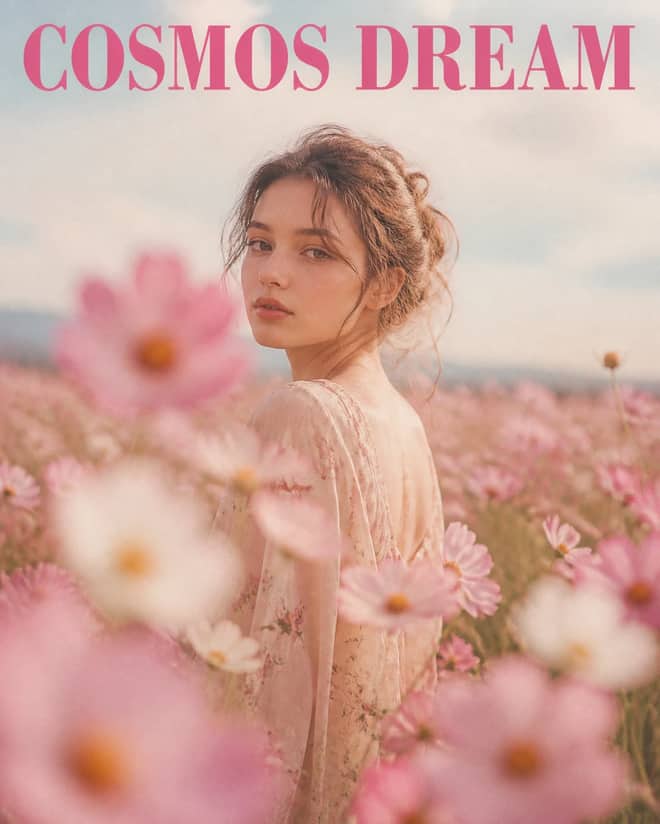
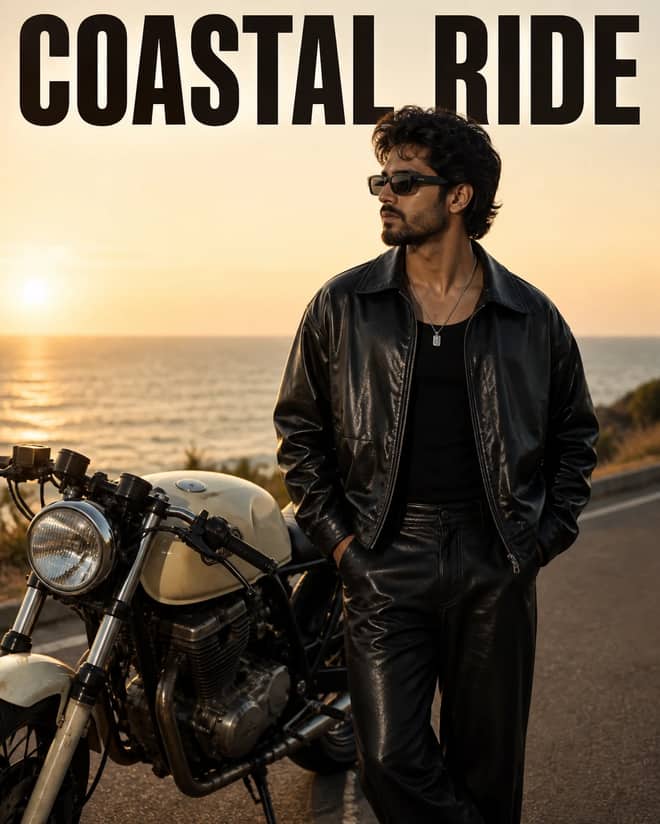
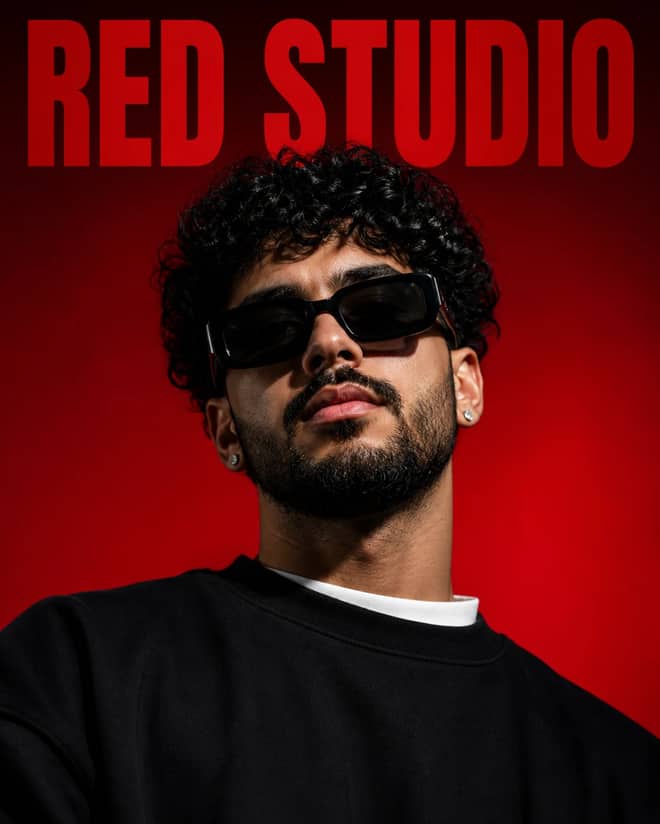
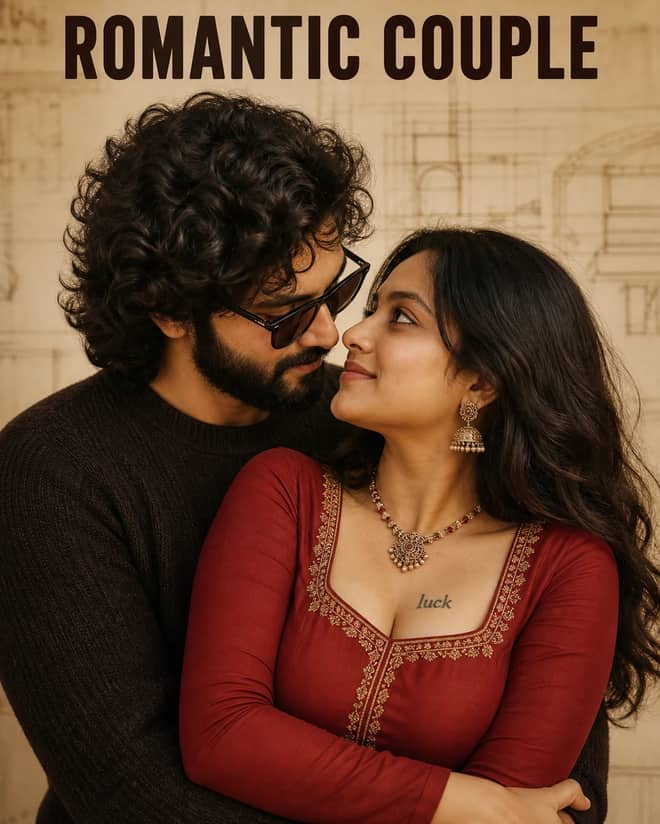
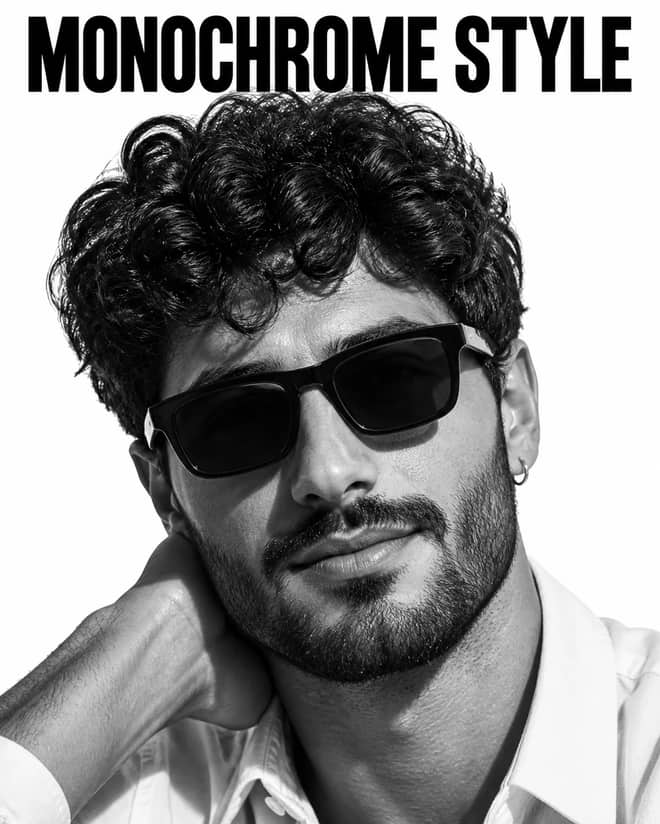
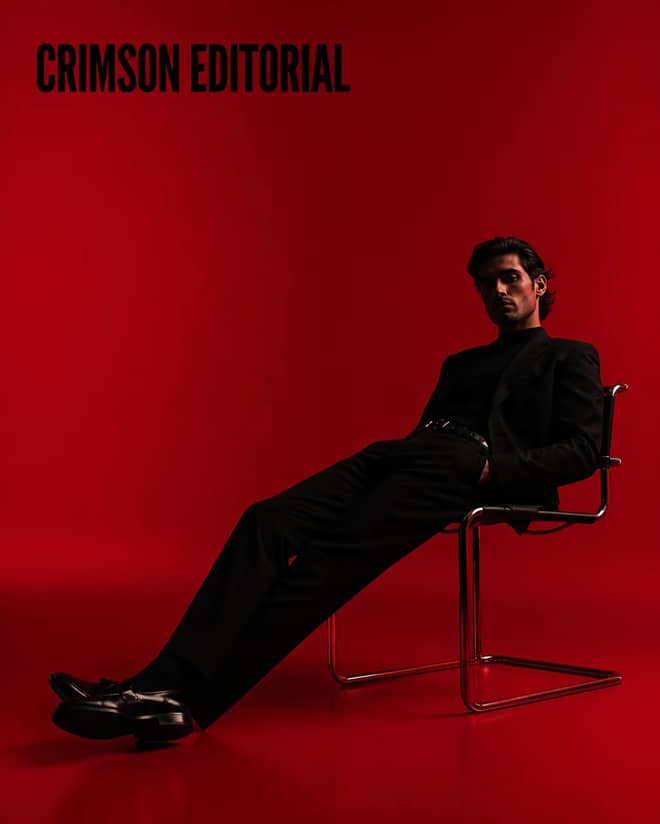
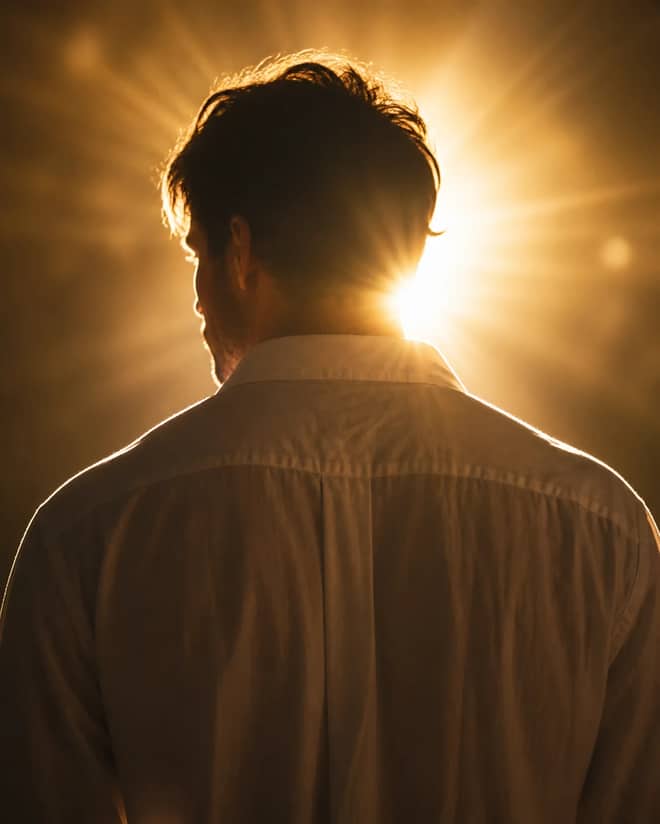
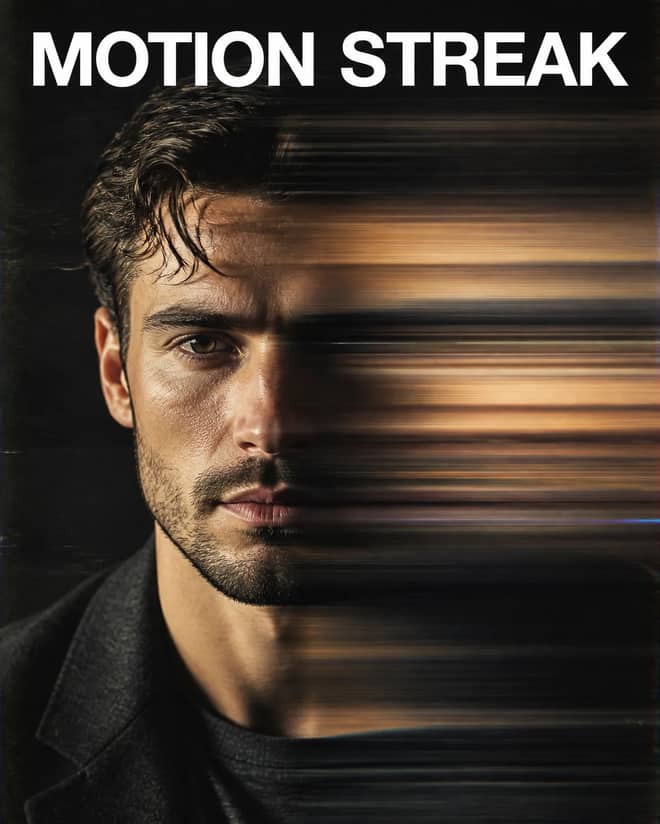
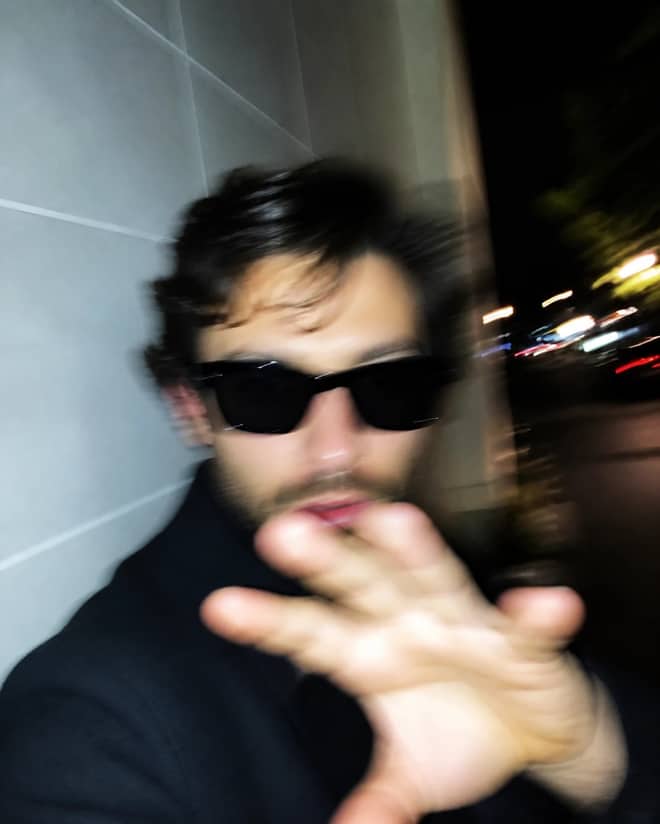
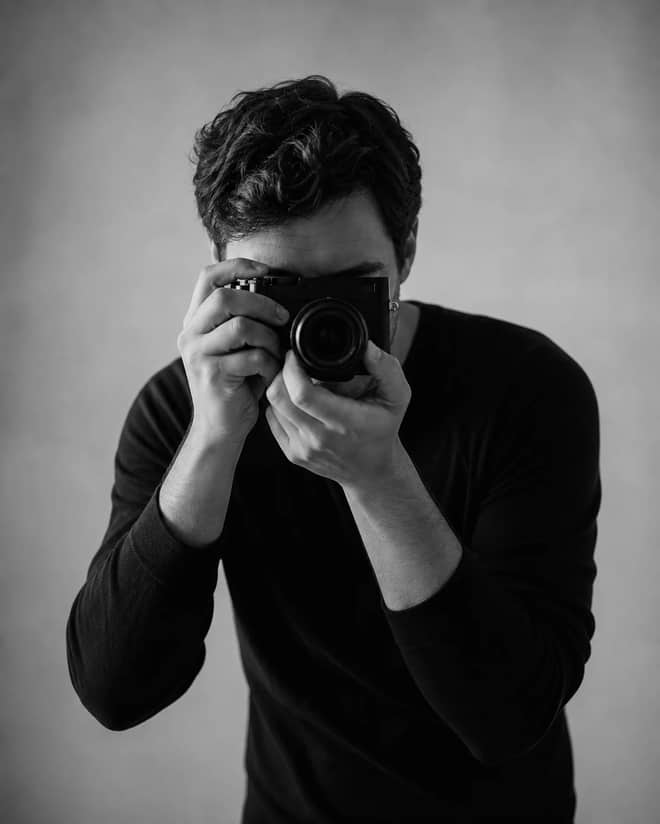
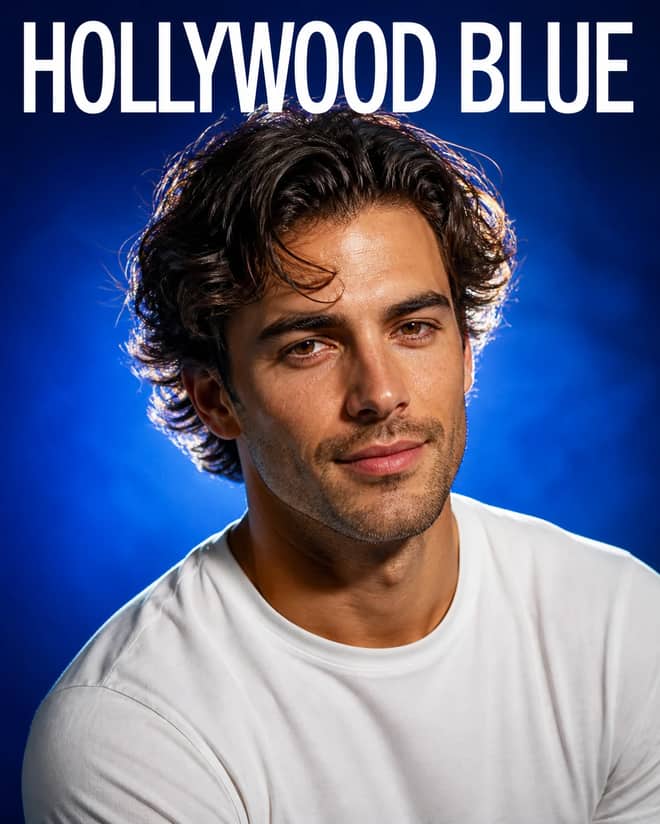
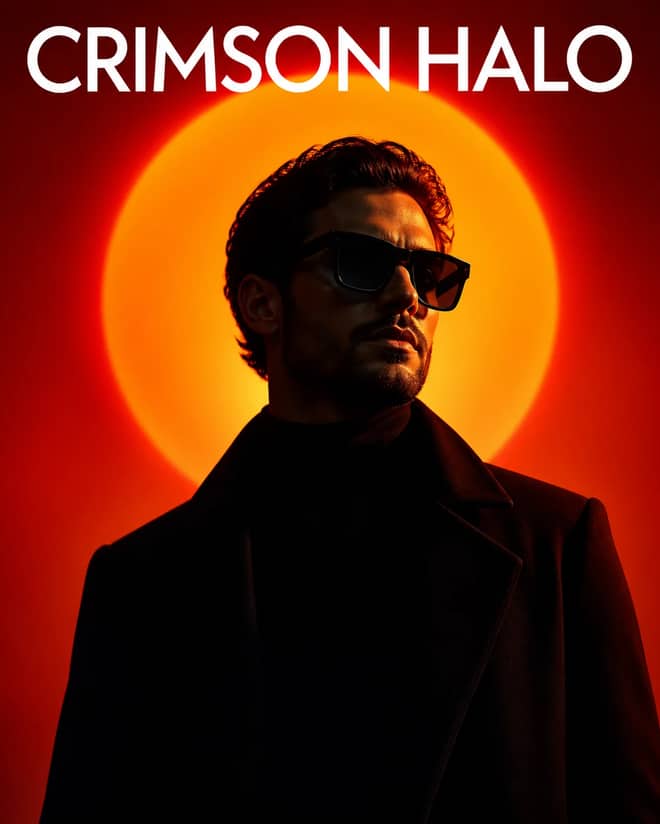
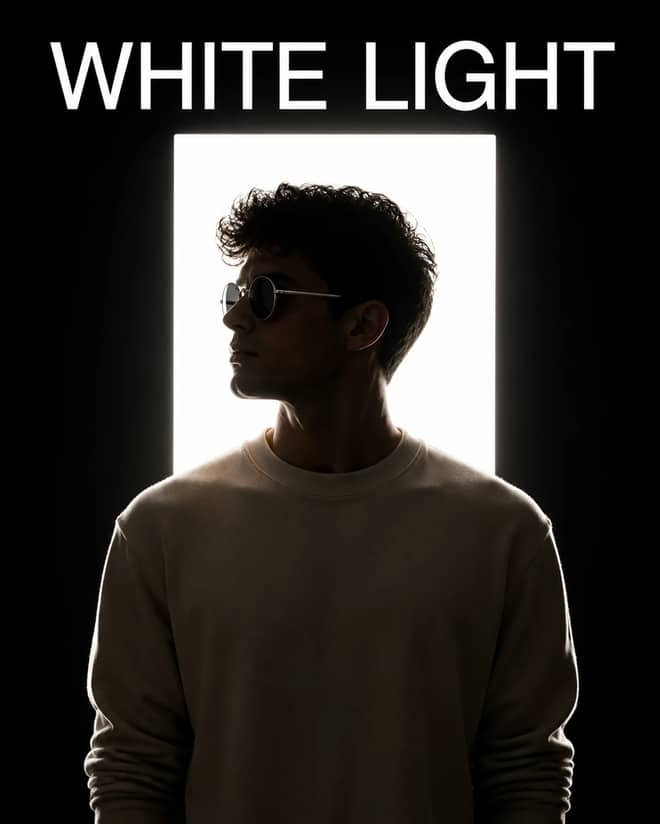
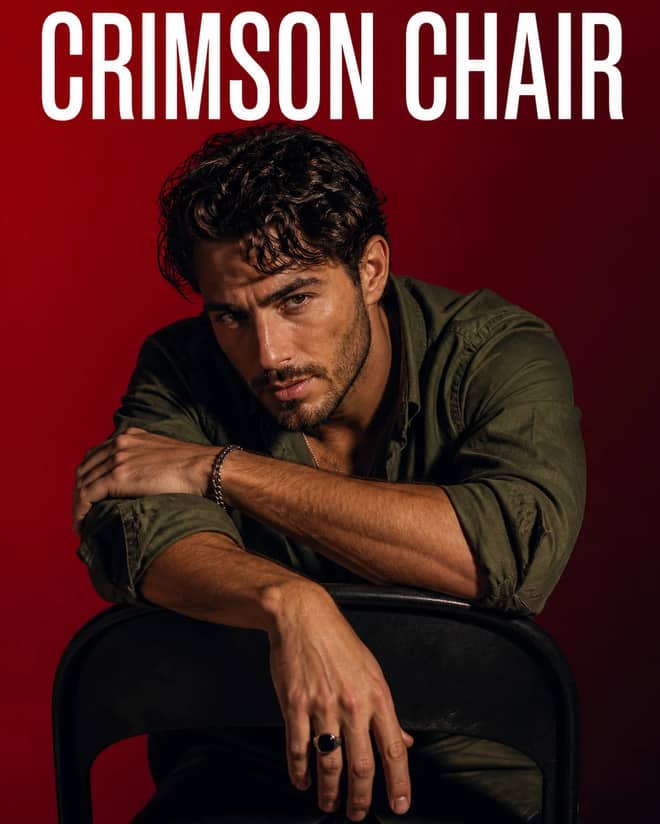
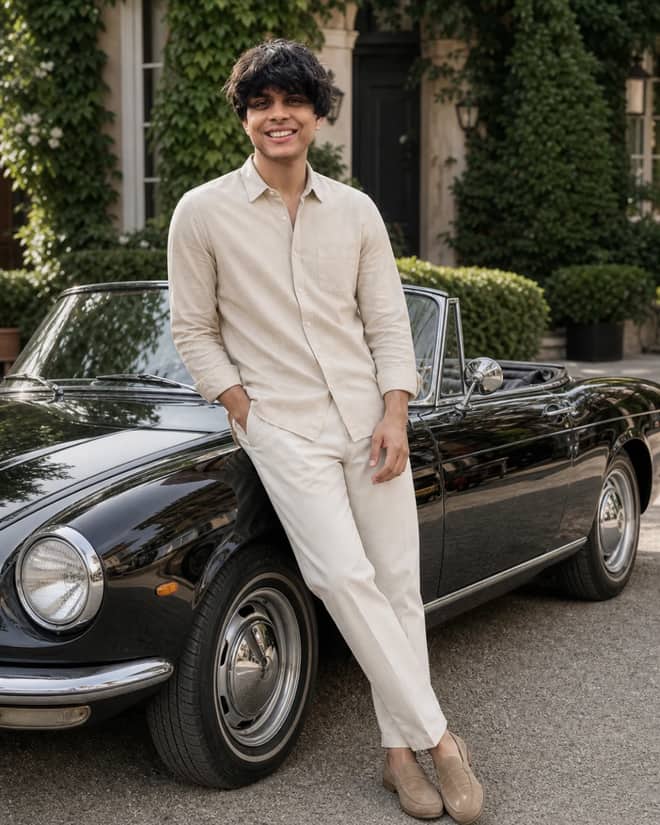
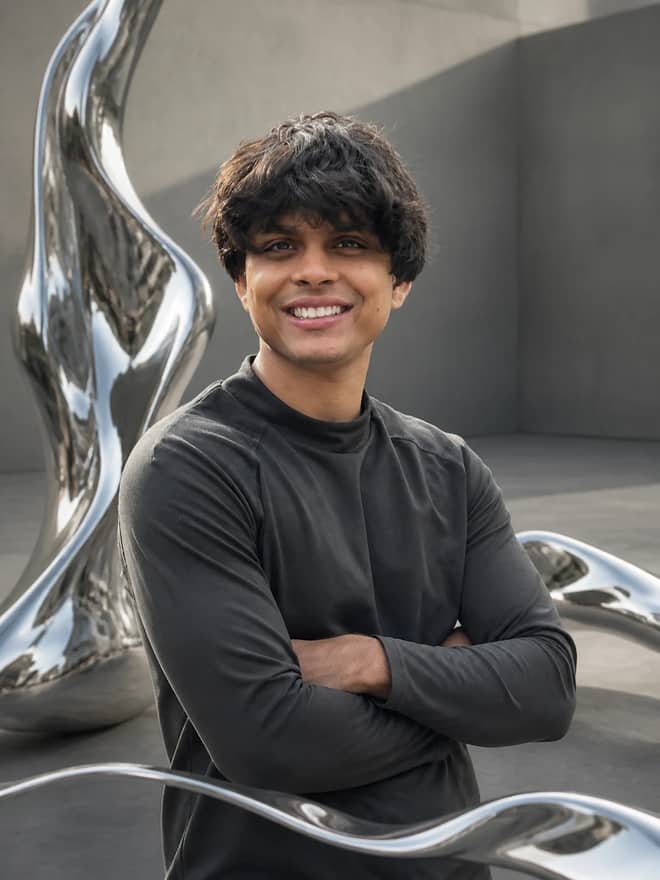
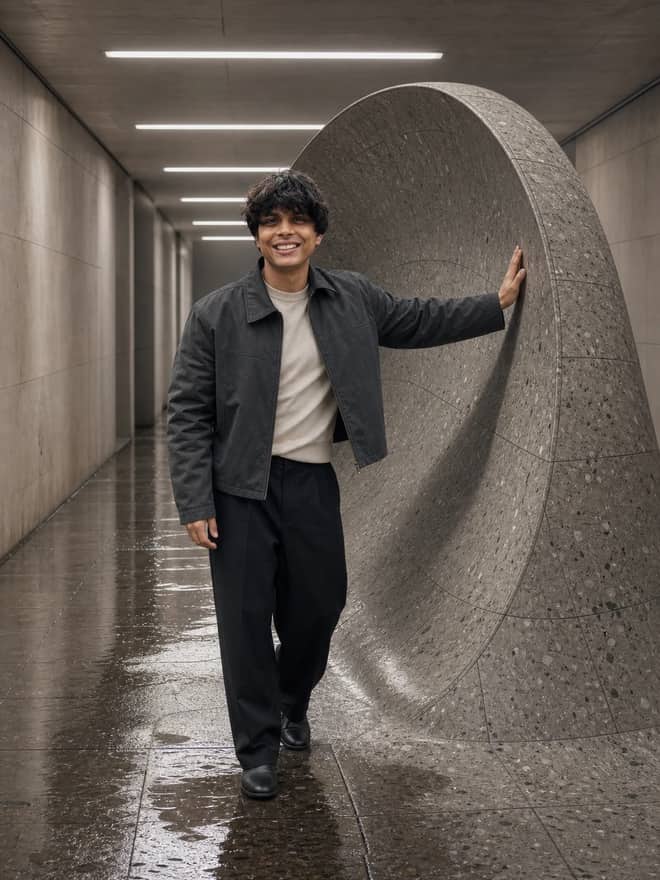
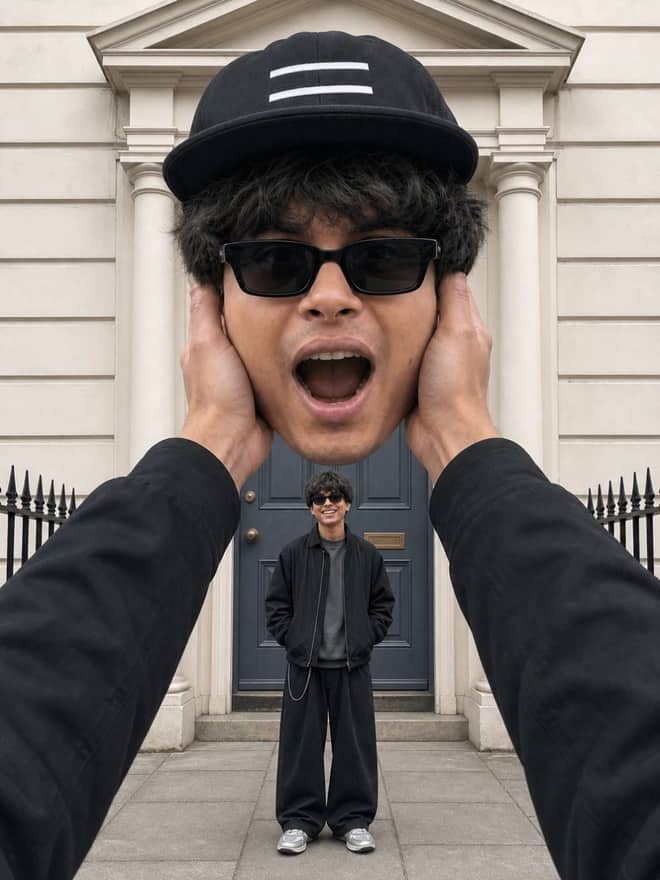
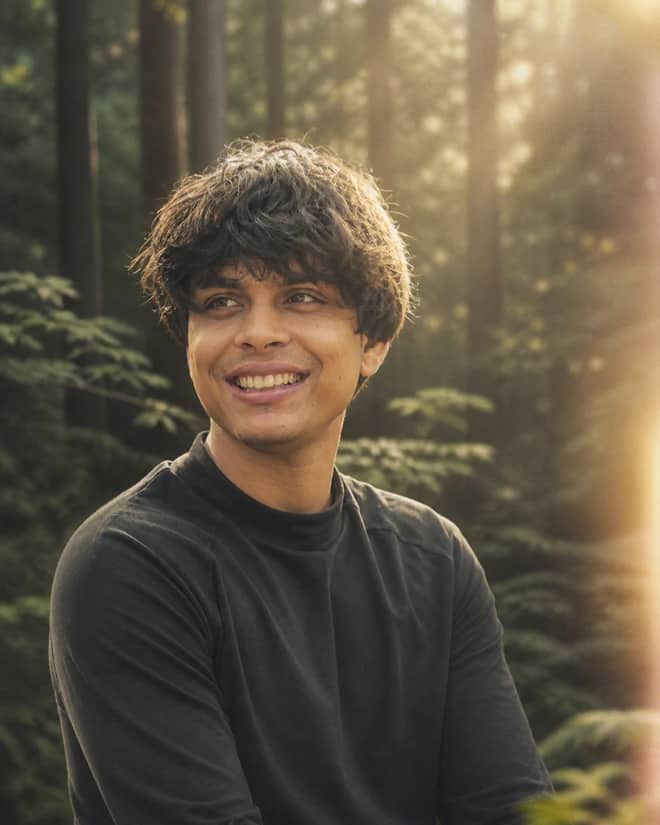
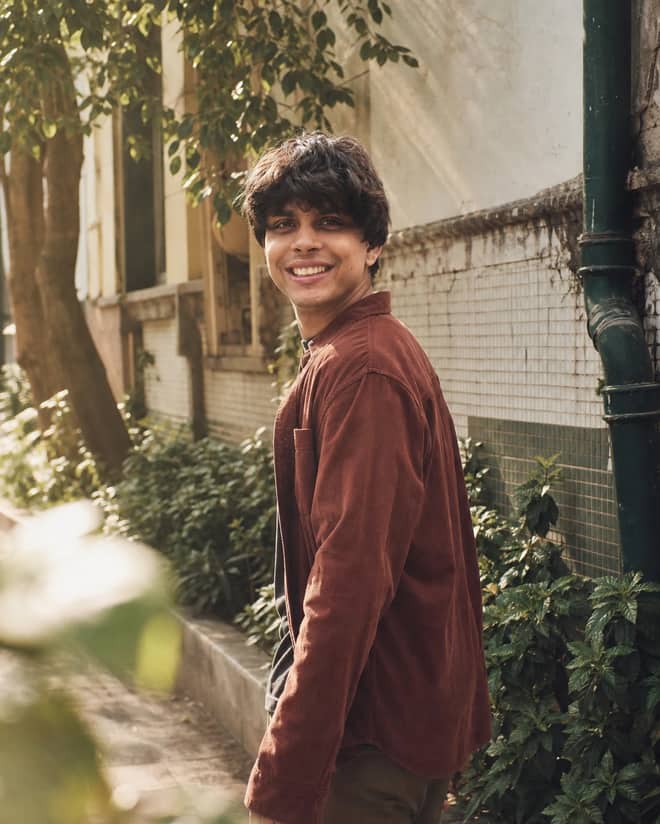
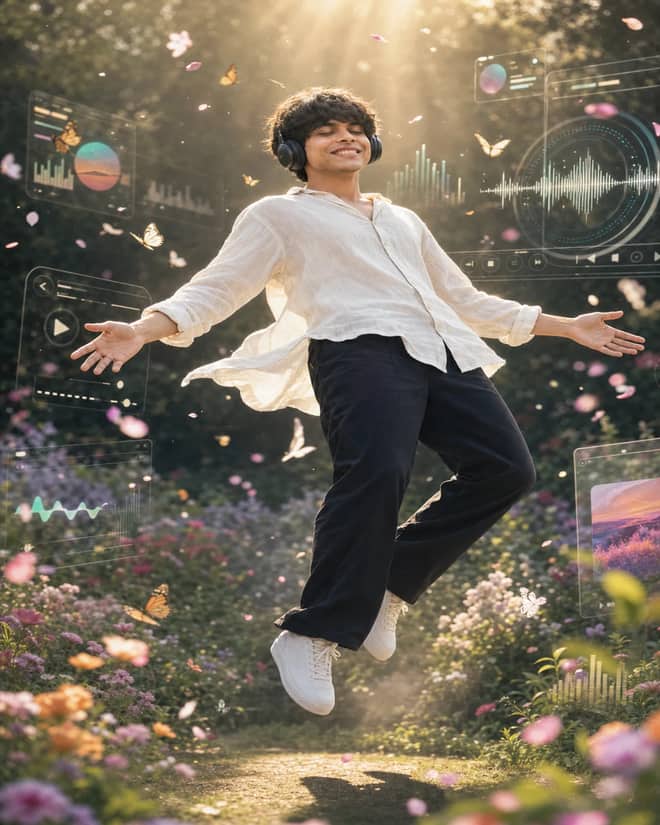
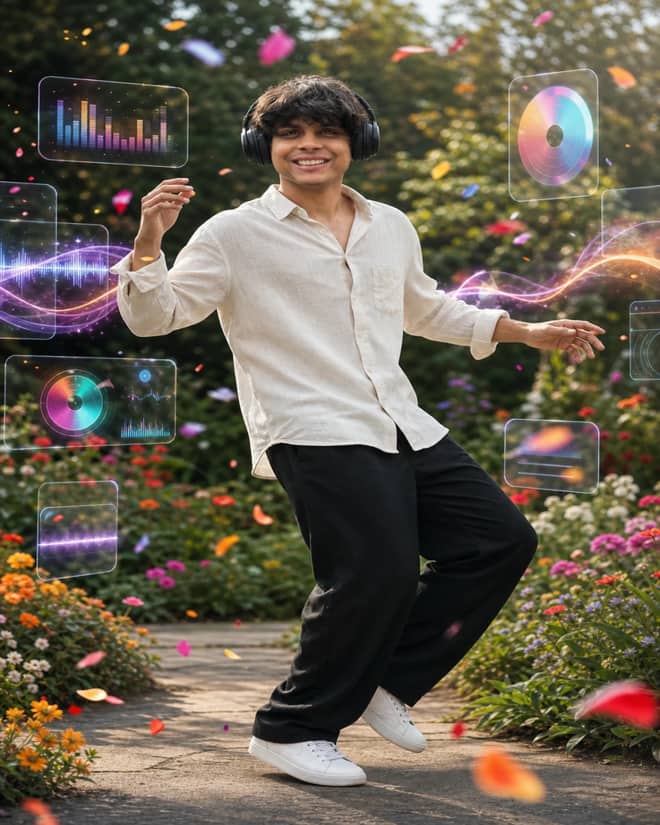
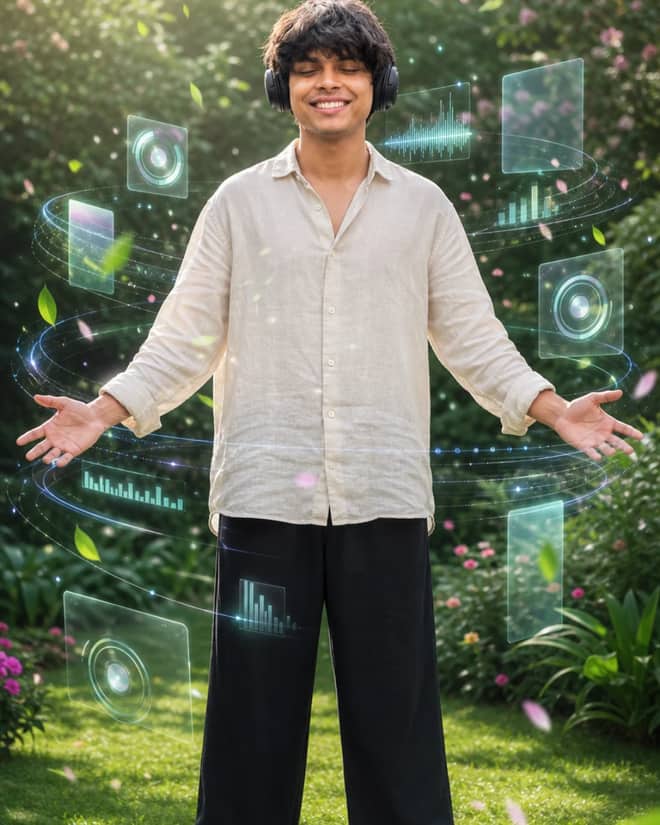
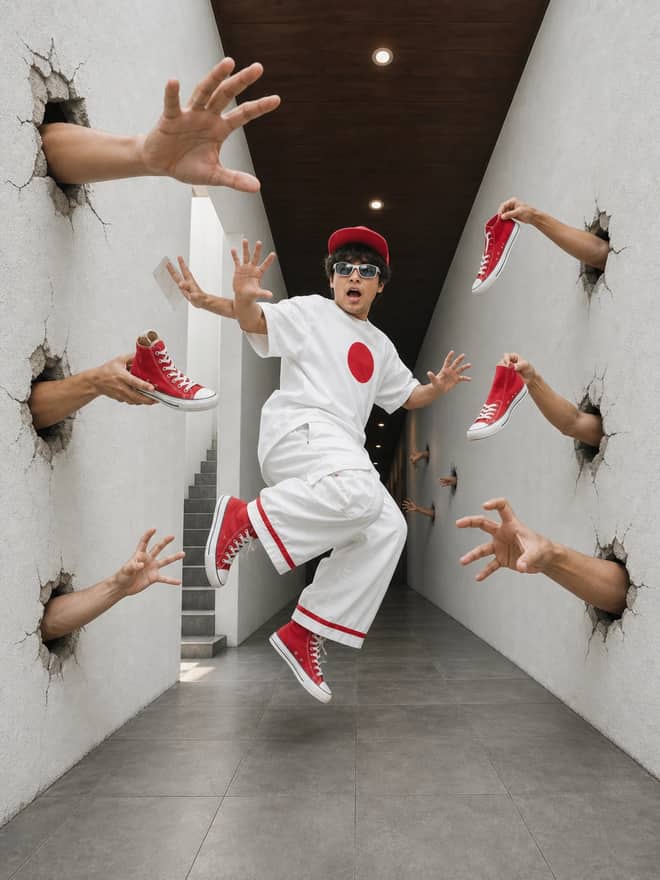
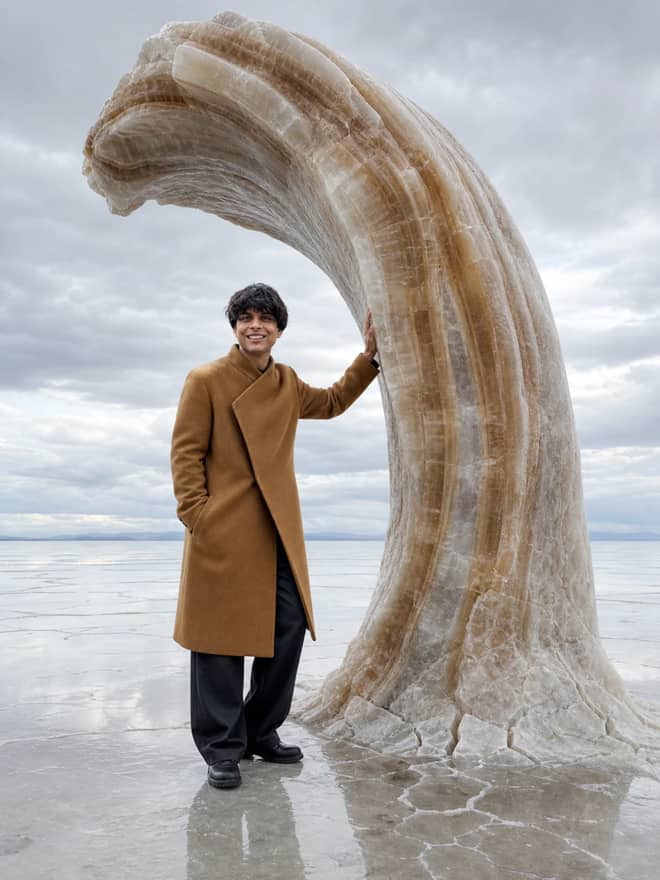
A trending prompt is just a piece of wording that happens to be working really well right now, the kind of thing people copy off a reel and paste straight into an AI tool to get the same look or the same answer. The grid above is full of them. What changes week to week is which ones are hot, and that is mostly driven by a new model dropping or one creator posting a result that everyone wants to copy. Below I will walk through what is trending at the moment across image and text, why these particular ones caught on, and how to bend them to your own photo or idea instead of getting an exact copy of someone else's.
What makes a prompt a trending prompt
Trends usually start the same way. A model gets noticeably better at one thing, someone posts a striking result, and the comments fill up with people asking for the prompt. Right now a lot of the image energy is around Google's Gemini image model, the one people nicknamed nano banana (its real name is Gemini 2.5 Flash Image). It is good at keeping a face consistent while changing the scene, which is exactly what makes edits go viral. On the text side, trends move more around use cases than models. A clever way to phrase a study prompt or a resume rewrite spreads because the output is genuinely useful, not because it looks pretty.
The thing worth knowing is that a trending prompt is rarely magic wording. It is usually a clear description of a specific look or task that the current tools happen to handle well. Once you see that, copying becomes easy and so does changing it.
Trending image prompts everyone is running right now
These are the looks I keep seeing pop up. Most of them are edits, meaning you give the tool your own photo and it transforms it. A few are pure generation, where you describe a scene from nothing.
3D figurine and action figure of yourself
You upload a normal photo and ask for a small collectible figure version of the person, often posed on a desk or still inside blister-pack toy packaging with a little name label. This one took off because the likeness holds up surprisingly well. The trick is to name the material and the setting: vinyl figure, soft studio light, sitting on a wooden desk next to a keyboard.
Retro and vintage portraits
Old film looks are everywhere. Think 90s Bollywood saree portraits, grainy 35mm color, faded studio backdrops, soft flash. People love these because they feel nostalgic and they hide imperfections in the source photo. Add words like film grain, warm tungsten light, slight haze, and a year if you want a specific era.
Polaroid and candid with someone
The Polaroid style, where it looks like a casual flash snapshot, often a candid frame standing next to a celebrity or a younger version of a family member, has been one of the biggest edit trends. The key words are direct flash, slight blur, plain background, and a casual pose so it does not look staged.
Ghibli and illustration styles
Turning a real photo into a soft hand-drawn cartoon look had a huge moment after ChatGPT's image generation got better at it. It still gets used a lot for profile pictures. Describe the mood rather than naming a studio: soft watercolor, gentle lighting, hand-painted background.
Restoring and colorizing old photos
Less flashy but maybe the most useful one. You upload a scanned old family photo and ask it to repair scratches, sharpen the face, and add natural color. People come back to this one again and again because the result actually matters to them.
Advertisement
Trending text prompts worth copying
Image prompts get the attention, but text prompts are doing quiet heavy lifting for a lot of people. The ones spreading right now are practical:
- Explain this like I am new to it: paste any confusing article or message and ask for a plain version with no jargon. Good for phones and quick reading.
- Summarize the latest on a topic: ask the AI to pull together what it knows about a recent event or release and lay out the main points. Handy when you do not want to read ten tabs.
- Rewrite my resume for this job: paste your resume and the job post, ask it to match the language and tighten the bullets.
- Turn my rough notes into a clean message: dump messy thoughts, get back a polite email or caption.
- Make a study plan or quiz me: feed it a syllabus or your notes and ask for a question set.
None of these are clever tricks. They trend because they save real time, and they work in almost any chat tool you already have open.
How to copy a trending prompt and make it yours
Here is the part most people skip. You do not want the exact same image as the person you copied from, you want that style on your stuff. So copy the structure, then swap the details.
- Grab a prompt from the grid above that matches the look or task you want.
- Paste it into Gemini, ChatGPT, or Midjourney, and attach your own photo if it is an edit.
- Change the subject and one or two style words, nothing more on the first try.
- Run it, look at what is off, then adjust just that one thing and run again.
Changing three things at most per attempt is the single habit that helped me most. When you change everything at once you cannot tell which word fixed it or broke it.
Tip: keep one prompt that works as your base, save it in a notes app, and only edit the changing parts each time. It is much faster than rewriting from scratch every time a new trend shows up.
Which tool fits which trending prompt
Not every trending prompt lands the same in every tool. Here is a rough guide based on what each one is currently good at.
| Trending idea | What to add to the prompt | Best tool right now |
|---|
| Figurine or action figure of you | Material, packaging, desk setting, soft light | Gemini (nano banana) for face match |
| Retro saree or film portrait | Era, film grain, warm light, backdrop | Gemini or Midjourney |
| Polaroid candid with someone | Direct flash, slight blur, plain wall | Gemini for editing your photo |
| Ghibli or cartoon profile pic | Soft watercolor, mood, gentle light | ChatGPT image generation |
| Restore an old photo | Repair scratches, sharpen face, natural color | Gemini photo edit |
| Summarize or explain text | Plain words, short, the topic you care about | ChatGPT or Gemini chat |
Common trending prompt mistakes and quick fixes
A few things go wrong over and over with trending prompts, and they are all easy to fix once you spot them.
- The face changes on edits: say keep the same face and identity, and use a clear, well-lit source photo. Blurry input gives blurry results.
- The output looks too perfect and fake: that is usually the giveaway on retro looks. Ask for film grain, a little haze, and uneven lighting to bring it back to earth.
- It ignores half your prompt: you probably asked for too much at once. Cut it down to the two details that matter most and add the rest on the next run.
- Text comes out wordy: tell it the length. Ask for three short bullets or two sentences instead of leaving it open.
- Hands or text in the image look wrong: regenerate a couple of times, or crop them out of the shot in your wording. This is still a weak spot across tools.
One more practical note. Trends fade fast, so the exact phrase that was hot last month may already feel dated. What does not go stale is the habit underneath: pick a look you like, describe it plainly, change one thing at a time, and keep the version that works. Do that and you can ride whatever the next trending prompt turns out to be without waiting for someone to hand you the wording.