
Prompt Guides
The Three ChatGPT Prompt Frameworks Worth Memorizing

Dhananjay Kumar Nirala

On this page 7
Good ChatGPT prompt frameworks save you from staring at the box, wondering how to phrase things. A framework is just a fixed order of parts you fill in, so every prompt comes out clear without you reinventing it each time.
There are dozens of them, but you don't need dozens. Three cover almost everything, from a quick question to a detailed, multi-step task. Learn these and you'll have a structure ready for any situation.
This guide walks through all three, what each part means, and a filled-in example for each. They work in ChatGPT, Gemini, and other tools, since a clear structure helps every model.
Why a framework beats guessing
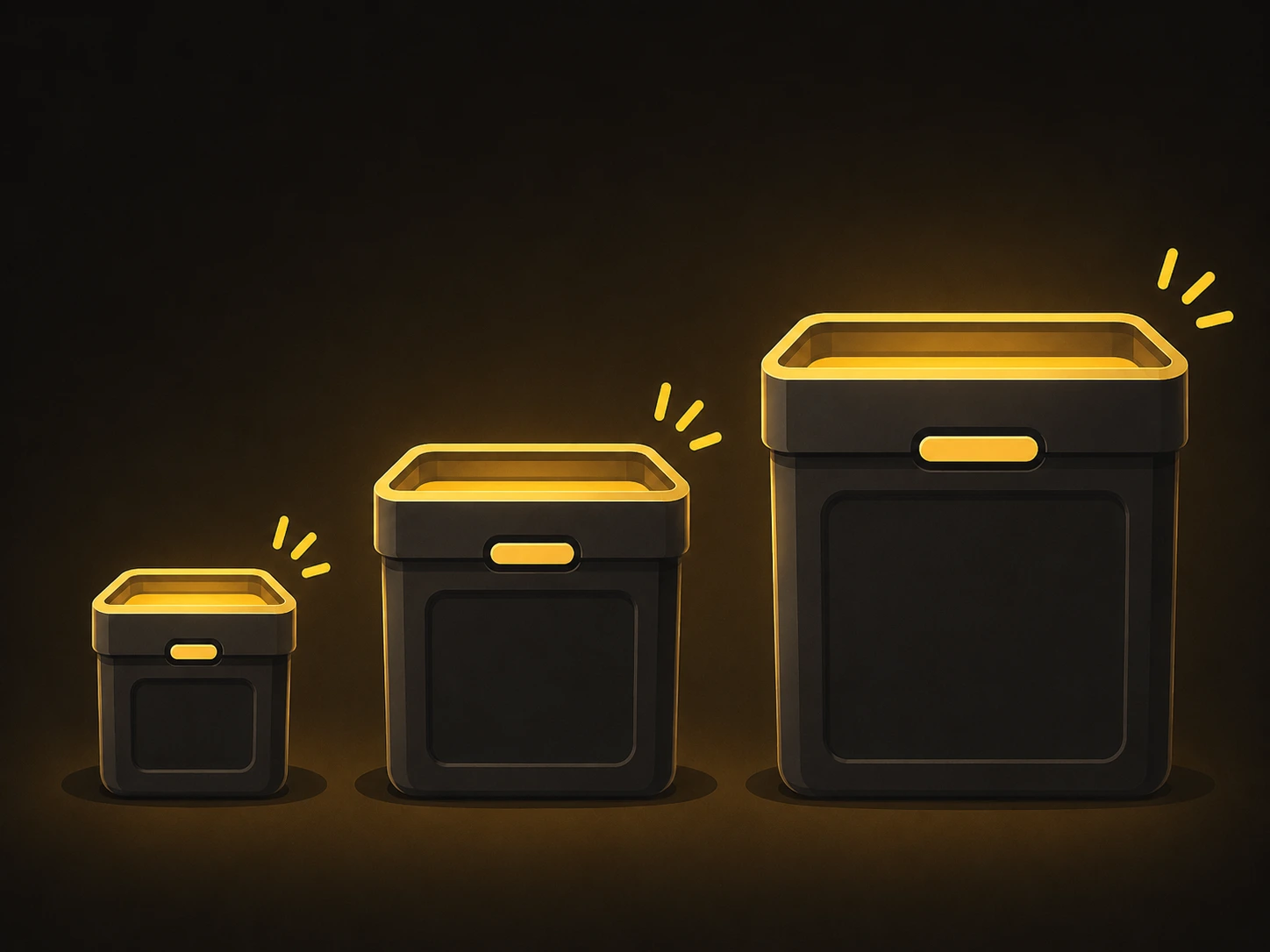
Without a structure, you tend to type a quick line, get an average answer, then add corrections until it's close. A framework skips that. You fill in a fixed set of parts once, and the prompt comes out clear the first time.
It removes the blank-page problem. Instead of wondering what to write, you just answer the parts: who, what, how. The structure does the thinking about structure for you.
It makes results repeatable. When a framework works, you can reuse it on a new topic and get the same quality. You're not relying on getting the wording right by luck each time.
It scales with the task. A quick question needs a small framework, a detailed project needs a fuller one. The three below cover that whole range, from fast to complex.
If you want the plain-English basics behind these structures, our guide on writing a good AI prompt is a good starting point.
RTF: the quick one
RTF stands for Role, Task, Format. It's the simplest framework here and the one to reach for on everyday questions. Three parts, and you're done.
Role: who the tool should be. "You are a marketing copywriter."
Task: what you want it to do. "Write three subject lines for a sale email."
Format: how the answer should look. "List them as bullet points, under 10 words each."
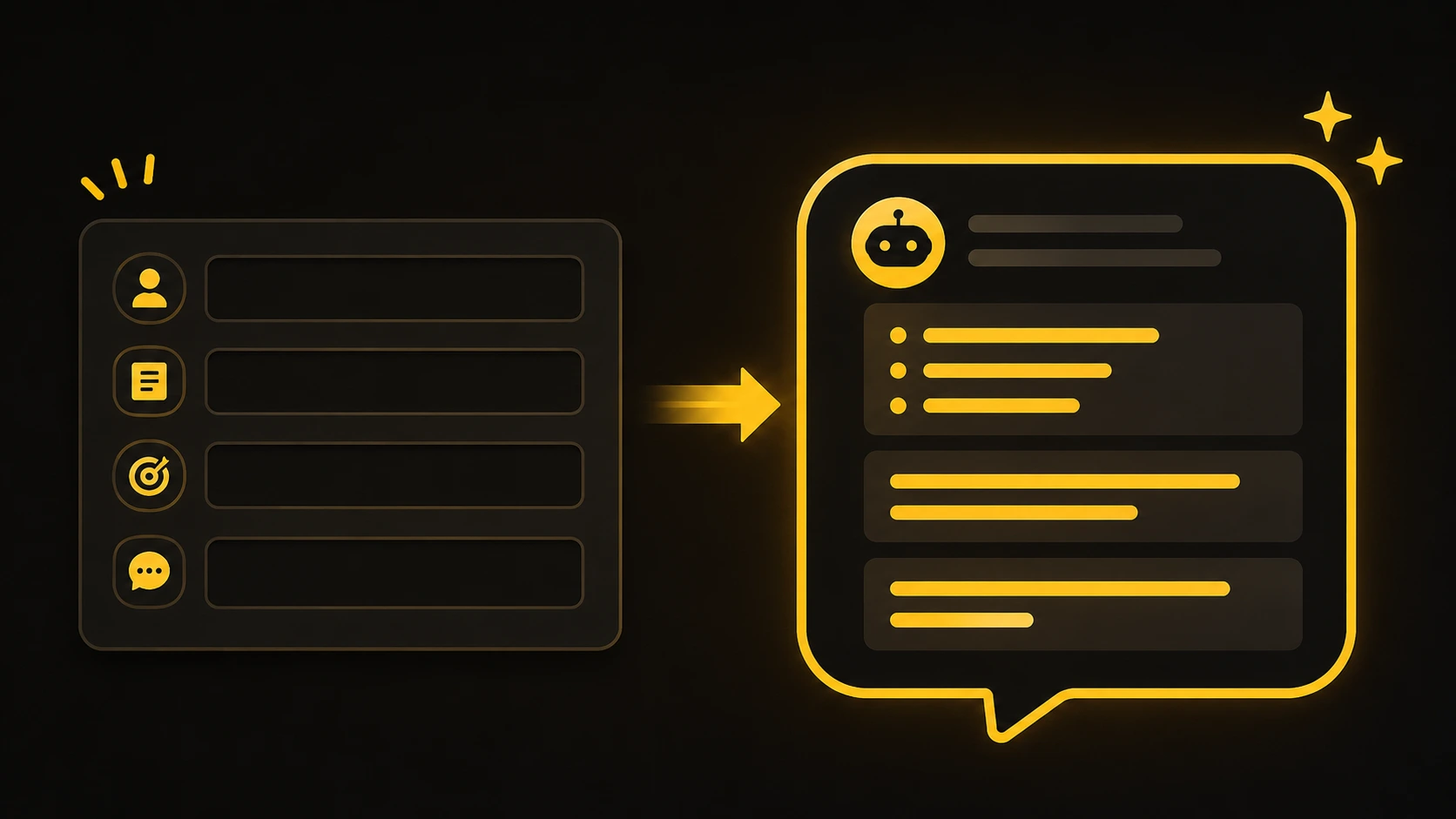
A filled-in example:
You are a marketing copywriter.
Write three subject lines for a weekend sale email.
List them as bullet points, each under 10 words.
When to use it: quick, common tasks where you just need a clear answer fast. RTF takes seconds to write and already beats a one-line request by a wide margin.
CRAFT: the everyday one
CRAFT stands for Context, Role, Action, Format, and Tone. It builds on RTF by adding the background and the voice, which makes it the one to use for most real work.
Context: the background the tool needs. "We sell handmade candles to budget-conscious buyers."
Role: who it should be. "You are our email marketer."
Action: the task itself. "Write a launch email for a new lavender candle."
Format: the shape of the output. "Around 120 words, with a short subject line."
Tone: the voice to use. "Warm and friendly, not pushy."
A filled-in example:
Context: We sell handmade candles to budget-conscious buyers.
Role: You are our email marketer.
Action: Write a launch email for a new lavender candle.
Format: Around 120 words, with a short subject line.
Tone: Warm and friendly, not pushy.
When to use it: most everyday tasks, like emails, posts, descriptions, and short articles. CRAFT covers the parts that matter without getting heavy, so it fits the majority of what people need.
RISEN: the one for big tasks
RISEN stands for Role, Instructions, Steps, Examples, and Nuance. It's the fullest framework here, built for detailed or multi-step work where the other two are too light.
Role: who the tool should be. "You are a content strategist."
Instructions: the main task. "Create a one-month content plan for a new fitness blog."
Steps: how to approach it. "First suggest topics, then group them by week, then add a title for each."
Examples: a sample to guide it. "Example title style: Five Easy Home Workouts for Beginners."
Nuance: the details and limits. "Focus on beginners, avoid advanced gym terms, keep titles under 60 characters."
A filled-in example:
Role: You are a content strategist.
Instructions: Create a one-month content plan for a new fitness blog.
Steps: First suggest topics, then group them by week, then add a title for each.
Examples: Title style like "Five Easy Home Workouts for Beginners."
Nuance: Focus on beginners, avoid advanced gym terms, keep titles under 60 characters.
When to use it: bigger projects like plans, guides, or anything with several stages. RISEN takes longer to write, but for complex tasks the extra structure pays off.
Which framework to use when
You don't pick one framework forever. You match it to the size of the task. Here's the quick guide.
Framework | Best for | Parts |
|---|---|---|
RTF | Quick, everyday questions | Role, Task, Format |
CRAFT | Most real work | Context, Role, Action, Format, Tone |
RISEN | Big, multi-step projects | Role, Instructions, Steps, Examples, Nuance |
Start small and grow. If a quick RTF prompt gives you what you need, stop there. When the result feels thin or the task has more moving parts, step up to CRAFT, then RISEN.
CRAFT covers most days. For the majority of writing and work tasks, CRAFT hits the right balance of detail without being heavy. Keep it as your default and use the other two at the edges.
These pair well with patterns. A framework sets the structure, and a technique like showing an example sharpens it. Our guide on prompt patterns that work shows how to layer those in.
Conclusion
You don't need a long list of frameworks. RTF for quick questions, CRAFT for everyday work, and RISEN for big projects cover almost everything you'll ask an AI tool to do. Each one is a simple order of parts you fill in, so your prompts come out clear without the guesswork.
Pick one based on your next task and try it. Use RTF when you want something fast, reach for CRAFT when the result needs more depth, and bring in RISEN when the job has several stages. After a little practice, choosing the right one takes seconds.
When you want ready-made prompts that already follow good structure, browse the free prompt library and adapt one to your needs.
FAQ



Community
Comments
Sign in with Google to join the discussion.
No comments yet. Be the first to share your take.