
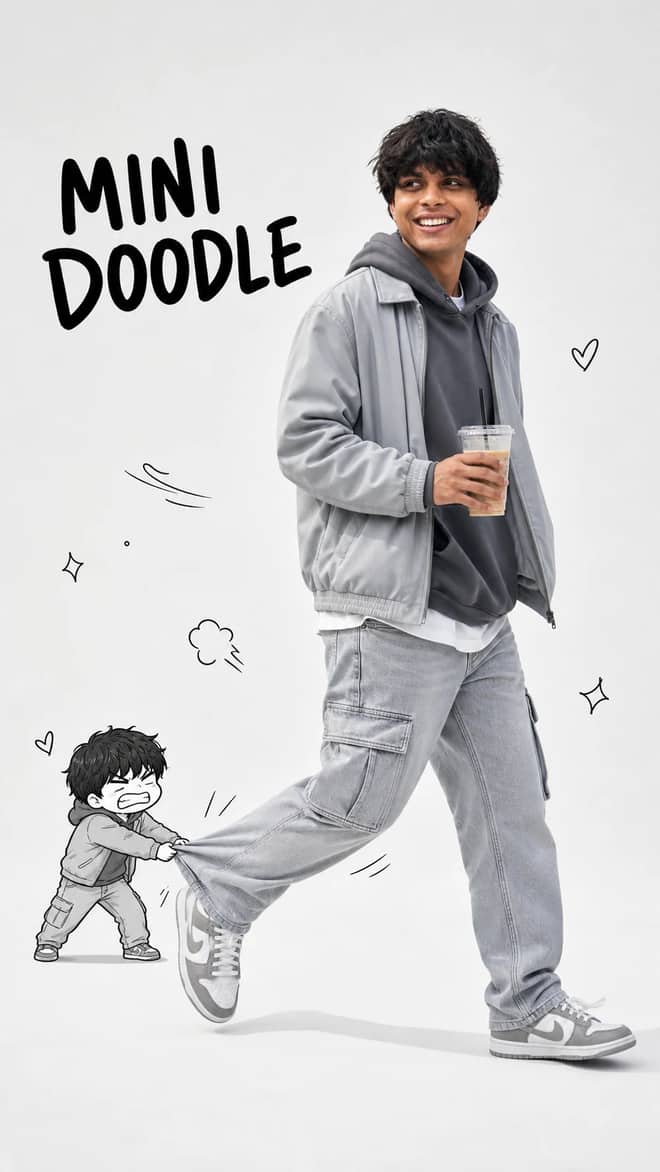
Walking with Mini Doodle Character Photo Prompt
Create a playful 9:16 editorial photo where a realistic walking man meets his tiny angry doodle double in a clean studio fashion scene.
9
Open Walking with Mini Doodle Character Photo Prompt AI prompt library
Free gemini photo editing prompts ready to paste. Drop one into Gemini or ChatGPT, add your photo, and see what comes back.
60 prompts here. Free, no signup.
A good gemini photo editing prompt is just plain instructions you paste into the Gemini app after uploading your own picture. You tell it what to change, like soften the background or warm up the light, and it edits the actual photo instead of drawing a brand new person. The grid above is full of these, written and ready, so you can grab one, drop in your image, and skip the part where you stare at a blank box wondering what to type. Most people…
Create a playful 9:16 editorial photo where a realistic walking man meets his tiny angry doodle double in a clean studio fashion scene.
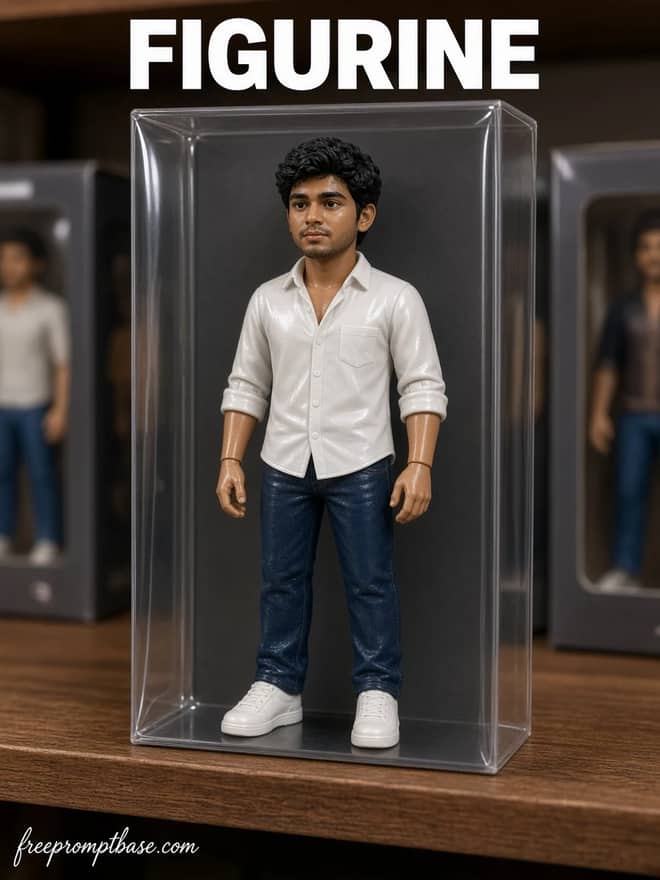
Turn a selfie into a boxed Nano Banana 3D figurine. Copy this Gemini prompt, upload one adult photo, and keep the face locked in the collector box.
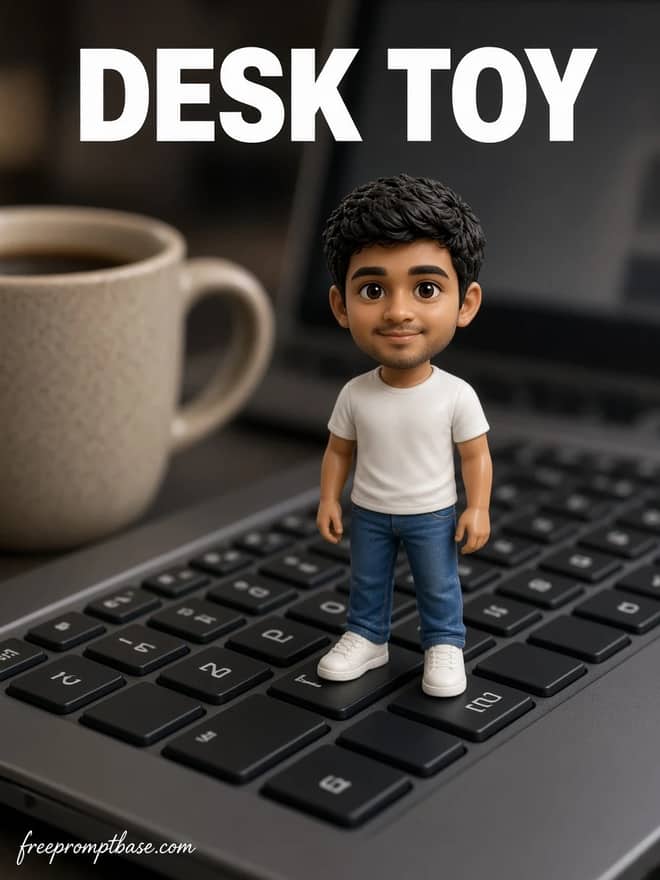
Make a tiny Nano Banana desk figurine from your photo. Paste this Gemini prompt, drop in a selfie, and stand the toy on a keyboard or mug.
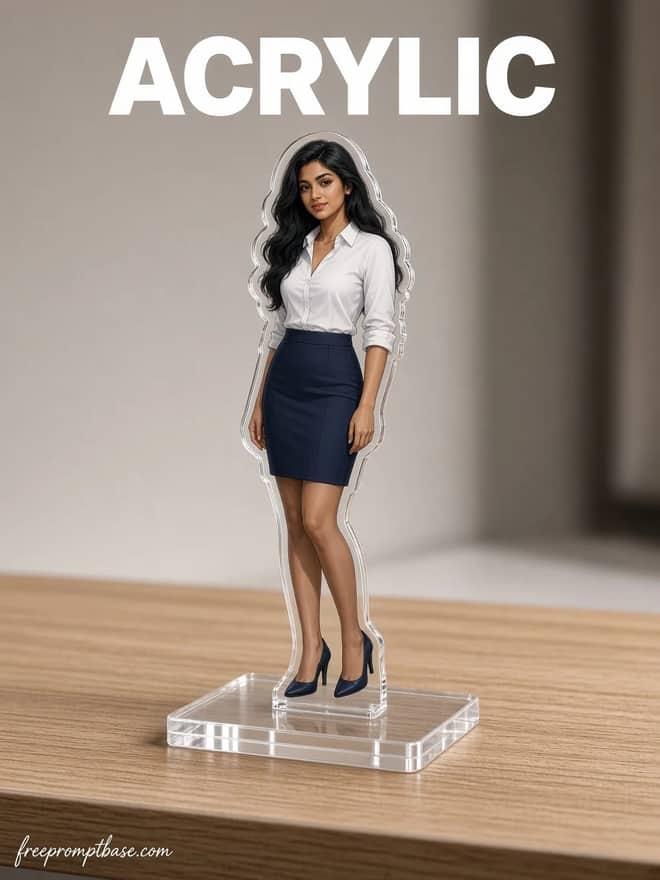
Turn a photo into a Nano Banana acrylic standee. Copy this Gemini prompt, keep the face, and print the person on a clear desk stand.
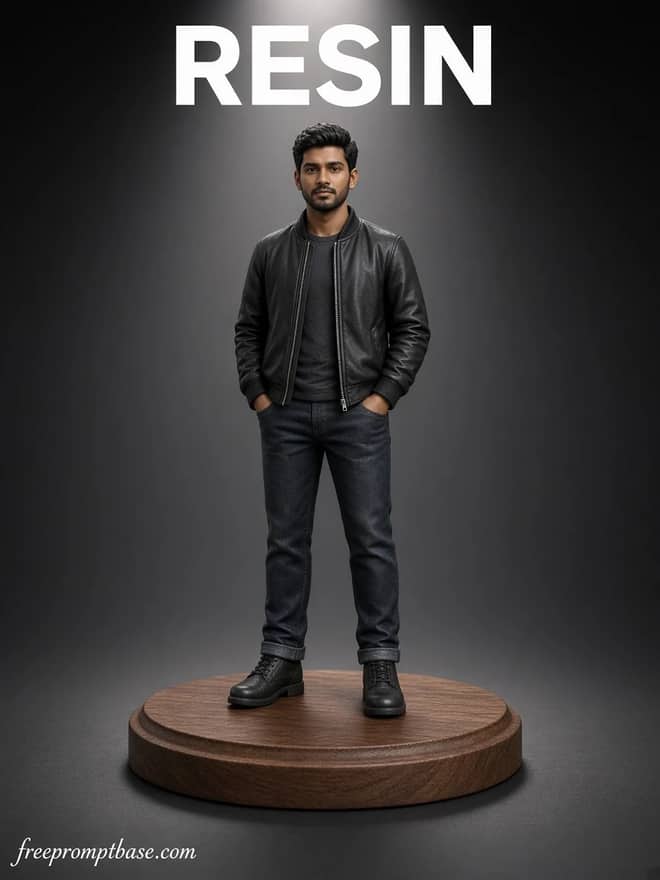
Turn a photo into a painted Nano Banana resin statue. Copy this Gemini prompt, lock the face, and place the miniature on a walnut base.
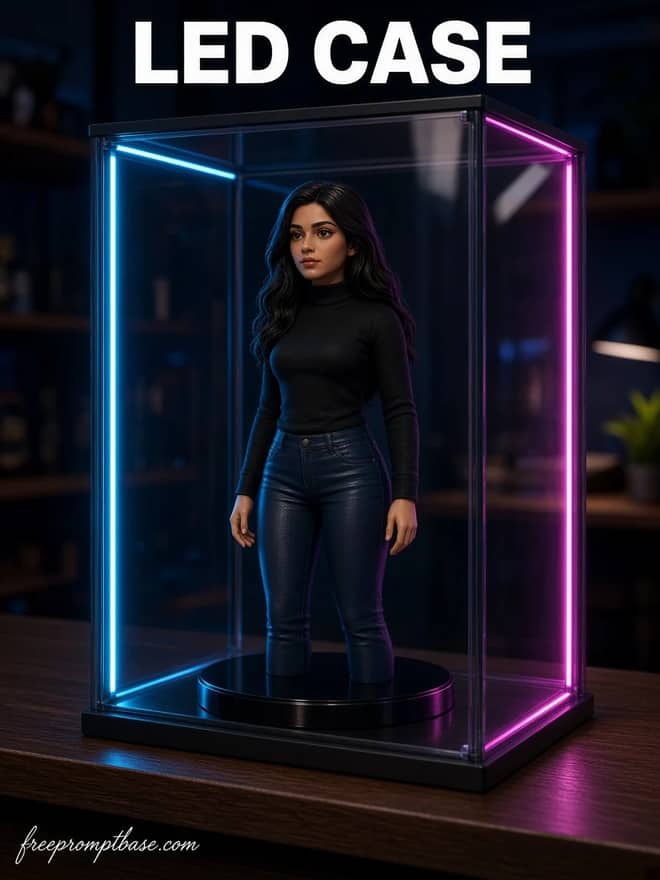
Put a Nano Banana 3D figurine in a glass LED cabinet. Copy this Gemini prompt, upload one adult photo, and keep the face on the collector shelf.
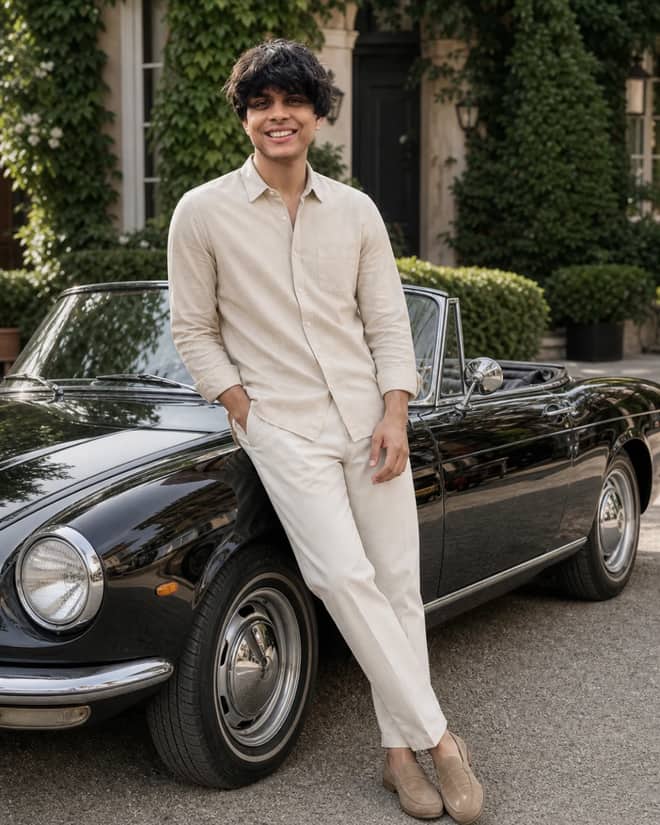
Create a quiet-luxury menswear campaign featuring a beige hero shirt, ivy-lined residence, and a classic black convertible in natural summer light.
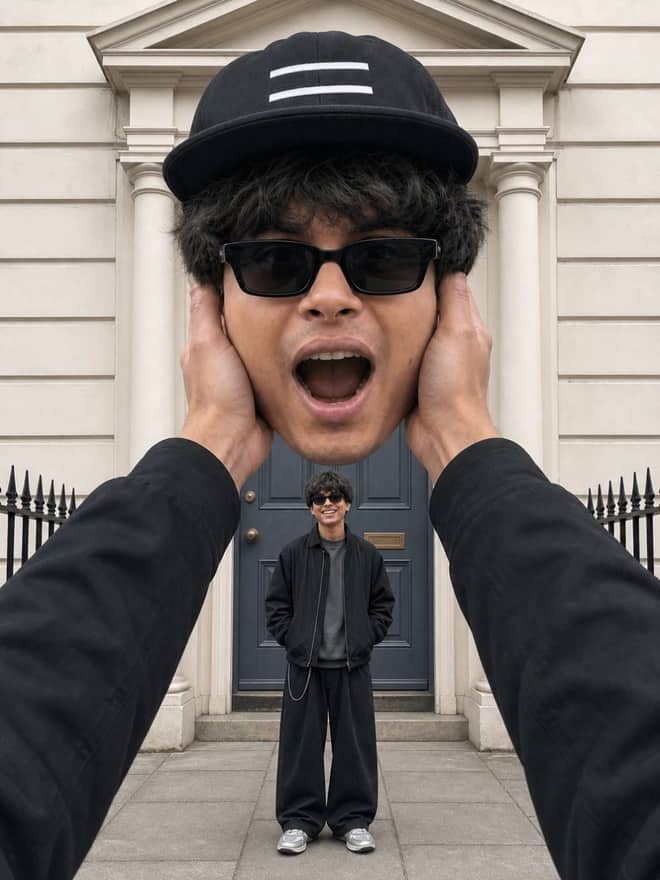
Create a symmetrical two-scale selfie composite with one giant shocked head, cheek-gripping hands, and a matching miniature full body below.
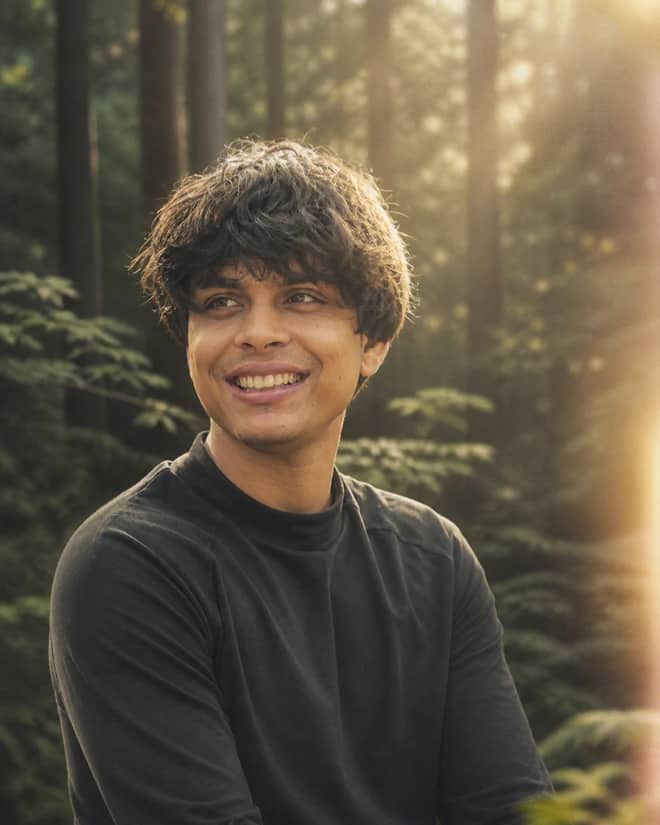
Recreate a dreamy cinematic forest portrait with off-center framing, upper-right sunlight, warm haze, analog softness and a foreground light leak.
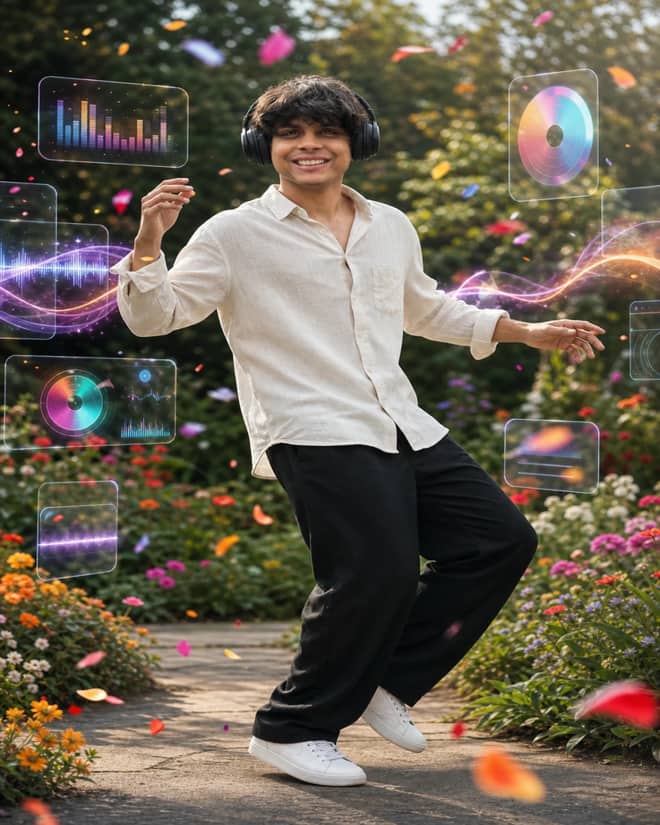
Create a vibrant full-body garden dance portrait with headphones, floating music visualizers, crisp fashion styling, and motion-blurred flower petals.
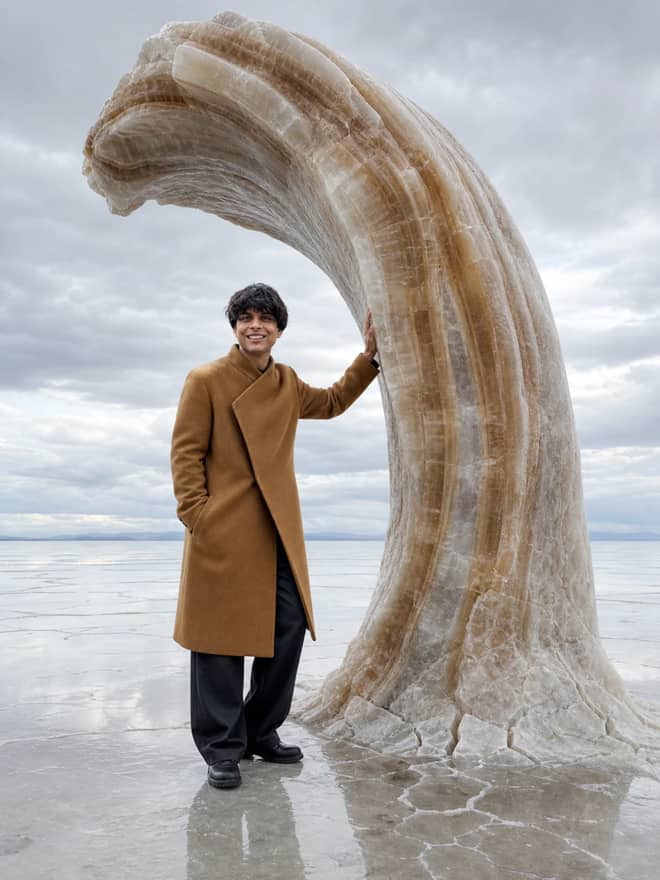
Build a believable surreal fashion campaign by combining any scene, outfit, and impossible effect with accurate light, contact, scale, and anatomy.
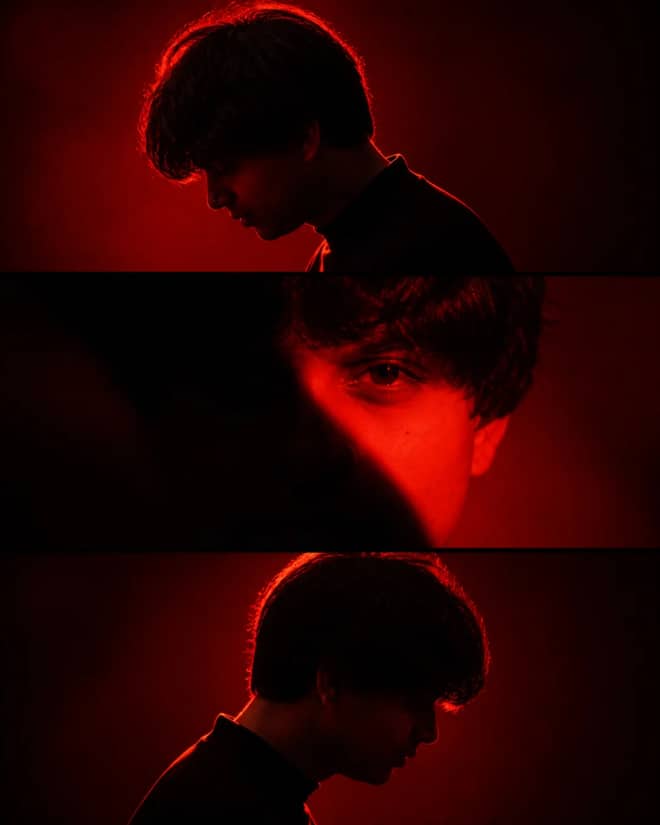
Create a cinematic crimson portrait triptych with matching side silhouettes, a shadow-obscured center face, dramatic contrast, and consistent identity.
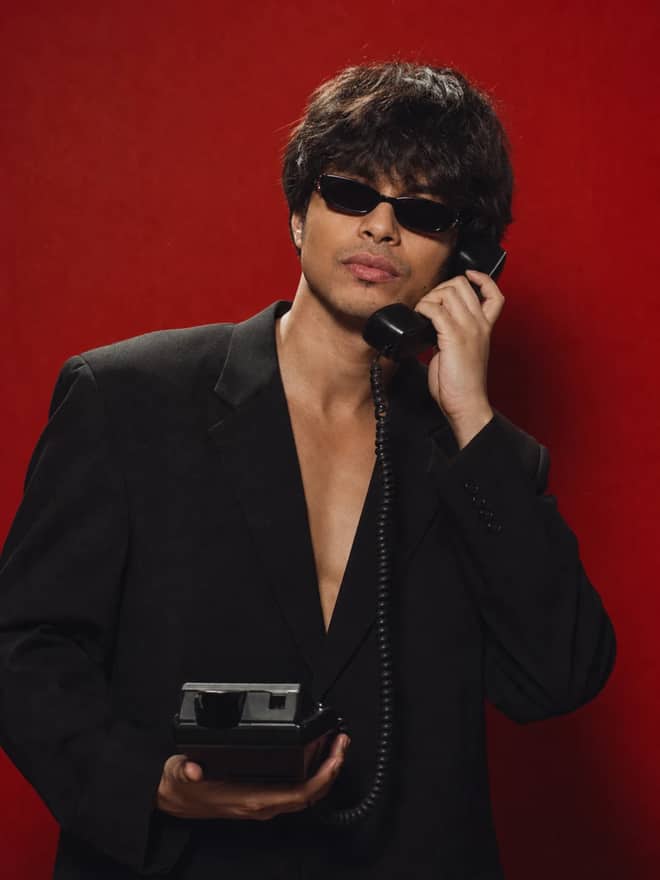
Create a bold retro-fashion portrait with narrow sunglasses, a wired vintage telephone, deep black tailoring, red grain, and dramatic analog lighting.
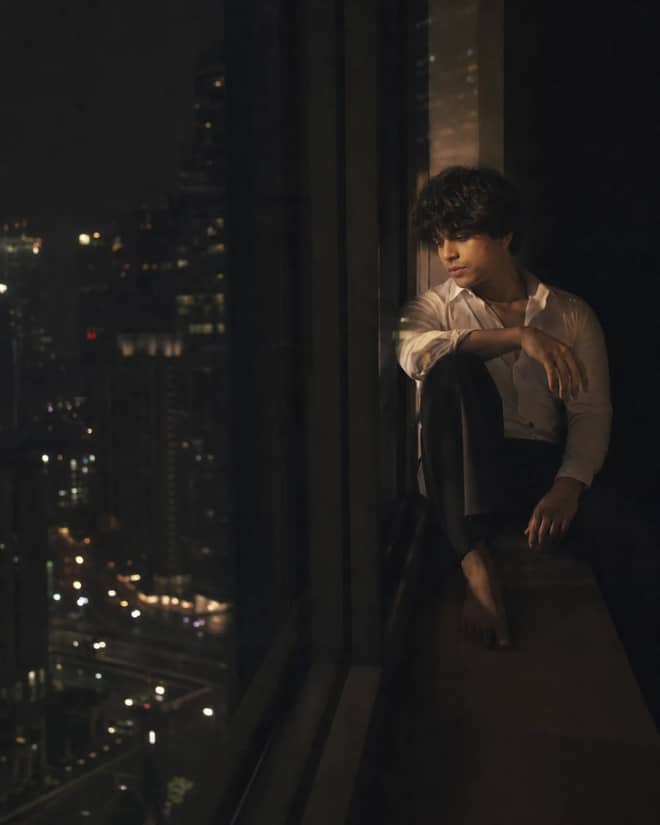
Create an intimate neo-noir portrait observed through penthouse glass, with restrained city reflections, low-key light, and cinematic negative space.
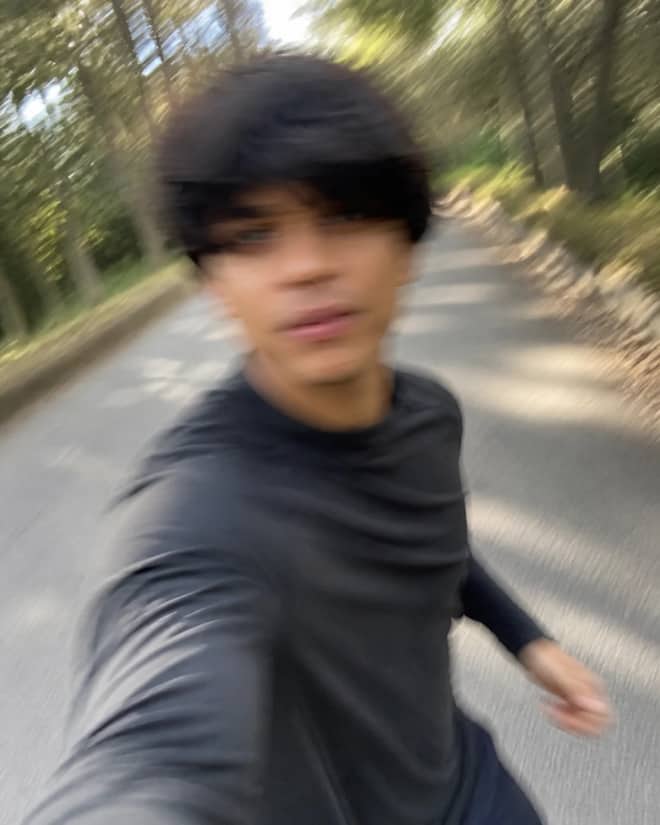
Create a raw accidental smartphone selfie with imperfect framing, authentic camera shake, natural motion streaks, and a spontaneous candid feel.
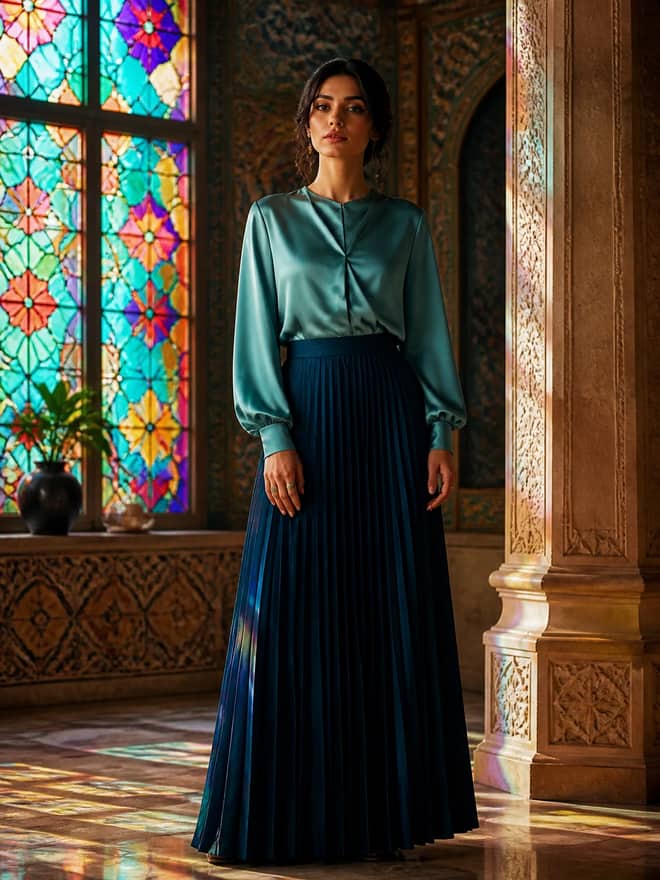
Create a cinematic portrait in a Persian-inspired interior with jewel-toned stained glass, carved architecture, teal satin and a dark pleated skirt.
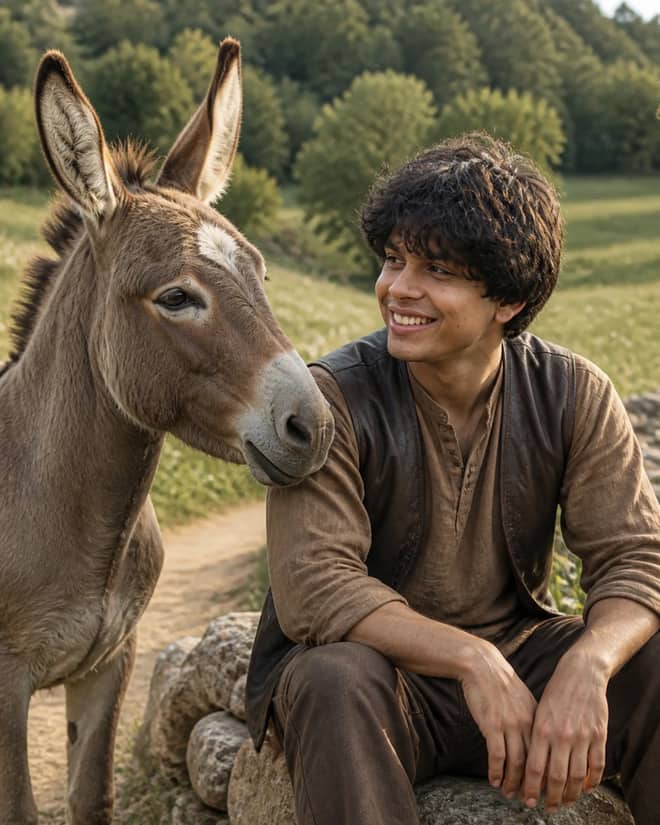
Create a warm meadow-road portrait where a seated person shares a believable conversation with a friendly stylized donkey in unified natural light.
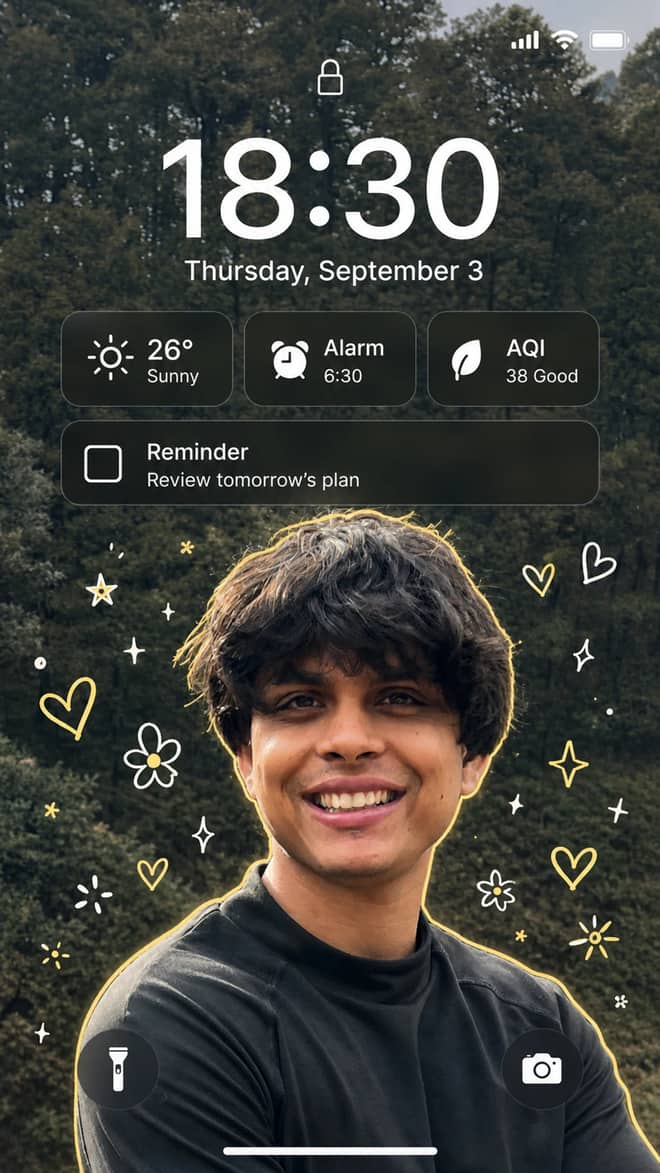
Turn a portrait into a polished lock-screen wallpaper with a readable clock, useful widgets, notification cards, playful doodles, and a soft outline.
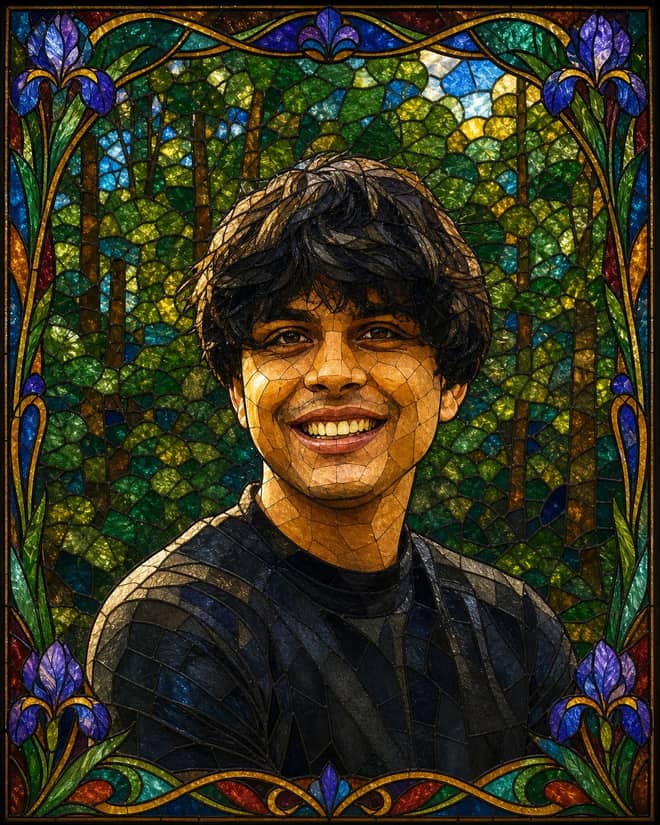
Transform a portrait into luminous stained glass while preserving its pose and proportions with jewel tones, lead outlines and a floral border.
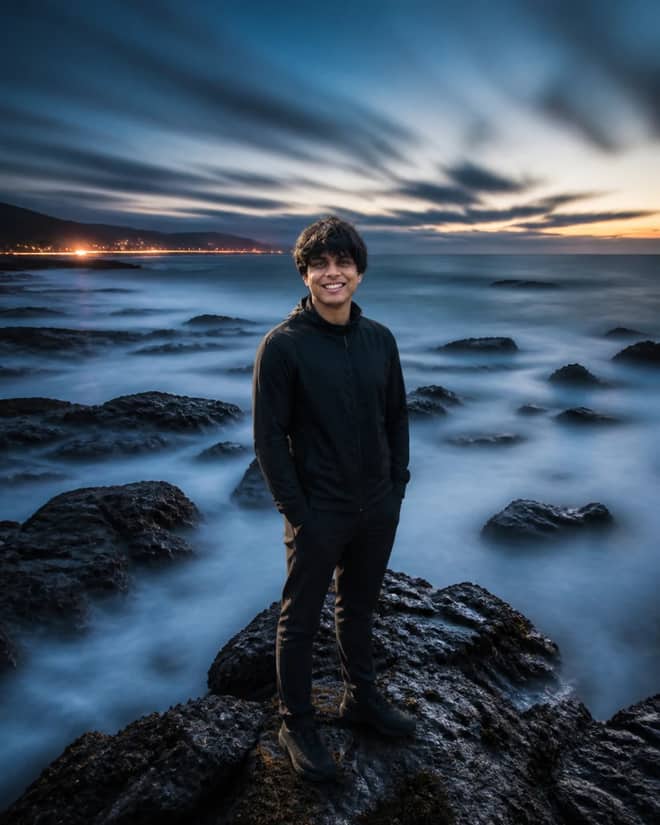
Create cinematic long-exposure portraits with a razor-sharp subject, flowing light trails, silky water, streaked clouds, and rich atmospheric color.
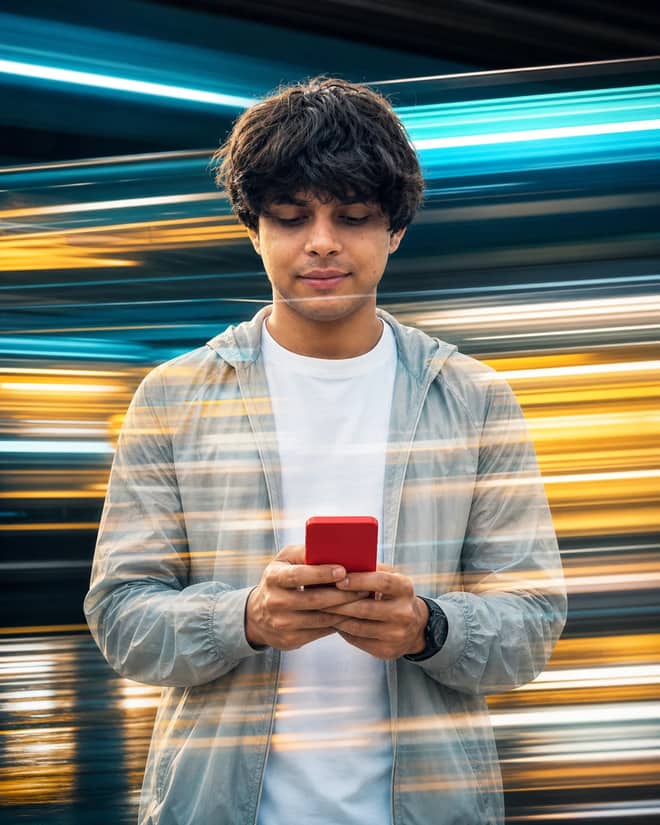
Create a sharp smartphone portrait layered with neon speed-light streaks behind and across the subject for a cinematic double-exposure effect.
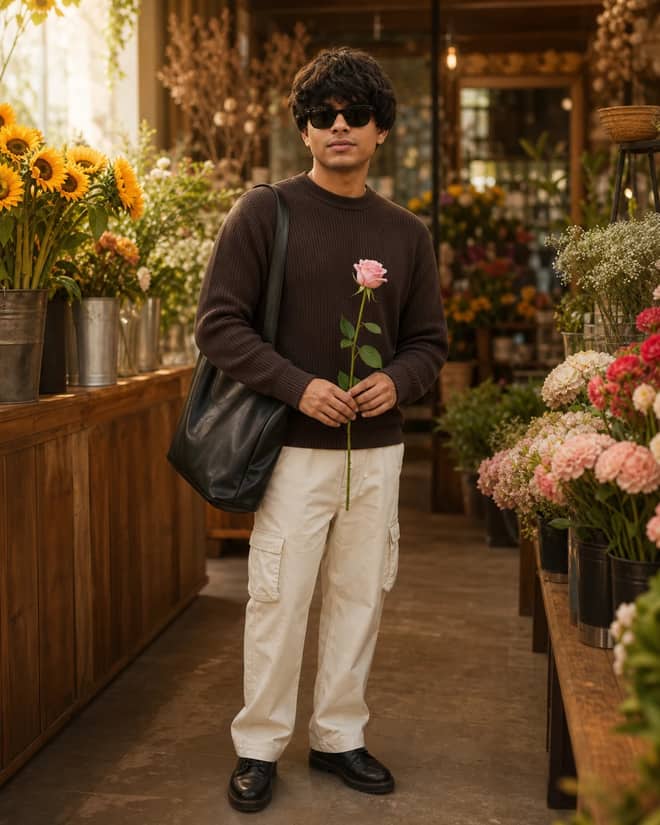
Create a warm full-body flower-shop fashion portrait with a brown ribbed sweater, beige cargos, leather tote and one pink rose.
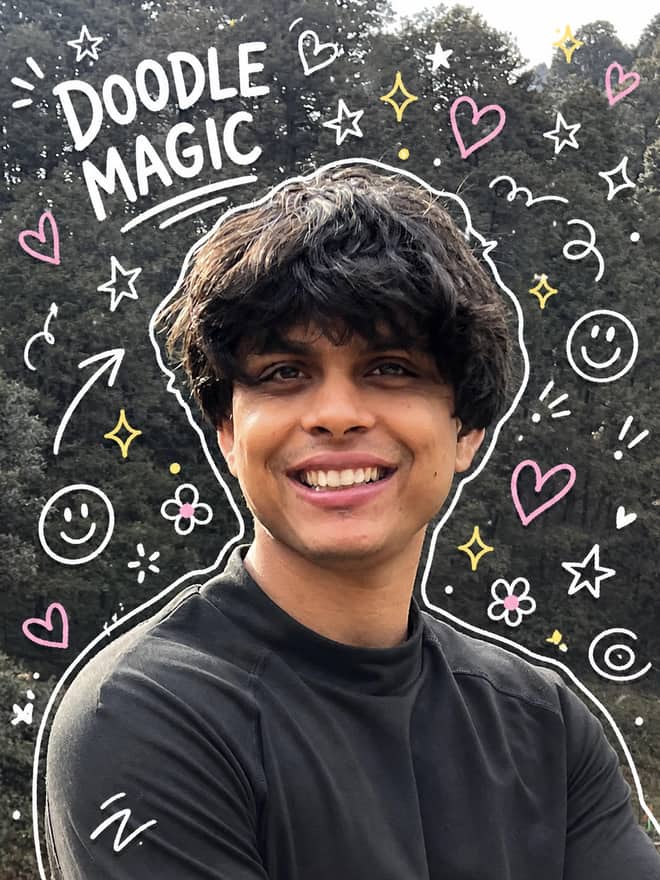
Turn an existing portrait into playful scrapbook art with white silhouette outlines, colorful gel-pen doodles, hearts, stars, flowers, and sketch accents.
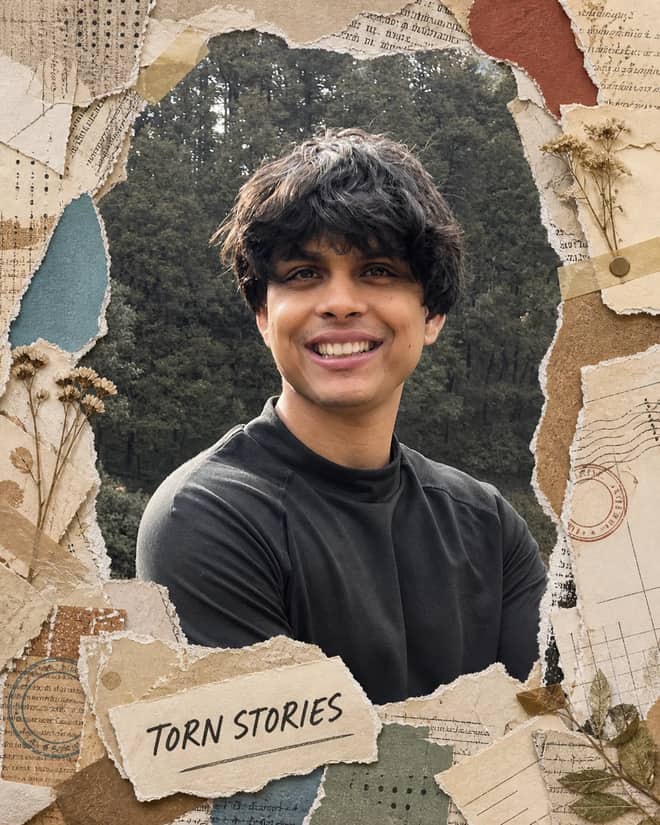
Frame an unchanged portrait with realistic torn papers, tape, postcards, stamps, botanicals, and layered journal textures for a premium handmade collage.
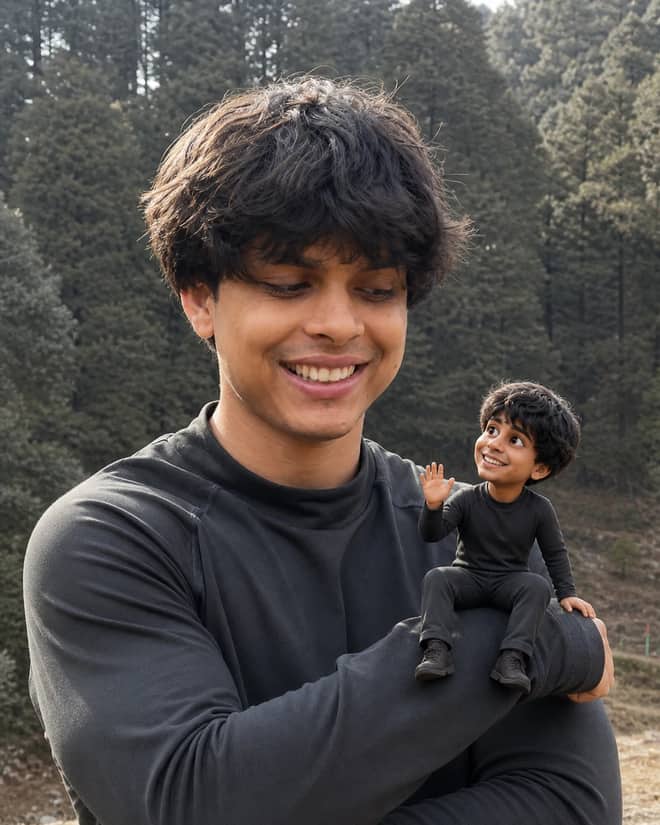
Add a tiny animated Mini Me beside your unchanged photo, matching your identity, outfit and personality with playful natural interaction.
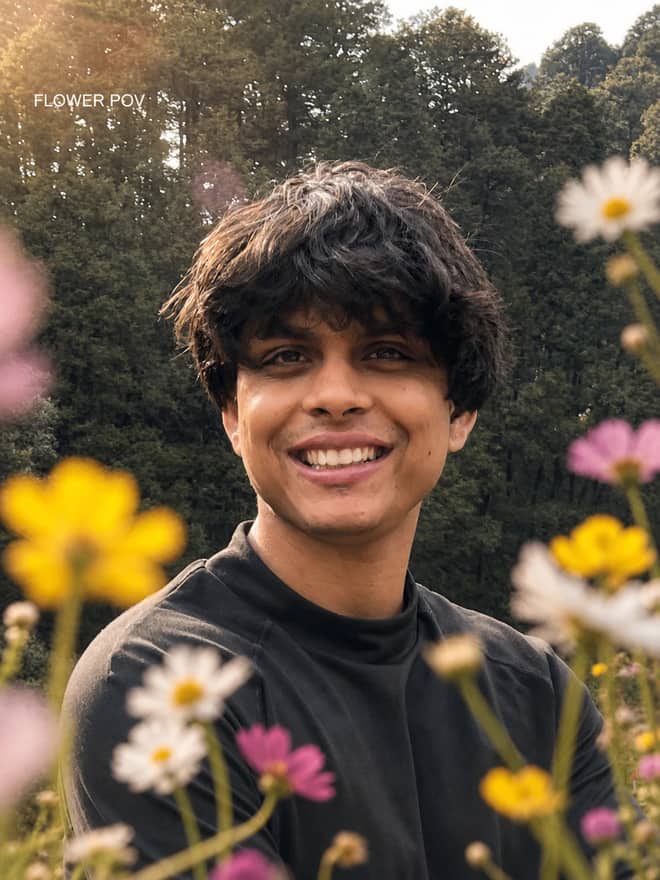
Frame an existing portrait with realistic close-lens wildflowers, creamy floral bokeh, blurred petals, golden flare, and warm cinematic summer depth.
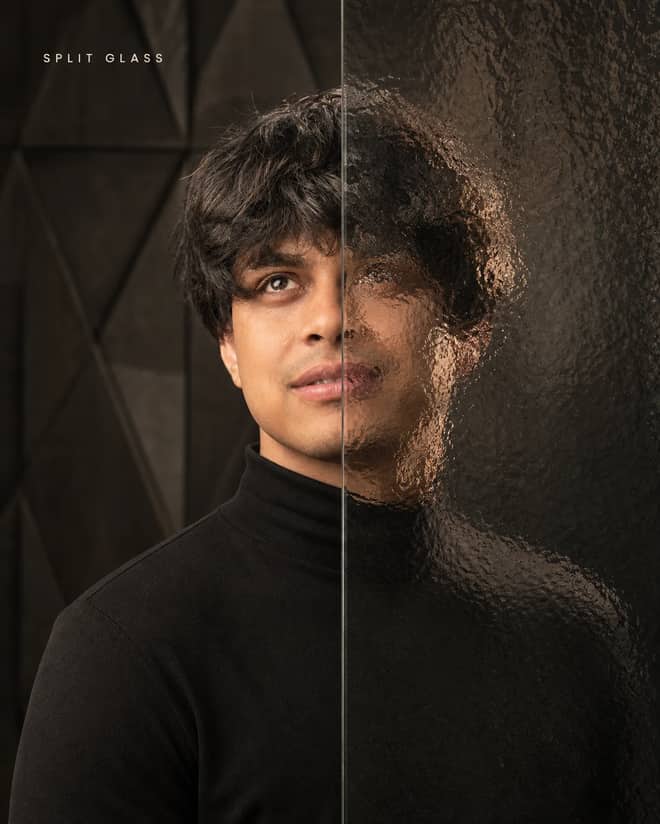
Create a luxury black-turtleneck portrait split between a crystal-clear view and realistic patterned-glass refraction with warm cinematic studio light.
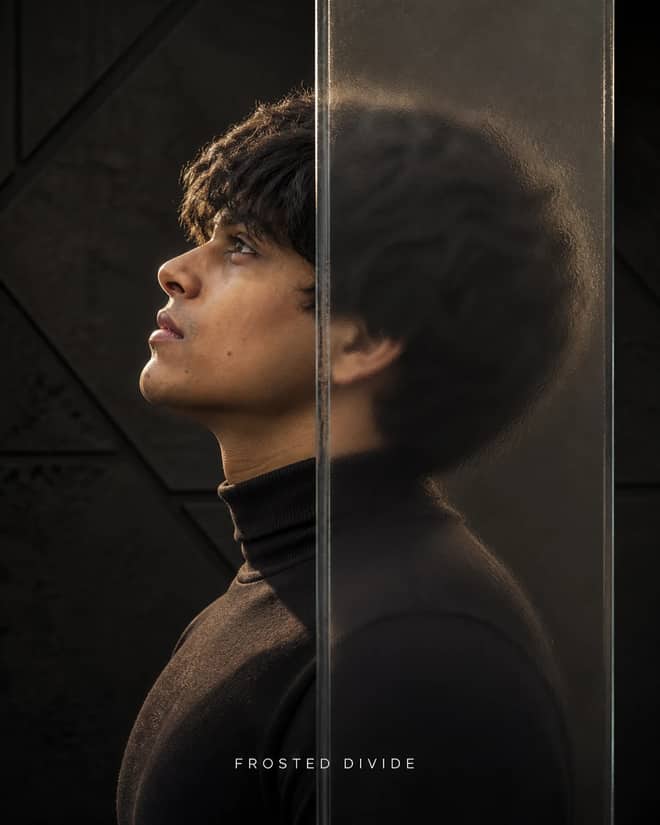
Create a luxury side-profile portrait split by a central frosted glass block, with one half sharply visible and the other softly distorted by refraction.
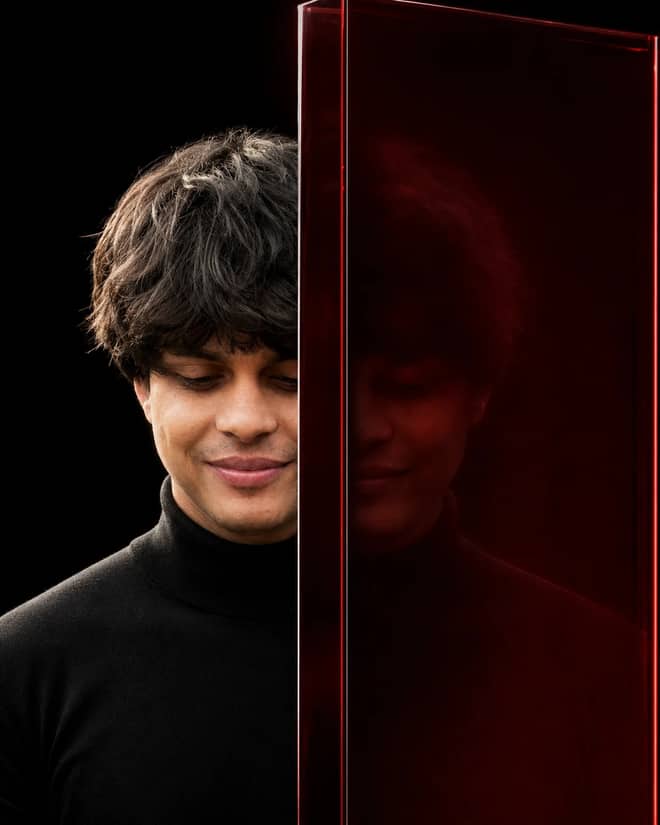
Create a luxury editorial portrait split by thick architectural glass, with one sharp half and one half dissolved into a ghosted red reflection.
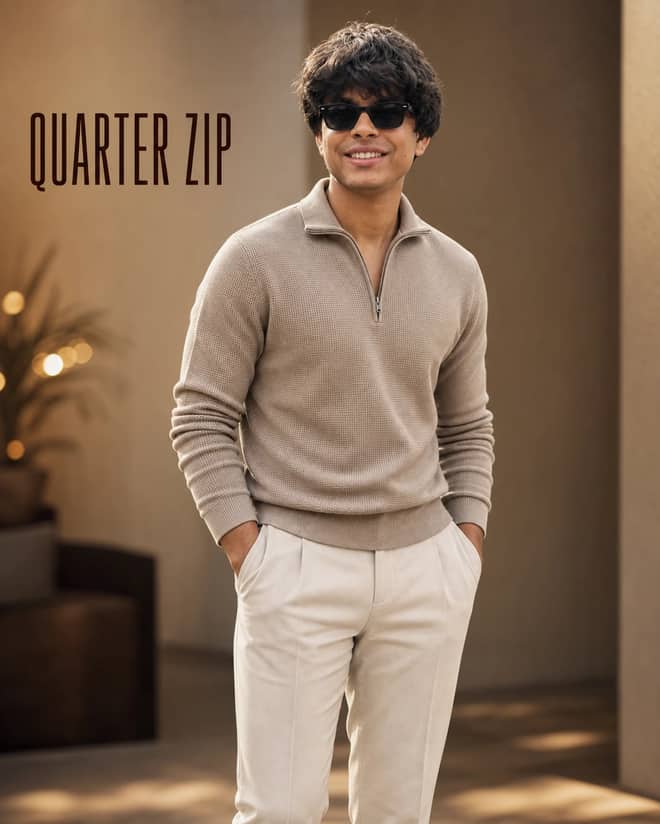
Create a refined beige quarter-zip fashion portrait with black sunglasses, relaxed hands-in-pockets styling, warm cinematic light, and premium detail.
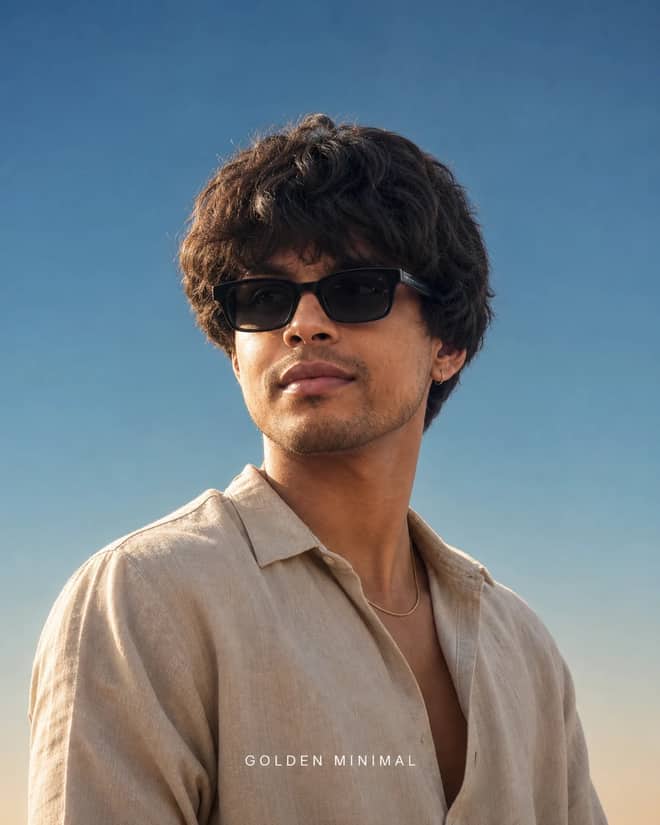
Create a clean low-angle golden-hour fashion portrait with black sunglasses, beige linen, directional side light, clear blue sky, and premium editorial detail.
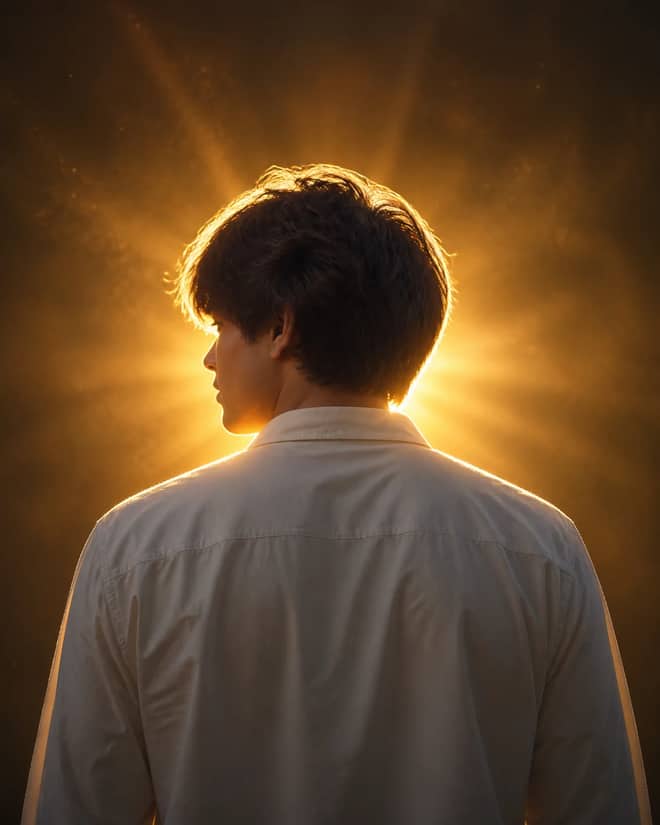
Create a dramatic rear-view portrait with an opaque white shirt, intense golden rim light, amber haze, lens flare and atmospheric rays.
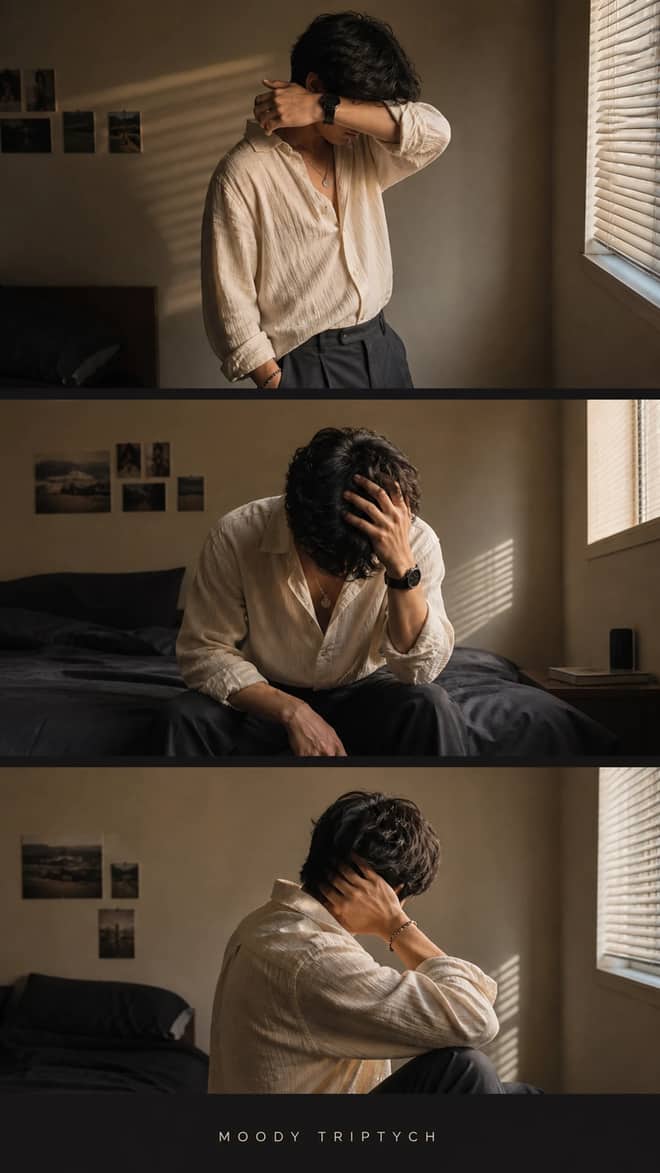
Create a warm three-frame bedroom fashion collage with face-hidden poses, consistent styling, realistic hands, blind shadows, and a soft cinematic film look.
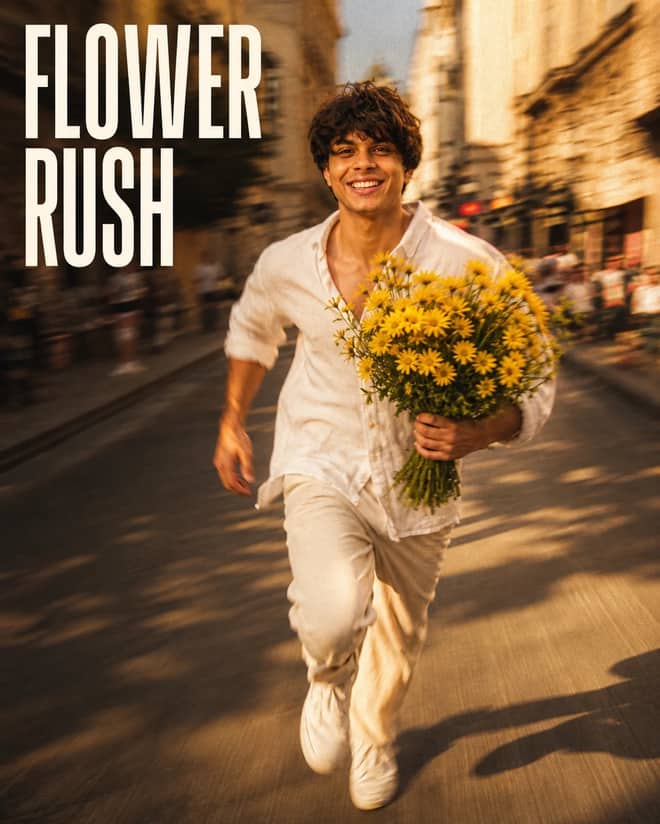
Create a candid golden-hour running portrait with vivid yellow flowers, expressive slow-shutter trails, warm city light, and dreamy analog-film texture.
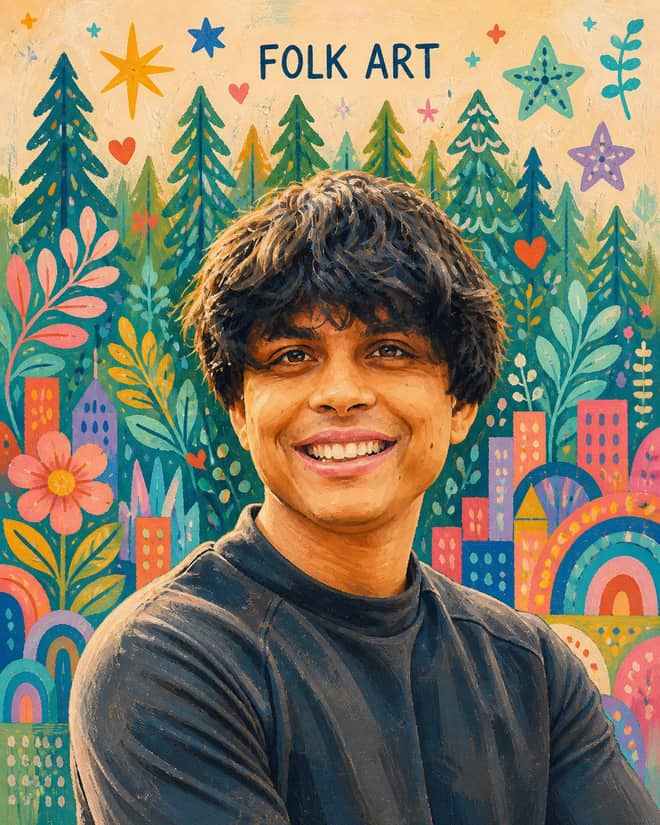
Transform a portrait into cheerful modern folk art while preserving its identity, pose and composition with acrylic texture and playful motifs.
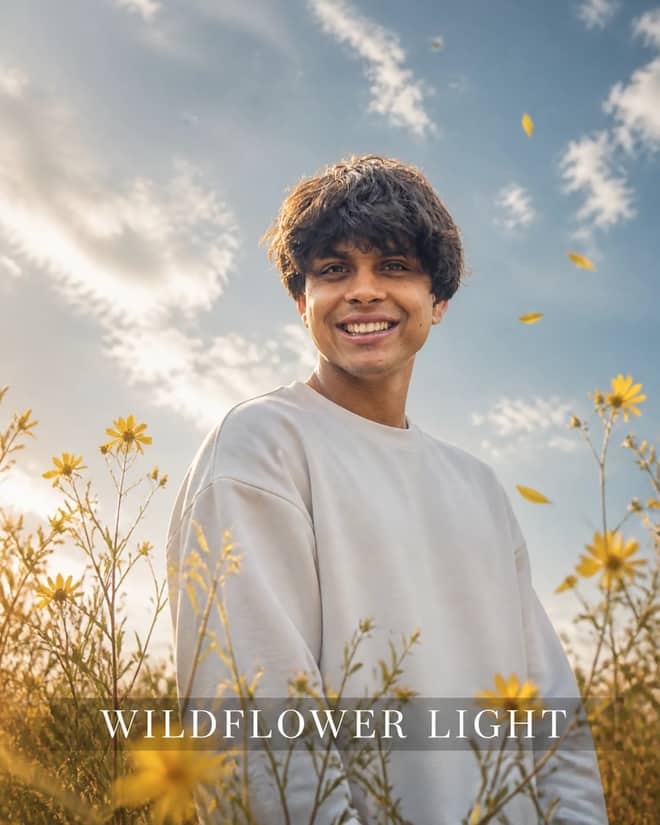
Create a dreamy low-angle wildflower portrait with an opaque white sweatshirt, blue-gray sky, soft foreground blooms, warm rim light, and natural bokeh.
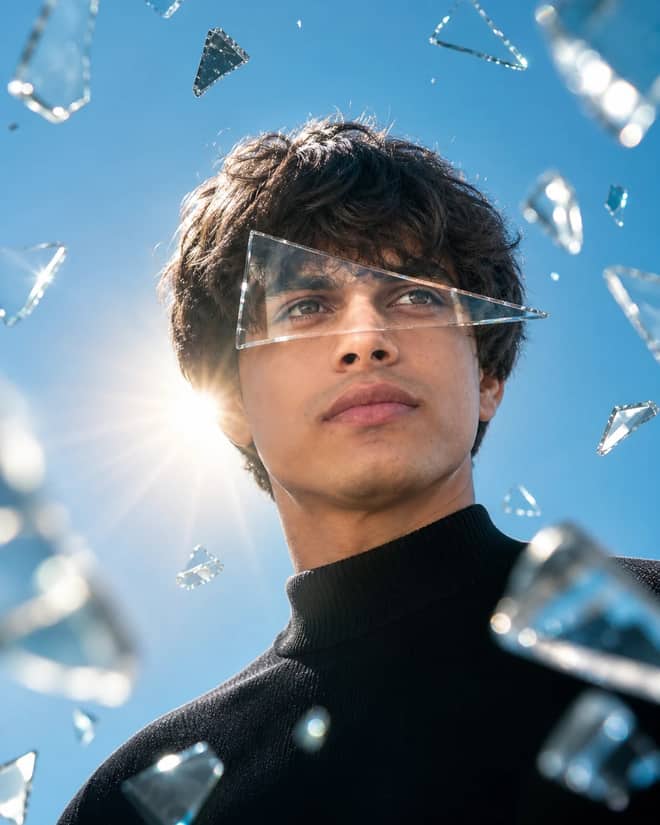
Create a dramatic low-angle portrait with a transparent eye-level glass shard, suspended fragments, blue-sky reflections and golden backlight.
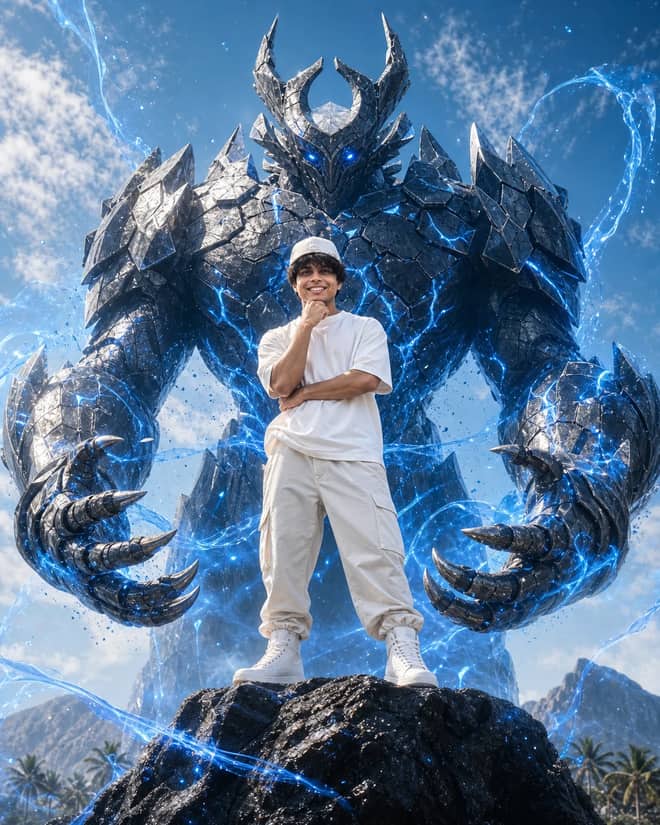
Create an epic 4:5 hero portrait with a towering crystalline armored guardian, electric-blue energy, dramatic scale and cinematic realism.
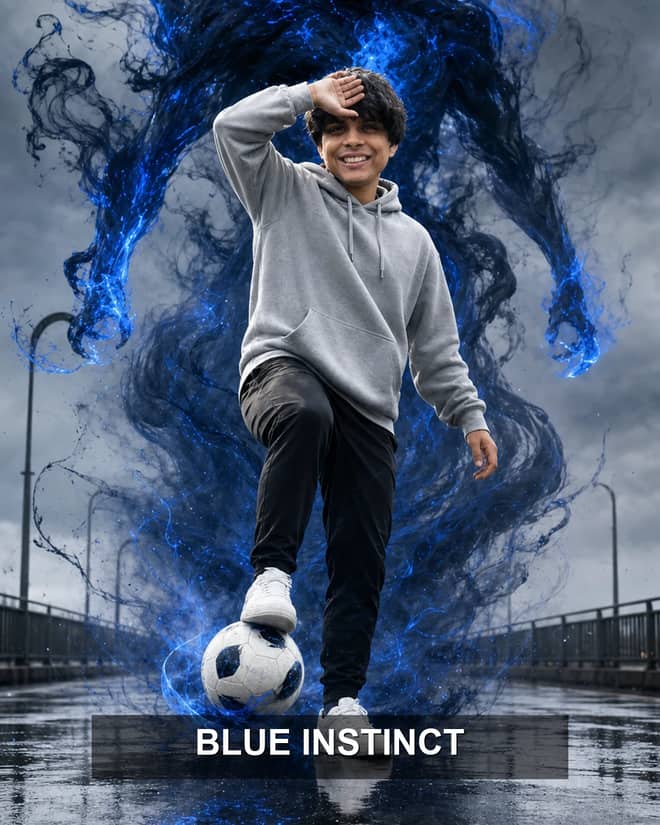
Create an epic wet-bridge soccer portrait with a photoreal player, towering blue smoke guardian, electric aura, dramatic reflections, and cinematic depth.
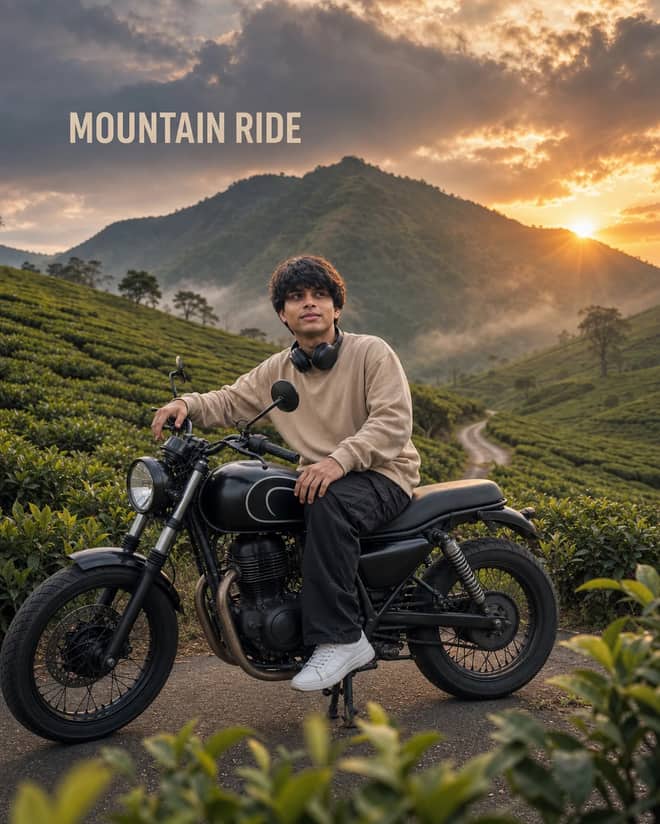
Create a cinematic motorcycle travel portrait across misty tea plantations, with realistic mechanics, warm mountain sunset light, and natural identity detail.
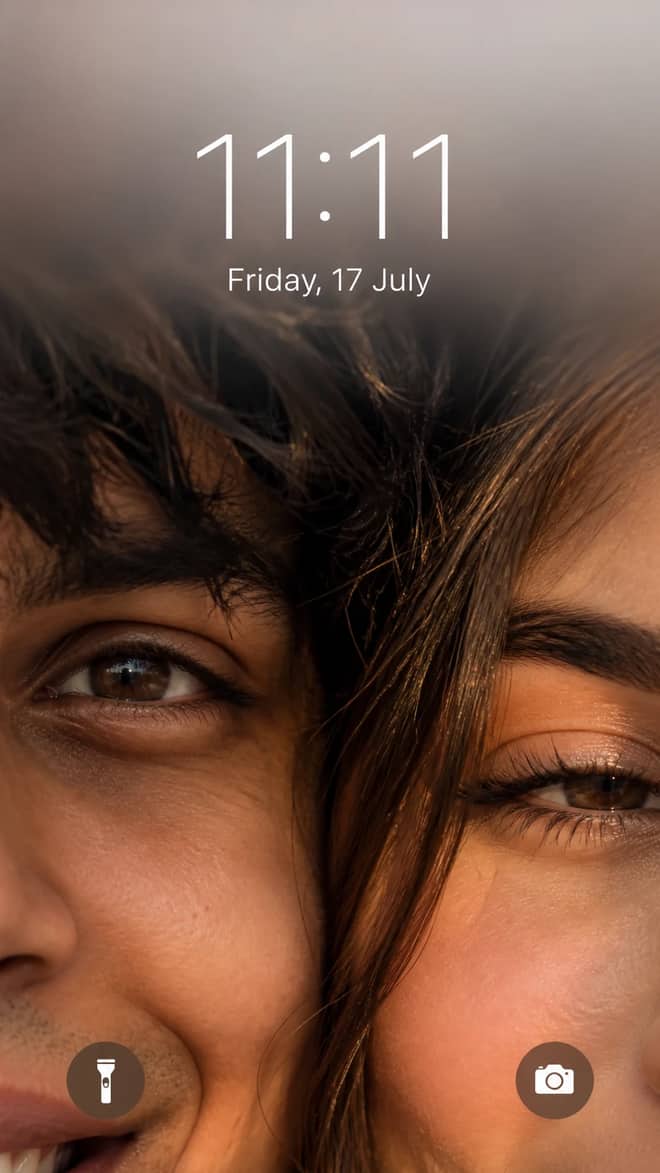
Create a romantic 9:16 couple lockscreen with one-eye framing, golden-hour realism, exact 11:11 time and Friday, 17 July date typography.
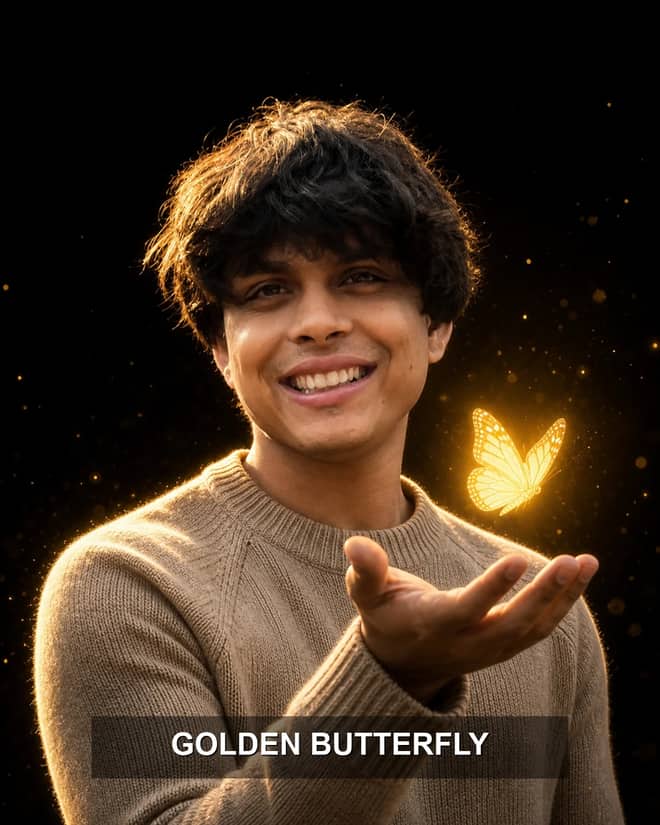
Create a cinematic black-background portrait with a beige knit sweater, glowing yellow butterfly, golden rim light, soft bokeh, and natural DSLR detail.
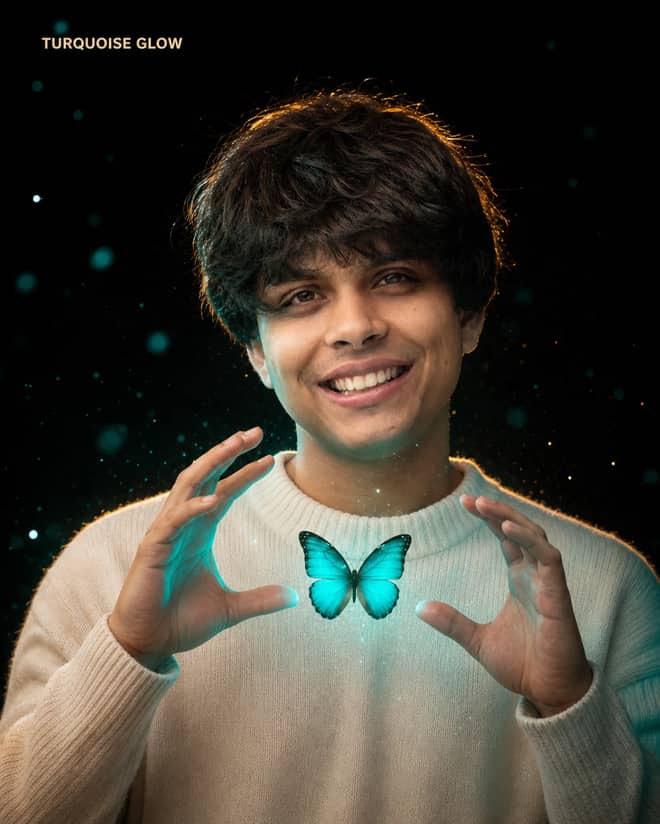
Create a premium cream-sweater portrait with a glowing turquoise butterfly, expressive hand pose, cinematic bokeh, and warm golden rim light.
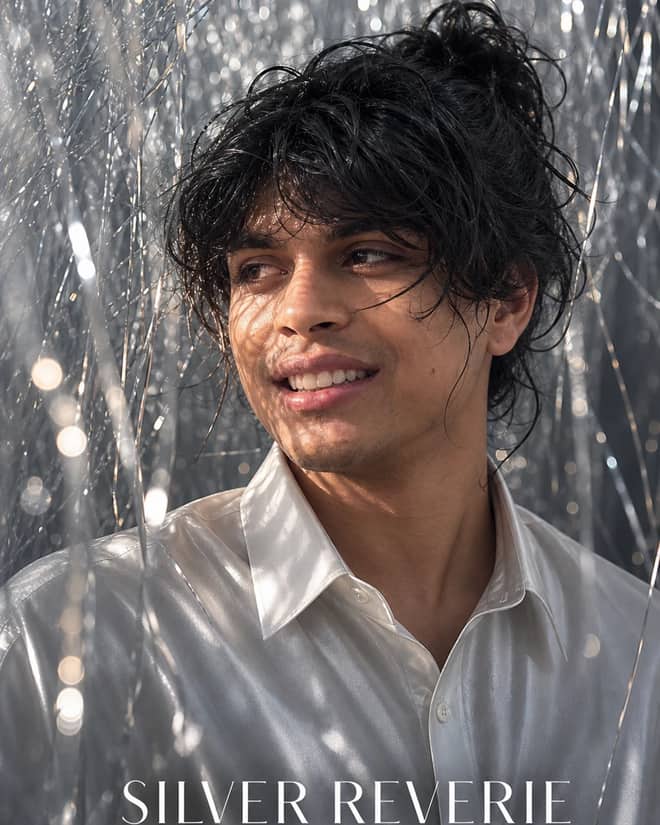
Create a dreamy silver-tinsel fashion portrait with wet-look hair, a shimmering white satin shirt, broken directional light, and luxury editorial detail.
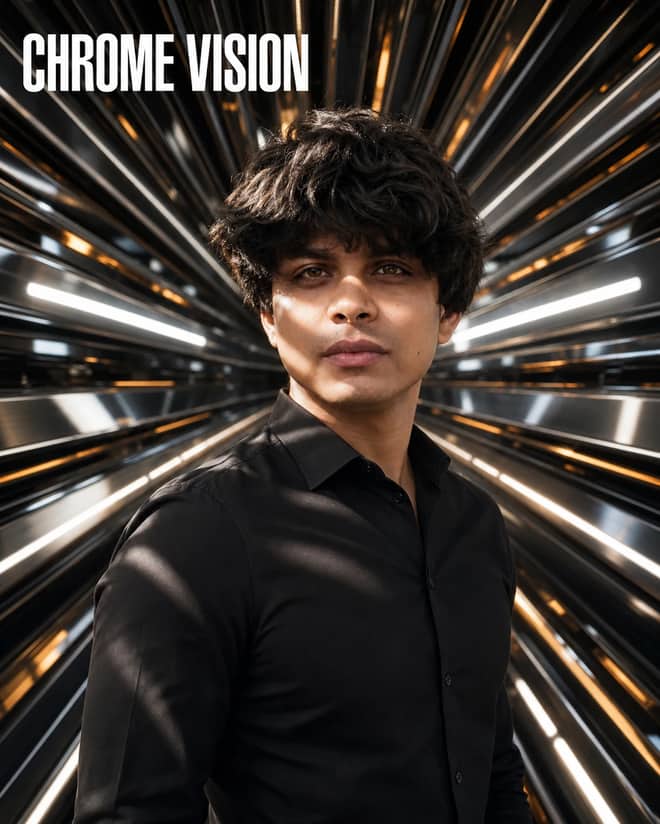
Create a luxury futuristic portrait with radiating chrome panels, white and amber reflections, dramatic light bands, and realistic editorial detail.
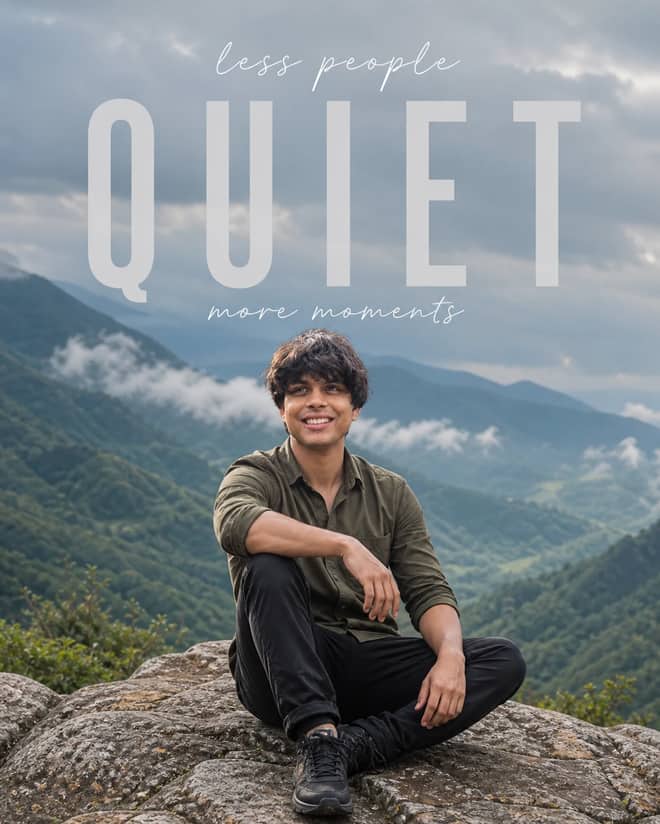
Create a contemplative mountain portrait with safe seated anatomy, misty green valleys, cinematic haze, and exact minimalist QUIET typography.
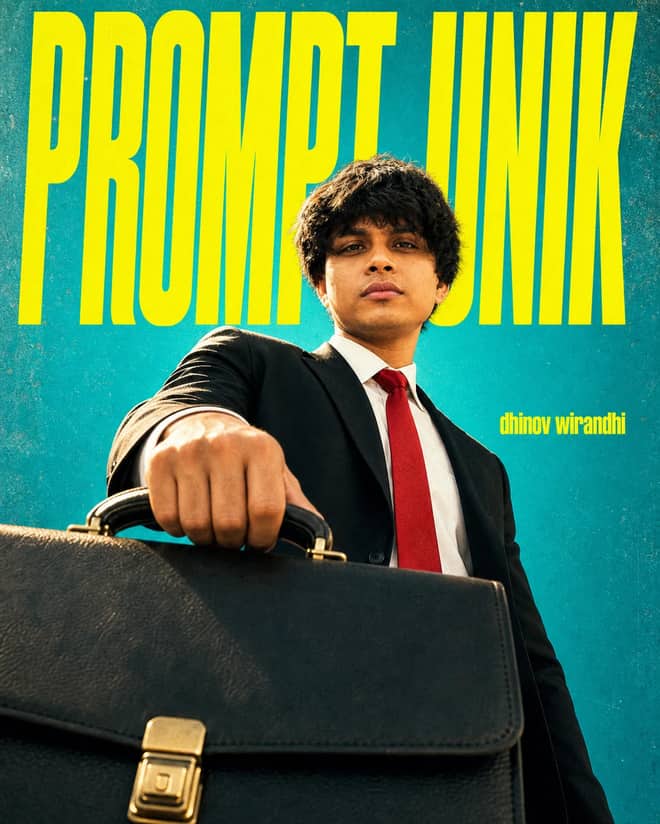
Create a bold Indonesian fashion poster with a monumental suited figure, oversized briefcase, teal backdrop, neon-yellow type, and cinematic low angle.
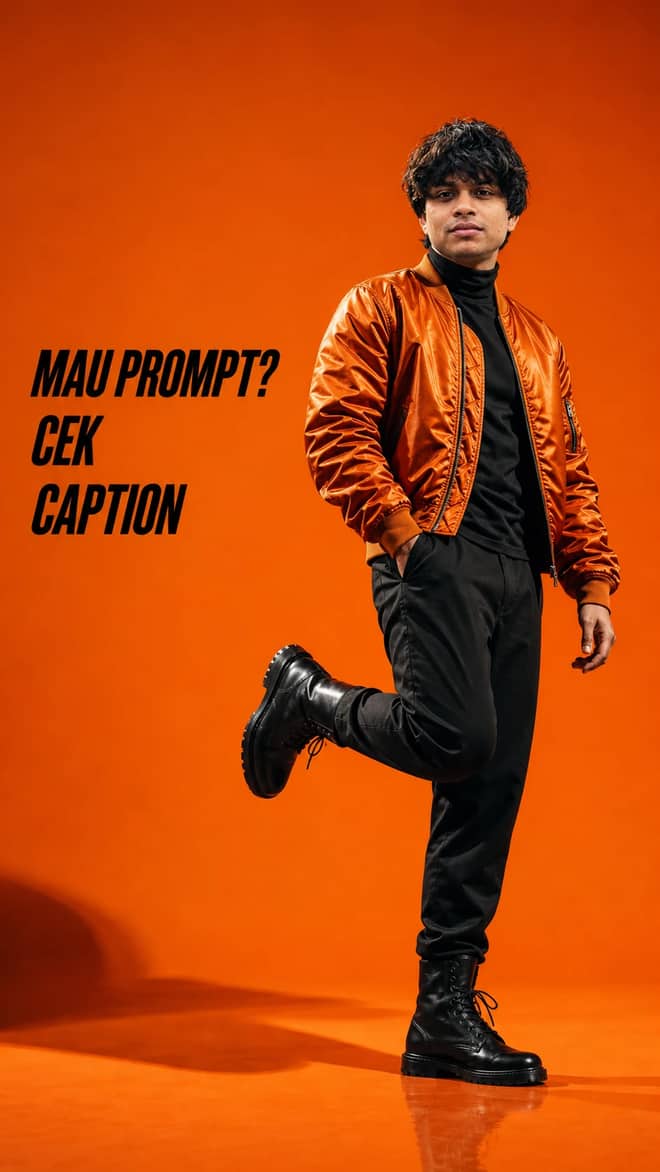
Create a bold orange studio fashion editorial with a glossy bomber jacket, dynamic full-body pose, dramatic lighting, and Indonesian caption CTA.
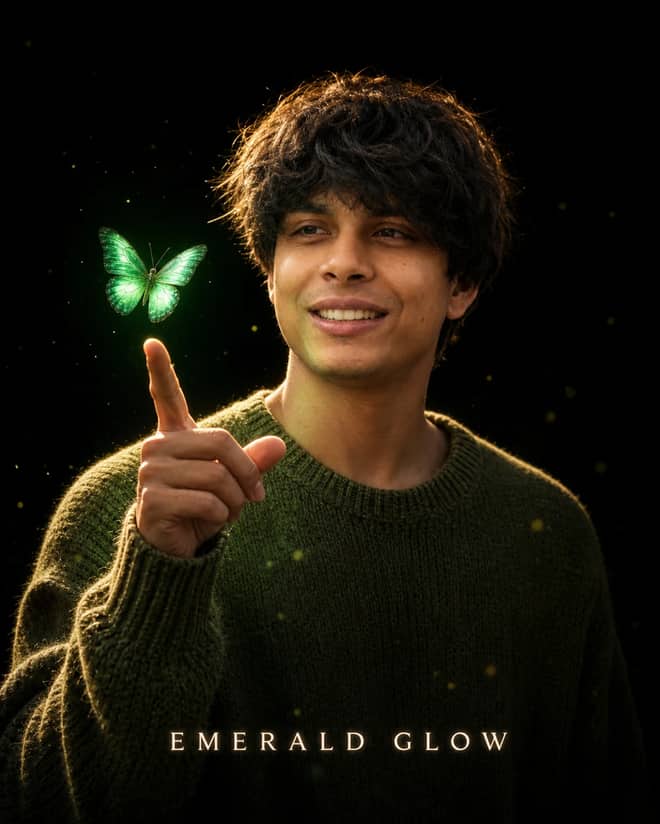
Create a cinematic black-background portrait with an olive knit sweater, hovering emerald butterfly, golden rim light, glowing particles, and natural detail.
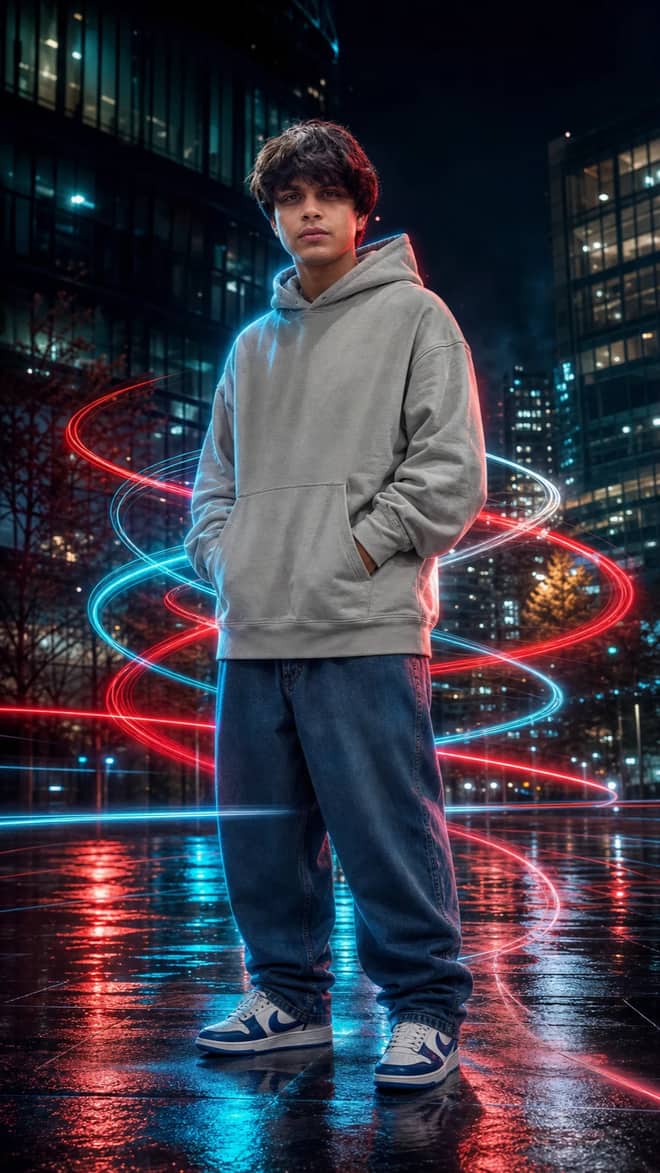
Create a sharp full-body cyberpunk fashion portrait with cyan, red, and white long-exposure trails, realistic neon reflections, and cinematic night detail.
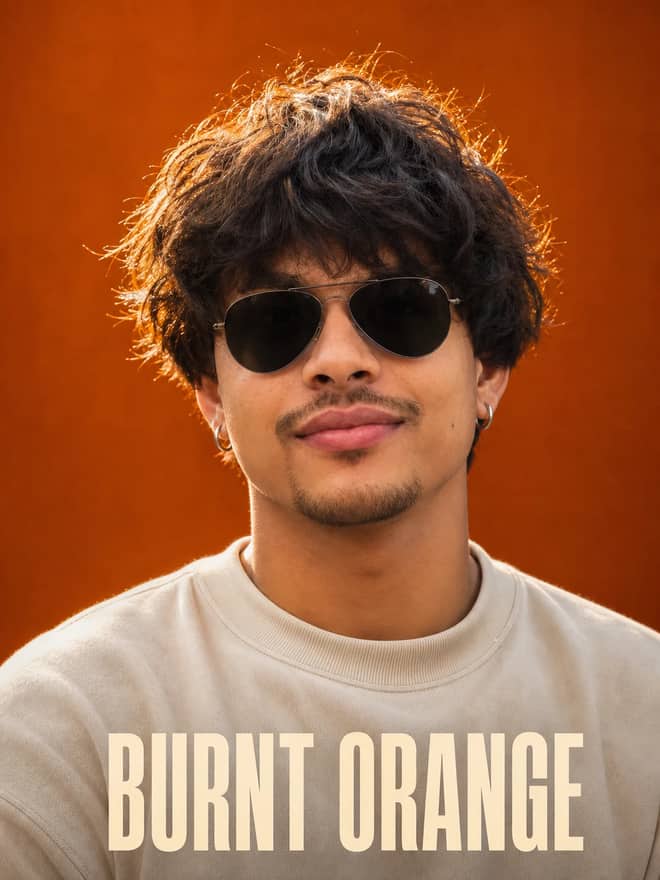
Create a premium close-up portrait with voluminous curls, aviator sunglasses, a cream sweatshirt, warm rim light, and a rich burnt-orange backdrop.
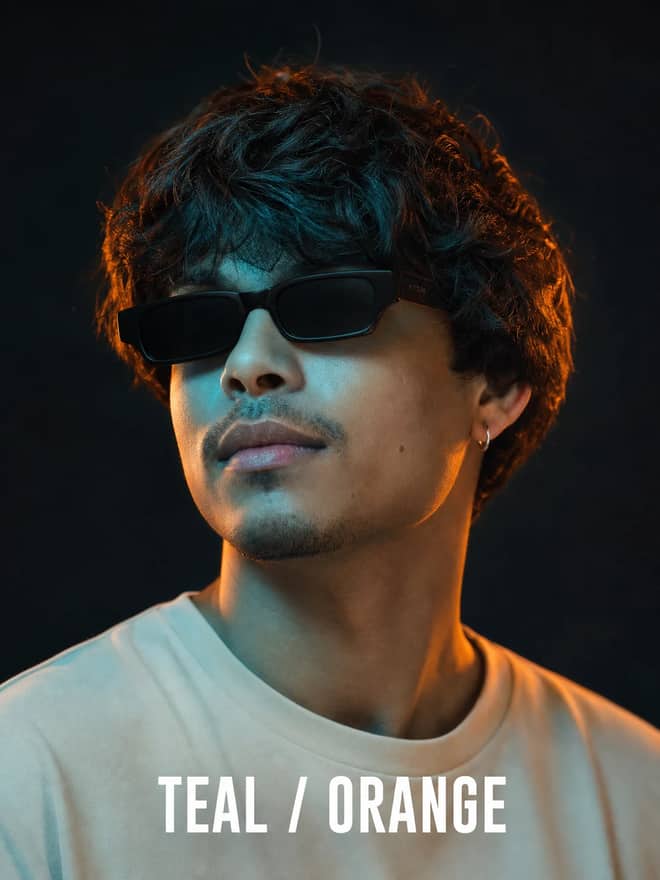
Create a moody editorial portrait with rectangular sunglasses, sculpted curls, cool teal key light, warm orange rim light, and cinematic depth.
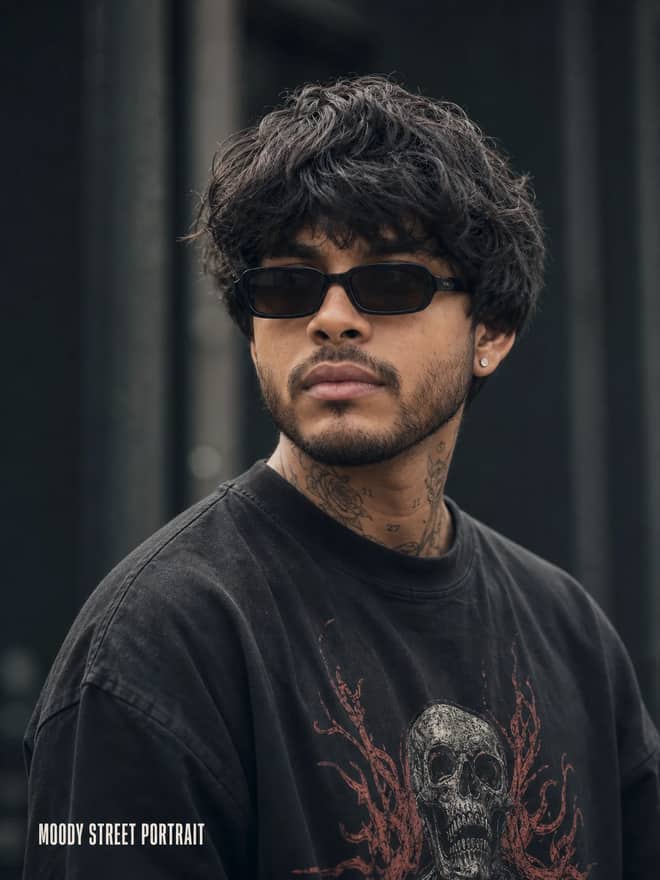
Create a dark street-fashion portrait with neck tattoos, black sunglasses, a distressed skull tee, cool cinematic tones, and premium detail.
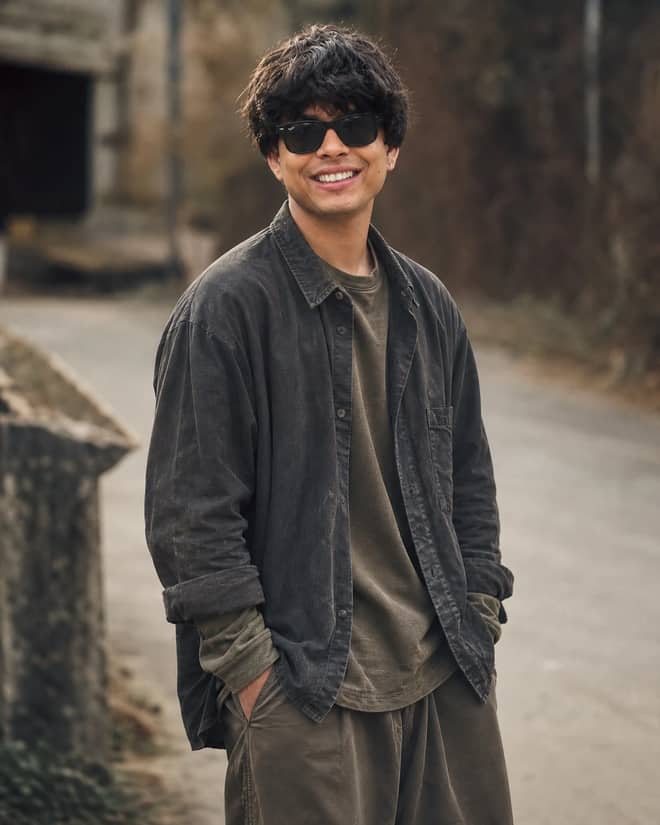
Create a relaxed cinematic outdoor portrait with curly hair, black sunglasses, hands-in-pockets styling, earthy layered clothing, and editorial depth.
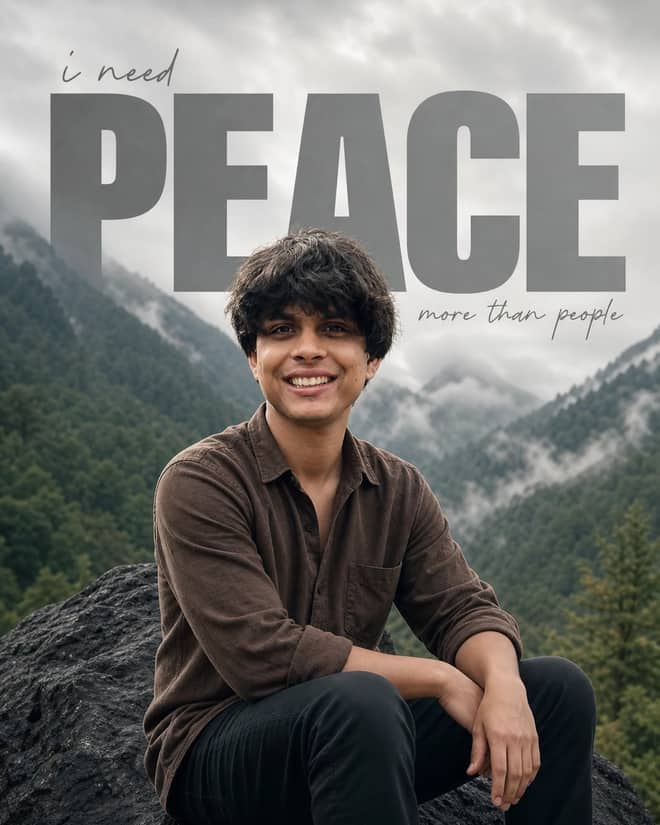
Create a misty mountain-valley portrait with a natural seated pose and minimalist PEACE, i need, and more than people editorial typography.
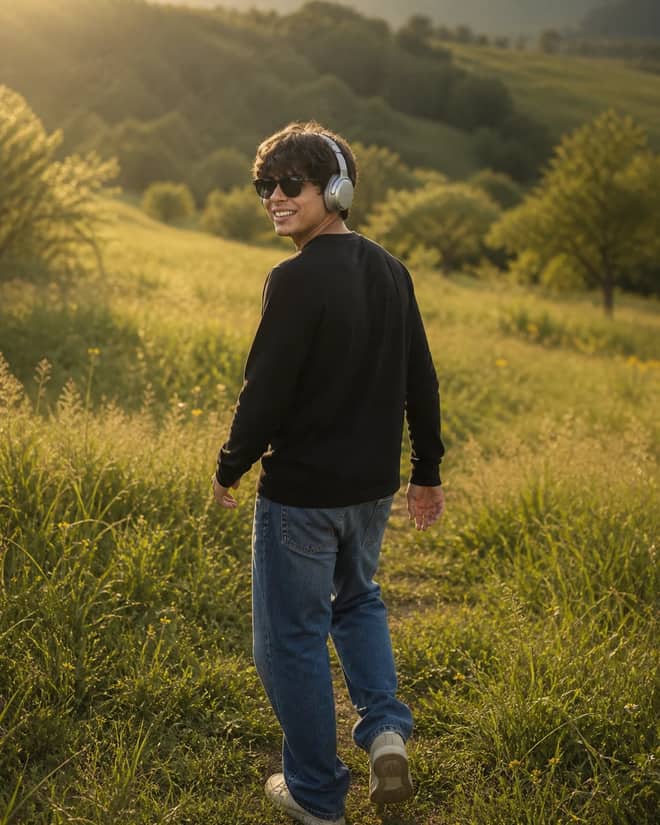
Create a cinematic golden-hour meadow portrait with a natural walking pose, silver headphones, rolling green hills, wildflowers, and warm film light.
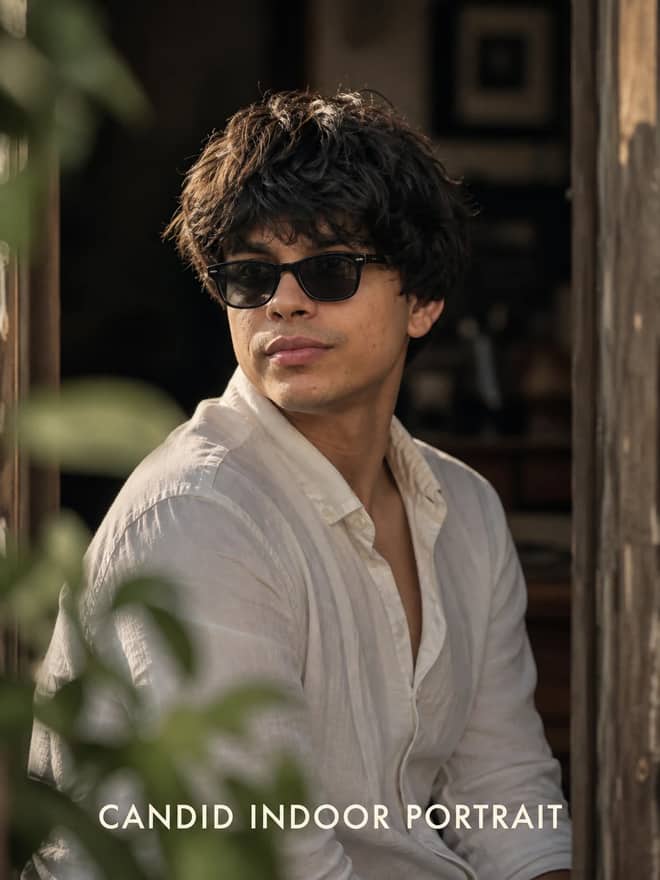
Create an intimate candid indoor portrait framed through a doorway, with warm late-afternoon light, creamy bokeh, and premium editorial detail.
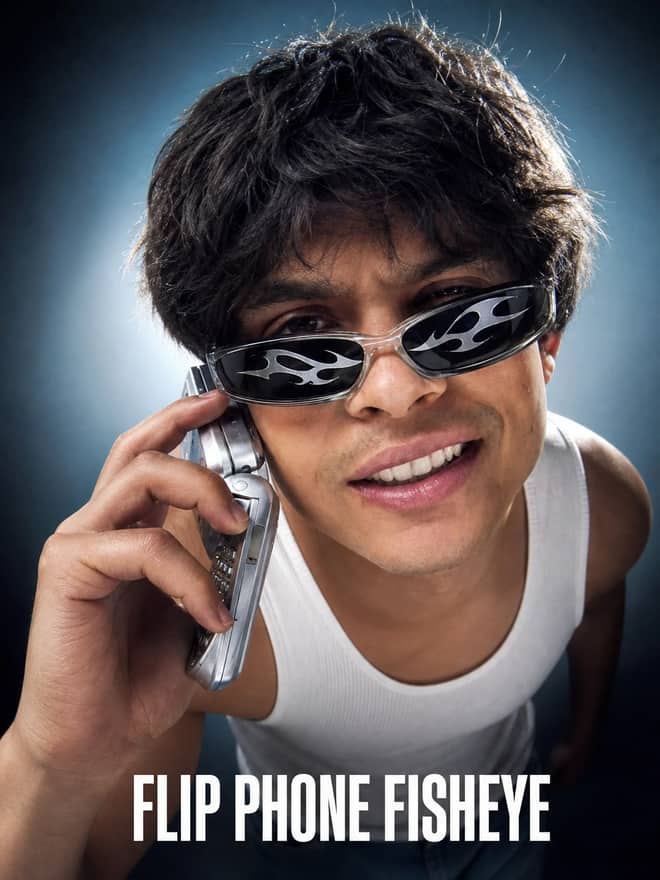
Create an ultra-realistic Y2K fisheye studio portrait with a retro flip phone, flame sunglasses, hard flash, cool gradient lighting, and bold attitude.
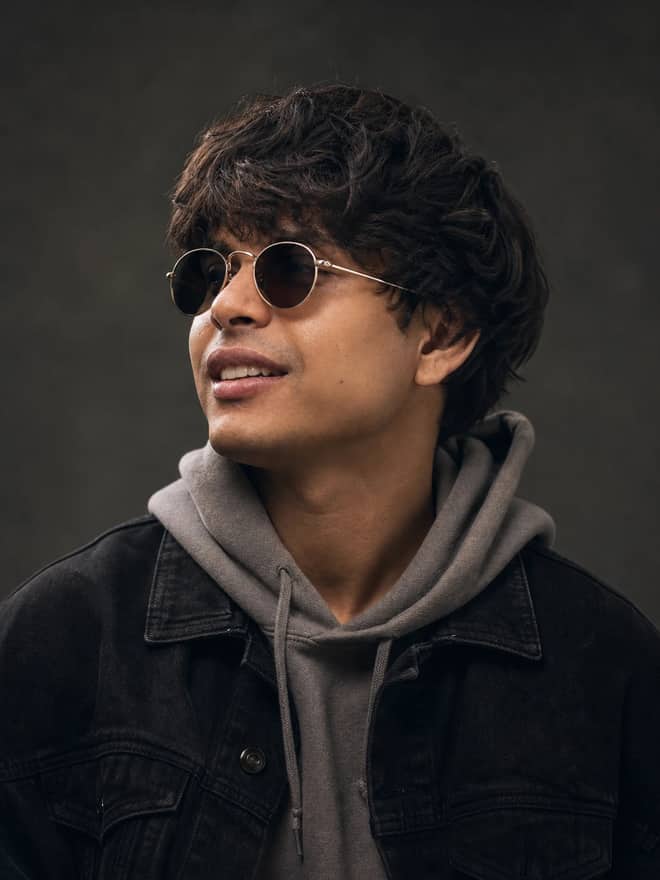
Create a moody cinematic side-profile portrait with vintage round sunglasses, layered hoodie and denim, warm skin highlights, and premium editorial detail.
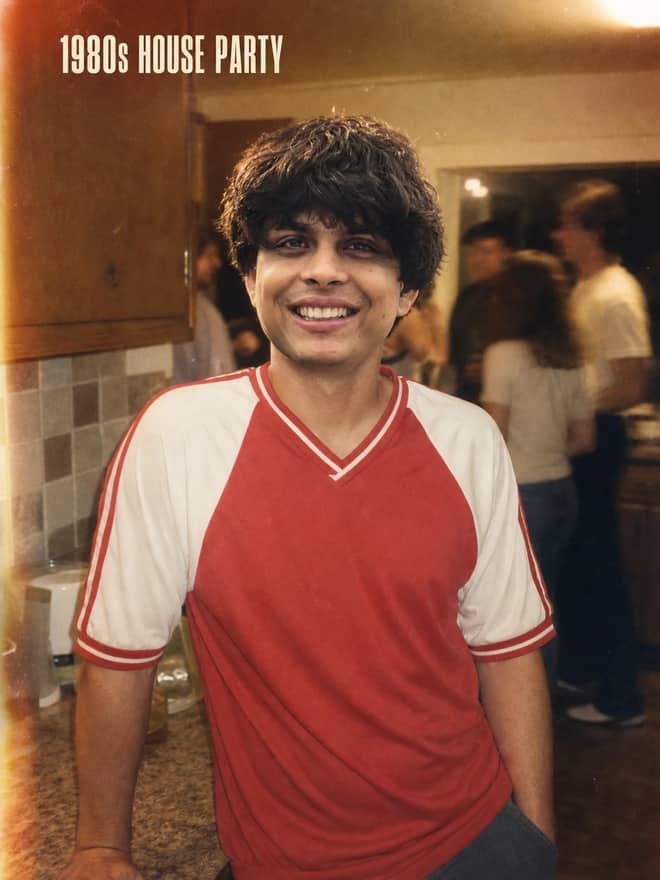
Create a nostalgic 1980s kitchen-party portrait with disposable-camera flash, Kodak Gold warmth, heavy grain, light leaks, and candid energy.
No prompts match your search.
The guide
A good gemini photo editing prompt is just plain instructions you paste into the Gemini app after uploading your own picture. You tell it what to change, like soften the background or warm up the light, and it edits the actual photo instead of drawing a brand new person. The grid above is full of these, written and ready, so you can grab one, drop in your image, and skip the part where you stare at a blank box wondering what to type.
Most people land here after watching a quick tutorial, usually one of those step by step clips, and then they freeze because the video showed the result but never the exact words. That gap is the whole problem. The model is good. The hard part is knowing how to ask. So this page is about the asking.
The image model behind Gemini is Gemini 2.5 Flash Image, which a lot of people online just call nano banana. When you upload a photo and type an edit, it reads your image, keeps the parts you did not mention, and changes the part you did. That is the key difference from making an image from scratch. An editing prompt assumes there is already a photo on the table. A generation prompt invents everything. If you ask an editing model to keep your face but rebuild the background, you get a clean, believable result. If you ask it to do too much, the face drifts and starts looking like a cousin instead of you.
It is free to try inside the Gemini app, which is why so many people are testing it on their own selfies right now. Through the API it runs a few cents per image, but for casual editing on your phone you will not touch that.
From the tutorials and the comments people leave under them, a handful of edits keep coming up over and over. These are the ones worth having a ready prompt for.
The figurine and 3D toy style is also having a moment, where you turn a normal portrait into a little collectible figure on a stand. It is fun, though it leans more on generating from your photo than on a true edit, so treat it as its own thing.
The trick I keep coming back to is simple. Say what stays, then say what changes. Gemini holds onto specific instructions much better than vague ones. 'Make it nicer' gives you a coin flip. 'Keep the face and pose exactly, replace the background with a plain grey studio wall, keep the lighting soft' gives you something you can use.
Keep each run to one or two changes. I know it is tempting to fix the light and the background and the outfit in one go, but that is exactly when results fall apart. Edit in passes. It feels slower and it is actually faster, because you are not redoing a prompt that broke three things at once.
Here is a structure that rarely lets me down. Fill in your own details:
| Edit idea | What to add to the prompt | What to tell it to keep |
|---|---|---|
| Studio background | Plain backdrop color, soft even light | Face, pose, and original outfit |
| Golden hour glow | Warm low sun, gentle rim light | The scene and the real skin tone |
| Retro film look | Subtle grain, faded color, 90s feel | The faces and the framing |
| Remove an object | Name the exact thing to erase | Everything else, untouched |
| Restore old print | Add natural color, fix scratches | The era and the people's likeness |
Gemini is not the only option, and the prompts here mostly carry over with small edits. The real split is whether a tool can take your uploaded photo at all.
If your goal is to keep the actual you in the picture, Gemini and ChatGPT are the natural picks because they edit your upload directly. ChatGPT is good at conversational back and forth, though faces can shift on heavy edits, same as Gemini. Midjourney and DALL-E shine when you are building an image from text, not fixing one, so they are a weaker fit when the whole point is to preserve a real photo. Pick the tool by what you are starting from. Starting from your own photo means an editor. Starting from an idea means a generator.
Most bad results trace back to a few habits. Here is what goes wrong and the fast fix.
Tip: before you send a prompt, read it back and ask whether a stranger could follow it. If they would have to guess, the model will guess too.
Say you have a phone selfie taken in a messy bedroom and you want it to look like a clean profile photo. Here is the run I would do. First, upload the photo. Then paste something like: keep my face, hair, and pose exactly the same, replace the background with a plain soft grey wall, use even flattering light, keep it photorealistic, do not change my skin tone. Look at the result. If the background is a bit dark, run it again with just: make the grey background slightly brighter. Two passes, done.
That is the rhythm. Upload, paste a clear prompt, check one thing, refine one thing. The prompts in the grid above already follow this shape, so you are mostly choosing the look you want and dropping in your photo. Start with one edit, get it right, then build from there. The version you keep should still look like you, just on a better day.
Questions
Start with a background swap, since it is the most reliable. Try: keep my face and pose unchanged, replace the background with a plain studio wall, use soft even light, keep it photorealistic. It teaches you the core pattern of locking the subject first and changing one thing, which every other edit builds on.
Yes, you can edit photos for free inside the Gemini app, which is where most people try it. The underlying model, Gemini 2.5 Flash Image, costs a few cents per image through the API for developers, but casual editing on your phone or browser does not cost you anything.
Write it into the prompt directly, such as keep my face, hair, and features unchanged. Use a sharp, well-lit source photo and limit each run to one or two changes. Faces drift when you ask for too much at once, so split big edits into passes and the likeness holds far better.
Usually the input was low quality or the prompt asked for too many changes together. Begin with the clearest photo you have, request one edit at a time, and state what should stay the same. When a result is close, repeat the prompt with one small correction instead of starting over.
Yes. Upload the scanned print and ask Gemini to restore natural color and remove scratches while keeping the faces and the era unchanged. Results are best with a clean, high-resolution scan. Do it in passes, color first then cleanup, so you keep whichever version stays true to how the people actually looked.