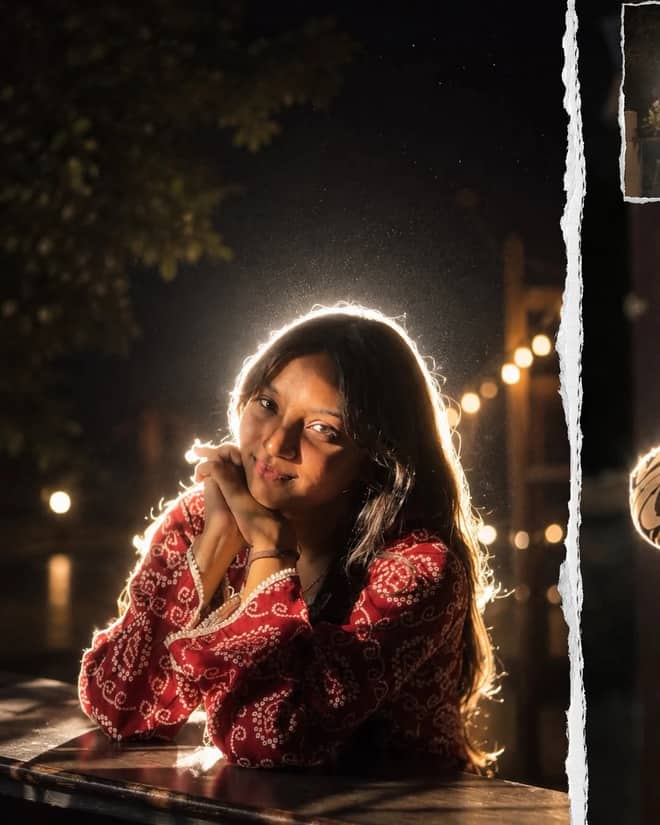
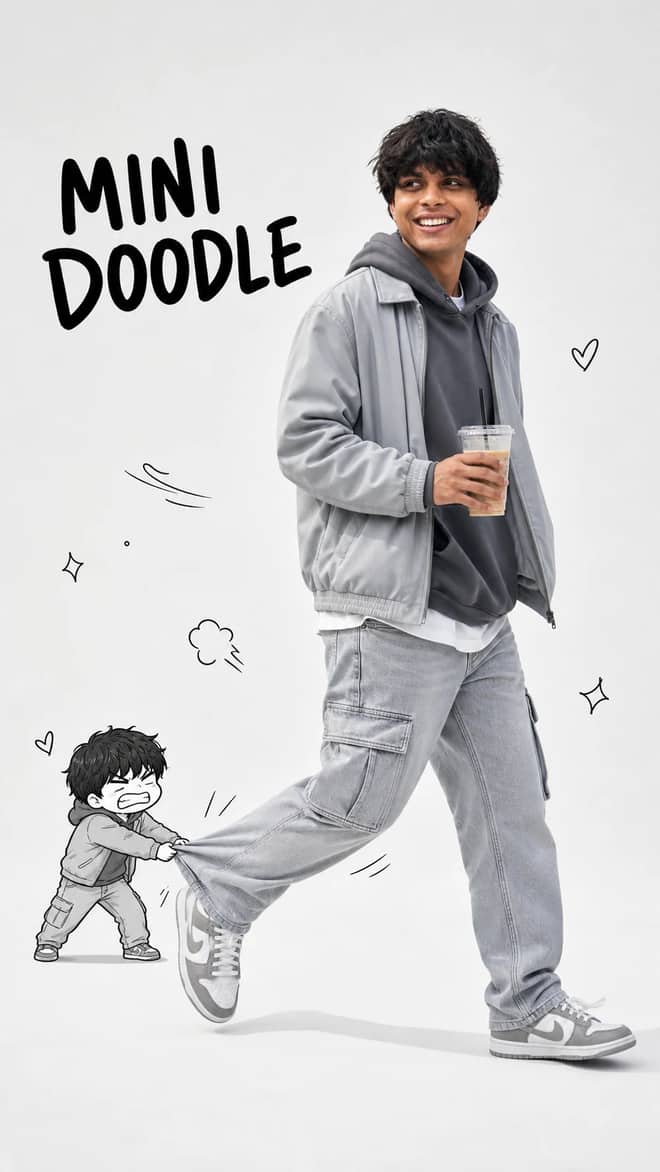
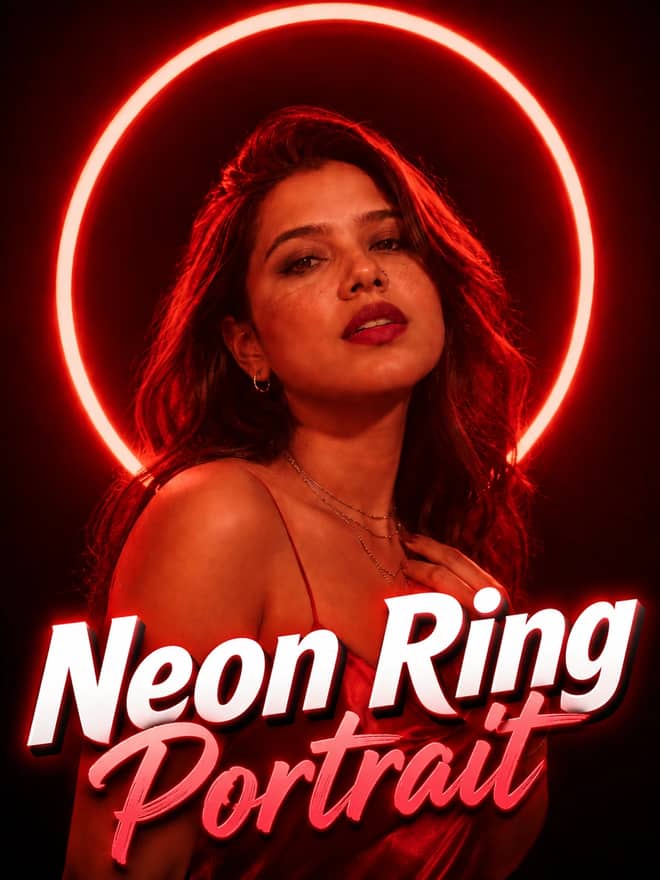
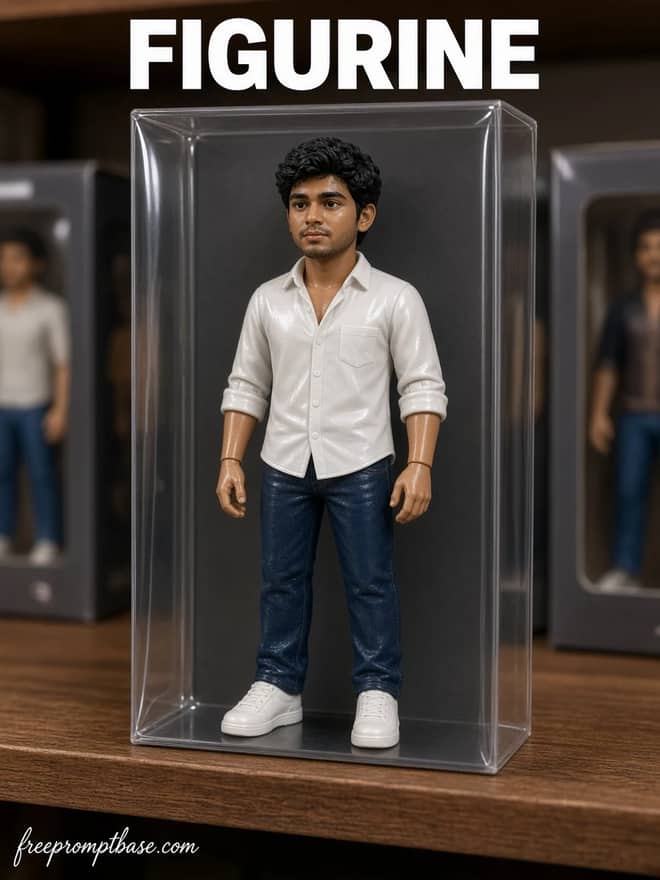
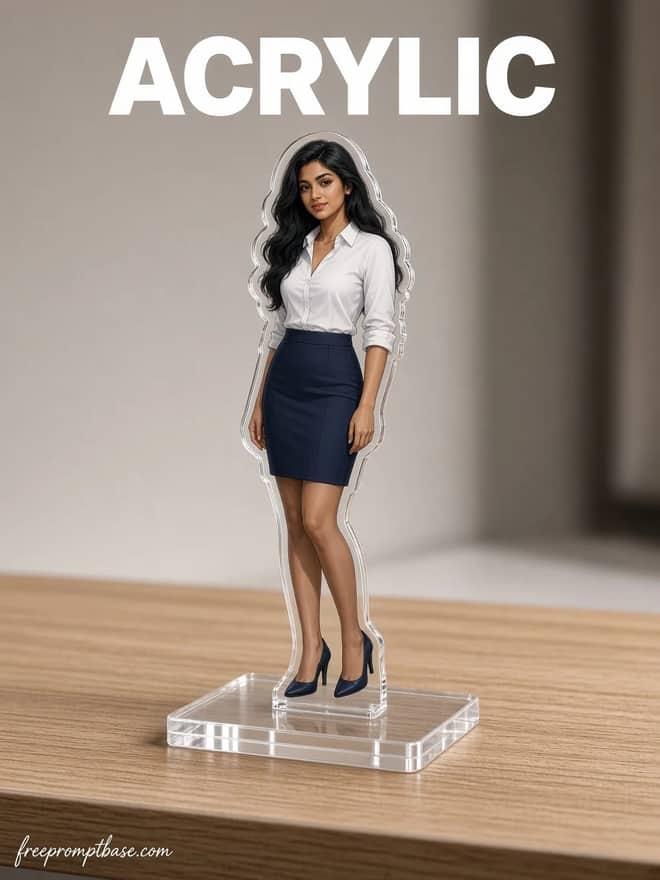
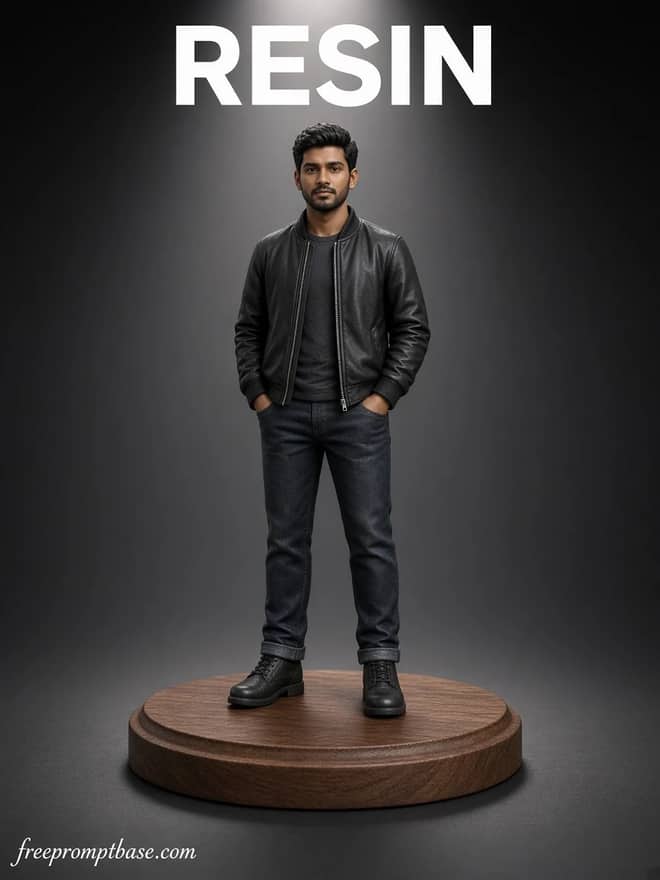
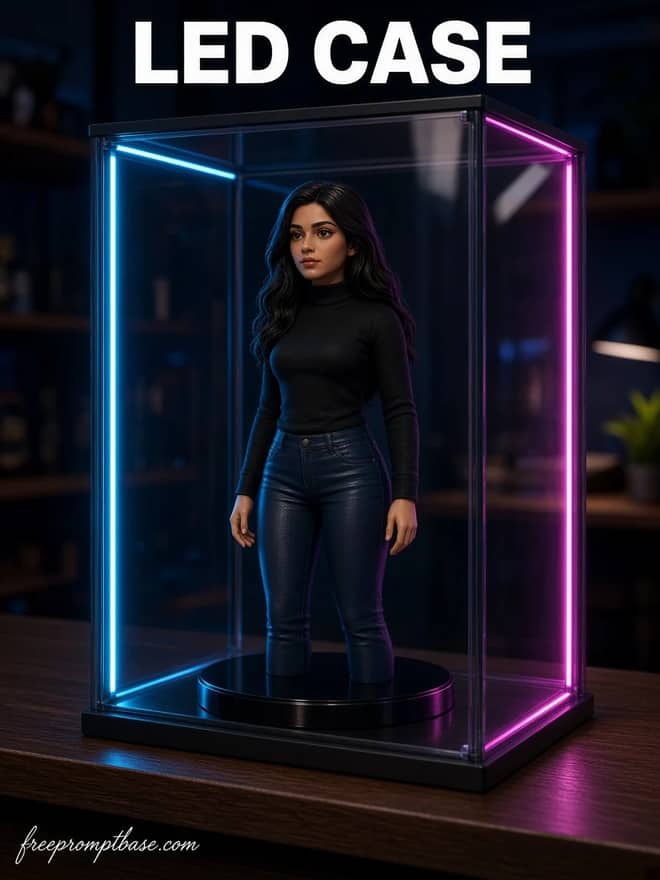
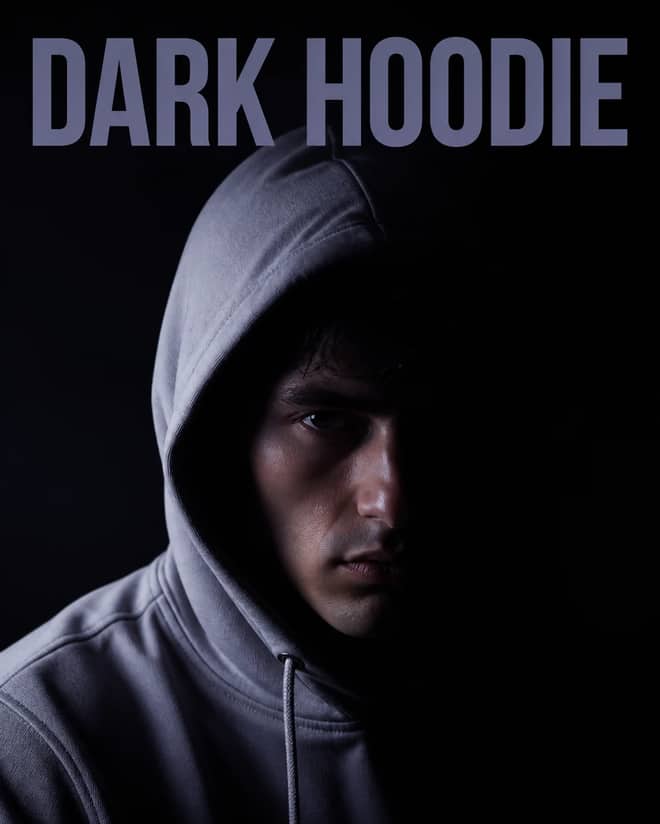
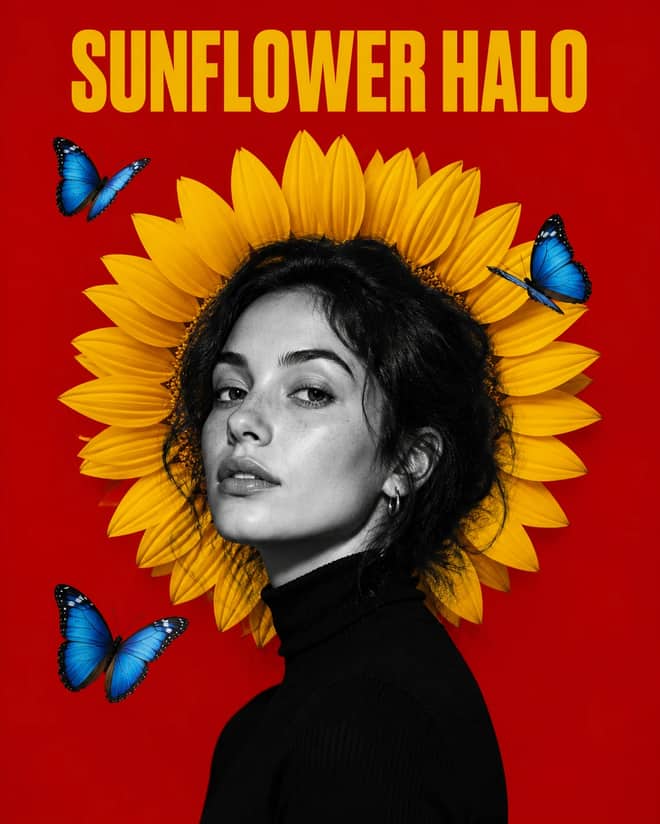
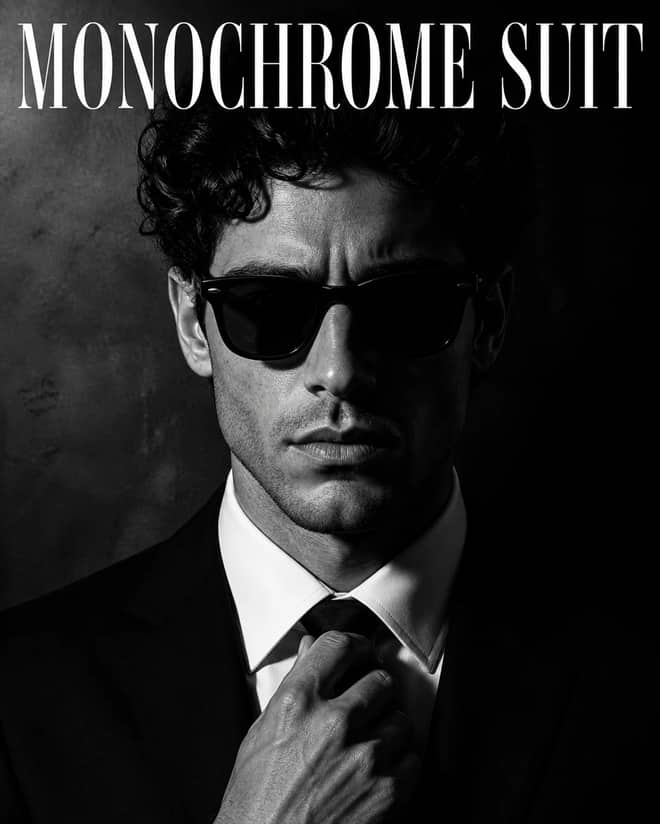
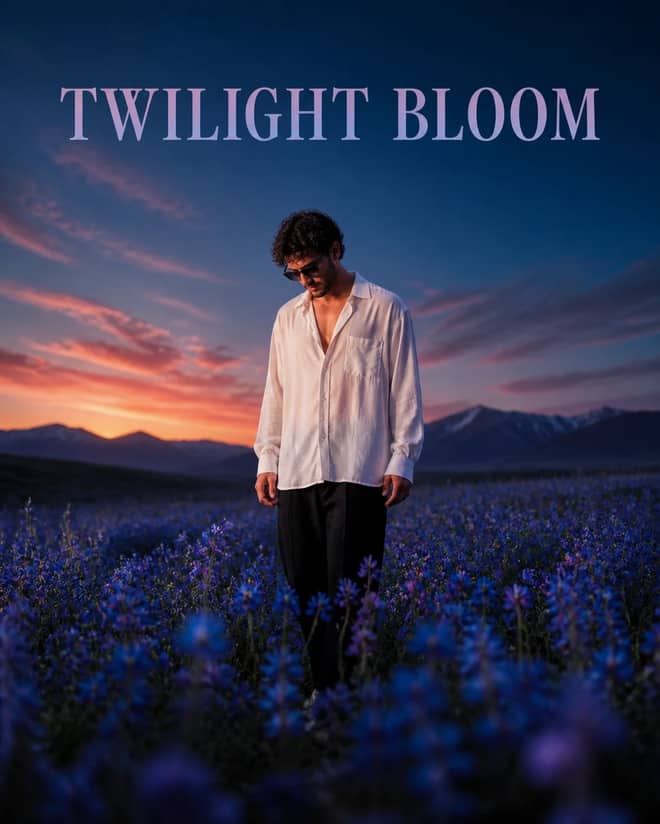
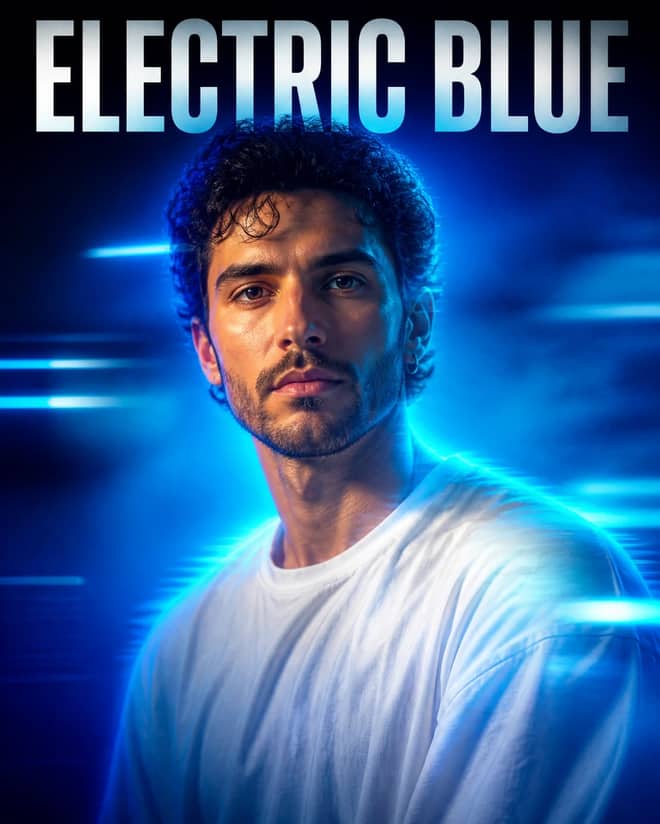
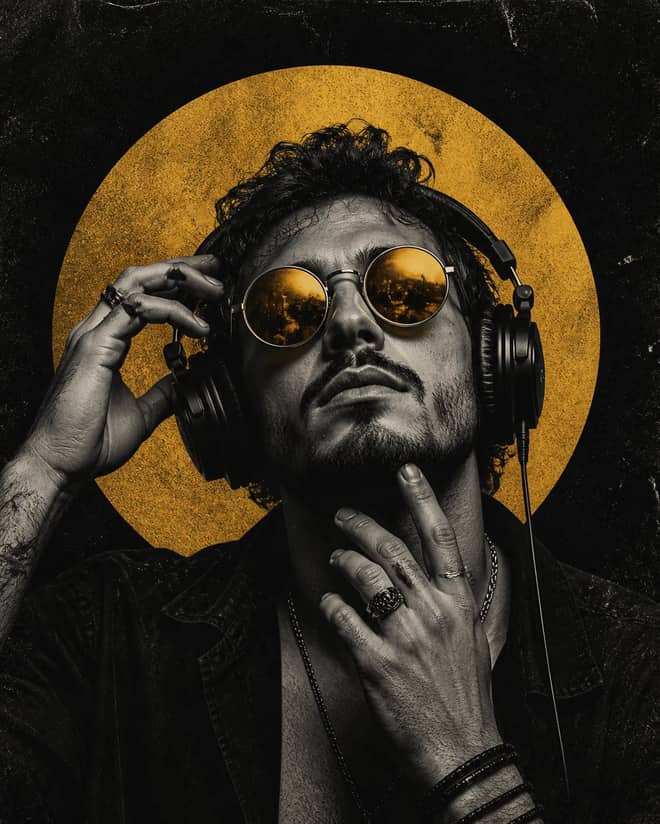
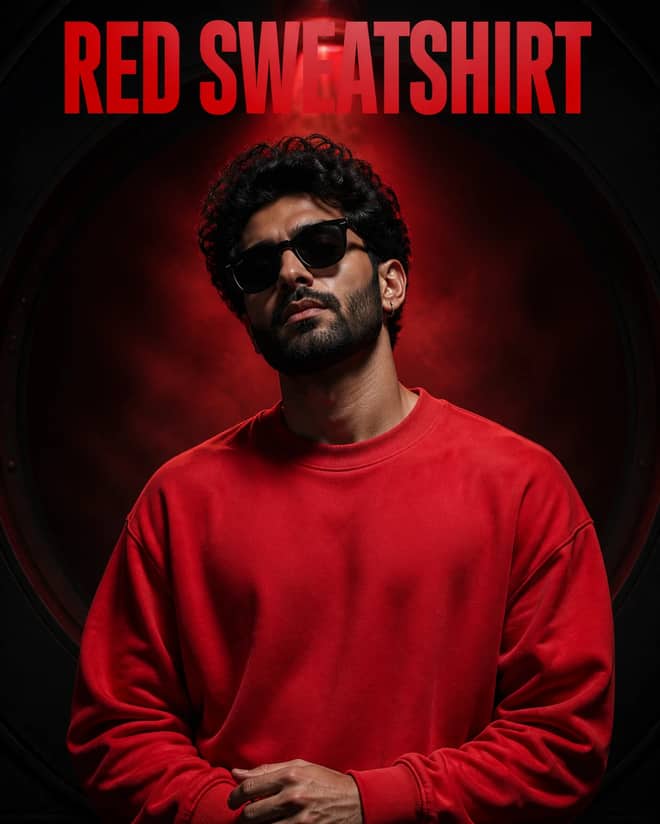
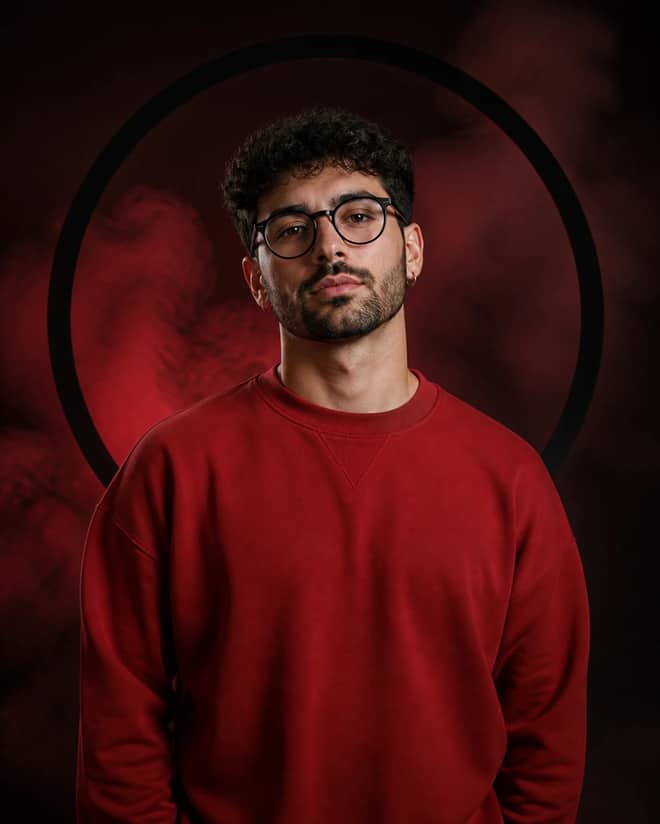
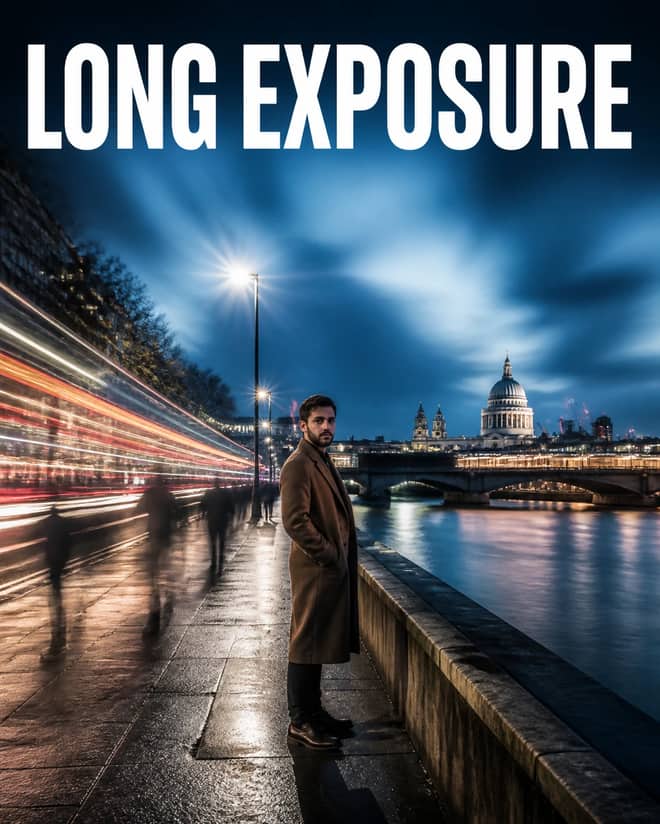
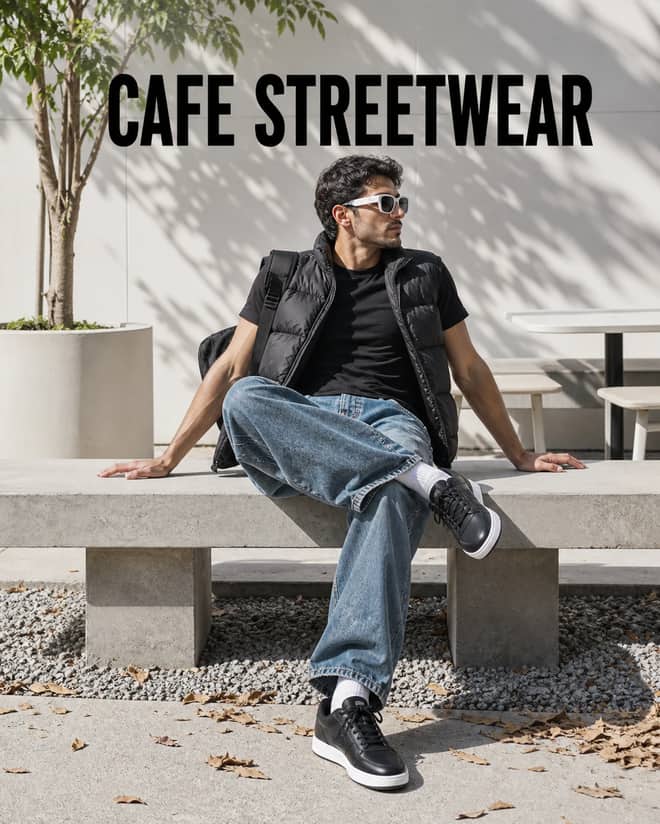
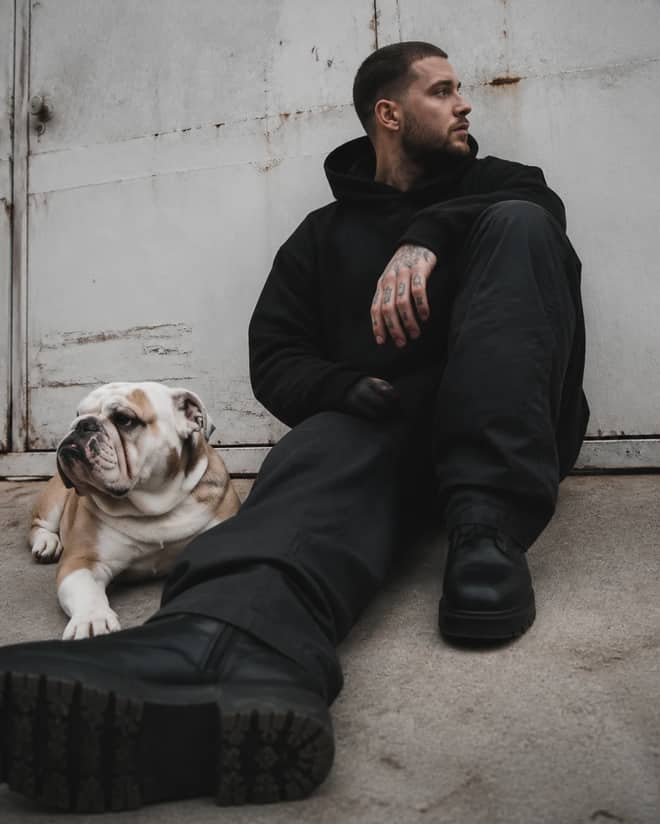
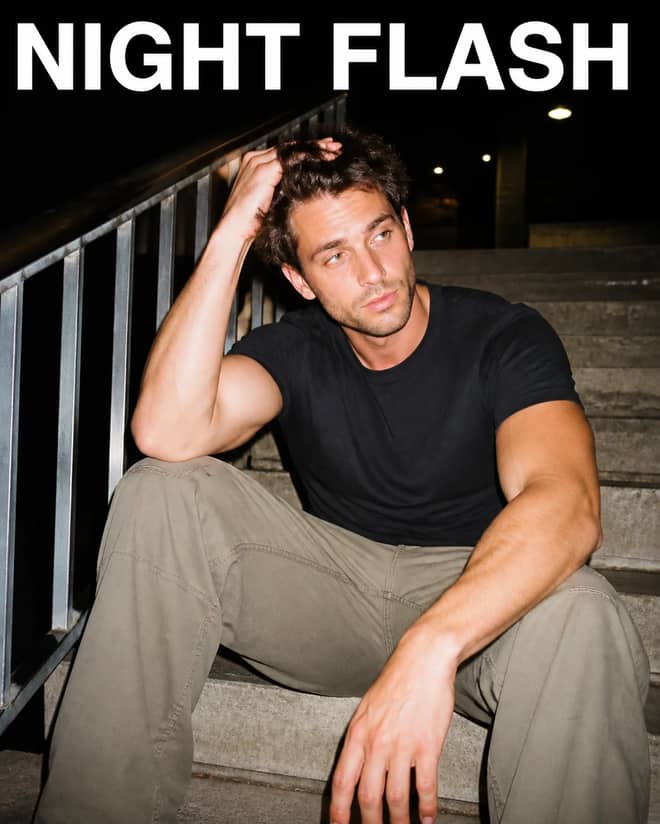
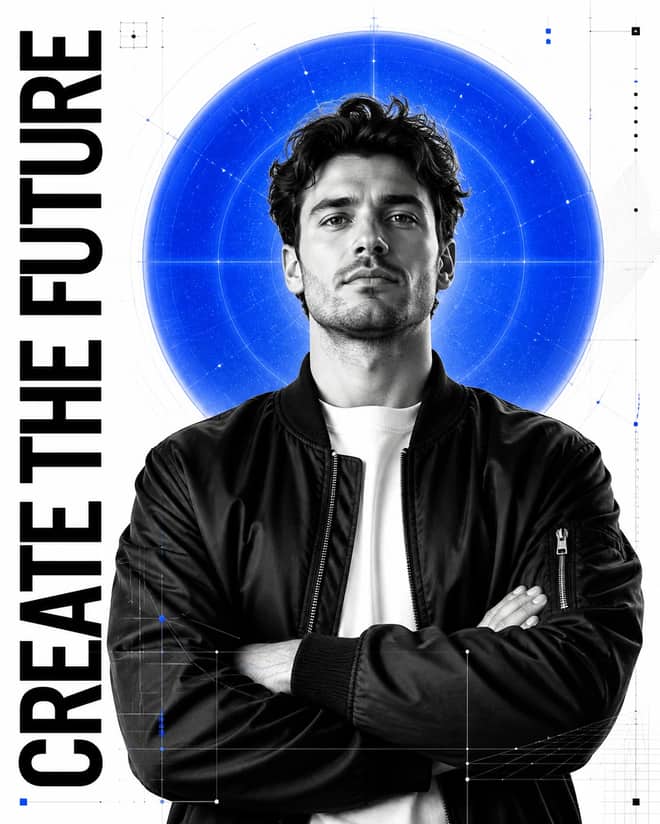
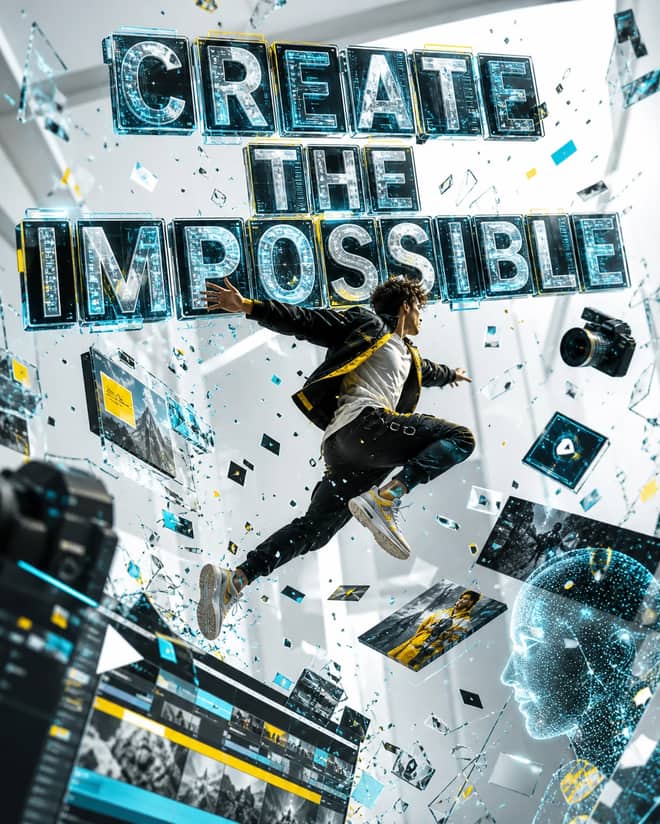
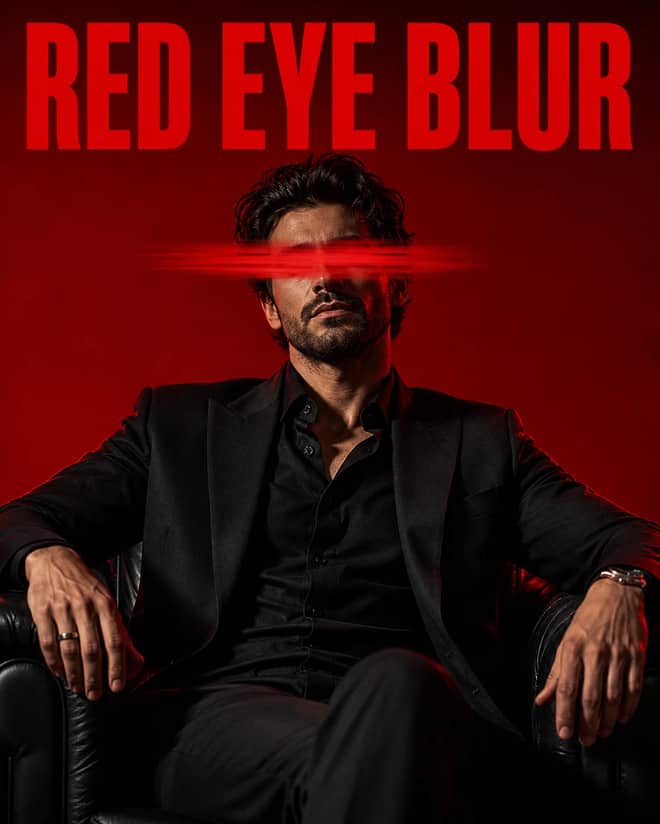
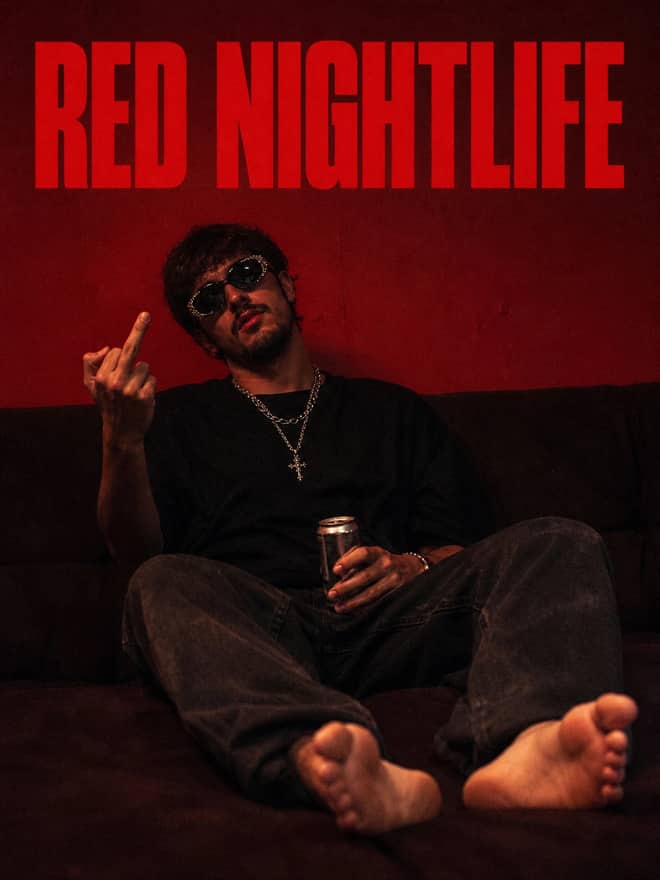
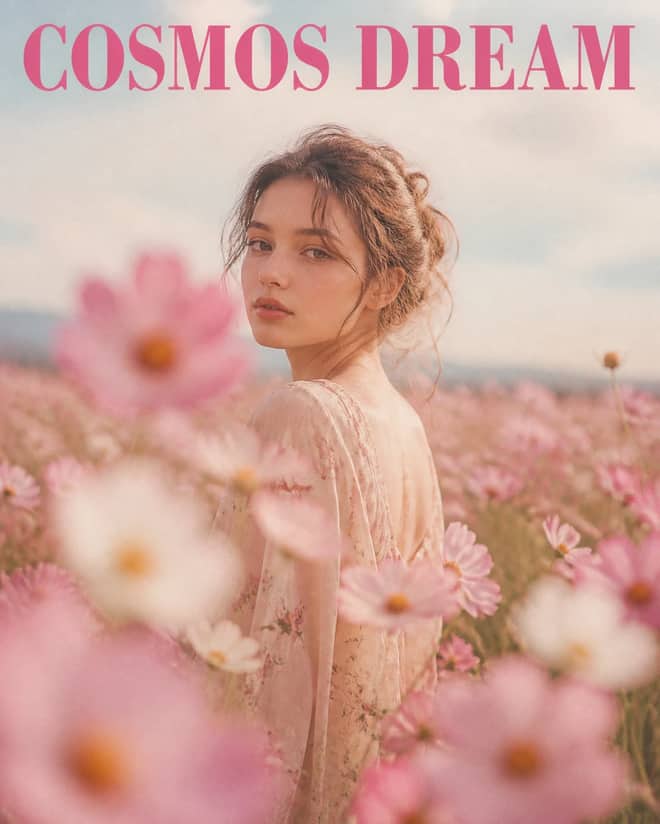
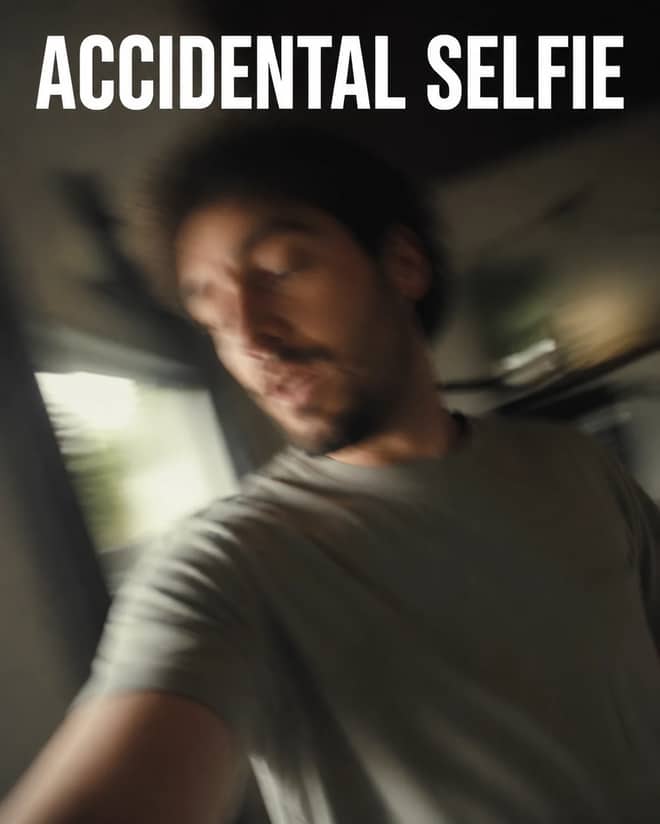
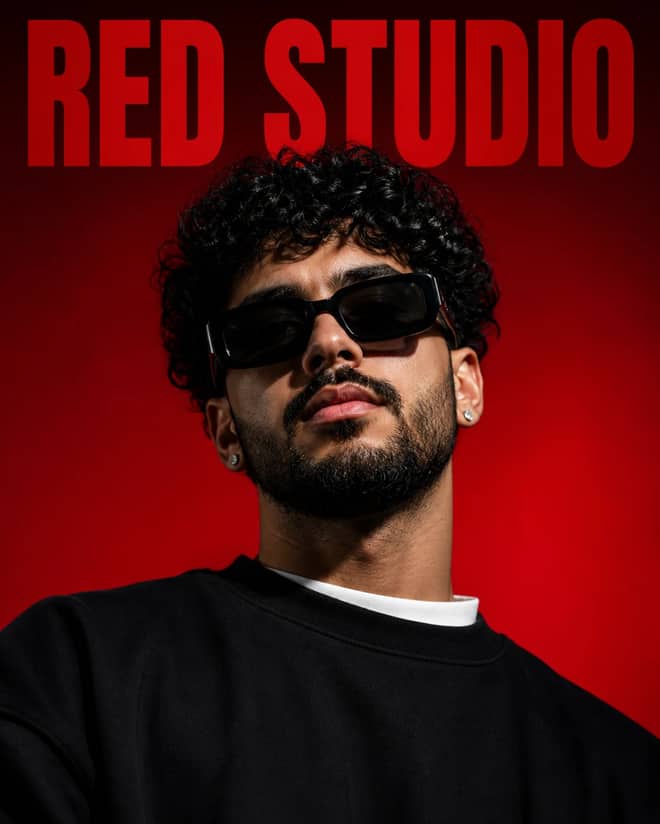
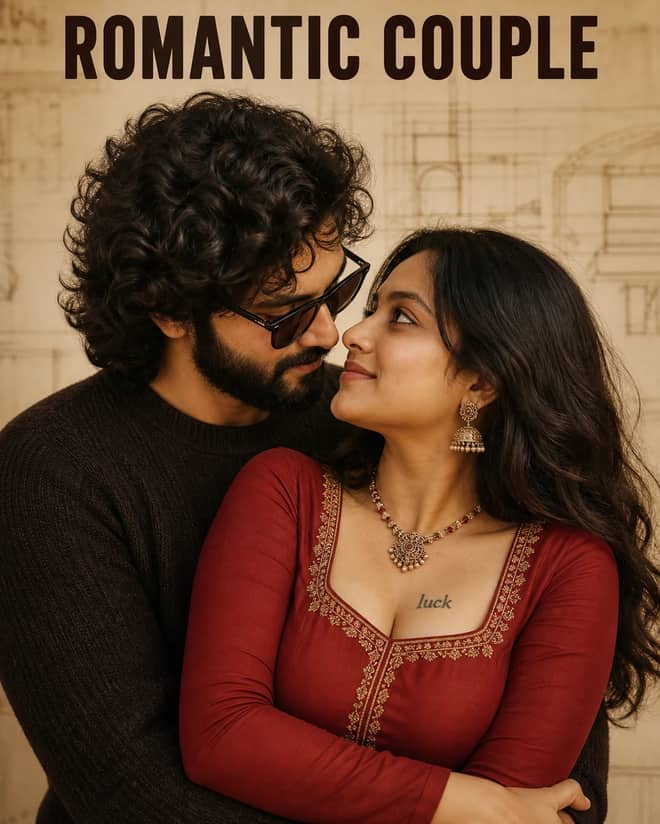
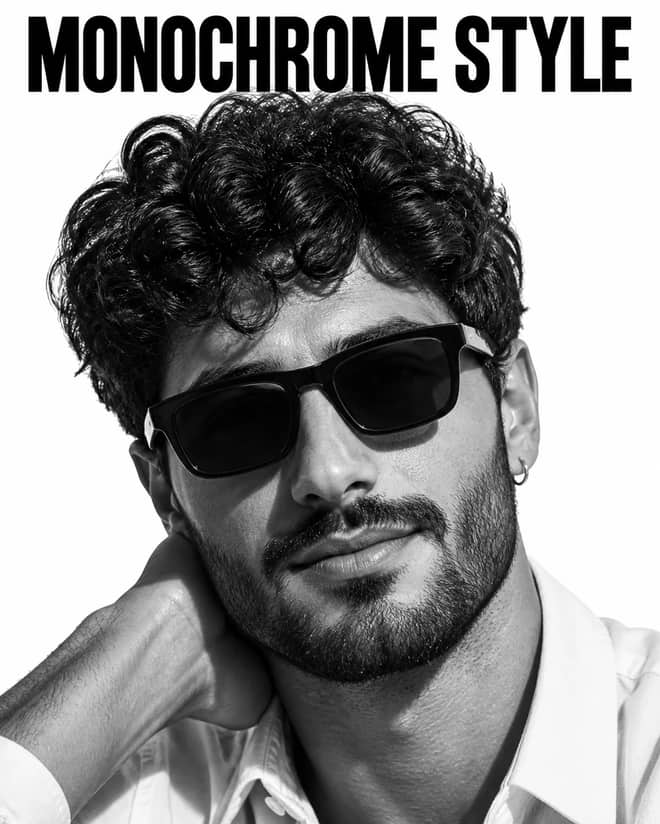
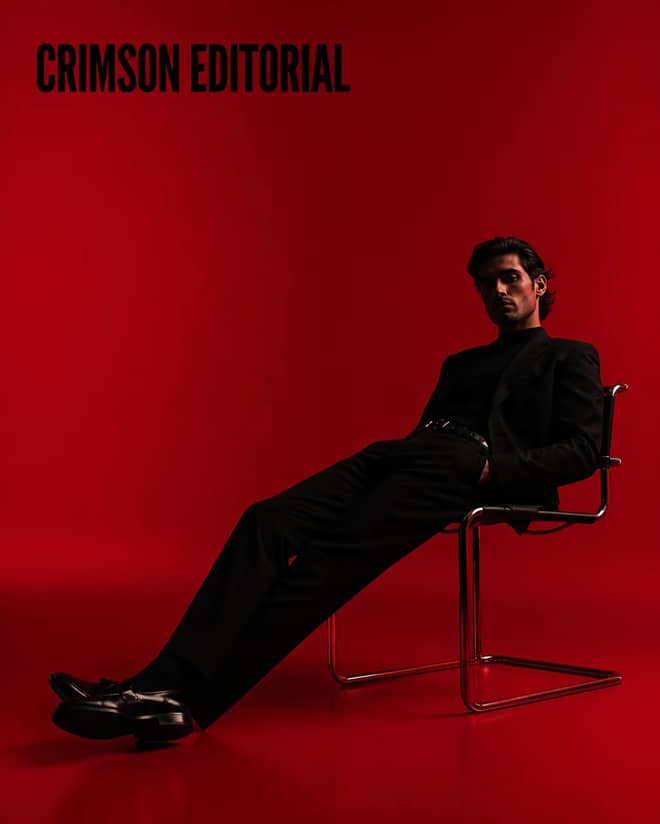
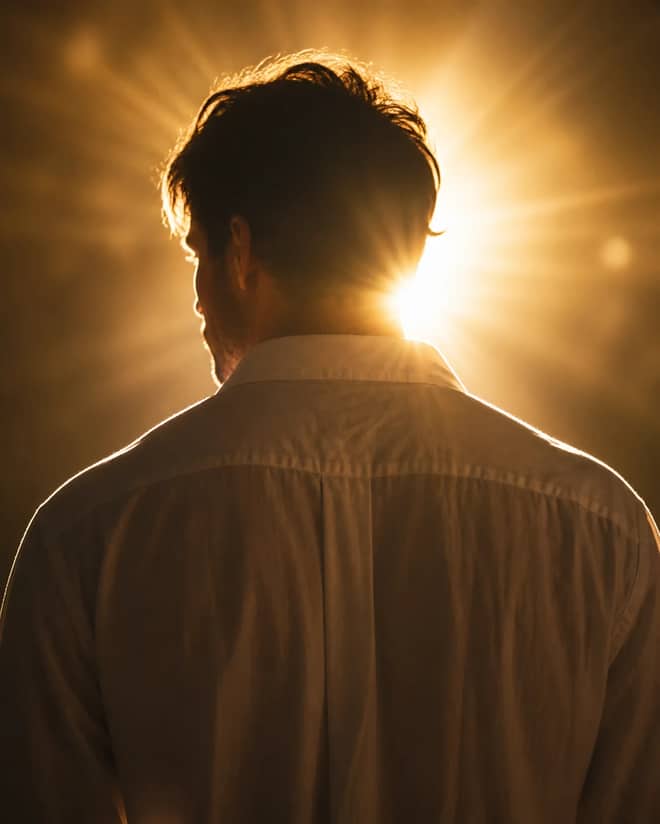
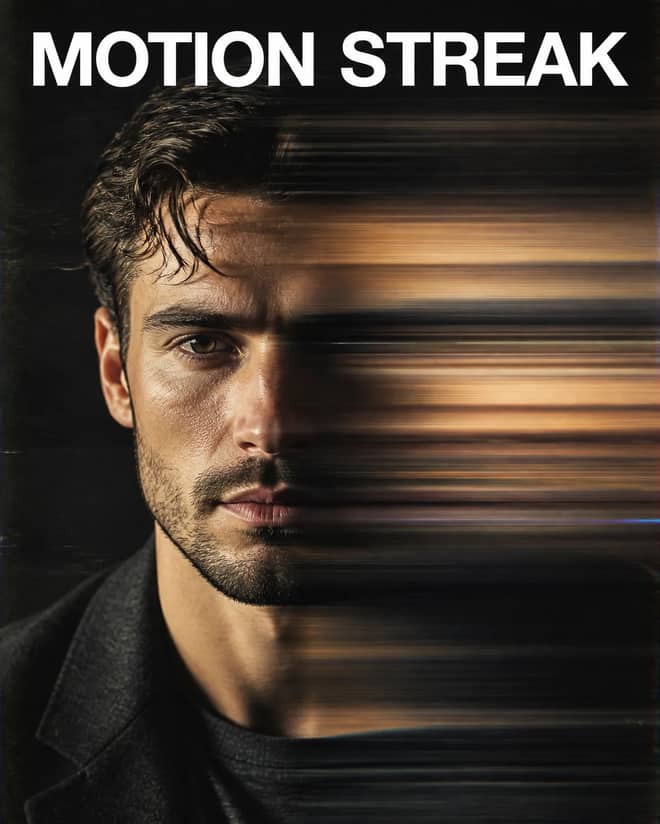
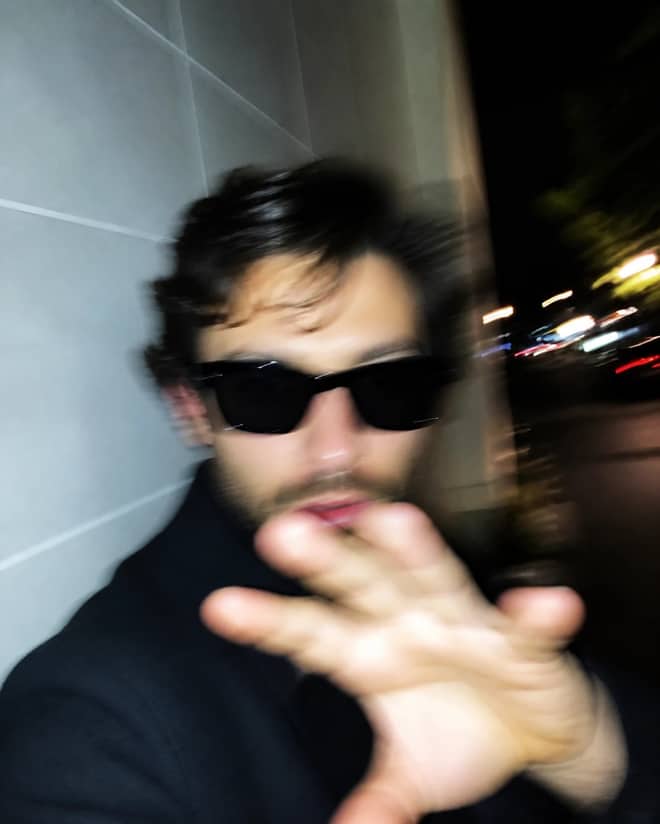
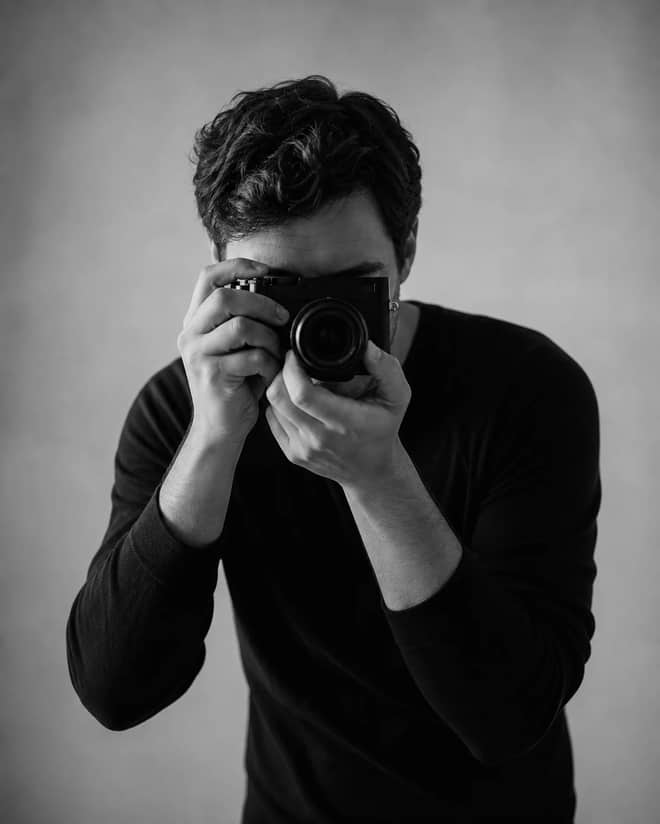
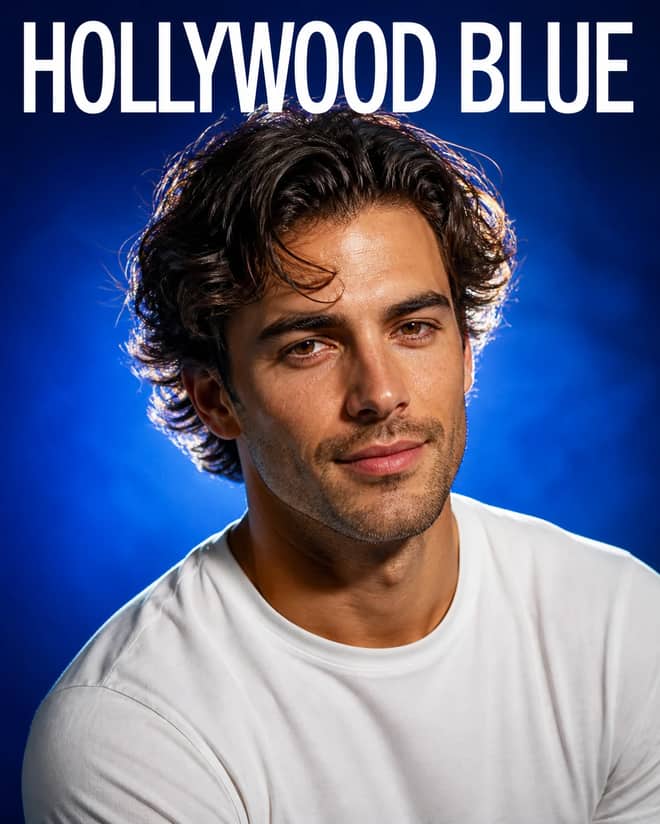
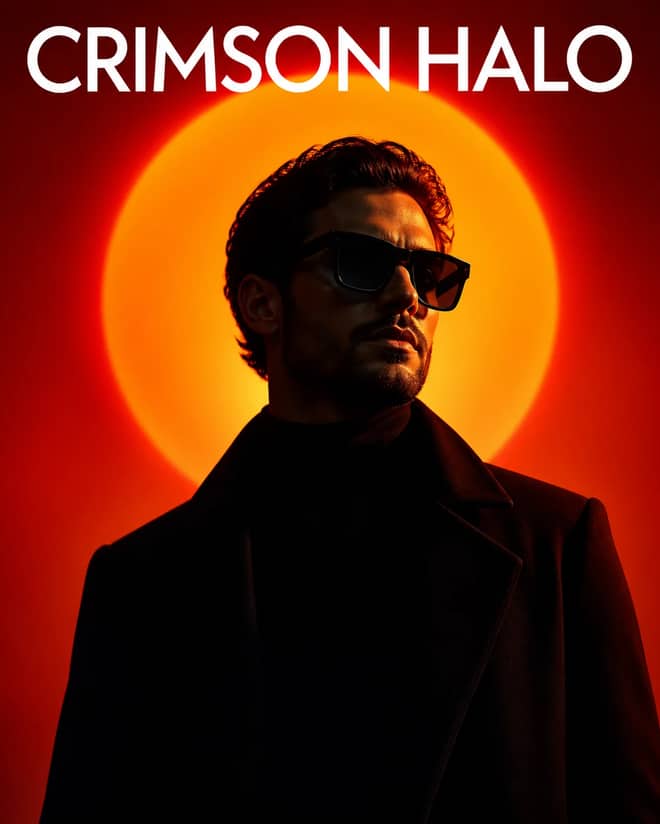
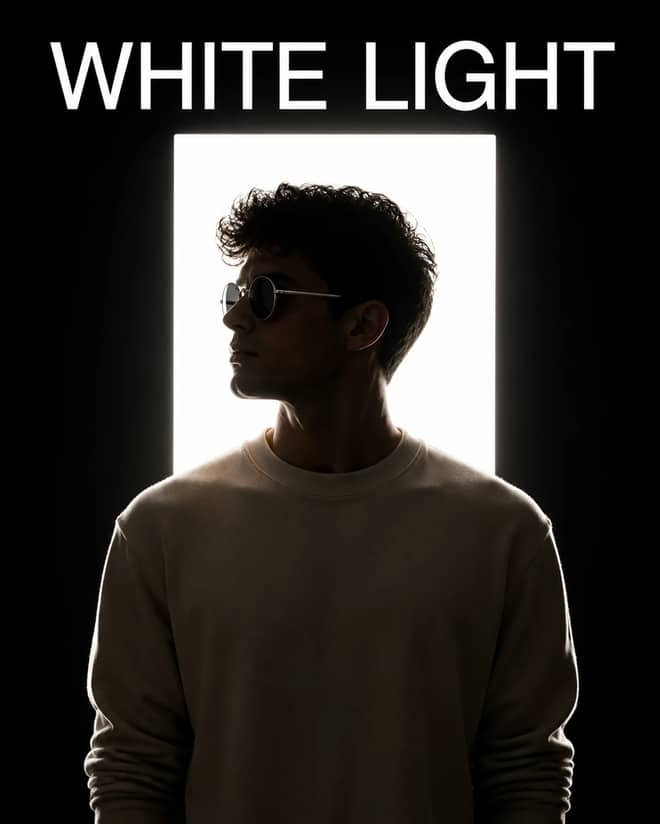
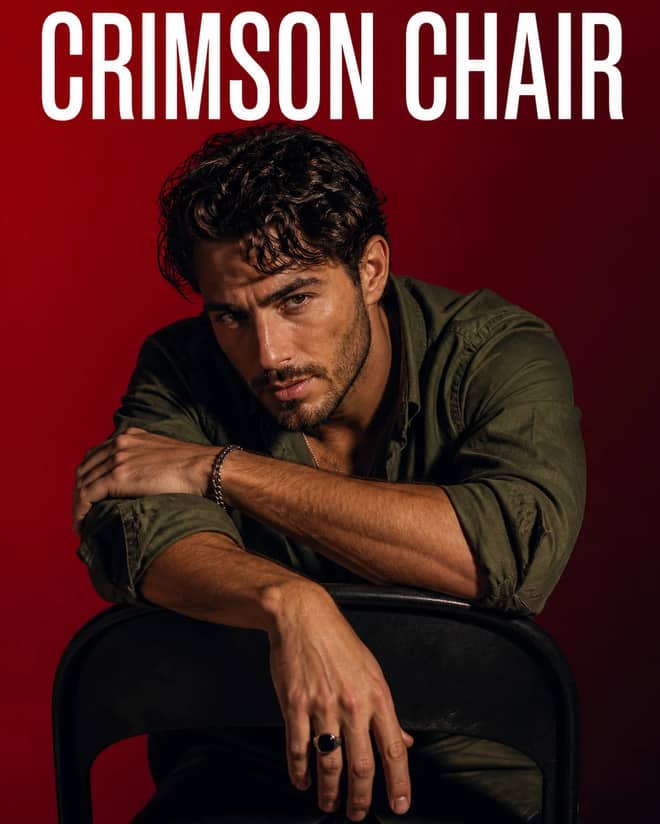
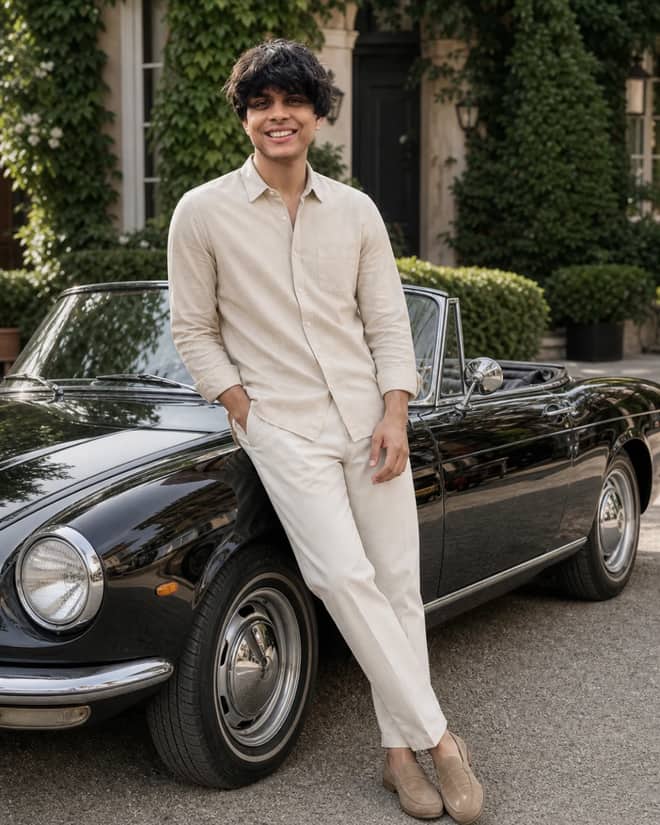
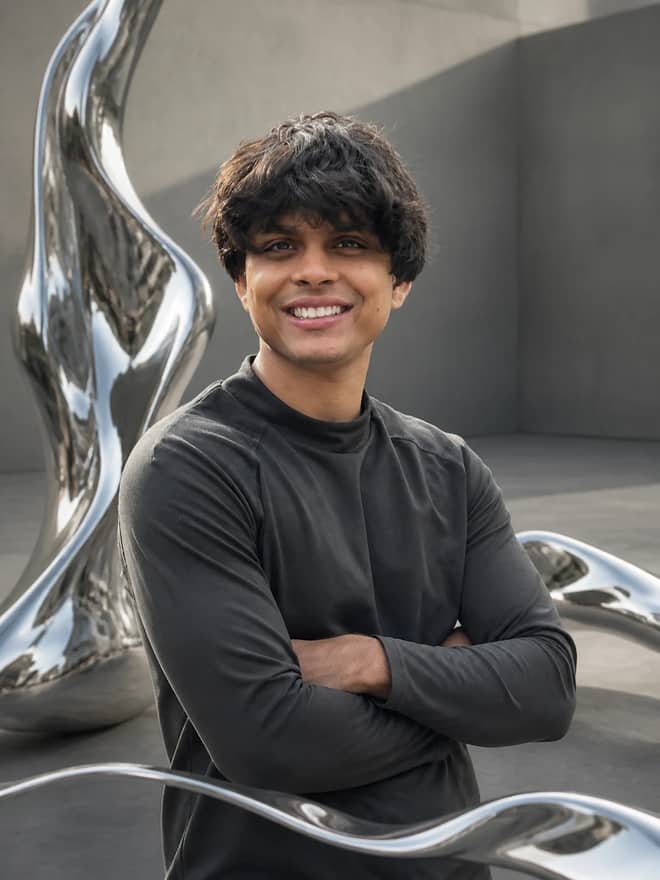
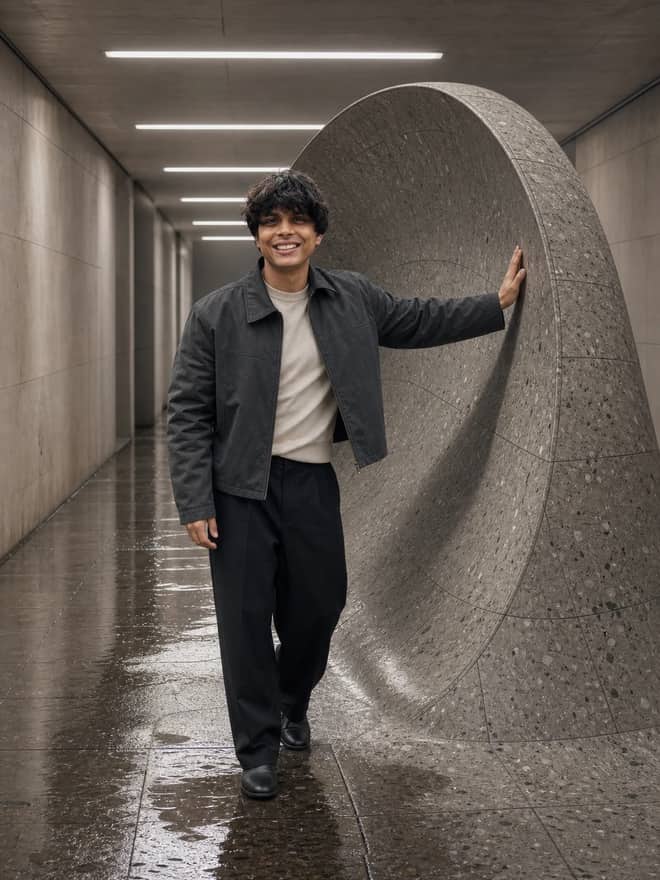
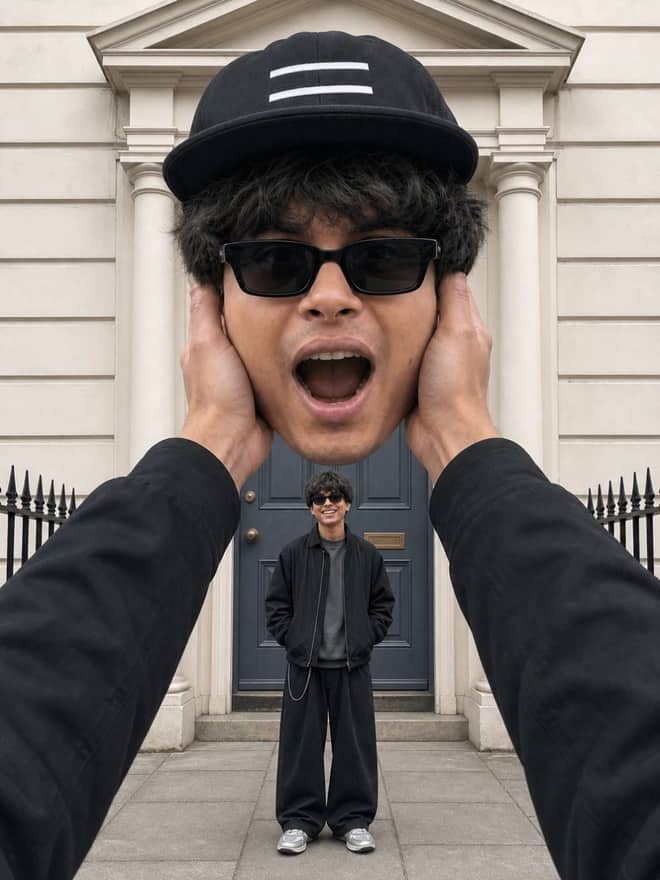
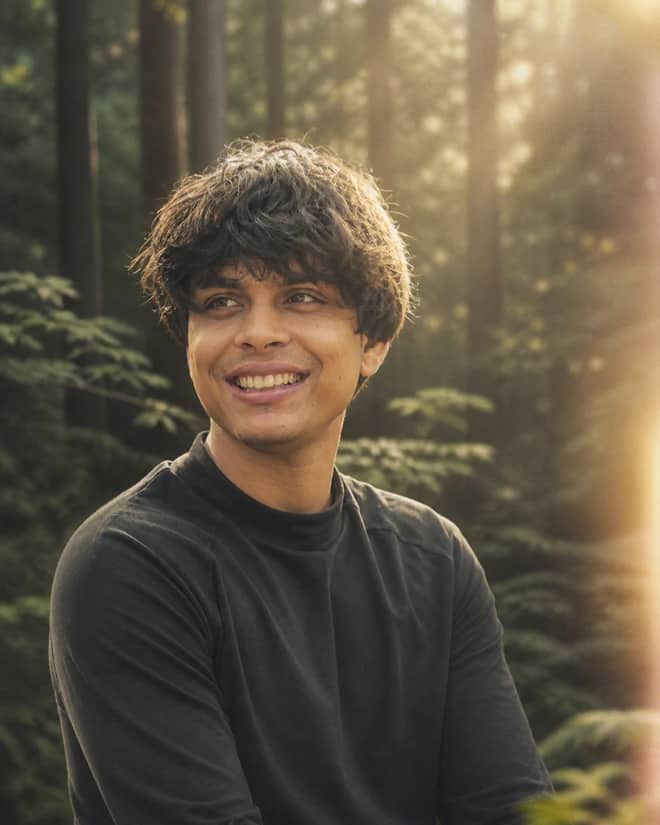
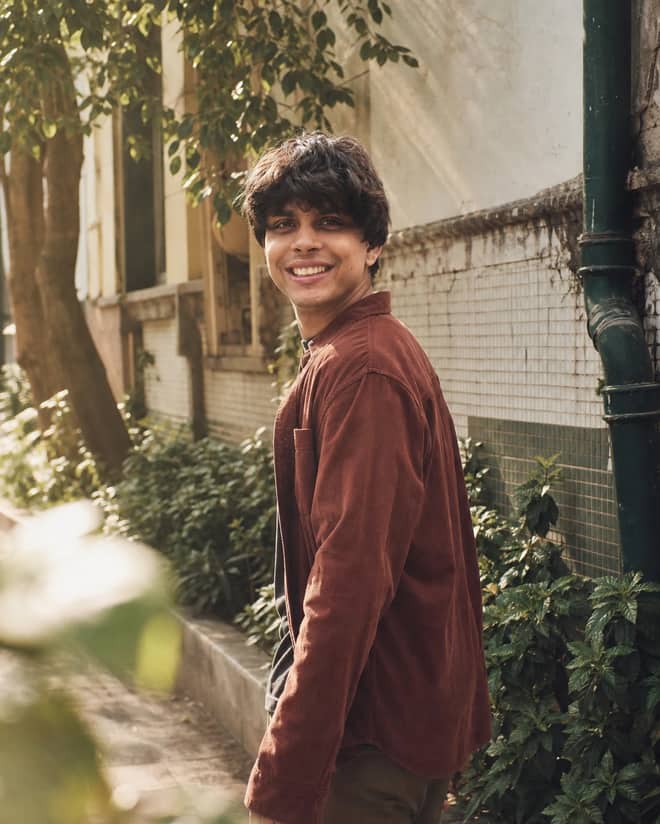
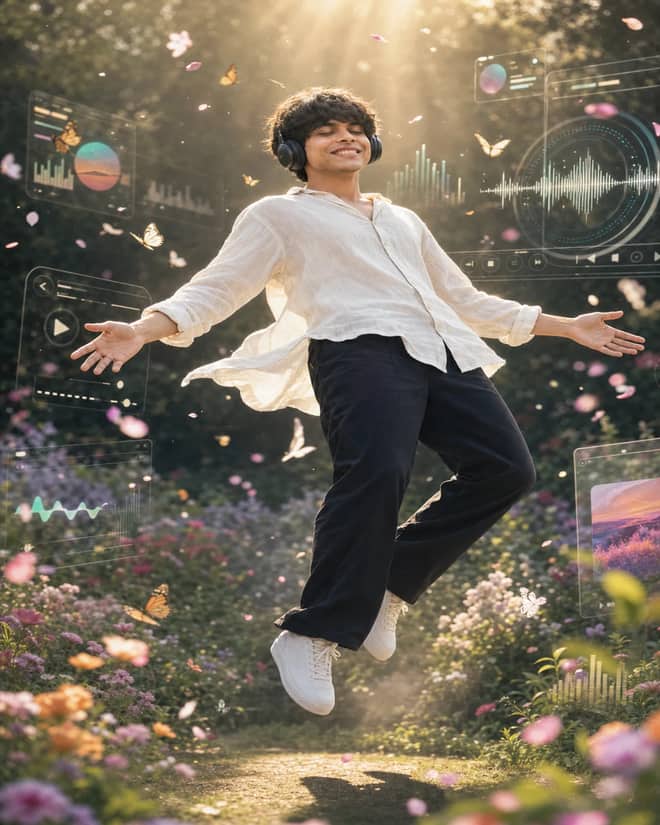
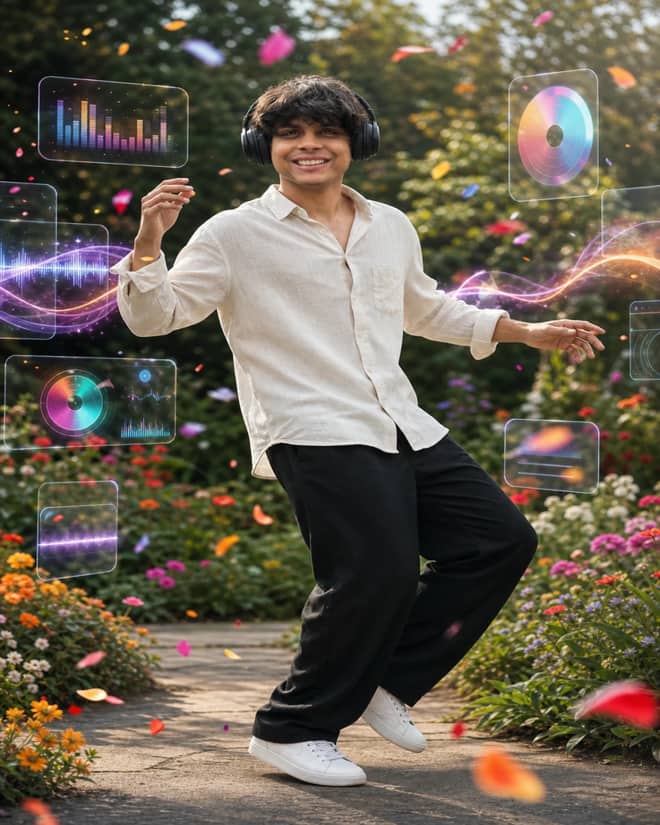
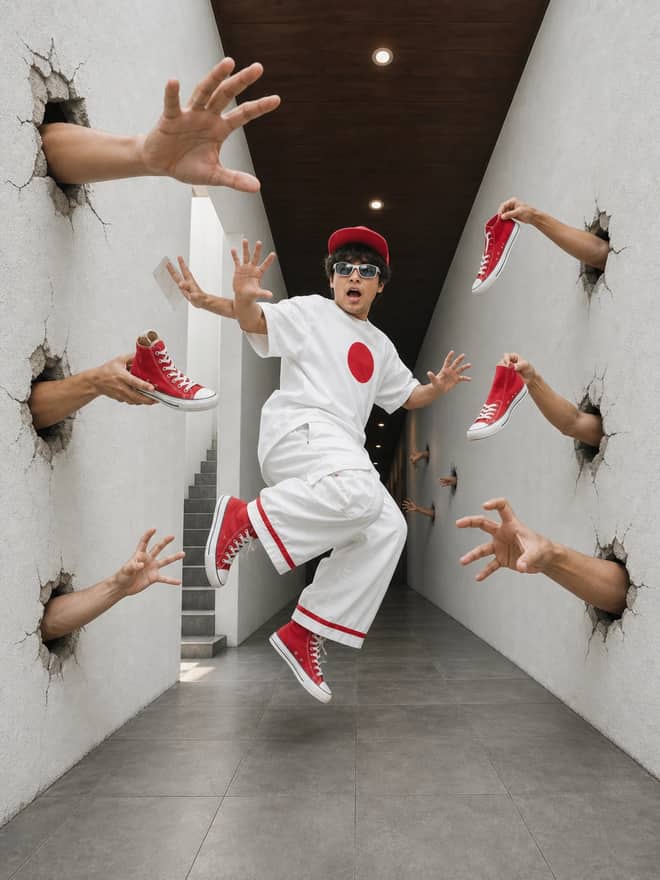
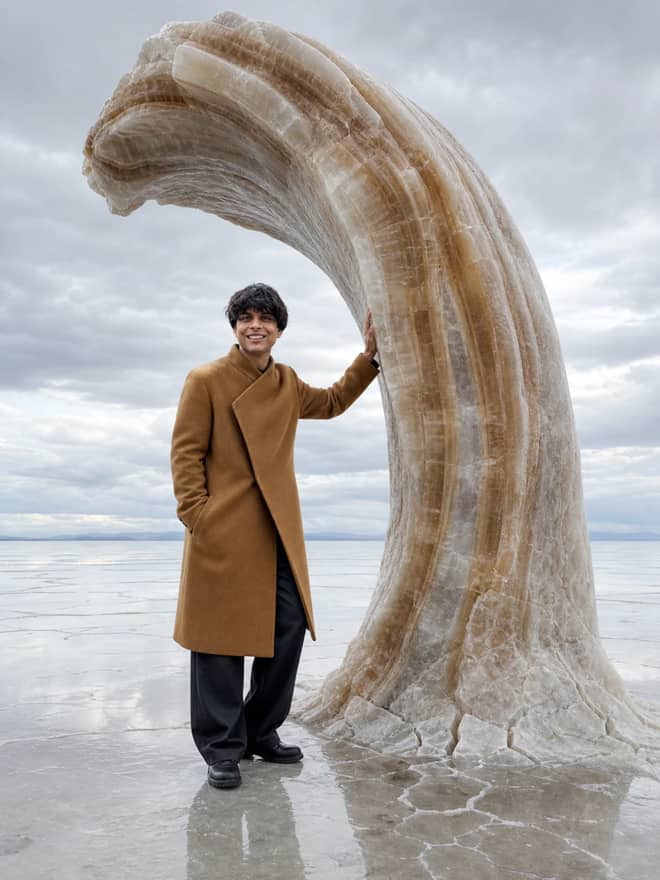
A trending Gemini prompt is the exact wording people are passing around this week to turn a plain phone photo into whatever look is flooding their feed, and the grid above is stocked with the ones working right now. Trends here move fast. What blew up a month ago can feel tired today, so the useful question is not only which prompt to grab but why a certain style is spreading and how to land it on your own face without it turning into a stranger.
Why a trending Gemini prompt goes viral in the first place
Gemini's image model, the one a lot of people call Nano Banana, made one thing easy that used to be a pain: it edits a photo you already have instead of inventing someone new. You upload yourself, type a sentence or two, and it keeps your face while changing the rest. That single ability is what drives the whole trend cycle. Someone posts a saree portrait or a tiny figurine of themselves, the comments fill with 'prompt please,' and within days the same wording is on every reel. A look catches on because it is cheap to copy, easy to recognize in a thumbnail, and forgiving even when your input photo is just okay.
So when you see a phrase like trending Gemini prompt, treat it as shorthand for whatever style is peaking at this moment. The styles rotate. The method for nailing them barely changes, which is the good news.
The trending Gemini prompt looks people copy right now
Most of what is hot falls into a short list. If you know the names, you can search faster and combine two of them for something that does not look like everyone else's.
- Tiny 3D figurine or action-figure versions of yourself, often standing on a round base or boxed like a toy.
- Vintage saree and retro film portraits, warm color, soft grain, that old studio feel.
- The 90s polaroid look, sometimes posed next to a celebrity or a younger version of yourself.
- Clean studio headshots for a profile photo, plain backdrop, sharp eyes.
- Couple and family shots redone in a single consistent style.
- Festival and seasonal edits tied to a moment, so they feel timely instead of generic.
Half the fun is mixing. A figurine in a saree, a retro film couple shot, a polaroid headshot. The model handles combinations surprisingly well as long as you do not pile on five ideas at once.
Advertisement
How to write a trending Gemini prompt that holds your face
The number one complaint with these edits is drift. You upload yourself and get back a cousin who looks vaguely like you. Most of the fix is in how you word the request, not in the photo.
Lock the face first
Add a plain line such as 'keep my real face, skin texture and expression, change only the background and outfit.' This one sentence does more than any clever styling. The model behaves best when you tell it what to leave alone.
Change one thing at a time
A prompt that says 'make me a figurine, in a saree, on a beach, in golden hour, with film grain' will fight itself. Pick the main look, get it right, then ask for a single follow-up change. Smaller named edits keep your likeness and give you control over each step.
Describe light, not just the style word
Words like 'aesthetic' or 'cinematic' mean nothing specific to the model. 'Soft light from the left, warm tone, slight shadow under the chin' gives it something real to work with. Light is what makes an edit read as a real photo instead of a sticker.
Which tool to paste a trending Gemini prompt into
You can run most of these prompts in more than one app. They behave differently, so here is the honest version.
| Trending look | What to add to the prompt | Best tool for it |
|---|
| 3D figurine of you | Small collectible figure, round base, keep my face | Gemini (Nano Banana), edits from your photo |
| Retro saree portrait | 35mm grain, warm faded tone, soft studio light | Gemini for likeness, Midjourney for pure style |
| 90s polaroid | Flash photo, slight blur, white film border | Gemini, since it keeps your real features |
| Profile headshot | Plain grey backdrop, sharp eyes, even light | Gemini or ChatGPT image edit |
| Made-up scene from scratch | Full description, no photo attached | Midjourney or DALL-E |
The short rule: if you want to stay looking like you, Gemini is the one, because it edits your uploaded photo. If you want a fantasy scene with no real person in it, a from-scratch generator like Midjourney often gives a richer image.
Mistakes that wreck a trending Gemini prompt
Almost everyone hits the same few snags. They are quick to fix once you spot them.
- Blurry or dark input. The model has to guess more, and guessing is where your face goes wrong. Start with a clear, well-lit shot.
- Too many instructions in one go. Trim to the main look, then iterate.
- No face-lock line, so the model feels free to redraw you. Always add it.
- Plastic, over-smoothed skin. Ask it to keep pores and natural shadows.
- Chasing a dead trend. If a style already looks overdone in your feed, tweak the wording so yours stands apart.
If the edit looks fake, the giveaway is almost always skin and light. Ask Gemini to keep real skin texture and natural shadows, and the whole thing snaps back to believable.
Spotting the next trending Gemini prompt before it peaks
The prompts on the grid above are current, but trends here have a short shelf life, and the best images come from people who jump on a style while it is still climbing. There is a rhythm to it. A look shows up on one or two big accounts, the comments start begging for the wording, and a few days later it is everywhere and already feeling stale. If you try a fresh style the same day you notice it, your version lands before the feed gets tired of it.
You can also build your own instead of waiting. Take a look you like, name it in plain words, and add the same three things every working prompt has: what to keep, what to change, and how the light should fall. That is honestly the whole formula. Something like 'keep my face, put me in a 90s film studio portrait, soft warm light from one side, grain on top' will hold up against any copied prompt. Once you can write that sentence yourself, you stop chasing trends and start setting them in your own circle.
Make the trending Gemini prompt yours
You do not have to write any of this from scratch. Grab a prompt from the grid above, attach your photo, send it, and look hard at the first result before you change anything. If the face is right and only the mood is off, fix the mood with one short follow-up. If the face is wrong, add the lock line and run it again. Save the version you like before you try a wilder one, because the model will not hand you the same image twice.
Trends will keep turning over. The figurine look will fade, something else will take its place, and the comments will fill with 'prompt please' all over again. What stays useful is the habit: clear photo, one main idea, a line that protects your face, and a single tweak at a time. Learn that, and you can ride any trending Gemini prompt instead of waiting for someone to hand you the next one.