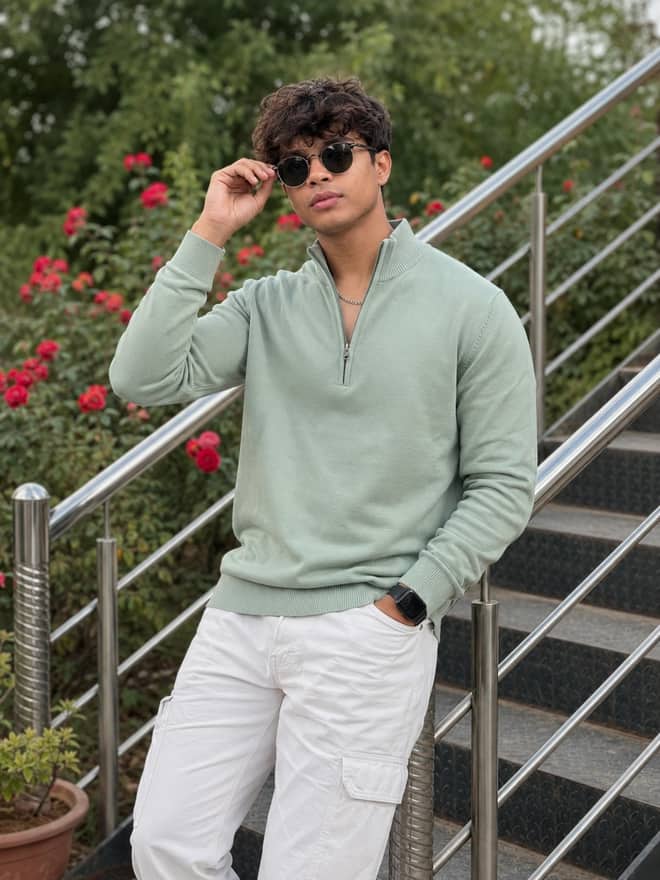
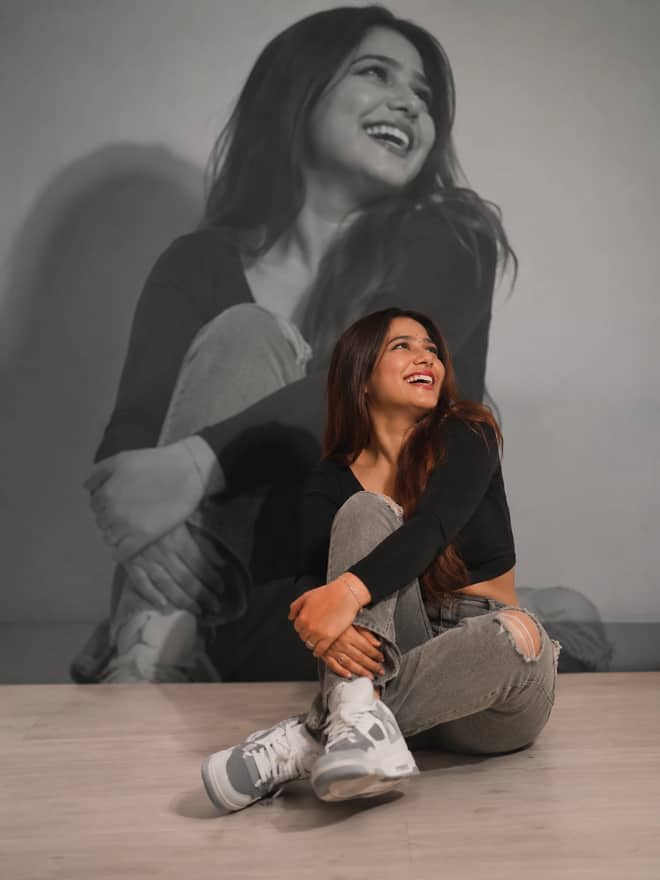
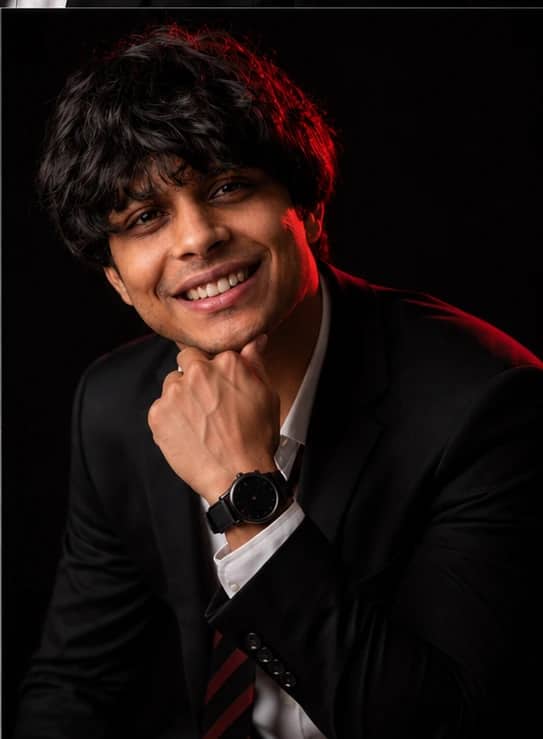
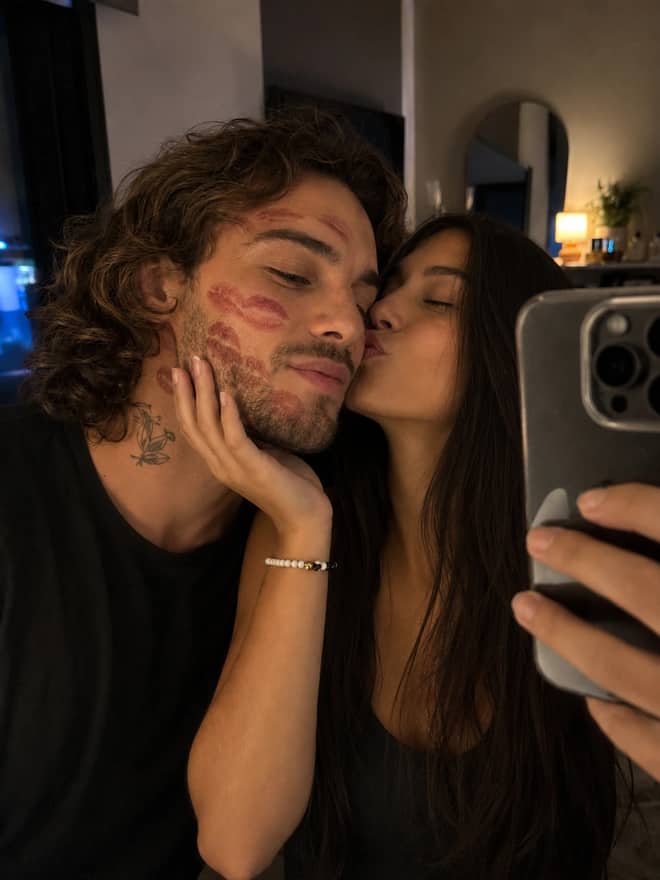
Pixar Chibi Scrapbook Collage – AI Photo Prompt
Turn a photo into a Pixar chibi scrapbook collage — 3D chibi versions in different poses with doodles and sticker outlines. Works in Gemini & ChatGPT.
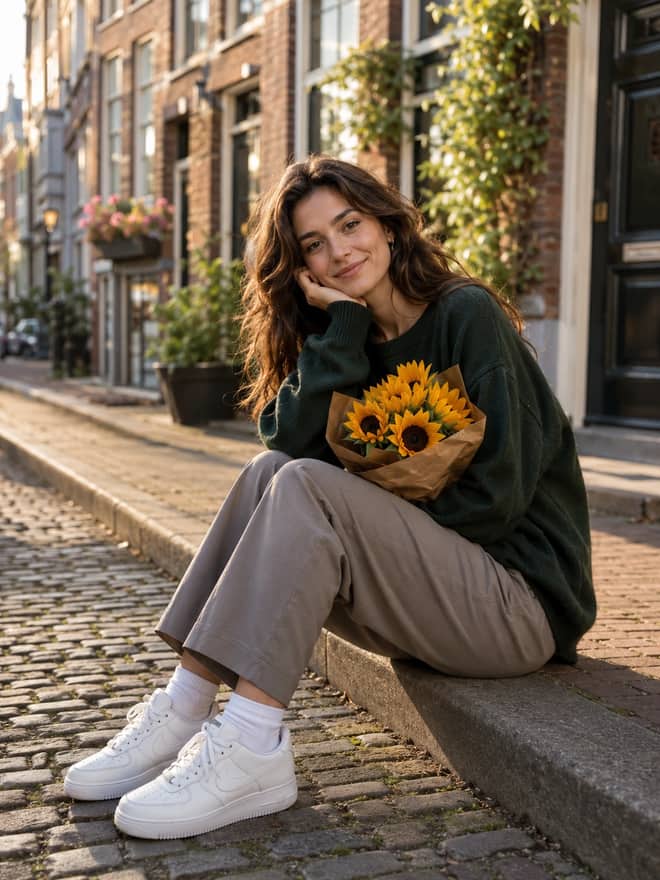
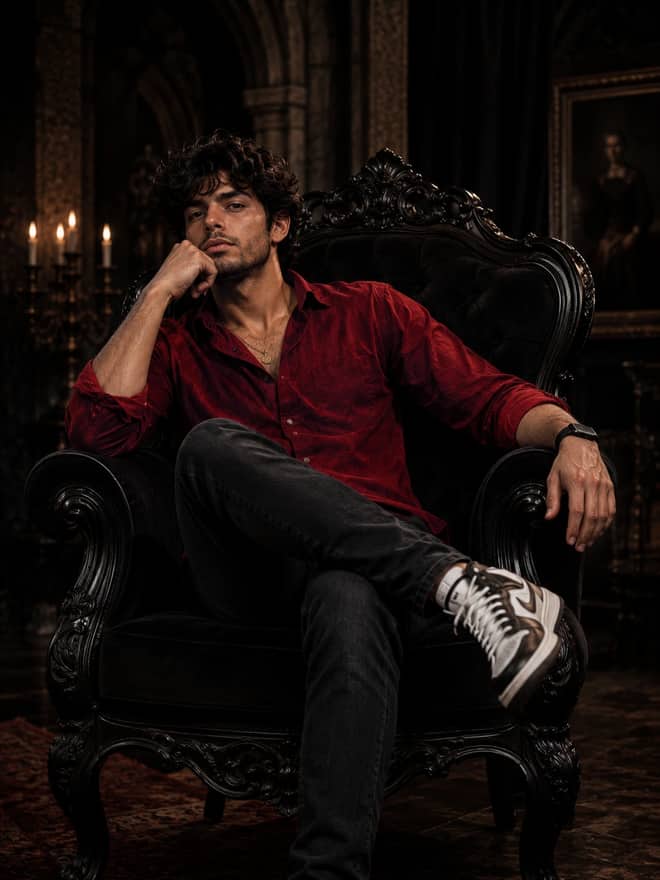
Free nano banana prompts you can copy in one tap. Paste, add your own photo, and create something worth sharing.
36 prompts
Turn a photo into a Pixar chibi scrapbook collage — 3D chibi versions in different poses with doodles and sticker outlines. Works in Gemini & ChatGPT.
A hand-drawn doodle overlay prompt — add playful doodles, motion lines and captions that react to the subject in any photo. Works in Gemini & ChatGPT.
A cinematic World Cup football poster prompt — two players back-to-back, neon flag accents, smoky stadium haze and campaign typography. For Gemini & ChatGPT.
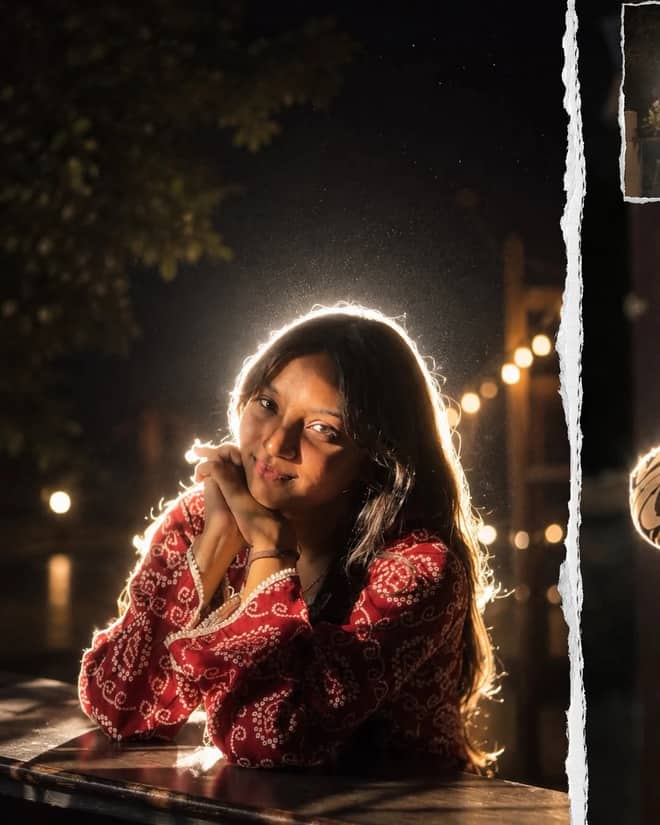
iPhone-flash aesthetic at night — a glowing rim-light halo around the subject, lens flare, soft haze, and that grainy candid mood that goes viral on Instagram reels.
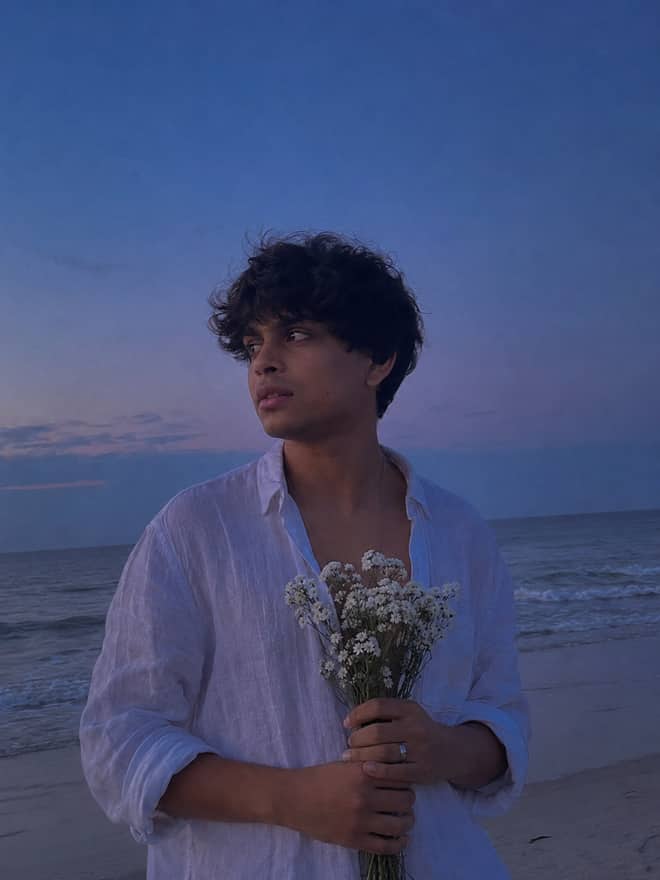
A blue hour portrait prompt. Turn your photo into a man in a white linen shirt holding white flowers on a beach at dusk, moody and emotional. Edit in Gemini.
Mirror portrait prompt — save this free AI photo prompt on Free Prompt Base and edit it in Gemini & ChatGPT. Paste your photo and create fast.
Turquoise fashion portrait prompt — copy this free AI photo prompt on Free Prompt Base and edit it in Gemini & ChatGPT. Paste your photo and create in seconds.
Generate viral LEGO-style AI content with powerful LEGO prompts. Create realistic LEGO characters, cinematic scenes, mini-figures, and trending social media visuals.
Chiaroscuro portrait prompt — grab this free AI photo prompt on Free Prompt Base and recreate the look in Gemini or ChatGPT. Copy, paste, done.
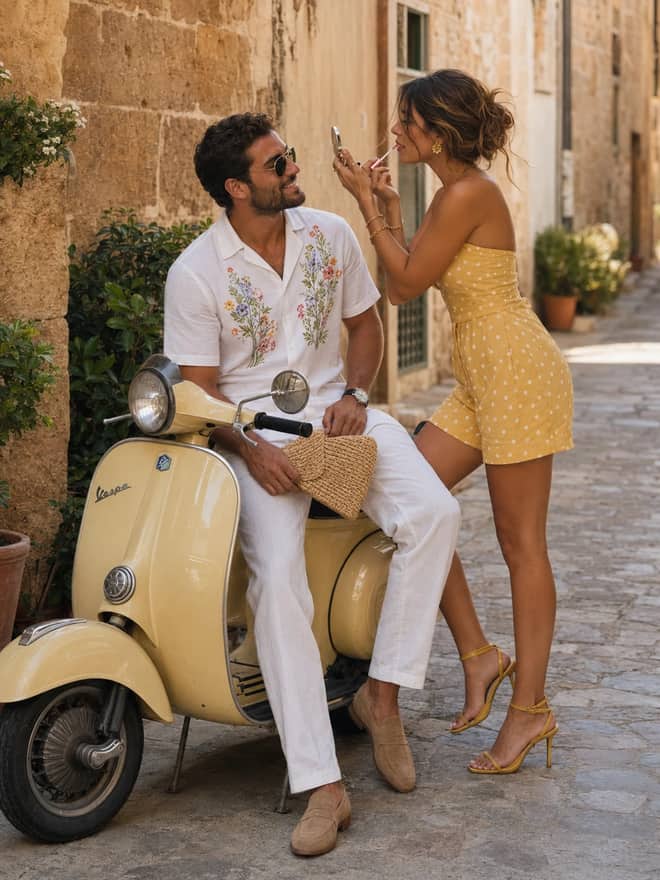
Floral shirt portrait prompt — try this free AI photo prompt on Free Prompt Base and create it in Gemini or ChatGPT. Just copy, paste your photo and go.
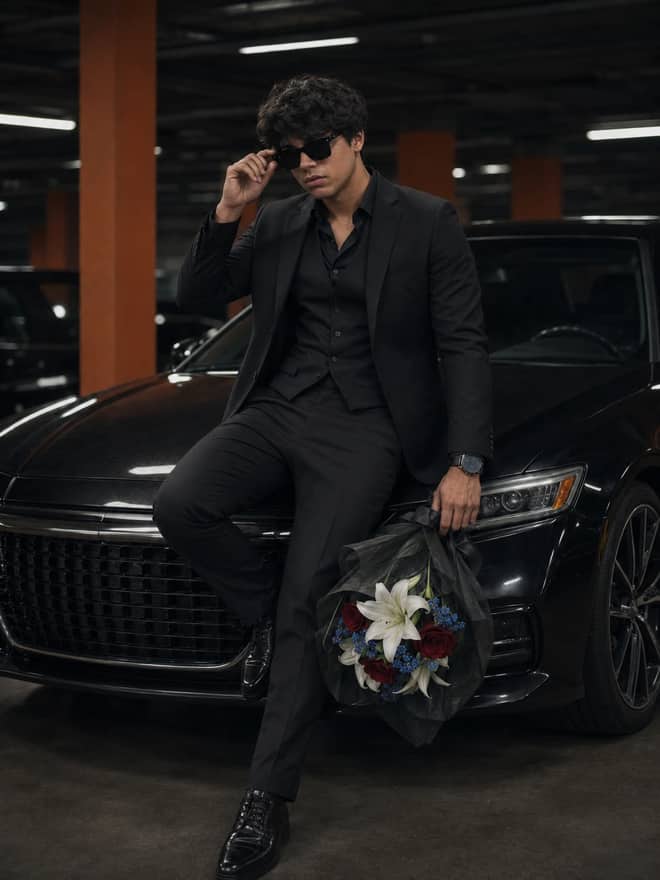
A man with flowers portrait prompt. Turn your photo into a melancholic black and white shot of a man in a coat holding white flowers in the rain. Edit in Gemini.
A bike lifestyle portrait prompt. Turn your photo into a stylish man leaning against a matte black classic bike in warm daylight. Edit in Gemini & ChatGPT.
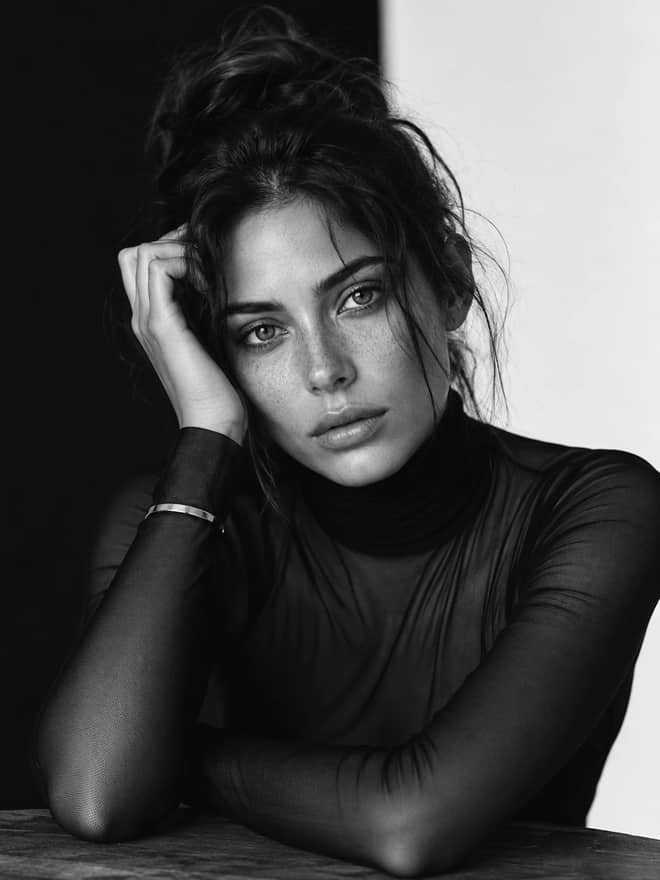
A monochrome male portrait prompt. Turn your photo into a dramatic black and white shot of a man in a black mock neck sweater. Edit in Gemini & ChatGPT.
A winter horse portrait prompt. Turn your photo into a man in all-black standing with a black horse in a snowy forest, cinematic. Edit in Gemini & ChatGPT.
A film noir portrait prompt. Turn your photo into a black and white shot of a man on a bokeh-lit city street at night. Edit in Gemini & ChatGPT.
A light beam portrait prompt. Turn your photo into a dramatic close-up with a diagonal light beam across the face and deep shadows. Edit in Gemini.
A gothic hall portrait prompt. Turn your photo into a woman in a black coat glancing back in a sunlit gothic hall, cinematic. Edit in Gemini & ChatGPT.
An urban motion portrait prompt. Turn your photo into a woman in a black coat walking through a busy, motion-blurred city street. Edit in Gemini.
A selective color portrait prompt. Turn your photo into a black and white male portrait with a glowing amber eye and wet skin droplets. Edit in Gemini.
A color gel portrait prompt. Turn your photo into a cinematic close-up lit with warm golden and cool green tones on a black backdrop. Edit in Gemini.
A black and white horse portrait prompt. Turn your photo into a moody monochrome shot of a stylish man sitting with a horse. Edit in Gemini & ChatGPT.
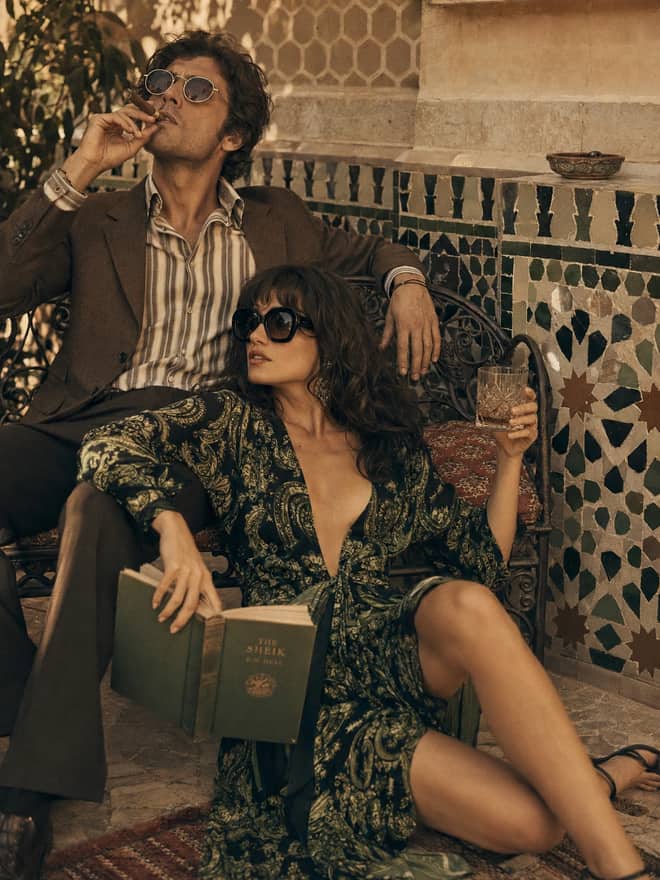
A vintage gentleman portrait prompt. Turn your photo into a man in a plaid three-piece suit with a walking stick on a cobblestone street. Edit in Gemini.
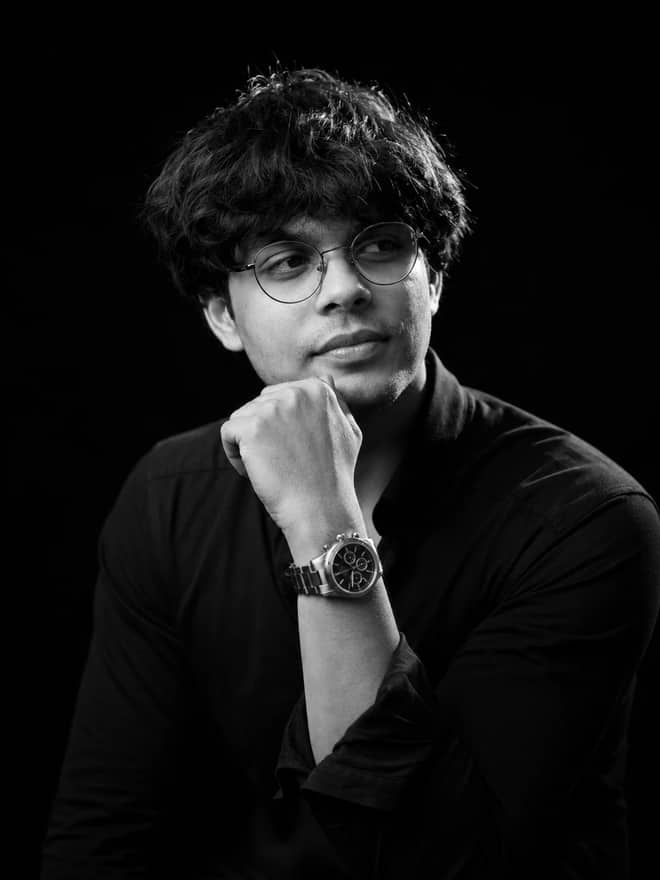
A black and white headshot prompt. Turn your photo into a clean professional portrait of a man in a black tee and glasses on a black backdrop. Edit in Gemini.
An autumn fashion portrait prompt. Turn your photo into a stylish man by a vintage street lamp in an autumn park with falling leaves. Edit in Gemini.
A father and son portrait prompt. Turn your photo into a stylish man and baby in matching formal outfits and sunglasses in a studio. Edit in Gemini & ChatGPT.
A green field portrait prompt. Turn your photo into a moody portrait in a white linen shirt standing in tall green grass. Edit in Gemini & ChatGPT.
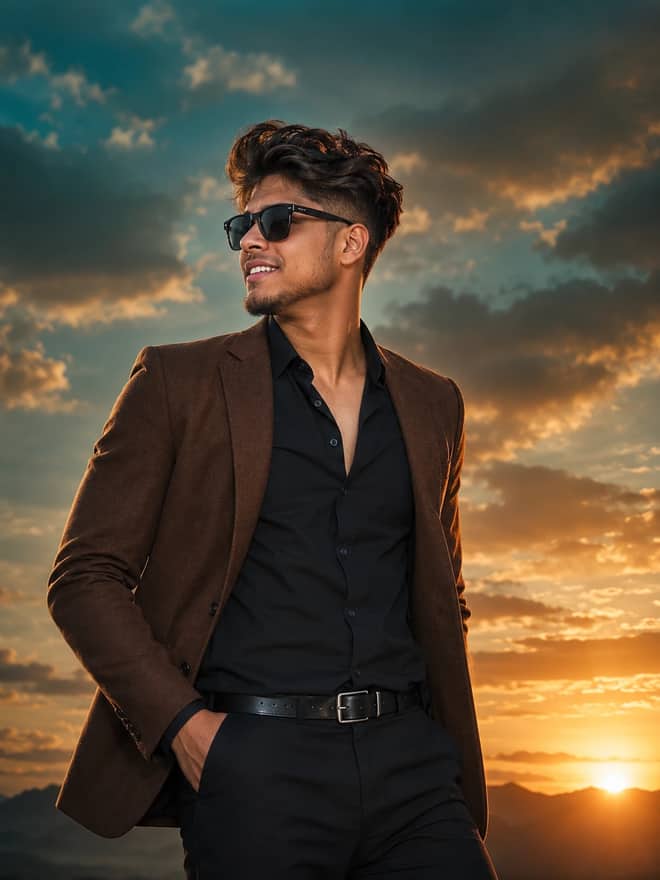
A movie poster portrait prompt. Turn your photo into a heroic male lead in a brown blazer and sunglasses against a dramatic sunset sky. Edit in Gemini.
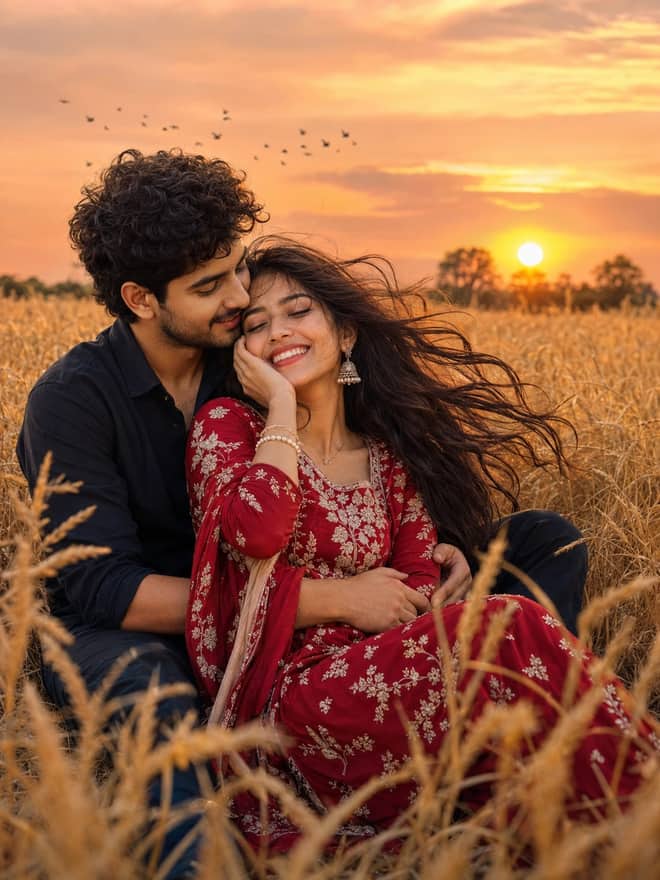
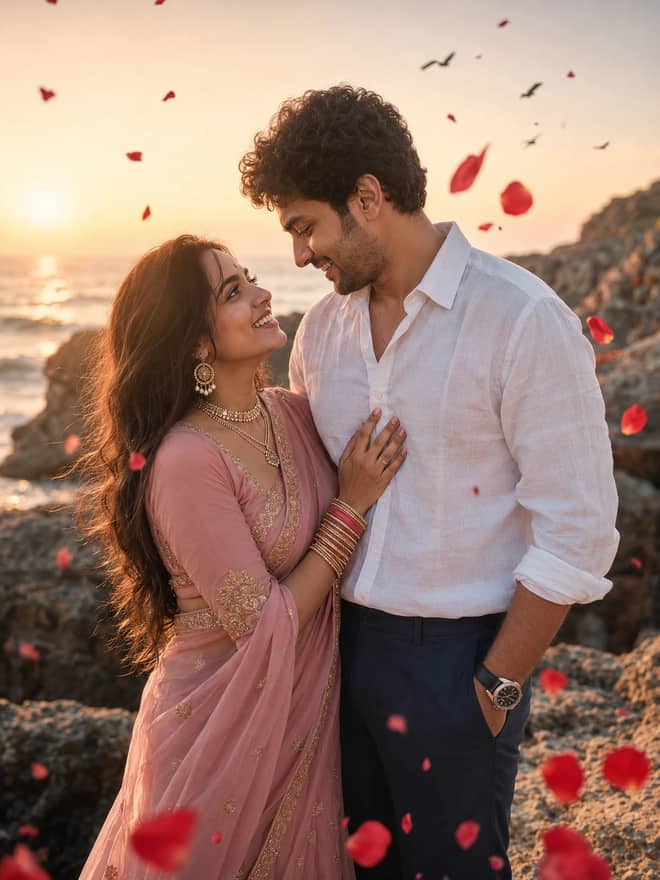
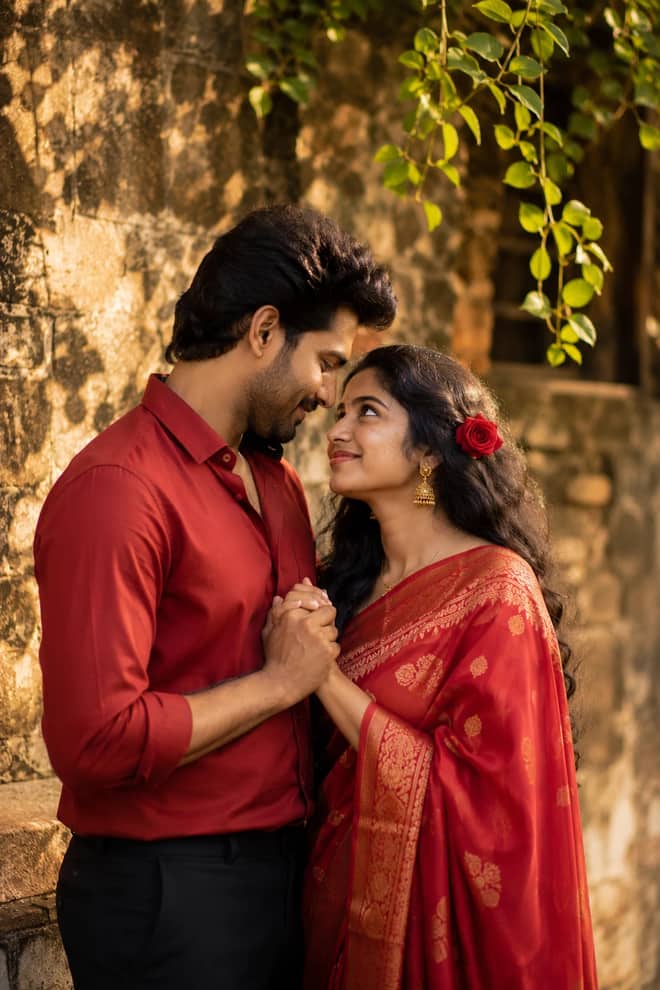
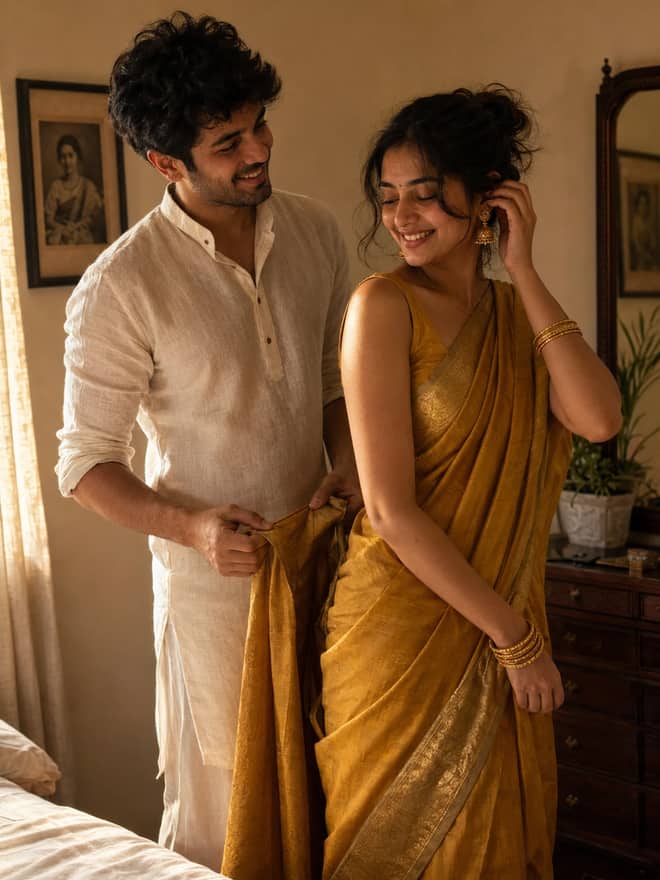
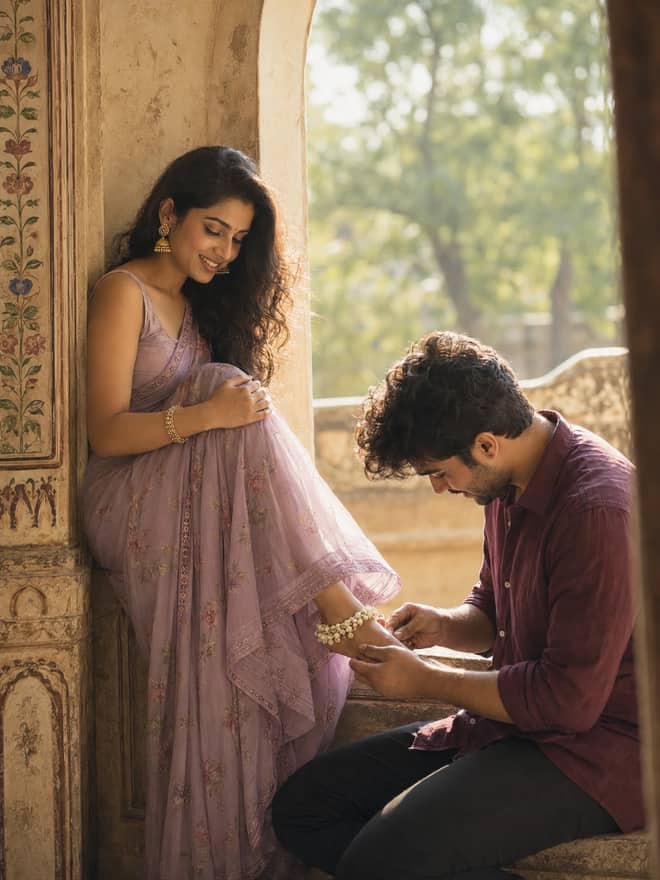
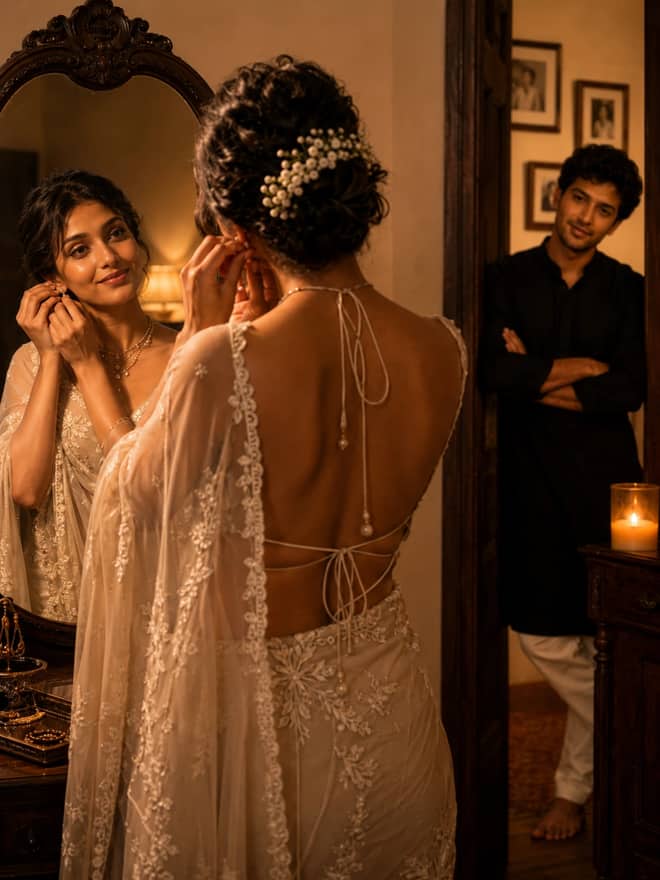
An Indian couple portrait prompt. Turn your photo into a romantic outdoor portrait of a couple in a red saree and red shirt. Edit in Gemini & ChatGPT.
A footballer portrait prompt. Turn your photo into a soccer player in a white kit standing with a ball under bright stadium lights. Edit in Gemini.
A European city portrait prompt. Turn your photo into a black and white shot of a man in a wool overcoat among pigeons in a city square. Edit in Gemini.
A Valentine's Day couple prompt. Turn your photo into a romantic couple inside a golden glowing circle with neon text and floating hearts. Edit in Gemini.
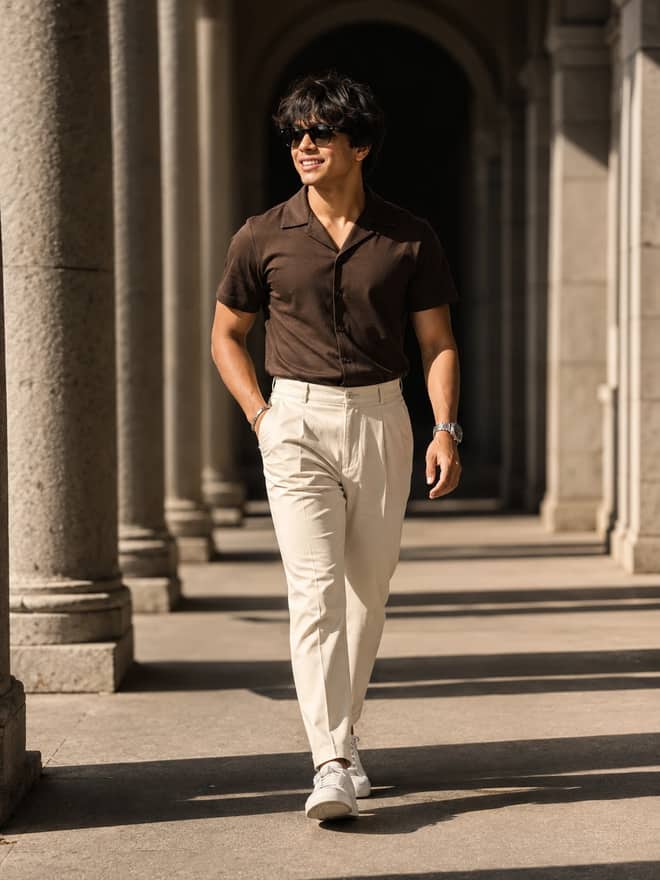
A photographer portrait prompt. Turn your photo into a stylish young man holding a camera in a cinematic urban setting. Edit in Gemini & ChatGPT.
A black and white suit portrait prompt. Turn your photo into a dramatic high-contrast studio shot of a bearded man in a tailored suit. Edit in Gemini.
A dreamy aesthetic portrait prompt — a young man sitting in a flower meadow in soft afternoon light. Copy it for Gemini, ChatGPT or Midjourney.
A fisheye floating photo prompt — a person levitating above a field of flowers, shot worm's-eye through a floral tunnel. Works in Midjourney & Gemini.
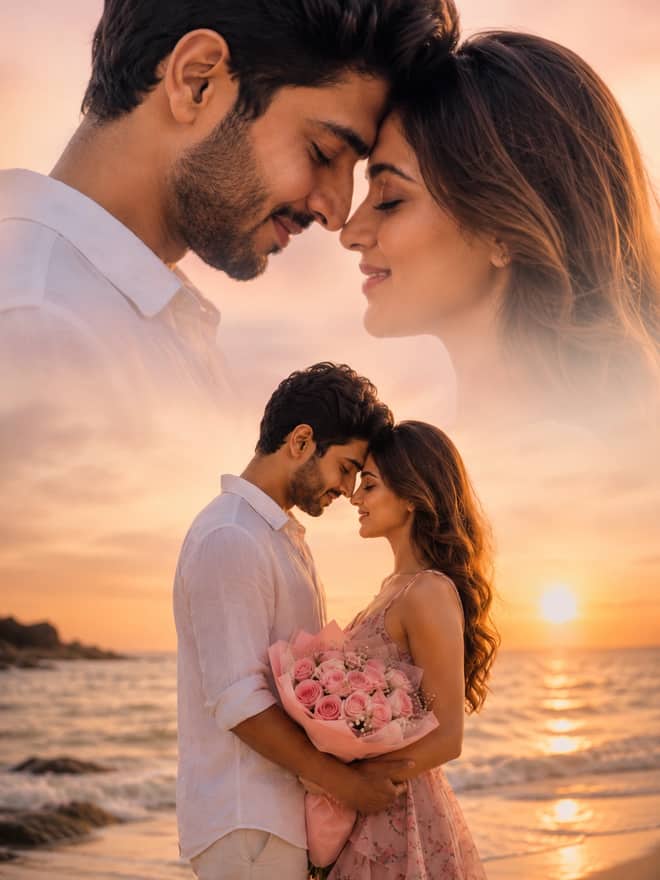
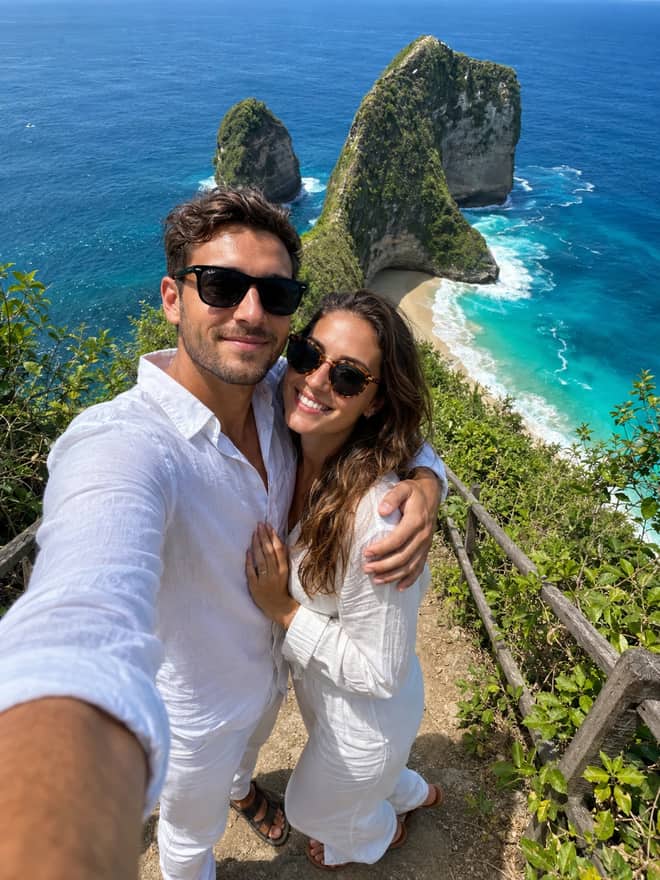
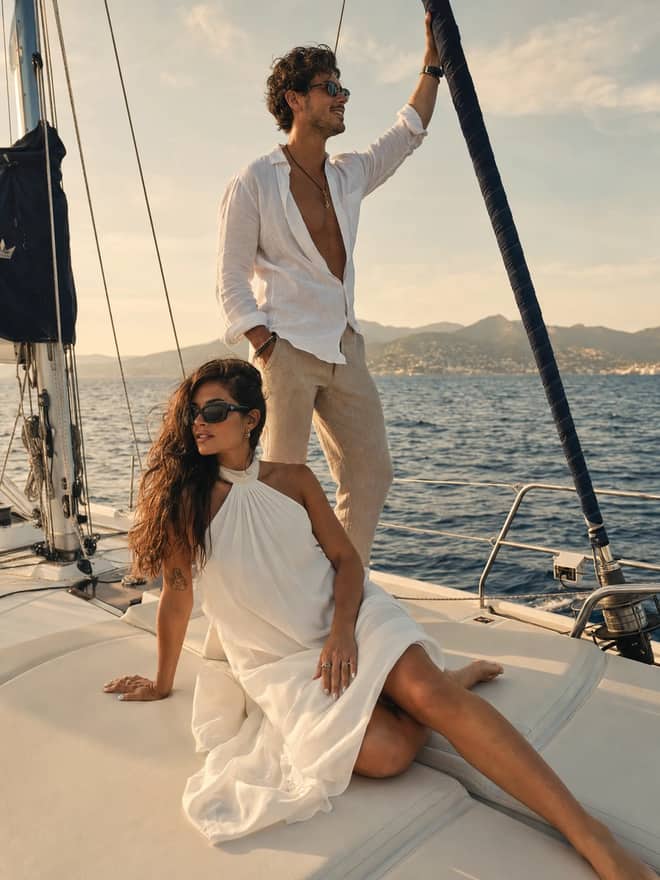
A beach couple portrait prompt. Turn your photo into a romantic couple holding red roses on a beach with elegant name typography. Edit in Gemini & ChatGPT.
No prompts match your search.
Showing popular prompts you can adapt for “nano banana prompt”.
The guide
A nano banana prompt is the line of text you paste into Google's Gemini image tool to edit a photo or build one from scratch. People call the model nano banana, the actual name is Gemini 2.5 Flash Image, and lately you will also see folks talk about Nano Banana Pro and even a Nano Banana 2 for the newer, sharper results. The grid at the top of this page is full of prompts you can copy right now. This part is about the words themselves: how a good prompt is put together, why some go viral while yours flops, and how to fix the ones that come out wrong.
The model reads your photo and your instruction at the same time. So the prompt is half description and half rules. You are telling it what to make, and quietly telling it what to leave alone. That second part is where most people slip. They write a lovely description of a scene and forget to say 'keep my face', so the output looks great and nothing like them.
Plain English works. You do not need code, brackets, or special syntax. There was a whole trend of writing prompts in a JSON style with curly braces and semicolons, and from what people are reporting it barely moves the needle. One person tested it and said the formatting did almost nothing. Write a clear sentence or two instead. The model handles that better than a wall of fake code.
Once you have run a few, you start to see the same skeleton under every good one. I write mine in this order, and it rarely lets me down.
Stitch those into a sentence. Something like: a portrait of me, keep my exact face, warm 35mm film look with soft grain, sitting by a window in afternoon light, shot close. That single line covers everything the model needs and nothing it can trip over.
Tip: decide the keep line before the look line. If you nail the likeness first, you can throw any style at it. If you chase the style first, the face usually drifts.
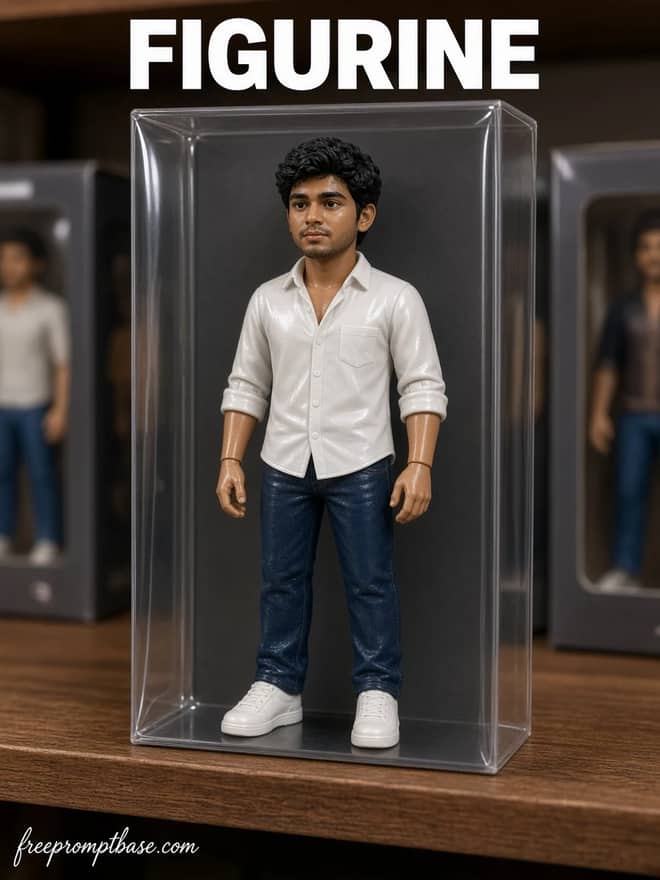
The looks that get shared most this month lean editorial and filmic rather than the cartoon stuff from a while back. Analog film portraits are everywhere, the kind with grain and a slightly faded color cast. So are soft editorial portraits, ballet and dance themed shots, and clean studio headshots people use for profiles. The toy figurine of yourself, boxed like a collectible, is still going strong because it is easy and it reads instantly.
Here is a quick map you can steal from. Pick a row, copy the wording into Gemini, swap in your own photo.
| Style | The vibe | Wording to try |
|---|---|---|
| Analog film portrait | nostalgic, grainy, warm | '35mm film, soft grain, faded warm color, keep my face' |
| Soft editorial portrait | magazine, clean, posed | 'editorial lighting, muted tones, sharp focus on the eyes' |
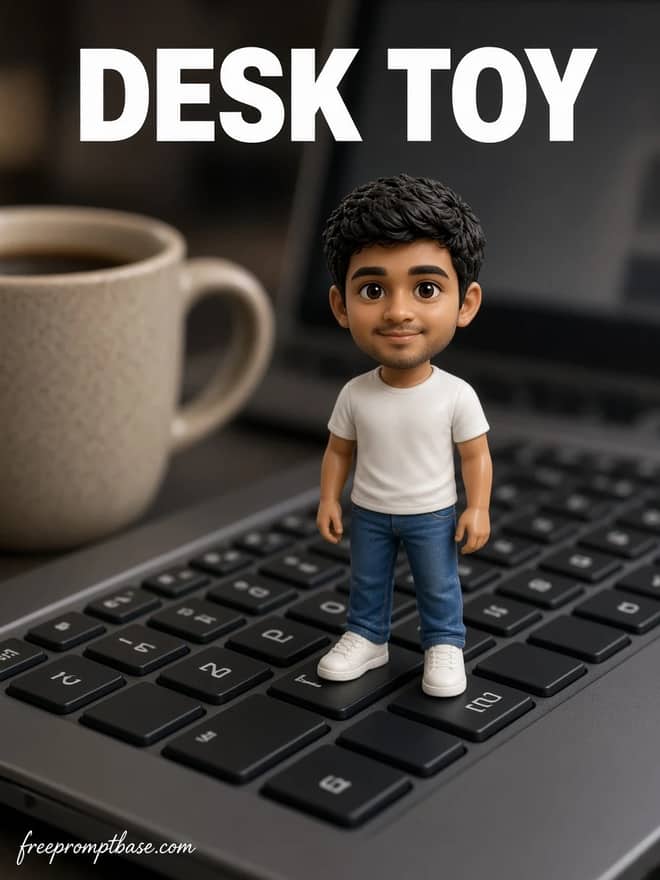
| Toy figurine of you | fun, gift-style | '1/7 scale figure on a desk, plastic texture, keep my face' |
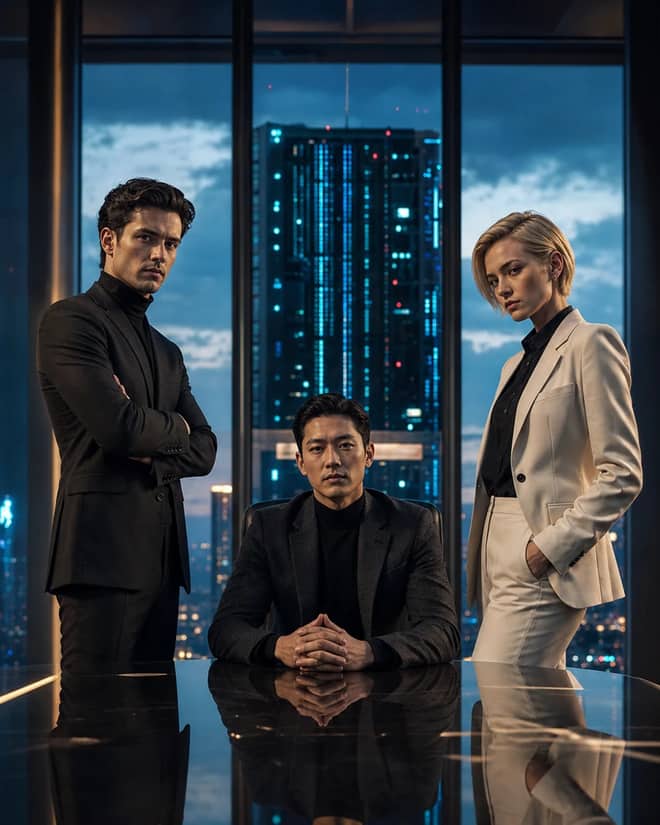
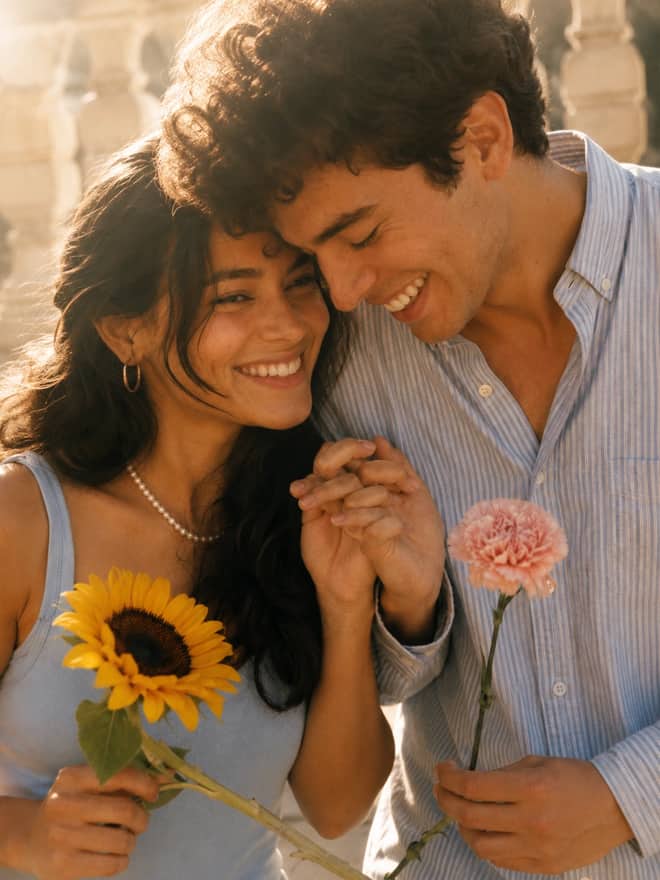
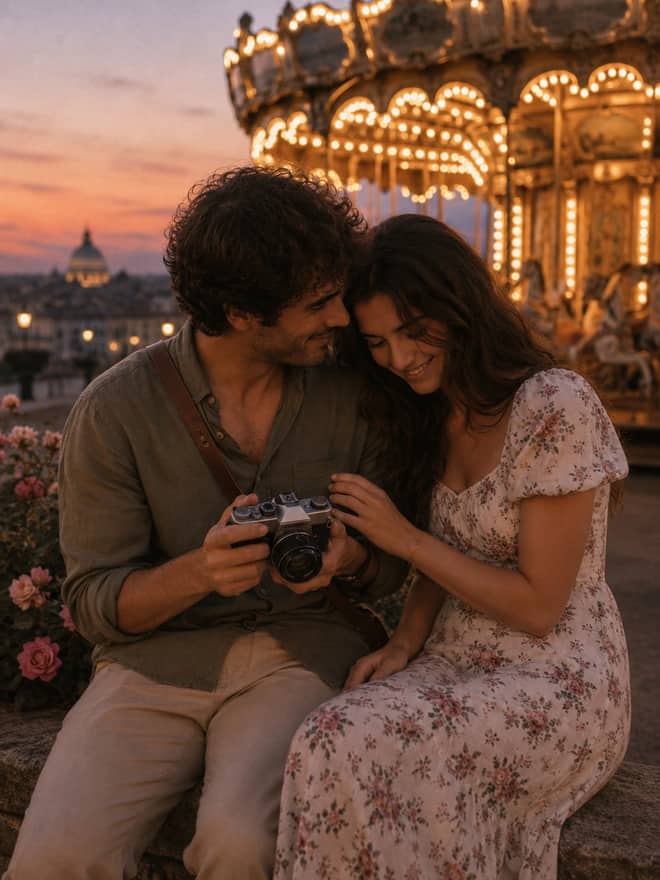
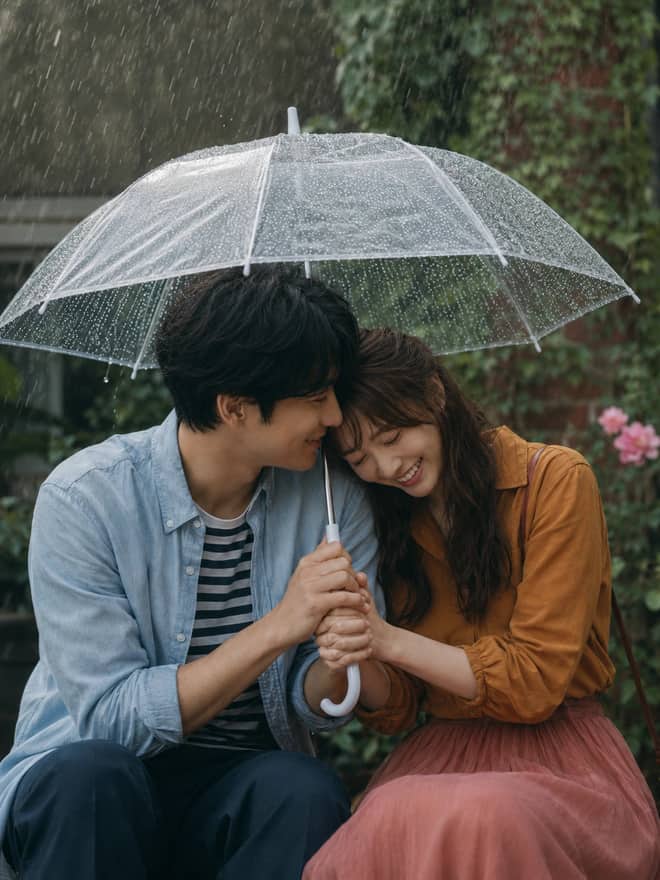
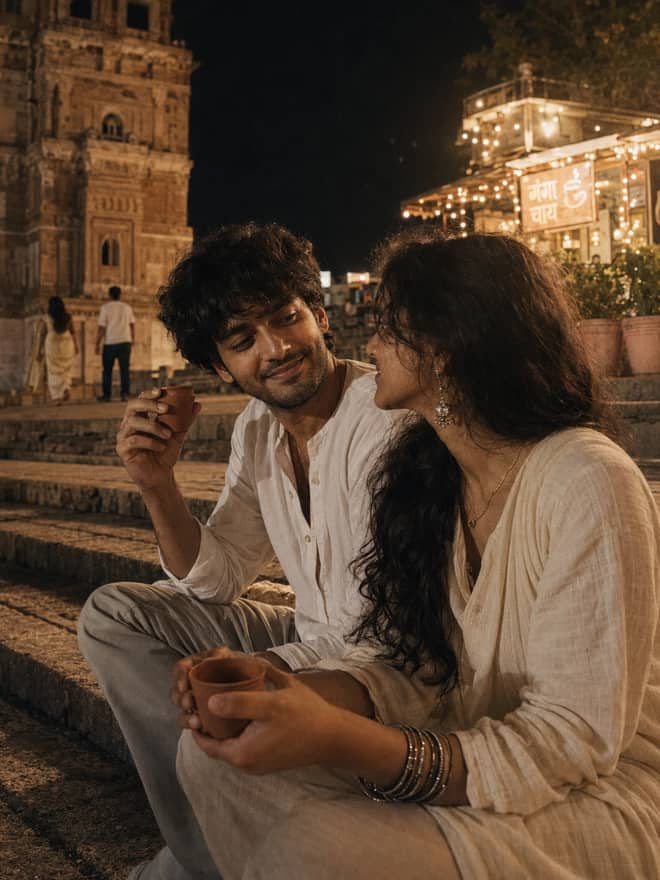
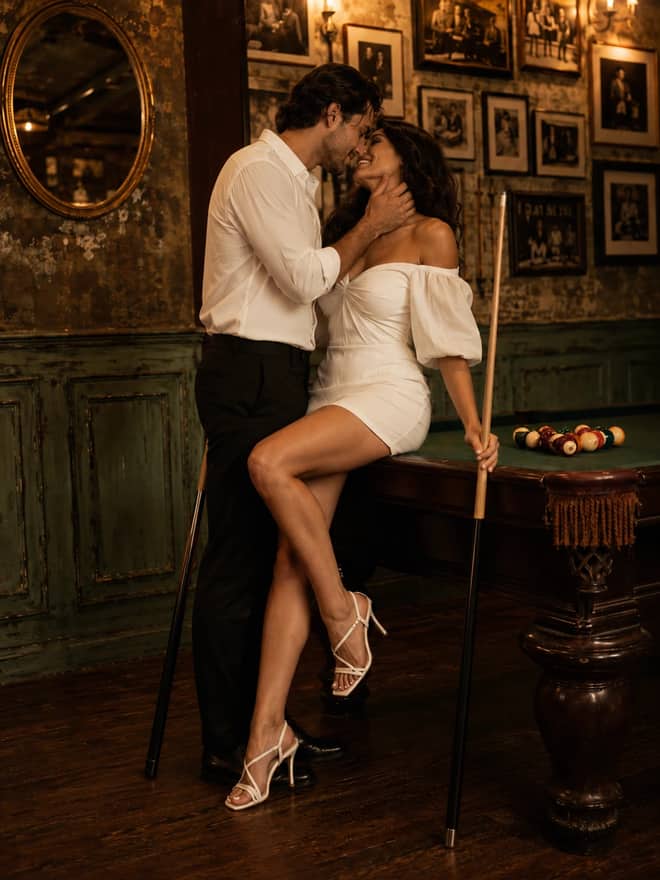
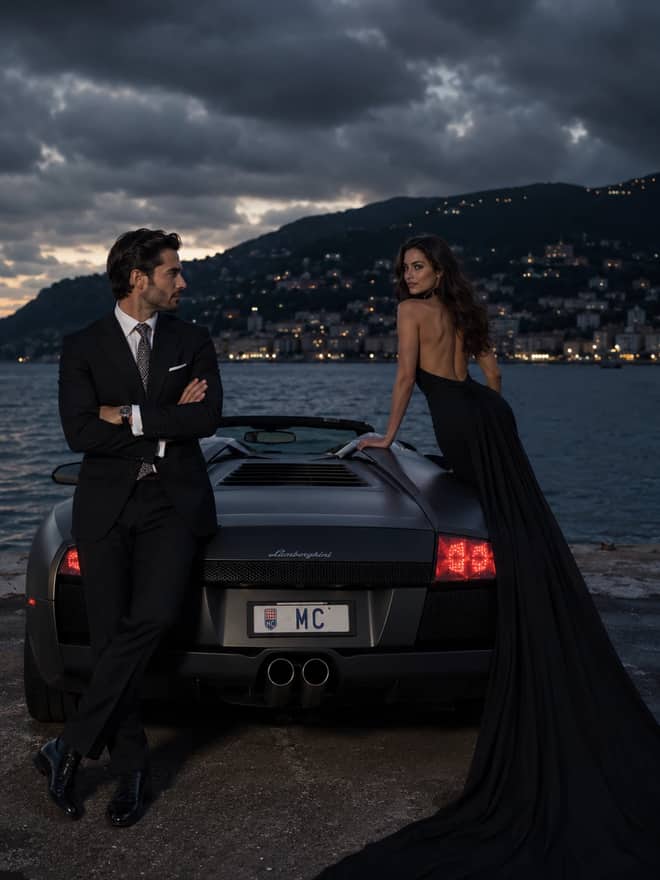
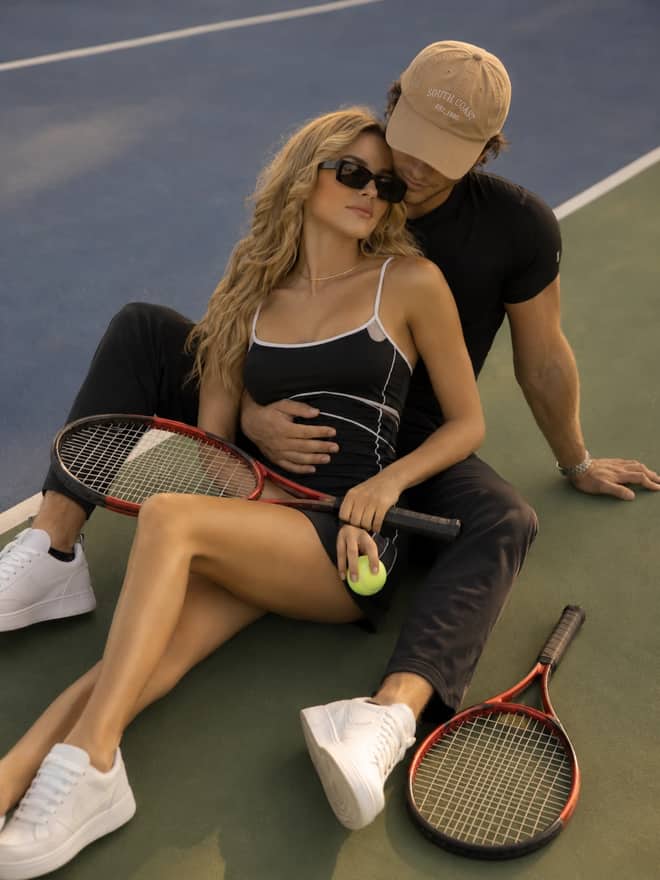
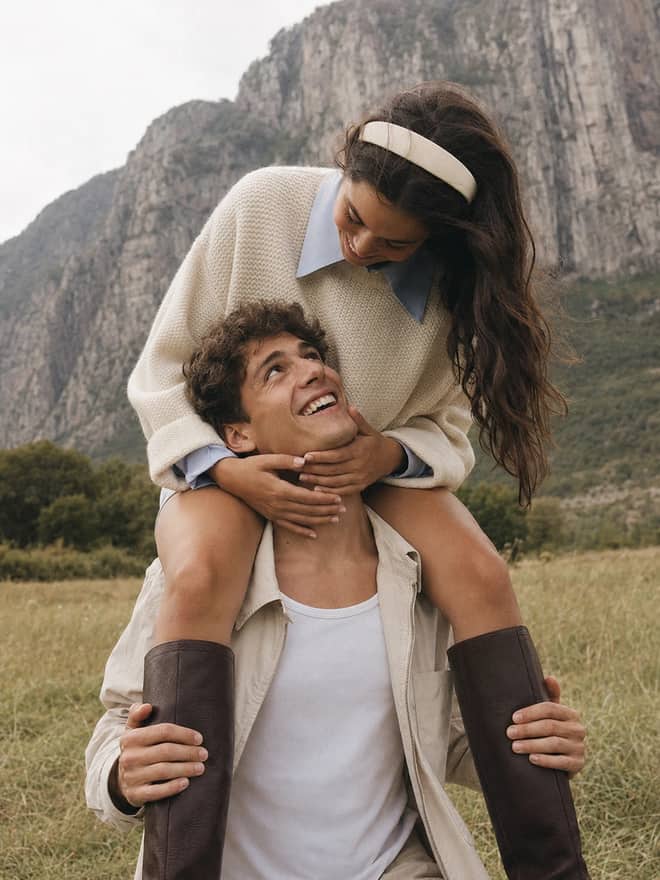
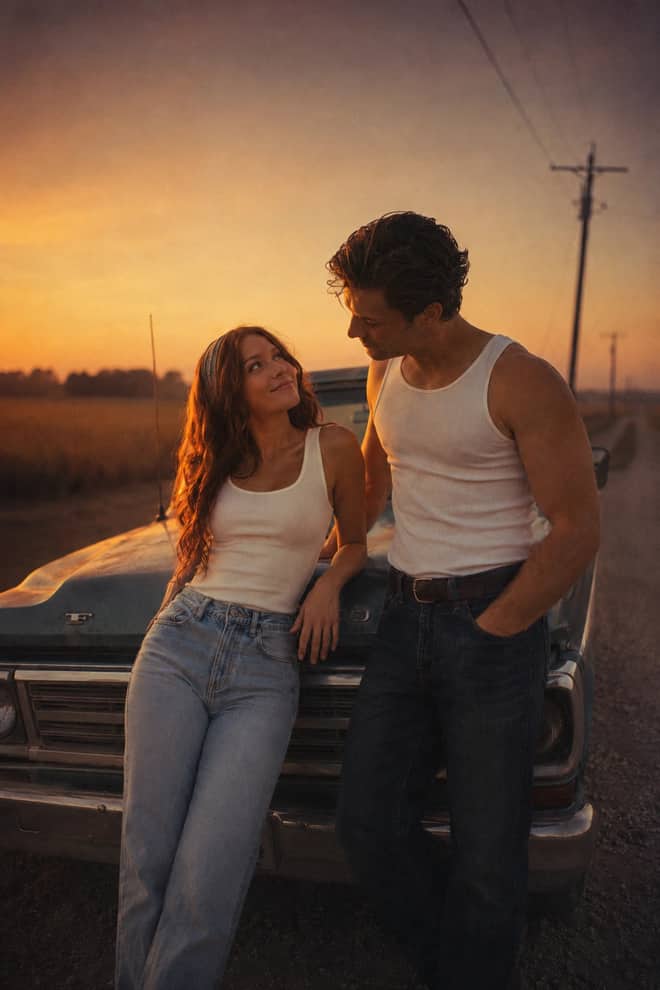
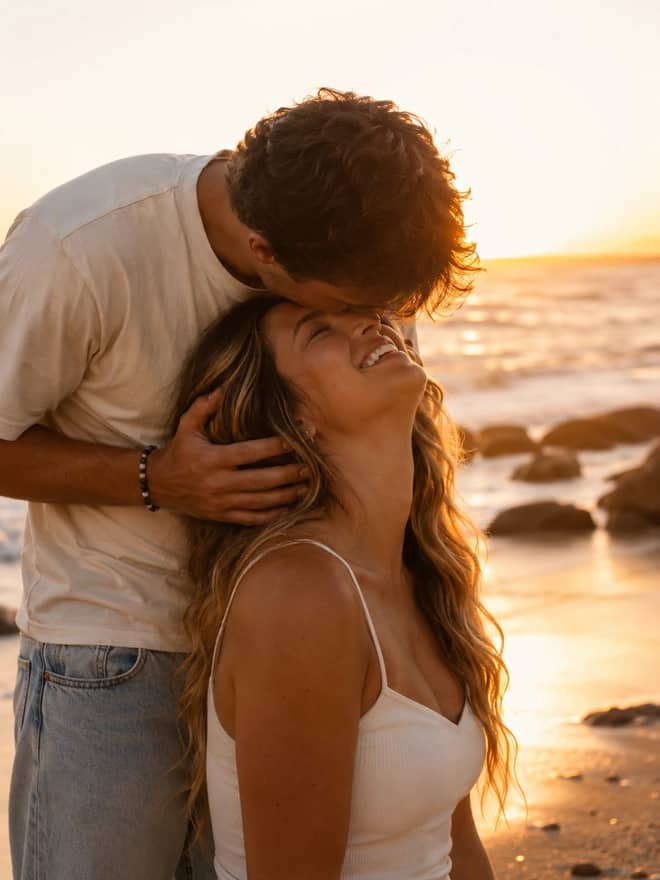
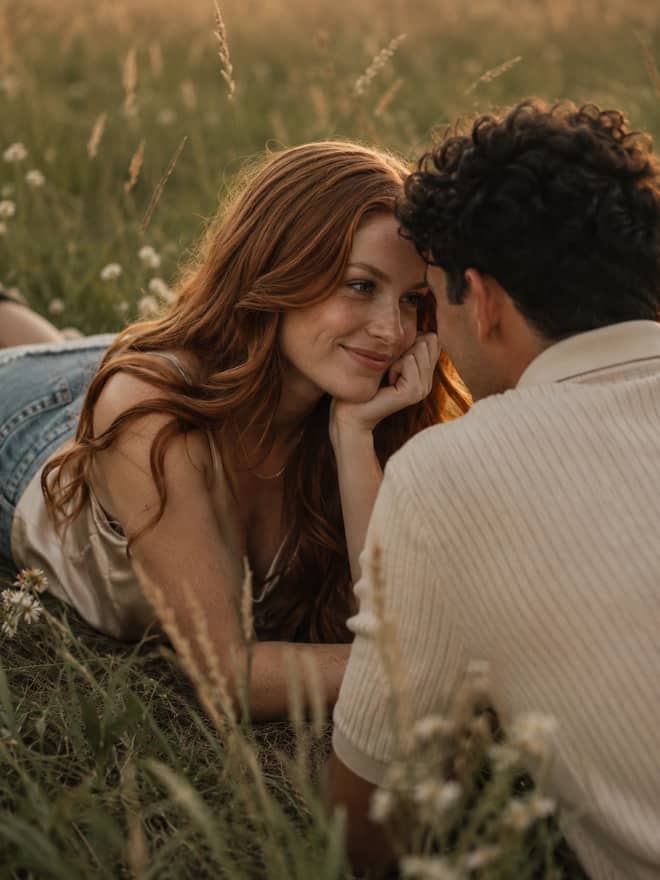
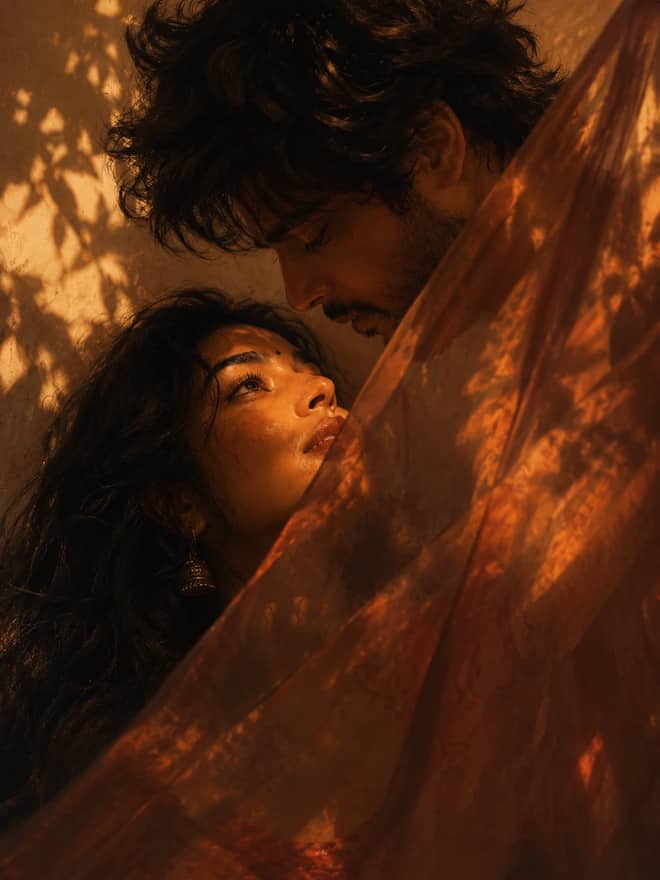
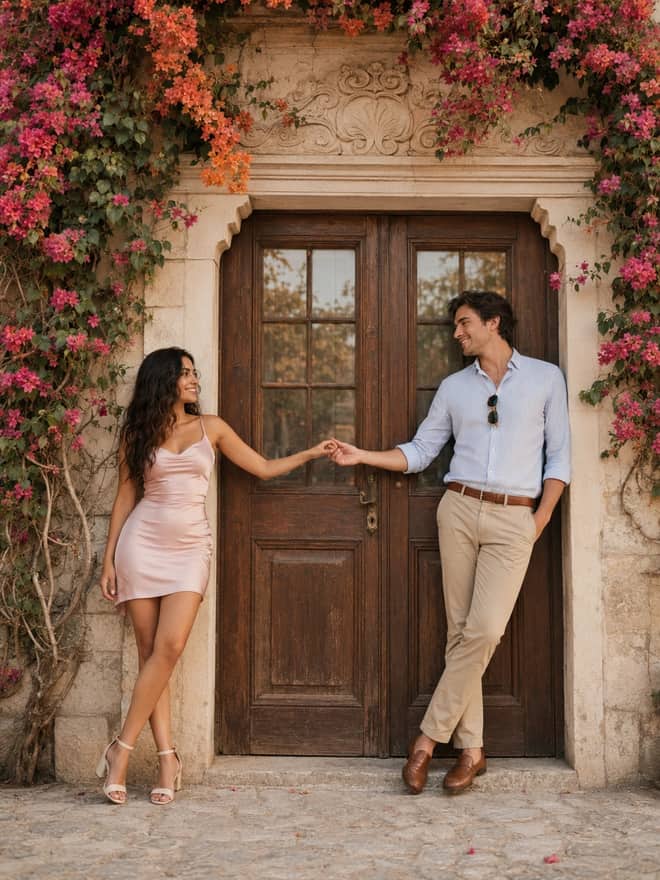
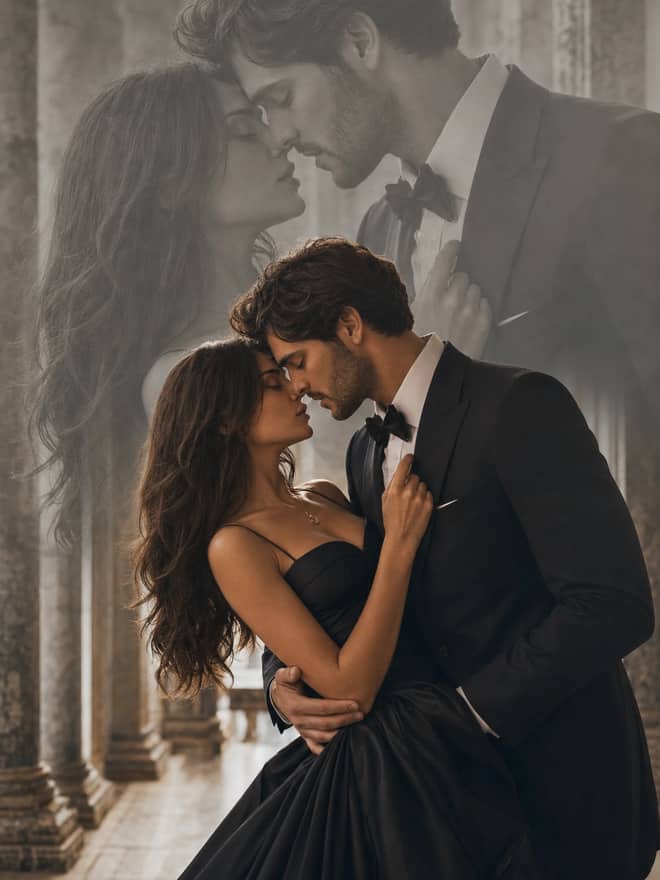
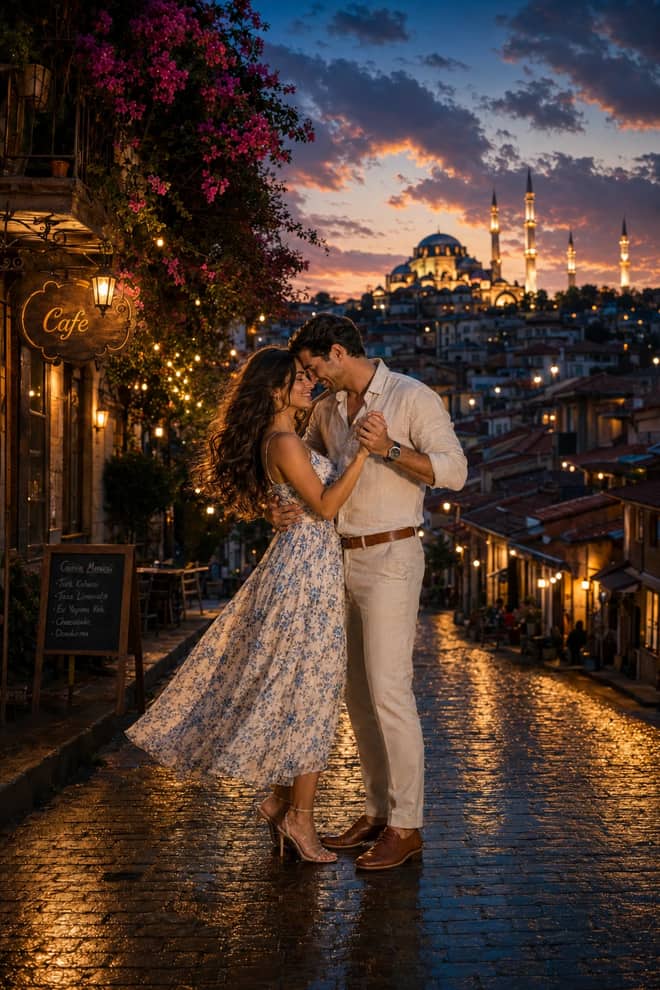
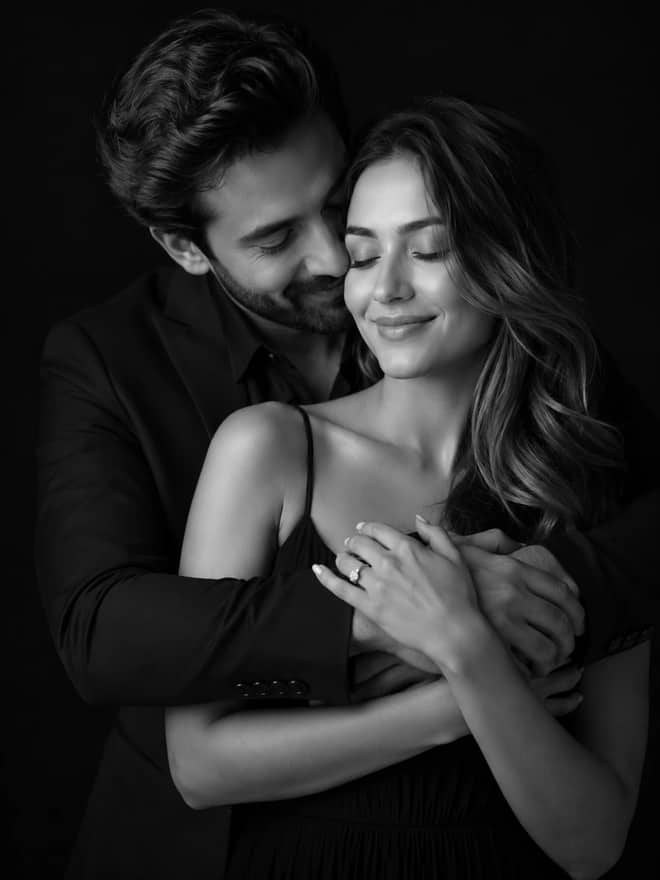
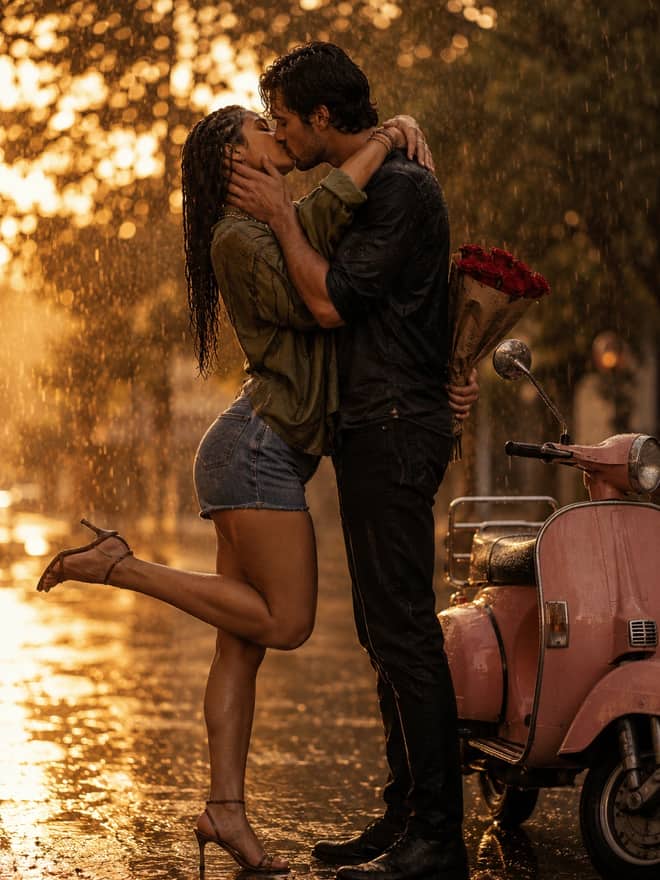
| Cinematic couple shot | two people, moody | 'two people, keep both faces, cinematic dusk light' |
| Studio headshot | profile picture | 'plain backdrop, soft key light, natural skin' |
This is the thing that separates a one-off lucky image from a set you can actually use. People making short videos and photo series with nano banana say the trick is to lock a prompt format and reuse it, changing only the small parts. If you rewrite the whole prompt every time, you are basically rolling dice and the face shifts on every run.
So pick your wording once. Keep the subject and keep line word for word, and only change the scene or the pose. The model holds likeness much better when most of the prompt stays put. When you do need a different angle, add it plainly: same person, same face, three quarter view, looking left. Do not restate the whole style, just nudge the one thing you want different.
The mechanics are short and they barely change between prompts.
Results wobble a little run to run, and that is fine, it works for you. The second or third attempt is often the keeper. If you found a winner, save the exact wording somewhere so you can come back to it next week.
Most failures have a quick fix once you know the pattern.
Your style words are overpowering the likeness. Soften them, and move 'keep my exact face' to the front of the prompt so the model reads it first.
Add 'natural skin texture, visible pores' and start from a sharper input. Over-smoothing is almost always the input photo being soft, not the prompt being wrong.
Nano banana is strict about certain things. Uploaded photos of real people, anything involving celebrities, and images of children get heavy moderation, and it will often just decline rather than try. People comparing it to other tools note that nano banana tends to tell you no upfront instead of generating something and then blocking it. If you hit a wall, change the subject or use a photo you clearly have the right to use.
You can paste similar wording into ChatGPT's image mode, Midjourney, or DALL-E, and a lot of these prompts do carry over. Some of the film portrait prompts going around were actually built in ChatGPT first and then run through Gemini. The difference is mostly in editing an existing photo. Nano banana is unusually good at taking your real picture and keeping the face while changing everything around it, which is why the photo-edit crowd gravitates to it. For pure from-scratch art with no reference, Midjourney still has a distinct look people like. Try the same prompt in two of them and keep whichever gives you the result you want.
One practical note on cost. The prompts here are free to copy, and the Gemini app has a free tier that covers everyday edits. Heavy or batch use runs through the paid API at a few cents an image, so try a prompt free first and only think about paying if you are generating in bulk.
Pick any prompt from the grid, drop in a sharp photo, and run it three times before you judge it. Keep the wording that lands, change one word at a time after that, and you will get a repeatable look instead of a one-time fluke.

Questions
It is the instruction you paste into Google's Gemini image tool, which people nickname nano banana. The model is Gemini 2.5 Flash Image. You give it a photo plus a line of text describing what to make and what to keep, and it returns an edited or generated picture. Banana is just the nickname, not part of the prompt.
Use five short pieces in plain English: the subject, what to keep from your photo, the look you want, the setting, and the framing. Put the keep line near the front so the face holds. Skip JSON or bracket formatting, it barely helps. One clear sentence beats a block of fake code.
Your style words are usually too strong, so the model rebuilds the face instead of keeping it. Move 'keep my exact face and skin tone' to the start of the prompt and ease off the heavy style language. Starting from a sharp, well lit photo helps a lot too. Run it a couple more times and pick the closest.
The prompts on this page are free to copy. Gemini has a free tier in the app that covers most casual edits. If you generate images in large batches you may hit limits or use the paid API, which runs a few cents per image. Try a prompt on the free plan first before paying for anything.
It moderates hard on certain things. Uploaded photos of real people, celebrities, and images of children get blocked often, and it tends to decline upfront rather than generate and then hide the result. If a prompt gets refused, change the subject or use a photo you clearly have the right to edit.