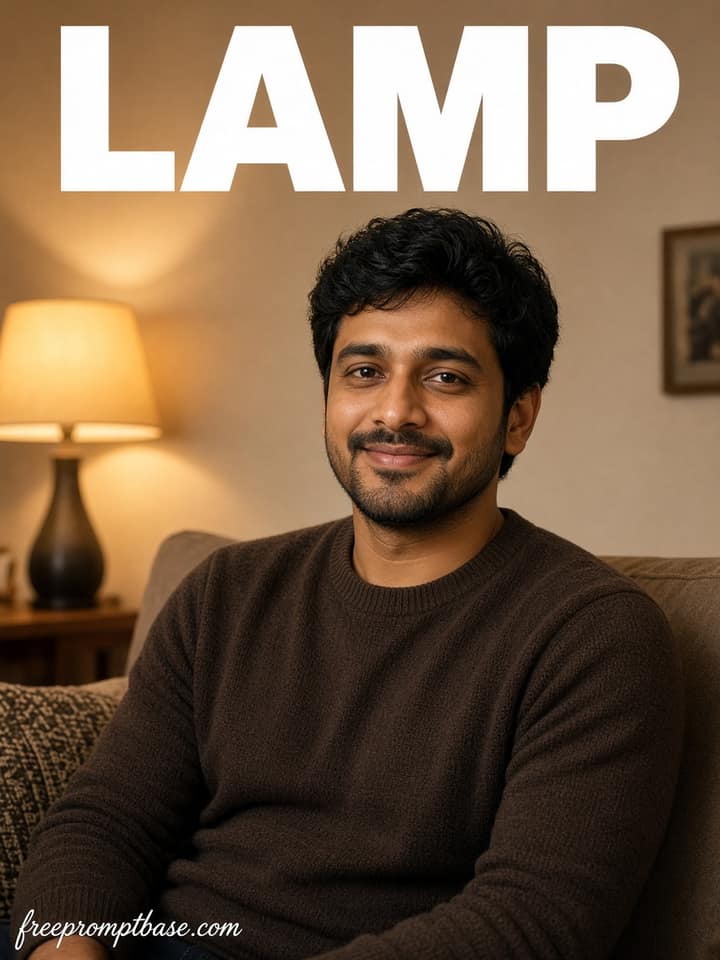
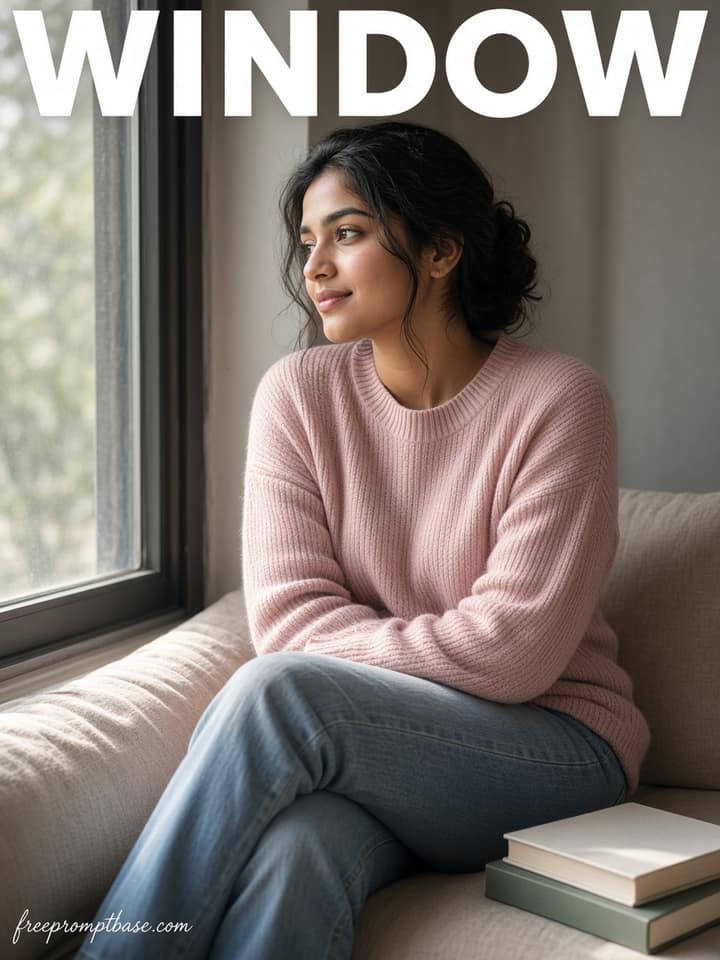
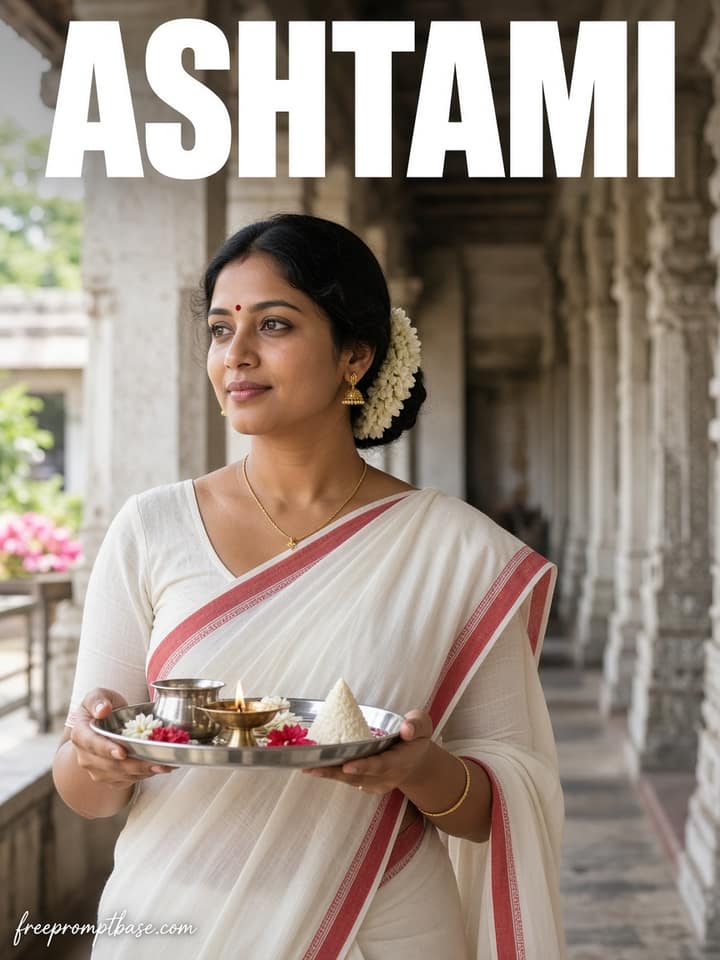
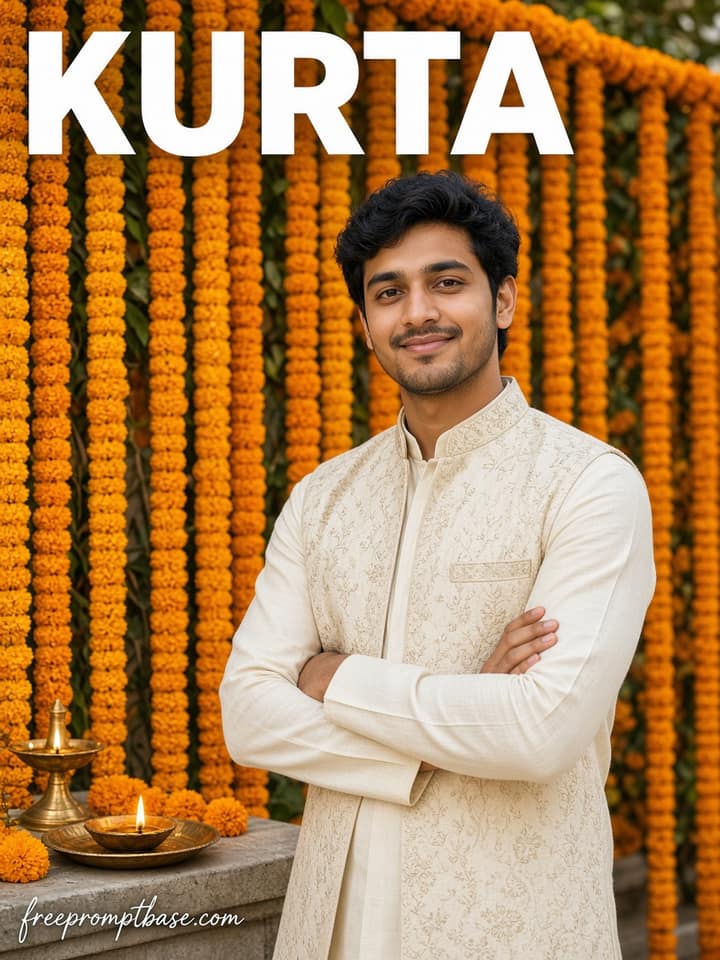
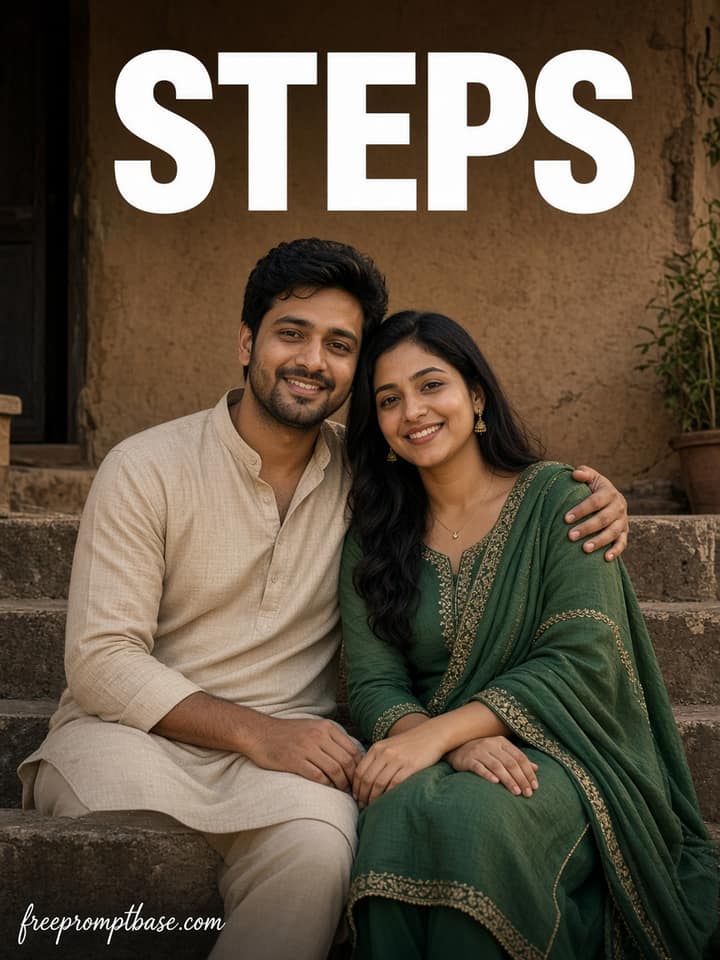
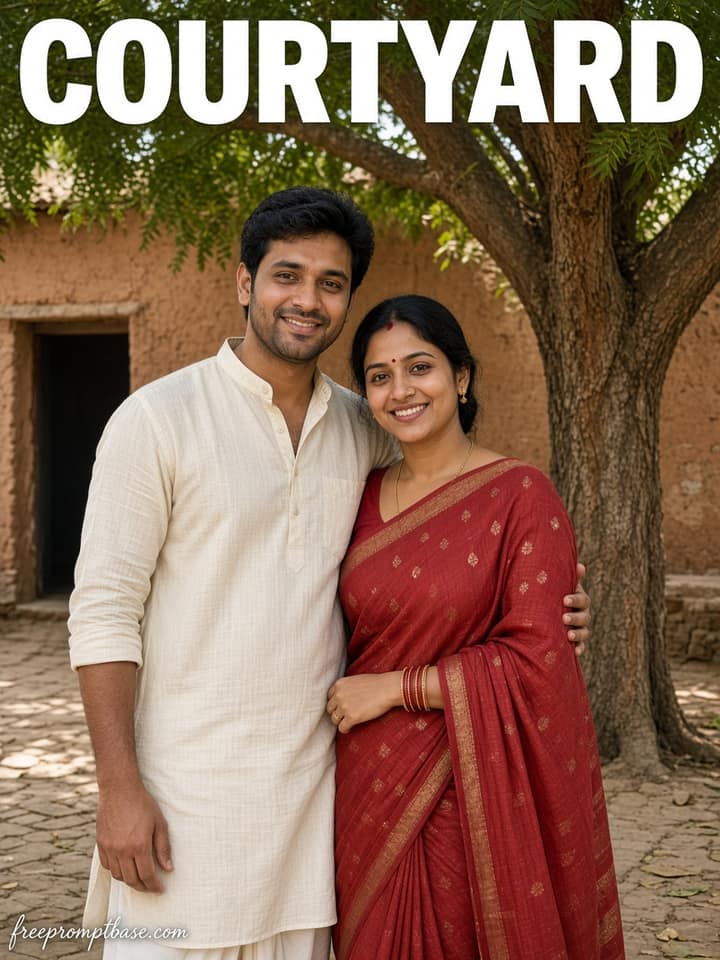
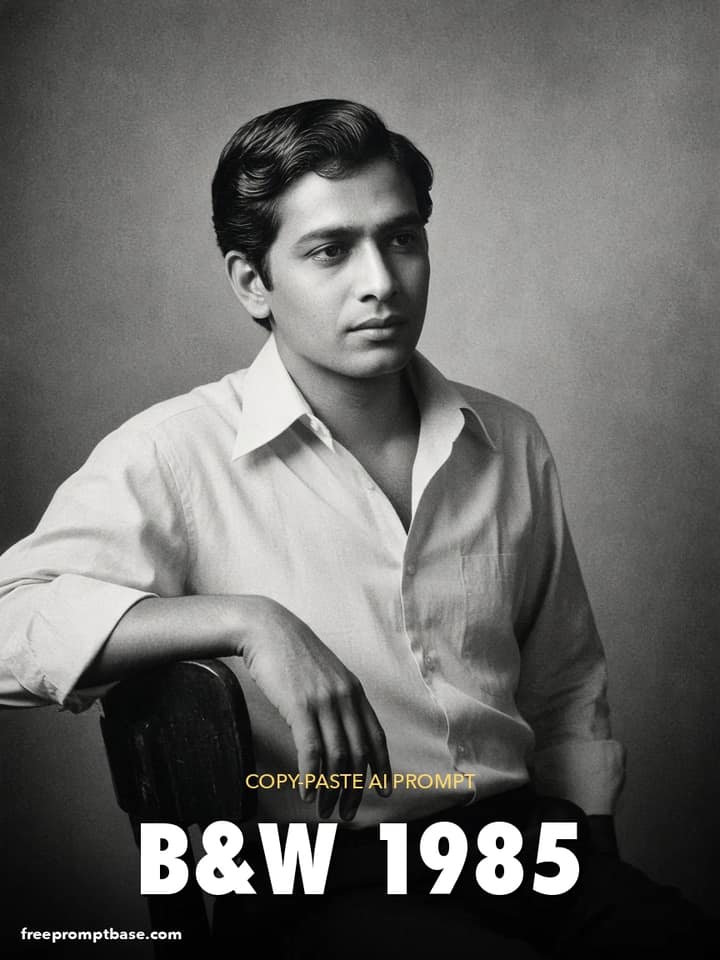
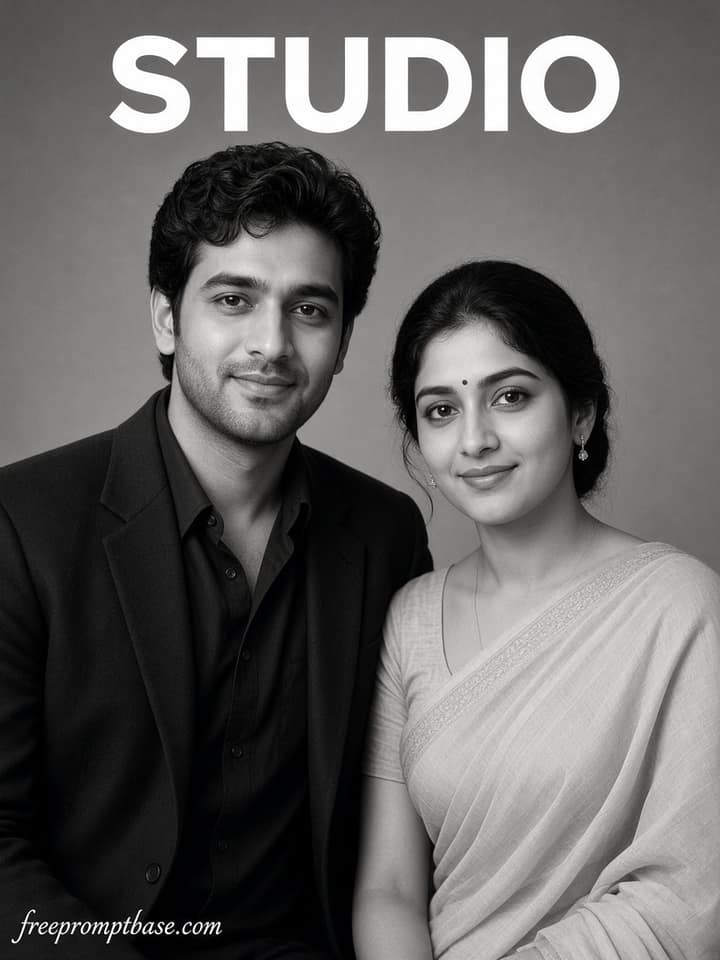
Black and White High-Key Studio Cutout Photo Prompt
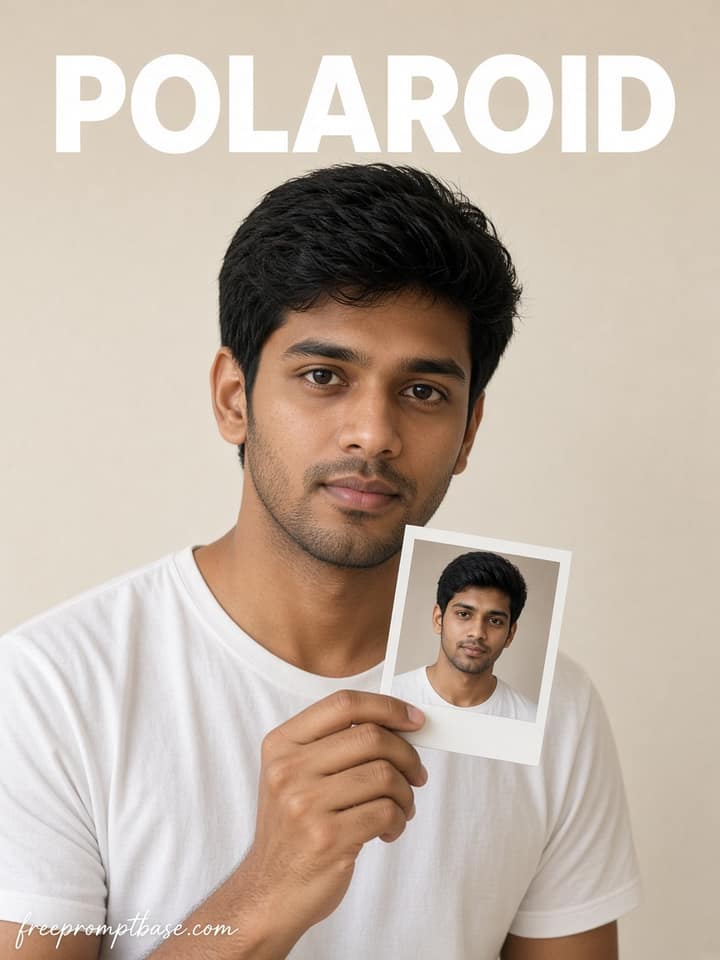
Turn a casual portrait into a clean black-and-white studio cutout with high-key lighting, realistic edges, natural detail, and minimal shadow.
AI prompt library
Free photo editing prompts ready to paste. Drop one into Gemini or ChatGPT, add your photo, and see what comes back.
60 prompts here. Free, no signup.
A photo editing prompt is a short written instruction you paste into an AI tool along with your photo. It tells the AI exactly what to change: the lighting, the background, the outfit, the style. A clear one gets you a usable edit in one or two tries. A vague one wastes your evening. The prompts on this page work in Gemini, ChatGPT, Midjourney's editor, and most other image tools. Copy one, upload your photo, paste, and adjust a word or two until it fits.…
Turn a casual portrait into a clean black-and-white studio cutout with high-key lighting, realistic edges, natural detail, and minimal shadow.
Create a premium close-up portrait with voluminous curls, aviator sunglasses, a cream sweatshirt, warm rim light, and a rich burnt-orange backdrop.
Create a moody editorial portrait with rectangular sunglasses, sculpted curls, cool teal key light, warm orange rim light, and cinematic depth.
Create a dark street-fashion portrait with neck tattoos, black sunglasses, a distressed skull tee, cool cinematic tones, and premium detail.
Create a relaxed cinematic outdoor portrait with curly hair, black sunglasses, hands-in-pockets styling, earthy layered clothing, and editorial depth.
Create a misty mountain-valley portrait with a natural seated pose and minimalist PEACE, i need, and more than people editorial typography.
Create a cinematic golden-hour meadow portrait with a natural walking pose, silver headphones, rolling green hills, wildflowers, and warm film light.
Create an intimate candid indoor portrait framed through a doorway, with warm late-afternoon light, creamy bokeh, and premium editorial detail.
Create an ultra-realistic Y2K fisheye studio portrait with a retro flip phone, flame sunglasses, hard flash, cool gradient lighting, and bold attitude.
Create a moody cinematic side-profile portrait with vintage round sunglasses, layered hoodie and denim, warm skin highlights, and premium editorial detail.
Create a nostalgic 1980s kitchen-party portrait with disposable-camera flash, Kodak Gold warmth, heavy grain, light leaks, and candid energy.
Create an ultra-realistic night street portrait with vintage sunglasses, washed-gray denim, a smartphone pose, and dreamy golden-blue city bokeh.
Create a peaceful cinematic field portrait with silver headphones, an olive shirt, open arms, soft clouds, realistic textures, and subtle film style.
Create a peaceful summer portrait seated among grass, white wildflowers, and dandelions with warm sunlight, natural depth, and film texture.
Create a clean overhead field portrait with an open hardcover book covering the face, relaxed denim styling, wildflowers, and subtle film texture.
Create a dreamy waist-deep portrait in a windswept green field with an open white linen shirt, muted tones, and soft overcast cinematic light.
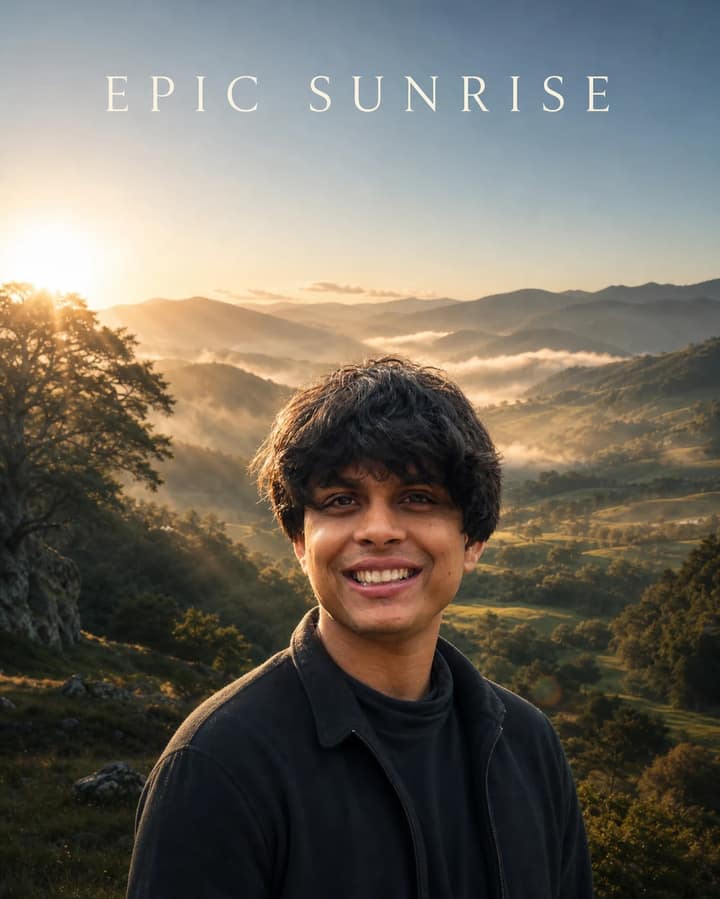
Turn an outdoor photo into a photorealistic epic fantasy sunrise with natural god rays, green landscapes, clean skin tones, and cinematic HDR.
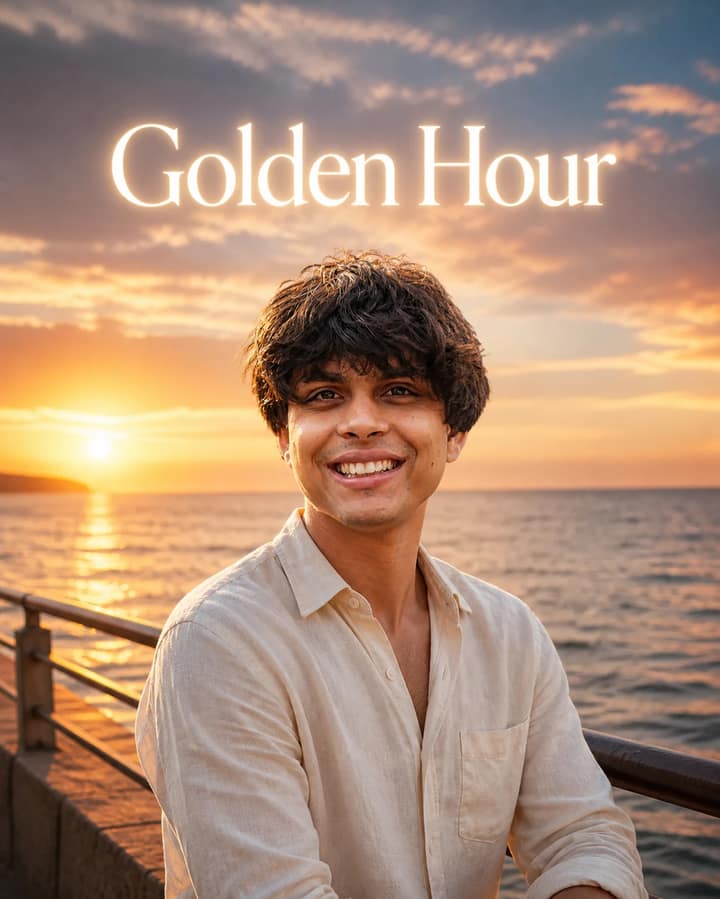
Add a realistic golden-hour glow, rich sunset color, refined film texture, and an elegant luminous Golden Hour title to a coastal portrait.
Create a moody 1990s-style profile portrait with glowing red backlight, deep facial shadow, dreamy motion blur, grain, dust, and light leaks.
Create a cinematic close-up portrait where suspended mirror shards reveal contrasting emotions through realistic reflections and dramatic studio light.
Create a misty Western Ghats editorial portrait on volcanic rock with cinematic film color, thoughtful posing, and exact minimalist PEACE typography.
Create a cinematic brutalist corridor portrait where a photorealistic walking subject meets a hand-drawn ink double on the concrete wall.
Create a premium industrial fashion magazine cover with dramatic double exposure, realistic portrait detail, and bold vertical typography.
Create a dramatic full-body lifestyle portrait from an extreme ground-level phone angle with golden sunlight, blue sky, and linen styling.
Create a vibrant low-angle lifestyle selfie with a peaceful upward gaze, striped linen styling, dramatic clouds, sun rays, and realistic detail.
Create a surreal luxury fashion campaign where a miniature version of you walks across the brim of your enormous forest-green cap.
Create a cinematic fashion advertising portrait beside a monumental retro sneaker with realistic suede detail, reflections and dramatic forced perspective.
Create a cinematic European street-fashion portrait beside monumental black sunglasses with realistic reflections, scale, and luxury styling.
Create a surreal studio portrait of one giant man surrounded by realistic miniature clones, with consistent identity, forest-green styling and believable scale.
Create a colossal human portrait formed entirely from dense white clouds, floating in a blue sky with atmospheric haze and dramatic volumetric daylight.
Create a centered surreal portrait divided into floating horizontal facial slices, revealing realistic tree-ring cross-sections against a minimalist studio background.
Create a whimsical photorealistic portrait where tiny fictional clones climb over a giant face, pull cheeks, scale hair, and interact through forced perspective.
Create a monumental aerial portrait assembled exclusively from thousands of individually visible people, with precise facial structure and natural crowd shadows.
Create a cinematic luxury menswear portrait framed by an enormous unzipped cardigan, with dramatic forced perspective and tactile realism.
Create an artistic overhead haldi portrait framed by turmeric-covered hands, with green traditional styling, floral jewelry, and moody golden light.
Create a radiant solo haldi portrait with a yellow saree, floral jewelry, turmeric details, orange marigold petals, and warm golden backlighting.
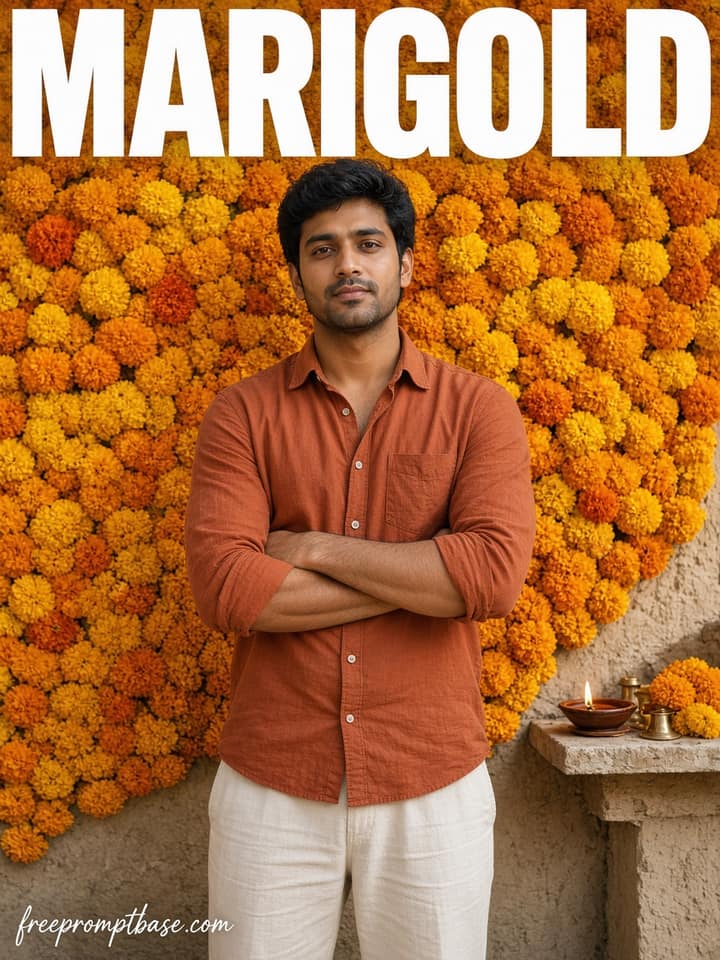
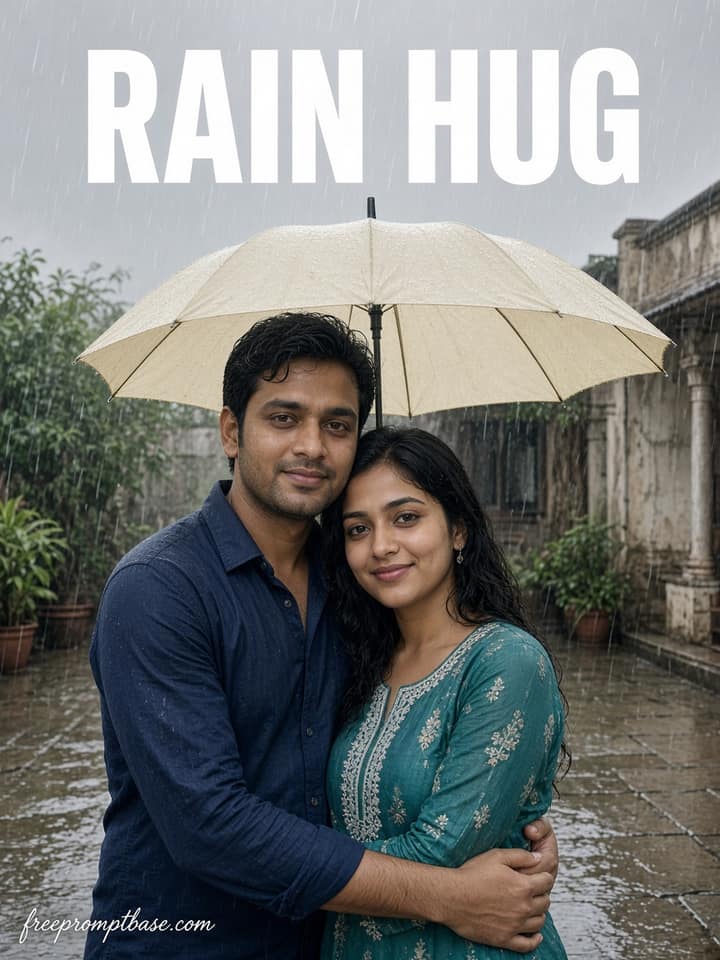
Create a joyful face-to-face haldi couple portrait with coordinated green outfits, mehndi, a woven petal basket, frozen petals, and bright daylight.
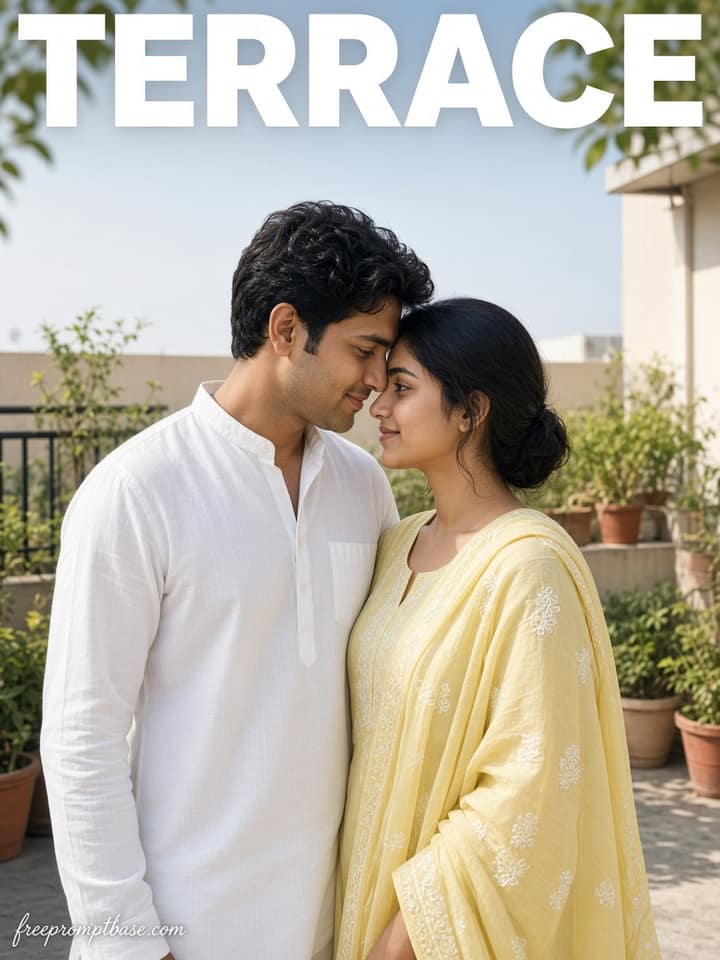
Create an intimate cheek-to-cheek haldi portrait with a coral saree, white kurta, gold jewelry, turmeric, tiny petals, and soft golden festive light.
Create a lively close-up haldi couple portrait with joyful laughter, drenched festive clothing, turmeric-covered faces, garlands, and suspended water droplets.
Create a playful red-room couple portrait with dramatic fisheye distortion, matching yellow outfits, glossy flooring, and a polished photobooth finish.
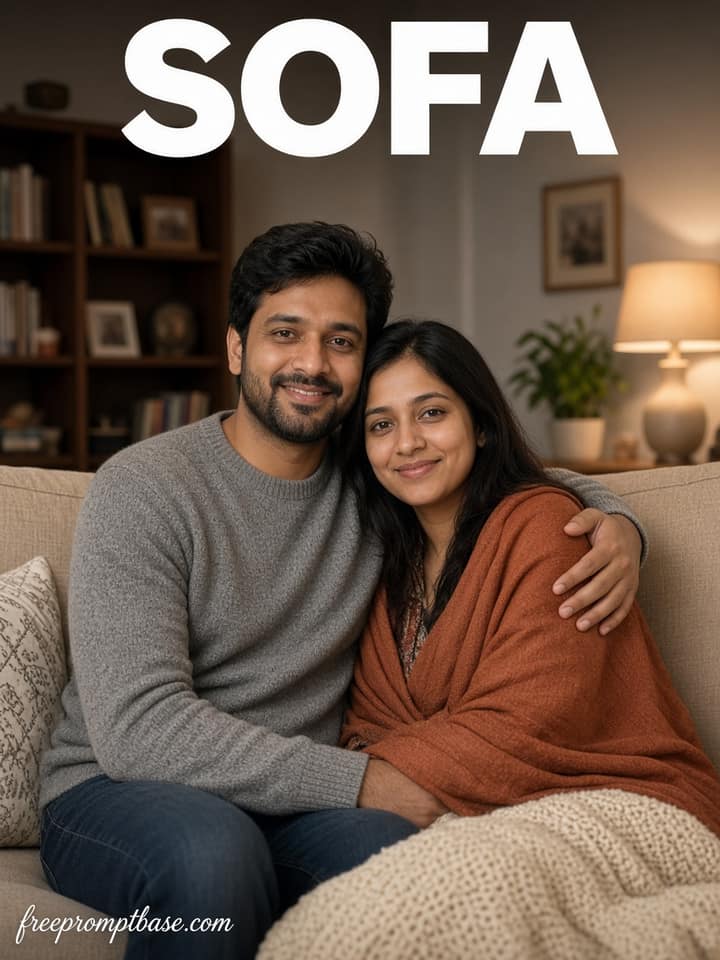
Create a warm indoor couple portrait with layered black-and-white hoodies, a gentle hand-on-head pose, soft wall shadows, and cinematic golden side light.
Create a dreamy top-down spring couple portrait on green grass with matching yellow shirts, blooming cherry branches, drifting petals, and golden sunlight.
Create a clean full-body fashion editorial with oversized red serif sample text, light-grey seamless studio, white streetwear, plumeria detail, and soft shadows.
Create a premium full-body fashion portrait of an adult woman with a confused expression while an exaggerated hand-drawn doodle shadow performs a comic pose.
Create a dramatic profile portrait with natural skin detail, red rim light, deep blue shadows, abstract streaks, atmospheric haze, and movie-poster polish.
Create a symmetrical bird's-eye couple portrait with two fictional adults lying head-to-head on green grass, autumn leaves, wired earphones, and golden sunlight.
Create a cool-toned rooftop fashion portrait with a contemplative adult man, concrete textures, city bokeh, blue-hour atmosphere, and a subtle passing-figure blur.
Create a distant, emotionally restrained park-bench portrait after rain with blue-hour ambience, one warm streetlamp, wet reflections, and documentary realism.
Create a full-body seated studio portrait in a tailored chocolate suit, centered designer chair, mocha backdrop, circular white spotlight, and refined softbox light.
Create a liberating cinematic portrait in endless lavender with silver headphones, open-arm pose, windswept charcoal styling, stormy sky, and soft diffused light.
Create an elegant birthday portrait of an adult woman blowing toward lit gold 24 candles while holding a white frosted cake against a dark spotlight wall.
Create a polished men's fashion portrait with a black ribbed sweater, rectangular sunglasses, silver hoop earring, crimson gradient, and dramatic red rim light.
Create a convincing top-down forced-perspective portrait standing on a giant smartphone with grounded contact shadows, clean studio light, and realistic scale.
Create a moody teal-and-cyan studio portrait with a restrained expression, layered ghost silhouette, gradient shadow, soft haze, film grain, and poster-ready space.
Create a detailed fashion concept sheet on aged spiral paper, blending a realistic adult portrait with graphite, ink, watercolor, callouts, swatches, and design notes.
Create a romantic night portrait of an adult woman facing her antique mirror on a rain-kissed European street with warm lamps, wet reflections, and golden bokeh.
Create a square low-key editorial portrait framed by a large physical golden spotlight, with amber facial highlights, deep black clothing, and a clear wall shadow.
Create a vibrant low-angle fashion portrait in an endless yellow rapeseed field with a reaching hand, blue sky, flowing layers, and warm cinematic light.
Create a clean minimalist studio portrait with white layered clothing, soft lavender-to-magenta ambient light, relaxed posture, and generous negative space.
Create a minimalist outdoor fashion portrait beneath a deep blue sky with light-blue linen, cream trousers, natural breeze, and refined luxury-campaign grading.
No prompts match your search.
The guide
A photo editing prompt is a short written instruction you paste into an AI tool along with your photo. It tells the AI exactly what to change: the lighting, the background, the outfit, the style. A clear one gets you a usable edit in one or two tries. A vague one wastes your evening.
The prompts on this page work in Gemini, ChatGPT, Midjourney's editor, and most other image tools. Copy one, upload your photo, paste, and adjust a word or two until it fits.
People blame the AI when an edit comes back looking wrong. Nine times out of ten the prompt was the problem. 'Make my photo better' gives the model nothing to work with, so it guesses. 'Brighten the shadows on my face, keep the background unchanged' gives it a job it can actually do.
The models are good now. Gemini and ChatGPT can both retouch skin, swap backgrounds, relight a scene, and restyle clothes from a single photo. What they cannot do is read your mind.
Write the keep line before the look line. If you only remember one rule from this page, make it that one.
| Edit you want | Wording to try |
|---|---|
| Cleaner portrait | 'Retouch this photo lightly: even out skin tone, reduce shine, keep pores and texture real. Keep my face unchanged.' |
| New background | 'Replace the background with a soft, blurred city street at dusk. Match the lighting on me to the new scene. Keep my face and clothes the same.' |
| Better lighting | 'Relight this photo with warm window light from the left, gentle shadows, natural skin tones. Keep everything else unchanged.' |
| Outfit change | 'Change my outfit to a plain black formal suit. Keep my face, pose, and background exactly as they are.' |
| Old photo repair | 'Restore this old photo: remove scratches and dust, fix faded colors, sharpen gently. Do not change any faces.' |
| Film look | 'Grade this photo like 35mm film: soft grain, slightly faded blacks, warm highlights. Keep the framing unchanged.' |
For editing your own photos, Gemini is the easiest starting point. Its image model handles face-preserving edits well, and there is a free tier. We keep a separate page of Gemini photo editing prompts tuned for it.
ChatGPT is the better talker. You can go back and forth: 'a bit warmer', 'less blur', 'try again with shorter hair'. If that is your style, start with our ChatGPT photo editing prompts.
Midjourney gives the most stylised results but is the least literal about keeping faces. Use it for artistic edits, not for photos where you need to stay recognisable.
Your keep line was missing or too weak. Add 'keep my exact face, do not alter facial features' and try again. If it still drifts, cut some style words. Strong style words fight the keep line, and the style words usually win.
The model over-retouched. Ask for less: 'light retouch only, keep real skin texture, no smoothing'. Words like 'flawless' and 'perfect' are what cause the wax-figure look, so leave them out.
You asked for too much in one go. Split the prompt: background first, then lighting, then the outfit. Each pass stays accurate because the model only has one thing to think about.
Once a prompt works, save it and treat it as a template. The structure carries over; only the specifics change. 'Replace the background with X, match the lighting, keep my face the same' works whether X is a beach, an office, or a wedding stage. Most people who edit photos with AI every week rely on five or six saved prompts and swap the details.

Questions
It is the written instruction you give an AI tool together with your photo. It names the change you want (background, lighting, outfit, retouch), what must stay the same, and the style of the finish. The AI applies the edit to your image based on those words.
Gemini is the easiest for face-preserving edits of your own photos and has a free tier. ChatGPT is better if you like refining an edit over several messages. Midjourney suits artistic restyling more than faithful editing. The prompts on this page work in all three with minor tweaks.
Add an explicit keep line: 'keep my face, features, and expression exactly the same.' Put it right after the change you are asking for, and keep style words moderate. If the face still drifts, remove style words one at a time until it holds.
Yes. Every prompt on this page is free to copy, and there is no signup. Gemini and ChatGPT both offer free tiers that handle a reasonable number of image edits per day.
The model over-smoothed the skin, which usually happens when a prompt asks for a 'perfect' or 'flawless' result. Ask for a light retouch instead and tell it to keep real skin texture. Natural beats perfect in nearly every photo.