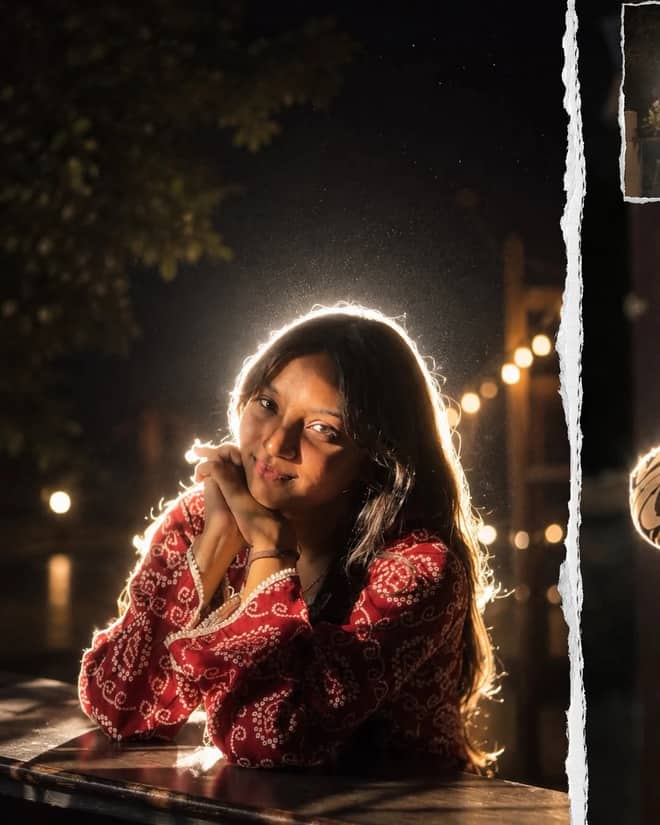
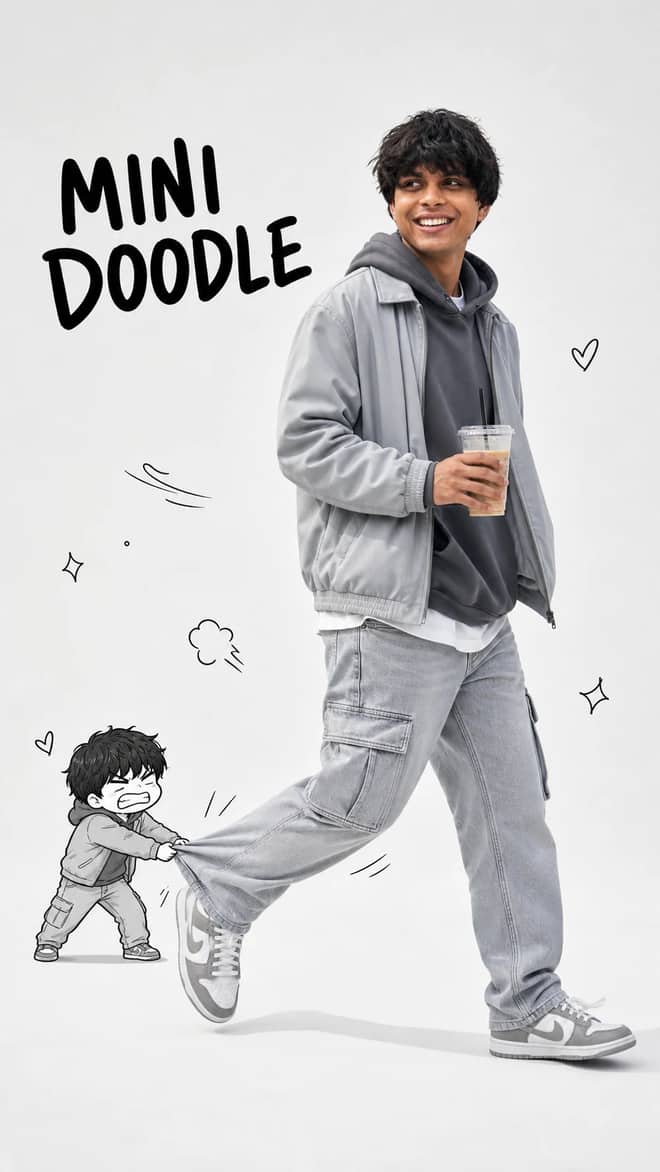
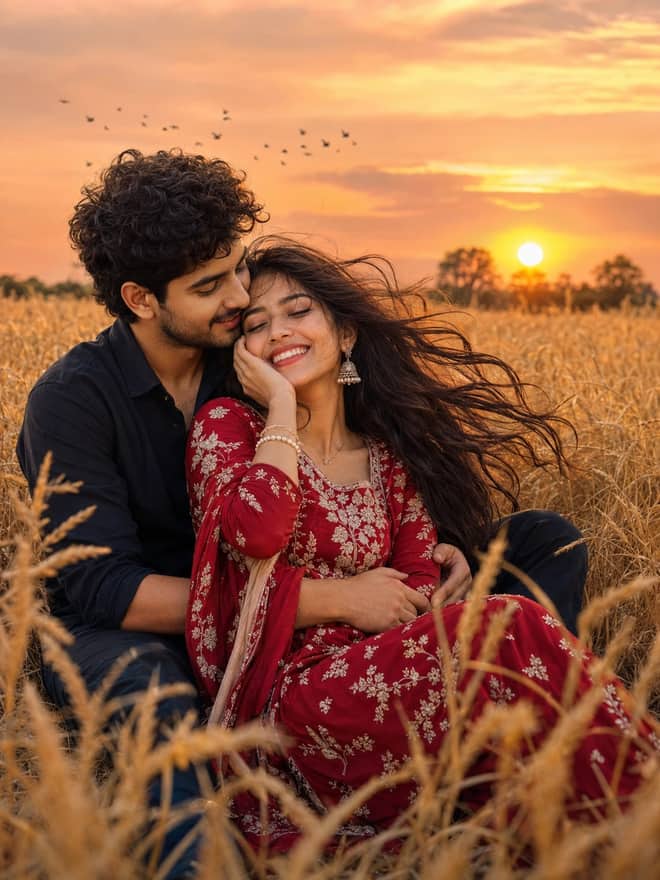
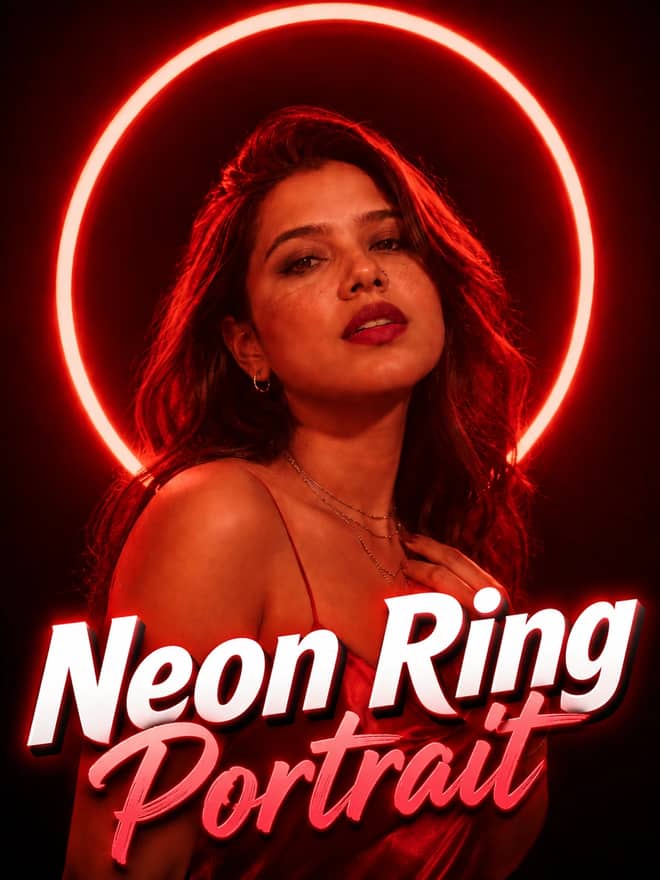
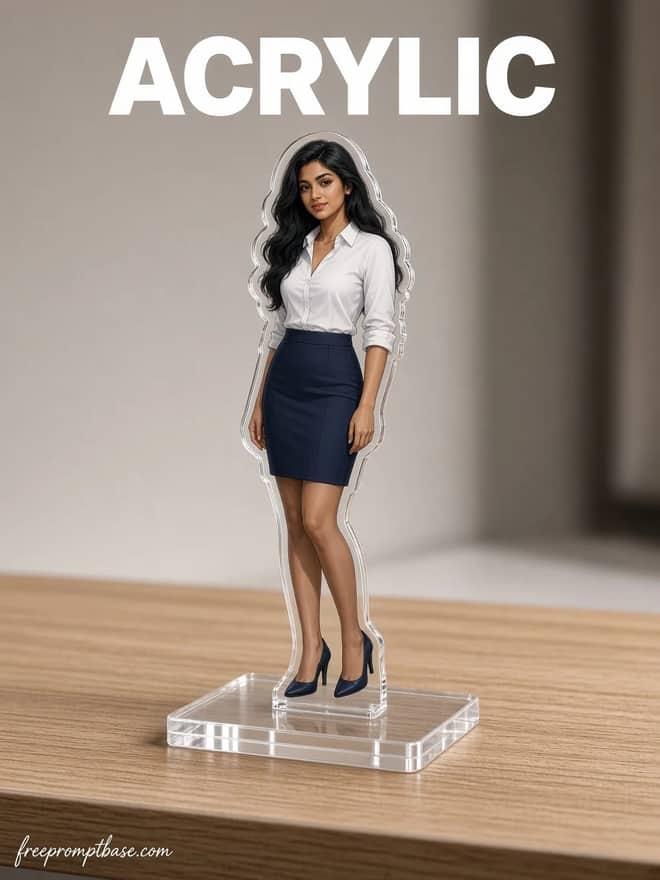
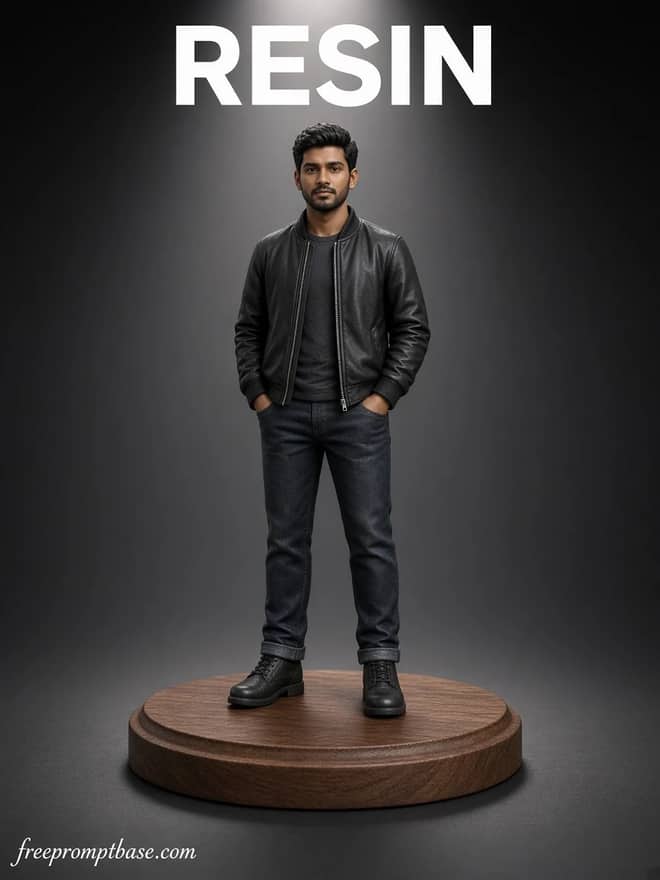
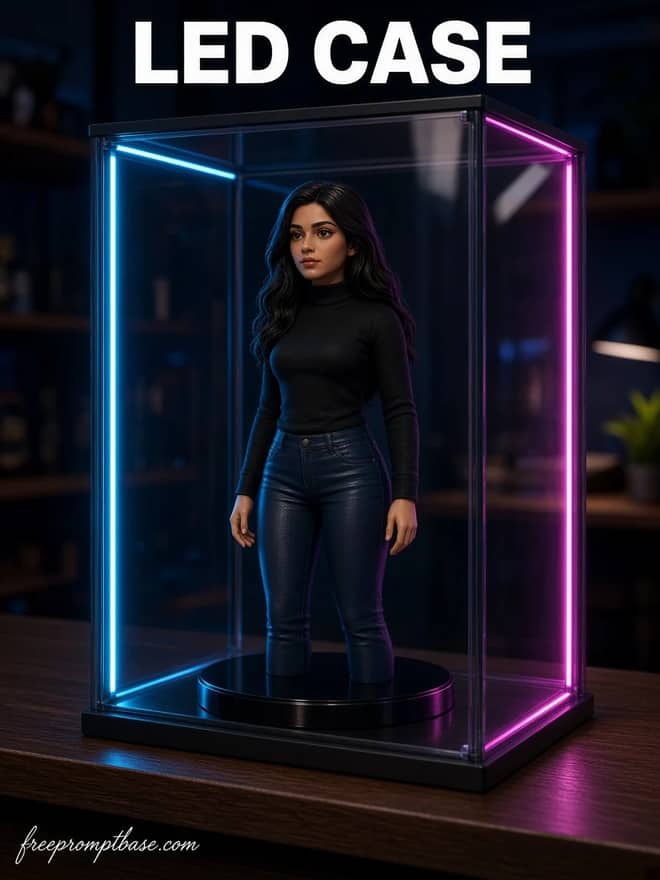
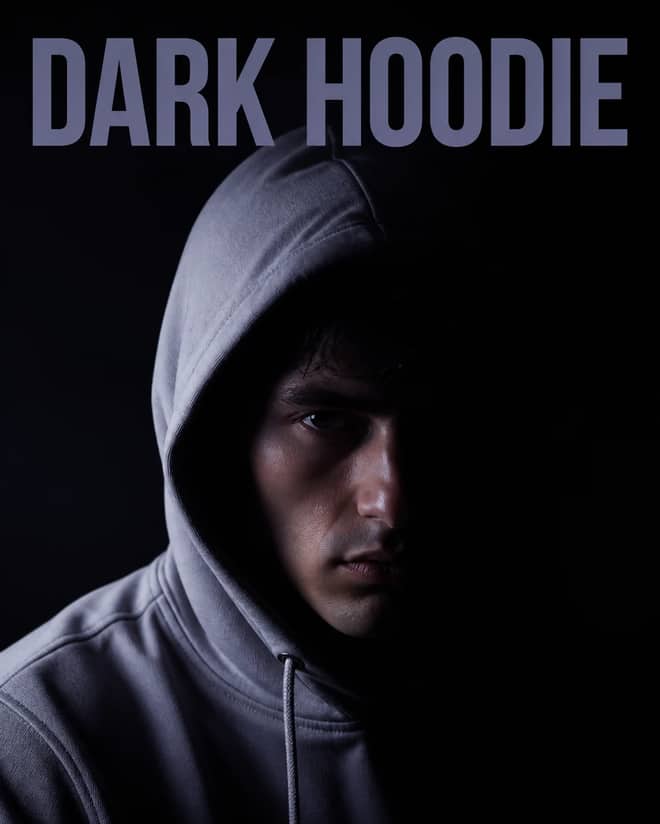
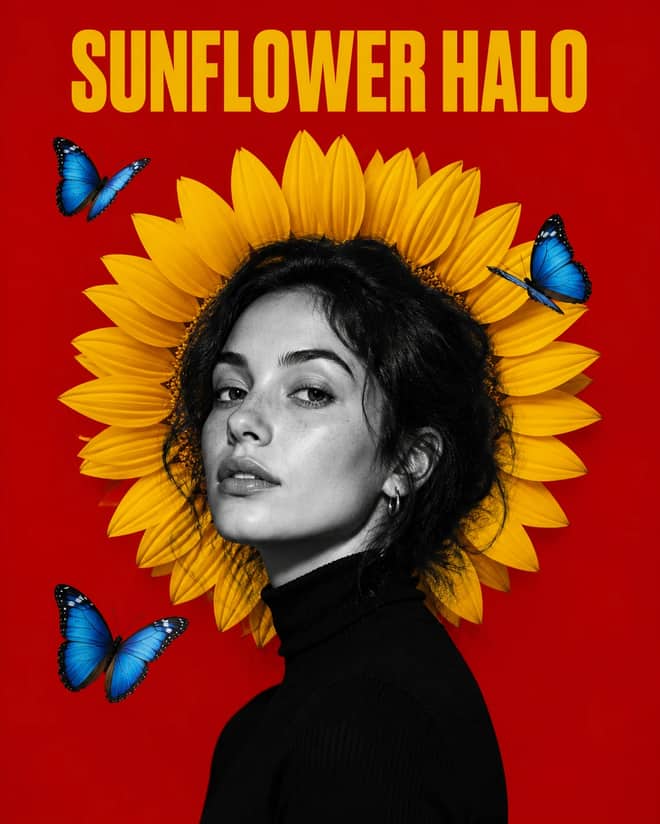
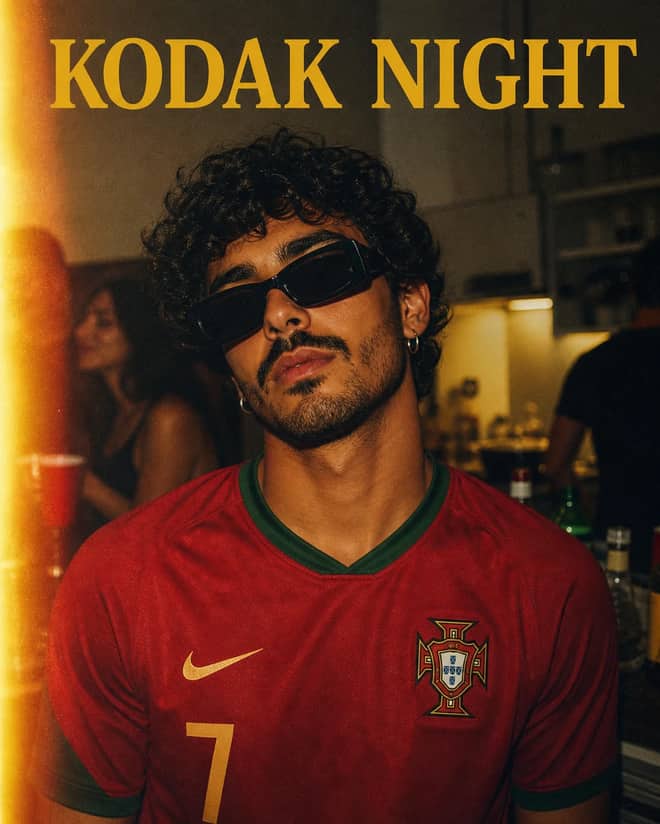
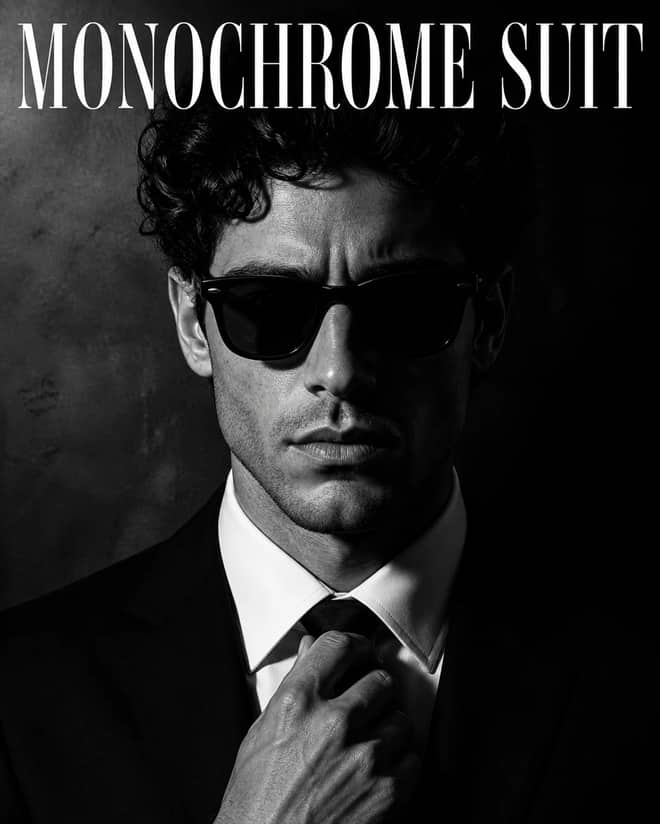
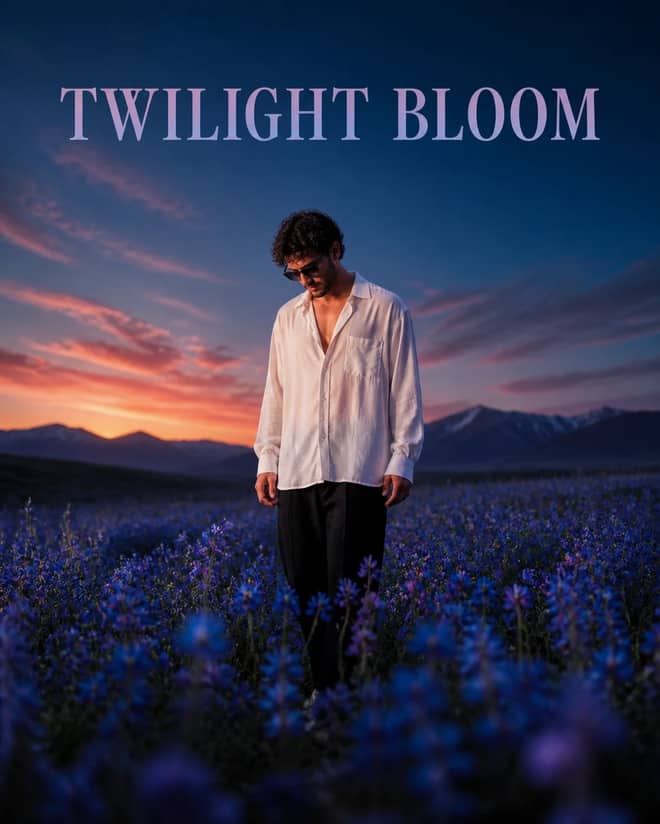
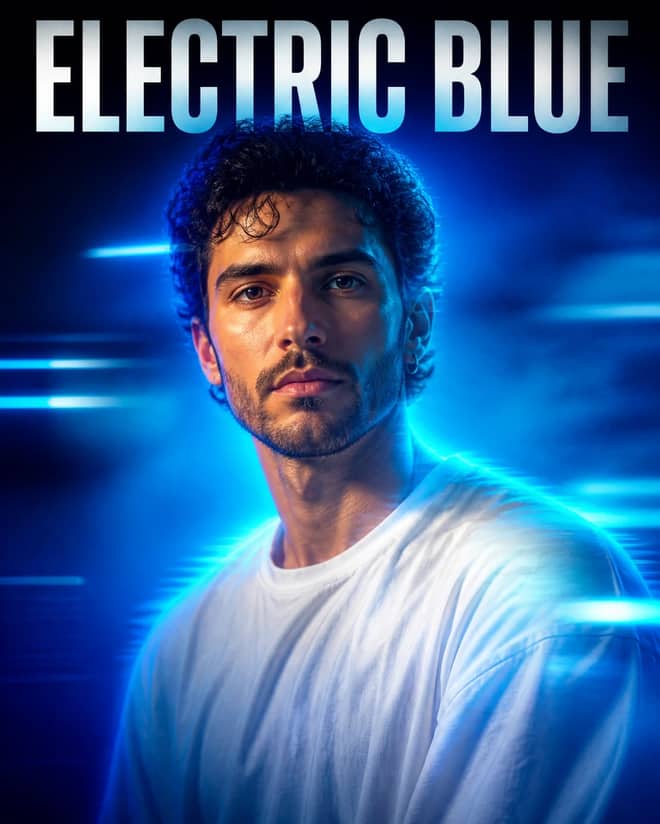
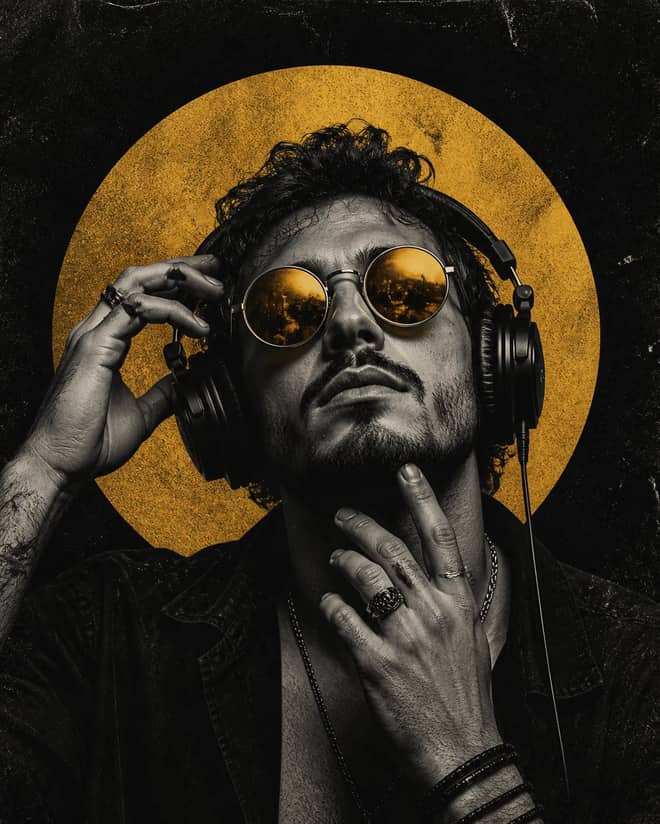
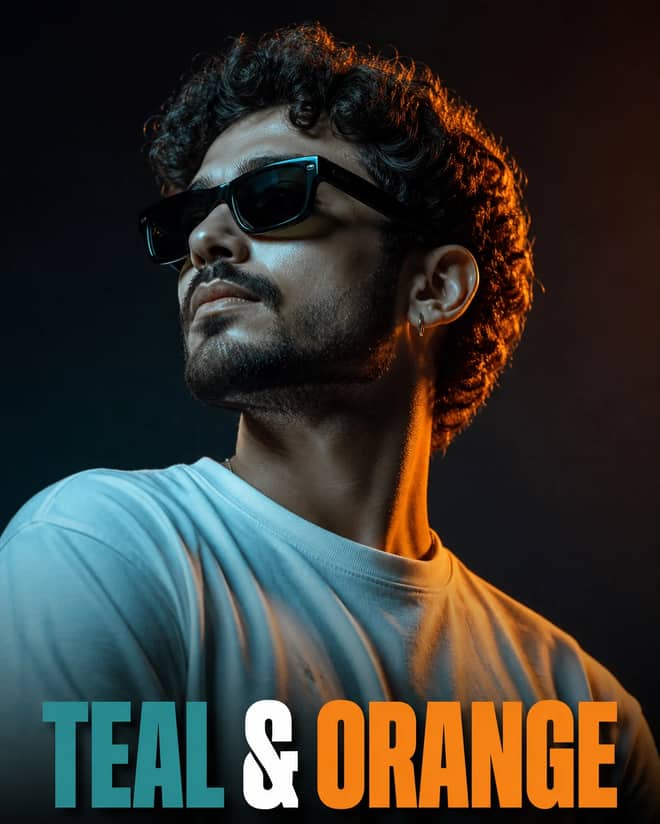
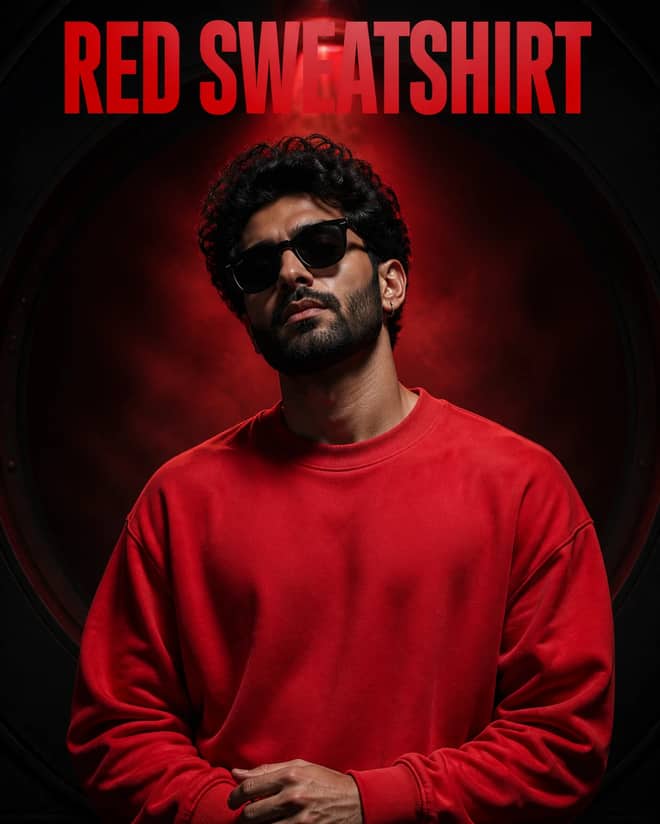
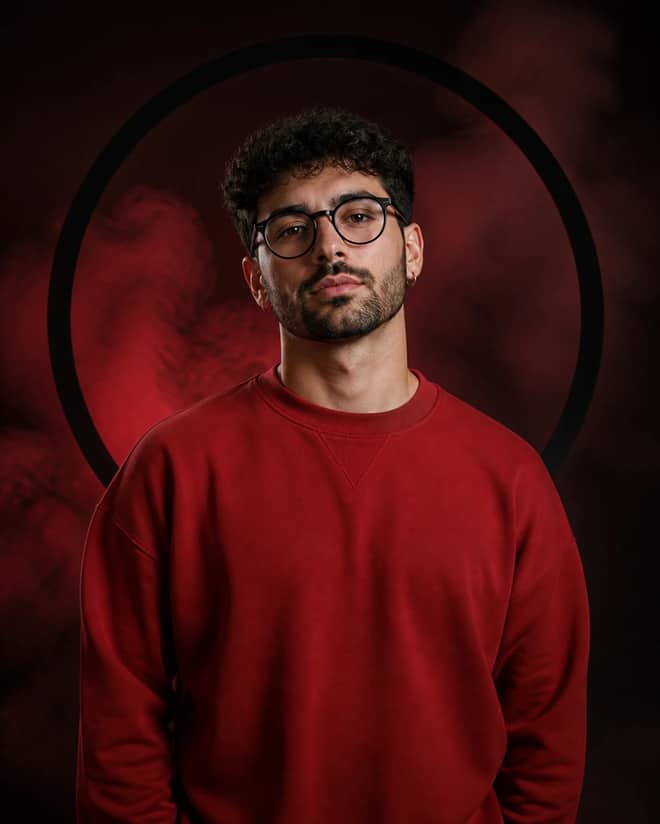
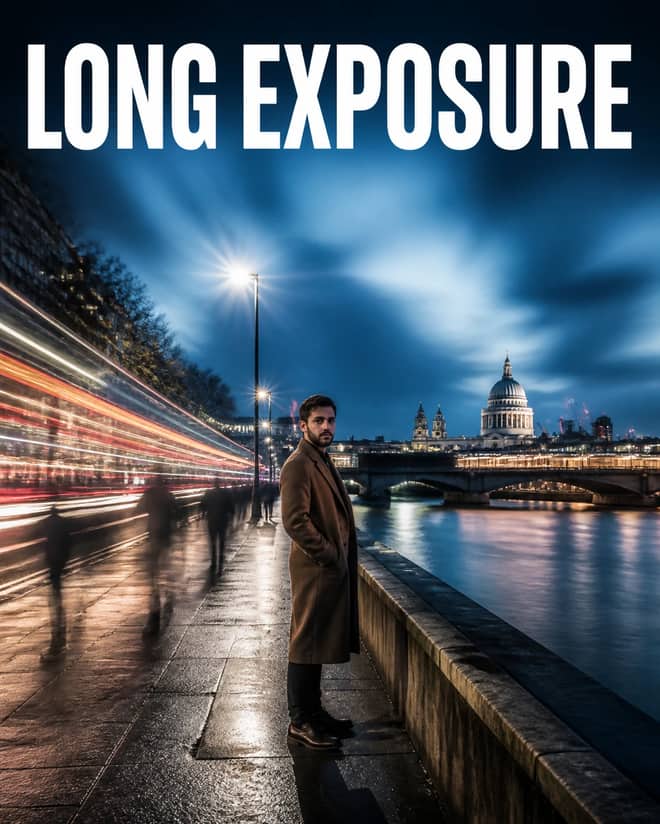
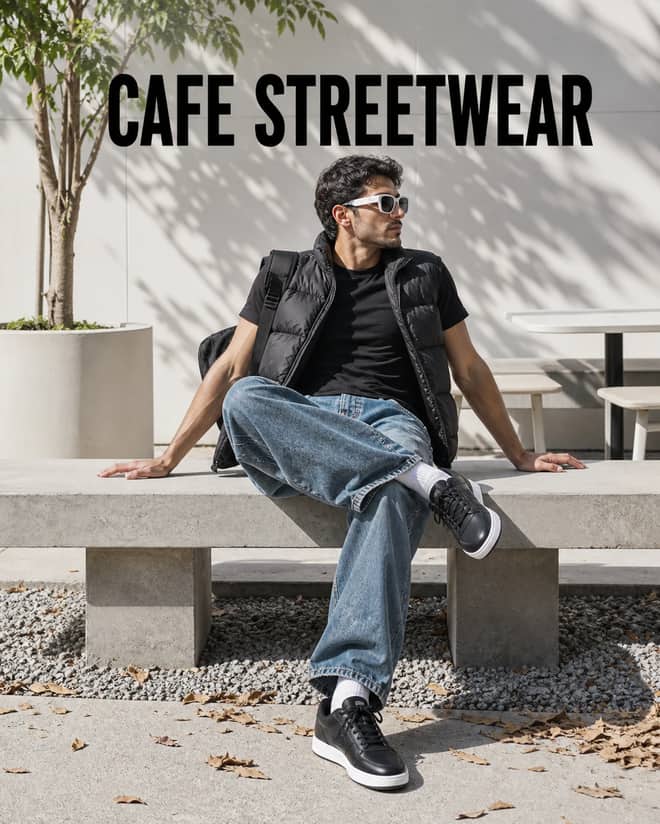
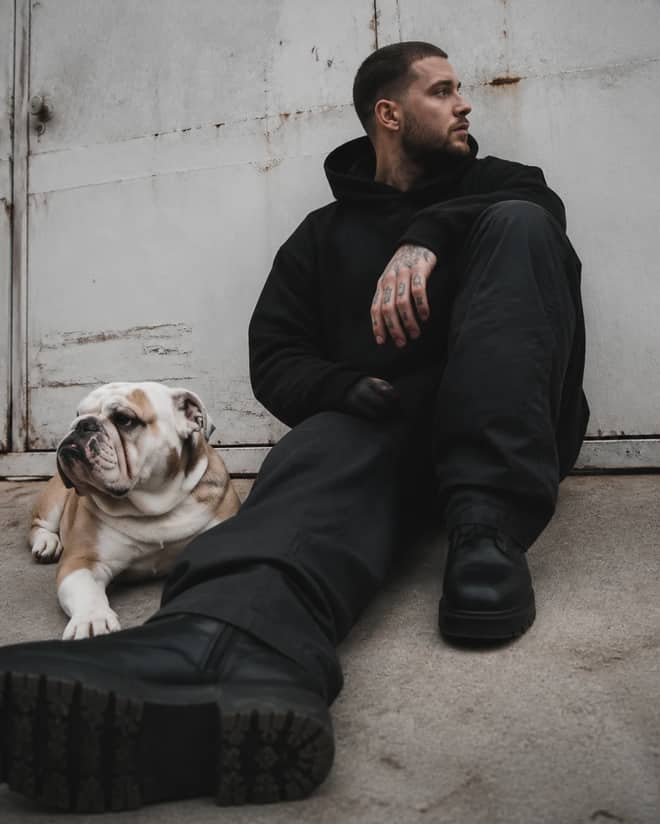
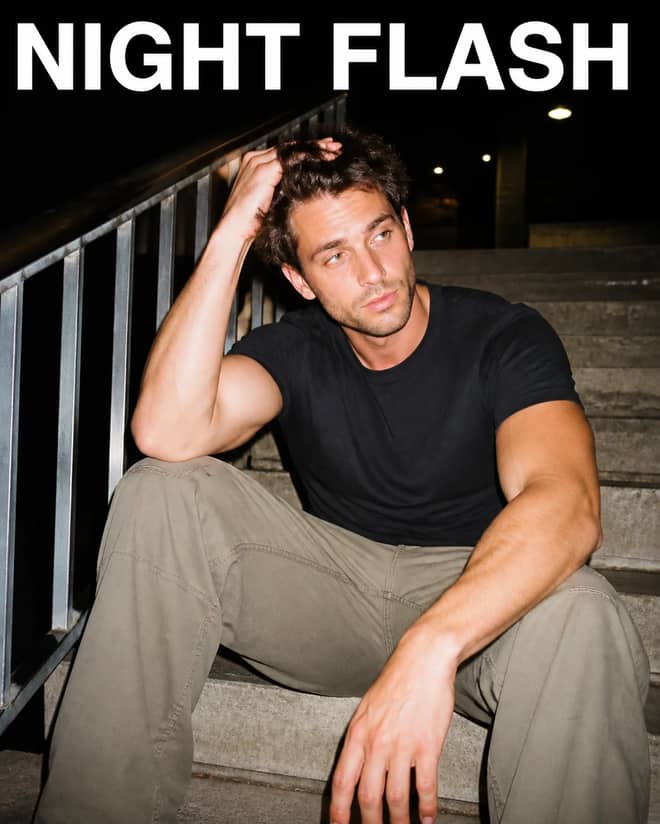
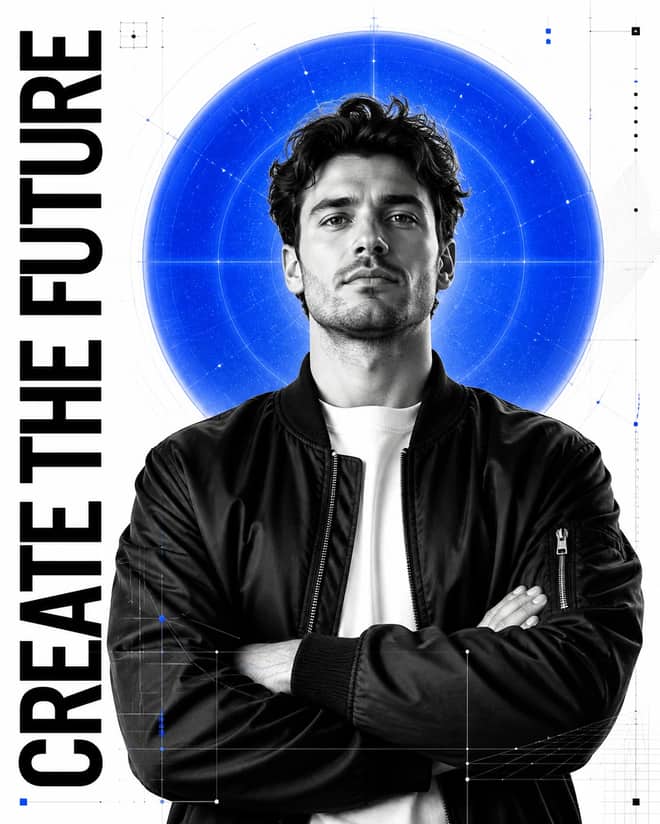
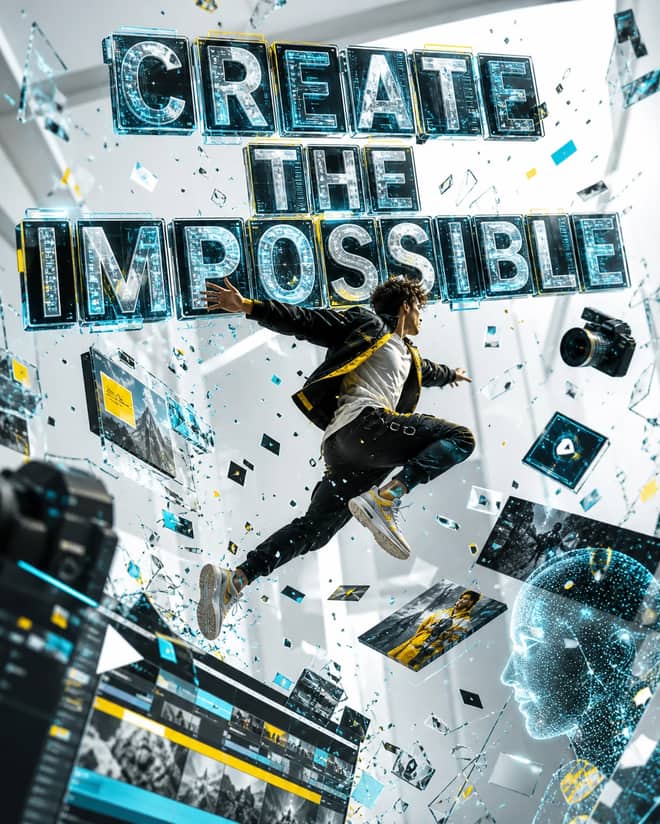
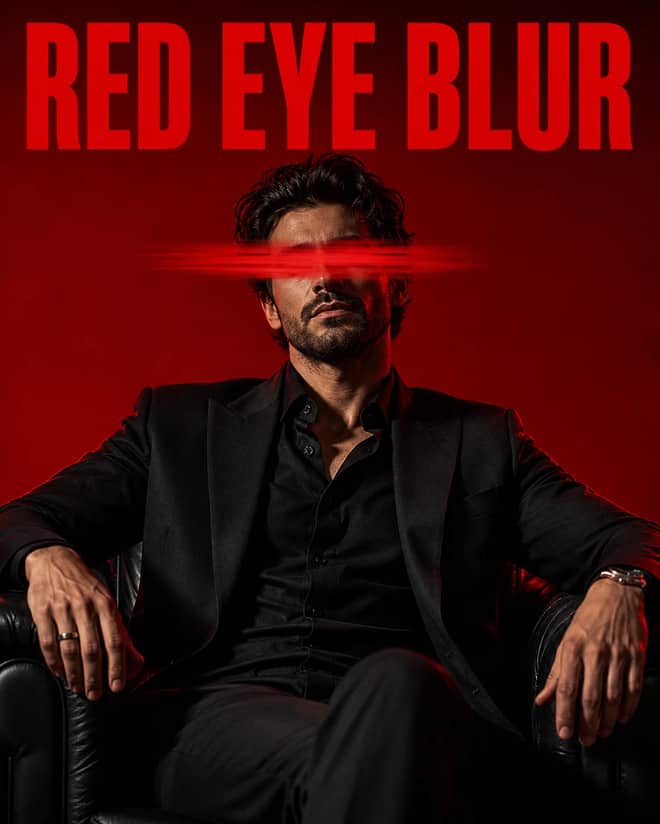
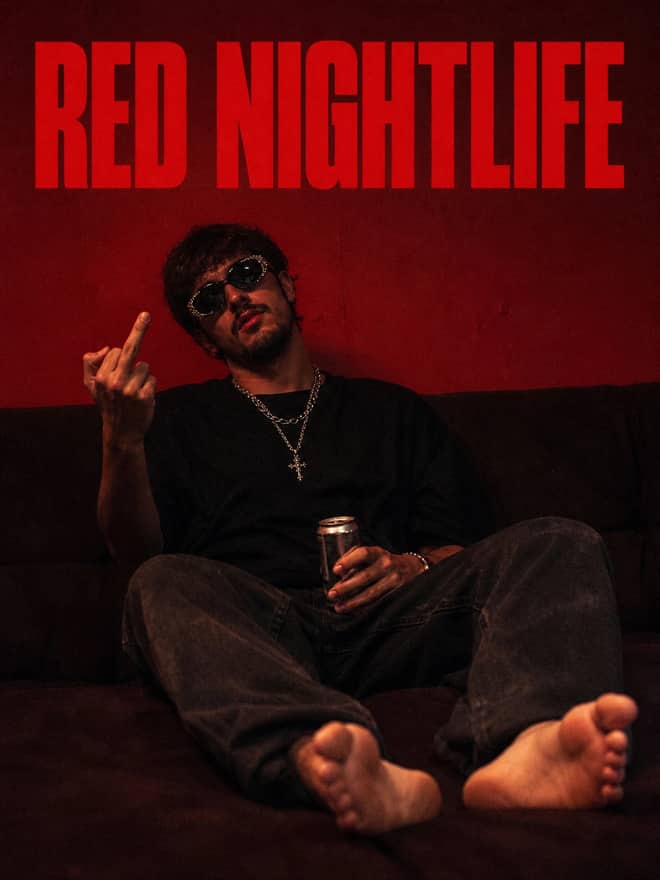
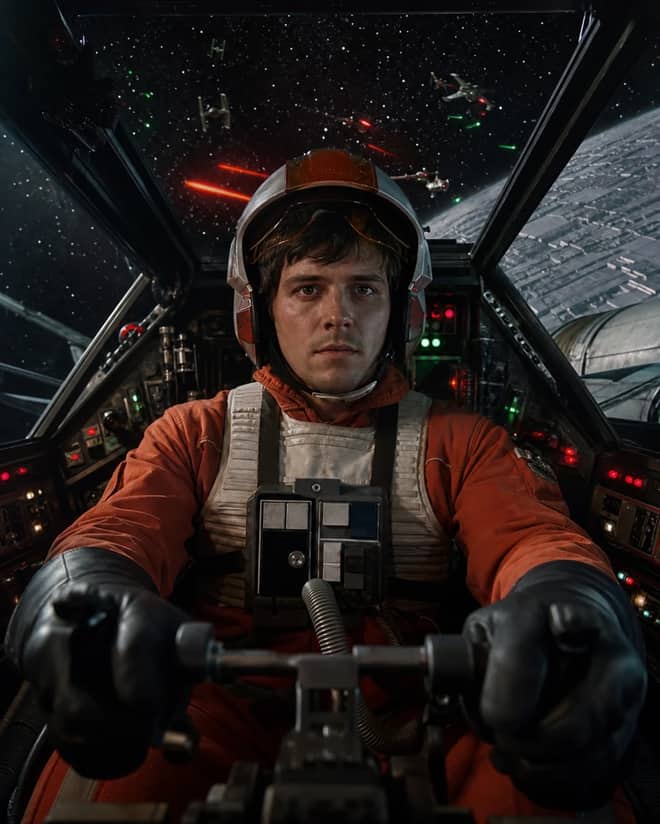
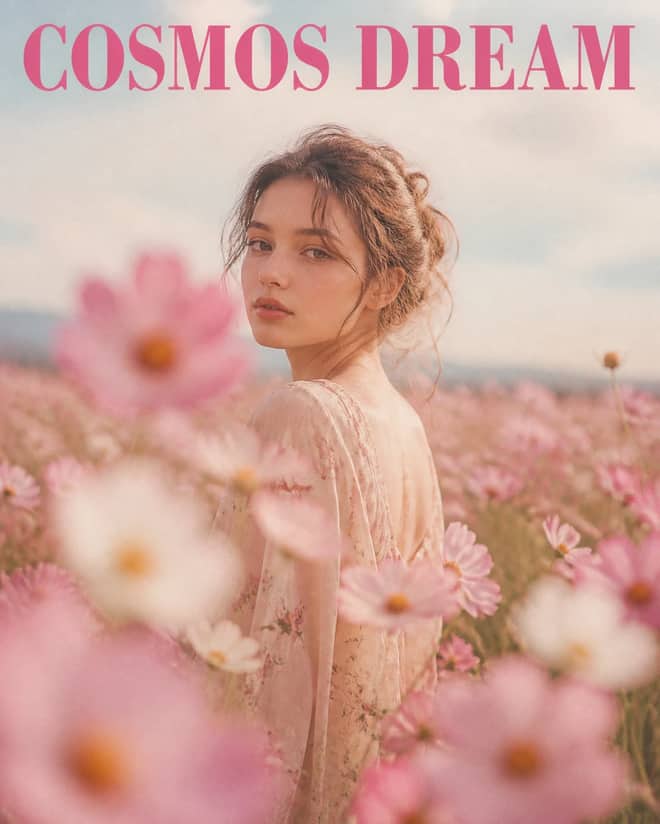
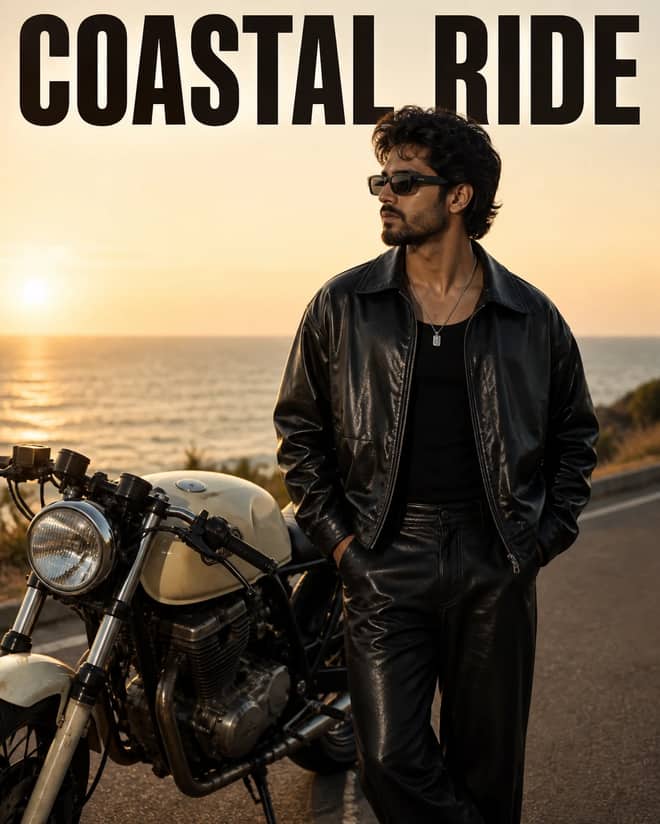
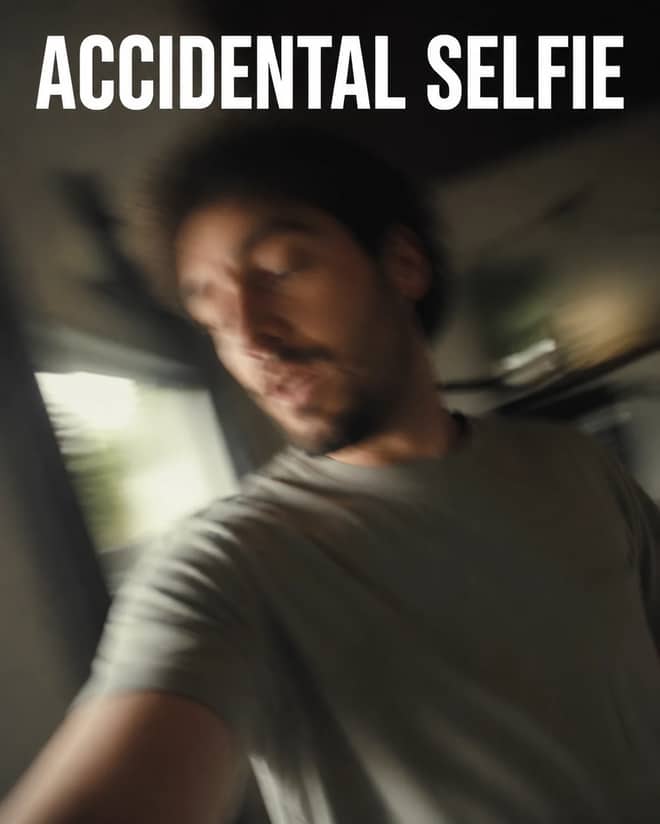
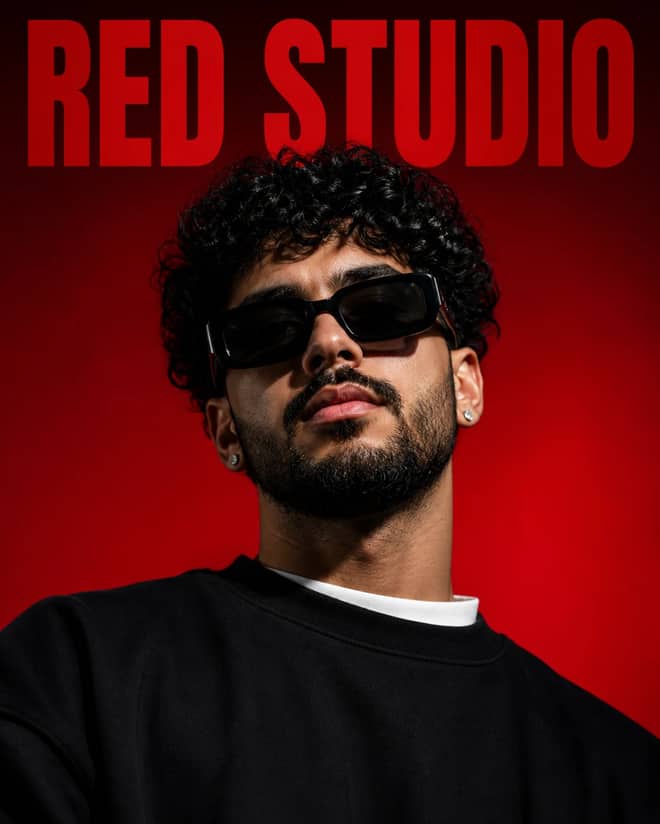
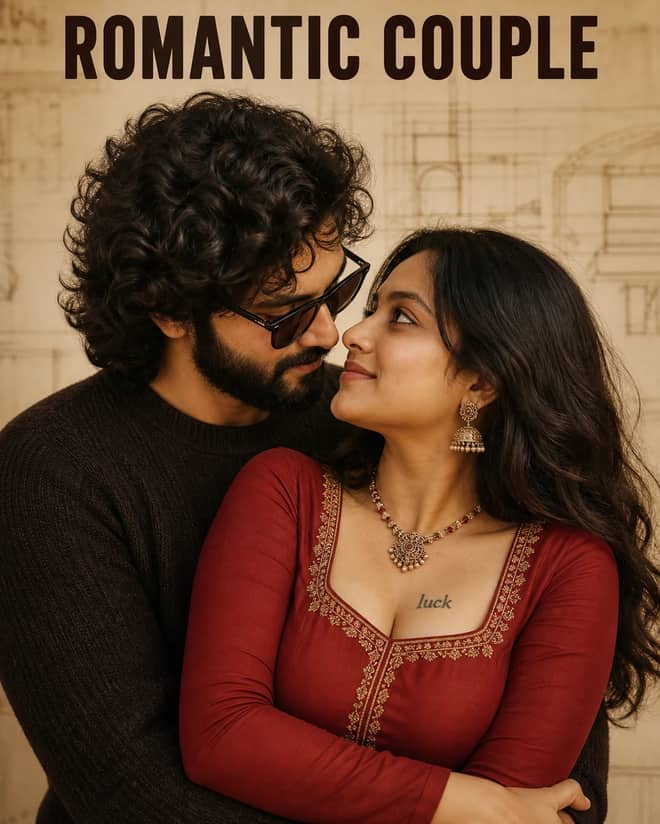
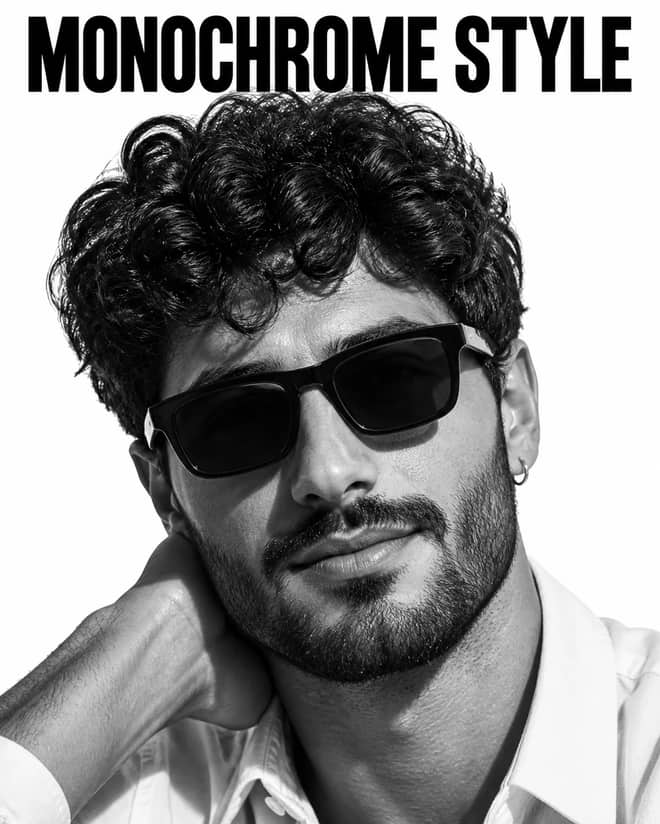
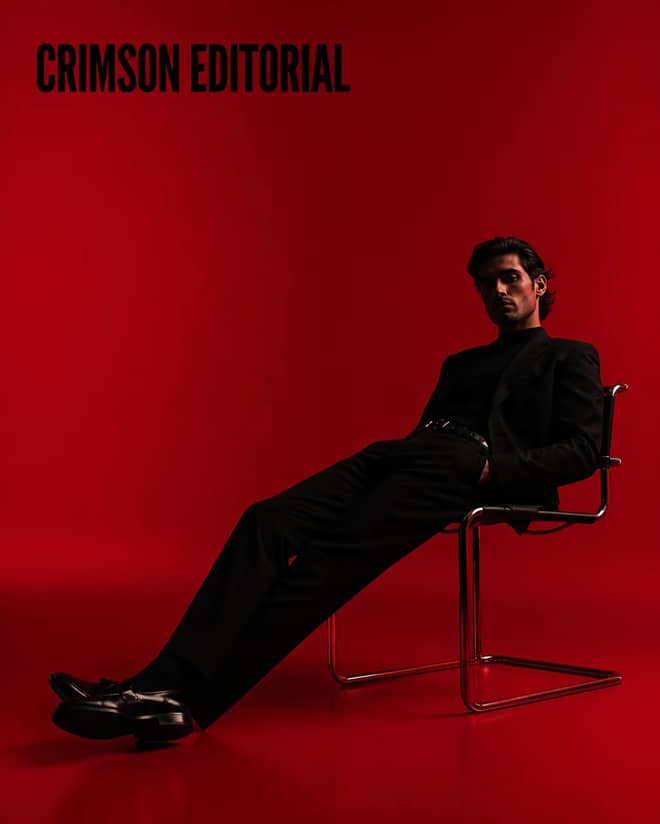
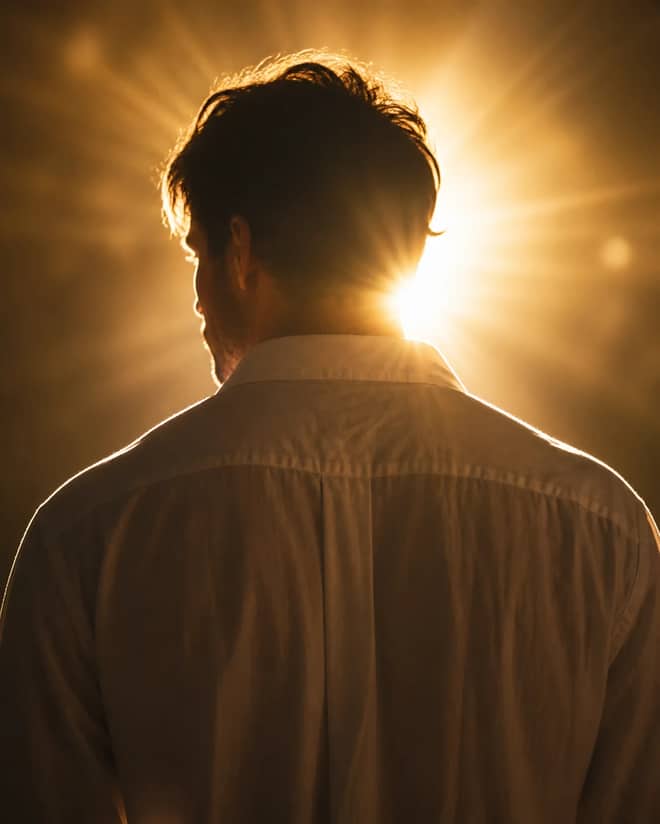
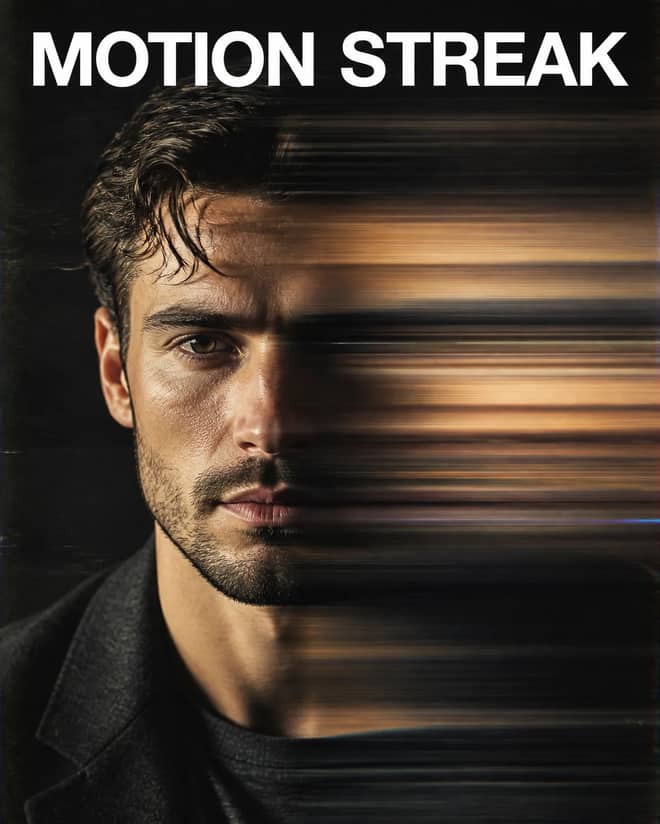
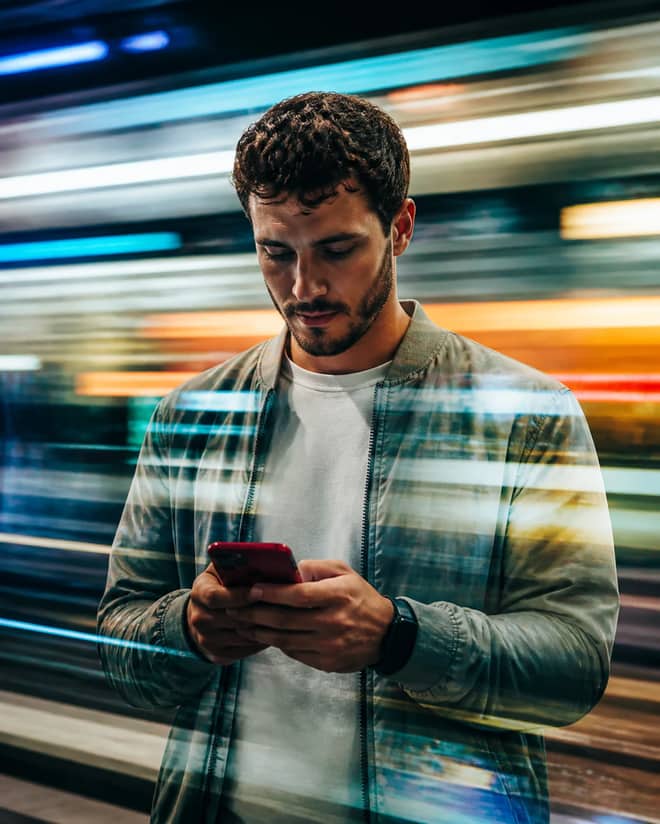
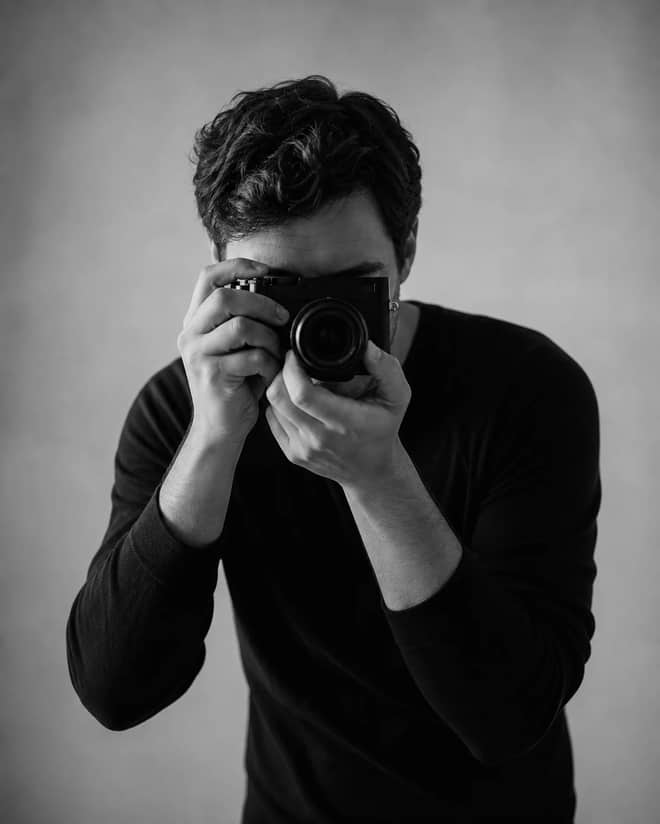
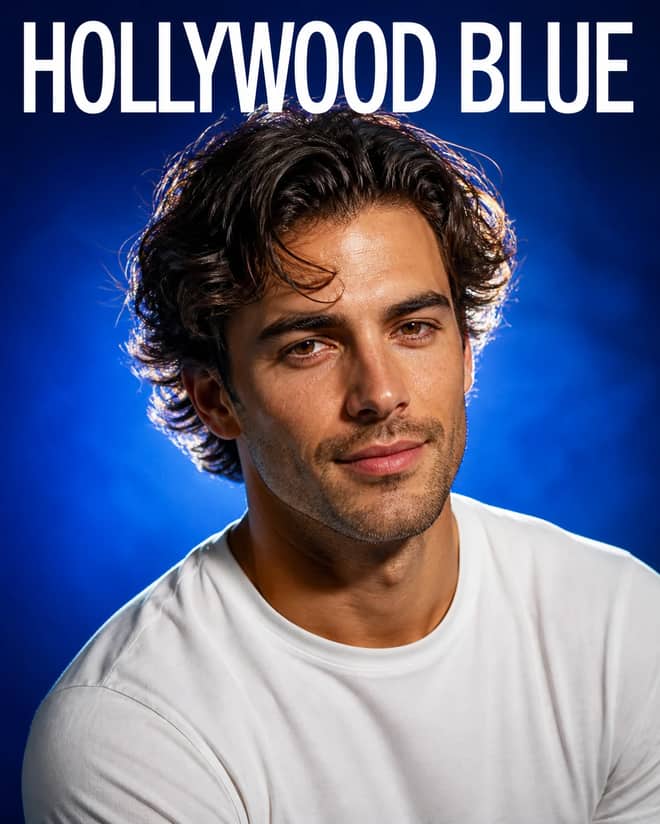
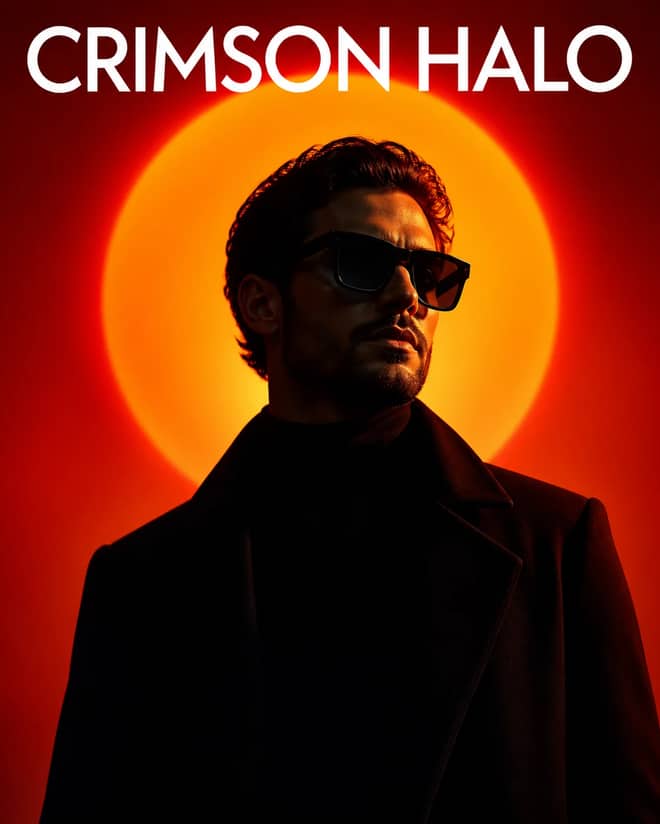
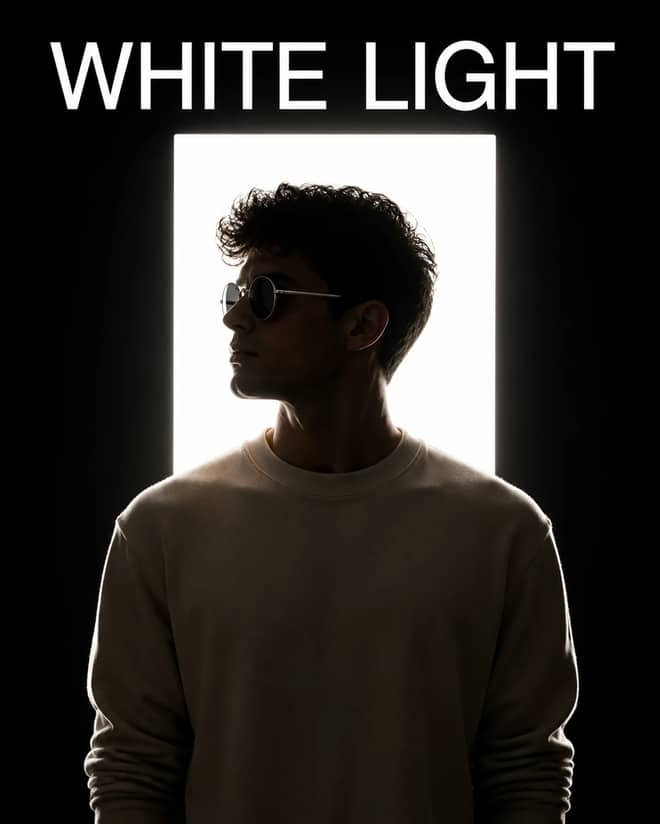
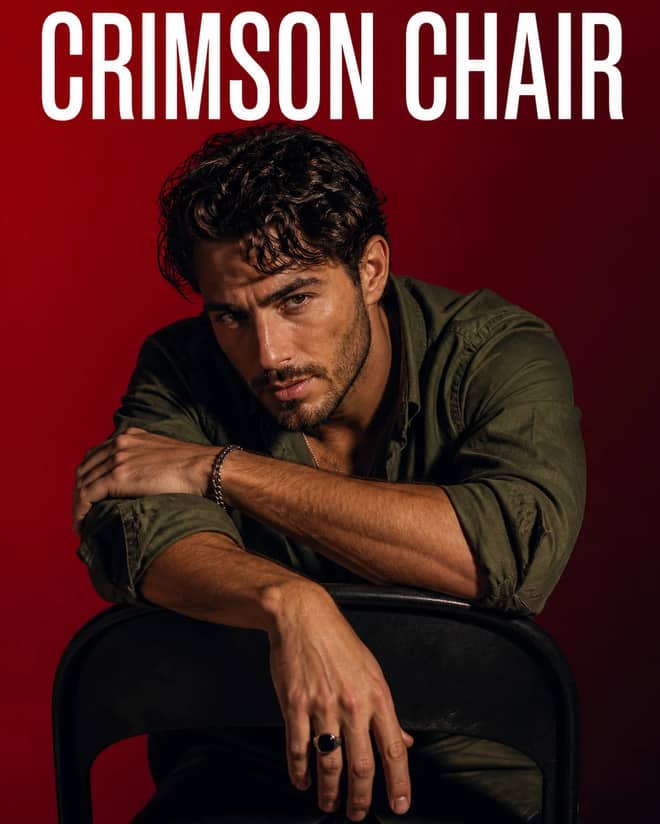
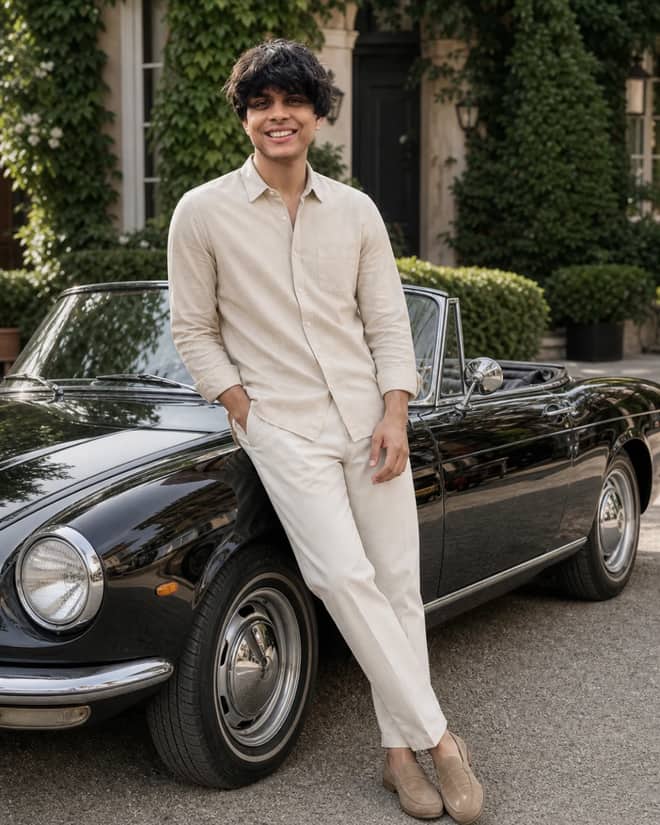
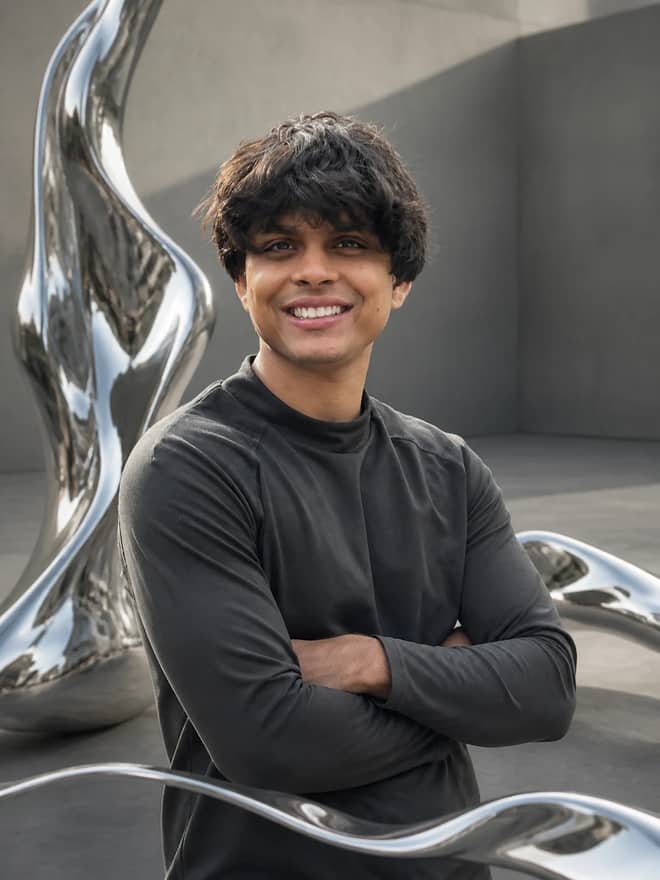
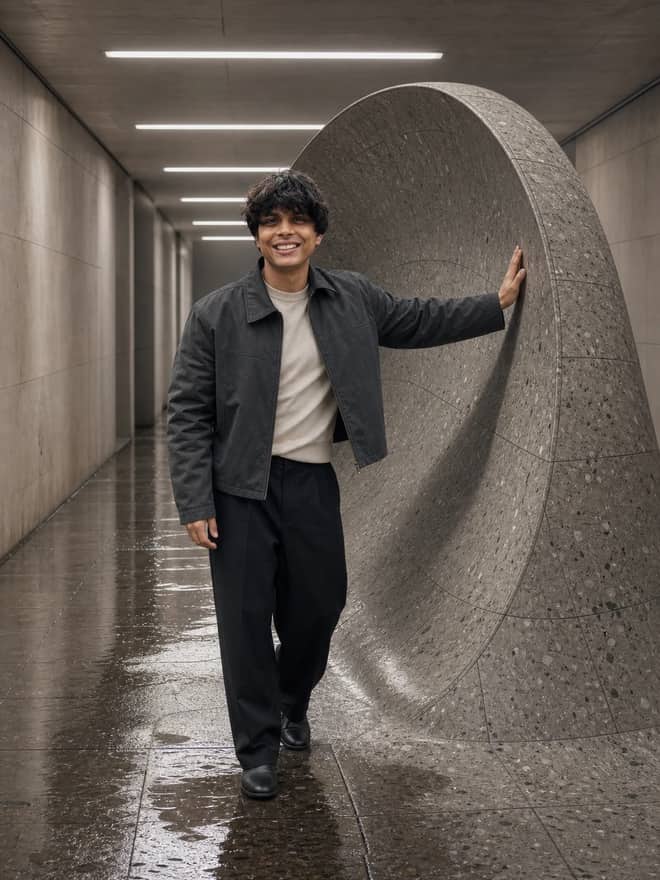
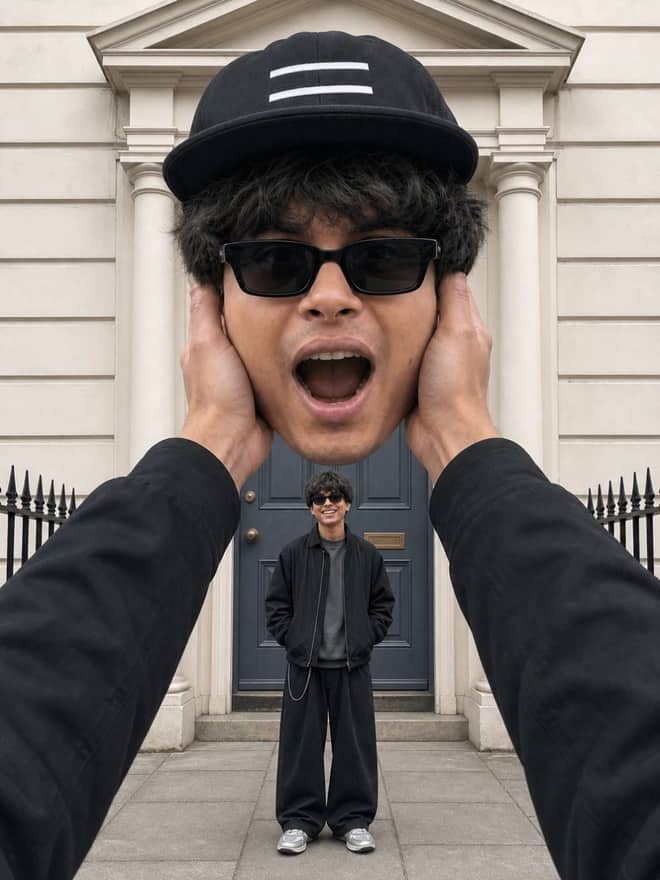
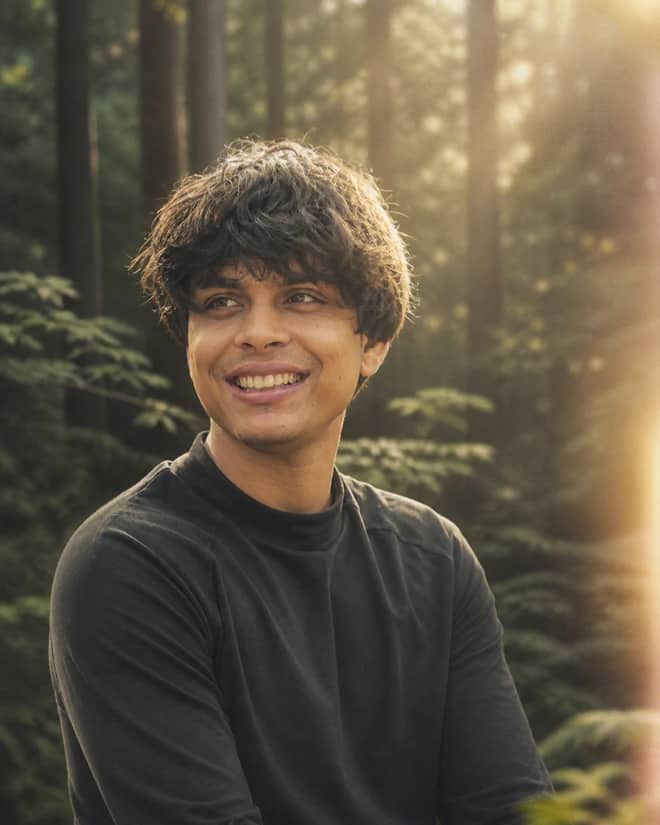
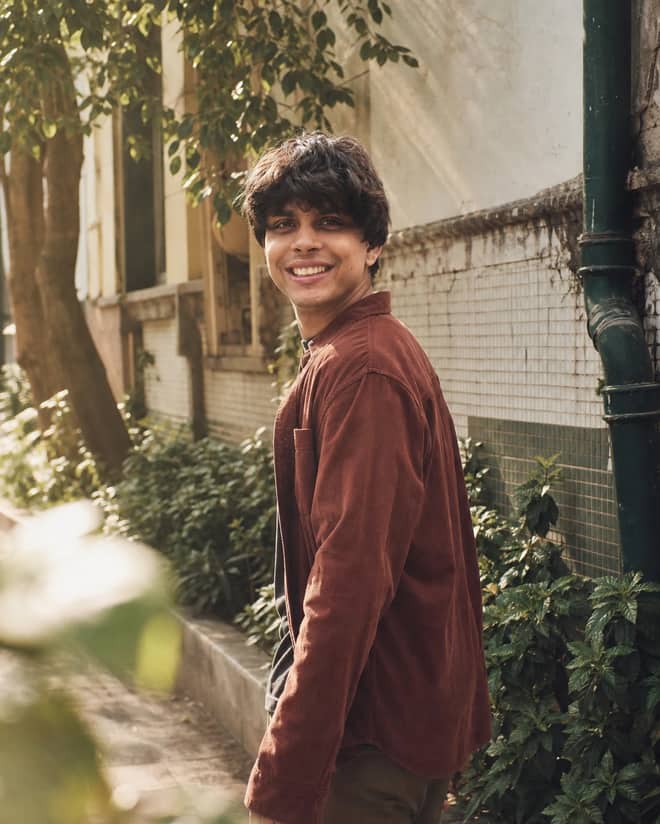
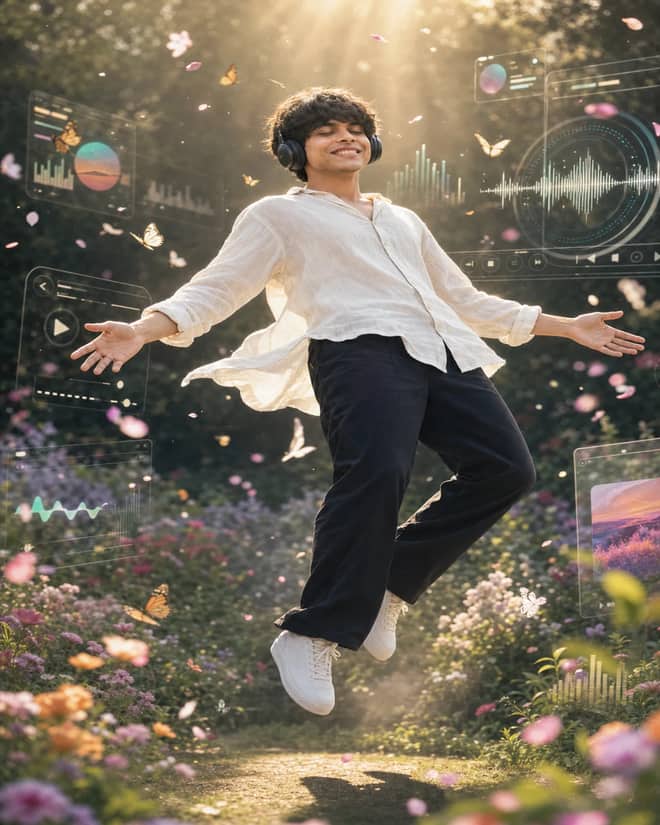
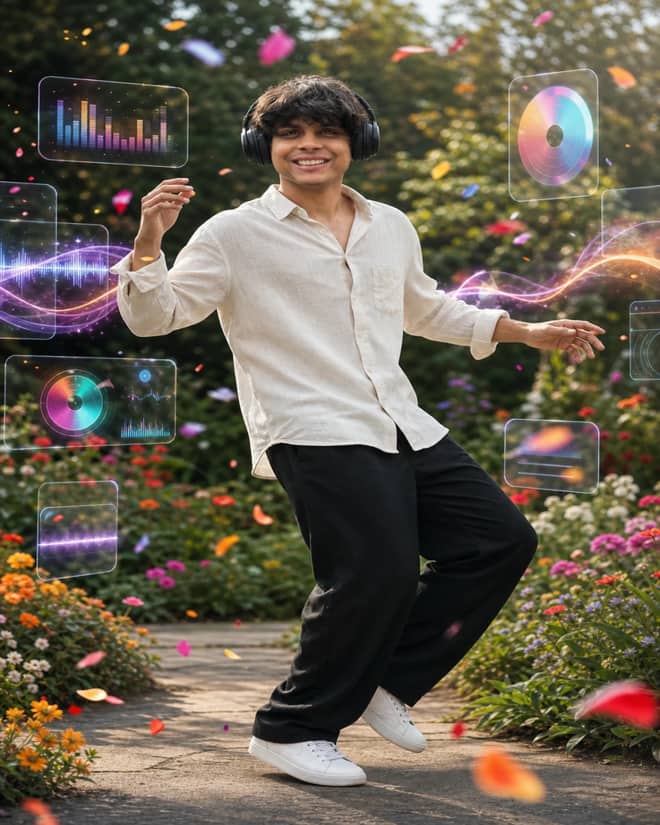
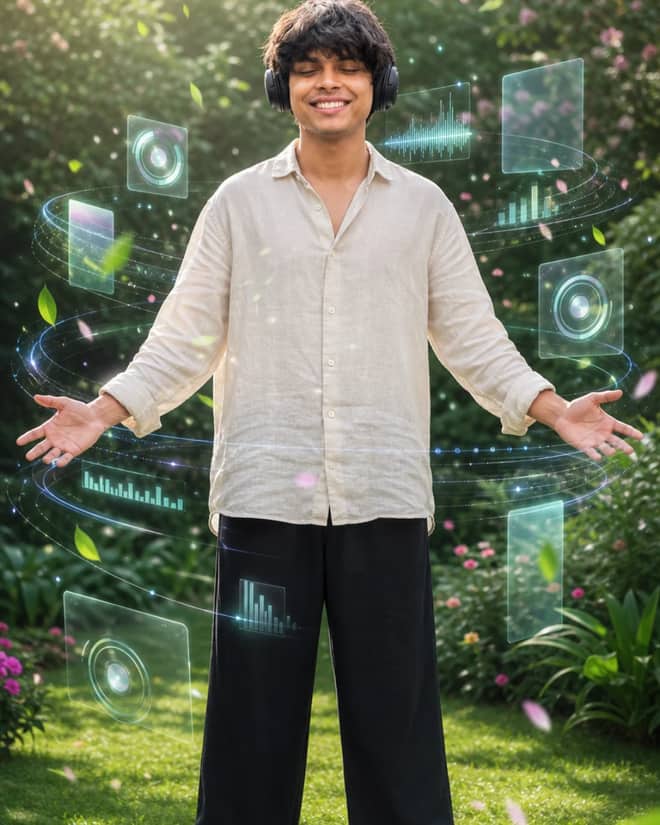
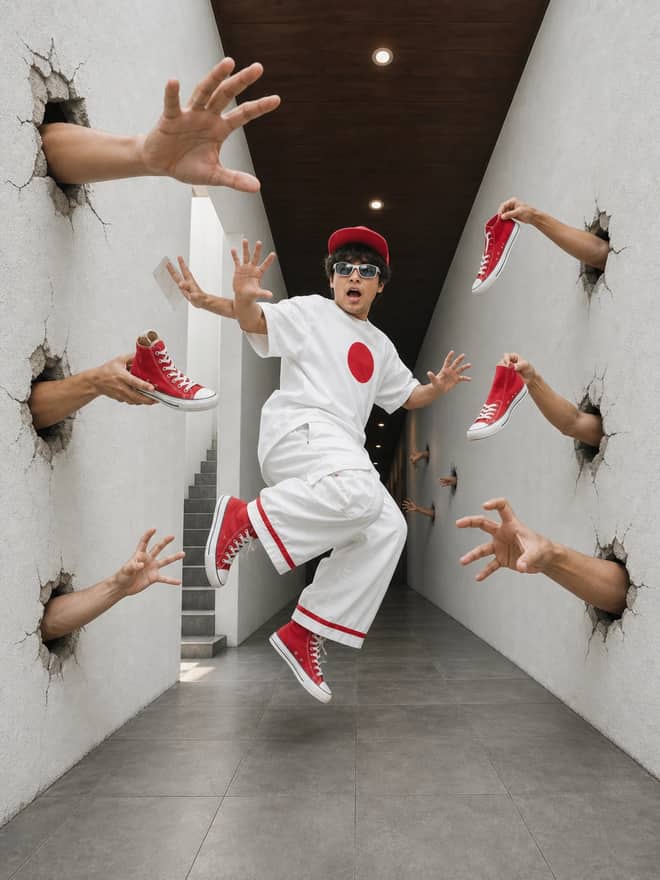
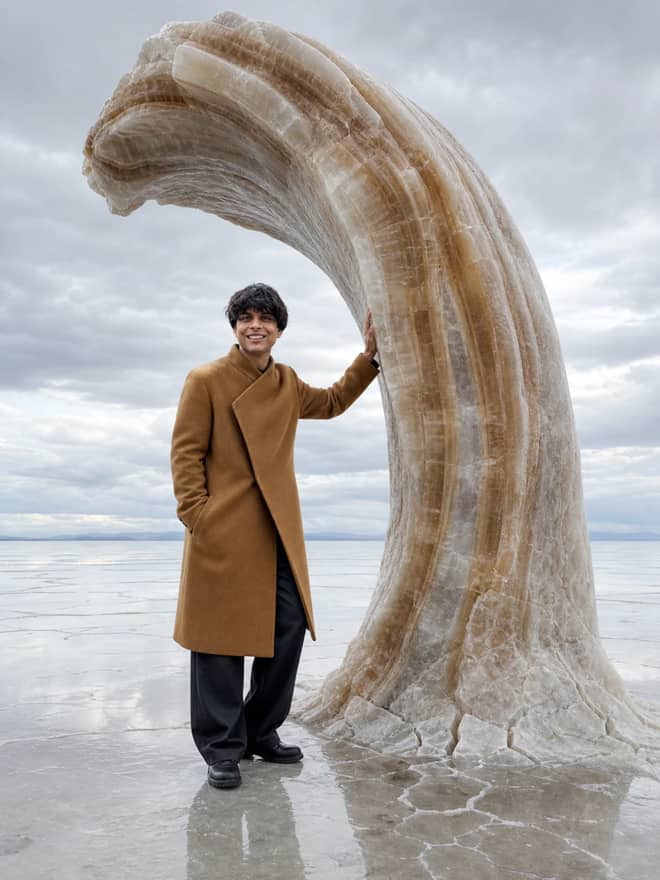
A gemini ai photo prompt copy paste is a ready written block of text you grab, drop into the Gemini app, attach your own photo, and send. No prompt writing on your side. The grid at the top of this page is full of them, and the whole point is speed. You see a look you like, you copy the words exactly, you paste, you upload a picture, you get an image back in a few seconds. That is it.
What gemini ai photo prompt copy paste actually means here
There is a real difference between writing a prompt and copying one. Writing means you sit there guessing words, testing, and fixing wording until the model understands you. Copying skips all of that. Someone already did the testing, found the phrasing that works, and now you reuse it. The reason these go around so fast is that the wording is the hard part, and once it is solved, anyone can run it. You are not learning prompt craft. You are borrowing a recipe that already came out of the oven looking good.
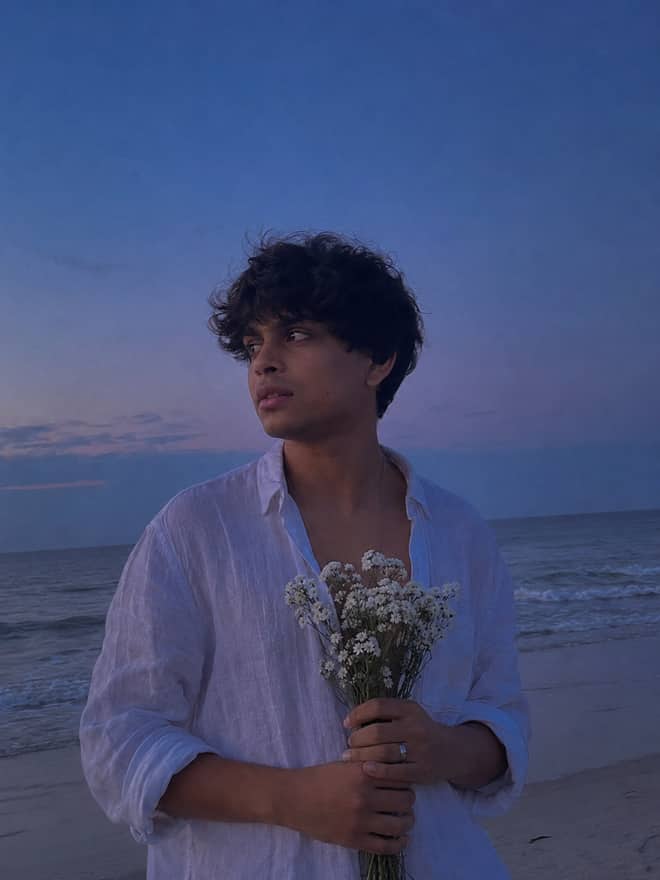
Most of these prompts edit a photo you upload rather than build one from scratch. That matters before you paste. An edit prompt expects your picture and changes one part of it, so the face still reads as you. A generate prompt has no photo to lean on, so it makes up a person from the words alone. If you want the result to look like the real you, pick the edit prompts and attach a clear shot.
The gemini ai photo prompt looks people are copying right now
From what I see going around lately, a handful of styles keep showing up over and over. These are the ones worth trying first because they are tuned and they hold up across different faces.
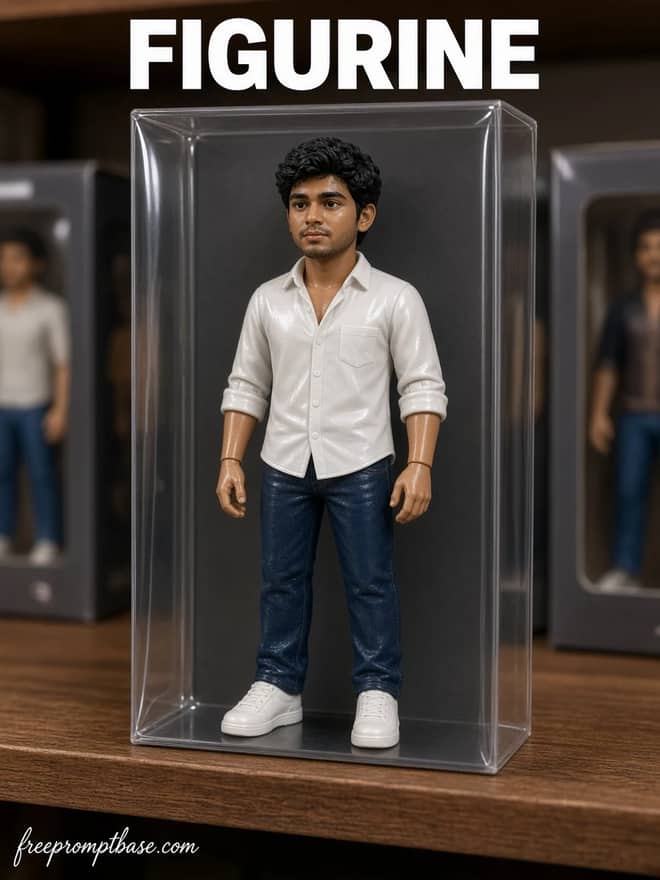
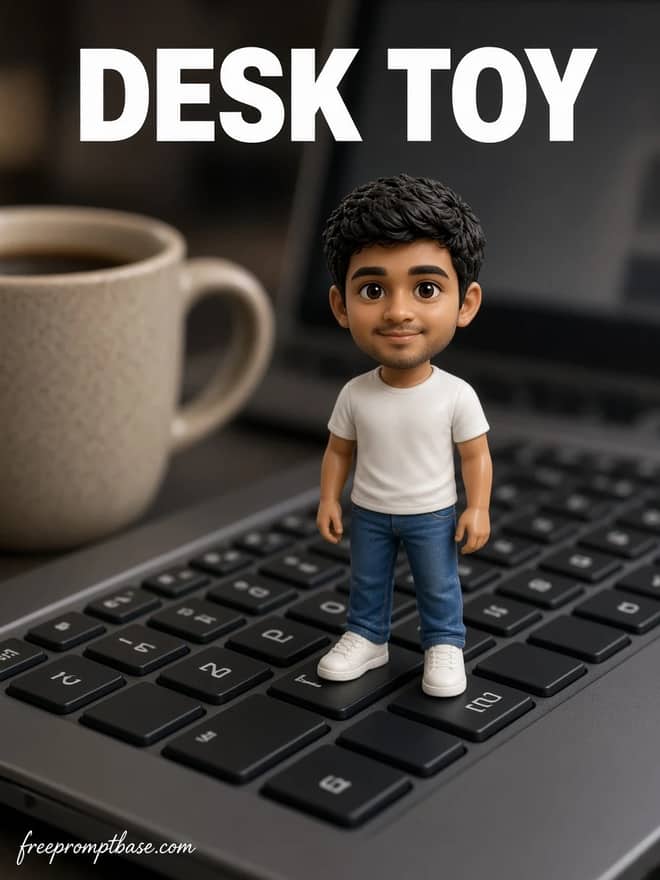
Action figure and 3D figurine
This one blew up. You upload a normal photo and the prompt turns you into a boxed collectible toy, plastic finish, blister pack, the works. It is silly and shareable, which is exactly why it spreads. Gemini handles the plastic sheen and the packaging mockup surprisingly well, better than most edits I have tried.
Father and son, mother and son portraits
A big cluster of copy paste prompts merges two separate photos into one warm portrait. You give it a photo of a parent and a photo of a child, and it blends them into a single natural shot that looks like they posed together. People use these for gifts and for photos that never actually happened, like a grown child standing next to a younger version of a parent.
Retro and film looks
Vintage is steady. Old film grain, 90s point and shoot color, faded studio portraits from decades back. These prompts add warmth and texture without changing your face much, so they feel safe to share. They are forgiving too, since grain and soft color hide small flaws the model might introduce.
Studio headshots
Less flashy, more useful. A plain selfie goes in, a clean professional headshot comes out with even lighting and a neutral backdrop. Good for a profile picture when you do not have a decent photo and do not want to book a shoot.
Advertisement
How to copy paste a Gemini photo prompt
The flow is short. Behind most of these edits is Google's image model, the one a lot of people nickname nano banana, and it lives inside the Gemini app and the web version. Here is the order that works.
- Copy the full prompt text. Get all of it, not half.
- Open Gemini on your phone or in a browser and start a new chat.
- Paste the prompt into the message box.
- Tap the image or plus button and attach your photo before you send.
- Send it, then wait a few seconds for the result.
- If a prompt has a blank to fill, like a name or a color, swap that in before sending.
That last step trips people up. Some prompts have a placeholder where you are meant to drop your own detail. If you paste it raw and leave the placeholder in, the model takes it literally. Read the prompt once before you send.
Match the photo prompt to what you upload
The input photo matters as much as the prompt. A figurine prompt needs a full body shot to wrap in plastic. A headshot prompt only needs your face. This table lines up the common looks with what to feed them and a short line you can tack on to steer the result.
| Look you want | What to upload | Line to add |
|---|
| Action figure | a full body photo | boxed toy, plastic finish, clear packaging |
| Parent and child portrait | two separate photos | blend into one natural group shot |
| Retro film | any clear shot | 90s film grain, warm faded color |
| Studio headshot | a plain selfie | soft studio light, neutral gray background |
| New background | a portrait | place me on a beach at golden hour |
Tweaking a Gemini photo prompt without starting over
Copy paste does not mean you are stuck with the first result. When something comes out off, the fix is almost never to rewrite the whole prompt. Change one thing and run it again. If the skin tone shifted, add keep my original skin tone. If the face drifted into looking like a stranger, add keep my face and bone structure the same. Make a single correction, compare the two outputs, and repeat until it sits right. Rewriting everything just throws away the part that already worked.
A few habits that save time:
- Use a sharp, well lit photo. Blurry input gives a messy edit every time.
- One face per photo is far more reliable than a crowded group shot.
- If the edit went too hard, ask it to dial the change down by half.
- Save the version you liked before you tweak again, so you can fall back to it.
Keep a small notes file of the prompts that worked for you. Next week you paste the same one with a new photo and get the same style, instead of hunting for the wording all over again.
Where these copy paste photo prompts come from
A lot of the copy paste prompts floating around get shared on social apps, and Threads has become a common spot for it. People post a finished image, drop the exact prompt underneath, and others copy it straight from the post. That is fine, but the wording gets garbled when it passes through a dozen reposts. Half the time the prompt people share is missing a line or has a typo that breaks it. The grid above keeps each prompt clean and complete, so you copy the whole thing without guessing what got cut.
If you do pull a prompt from somewhere else, read it before you trust it. Make sure it actually asks for an upload if you want an edit, and watch for leftover placeholders the original poster forgot to remove.
Gemini photo prompt versus other tools
These prompts are written for Gemini because that is the model behind most of the photo edits going around right now, and its image editing handles face likeness better than the older options. That said, the wording is plain enough that it usually carries over. Paste the same prompt into ChatGPT's image tool or another generator and you will often get a close result. Midjourney is the exception, since it leans toward fresh generation and does not take an uploaded photo the same way, so the edit prompts do not translate cleanly there. Try the app you already have open before you go install something new.
A quick reality check on copy paste photo prompts
Copy paste prompts are great, but they are not magic. The same prompt gives slightly different results to different people because your photo is different. A look that nails it for one face might need a small tweak for yours. That is normal. Run it, adjust one line, run it again. Once you have a version you like, that exact prompt becomes yours to reuse forever, on as many photos as you want. Grab one from the grid, attach a clear picture, and see what comes back.