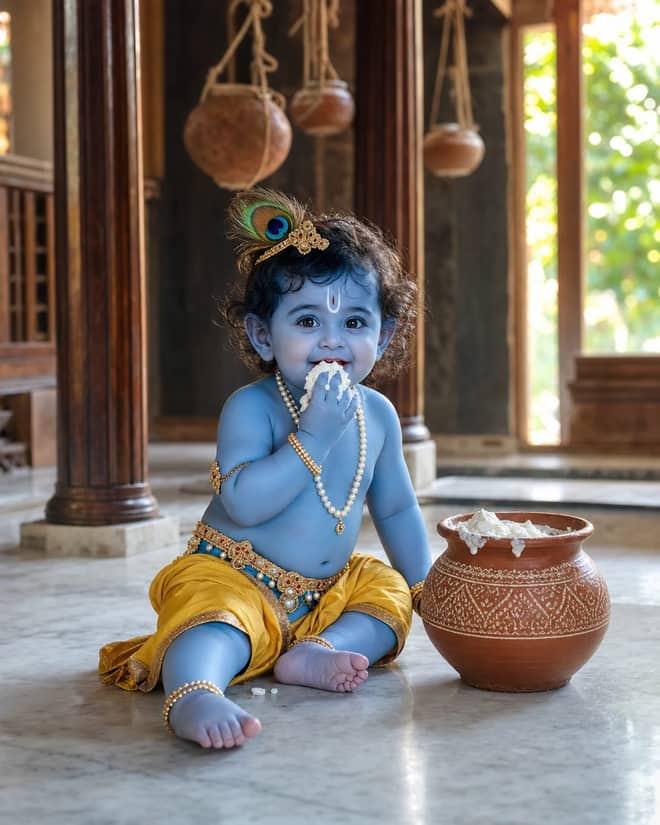
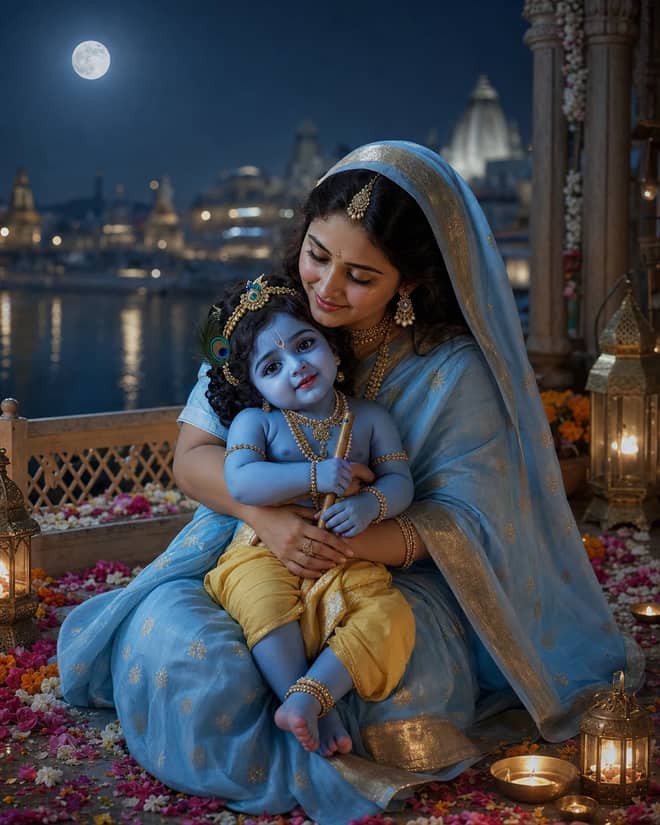
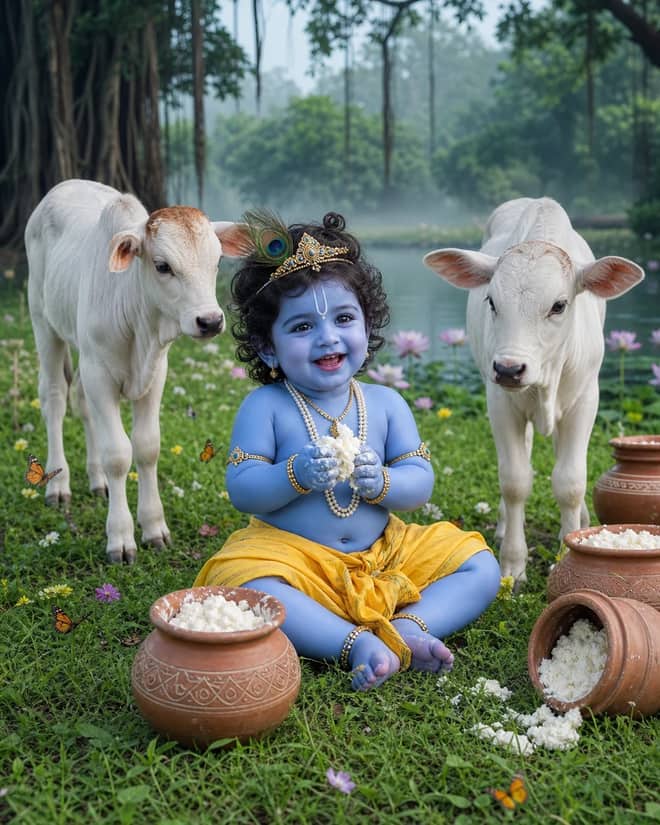
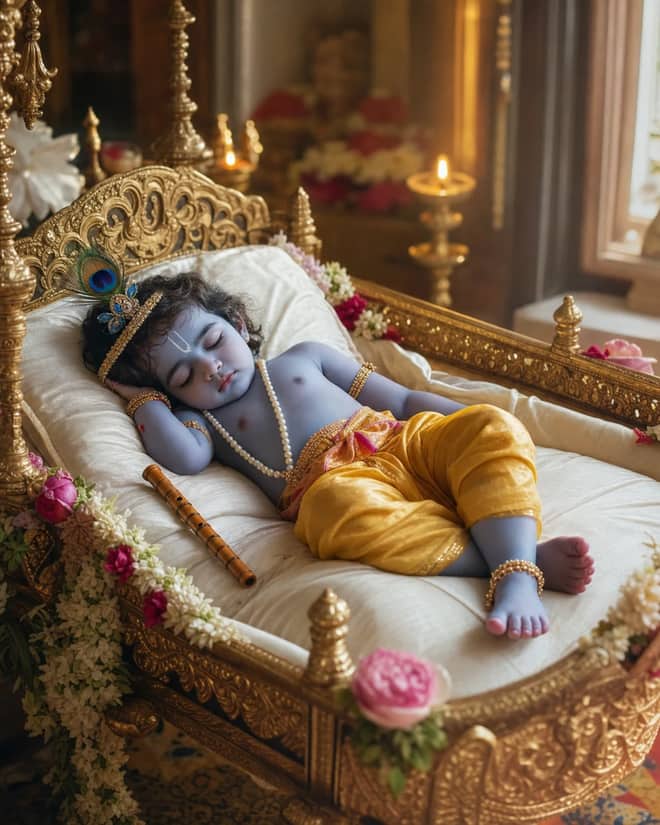
This Baby Krishna AI photo editing prompt collection gives you four ready-to-copy scenes: Krishna with a butter pot, Krishna asleep in a cradle, Krishna with Maa Yashoda, and Krishna with calves in a Vrindavan meadow. Each prompt has two sample images, so you can see how much the framing may change even when the main idea stays the same.
These versions create fictional devotional characters from text. You do not need to upload a child's photo, and the samples do not use a real person's face.
Why these Baby Krishna prompts are easier to use
Long prompts often repeat the same demand for realism five different ways. That does not make the image five times better. It can make the model miss the actual scene.
The prompts here keep the useful details: where Krishna is, what he is doing, the traditional clothing and ornaments, the light, and the 4:5 frame. They also say what to avoid. That is enough direction for Gemini, ChatGPT Image, and most current image generators.
Choose the scene before you copy
| Prompt | Best for | Main visual detail |
|---|
| Butter-pot Krishna | Playful morning portrait | White marble, clay pot, soft window light |
| Sleeping Krishna | Calm cradle portrait | Silk pillow, flowers, warm temple lamps |
| Yashoda and Krishna | Mother-and-child devotional scene | Moonlit balcony, blue saree, Yamuna backdrop |
| Krishna with calves | Outdoor Vrindavan scene | Green meadow, butter pots, cool morning mist |
Advertisement
How to create a Baby Krishna AI photo
- Open Gemini, ChatGPT, or another image generator that can make photorealistic images.
- Copy one prompt from the grid above and paste it as a new request. No reference photo is needed for these versions.
- Keep the 4:5 ratio if you want a portrait that matches the examples.
- Check the hands, jewelry, flute, and calves before saving. If one detail looks wrong, ask for that single correction instead of rewriting the whole prompt.
Change one detail at a time. A short follow-up such as "keep the scene, fix only the left hand" is usually more reliable than pasting a second wall of instructions.
Using a real child's photo safely
This collection is written for text-only generation, which is the simplest option. If you decide to adapt a prompt with a real child's photo, use an image you have permission to use, avoid public uploads when the service's privacy terms are unclear, and remove identifying background details. A devotional edit does not need a school badge, house number, or location tag in the frame.
Small changes that make the result feel natural
If the skin looks plastic, remove words such as "flawless" and ask for natural texture. If the jewelry looks heavy, ask for smaller, child-safe ornaments. If the scene feels too orange, request neutral morning light. The meadow prompt already uses a cooler green palette, while the cradle scene is meant to feel warmer.
Save the first result you like before testing a variation. Image models can produce a better face and a worse hand in the next attempt. Having a keeper makes experimentation less annoying.