

Pixar Chibi Scrapbook Collage – Gemini AI Photo Prompt
Turn one photo into a Pixar chibi scrapbook collage — 3D chibi poses with doodles and stickers. A copy-paste Gemini AI photo prompt for Nano Banana and ChatGPT.
11
AI prompt library
Free google gemini trending photo prompts you can copy in one tap. Paste, add your own photo, and create something worth sharing.
60 prompts
Turn one photo into a Pixar chibi scrapbook collage — 3D chibi poses with doodles and stickers. A copy-paste Gemini AI photo prompt for Nano Banana and ChatGPT.

Add playful doodles, motion lines, and captions that react to your subject. A free Gemini AI photo prompt — copy, paste your photo, and run it in Nano Banana or ChatGPT.

Make a cinematic World Cup poster — two players back-to-back, neon flags, smoky stadium haze. A copy-paste Gemini AI photo prompt for Nano Banana and ChatGPT.
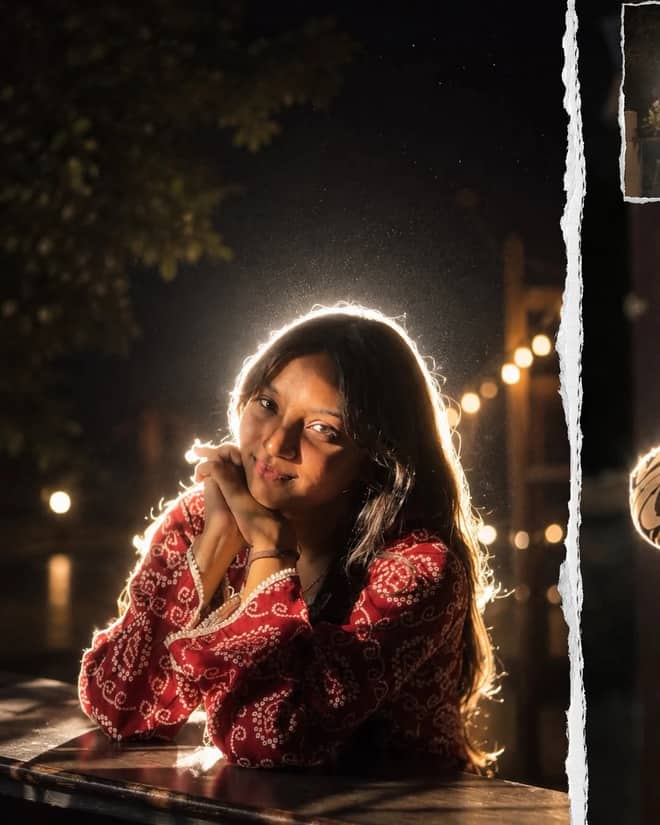
Get the viral night-flash look: a glowing rim-light halo, lens flare, and grainy candid mood. A free Gemini AI photo prompt to copy, paste, and run in Nano Banana.
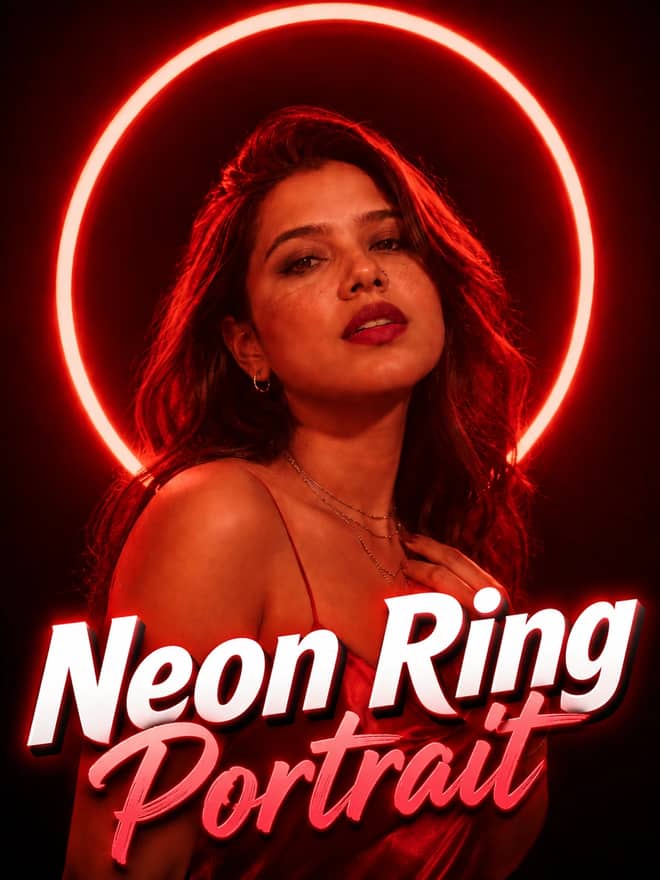
Neon ring portrait prompt — copy this free AI photo prompt on Free Prompt Base and edit it in Gemini & ChatGPT. Paste your photo and create in seconds.
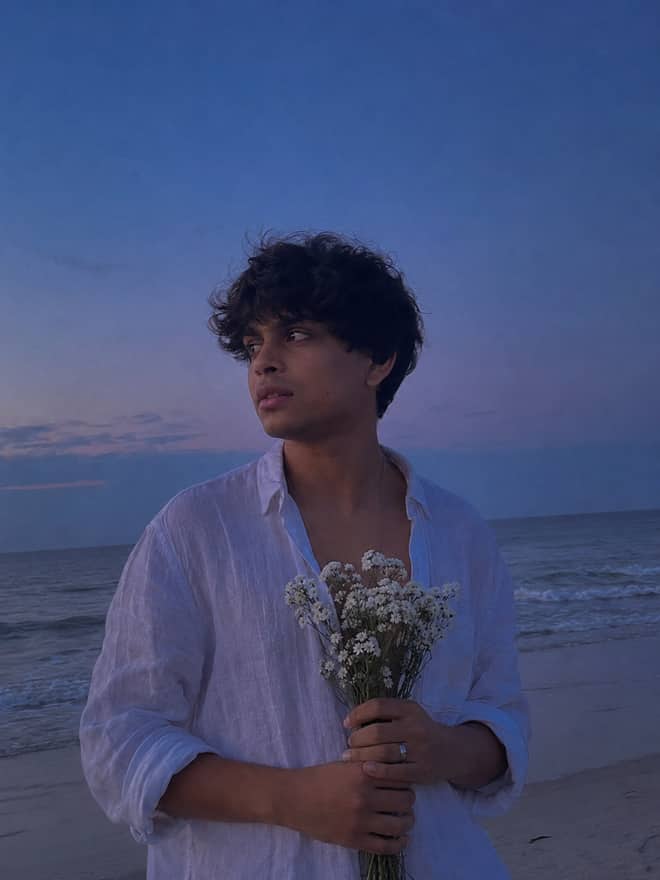
Turn your photo into a man in a white linen shirt holding flowers on a dusk beach. A free Gemini AI photo prompt — copy, paste, and edit in Nano Banana.
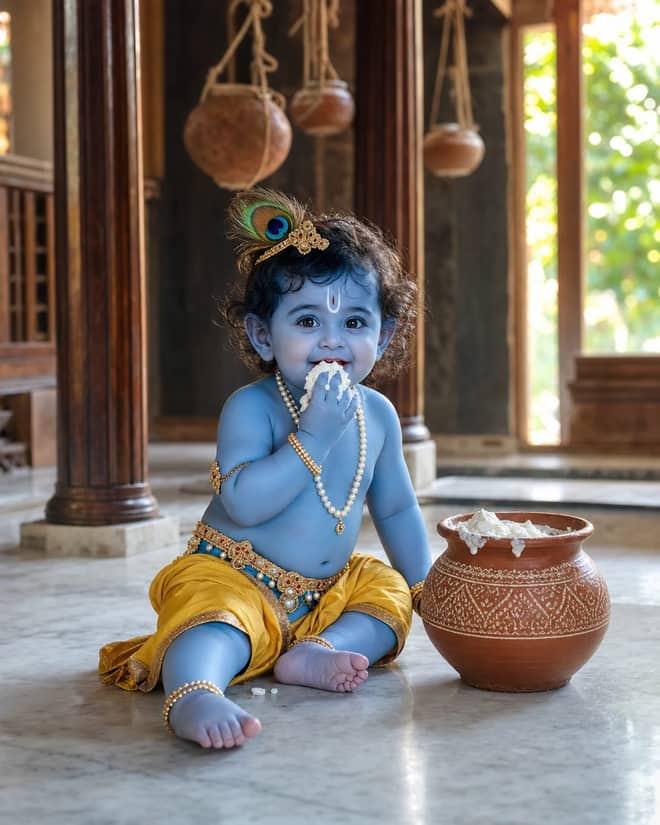
Create a photorealistic Baby Krishna butter-pot portrait in a sunlit Vrindavan home, with a yellow dhoti, peacock feather, marble floor, and natural DSLR detail.
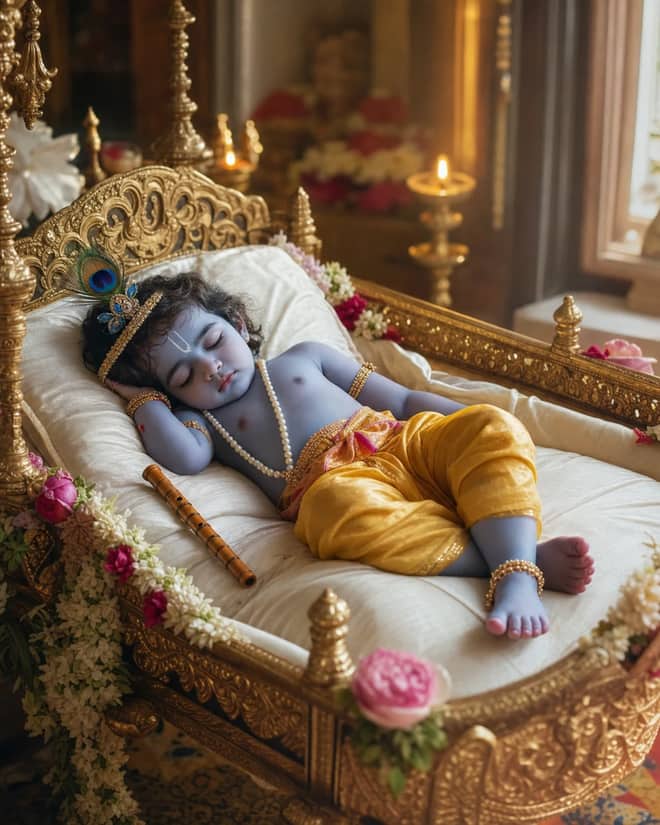
Create a peaceful sleeping Baby Krishna portrait in a flower-trimmed golden cradle, with warm temple lamps, silk cushions, and soft cinematic light.
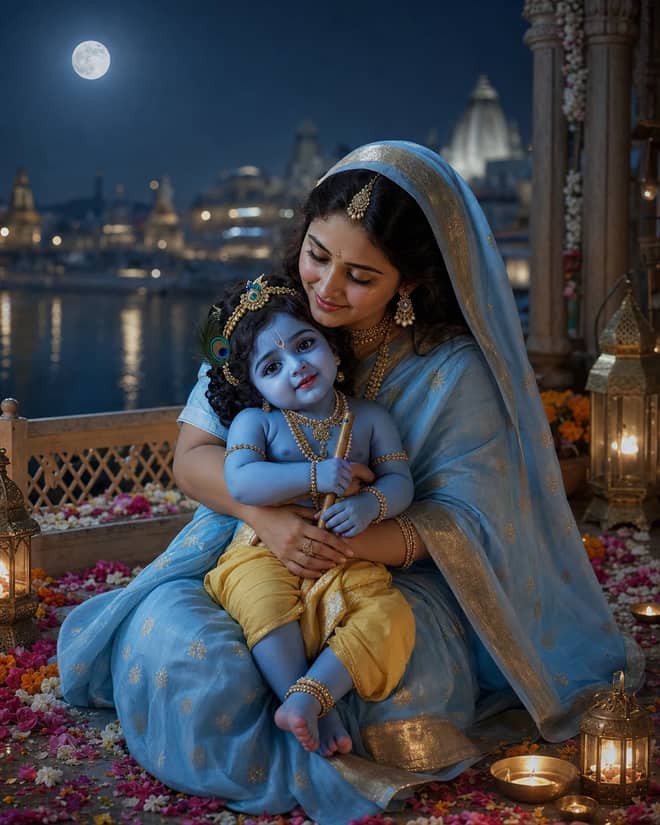
Create a moonlit Maa Yashoda and Baby Krishna portrait on a Vrindavan balcony, with blue silk, warm lamps, the Yamuna, and natural editorial detail.
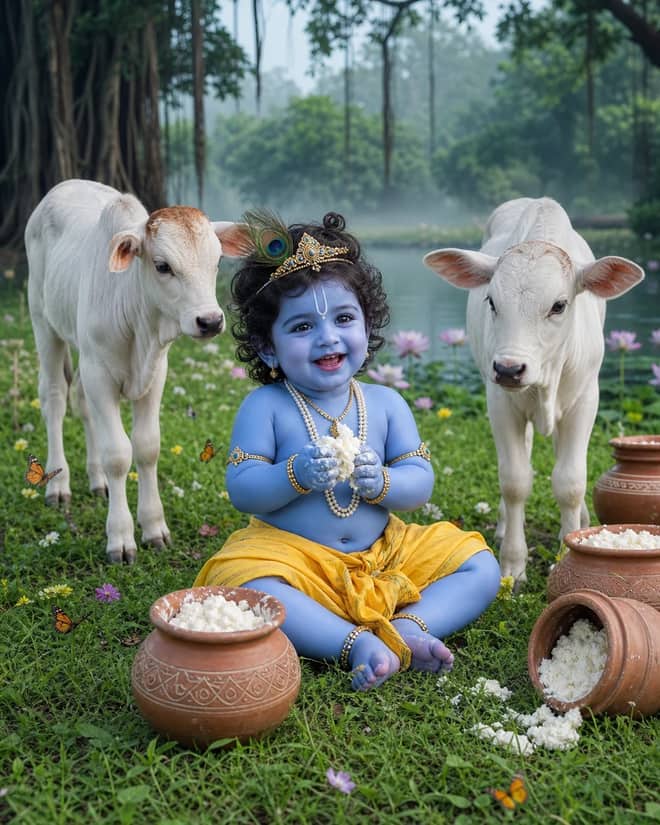
Create a playful Baby Krishna with cow portrait in a misty Vrindavan meadow, with butter pots, white calves, lotus water, and cool natural light.
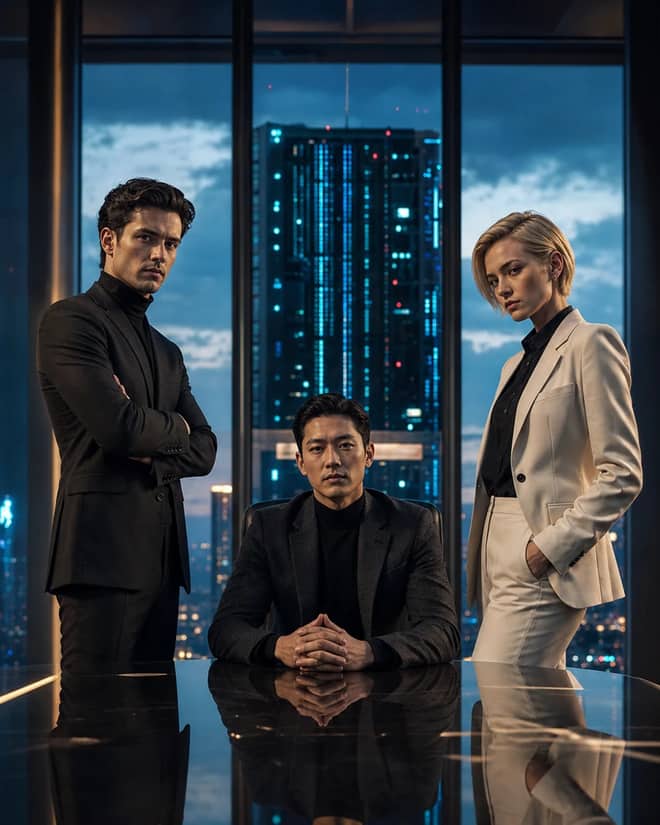
Create a fictional AI rivalry portrait with three executives, dramatic boardroom lighting, clear power dynamics, and premium editorial realism.
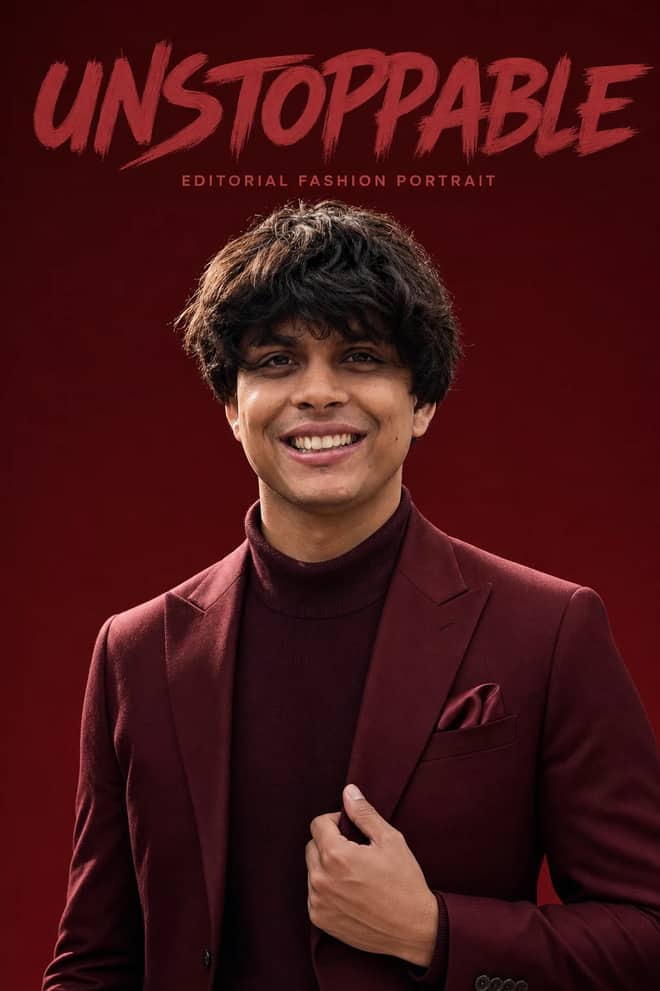
Create an ultra-realistic monochromatic fashion portrait with luxury campaign lighting, natural skin texture, bold brush typography, and clean negative space.
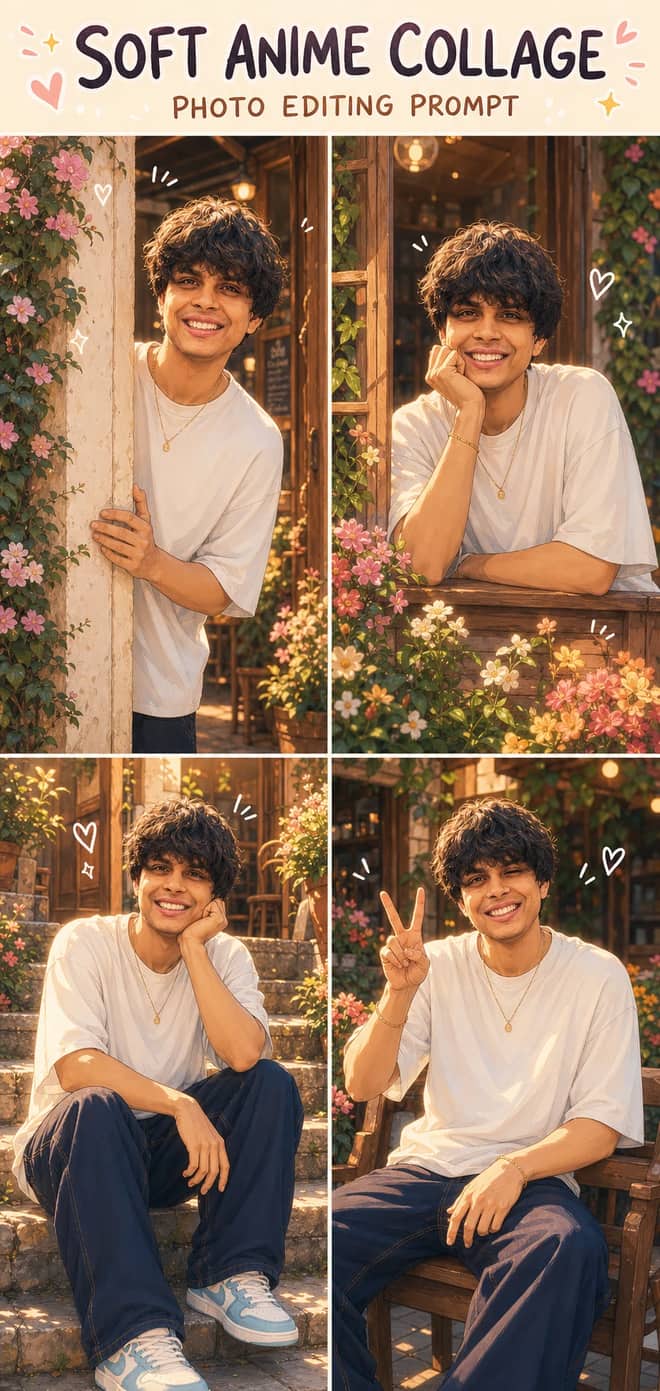
Turn one photo into a dreamy four-panel anime collage with consistent identity, café courtyard poses, golden-hour lighting, floral details, and cute doodles.
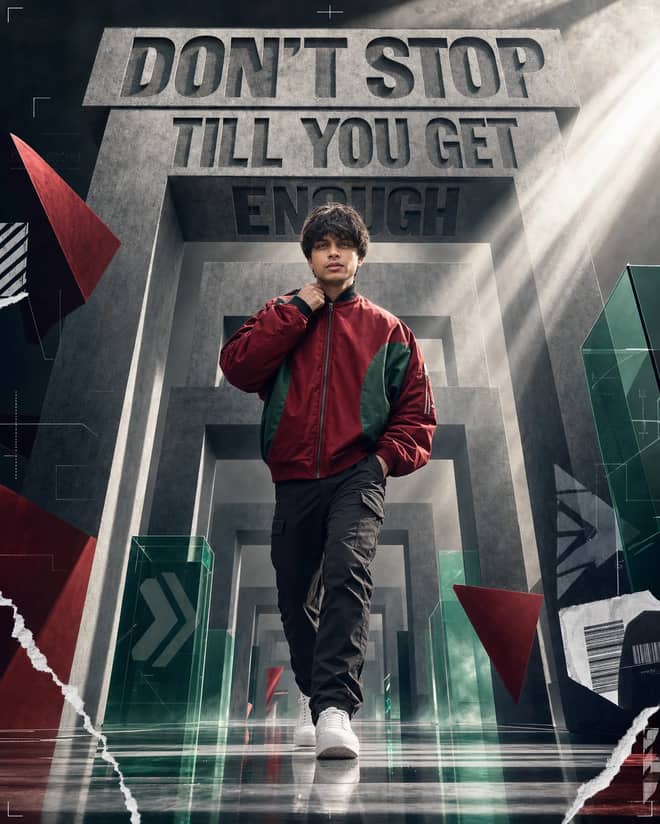
Create a premium sports-fashion poster with a confident model, monumental concrete portals, dramatic typography, low-angle perspective, and cinematic light.
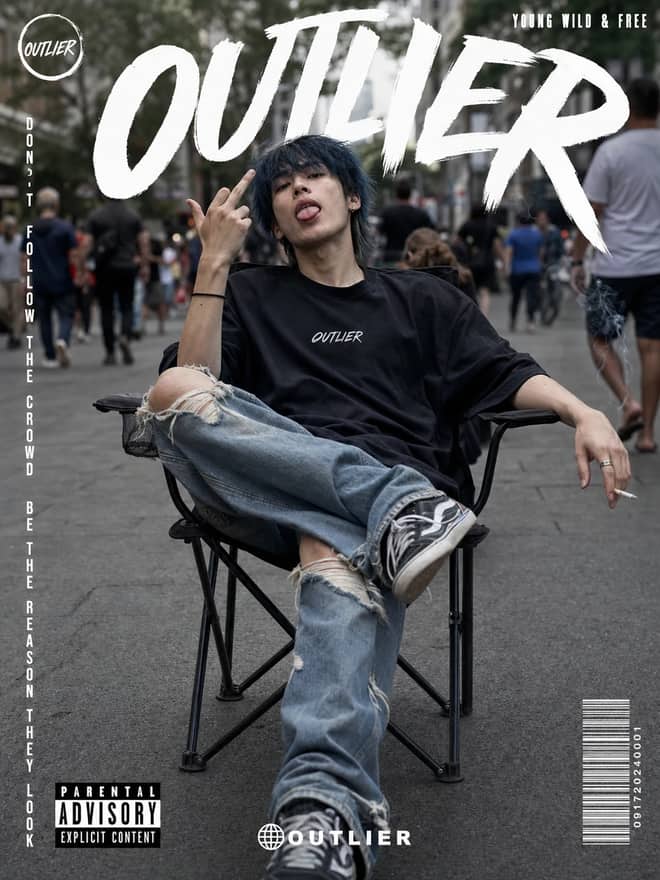
Create a gritty photorealistic streetwear poster with a seated model, blurred city pedestrians, natural skin texture, bold branding, and editorial labels.
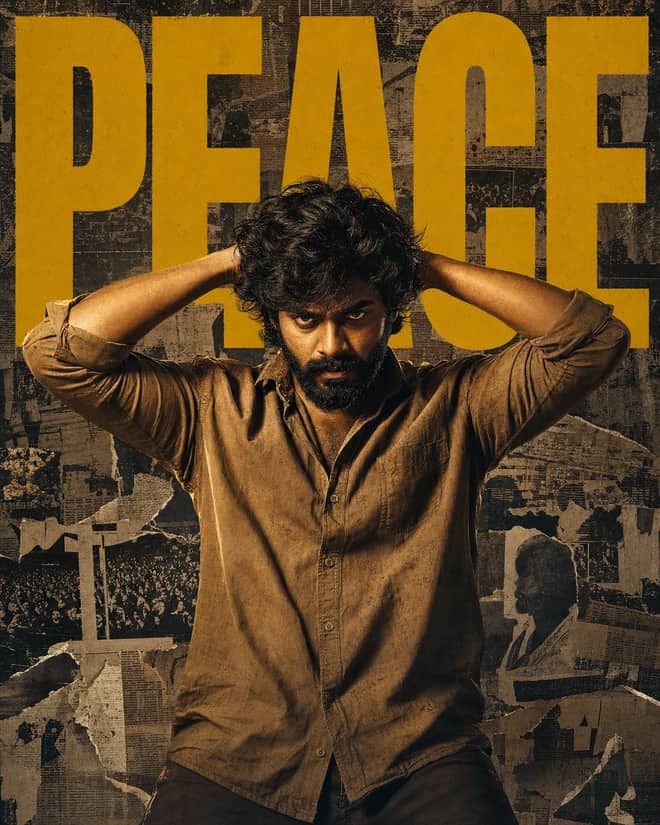
Create a gritty South Indian action poster with a rugged hero, bold PEACE typography, warm tungsten lighting, and a distressed vintage newspaper collage.
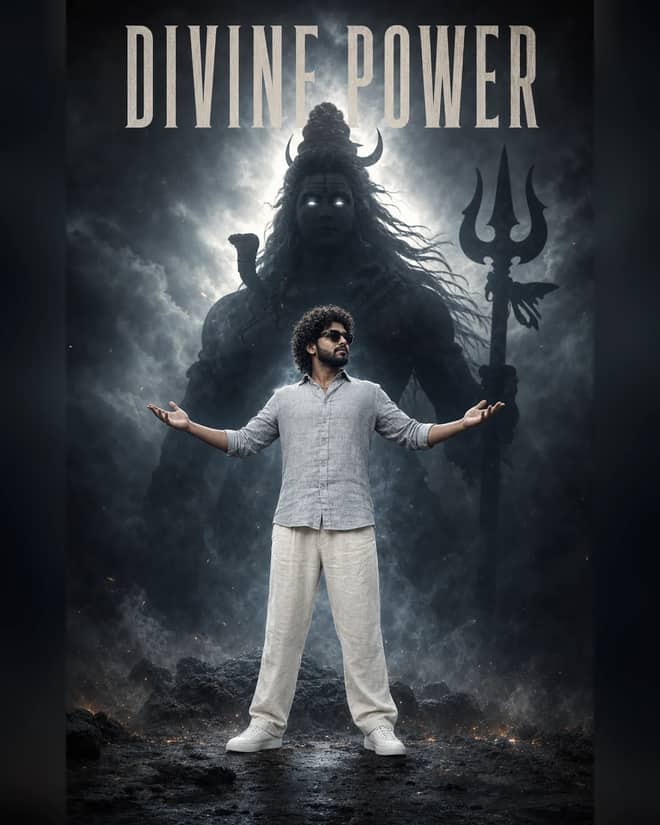
Create a powerful cinematic portrait with a confident man before a colossal smoky Lord Shiva silhouette, dramatic halo lighting, fog, and epic depth.
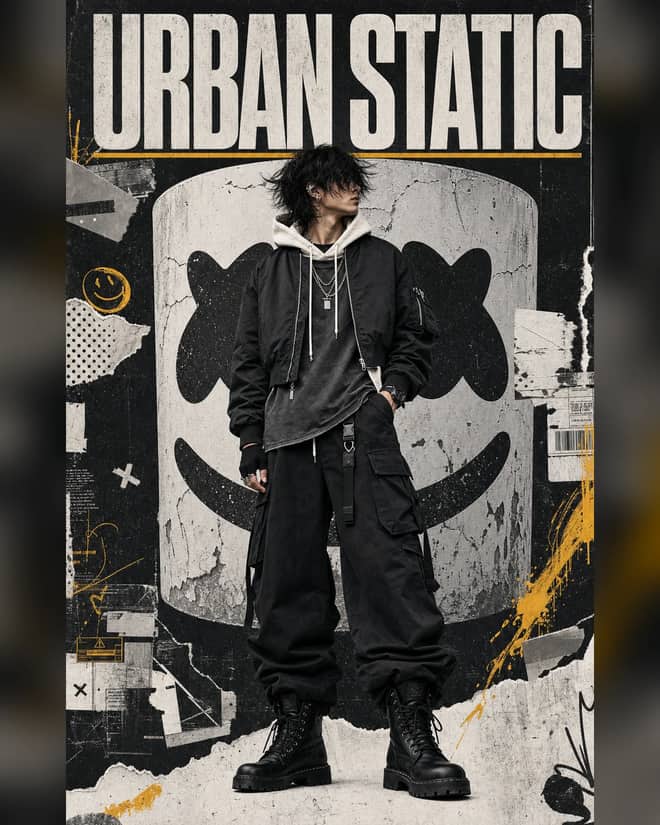
Create a luxury streetwear editorial with oversized black layers, a distressed helmet collage, controlled grunge textures, and muted yellow accents.
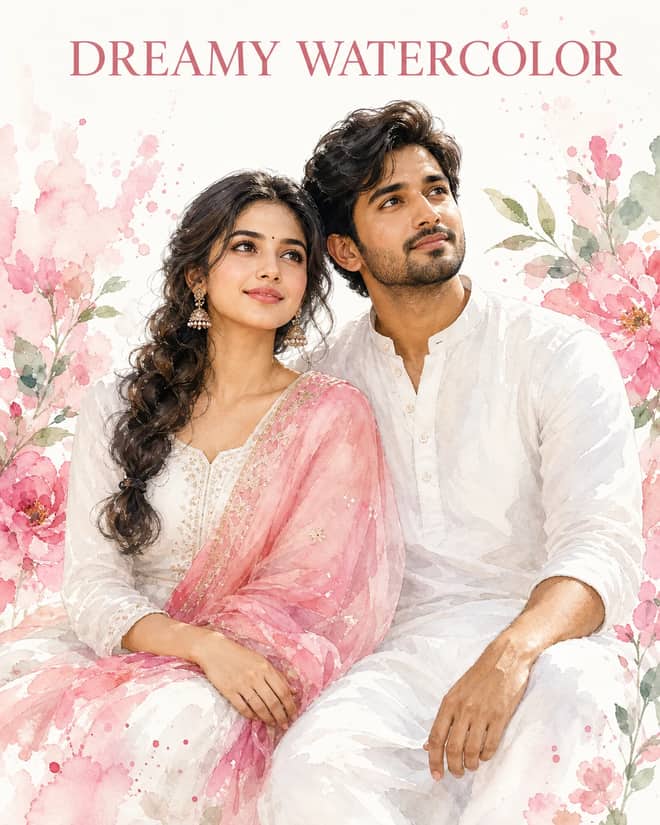
Create a dreamy watercolor portrait of an Indian couple in white attire with a pink dupatta, soft floral splashes, green leaves, and glowing skin.
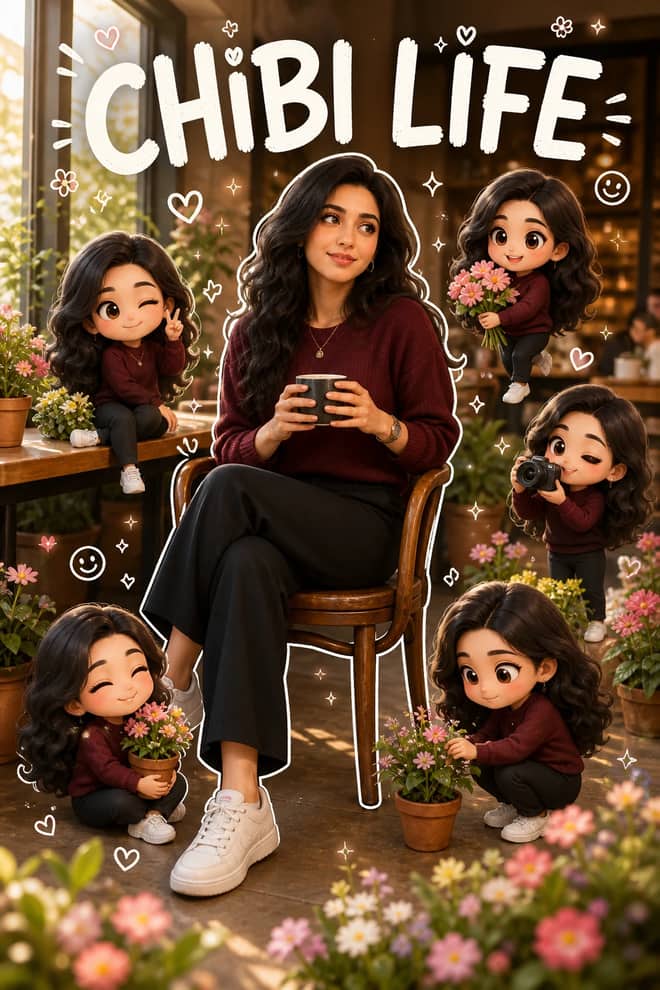
Transform a portrait into a hyper-real scene surrounded by matching 3D chibi miniatures, white outlines, playful doodles, flowers, and LIFE accents.
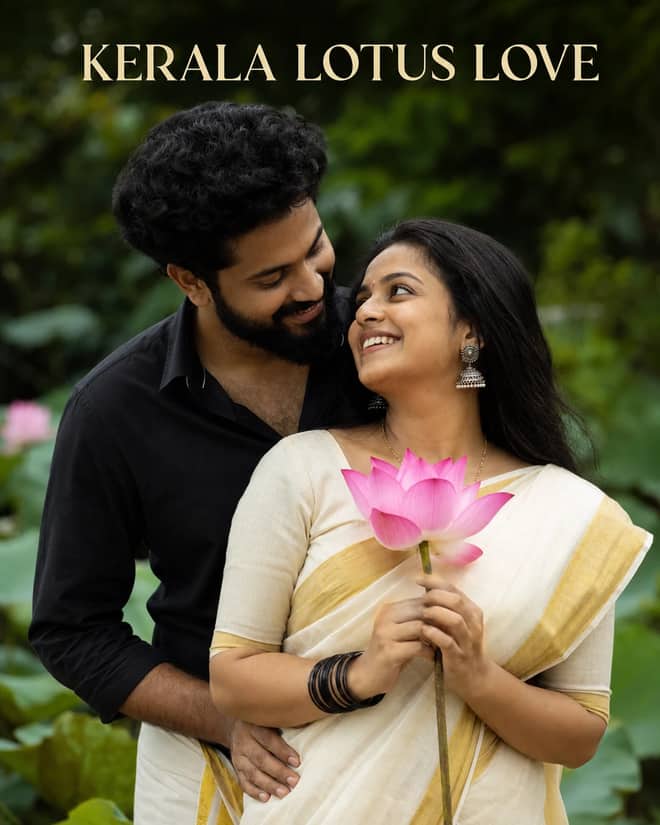
Create a warm romantic Kerala couple portrait with a gold-bordered saree, black shirt and mundu, pink lotus, jhumkas, and lush garden bokeh.
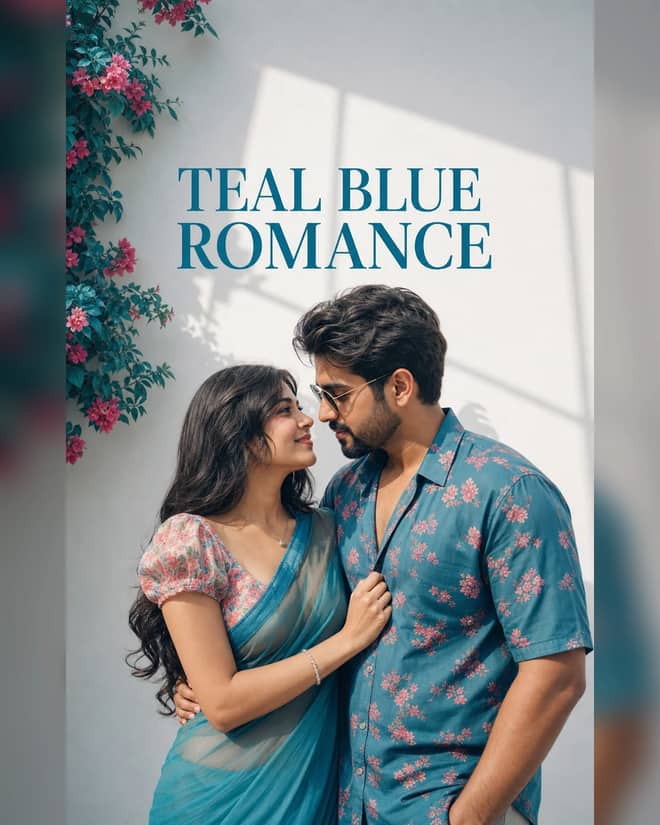
Create an ultra-realistic teal-blue couple portrait with floral outfits, a white wall, pink flowers, window-shaped sunlight, and cinematic color.
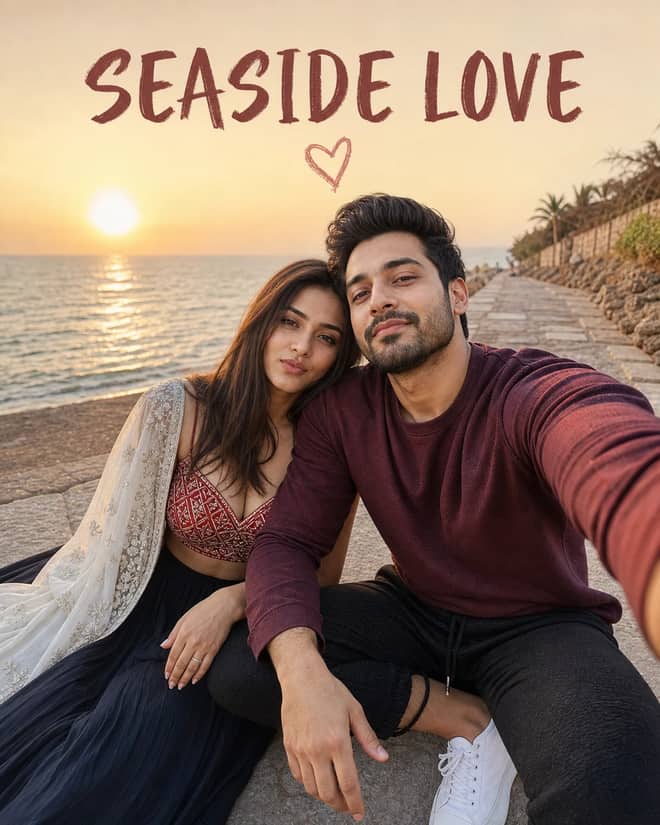
Create a cinematic golden-hour couple selfie by the sea with a red patterned lehenga, white dupatta, maroon sweatshirt, joggers, and heart doodle.
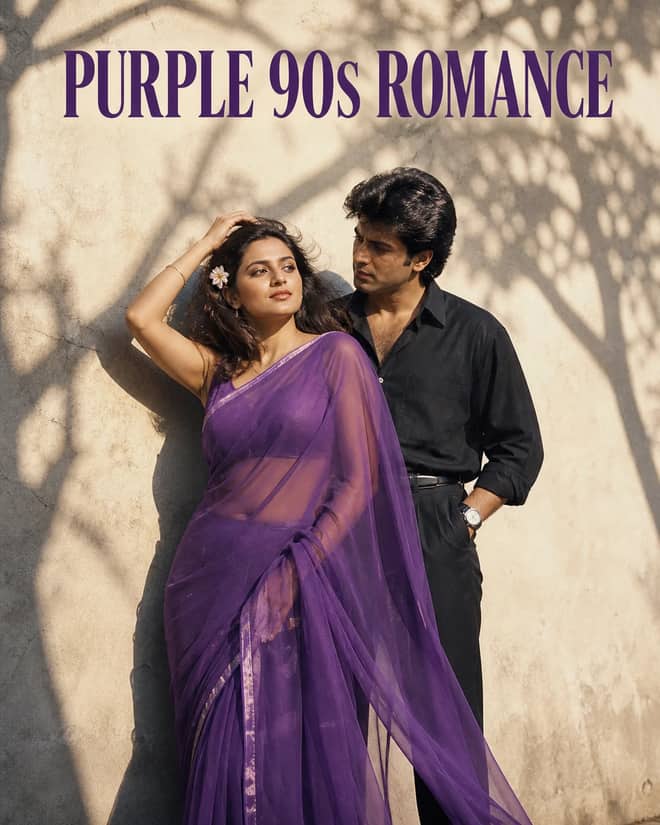
Create a grainy yet bright 1990s-style couple portrait with a purple chiffon saree, windblown hair, a tucked flower, black styling, and tree shadows.
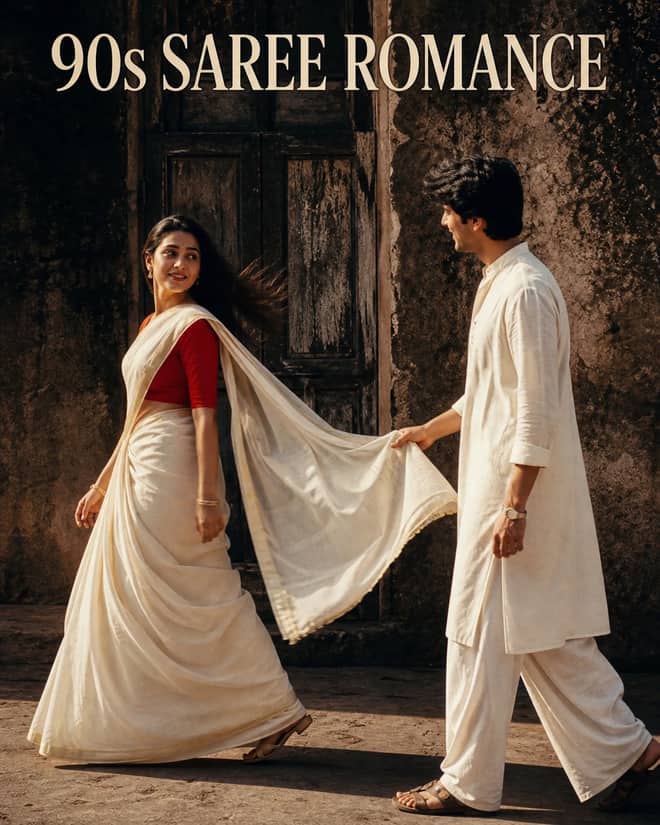
Create a cinematic 1990s-style couple portrait with an off-white saree, red blouse, white kurta, old wooden doorway, dramatic shadows, and pallu pose.
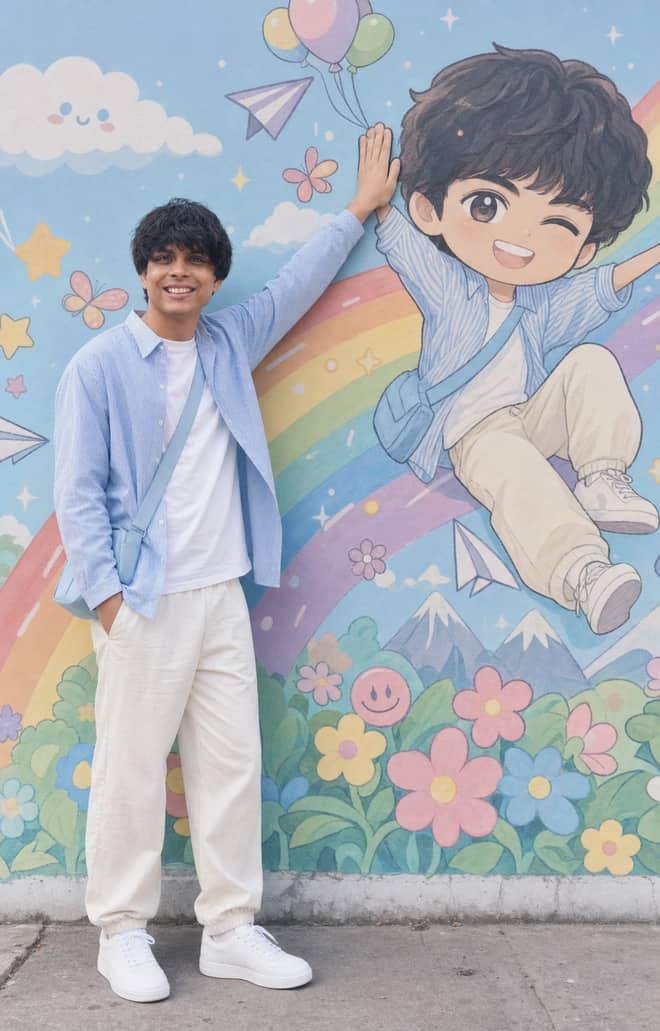
Recreate a colorful outdoor fashion portrait with exact face identity, a locked full-body pose, and a matching anime chibi mural.
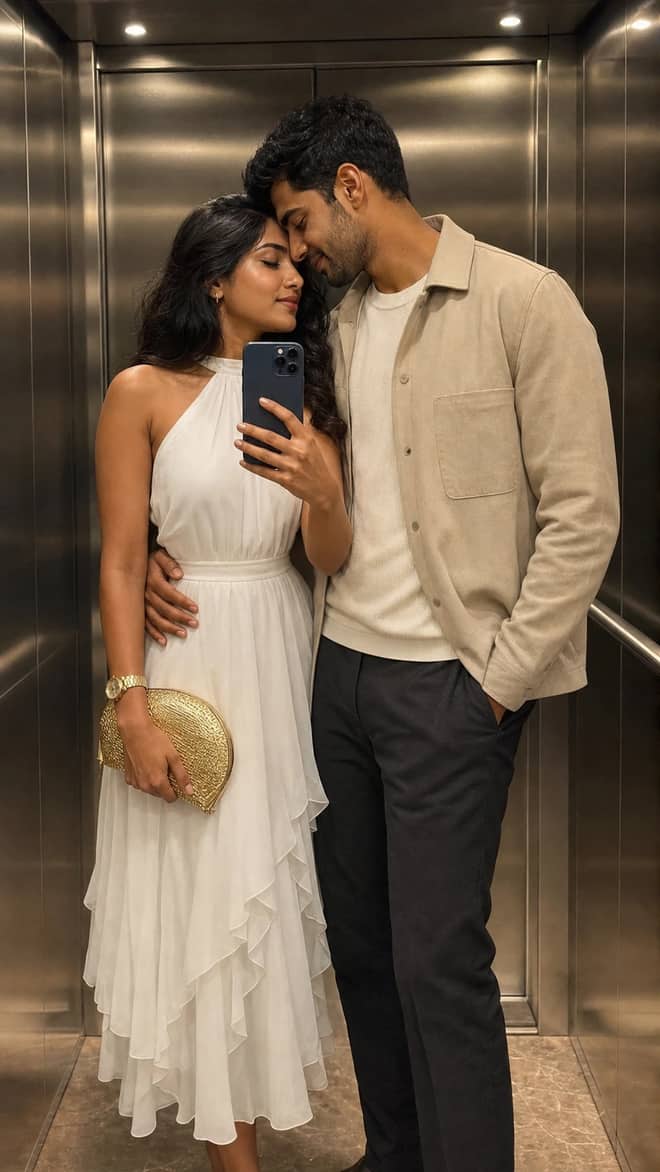
Create a luxury elevator couple mirror selfie while preserving both uploaded facial identities, natural expressions, skin texture, and authentic details.
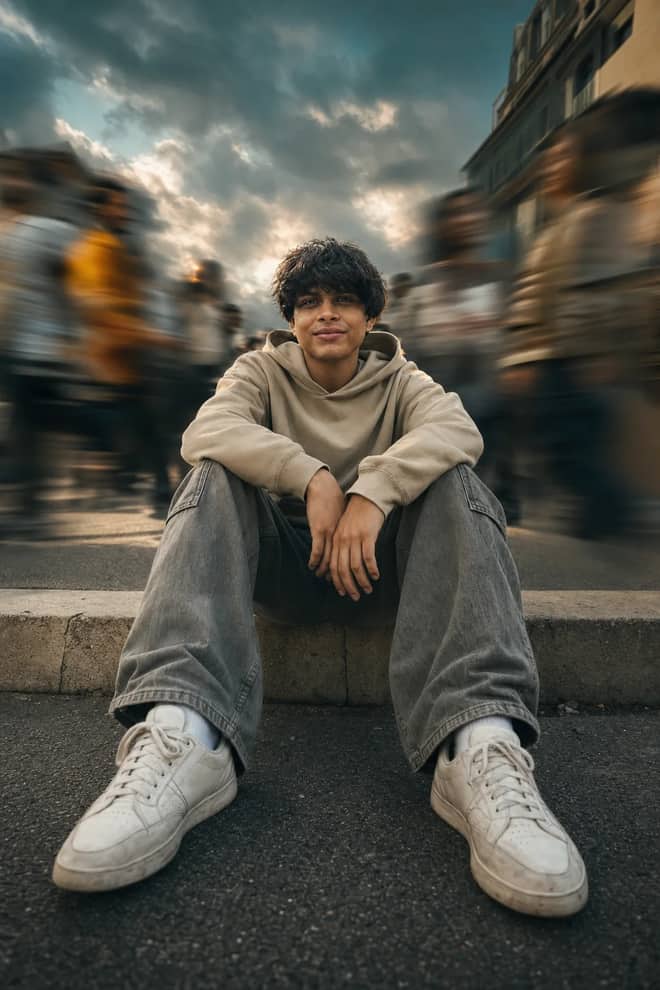
Create a low-angle urban portrait with a sharp seated subject, radial crowd motion blur, golden-hour light, and cinematic orange-and-teal grading.
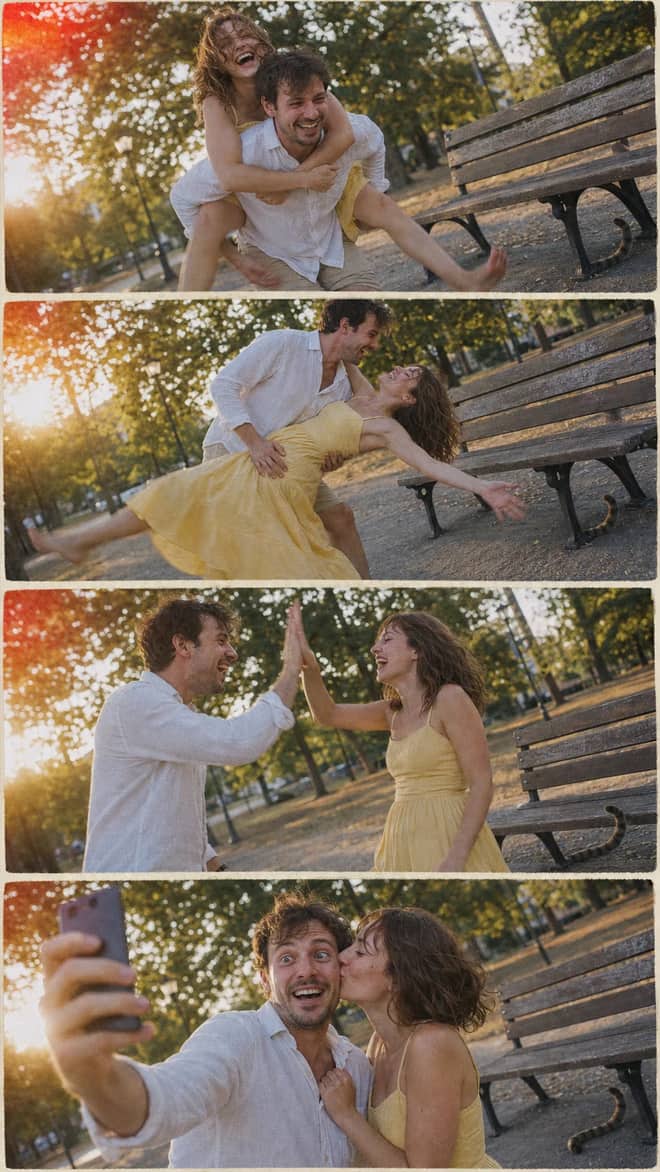
Create a nostalgic four-panel couple photo collage with playful candid moments, golden-hour park light, motion blur, grain, and a 2005 digital-camera look.
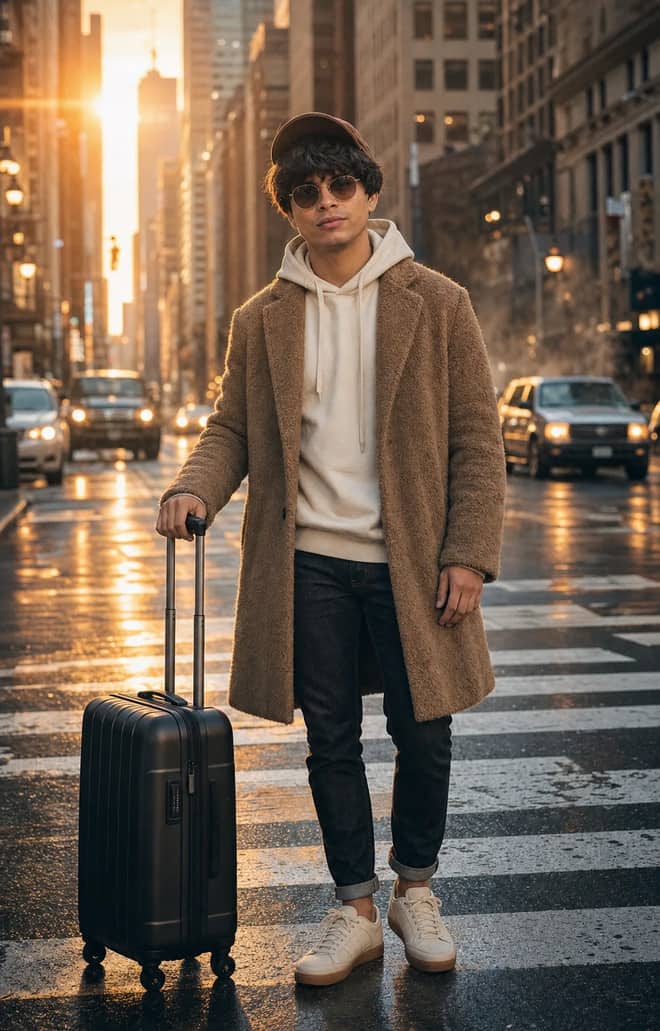
Create an ultra-realistic full-body traveler portrait in a downtown crosswalk with warm sunrise rim light, reflective asphalt, an 85mm look, and cinematic color.
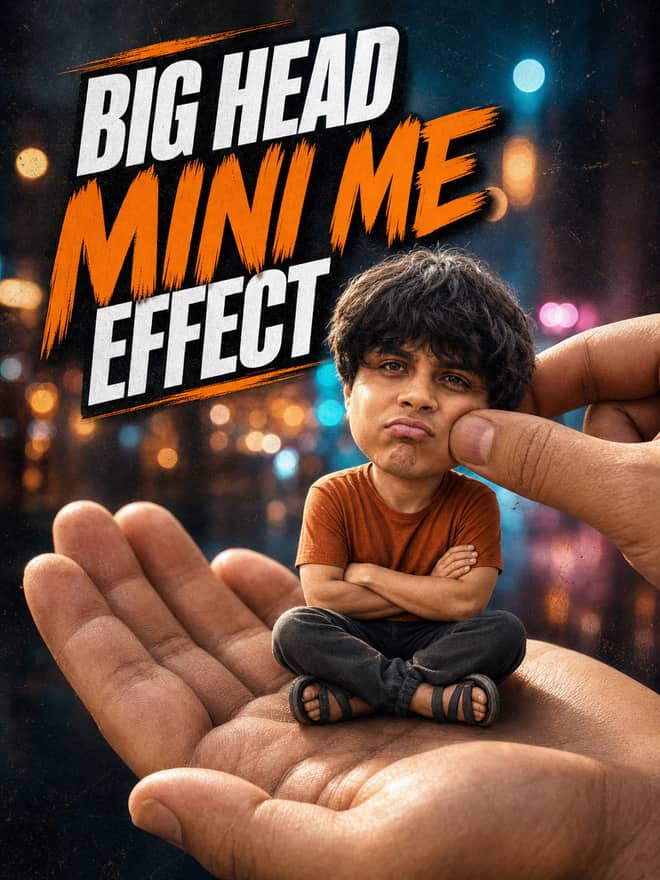
Turn any portrait into a cute big-head miniature seated in a giant hand, with a playful cheek pinch, cinematic night bokeh, and crisp 3:4 framing.
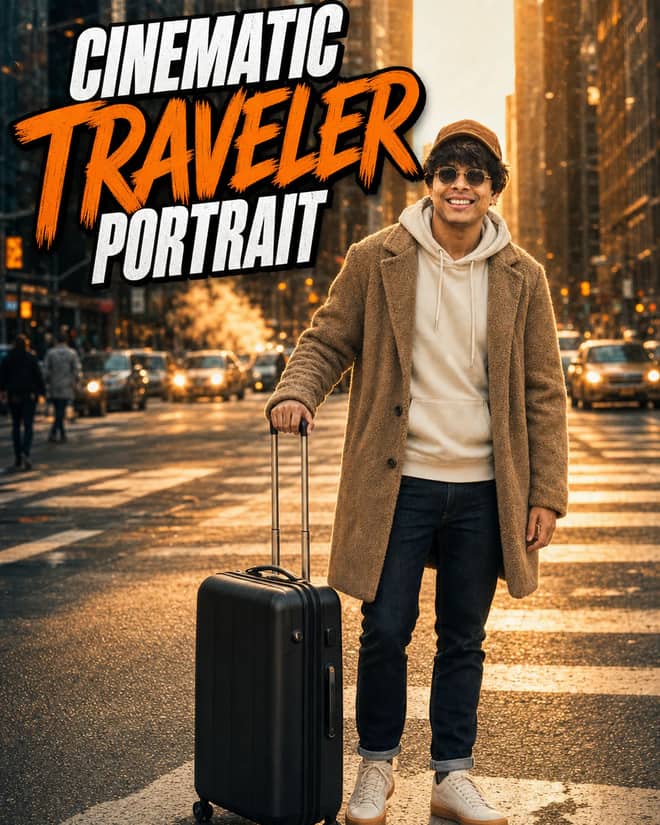
Create an ultra-realistic golden-hour traveler portrait with preserved facial identity, a teddy-fleece coat, reflective city streets, and an 85 mm cinematic look.
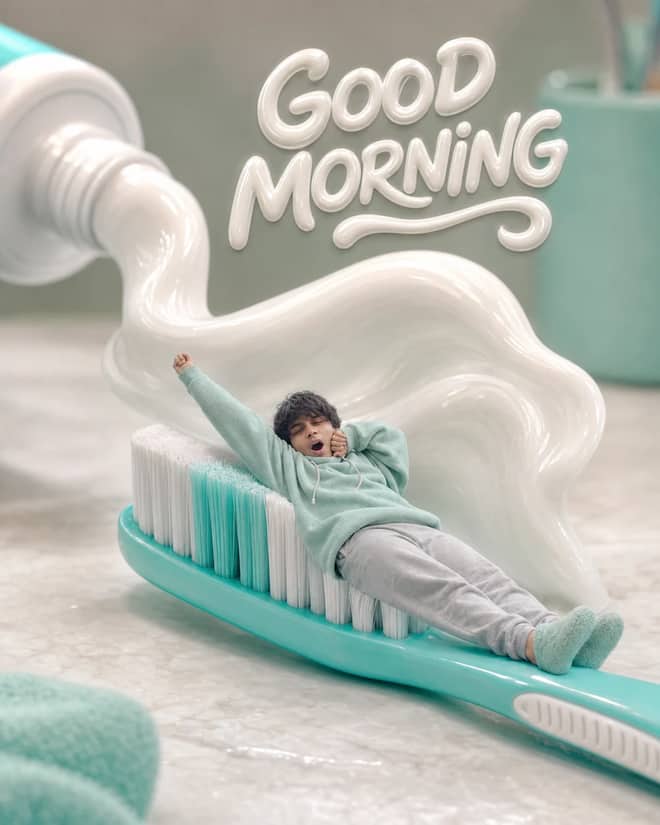
Turn any selfie into a tiny sleepy character lounging on a giant toothbrush, with a foamy toothpaste wave, pastel macro styling, and creamy GOOD MORNING text.
Professional Badge Photo, Ready to Use prompt for writing, editing, translation, and language work. Copy it into ChatGPT, Gemini, Claude, or another AI assistant and tailor it to your task.
Ultra-Detailed Vintage Photo Restoration and Colorization prompt for everyday work and focused problem-solving. Copy it into ChatGPT, Gemini, Claude, or another AI assistant and tailor it to your task.
A prompt that will turn your photo into a scene from a cult 90s movie prompt for everyday work and focused problem-solving. Copy it into ChatGPT, Gemini, Claude, or another AI assistant and tailor it to your task.
Detailed Image Generation Prompt for Fashion and Portrait Photography prompt for a structured task with clear inputs and outputs. Copy it into ChatGPT, Gemini, Claude, or another AI assistant and tailor it to your task.
High-End Beauty Editorial Photo Shoot Specification prompt for a structured task with clear inputs and outputs. Copy it into ChatGPT, Gemini, Claude, or another AI assistant and tailor it to your task.
Surreal CGI-Photography Hybrid Portrait prompt for a structured task with clear inputs and outputs. Copy it into ChatGPT, Gemini, Claude, or another AI assistant and tailor it to your task.
Hyperrealistic Food Photo Creator prompt for everyday work and focused problem-solving. Copy it into ChatGPT, Gemini, Claude, or another AI assistant and tailor it to your task.
Enhance and Beautify Your Photo prompt for writing, editing, translation, and language work. Copy it into ChatGPT, Gemini, Claude, or another AI assistant and tailor it to your task.
Modern Fashion Photography prompt for everyday work and focused problem-solving. Copy it into ChatGPT, Gemini, Claude, or another AI assistant and tailor it to your task.
Mirror Product Photo prompt for everyday work and focused problem-solving. Copy it into ChatGPT, Gemini, Claude, or another AI assistant and tailor it to your task.
Photo-to-Isometric: Reality Slice Generator prompt for everyday work and focused problem-solving. Copy it into ChatGPT, Gemini, Claude, or another AI assistant and tailor it to your task.
Photorealistic Selfie Portrait Description prompt for a structured task with clear inputs and outputs. Copy it into ChatGPT, Gemini, Claude, or another AI assistant and tailor it to your task.
3x3 Grid Storyboarding from Photo prompt for creative ideas, stories, and role-play. Copy it into ChatGPT, Gemini, Claude, or another AI assistant and tailor it to your task.
Extreme Close-up Macro Photography of a Young Woman's Face prompt for everyday work and focused problem-solving. Copy it into ChatGPT, Gemini, Claude, or another AI assistant and tailor it to your task.
Photorealistic Mirror Selfie Analysis prompt for data analysis, research, and clear findings. Copy it into ChatGPT, Gemini, Claude, or another AI assistant and tailor it to your task.

Ultra-Realistic Street Photo Prompt: Turkish Woman in Ankara prompt for marketing, customer work, and business decisions. Copy it into ChatGPT, Gemini, Claude, or another AI assistant and tailor it to your task.
Ultra-Realistic Amateur Street Photo of Ankara Scene prompt for everyday work and focused problem-solving. Copy it into ChatGPT, Gemini, Claude, or another AI assistant and tailor it to your task.
Ultra-Realistic Ankara Street Photo with Surreal Element prompt for lessons, practice, and study support. Copy it into ChatGPT, Gemini, Claude, or another AI assistant and tailor it to your task.
Realistic Photo of a Turkish Woman in a Street Setting prompt for lessons, practice, and study support. Copy it into ChatGPT, Gemini, Claude, or another AI assistant and tailor it to your task.

Ultra Realistic Candid Photo of a Turkish Woman in Istanbul Café prompt for everyday work and focused problem-solving. Copy it into ChatGPT, Gemini, Claude, or another AI assistant and tailor it to your task.

Google Ads Title Copywriter prompt for lessons, practice, and study support. Copy it into ChatGPT, Gemini, Claude, or another AI assistant and tailor it to your task.
Fashion Photo Pose & Setting Transformation Editor prompt for writing, editing, translation, and language work. Copy it into ChatGPT, Gemini, Claude, or another AI assistant and tailor it to your task.
Nostalgic Road Trip - Atmospheric 35mm Film Photograph Prompt prompt for a structured task with clear inputs and outputs. Copy it into ChatGPT, Gemini, Claude, or another AI assistant and tailor it to your task.
Candid Outdoor Group Photo in Natural Pool prompt for a structured task with clear inputs and outputs. Copy it into ChatGPT, Gemini, Claude, or another AI assistant and tailor it to your task.

Job and Internship Tracker for Google Sheets prompt for goals, priorities, and practical next steps. Copy it into ChatGPT, Gemini, Claude, or another AI assistant and tailor it to your task.
Serene Yoga & Mindfulness Lifestyle Photography prompt for coding questions, debugging, and technical guidance. Copy it into ChatGPT, Gemini, Claude, or another AI assistant and tailor it to your task.
Ultra-photorealistic Infographics prompt for everyday work and focused problem-solving. Copy it into ChatGPT, Gemini, Claude, or another AI assistant and tailor it to your task.
No prompts match your search.
The guide
A google gemini trending photo prompt is the exact wording people are pasting into Google's Gemini image model right now to ride whatever look has gone viral that week. Most of these prompts are written for the model nicknamed Nano Banana, which is Gemini 2.5 Flash Image, and the grid above is full of ready ones. This part is for when you want to know which looks are actually trending, why they spread, and how to bend a trend prompt to your own photo instead of getting the same flat result everyone else posts.
Trends move fast here because the payoff is instant. You upload one selfie, paste a prompt someone else already tested, and a few seconds later you have an image that looks like a studio shoot or a collectible toy of yourself. No design skill, no editing app, no money in most cases since the Gemini app lets you try for free. When one person posts a striking result, the comments fill with people asking for the prompt, and the same wording gets copied thousands of times in a day. That copy-paste loop is the whole engine.
The catch is that a trend prompt written for someone else's face rarely lands perfectly on yours. The lighting assumptions, the framing, the background, all of it was tuned for their photo. So the people who get the best results treat the trending prompt as a starting point and change one or two things.
Here is what keeps showing up across the Gemini and Nano Banana crowds. None of these need a perfect source photo, but a clear, well-lit face helps every one of them.
You turn yourself into a small posable figure standing on a base, sometimes inside a blister pack with a printed header card. It went huge because the result looks expensive and a little absurd at the same time. The trick is asking for a 1/7 scale collectible figure, a clear plastic stand, and a real-desk background so the toy reads as a physical object.
Soft grain, warm tungsten light, an old studio backdrop, a 90s film camera feel. This one is everywhere in Indian feeds. People upload a normal selfie and ask Gemini to keep the face and restyle everything else into a vintage portrait. It works best when you name the decade and the film stock mood instead of just saying old.
A slightly washed, flash-lit shot with a white border, like a photo someone just shook dry. Some versions place you next to a celebrity or a younger version of yourself. The border and the direct on-camera flash are what sell it.
Muted tones, expensive-looking clothes, a quiet luxury mood. It reads as a magazine page. You get there by asking for a neutral palette, soft side light, and an editorial framing rather than a snapshot.
Whatever trend you pick, the wording falls into the same shape. Say who is in the frame, what you are keeping from your photo, the style or trend name, the light, and the framing. Most failed trend results are missing the light line or the keep-the-face line. The table below maps a few current trends to the words worth adding.
| Trending look | The vibe it gives | Words to add to the prompt |
|---|---|---|
| 3D figurine in a box | Collectible toy of you | 1/7 scale figure, clear stand, blister pack, on a desk |
| Retro saree portrait | 90s film studio shot | keep the face, warm tungsten light, soft grain, vintage backdrop |
| Polaroid selfie | Instant camera snapshot | white film border, direct flash, slightly washed color |
| Old-money editorial | Quiet luxury magazine | muted palette, soft side light, waist-up editorial framing |
| Restored old photo | Repaired family picture | colorize, remove scratches, keep the face unchanged |
Tip: if your face shifts or looks off in a trend edit, add keep the face exactly the same and ask for soft, straight-on light. Harsh angles and side flash are where AI faces start to wobble.
Trend prompts split into two jobs and you talk to Gemini differently for each. If you upload a selfie, the prompt should start by telling the model to use that photo and keep your face, then describe only what changes. If there is no source photo and you want the model to invent the whole scene, you have to describe the person fully, because nothing is being preserved. The figurine and saree trends are usually edits of your real photo. A fully imagined scene, like a fantasy portrait of a made-up character, is generation from scratch. Mixing the two in one prompt is the fastest way to get a muddy result that looks like neither.
I have burned plenty of free generations on this, so here is what goes wrong most.
The trends are born on Gemini, but the wording travels. Here is the honest version of what works where.
For anything that edits your actual selfie, stay on Gemini. For an invented scene where your real face does not matter, any of them will do.
Pick a single trending prompt from the grid above, paste it into Gemini, upload a clear front-facing selfie, and run it twice before you judge it. Then change one thing, the light or the framing or the background, and run it again. That one tweak is usually the gap between an image that looks like the trend and one that looks like you in the trend. The looks will keep rotating, but that copy, tweak, re-run habit works on every new one.
Questions
It changes week to week. Lately the big ones are the 3D figurine or collectible toy of yourself, the retro saree or vintage portrait look, and instant polaroid selfies. They spread because you upload one photo, paste a tested prompt, and get a striking result in seconds. The grid above keeps the current ones ready to copy.
Open the Gemini app, upload a clear front-facing selfie first, then paste the prompt and send. For trend edits, make sure the prompt says to keep your face the same so the model does not redraw you. Run it two or three times since each run gives a slightly different version, and keep the best.
Yes. Nano Banana is the nickname for Google's Gemini image model, Gemini 2.5 Flash Image. When a trend prompt is labeled Nano Banana, it is written for Gemini and you paste it into Gemini the same way as any other prompt. The name just caught on online and stuck to the trend.
Usually the prompt was tuned for someone else's face and lighting. Add the missing details for your photo, mainly the light and the framing, and keep the face line if it is an edit. Also run it more than once. The first result is rarely the best one, and a small tweak closes most of the gap.
Trying them in the Gemini app is free, which is a big reason these trends spread so fast. There are usage limits, and going through the API costs roughly a few cents per image. For casual posting, the free app is enough. Copying the prompts from this page costs nothing.