

Pixar Chibi Scrapbook Collage – Gemini AI Photo Prompt
Turn one photo into a Pixar chibi scrapbook collage — 3D chibi poses with doodles and stickers. A copy-paste Gemini AI photo prompt for Nano Banana and ChatGPT.
11
AI prompt library
Free google gemini ai photo prompts you can copy in one tap. Paste, add your own photo, and create something worth sharing.
60 prompts
Turn one photo into a Pixar chibi scrapbook collage — 3D chibi poses with doodles and stickers. A copy-paste Gemini AI photo prompt for Nano Banana and ChatGPT.

Add playful doodles, motion lines, and captions that react to your subject. A free Gemini AI photo prompt — copy, paste your photo, and run it in Nano Banana or ChatGPT.

Make a cinematic World Cup poster — two players back-to-back, neon flags, smoky stadium haze. A copy-paste Gemini AI photo prompt for Nano Banana and ChatGPT.
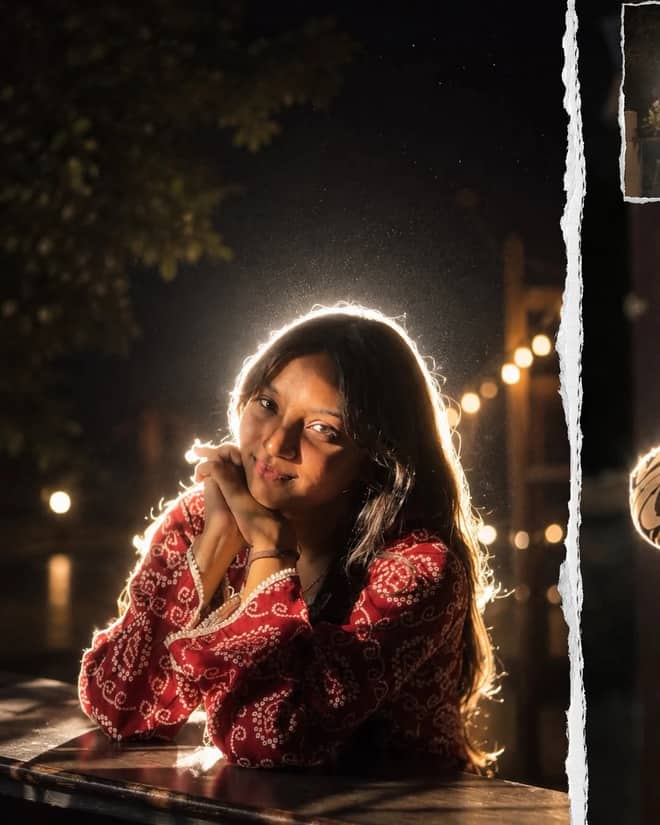
Get the viral night-flash look: a glowing rim-light halo, lens flare, and grainy candid mood. A free Gemini AI photo prompt to copy, paste, and run in Nano Banana.
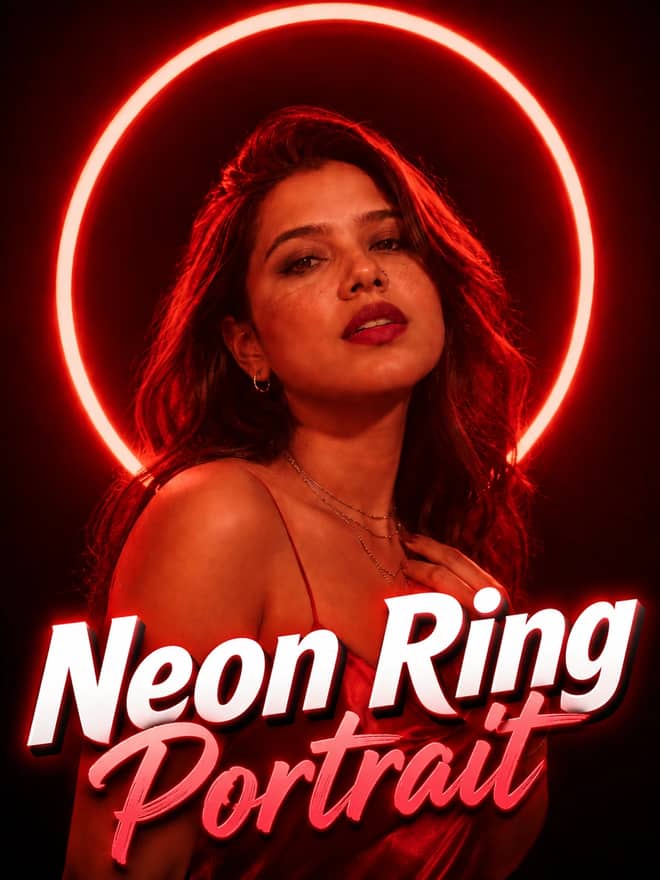
Neon ring portrait prompt — copy this free AI photo prompt on Free Prompt Base and edit it in Gemini & ChatGPT. Paste your photo and create in seconds.
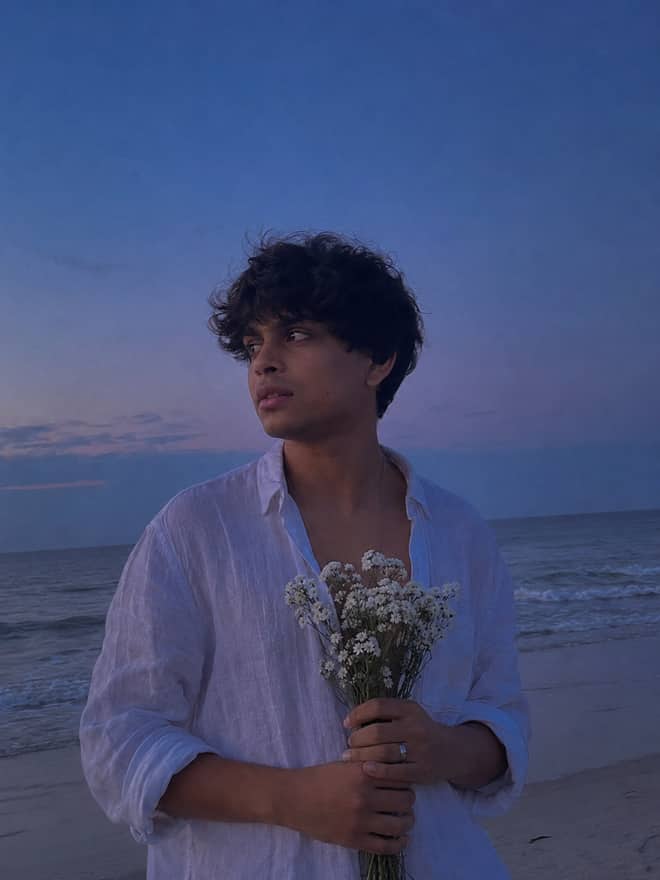
Turn your photo into a man in a white linen shirt holding flowers on a dusk beach. A free Gemini AI photo prompt — copy, paste, and edit in Nano Banana.
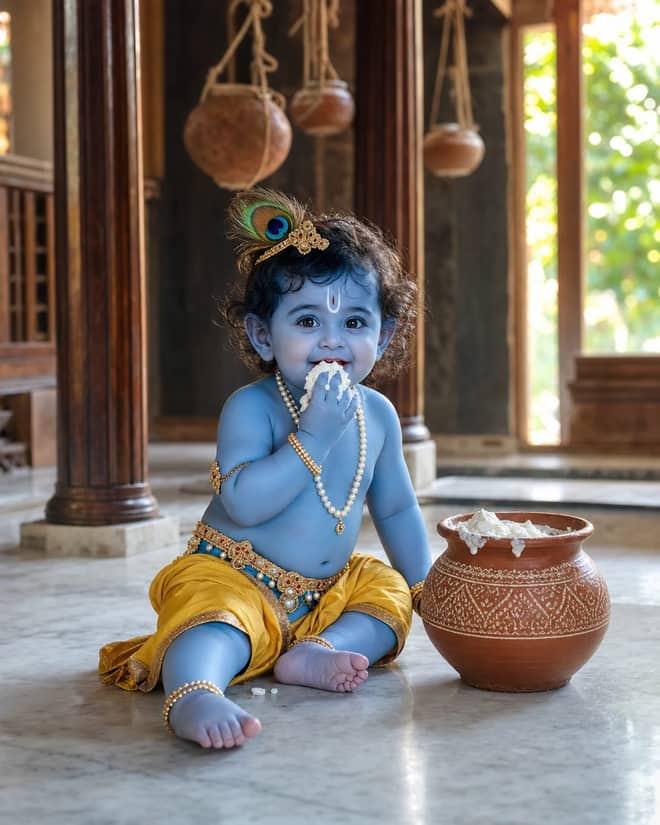
Create a photorealistic Baby Krishna butter-pot portrait in a sunlit Vrindavan home, with a yellow dhoti, peacock feather, marble floor, and natural DSLR detail.
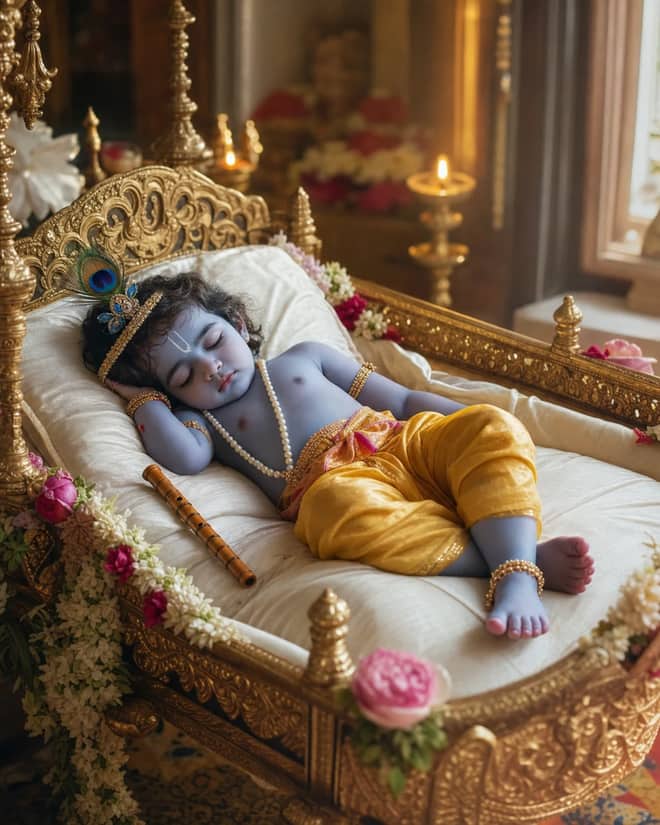
Create a peaceful sleeping Baby Krishna portrait in a flower-trimmed golden cradle, with warm temple lamps, silk cushions, and soft cinematic light.
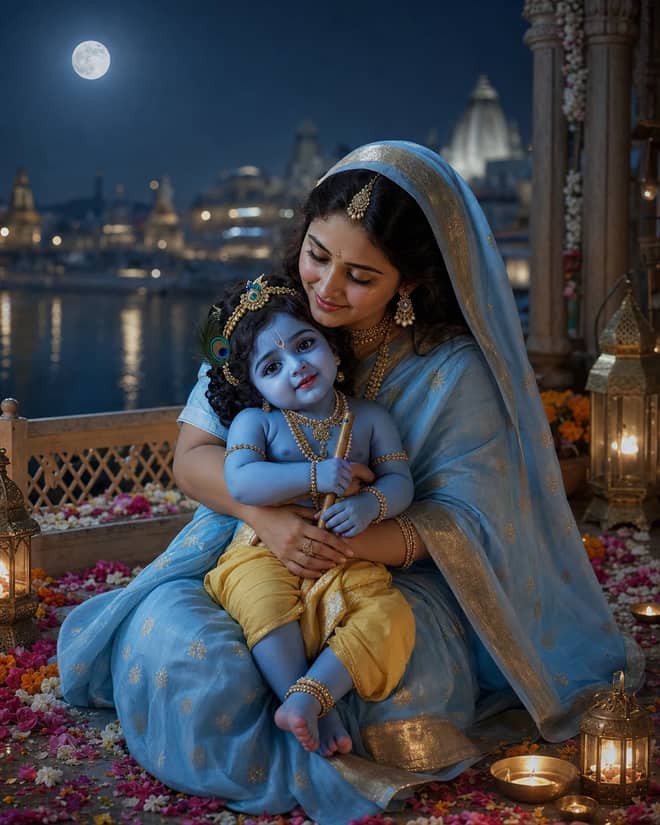
Create a moonlit Maa Yashoda and Baby Krishna portrait on a Vrindavan balcony, with blue silk, warm lamps, the Yamuna, and natural editorial detail.
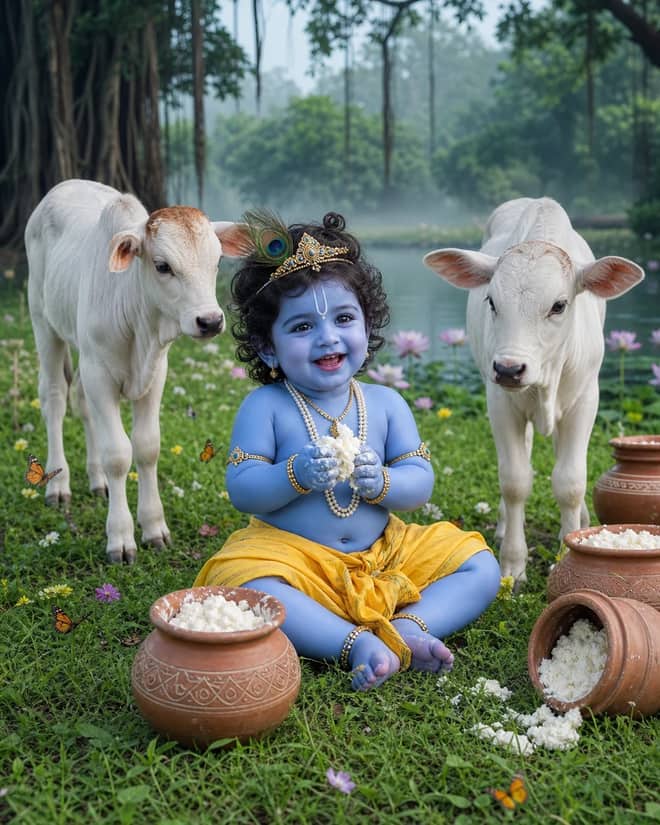
Create a playful Baby Krishna with cow portrait in a misty Vrindavan meadow, with butter pots, white calves, lotus water, and cool natural light.
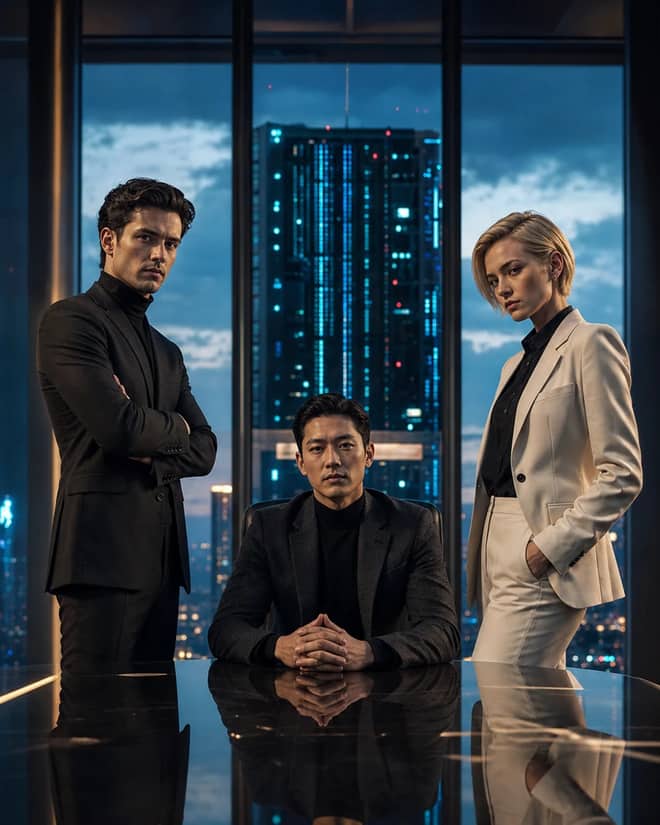
Create a fictional AI rivalry portrait with three executives, dramatic boardroom lighting, clear power dynamics, and premium editorial realism.
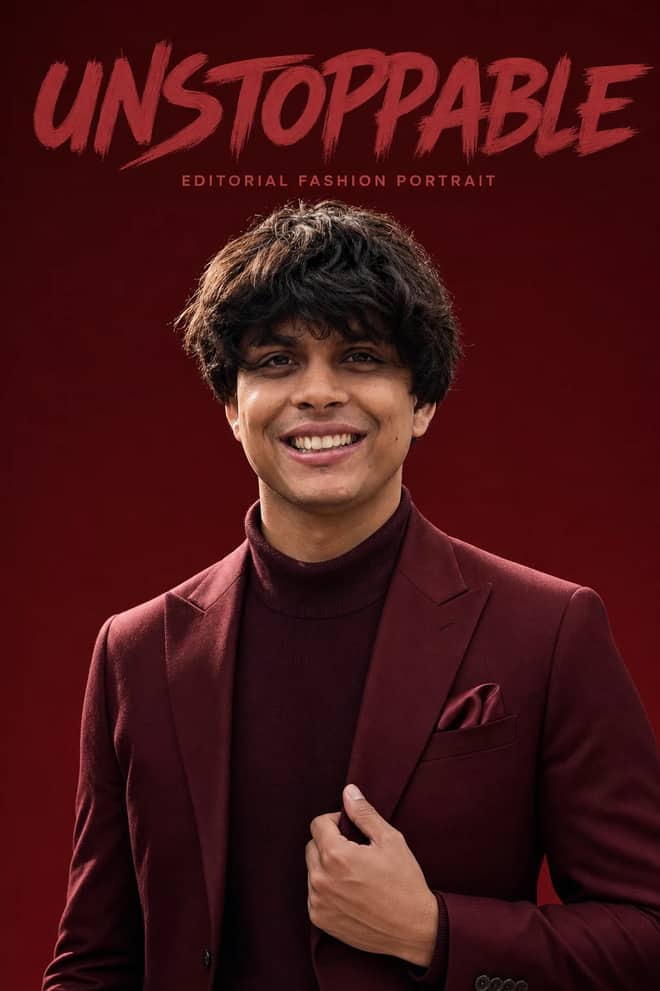
Create an ultra-realistic monochromatic fashion portrait with luxury campaign lighting, natural skin texture, bold brush typography, and clean negative space.
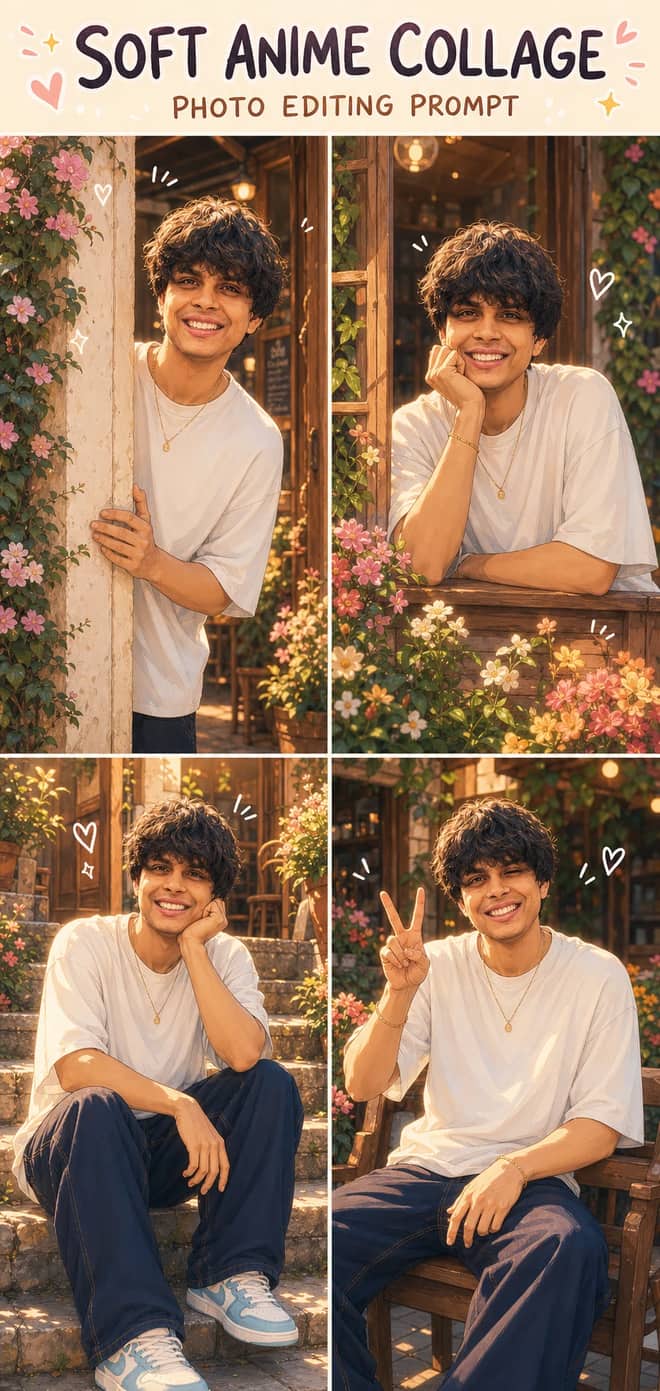
Turn one photo into a dreamy four-panel anime collage with consistent identity, café courtyard poses, golden-hour lighting, floral details, and cute doodles.
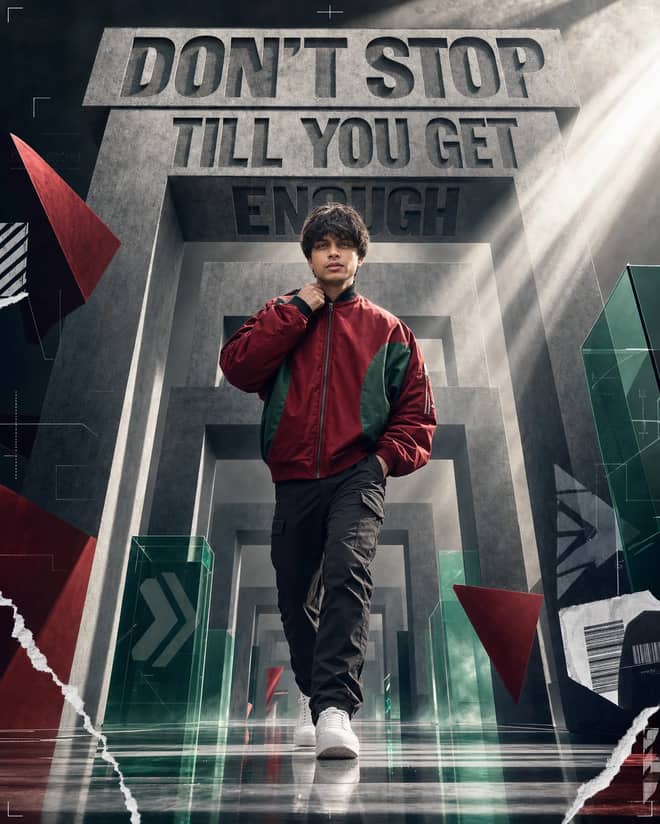
Create a premium sports-fashion poster with a confident model, monumental concrete portals, dramatic typography, low-angle perspective, and cinematic light.
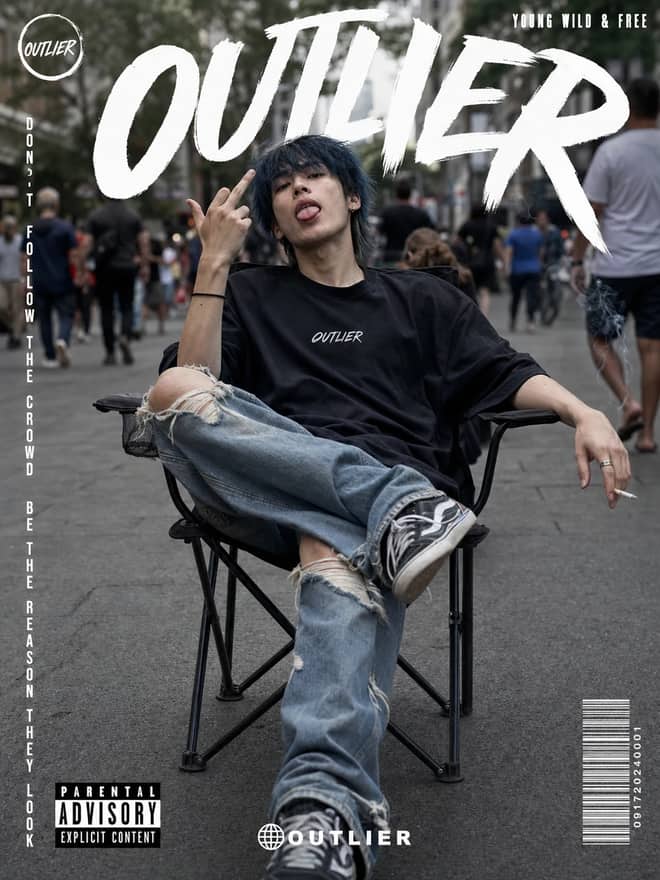
Create a gritty photorealistic streetwear poster with a seated model, blurred city pedestrians, natural skin texture, bold branding, and editorial labels.
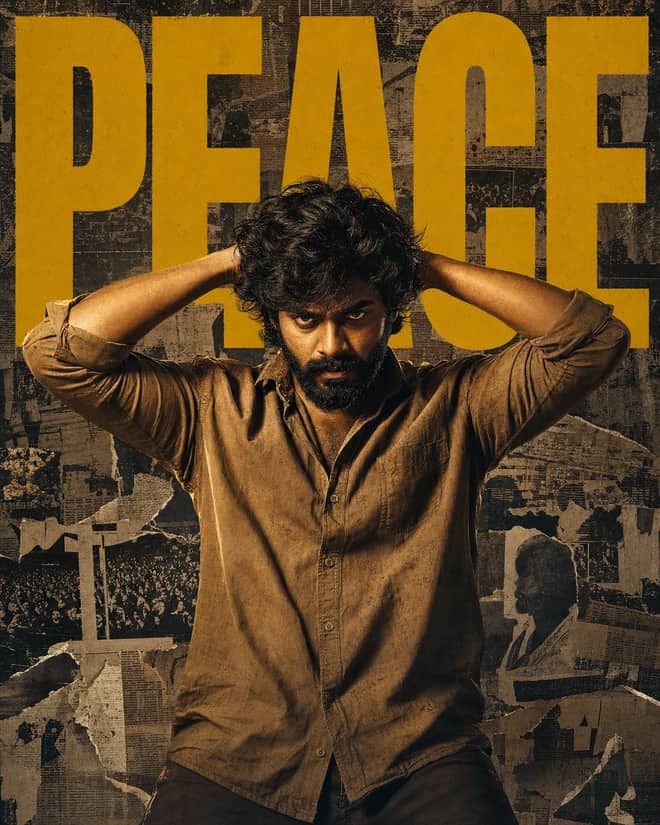
Create a gritty South Indian action poster with a rugged hero, bold PEACE typography, warm tungsten lighting, and a distressed vintage newspaper collage.
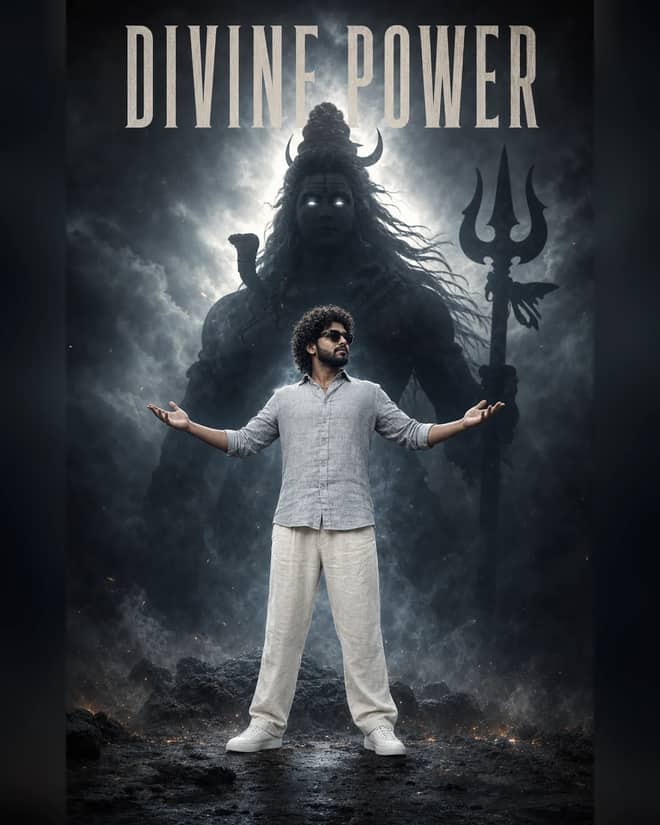
Create a powerful cinematic portrait with a confident man before a colossal smoky Lord Shiva silhouette, dramatic halo lighting, fog, and epic depth.
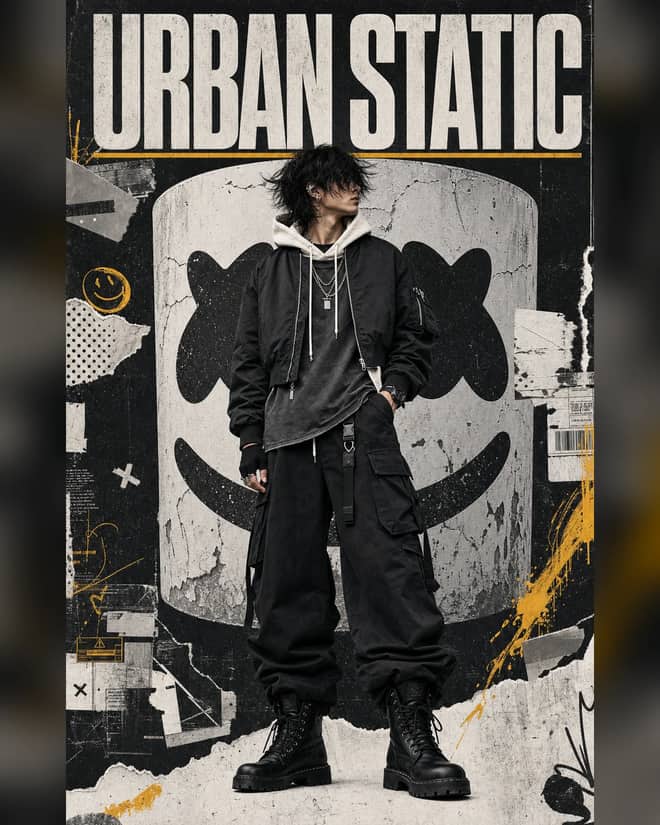
Create a luxury streetwear editorial with oversized black layers, a distressed helmet collage, controlled grunge textures, and muted yellow accents.
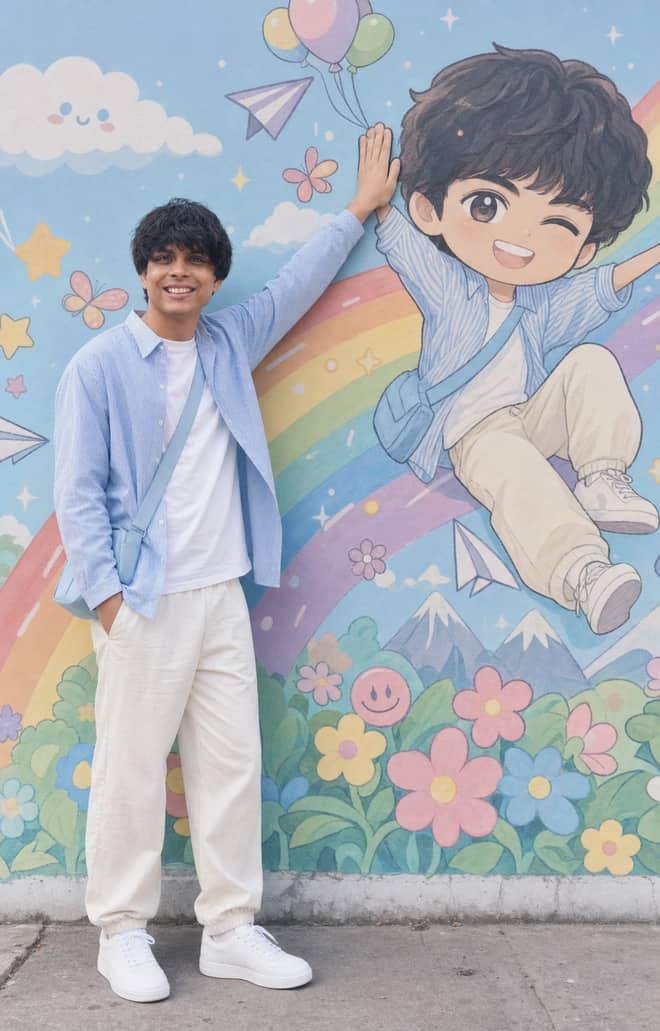
Recreate a colorful outdoor fashion portrait with exact face identity, a locked full-body pose, and a matching anime chibi mural.
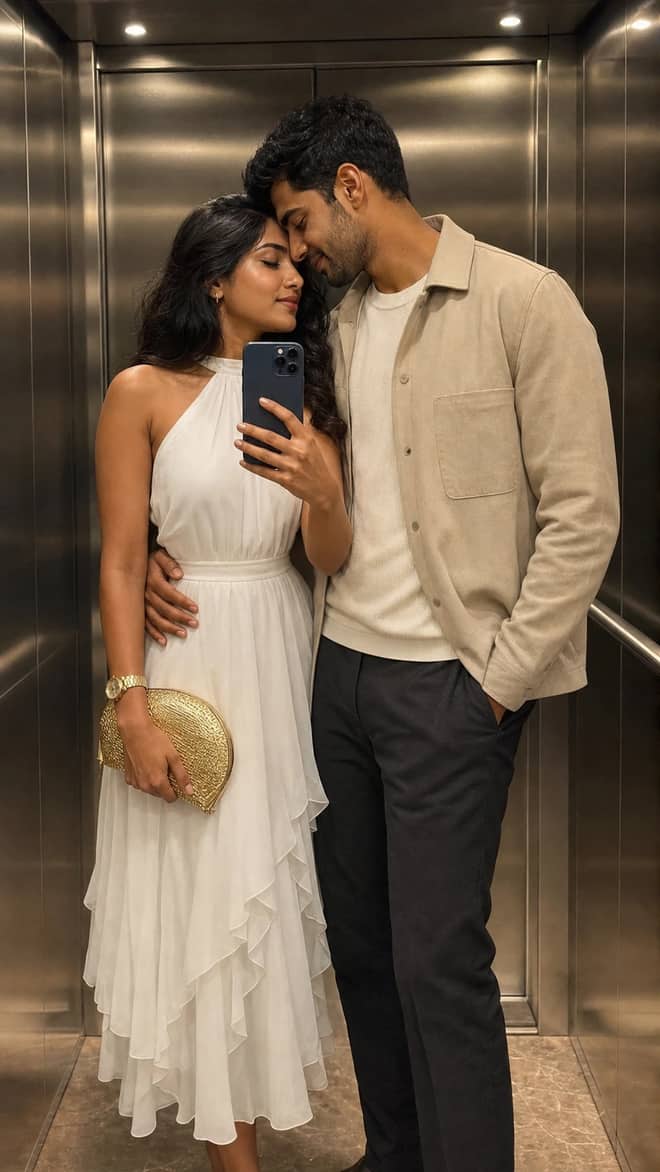
Create a luxury elevator couple mirror selfie while preserving both uploaded facial identities, natural expressions, skin texture, and authentic details.
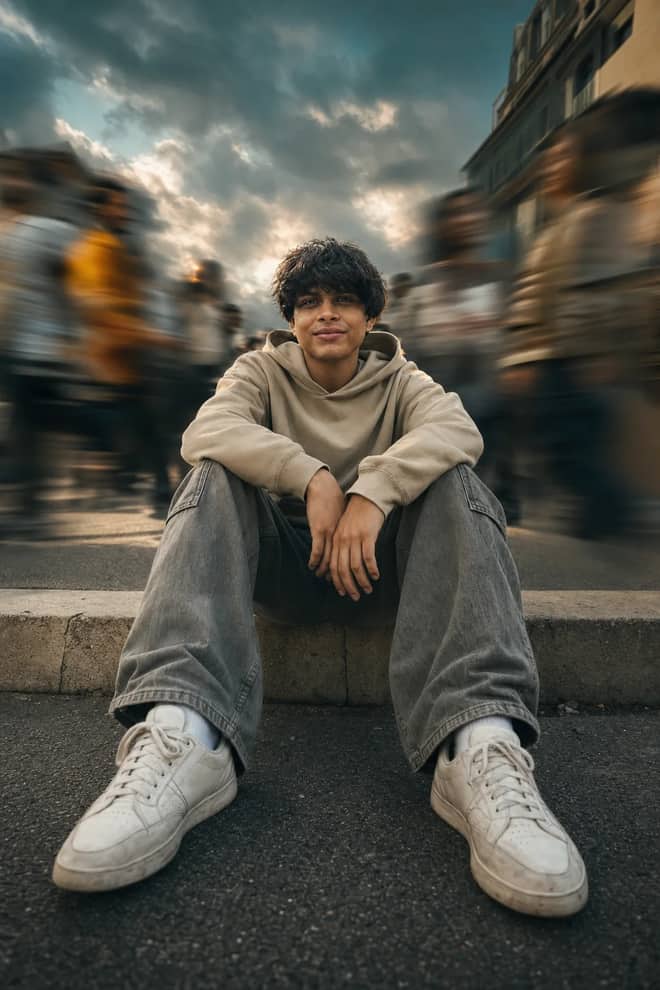
Create a low-angle urban portrait with a sharp seated subject, radial crowd motion blur, golden-hour light, and cinematic orange-and-teal grading.
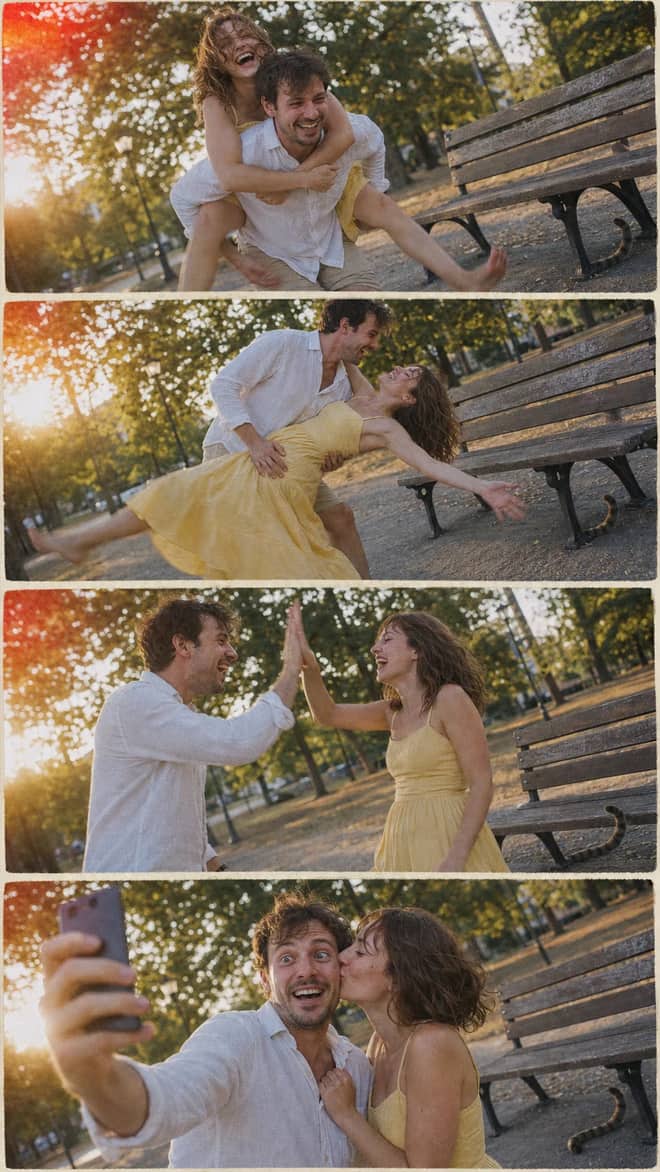
Create a nostalgic four-panel couple photo collage with playful candid moments, golden-hour park light, motion blur, grain, and a 2005 digital-camera look.
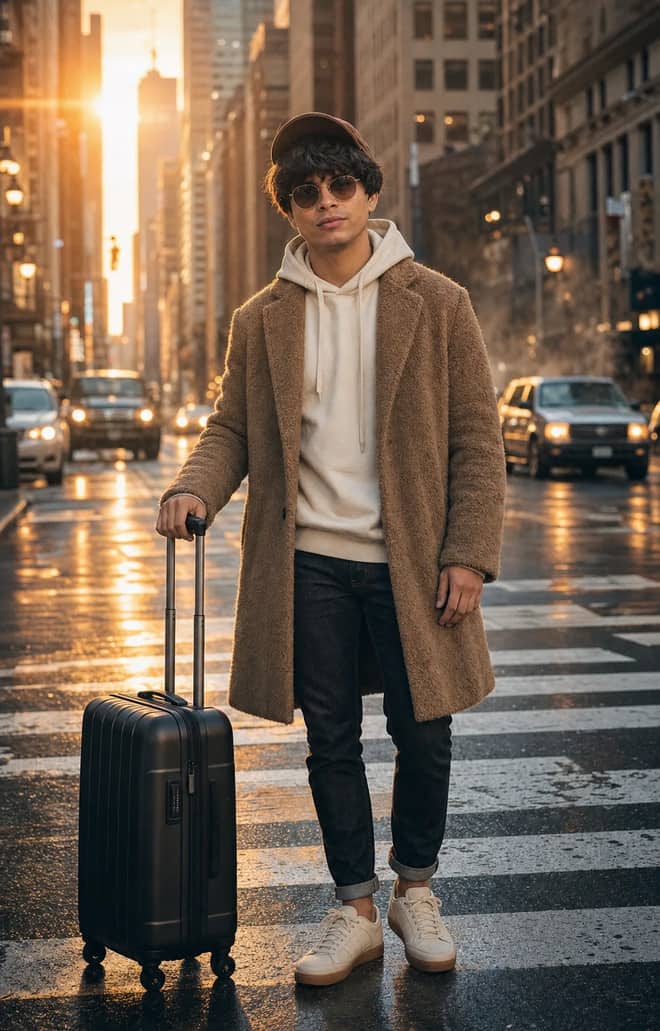
Create an ultra-realistic full-body traveler portrait in a downtown crosswalk with warm sunrise rim light, reflective asphalt, an 85mm look, and cinematic color.
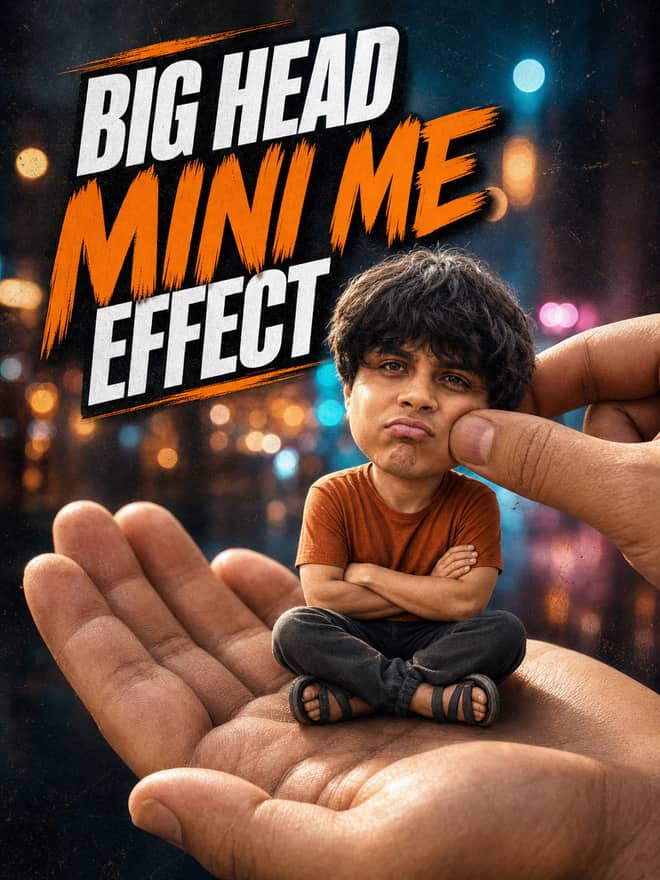
Turn any portrait into a cute big-head miniature seated in a giant hand, with a playful cheek pinch, cinematic night bokeh, and crisp 3:4 framing.
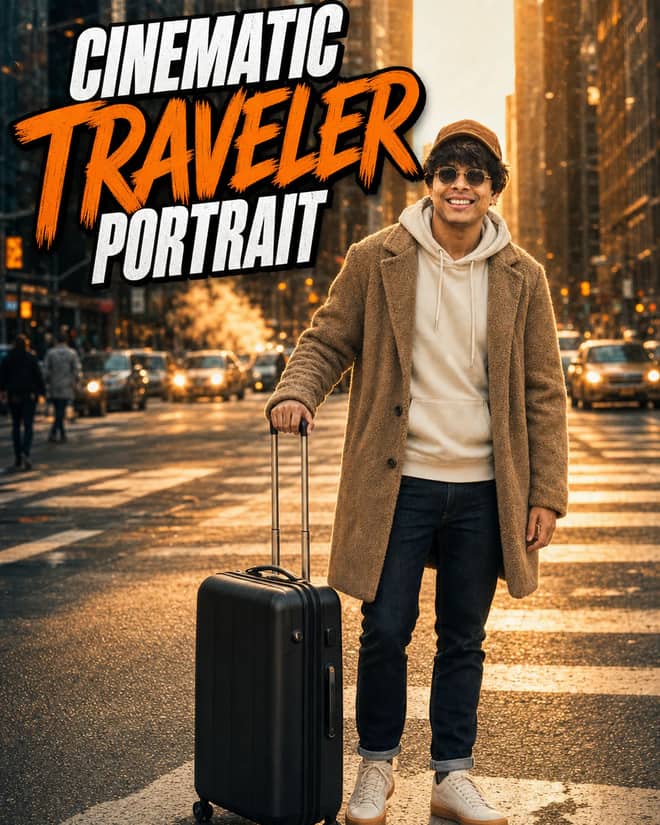
Create an ultra-realistic golden-hour traveler portrait with preserved facial identity, a teddy-fleece coat, reflective city streets, and an 85 mm cinematic look.
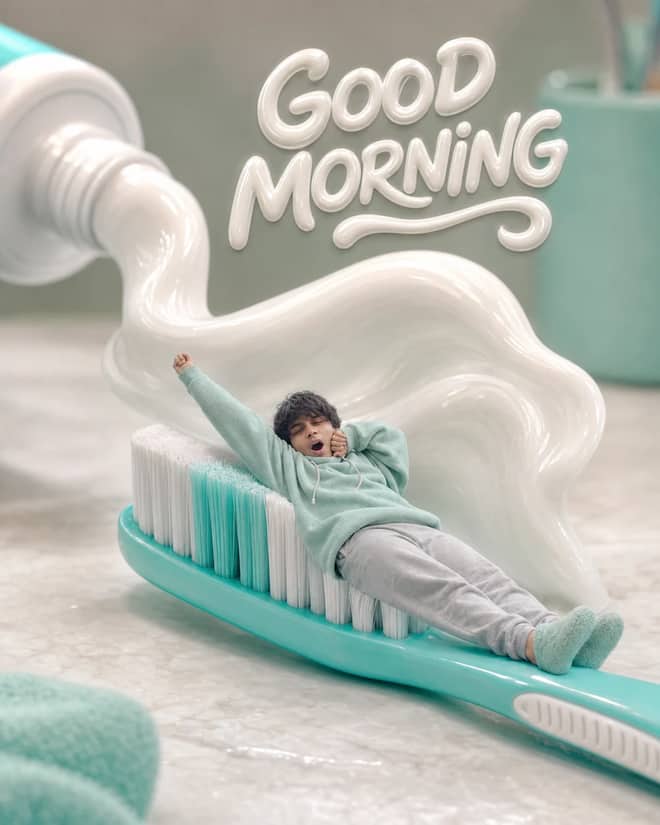
Turn any selfie into a tiny sleepy character lounging on a giant toothbrush, with a foamy toothpaste wave, pastel macro styling, and creamy GOOD MORNING text.
Professional Badge Photo, Ready to Use prompt for writing, editing, translation, and language work. Copy it into ChatGPT, Gemini, Claude, or another AI assistant and tailor it to your task.
Ultra-Detailed Vintage Photo Restoration and Colorization prompt for everyday work and focused problem-solving. Copy it into ChatGPT, Gemini, Claude, or another AI assistant and tailor it to your task.
A prompt that will turn your photo into a scene from a cult 90s movie prompt for everyday work and focused problem-solving. Copy it into ChatGPT, Gemini, Claude, or another AI assistant and tailor it to your task.
Detailed Image Generation Prompt for Fashion and Portrait Photography prompt for a structured task with clear inputs and outputs. Copy it into ChatGPT, Gemini, Claude, or another AI assistant and tailor it to your task.
High-End Beauty Editorial Photo Shoot Specification prompt for a structured task with clear inputs and outputs. Copy it into ChatGPT, Gemini, Claude, or another AI assistant and tailor it to your task.
Surreal CGI-Photography Hybrid Portrait prompt for a structured task with clear inputs and outputs. Copy it into ChatGPT, Gemini, Claude, or another AI assistant and tailor it to your task.
Hyperrealistic Food Photo Creator prompt for everyday work and focused problem-solving. Copy it into ChatGPT, Gemini, Claude, or another AI assistant and tailor it to your task.
Enhance and Beautify Your Photo prompt for writing, editing, translation, and language work. Copy it into ChatGPT, Gemini, Claude, or another AI assistant and tailor it to your task.
Modern Fashion Photography prompt for everyday work and focused problem-solving. Copy it into ChatGPT, Gemini, Claude, or another AI assistant and tailor it to your task.
Mirror Product Photo prompt for everyday work and focused problem-solving. Copy it into ChatGPT, Gemini, Claude, or another AI assistant and tailor it to your task.
Photo-to-Isometric: Reality Slice Generator prompt for everyday work and focused problem-solving. Copy it into ChatGPT, Gemini, Claude, or another AI assistant and tailor it to your task.
Photorealistic Selfie Portrait Description prompt for a structured task with clear inputs and outputs. Copy it into ChatGPT, Gemini, Claude, or another AI assistant and tailor it to your task.
3x3 Grid Storyboarding from Photo prompt for creative ideas, stories, and role-play. Copy it into ChatGPT, Gemini, Claude, or another AI assistant and tailor it to your task.
Extreme Close-up Macro Photography of a Young Woman's Face prompt for everyday work and focused problem-solving. Copy it into ChatGPT, Gemini, Claude, or another AI assistant and tailor it to your task.
Photorealistic Mirror Selfie Analysis prompt for data analysis, research, and clear findings. Copy it into ChatGPT, Gemini, Claude, or another AI assistant and tailor it to your task.
Ultra-Realistic Street Photo Prompt: Turkish Woman in Ankara prompt for marketing, customer work, and business decisions. Copy it into ChatGPT, Gemini, Claude, or another AI assistant and tailor it to your task.
Ultra-Realistic Amateur Street Photo of Ankara Scene prompt for everyday work and focused problem-solving. Copy it into ChatGPT, Gemini, Claude, or another AI assistant and tailor it to your task.
Ultra-Realistic Ankara Street Photo with Surreal Element prompt for lessons, practice, and study support. Copy it into ChatGPT, Gemini, Claude, or another AI assistant and tailor it to your task.
Realistic Photo of a Turkish Woman in a Street Setting prompt for lessons, practice, and study support. Copy it into ChatGPT, Gemini, Claude, or another AI assistant and tailor it to your task.
Ultra Realistic Candid Photo of a Turkish Woman in Istanbul Café prompt for everyday work and focused problem-solving. Copy it into ChatGPT, Gemini, Claude, or another AI assistant and tailor it to your task.

Google Ads Title Copywriter prompt for lessons, practice, and study support. Copy it into ChatGPT, Gemini, Claude, or another AI assistant and tailor it to your task.
Fashion Photo Pose & Setting Transformation Editor prompt for writing, editing, translation, and language work. Copy it into ChatGPT, Gemini, Claude, or another AI assistant and tailor it to your task.
Nostalgic Road Trip - Atmospheric 35mm Film Photograph Prompt prompt for a structured task with clear inputs and outputs. Copy it into ChatGPT, Gemini, Claude, or another AI assistant and tailor it to your task.
Candid Outdoor Group Photo in Natural Pool prompt for a structured task with clear inputs and outputs. Copy it into ChatGPT, Gemini, Claude, or another AI assistant and tailor it to your task.
Job and Internship Tracker for Google Sheets prompt for goals, priorities, and practical next steps. Copy it into ChatGPT, Gemini, Claude, or another AI assistant and tailor it to your task.
Serene Yoga & Mindfulness Lifestyle Photography prompt for coding questions, debugging, and technical guidance. Copy it into ChatGPT, Gemini, Claude, or another AI assistant and tailor it to your task.
Ultra-photorealistic Infographics prompt for everyday work and focused problem-solving. Copy it into ChatGPT, Gemini, Claude, or another AI assistant and tailor it to your task.
Ultra-Photorealistic Romantic Cinematic Scene in the Rain prompt for everyday work and focused problem-solving. Copy it into ChatGPT, Gemini, Claude, or another AI assistant and tailor it to your task.
Photorealistic Cozy Home Scene with Natural Lighting prompt for everyday work and focused problem-solving. Copy it into ChatGPT, Gemini, Claude, or another AI assistant and tailor it to your task.
Reimagined Logo for Google prompt for marketing, customer work, and business decisions. Copy it into ChatGPT, Gemini, Claude, or another AI assistant and tailor it to your task.
Photo shoot for branding prompt for everyday work and focused problem-solving. Copy it into ChatGPT, Gemini, Claude, or another AI assistant and tailor it to your task.
Transform the input product image into a professional commercial studio photograph prompt for marketing, customer work, and business decisions. Copy it into ChatGPT, Gemini, Claude, or another AI assistant and tailor it to your task.
Photo Enhancement and Repair with Transparent Background prompt for everyday work and focused problem-solving. Copy it into ChatGPT, Gemini, Claude, or another AI assistant and tailor it to your task.
Professional photo restoration expert prompt for everyday work and focused problem-solving. Copy it into ChatGPT, Gemini, Claude, or another AI assistant and tailor it to your task.
No prompts match your search.
The guide
A Google Gemini AI photo prompt is just the sentence you hand the app so it edits your picture the way the trending ones do, and most people land here right after watching some reel where a normal photo turned into a clean stadium portrait or a tiny figurine. The model doing that work is Gemini 2.5 Flash Image, which half the internet calls nano banana. It is free to try inside the Google Gemini app, and it costs roughly a few cents an image if you ever go through the API. None of that matters as much as the words you type, so this page is about the words.
You will notice the searches name Google by hand. That is on purpose. People have seen edits from ChatGPT, from Midjourney, from random apps, and they want the one that keeps a real face looking like the real person while still changing everything around it. Gemini happens to be good at that, and it is right there in an app most phones already have. So when someone types this exact phrase, they usually mean: give me the prompt that made that edit, and let me paste it into Gemini tonight.
A lot of the tutorials feeding this are in Hindi and other regional languages, with titles along the lines of gemini se photo kaise banaye. Strip away the language and they are teaching the same three or four edits over and over. Once you understand the shape of the prompt, you do not need the tutorials at all.
Football edits are everywhere at the moment, riding the World Cup buzz. People drop a selfie in and ask Gemini to put them in a national team jersey, on the pitch, under floodlights, with that grainy broadcast feel. Beyond that, the usual crowd of looks keeps circulating: golden hour portraits, the collectible figurine version of yourself, retro 90s film couples, and clean LinkedIn-style headshots pulled from a phone snap.
| Look | What to type into Gemini | What to change for yourself |
|---|---|---|
| Stadium football portrait | put this person in a team jersey on a football pitch at night, floodlights, broadcast grain, confident stance | the team colours, number, and country |
| Golden hour selfie upgrade | warm late sun, soft light on the face, candid feel, shallow background blur | the place and your outfit |
| Mini figurine of you | turn this person into a small collectible figure on a desk beside its printed box | the pose and the box artwork |
| 90s film couple | 1990s film photo, soft grain, faded colour, on-camera flash, two people close | the clothes and the setting |
| Phone-to-headshot | clean studio backdrop, soft key light, sharp focus, neutral expression | backdrop colour and shirt |
Notice the wording is plain. Gemini understands normal photography talk, so write soft side light, not luminous radiance. Fancy adjectives confuse the result more often than they help it.
The single biggest complaint with these edits is that the picture comes out gorgeous and looks like someone else. That is the model smoothing your features into a generic average because you never told it not to. The fix is one sentence. Add something like keep the same face, hairline, and skin tone, change only the background and the clothes. Say it plainly and Gemini usually listens.
Run it once. Look hard at what came back. Then change a single word or line and run it again. If you swap five things at once you will never know which one fixed it or broke it. One change, compare, repeat. The first few rounds feel slow and then it gets quick.
Tip: a sharp, front-facing, well-lit source photo solves more problems than any clever wording. A dark, angled selfie hands the model too little to copy, and the face drifts no matter what you type.
There are really two modes inside Google Gemini and they want different prompts. Editing means you upload a real picture and push only the parts that need pushing. You keep your actual face and pose, and your source quality carries straight into the result. This is the mode behind almost every trending edit, because a recognisable real face is what makes the post land.
Generating from nothing gives you full freedom and zero anchor, so you have to describe far more: age, build, hair, clothing, the scene, the light, the camera angle. It is great for backgrounds and concept images and weak at producing a specific real person, since there is no photo to lean on. If your goal is you in a jersey, edit. If your goal is an imaginary scene, generate.
It helps to know where Gemini sits. For editing a real photo while keeping the face intact, Gemini 2.5 Flash Image is fast and reliable, and the free app makes it the obvious first try. ChatGPT can also edit and generate, and it handles long fussy instructions well, so it suits people who like to over-specify. Midjourney is the artistic one, stunning for invented scenes and shakier at preserving your actual face. The plain rule: edit a real photo in Gemini, dream up a fantasy frame in Midjourney, and lean on ChatGPT when your instructions run long.
Treat the first image as a rough draft, never the final. The people posting spotless edits ran the same prompt several times, picked the best frame, then nudged one thing. Do the same. Generate two or three, keep the strongest, then refine it with a small follow-up like warm it slightly or move the light left. Keep the prompts that work in a notes app so you are not reinventing the wording next week. One small list of prompts you trust beats any single viral example, because you can run it on any photo on any day. Worth knowing too: Google Gemini has been moving into short AI video lately, so some of these still-image prompts are starting to carry over into clips. The grid at the top of this page is the shortcut. Copy a prompt that already produces the look, drop in your own picture, and tweak from a result that is already most of the way there.
Questions
Name three things in one sentence: what to keep, what to change, and the mood. For instance, edit this photo, keep the same face and pose, put me in a blue football jersey on a floodlit pitch, broadcast grain, confident stance. Run it, then adjust one detail at a time until it matches what you had in mind.
Yes, you can edit photos free inside the Google Gemini app, which is where most people start. The model behind it, Gemini 2.5 Flash Image, costs roughly a few cents per image only if you use the API. For trying prompts and casual edits, the free app is more than enough.
Gemini smooths features into a generic average when you do not lock them. Add a line like keep the same face, hairline, and skin tone, change only the background and clothing. Use a clear, front-facing source photo as well, since a sharp picture gives the model far more of your real face to hold onto.
Nano banana is the nickname people use for Google's image model, Gemini 2.5 Flash Image. It is the engine doing most of the trending Gemini edits you have scrolled past, from jersey portraits to figurines. When someone says they used nano banana, they just mean they used Google Gemini to edit the photo.
Upload a clear photo, then write something like put this person in a national team jersey on a football pitch at night, floodlights, broadcast grain, keep the same face. Swap in your team colours and number. Run it, pick the best of two or three tries, and fix the jersey text by hand if it comes out garbled.