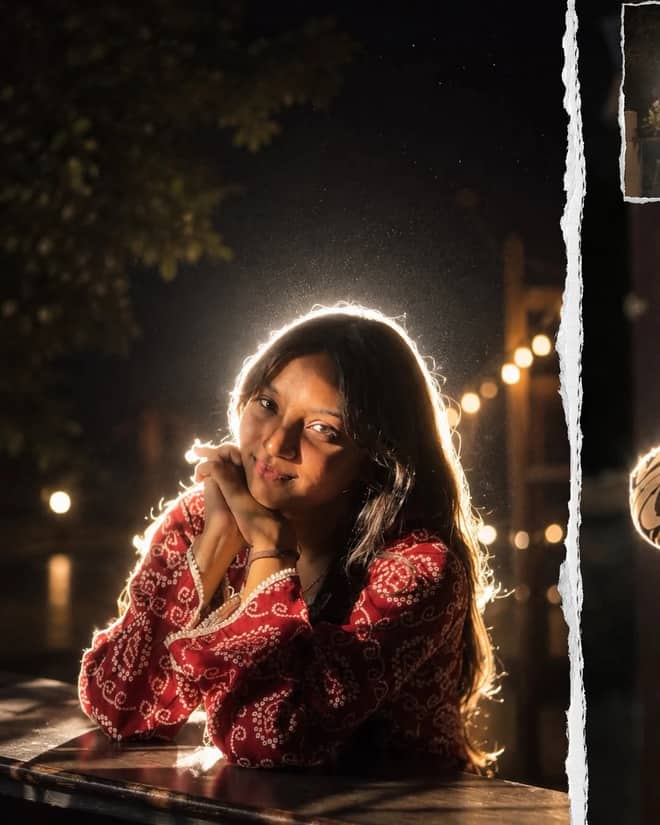
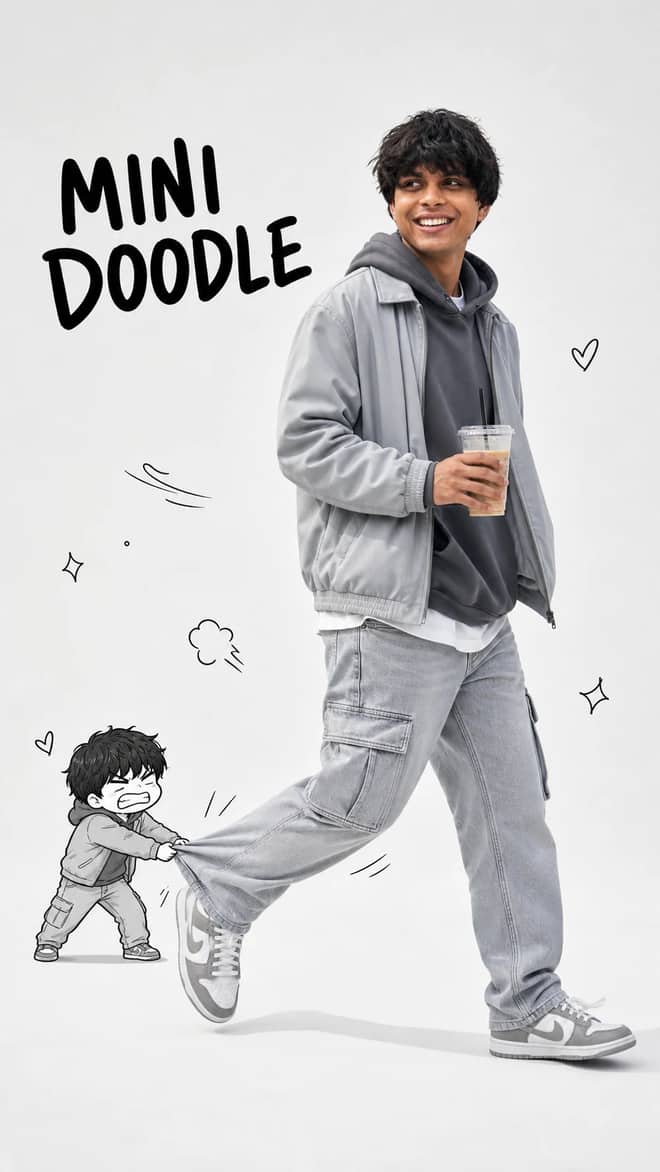
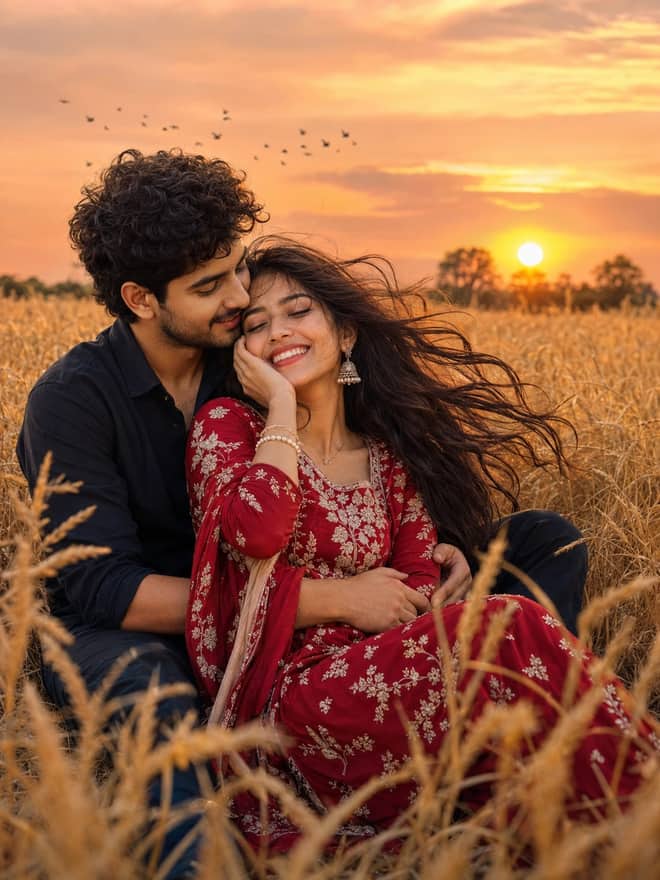
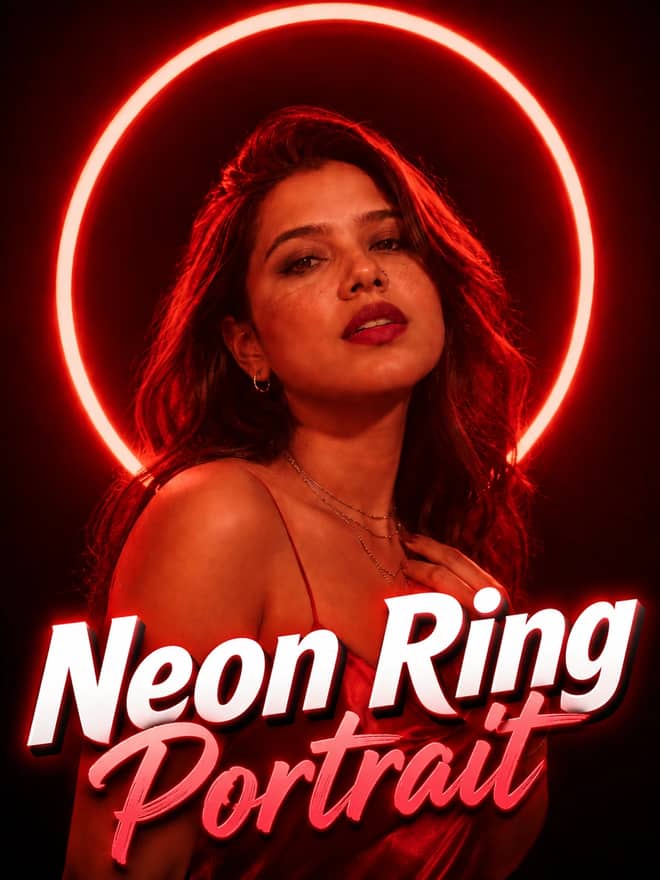
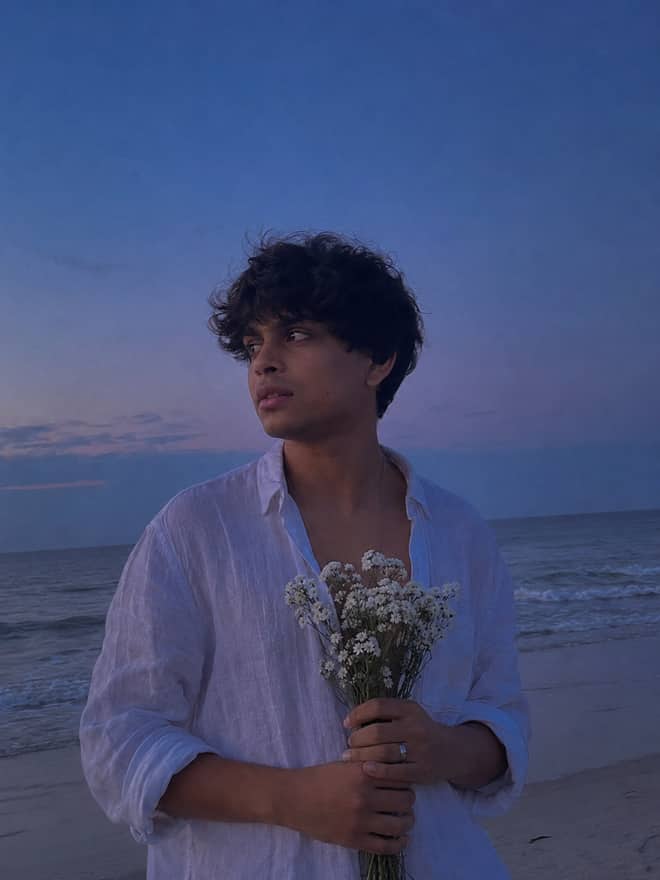
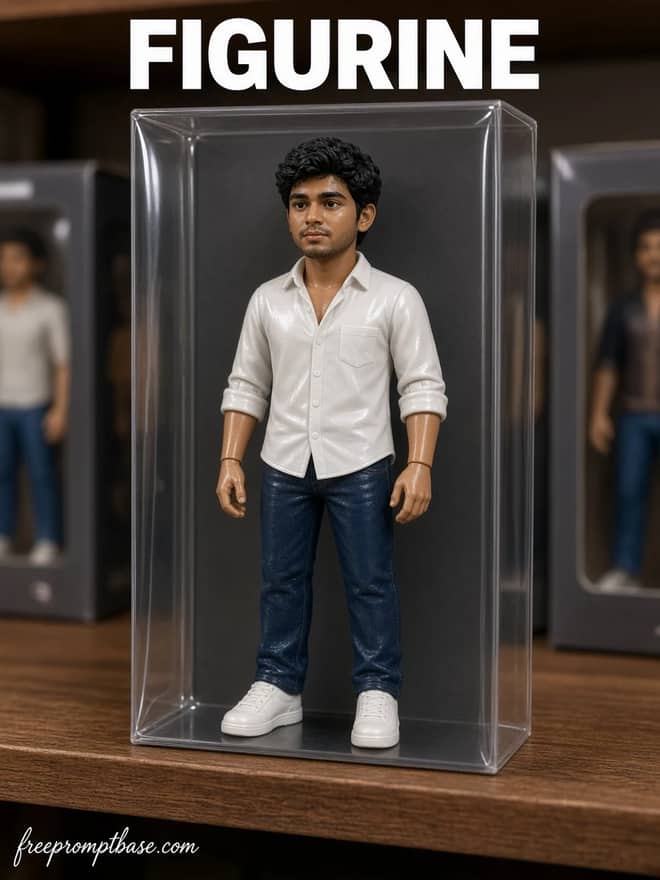
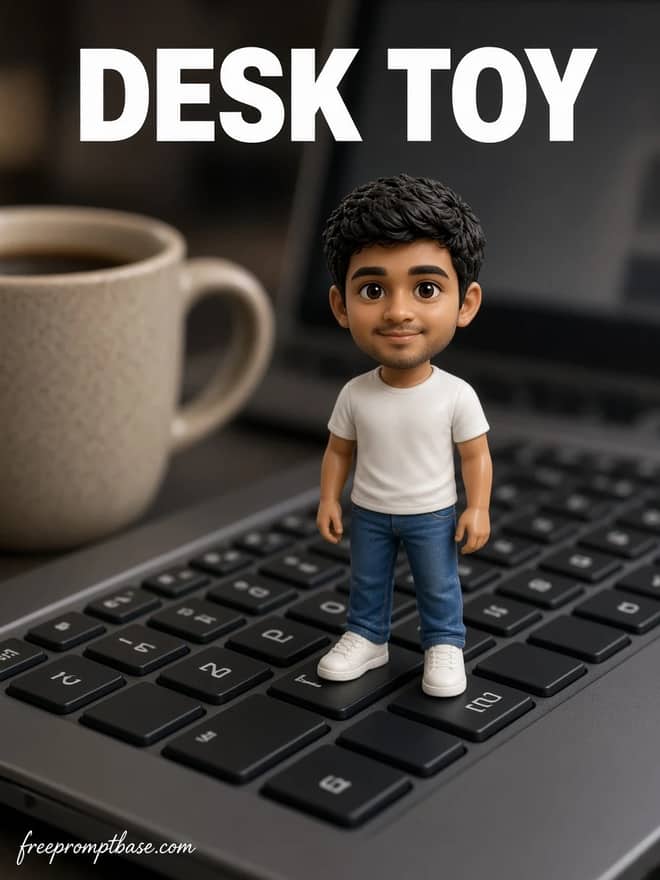
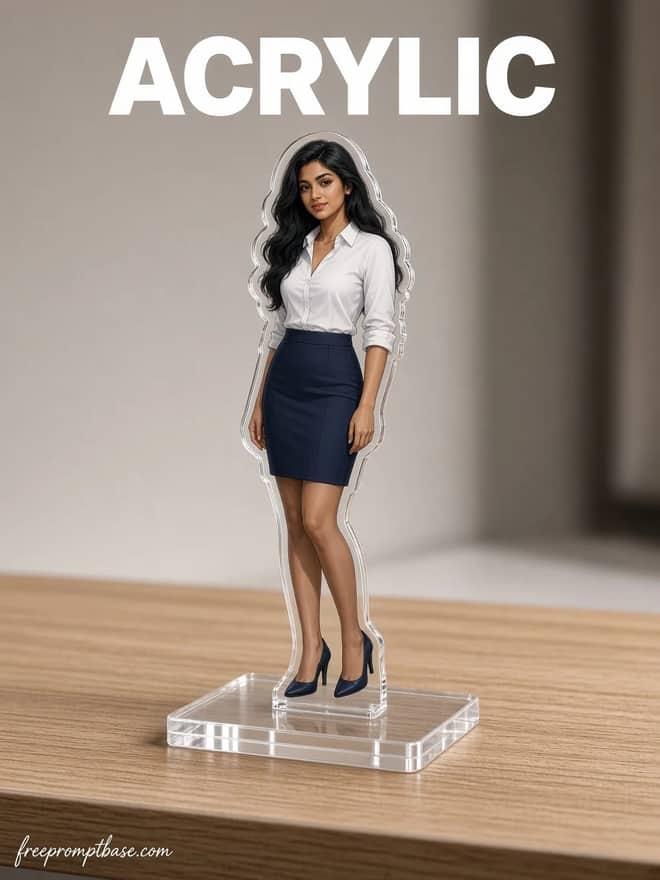
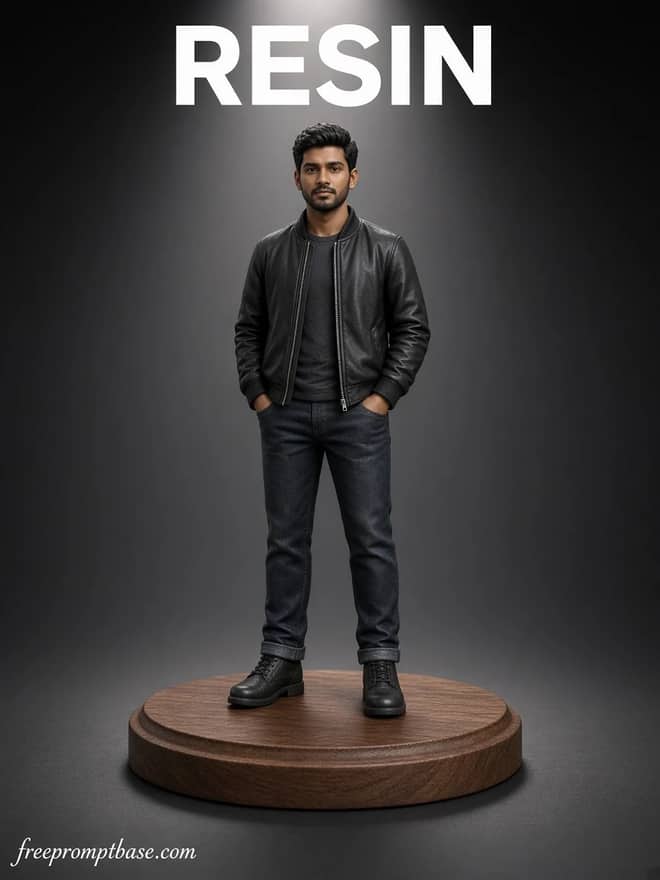
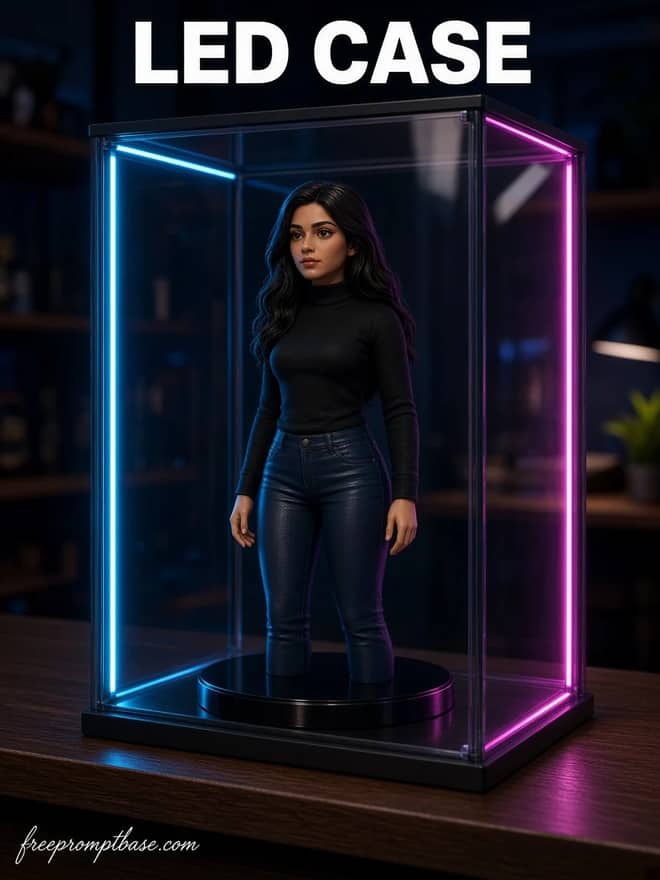
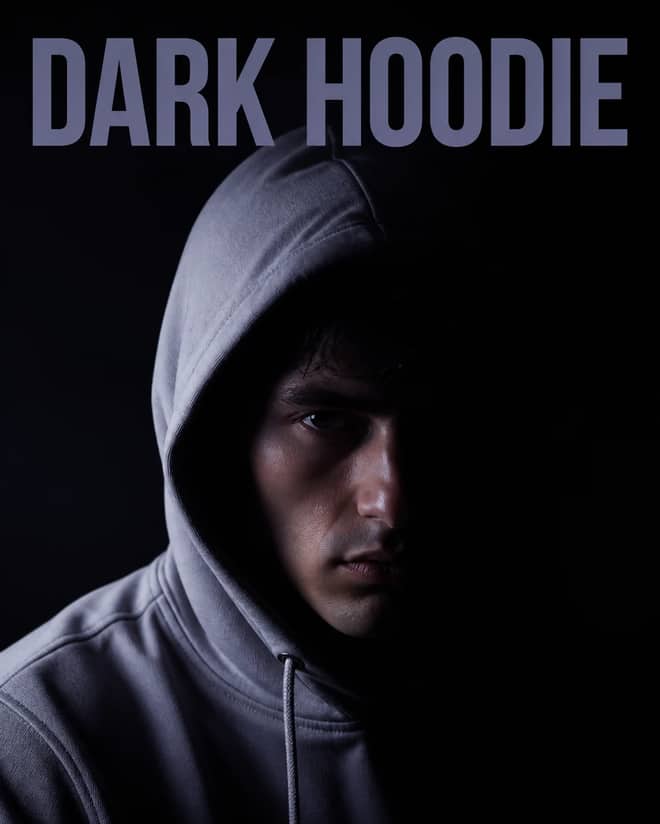
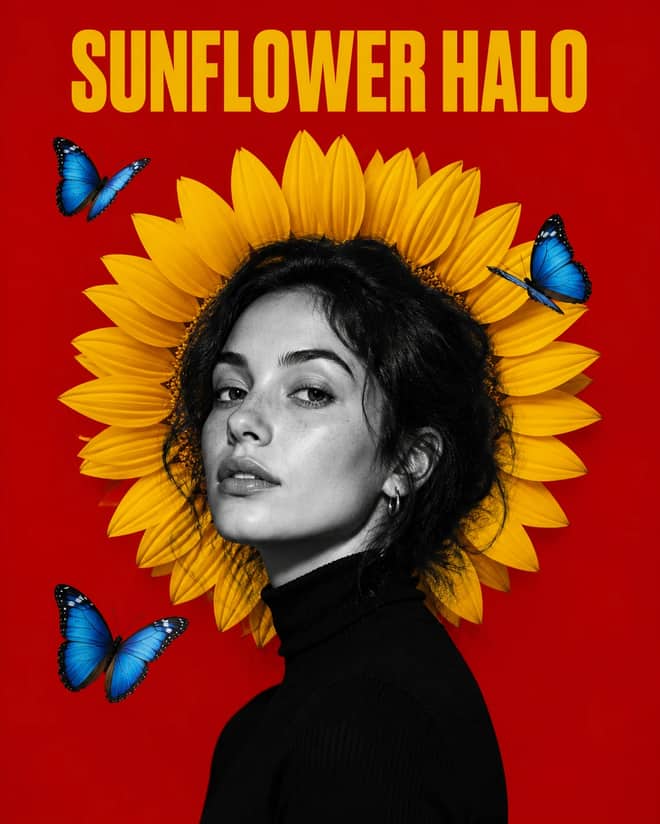
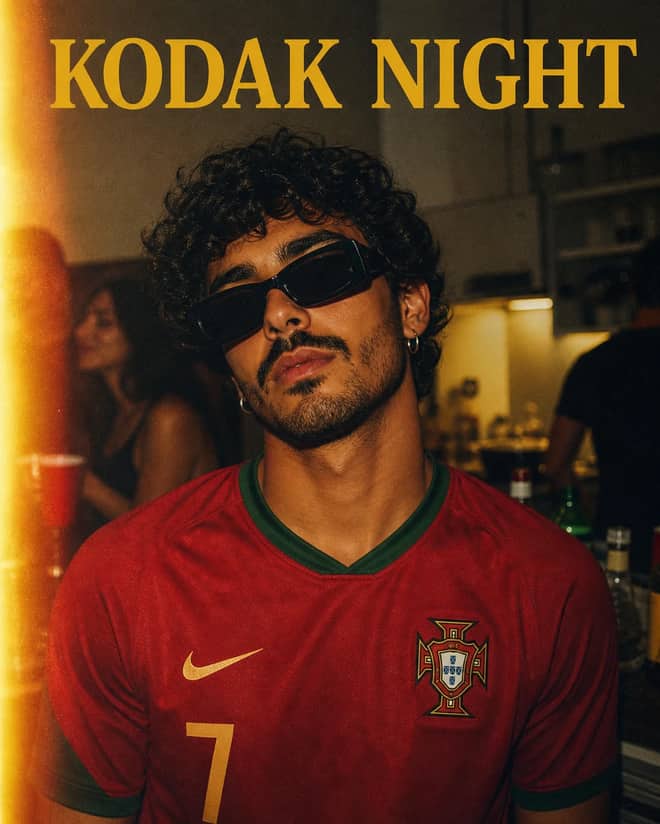
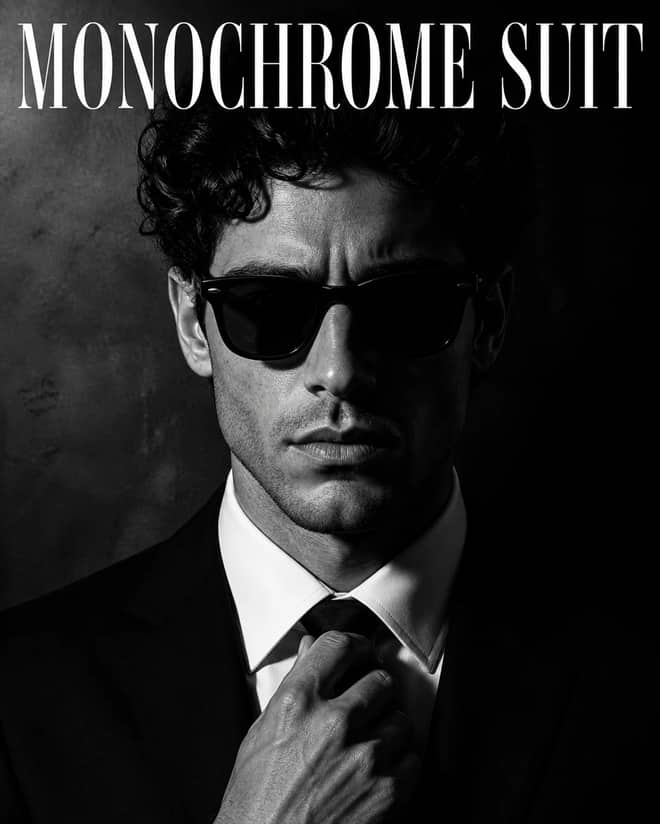
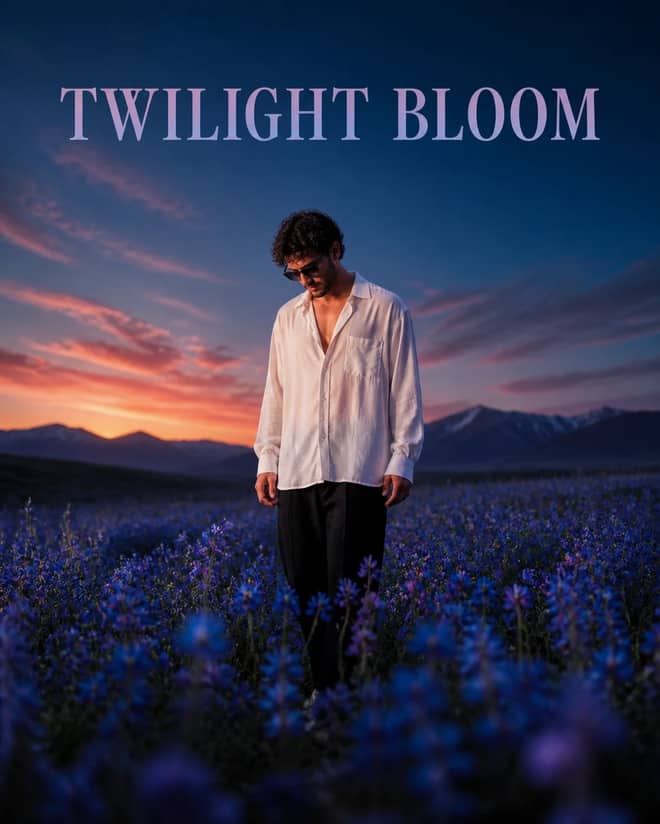
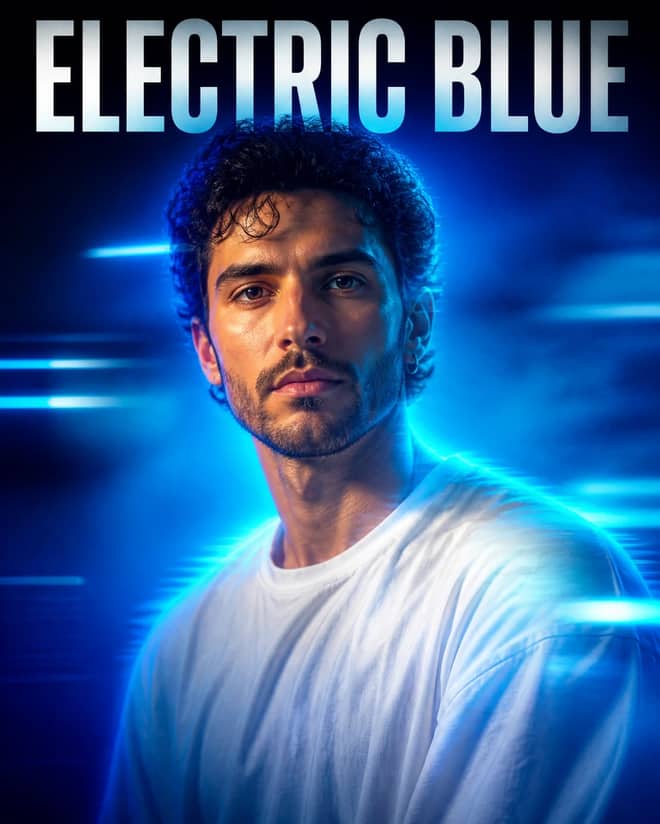
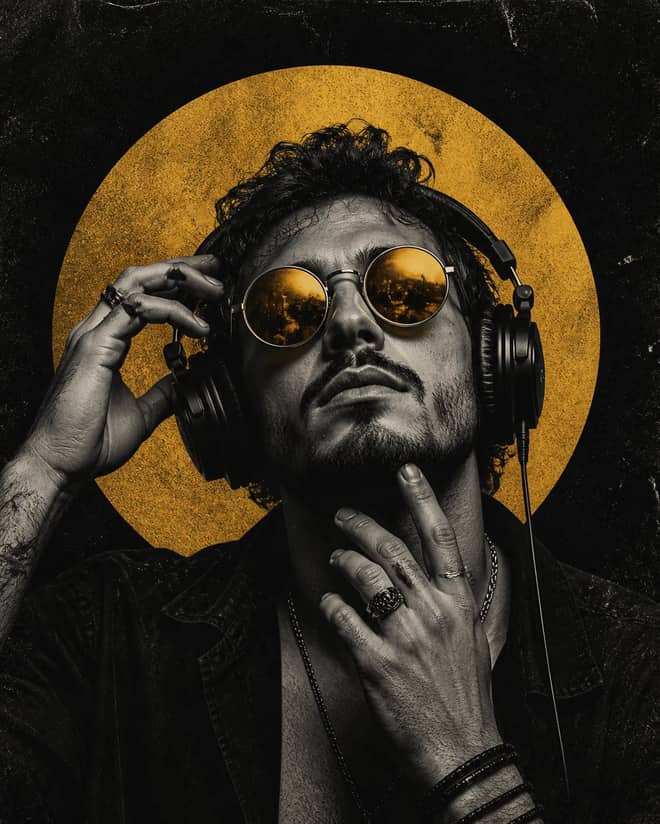
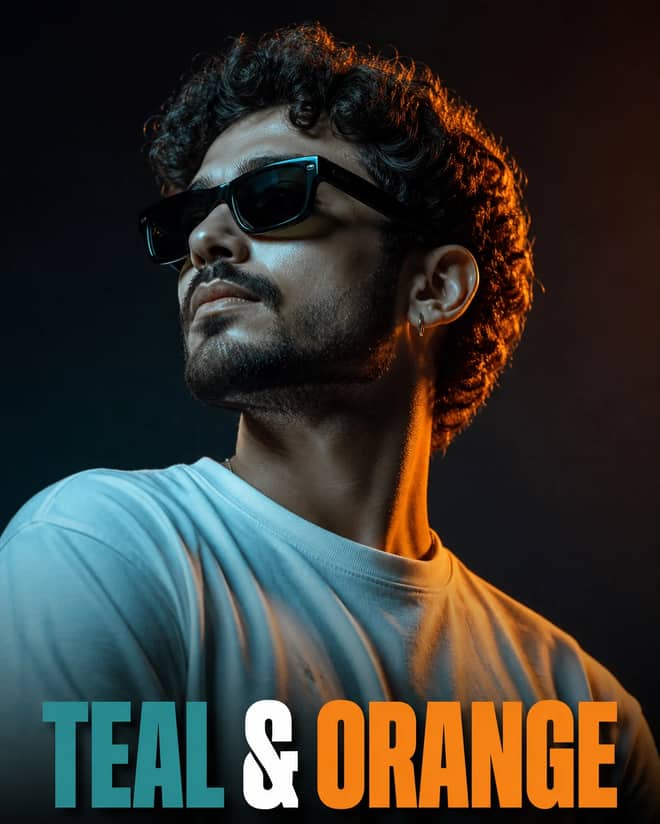
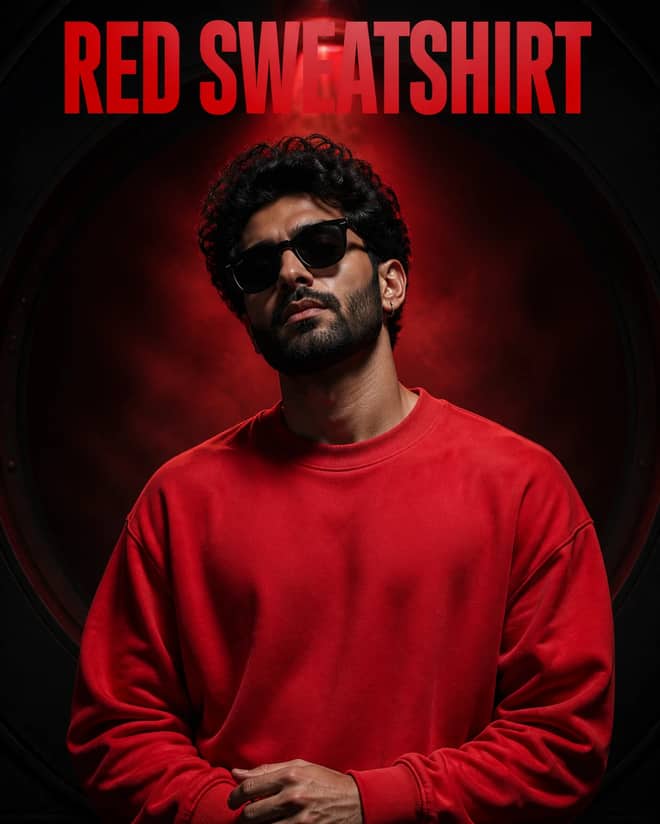
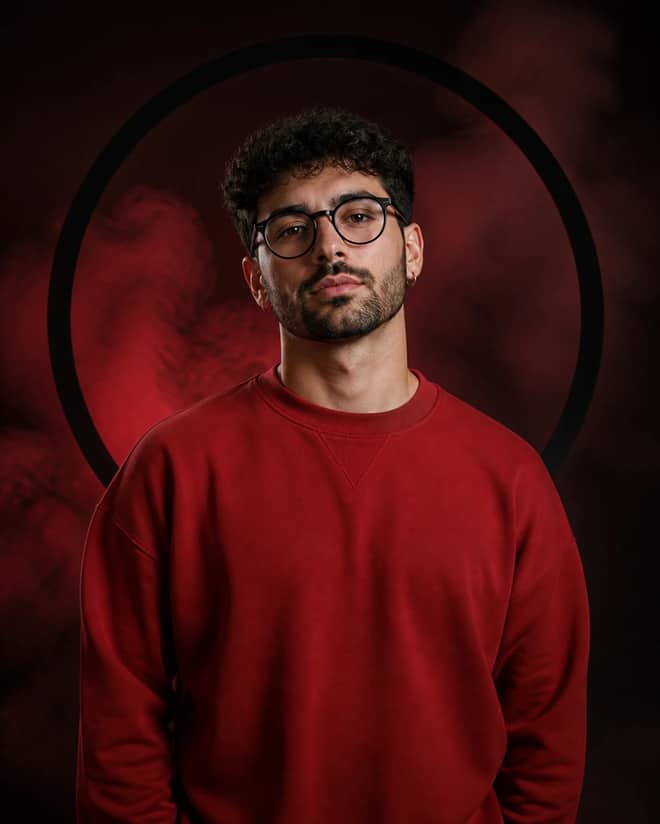
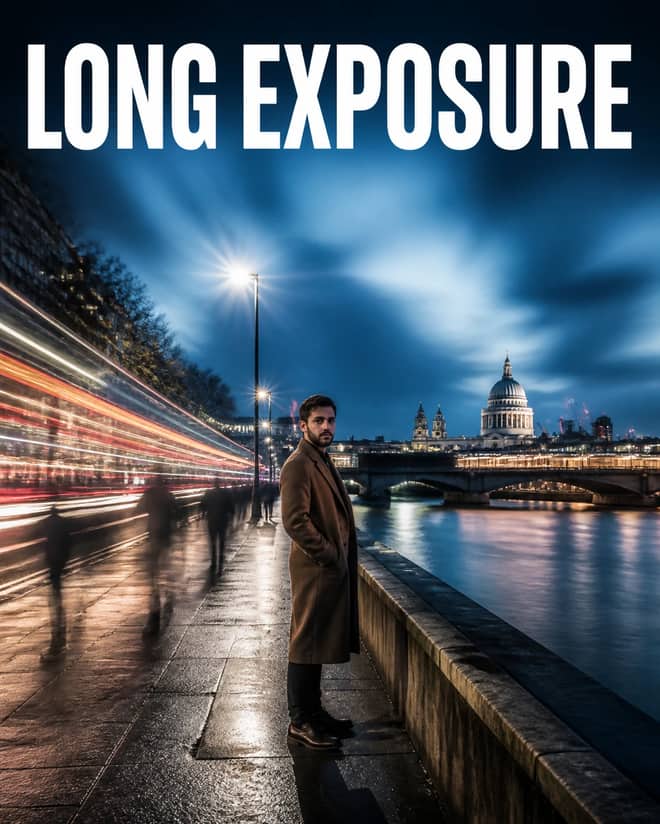
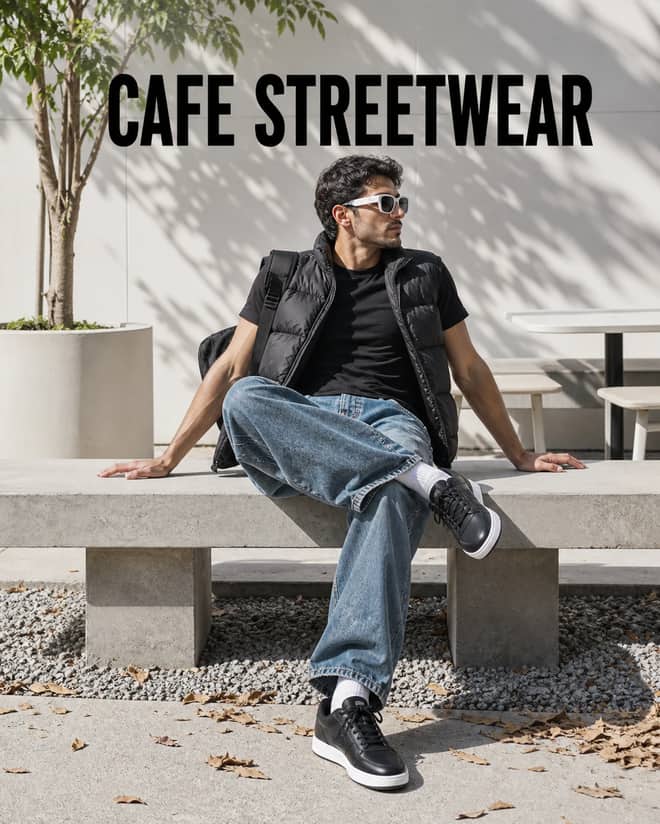
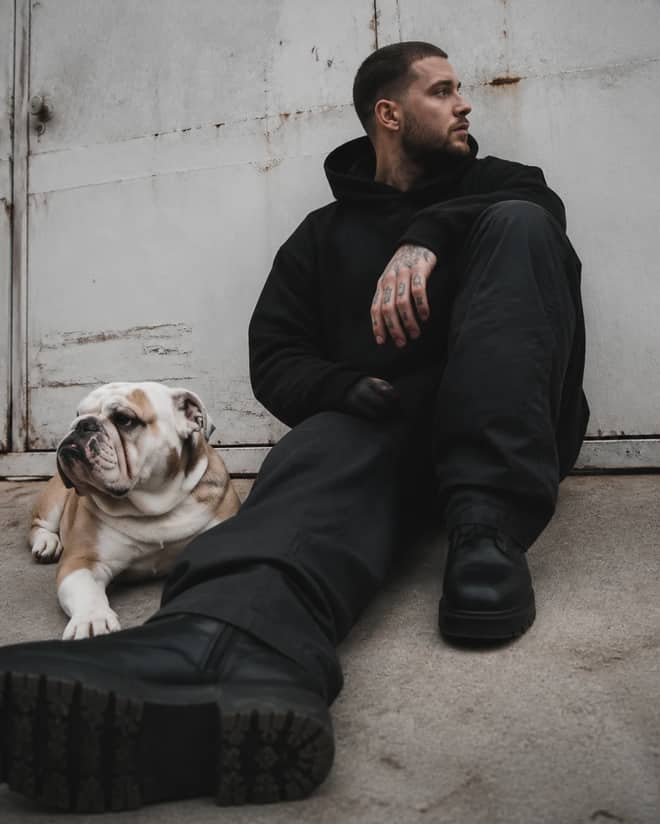
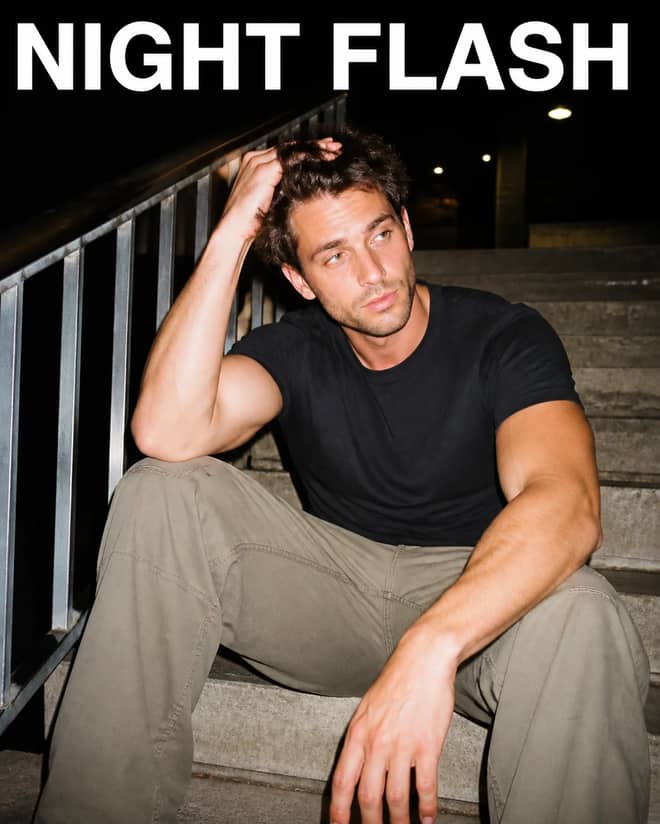
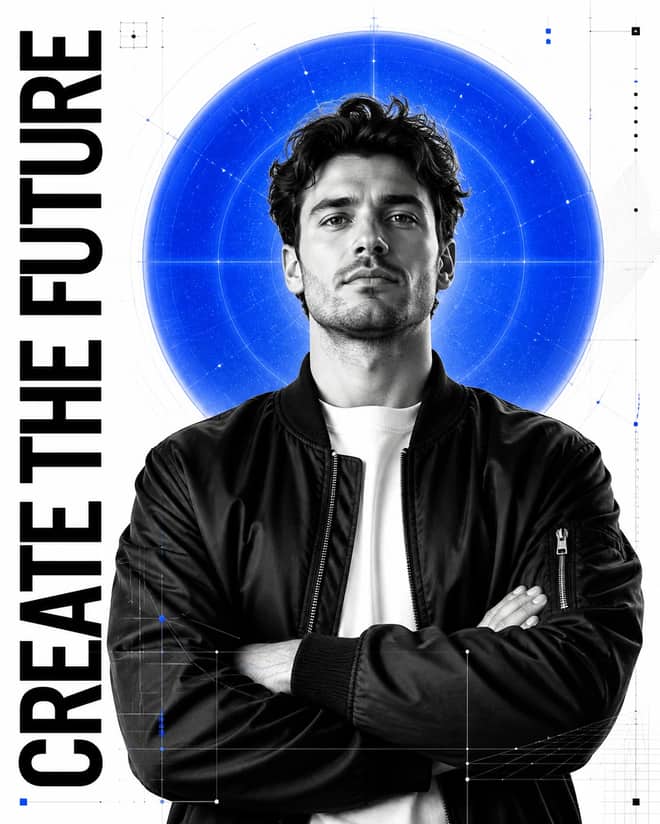
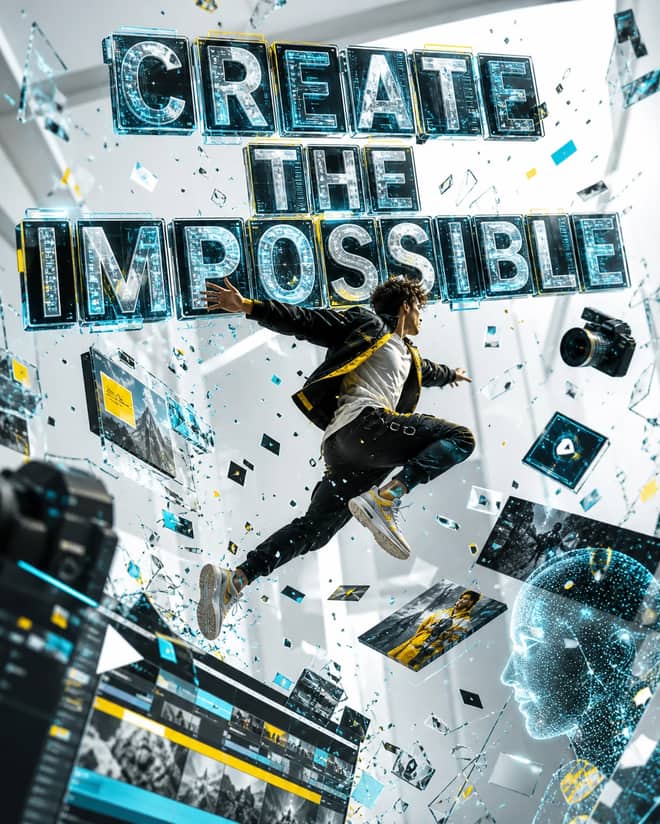
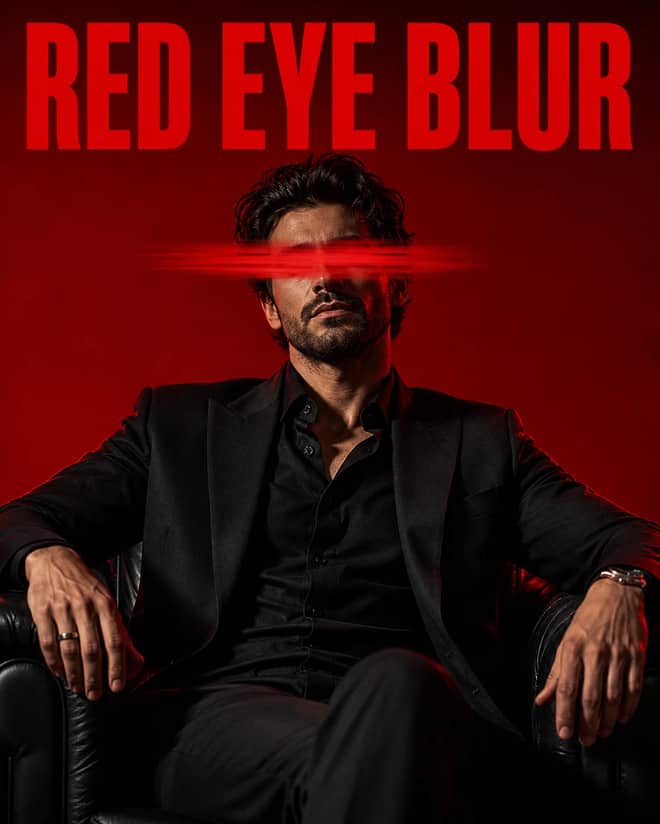
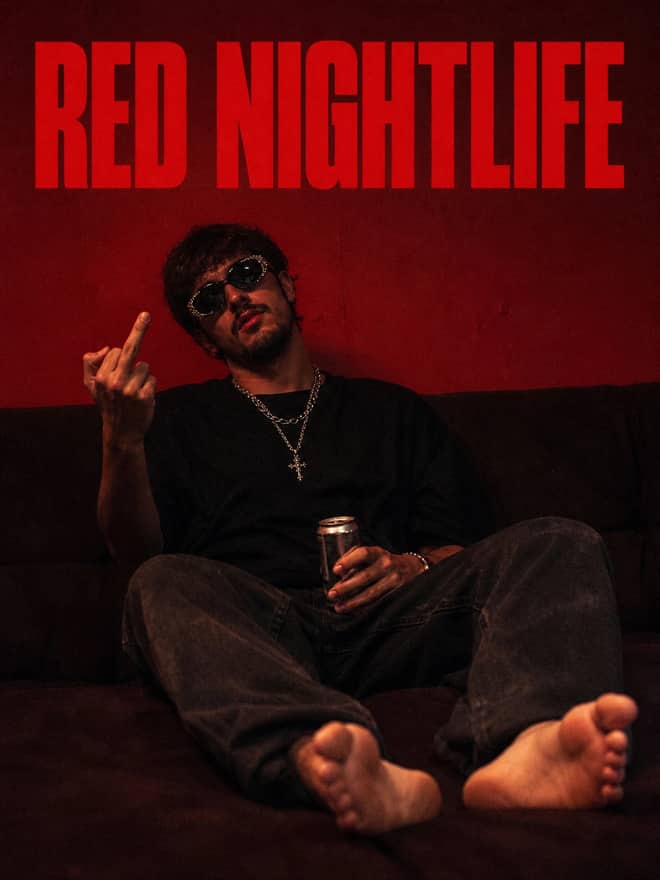
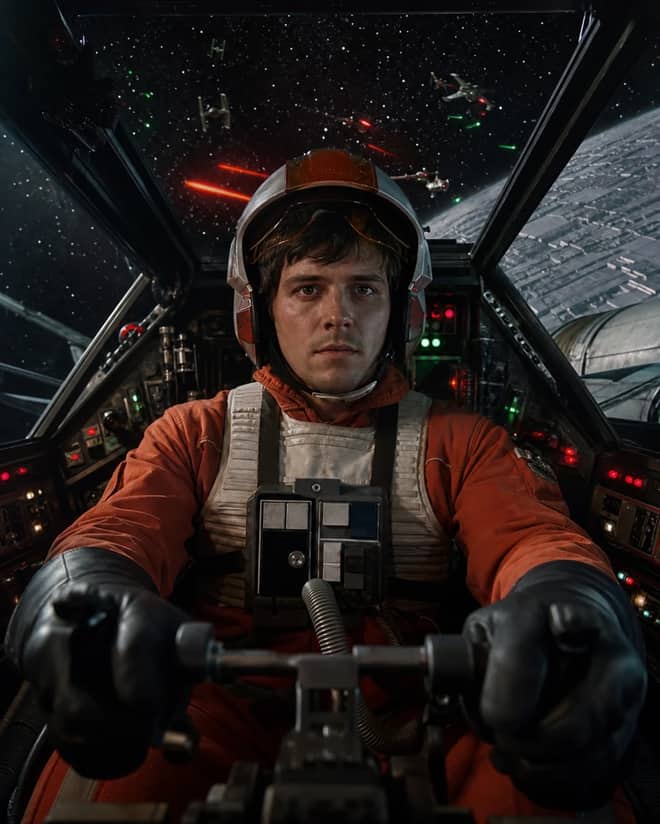
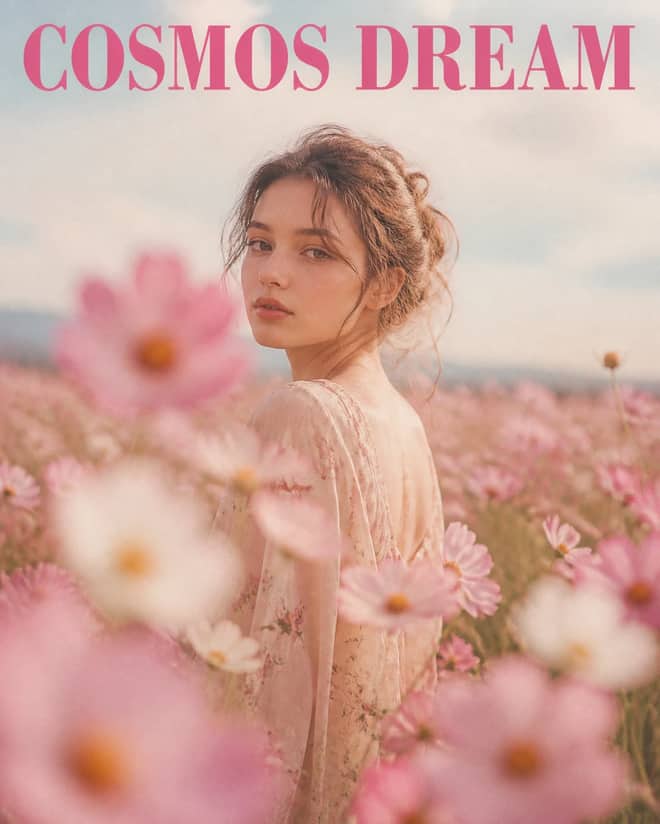
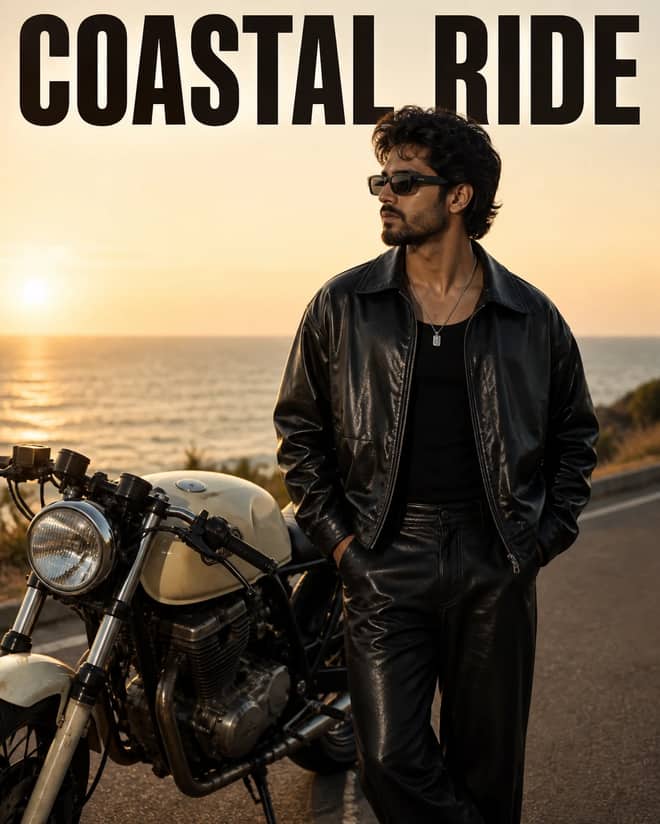
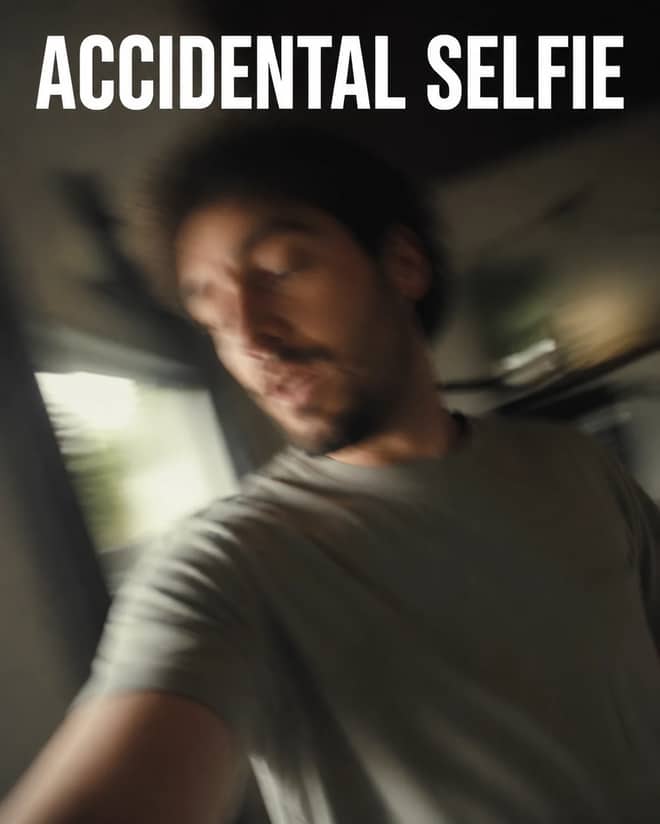
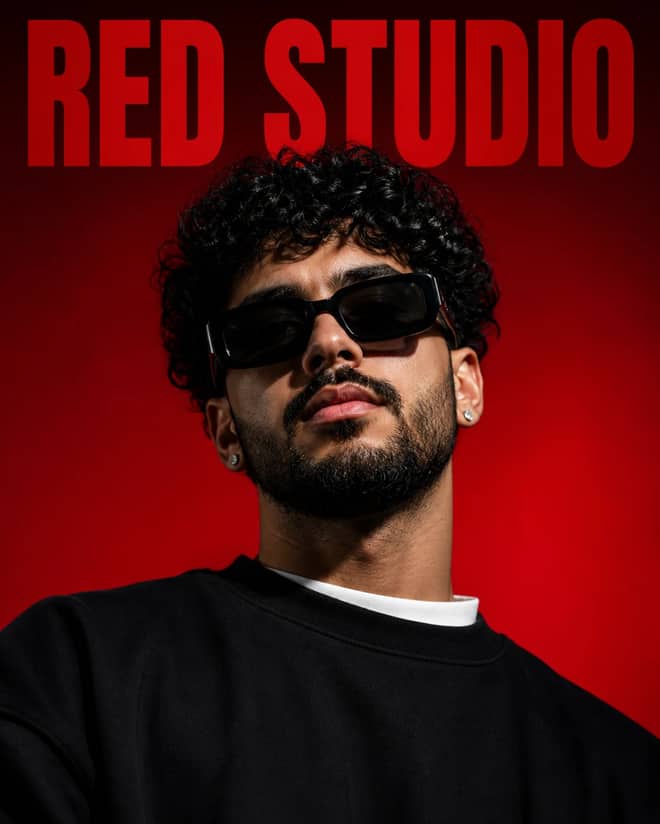
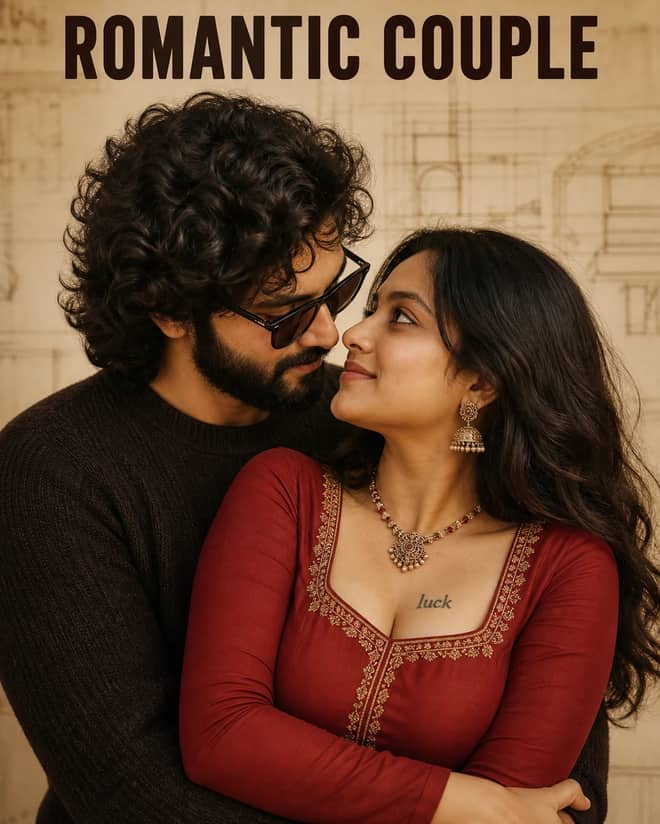
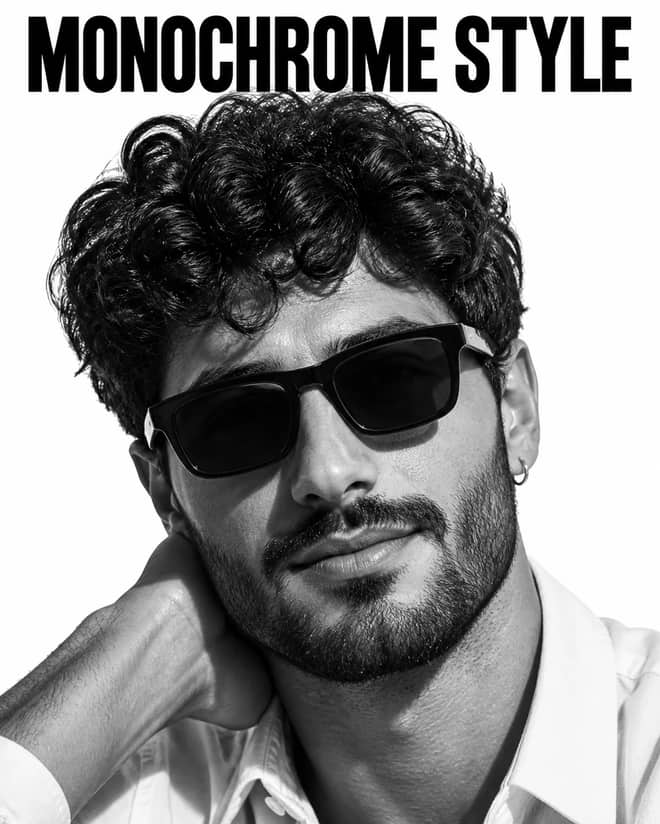
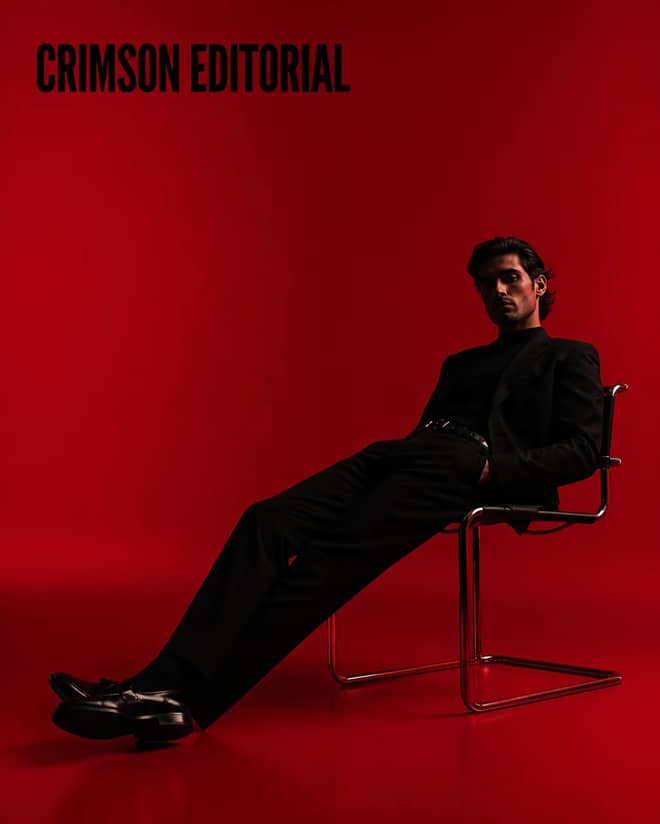
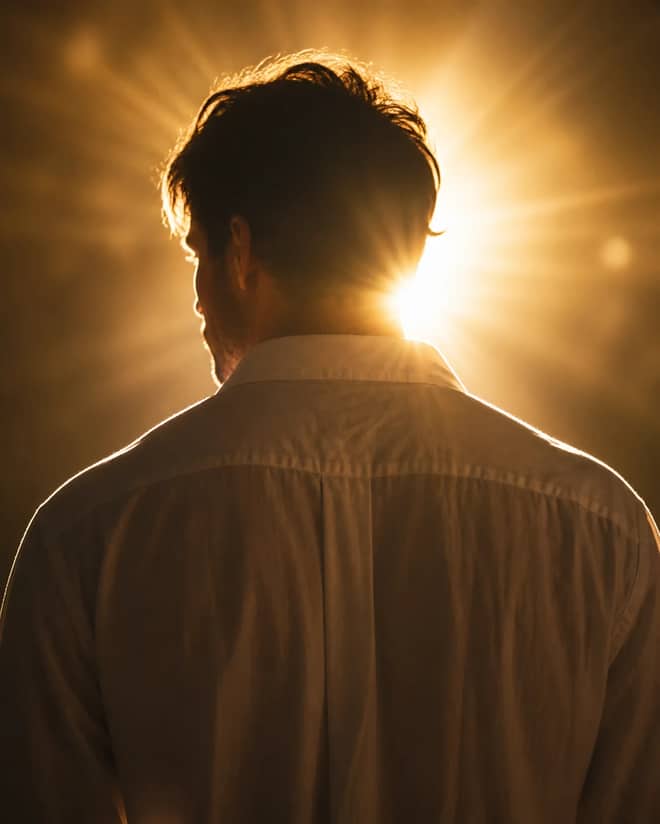
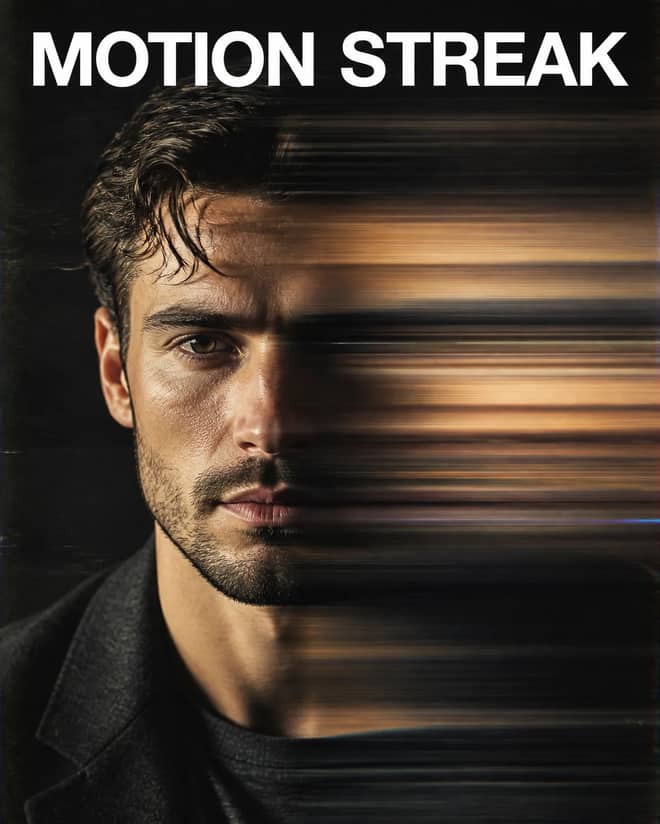
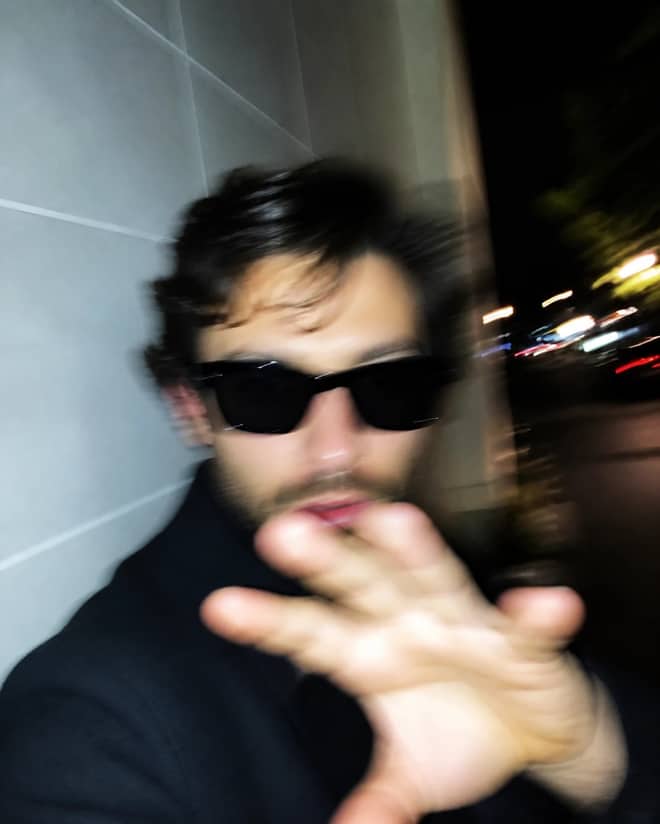
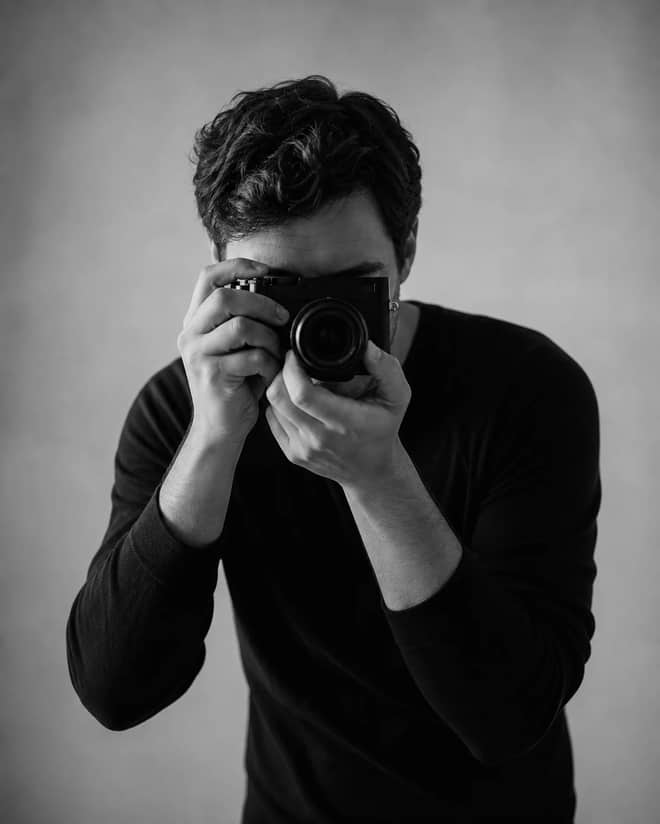
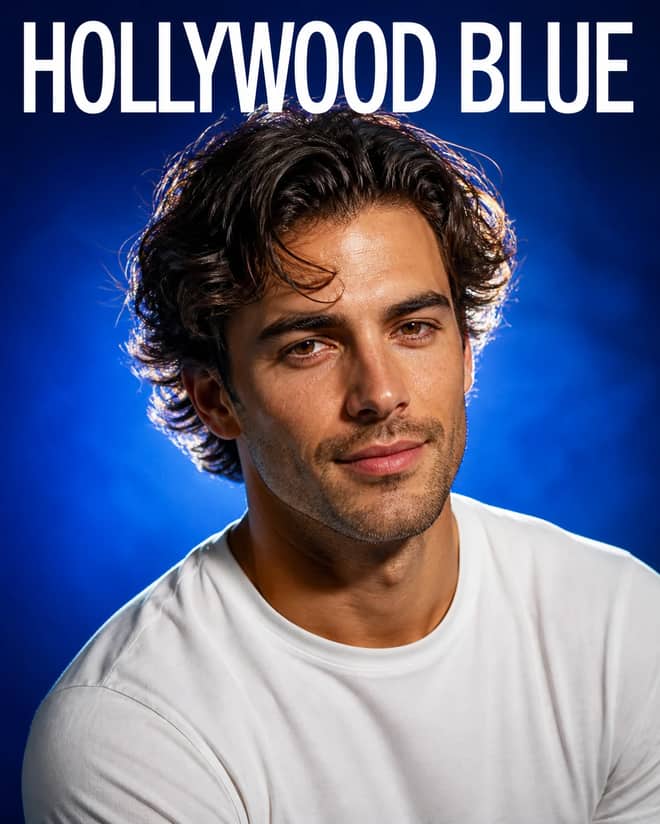
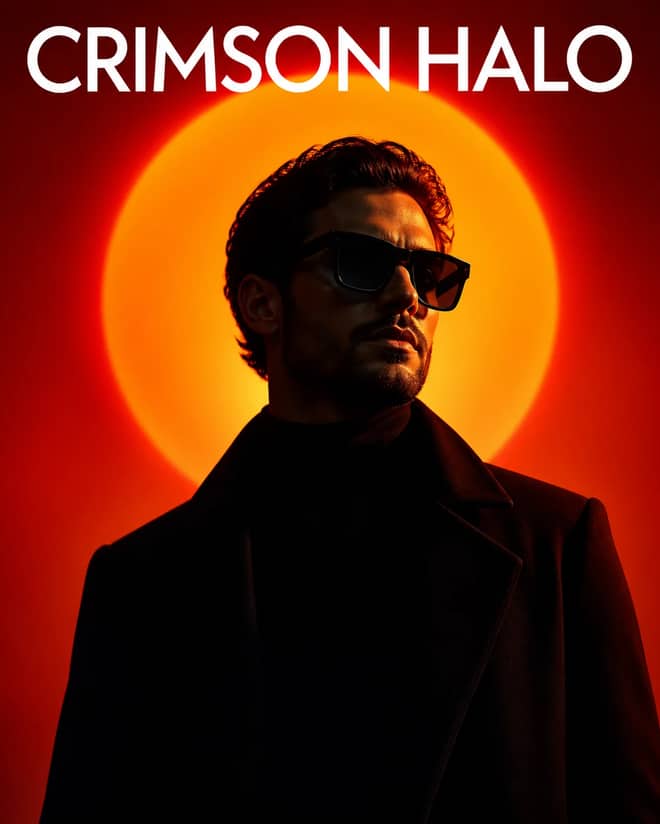
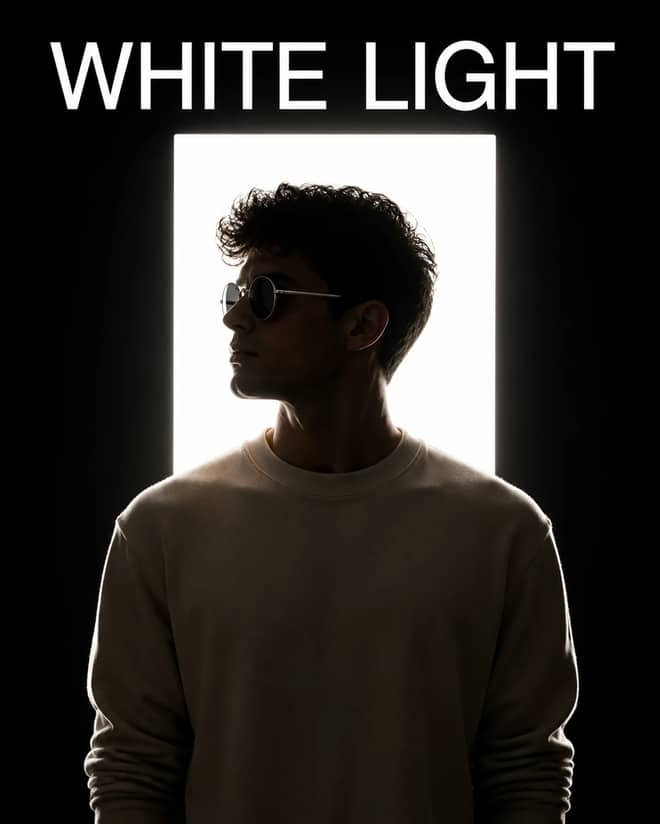
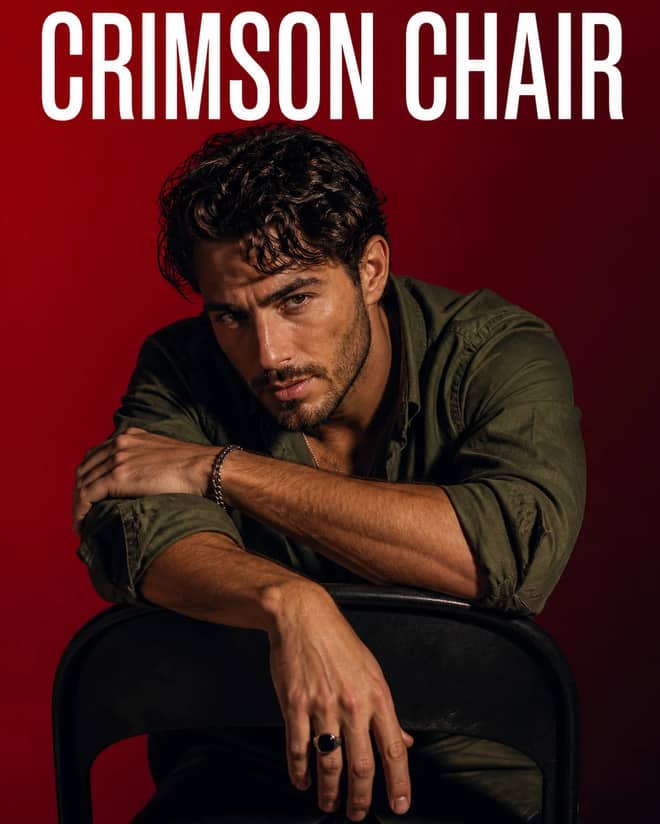
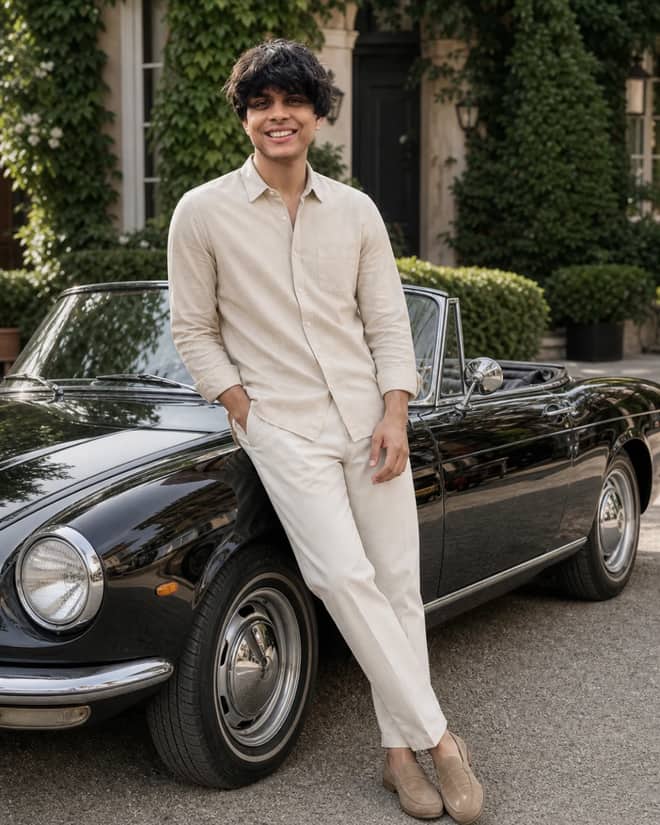
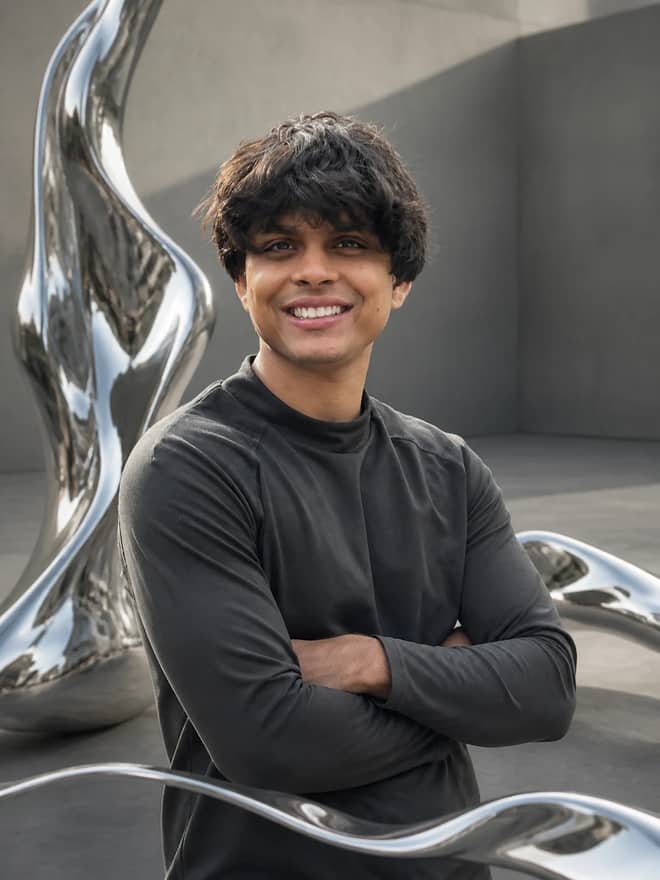
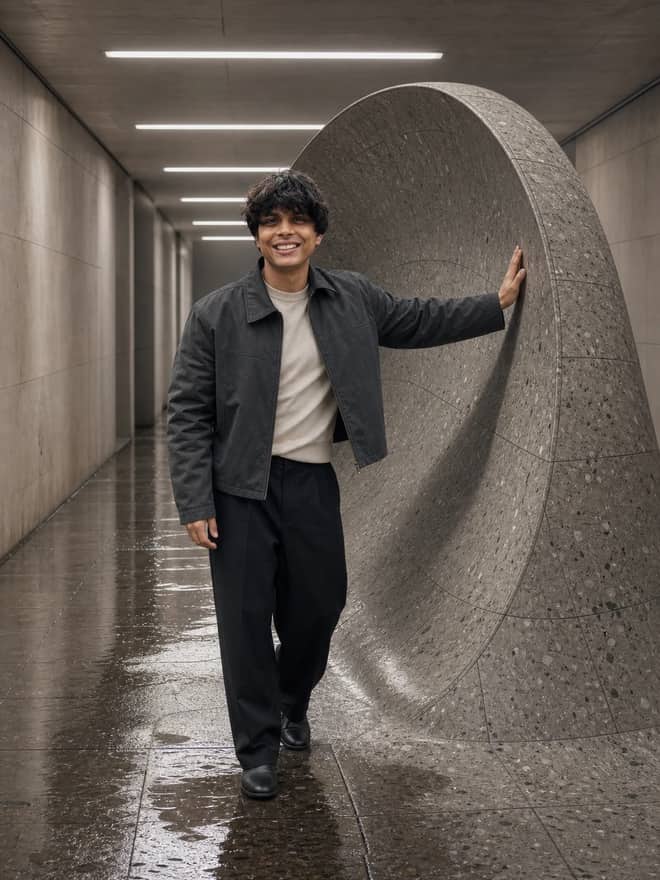
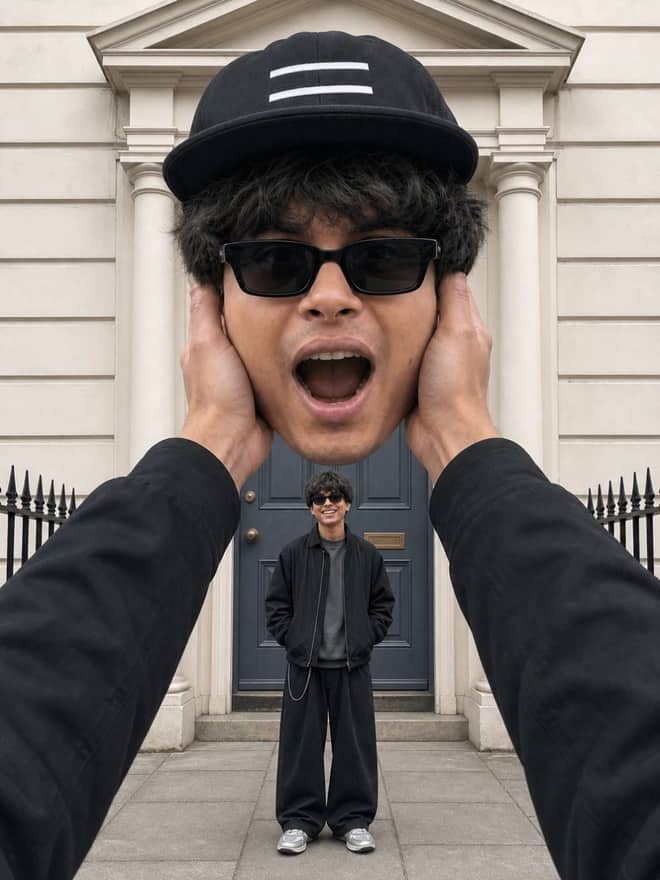
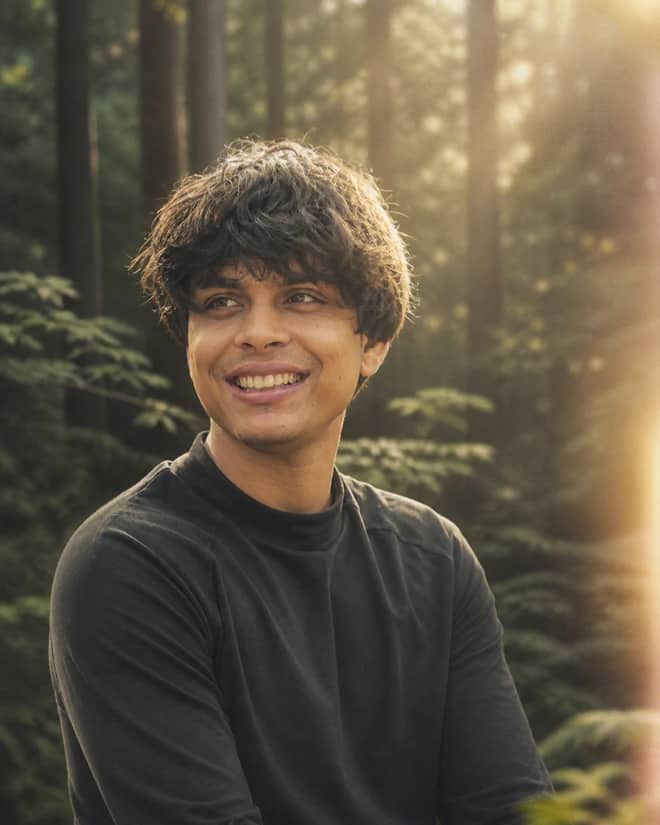
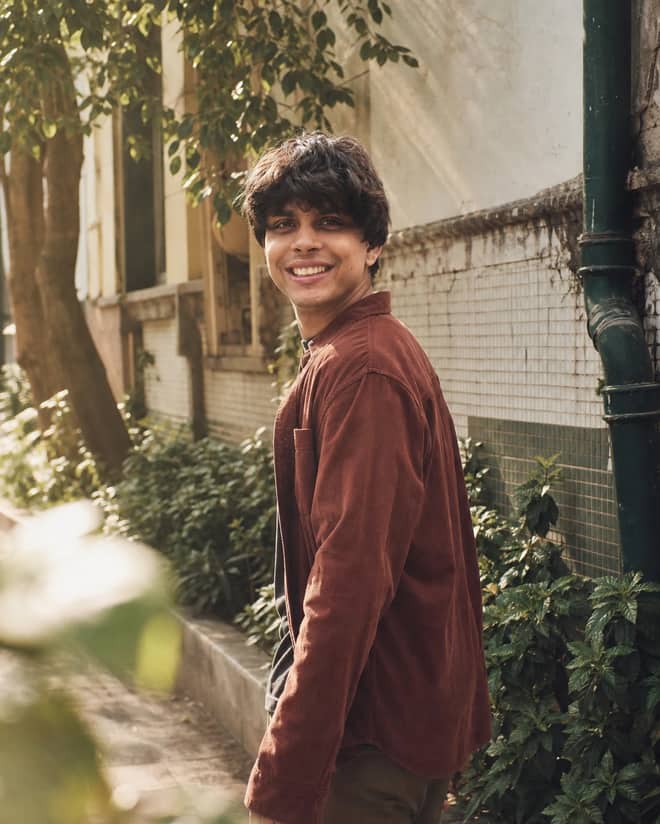
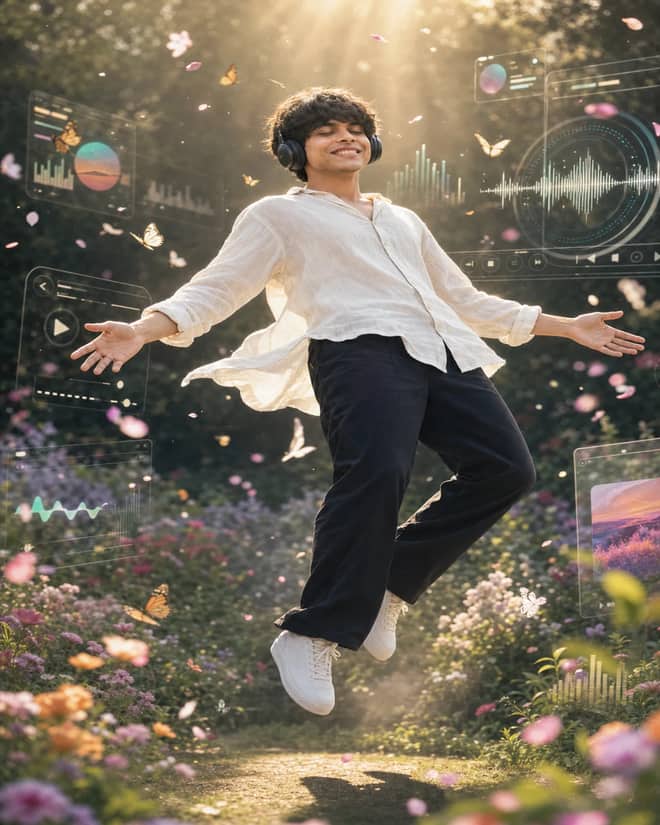
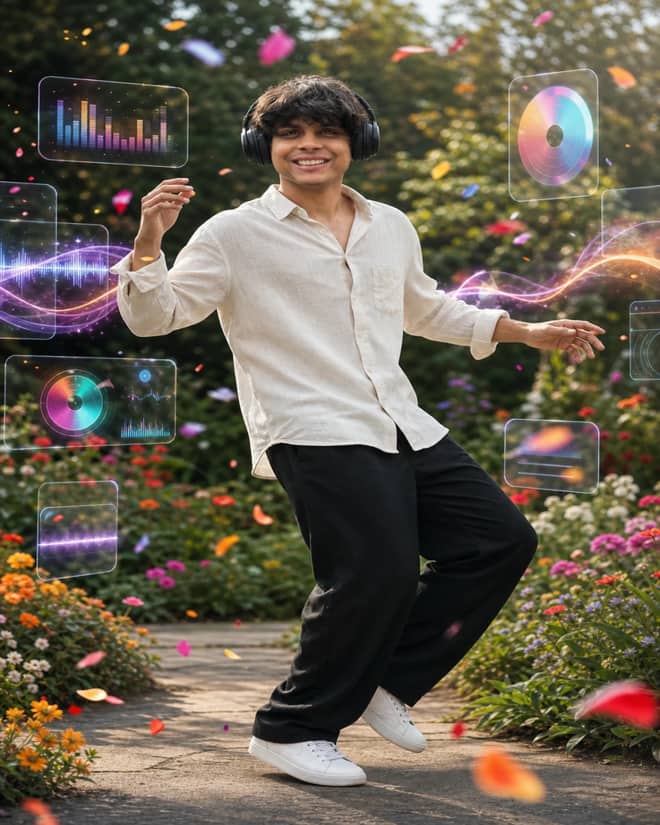
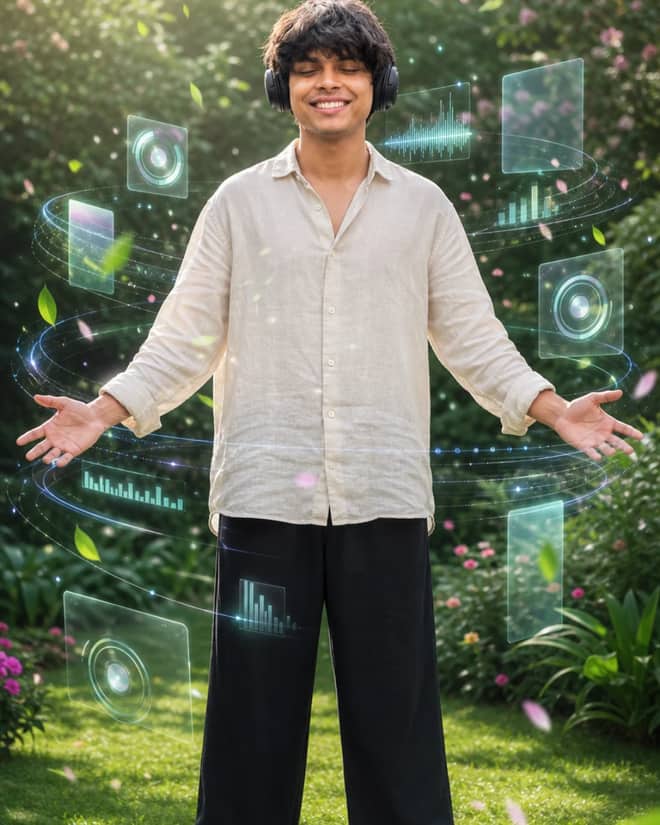
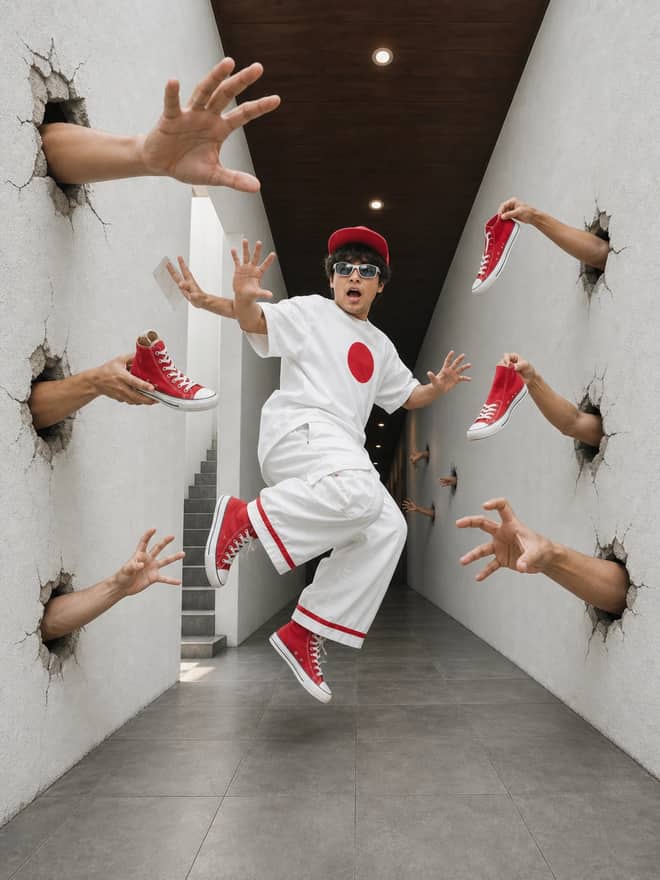
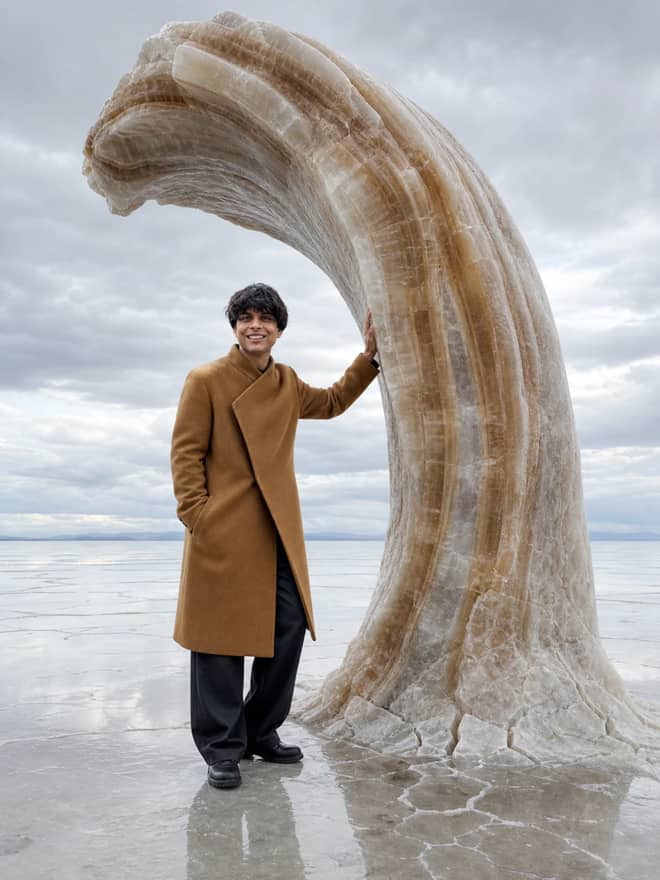
A Gemini image prompt is the line of text you type into Google's Gemini app to make it generate a picture, and writing a clear one is the whole difference between something you delete in two seconds and something you actually save. The grid above is full of prompts you can copy right now and run as-is. This part is for when you want to write your own, or work out why the good prompts land and the lazy ones don't. I use Gemini for images most days, and almost every time a result flops, the prompt was the reason, not the model.
What people mean by a Gemini image prompt
When folks say Gemini image prompt they usually mean text they paste into Gemini to either create a brand new image or change a photo they upload. The image model behind it is Gemini 2.5 Flash Image, which a lot of people online call Nano Banana. There is also a stronger version, Nano Banana Pro, built on Gemini 3 Pro Image, which is better at sharp text inside the picture and bigger, cleaner output. You can try both free in the Gemini app on your phone. Through the API it runs a few cents per image, which only matters if you are generating in bulk.
The thing to hold onto: Gemini reads your prompt like a brief, not a search query. Short keywords give you a generic guess. A real description, even a slightly long one, gets you close to the picture in your head.
The looks people make with a Gemini image prompt right now
If you scroll through what people share, a handful of styles keep coming back. Knowing them helps because you can borrow the structure and swap in your own subject.
- 3D figurine in a box. Turn a photo into a collectible toy, complete with the plastic blister pack and a printed label. People love this for themselves and their pets.
- Retro film portraits. Vintage saree shoots, 90s film grain, warm faded color. Good for a profile picture that doesn't look like everyone else's.
- Couple and pre-wedding shots. Put two people in a setting they never actually visited, from a rainy street to a studio backdrop.
- Old photo restoration. Hand Gemini a faded or torn family picture and ask it to repair and gently colorize it.
- Polaroid-style snapshots. The casual flash-photo look, sometimes standing next to a celebrity or a younger version of yourself.
- Product and sticker mockups. A bottle on a clean surface, or a sheet of die-cut stickers from one drawing.
None of these need a special tool. They are just prompts with the right details. The style words do most of the lifting.
Advertisement
How to write a Gemini image prompt that works
Here is the order I keep in my head when I write one from scratch. You don't need every item every time, but the more of these you name, the less Gemini has to guess.
- Subject. Who or what is in the frame, plus one or two real details like expression, outfit, or age range.
- Action or pose. Standing, laughing, holding something, looking off to the side.
- Setting. Indoor or outdoor, the place, the time of day.
- Light. Soft window light, golden hour, hard studio flash, neon at night.
- Style. Photo-real, film grain, watercolor, 3D render, clean studio product shot.
- Framing and ratio. Close-up or wide, and whether you want it tall for a phone or square.
Be specific about the camera
Words like close-up portrait, shot from slightly above, shallow depth of field, or 35mm film push the result toward something that reads as a real photograph. Leaving the camera vague is the fastest way to get that flat, stocky AI look nobody wants.
Say the aspect ratio out loud
Gemini won't read your mind about shape. If you want a vertical image for a story or a profile, write vertical 9:16 or portrait orientation right in the prompt. For a banner, ask for wide 16:9. Skipping this is why your subject keeps getting cropped at the chin.
Pick a style, then borrow the Gemini image prompt wording
Sometimes you know the vibe but not the words. This table maps a few common goals to phrasing that tends to work in Gemini. Treat it as a starting point and add your own subject.
| Style you want | The feel | Wording to drop in |
|---|
| Retro film portrait | Warm, nostalgic, soft | 90s film photo, grainy, faded warm tones, soft natural light |
| 3D figurine | Cute collectible toy | turn into a 3D collectible figurine inside a clear blister pack with a printed label |
| Clean product shot | Crisp, commercial | studio product photo on a seamless light backdrop, soft shadows, sharp focus |
| Cinematic scene | Moody, filmic | cinematic lighting, shallow depth of field, dramatic shadows, wide 16:9 |
| Sticker sheet | Flat, playful | die-cut sticker style, bold outline, flat colors, white background |
A Gemini image prompt for new images vs editing a photo
These are two different jobs and you talk to Gemini differently for each. When you generate from nothing, describe everything, because the model is inventing the whole scene and any gap gets filled with its own taste. When you upload a photo and want an edit, say plainly what should stay and what should change. Something like keep the face and pose the same, only change the background to a beach at sunset. If you don't pin down what to keep, Gemini will happily redraw the parts you liked.
One nice trick with the newer model: you can hand it two or three images at once and ask it to combine them, like putting a product from one photo into the scene from another. Be explicit about which element comes from which picture.
Common Gemini image prompt mistakes and quick fixes
Most bad results trace back to a few habits. These are the ones I see most.
- Too vague. Three words in, mystery out. Add the light, the setting, and the style.
- Asking for too much at once. A long list of unrelated demands confuses it. Build the core image first, then refine in a follow-up message.
- Wonky faces. Hard side light and extreme angles make features drift. Ask for soft natural light and a straight-on or slightly raised angle.
- Garbled text in the image. The base model struggles with long text. Keep words short, or switch to Nano Banana Pro, which handles signs and labels far better.
- Wrong shape. You forgot the aspect ratio. State it.
Tip: when something is close but not quite right, don't rewrite the whole prompt. Reply in the same chat with one change, like make the light warmer or move the subject left. Gemini keeps the context and adjusts instead of starting over.
A Gemini image prompt workflow that gets you there faster
Here is how I actually use it. Start with a prompt from the grid above, or write a quick first version covering subject, setting, light, and style. Run it. Don't expect the first image to be the one. Then change a single thing and run again. Swap golden hour for blue hour, close-up for waist-up, a plain wall for a window. Two or three rounds and you usually have a keeper, plus a couple of variations worth saving.
If you are on a phone and new to all this, the app is the easiest place to learn because you can see each change land instantly and it costs nothing to experiment. Once a style works for you, save the exact wording somewhere. A prompt that nailed it once will nail it again with a new subject dropped in.
So pick a prompt above, paste it into Gemini, swap in your own person or product, and add the aspect ratio you need. Run it twice. The second pass, with one small tweak, is almost always the better image.