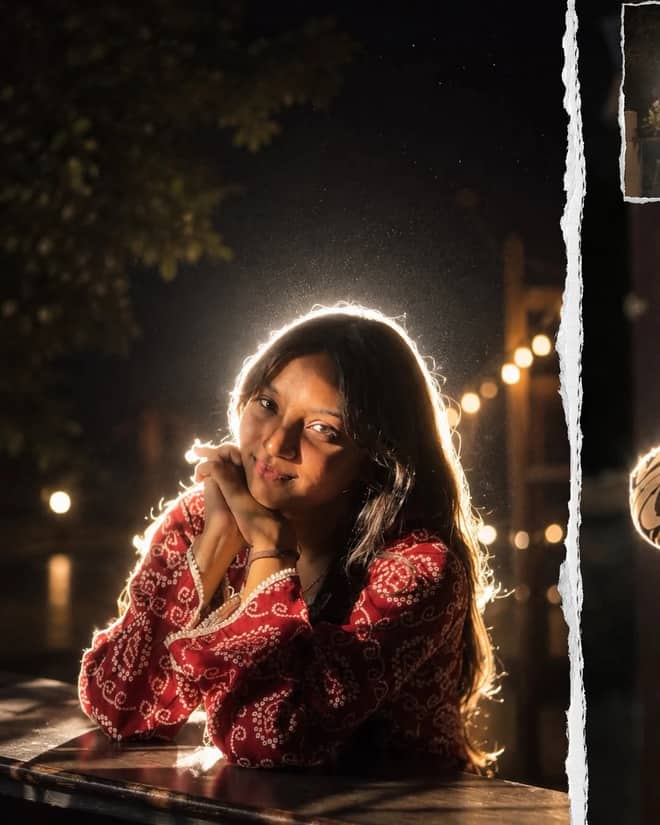
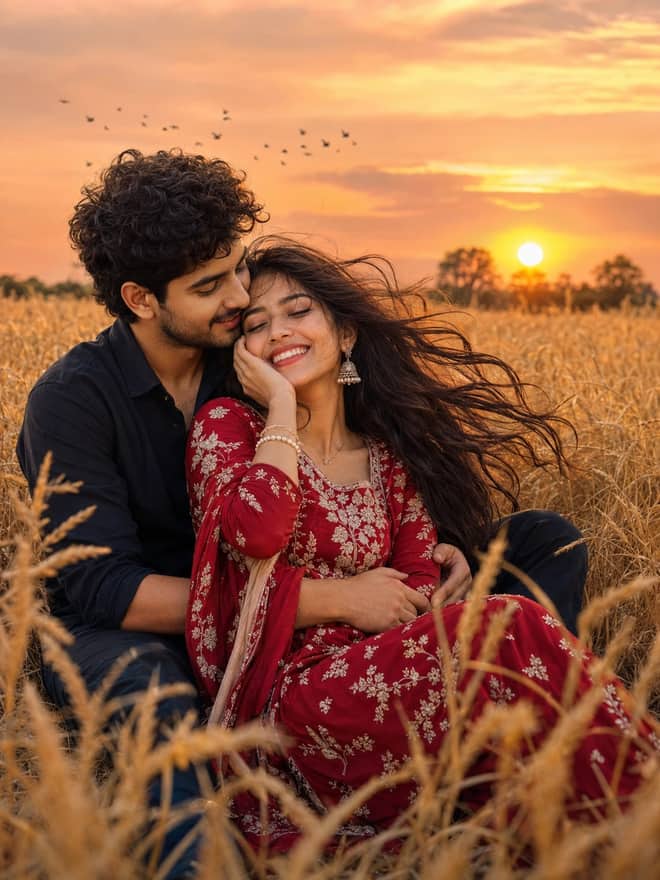
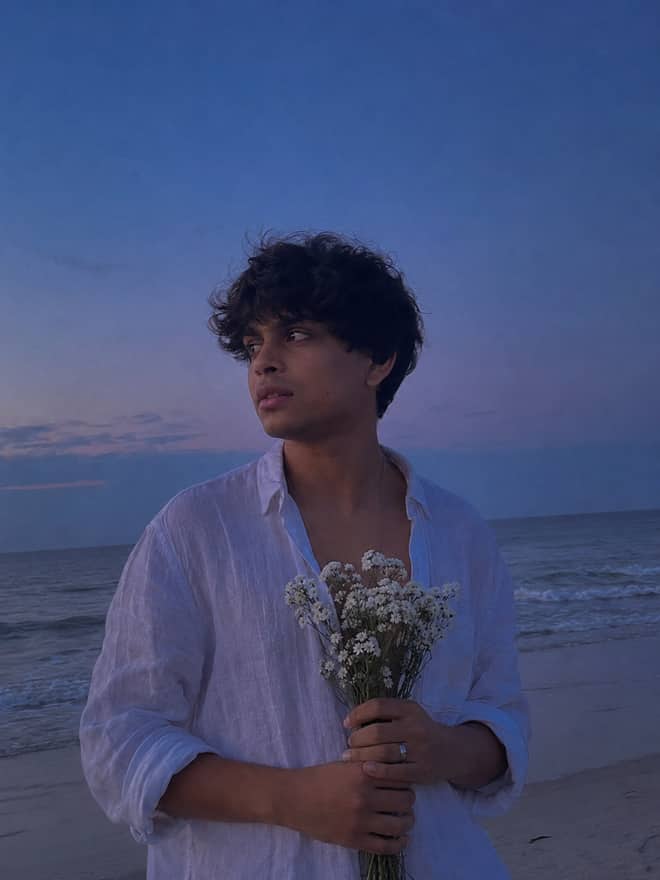
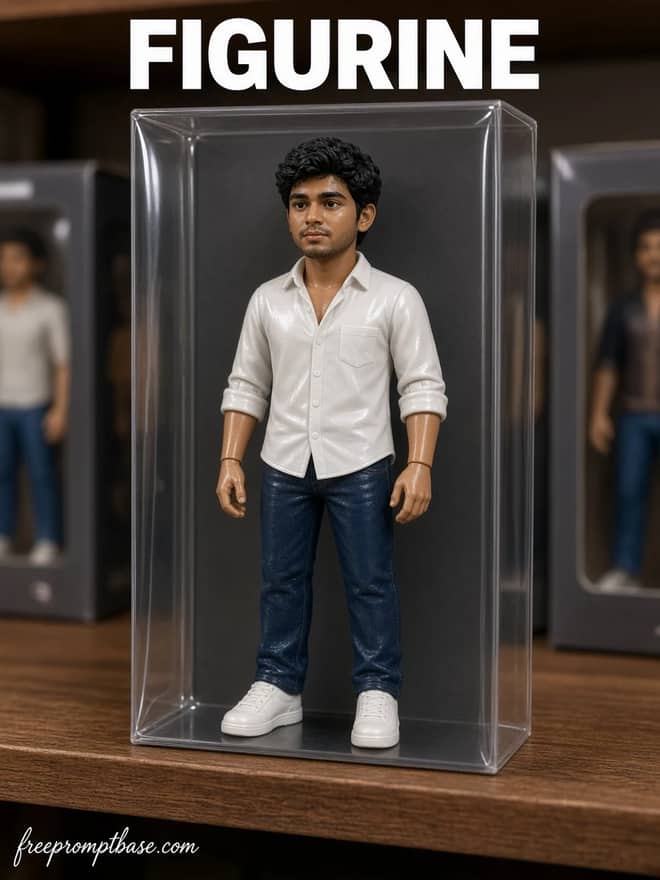
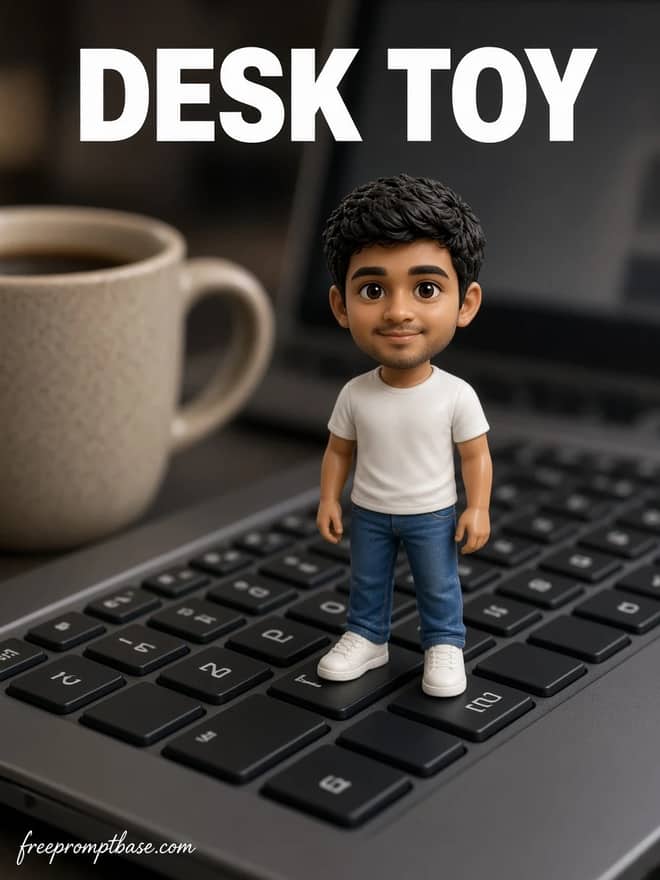
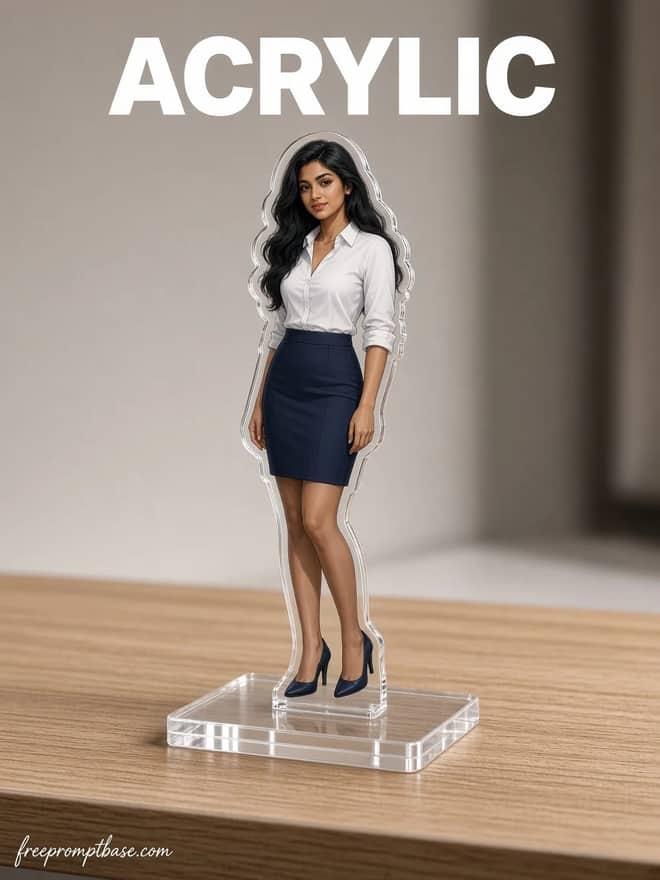
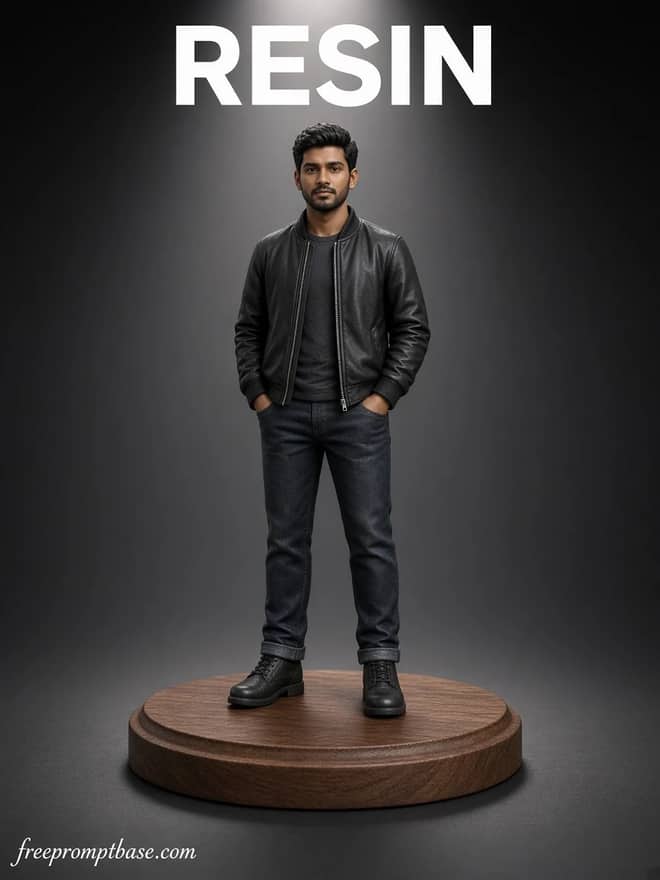
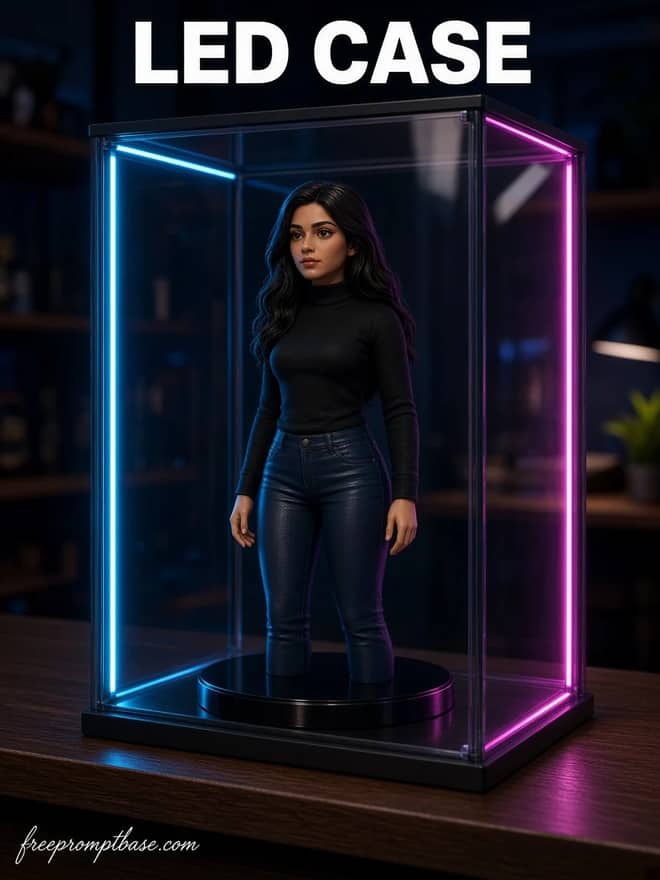
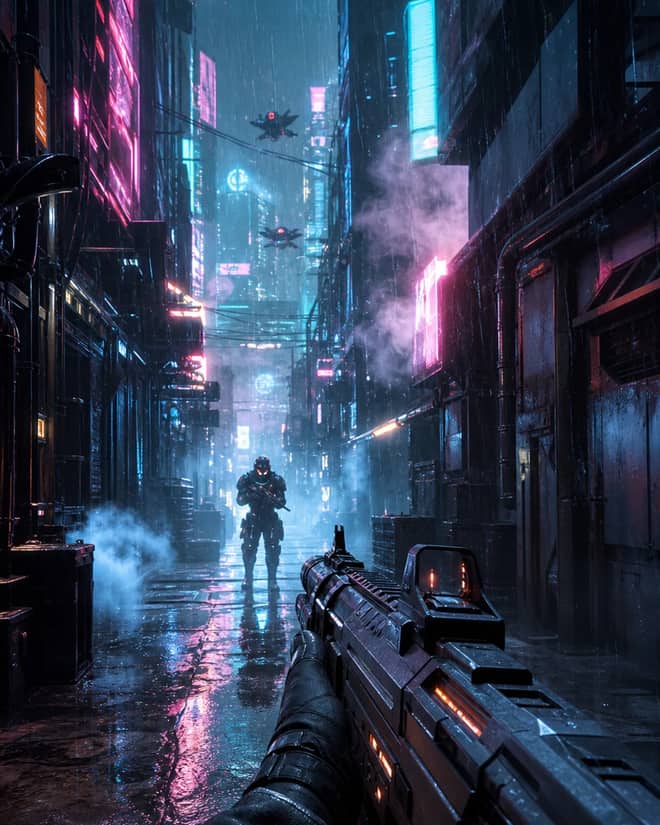
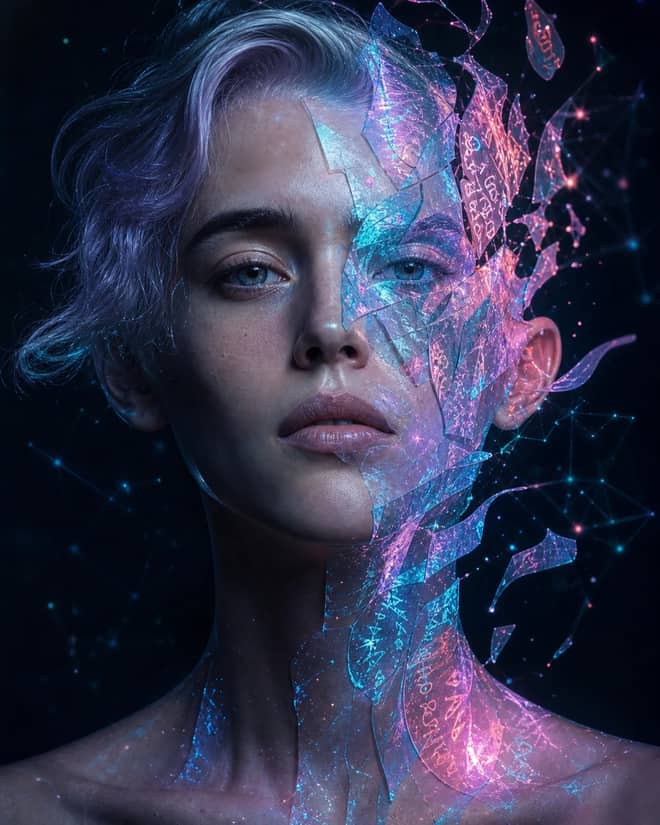
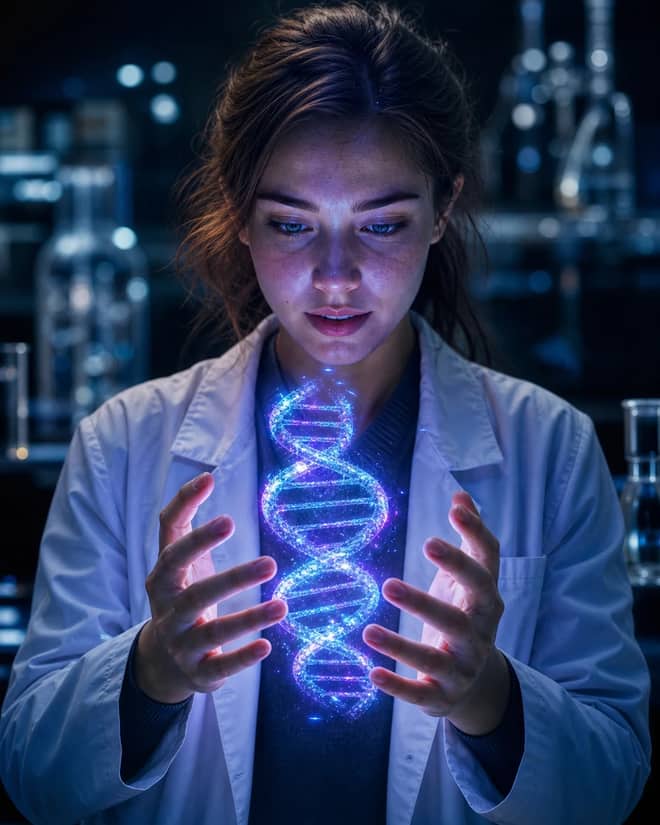
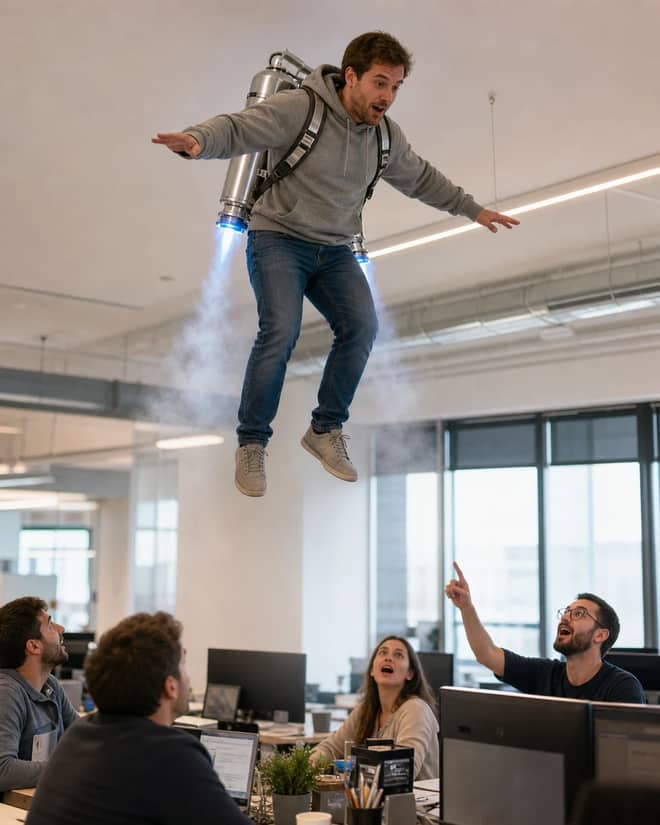
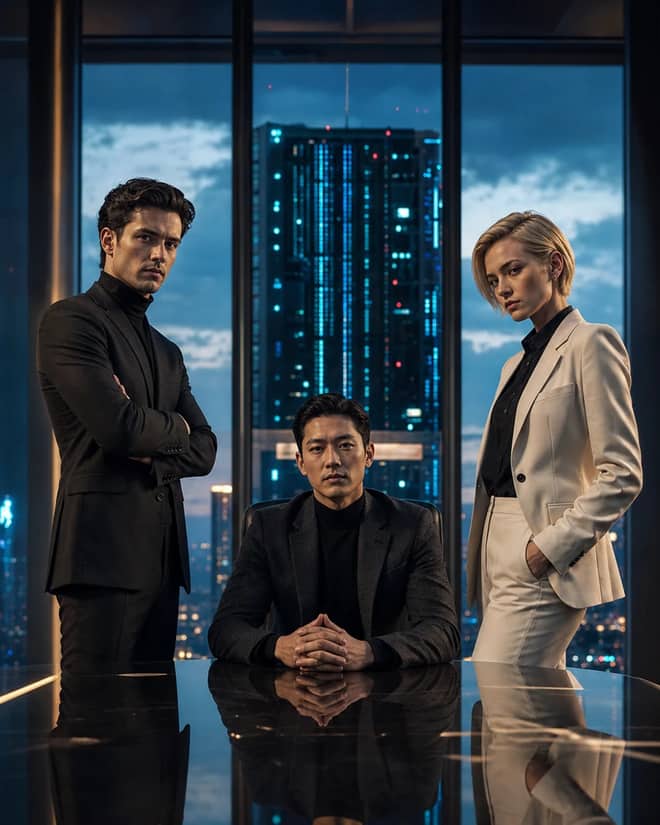
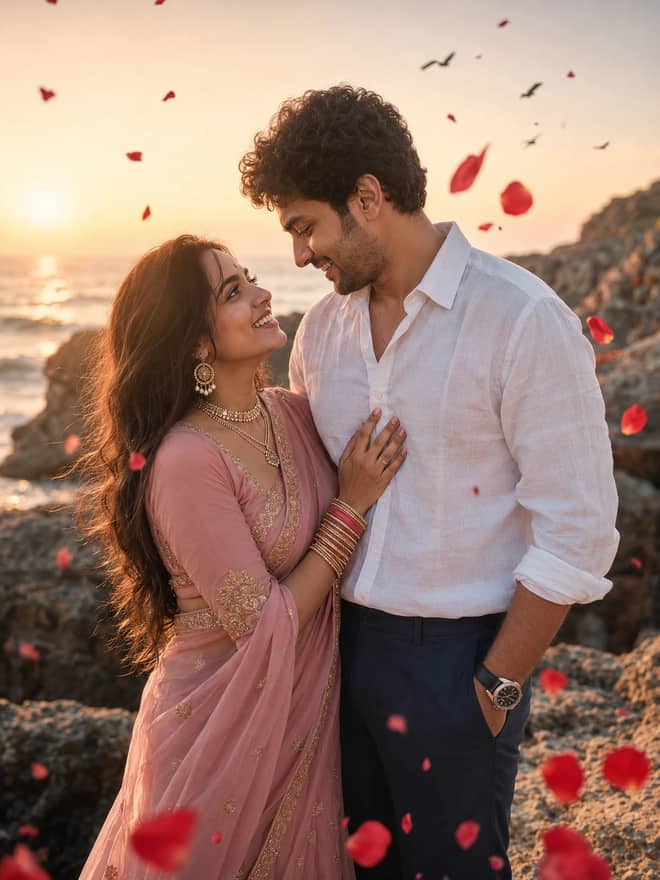
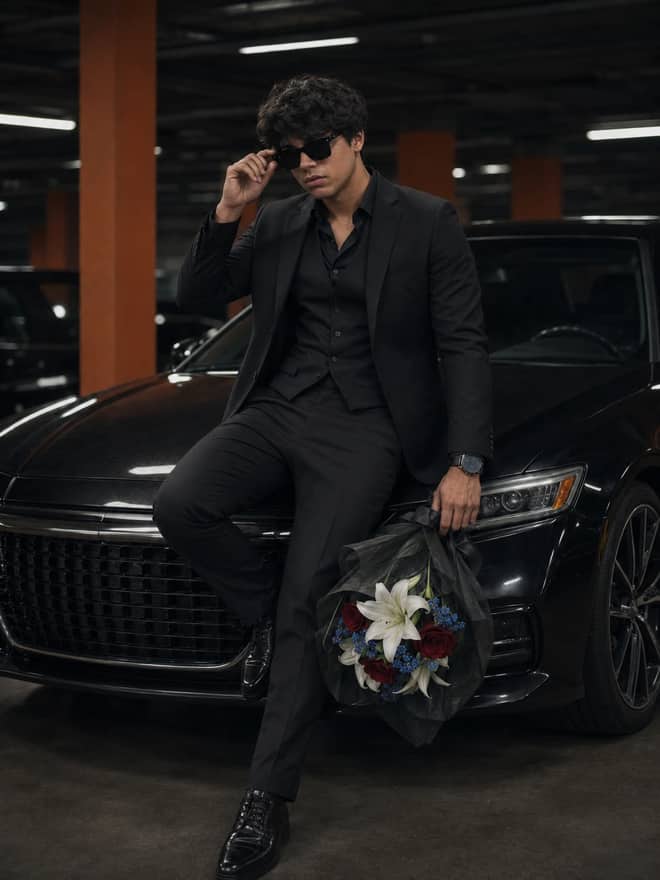
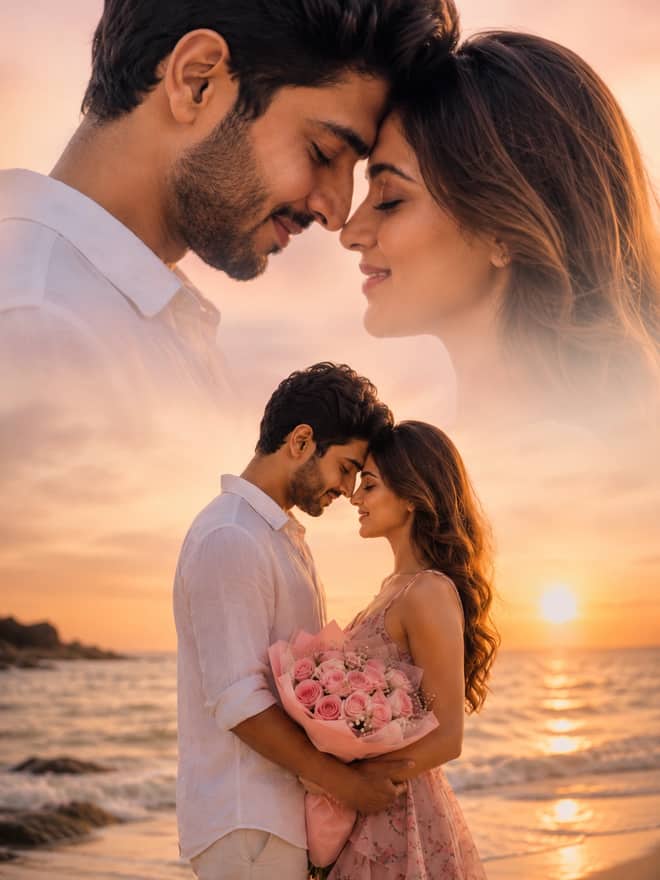
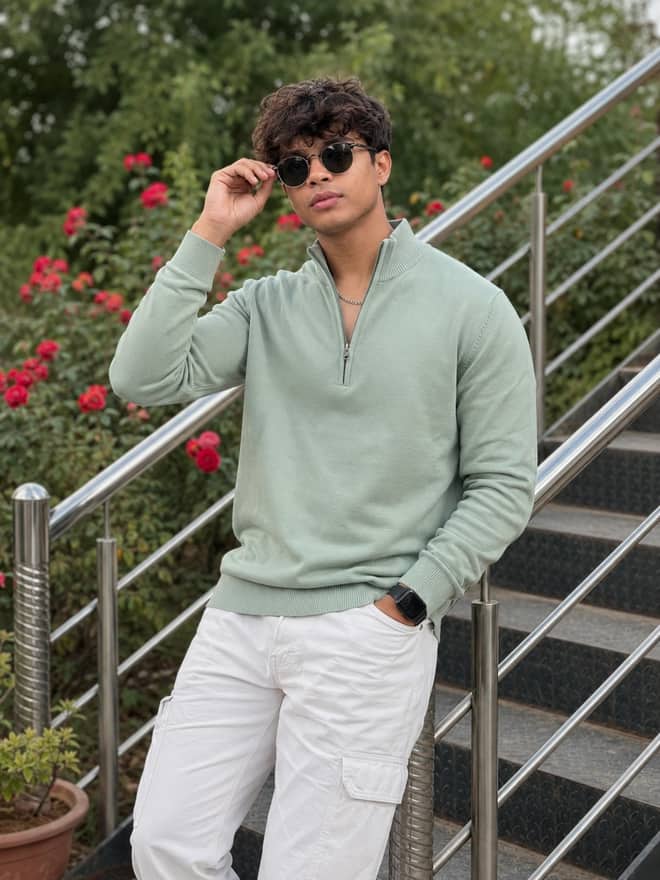
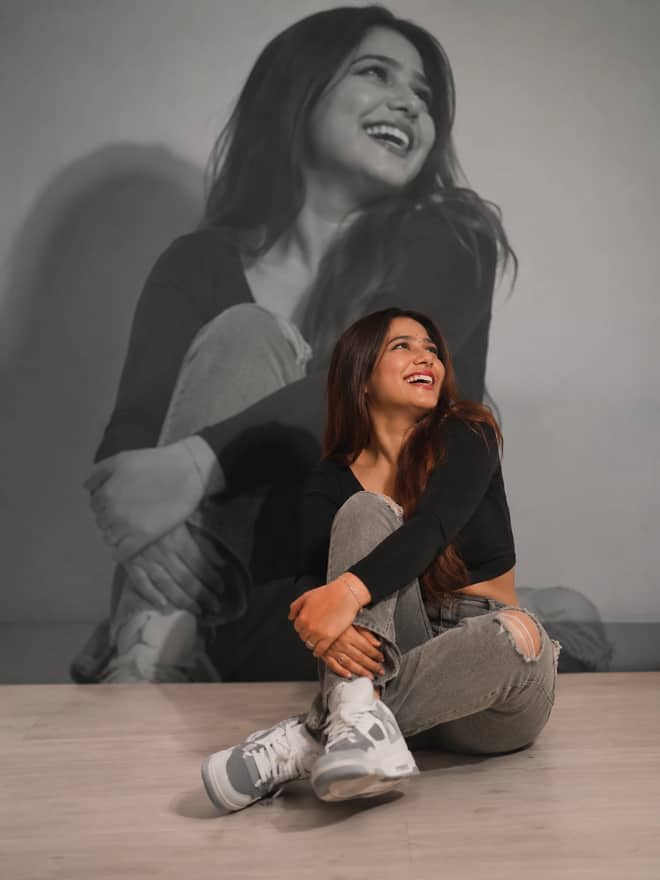
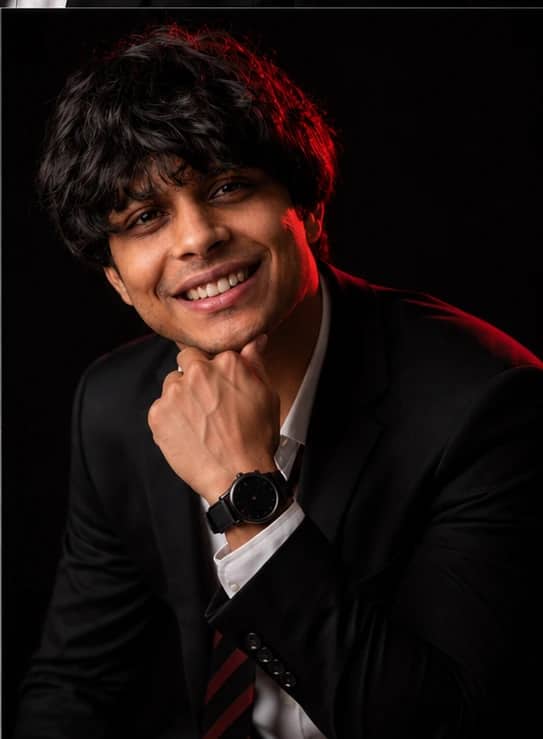
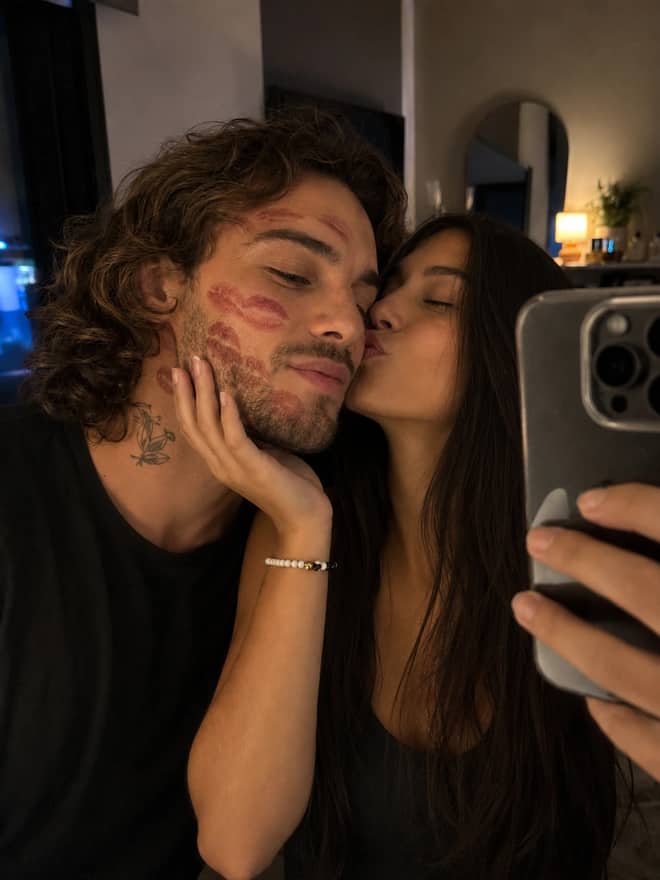
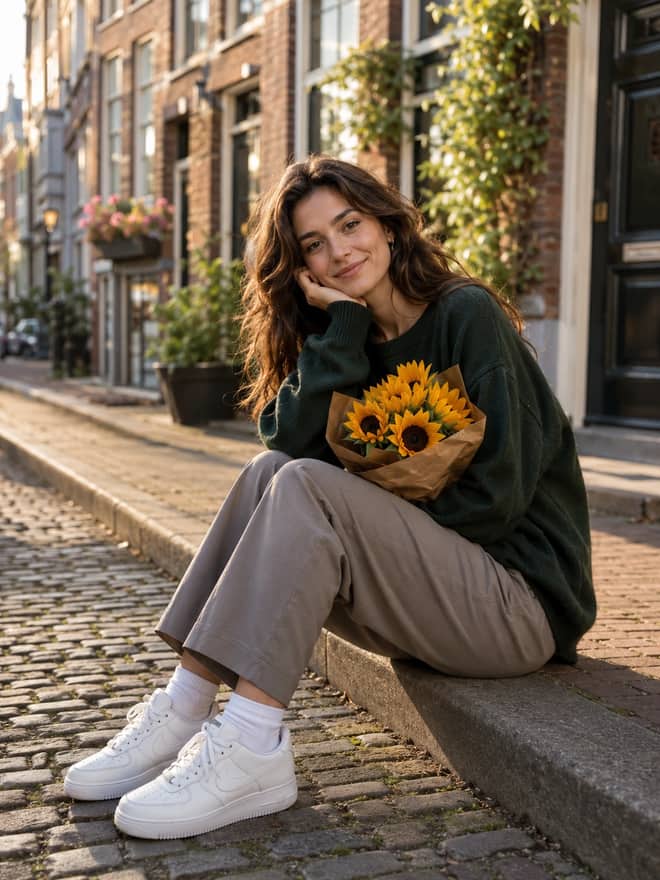
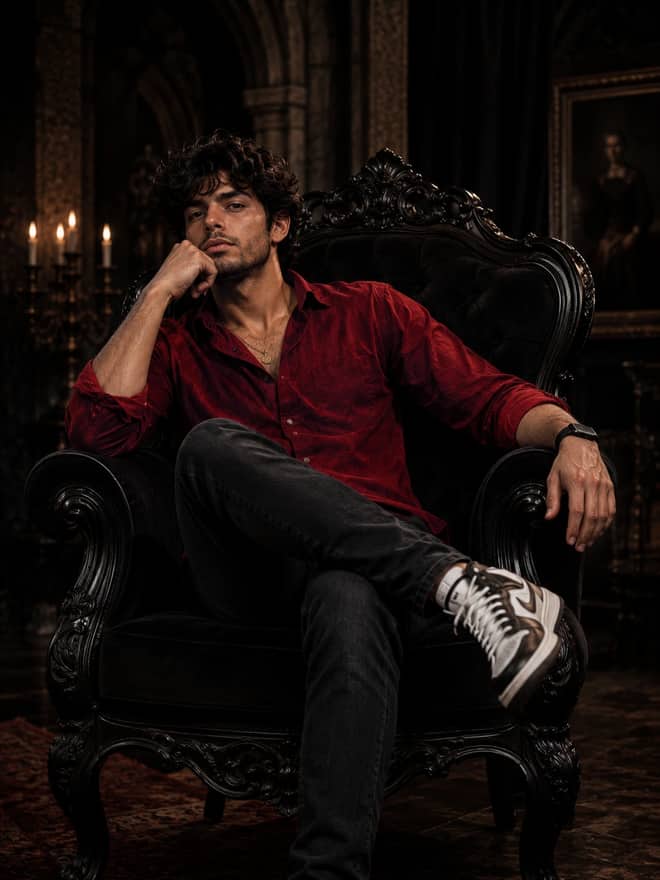
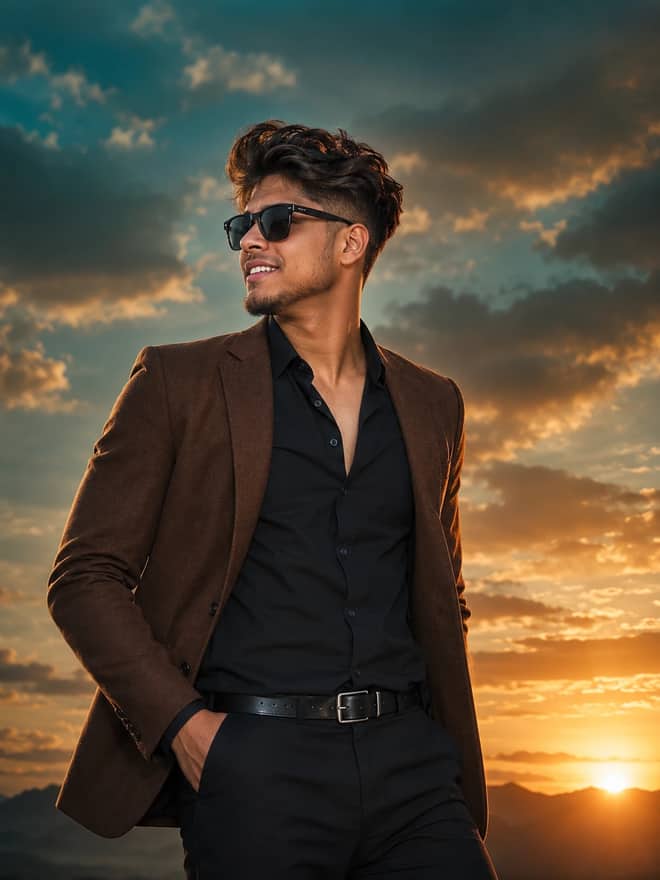
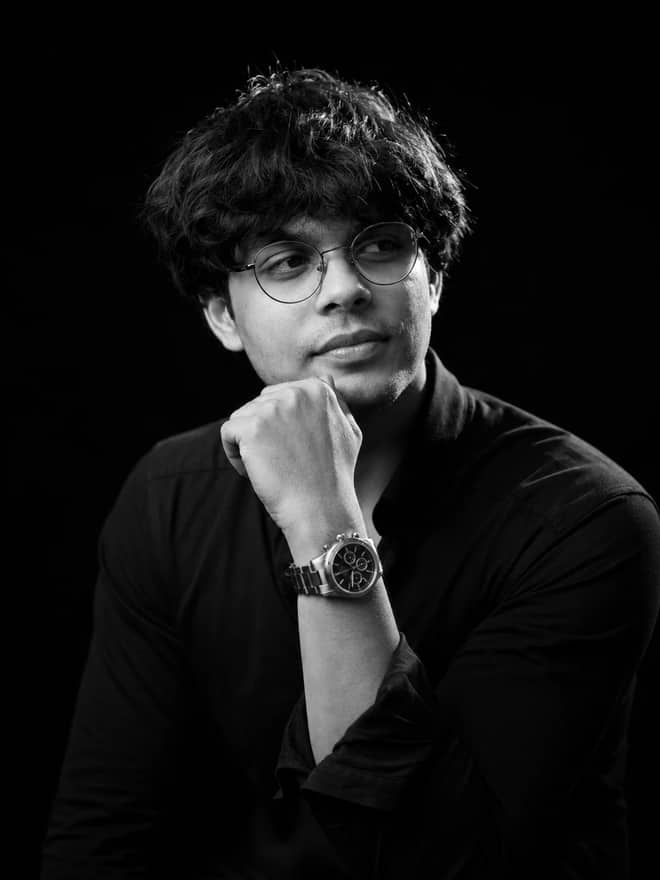
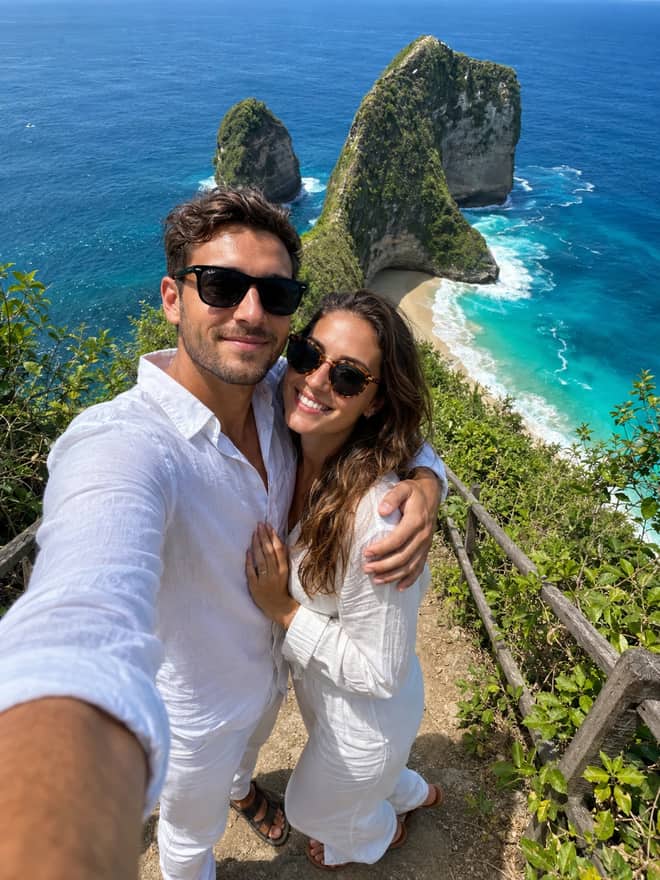
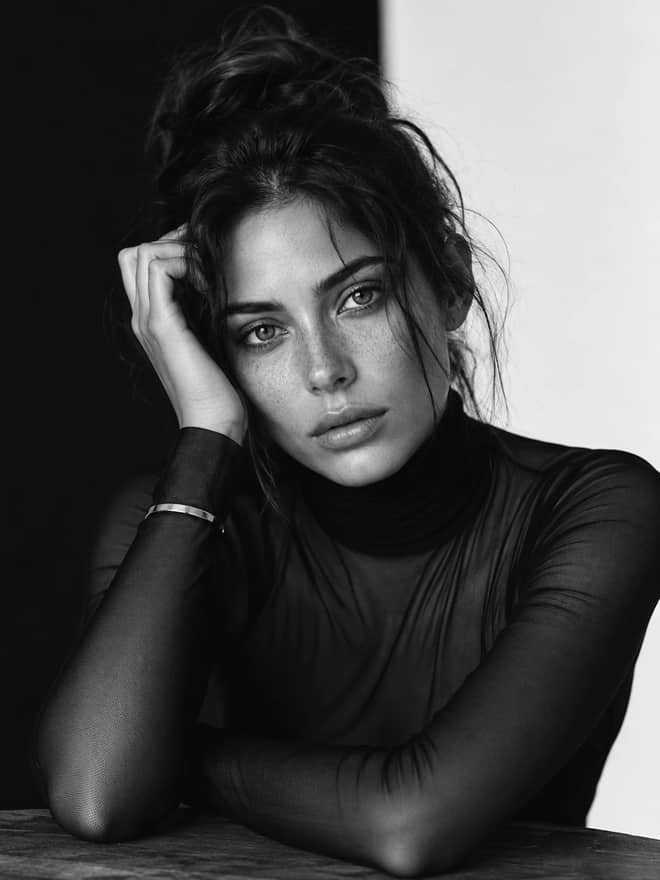
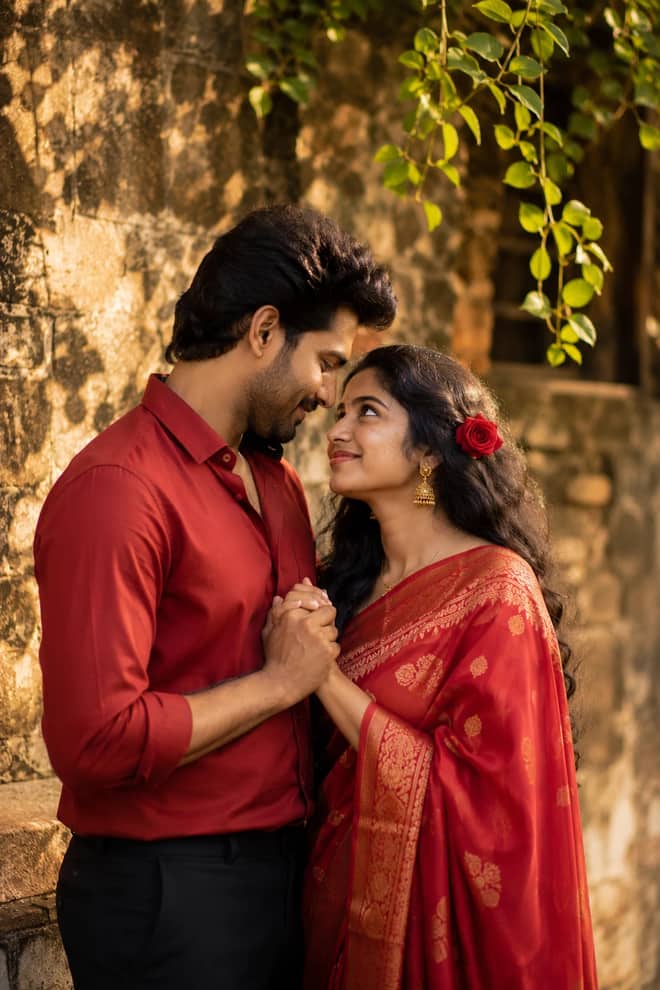
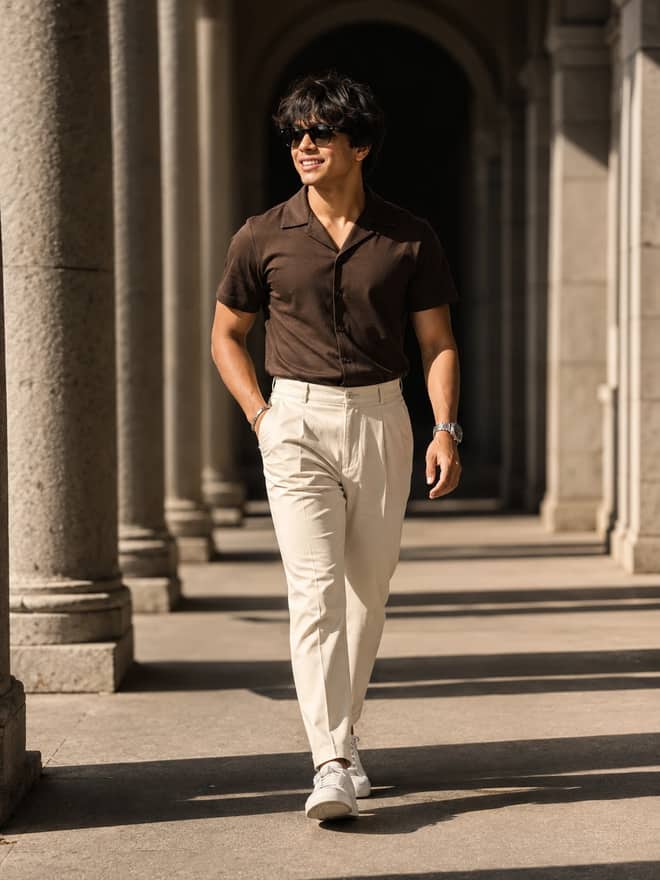
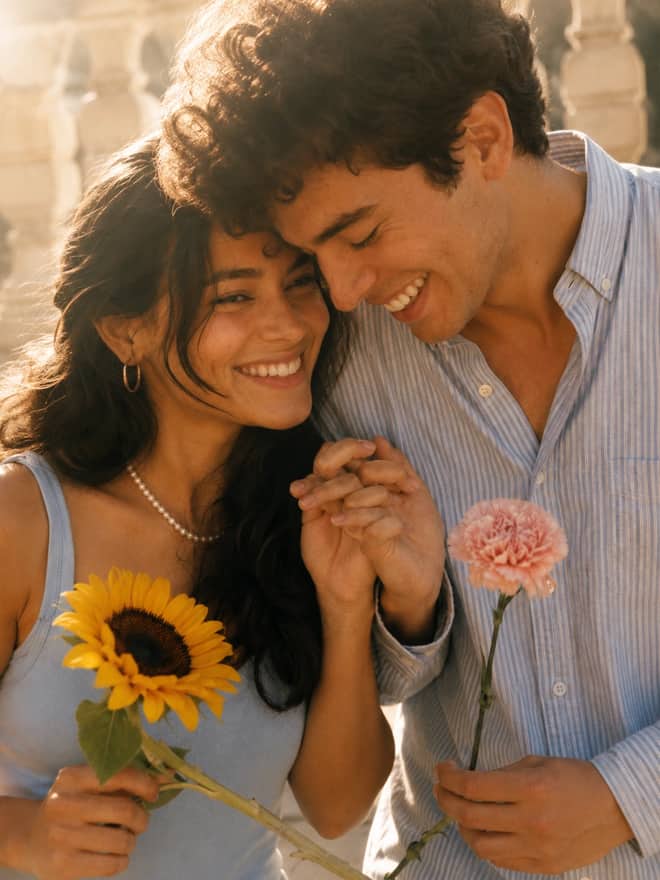
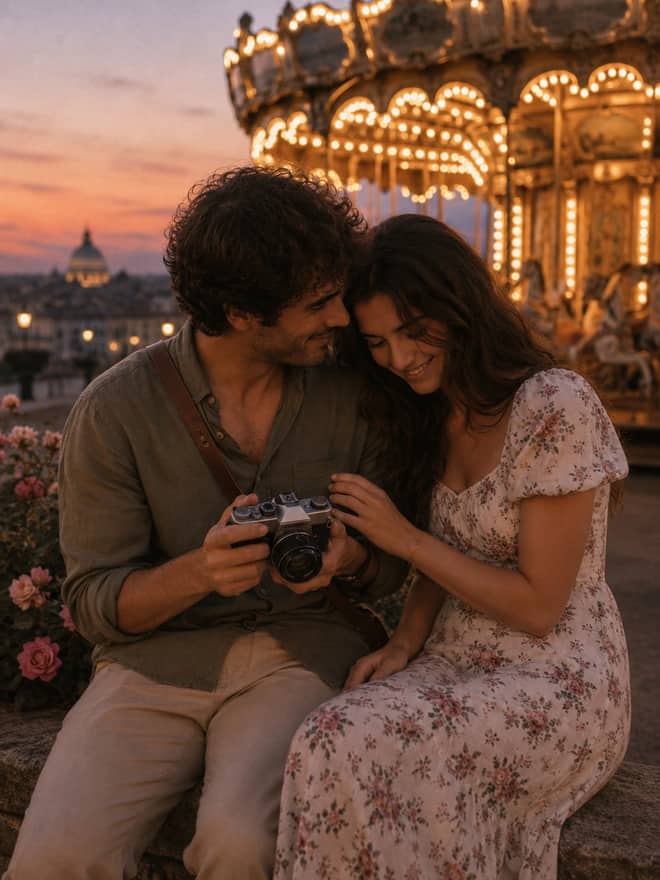
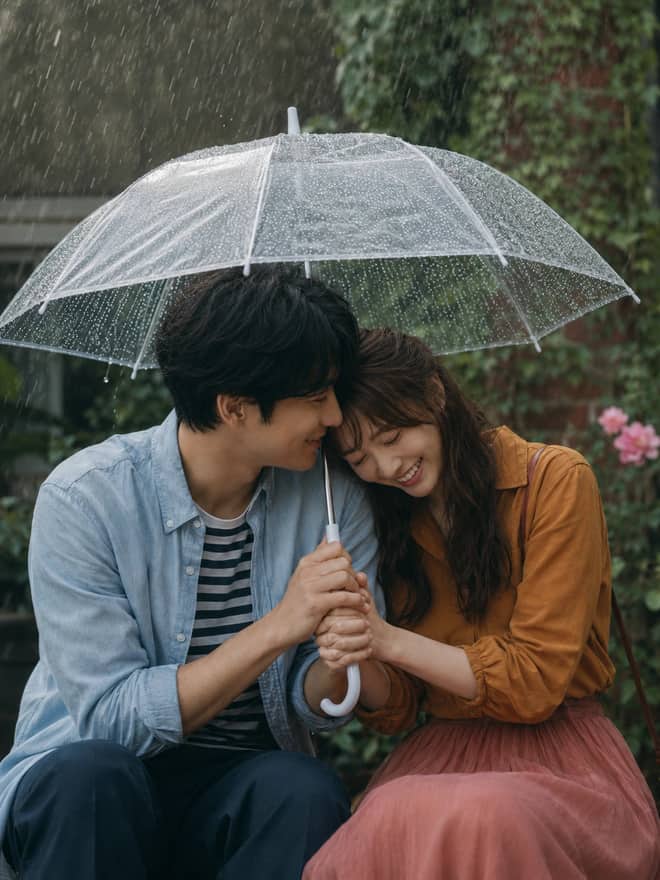
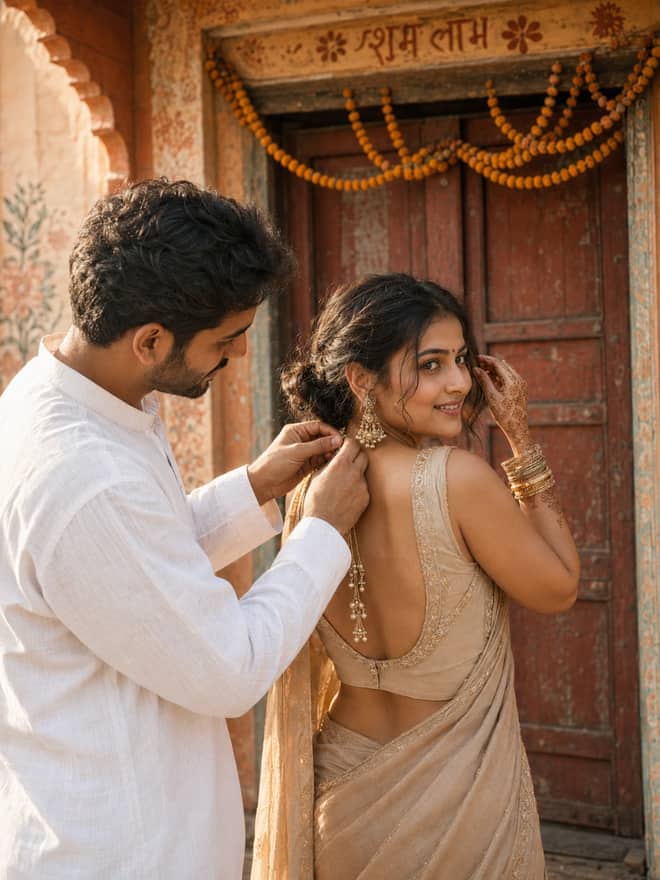
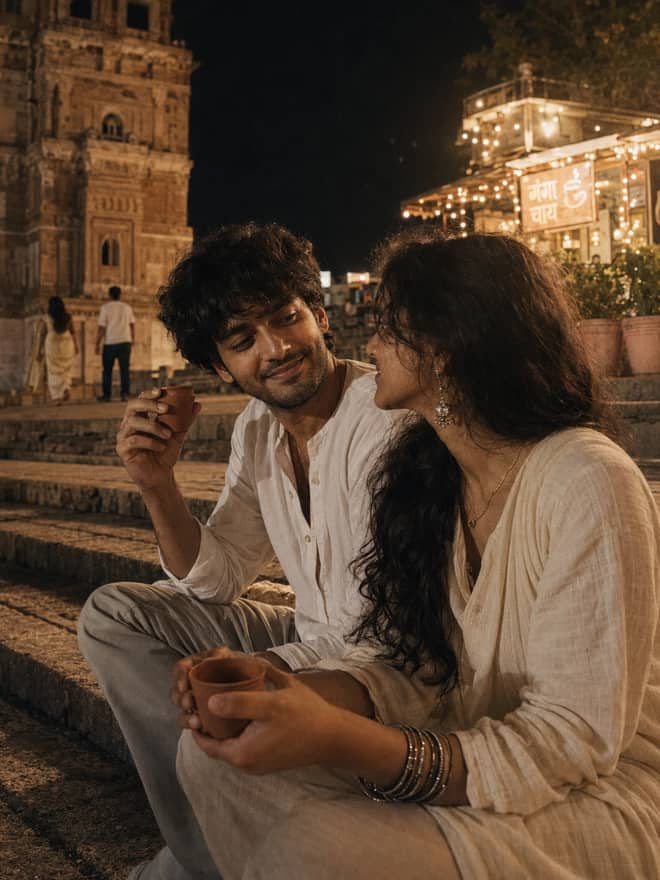
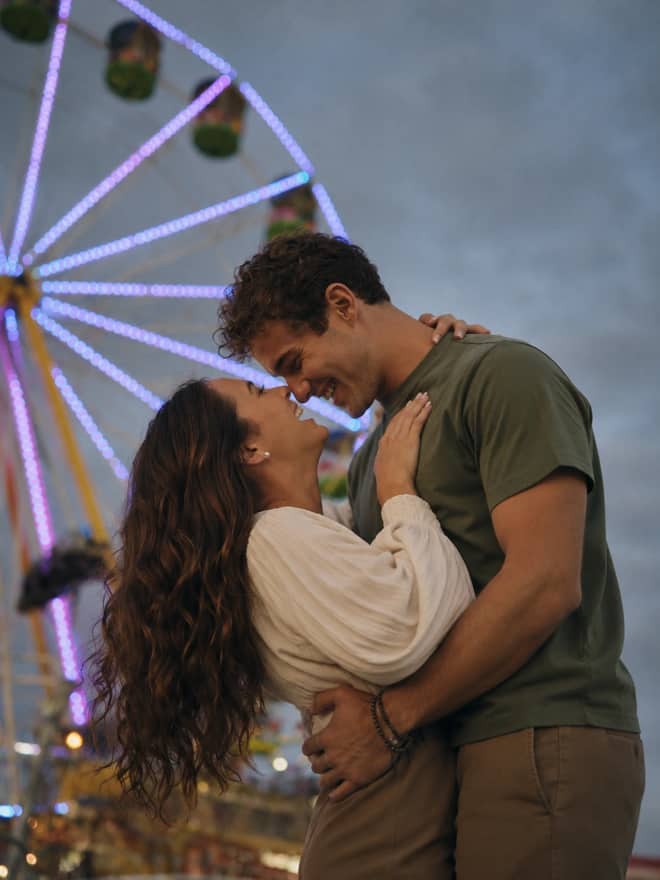
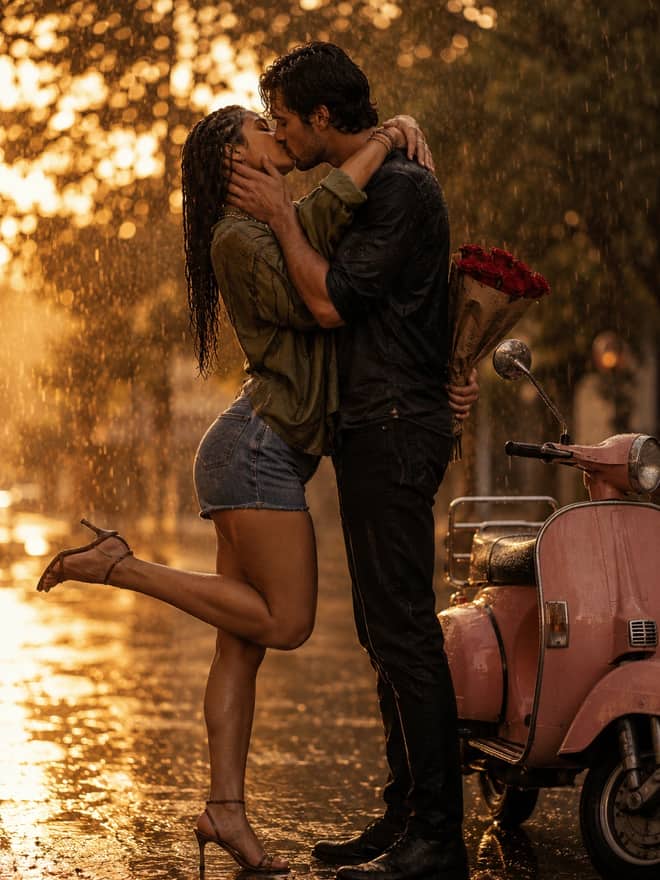
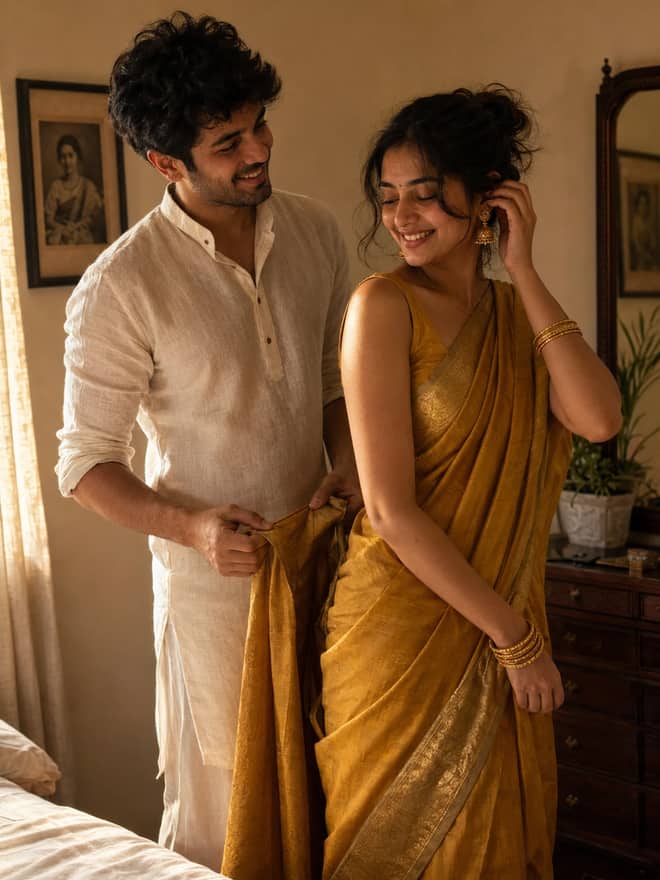
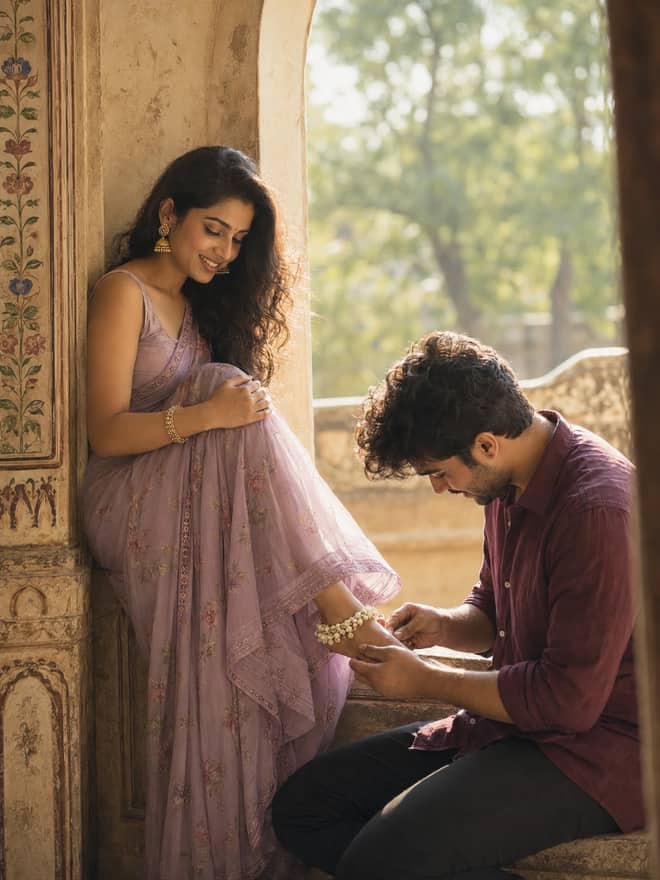
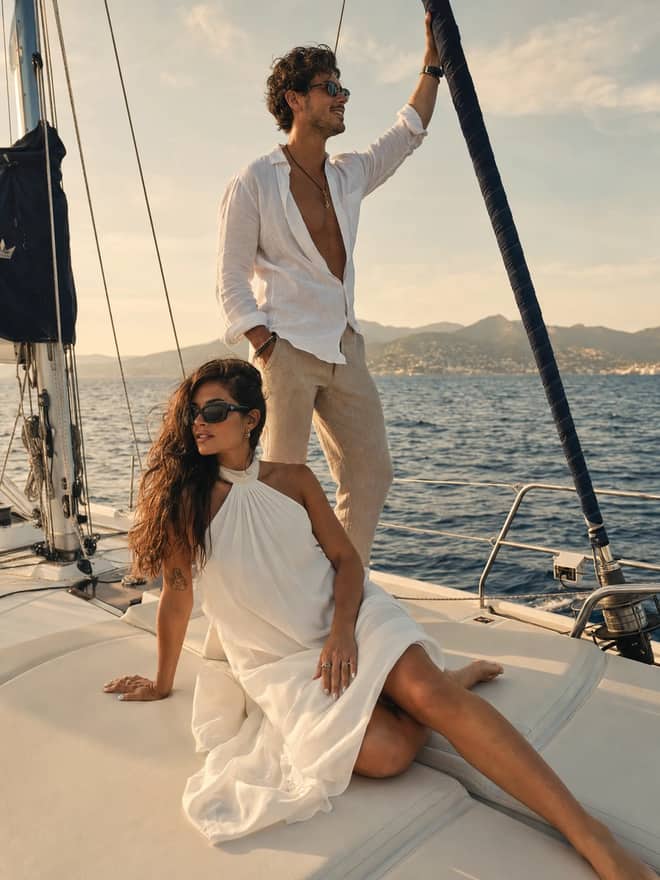
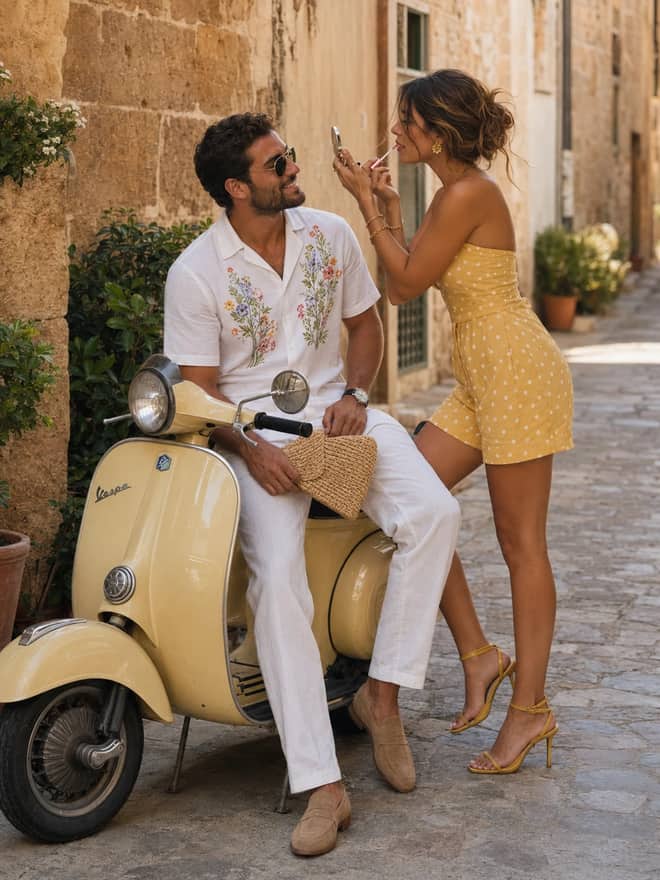
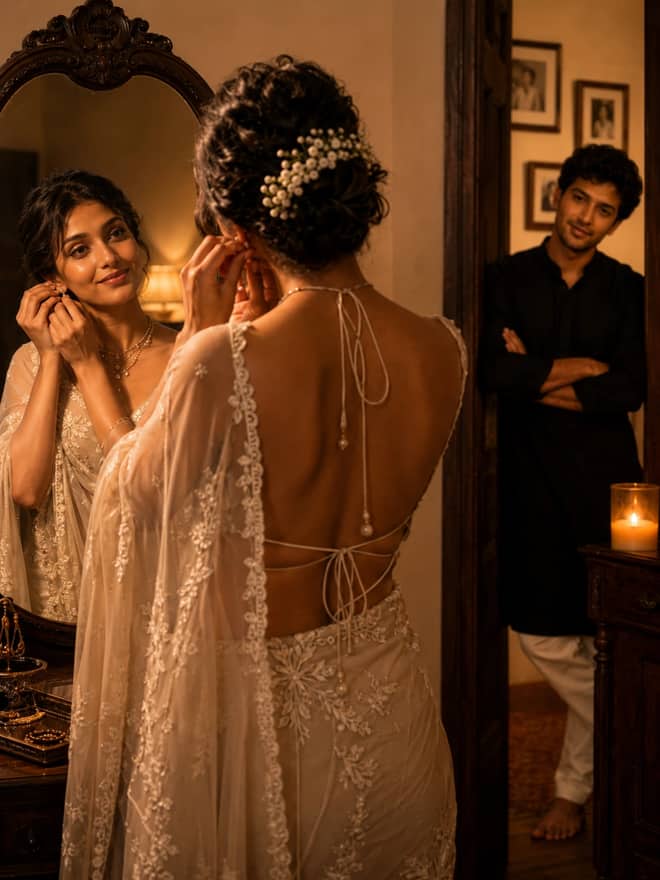
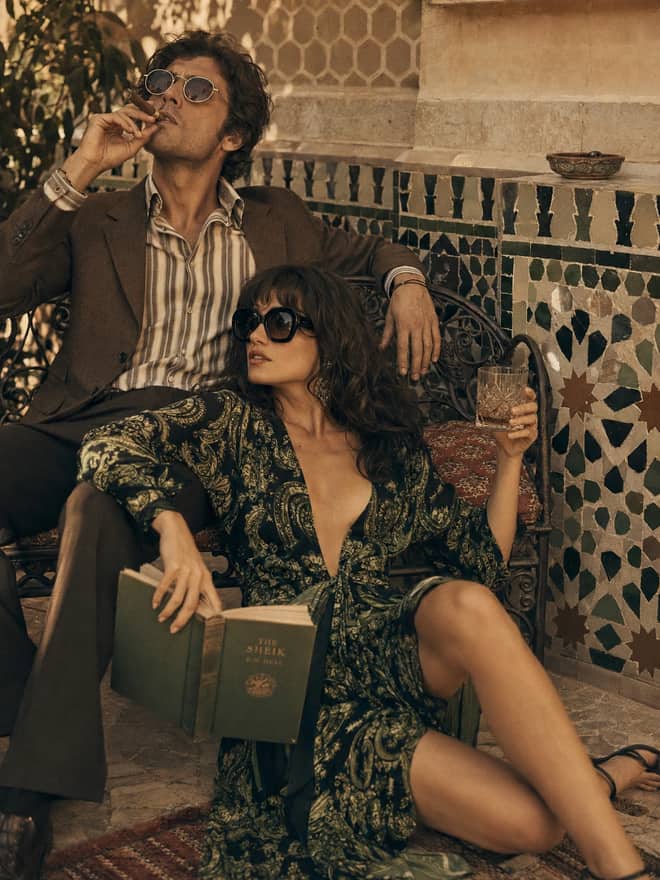
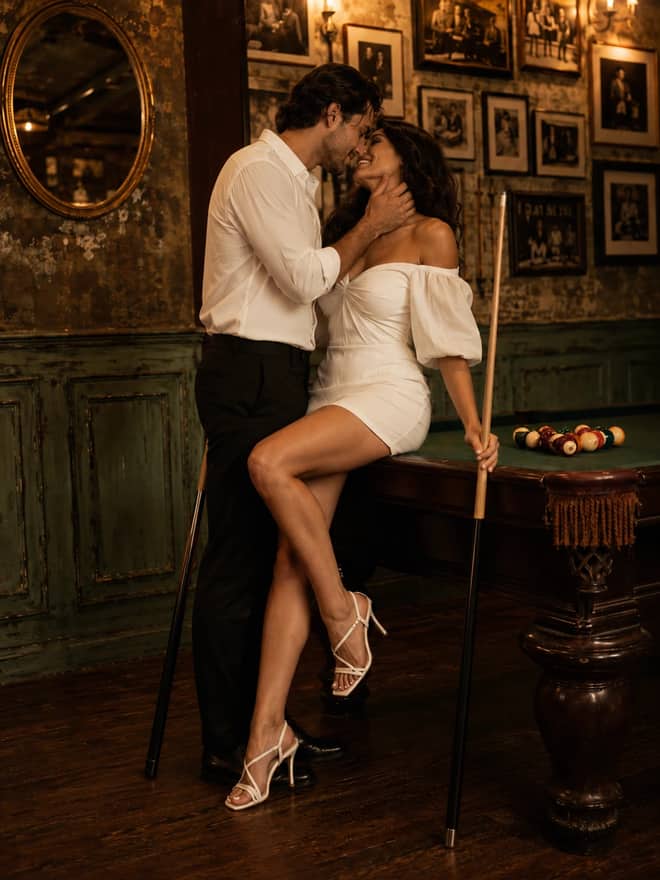
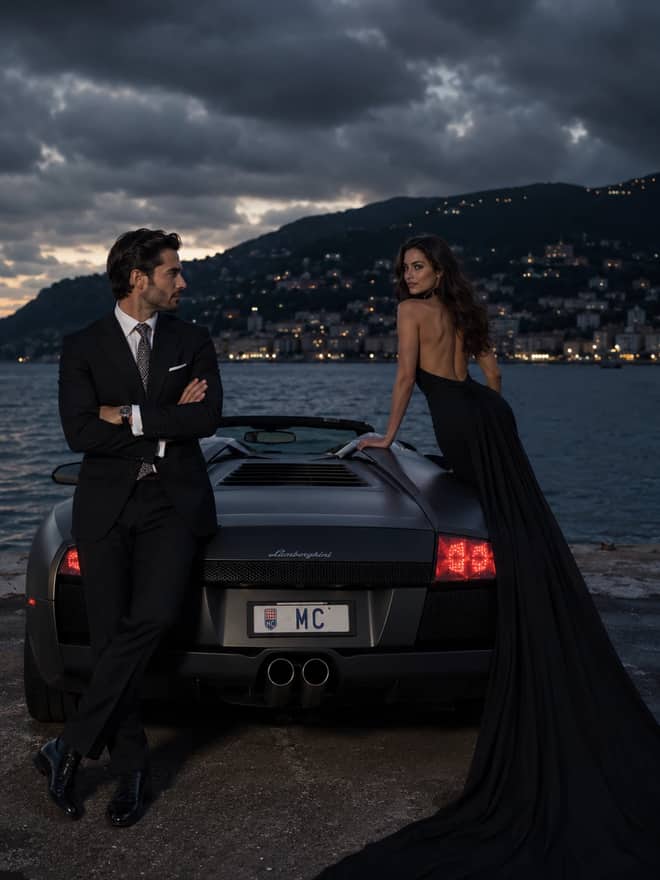
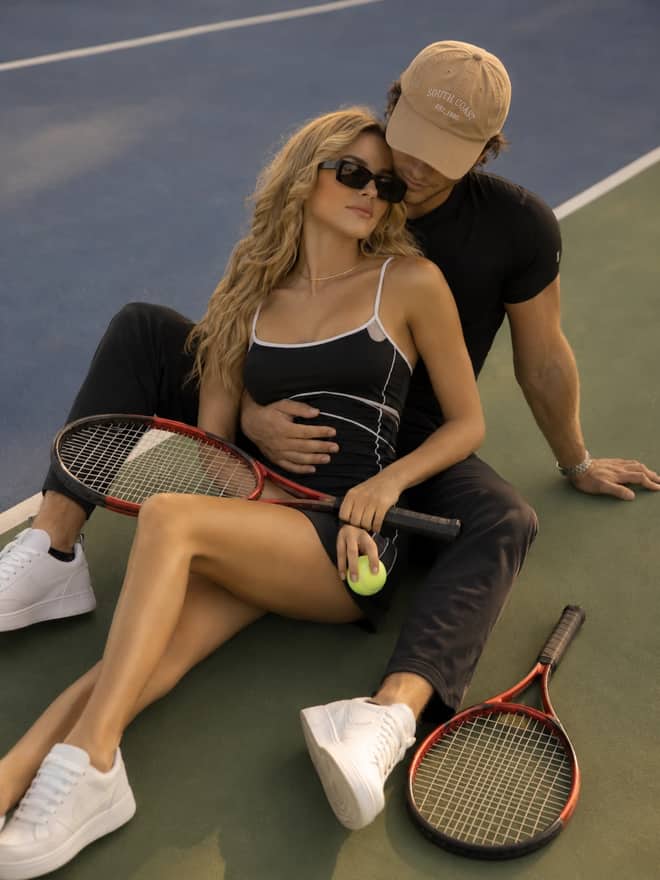
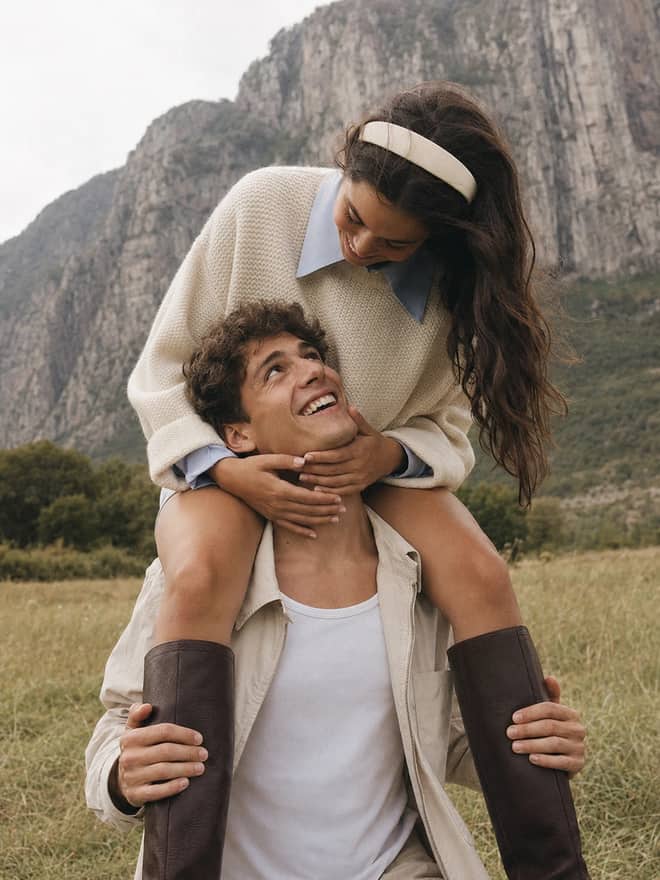
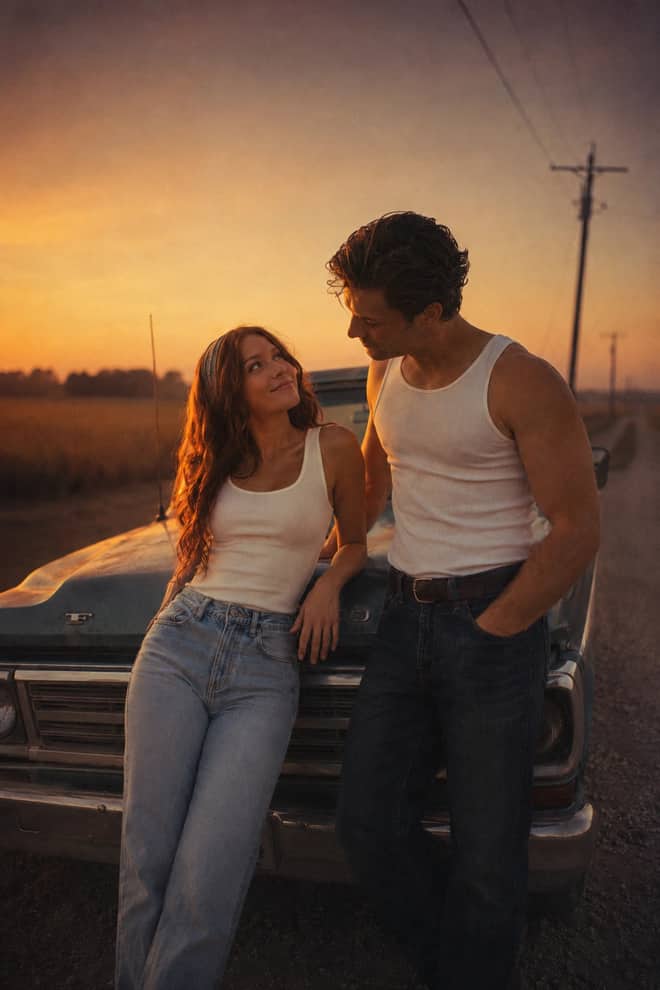
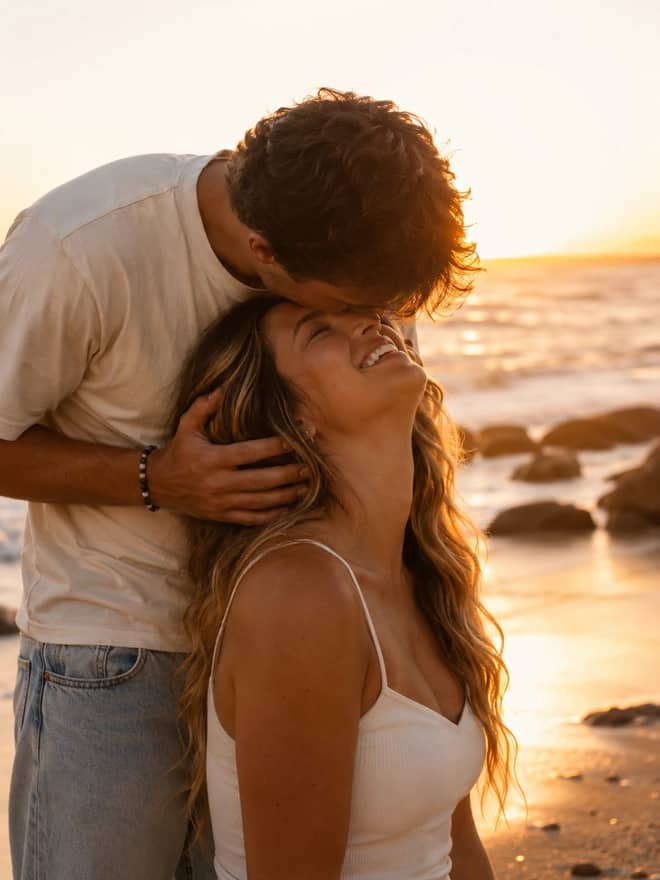
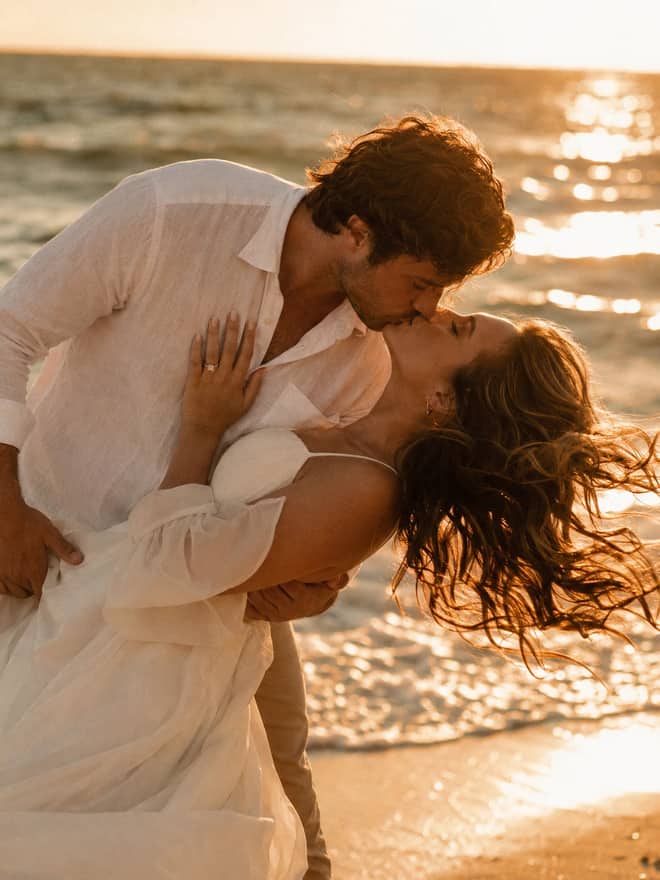
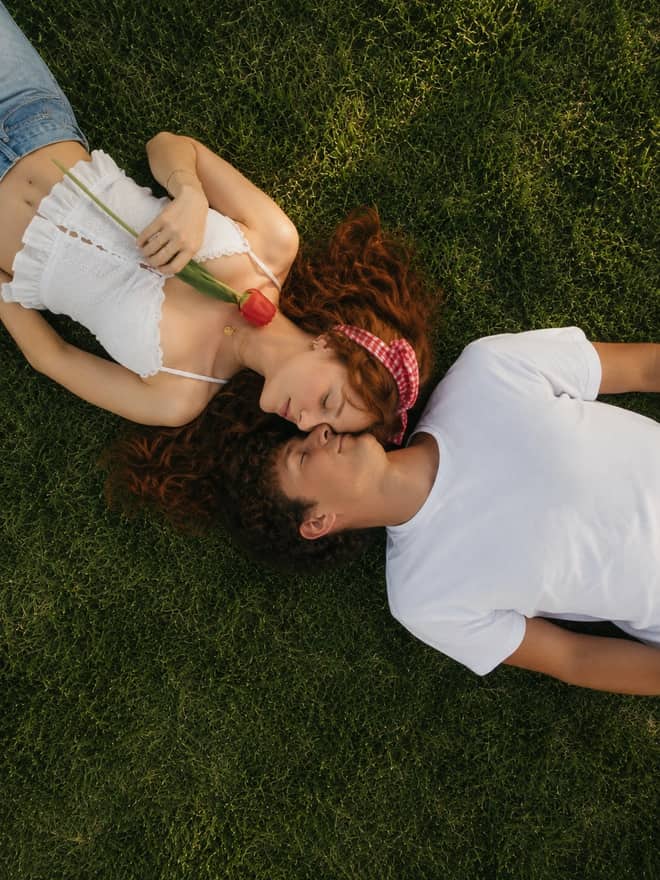
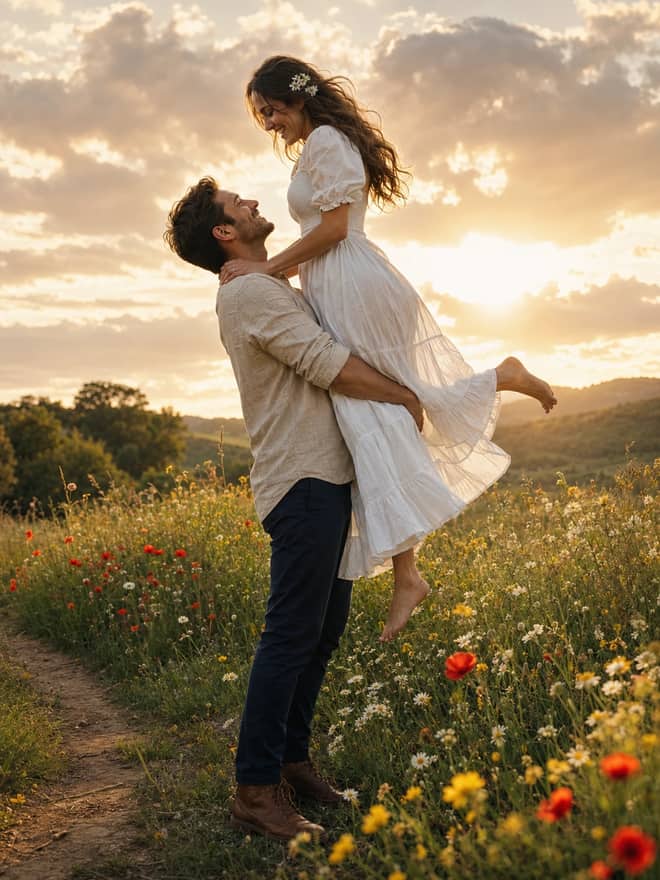
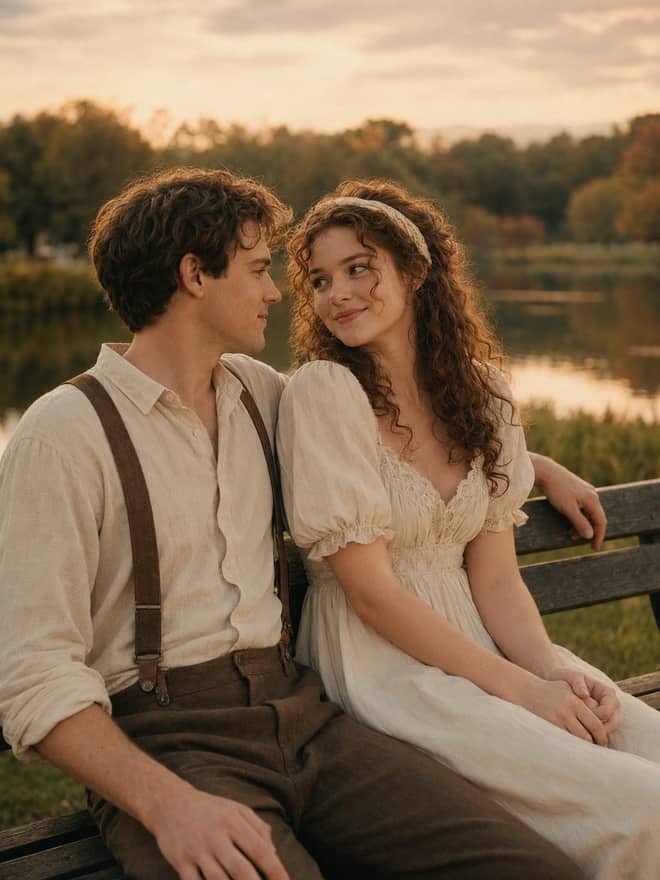
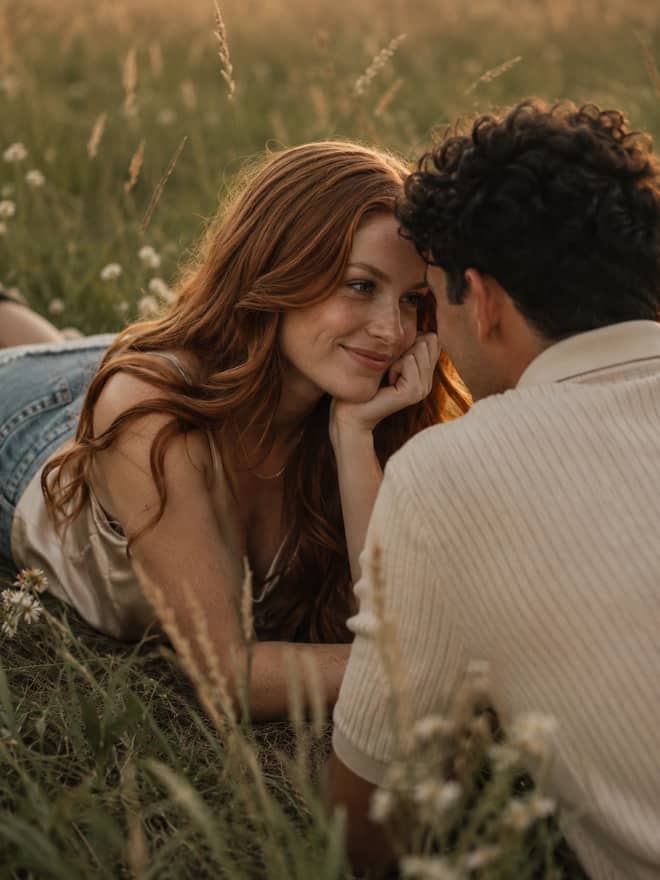
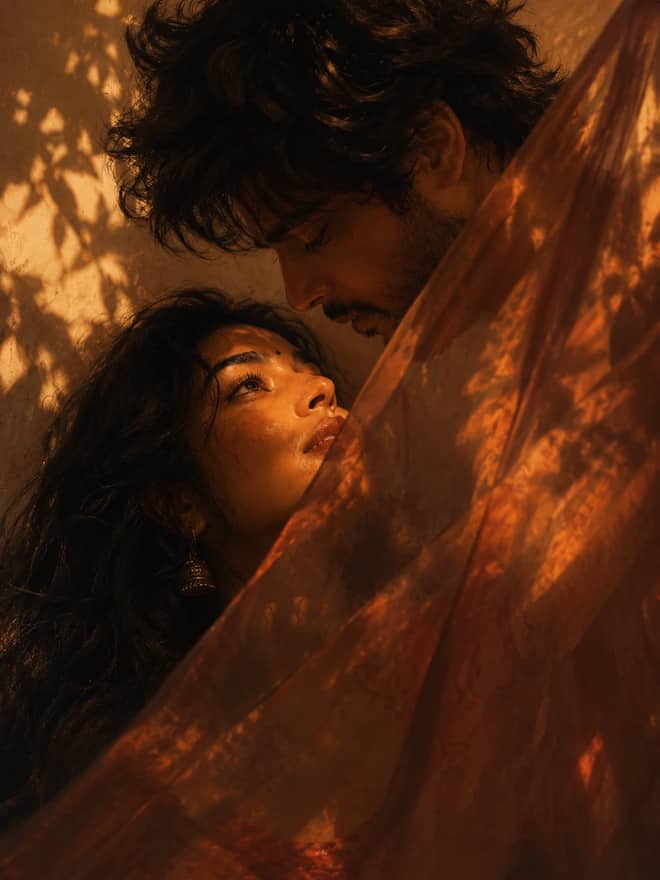
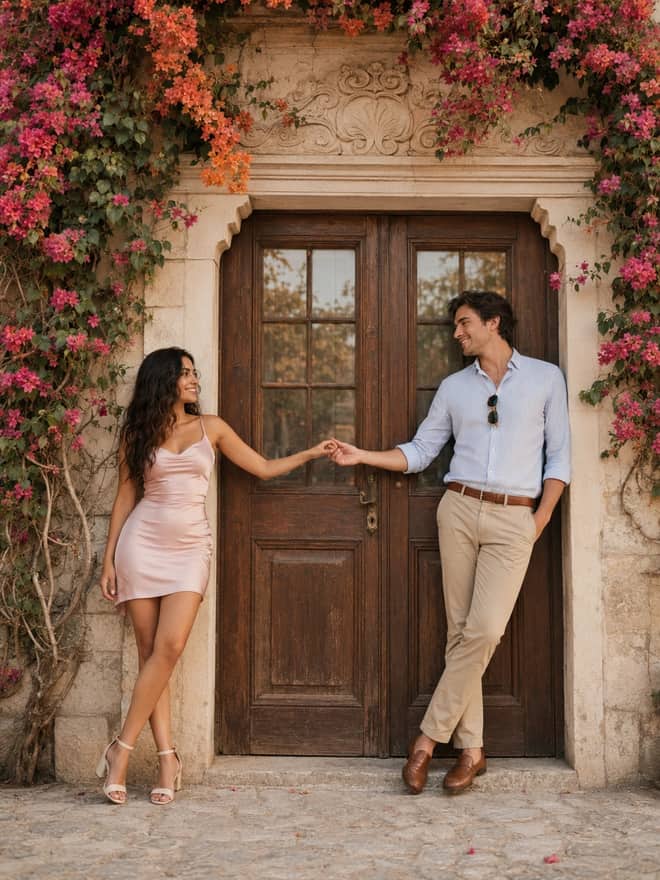
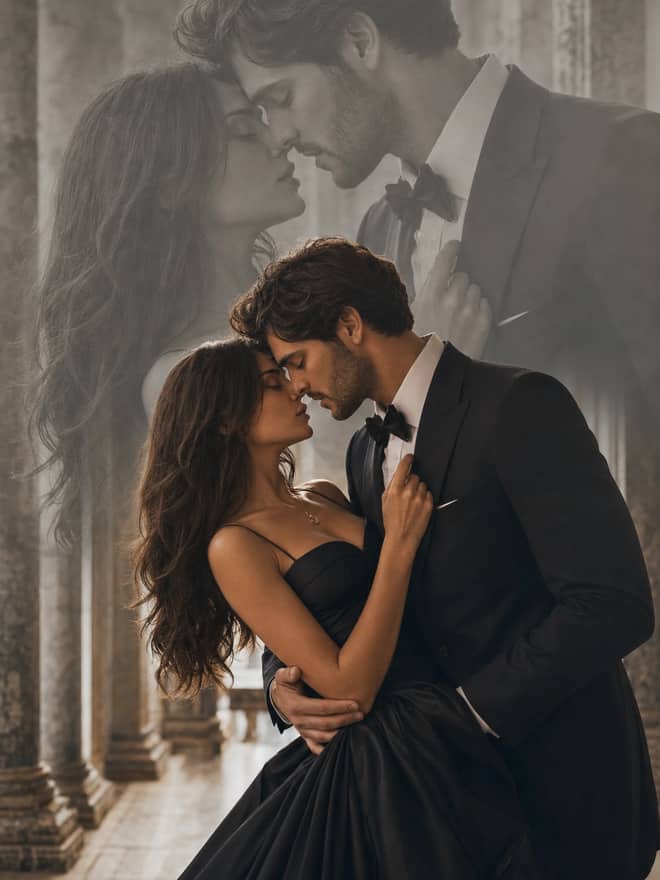
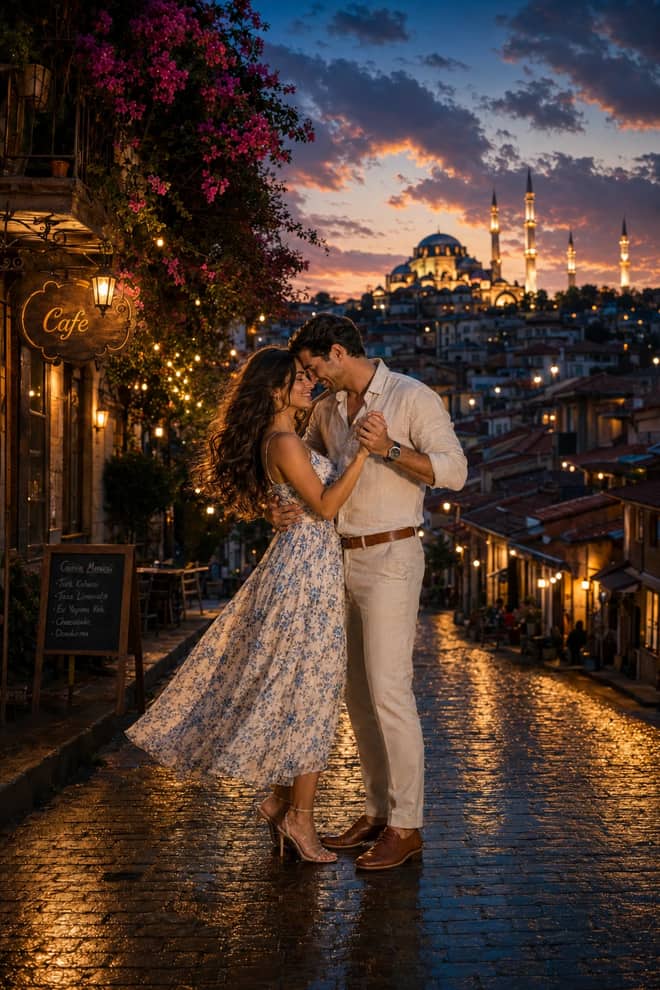
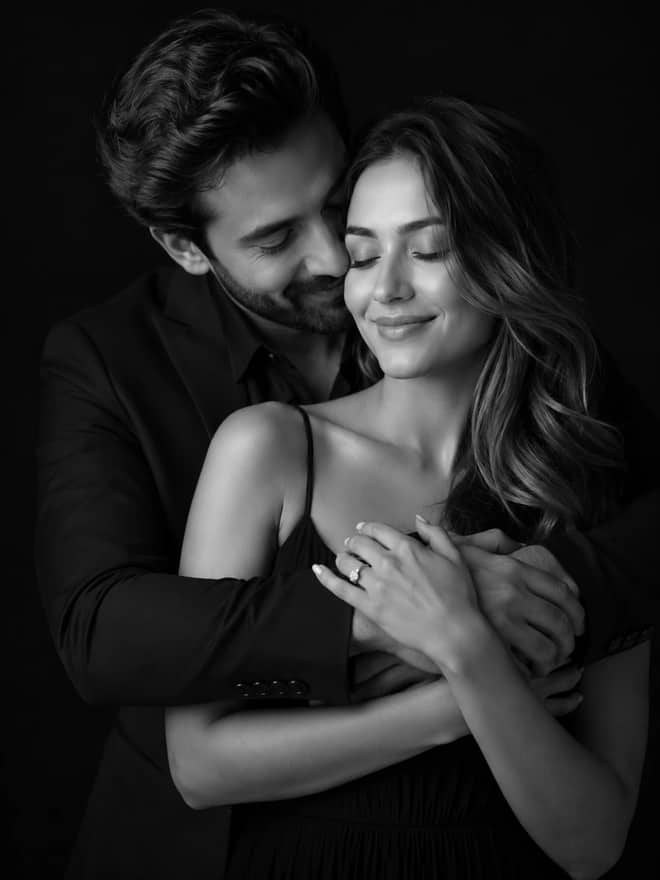
Nano Banana AI is the nickname people gave Google's Gemini image model, and the prompts in the grid above are written specifically for it. If you have heard the name on YouTube or seen a friend post a 3D figurine of themselves, this is the tool behind it. The model can edit a photo you upload or make a new image from scratch, and it holds a face steady across edits better than most. This part of the page explains what it actually is, what it does well right now, and how to get a result worth posting.
What nano banana ai actually is
Behind the banana name sits a real model. The first one people fell for was Gemini 2.5 Flash Image, released in 2025, which got very good at photo edits while keeping the same face. Late in 2025 Google shipped Nano Banana Pro alongside Gemini 3, and that version reasons more about a scene, renders readable text inside the image, and uses world knowledge to get details right. So when you see 'nano banana' and 'nano banana pro' floating around, they are the same family, just two tiers. The plain one is fast and cheap. The Pro one is slower but sharper, especially for posters, infographics, and anything with words baked into the picture.
You can reach both inside the Gemini app on your phone or the web. There is a free tier that covers casual use, and heavier use runs through paid limits or the API, where it costs a few cents per image. For most people the free app is plenty to test a prompt and see if the look lands.
Why people are searching for nano banana ai
The pull is simple. You drop in a normal selfie and get back something that looks like a studio shoot, a vinyl toy, or a film still. No editing skill required. A few things are driving the current wave:
- Figurine and toy edits, where your photo becomes a boxed collectible with plastic shine.
- Clean portrait and headshot upgrades for profile pictures.
- Couple and family shots restyled into cinematic or vintage looks.
- Viral short-video hooks, where creators generate a frame in nano banana and animate it with a video model.
- Text-in-image work like thumbnails, posters, and product mockups, which is where Pro pulls ahead.
The grid above already covers most of these. You copy, paste, add your own photo or idea, and run it. You are not writing anything from a blank page.
Advertisement
The nano banana ai styles getting the most attention
Trends move fast here, but a handful of looks keep coming back because they are reliable. The 3D figurine is the one that broke out first, partly because it reads as fun and partly because the model keeps the face recognizable inside the toy. Retro film portraits with warm grain are popular for couples and solo shots. Clean studio headshots get used for profiles and dating apps. And since Pro arrived, people are leaning on it for poster-style images with real headlines, because earlier image tools mangled text and this one mostly does not.
Tip: start your input photo sharp and well lit. A clear face gives the model something solid to preserve, and that single thing fixes more bad edits than any clever wording.
How to write or fix a nano banana ai prompt
You do not need special syntax. The model reads plain English. What separates a prompt that works from one that drifts is structure. Most strong ones name four things in order, then stop.
- The subject: who or what is in the frame.
- The keep line: what to hold from your uploaded photo, usually 'keep the same face and skin tone'.
- The style: the look you want, like soft film grain, glossy toy plastic, or studio light.
- The scene: background and lighting in a few words.
Stitch those into a sentence or two and run it. If you want to tweak a prompt from the grid, change one line at a time so you can see what each word did. Changing everything at once just leaves you guessing.
A quick prompt map
Here is how a few common ideas map to what you should add and which tier handles them best.
| What you want | What to add to your photo | Better tier |
|---|
| 3D figurine in a box | 'keep my face, glossy plastic toy, on a desk' | Either |
| Vintage couple portrait | 'two people, keep both faces, warm film grain' | Either |
| Studio headshot | 'soft key light, plain grey background' | Either |
| Poster with a headline | 'add the text GRAND OPENING in bold' | Pro |
| Product mockup | 'place my logo on the cup, even lighting' | Pro |
Nano banana ai versus the other tools
People often ask whether to use this or ChatGPT, Midjourney, or DALL-E. Honest answer: nano banana wins at editing a photo you already have while keeping the person recognizable. That is its trick. Midjourney still gives more painterly, art-directed images from scratch, but it is weaker at 'here is my face, keep it.' ChatGPT's image tool is convenient if you already live in that app, and it handles text in images decently too. DALL-E is fine for quick generation but less precise on faces. If your goal starts with a real photo of a real person, nano banana is usually the shortest path.
Common nano banana ai mistakes and quick fixes
Most problems come from a few repeat causes, and each has a one-line fix.
- Face changed too much: your style words are overpowering the photo, so soften them and add 'keep the same face'.
- Skin looks like plastic: add 'natural skin texture' and avoid words like flawless or perfect.
- Text came out garbled: switch to the Pro tier and put the exact words in quotes.
- Background is busy: say 'simple background' or name one clean setting.
- Results feel random: that is normal, so generate two or three and pick the best instead of expecting the first to be perfect.
One more thing worth knowing: nano banana images carry an invisible watermark called SynthID, and Pro often adds a visible mark too, so they are traceable as AI. That matters if you plan to use an image somewhere that asks about its origin.
Using nano banana ai well from a phone
A lot of people meet nano banana on their phone, mid-scroll, after seeing an edit they want to copy. That works fine, but a few habits make the difference between one good image and ten throwaways. Shoot or pick a photo where the face is the largest clear thing in the frame, since the model leans on that to keep your likeness. Avoid heavy filters on the input, because the model treats them as instructions and doubles down on them. And paste the prompt exactly as written first, before you start editing words, so you can see the intended result and judge your changes against it.
If you generate a lot, keep a short note of the prompts that worked, tagged by the look they gave you. The figurine wording, the headshot wording, the couple wording. Reusing a proven prompt beats rewriting from memory every time, and it is how the people posting consistent edits actually do it. Most of the prompts on this page are built to be reused like that.
A simple way to start with nano banana ai
Pick any prompt from the grid above, open the Gemini app, and upload one clear photo. Paste the prompt, add 'keep the same face and skin tone' if a person needs to stay recognizable, and run it. Generate a couple more and compare. When one wording gives you the look you want, save it somewhere, because the same prompt will give you that look again next week without any of the trial and error.