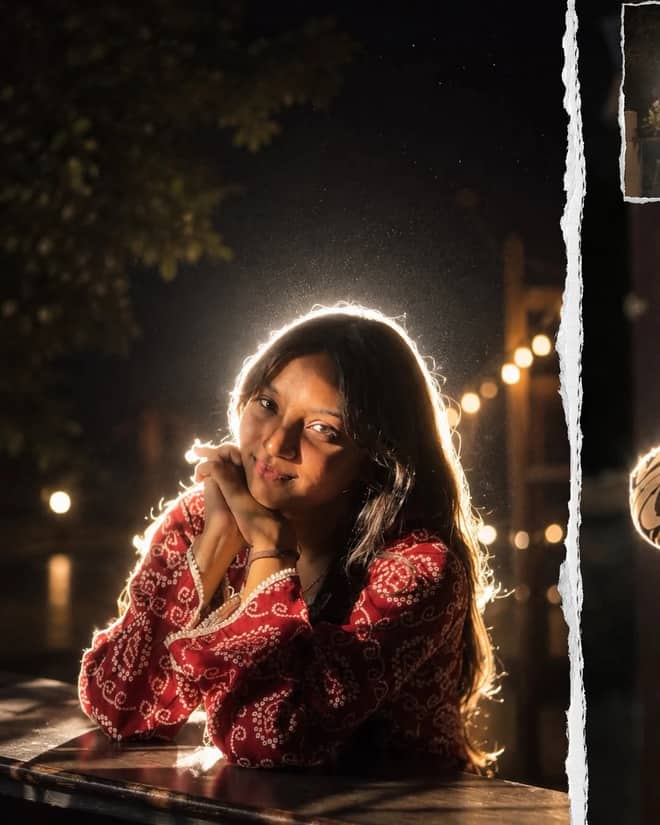
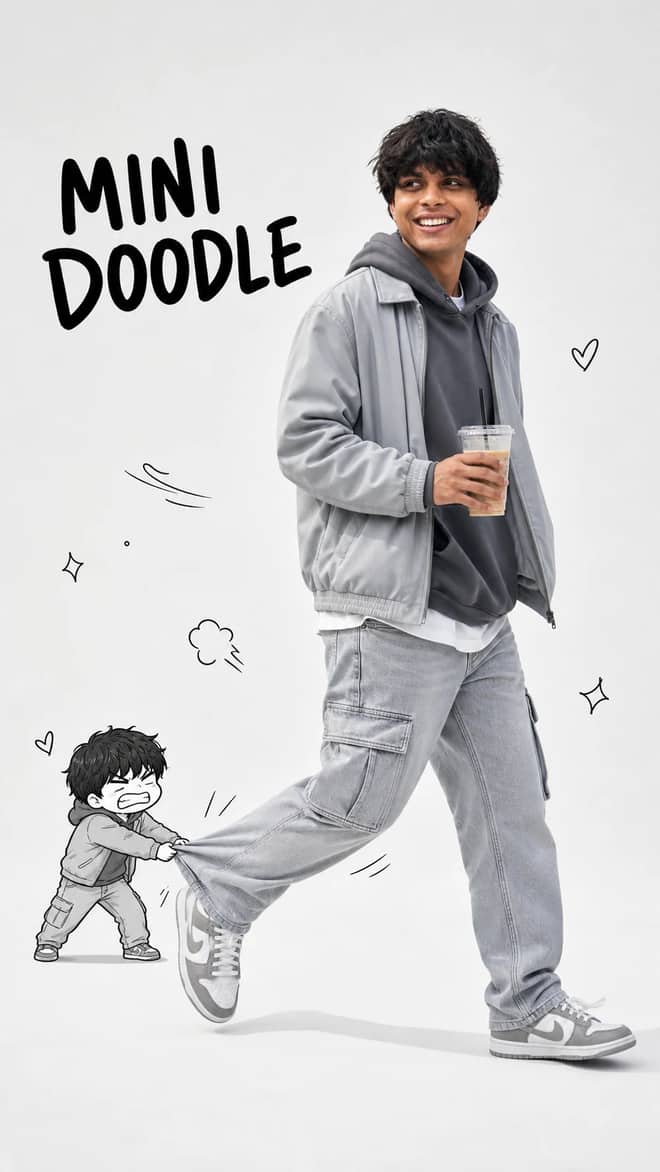
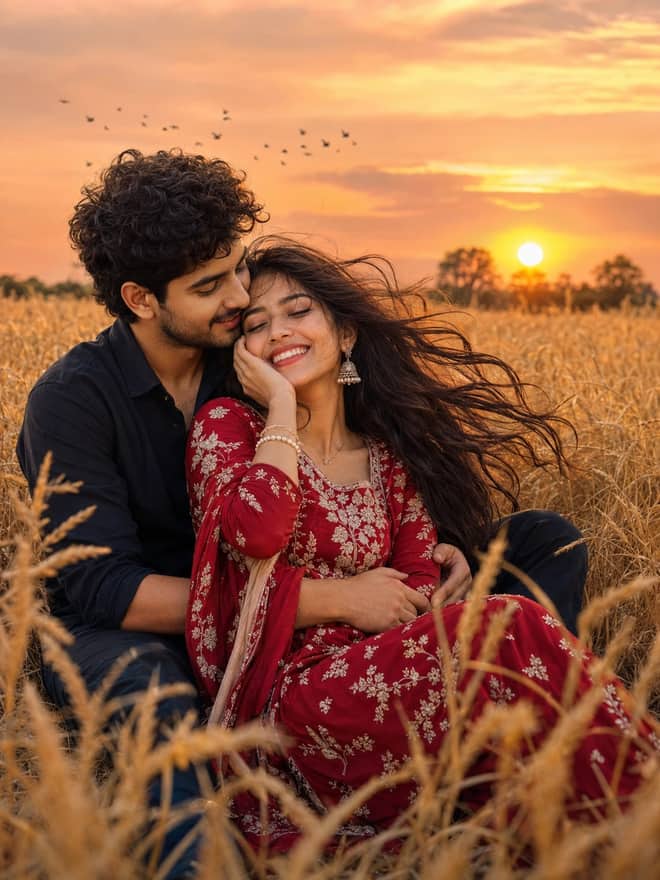
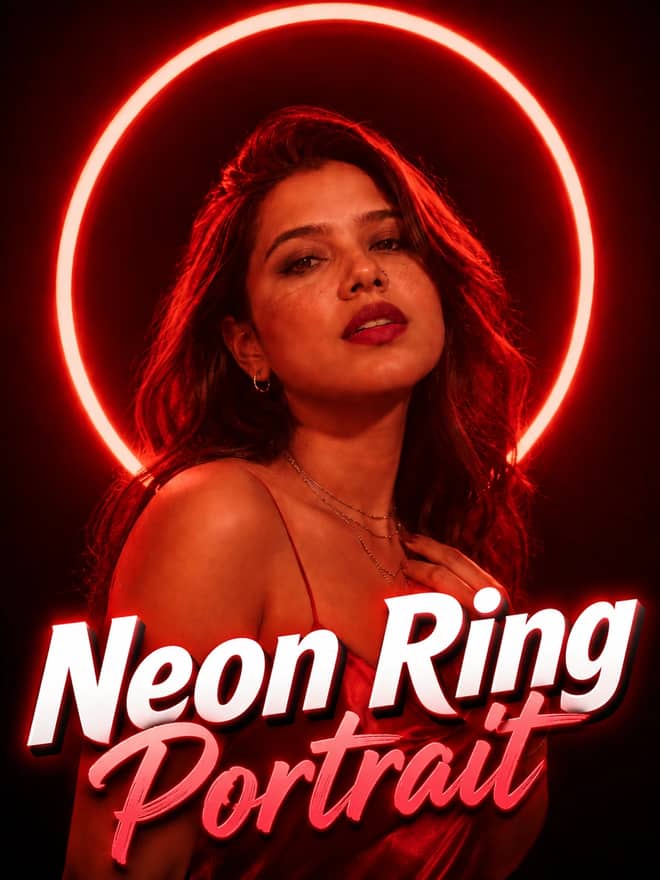
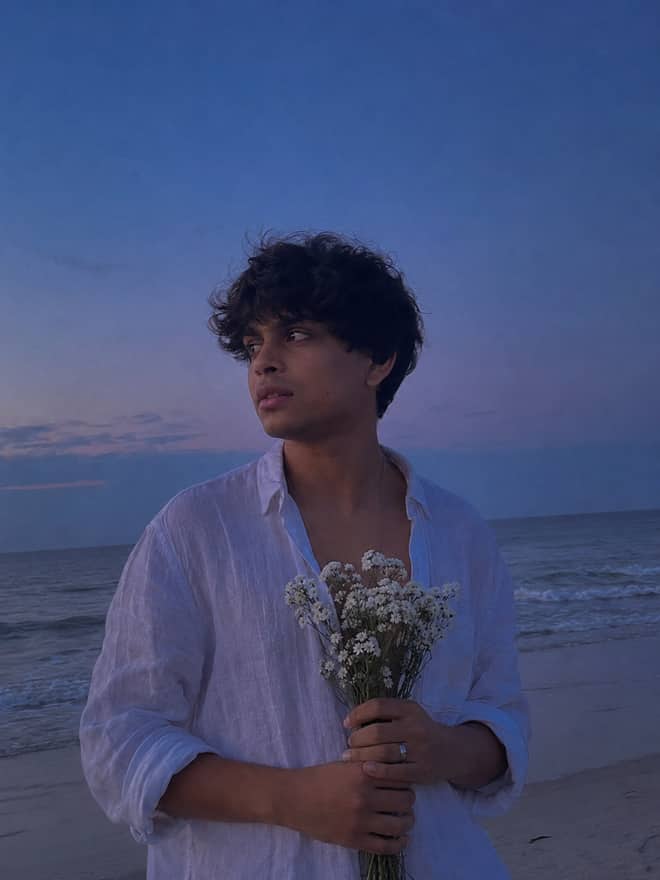
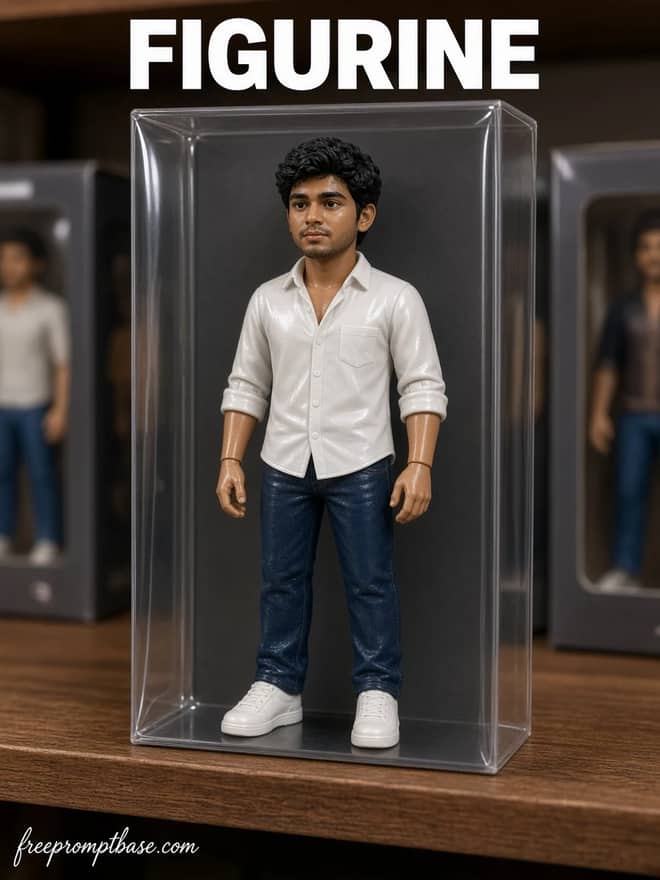
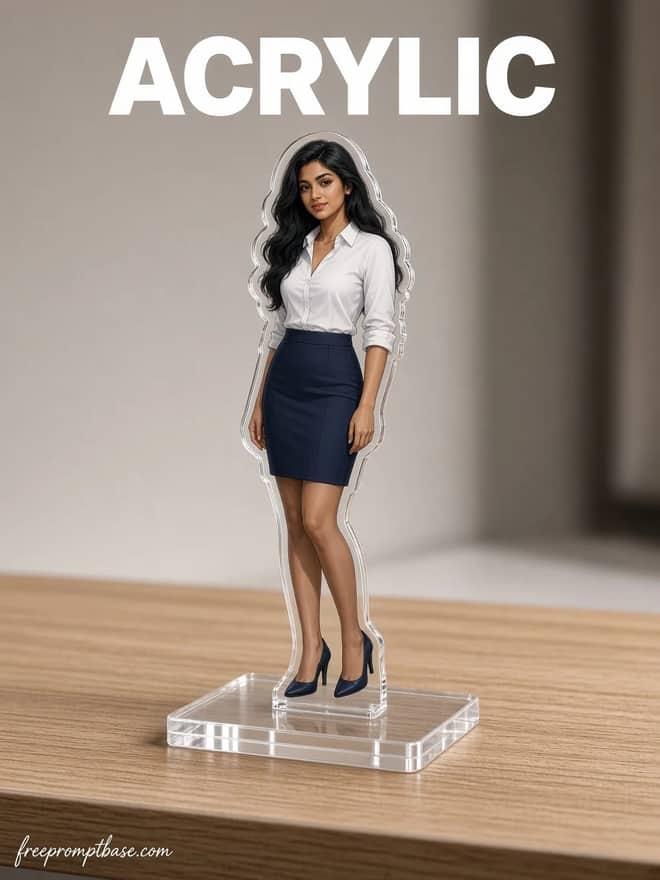
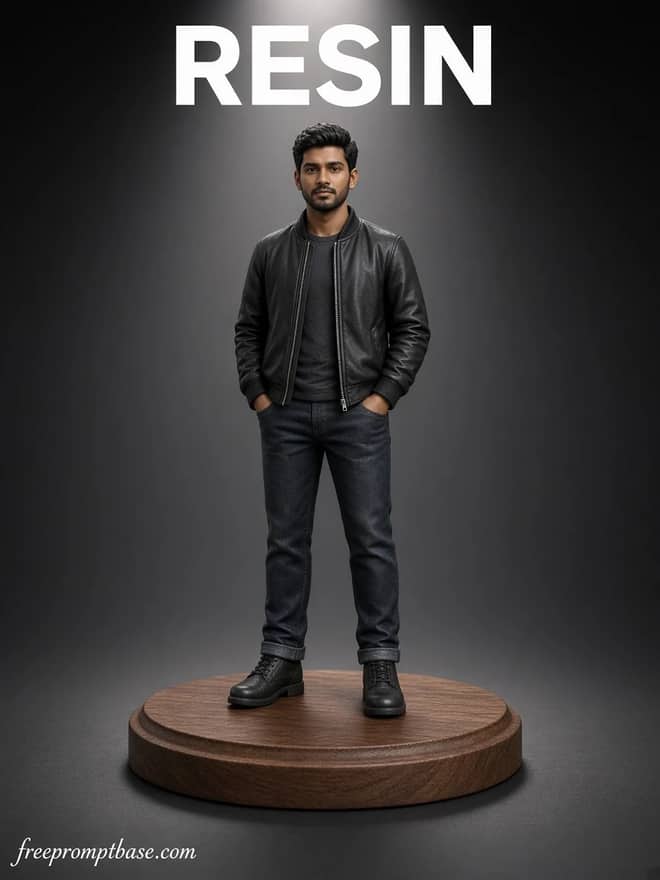
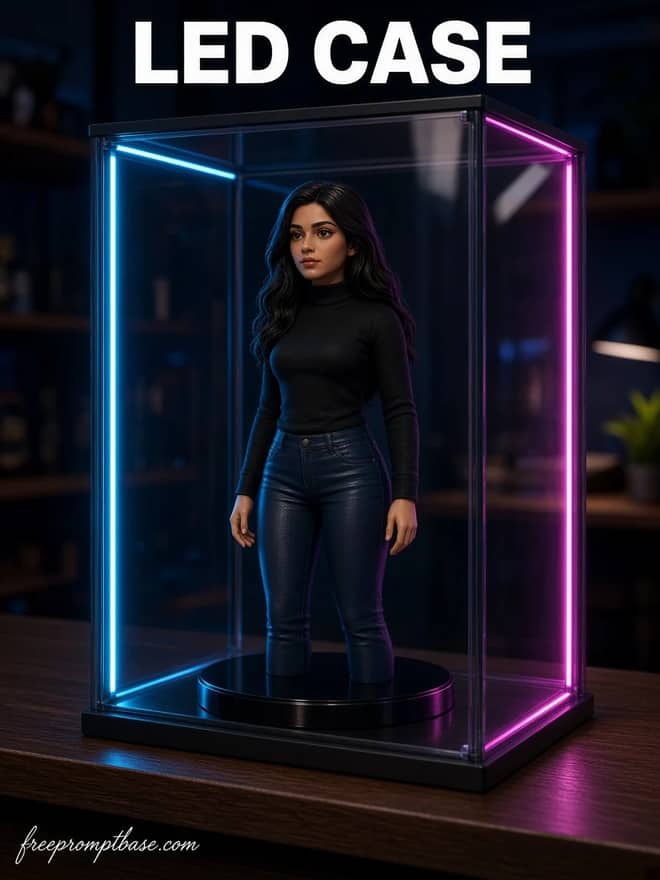
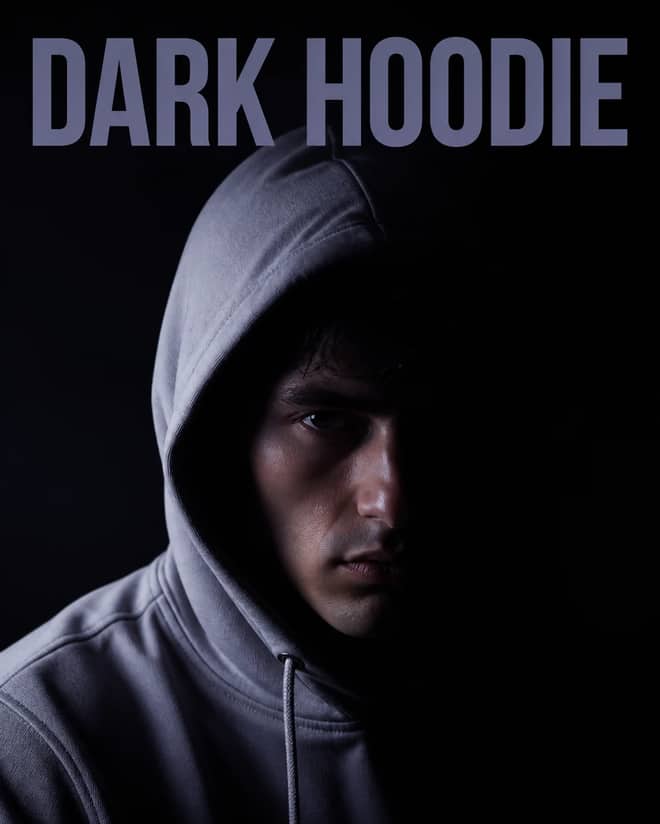
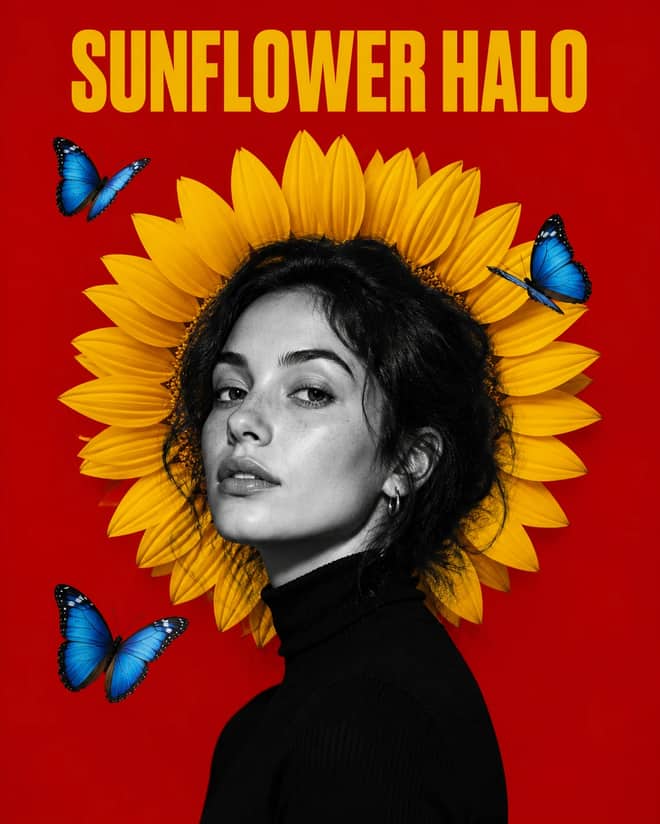
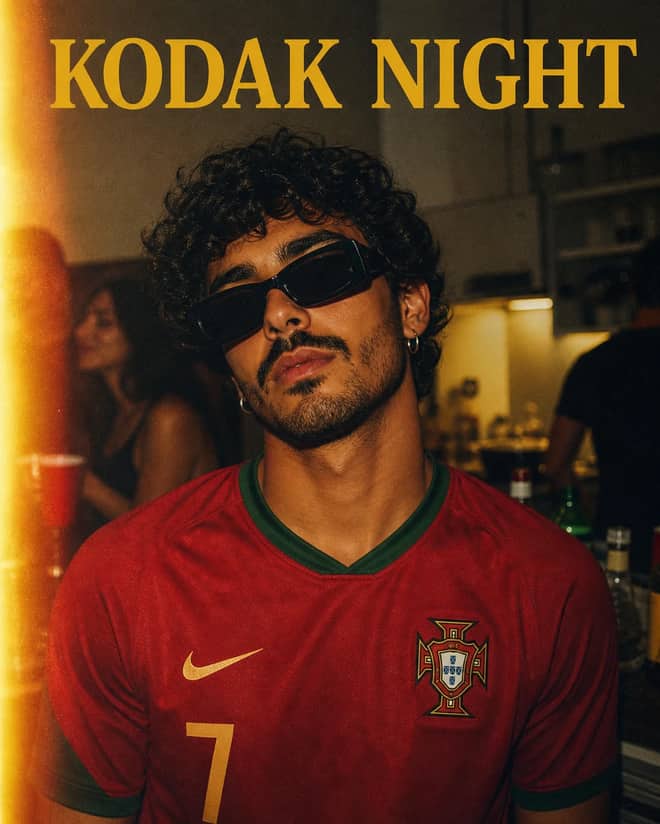
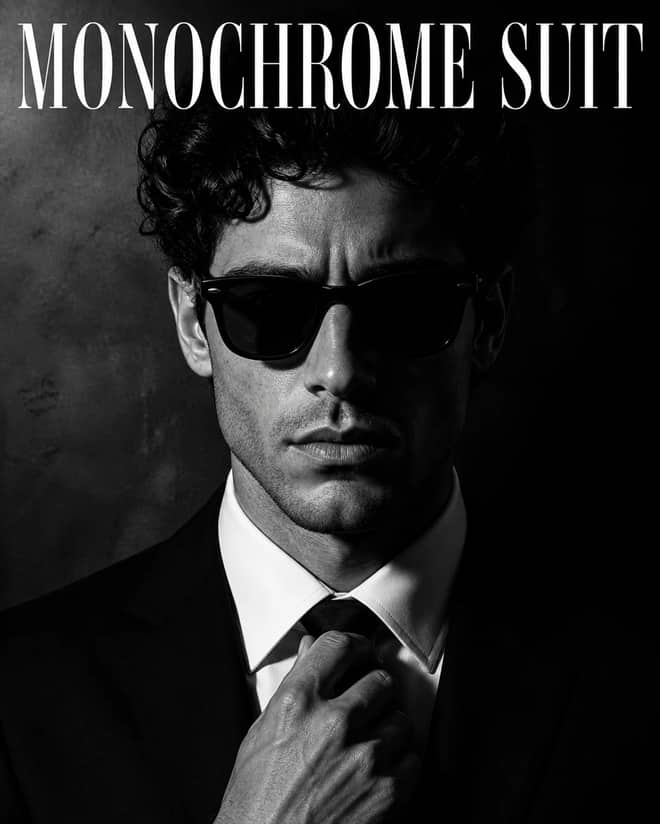
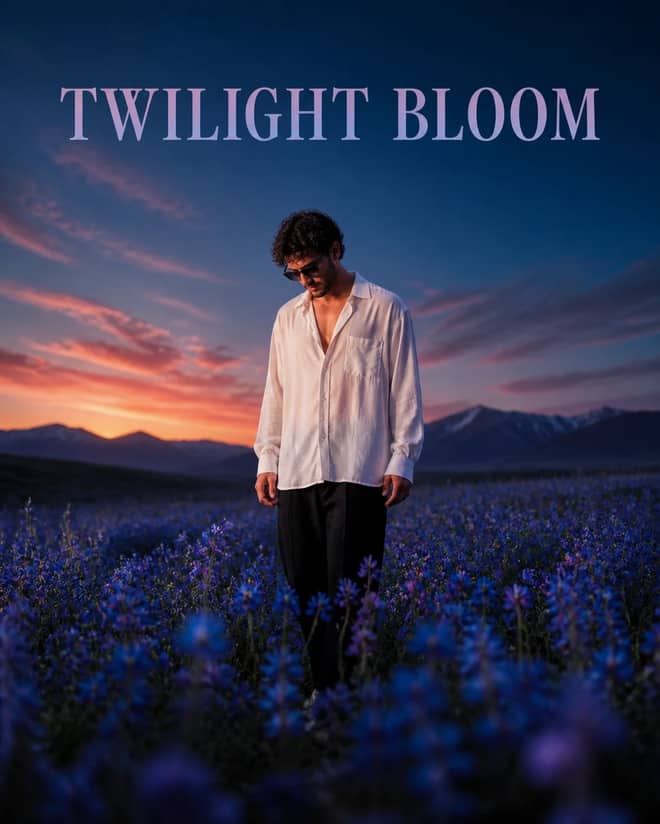
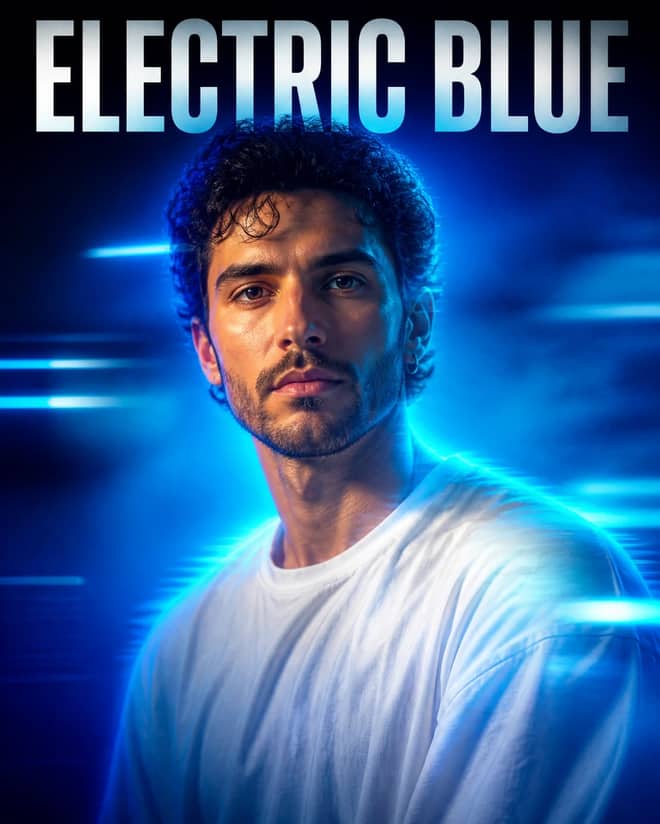
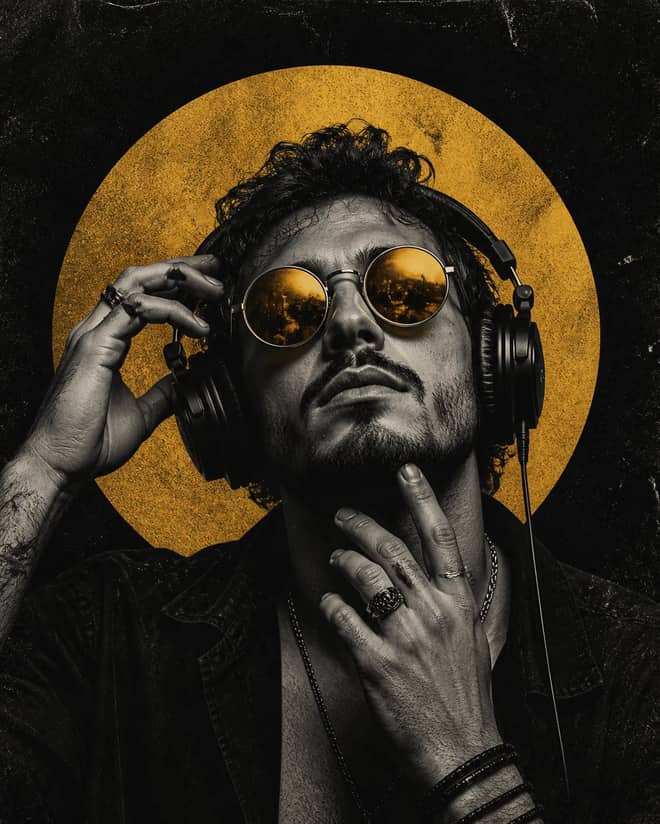
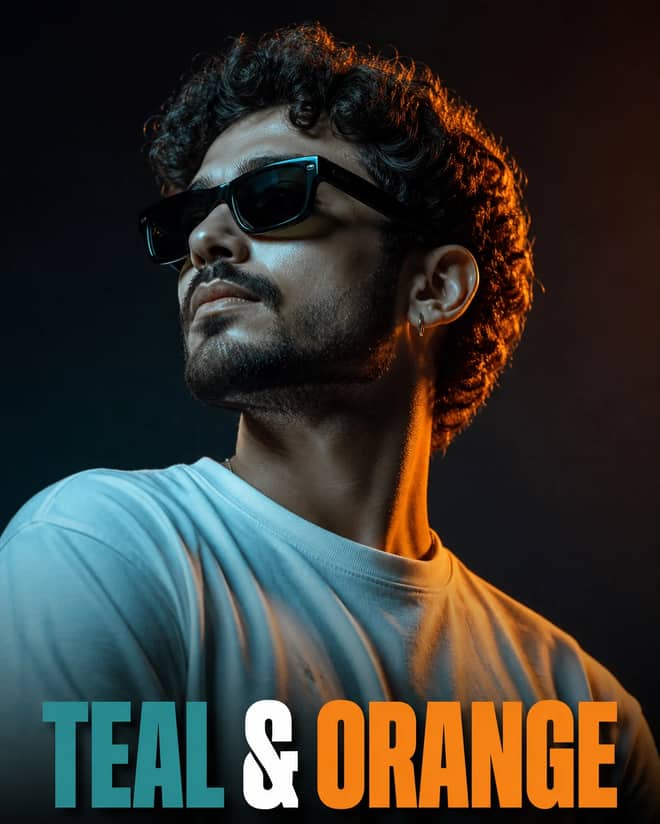
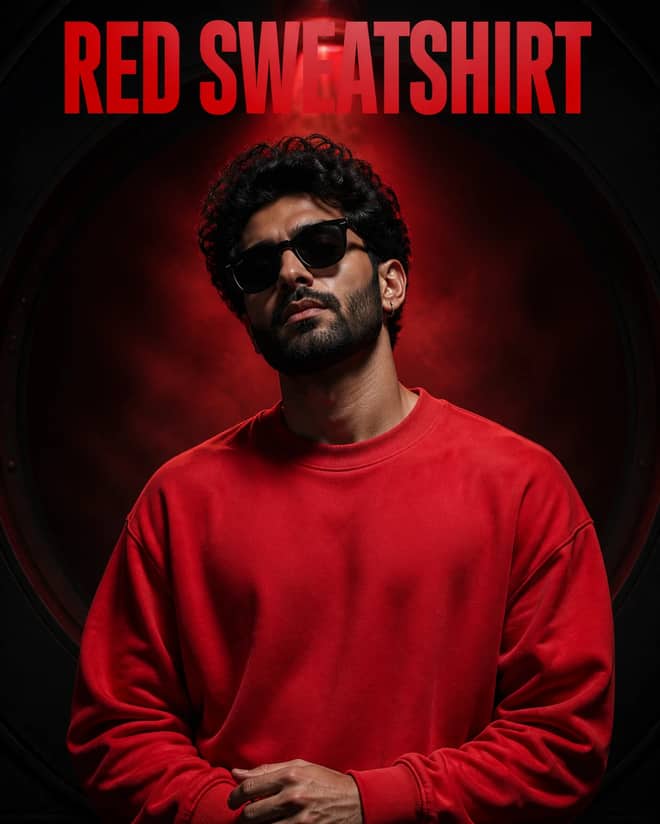
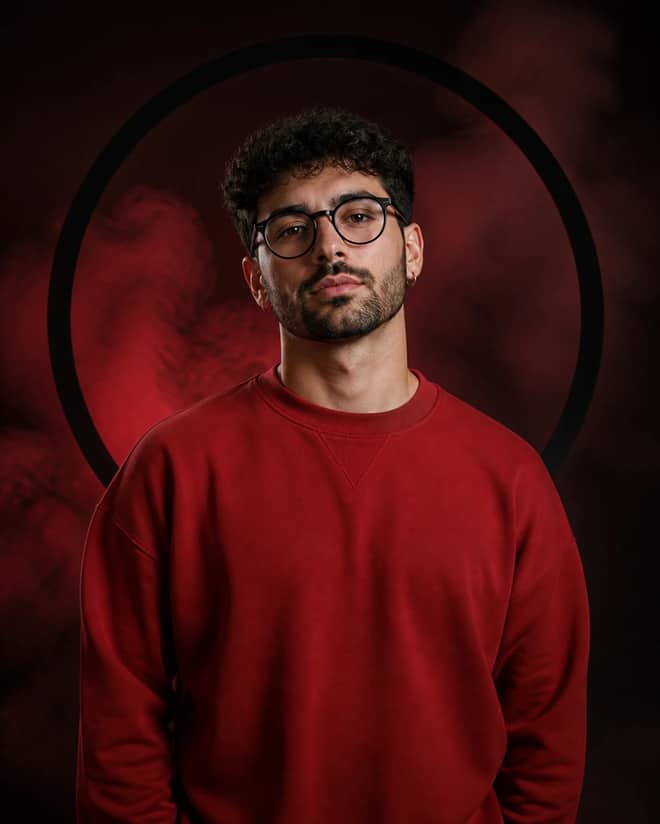
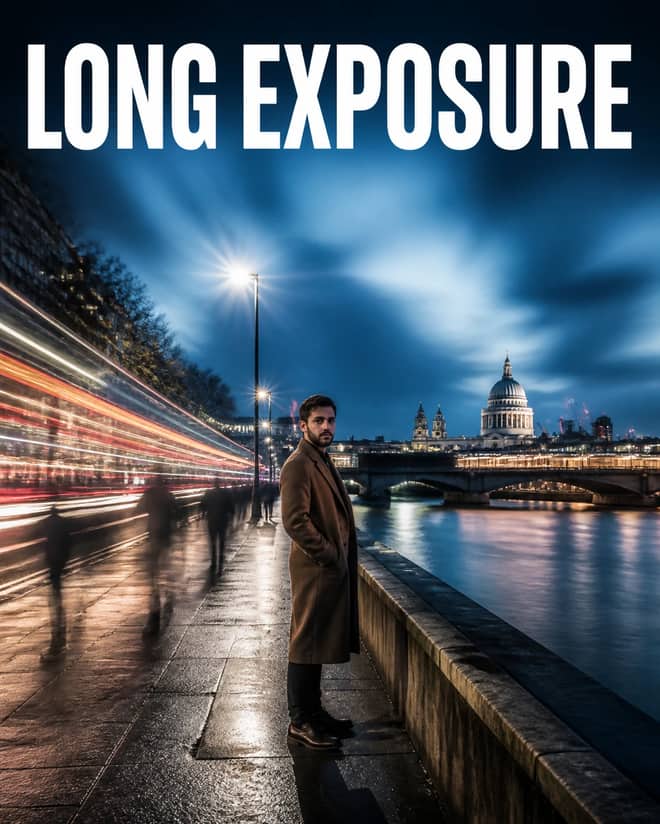
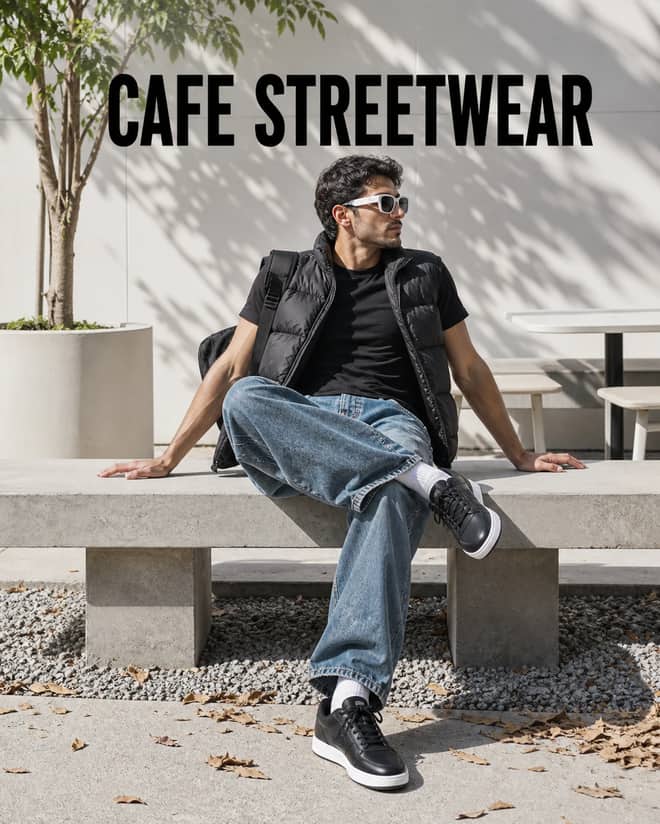
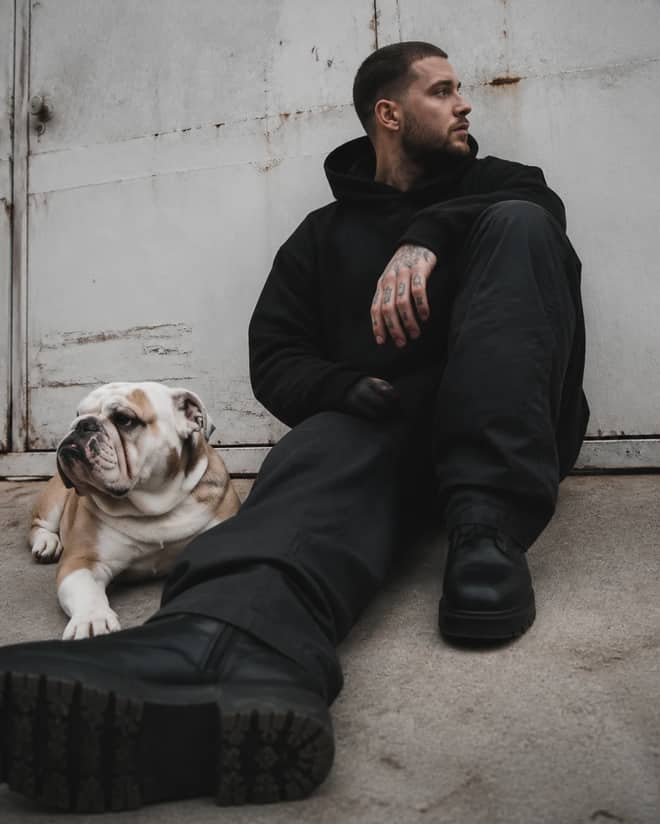
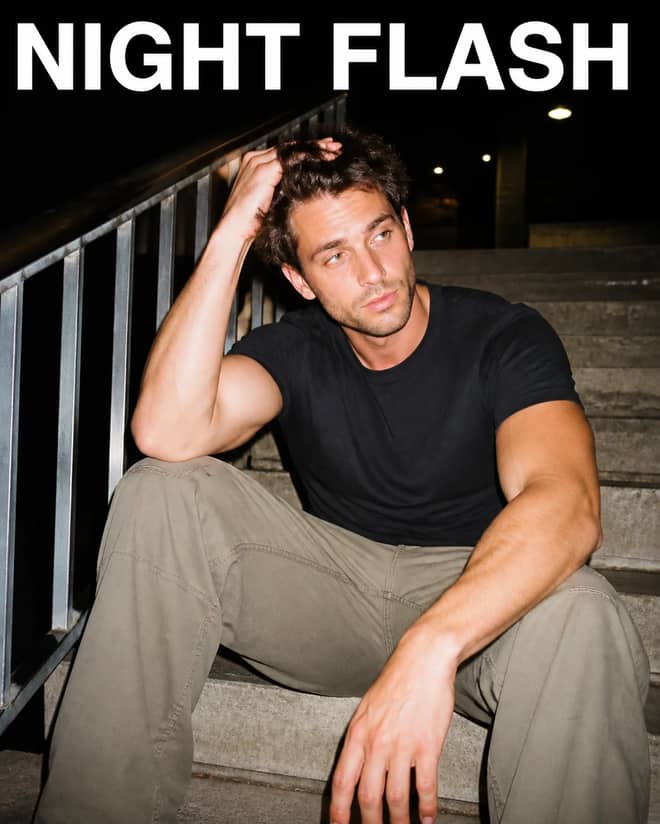
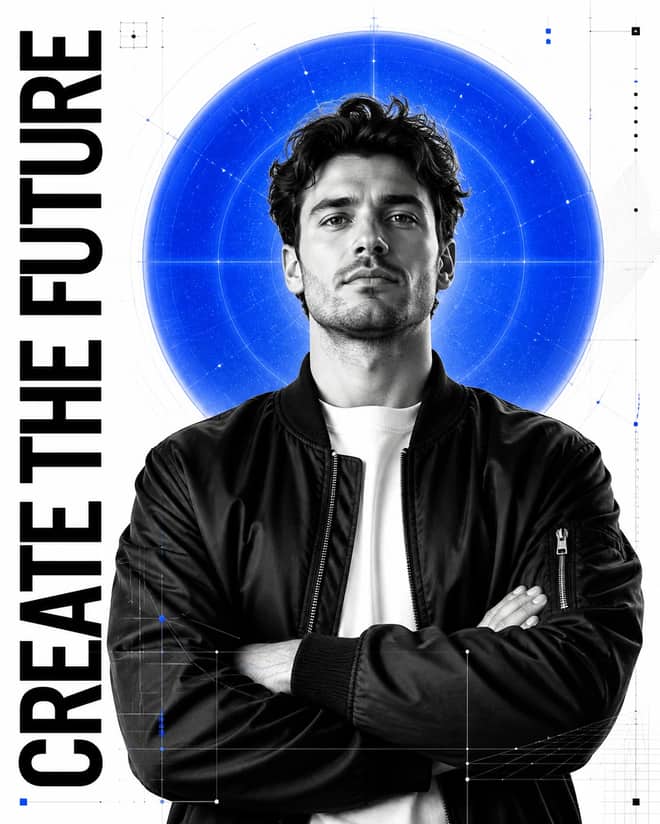
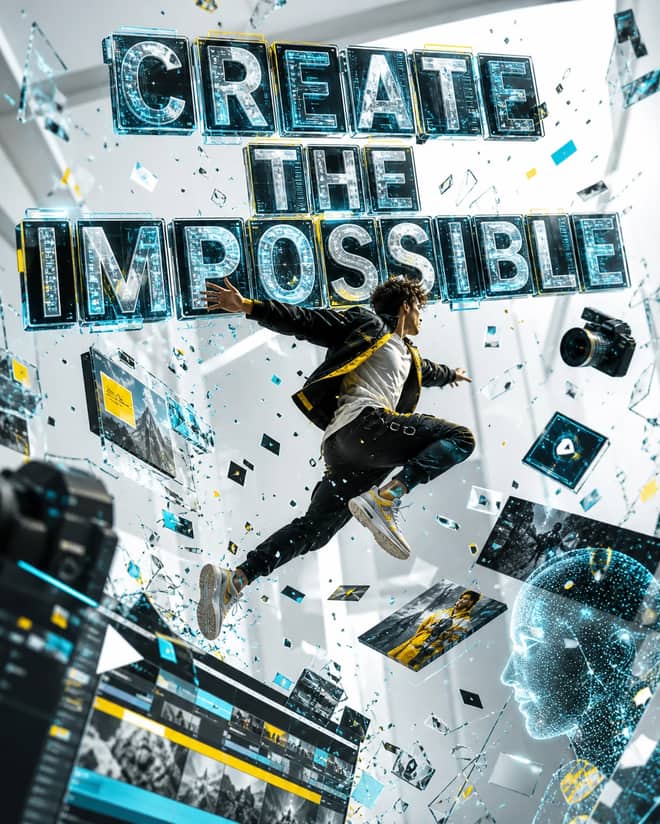
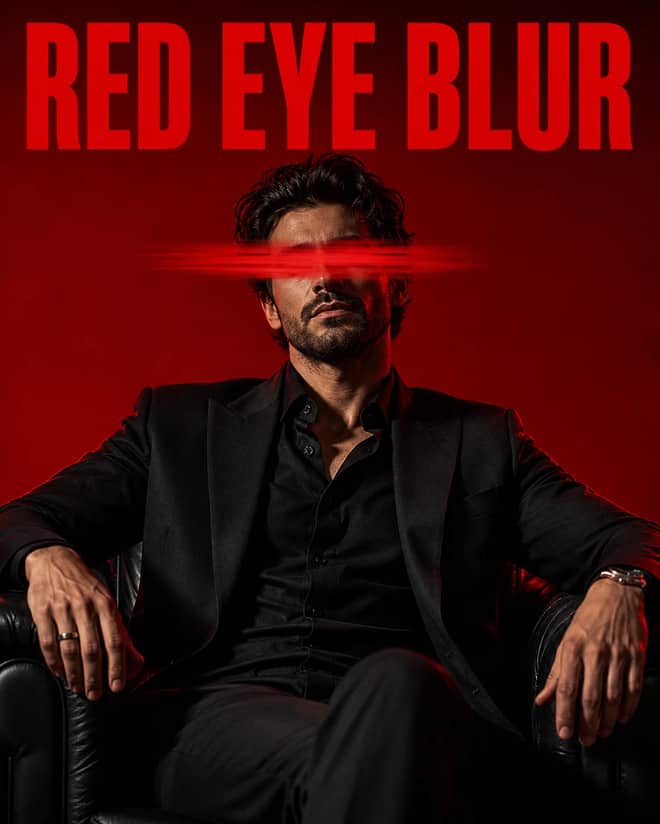
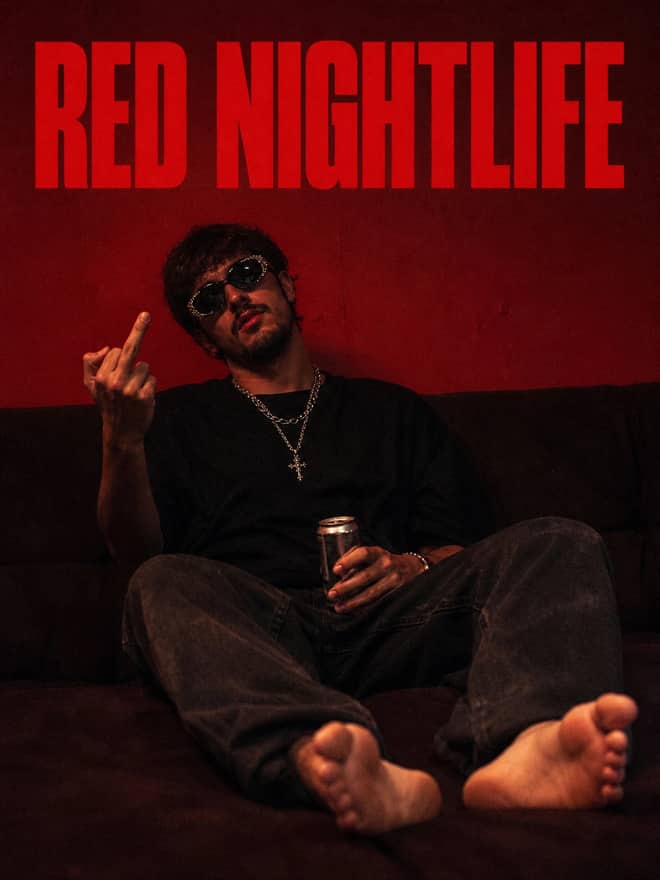
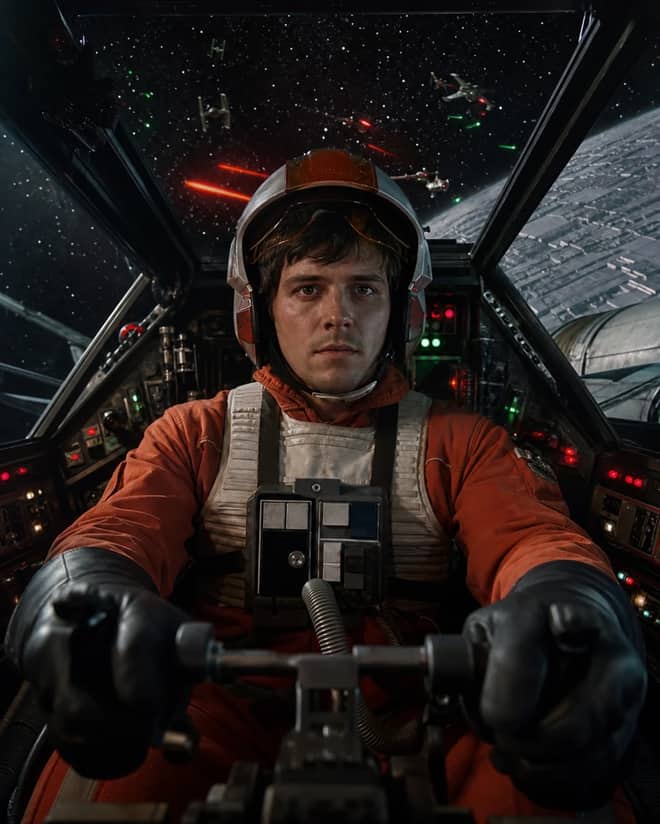
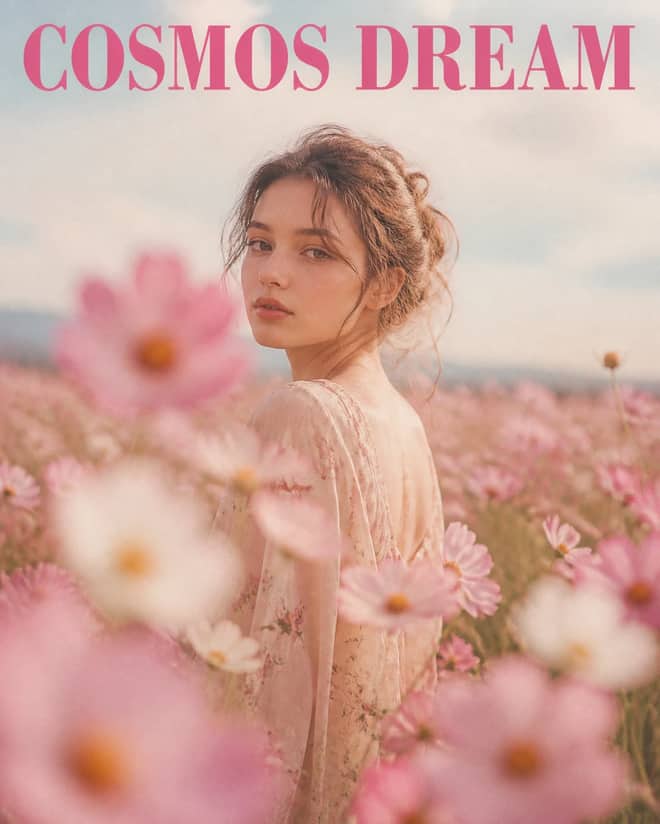
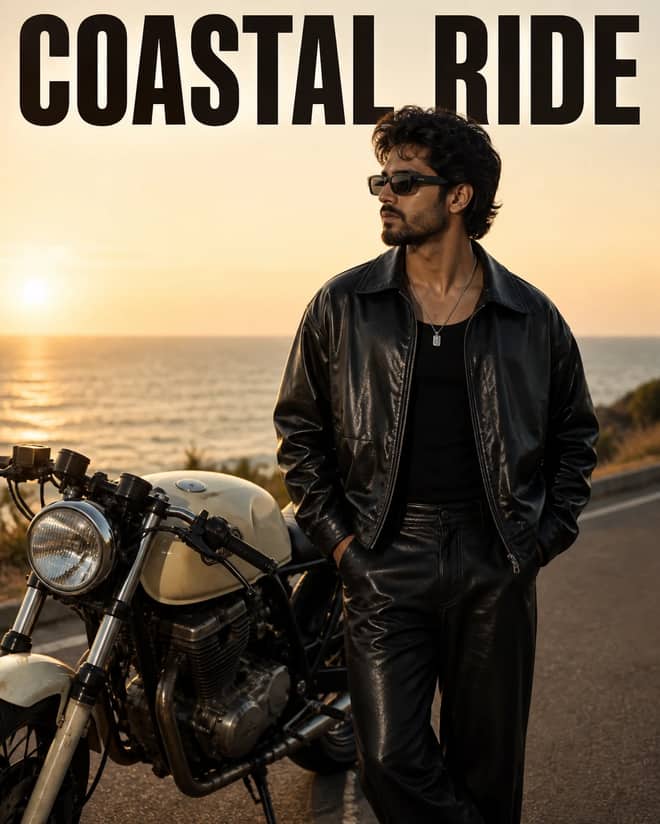
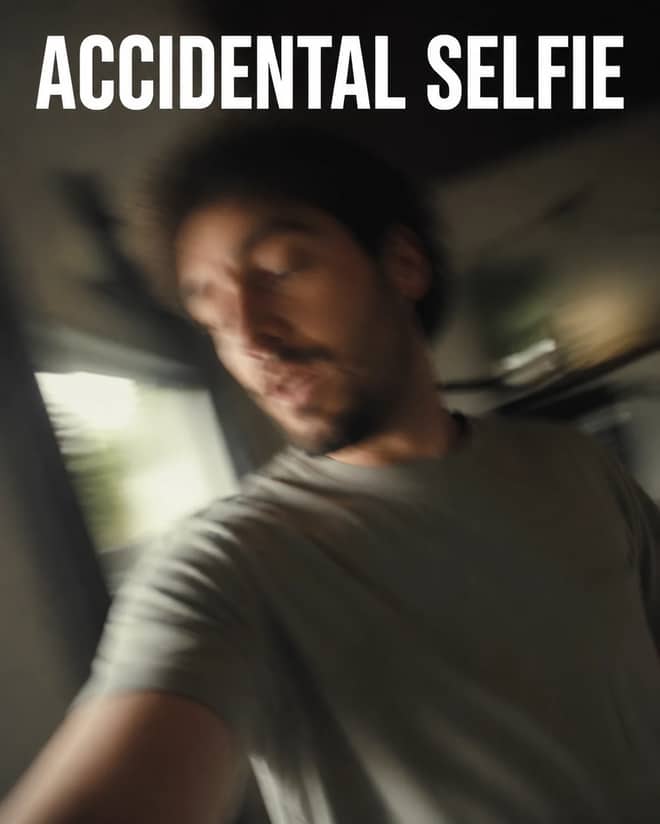
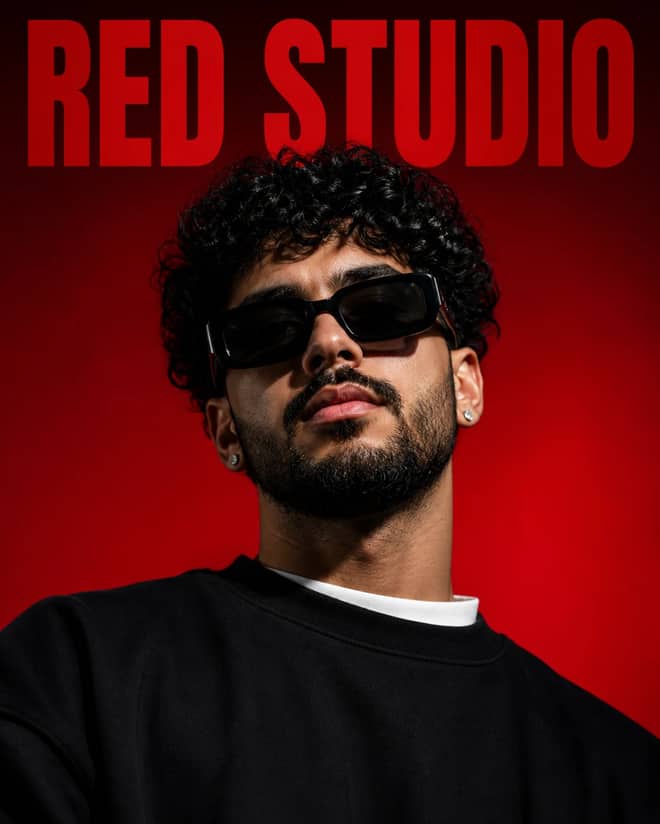
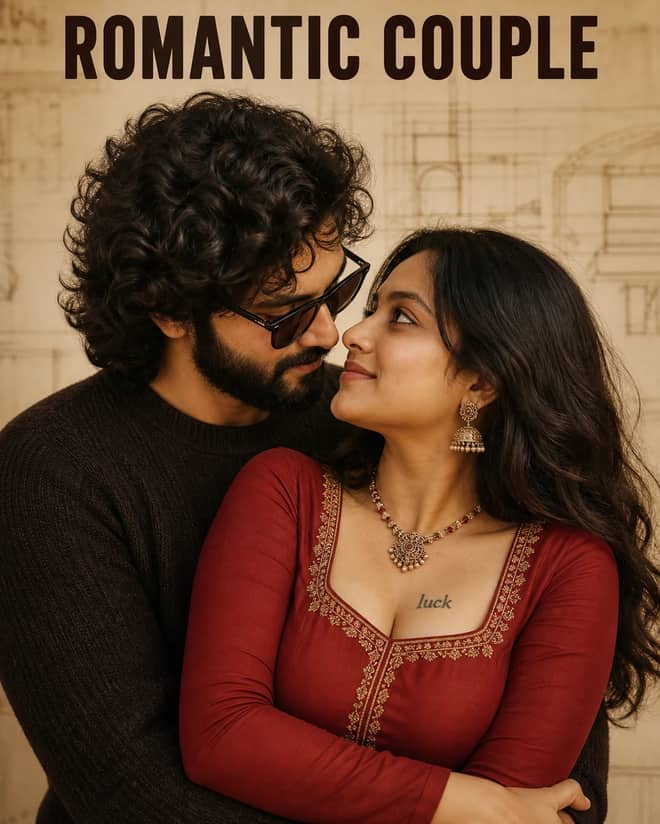
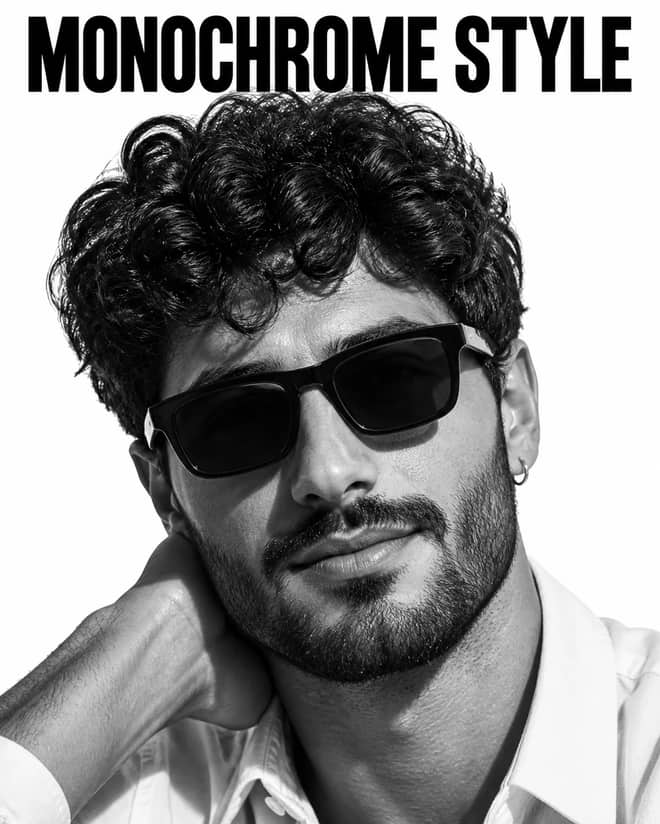
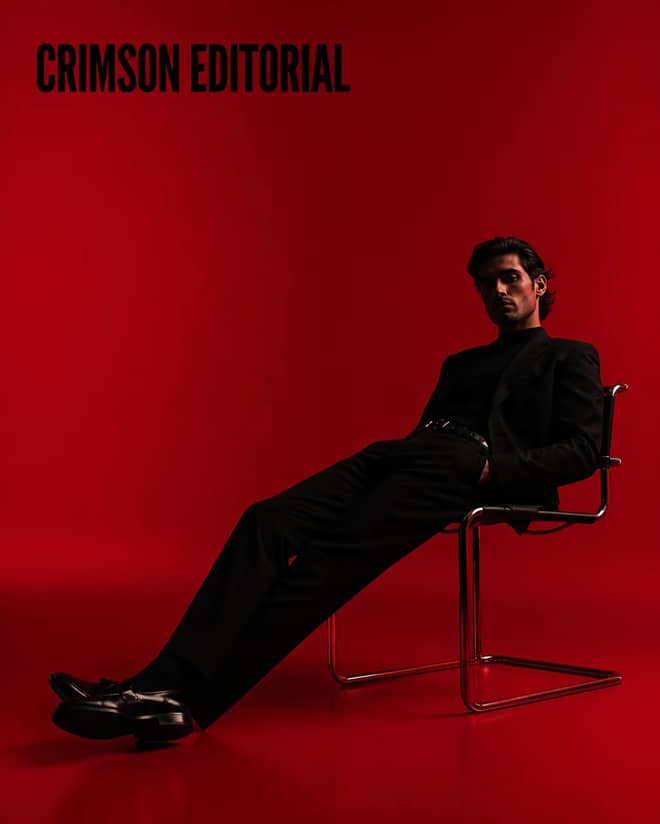
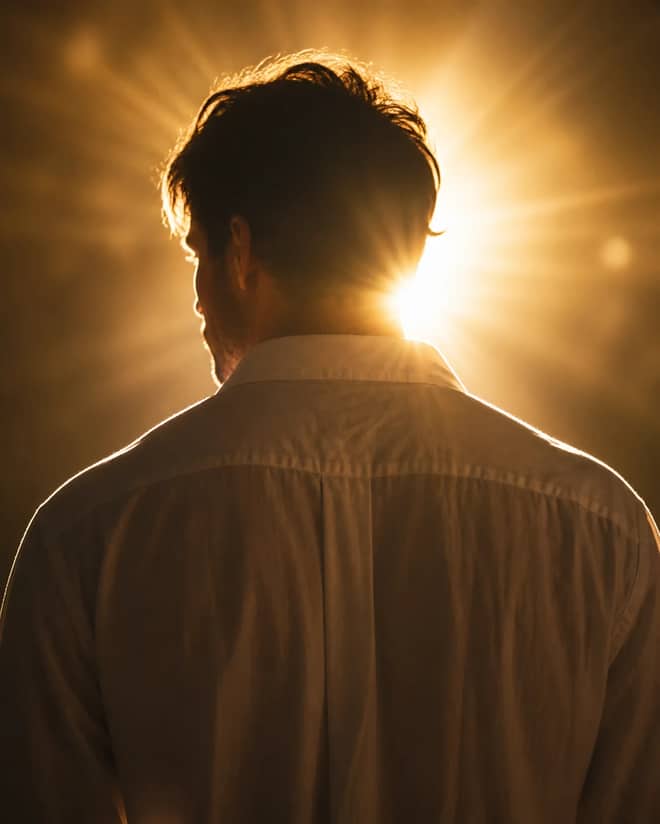
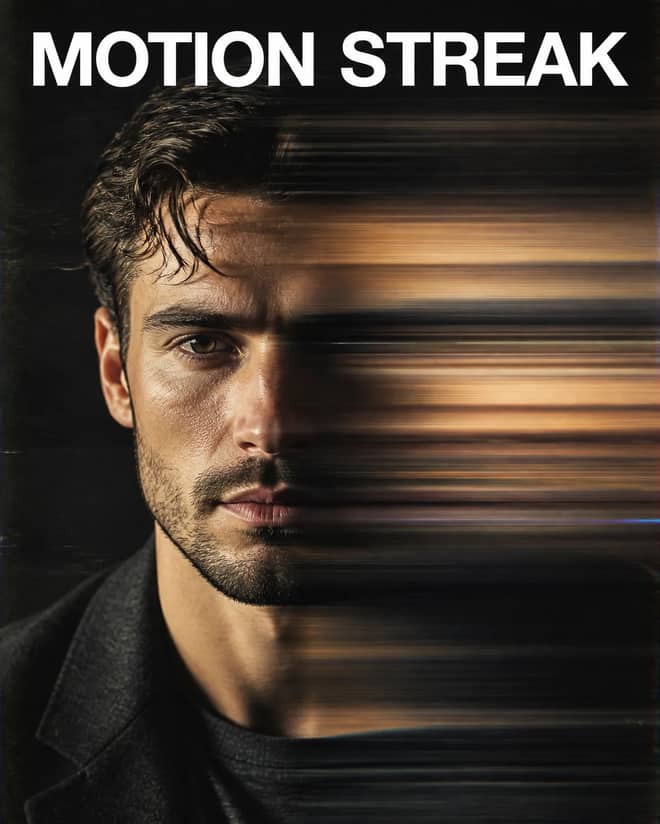
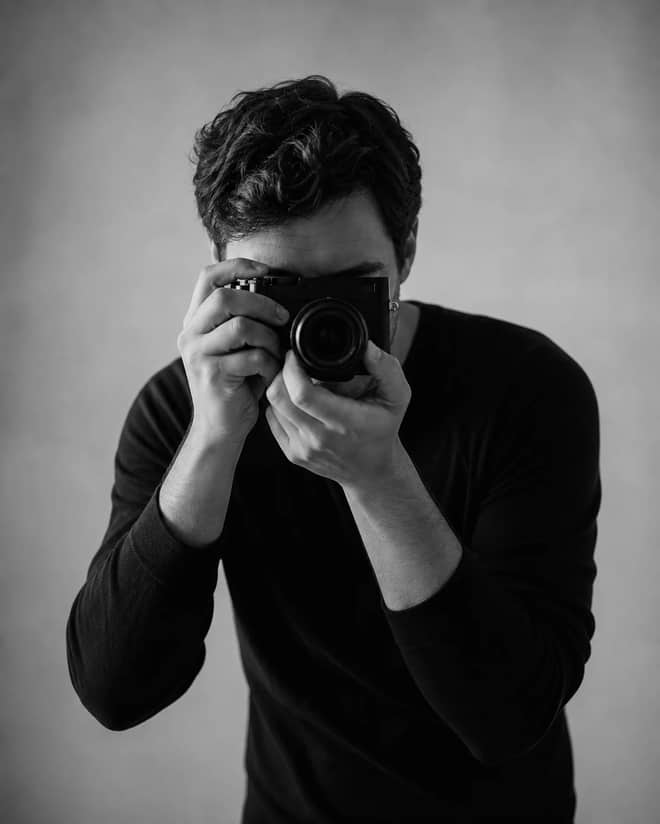
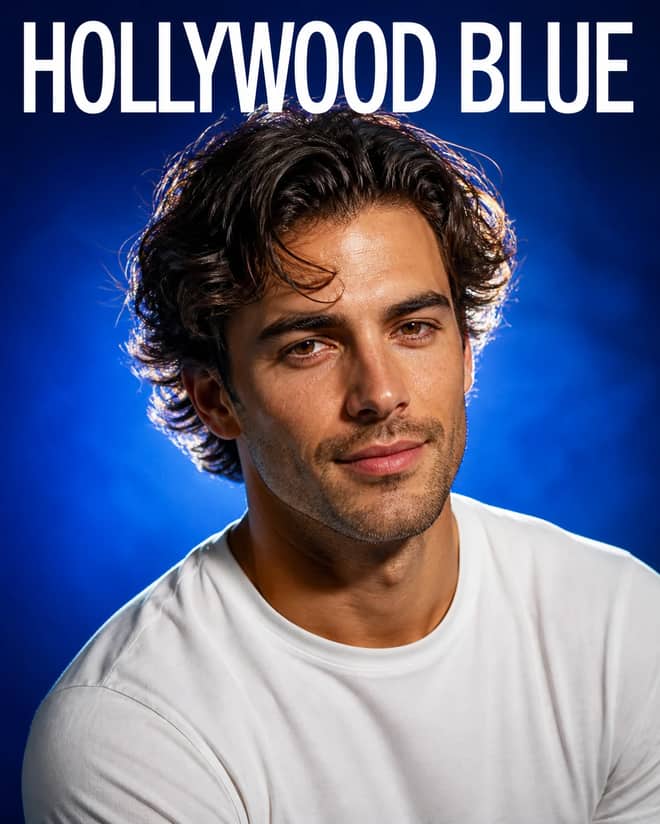
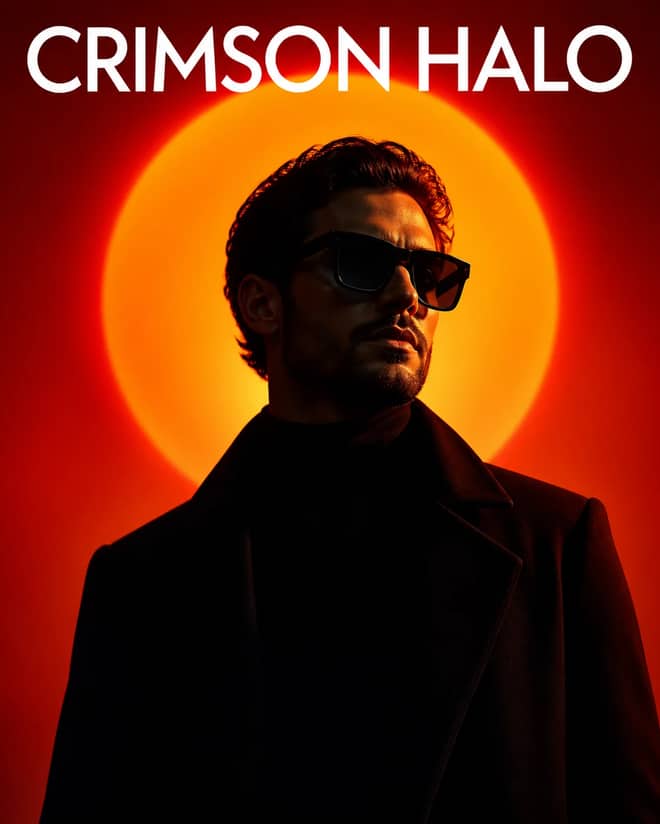
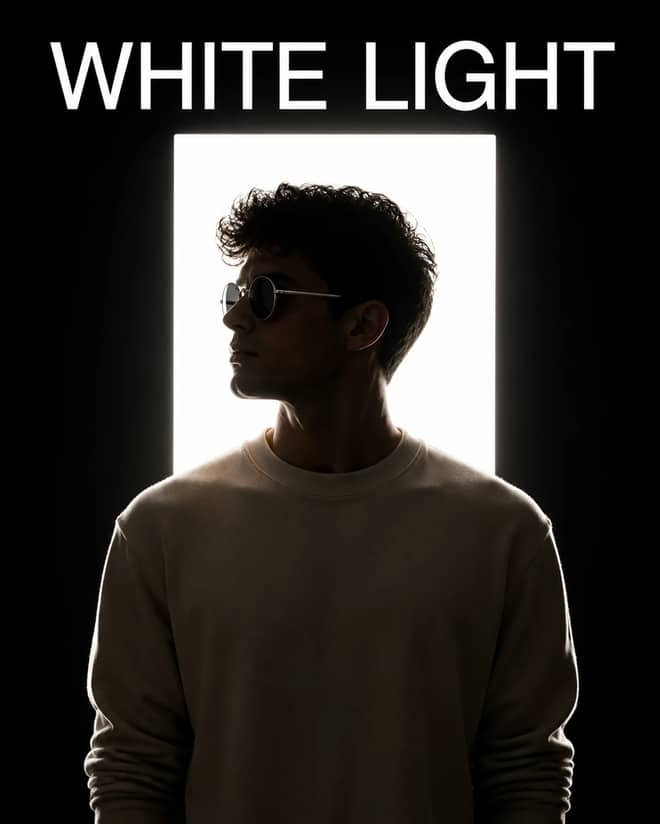
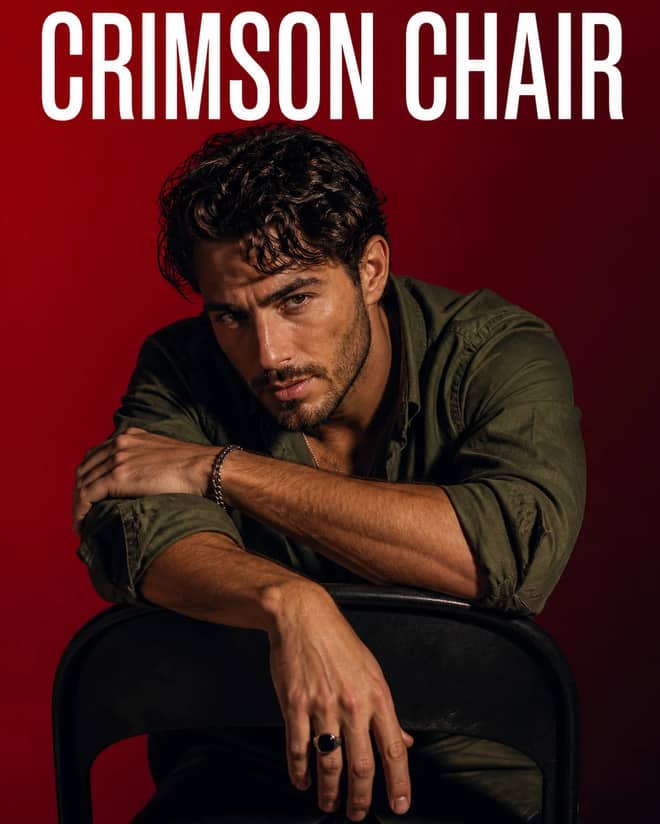
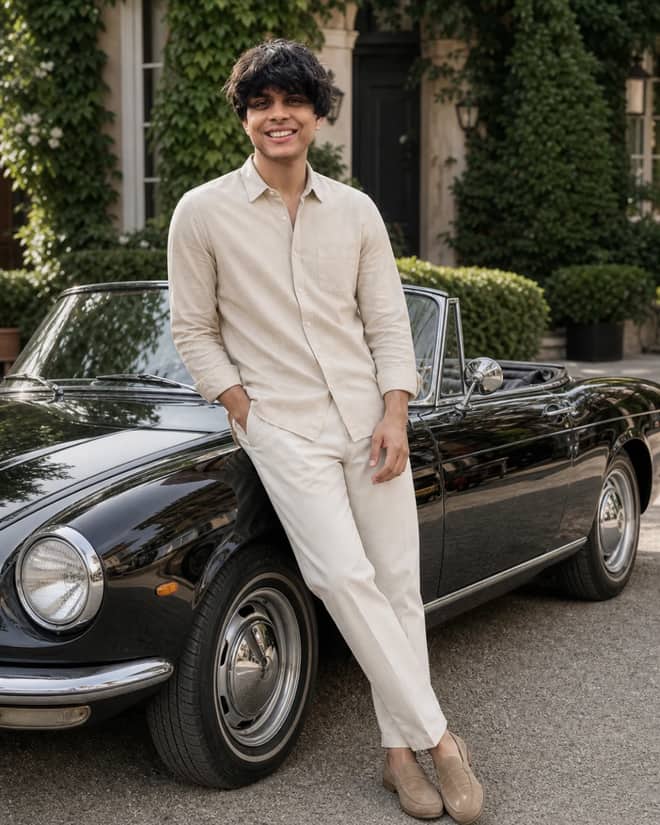
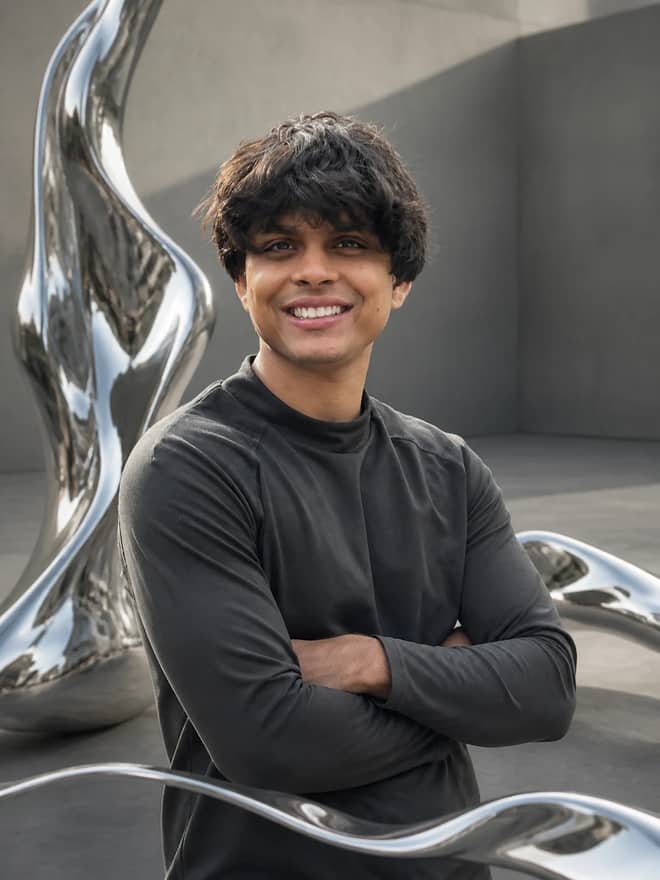
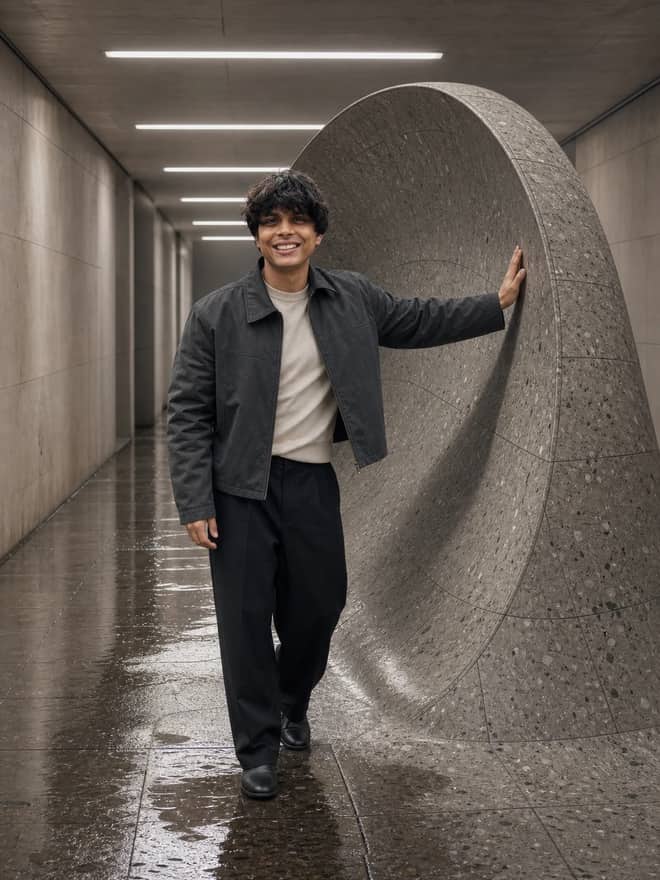
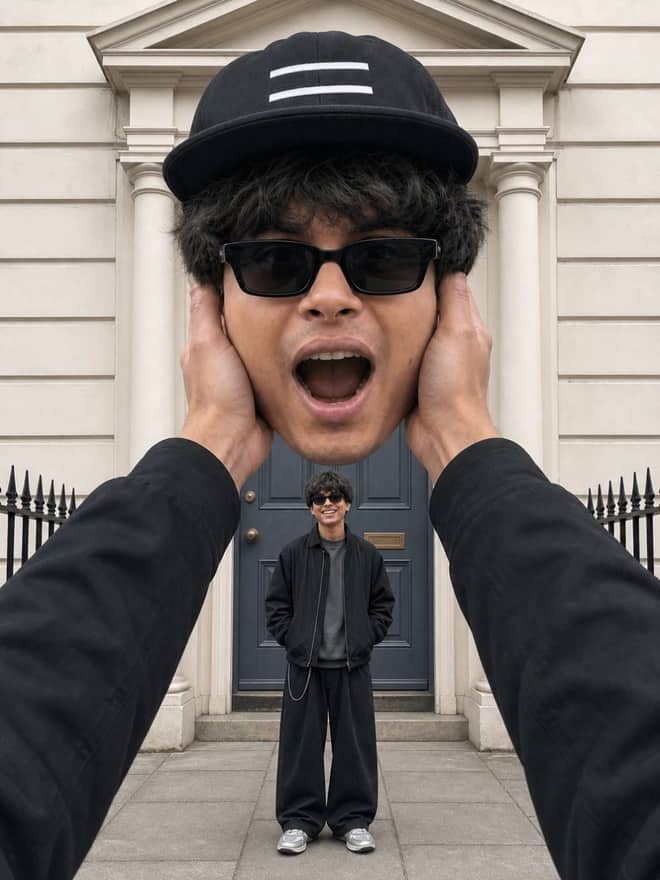
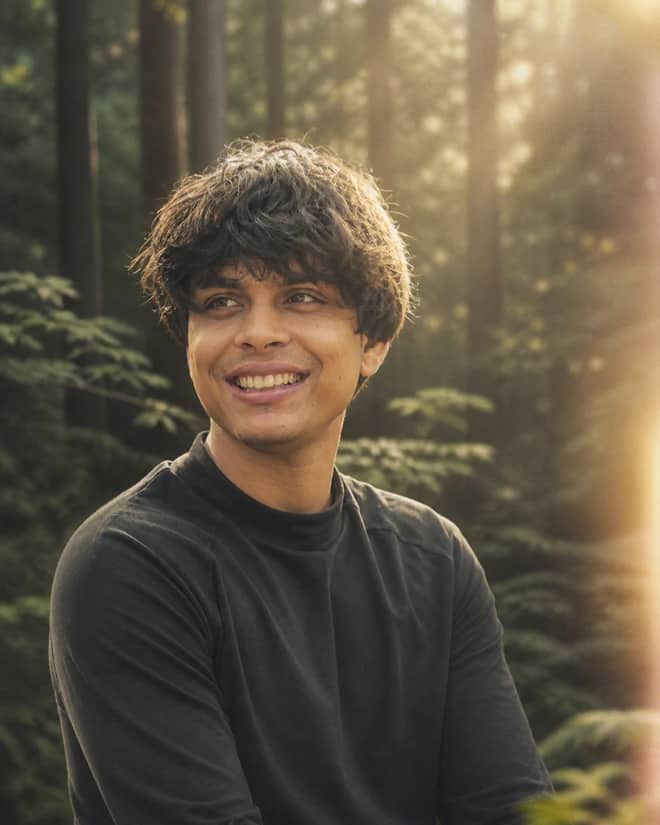
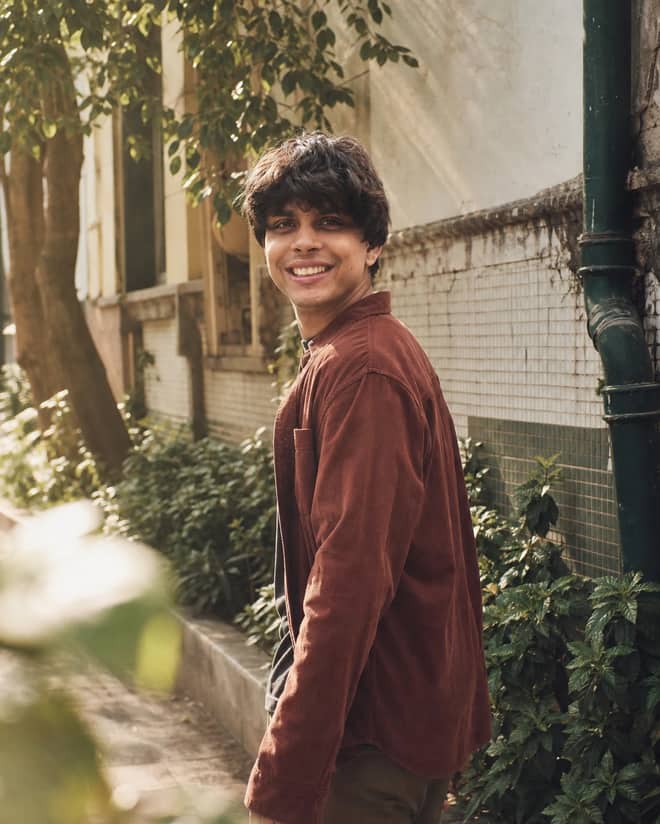
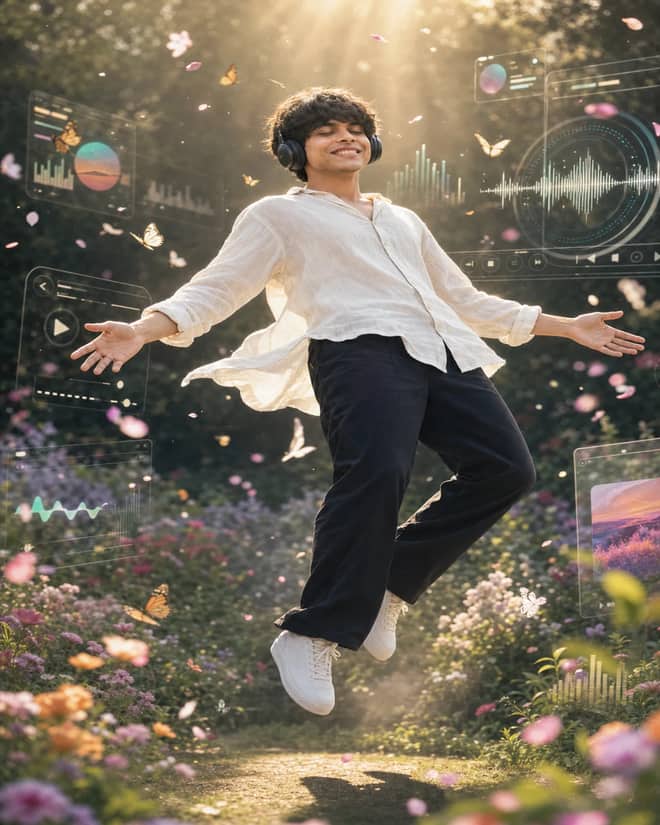
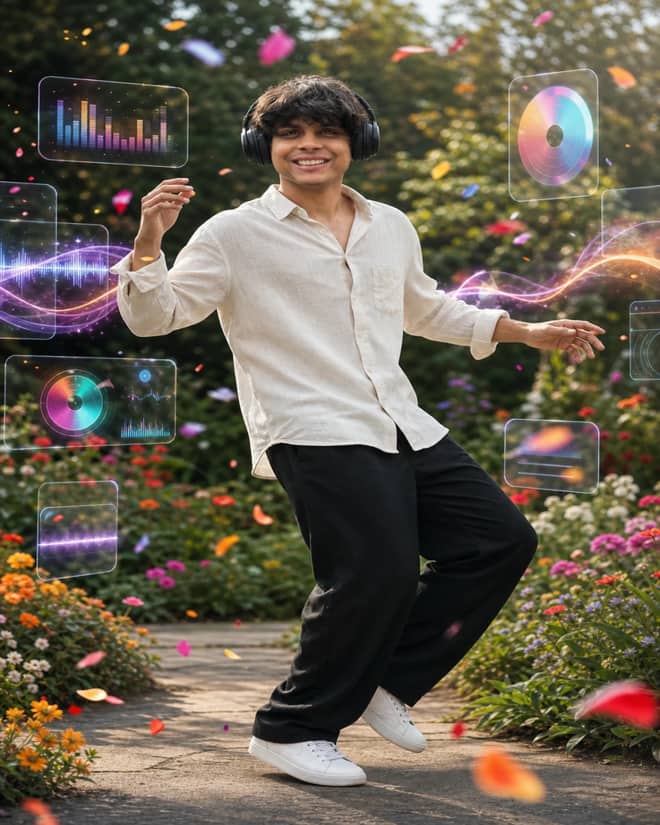
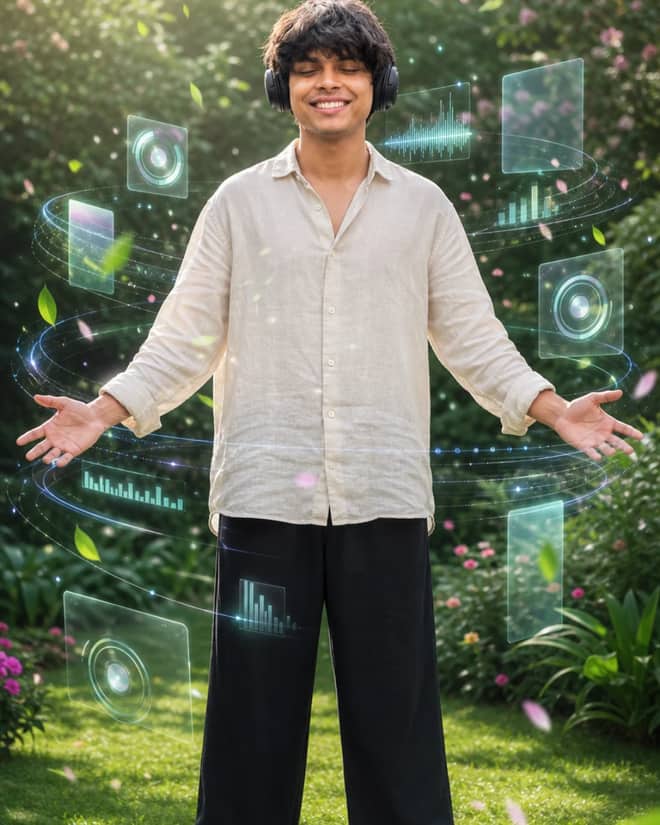
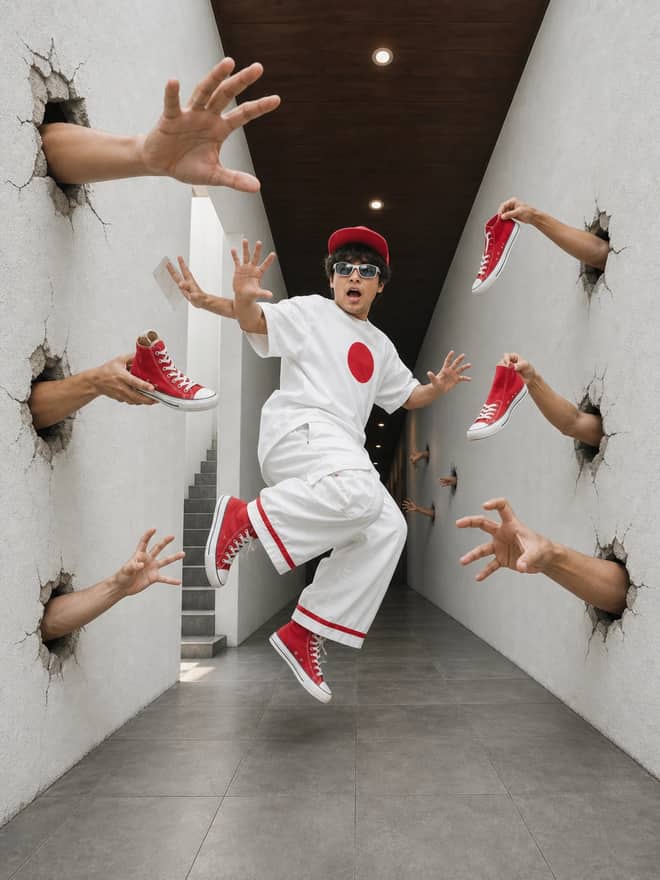
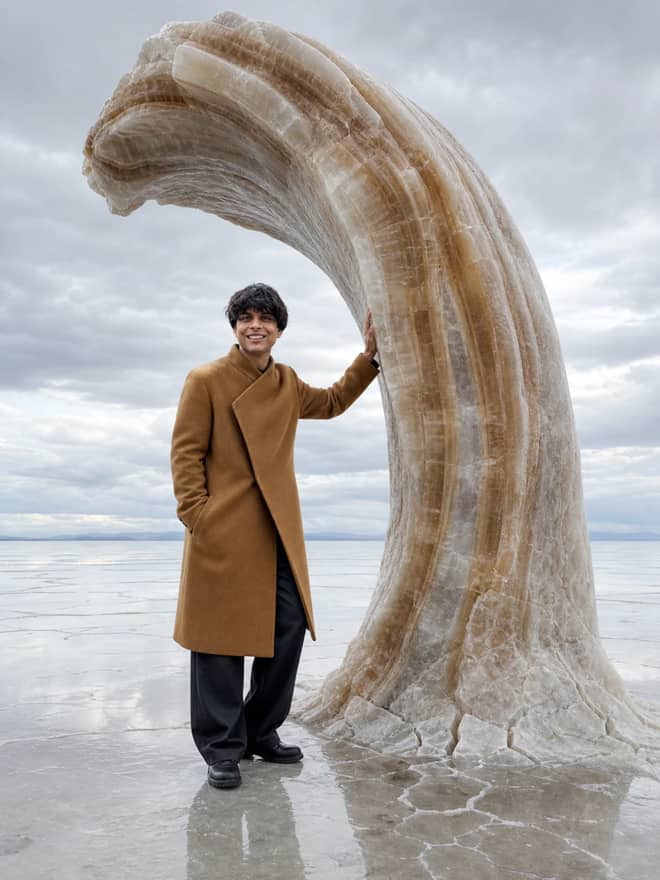
A good Gemini AI photo prompt is the difference between an edit that looks like you and one that looks like a stranger wearing your face. People search this phrase after seeing an edit somewhere, a tiny figurine version of a friend, a golden hour portrait, a 90s film look, and they want the exact words that made it. Most of those results come out of Google's image model, the one a lot of people online call nano banana, which is the nickname for Gemini 2.5 Flash Image. You can try it free in the Gemini app, and it runs for roughly a few cents an image through the API. The wording is the part worth learning, so that is what this page is built around.
What a Gemini AI photo prompt actually does
There are two jobs here and they need different prompts. One is editing a photo you already have. You upload a picture and tell Gemini what to change, the lighting, the outfit, the background, the era. The other is making an image from nothing, where the words carry everything because there is no source to lean on. Most of the trending stuff you have seen is the first kind, an edit, because keeping a real face recognisable is what makes those posts land. If your prompt does not say anything about the source, the model fills the gaps on its own, and that is usually where things go sideways.
So a useful prompt names three things at minimum: what to keep, what to change, and the mood you want. Skip any of those and you are leaving the result to chance.
Gemini AI photo prompt looks people are chasing right now
From what is getting posted and turned into tutorials lately, a few styles keep coming back. The Hindi and regional how-to videos with titles like gemini ai photo editing kaise banaye are almost all teaching the same handful of edits, just in different words.
| Look | What to write in the prompt | What to swap for yourself |
|---|
| Golden hour portrait | warm late afternoon sun, soft rim light, gentle skin tones, candid expression | the location and what you are wearing |
| Collectible figurine | turn this person into a small detailed figure standing on a desk next to its box | the base, the packaging art, the pose |
| Retro film couple | 1990s film photograph, slight grain, faded colour, on-camera flash, two people close together | the decade, outfits, and setting |
| Studio headshot | clean studio backdrop, soft key light, sharp focus, professional framing | backdrop colour and clothing |
| Cinematic still | moody film frame, dramatic side light, shallow depth of field, muted grade | the scene and the colour cast |
None of these need fancy language. Plain description beats clever wording almost every time. The model understands ordinary photography terms, so say soft light, not ethereal luminance.
Advertisement
How to write a Gemini AI photo prompt so your face survives
The complaint I hear most is that the edit looks great except it does not look like the person anymore. That is fixable, and it is mostly about being explicit. When you edit a real photo, add a line that protects identity. Something like keep the same face, hairline, and skin tone, only change the background and clothing. Gemini tends to drift toward a generic, smoothed face when you do not pin it down, so pin it down.
A simple structure that works
- Start with the action: edit this photo, or create an image of.
- Say what to keep: same face, same pose, same person.
- Say what to change: the background, the outfit, the lighting, the era.
- Set the mood and quality: warm, cinematic, sharp, soft, whatever fits.
- End with one framing note: portrait crop, full body, eye level.
Run that, look at what came back, then change exactly one thing and run it again. Changing five things at once tells you nothing about which word did the work. Change one, compare, repeat. It is slower for the first few tries and much faster after that.
Tip: when an edit comes close but the face slips, add the line about keeping the face unchanged and run it again before you rewrite the whole prompt. Nine times out of ten that one sentence is the fix.
Editing an existing photo versus generating a new one
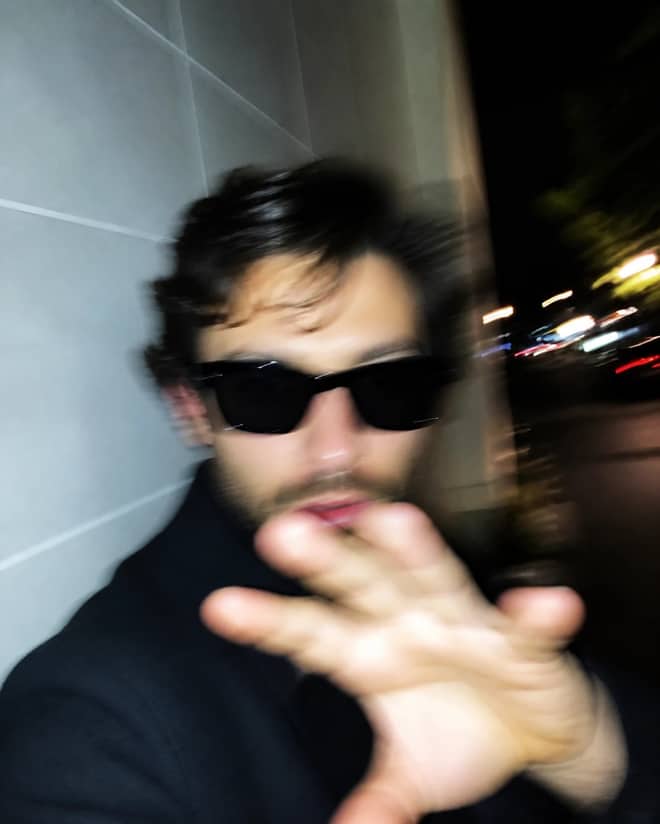
If you have a photo you like, edit it. You keep the real person, the real pose, the real you, and you only push the parts that need pushing. The catch is your source quality carries over. A blurry, dim, heavily angled selfie gives the model less to work with, and the result shows it. A clear, front-facing, evenly lit photo removes most problems before you type a word.
If you are generating from scratch, you get full creative range but no anchor, so describe more. Age, build, hair, clothing, setting, light, camera angle. The blank-canvas route is great for concepts and backgrounds and weak for making something look like a specific real person, because there is nothing to copy from.
Gemini AI photo prompt versus the other tools
Gemini is not the only option and it is worth knowing where it sits. For editing a real photo while keeping a face intact, Gemini 2.5 Flash Image is strong and quick, and the free access in the app makes it the easy first stop. ChatGPT can also generate and edit images and is good at following long, detailed instructions, so it suits people who like to over-specify. Midjourney leans artistic and stylised, beautiful for invented scenes, less reliable for keeping your actual face. DALL-E is fine for quick generations and casual edits. The short version: edit a real photo in Gemini, dream up a fantasy scene in Midjourney, and reach for ChatGPT when your instructions are long and fussy.
Common Gemini AI photo prompt mistakes and quick fixes
- The face changed: add keep the same face and identity, and use a sharper source photo.
- Plastic, over-smoothed skin: ask for natural skin texture and visible pores, and avoid words like flawless.
- Wrong mood entirely: name the light directly, soft window light or hard noon sun, instead of vague words like nice or aesthetic.
- Extra fingers or warped hands: regenerate, or crop the framing so hands are out of shot.
- Background ignored: describe it as its own sentence rather than tacking it on at the end.
- Text in the image is garbled: keep on-image text short, one or two words, and expect to fix it.
Getting more from each Gemini AI photo prompt run
Treat the first result as a draft. The people posting clean edits usually ran the same prompt several times and picked one frame, then maybe nudged a colour. You can do the same. Generate two or three versions, keep the best, then refine that one with a small follow-up instruction like warm it up slightly or move the light to the left. Save the prompts that work in a notes app so you are not rediscovering the same wording next month. A short personal list of prompts you trust is worth more than any single viral example, because you can reuse it on any photo, any day. The grid at the top of this page is there for exactly that, copy a prompt that already produces the look, run it on your own picture, and adjust from a result that is already most of the way there.