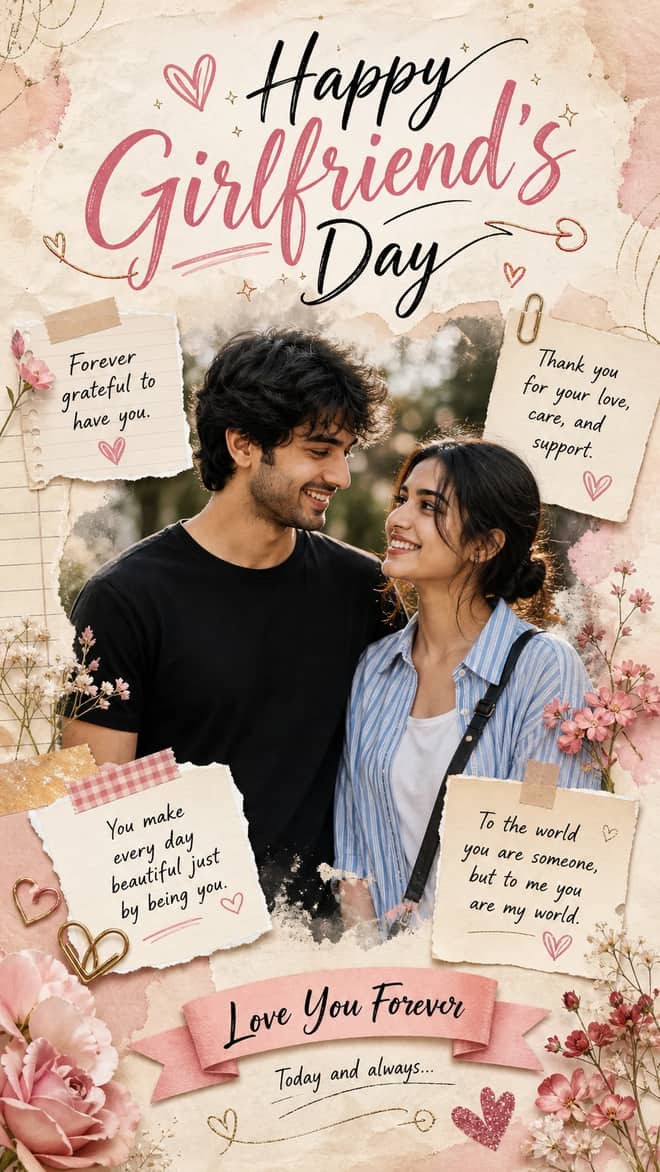
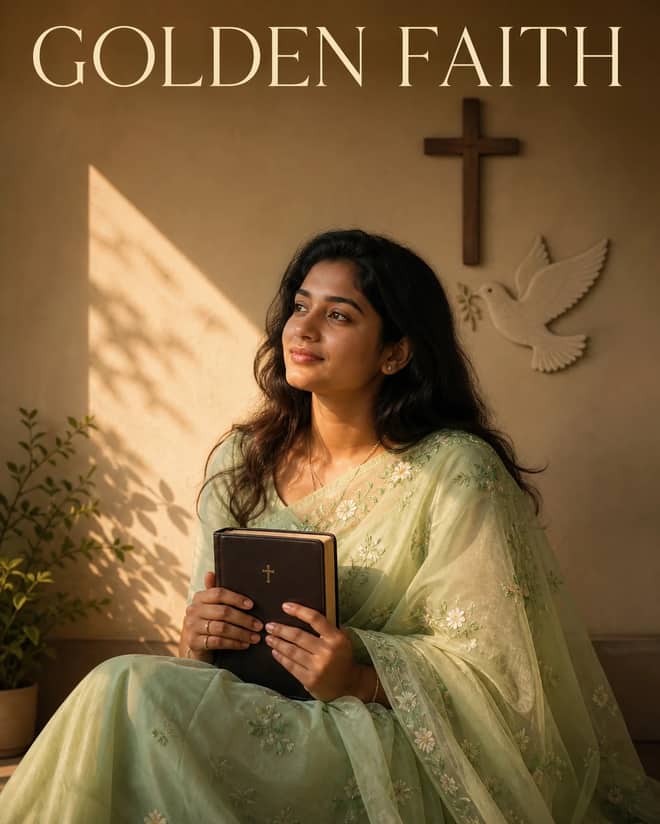
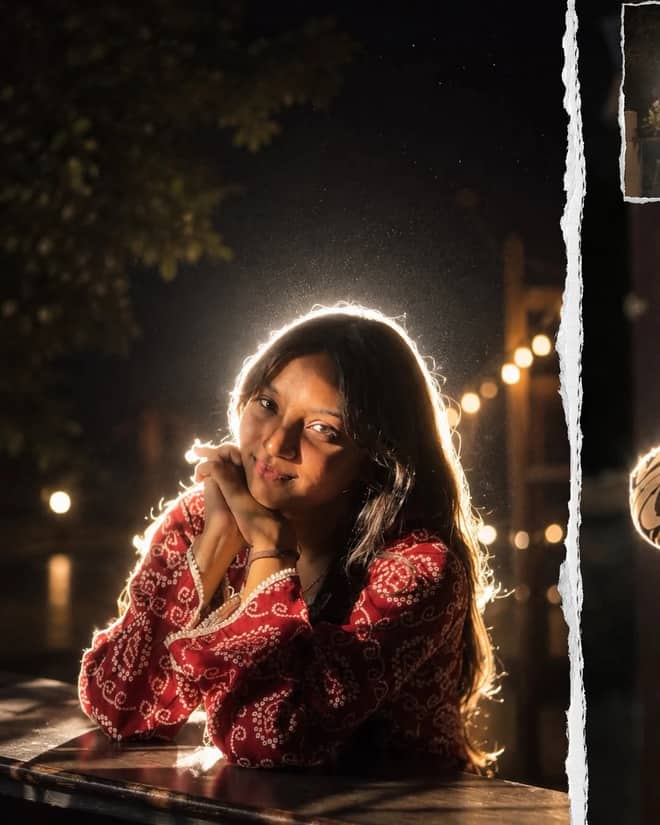
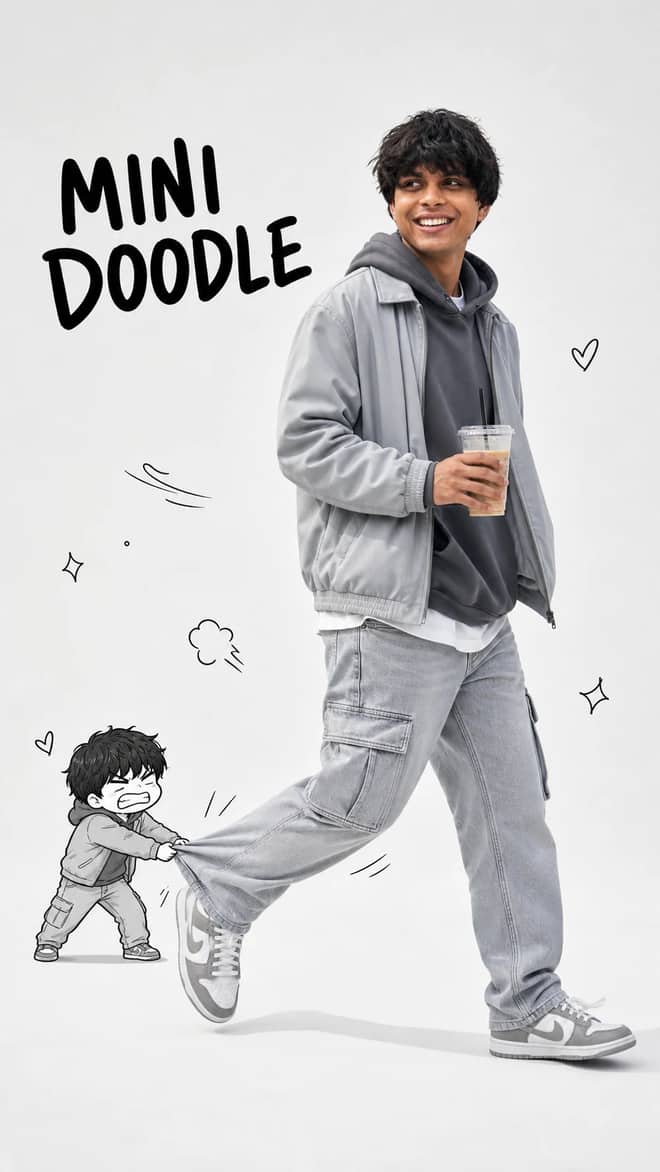
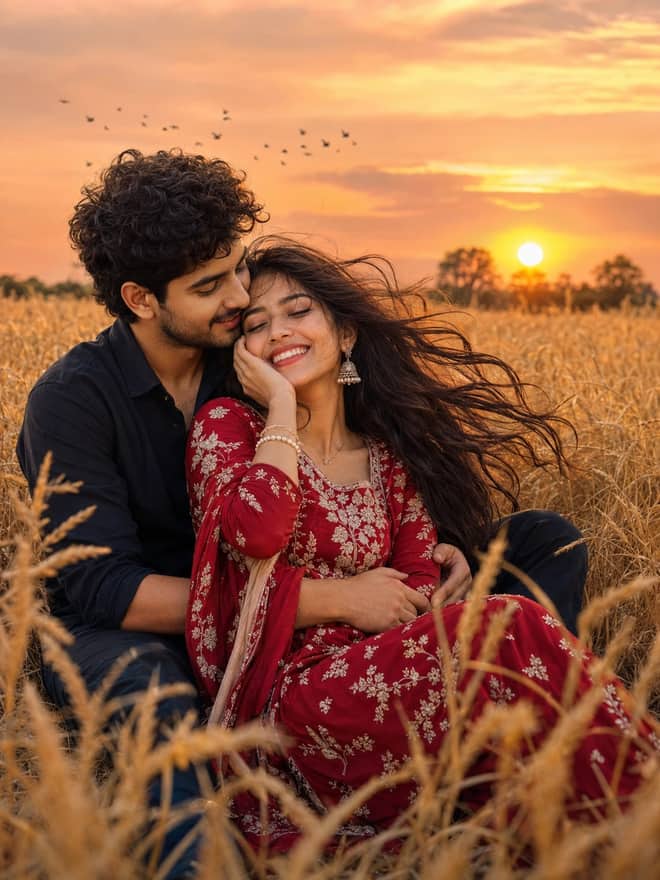
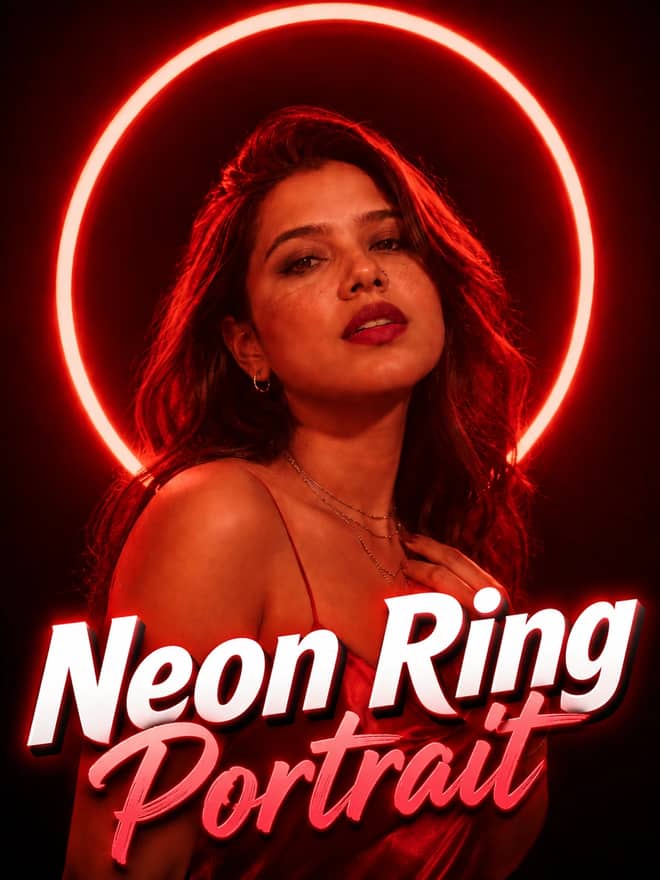
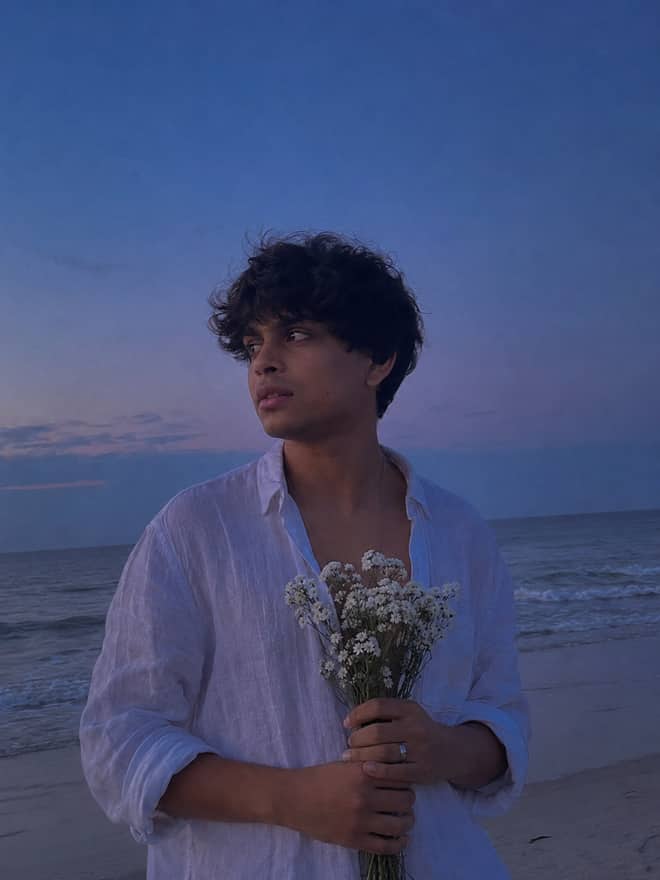
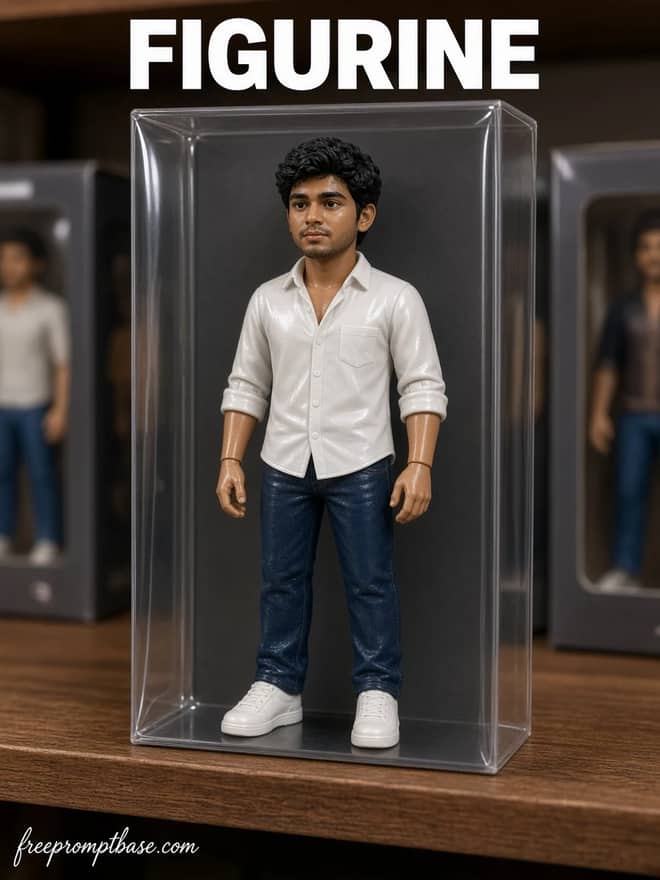
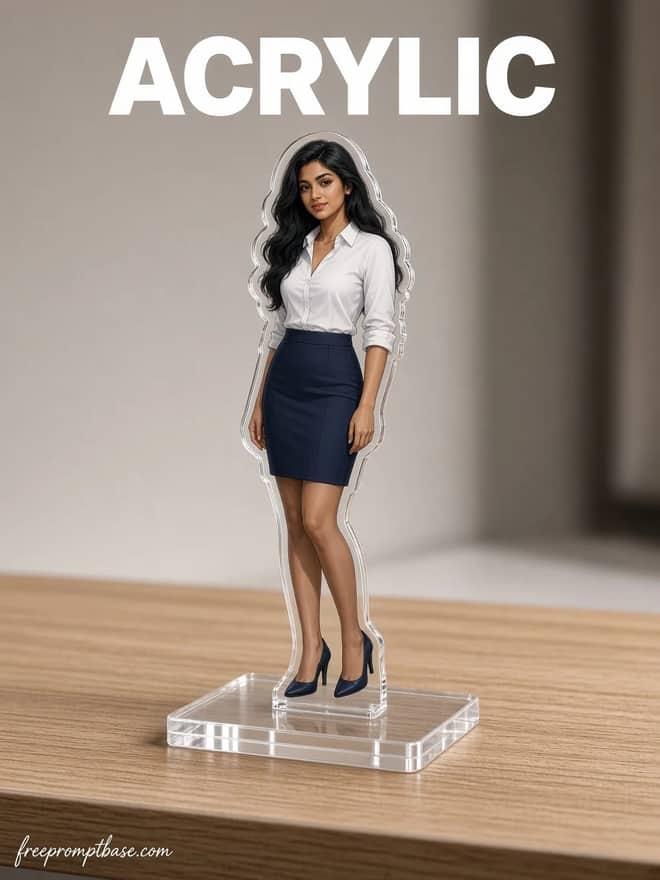
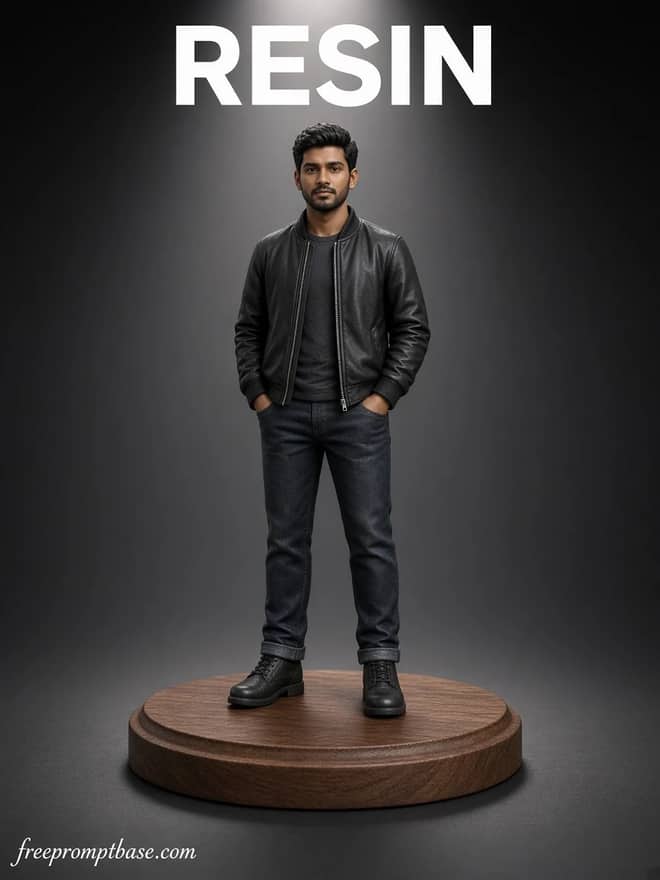
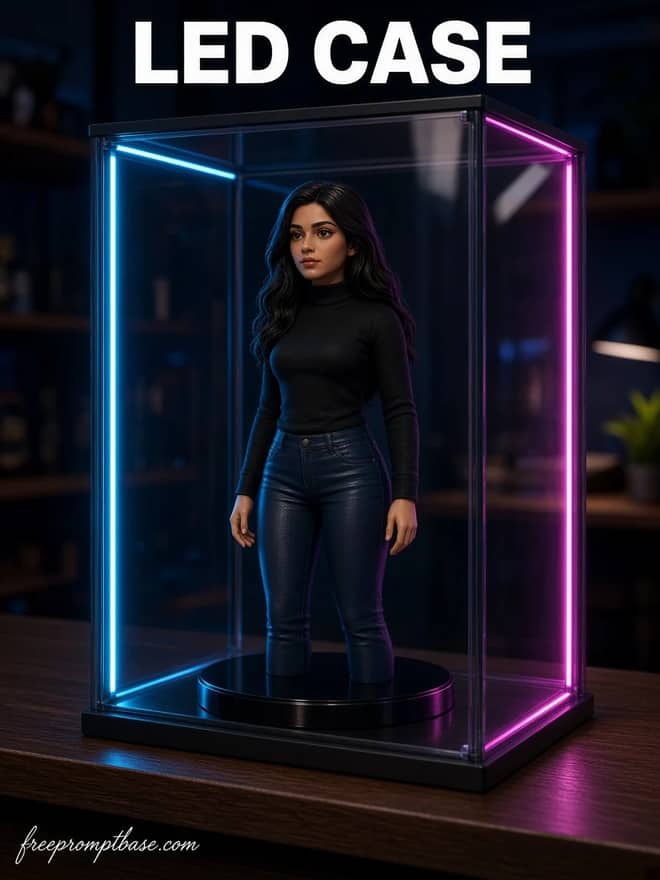
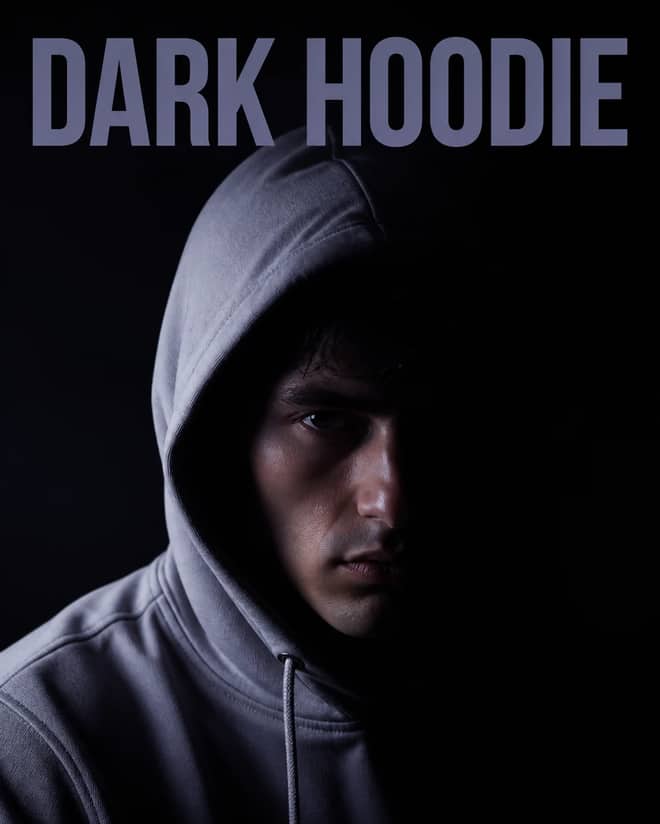
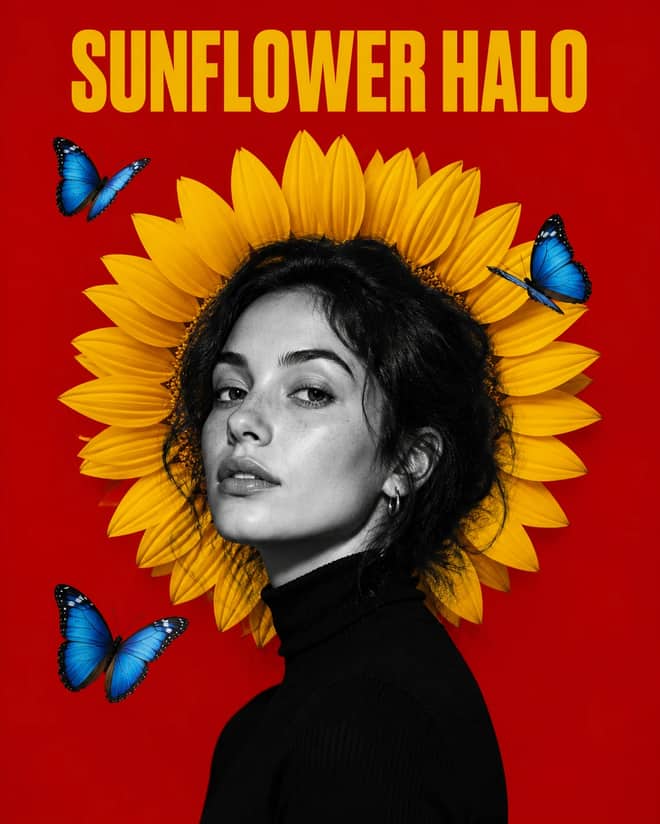
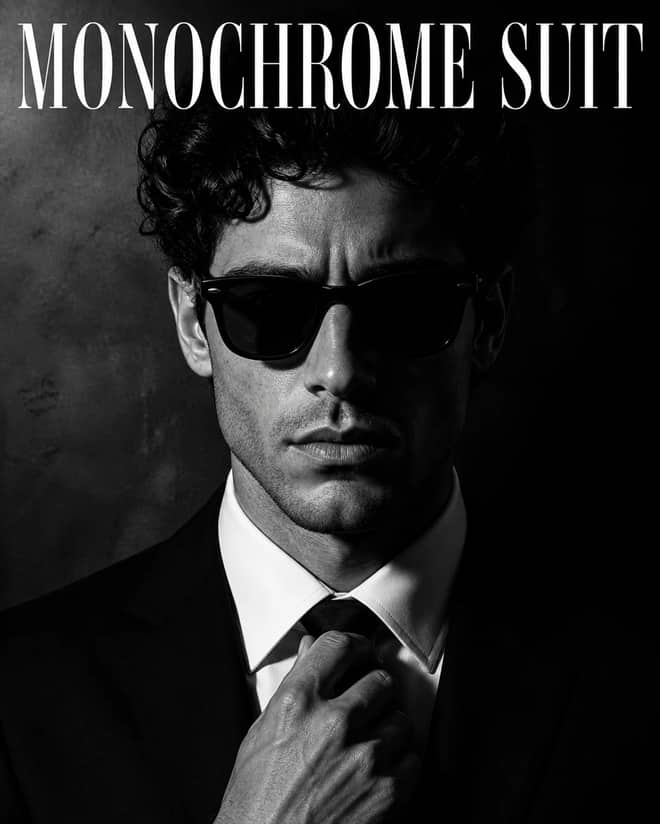
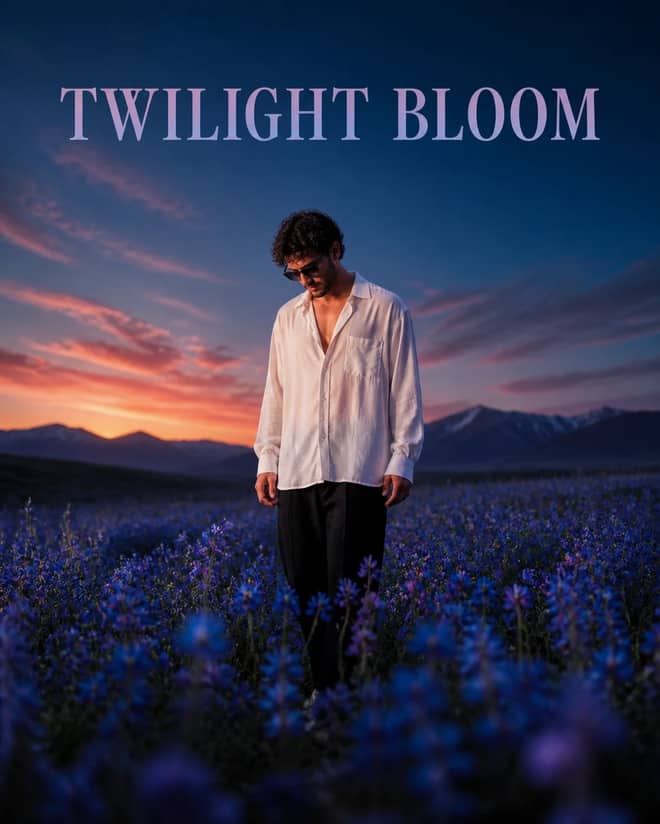
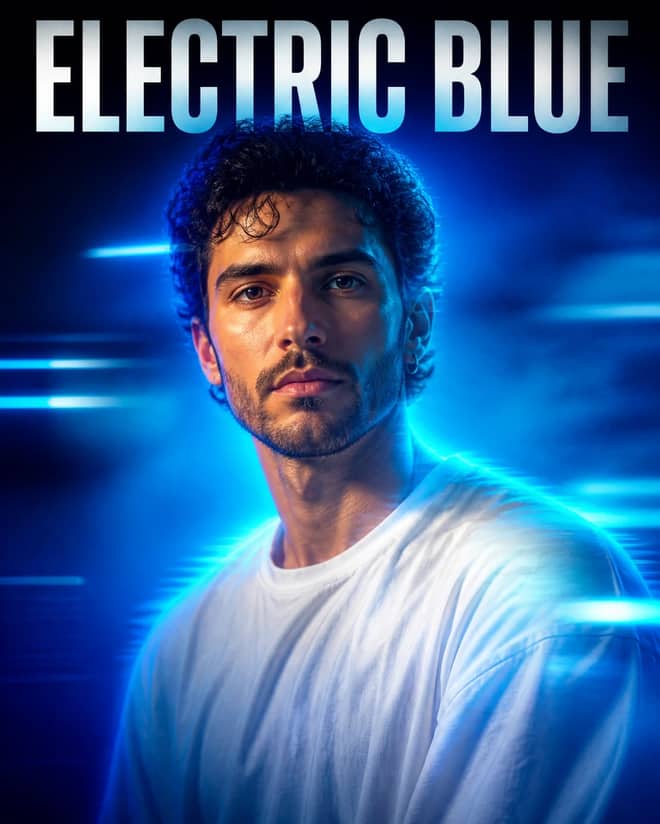
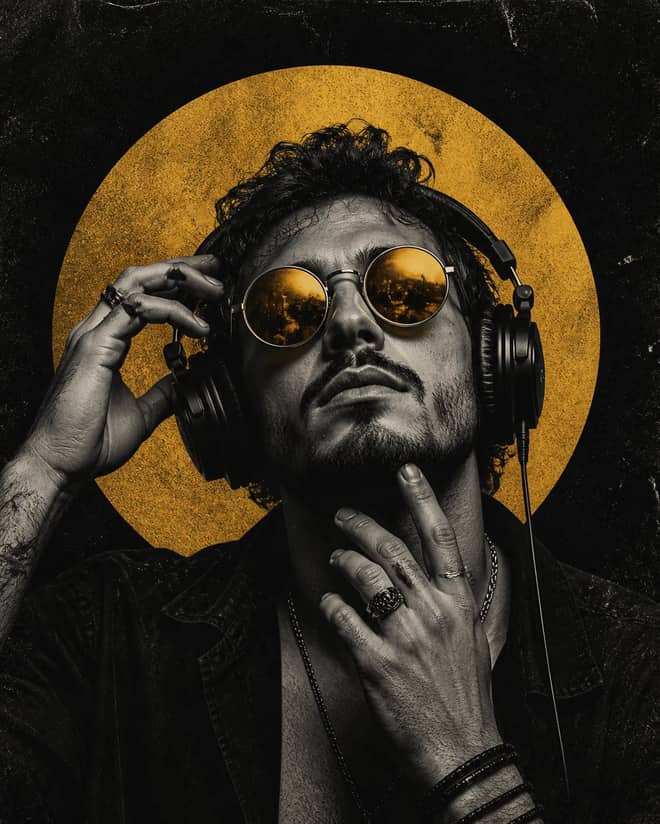
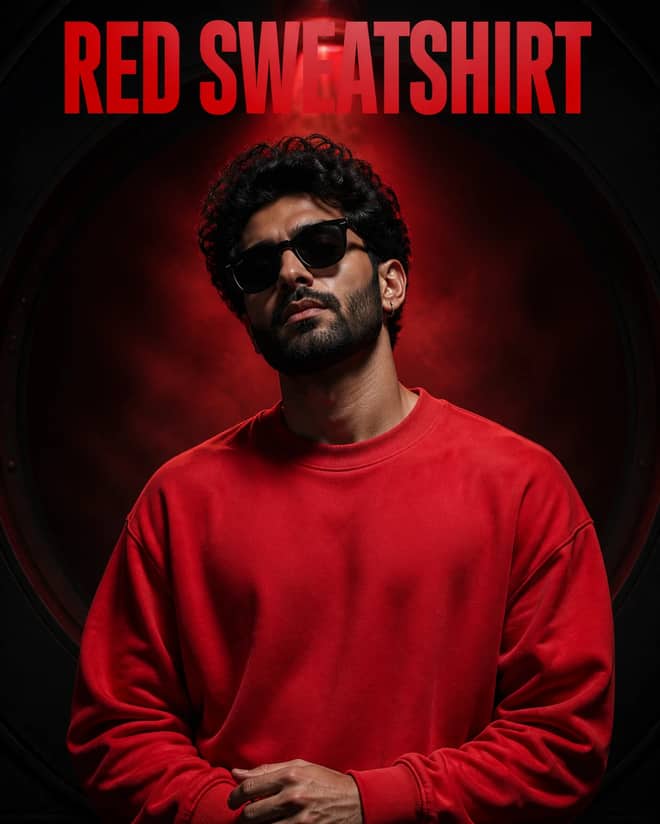
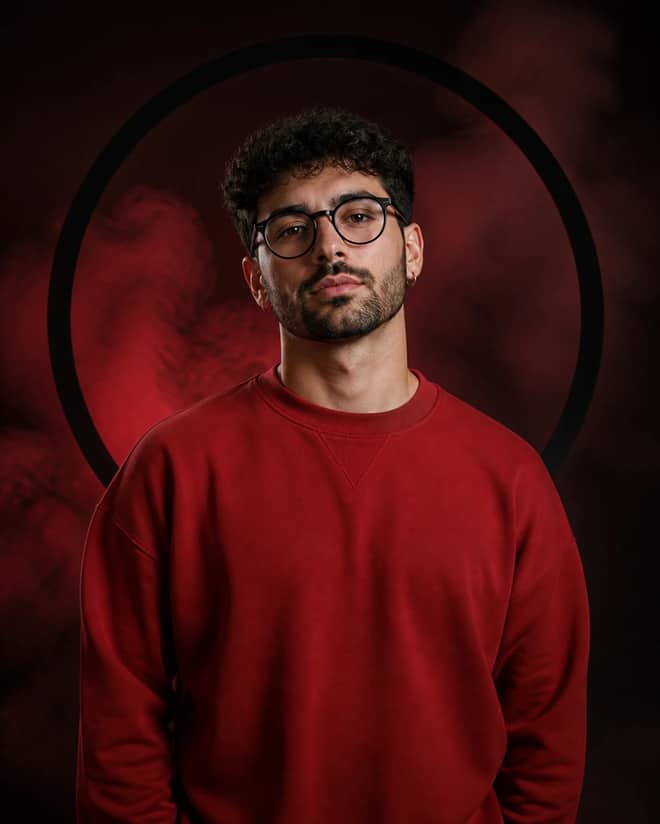
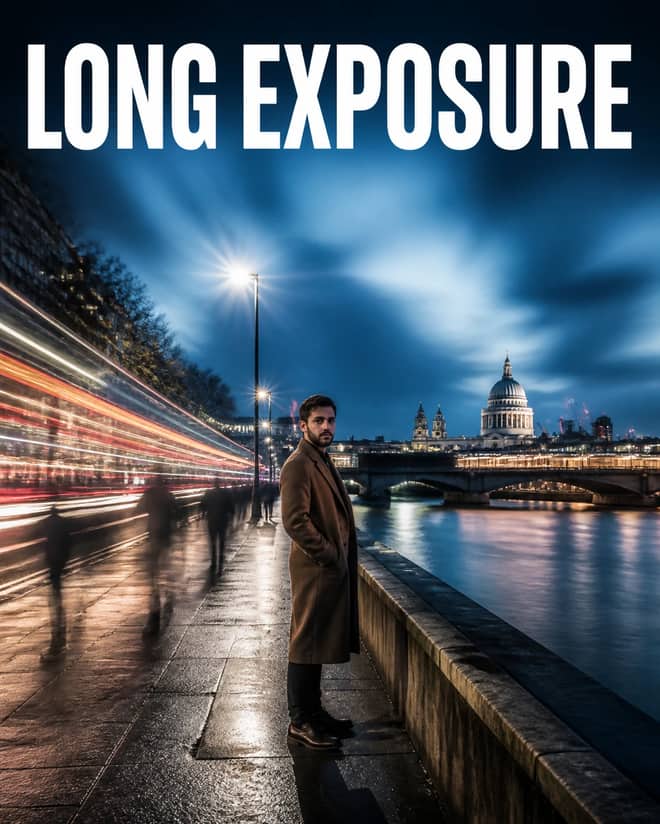
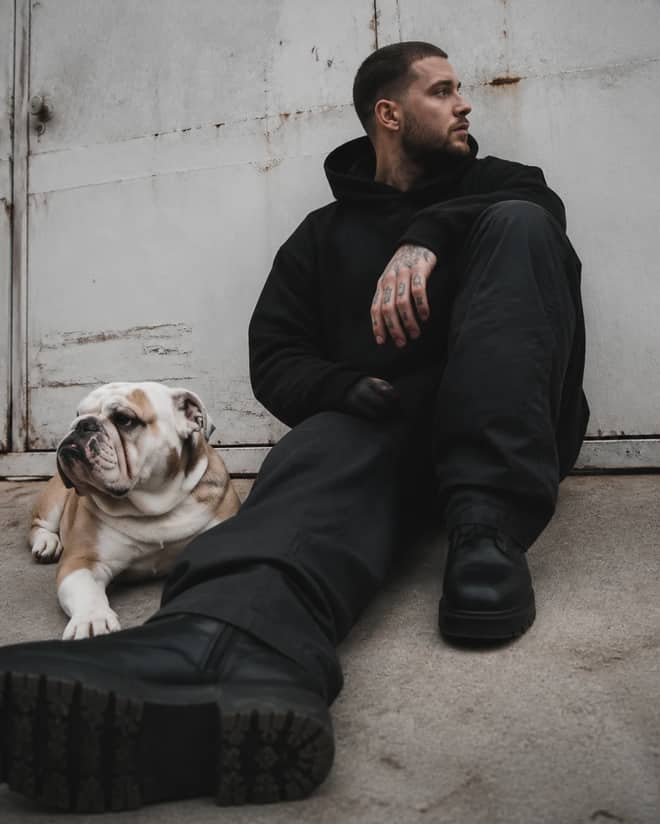
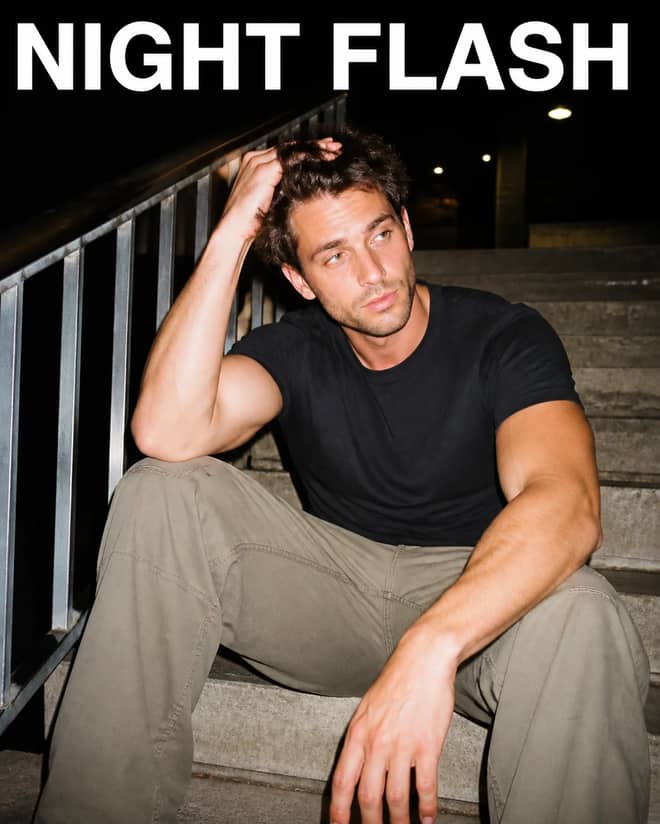
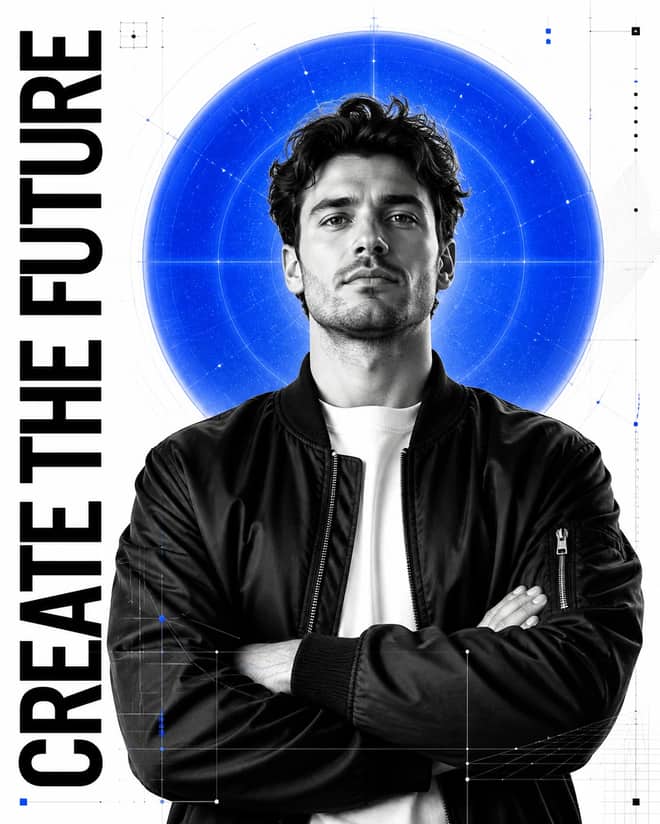
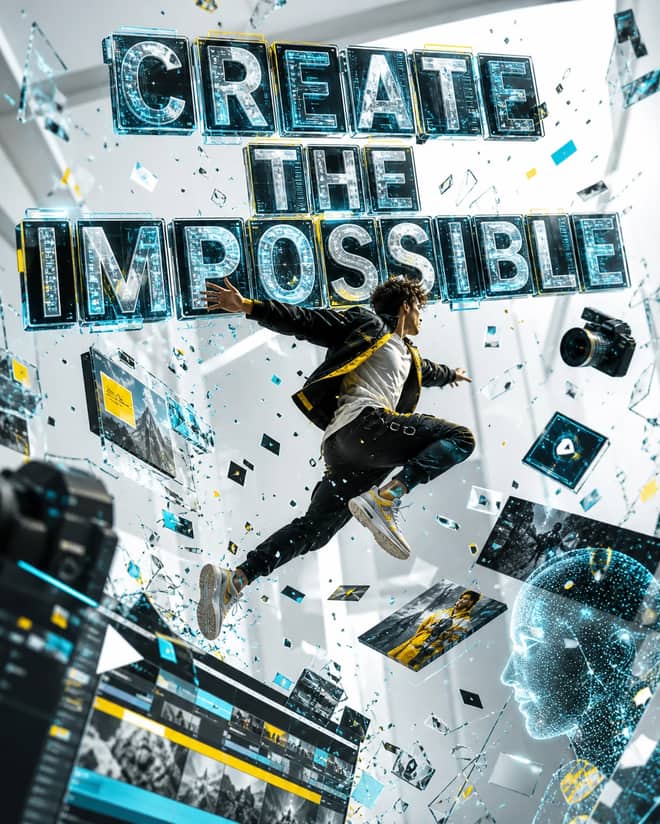
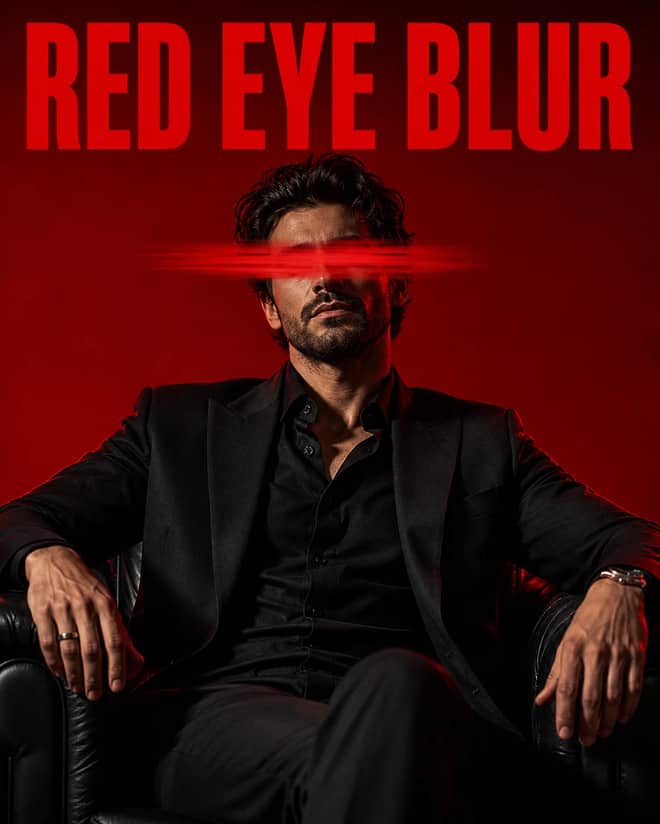
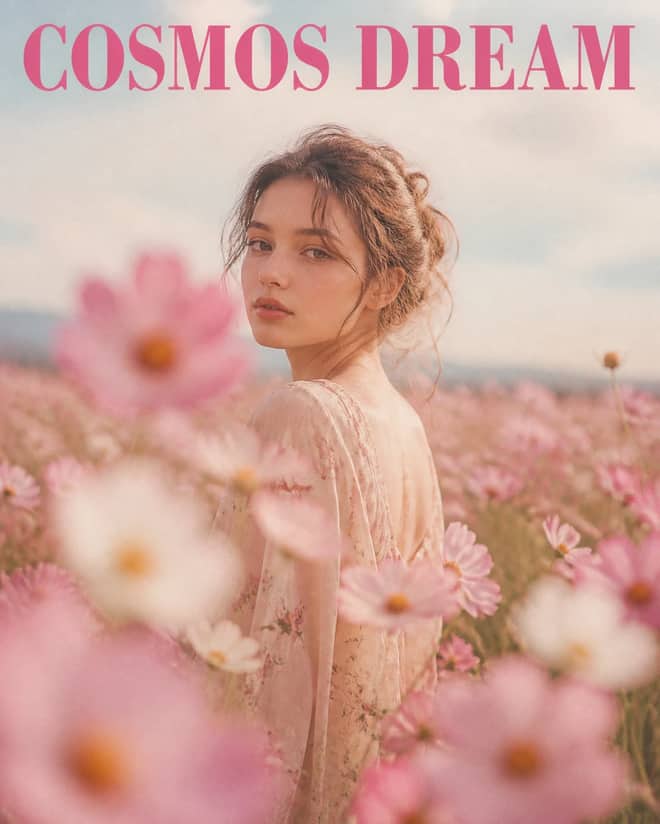
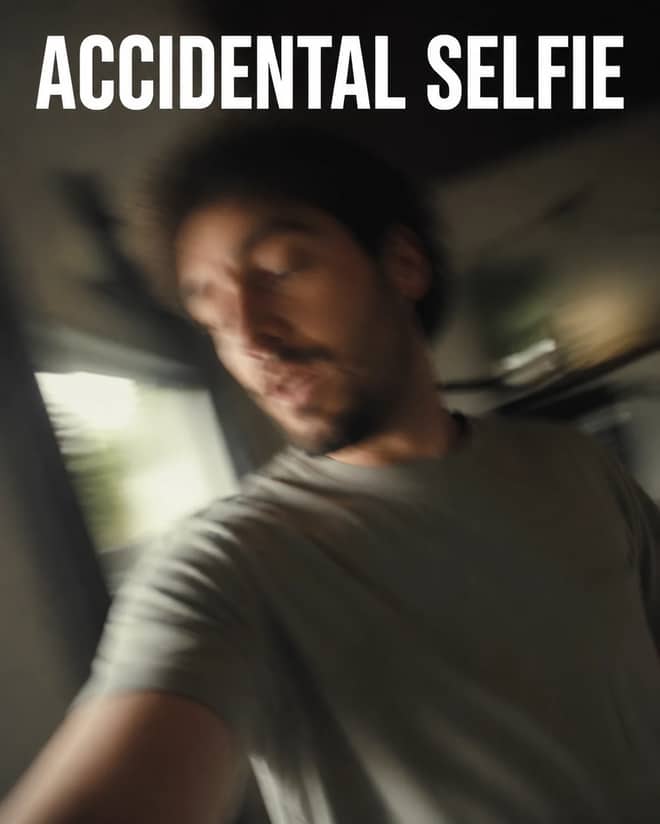
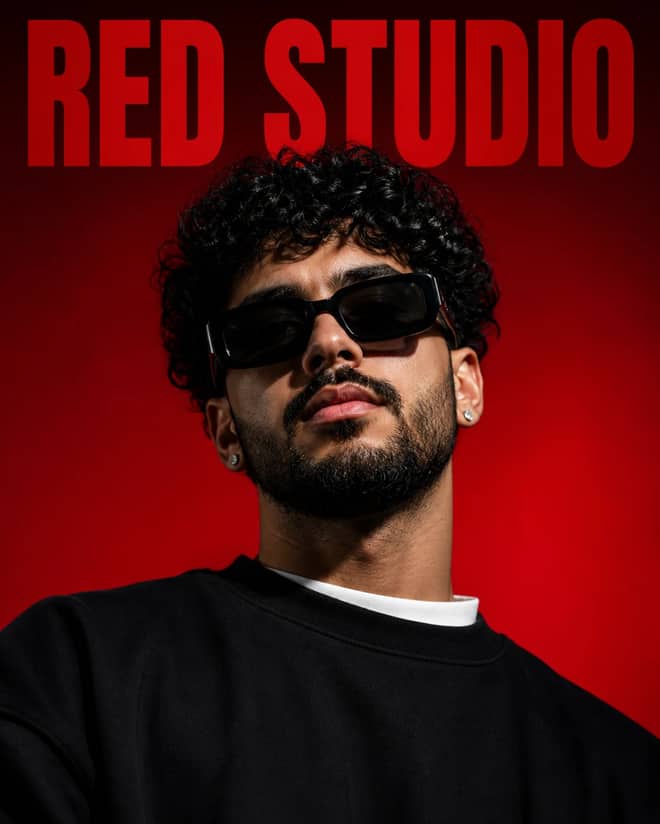
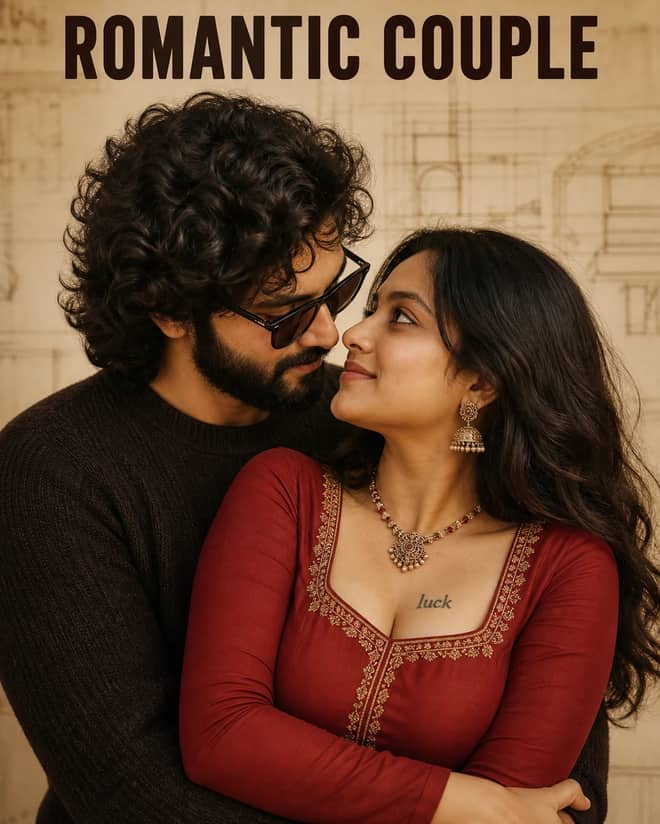
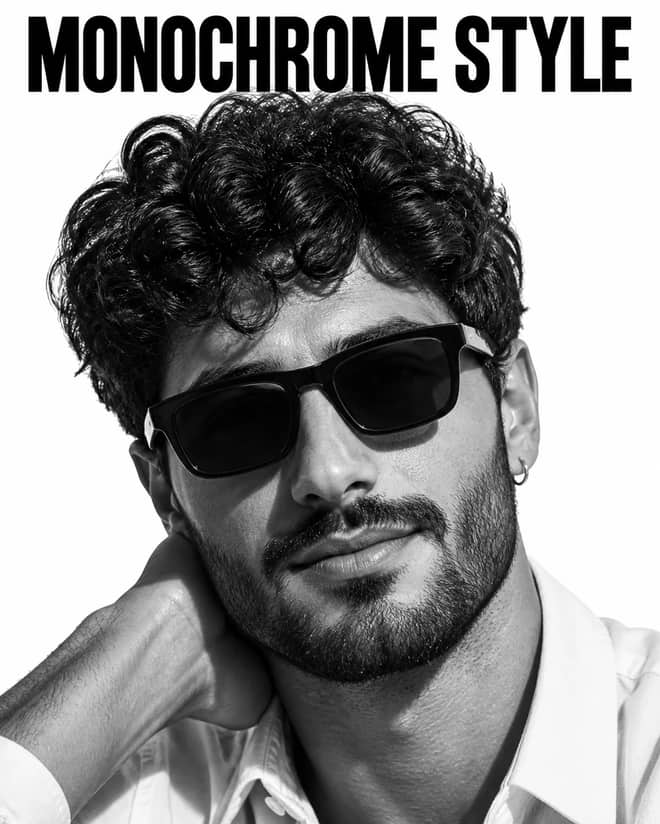
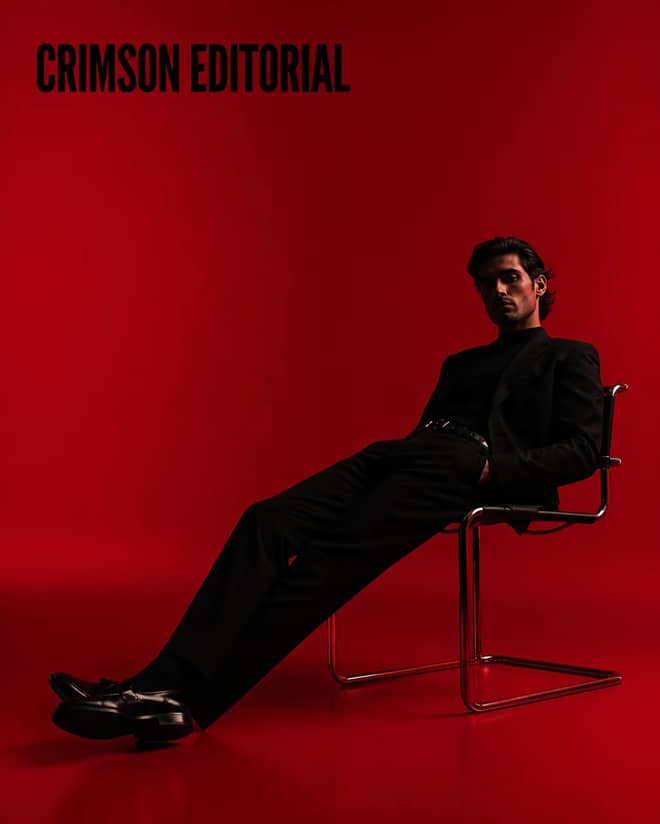
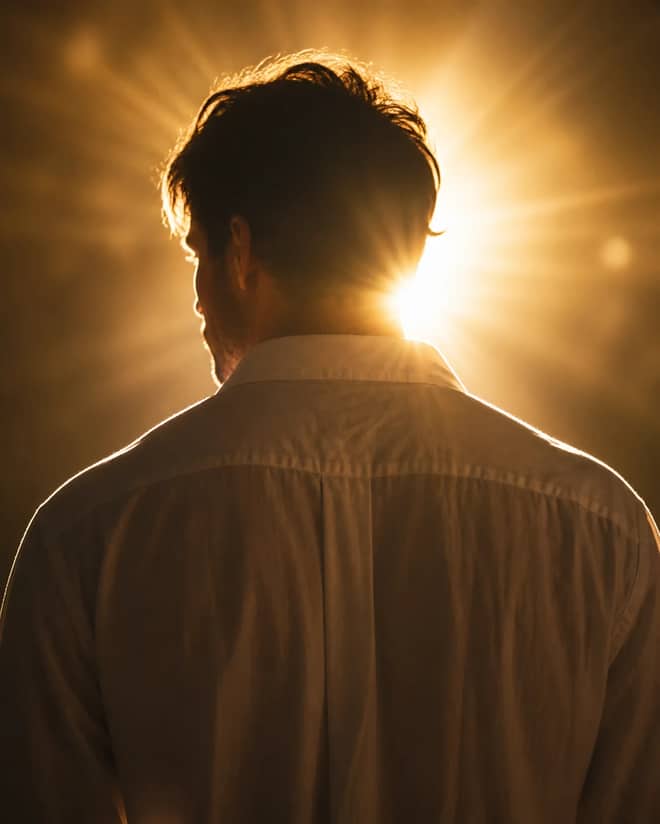
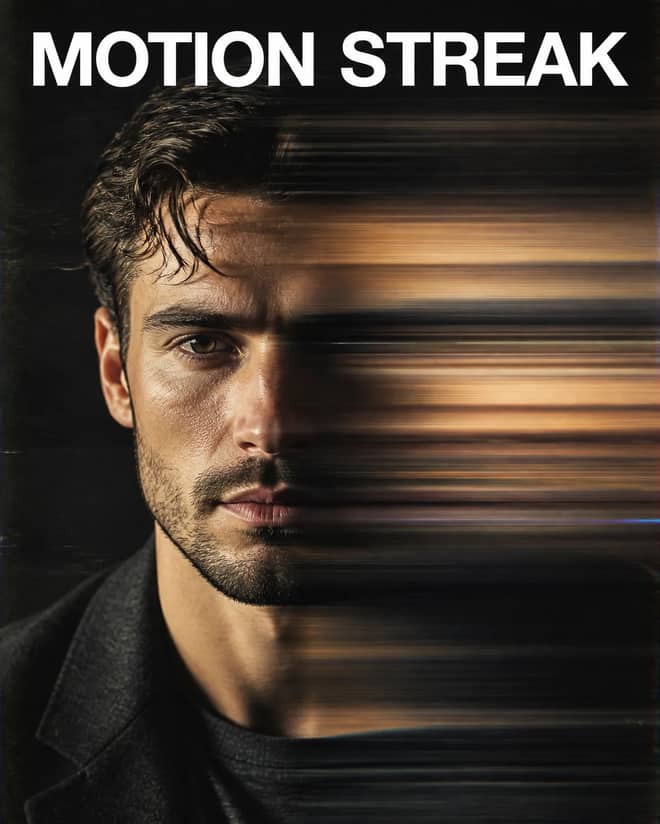
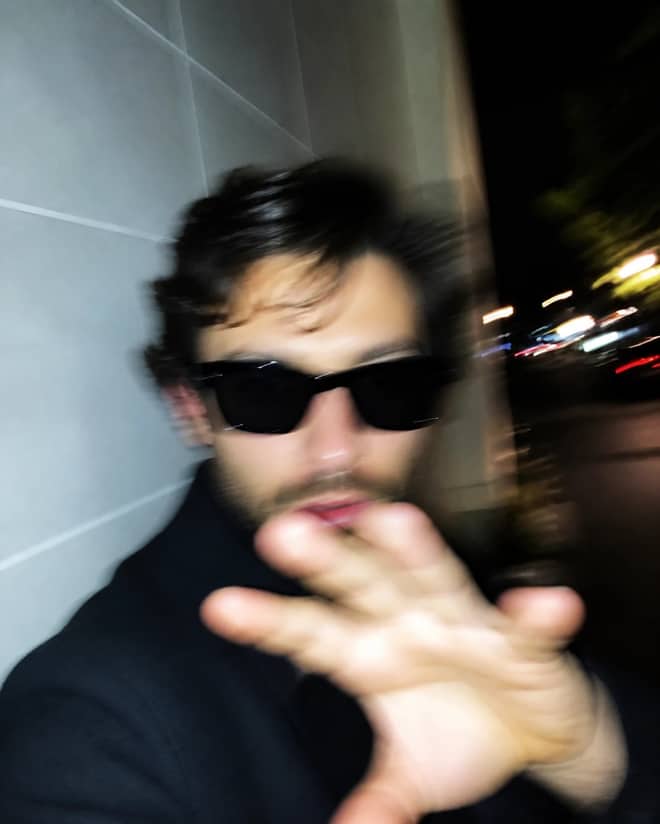
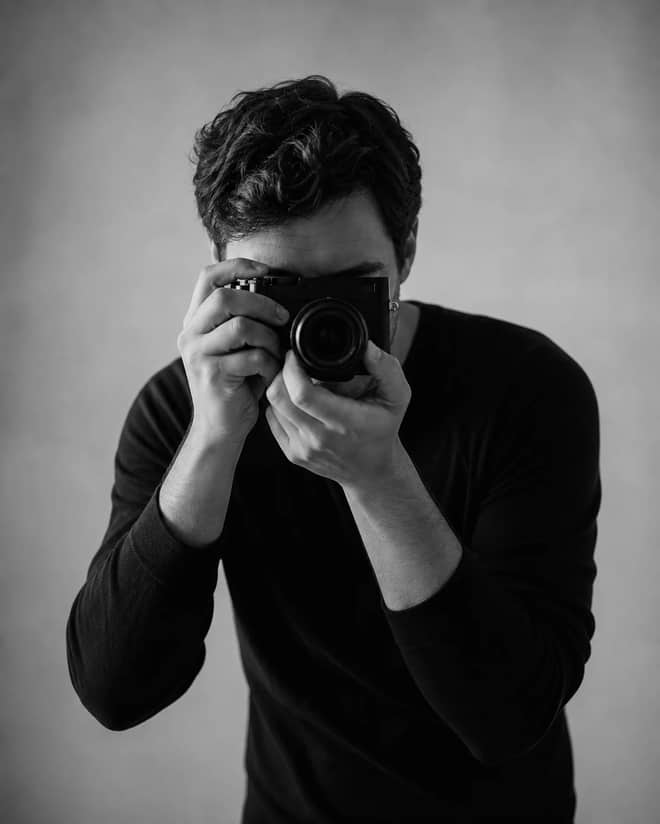
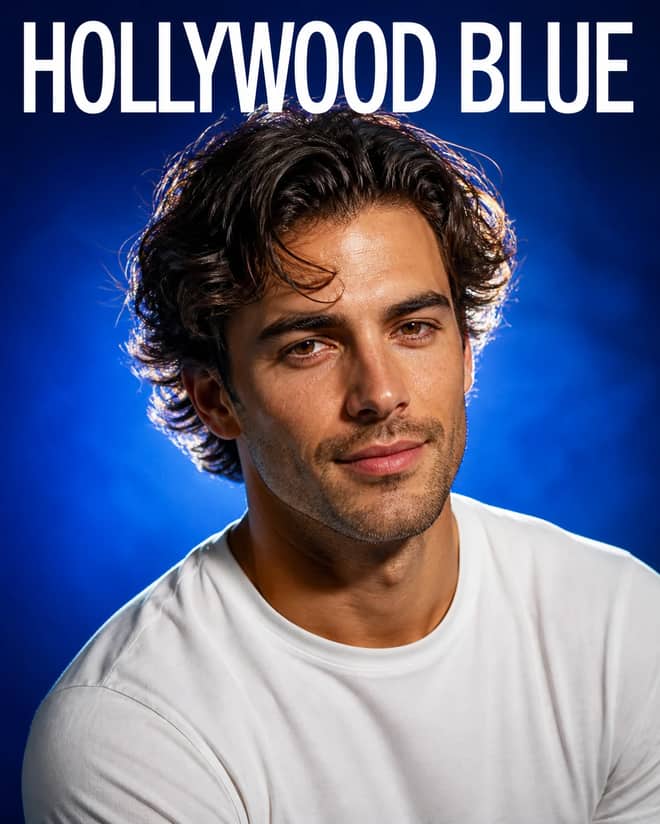
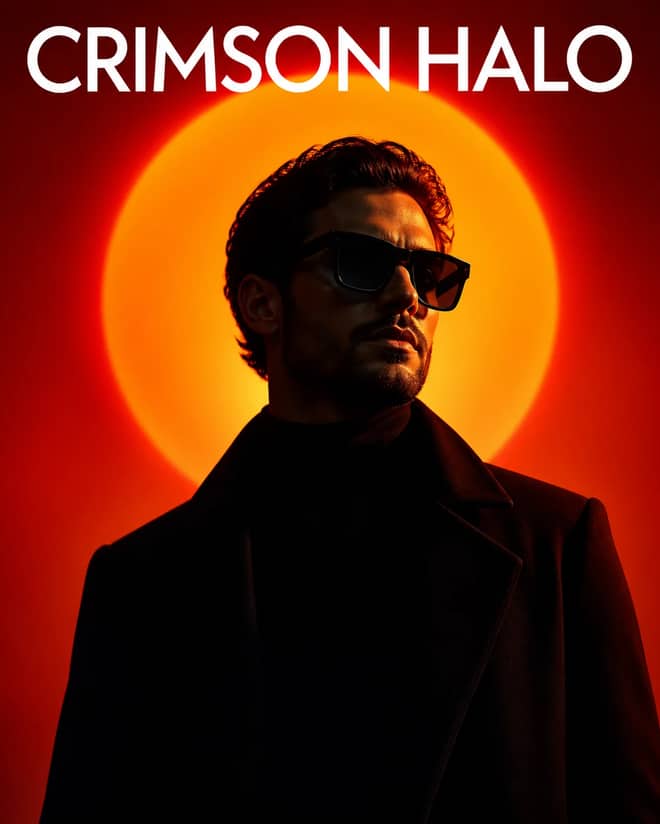
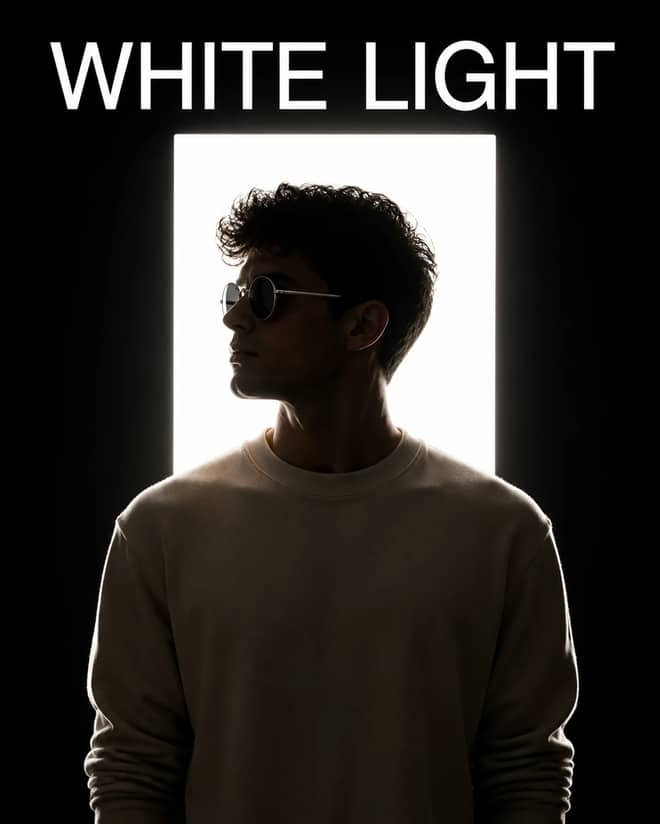
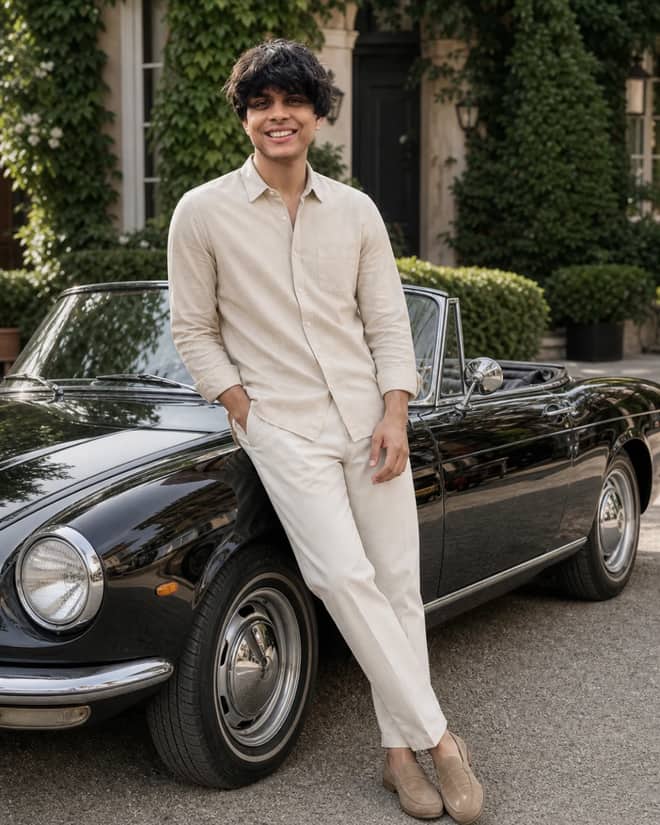
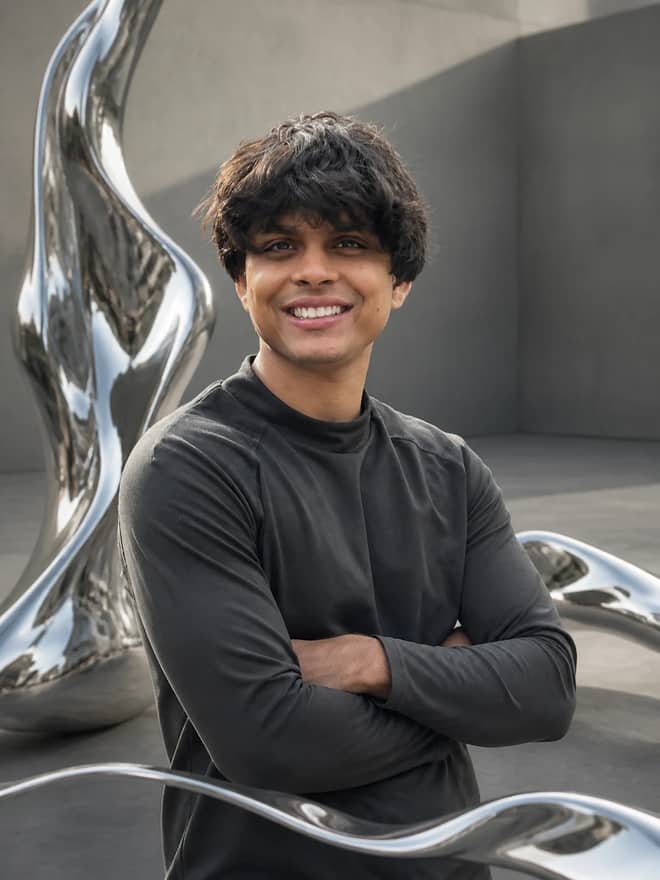
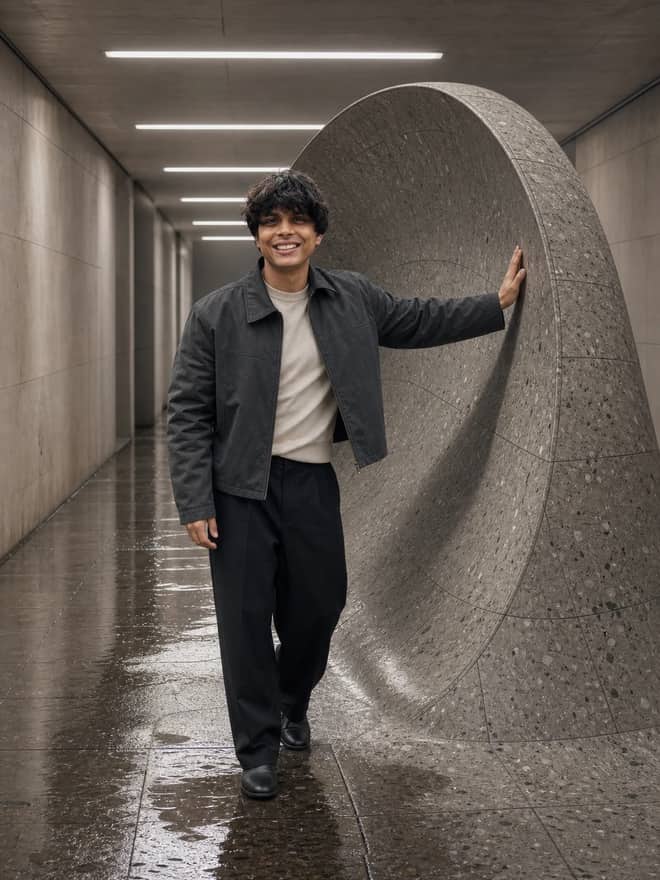
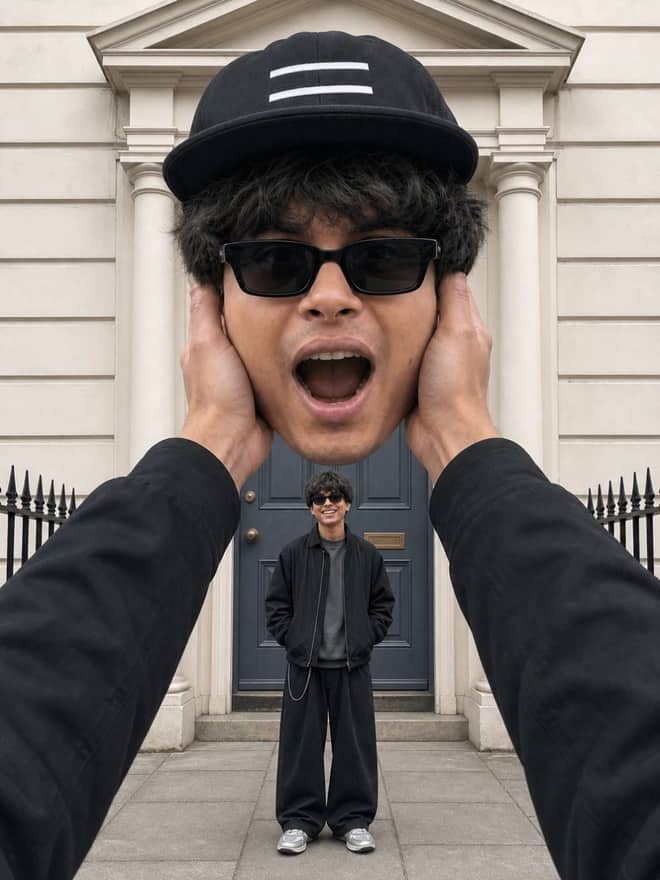
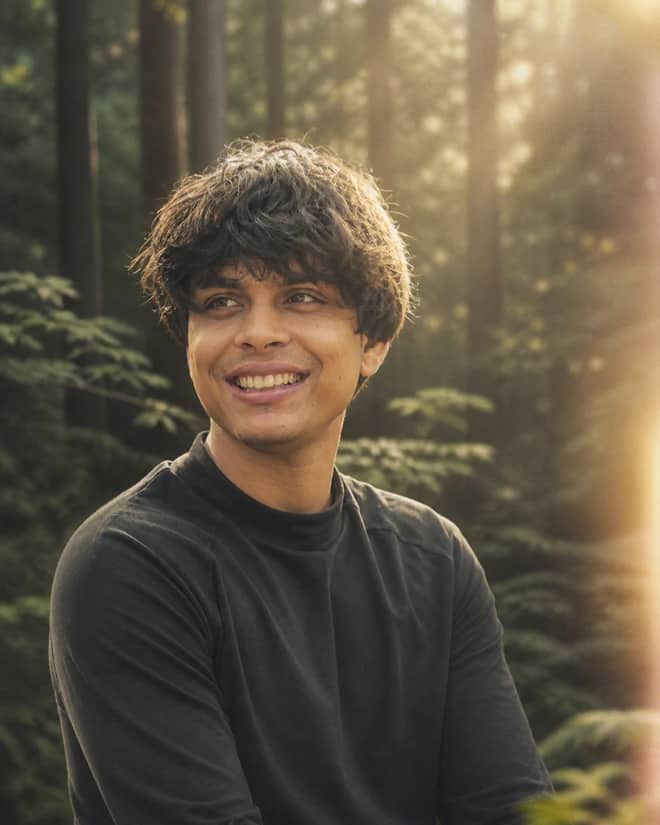
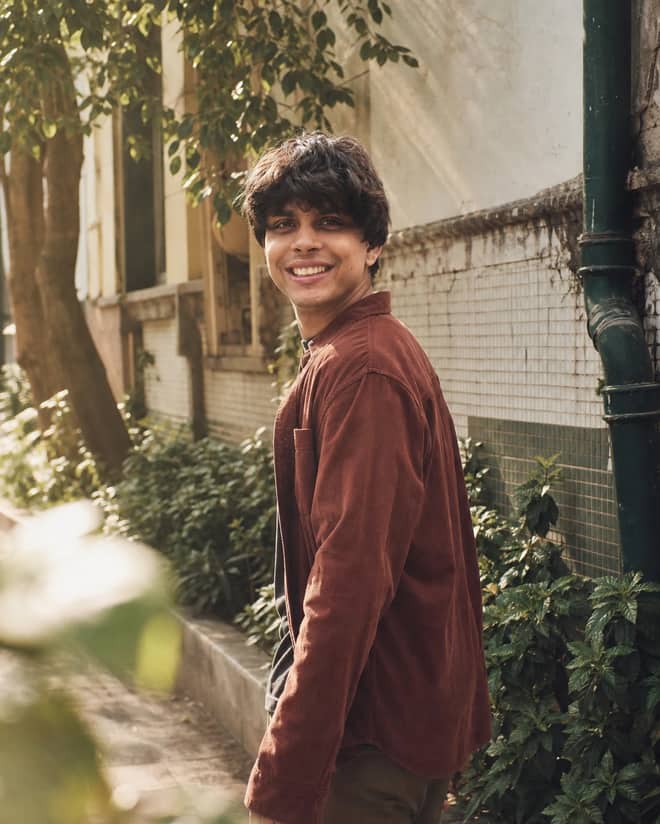
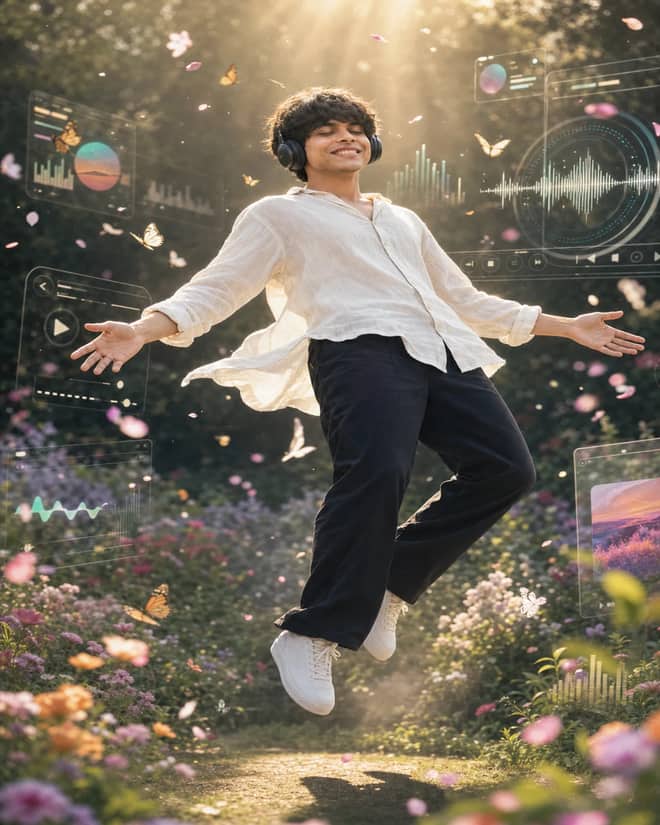
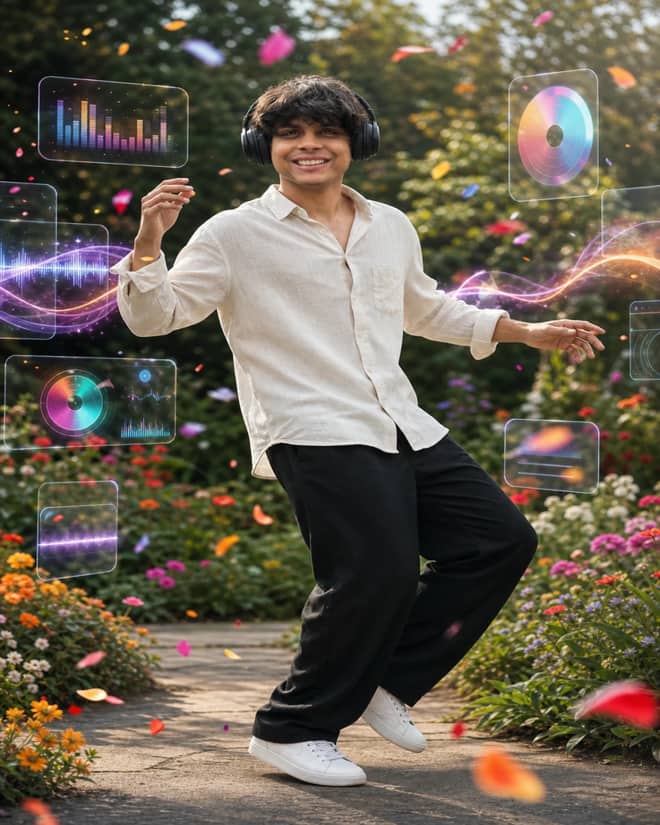
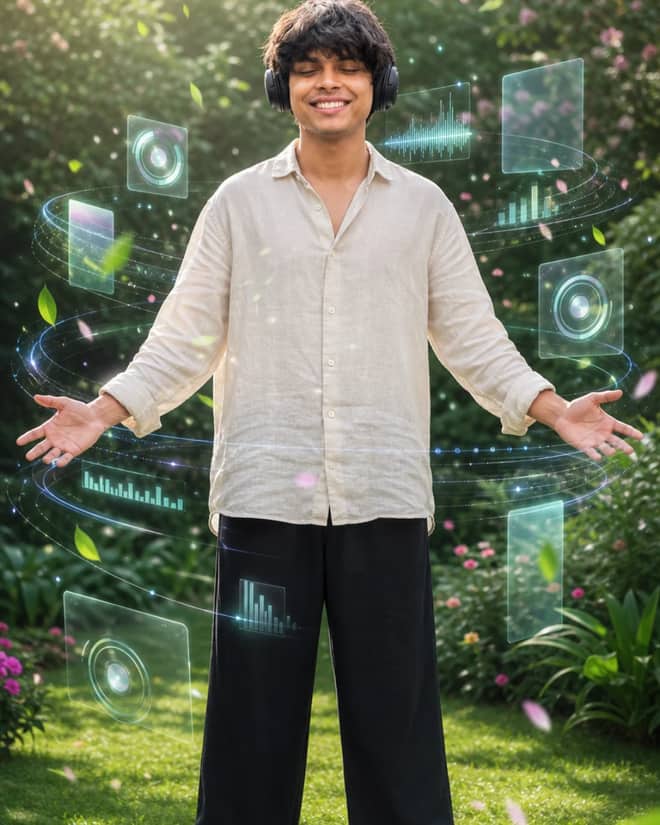
A good prompt for Gemini AI girl photos is what stands between a flat, waxy face and a portrait that looks like it was shot on purpose. The model doing the work is Google's Gemini 2.5 Flash Image, the same one most prompt packs nickname Nano Banana. It handles female faces well once you stop being vague with it. The grid above hands you wording you can copy in one tap. Below is how those prompts actually work, the looks people are sharing this season, and how to rescue an edit when it comes out wrong.
Why a prompt for Gemini AI girl photos needs its own rules
Female portrait edits fail in a specific way. The model wants to smooth skin into porcelain, slim the jaw, widen the eyes, and basically hand you a generic influencer who is not the person you uploaded. A prompt written for landscapes or product shots will not stop any of that. So a girl portrait prompt has to do two jobs at once. It has to describe the look you want, and it has to protect the features you already have.
That second part is the bit beginners skip. They paste 'beautiful girl, cinematic, 4k' and wonder why the result is a stranger. The fix is boring but it works: name the woman in plain words, then tell Gemini what not to touch. Age range, hair length and color, skin tone, expression. The more grounded your description, the less the model invents.
Gemini AI girl looks people are running right now
Trends move fast in this corner of the internet, and a lot of them come out of Indian creator circles where Gemini edits blew up first. These are the ones I keep seeing on reels and profile pictures lately:
- Saree and lehenga edits with warm cinematic light and a soft blurred background.
- Old-money beige studio portraits, the clean kind people use for LinkedIn and profile photos.
- 90s Bollywood retro film, grainy and slightly faded, often with a scarf or wind in the hair.
- Rainy window mood, cool blue tones, a little reflection on the glass.
- Golden hour outdoors with the sun behind her and hair lit at the edges.
- Black and white editorial, high contrast, magazine framing.
- The 3D figurine and sticker styles, where she becomes a tiny collectible on a desk.
You do not have to chase every one. Pick two or three that suit your photos and rotate them, because a feed where every shot is the same trending filter reads as lazy fast.
Traditional and festive looks
These are the most forgiving because the outfit and lighting carry the image. Ask for a specific fabric and a specific time of day. 'Deep red Banarasi saree, soft golden afternoon light from a window, gentle background blur' gives the model far more to grip than 'traditional indian girl'.
Clean studio and profile pictures
For something you would actually put on a CV or a dating app, keep it plain. Even softbox light, a neutral grey or beige wall, no props, natural makeup. The temptation is to over-style these. Resist it. A calm background makes the face the subject, which is the whole point of a profile shot.
Advertisement
Build your Gemini AI girl prompt piece by piece
Every reliable girl portrait prompt has the same skeleton underneath. Fill in each slot and you will rarely get a junk result:
- Subject: who she is in plain words, like 'a woman in her early twenties, long straight black hair, warm medium skin tone'.
- Outfit: one clear garment, like 'cream ribbed sweater' or 'pastel blue cotton kurta'.
- Setting: where she is, like 'leaning against a cafe window' or 'standing in a sunflower field'.
- Light and camera: the feel, like 'soft side light, shot on 50mm, shallow depth of field, faint film grain'.
- Protection line: what to keep, like 'preserve the exact face, skin tone, and hair from the uploaded photo, change only the scene'.
Upload your photo first, then paste the prompt. Gemini is at its best when it has a real face to anchor to and a scene to rebuild around it. Generating from text alone is fine too, but the face-keeping trick is why this model got popular for personal edits in the first place.
Match your Gemini AI girl prompt to the look you want
Different vibes need different vocabulary, and a few words make or break each one. This is the cheat sheet I reach for:
| Look you want | Words that get you there | One thing to leave out |
|---|
| Soft and natural | soft window light, candid half-smile, minimal makeup | any word about flawless or perfect skin |
| Festive saree | rich fabric color, warm cinematic glow, bokeh background | busy patterns behind her |
| Glam studio | softbox lighting, defined eyes, clean neutral wall | too many props and accessories |
| Golden hour | backlit sun, warm tones, rim light on the hair | harsh midday top shadows |
| Retro film | 90s film grain, faded warm color, slight haze | sharp modern HDR clarity |
| Black and white | high contrast monochrome, strong jaw light, editorial pose | flat even lighting |
Keep your Gemini AI girl looking like her, not a stranger
This is the line that separates an edit you would post from one you delete. If you uploaded a real photo and the woman looking back is prettier in a way that is not her, the prompt is overriding her features. Add something direct, like 'keep the same facial features, eye shape, nose, and skin tone as the uploaded image; only restyle the lighting, outfit, and background'. Small instruction, big difference. I also drop in 'natural skin texture, visible pores, no plastic smoothing' on almost every run, because the model leans glassy by default.
Tip: paste the prompt exactly the first time and judge that result before changing anything. Then adjust one slot at a time. If you rewrite five things at once, you will never know which word fixed it or which one broke it.
When your Gemini AI girl prompt comes out wrong
The same handful of problems show up over and over, and each has a quick fix:
- Waxy or plastic skin: add 'natural skin texture, visible pores, no airbrushing' and remove any mention of perfection.
- Wrong age, looks too young or too old: state it plainly, like 'woman in her late twenties'.
- Strange hands or extra fingers: crop to head and shoulders, or write 'hands relaxed and out of frame'.
- Face changed too much: strengthen the protection line and lower how dramatic the new scene is.
- Flat, dead lighting: name a direction, like 'main light coming from the left, soft shadow on the right'.
- Background fighting for attention: ask for 'soft blurred background, subject in sharp focus'.
Run the same prompt three or four times before you give up on it. Gemini is a little random, and the second or third generation is often the keeper. Pick the best, then refine from there.
Does a Gemini AI girl prompt work outside Gemini
The descriptive part of any girl portrait prompt, the subject, outfit, setting, and camera feel, carries over fine to ChatGPT's image tool, DALL-E, and Midjourney. What does not always carry over is the upload-and-keep-the-face trick, since not every tool takes a reference photo the same way. If you are moving a prompt to Midjourney, trim the protection line and lean harder on the visual description instead. Inside Gemini, keep the protection line in, because that is the feature people actually came for.
Start with a prompt from the grid, swap in your own hair, outfit, and light, and add the keep-the-face line. Once a particular wording nails her features, save it in your notes with the exact phrasing. You will reuse that one far more than you expect, and having it ready beats rebuilding it from scratch every time the next trend rolls around.