Nano Banana to Copy, Paste, and Post

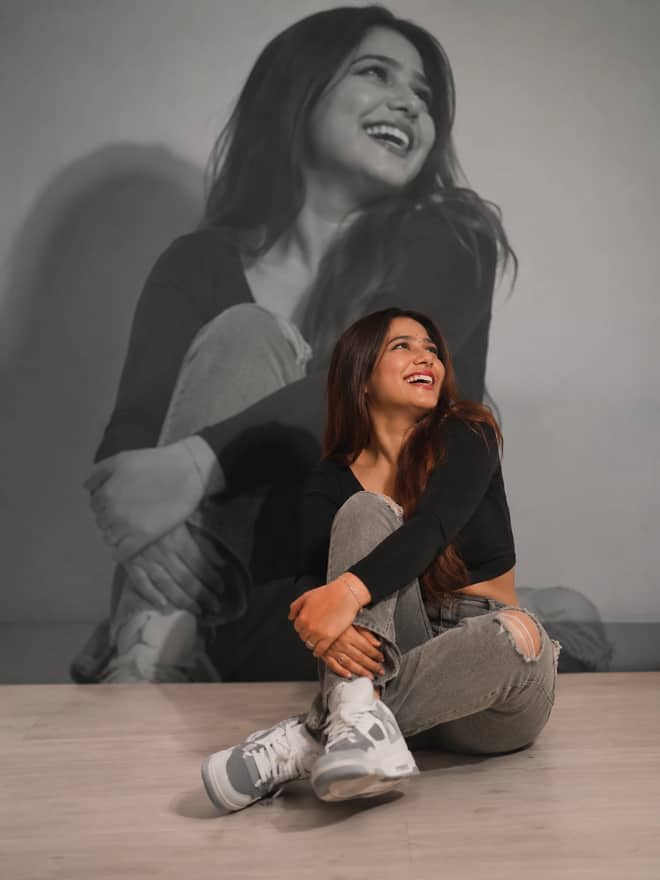
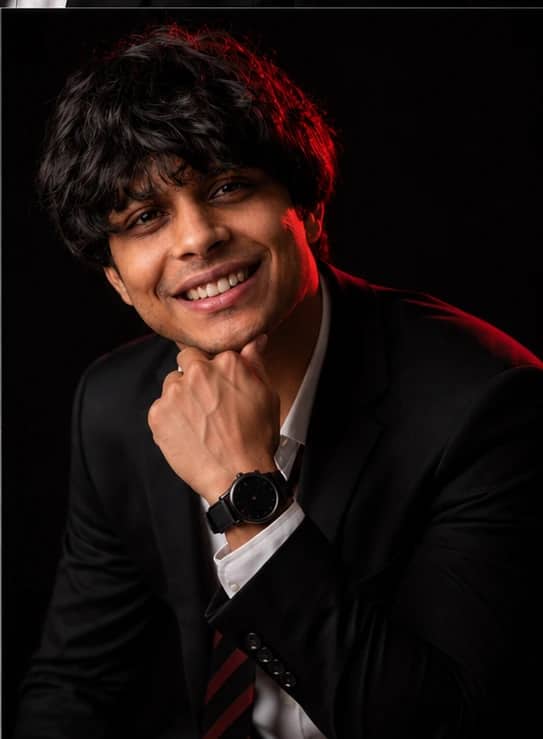
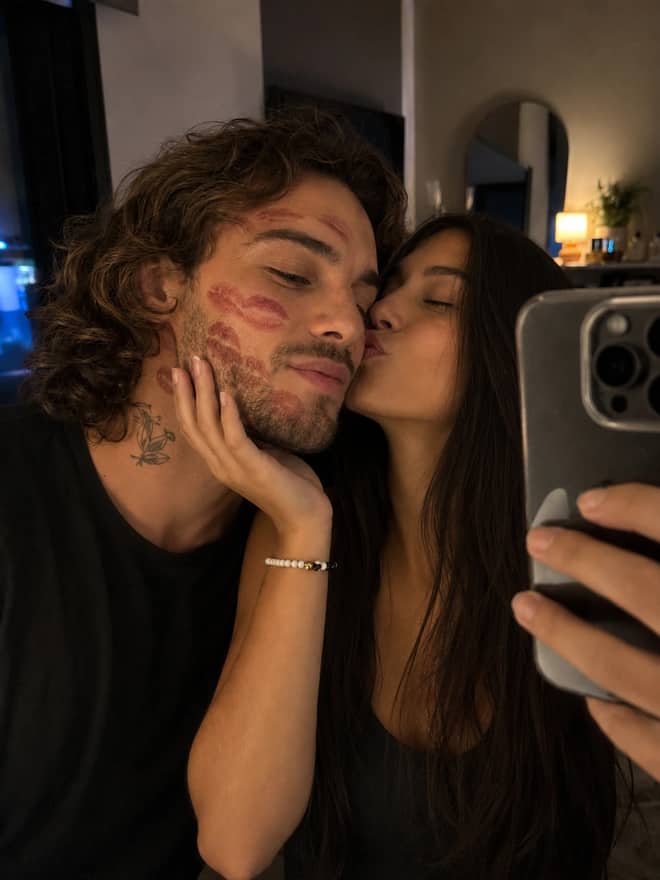
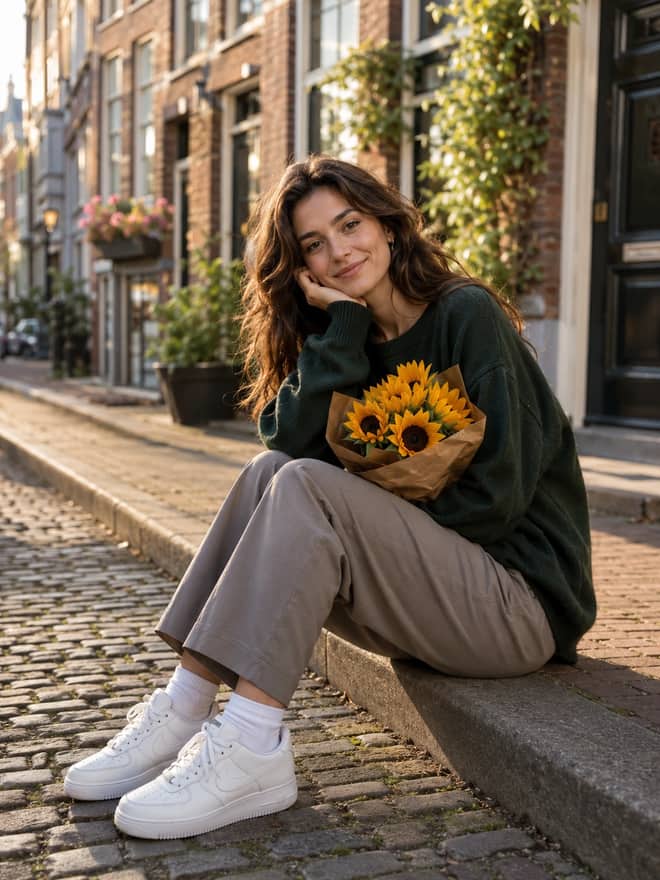
Free nano banana prompts you can copy in one tap. Paste, add your own photo, and create something worth sharing.

36 prompts

Pixar Chibi Scrapbook Collage – AI Photo Prompt

Pixar Chibi Scrapbook Collage – AI Photo Prompt

Turn a photo into a Pixar chibi scrapbook collage — 3D chibi versions in different poses with doodles and sticker outlines. Works in Gemini & ChatGPT.

4
Hand-Drawn Doodle Photo Overlay – AI Prompt

Hand-Drawn Doodle Photo Overlay – AI Prompt

A hand-drawn doodle overlay prompt — add playful doodles, motion lines and captions that react to the subject in any photo. Works in Gemini & ChatGPT.

7
Cinematic World Cup Football Poster – AI Prompt

Cinematic World Cup Football Poster – AI Prompt

A cinematic World Cup football poster prompt — two players back-to-back, neon flag accents, smoky stadium haze and campaign typography. For Gemini & ChatGPT.

6
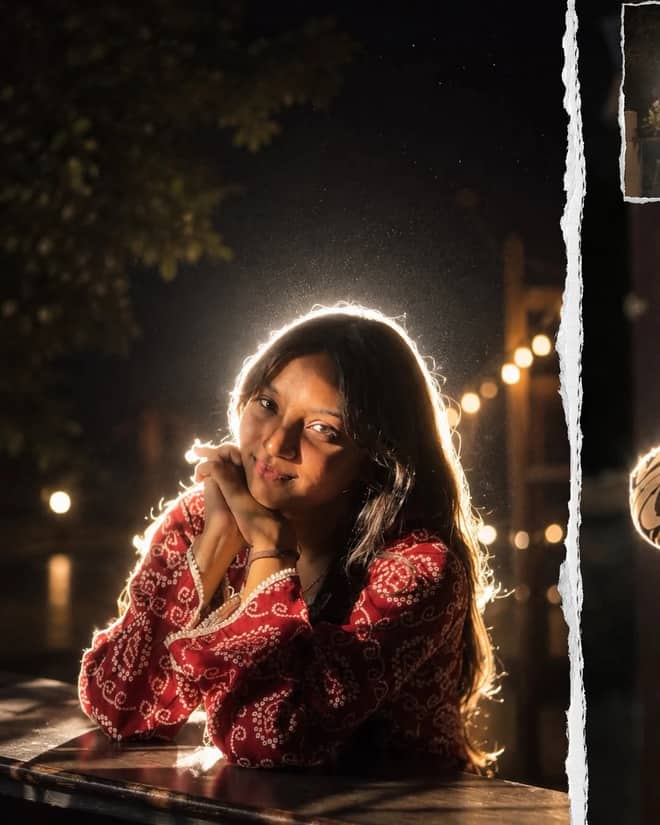
Back-Flash Cinematic Night Portrait

Back-Flash Cinematic Night Portrait

iPhone-flash aesthetic at night — a glowing rim-light halo around the subject, lens flare, soft haze, and that grainy candid mood that goes viral on Instagram reels.

6
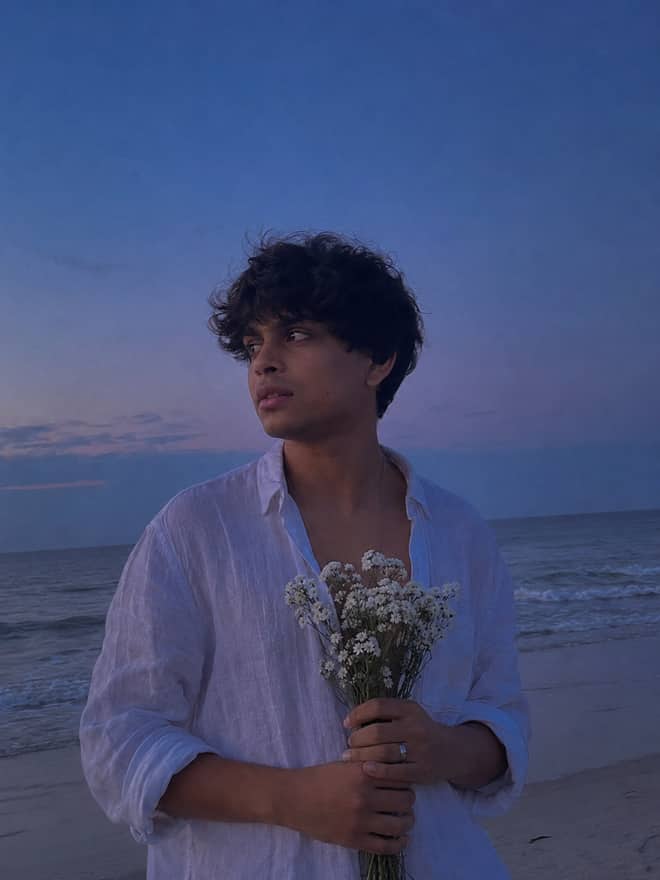
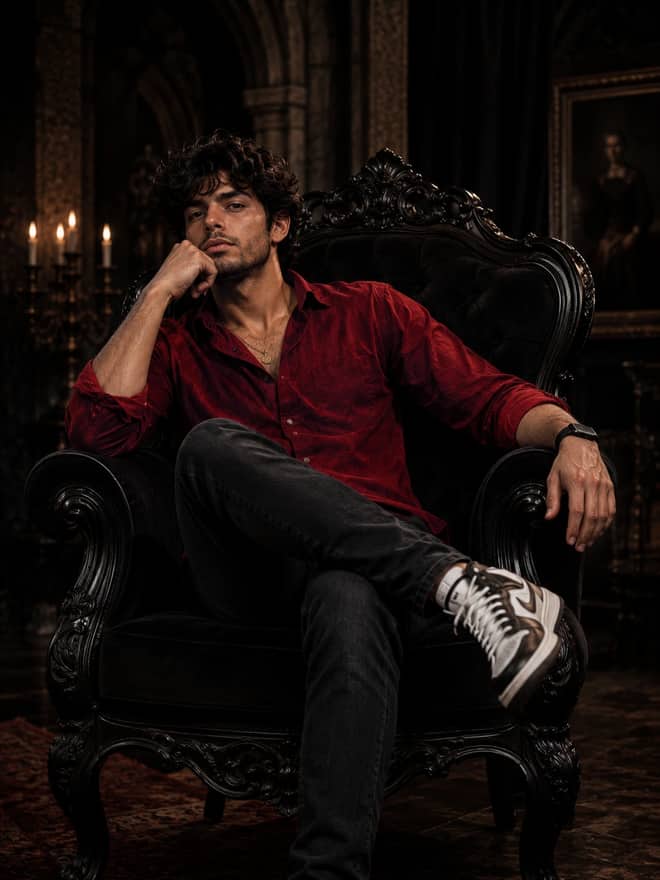
Prompt of the Day Blue Hour Beach Portrait AI Prompt for Gemini

Blue Hour Beach Portrait AI Prompt for Gemini

A blue hour portrait prompt. Turn your photo into a man in a white linen shirt holding white flowers on a beach at dusk, moody and emotional. Edit in Gemini.

13
Mirror Portrait AI Photo Prompt for Gemini

Mirror Portrait AI Photo Prompt for Gemini

Mirror portrait prompt — save this free AI photo prompt on Free Prompt Base and edit it in Gemini & ChatGPT. Paste your photo and create fast.

2
Turquoise Fashion Portrait AI Prompt for Gemini

Turquoise Fashion Portrait AI Prompt for Gemini

Turquoise fashion portrait prompt — copy this free AI photo prompt on Free Prompt Base and edit it in Gemini & ChatGPT. Paste your photo and create in seconds.

1
Lego Viral Prompt

Lego Viral Prompt

Generate viral LEGO-style AI content with powerful LEGO prompts. Create realistic LEGO characters, cinematic scenes, mini-figures, and trending social media visuals.

3
Chiaroscuro Portrait AI Photo Prompt for Gemini

Chiaroscuro Portrait AI Photo Prompt for Gemini

Chiaroscuro portrait prompt — grab this free AI photo prompt on Free Prompt Base and recreate the look in Gemini or ChatGPT. Copy, paste, done.

Floral Shirt Portrait AI Photo Prompt for Gemini

Floral Shirt Portrait AI Photo Prompt for Gemini

Floral shirt portrait prompt — try this free AI photo prompt on Free Prompt Base and create it in Gemini or ChatGPT. Just copy, paste your photo and go.

1
Man With Flowers Portrait AI Prompt for Gemini

Man With Flowers Portrait AI Prompt for Gemini

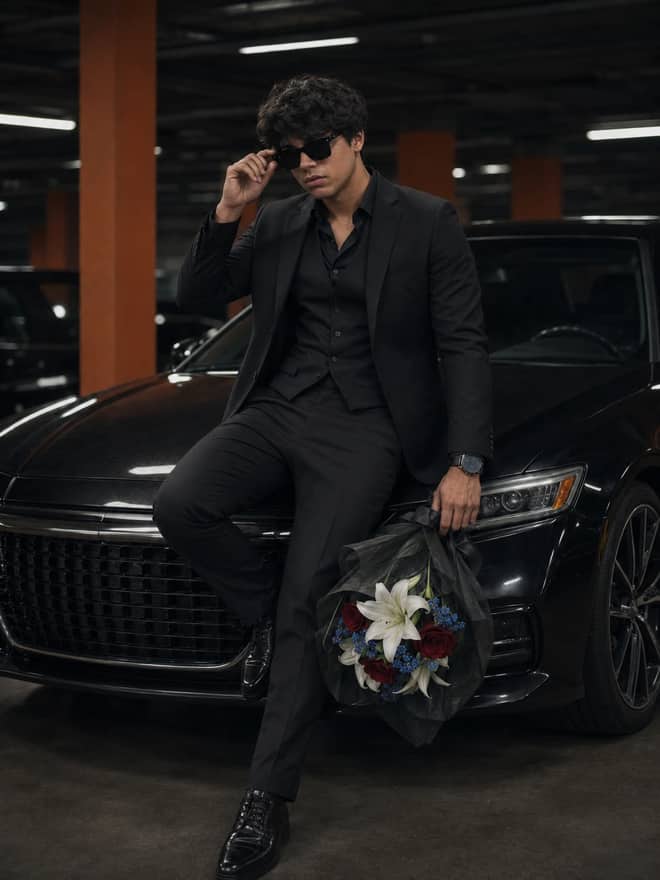
A man with flowers portrait prompt. Turn your photo into a melancholic black and white shot of a man in a coat holding white flowers in the rain. Edit in Gemini.

2
Bike Lifestyle Portrait AI Photo Prompt for Gemini

Bike Lifestyle Portrait AI Photo Prompt for Gemini

A bike lifestyle portrait prompt. Turn your photo into a stylish man leaning against a matte black classic bike in warm daylight. Edit in Gemini & ChatGPT.

3
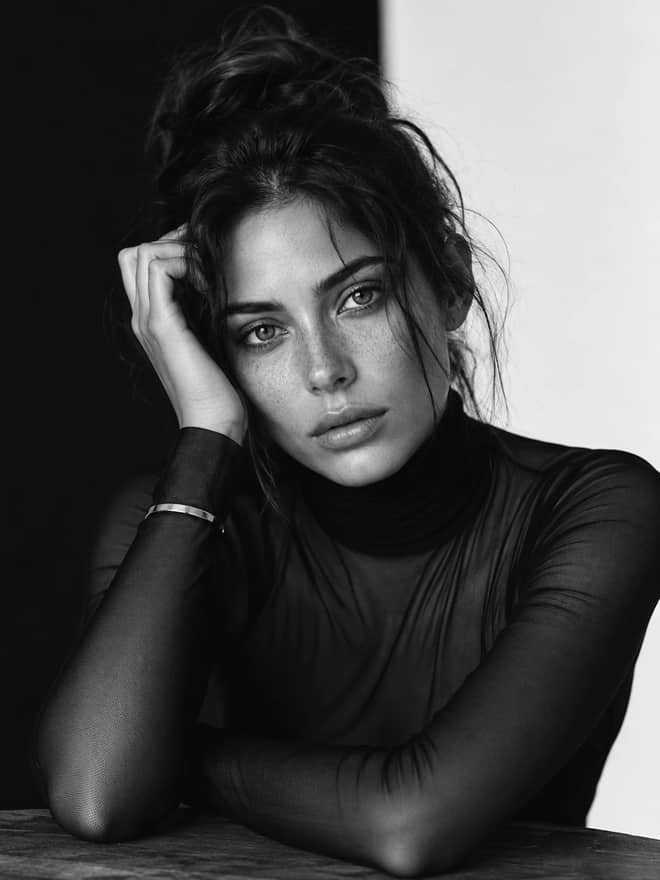
Monochrome Male Portrait AI Photo Prompt for Gemini

Monochrome Male Portrait AI Photo Prompt for Gemini

A monochrome male portrait prompt. Turn your photo into a dramatic black and white shot of a man in a black mock neck sweater. Edit in Gemini & ChatGPT.

1
Winter Horse Portrait AI Photo Prompt for Gemini

Winter Horse Portrait AI Photo Prompt for Gemini

A winter horse portrait prompt. Turn your photo into a man in all-black standing with a black horse in a snowy forest, cinematic. Edit in Gemini & ChatGPT.

1
Film Noir Portrait AI Photo Prompt for Gemini

Film Noir Portrait AI Photo Prompt for Gemini

A film noir portrait prompt. Turn your photo into a black and white shot of a man on a bokeh-lit city street at night. Edit in Gemini & ChatGPT.

2
Light Beam Portrait AI Photo Prompt for Gemini

Light Beam Portrait AI Photo Prompt for Gemini

A light beam portrait prompt. Turn your photo into a dramatic close-up with a diagonal light beam across the face and deep shadows. Edit in Gemini.

2
Gothic Hall Portrait AI Photo Prompt for Gemini

Gothic Hall Portrait AI Photo Prompt for Gemini

A gothic hall portrait prompt. Turn your photo into a woman in a black coat glancing back in a sunlit gothic hall, cinematic. Edit in Gemini & ChatGPT.

Urban Motion Portrait AI Photo Prompt for Gemini

Urban Motion Portrait AI Photo Prompt for Gemini

An urban motion portrait prompt. Turn your photo into a woman in a black coat walking through a busy, motion-blurred city street. Edit in Gemini.

1
Selective Color Portrait AI Prompt for Gemini

Selective Color Portrait AI Prompt for Gemini

A selective color portrait prompt. Turn your photo into a black and white male portrait with a glowing amber eye and wet skin droplets. Edit in Gemini.

1
Color Gel Portrait AI Photo Prompt for Gemini

Color Gel Portrait AI Photo Prompt for Gemini

A color gel portrait prompt. Turn your photo into a cinematic close-up lit with warm golden and cool green tones on a black backdrop. Edit in Gemini.

5
Black & White Horse Portrait AI Prompt for Gemini

Black & White Horse Portrait AI Prompt for Gemini

A black and white horse portrait prompt. Turn your photo into a moody monochrome shot of a stylish man sitting with a horse. Edit in Gemini & ChatGPT.

6
Vintage Gentleman Portrait AI Prompt for Gemini

Vintage Gentleman Portrait AI Prompt for Gemini

A vintage gentleman portrait prompt. Turn your photo into a man in a plaid three-piece suit with a walking stick on a cobblestone street. Edit in Gemini.

5
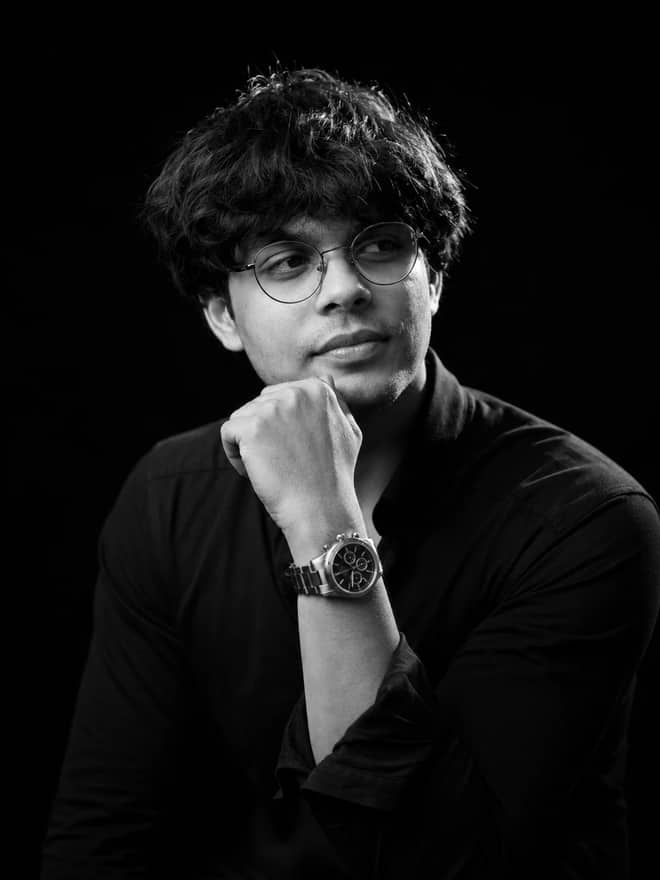
Black & White Headshot AI Photo Prompt for Gemini

Black & White Headshot AI Photo Prompt for Gemini

A black and white headshot prompt. Turn your photo into a clean professional portrait of a man in a black tee and glasses on a black backdrop. Edit in Gemini.

6
Autumn Fashion Portrait AI Photo Prompt for Gemini

Autumn Fashion Portrait AI Photo Prompt for Gemini

An autumn fashion portrait prompt. Turn your photo into a stylish man by a vintage street lamp in an autumn park with falling leaves. Edit in Gemini.

5
Father and Son Portrait AI Prompt for Gemini

Father and Son Portrait AI Prompt for Gemini

A father and son portrait prompt. Turn your photo into a stylish man and baby in matching formal outfits and sunglasses in a studio. Edit in Gemini & ChatGPT.

8
Green Field Portrait AI Photo Prompt for Gemini

Green Field Portrait AI Photo Prompt for Gemini

A green field portrait prompt. Turn your photo into a moody portrait in a white linen shirt standing in tall green grass. Edit in Gemini & ChatGPT.

7
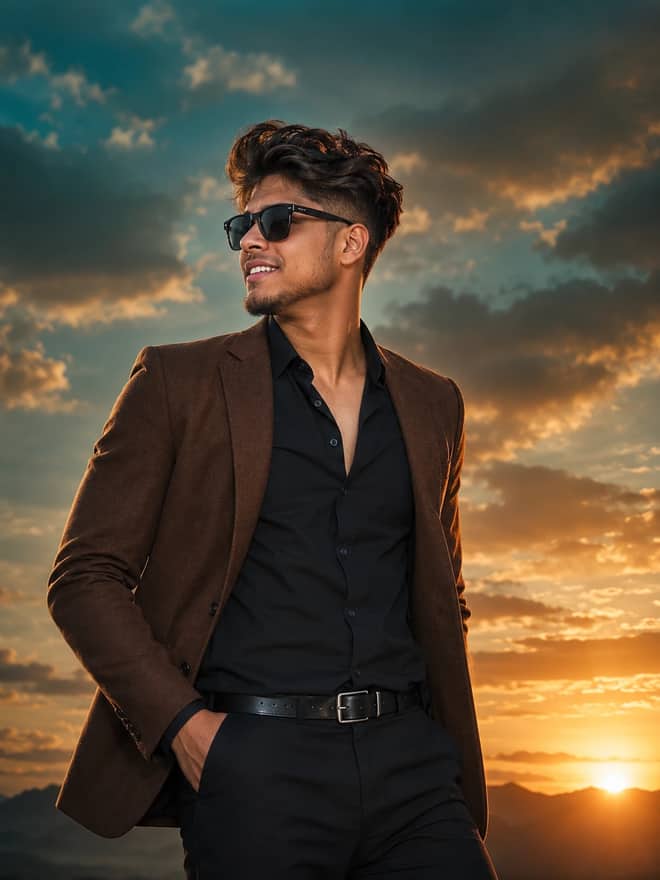
Movie Poster Portrait AI Photo Prompt for Gemini

Movie Poster Portrait AI Photo Prompt for Gemini

A movie poster portrait prompt. Turn your photo into a heroic male lead in a brown blazer and sunglasses against a dramatic sunset sky. Edit in Gemini.

6
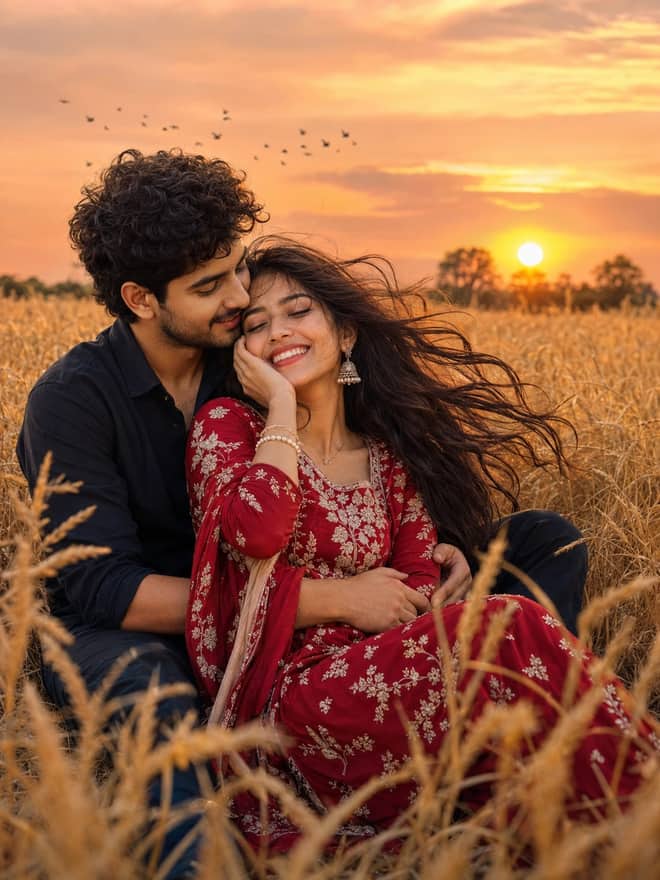
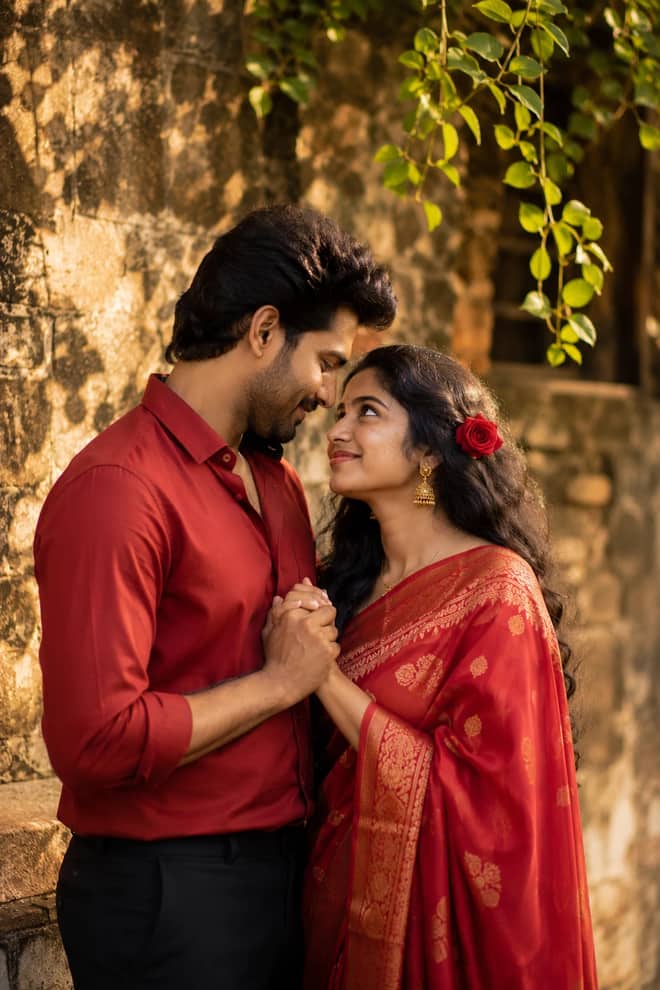
Indian Couple Portrait AI Photo Prompt for Gemini

Indian Couple Portrait AI Photo Prompt for Gemini

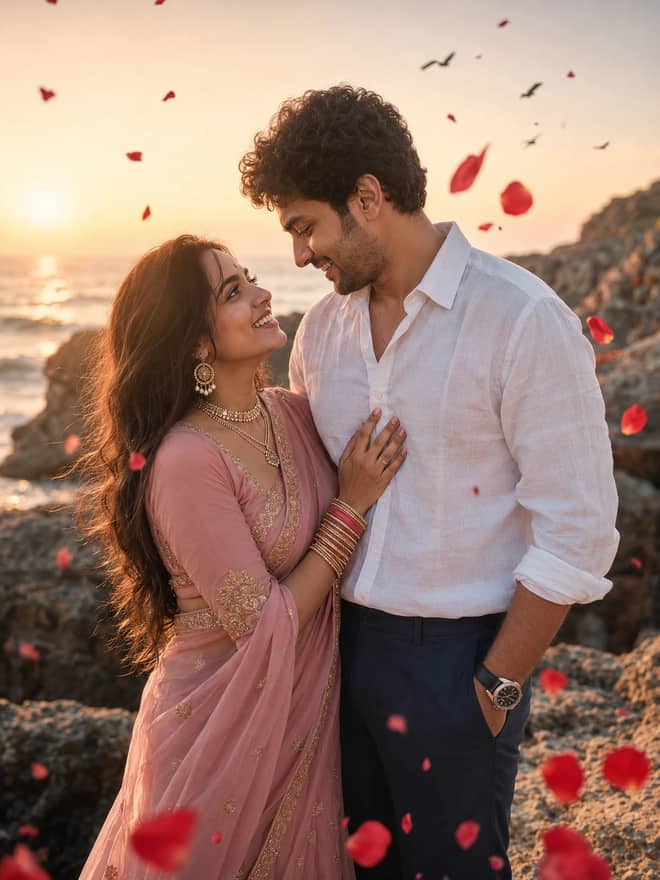
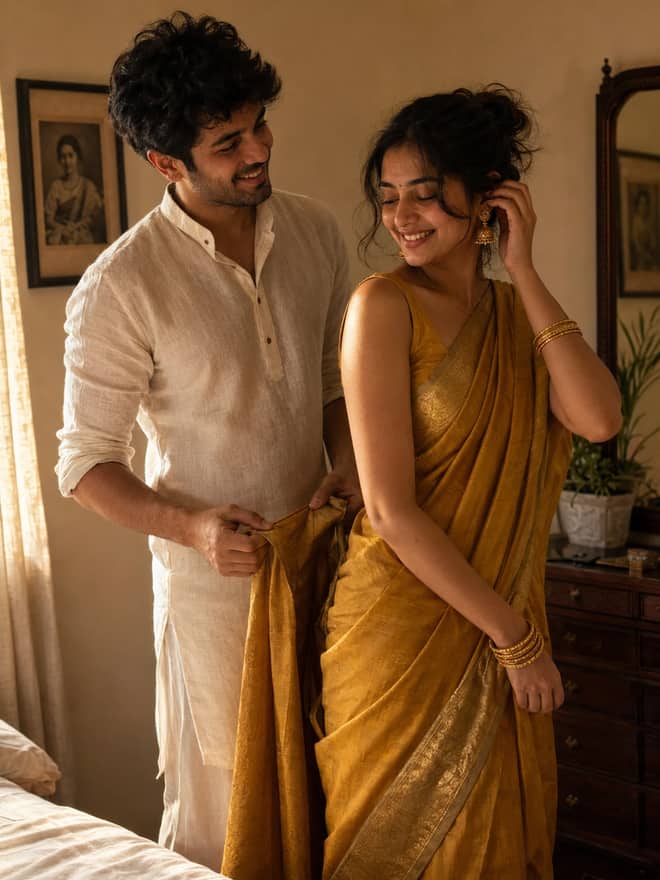
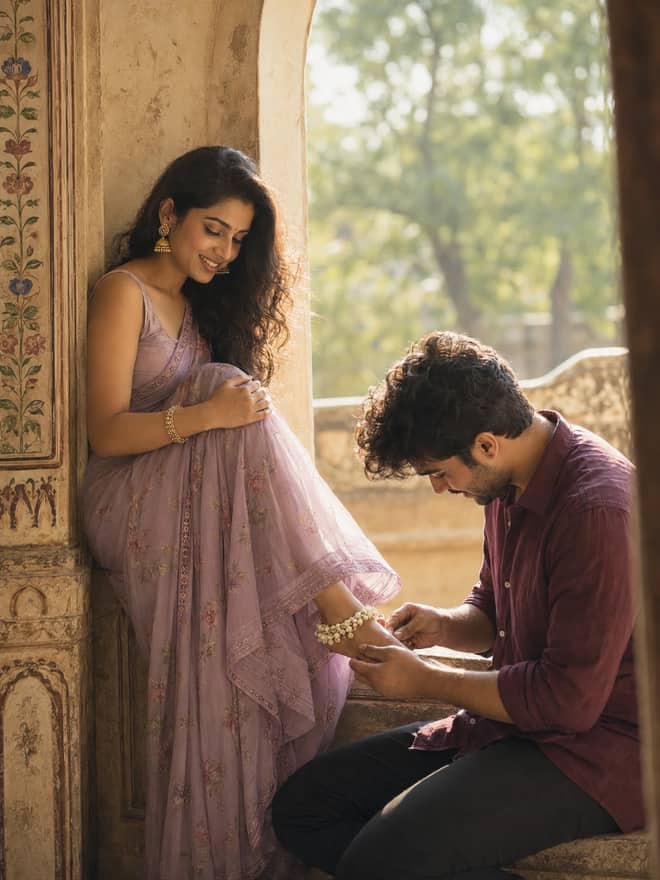
An Indian couple portrait prompt. Turn your photo into a romantic outdoor portrait of a couple in a red saree and red shirt. Edit in Gemini & ChatGPT.

5
Footballer Portrait AI Photo Prompt for Gemini

Footballer Portrait AI Photo Prompt for Gemini

A footballer portrait prompt. Turn your photo into a soccer player in a white kit standing with a ball under bright stadium lights. Edit in Gemini.

4
European City Portrait AI Photo Prompt for Gemini

European City Portrait AI Photo Prompt for Gemini

A European city portrait prompt. Turn your photo into a black and white shot of a man in a wool overcoat among pigeons in a city square. Edit in Gemini.

12
Valentine's Day Couple AI Photo Prompt for Gemini

Valentine's Day Couple AI Photo Prompt for Gemini

A Valentine's Day couple prompt. Turn your photo into a romantic couple inside a golden glowing circle with neon text and floating hearts. Edit in Gemini.

8
Photographer Portrait AI Photo Prompt for Gemini

Photographer Portrait AI Photo Prompt for Gemini

A photographer portrait prompt. Turn your photo into a stylish young man holding a camera in a cinematic urban setting. Edit in Gemini & ChatGPT.

4
Black & White Suit Portrait AI Prompt for Gemini

Black & White Suit Portrait AI Prompt for Gemini

A black and white suit portrait prompt. Turn your photo into a dramatic high-contrast studio shot of a bearded man in a tailored suit. Edit in Gemini.

8
Aesthetic Portrait Prompt: Young Man in a Flower Meadow

Aesthetic Portrait Prompt: Young Man in a Flower Meadow

A dreamy aesthetic portrait prompt — a young man sitting in a flower meadow in soft afternoon light. Copy it for Gemini, ChatGPT or Midjourney.

4
Fisheye Floating Photo – Surreal Levitation AI Prompt

Fisheye Floating Photo – Surreal Levitation AI Prompt

A fisheye floating photo prompt — a person levitating above a field of flowers, shot worm's-eye through a floral tunnel. Works in Midjourney & Gemini.

6
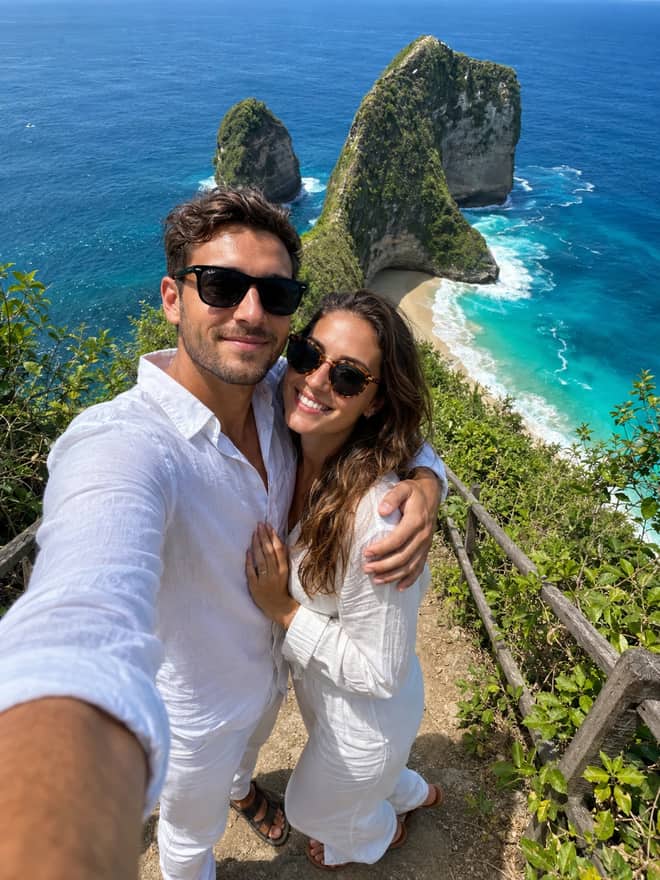
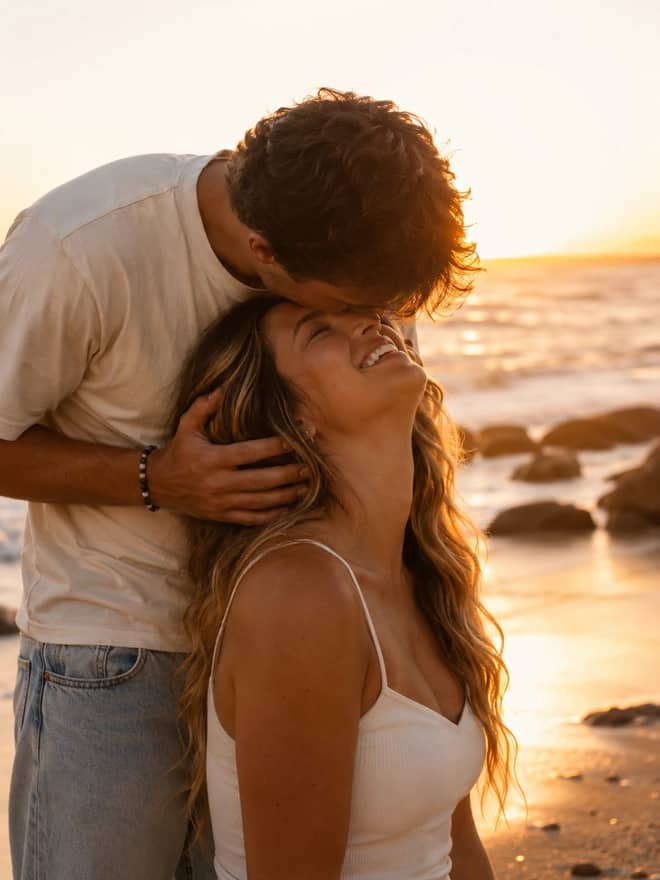
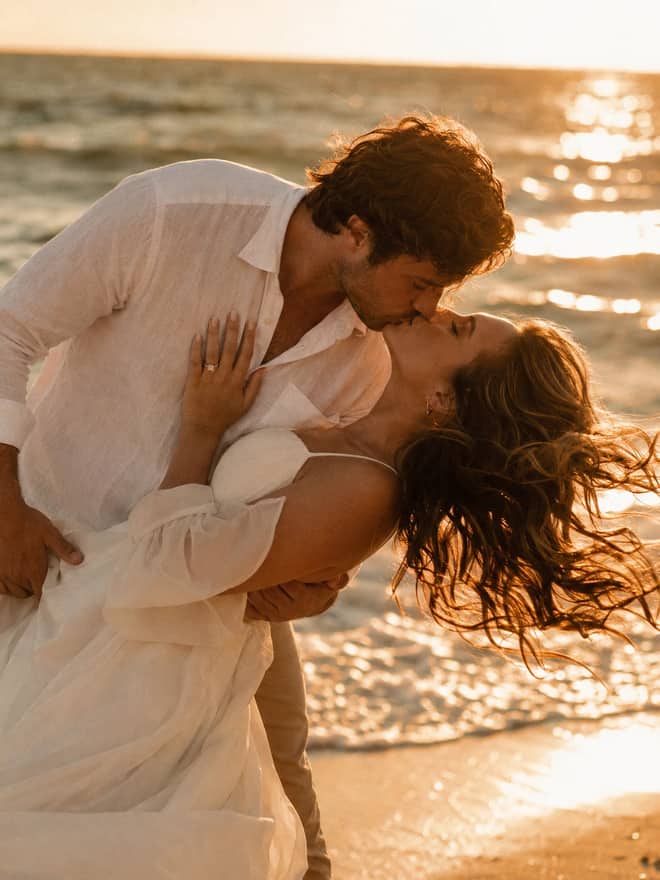
Beach Couple Portrait AI Photo Prompt for Gemini

Beach Couple Portrait AI Photo Prompt for Gemini

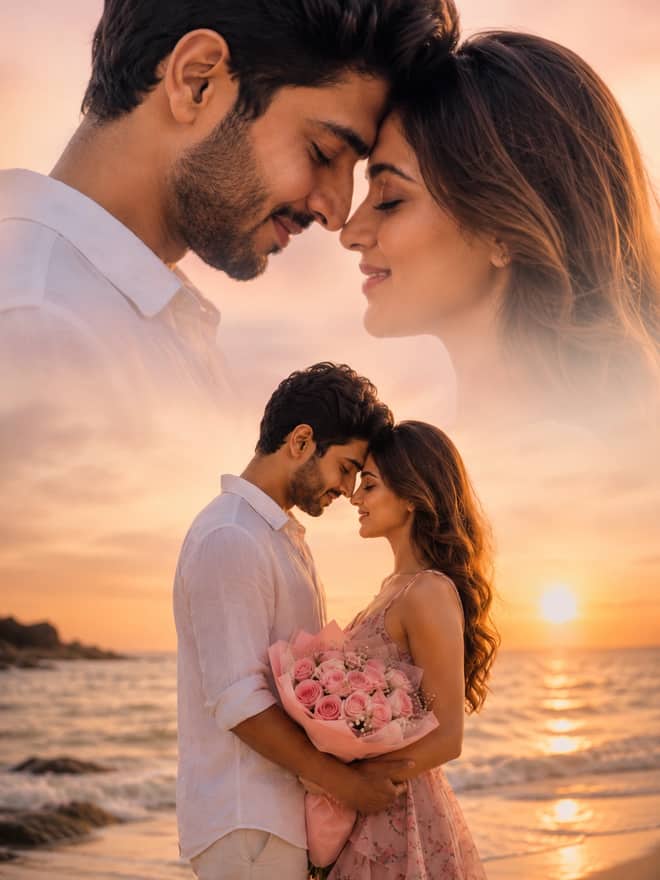
A beach couple portrait prompt. Turn your photo into a romantic couple holding red roses on a beach with elegant name typography. Edit in Gemini & ChatGPT.

7

Showing popular prompts you can adapt for “nano banana”.

The guide

Everything about nano banana prompts

Nano banana is the nickname people gave Google's Gemini image model, and it is the reason your feed is suddenly full of action figures, retro portraits, and edits where someone's face still looks like them. The grid above is full of prompts written for it, ready to copy. This part explains what the model is, what it does well right now, and how to get a result worth posting instead of one you quietly delete.

Where the nano banana name came from

The official name is Gemini 2.5 Flash Image. Before Google confirmed that, an unnamed image model kept showing up in testing arenas and beating everything at photo editing, and people started calling it nano banana. The name was a joke that stuck so hard Google now uses it in their own marketing. So when you see 'nano banana prompt' anywhere, it just means a prompt built for Gemini's image tool. There is nothing fruit related inside the prompt itself.

In late 2025 Google shipped a stronger version called Nano Banana Pro, tied to the Gemini 3 release. The Pro model is better at text inside images, at following longer instructions, and at scenes that need some real-world logic, like a readable sign or a believable reflection. The plain model is still fast and free for everyday edits, which is what most people use.

Why everyone wants nano banana

The thing that made nano banana spread was character consistency. Older image tools would take your photo, generate something stylish, and quietly hand you back a stranger who shared your haircut. Gemini keeps the actual face. You can drop your photo into a new outfit, a new decade, or a tiny plastic toy, and people still recognize you. That one change is what turned it from a toy into something your aunt and your designer both use.

The other reason is access. You can try it free in the Gemini app on your phone, no install, no credit card for normal use. If you build with the API it runs a few cents per image, which matters only if you are generating in bulk. And it now lives inside Photoshop too, so editors who never touch a chatbot can call it from a panel they already know.

Nano banana looks people are making right now

From what is trending lately, a handful of styles do most of the numbers. These are the ones worth trying first because the model already handles them well.

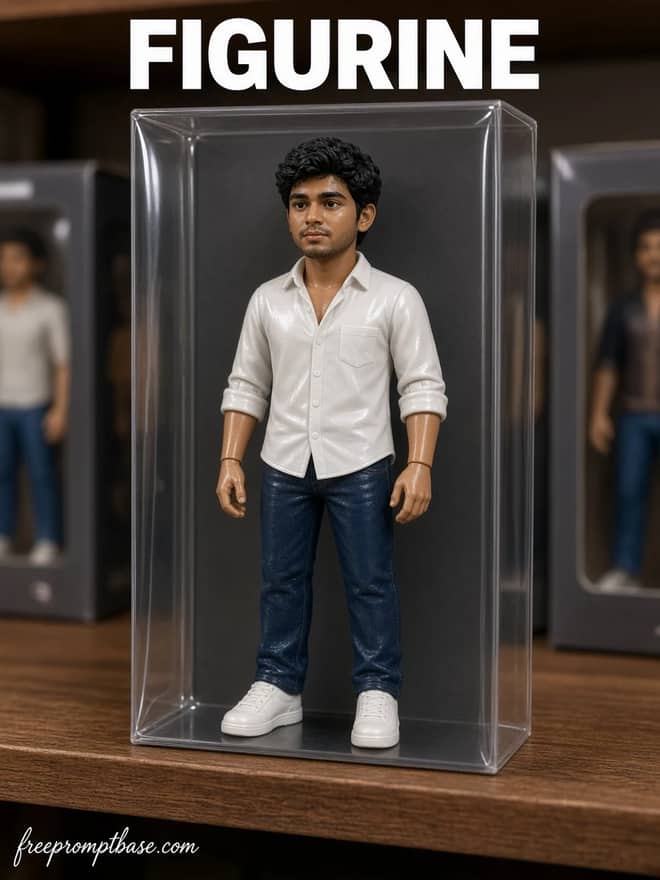
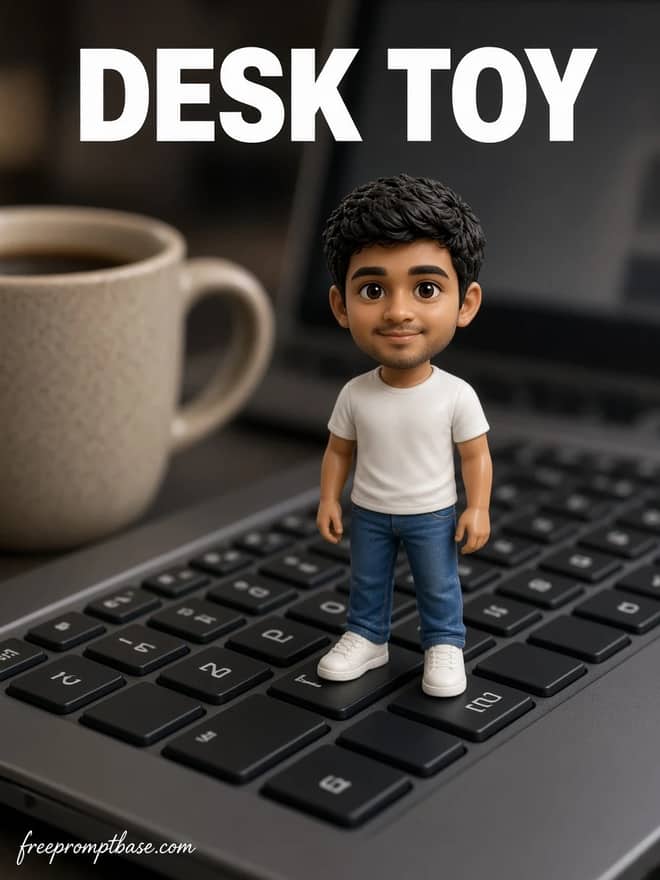
  • The action figure or figurine edit, where you become a boxed collectible with a little plastic stand.
  • Retro and film portraits, usually a warm 90s or 80s look with soft grain.
  • Clean studio headshots for profile pictures, plain background, soft light.
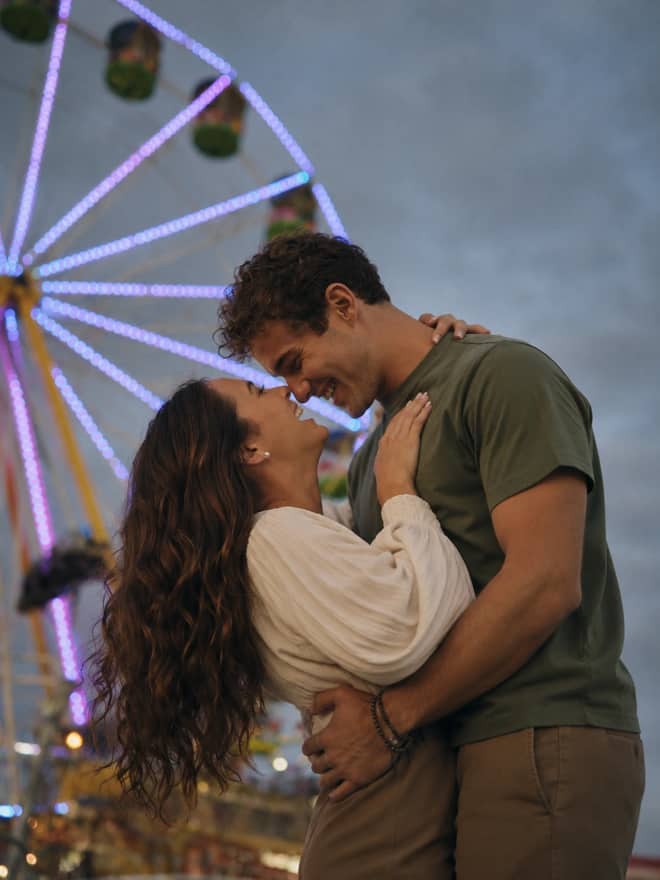
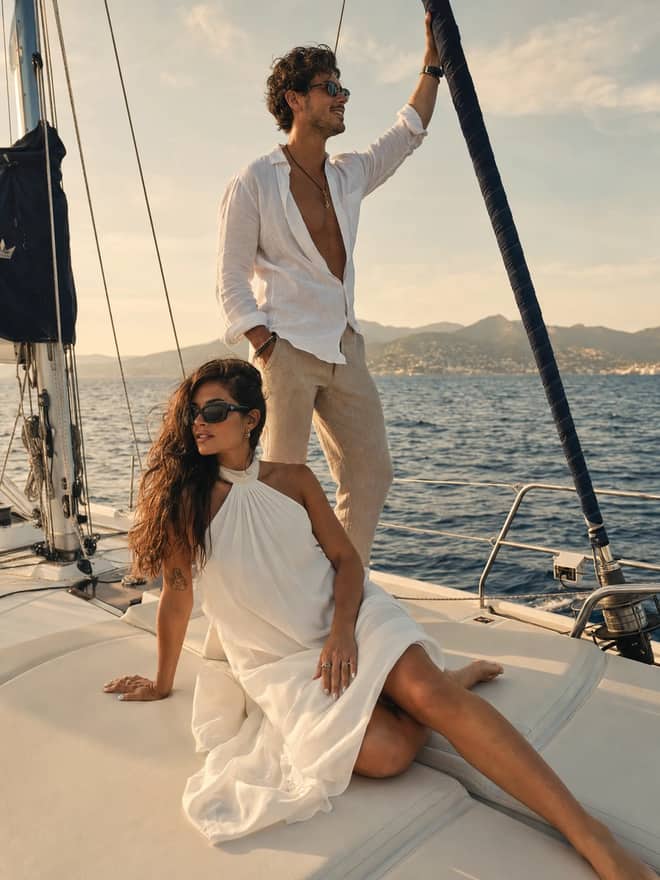
  • Couple and group shots that keep every face recognizable, not just one.
  • Putting yourself into a place you have never been, like the front of your own shop or a movie still.

You do not need any of these to be complicated. The viral ones are short prompts with a clear subject and a clear style, run two or three times until one lands.

How to write a nano banana prompt that works

Most nano banana prompts that go around share the same skeleton. Once you see it, you can fix a prompt that flopped or write your own from scratch.

The four parts

  1. Subject: who or what is in the image. Usually you plus an uploaded photo.
  2. Keep line: what to preserve from your photo. Almost always the face and skin tone.
  3. Style: the look you want, like toy plastic texture, film grain, or studio lighting.
  4. Scene: the background, the lighting, the mood.

Stitch those into a sentence or two in plain English. You do not need keyword soup or weights or any of the syntax older tools demanded. Gemini reads normal language fine, and overloading it with adjectives usually makes the face drift more, not less.

Tip: a sharp, well lit input photo does more for the result than any clever wording. Fix the photo first, then the edit gets easy.

Running a nano banana edit without the fuss

The steps barely change between prompts, which is the part I like.

  1. Open the Gemini app and upload one clear photo.
  2. Paste a prompt from the grid above.
  3. If a person needs to stay recognizable, add 'keep the same face and skin tone'.
  4. Run it, then generate two more and compare before you commit.

Results shift a little each time, and that works for you. The second or third try is often cleaner than the first, so do not judge the prompt by one run.

Nano banana versus the other tools

People always ask which model to use. Here is how I think about it, plain and honest. Nano banana is the one to reach for when an existing photo and a recognizable face are involved. The others have their own strengths.

ToolBest atWhen to skip it
Nano banana (Gemini)editing your real photo, keeping the facewhen you want pure painterly art
GPT Image in ChatGPTfollowing long, fussy instructions and textquick free phone edits
Midjourneystylized art from scratch, moodkeeping a real person consistent
DALL-Esimple one-line image ideasdetailed photo retouching

GPT Image got a strong update in 2026 and closed a lot of the gap, so the race is real now. For the face-keeping edits this page is about, nano banana is still my default.

When a nano banana edit goes wrong, and the fix

Most problems have a one-line fix. You rarely need to rewrite the whole prompt.

  • Face changed too much: your style words are too strong, so soften them and add 'keep the same face'.
  • Skin looks like plastic: add 'natural skin texture' and lower the stylization.
  • Background is a cluttered mess: say 'simple plain background'.
  • Text in the image is gibberish: switch to the Pro model, which handles letters far better.
  • It ignored part of your request: split the prompt into two shorter sentences instead of one long one.

If something still refuses to come out right after three tries, change the input photo before you change the prompt. A blurry or badly lit source is behind more failures than bad wording ever is.

A realistic take on nano banana before you start

Nano banana is genuinely good, and it is not magic. It will nail a figurine edit on the first run and then mangle your friend's glasses on the next. Hands and small jewelry still trip it up. Group photos are harder than solo ones because every face is another thing to keep right. Tiny logos and brand text often come out slightly wrong, so check them before you post. And the model can be too eager to smooth skin, which is why that 'natural skin texture' line earns its place in so many prompts. None of this is a reason to skip it, just a reason to generate a few versions and pick rather than expecting one perfect shot.

So pick any prompt from the grid above, upload a clear photo of yourself, and run it three times. Save the exact wording that worked, because next week when you want the same look again you will be glad you did not have to rebuild it from memory.


Questions

Frequently asked questions

What is nano banana?

Nano banana is the nickname for Google's Gemini image model, officially called Gemini 2.5 Flash Image. People paste prompts into the Gemini app with their own photo to make edits like figurines, retro portraits, and clean headshots. The name was a community joke that Google later adopted, so it now appears in their own product pages.
Is nano banana free to use?

Yes for normal use. You can try it free in the Gemini app on your phone with no install or card needed. There are paid tiers for heavy use and the Pro model, and the API costs a few cents per image, which only matters if you generate in large batches. Start free first.

What is the difference between nano banana and nano banana Pro?

The base model is fast and free and handles everyday photo edits well. Nano Banana Pro, released alongside Gemini 3, is stronger at readable text inside images, longer instructions, and scenes that need real-world logic. If your edit failed because of garbled letters or a complex request, try the Pro model instead.

How do I write a good nano banana prompt?

Use four short pieces: who is in the image, what to keep from your photo such as the face, the style you want, and the background. Write it in plain English in a sentence or two. Avoid piling on adjectives, since too many style words make the face drift instead of helping the result.

Why does my nano banana edit not look like me?

Usually your style words are too strong, so the model leans into the look and loses the face. Add 'keep the same face and skin tone' and soften the styling. Also start from a sharp, well lit photo, since a blurry input causes more failed edits than bad wording does. Then run it a few times.

Related searches