

Pixar Chibi Scrapbook Collage – Gemini AI Photo Prompt
Turn one photo into a Pixar chibi scrapbook collage — 3D chibi poses with doodles and stickers. A copy-paste Gemini AI photo prompt for Nano Banana and ChatGPT.
11
AI prompt library
Free, ready-to-use gemini ai prompts. Copy one, paste it into your favourite AI tool, and get to work.
60 prompts
Turn one photo into a Pixar chibi scrapbook collage — 3D chibi poses with doodles and stickers. A copy-paste Gemini AI photo prompt for Nano Banana and ChatGPT.

Add playful doodles, motion lines, and captions that react to your subject. A free Gemini AI photo prompt — copy, paste your photo, and run it in Nano Banana or ChatGPT.

Make a cinematic World Cup poster — two players back-to-back, neon flags, smoky stadium haze. A copy-paste Gemini AI photo prompt for Nano Banana and ChatGPT.
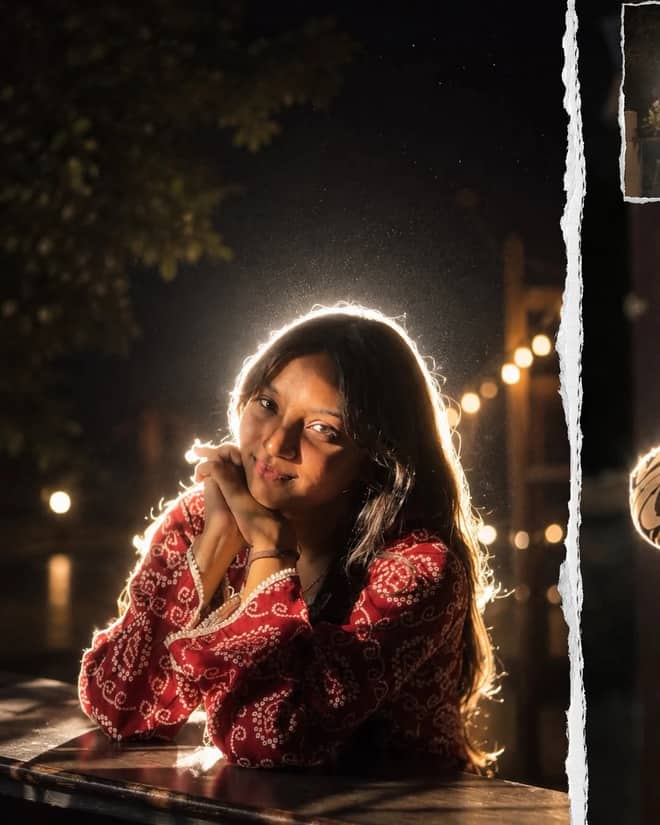
Get the viral night-flash look: a glowing rim-light halo, lens flare, and grainy candid mood. A free Gemini AI photo prompt to copy, paste, and run in Nano Banana.
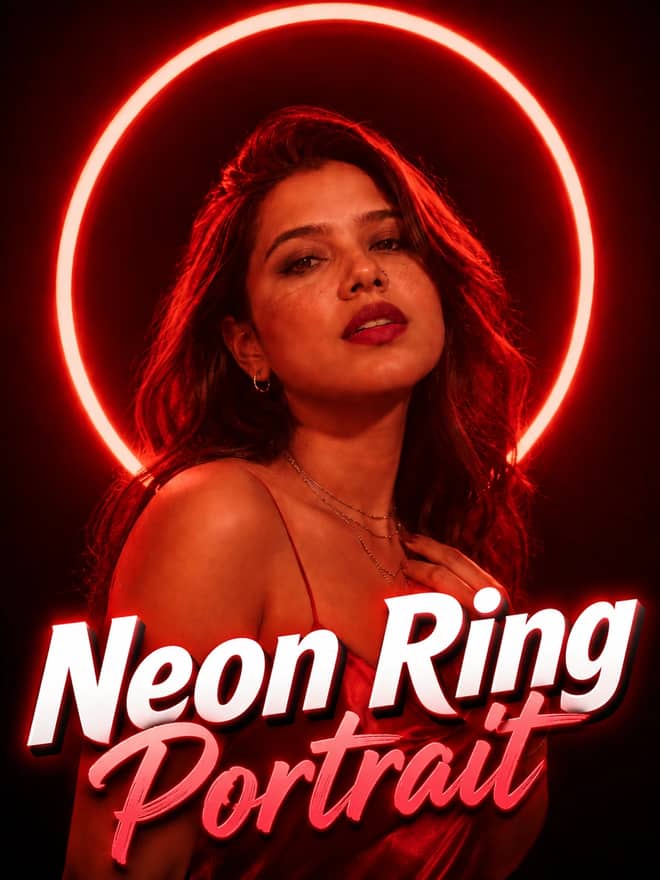
Neon ring portrait prompt — copy this free AI photo prompt on Free Prompt Base and edit it in Gemini & ChatGPT. Paste your photo and create in seconds.
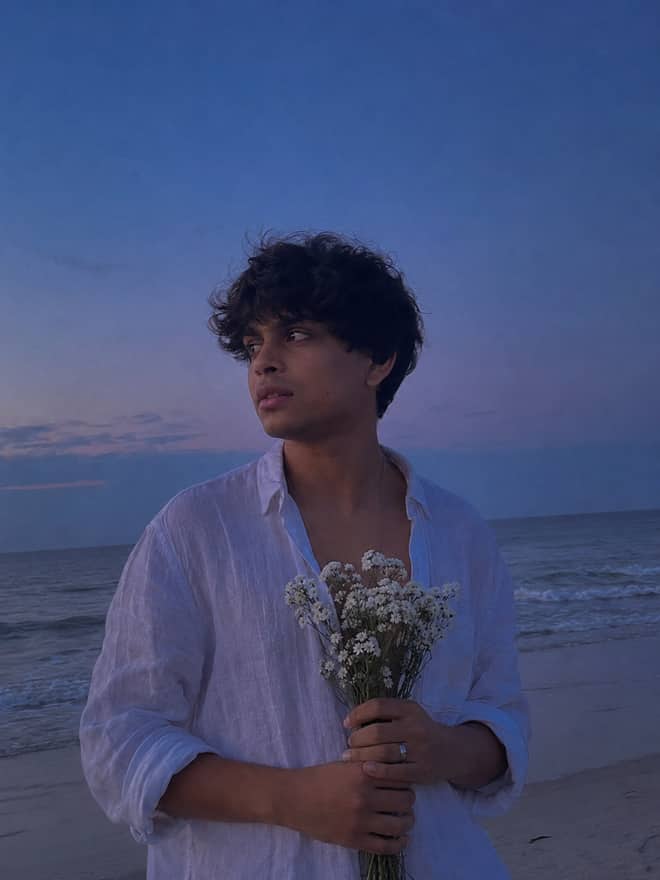
Turn your photo into a man in a white linen shirt holding flowers on a dusk beach. A free Gemini AI photo prompt — copy, paste, and edit in Nano Banana.
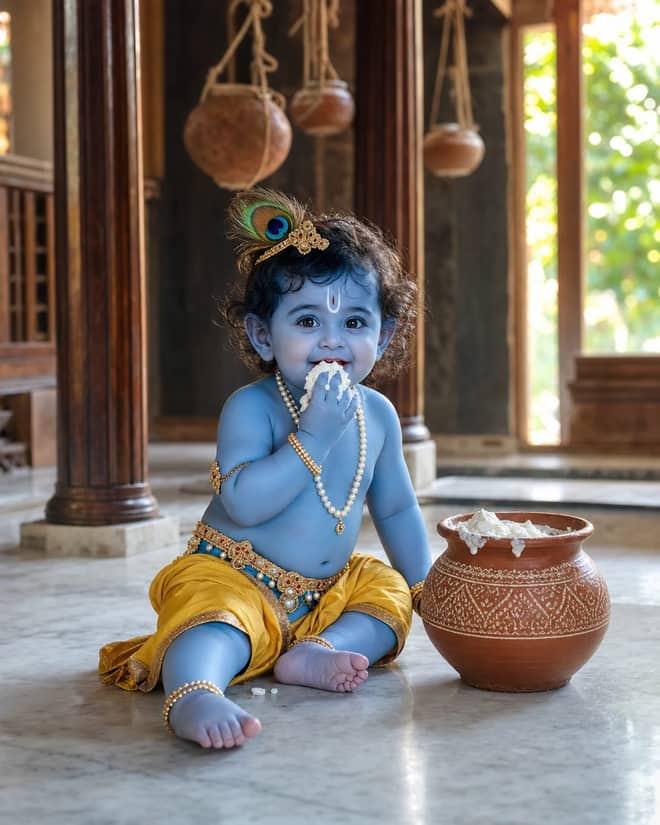
Create a photorealistic Baby Krishna butter-pot portrait in a sunlit Vrindavan home, with a yellow dhoti, peacock feather, marble floor, and natural DSLR detail.
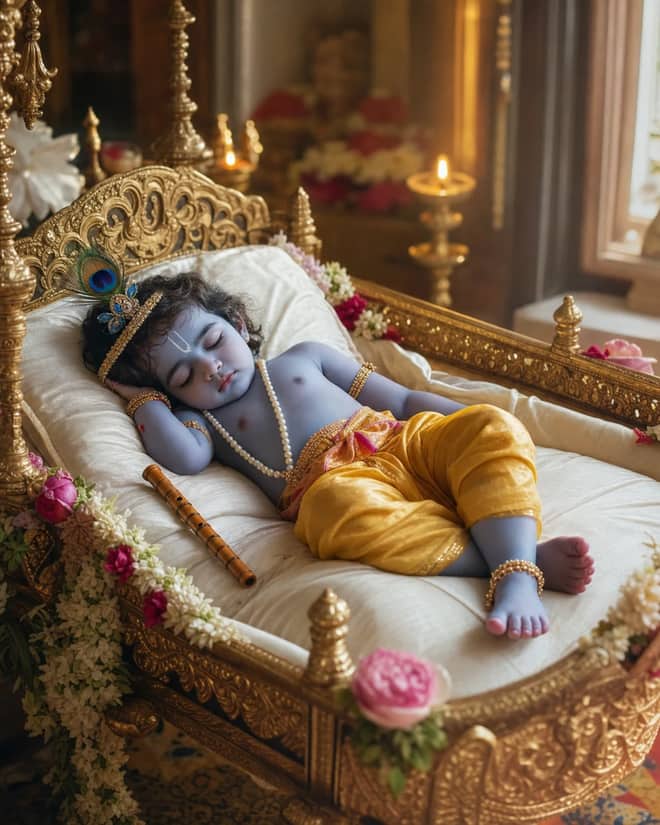
Create a peaceful sleeping Baby Krishna portrait in a flower-trimmed golden cradle, with warm temple lamps, silk cushions, and soft cinematic light.
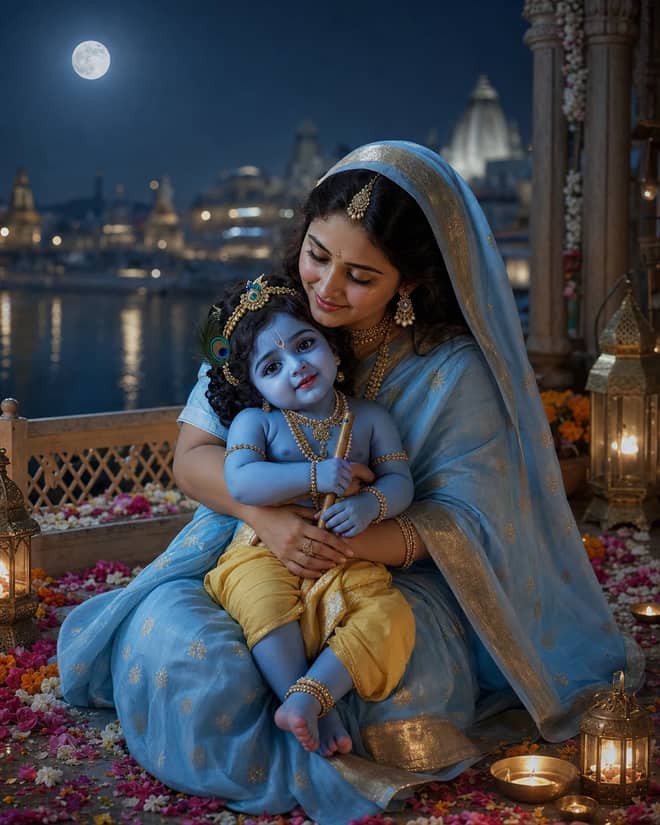
Create a moonlit Maa Yashoda and Baby Krishna portrait on a Vrindavan balcony, with blue silk, warm lamps, the Yamuna, and natural editorial detail.
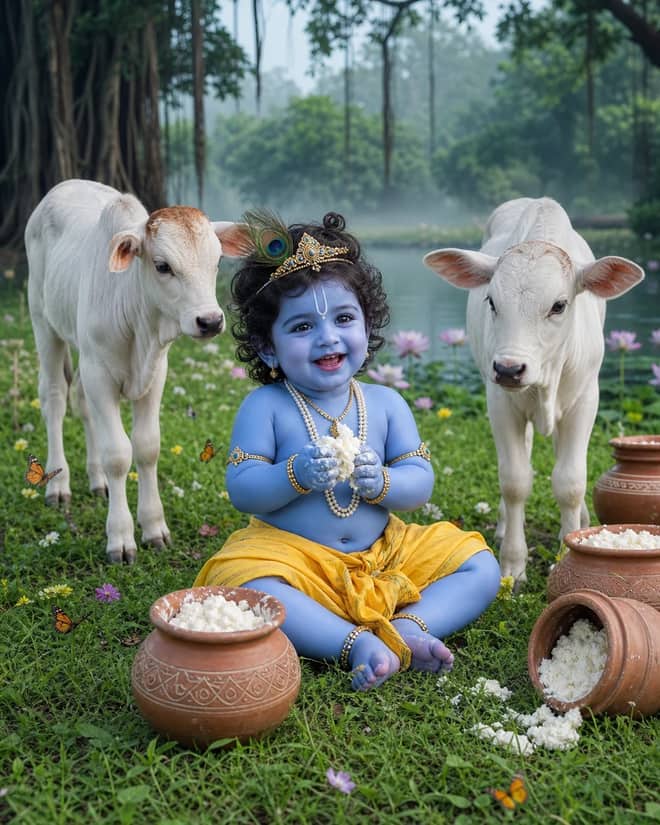
Create a playful Baby Krishna with cow portrait in a misty Vrindavan meadow, with butter pots, white calves, lotus water, and cool natural light.
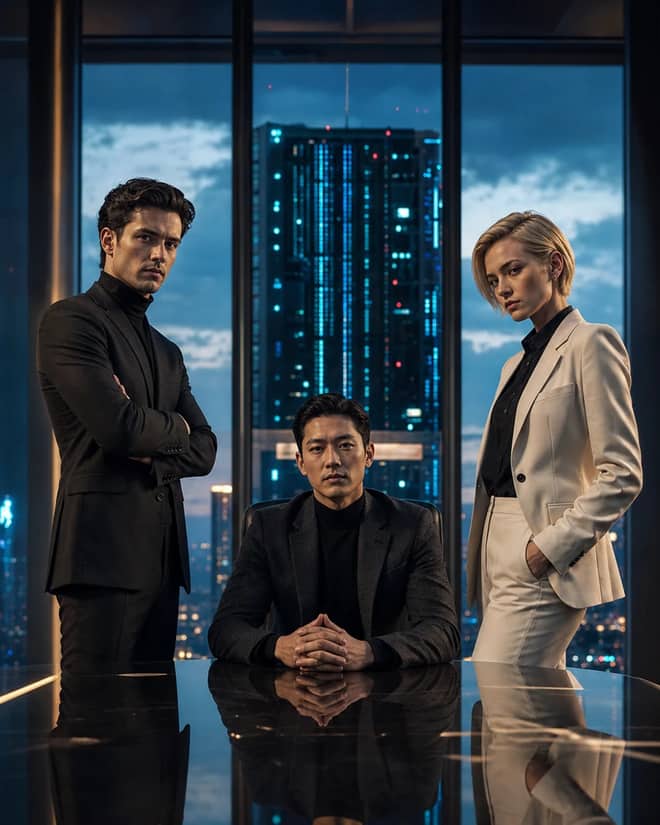
Create a fictional AI rivalry portrait with three executives, dramatic boardroom lighting, clear power dynamics, and premium editorial realism.
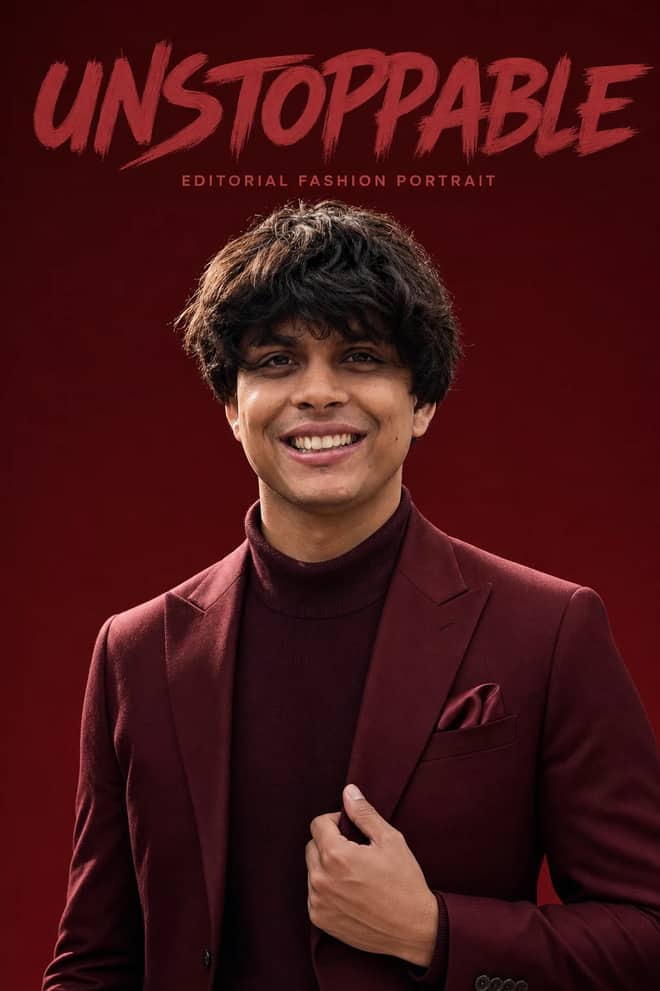
Create an ultra-realistic monochromatic fashion portrait with luxury campaign lighting, natural skin texture, bold brush typography, and clean negative space.
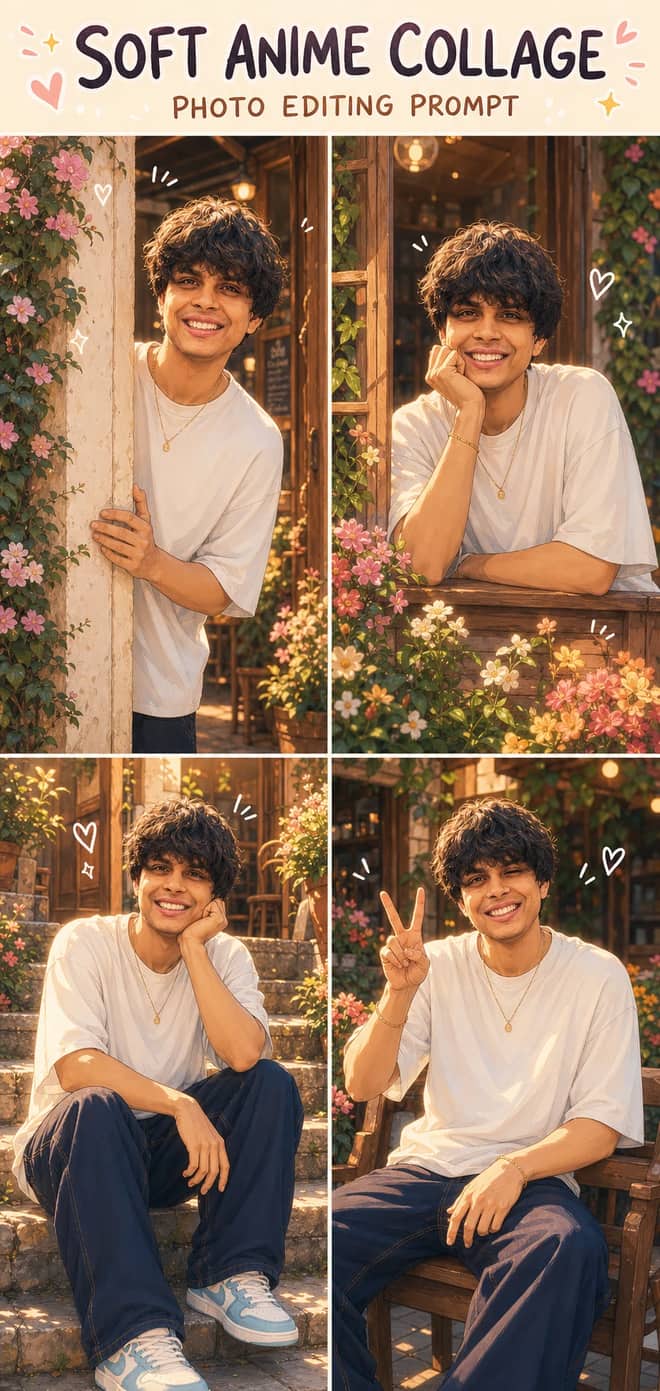
Turn one photo into a dreamy four-panel anime collage with consistent identity, café courtyard poses, golden-hour lighting, floral details, and cute doodles.
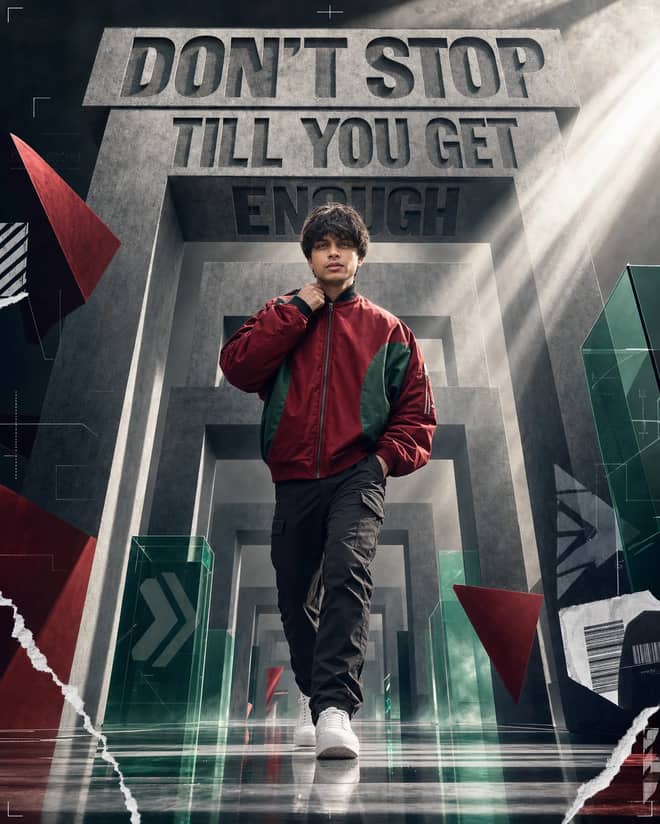
Create a premium sports-fashion poster with a confident model, monumental concrete portals, dramatic typography, low-angle perspective, and cinematic light.
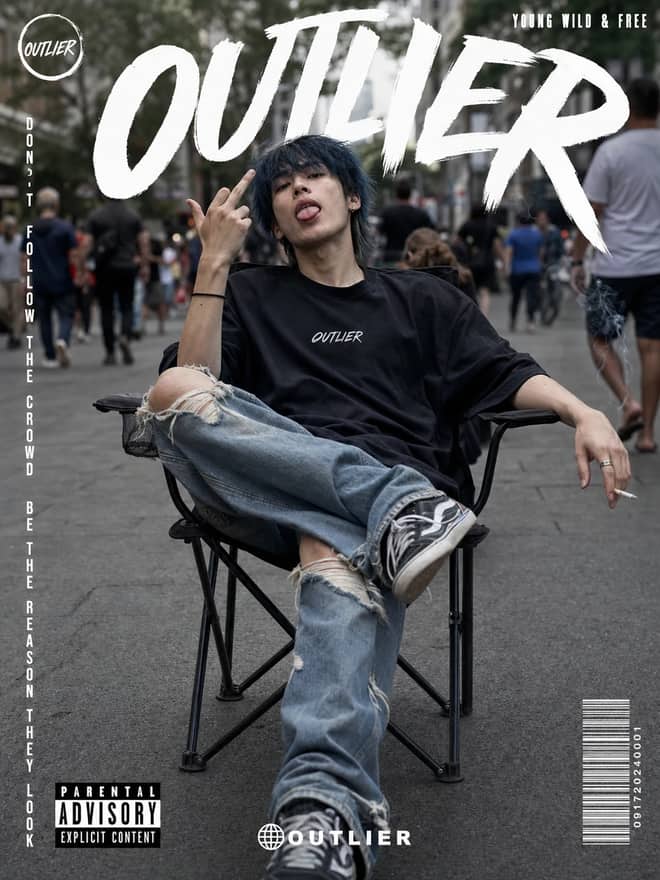
Create a gritty photorealistic streetwear poster with a seated model, blurred city pedestrians, natural skin texture, bold branding, and editorial labels.
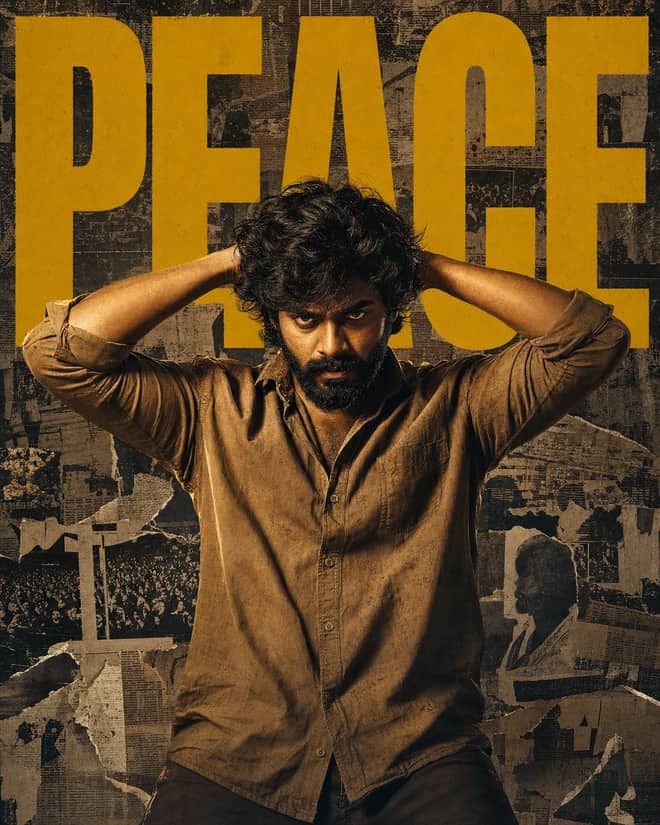
Create a gritty South Indian action poster with a rugged hero, bold PEACE typography, warm tungsten lighting, and a distressed vintage newspaper collage.
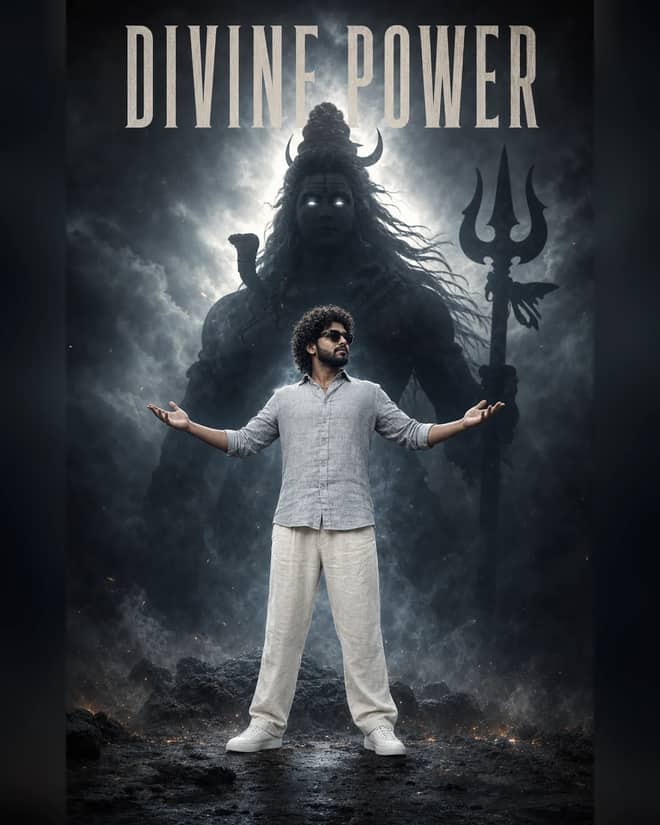
Create a powerful cinematic portrait with a confident man before a colossal smoky Lord Shiva silhouette, dramatic halo lighting, fog, and epic depth.
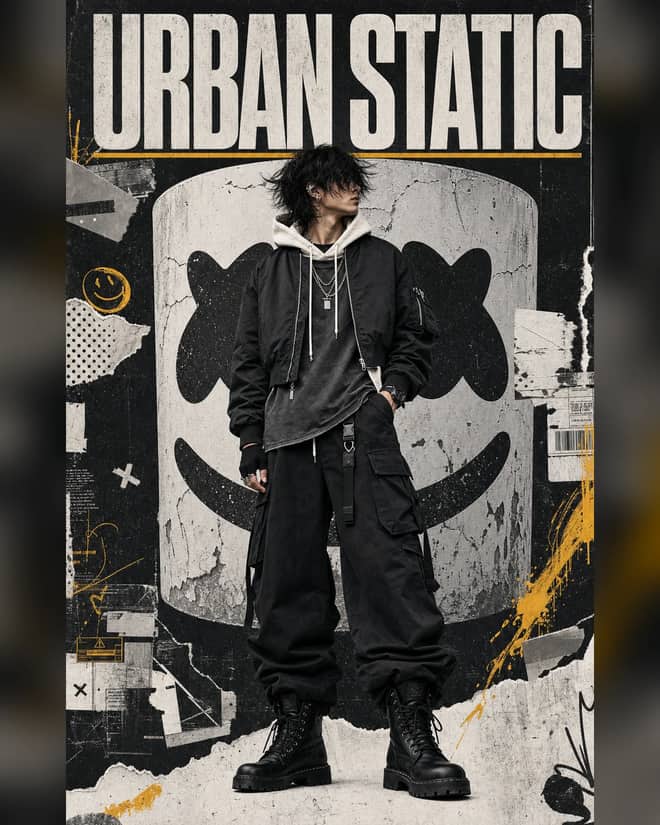
Create a luxury streetwear editorial with oversized black layers, a distressed helmet collage, controlled grunge textures, and muted yellow accents.
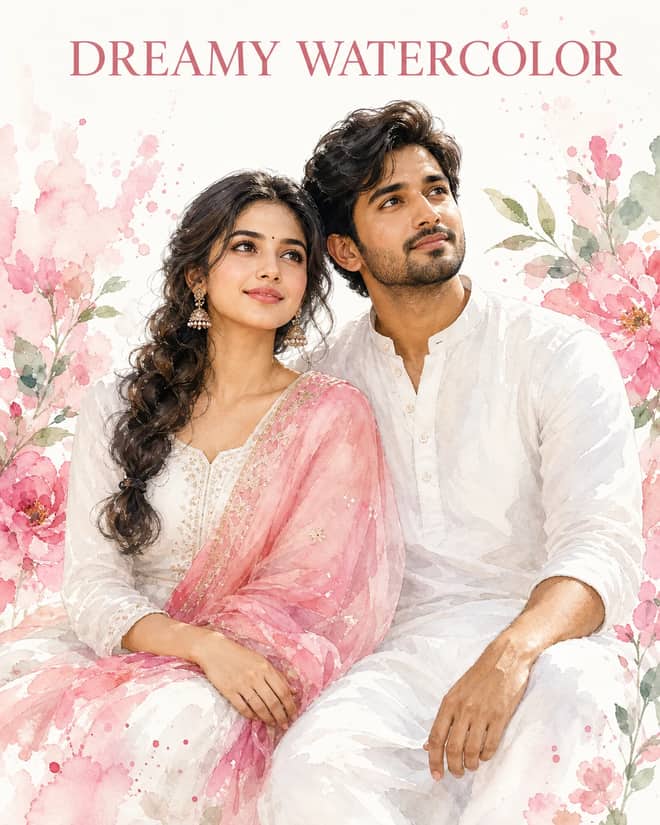
Create a dreamy watercolor portrait of an Indian couple in white attire with a pink dupatta, soft floral splashes, green leaves, and glowing skin.
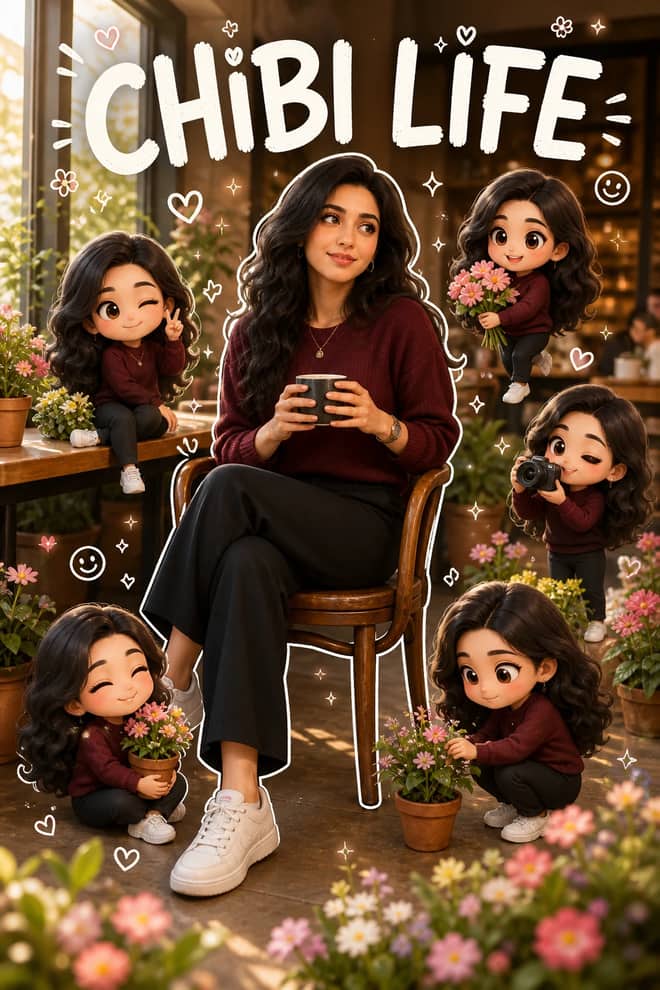
Transform a portrait into a hyper-real scene surrounded by matching 3D chibi miniatures, white outlines, playful doodles, flowers, and LIFE accents.
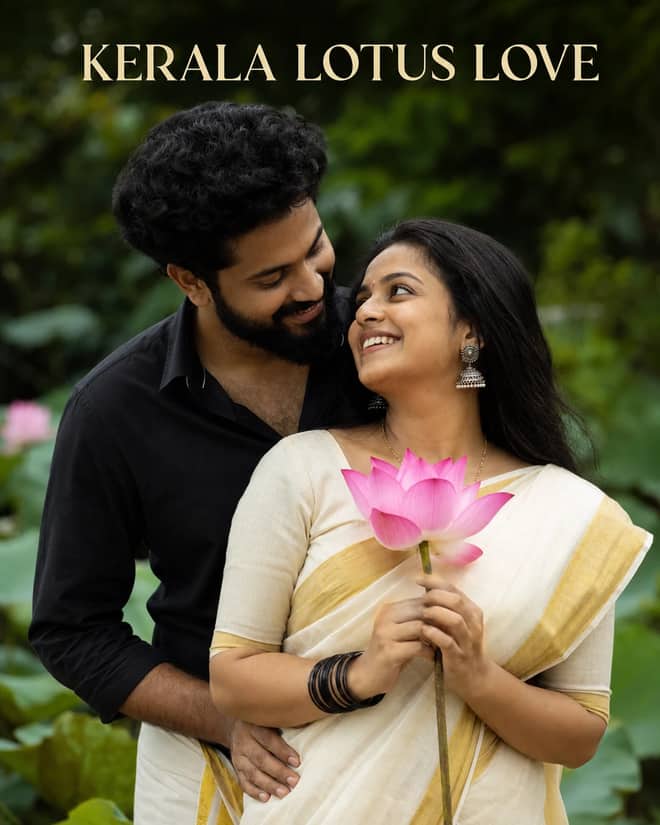
Create a warm romantic Kerala couple portrait with a gold-bordered saree, black shirt and mundu, pink lotus, jhumkas, and lush garden bokeh.
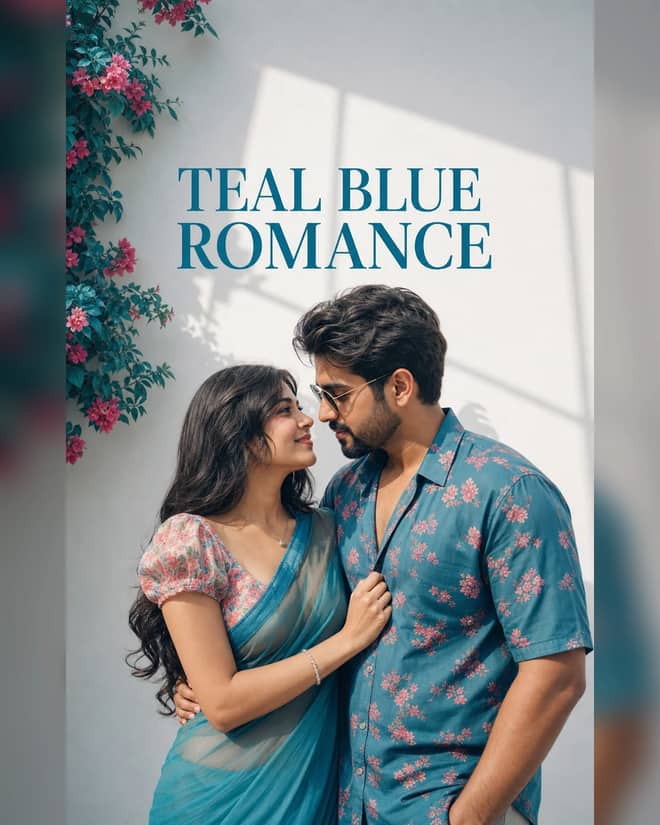
Create an ultra-realistic teal-blue couple portrait with floral outfits, a white wall, pink flowers, window-shaped sunlight, and cinematic color.
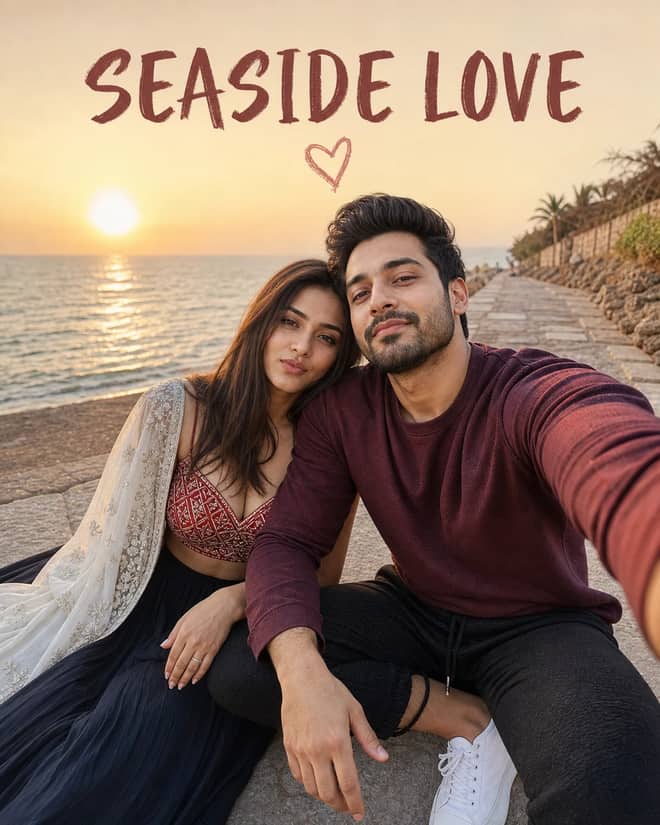
Create a cinematic golden-hour couple selfie by the sea with a red patterned lehenga, white dupatta, maroon sweatshirt, joggers, and heart doodle.
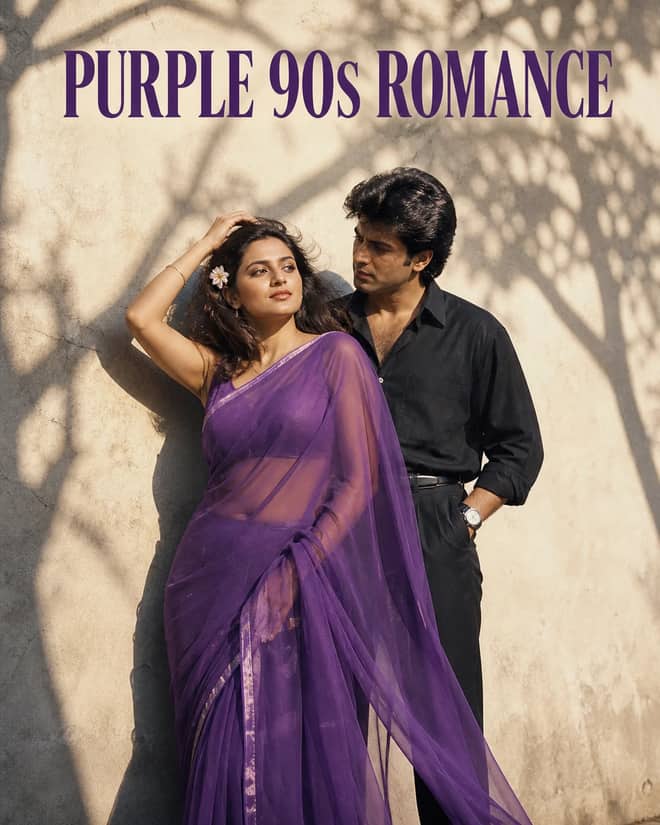
Create a grainy yet bright 1990s-style couple portrait with a purple chiffon saree, windblown hair, a tucked flower, black styling, and tree shadows.
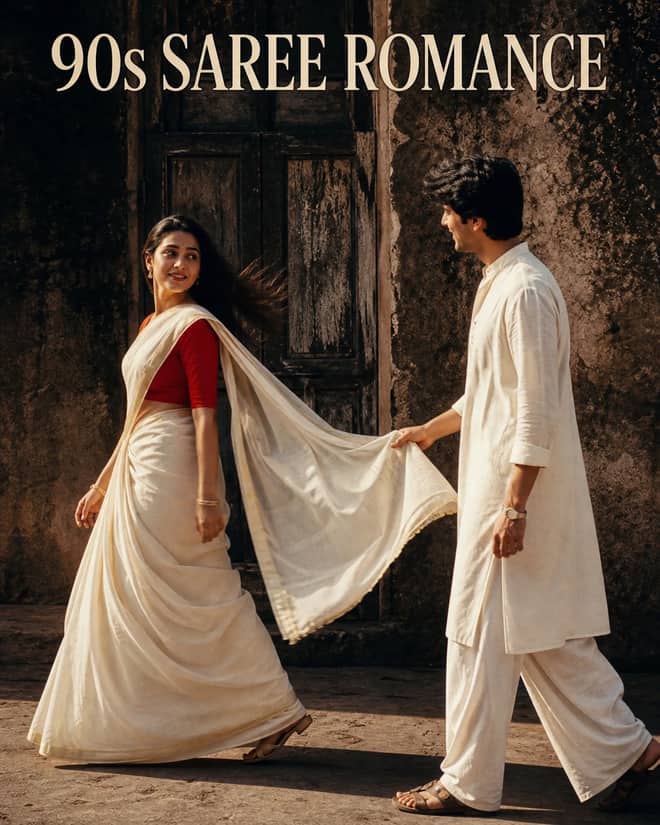
Create a cinematic 1990s-style couple portrait with an off-white saree, red blouse, white kurta, old wooden doorway, dramatic shadows, and pallu pose.
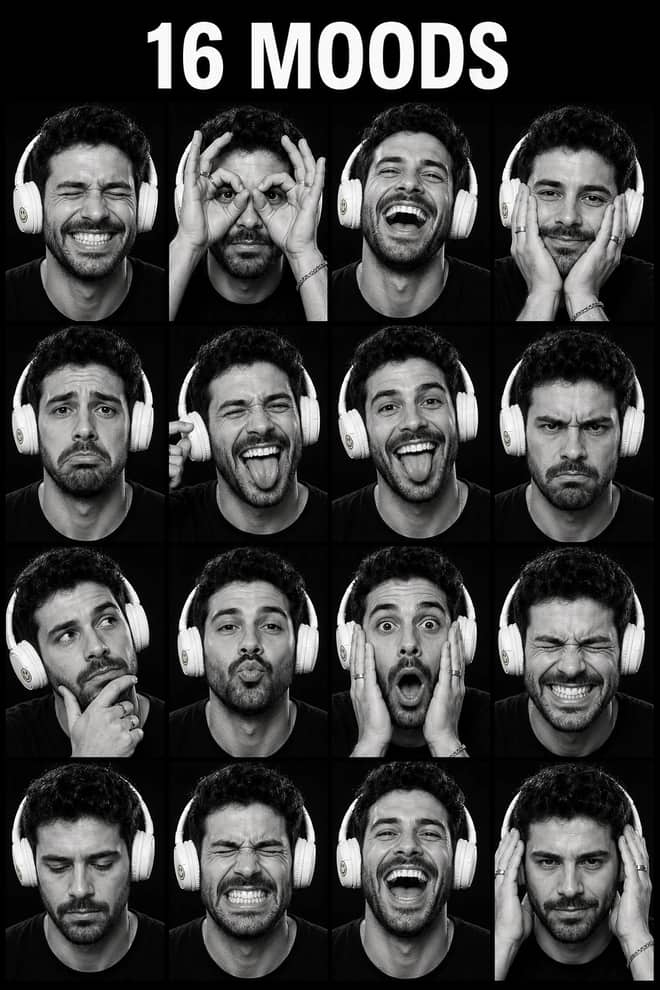
Create a 4x4 monochrome contact sheet with one consistent face across 16 spontaneous expressions, studio flash, textured gray, and Kodak-style grain.
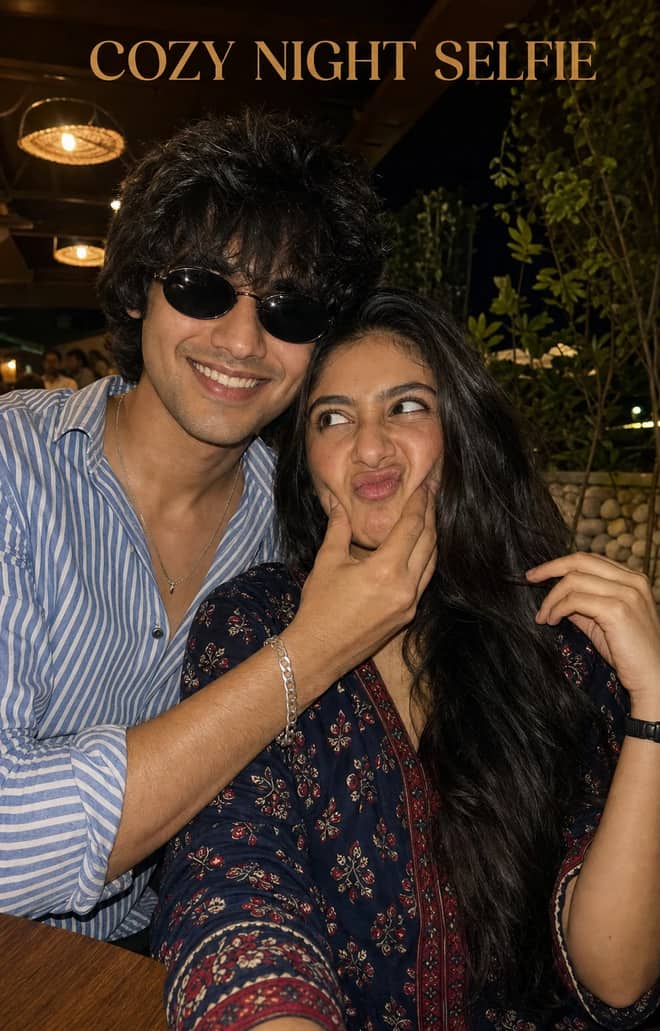
Create a playful close-up couple selfie at a warmly lit outdoor restaurant with natural skin, cheek-squishing expressions, plants, and night bokeh.
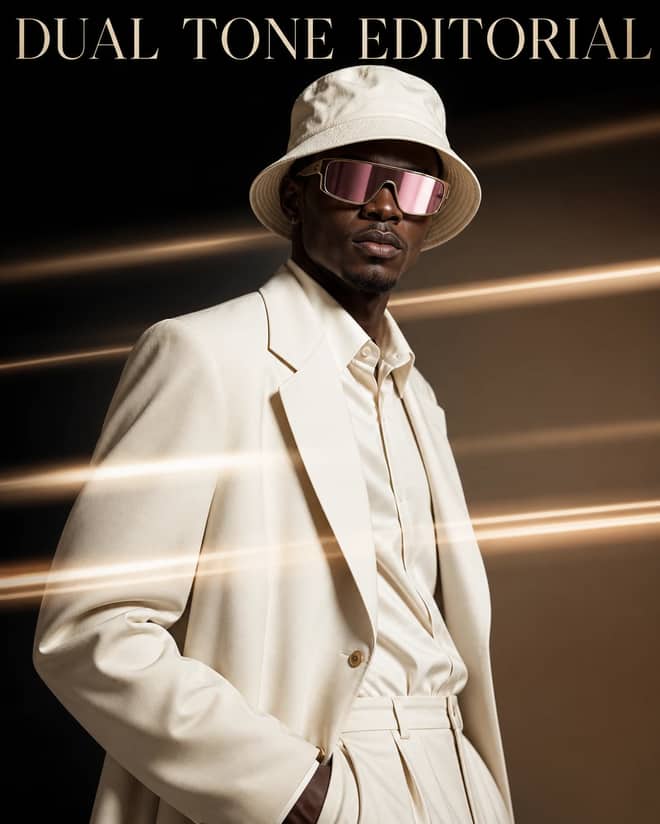
Create a cream luxury fashion portrait with a bucket hat, magenta visor, two-tone studio gradient, and horizontal golden light-streak motion effects.
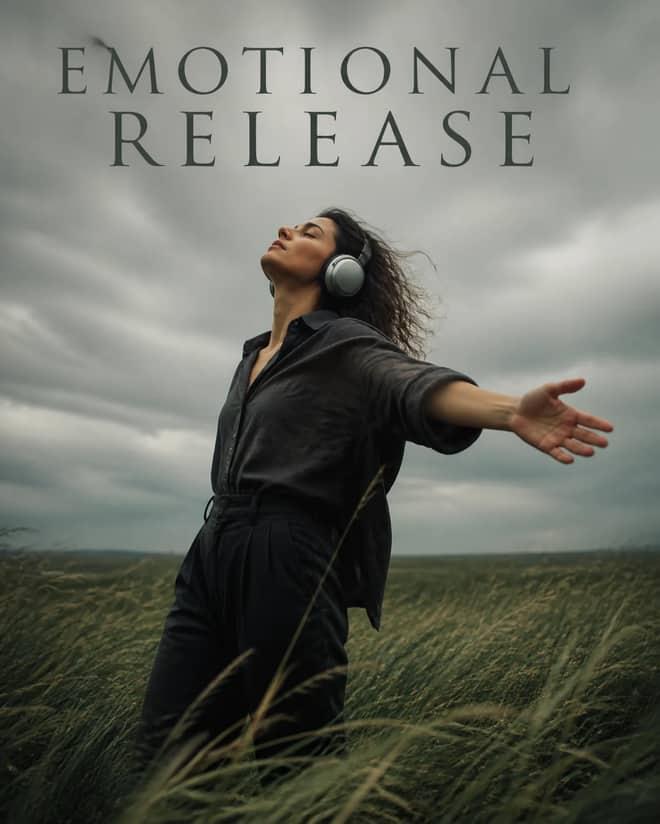
Create a windswept cinematic field portrait with silver headphones, dark clothing, an open-arm pose, overcast light, and a calm emotional-release mood.
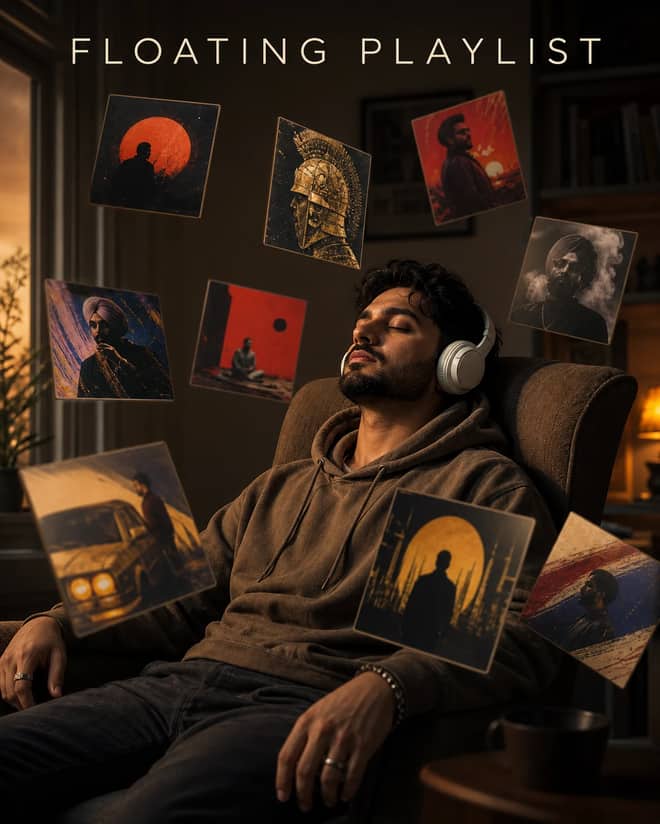
Create a moody indoor headphones portrait surrounded by floating album-style cards, warm side light, shallow focus, and cinematic music storytelling.
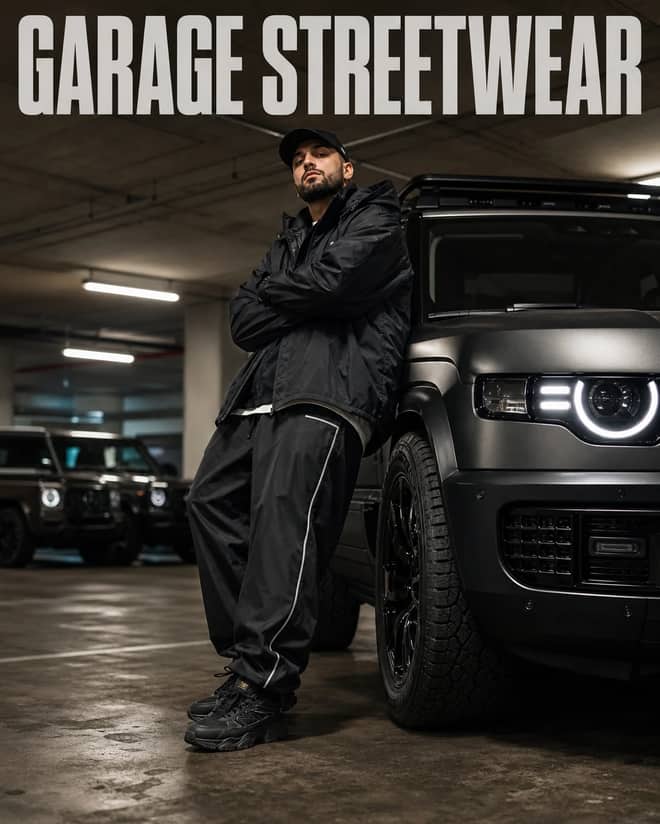
Create a low-angle garage streetwear portrait beside a Land Rover Defender with baggy sportswear, luxury SUV bokeh, and cinematic color grading.
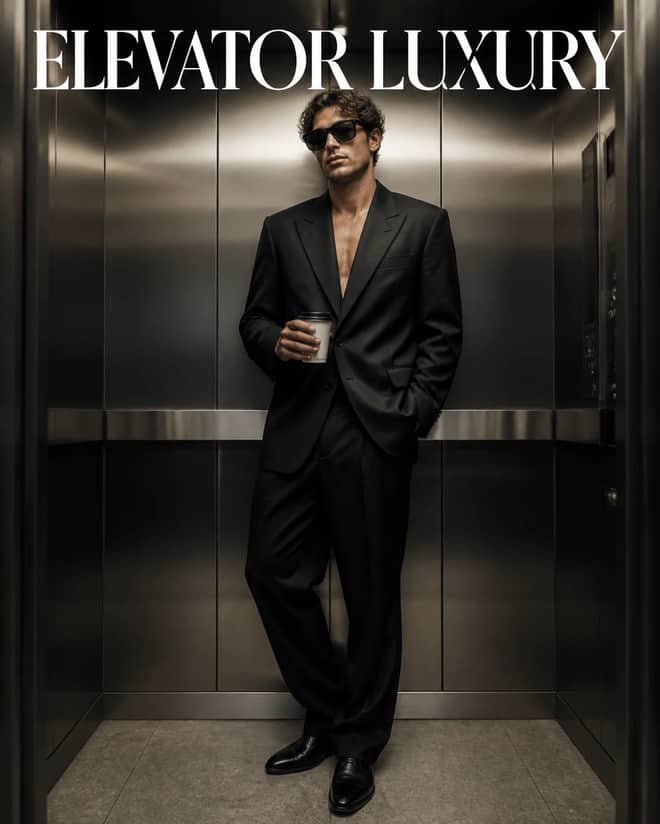
Create a cinematic full-body elevator portrait with an oversized black suit, sunglasses, takeaway coffee, brushed metal, and polished luxury lighting.
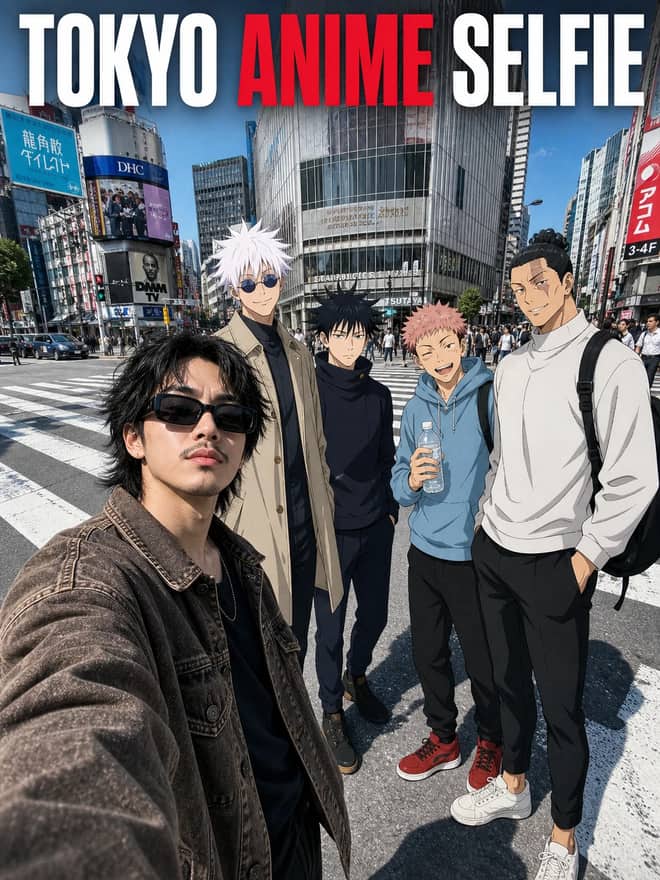
Create a photoreal Tokyo crossing selfie with a streetwear subject and four 2D anime characters blended through matching light, scale, and perspective.
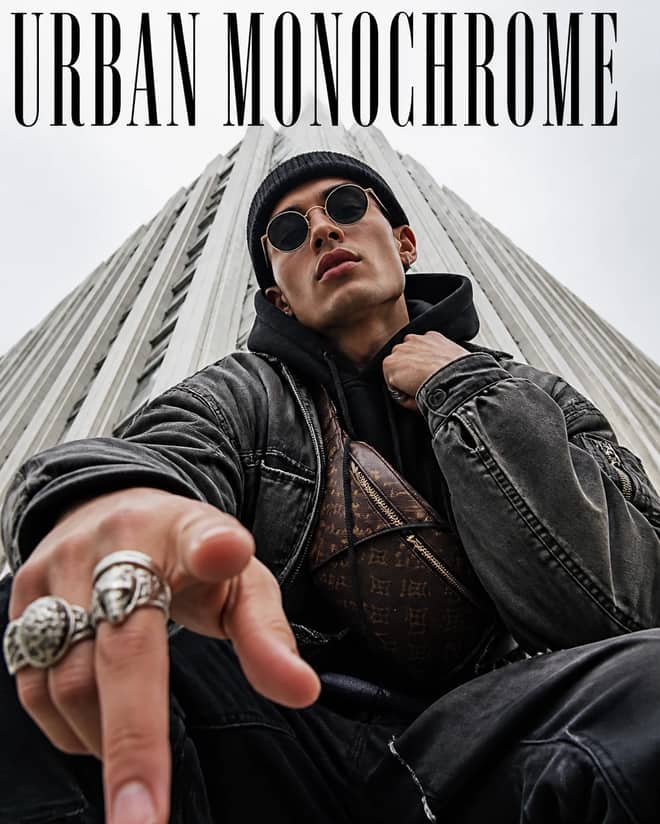
Create an extreme low-angle streetwear portrait with round sunglasses, beanie, utility layers, silver rings, pointing hand, and towering urban lines.
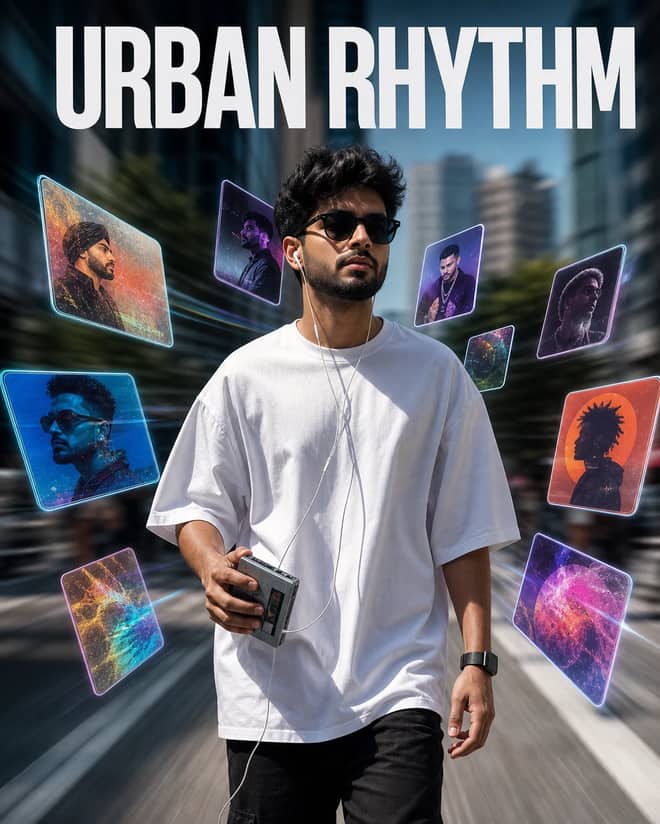
Create a sharp city walking portrait with a Walkman, wired earphones, floating holographic music cards, background motion blur, and music-video energy.
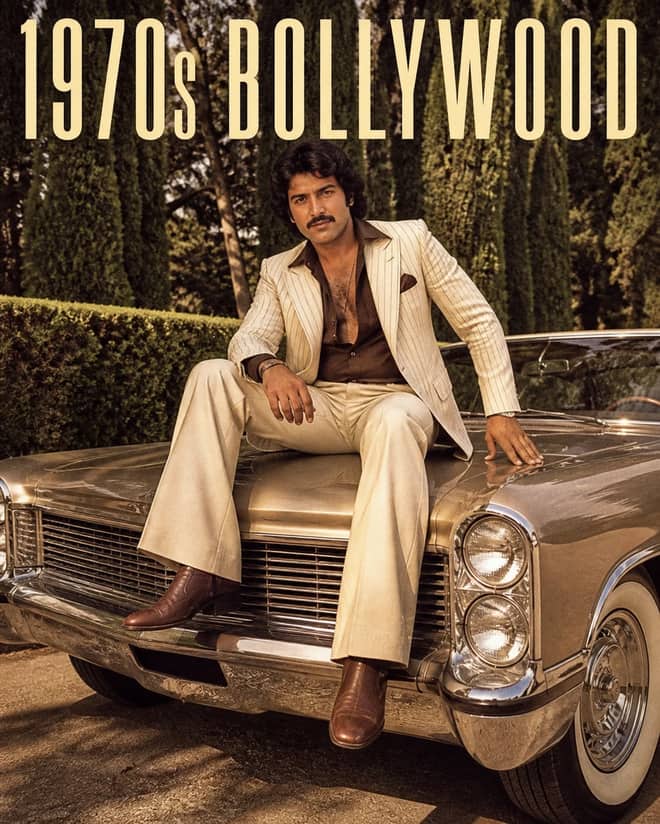
Create a grainy 1970s Bollywood portrait on a classic car with cream pinstripes, bell-bottom trousers, whitewall tires, chrome, and retro mafia style.
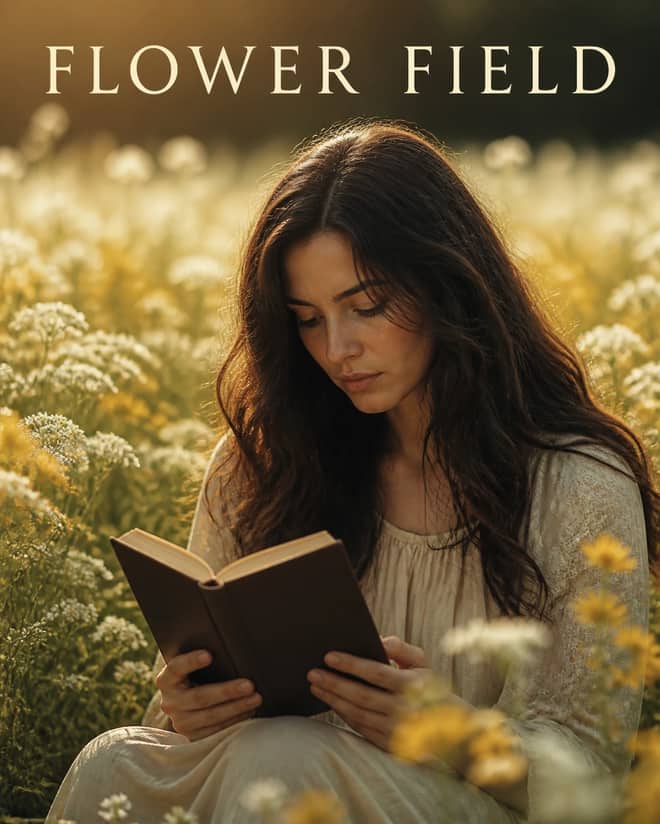
Create a dreamy cinematic film still of a woman holding the Holy Bible among white and yellow blossoms, with warm natural light and shallow focus.
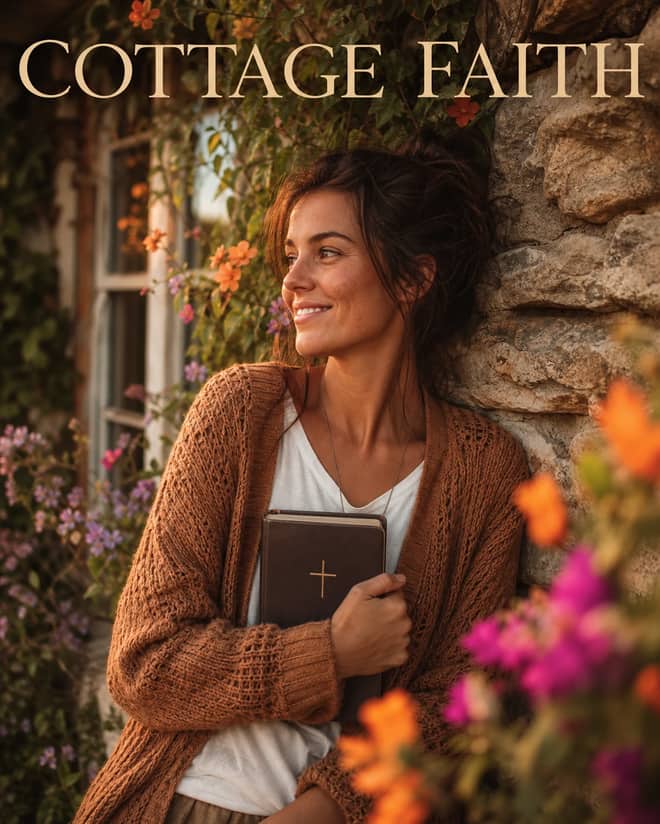
Create an overhead golden-hour cottage portrait with an earth-tone sweater, Holy Bible, ivy-covered stone, colorful blossoms, and soft foreground bokeh.
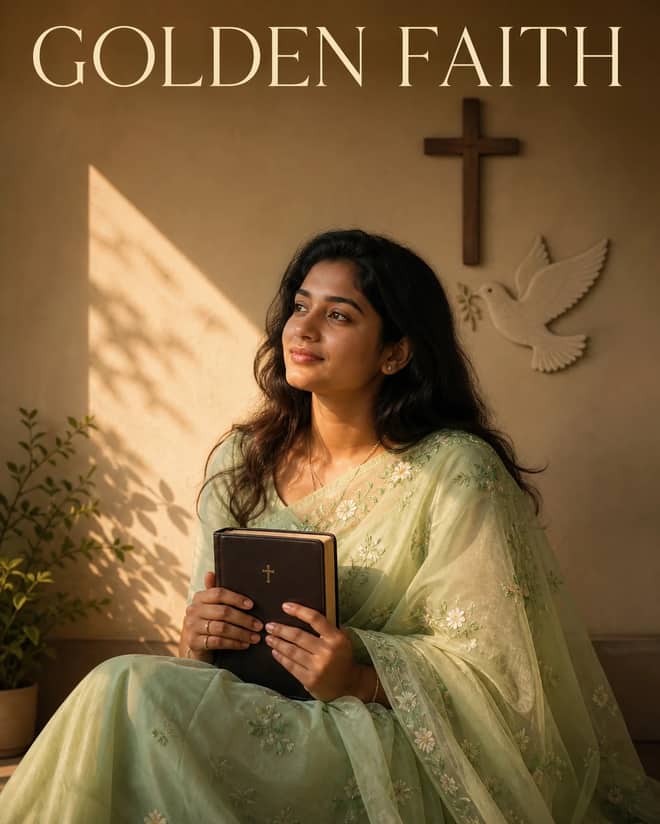
Create a serene Christian portrait with a sheer light-green embroidered saree, Holy Bible, cross-and-dove wall, golden sunlight, and poetic shadows.

Create a warm high-fashion cafe portrait with a white shirt, shoulder-draped blazer, wide jeans, gold accessories, sunglasses, and a refined coffee pose.
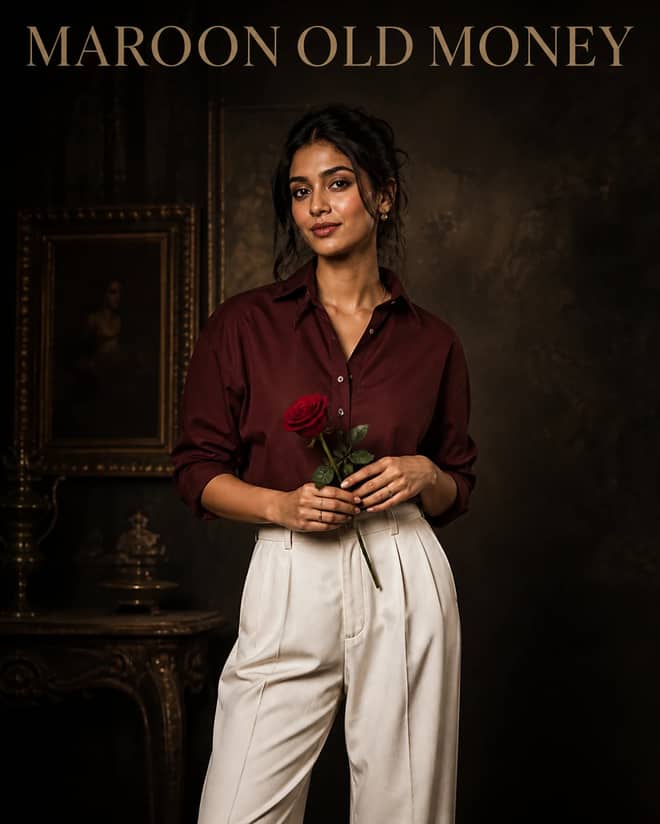
Create a cinematic old-money portrait with a deep maroon shirt, baggy white trousers, a single red rose, vintage textures, and moody DSLR lighting.
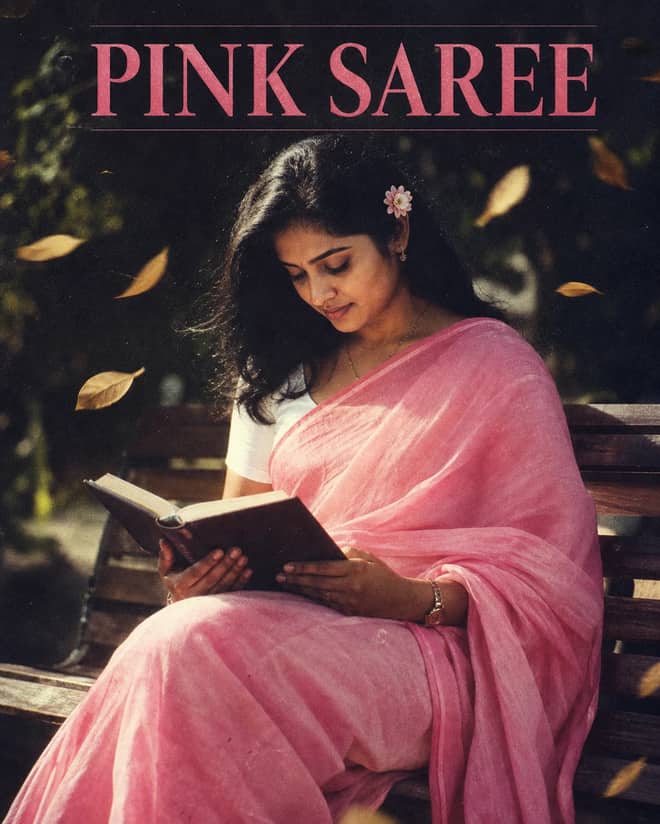
Create a bright grainy 90s portrait with a pink cotton saree, white blouse, flower-tucked hair, wooden bench, blowing leaves, and Holy Bible.
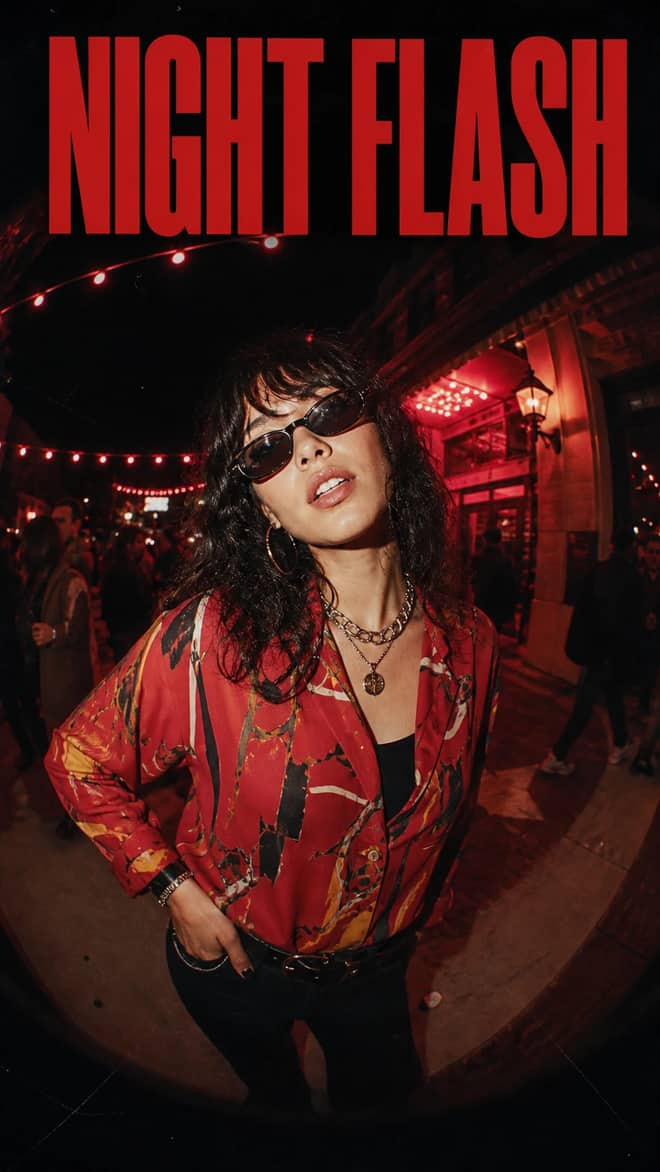
Create a vertical fisheye night portrait with vintage flash, an abstract red shirt, metallic jewelry, sunglasses, film scratches, and warm party lights.
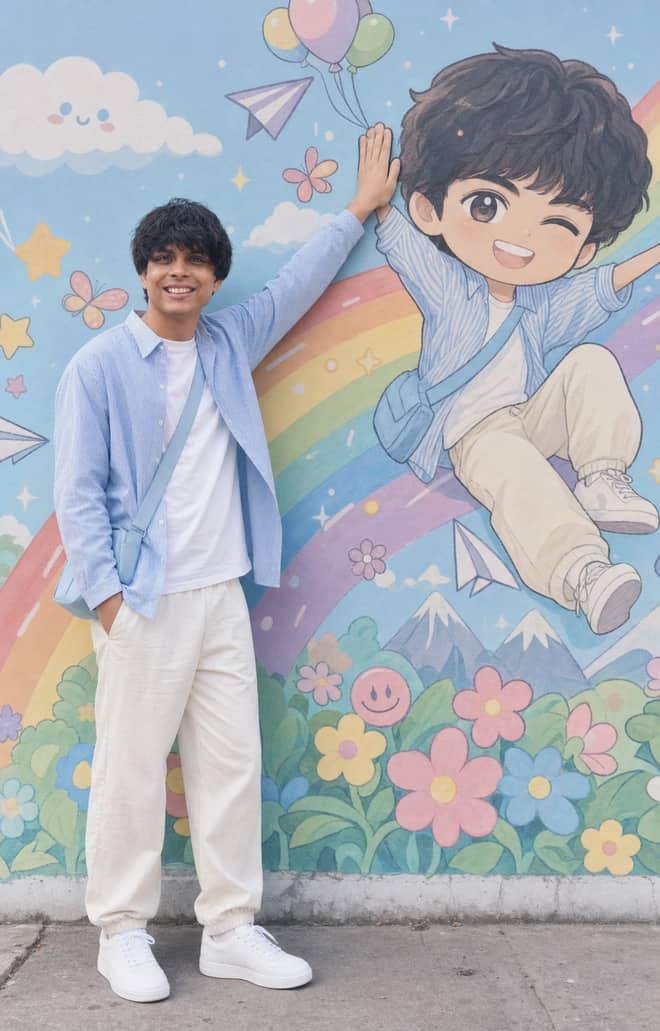
Recreate a colorful outdoor fashion portrait with exact face identity, a locked full-body pose, and a matching anime chibi mural.
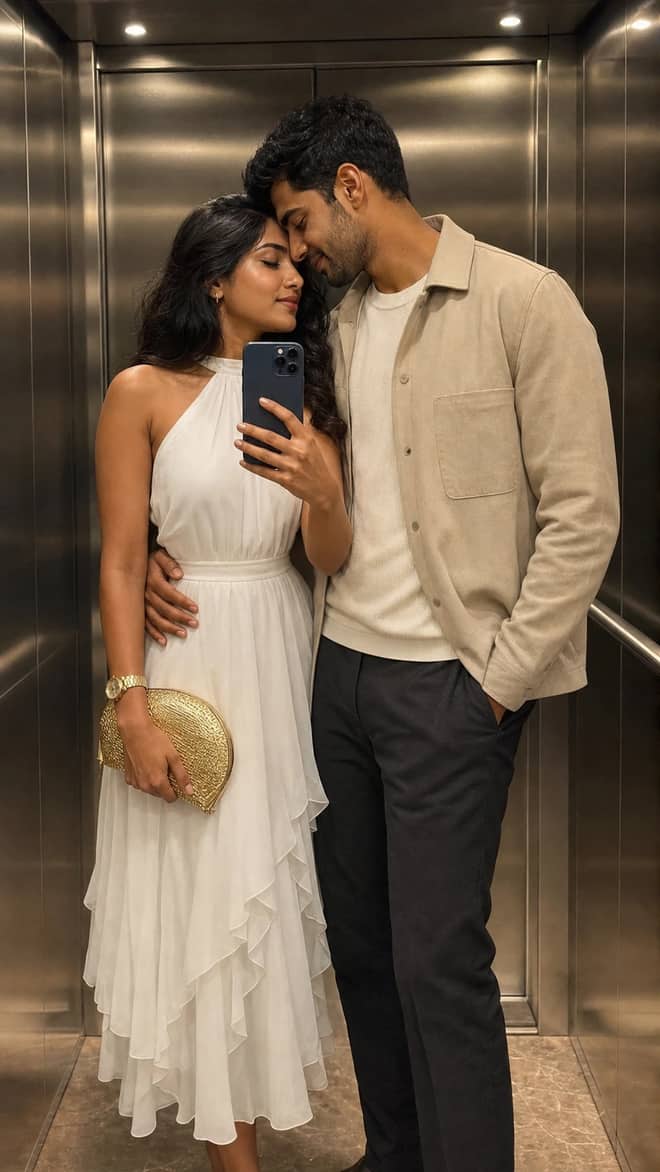
Create a luxury elevator couple mirror selfie while preserving both uploaded facial identities, natural expressions, skin texture, and authentic details.
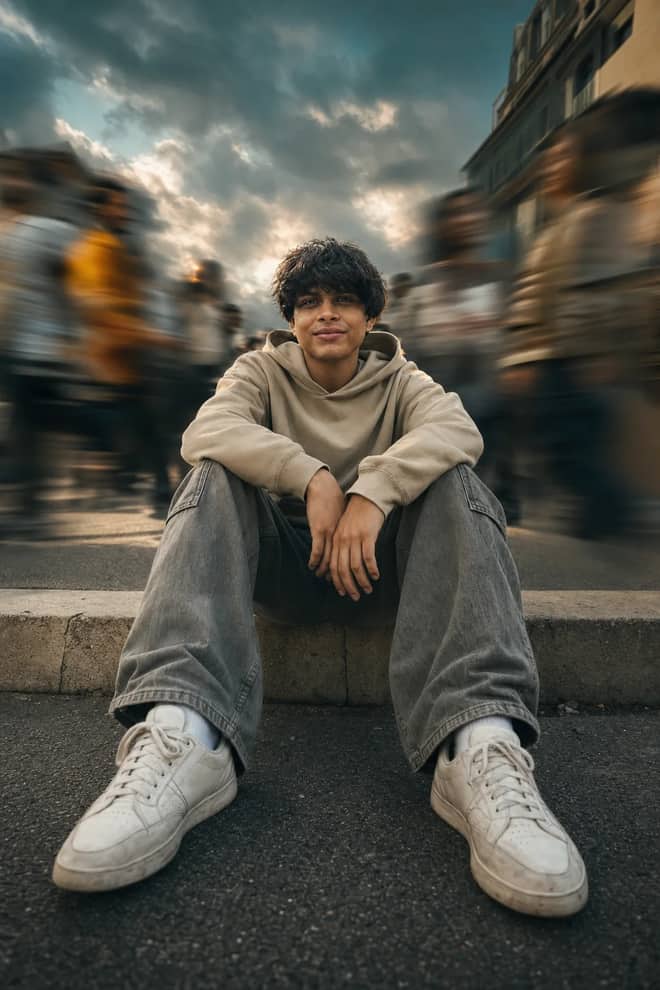
Create a low-angle urban portrait with a sharp seated subject, radial crowd motion blur, golden-hour light, and cinematic orange-and-teal grading.
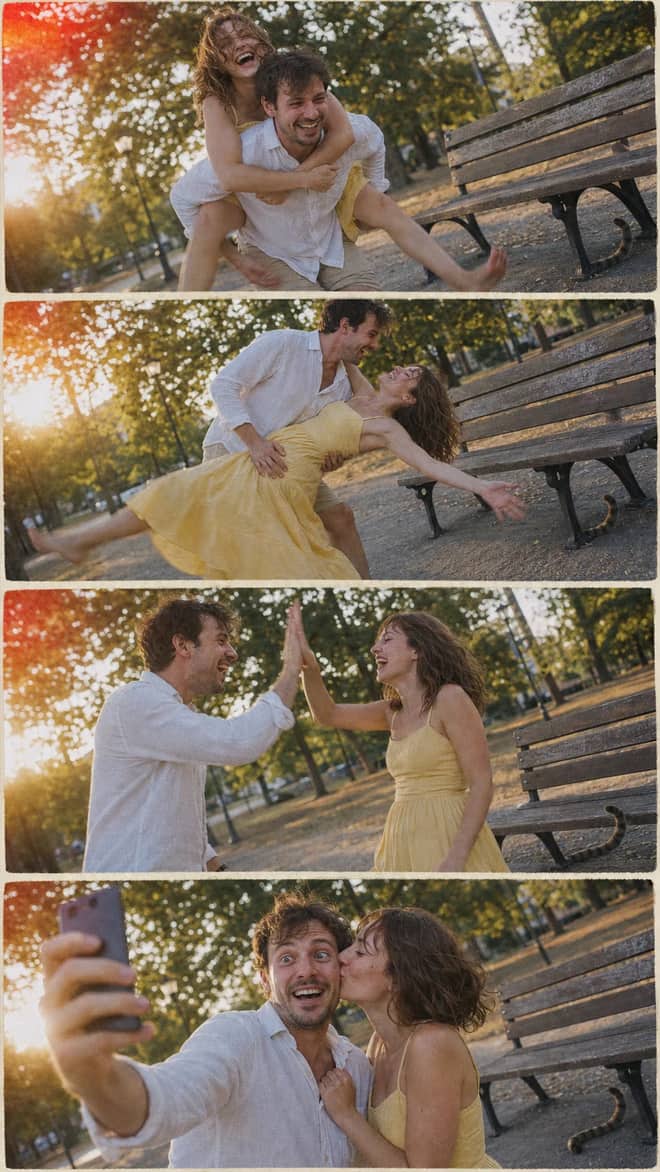
Create a nostalgic four-panel couple photo collage with playful candid moments, golden-hour park light, motion blur, grain, and a 2005 digital-camera look.
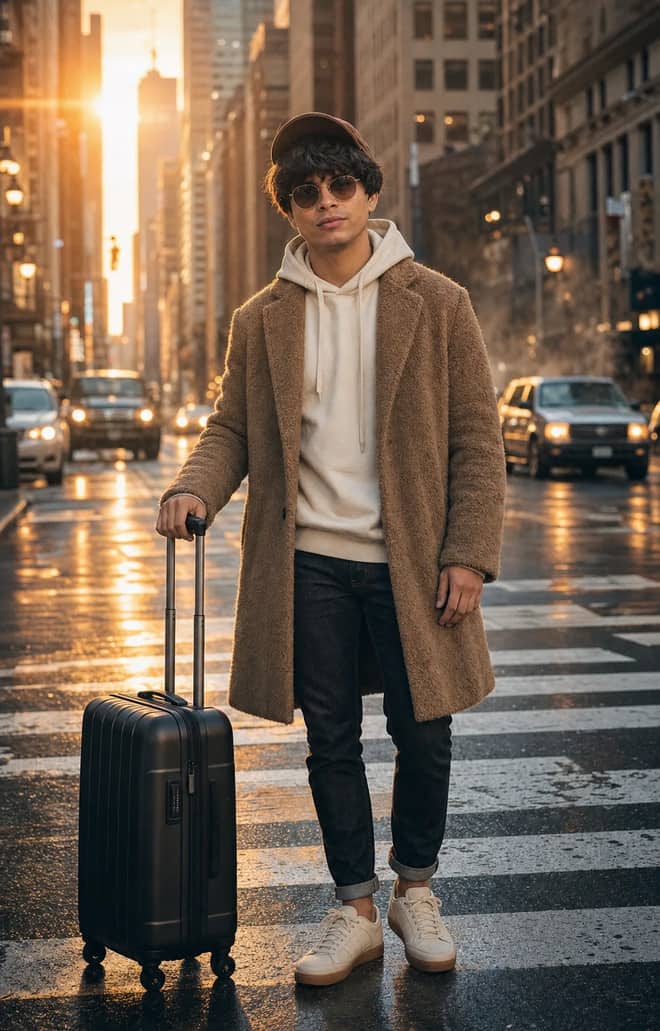
Create an ultra-realistic full-body traveler portrait in a downtown crosswalk with warm sunrise rim light, reflective asphalt, an 85mm look, and cinematic color.
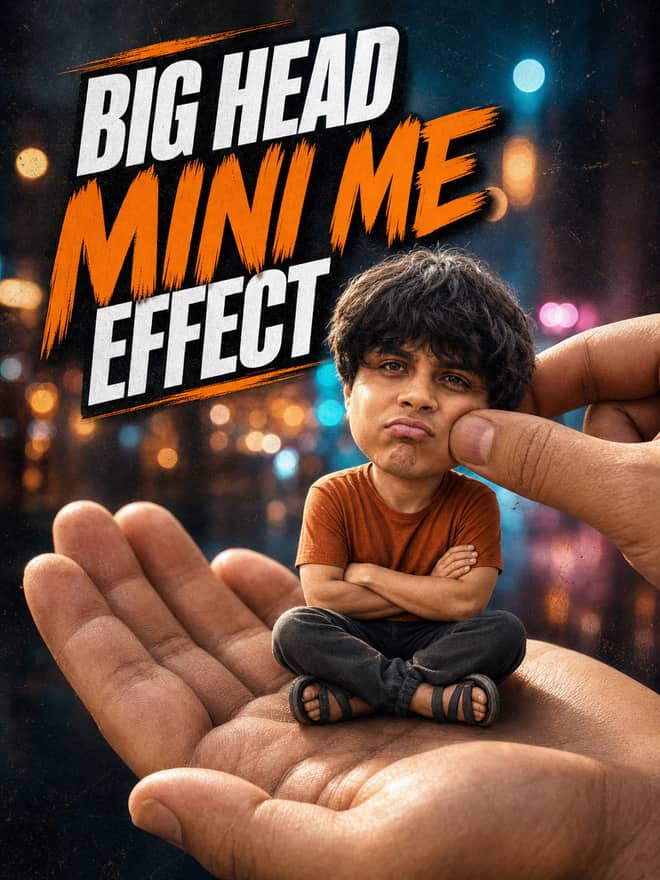
Turn any portrait into a cute big-head miniature seated in a giant hand, with a playful cheek pinch, cinematic night bokeh, and crisp 3:4 framing.
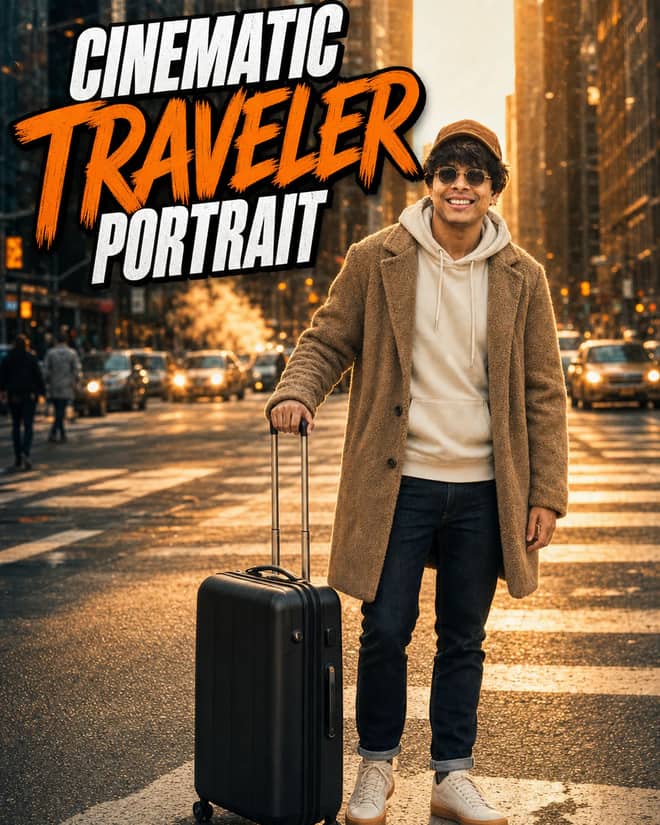
Create an ultra-realistic golden-hour traveler portrait with preserved facial identity, a teddy-fleece coat, reflective city streets, and an 85 mm cinematic look.
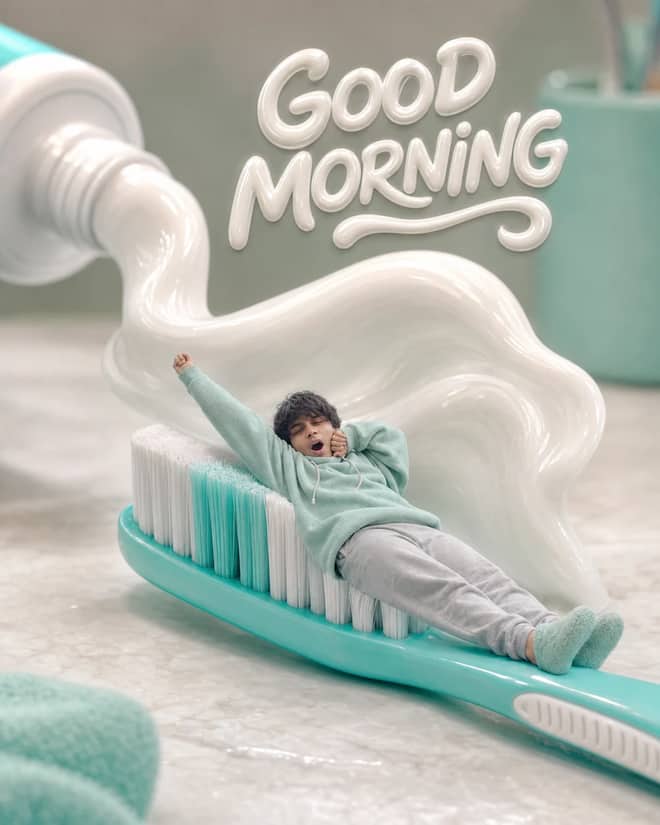
Turn any selfie into a tiny sleepy character lounging on a giant toothbrush, with a foamy toothpaste wave, pastel macro styling, and creamy GOOD MORNING text.
Ethereum Developer prompt for coding questions, debugging, and technical guidance. Copy it into ChatGPT, Gemini, Claude, or another AI assistant and tailor it to your task.

Linux Terminal prompt for coding questions, debugging, and technical guidance. Copy it into ChatGPT, Gemini, Claude, or another AI assistant and tailor it to your task.
English Translator and Improver prompt for writing, editing, translation, and language work. Copy it into ChatGPT, Gemini, Claude, or another AI assistant and tailor it to your task.
Job Interviewer prompt for goals, priorities, and practical next steps. Copy it into ChatGPT, Gemini, Claude, or another AI assistant and tailor it to your task.
JavaScript Console prompt for coding questions, debugging, and technical guidance. Copy it into ChatGPT, Gemini, Claude, or another AI assistant and tailor it to your task.
Excel Sheet prompt for data analysis, research, and clear findings. Copy it into ChatGPT, Gemini, Claude, or another AI assistant and tailor it to your task.
English Pronunciation Helper prompt for lessons, practice, and study support. Copy it into ChatGPT, Gemini, Claude, or another AI assistant and tailor it to your task.
Spoken English Teacher and Improver prompt for lessons, practice, and study support. Copy it into ChatGPT, Gemini, Claude, or another AI assistant and tailor it to your task.
Travel Guide prompt for writing, editing, translation, and language work. Copy it into ChatGPT, Gemini, Claude, or another AI assistant and tailor it to your task.
No prompts match your search.
The guide
A Gemini AI prompt is just the instruction you hand to Google's Gemini, and the gap between a flat result and a great one is almost always the wording. The grid above is full of prompts you can copy straight into the app. What follows is the part that usually gets skipped: how Gemini reads your request, where people go wrong, and the small phrasing tricks that change the outcome. I use it most days for both pictures and plain text, so this comes from habit rather than a feature list.
People arrive looking for one of three things, and Gemini handles each a little differently. Knowing which lane you are in saves a lot of frustration.
Most prompts above target the first lane because that is what is hot, but the same writing rules apply across all three.
The single biggest improvement you can make is to stop writing a topic and start writing an instruction. 'Birthday caption' is a topic. 'Write three short, funny birthday captions for my best friend, under 12 words each, no hashtags' is an instruction. Gemini fills any gap with a guess, so every detail you leave out is a coin flip you handed to the model.
A dependable shape for almost any text prompt is role, task, details, format. Tell it who to be, what to do, the specifics it needs, and how the answer should look. You will not need all four every time, but the more you stack, the closer the first draft lands.
Image work has its own rhythm. Describe the subject, the look you want, then the boundary you do not want crossed. With photo edits the boundary matters most, because Gemini will happily redraw a face if you let it. A line such as 'keep my real face and skin texture, change only the background and clothing' does more than any fancy style word ever will.
When words alone are not landing the tone or layout you want, give Gemini a sample. Paste one caption you already love and say 'write five more in this exact style'. Drop in a paragraph you wrote and ask it to match your rhythm. For images, you can attach a reference photo and say 'use this lighting and mood on my picture'. One concrete example often teaches the model faster than three sentences of adjectives, because it has something solid to copy instead of a vibe to interpret. This trick alone fixed most of my early frustration with bland, generic output.
If a result is close but slightly off, do not rewrite the whole prompt. Ask for one change in a follow up. Gemini keeps the context, so 'same image, warmer light' beats starting from zero.
Here is a quick map of common asks, the detail that usually gets forgotten, and which Gemini mode fits best. Copy the wording and swap in your own specifics.
| What you want | The detail people forget | Best Gemini mode |
|---|---|---|
| Edit my photo into a studio portrait | State 'keep my face unchanged', name the backdrop and light | Flash Image (Nano Banana) |
| Turn me into a desk figurine | Say the base, the scale, and 'realistic packaging box behind' | Flash Image (Nano Banana) |
| Rewrite this email to sound friendlier | Give the relationship and the length you want | Flash or Pro text |
| Explain a hard topic simply | Name your level: 'explain like I know nothing about it' | 2.5 Pro |
| Summarize a long video or PDF | Ask for a shape: five bullets, then one takeaway | 2.5 Pro |
Free Gemini gives you a generous but real daily limit on image generations, so burning attempts on fixable errors stings. These are the ones I see most.
People often paste the same prompt into several apps to see which wins, so it helps to know where Gemini sits. For editing a photo you already have, Gemini's Nano Banana is currently one of the best at keeping a real face recognizable while changing everything around it. ChatGPT's image tool is also strong and often cleaner at typography inside an image, like readable text on a poster. Midjourney still leads for pure from scratch art and painterly style, though it is weaker at 'here is my photo, edit it'. DALL-E is fine for fast concepts but trails the others on faces.
For writing and reasoning the lines blur. Gemini 2.5 Pro is comfortable with long inputs, so dropping in a big document or a full transcript and asking questions is where it shines. If your whole task is text, the model you already pay for is usually good enough, and prompt quality matters more than which logo sits on the app.
Beyond the grid above, these are patterns I reuse constantly. Adapt the bracketed parts.
Pick one prompt from the grid, run it, then change a single word at a time so you can see what each tweak actually does. That is honestly how you build a feel for Gemini faster than reading any guide. The wording is a starting point you bend to your photo, your voice, and what you need, not a script you have to obey.
Questions
It is the instruction you type into Google's Gemini to get a result, whether that is an edited photo, a written email, a summary, or an explanation. The clearer and more specific the prompt, the better the output, since Gemini guesses at anything you leave out. You can copy a ready made one and swap in your own details.
Give it a role, the task, the specifics, and the format you want. Instead of 'birthday caption', try 'write three funny birthday captions under 12 words, no hashtags'. For image edits, name what to change and add a line telling it to keep your face. Then refine with small follow up requests.
Yes, the Gemini app is free to try and the free tier handles light image editing. There is a daily cap on generations that resets, so heavy use in one sitting can hit a limit. A paid plan raises that ceiling and unlocks the stronger models if you need them often.
Nano Banana is the nickname for Gemini 2.5 Flash Image, Google's image model. It powers the popular photo edits people share, like figurine versions of themselves, outfit swaps, and retro portraits. It is especially good at keeping a real face recognizable while changing the background or style around it.
When the model has too much freedom or a blurry source image, it redraws features instead of preserving them. Add a clear instruction to keep your real face and skin texture, limit the edit to one or two things, and start from a sharp, well lit photo. Small, named changes protect your likeness.