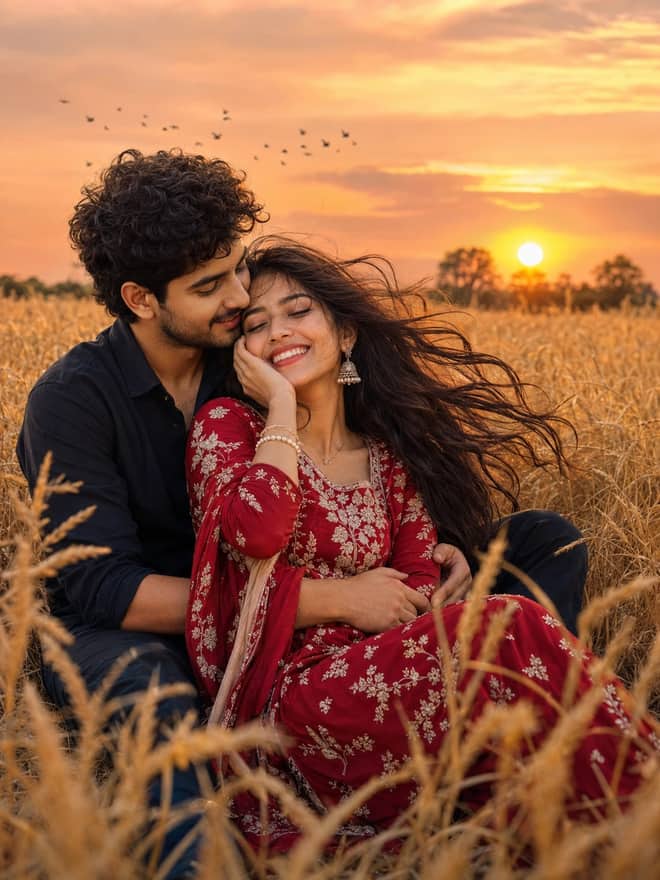
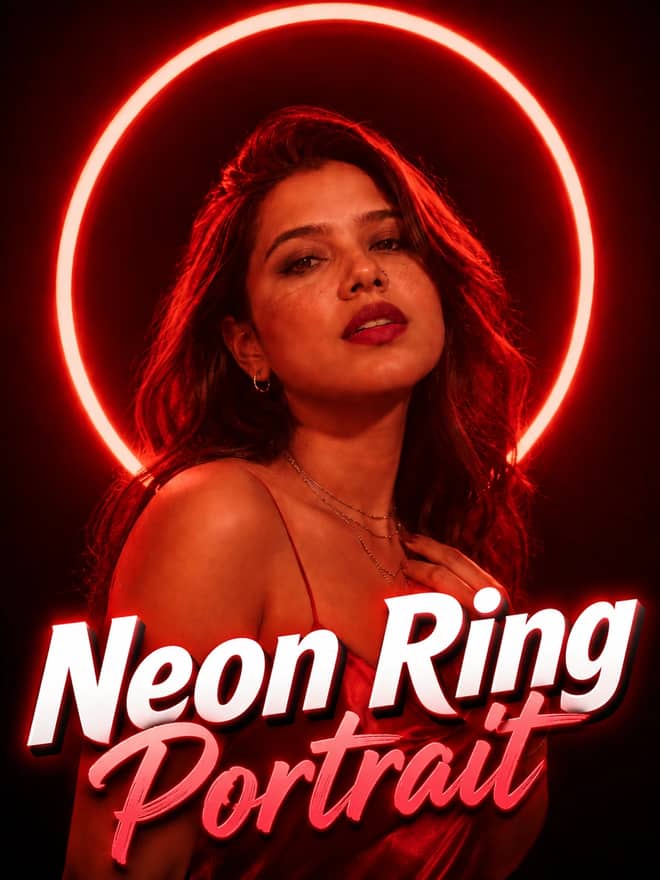
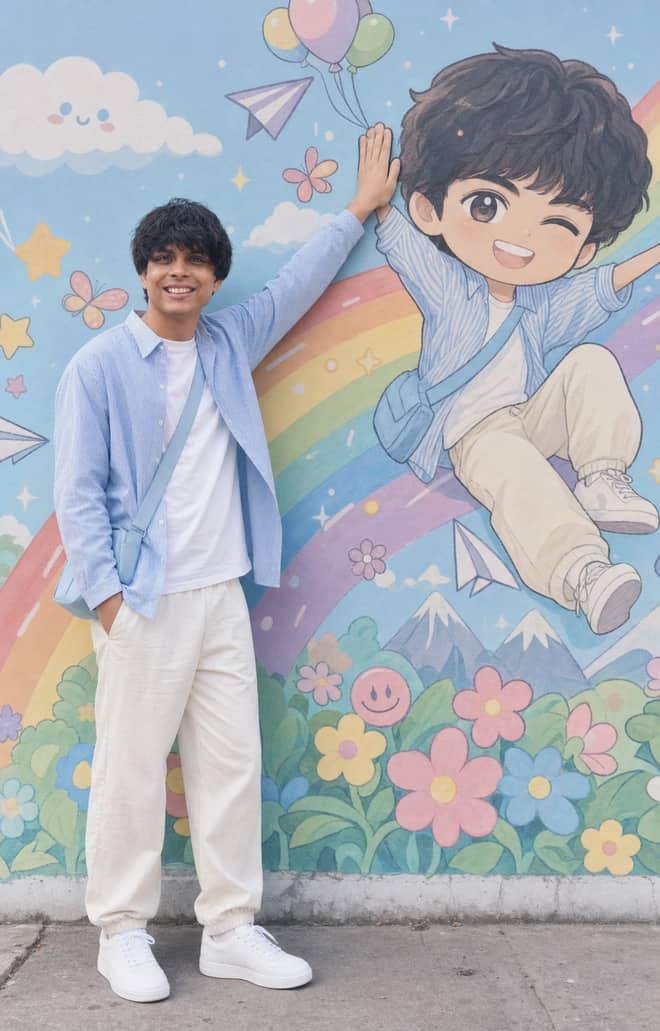
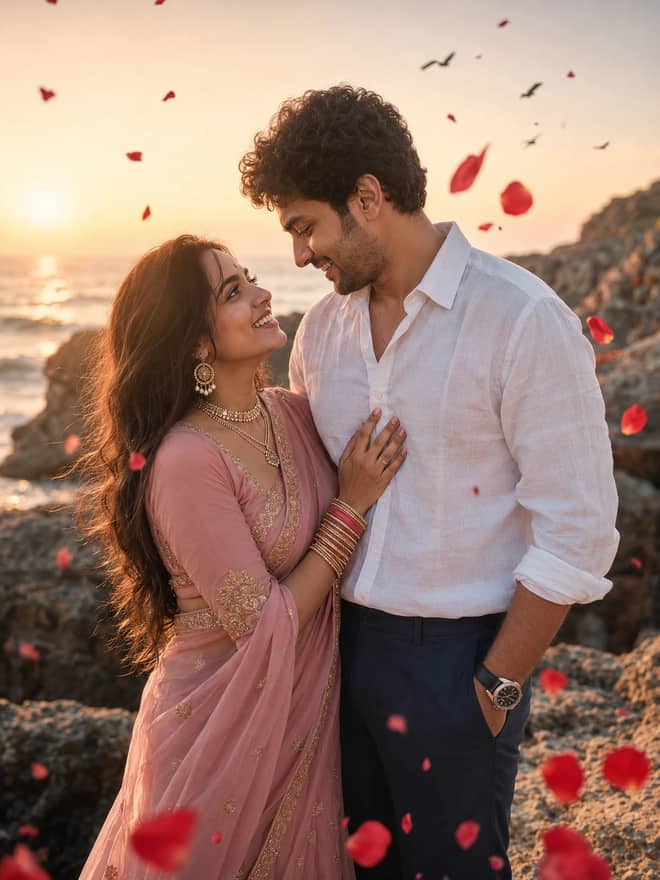
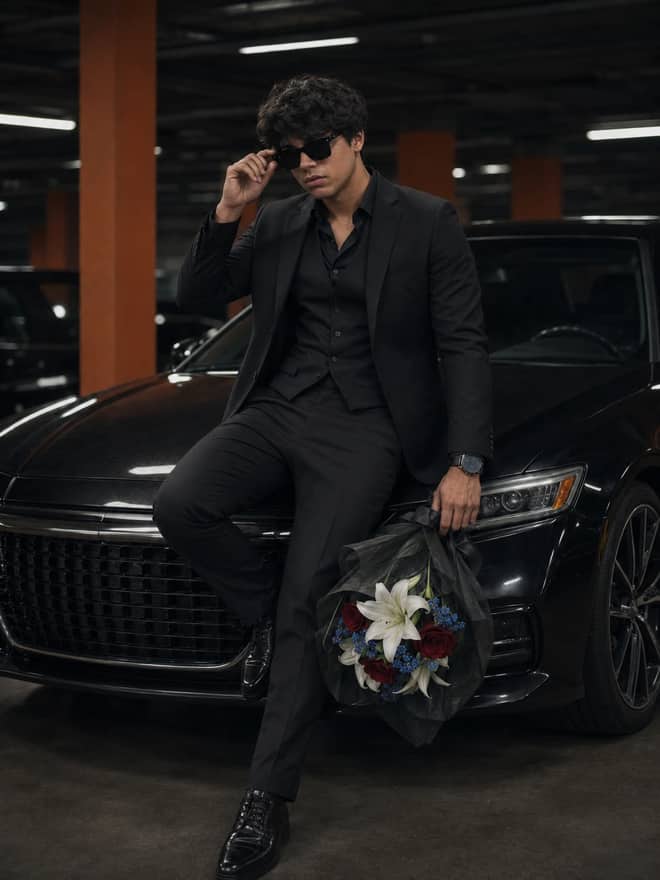
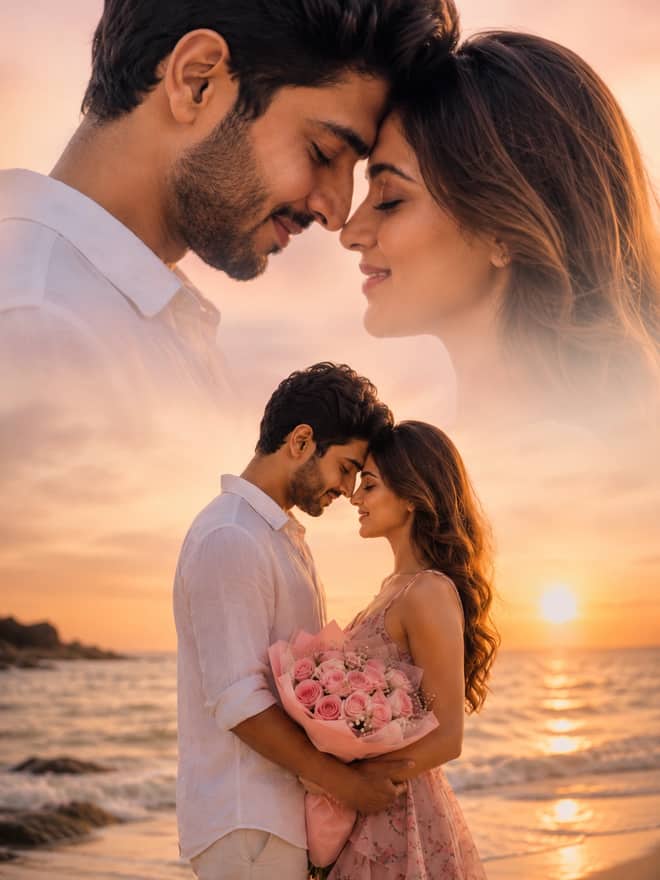
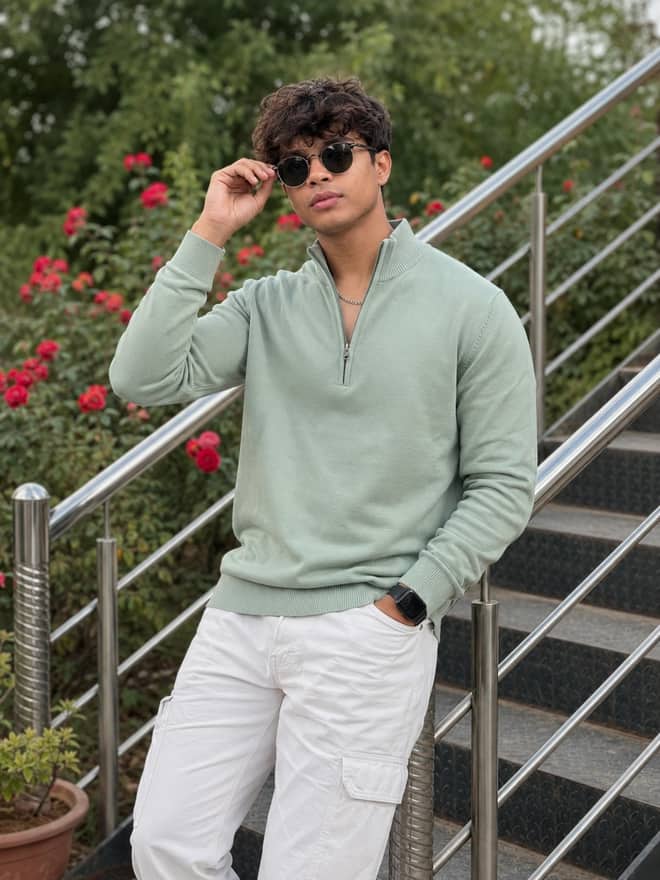
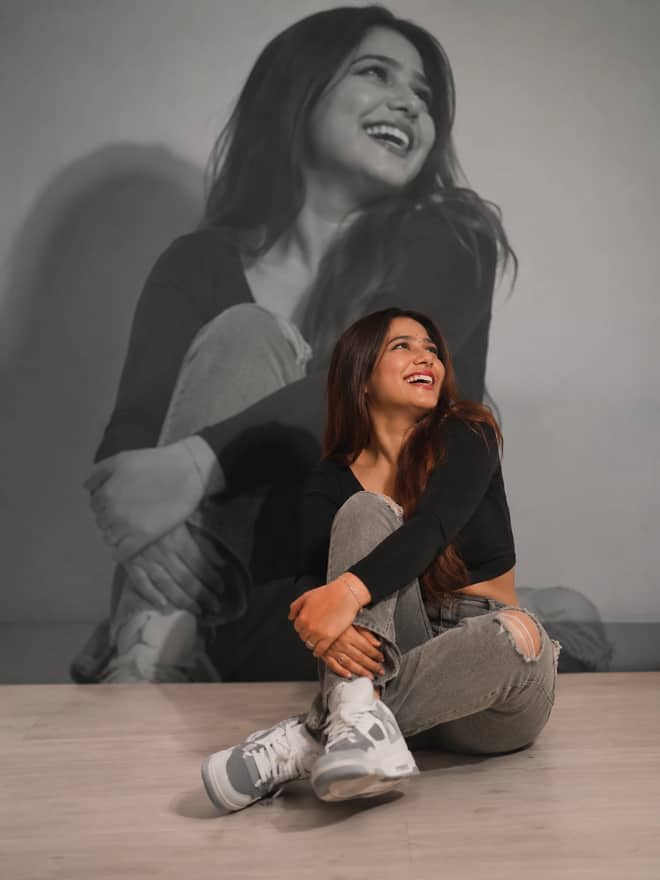
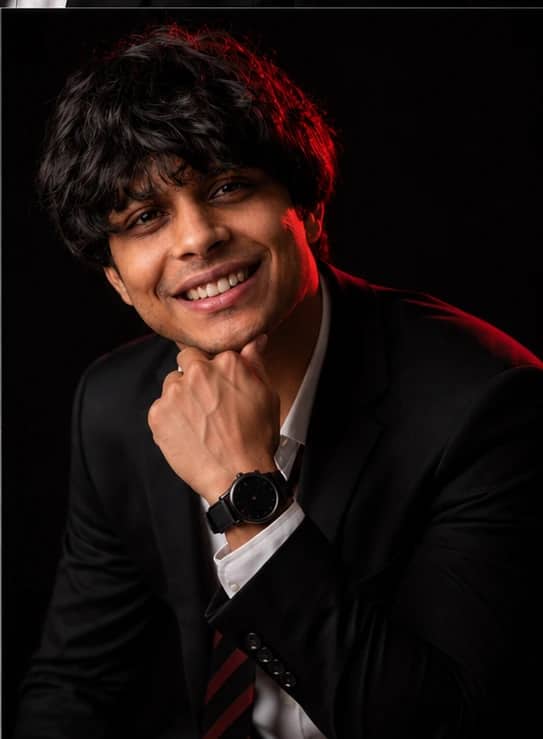
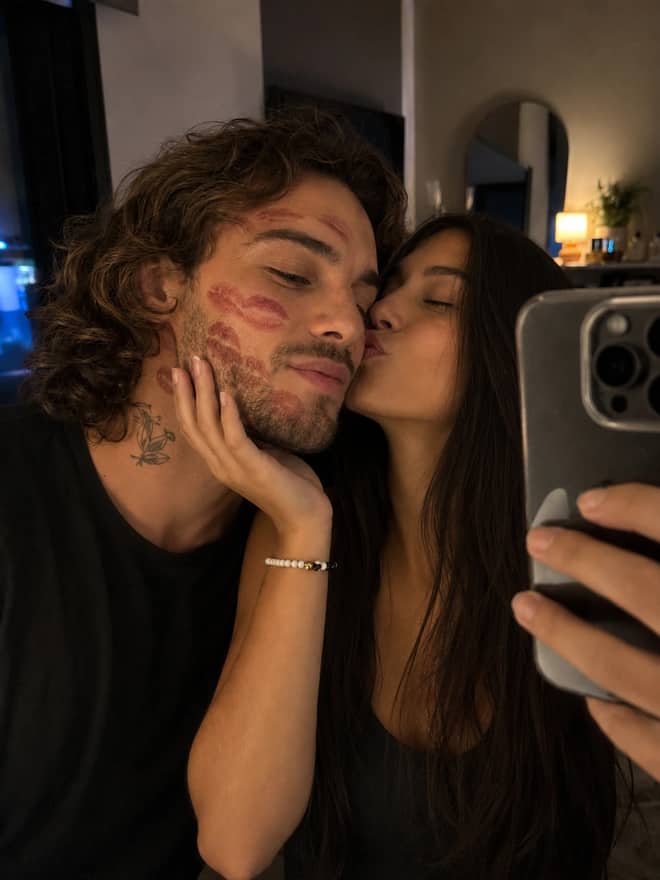
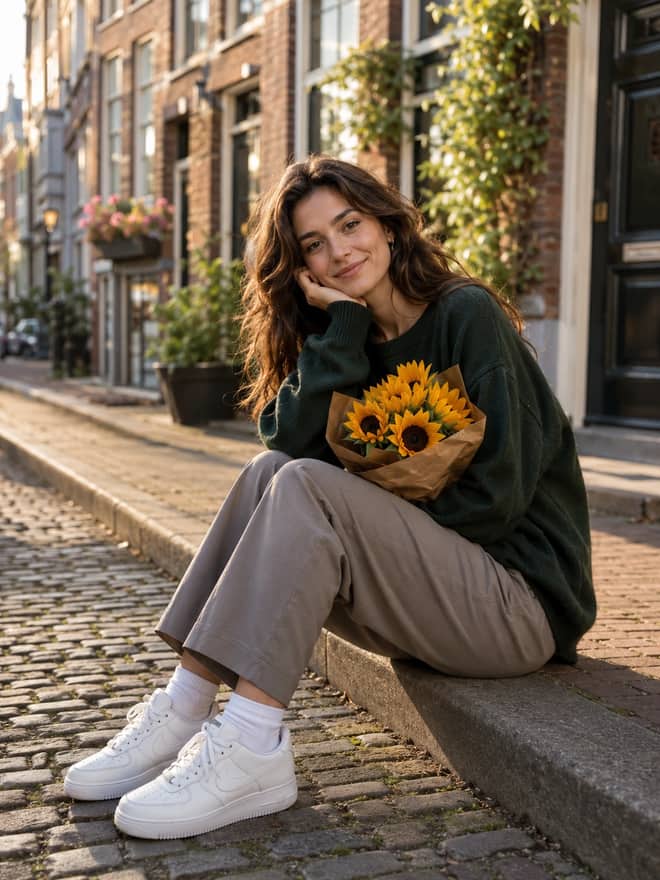
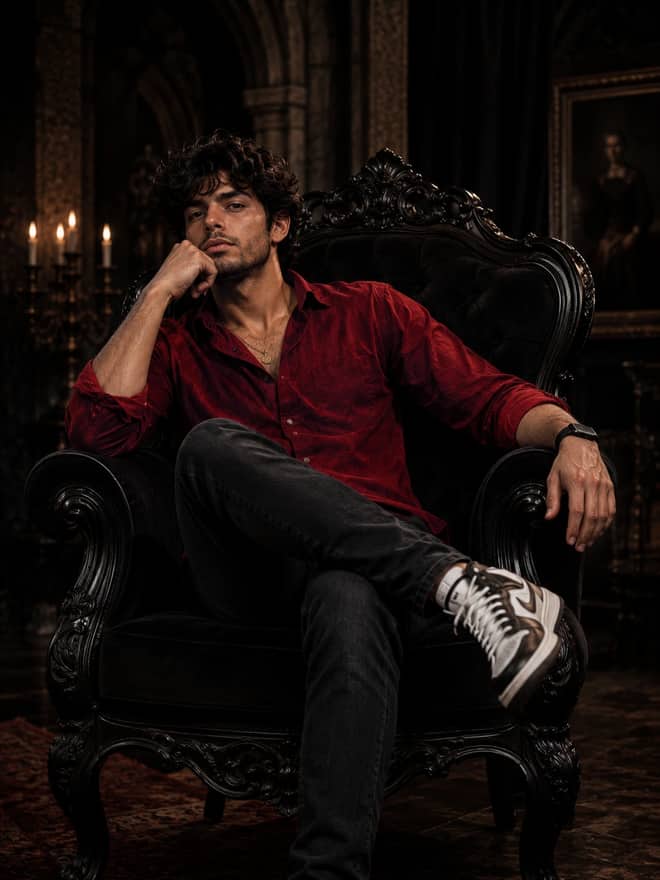
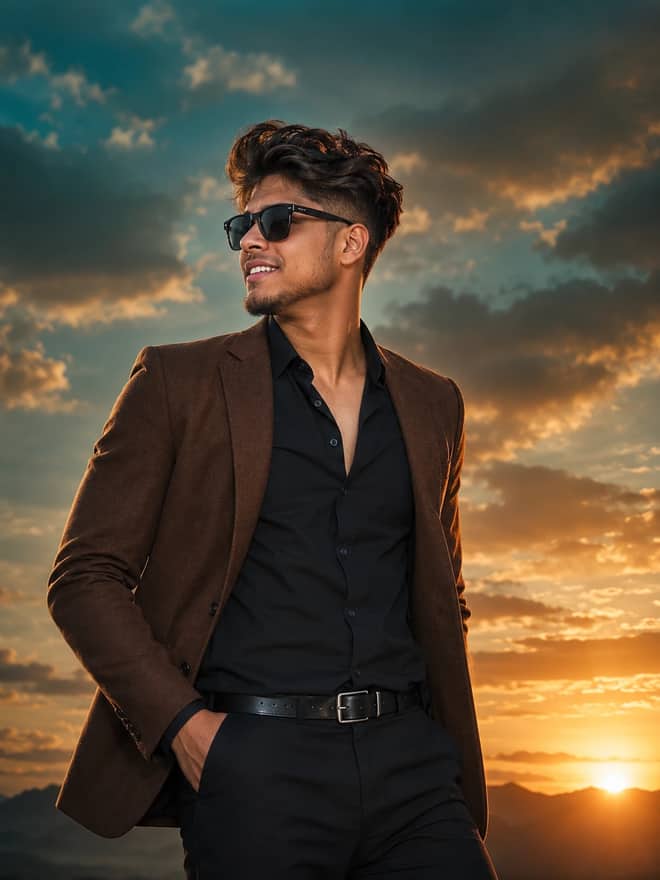
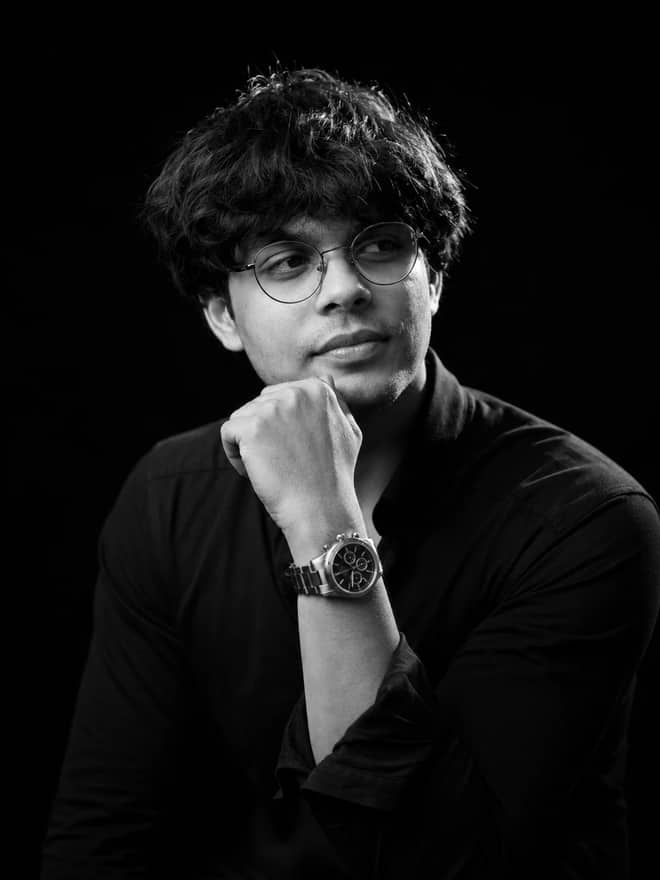
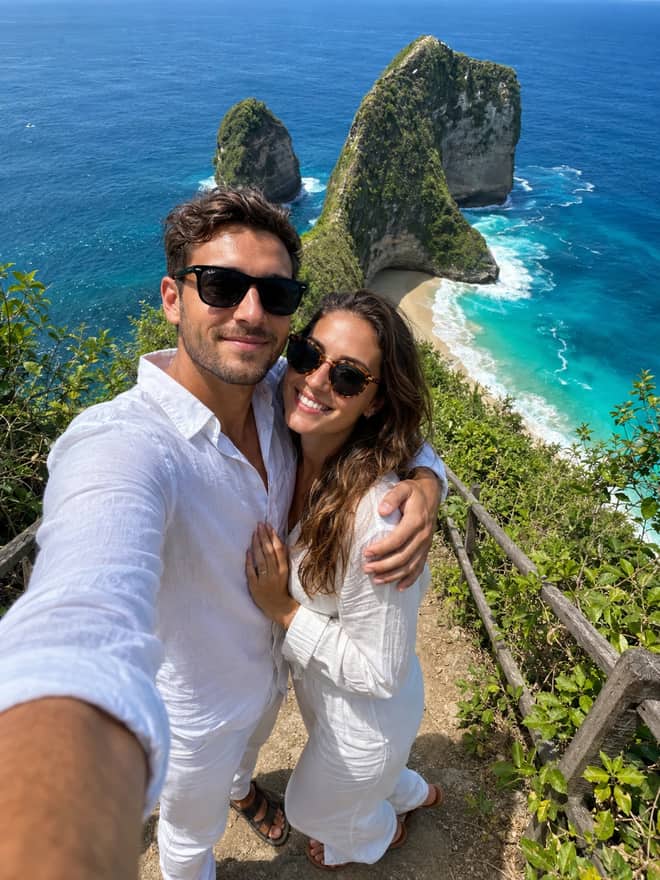
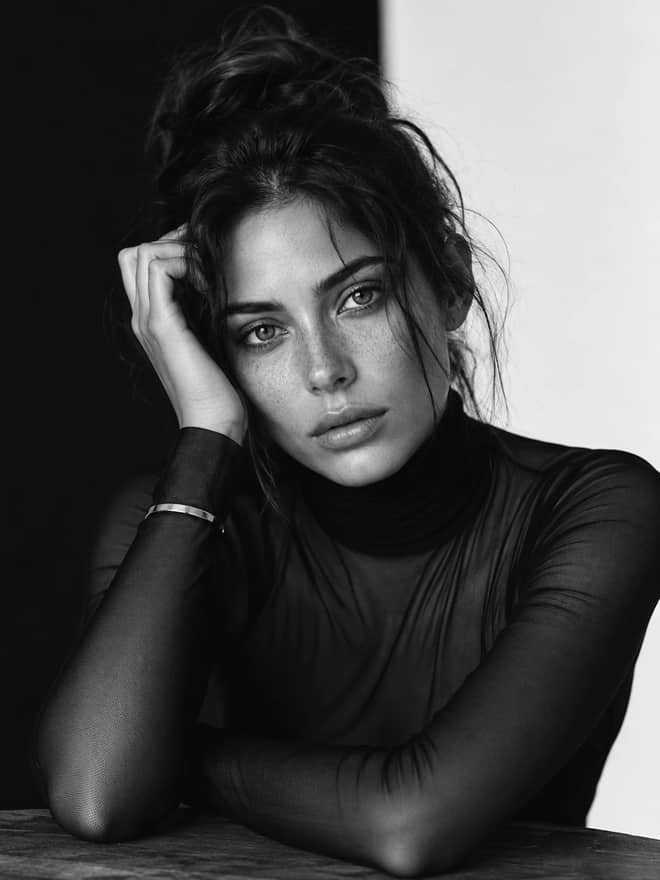
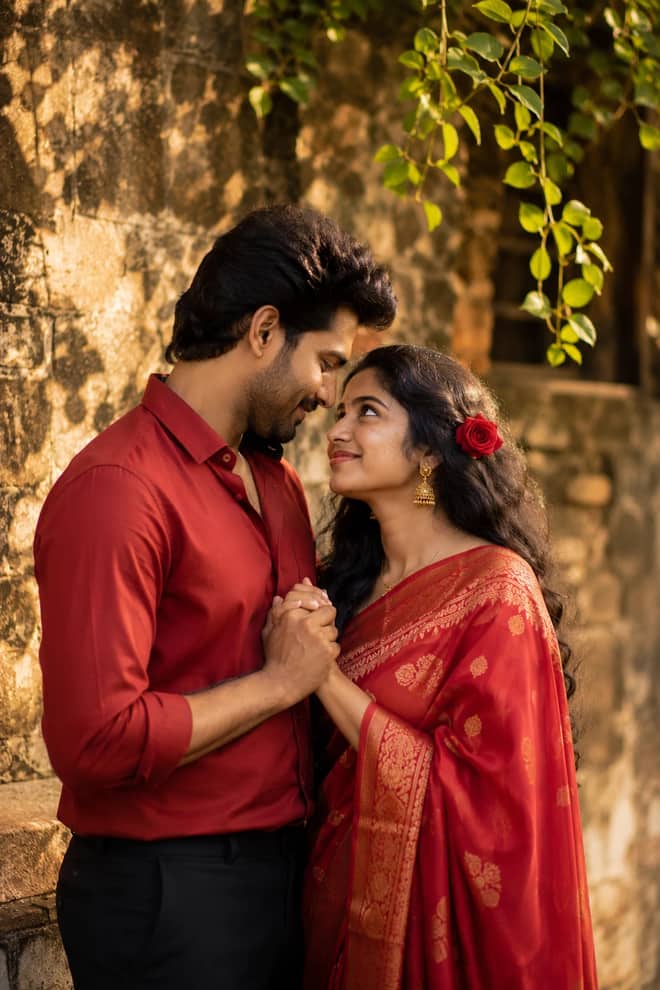
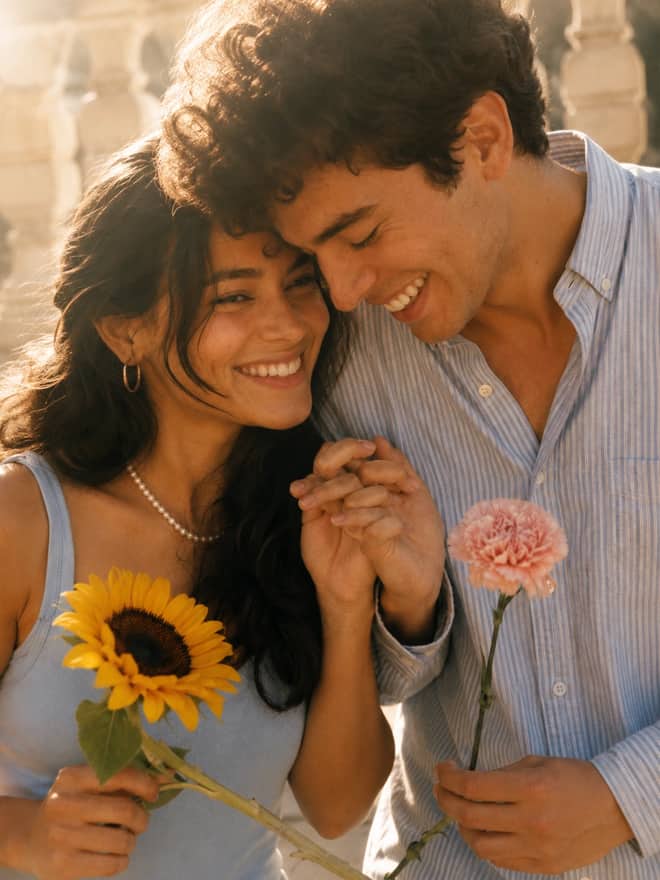
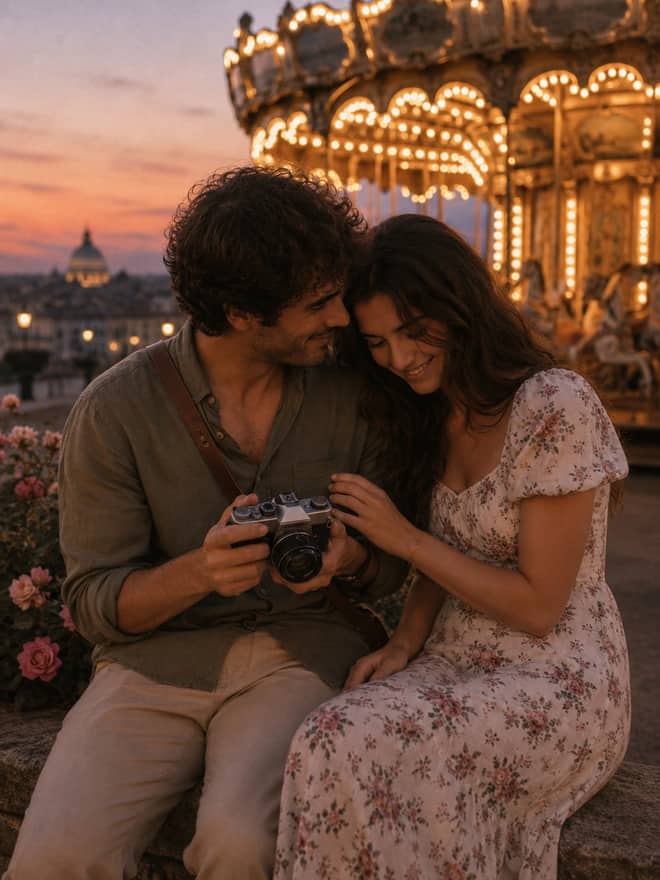
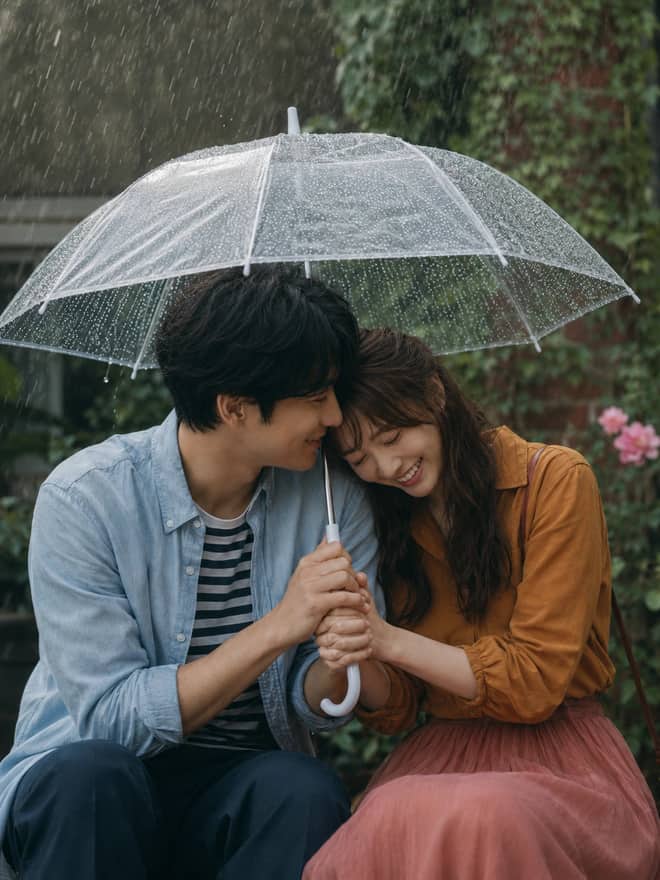
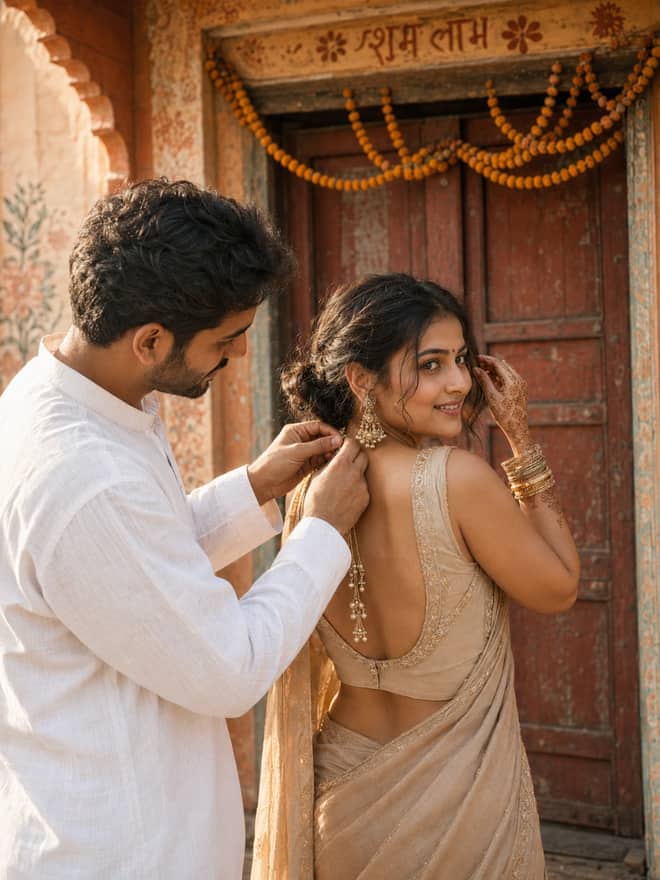
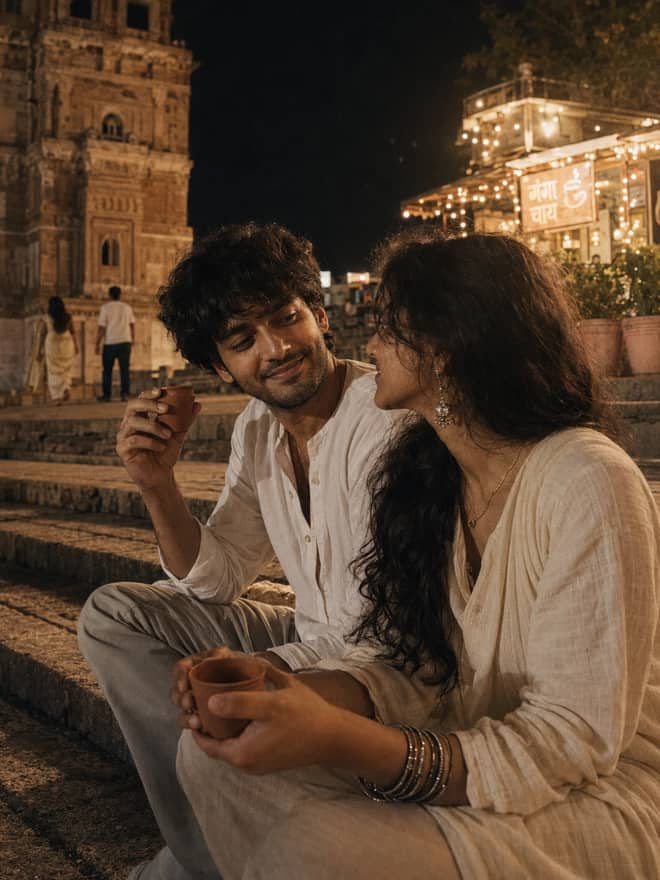
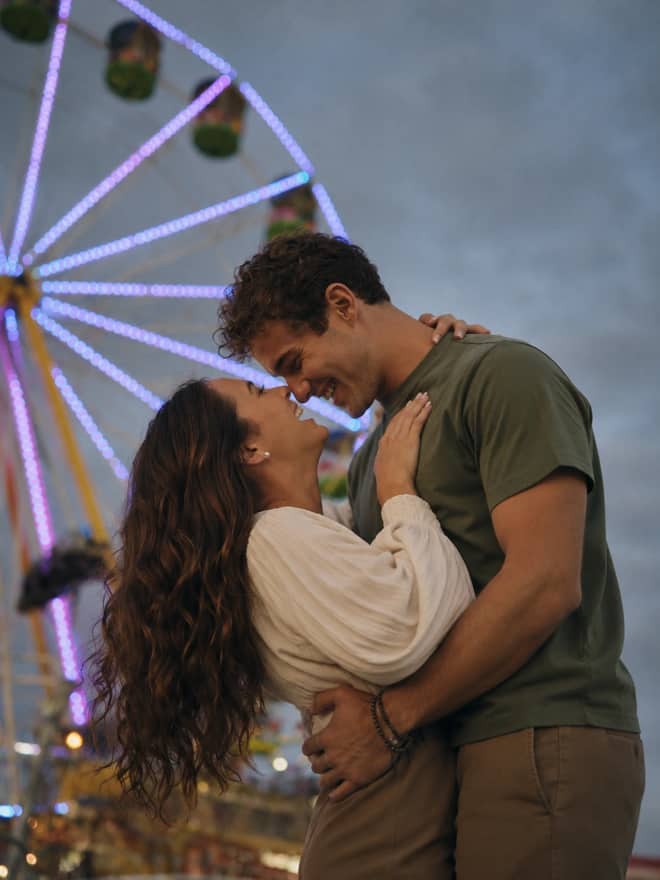
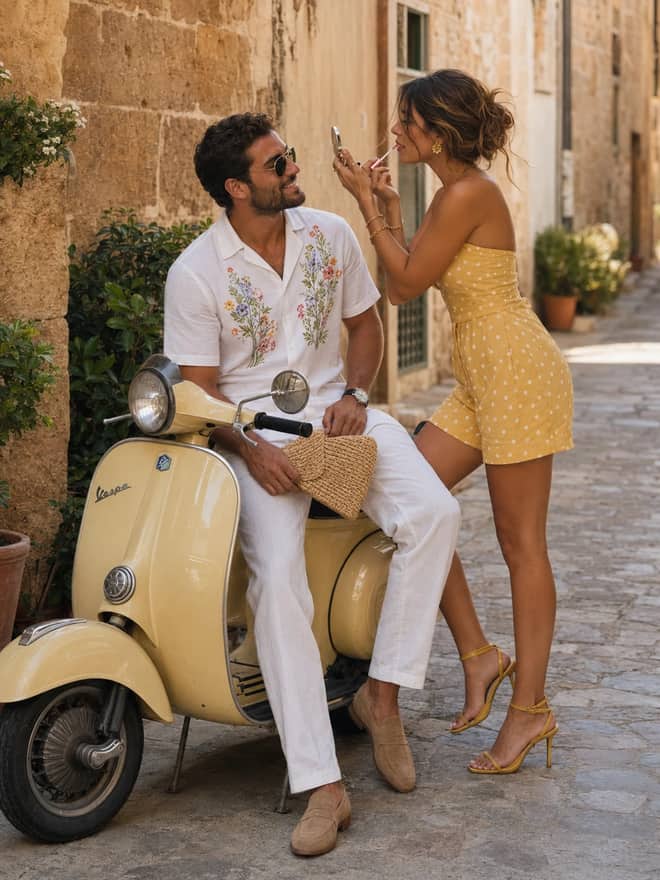
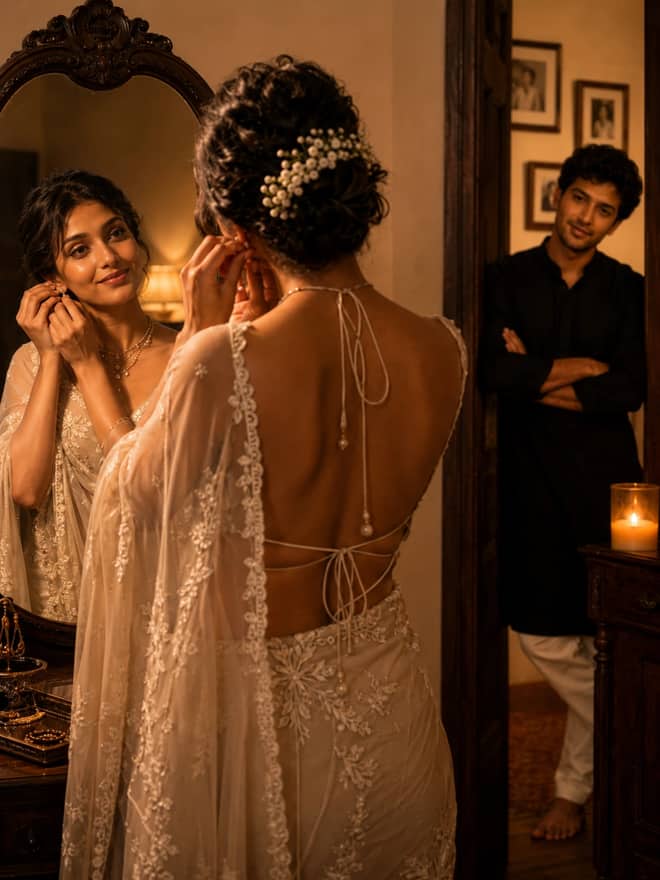
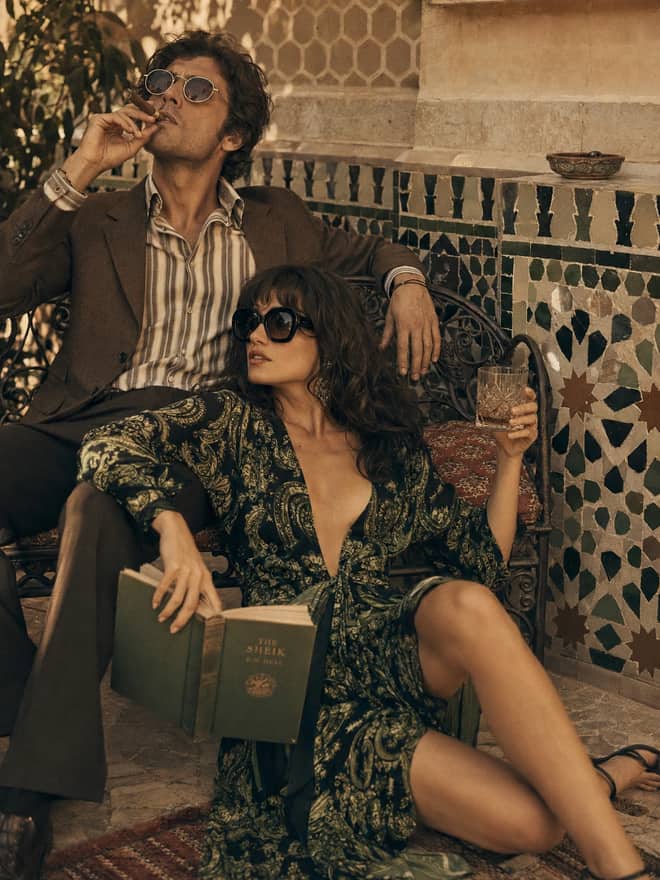
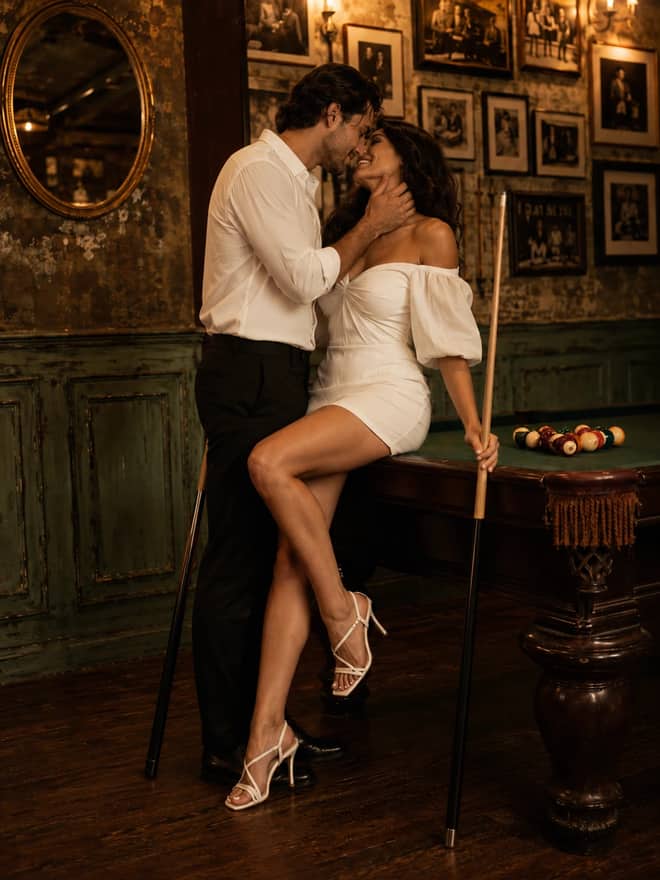
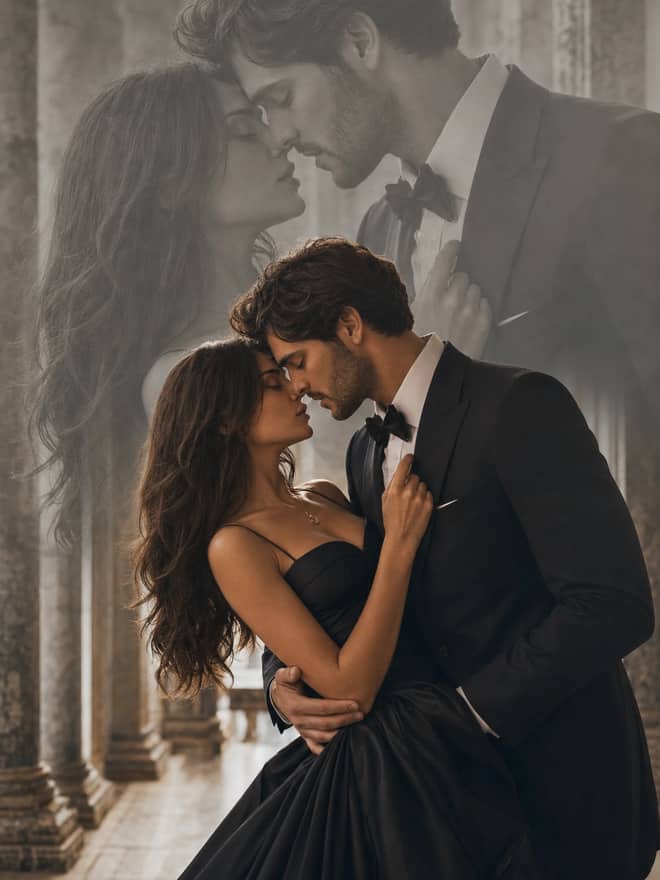
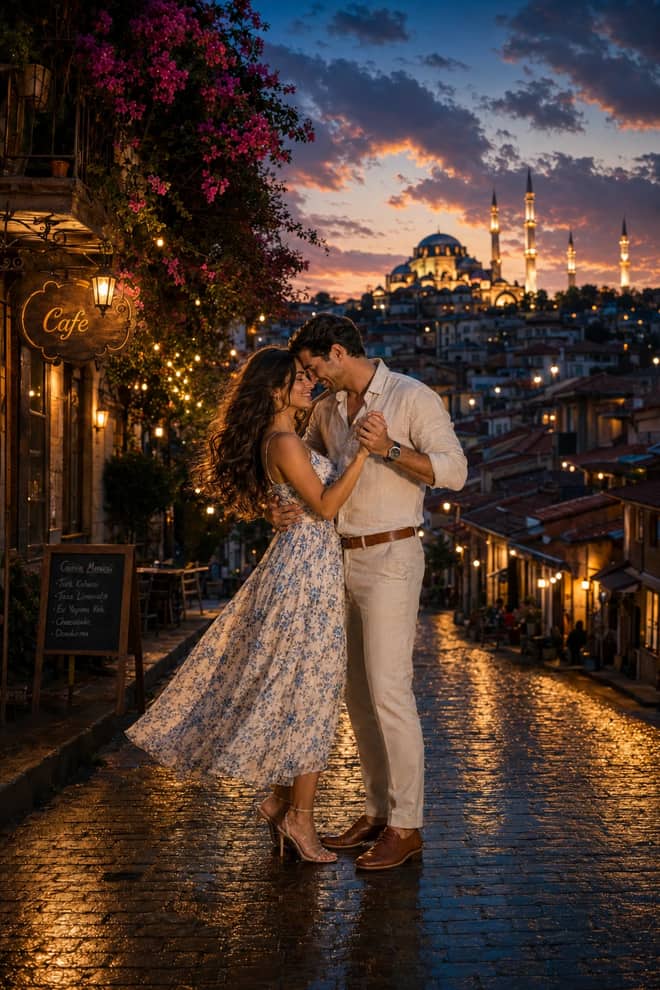
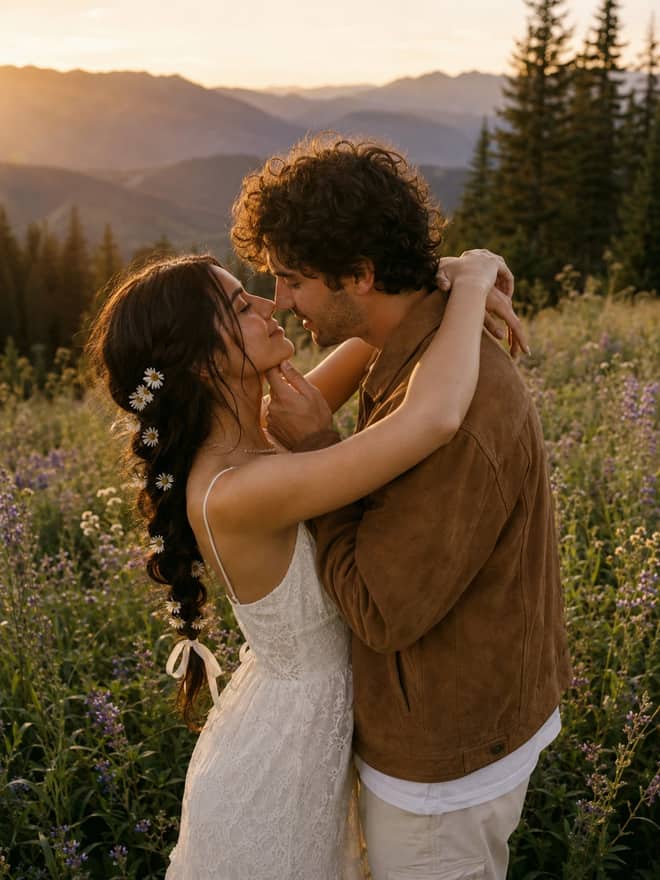
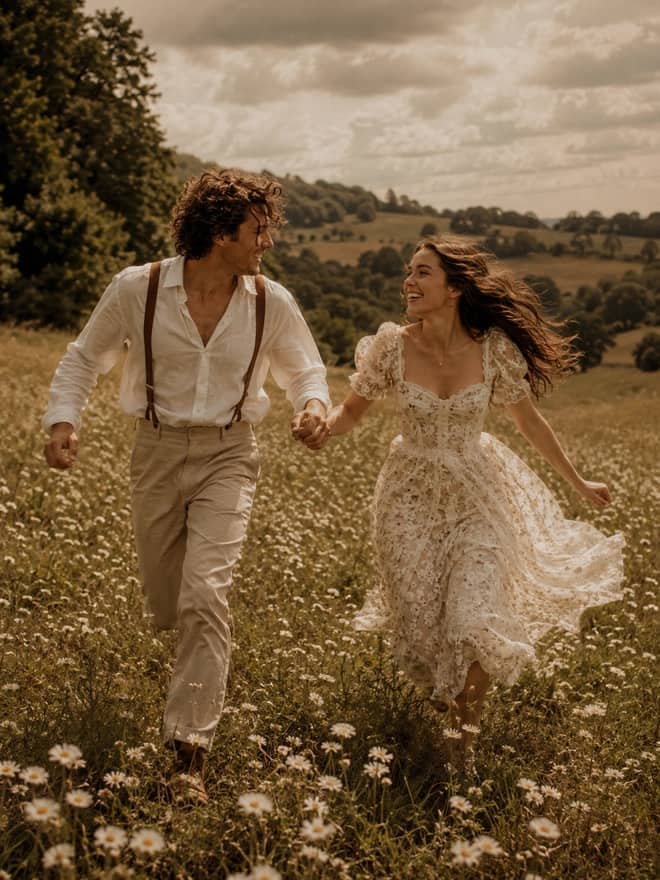
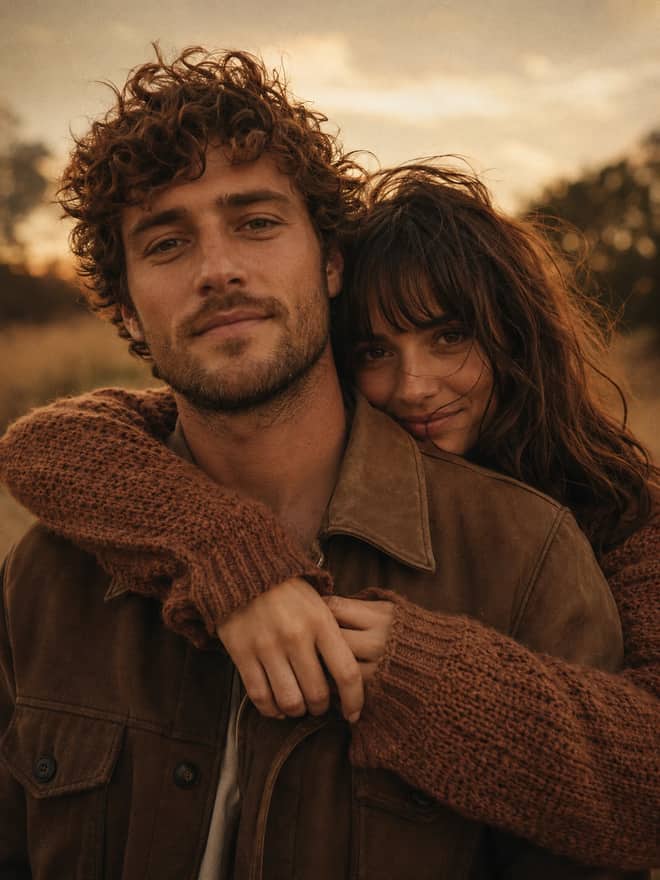
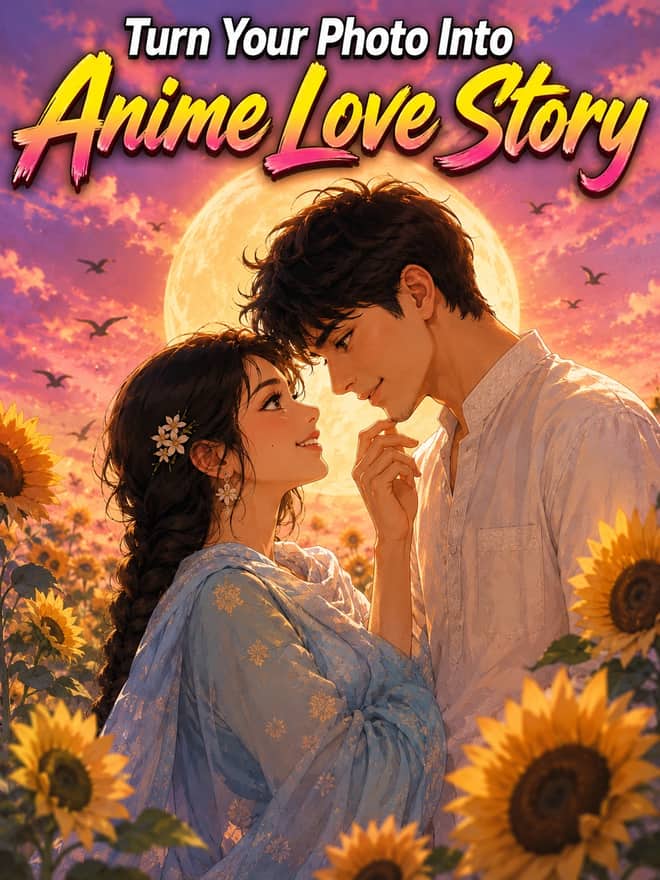
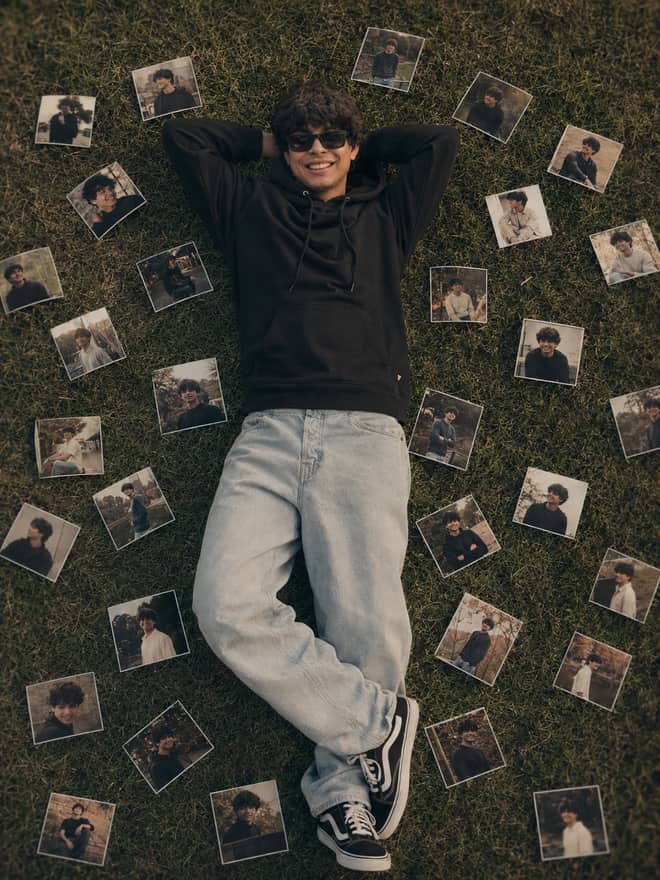
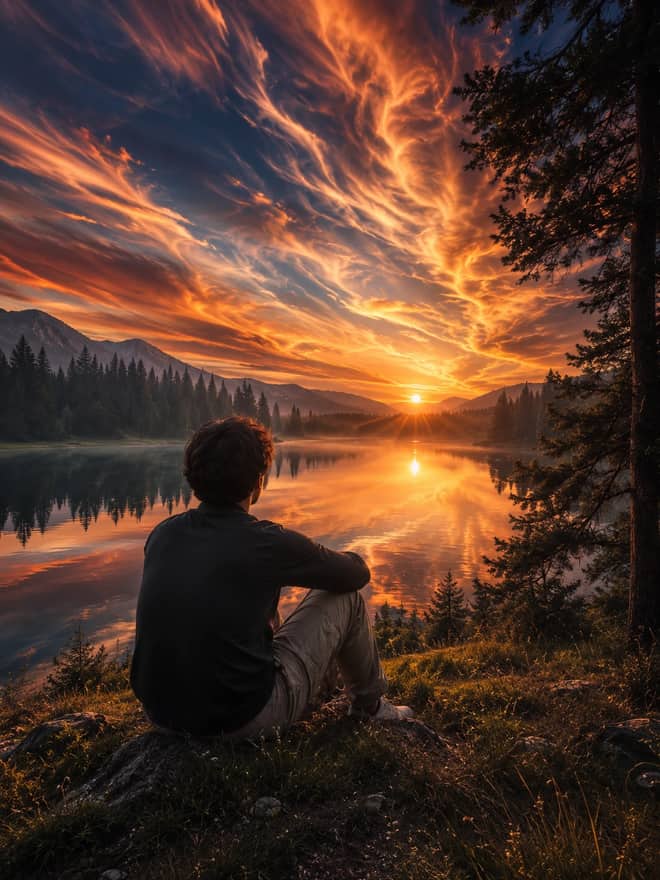
A chatgpt caricature prompt is the exact wording you paste into ChatGPT to turn a normal photo or a quick idea into an exaggerated cartoon portrait, the big-head small-body kind where the features get pushed just far enough to be funny without turning mean. The grid above is full of them, already written so you can copy one and run it. This part explains how they actually work, which looks are worth bothering with, and what to do when ChatGPT gets the face almost right but not quite.
Why a chatgpt caricature prompt is trickier than a cartoon
ChatGPT makes images with its built-in GPT-4o image model now, the same one that replaced the old DALL-E 3 flow inside the chat. It is genuinely good at reading a reference photo and following plain instructions. A caricature, though, asks for two things that fight each other. You want the face exaggerated, the nose bigger, the smile wider, the head ballooned over a tiny body, and at the same time you want the person to stay recognizable. Push too hard and it stops looking like them. Push too soft and it is just a regular cartoon. The whole job of a good prompt is balancing those two.
That tension is also why the same prompt can give you a great result on the second try and a flat one on the first. Generate two or three and keep the best. It costs you nothing but a minute.
The caricature prompt styles people ask for most
Caricature is a wide word, so it helps to name the look you actually want. These are the ones that come up again and again.
- 3D Pixar or Disney render: smooth, glossy, big shiny eyes, the most-requested style by far.
- Classic hand-drawn ink caricature: the street-artist look, bold outlines, a little watercolor wash.
- Bobblehead or vinyl figure: oversized head on a stylized toy body, sometimes posed on a desk.
- Corporate or profile-photo caricature: clean, friendly, exaggerated but still office-safe.
- Sports or trading-card style: action pose, jersey, dynamic background.
- Couple or family caricature: two or more people together, harder to keep everyone on-style.
If you are new to this, start with the 3D Pixar style. It is forgiving, it flatters most faces, and ChatGPT handles it cleanly.
Advertisement
How to write a chatgpt caricature prompt
Almost every prompt that works is built from the same four pieces. Once you can see them, you can write your own or repair one that is falling flat.
The four parts
- Subject: who is in it. If you upload a photo, say 'based on the uploaded photo'.
- Exaggeration: what to push. 'Oversized head, small body, exaggerated smile, large expressive eyes.'
- Style: the render. '3D Pixar style', 'pen and ink caricature', 'vinyl toy figure'.
- Likeness lock: what to keep. 'Keep the same face, hairstyle, and glasses so they stay recognizable.'
String those into two or three sentences and you have a prompt. You do not need art-school vocabulary. The model reads ordinary English better than it reads jargon, and overloading it with adjectives usually makes the face drift.
| Style | The vibe | Wording to drop in |
|---|
| 3D Pixar render | cute, glossy, friendly | '3D Pixar style, soft studio lighting, big expressive eyes' |
| Ink caricature | street artist, hand-drawn | 'bold ink outlines, light watercolor wash, white background' |
| Bobblehead figure | toy on a shelf | 'vinyl bobblehead, oversized head, plastic texture, desk scene' |
| Office portrait | polished, profile-safe | 'clean cartoon, mild exaggeration, plain backdrop, neat suit' |
| Sports card | energetic, posed | 'action pose, team jersey, stadium blur behind' |
Running a chatgpt caricature prompt step by step
The flow barely changes between prompts, which is the part that makes this easy once you have done it once.
- Open ChatGPT and upload one clear, well-lit photo of the face.
- Paste your caricature prompt under the image.
- Add a likeness line if the person needs to stay recognizable, like 'keep the same face shape, skin tone, and hair'.
- Send it, look at the result, then ask for 'a bit more exaggeration on the head' or 'softer' to nudge it.
- Generate one or two more and compare before you settle.
The conversational part is the advantage ChatGPT has over a one-shot tool. You can keep adjusting in plain language instead of rewriting the whole prompt from scratch. If the first pass is 80 percent there, just tell it the 20 percent you want changed.
Tip: a sharp, front-facing photo with good light beats any clever wording. Fix the input first and the caricature gets easier every single time.
What photo to feed your caricature prompt
The input photo decides more than the prompt does. ChatGPT reads features it can clearly see, so a blurry, side-angle, or shadowy shot leaves it guessing, and a guessing model invents a face that is not the one you wanted. Use a photo where the eyes are open, the face is lit from the front, and nothing is covering the jaw or hair. A plain background helps too, since the model spends less effort separating the person from clutter.
One photo is usually plenty for a single-person caricature. If you want a couple or a small group, upload a clear shot that shows everyone's face, or do them one at a time and ask ChatGPT to combine the cartoon versions into one scene. The one-at-a-time route is slower but it keeps each face true, which matters when you are making something for people who will notice if their nose came out wrong.
When a caricature prompt result is off, and how to fix it
Most problems fall into a few buckets, and each has a quick correction.
- It does not look like them: your style words are drowning the likeness. Cut adjectives and add 'preserve the exact facial features from the photo'.
- Not exaggerated enough: say it plainly, 'make the head noticeably larger and the body smaller, push the expression'.
- Too mean or distorted: dial back with 'gentle, flattering exaggeration, keep it kind'.
- Wrong glasses, missing beard, changed hair: list those details out loud. The model keeps what you name.
- Two people blended together: in a couple caricature, describe each person separately so they do not merge.
Small, targeted corrections work faster than tearing the prompt apart. Change one thing, run it, change the next.
A few chatgpt caricature prompts to copy and bend
Use these as starting points, then swap in your own details. They all assume you have uploaded a photo first.
For a friendly 3D look: 'Turn the uploaded photo into a 3D Pixar-style caricature, oversized head, small body, big warm smile, large eyes, soft studio lighting, plain pastel background. Keep the same face, hairstyle, and glasses so the person is clearly recognizable.'
For a classic street caricature: 'Draw the person in the photo as a hand-drawn ink caricature, bold outlines, exaggerated nose and grin, light watercolor shading, white background. Keep their hair and face shape accurate.'
For a desk gift: 'Make a vinyl bobblehead version of the uploaded photo, giant head, tiny posed body, glossy plastic texture, sitting on a wooden office desk. Keep the same facial features.'
Pick whichever look fits the person, drop in your photo, and run it a couple of times. Save the wording that lands so you can reuse it next time you need a quick caricature for a birthday card, a team page, or a profile picture, without starting over.