

Pixar Chibi Scrapbook Collage – Gemini AI Photo Prompt
Turn one photo into a Pixar chibi scrapbook collage — 3D chibi poses with doodles and stickers. A copy-paste Gemini AI photo prompt for Nano Banana and ChatGPT.
11
AI prompt library
Free, ready-to-use ai prompt razz suman. Copy one, paste it into your favourite AI tool, and get to work.
60 prompts
Turn one photo into a Pixar chibi scrapbook collage — 3D chibi poses with doodles and stickers. A copy-paste Gemini AI photo prompt for Nano Banana and ChatGPT.

Add playful doodles, motion lines, and captions that react to your subject. A free Gemini AI photo prompt — copy, paste your photo, and run it in Nano Banana or ChatGPT.

Make a cinematic World Cup poster — two players back-to-back, neon flags, smoky stadium haze. A copy-paste Gemini AI photo prompt for Nano Banana and ChatGPT.
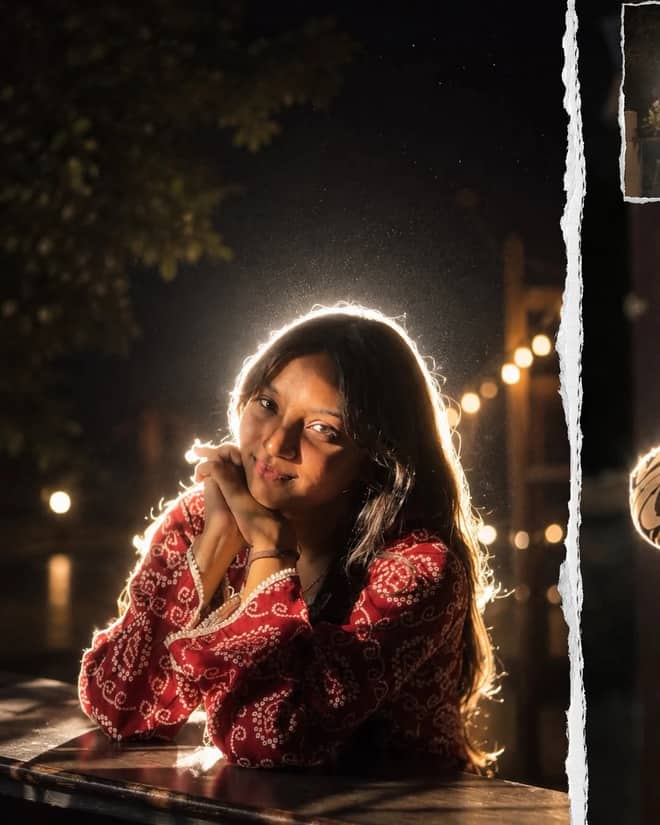
Get the viral night-flash look: a glowing rim-light halo, lens flare, and grainy candid mood. A free Gemini AI photo prompt to copy, paste, and run in Nano Banana.
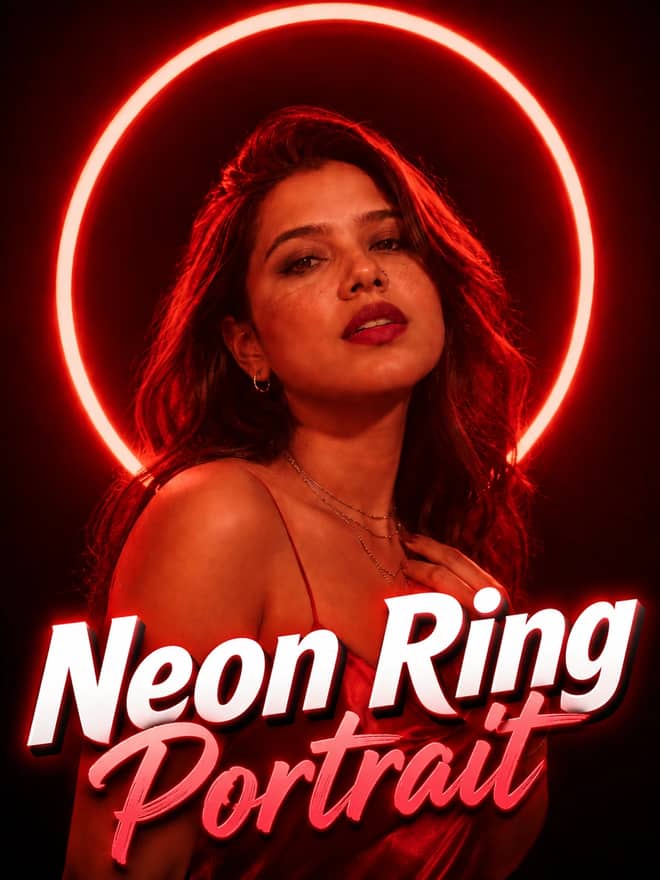
Neon ring portrait prompt — copy this free AI photo prompt on Free Prompt Base and edit it in Gemini & ChatGPT. Paste your photo and create in seconds.
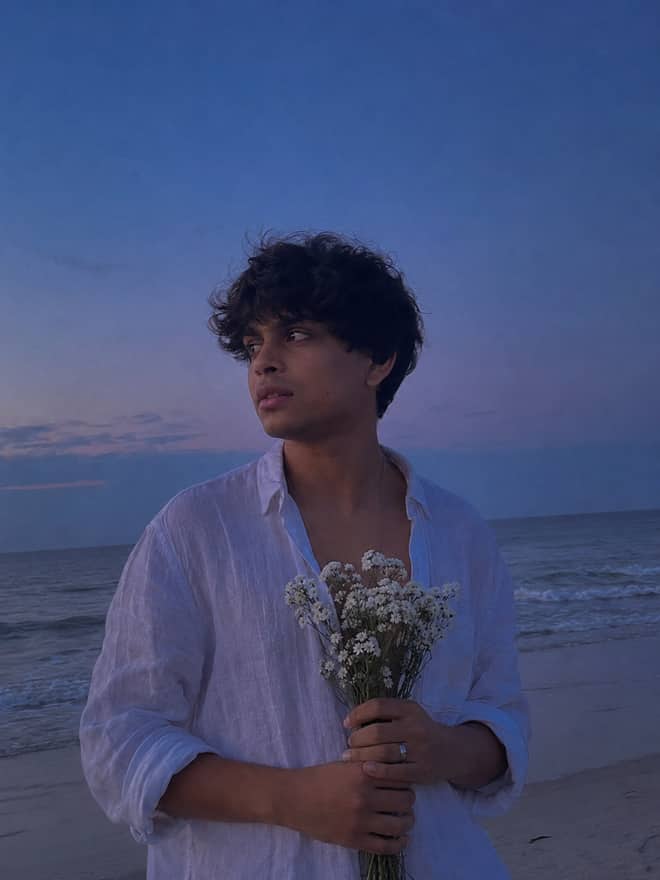
Turn your photo into a man in a white linen shirt holding flowers on a dusk beach. A free Gemini AI photo prompt — copy, paste, and edit in Nano Banana.
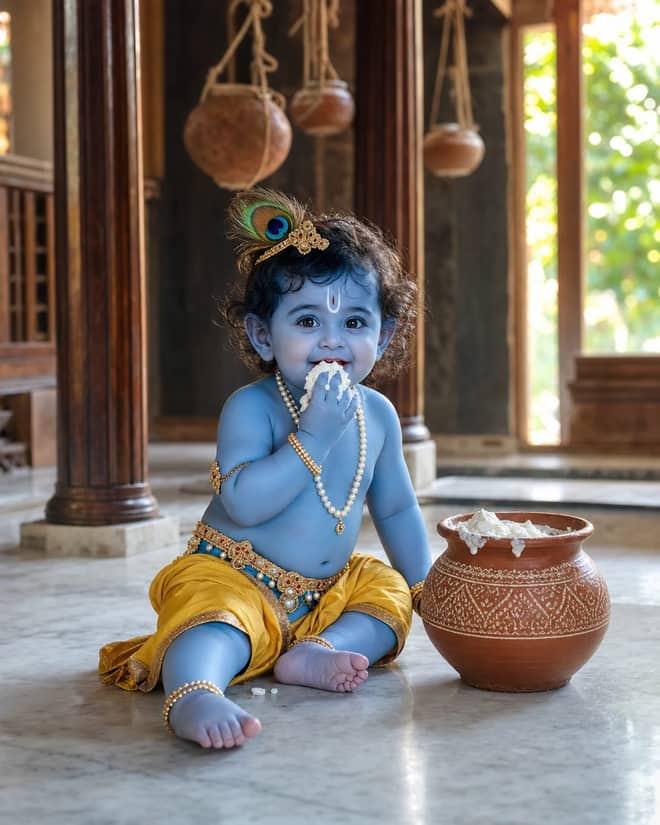
Create a photorealistic Baby Krishna butter-pot portrait in a sunlit Vrindavan home, with a yellow dhoti, peacock feather, marble floor, and natural DSLR detail.
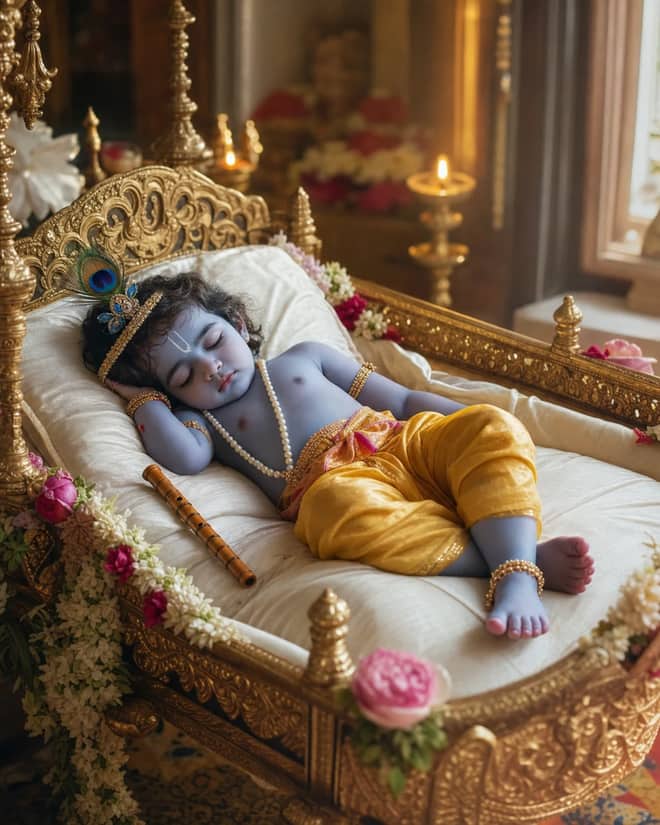
Create a peaceful sleeping Baby Krishna portrait in a flower-trimmed golden cradle, with warm temple lamps, silk cushions, and soft cinematic light.
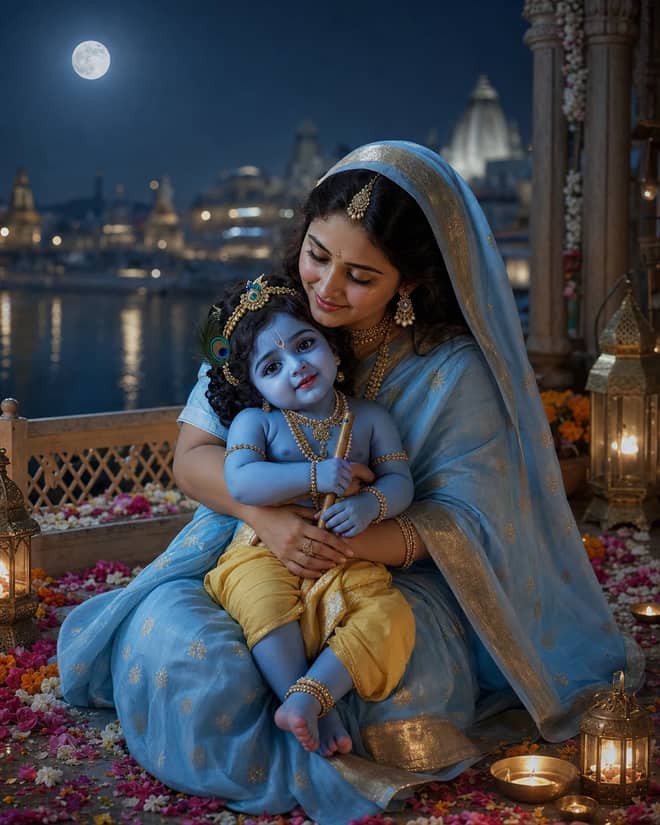
Create a moonlit Maa Yashoda and Baby Krishna portrait on a Vrindavan balcony, with blue silk, warm lamps, the Yamuna, and natural editorial detail.
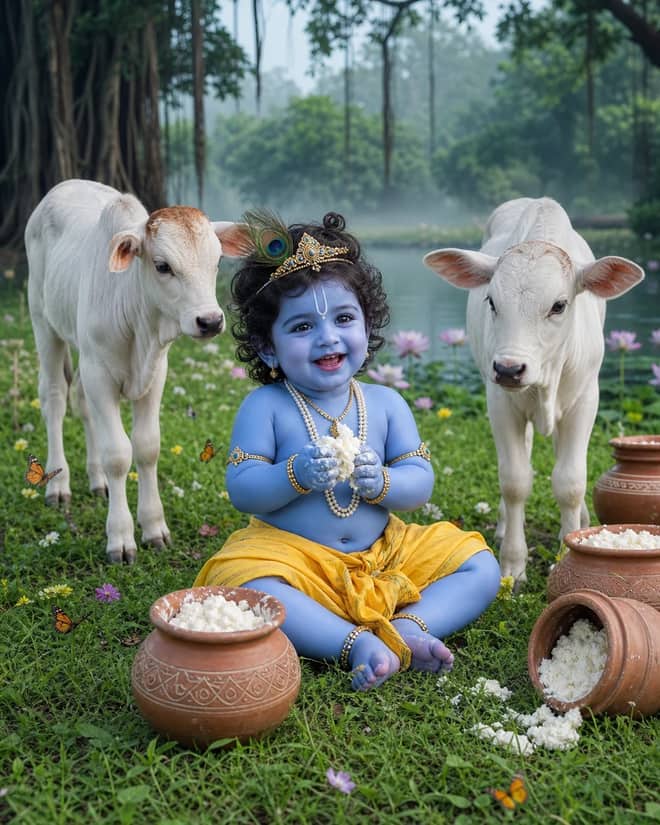
Create a playful Baby Krishna with cow portrait in a misty Vrindavan meadow, with butter pots, white calves, lotus water, and cool natural light.
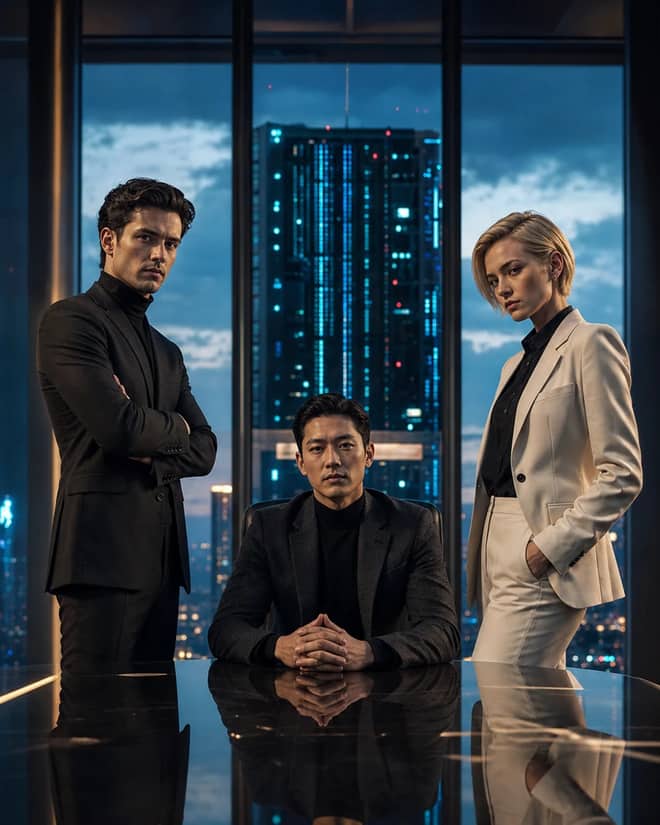
Create a fictional AI rivalry portrait with three executives, dramatic boardroom lighting, clear power dynamics, and premium editorial realism.
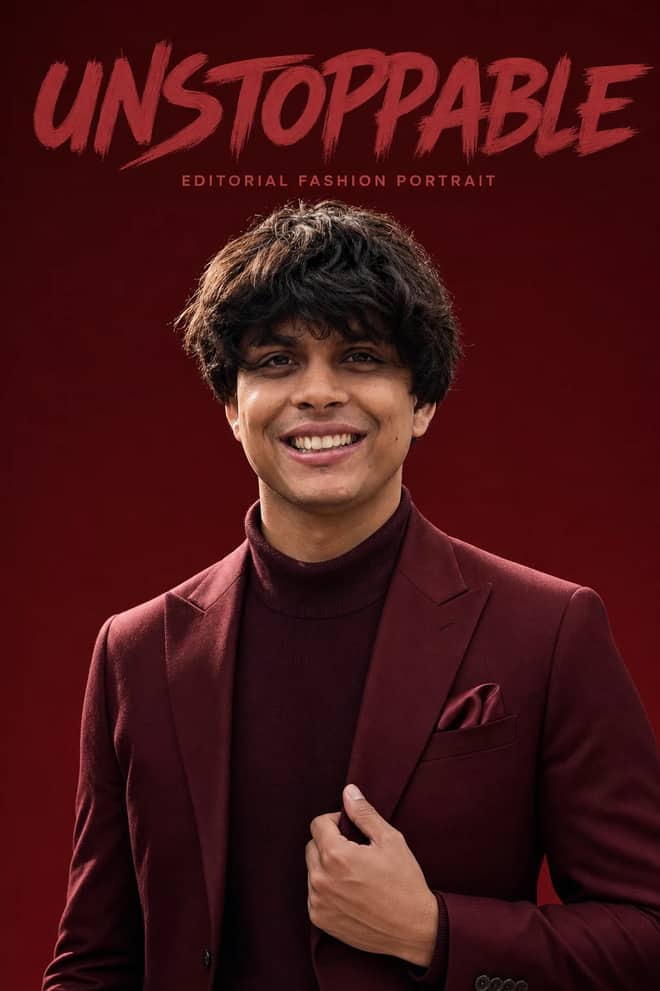
Create an ultra-realistic monochromatic fashion portrait with luxury campaign lighting, natural skin texture, bold brush typography, and clean negative space.
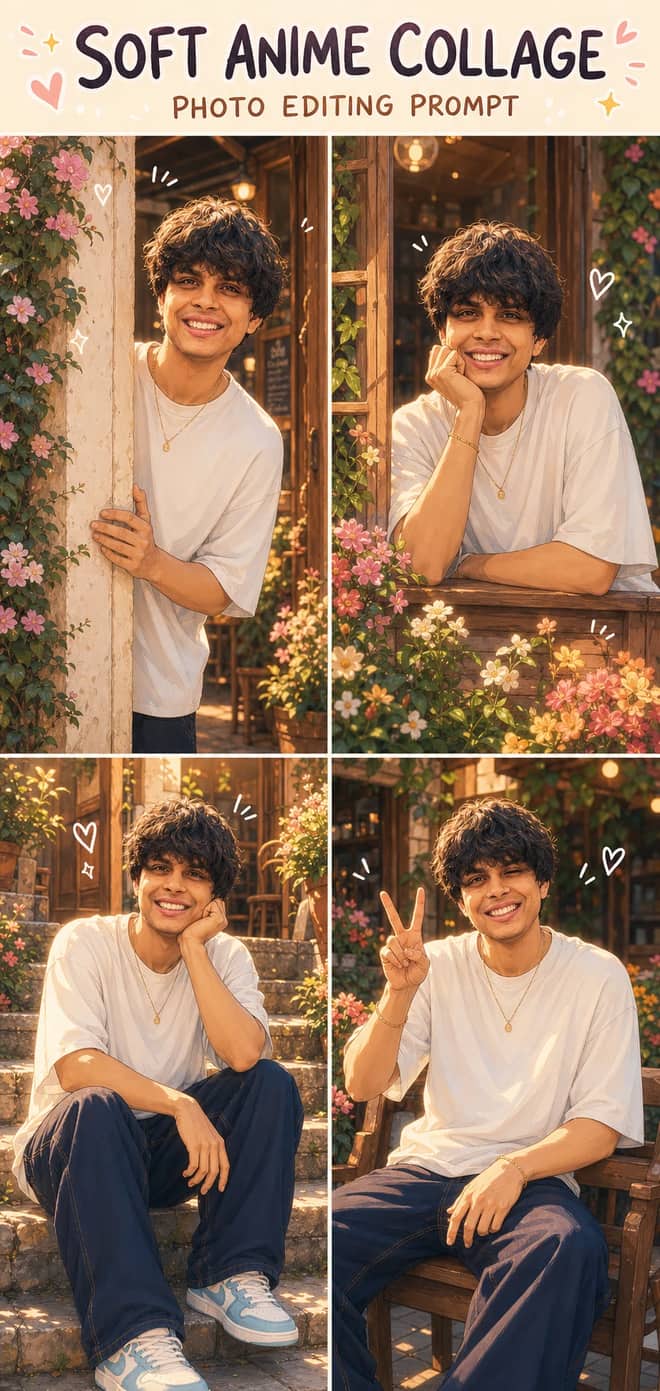
Turn one photo into a dreamy four-panel anime collage with consistent identity, café courtyard poses, golden-hour lighting, floral details, and cute doodles.
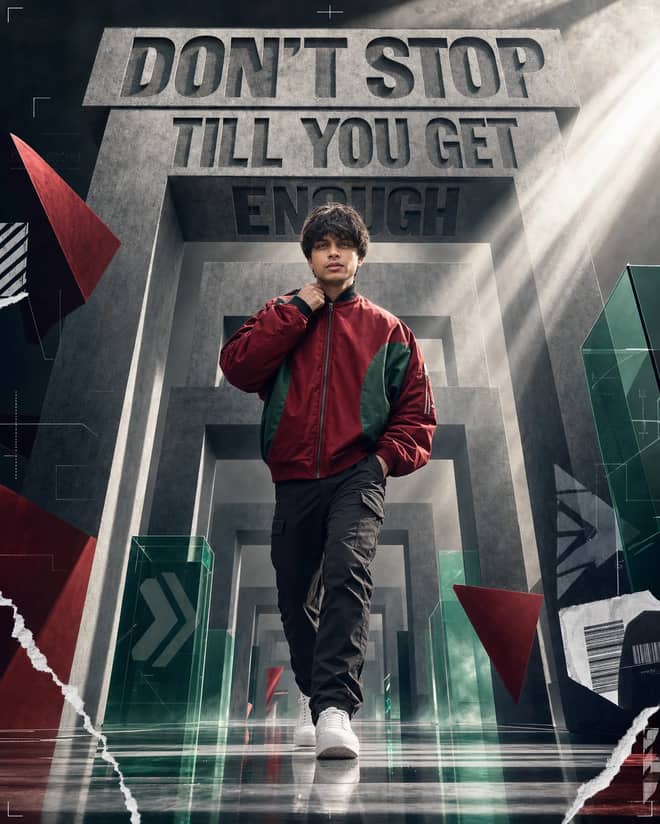
Create a premium sports-fashion poster with a confident model, monumental concrete portals, dramatic typography, low-angle perspective, and cinematic light.
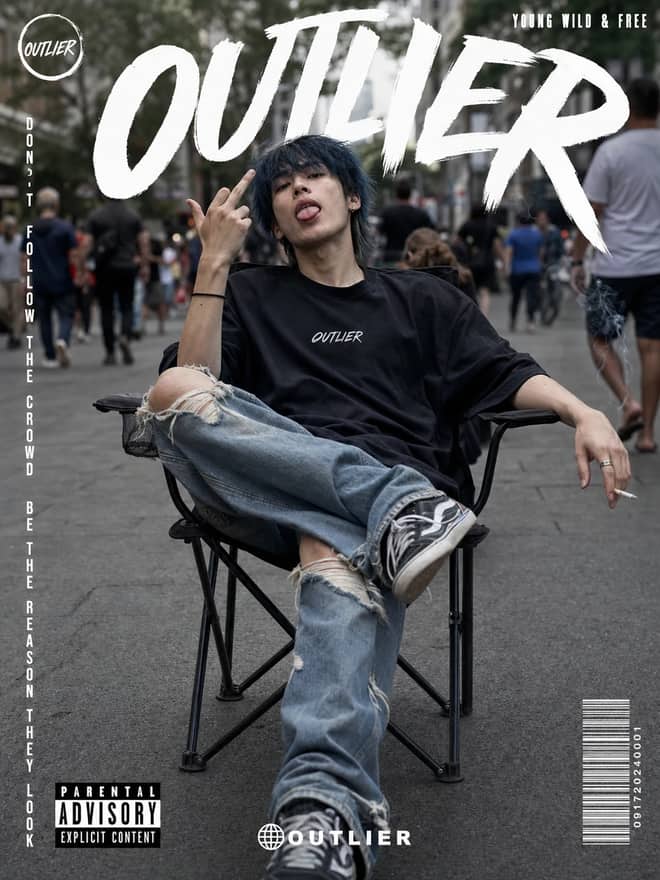
Create a gritty photorealistic streetwear poster with a seated model, blurred city pedestrians, natural skin texture, bold branding, and editorial labels.
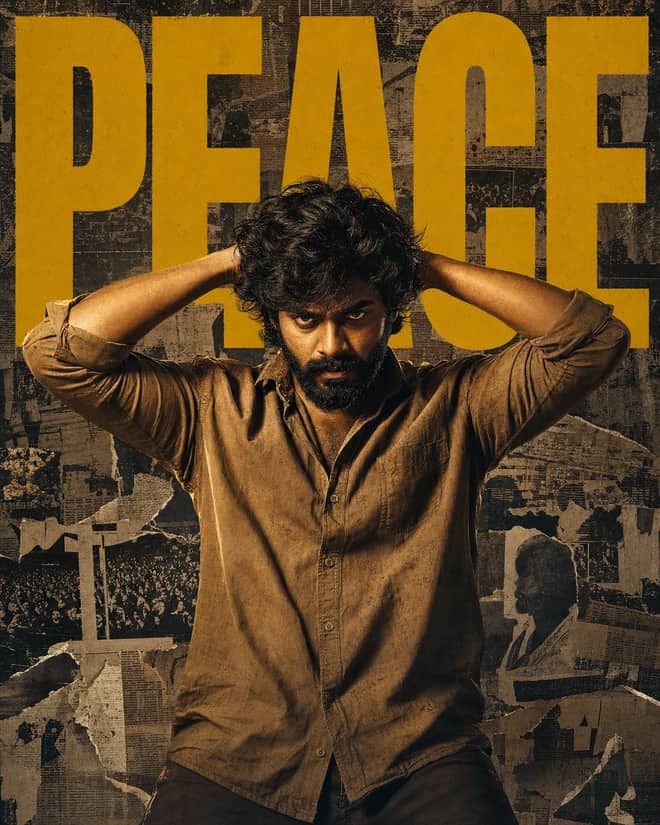
Create a gritty South Indian action poster with a rugged hero, bold PEACE typography, warm tungsten lighting, and a distressed vintage newspaper collage.
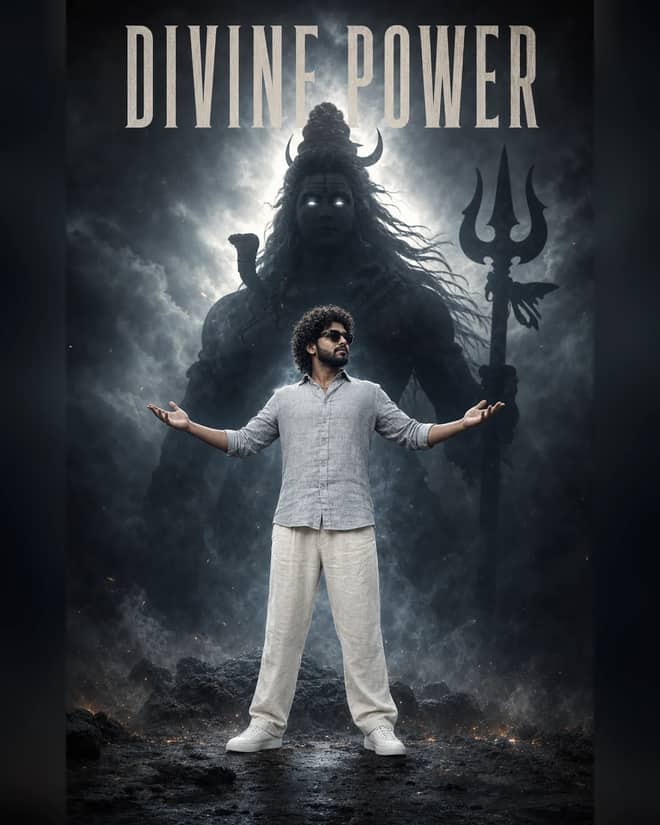
Create a powerful cinematic portrait with a confident man before a colossal smoky Lord Shiva silhouette, dramatic halo lighting, fog, and epic depth.
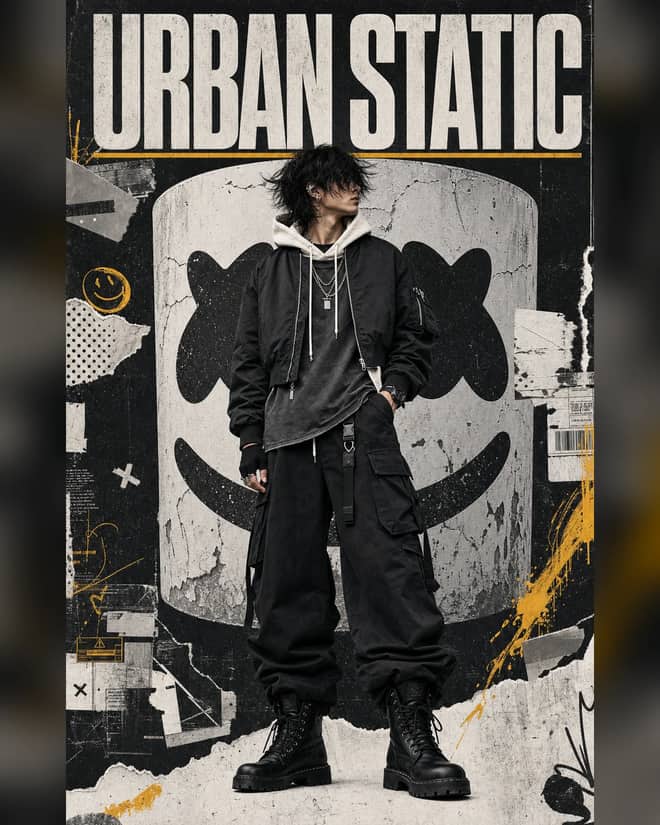
Create a luxury streetwear editorial with oversized black layers, a distressed helmet collage, controlled grunge textures, and muted yellow accents.
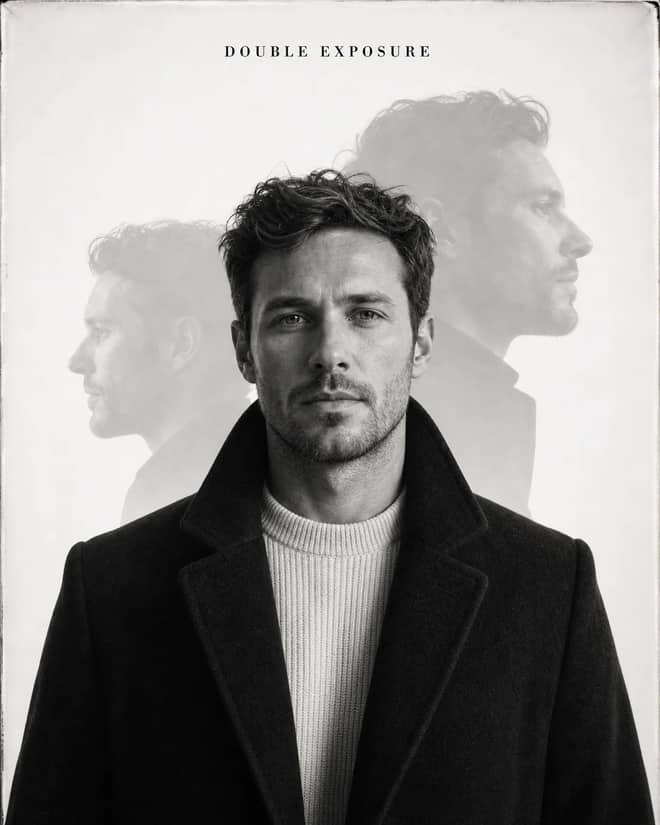
Create an elegant monochrome fashion portrait with a sharp centered face, softly offset ghost profiles, analog grain, and premium studio lighting.
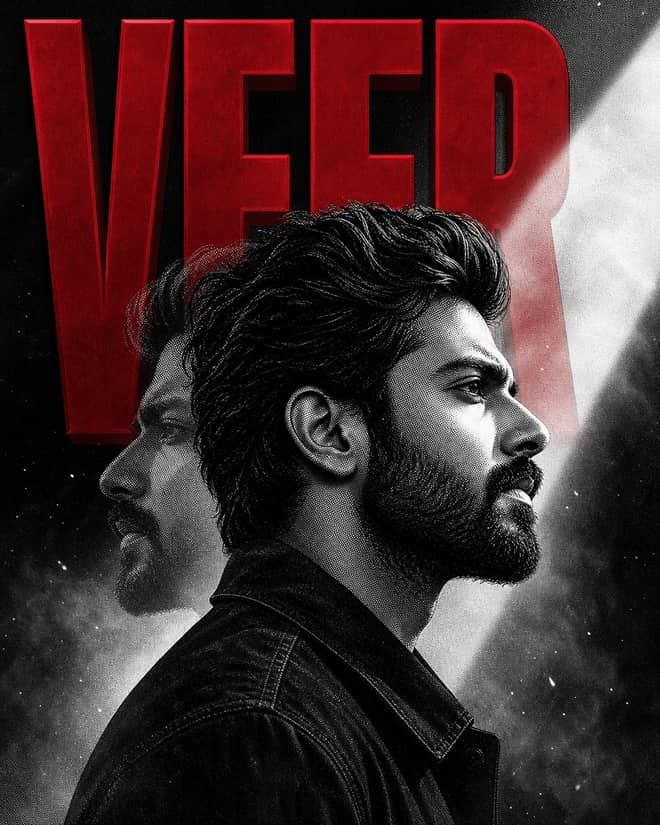
Create a bold VEER poster with a monochrome manga portrait, crimson 3D typography, double exposure, halftone grain, smoke, and cinematic light.
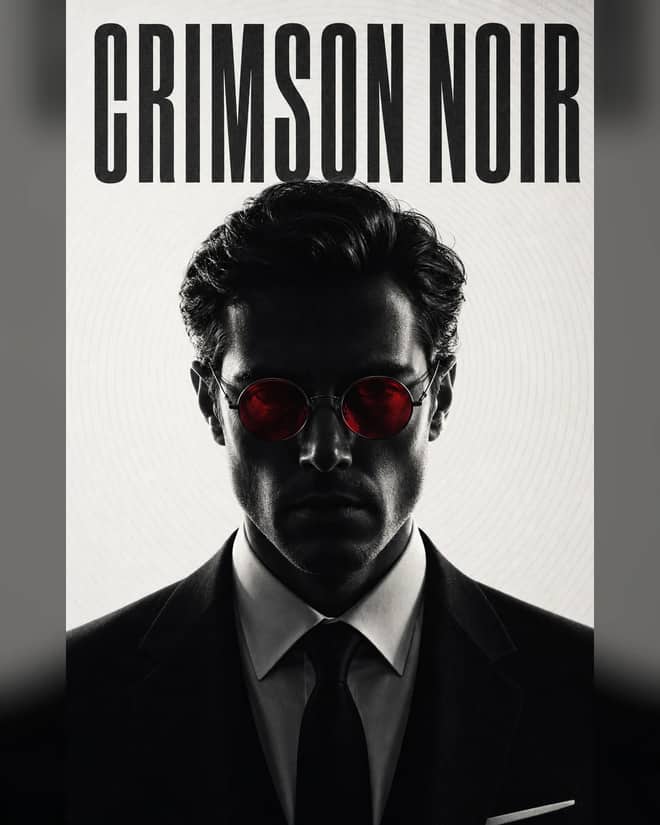
Create a minimal monochrome neo-noir portrait with a shadowed formal subject, glowing crimson round lenses, concentric lines, and crushed blacks.
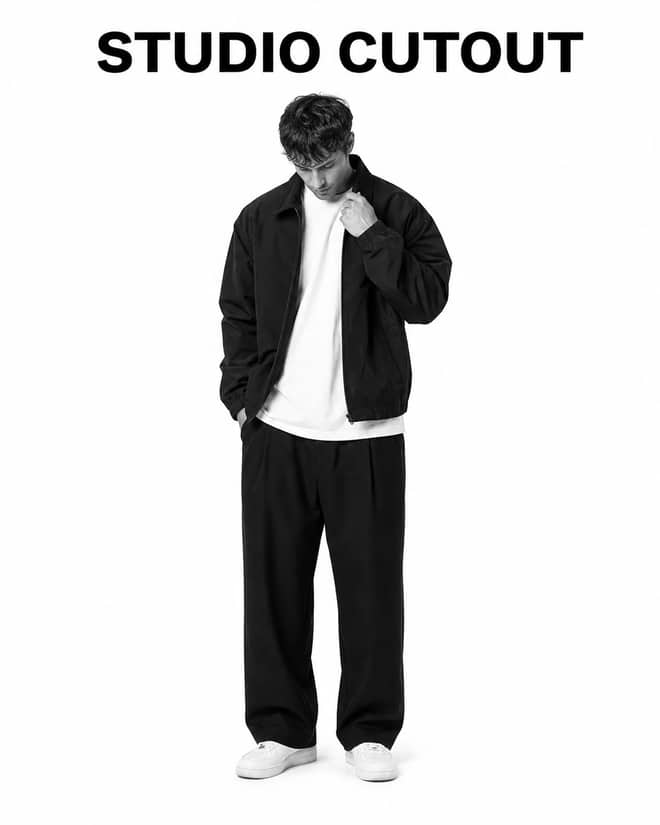
Turn a casual portrait into a clean black-and-white studio cutout with high-key lighting, realistic edges, natural detail, and minimal shadow.
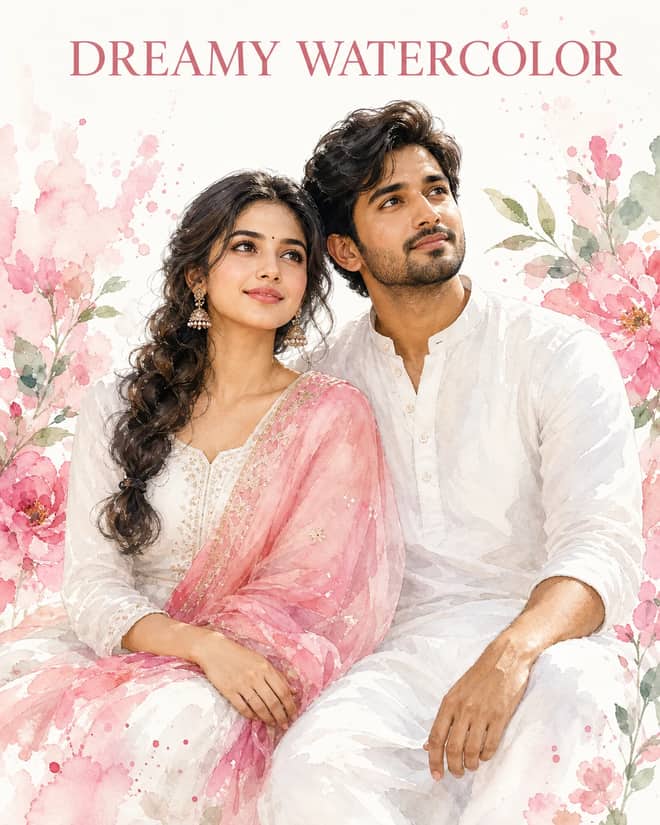
Create a dreamy watercolor portrait of an Indian couple in white attire with a pink dupatta, soft floral splashes, green leaves, and glowing skin.
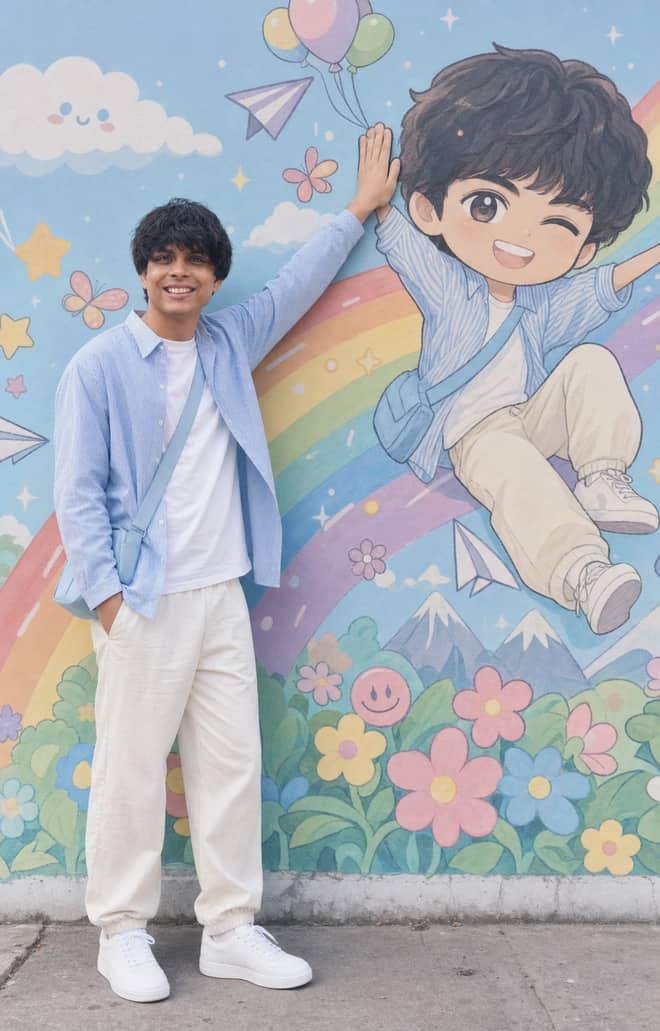
Recreate a colorful outdoor fashion portrait with exact face identity, a locked full-body pose, and a matching anime chibi mural.
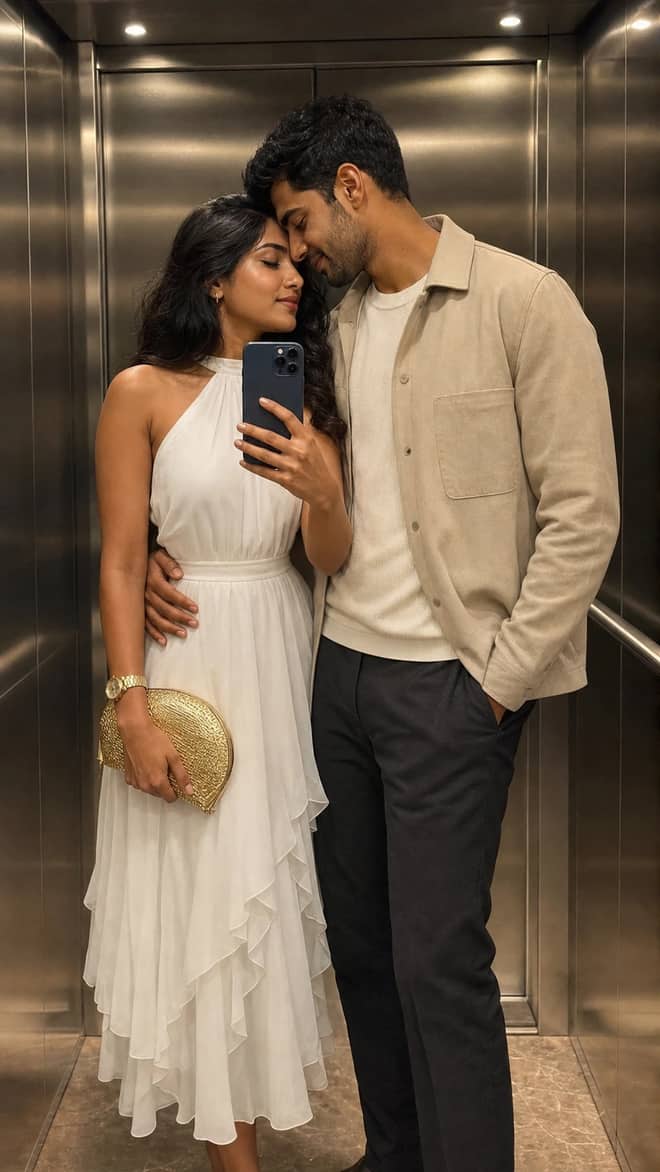
Create a luxury elevator couple mirror selfie while preserving both uploaded facial identities, natural expressions, skin texture, and authentic details.
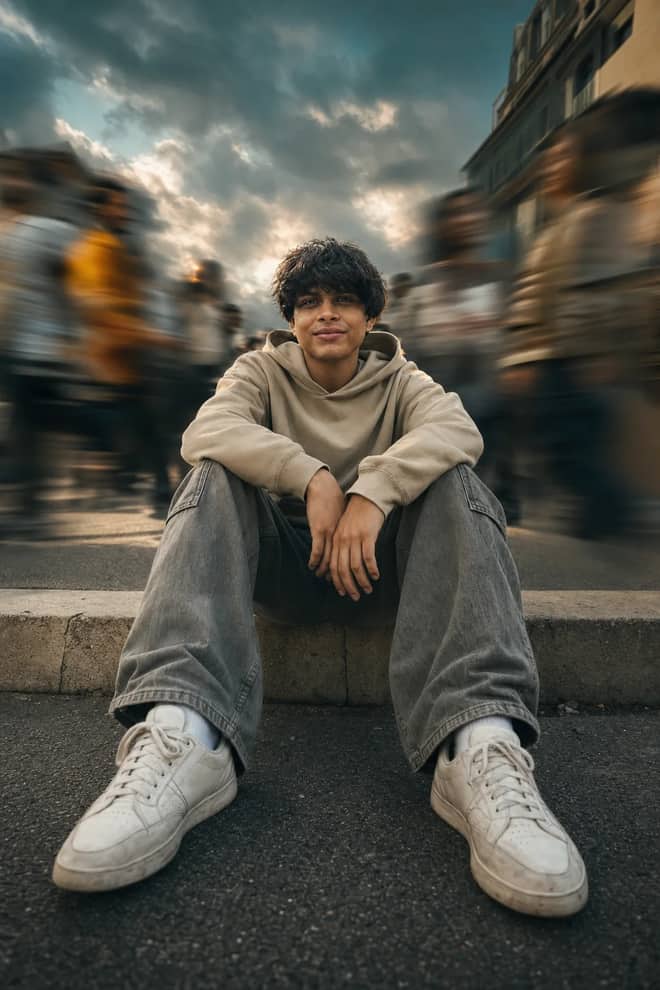
Create a low-angle urban portrait with a sharp seated subject, radial crowd motion blur, golden-hour light, and cinematic orange-and-teal grading.
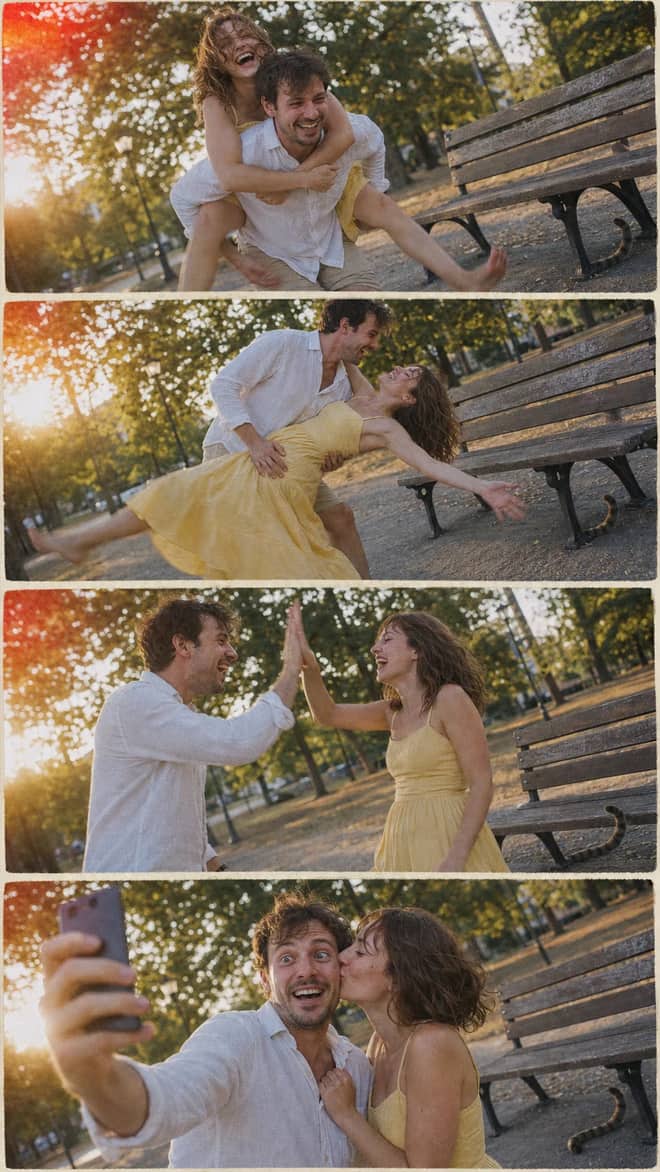
Create a nostalgic four-panel couple photo collage with playful candid moments, golden-hour park light, motion blur, grain, and a 2005 digital-camera look.
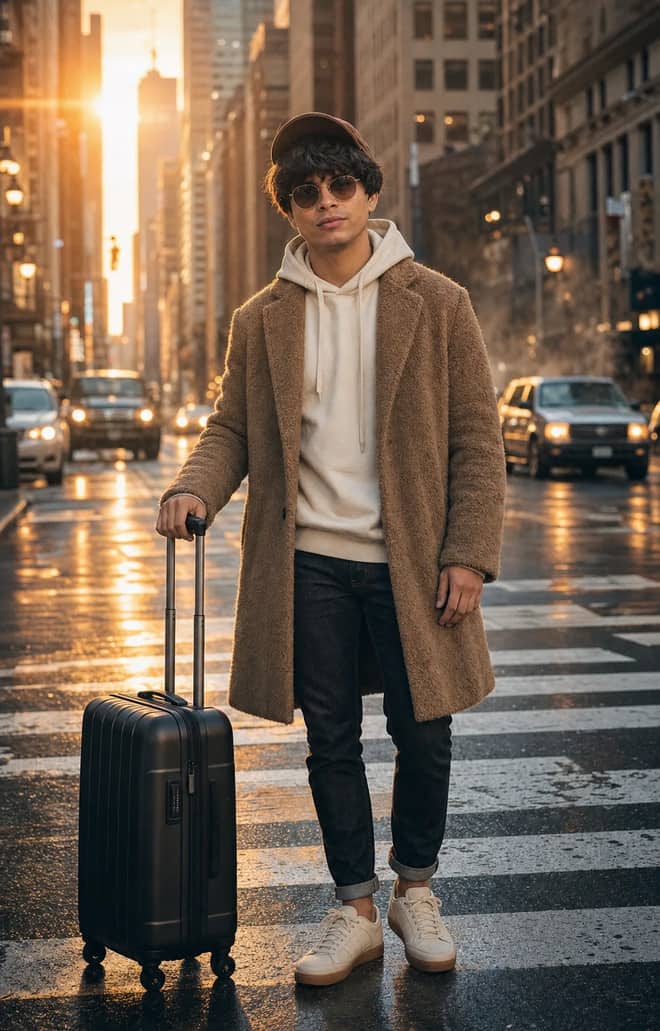
Create an ultra-realistic full-body traveler portrait in a downtown crosswalk with warm sunrise rim light, reflective asphalt, an 85mm look, and cinematic color.
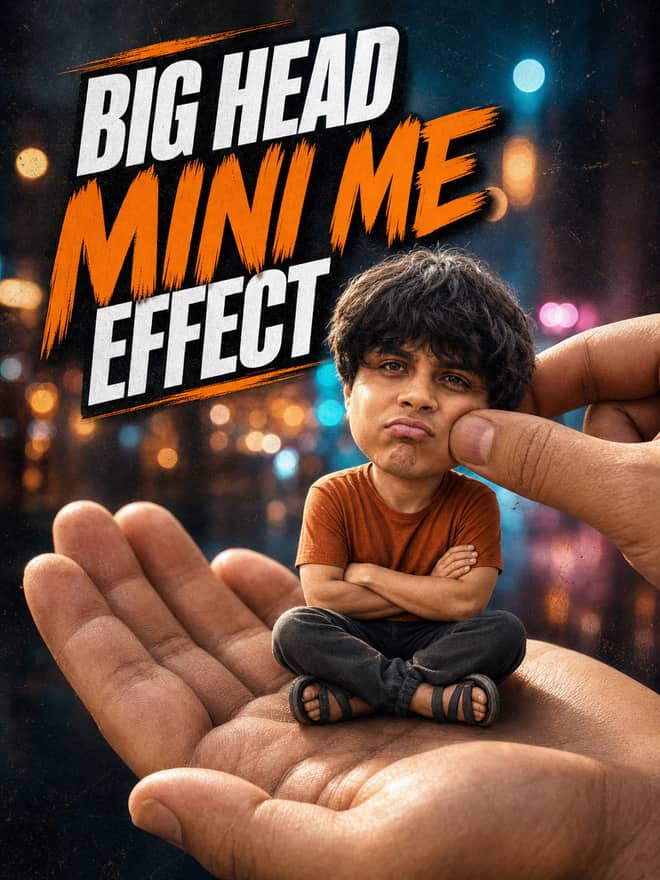
Turn any portrait into a cute big-head miniature seated in a giant hand, with a playful cheek pinch, cinematic night bokeh, and crisp 3:4 framing.
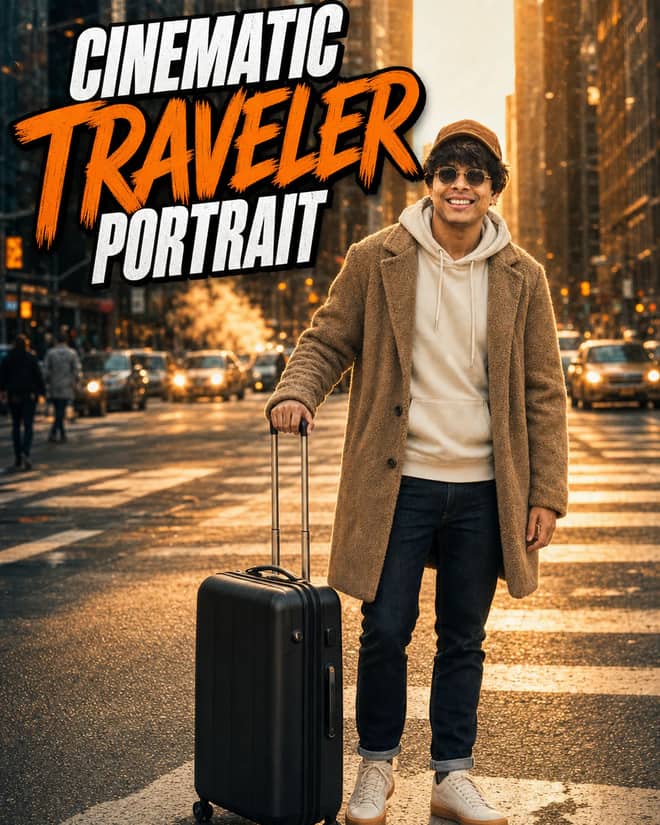
Create an ultra-realistic golden-hour traveler portrait with preserved facial identity, a teddy-fleece coat, reflective city streets, and an 85 mm cinematic look.
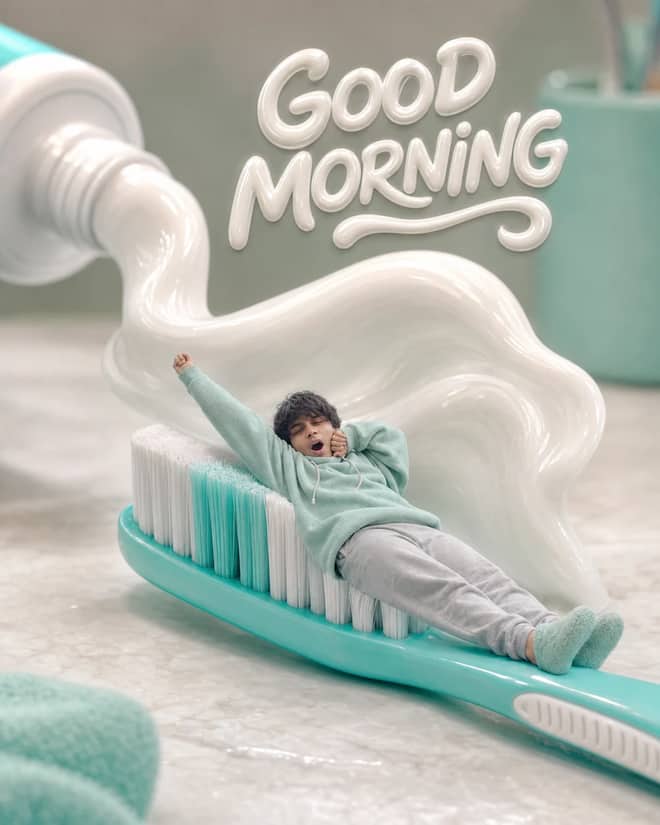
Turn any selfie into a tiny sleepy character lounging on a giant toothbrush, with a foamy toothpaste wave, pastel macro styling, and creamy GOOD MORNING text.
Ethereum Developer prompt for coding questions, debugging, and technical guidance. Copy it into ChatGPT, Gemini, Claude, or another AI assistant and tailor it to your task.
Linux Terminal prompt for coding questions, debugging, and technical guidance. Copy it into ChatGPT, Gemini, Claude, or another AI assistant and tailor it to your task.
English Translator and Improver prompt for writing, editing, translation, and language work. Copy it into ChatGPT, Gemini, Claude, or another AI assistant and tailor it to your task.
Job Interviewer prompt for goals, priorities, and practical next steps. Copy it into ChatGPT, Gemini, Claude, or another AI assistant and tailor it to your task.
JavaScript Console prompt for coding questions, debugging, and technical guidance. Copy it into ChatGPT, Gemini, Claude, or another AI assistant and tailor it to your task.
Excel Sheet prompt for data analysis, research, and clear findings. Copy it into ChatGPT, Gemini, Claude, or another AI assistant and tailor it to your task.
English Pronunciation Helper prompt for lessons, practice, and study support. Copy it into ChatGPT, Gemini, Claude, or another AI assistant and tailor it to your task.
Spoken English Teacher and Improver prompt for lessons, practice, and study support. Copy it into ChatGPT, Gemini, Claude, or another AI assistant and tailor it to your task.
Travel Guide prompt for writing, editing, translation, and language work. Copy it into ChatGPT, Gemini, Claude, or another AI assistant and tailor it to your task.
Character prompt for creative ideas, stories, and role-play. Copy it into ChatGPT, Gemini, Claude, or another AI assistant and tailor it to your task.
Advertiser prompt for everyday work and focused problem-solving. Copy it into ChatGPT, Gemini, Claude, or another AI assistant and tailor it to your task.
Storyteller prompt for creative ideas, stories, and role-play. Copy it into ChatGPT, Gemini, Claude, or another AI assistant and tailor it to your task.
Football Commentator prompt for creative ideas, stories, and role-play. Copy it into ChatGPT, Gemini, Claude, or another AI assistant and tailor it to your task.
Motivational Coach prompt for goals, priorities, and practical next steps. Copy it into ChatGPT, Gemini, Claude, or another AI assistant and tailor it to your task.
Composer prompt for creative ideas, stories, and role-play. Copy it into ChatGPT, Gemini, Claude, or another AI assistant and tailor it to your task.
Debater prompt for goals, priorities, and practical next steps. Copy it into ChatGPT, Gemini, Claude, or another AI assistant and tailor it to your task.
Debate Coach prompt for goals, priorities, and practical next steps. Copy it into ChatGPT, Gemini, Claude, or another AI assistant and tailor it to your task.
Screenwriter prompt for writing, editing, translation, and language work. Copy it into ChatGPT, Gemini, Claude, or another AI assistant and tailor it to your task.
Novelist prompt for writing, editing, translation, and language work. Copy it into ChatGPT, Gemini, Claude, or another AI assistant and tailor it to your task.
Movie Critic prompt for writing, editing, translation, and language work. Copy it into ChatGPT, Gemini, Claude, or another AI assistant and tailor it to your task.
Relationship Coach prompt for goals, priorities, and practical next steps. Copy it into ChatGPT, Gemini, Claude, or another AI assistant and tailor it to your task.
Poet prompt for writing, editing, translation, and language work. Copy it into ChatGPT, Gemini, Claude, or another AI assistant and tailor it to your task.
Rapper prompt for creative ideas, stories, and role-play. Copy it into ChatGPT, Gemini, Claude, or another AI assistant and tailor it to your task.
Motivational Speaker prompt for everyday work and focused problem-solving. Copy it into ChatGPT, Gemini, Claude, or another AI assistant and tailor it to your task.
Philosophy Teacher prompt for lessons, practice, and study support. Copy it into ChatGPT, Gemini, Claude, or another AI assistant and tailor it to your task.
Philosopher prompt for creative ideas, stories, and role-play. Copy it into ChatGPT, Gemini, Claude, or another AI assistant and tailor it to your task.
Math Teacher prompt for lessons, practice, and study support. Copy it into ChatGPT, Gemini, Claude, or another AI assistant and tailor it to your task.
AI Writing Tutor prompt for writing, editing, translation, and language work. Copy it into ChatGPT, Gemini, Claude, or another AI assistant and tailor it to your task.
UX/UI Developer prompt for coding questions, debugging, and technical guidance. Copy it into ChatGPT, Gemini, Claude, or another AI assistant and tailor it to your task.
No prompts match your search.
Showing popular prompts you can adapt for “ai prompt razz suman”.
The guide
An AI prompt search like razz suman almost always means one thing: you saw a slick photo edit somewhere, a reel or a status or a friend's story, and you want to make the same kind of thing. The handle stuck in your head, the actual prompt did not. That is normal. Creators rarely post the full text behind a viral edit, so the name travels and the recipe stays hidden. The grid above is the fix. Those are real, copyable prompts you can run today, no chasing required.
People do not type a creator handle because they care about the person's file naming. They type it because they want the look. That usually breaks down into a few specific wants: a portrait that looks shot on a real camera, a background swap that does not destroy the face, a retro or film grade over an ordinary selfie, or one of those clean studio edits where the lighting suddenly looks expensive. Once you know which of those you want, the prompt almost writes itself.
I want to be straight with you. There is no single magic string that one account guards. Two people can get nearly identical results with completely different wording, because these tools respond to what you describe, not to a label. So instead of hunting the exact phrase, copy something close from the grid and bend it to your photo. That is faster and it teaches you how the edits actually work.
Most of what trends in this space falls into a handful of styles. Here are the ones that keep showing up and that people keep asking how to recreate.
This is the big one. Warm or moody color, soft depth so the background blurs, light that falls across the face like a window is just off frame. You describe the mood, the time of day, and the kind of lens feel you want. Tell it 85mm portrait, shallow depth, golden hour, and you are most of the way there.
Grain, slightly faded color, the look of a 90s point and shoot or an old film stock. Good for couple shots and street photos. You ask for film grain, muted tones, a date stamp in the corner if you want that disposable camera feel.
Clean backdrop, even lighting, sometimes a full wardrobe change. This is where a lot of profile pictures come from. You keep the face, swap the clothes or the backdrop, and ask for soft studio light.
Turning a person into a collectible figure in a blister pack, or a tiny desk statue. Oddly popular. You describe the figure, the packaging, and the material, like glossy PVC or matte resin.
The pattern that holds up across tools is simple. Start with what the image is, add the subject and what to keep, then stack the style details, and finish with the small fixes. So: a portrait photo, keep this person's face, warm golden hour light, shallow depth, soft film grain, sharp eyes. You do not need fancy words. Plain, specific English beats a wall of adjectives every time.
One habit that saves a lot of frustration: change only two or three things between tries. If you rewrite the whole prompt each time, you will never know which change helped. Tweak the light, run it, then tweak the color, run it again. It feels slow for about five minutes and then it feels fast.
Tip: save one prompt that works as your base in your notes app. Each time, only edit the parts that change, like the outfit or the background. You will move way quicker than starting from a blank box.
Here is a quick map from the style you want to the detail that actually delivers it. Use it as a starting point and adjust.
| Style you want | The vibe | What to add to the prompt |
|---|---|---|
| Cinematic portrait | Moody, premium, soft focus | Golden hour light, 85mm look, shallow depth, sharp eyes, keep the face |
| Retro film | Nostalgic, faded, grainy | Film grain, muted colors, slight vignette, optional date stamp |
| Studio headshot | Clean, professional, even | Plain backdrop, soft studio lighting, neat outfit, natural skin |
| Figurine version | Playful, collectible | Turn into a glossy PVC figure in retail packaging, desk background |
You have a few real options and they each have a personality. Google's Gemini image model, the one a lot of people nickname nano banana, is very good at editing a photo you already have while keeping the person recognizable. You can try it free in the Gemini app, and through the API it runs a few cents per image. That is why so many of the trending edits you see are made there. It handles background swaps and consistent faces better than most.
ChatGPT is strong when you want to talk through an edit and have it follow a longer instruction. Midjourney leans artistic and is great for generating a new scene from scratch, less so for editing your exact photo. DALL-E sits in the middle. If your goal is editing a real selfie, start with Gemini. If your goal is inventing a whole new image, Midjourney or ChatGPT are fine first stops.
One thing to know: most of these keep the face more reliably when you upload a clear, well lit photo. A blurry source fights you the whole way.
The same problems come up over and over, and they all have easy answers.
None of this requires you to be technical. It is mostly about being specific and patient for a few rounds.
Pick the style you are after from the list above. Copy the closest prompt from the grid. Paste it into Gemini or ChatGPT, upload your photo or describe your scene, and run it. Look at the result, change one or two words, run it again, and keep the version that looks right. That loop is the entire skill. The handle you searched was just a breadcrumb. The prompts above are the part actually worth keeping, and they will outlast whichever creator name happens to be trending this month.
Questions
There is no single secret prompt tied to that name. It is a search people use when they spotted a trending photo edit and want to copy the style. The look usually comes from a cinematic portrait or retro film prompt run in Gemini or ChatGPT. Grab a close prompt from the grid above and adjust it to your own photo.
Upload a clear photo, copy a matching prompt from the grid, and tell the tool to keep your face. Then name the light, the lens feel, and the color grade you want. Run it, change one or two words, and run again. Two or three rounds usually lands the look you saw.
Google's Gemini image model, often nicknamed nano banana, is the most common choice because it edits your real photo while keeping the face recognizable. It is free to try in the Gemini app. ChatGPT and Midjourney also work, though Midjourney is better for new scenes than for editing an existing selfie.
Most creators do not post the full text behind a viral edit, so only the handle spreads. You are not missing a hidden formula. The same result comes from many different wordings, since the tool reacts to what you describe, not to a label. Copy a similar prompt and tweak it to match.
You can try most of them free. The Gemini app lets you edit images at no cost within limits, and ChatGPT has a free tier. Through paid APIs an edit runs a few cents per image. For casual edits the free apps are plenty, so there is no need to pay to start.