
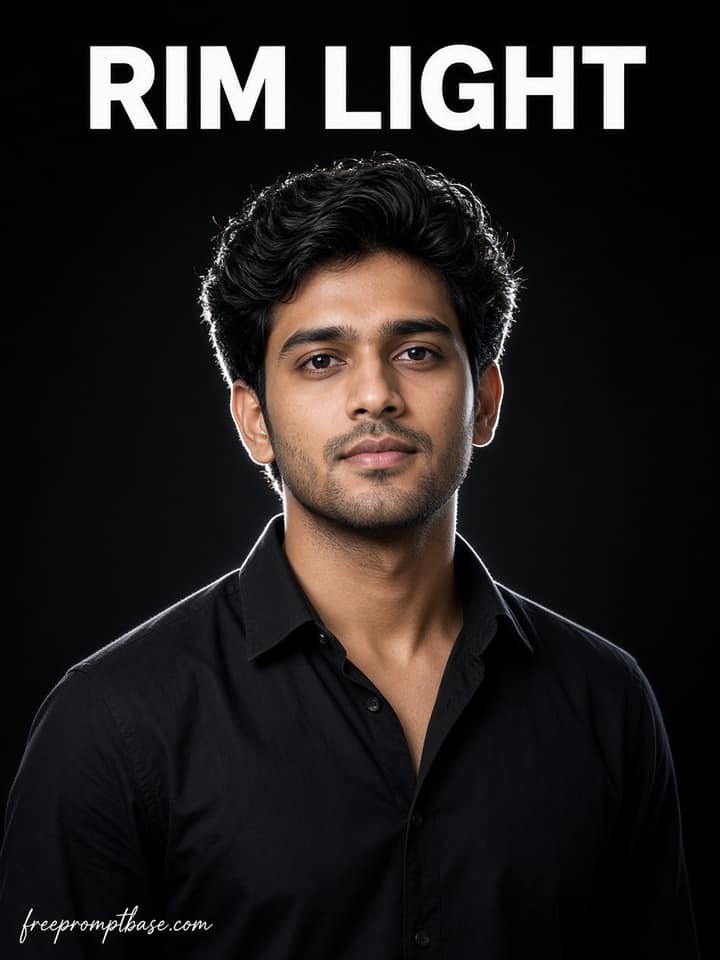
Black Backdrop Rim Light ChatGPT Photo Prompt Man
A bold black backdrop portrait with rim light. Copy the exact ChatGPT prompt text for men with face lock and sharp eyes.
5
Open Black Backdrop Rim Light ChatGPT Photo Prompt Man AI prompt library
Free chatgpt photo editing prompts ready to paste. Drop one into Gemini or ChatGPT, add your photo, and see what comes back.
24 prompts here. Free, no signup.
ChatGPT photo editing prompts are instructions you type into ChatGPT after uploading a photo. The model reads your words, edits the image, and shows you the result in the same chat. You can then correct it in plain language: 'a bit brighter', 'less blur', 'keep my glasses'. That back-and-forth is what makes ChatGPT different from every other photo editor. Below is how to phrase requests so the first result lands close, plus fixes for the things ChatGPT gets wrong. How photo editing works inside ChatGPT…
A bold black backdrop portrait with rim light. Copy the exact ChatGPT prompt text for men with face lock and sharp eyes.
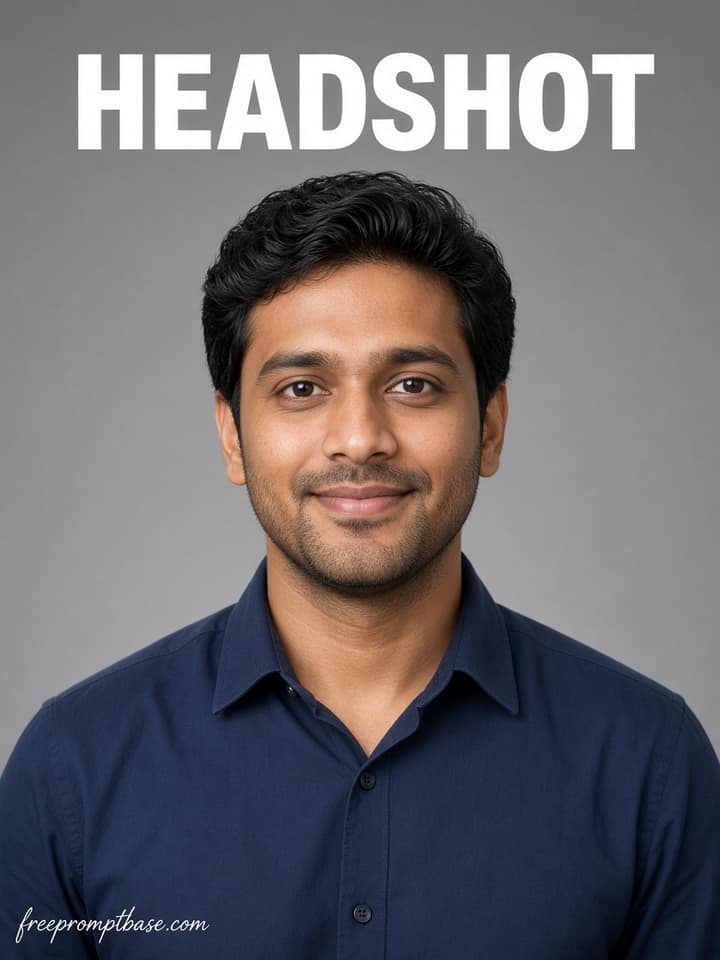
A clean grey studio headshot with soft key light. Copy the exact ChatGPT prompt text with face lock for office use.
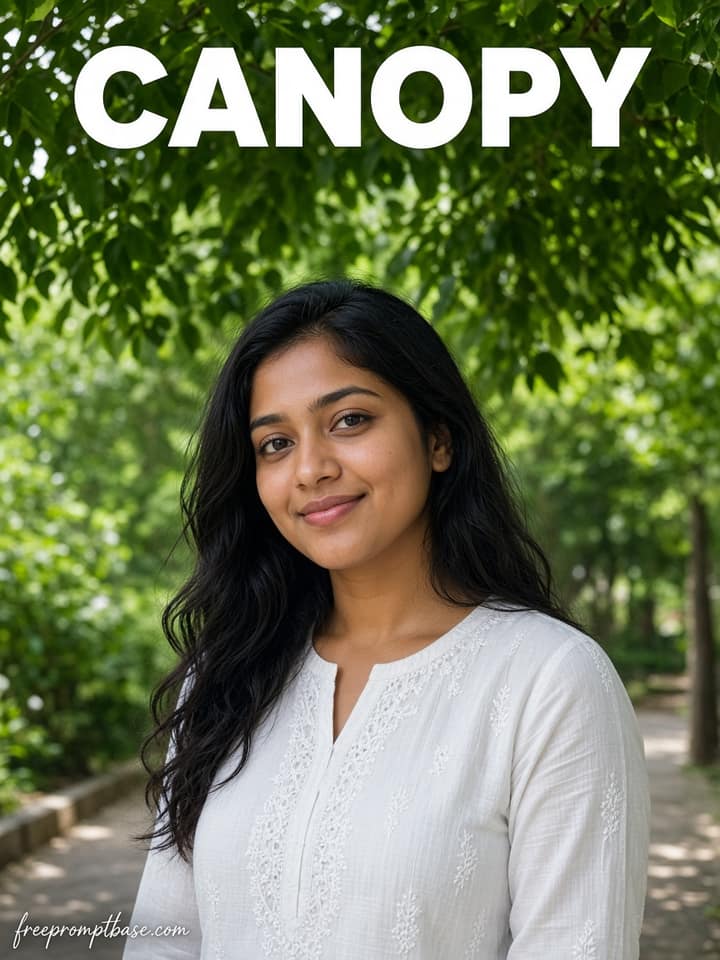
A fresh outdoor portrait under green canopy. Copy the exact ChatGPT prompt text for women with face lock and daylight.
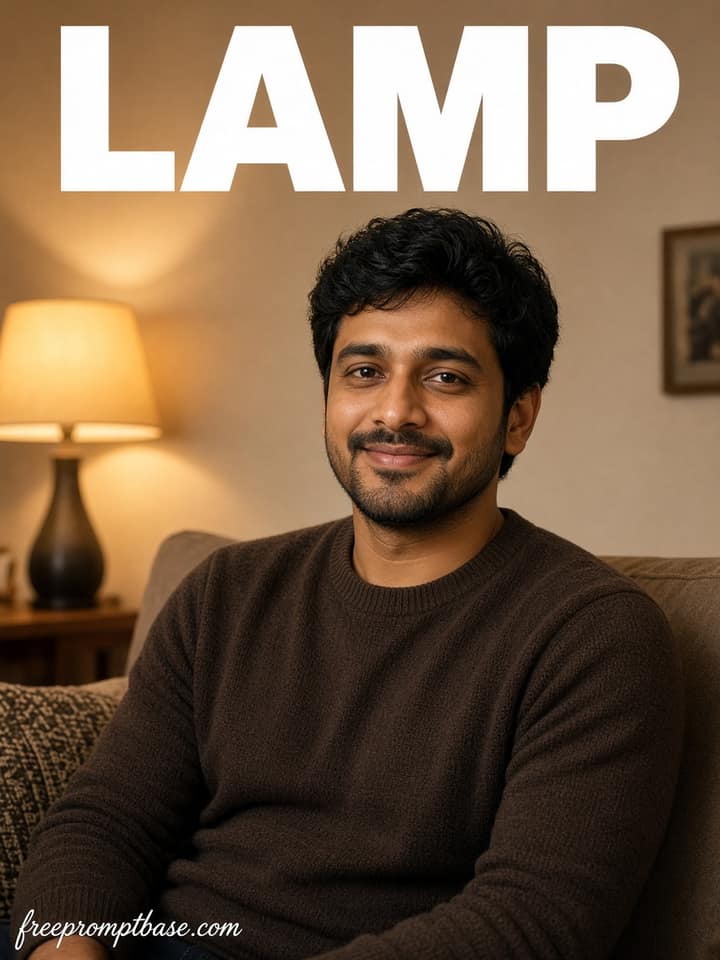
A warm indoor portrait with table lamp glow. Copy the exact ChatGPT prompt text for men with face lock and home backdrop.
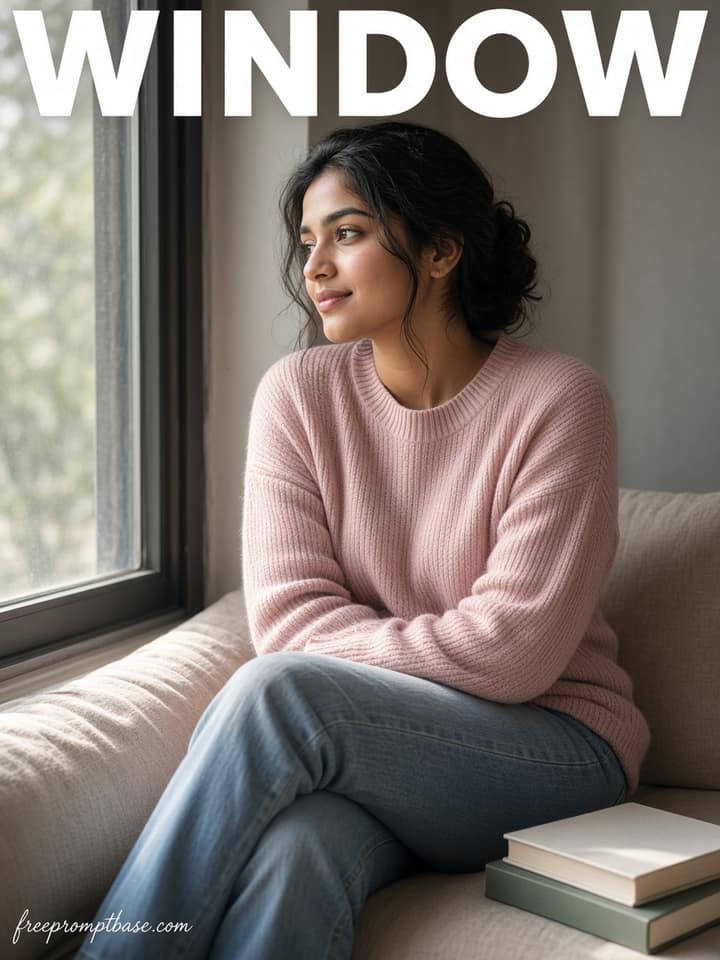
A calm window seat candid with morning light. Copy the exact ChatGPT prompt text with face lock and home interior.
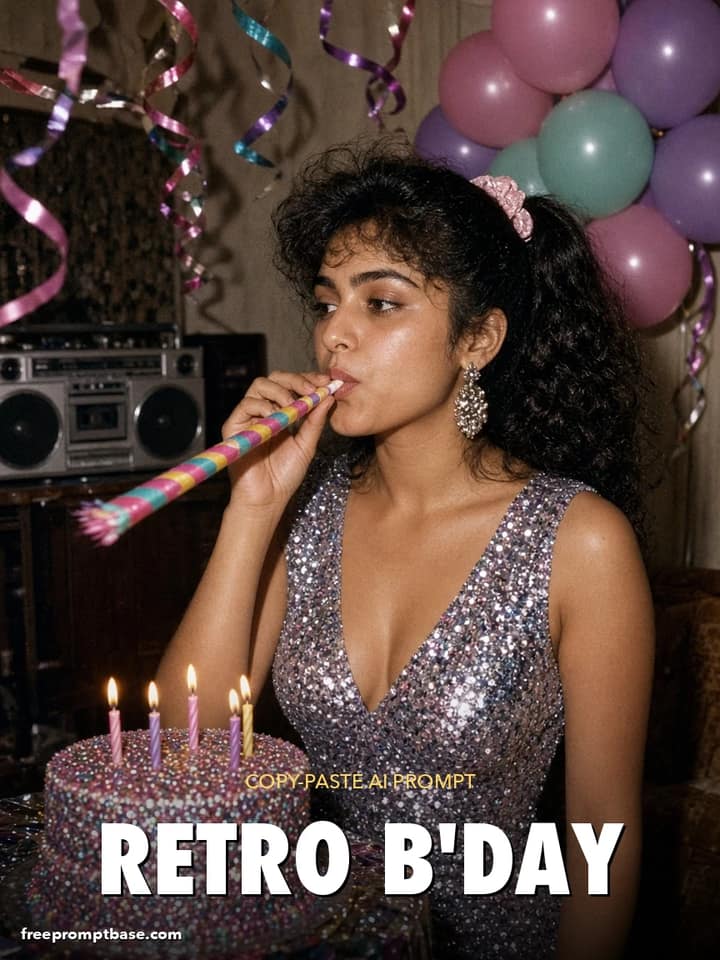
Throw a 1980s-themed birthday in one image: sequins, balloons, a cassette-player boombox and a glittery cake. Retro birthday prompt for ChatGPT and Gemini.
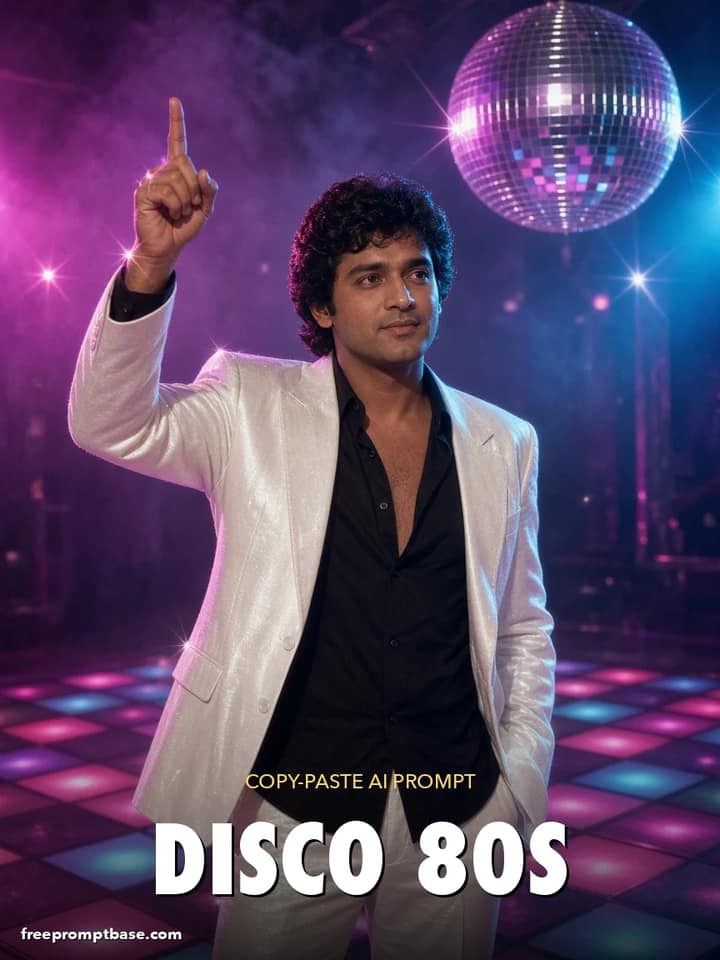
Recreate the 80s disco era with this 80s look prompt: white suit, glitter floor, mirror ball sparkles and a dramatic dance pose. Great for Reels thumbnails.
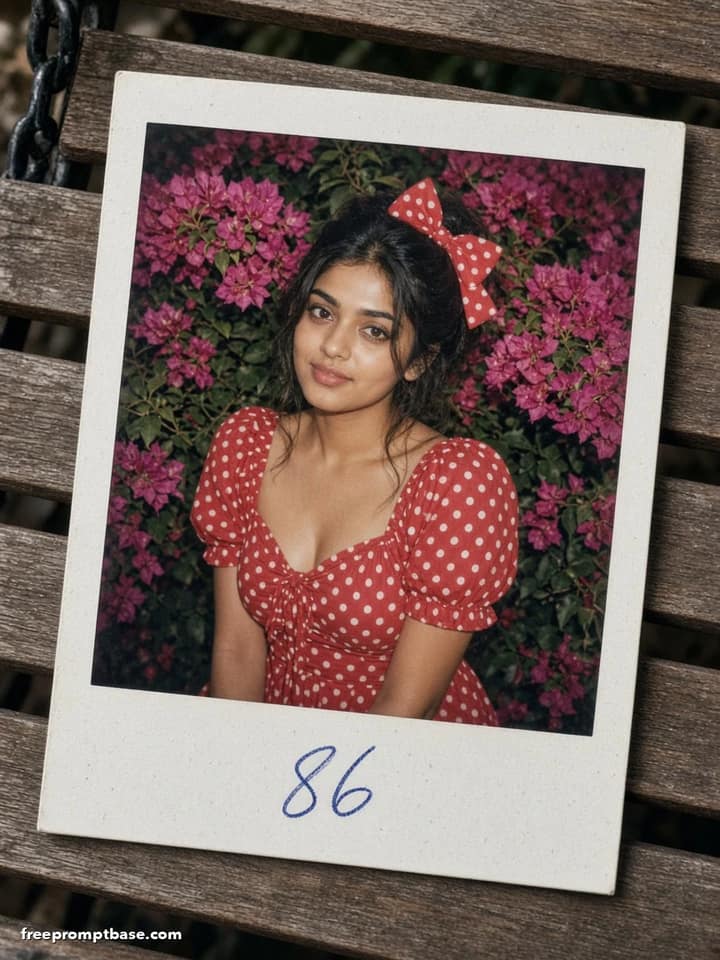
An 80s trend photo prompt styled as an instant print: polka dot dress, garden swing, flash-lit colour and a white Polaroid-style border with date scrawl.
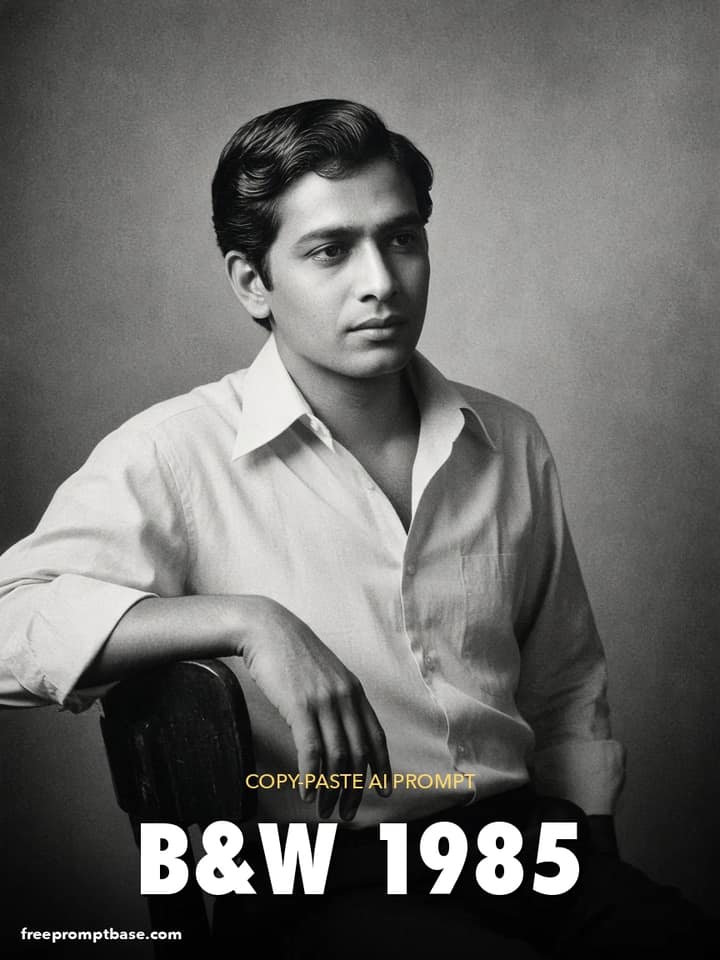
Moody 80s trend prompt for ChatGPT: a black-and-white studio portrait with Rembrandt light, pressed-collar shirt and silver-gelatin grain.
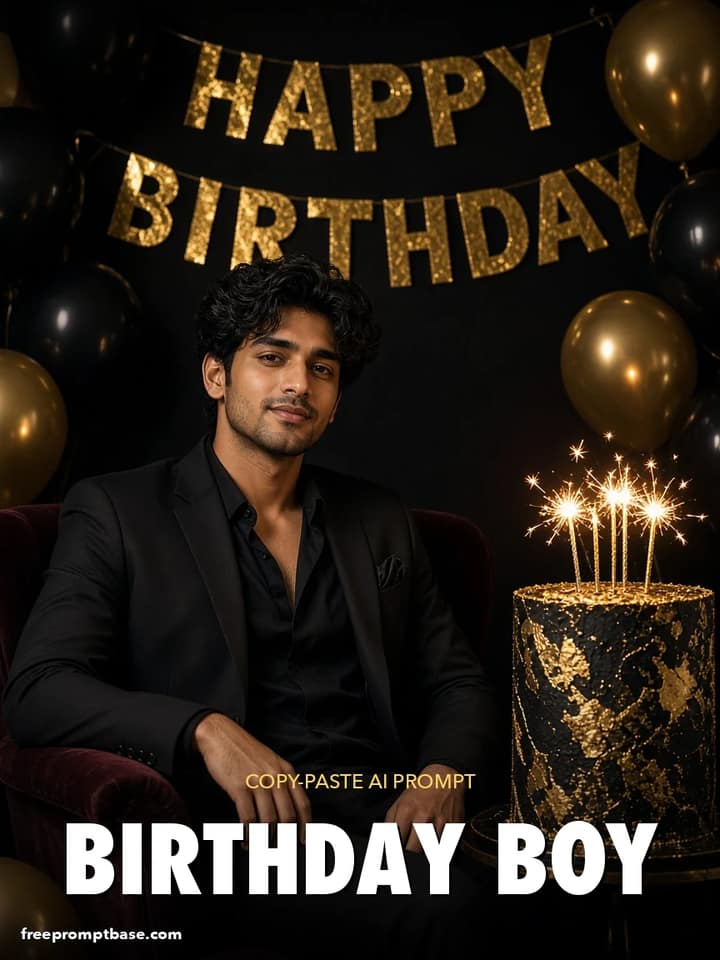
Birthday prompt for boy edits: black suit, black-and-gold balloons, a tall cake and moody studio light. Works in ChatGPT and Gemini.
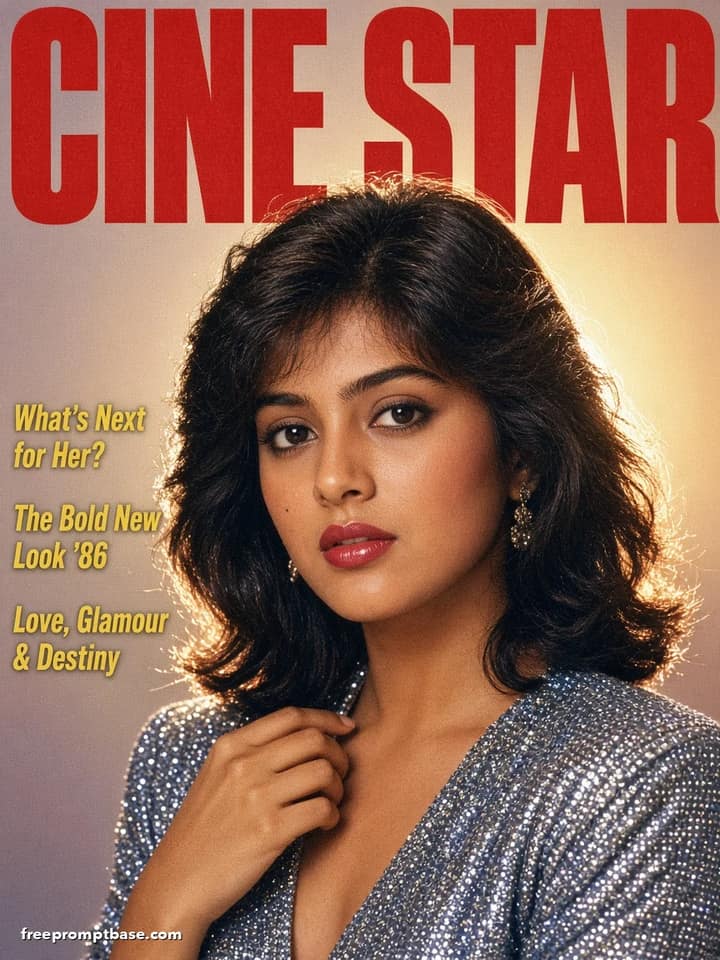
Become the cover star of a 1980s film magazine with this ChatGPT 1980s photo prompt: glossy print, bold masthead and retro cover lines.
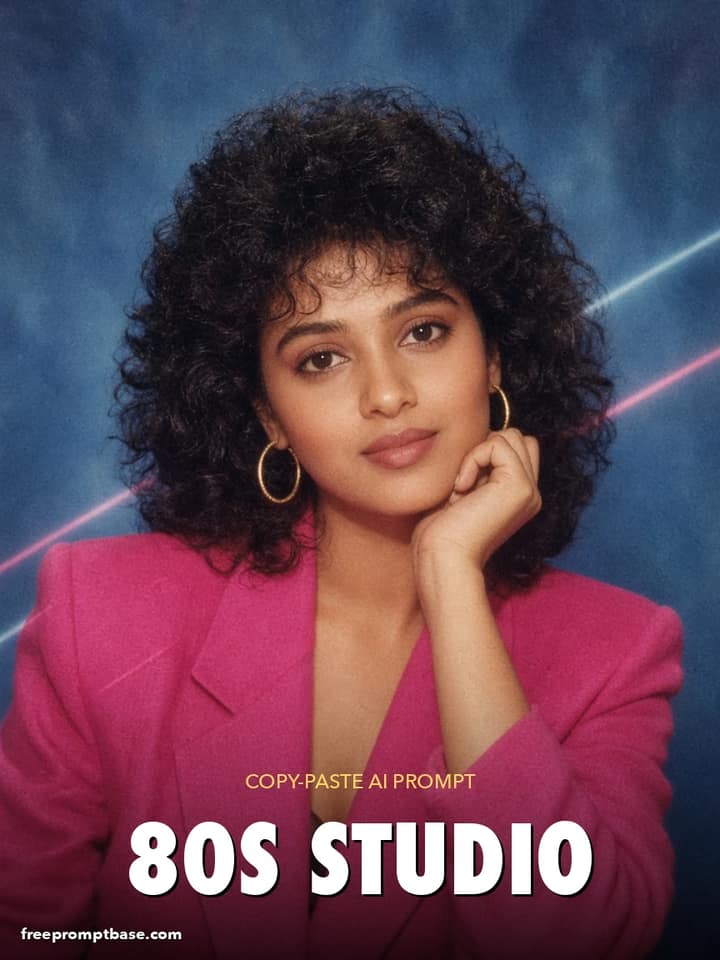
Trending ChatGPT 80s photo prompt for a retro studio portrait: laser-blue backdrop, voluminous curls, shoulder pads and soft-focus glow. Copy and paste.
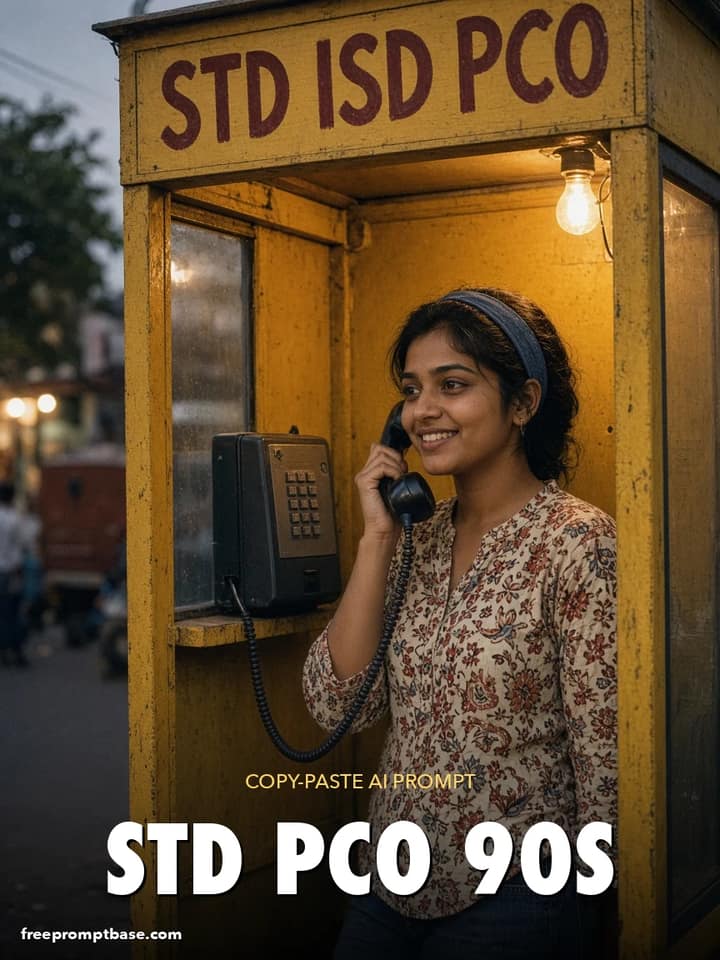
Pure 90s India nostalgia with this ChatGPT 90s prompt: a yellow STD PCO booth, coiled phone cord and a hand-painted sign. Trending photo edit.
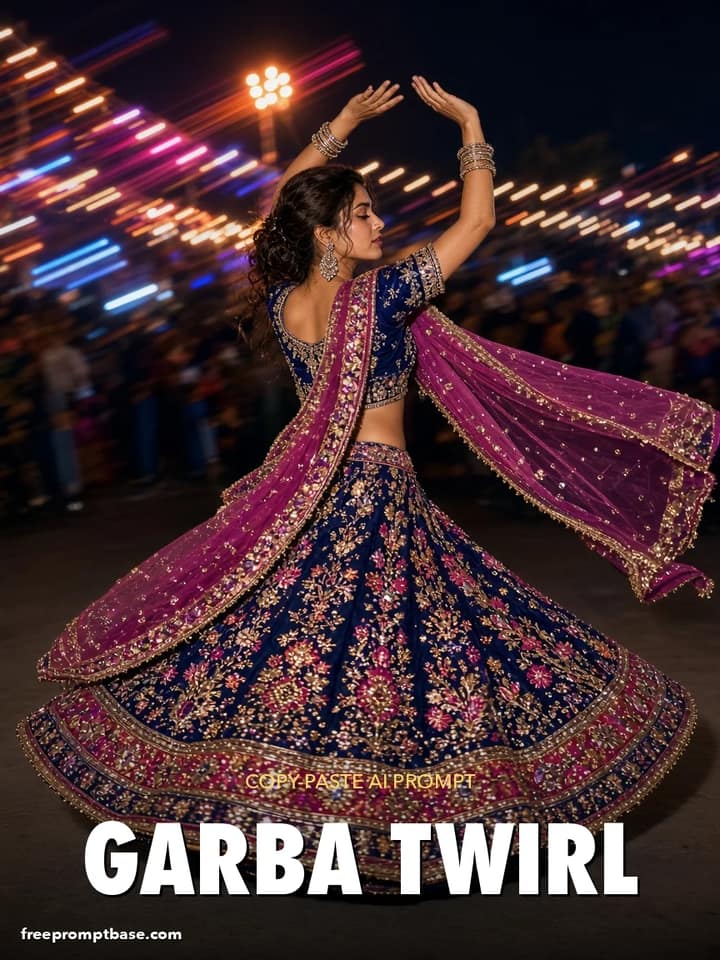
ChatGPT Navratri photo editing prompt for a dramatic garba twirl: spinning chaniya choli, flying dupatta and a frozen-motion flash look.
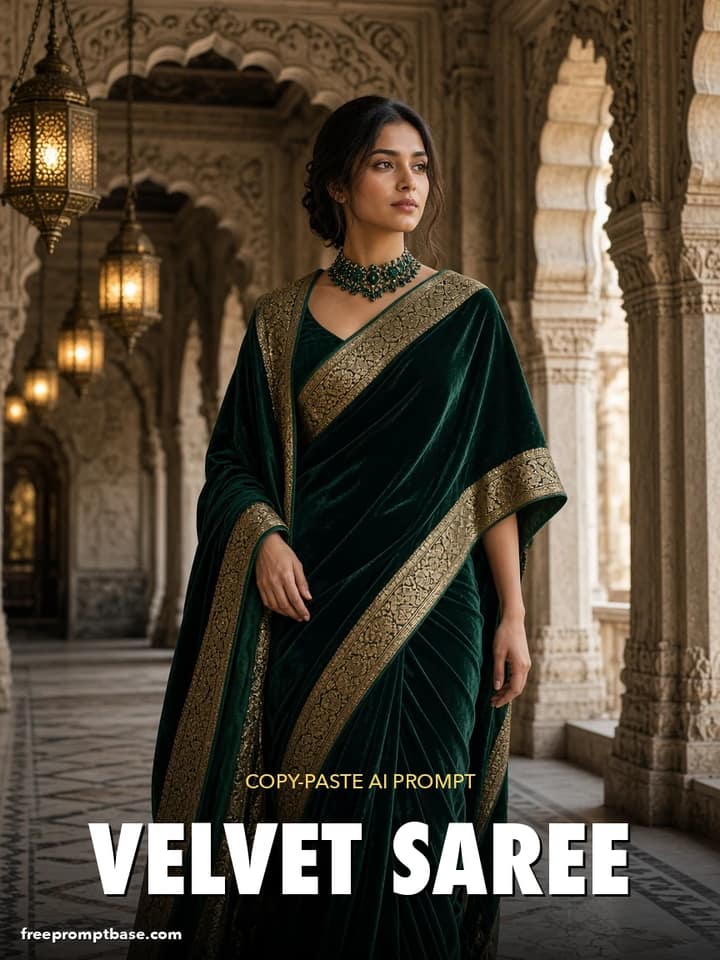
Saree prompt for ChatGPT with royal winter mood: bottle-green velvet saree, emerald choker and a palace corridor with arches.
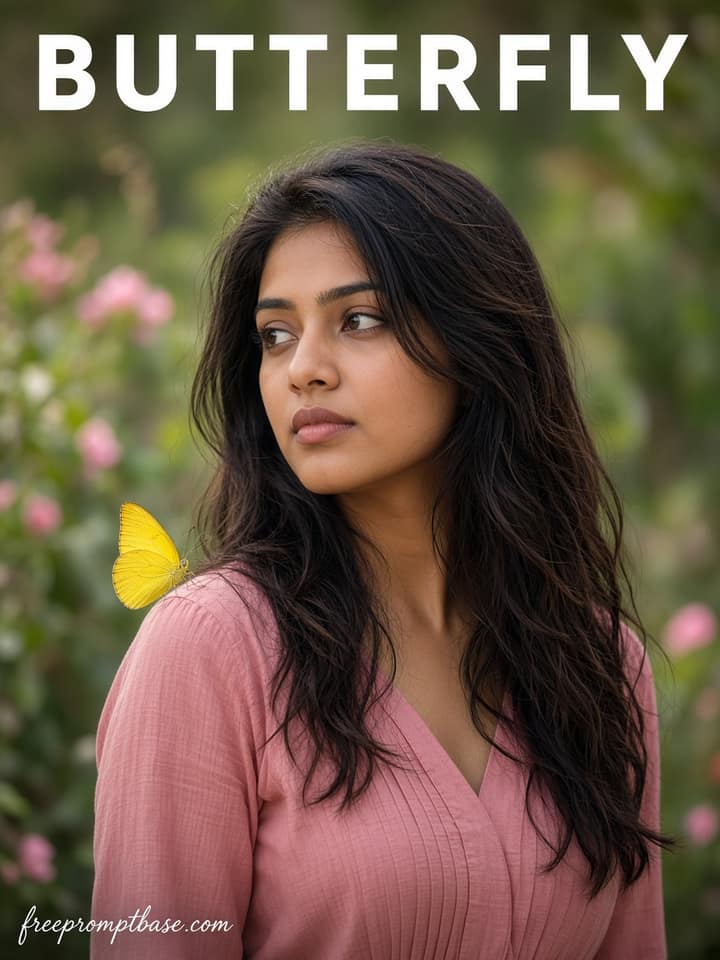
A soft dream portrait with butterflies around the face. Copy paste ChatGPT photo edit for women with face lock and gentle morning light.
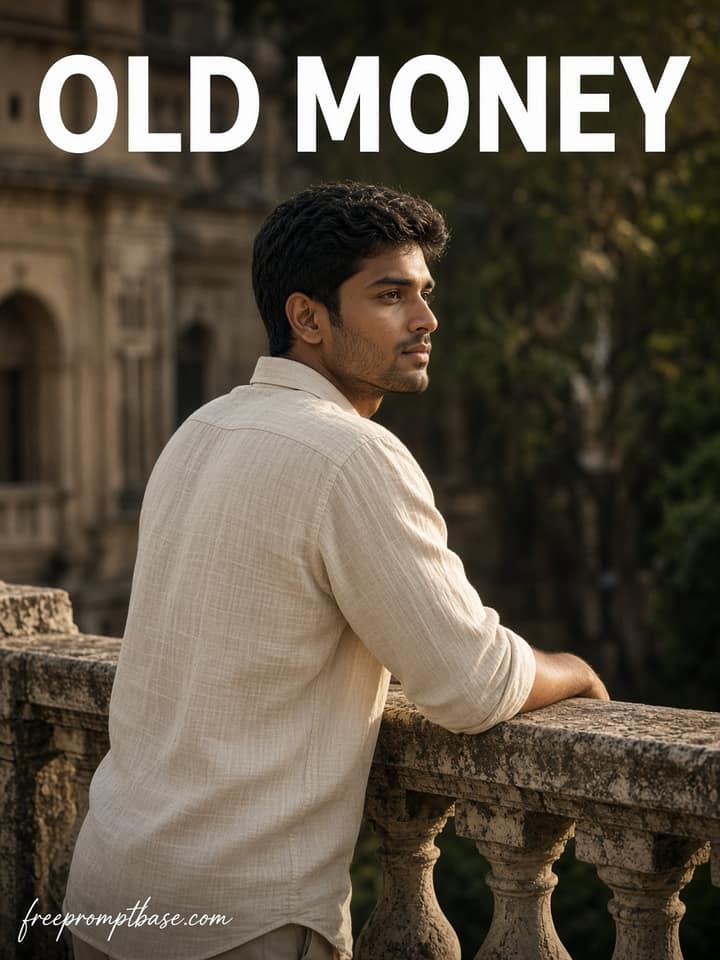
A clean old money balcony portrait for men. Copy paste ChatGPT photo edit with face lock, cream shirt and soft evening light.
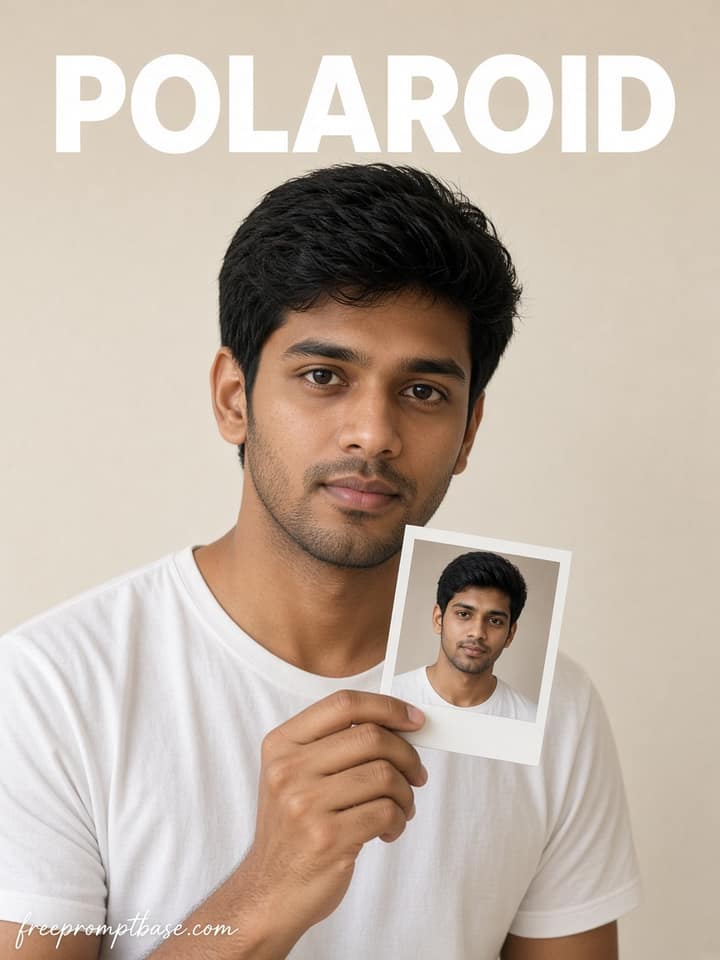
A tabletop Polaroid that shows the same adult a few years younger. Copy paste ChatGPT photo edit with face lock and soft film grain.
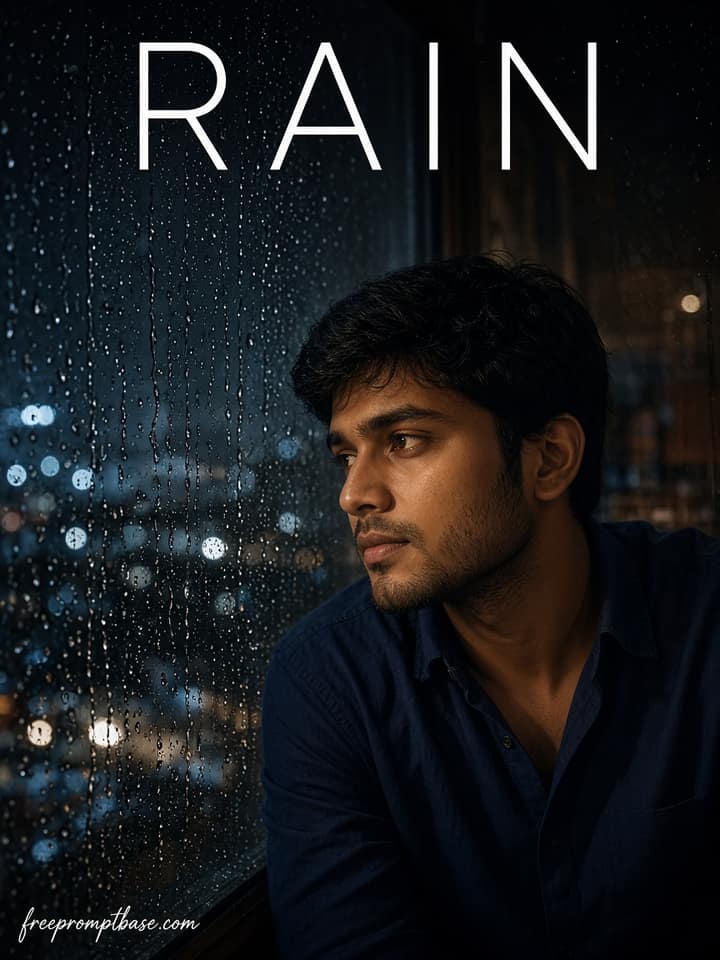
A moody night portrait beside a rainy window. Copy paste ChatGPT photo edit for men with face lock and warm indoor lamp glow.
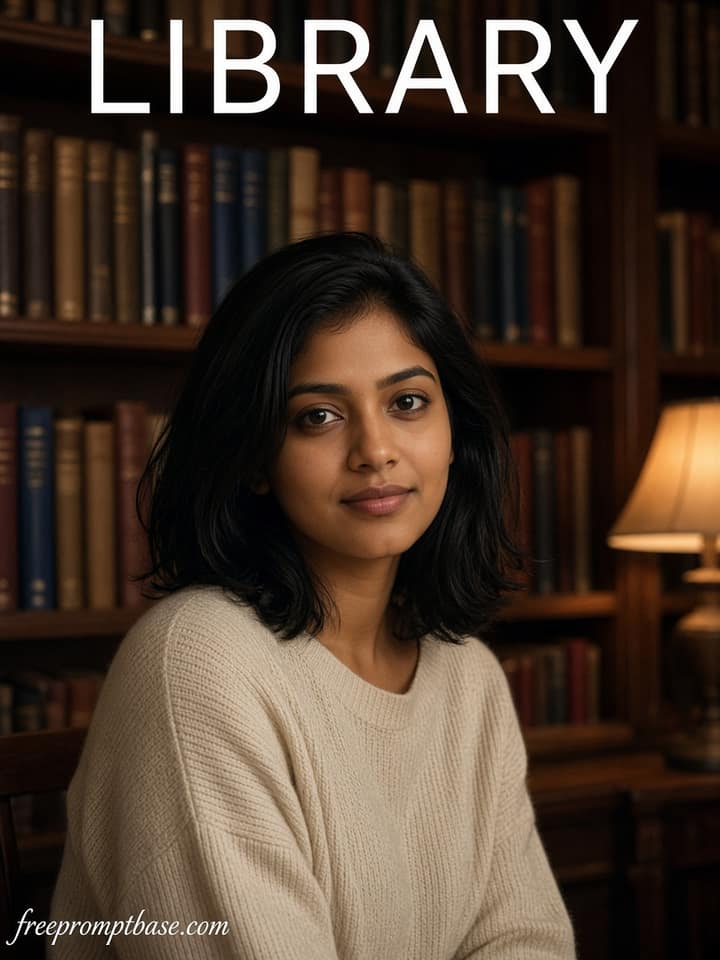
A warm library portrait with soft lamp light. Copy paste ChatGPT photo edit for women with face lock and wooden bookshelf backdrop.
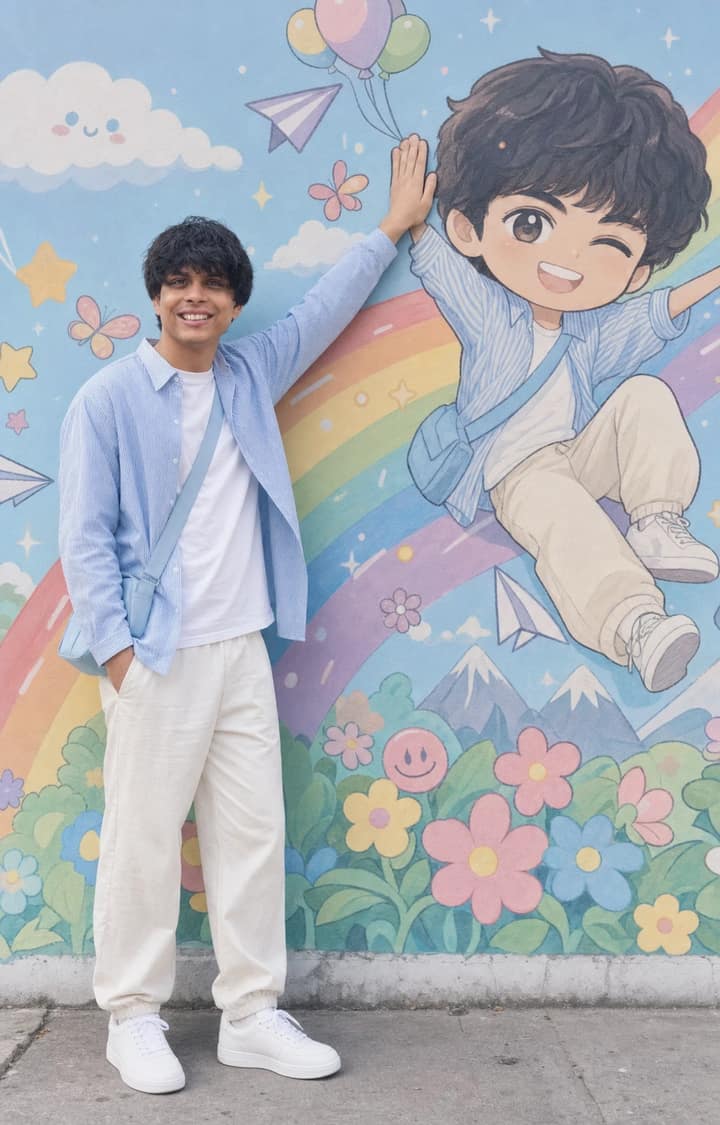
Recreate a colorful outdoor fashion portrait with exact face identity, a locked full-body pose, and a matching anime chibi mural.
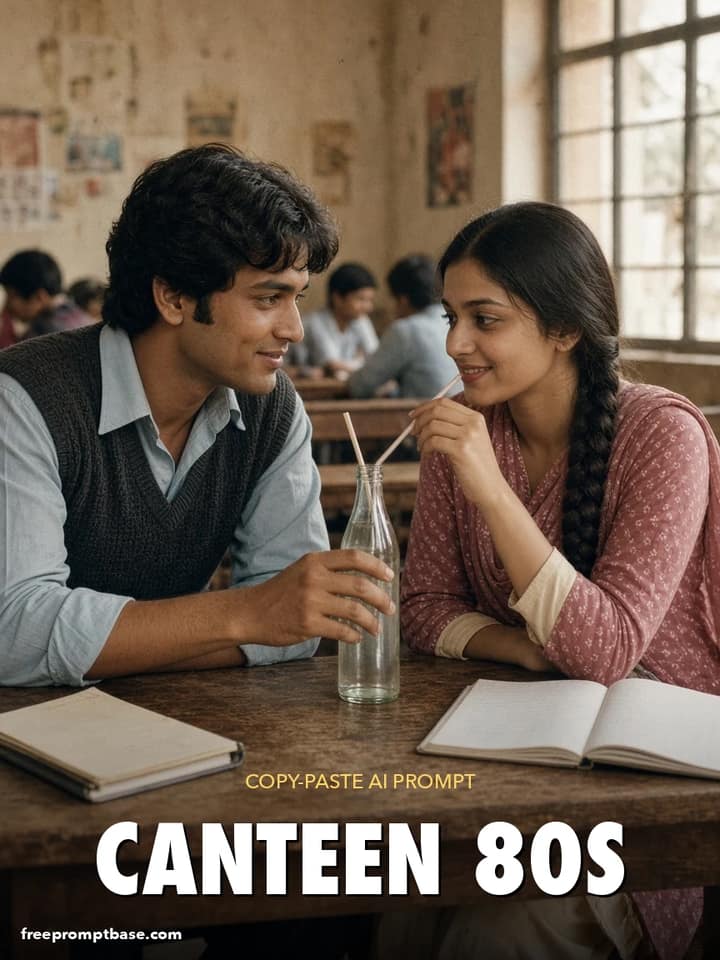
Nostalgic 80s couple photo prompt set in a college canteen: glass soda bottles, shared notebooks, sweater vests and a warm film palette.
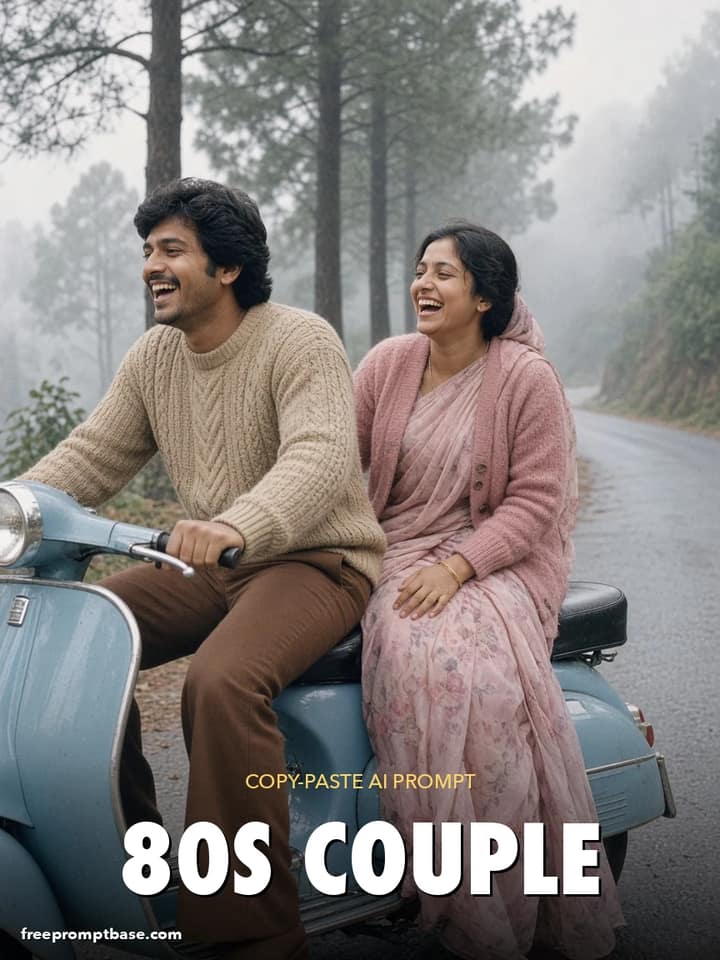
Ride the 80s look prompt couple trend: a vintage scooter on a misty hill-station road, knitted sweaters, and grainy film colour. Paste into ChatGPT or Gemini.
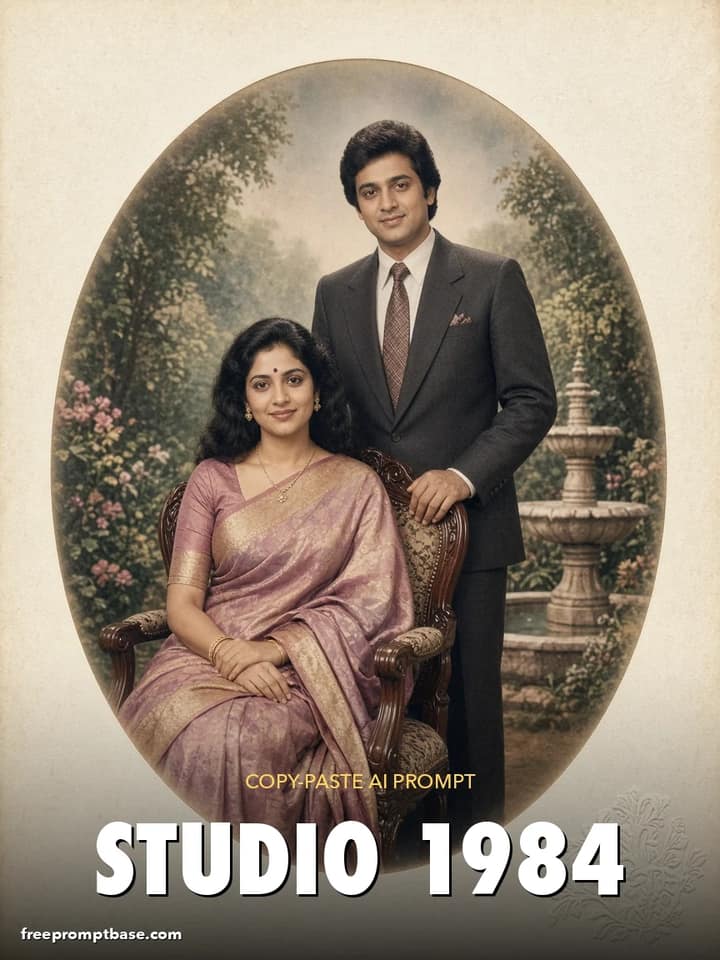
Classic 1980s Indian photo-studio couple portrait with a painted garden backdrop, hand-tinted colour and a cream card mount. Trending 80s couple photo prompt.
No prompts match your search.
The guide
ChatGPT photo editing prompts are instructions you type into ChatGPT after uploading a photo. The model reads your words, edits the image, and shows you the result in the same chat. You can then correct it in plain language: 'a bit brighter', 'less blur', 'keep my glasses'. That back-and-forth is what makes ChatGPT different from every other photo editor.
Below is how to phrase requests so the first result lands close, plus fixes for the things ChatGPT gets wrong.
Upload a photo with the paperclip, then describe the edit in the same message. ChatGPT sends both to its image model and returns a new image. Nothing is applied to your original file; you download the result you like.
Two things follow from that. First, every generation is a fresh interpretation, so tiny details can shift between attempts. Second, the chat remembers context, so 'same edit, but colder light' works as a follow-up without re-explaining anything.
| Edit | Paste this |
|---|---|
| LinkedIn headshot | 'Using my uploaded photo, create a professional headshot: neutral grey background, soft studio lighting, business casual attire. Keep my face natural and recognizable.' |
| Remove clutter | 'Remove the background clutter behind me and replace it with a clean, softly blurred interior. Keep me exactly as I am.' |
| Golden hour | 'Relight this photo as a golden-hour outdoor portrait: warm sunlight from the side, soft glow, natural skin. Keep my face and pose unchanged.' |
| Festival portrait | 'Edit my photo into a festive portrait with warm string lights in the background, rich colors, and gentle bokeh. Keep my face and outfit the same.' |
| Black and white | 'Convert this photo to high-contrast black and white with deep blacks and film grain. Keep every detail of my face.' |
| Retro 90s look | 'Restyle this photo as a 1990s film snapshot: slight grain, faded warm colors, direct flash look. Keep my face unchanged.' |
Because ChatGPT is conversational, you can write prompts as small briefs rather than keyword strings. Tell it the purpose: 'this is for a job application' or 'this is for a birthday post'. It uses that context to pick sensible defaults for framing and tone, which keyword-style tools ignore.
You can also ask it to explain before editing: 'tell me what you plan to change first.' On an important photo, that one line saves you from surprises.
ChatGPT is cautious with photos of real people, especially children, and with anything that reads as impersonation. Rephrase toward the photographic change ('adjust lighting and background') rather than the person, and keep requests clearly harmless. Some refusals are final, and that is by design.
Add 'keep my exact facial features, do not regenerate my face' to every message in the chain, follow-ups included. Each new generation needs the reminder.
Ask for the edit without text, then add text yourself in any basic editor. Image models still fumble small lettering, and a two-step process beats ten retries.
ChatGPT wins on conversation: refining, explaining, iterating. Gemini tends to hold faces steadier on the first try and is quicker for one-shot edits. Plenty of people use both: rough edit in Gemini, refinements in ChatGPT. If you want lines tuned for the other side, our Gemini photo editing prompts page has them, and for wording that works in any tool, start with the general photo editing prompt guide.
Questions
Yes. Upload a photo, describe the change in the same message, and ChatGPT returns an edited image in the chat. It handles retouching, background replacement, relighting, outfit changes, and style conversions. Each result is a new generated image, so save the version you like.
Try: 'Using my uploaded photo, create a professional headshot with a neutral background, soft studio lighting, and business attire. Keep my face natural and recognizable.' Then refine with one correction at a time, like 'slightly warmer light'.
It applies safety rules to images of real people, particularly minors, and to edits that could mislead. Rephrasing toward photographic qualities such as lighting, background, and color usually helps. Some categories of edit stay blocked regardless of phrasing.
The free tier includes image generation and editing with daily limits, which is enough for casual use. Paid plans raise the limits and use the newer image models. The prompts on this page are free to copy either way.
ChatGPT regenerates the whole image, so faces can drift. Add 'keep my exact facial features, do not alter my face' to every edit message, reduce heavy style words, and restart from the original photo if drift builds up over multiple rounds.