
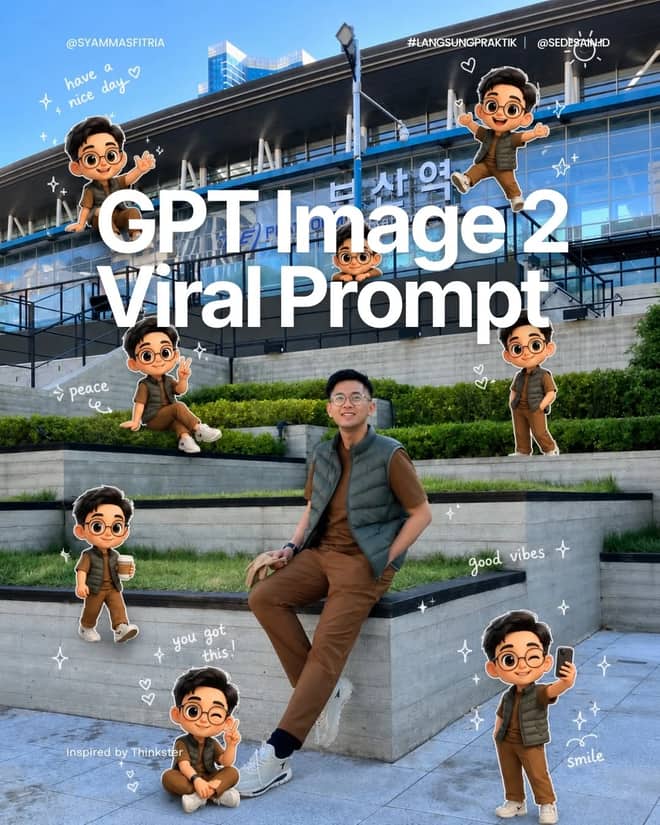
Pixar Chibi Scrapbook Collage – Gemini AI Photo Prompt
Turn one photo into a Pixar chibi scrapbook collage — 3D chibi poses with doodles and stickers. A copy-paste Gemini AI photo prompt for Nano Banana and ChatGPT.
11
AI prompt library
Free, ready-to-use gemini prompt vercel app. Copy one, paste it into your favourite AI tool, and get to work.
60 prompts
Turn one photo into a Pixar chibi scrapbook collage — 3D chibi poses with doodles and stickers. A copy-paste Gemini AI photo prompt for Nano Banana and ChatGPT.
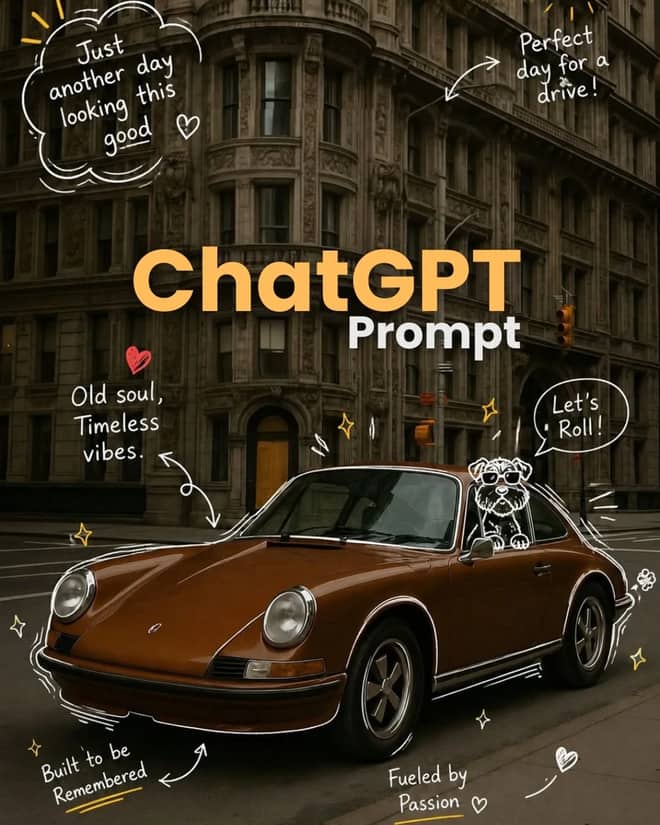
Add playful doodles, motion lines, and captions that react to your subject. A free Gemini AI photo prompt — copy, paste your photo, and run it in Nano Banana or ChatGPT.

Make a cinematic World Cup poster — two players back-to-back, neon flags, smoky stadium haze. A copy-paste Gemini AI photo prompt for Nano Banana and ChatGPT.
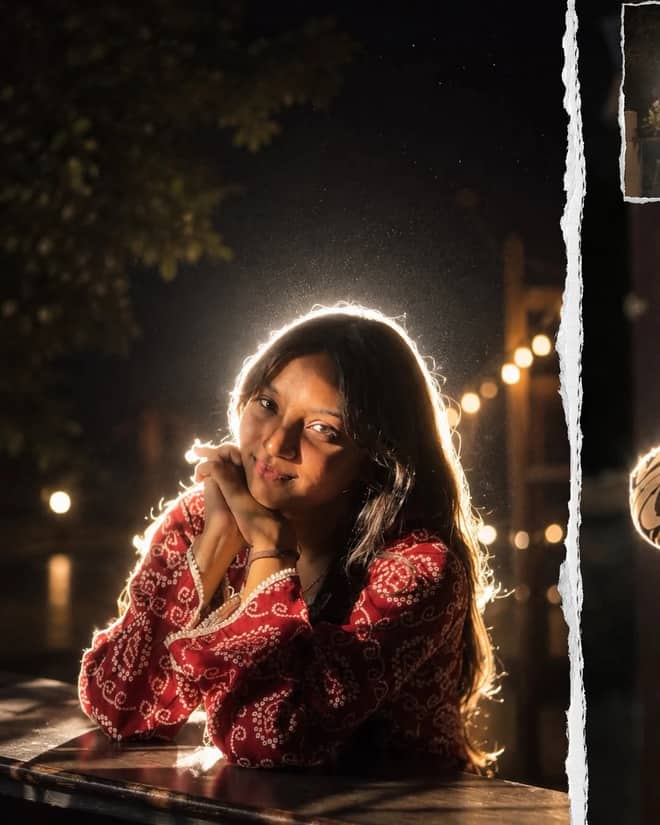
Get the viral night-flash look: a glowing rim-light halo, lens flare, and grainy candid mood. A free Gemini AI photo prompt to copy, paste, and run in Nano Banana.
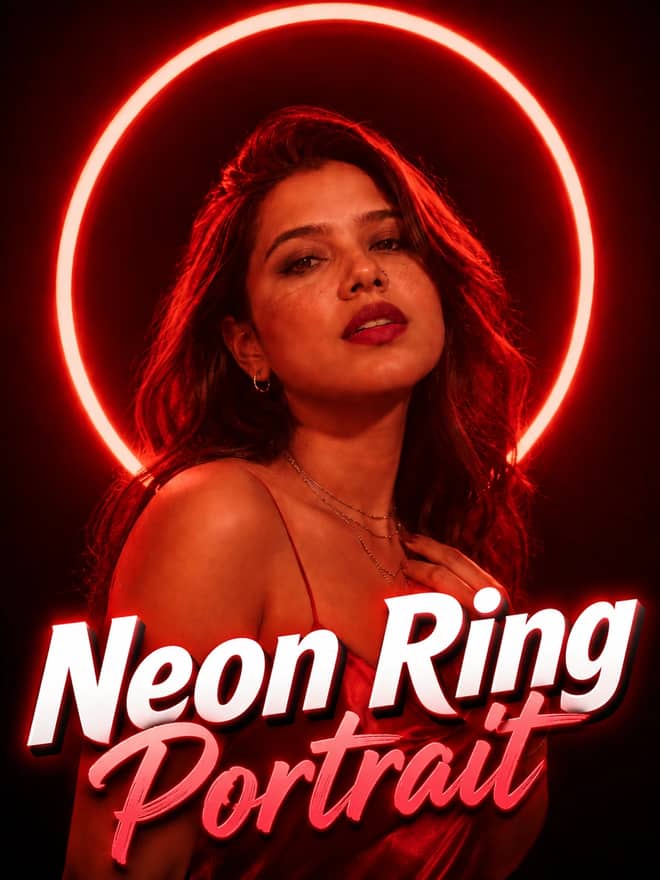
Neon ring portrait prompt — copy this free AI photo prompt on Free Prompt Base and edit it in Gemini & ChatGPT. Paste your photo and create in seconds.

Turn your photo into a man in a white linen shirt holding flowers on a dusk beach. A free Gemini AI photo prompt — copy, paste, and edit in Nano Banana.
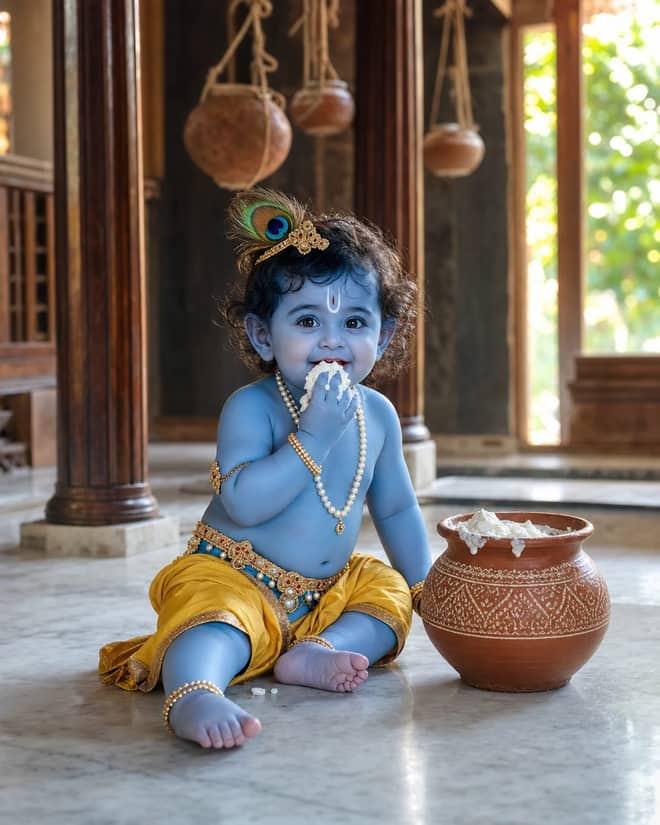
Create a photorealistic Baby Krishna butter-pot portrait in a sunlit Vrindavan home, with a yellow dhoti, peacock feather, marble floor, and natural DSLR detail.

Create a peaceful sleeping Baby Krishna portrait in a flower-trimmed golden cradle, with warm temple lamps, silk cushions, and soft cinematic light.
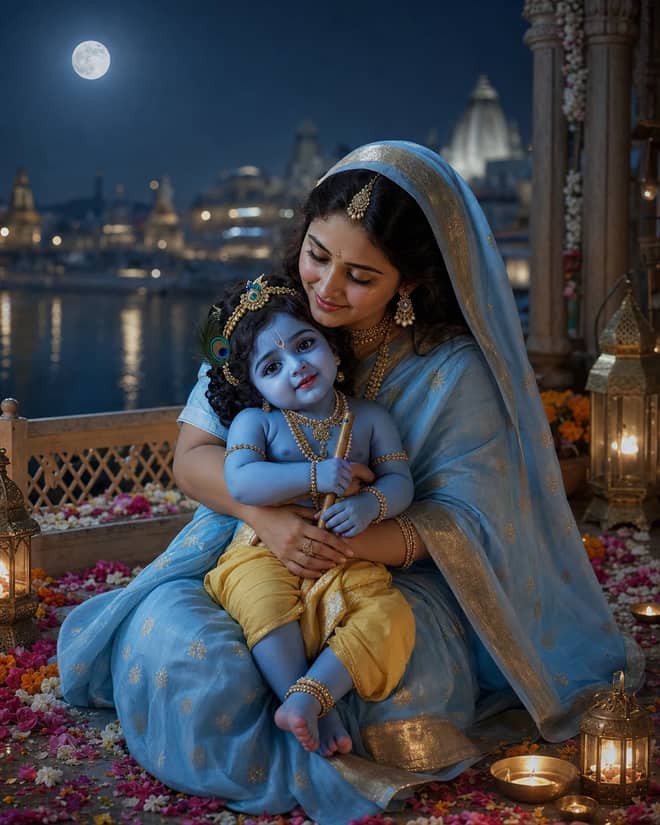
Create a moonlit Maa Yashoda and Baby Krishna portrait on a Vrindavan balcony, with blue silk, warm lamps, the Yamuna, and natural editorial detail.
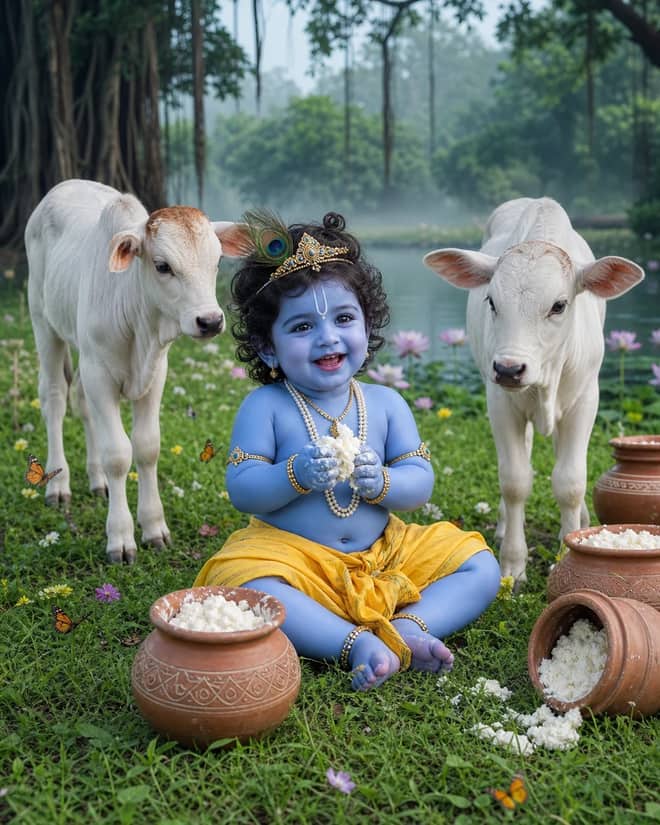
Create a playful Baby Krishna with cow portrait in a misty Vrindavan meadow, with butter pots, white calves, lotus water, and cool natural light.
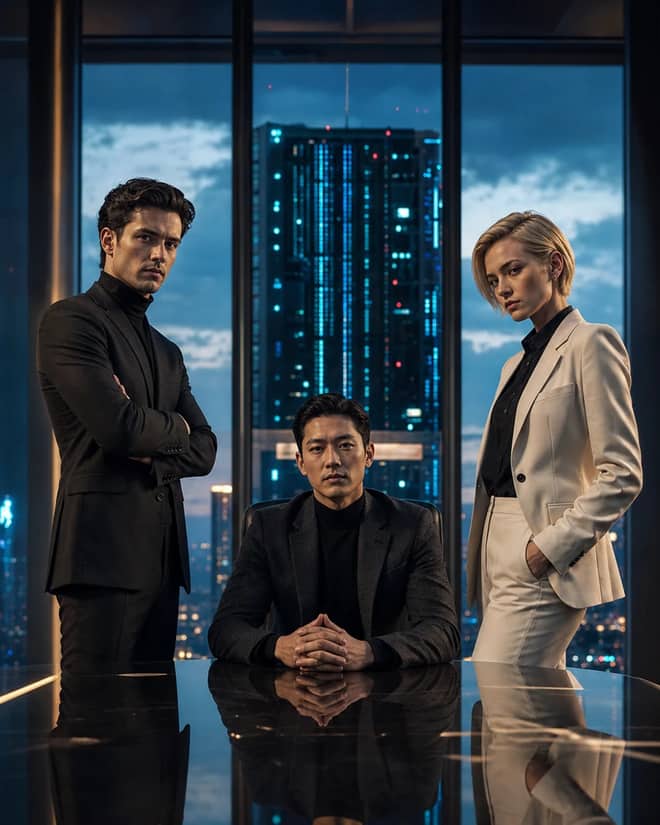
Create a fictional AI rivalry portrait with three executives, dramatic boardroom lighting, clear power dynamics, and premium editorial realism.
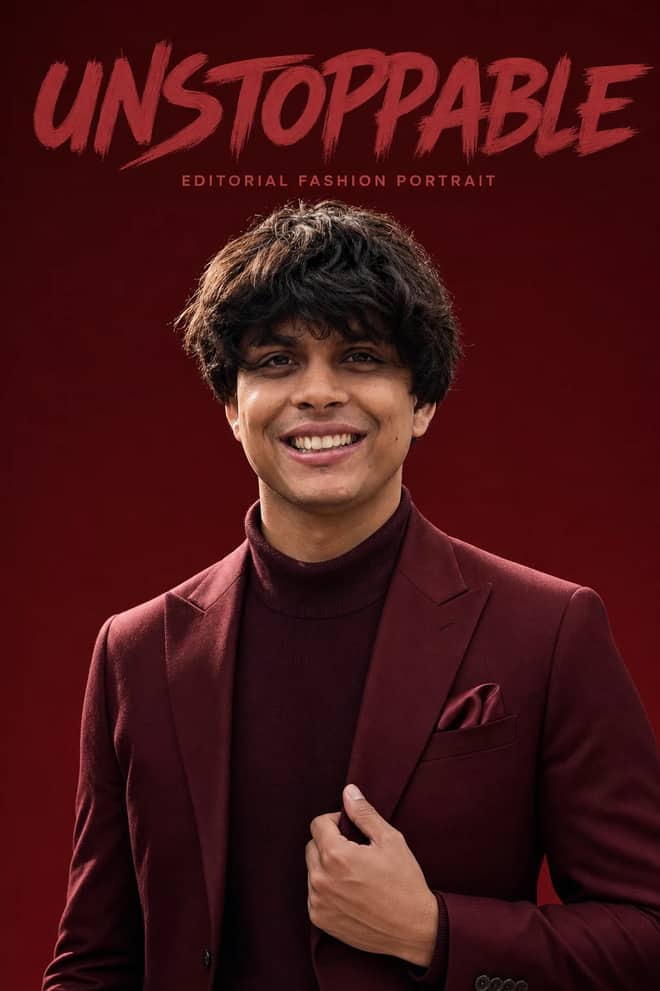
Create an ultra-realistic monochromatic fashion portrait with luxury campaign lighting, natural skin texture, bold brush typography, and clean negative space.
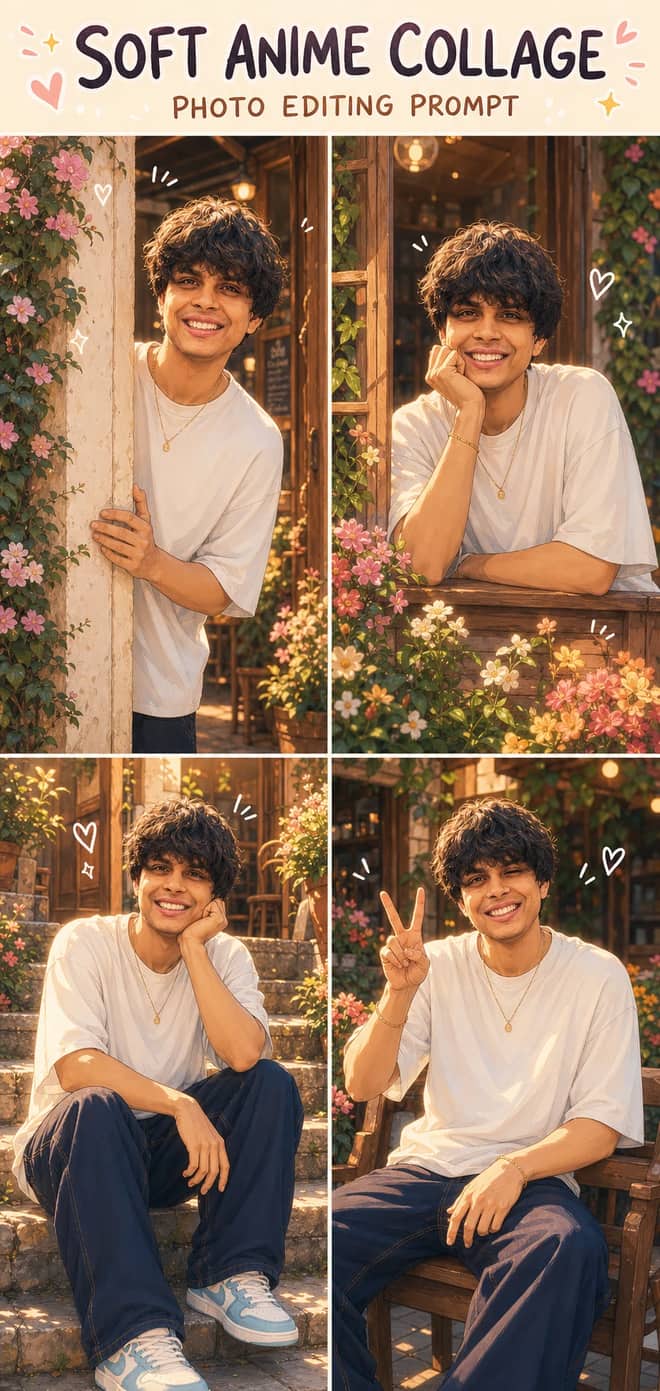
Turn one photo into a dreamy four-panel anime collage with consistent identity, café courtyard poses, golden-hour lighting, floral details, and cute doodles.
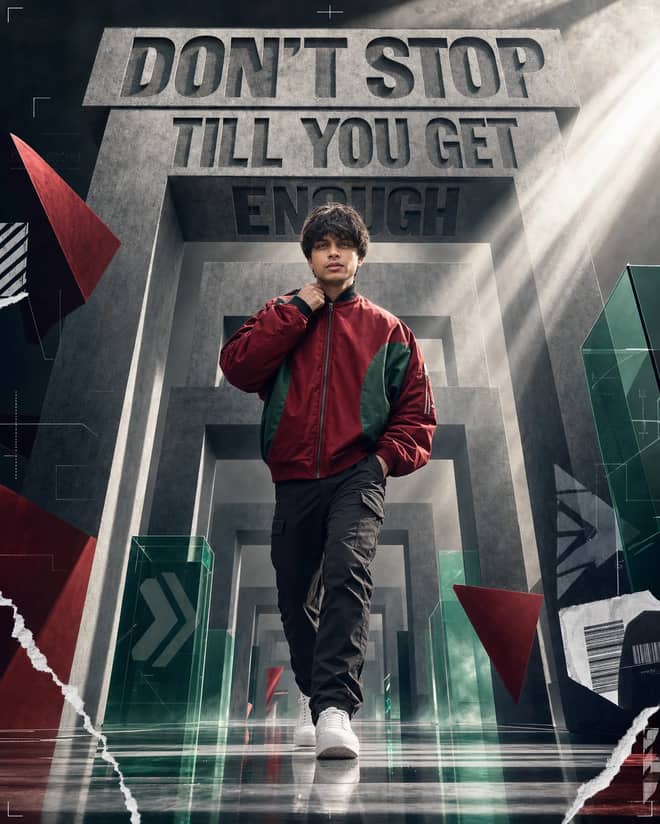
Create a premium sports-fashion poster with a confident model, monumental concrete portals, dramatic typography, low-angle perspective, and cinematic light.
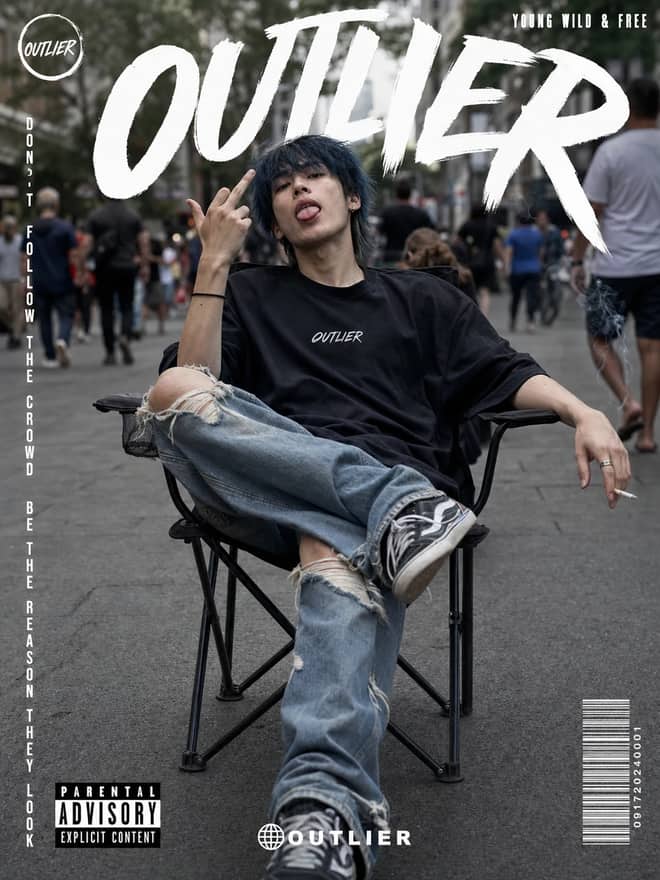
Create a gritty photorealistic streetwear poster with a seated model, blurred city pedestrians, natural skin texture, bold branding, and editorial labels.
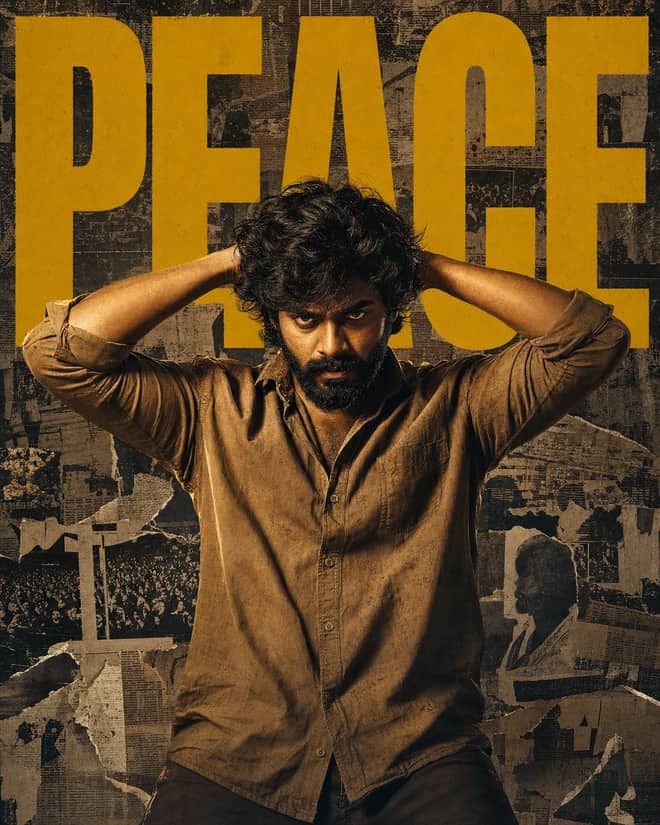
Create a gritty South Indian action poster with a rugged hero, bold PEACE typography, warm tungsten lighting, and a distressed vintage newspaper collage.
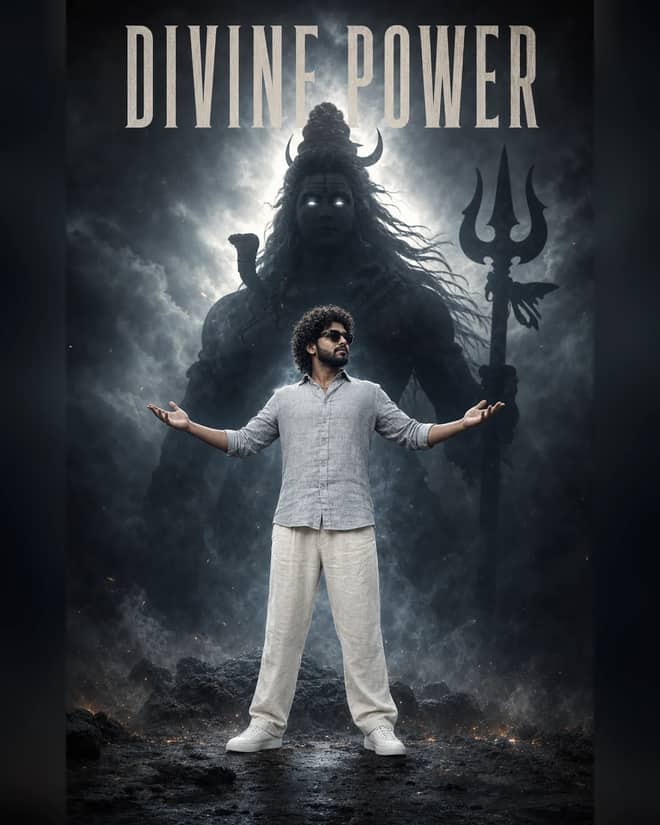
Create a powerful cinematic portrait with a confident man before a colossal smoky Lord Shiva silhouette, dramatic halo lighting, fog, and epic depth.
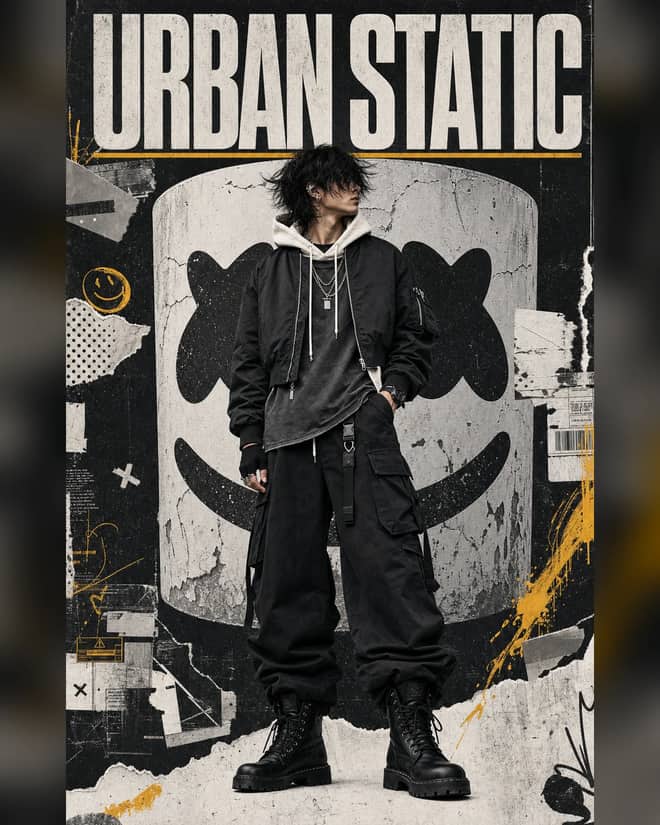
Create a luxury streetwear editorial with oversized black layers, a distressed helmet collage, controlled grunge textures, and muted yellow accents.
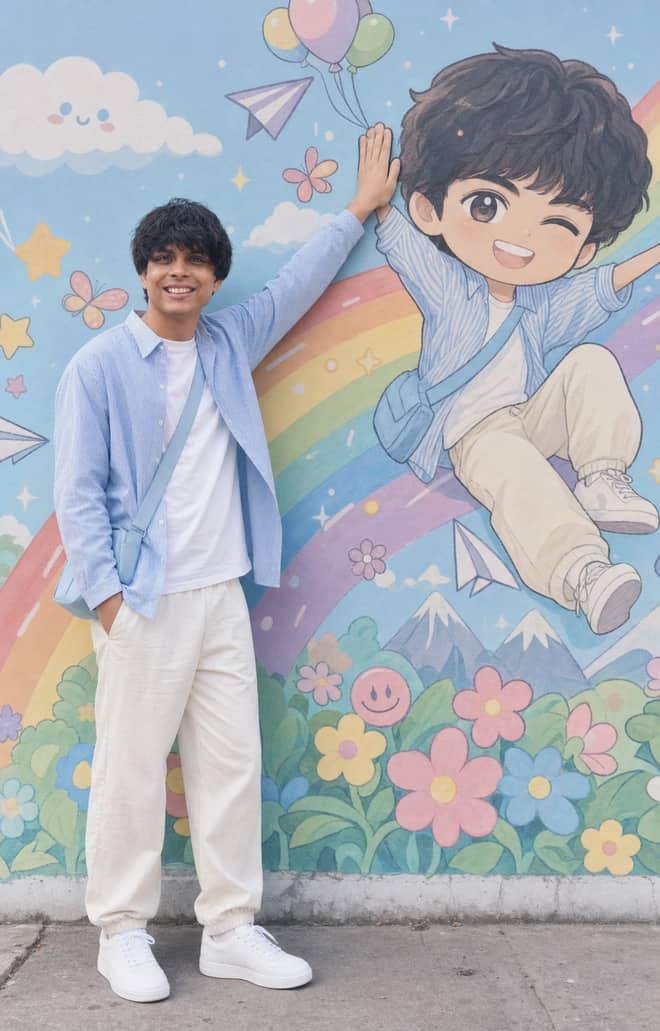
Recreate a colorful outdoor fashion portrait with exact face identity, a locked full-body pose, and a matching anime chibi mural.
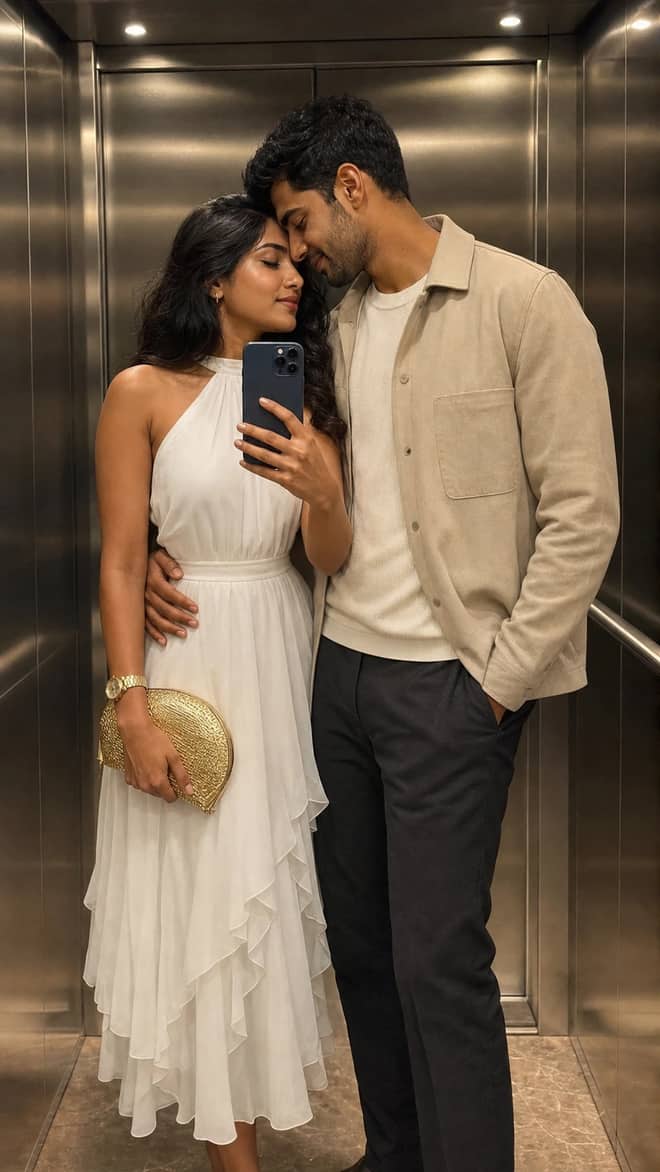
Create a luxury elevator couple mirror selfie while preserving both uploaded facial identities, natural expressions, skin texture, and authentic details.
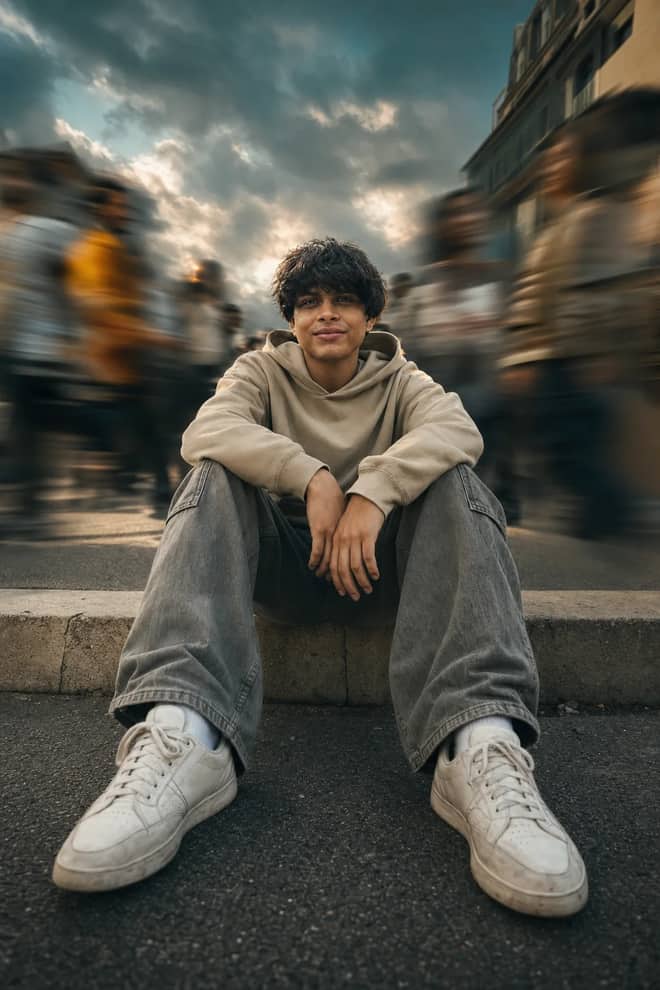
Create a low-angle urban portrait with a sharp seated subject, radial crowd motion blur, golden-hour light, and cinematic orange-and-teal grading.
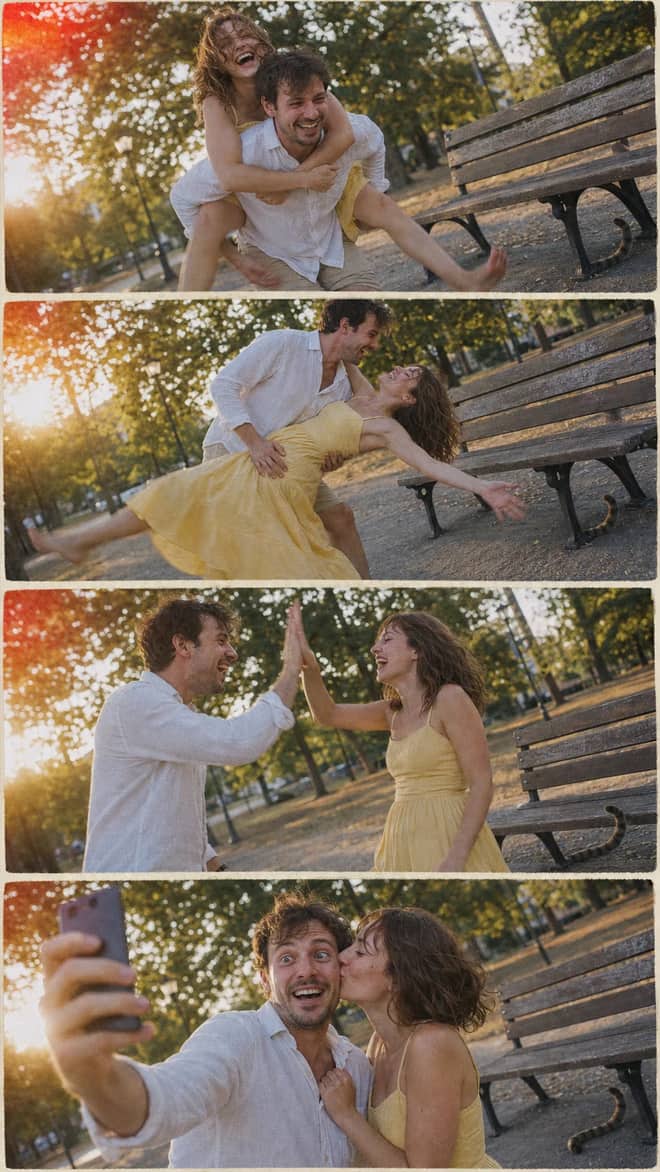
Create a nostalgic four-panel couple photo collage with playful candid moments, golden-hour park light, motion blur, grain, and a 2005 digital-camera look.

Create an ultra-realistic full-body traveler portrait in a downtown crosswalk with warm sunrise rim light, reflective asphalt, an 85mm look, and cinematic color.
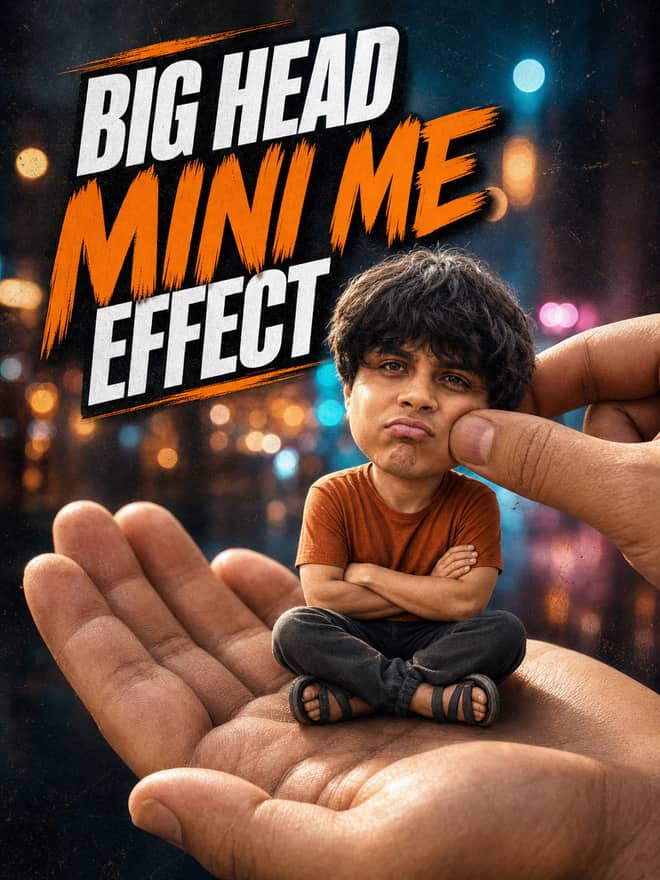
Turn any portrait into a cute big-head miniature seated in a giant hand, with a playful cheek pinch, cinematic night bokeh, and crisp 3:4 framing.
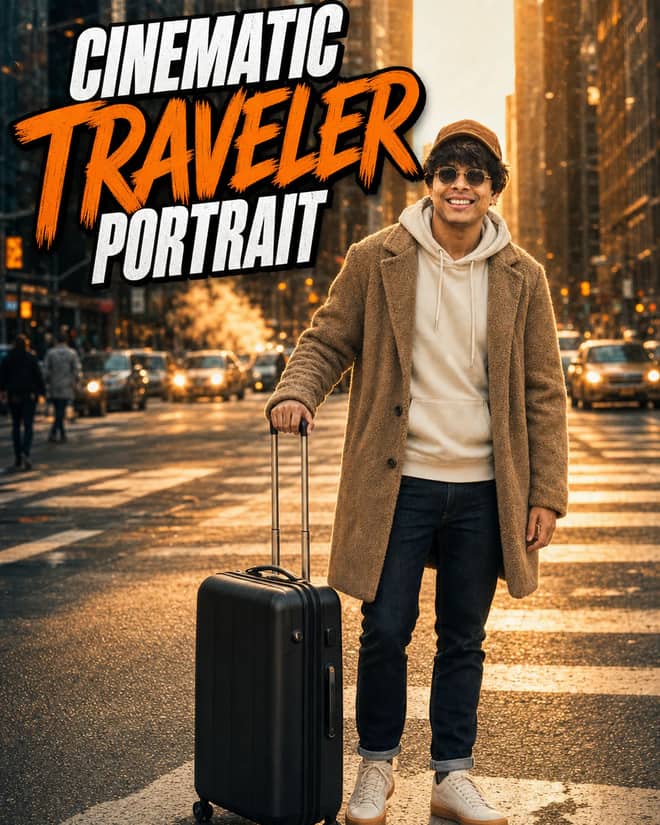
Create an ultra-realistic golden-hour traveler portrait with preserved facial identity, a teddy-fleece coat, reflective city streets, and an 85 mm cinematic look.
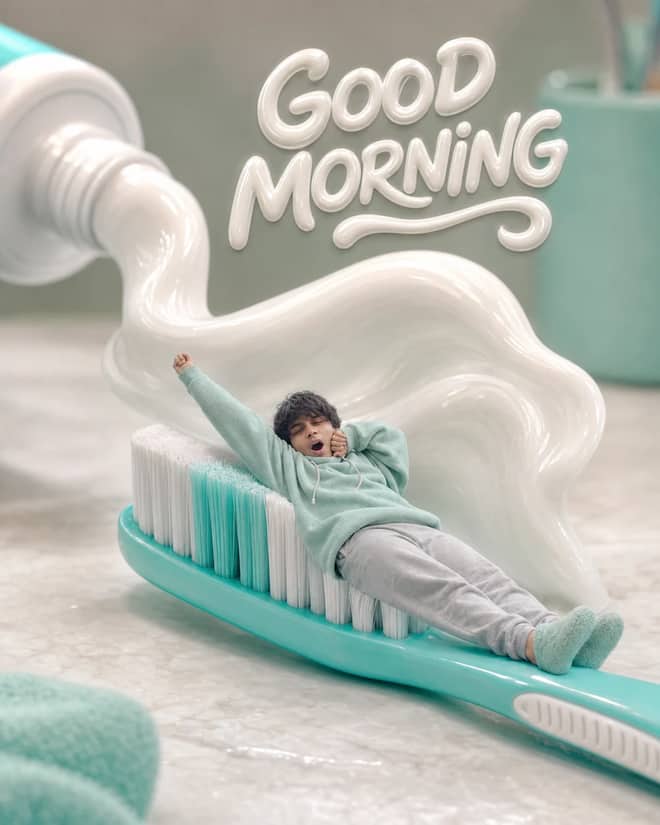
Turn any selfie into a tiny sleepy character lounging on a giant toothbrush, with a foamy toothpaste wave, pastel macro styling, and creamy GOOD MORNING text.
Ethereum Developer prompt for coding questions, debugging, and technical guidance. Copy it into ChatGPT, Gemini, Claude, or another AI assistant and tailor it to your task.
Linux Terminal prompt for coding questions, debugging, and technical guidance. Copy it into ChatGPT, Gemini, Claude, or another AI assistant and tailor it to your task.
English Translator and Improver prompt for writing, editing, translation, and language work. Copy it into ChatGPT, Gemini, Claude, or another AI assistant and tailor it to your task.
Job Interviewer prompt for goals, priorities, and practical next steps. Copy it into ChatGPT, Gemini, Claude, or another AI assistant and tailor it to your task.
JavaScript Console prompt for coding questions, debugging, and technical guidance. Copy it into ChatGPT, Gemini, Claude, or another AI assistant and tailor it to your task.
Excel Sheet prompt for data analysis, research, and clear findings. Copy it into ChatGPT, Gemini, Claude, or another AI assistant and tailor it to your task.
English Pronunciation Helper prompt for lessons, practice, and study support. Copy it into ChatGPT, Gemini, Claude, or another AI assistant and tailor it to your task.
Spoken English Teacher and Improver prompt for lessons, practice, and study support. Copy it into ChatGPT, Gemini, Claude, or another AI assistant and tailor it to your task.
Travel Guide prompt for writing, editing, translation, and language work. Copy it into ChatGPT, Gemini, Claude, or another AI assistant and tailor it to your task.
Character prompt for creative ideas, stories, and role-play. Copy it into ChatGPT, Gemini, Claude, or another AI assistant and tailor it to your task.
Advertiser prompt for everyday work and focused problem-solving. Copy it into ChatGPT, Gemini, Claude, or another AI assistant and tailor it to your task.
Storyteller prompt for creative ideas, stories, and role-play. Copy it into ChatGPT, Gemini, Claude, or another AI assistant and tailor it to your task.
Football Commentator prompt for creative ideas, stories, and role-play. Copy it into ChatGPT, Gemini, Claude, or another AI assistant and tailor it to your task.
Motivational Coach prompt for goals, priorities, and practical next steps. Copy it into ChatGPT, Gemini, Claude, or another AI assistant and tailor it to your task.
Composer prompt for creative ideas, stories, and role-play. Copy it into ChatGPT, Gemini, Claude, or another AI assistant and tailor it to your task.
Debater prompt for goals, priorities, and practical next steps. Copy it into ChatGPT, Gemini, Claude, or another AI assistant and tailor it to your task.
Debate Coach prompt for goals, priorities, and practical next steps. Copy it into ChatGPT, Gemini, Claude, or another AI assistant and tailor it to your task.
Screenwriter prompt for writing, editing, translation, and language work. Copy it into ChatGPT, Gemini, Claude, or another AI assistant and tailor it to your task.
Novelist prompt for writing, editing, translation, and language work. Copy it into ChatGPT, Gemini, Claude, or another AI assistant and tailor it to your task.
Movie Critic prompt for writing, editing, translation, and language work. Copy it into ChatGPT, Gemini, Claude, or another AI assistant and tailor it to your task.
Relationship Coach prompt for goals, priorities, and practical next steps. Copy it into ChatGPT, Gemini, Claude, or another AI assistant and tailor it to your task.
Poet prompt for writing, editing, translation, and language work. Copy it into ChatGPT, Gemini, Claude, or another AI assistant and tailor it to your task.
Rapper prompt for creative ideas, stories, and role-play. Copy it into ChatGPT, Gemini, Claude, or another AI assistant and tailor it to your task.
Motivational Speaker prompt for everyday work and focused problem-solving. Copy it into ChatGPT, Gemini, Claude, or another AI assistant and tailor it to your task.
Philosophy Teacher prompt for lessons, practice, and study support. Copy it into ChatGPT, Gemini, Claude, or another AI assistant and tailor it to your task.
Philosopher prompt for creative ideas, stories, and role-play. Copy it into ChatGPT, Gemini, Claude, or another AI assistant and tailor it to your task.
Math Teacher prompt for lessons, practice, and study support. Copy it into ChatGPT, Gemini, Claude, or another AI assistant and tailor it to your task.
AI Writing Tutor prompt for writing, editing, translation, and language work. Copy it into ChatGPT, Gemini, Claude, or another AI assistant and tailor it to your task.
UX/UI Developer prompt for coding questions, debugging, and technical guidance. Copy it into ChatGPT, Gemini, Claude, or another AI assistant and tailor it to your task.
Cyber Security Specialist prompt for everyday work and focused problem-solving. Copy it into ChatGPT, Gemini, Claude, or another AI assistant and tailor it to your task.
Recruiter prompt for goals, priorities, and practical next steps. Copy it into ChatGPT, Gemini, Claude, or another AI assistant and tailor it to your task.
Life Coach prompt for goals, priorities, and practical next steps. Copy it into ChatGPT, Gemini, Claude, or another AI assistant and tailor it to your task.
Etymologist prompt for everyday work and focused problem-solving. Copy it into ChatGPT, Gemini, Claude, or another AI assistant and tailor it to your task.
Commentariat prompt for writing, editing, translation, and language work. Copy it into ChatGPT, Gemini, Claude, or another AI assistant and tailor it to your task.
No prompts match your search.
The guide
If you searched gemini prompt vercel app, you were probably hunting for a web page that simply lists Gemini prompts you can copy and paste, the kind that usually sits at a vercel.app address put up by some indie maker. The grid above this text is exactly that: ready-to-use prompts with example images. So before you keep clicking around for one more site, here is the honest version of how these prompt pages work, what is actually inside them, and how to get a good result once the prompt is in your hands.
Vercel is a hosting platform that developers use to put small web projects online quickly, which is why so many prompt galleries end up living on a vercel.app URL. Someone collects a batch of Gemini prompts, often the trending photo-edit ones, builds a quick page, and ships it in an afternoon. There is nothing special about the hosting itself. The value is the list of prompts and the example pictures next to each one. A prompt is plain text. The page is just a tidy way to browse and copy that text without typing it from scratch.
Because anyone can spin one up, quality is all over the place. Some are clean and current. Others are stale, packed with prompts that no longer match how the current Gemini model behaves, or they hide the actual wording behind a sign-up form or an app install. That is the part that annoys people. You wanted the words, and you got a paywall.
This is the thing most pages skip. A Gemini prompt is not software. It is a sentence or two you paste into Gemini itself. You can copy a prompt from here, open the Gemini app on your phone or gemini.google.com in a browser, attach your photo, paste the text, and send. That is the entire flow. The 'vercel app' you were searching for is, at best, a copy button sitting next to a picture. Handy, but not required.
The image model behind the popular edits is Gemini 2.5 Flash Image, which people online nicknamed Nano Banana. It is the same model whether you reach it through the Gemini app, the website, or some maker's page. So the prompt is portable. Copy it once and it works anywhere Gemini runs. There is no secret version locked inside a particular site.
When folks go looking for one of these collections, they are nearly always after a small set of looks. Knowing the names helps you search faster and mix them.
These are the prompts worth copying because they are concrete. A vague line like 'make me look cool' gives you mush. A prompt that names the light, the lens feel, the background, and what to keep gives you something you would actually post. The good galleries understand this, and the example image tells you in advance whether the wording delivers.
Match the look you are after with the detail the prompt needs and the easiest place to run it.
| What you want | What to add to the prompt | Where it runs best |
|---|---|---|
| Clean headshot | Soft key light, plain grey background, sharp eyes, keep my real face | Gemini, your own photo attached |
| Retro film selfie | 35mm grain, faded warm tones, slight light leak | Gemini app or web |
| Figurine of yourself | Small desk figurine on a round base, keep my face and outfit | Gemini, one clear photo |
| Couple photo | Place both people in one frame, matching light, natural skin | Gemini, two photos attached |
| Brand-new scene from text | Describe the full scene, mood, and camera angle, no photo needed | Gemini, or an image model like Midjourney |
Even the best gallery prompt is a starting point. You will almost always change a word or two to fit your face, your photo, and the mood you want. A simple order works well.
The single line that fixes the most problems is an instruction to preserve your features. Something like 'keep my real face and skin texture, only change the background and clothes.' Without it, the model has too much freedom and quietly redraws you into a stranger. Small, named changes hold your likeness far better than a full makeover.
Gemini is the natural home for these because the trending photo edits were built around its image model, and the free tier handles light editing before it caps for the day. But the wording is not exclusive. The same descriptive style works in other tools, with some differences worth knowing.
ChatGPT with its image generator handles edits and new scenes too, and it is forgiving with messy, conversational prompts. Midjourney leans toward stylized, art-leaning images and wants tighter, comma-separated phrasing rather than full sentences. DALL-E sits in between and is easy to reach inside ChatGPT. If a prompt was written for Gemini, expect to trim it a little for Midjourney and to lean harder on naming the keep-my-face rule in any tool that tends to invent new features.
Most disappointing results trace back to a handful of habits, and each has a fast fix.
If an edit comes back looking fake, paste it back in and ask Gemini to keep skin texture and natural shadows. That one follow-up rescues more images than any clever opening prompt.
You do not need to keep searching for the perfect prompt site. You are already on a page full of copy-paste Gemini prompts with example images, and the prompts themselves run anywhere Gemini does. Pick one that matches the look you want, copy it, open Gemini, attach your photo, and paste. Tweak a word, save the keeper, and move on. The prompt is a recipe, not a rule, so treat the wording above as a base you adjust until it fits your face and your idea.
Questions
It is usually a small web page, hosted on a vercel.app URL by an indie maker, that lists ready-made Gemini prompts you can copy. The hosting adds nothing special. The value is the prompt text and example images. A prompt is just words you paste into Gemini, so you do not actually need a dedicated app to use one.
No. A Gemini prompt is plain text, not software. Copy one from this page, open the Gemini app or gemini.google.com, attach your photo, paste the prompt, and send. The page you were searching for is essentially a copy button. The real work happens inside Gemini itself, free on its basic tier.
Copying a prompt should cost nothing, though some pages hide the wording behind a sign-up or an install. The grid above is free to copy outright. Running a prompt needs a Gemini account, and the free tier handles light editing before it hits a daily cap that resets.
The model redraws features when it has too much freedom. Add a line telling it to keep your real face and skin texture, and limit the edit to one or two named changes like the background or outfit. Smaller, specific edits hold your likeness far better than asking for a full makeover.
Mostly yes, with small changes. ChatGPT handles full-sentence prompts well. Midjourney prefers shorter, comma-separated phrasing and a more stylized look. In any tool that tends to invent new features, repeat the keep-my-face instruction. The descriptive core of a good Gemini prompt carries over to other image models fine.