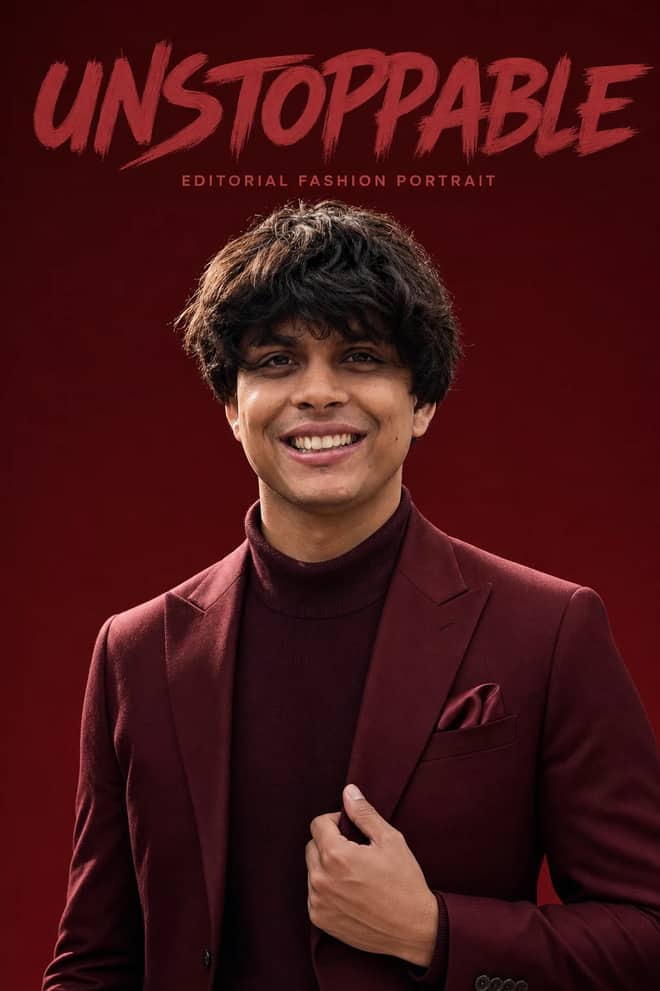
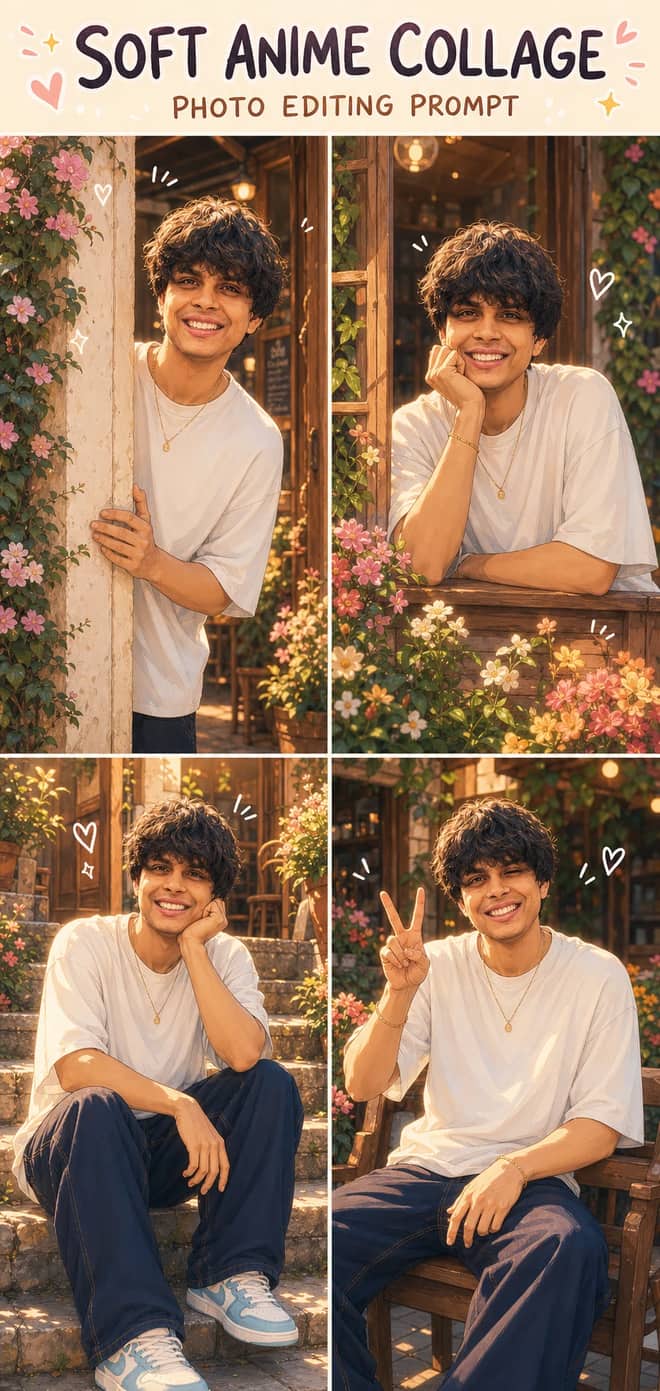
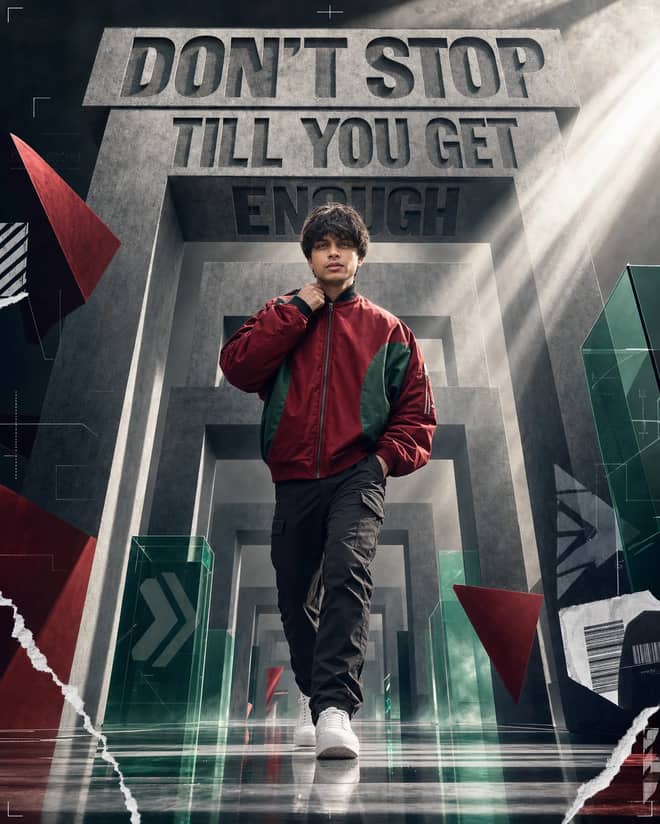
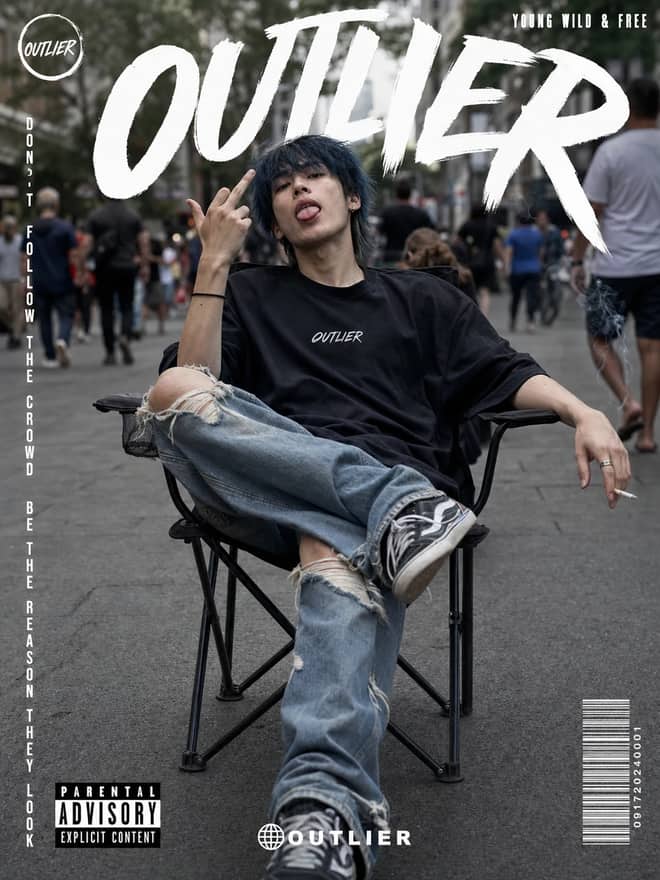
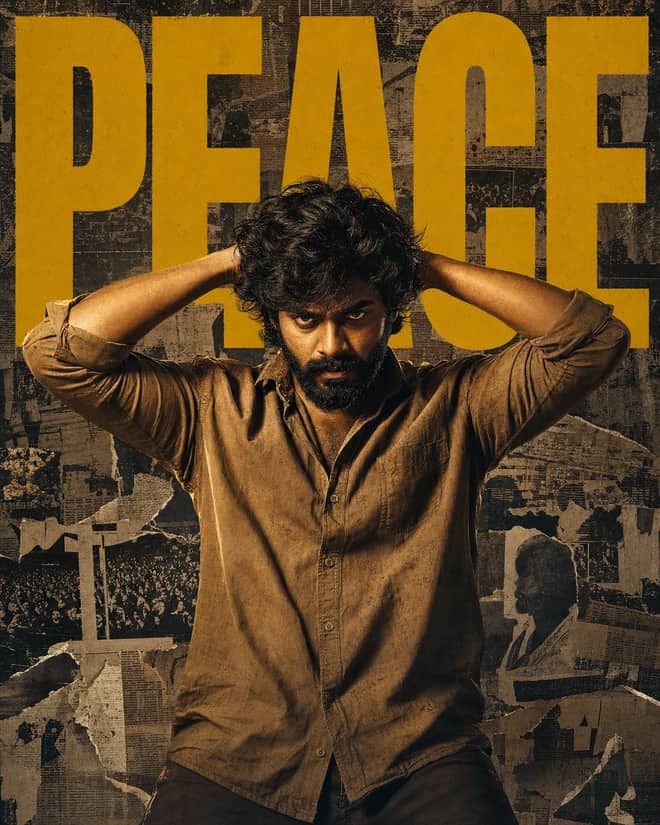
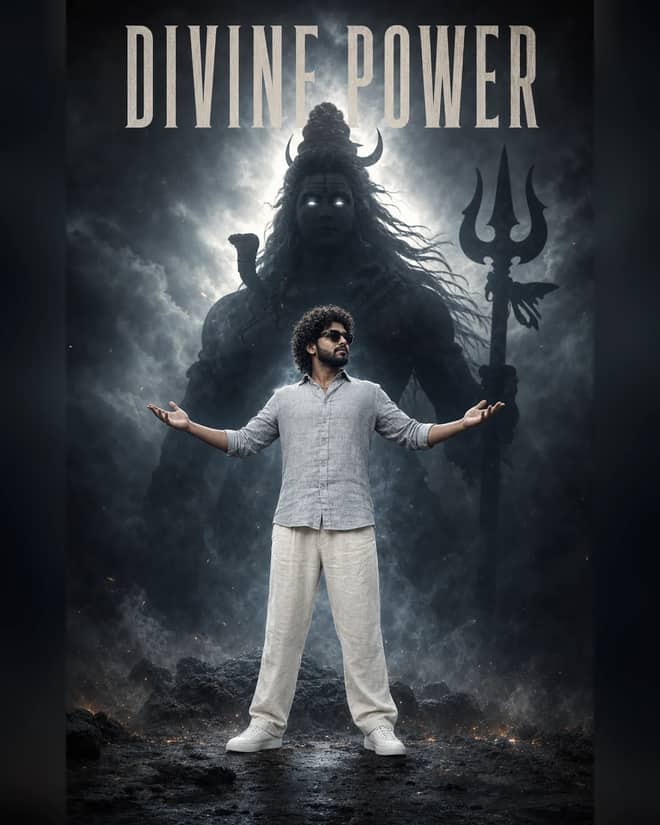
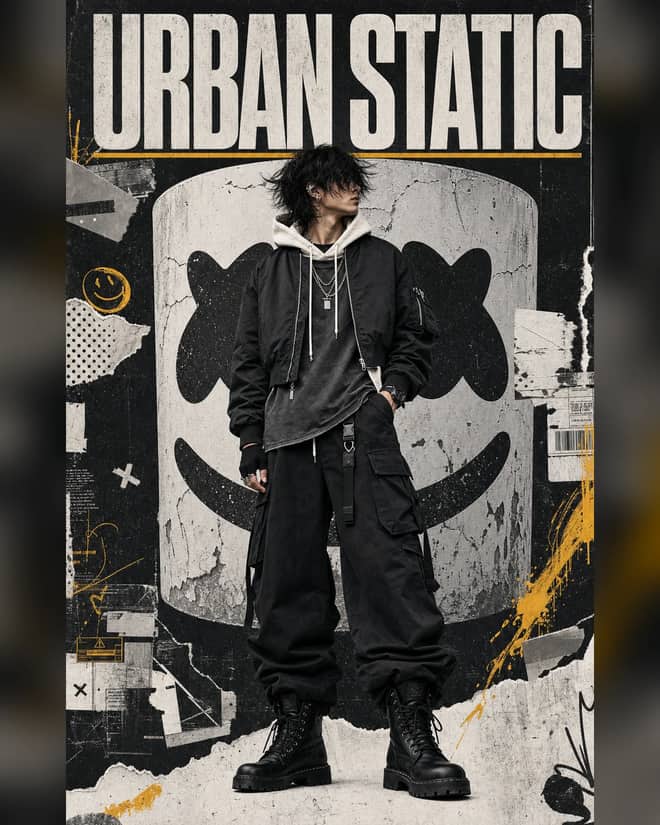
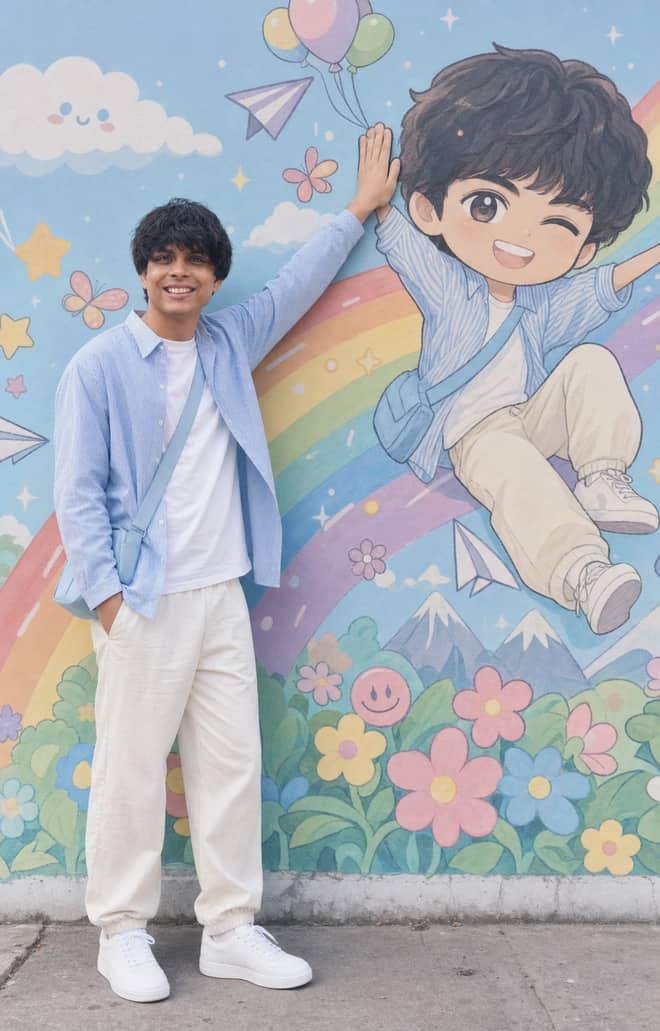
A good Gemini prompt for image generation is the difference between a flat, generic picture and one that looks like you actually planned it. The grid above is full of prompts you can copy and run right now. This part is about the thinking behind them: how to describe an image you only have in your head so Gemini builds it from scratch, not by editing a photo you uploaded. If you have only ever asked it to tweak a selfie, making images from nothing is a different muscle, and the wording matters more.
Right now the model doing this in the Gemini app is Gemini 2.5 Flash Image, the one a lot of people call Nano Banana. There is also Imagen behind some of Google's image tools. For pure text-to-image you do not need to know which one is running. You just need to describe the scene clearly enough that the model is not guessing.
What image generation means in a gemini prompt
Generation means you type a description and Gemini draws something that did not exist before. No source photo. That is the whole point of these prompts. It is the opposite of editing, where you hand it a picture and say change the background. I am calling that out because half the prompts floating around mix the two, and people paste an edit prompt expecting a fresh image and get nothing useful.
If your goal is a poster, a logo concept, a product mockup, a fantasy scene, an icon, a wallpaper, or a character that lives only in your imagination, you want generation. If you want your own face changed, that is editing, and a different set of prompts.
The five parts of a gemini prompt for image generation
Most weak results come from a one-line prompt like 'a cat in space.' The model fills the gaps with the most average choice it knows. You get a beige, forgettable image. Give it more to work with and it stops guessing. A solid generation prompt usually answers five things:
- Subject: what is in the frame and what it is doing.
- Style: photo, 3D render, watercolor, flat vector, oil painting, pixel art.
- Composition: close-up, wide shot, top-down, eye level, rule of thirds.
- Light and mood: golden hour, soft studio light, moody and dark, neon.
- Detail and color: textures, palette, background, small props.
You do not need all five every time. But the more specific you are, the more the result feels intentional. 'A ginger cat astronaut floating inside a cluttered space station, warm window light, shot like a film still, shallow depth of field' beats 'a cat in space' every single time.
Advertisement
Image generation styles people reach for right now
A handful of looks keep showing up because they read well on a phone screen and share nicely. Learn the names and you can mix them.
Clean product and mockup shots
Great for a fake product, an app icon on a desk, a bottle on a plain backdrop. Ask for soft studio lighting, a single colored background, and a slight reflection. These are the prompts small sellers and makers use to fake a catalog before anything is real.
Cinematic scenes
Say 'film still,' name a time of day, and add a lens feel like 35mm or shallow depth of field. You get drama and depth instead of a flat snapshot. This is where Gemini quietly shines.
Flat vector and icon art
For logos, stickers, and simple graphics, ask for 'flat vector, bold shapes, limited color palette, plain background.' Telling it to avoid gradients and texture keeps the output clean enough to actually use.
Stylized 3D and figurine looks
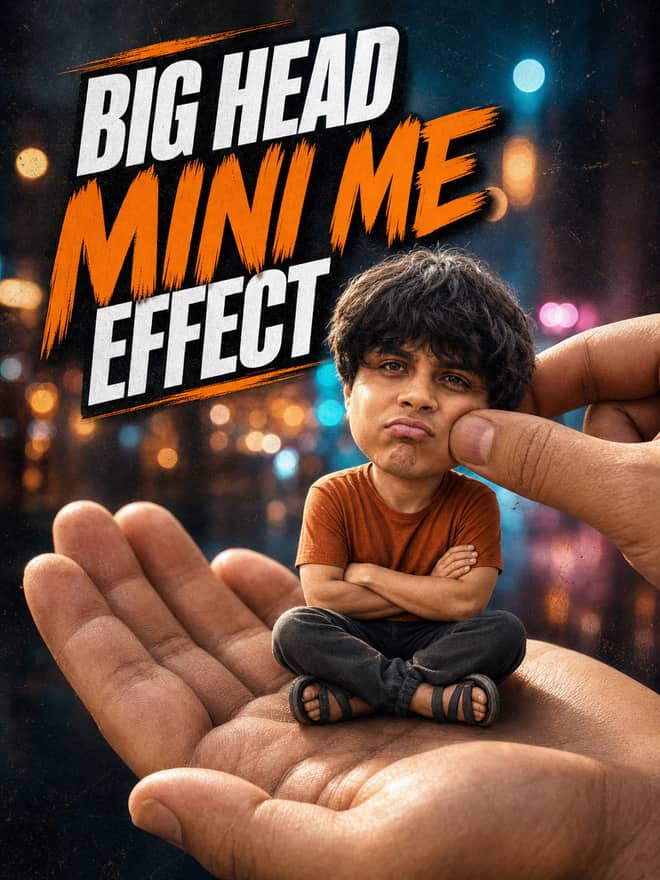
The tiny-collectible look that was everywhere works for invented characters too. Ask for a '3D render, soft clay material, on a round base, studio light.' Cute, and easy to repeat across a set.
A quick map from idea to an image generation prompt
Here is how I turn a rough idea into wording, with the part most people forget to add.
| What you want | What to add so it lands | Best tool for it |
|---|
| A realistic scene or place | Lens and light: 35mm, golden hour, shallow focus | Gemini (Nano Banana) |
| A logo or flat icon | Flat vector, 2 or 3 colors, no gradient, plain background | Gemini or Midjourney |
| A painterly or artistic piece | Name the medium and an era: watercolor, art nouveau | Midjourney |
| A product mockup | Studio light, single backdrop color, soft shadow | Gemini |
| Text inside the image | Quote the exact words and keep them short | Gemini or DALL-E |
Writing and tweaking your own image generation prompt
Start from a prompt above, then change one thing at a time. That is the trick. If you rewrite the whole thing every round you never learn what each word did. Run it, look, change the light, run again. Small steps get you somewhere.
- Pick a prompt close to your idea and read it once.
- Swap the subject for yours, keep the style and light words.
- Generate, then change a single thing: the angle, or the color, or the mood.
- When one detail is wrong, name it directly instead of starting over.
- Save the version you like before you push it further.
One habit that helps a lot: describe what you want, not what you do not want. 'Empty quiet street at dawn' works better than 'a street with no people.' The model handles positive descriptions far better than negatives, though Gemini does take a short 'no text, no watermark' note when you need it.
If your images keep coming out generic, add one specific, slightly odd detail: a chipped mug, a single red umbrella, fog on the glass. One concrete thing pulls the whole picture out of average.
Common image generation prompt mistakes and the quick fix
A few things go wrong over and over, and all of them are easy to undo once you spot them.
- Too vague: the result is bland. Fix it by adding style, light, and one detail.
- Too crammed: ten ideas in one sentence and the model loses the plot. Cut to one clear subject and one mood.
- Text comes out garbled: keep it to a few words and put them in quotes. Long sentences inside an image rarely render clean.
- Hands or fine detail look off: change the pose, hide the hands, or shoot wider. Close crops on tricky bits are where models still slip.
- Wrong aspect for where it is going: say square for a profile picture, tall for a phone wallpaper, wide for a banner.
Gemini image generation against the other options
You can run most of these prompts in more than one place, and they each have a feel. Gemini is fast, free to try in the app, and good at following plain instructions, including readable short text in the image. Midjourney leans more artistic and painterly out of the box but lives in its own app. DALL-E, through ChatGPT, is easy and conversational and decent with text. For making images from scratch on a phone with no setup, Gemini is the lowest-friction starting point, and the prompts here are written with it in mind.
One practical note before your first image generation prompt
Generation rewards patience more than clever words. Your first image is a draft. Read it like a draft, find the one thing that bugs you, fix only that, and go again. Grab a prompt from the grid above, change the subject to yours, and run it three times with one small change each round. By the third try you will have something that looks like you meant it, which is the entire goal.

![Lost in [Country] with ChatGPT Image 2 AI prompt cover](https://freepromptbase.com/cdn-cgi/image/width=660,quality=68,format=auto/cdn/prompts/text/lost-in-country-with-chatgpt-image-2-pc-1470.webp)