
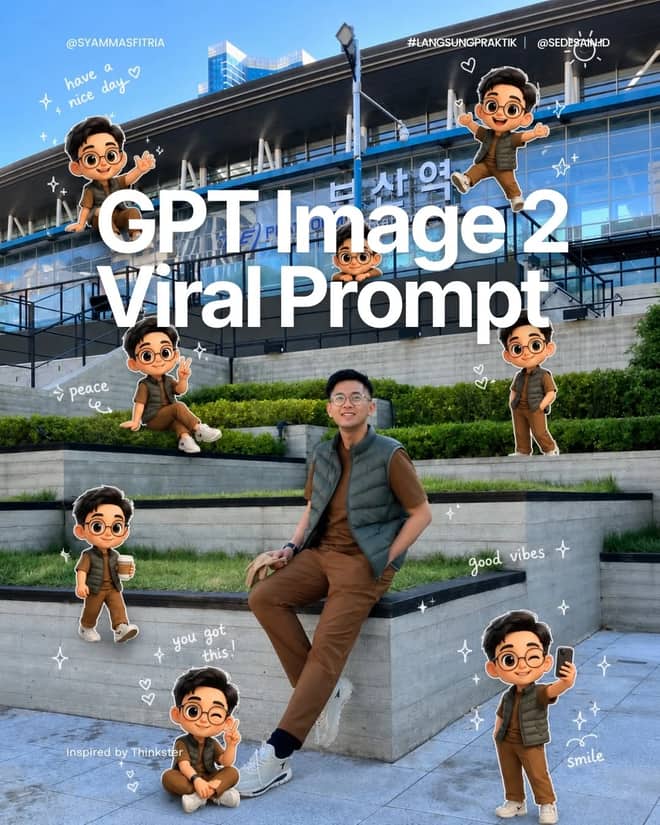
Pixar Chibi Scrapbook Collage – Gemini AI Photo Prompt
Turn one photo into a Pixar chibi scrapbook collage — 3D chibi poses with doodles and stickers. A copy-paste Gemini AI photo prompt for Nano Banana and ChatGPT.
11
AI prompt library
Free gemini ai photo prompt copy paste trending you can copy in one tap. Paste, add your own photo, and create something worth sharing.
60 prompts
Turn one photo into a Pixar chibi scrapbook collage — 3D chibi poses with doodles and stickers. A copy-paste Gemini AI photo prompt for Nano Banana and ChatGPT.
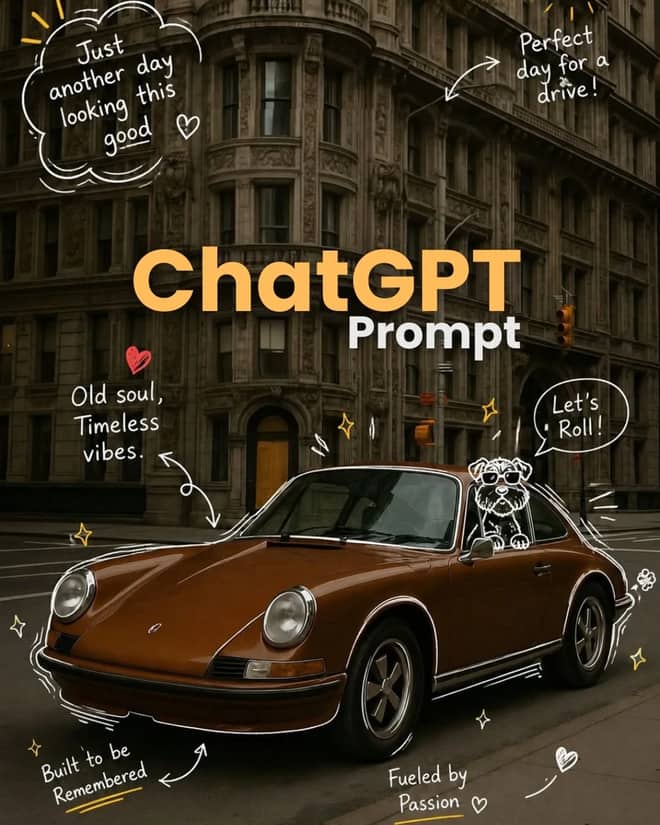
Add playful doodles, motion lines, and captions that react to your subject. A free Gemini AI photo prompt — copy, paste your photo, and run it in Nano Banana or ChatGPT.
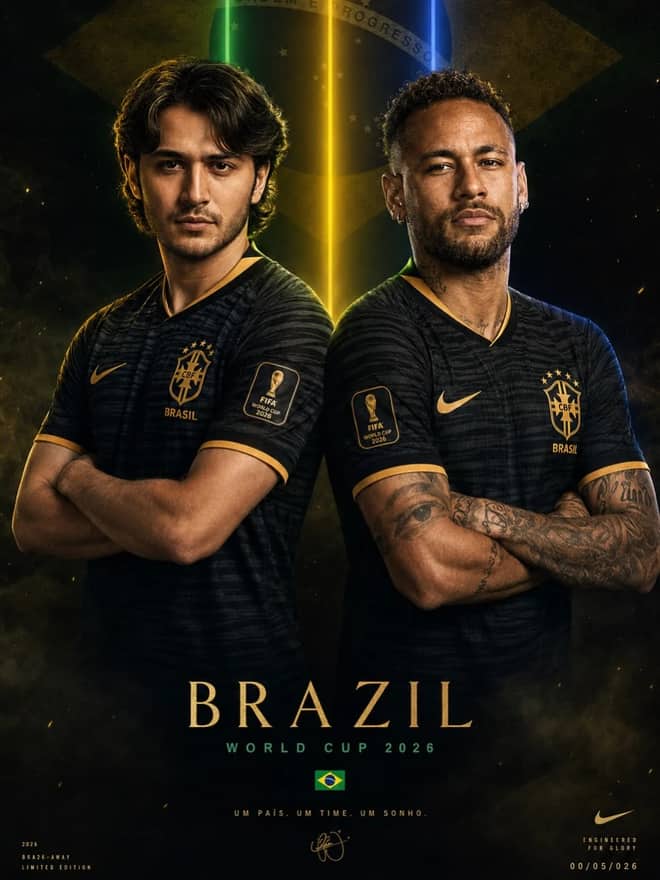
Make a cinematic World Cup poster — two players back-to-back, neon flags, smoky stadium haze. A copy-paste Gemini AI photo prompt for Nano Banana and ChatGPT.
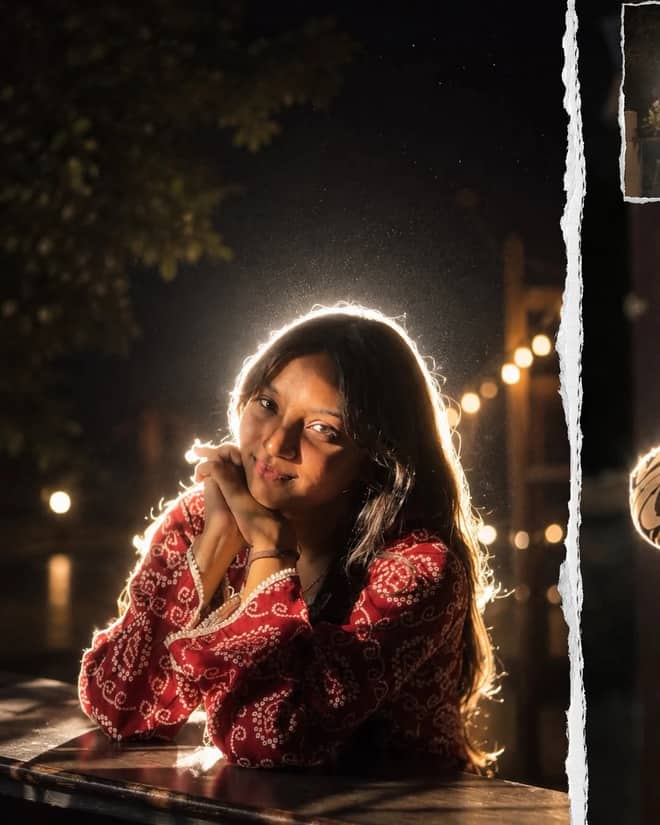
Get the viral night-flash look: a glowing rim-light halo, lens flare, and grainy candid mood. A free Gemini AI photo prompt to copy, paste, and run in Nano Banana.
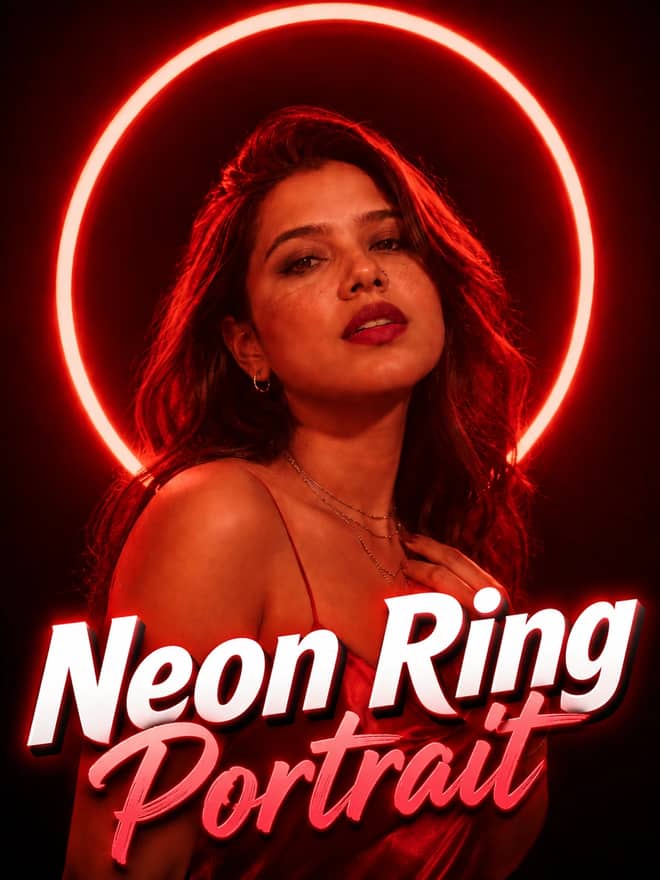
Neon ring portrait prompt — copy this free AI photo prompt on Free Prompt Base and edit it in Gemini & ChatGPT. Paste your photo and create in seconds.
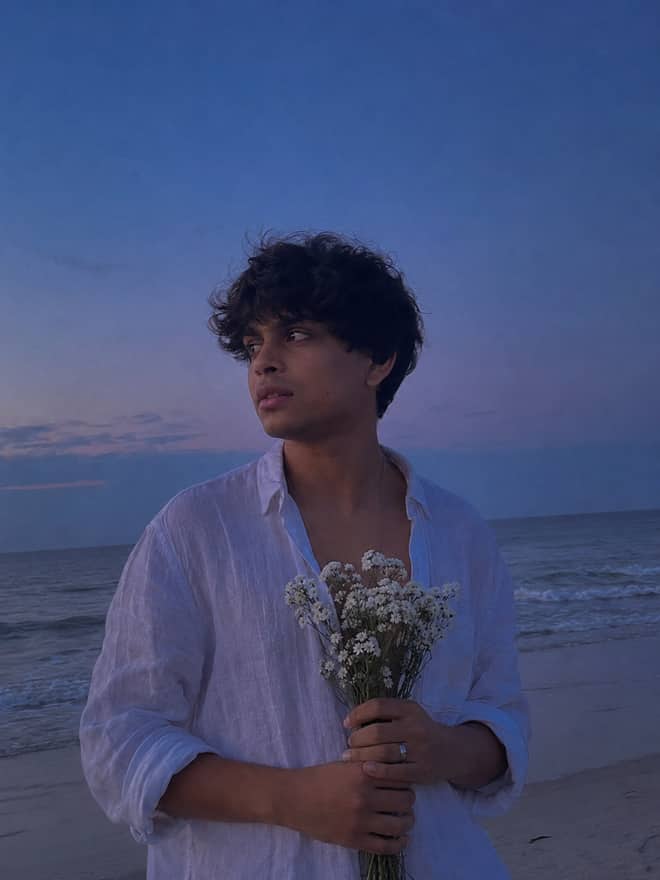
Turn your photo into a man in a white linen shirt holding flowers on a dusk beach. A free Gemini AI photo prompt — copy, paste, and edit in Nano Banana.
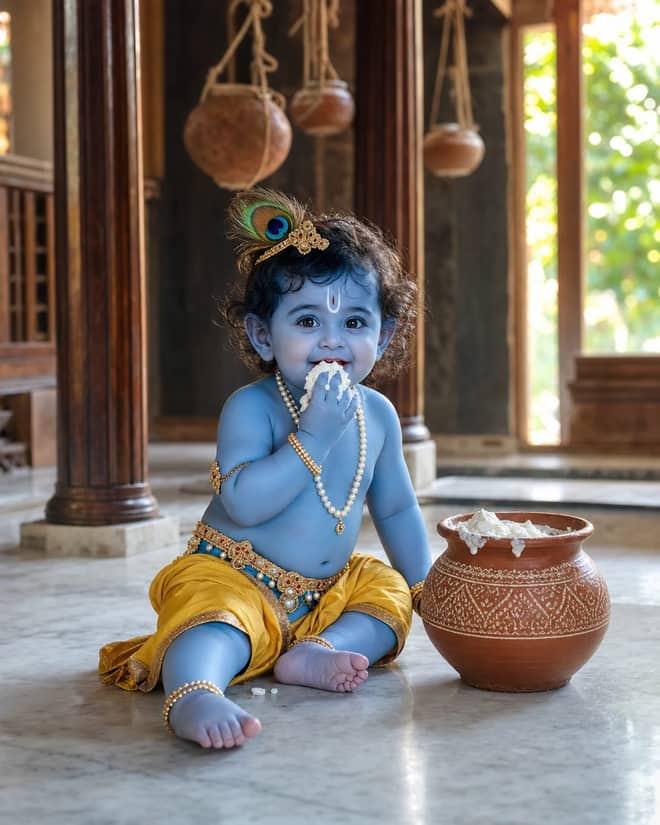
Create a photorealistic Baby Krishna butter-pot portrait in a sunlit Vrindavan home, with a yellow dhoti, peacock feather, marble floor, and natural DSLR detail.
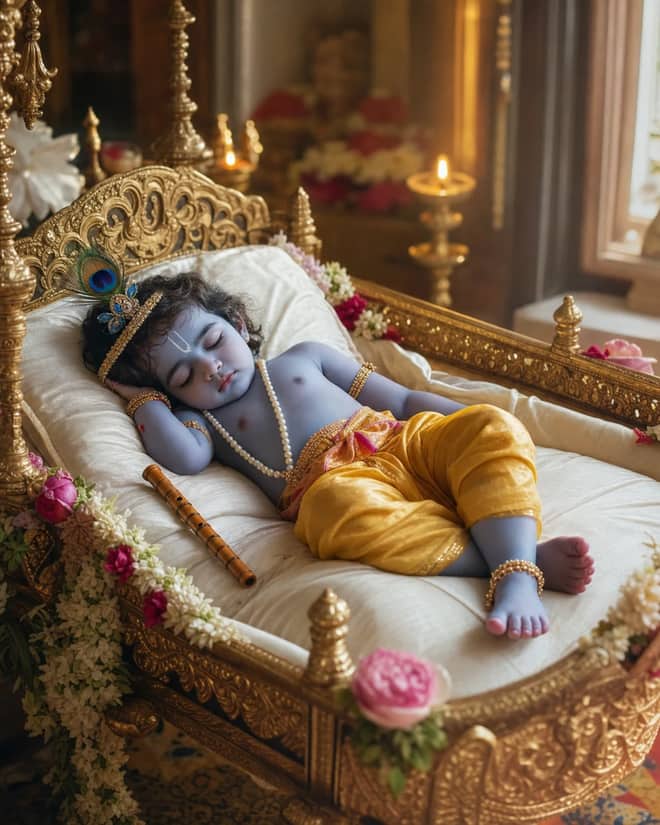
Create a peaceful sleeping Baby Krishna portrait in a flower-trimmed golden cradle, with warm temple lamps, silk cushions, and soft cinematic light.
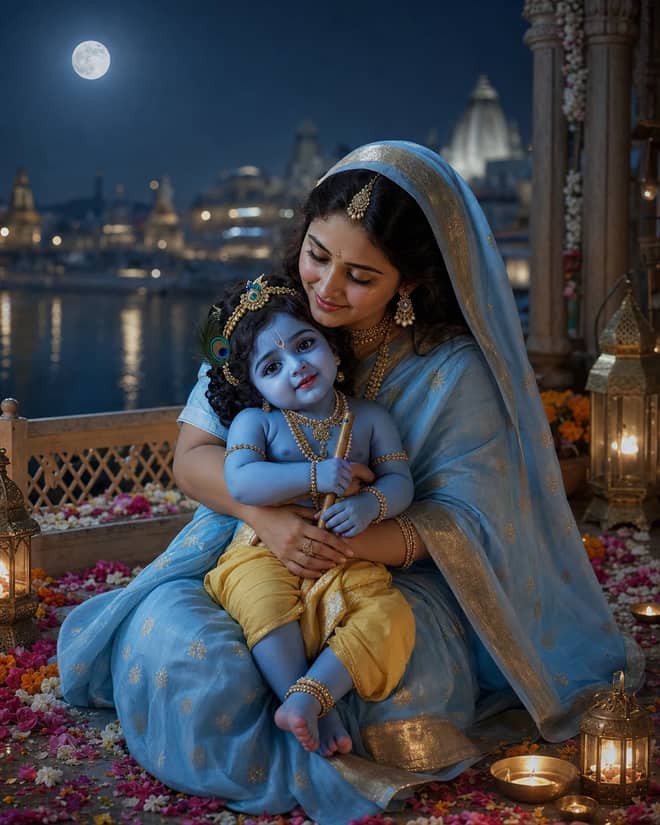
Create a moonlit Maa Yashoda and Baby Krishna portrait on a Vrindavan balcony, with blue silk, warm lamps, the Yamuna, and natural editorial detail.
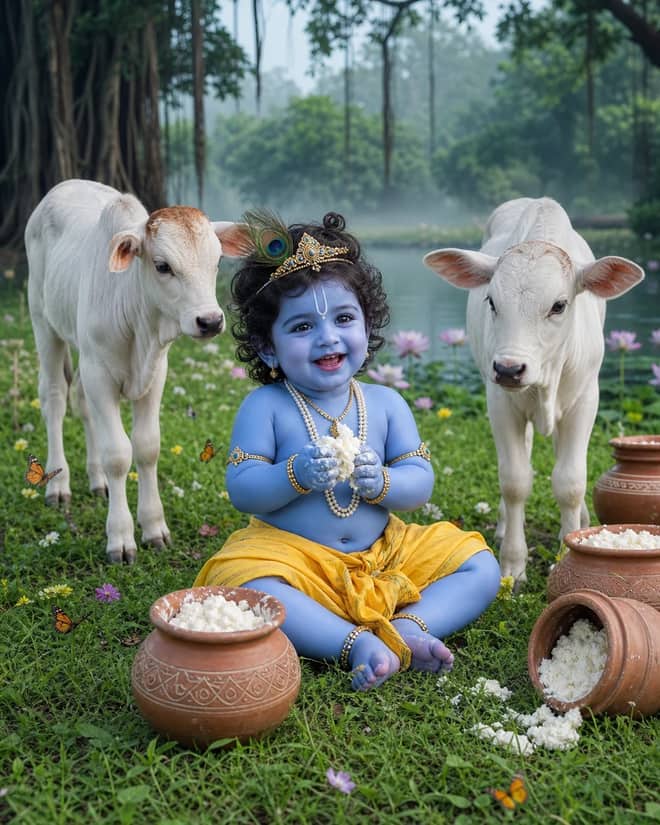
Create a playful Baby Krishna with cow portrait in a misty Vrindavan meadow, with butter pots, white calves, lotus water, and cool natural light.
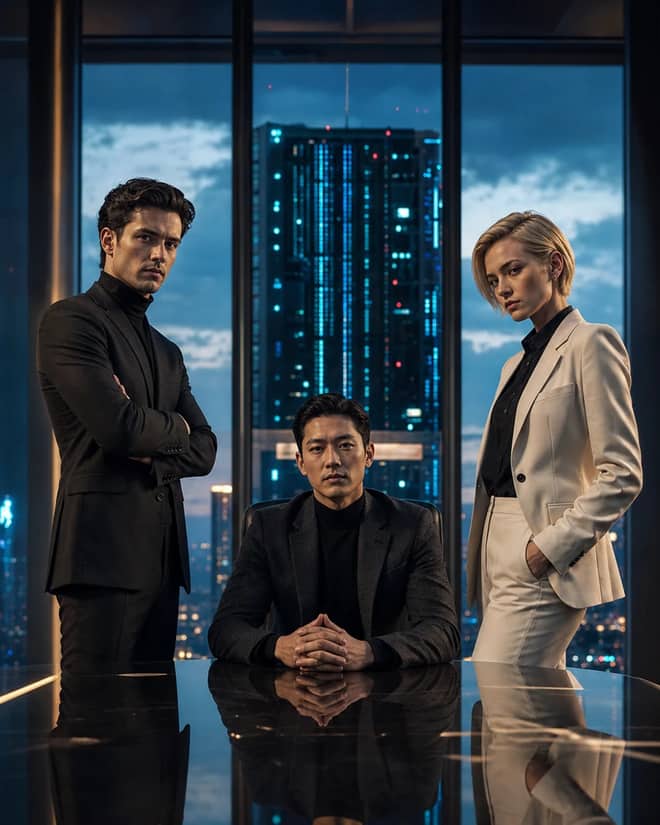
Create a fictional AI rivalry portrait with three executives, dramatic boardroom lighting, clear power dynamics, and premium editorial realism.
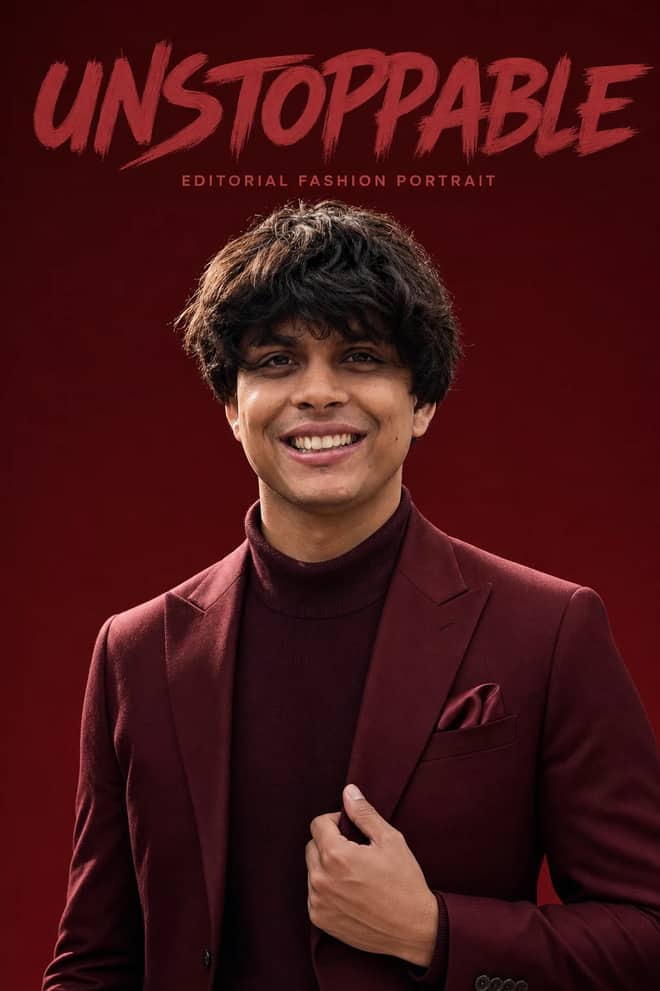
Create an ultra-realistic monochromatic fashion portrait with luxury campaign lighting, natural skin texture, bold brush typography, and clean negative space.
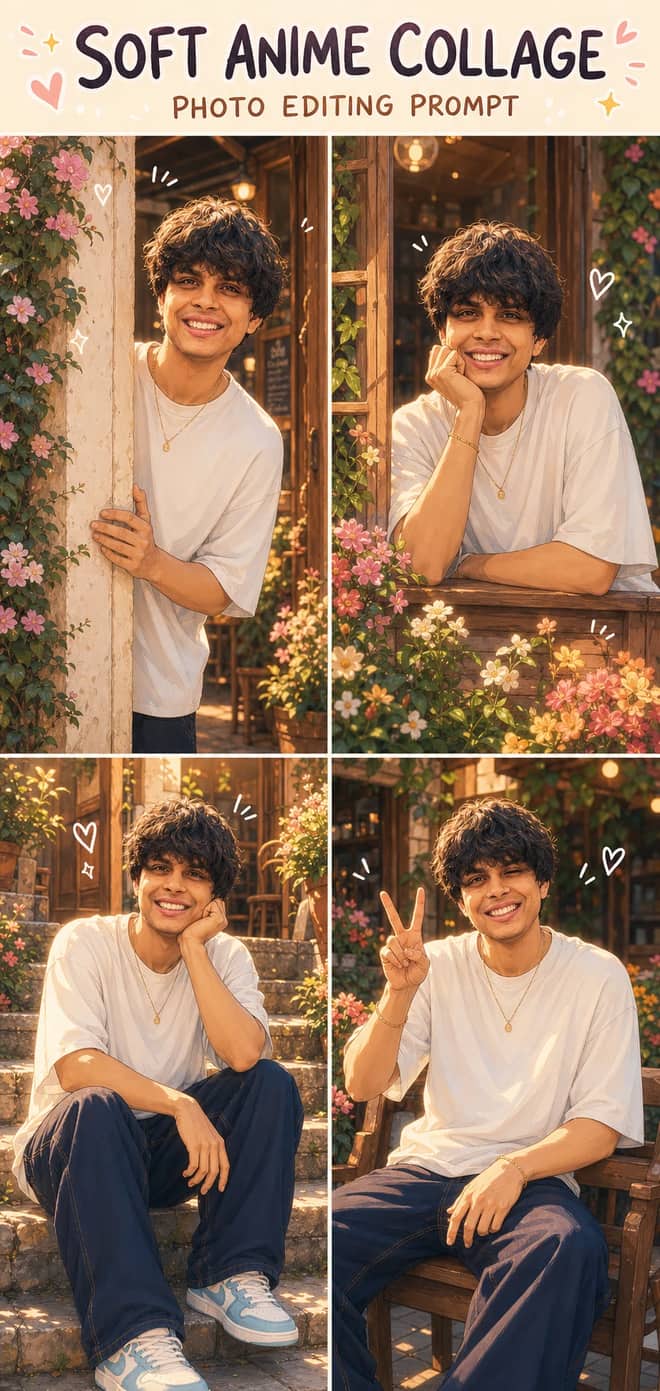
Turn one photo into a dreamy four-panel anime collage with consistent identity, café courtyard poses, golden-hour lighting, floral details, and cute doodles.
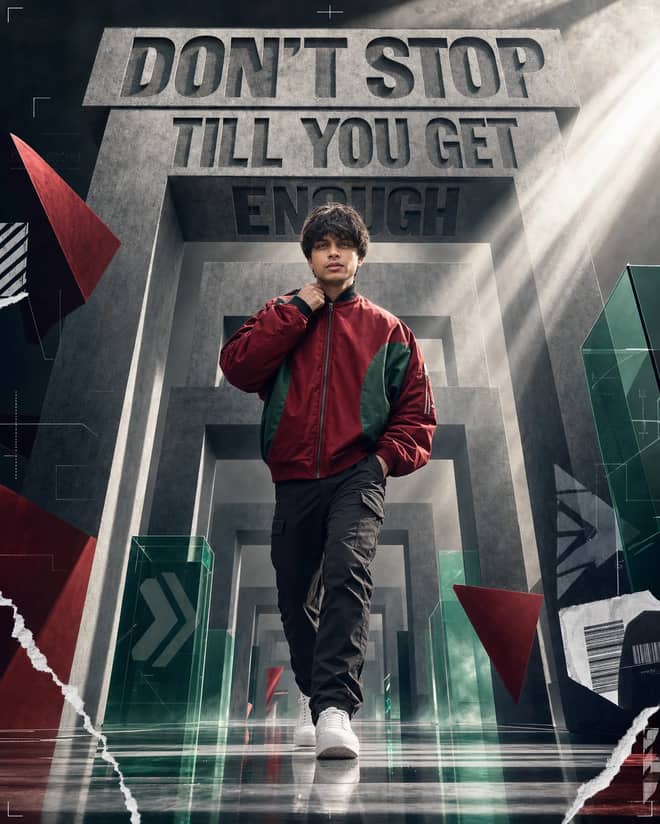
Create a premium sports-fashion poster with a confident model, monumental concrete portals, dramatic typography, low-angle perspective, and cinematic light.
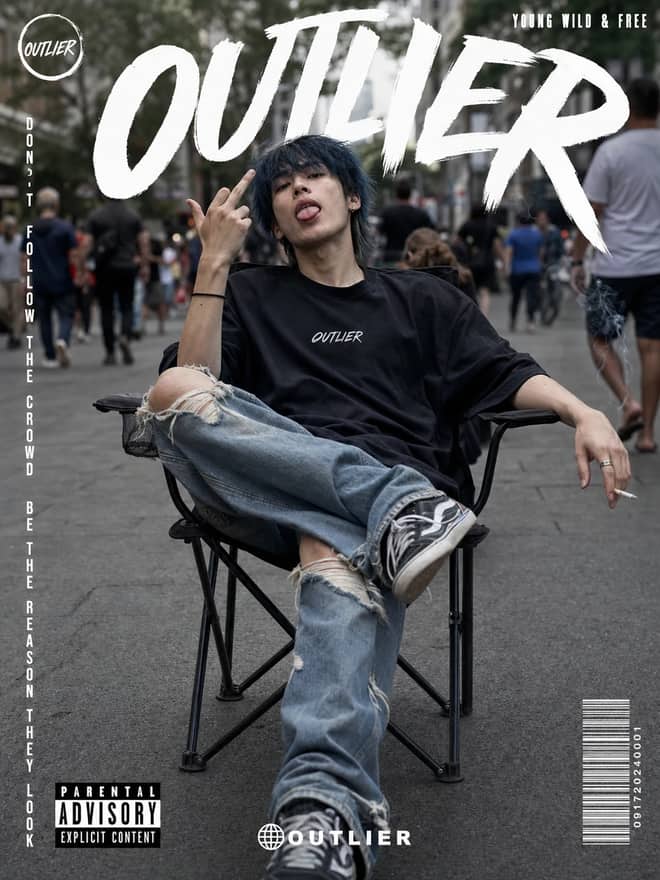
Create a gritty photorealistic streetwear poster with a seated model, blurred city pedestrians, natural skin texture, bold branding, and editorial labels.
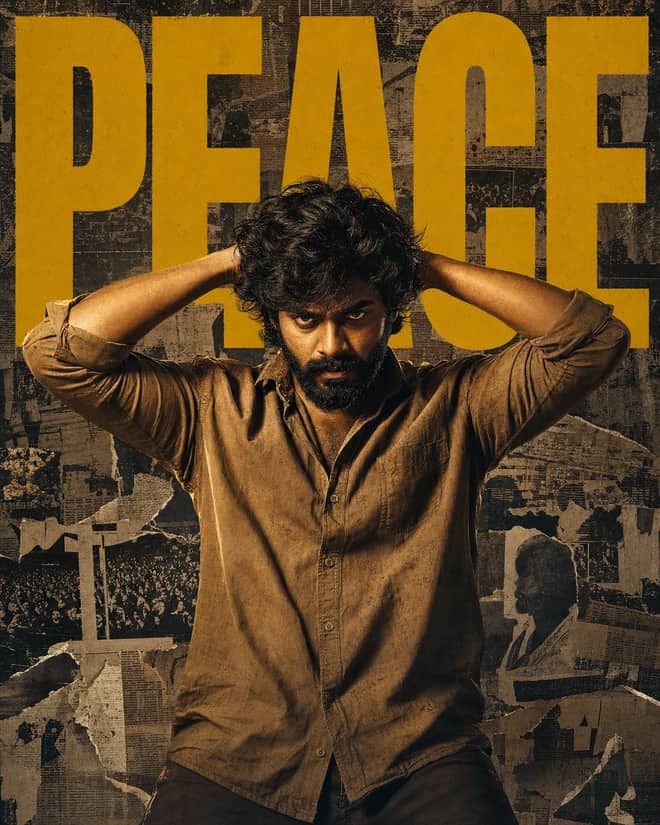
Create a gritty South Indian action poster with a rugged hero, bold PEACE typography, warm tungsten lighting, and a distressed vintage newspaper collage.
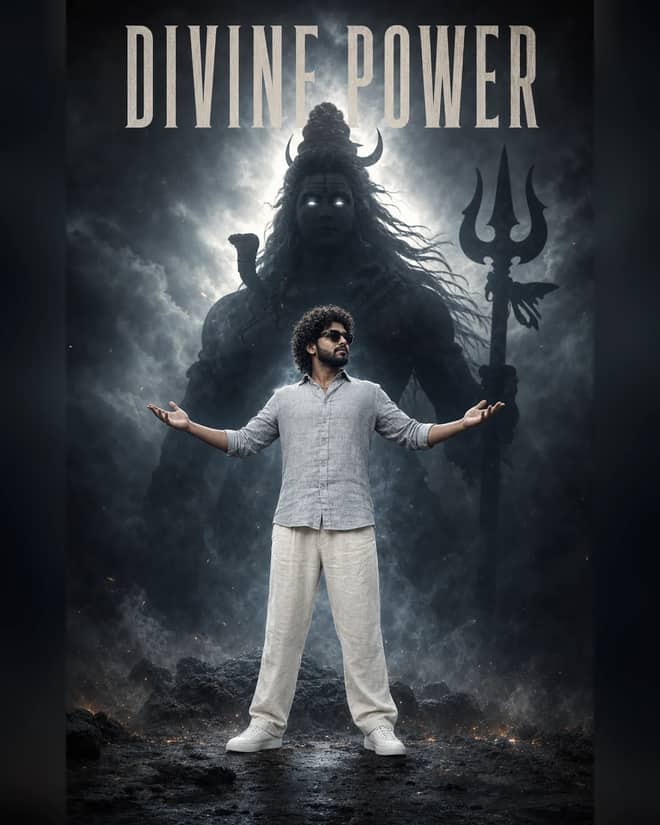
Create a powerful cinematic portrait with a confident man before a colossal smoky Lord Shiva silhouette, dramatic halo lighting, fog, and epic depth.
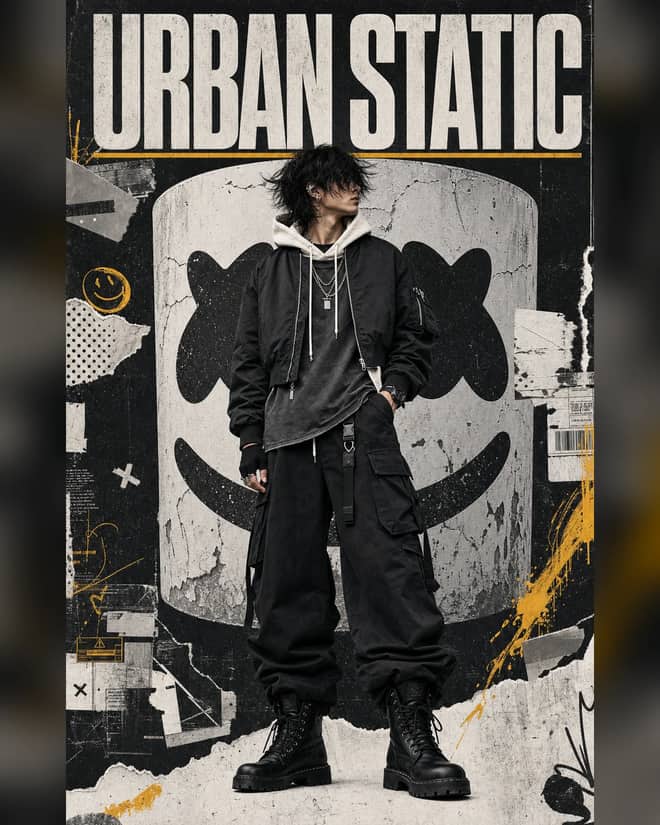
Create a luxury streetwear editorial with oversized black layers, a distressed helmet collage, controlled grunge textures, and muted yellow accents.
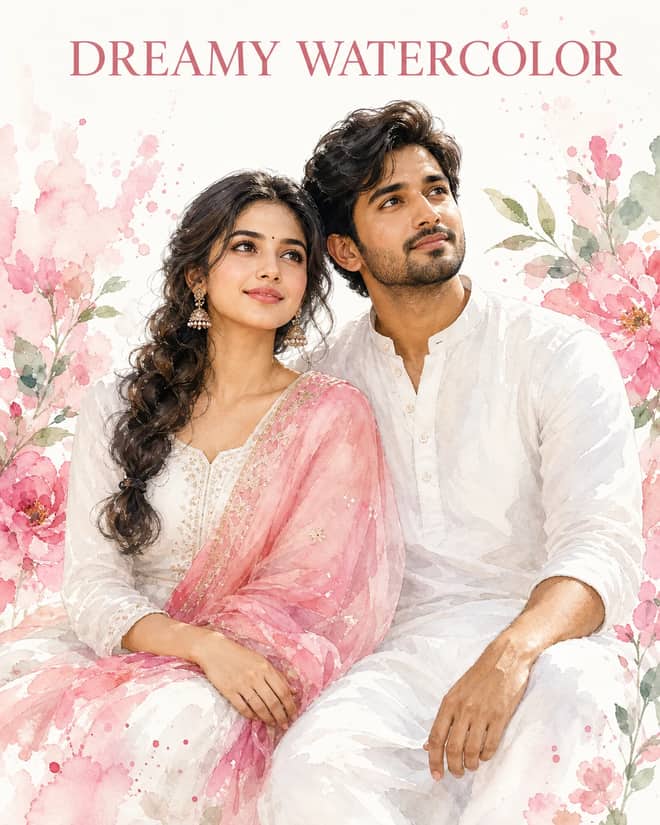
Create a dreamy watercolor portrait of an Indian couple in white attire with a pink dupatta, soft floral splashes, green leaves, and glowing skin.
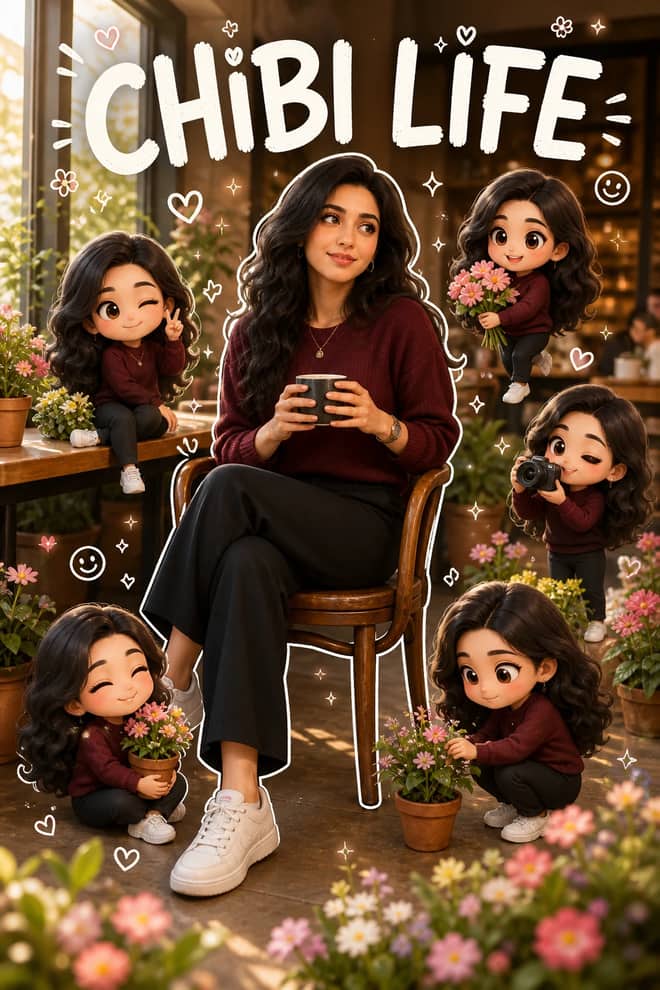
Transform a portrait into a hyper-real scene surrounded by matching 3D chibi miniatures, white outlines, playful doodles, flowers, and LIFE accents.
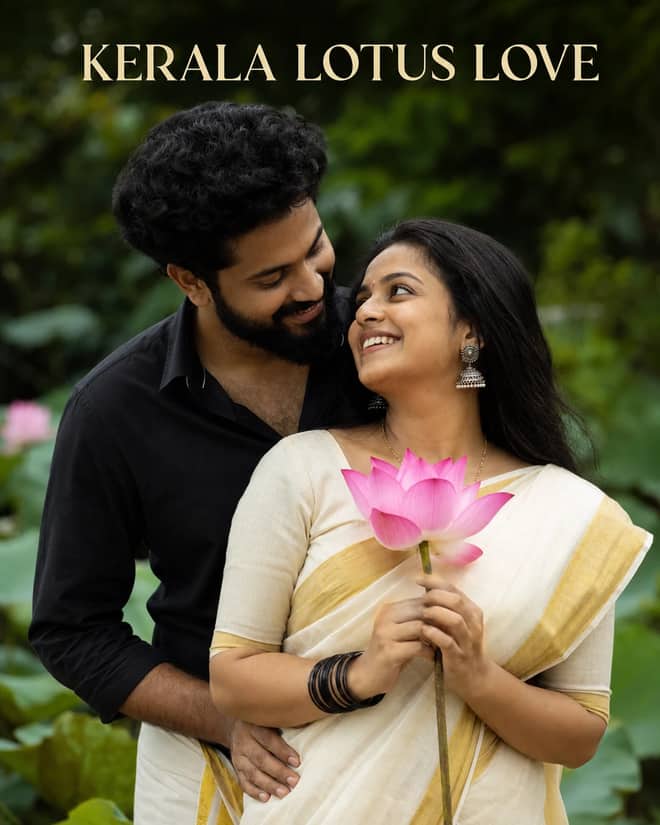
Create a warm romantic Kerala couple portrait with a gold-bordered saree, black shirt and mundu, pink lotus, jhumkas, and lush garden bokeh.
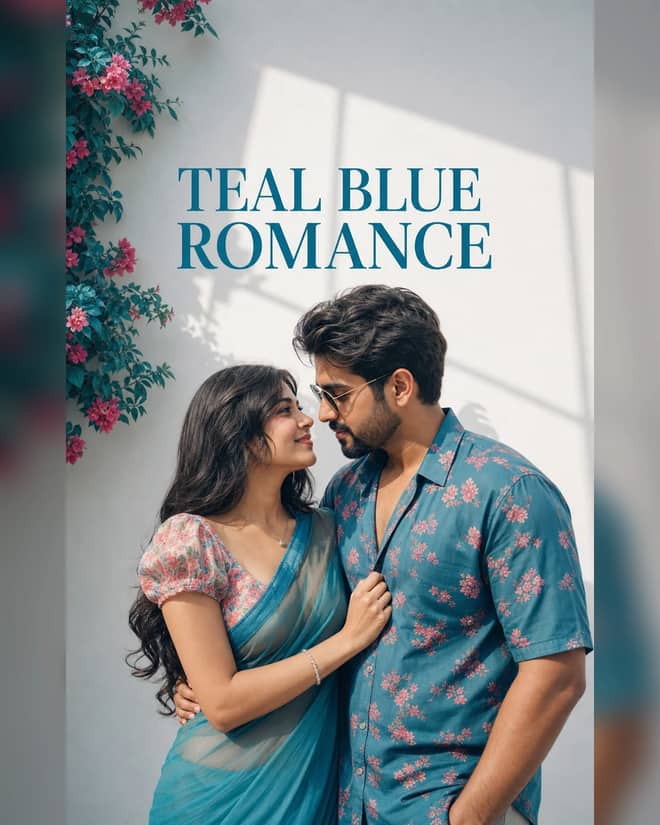
Create an ultra-realistic teal-blue couple portrait with floral outfits, a white wall, pink flowers, window-shaped sunlight, and cinematic color.
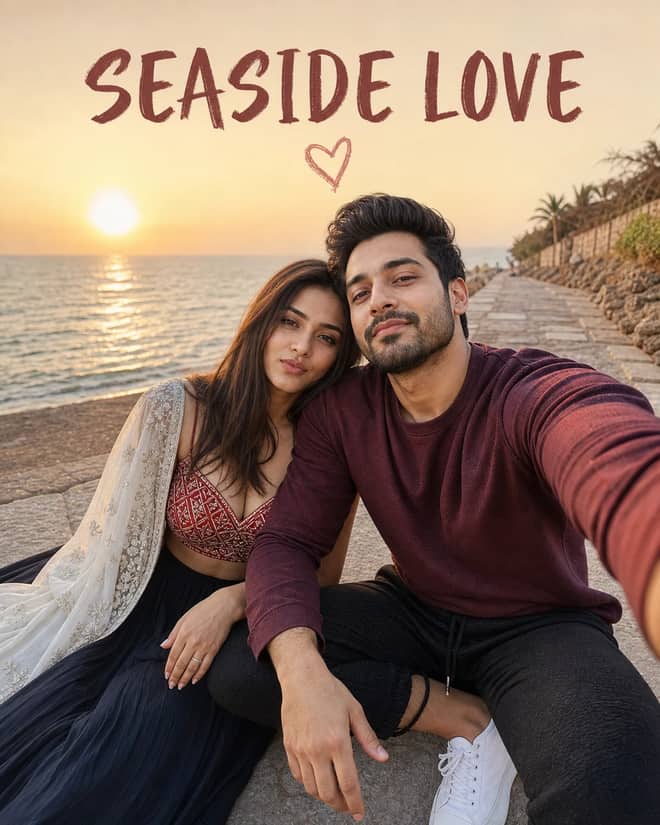
Create a cinematic golden-hour couple selfie by the sea with a red patterned lehenga, white dupatta, maroon sweatshirt, joggers, and heart doodle.
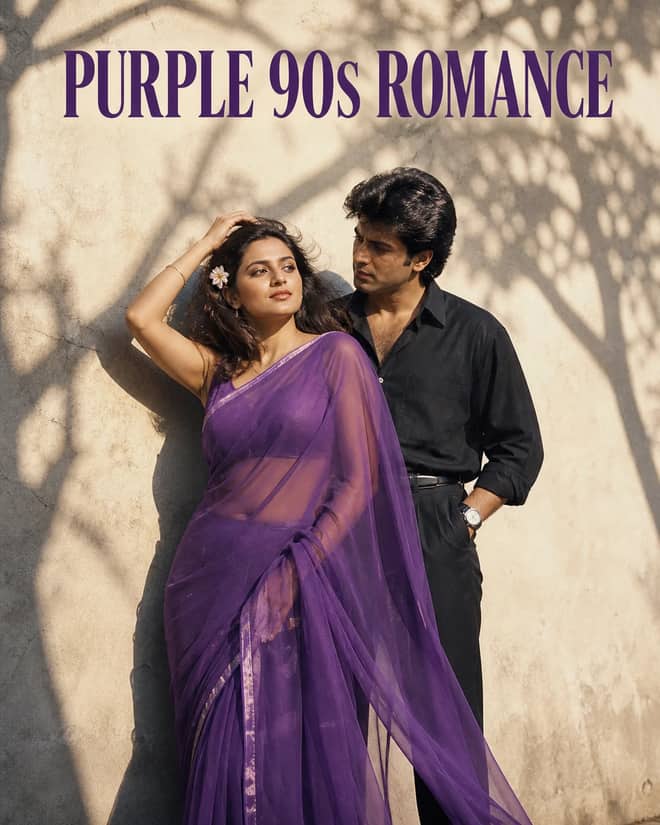
Create a grainy yet bright 1990s-style couple portrait with a purple chiffon saree, windblown hair, a tucked flower, black styling, and tree shadows.
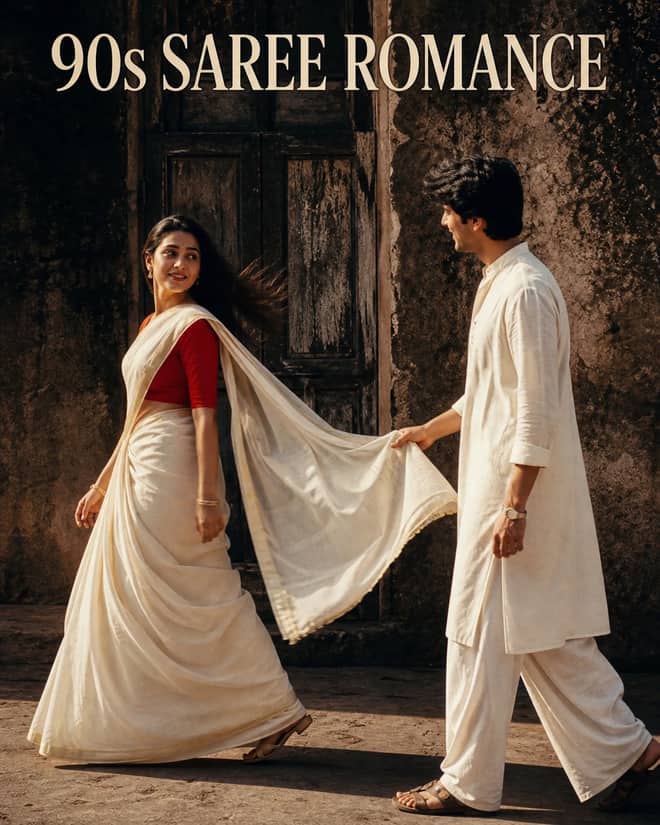
Create a cinematic 1990s-style couple portrait with an off-white saree, red blouse, white kurta, old wooden doorway, dramatic shadows, and pallu pose.
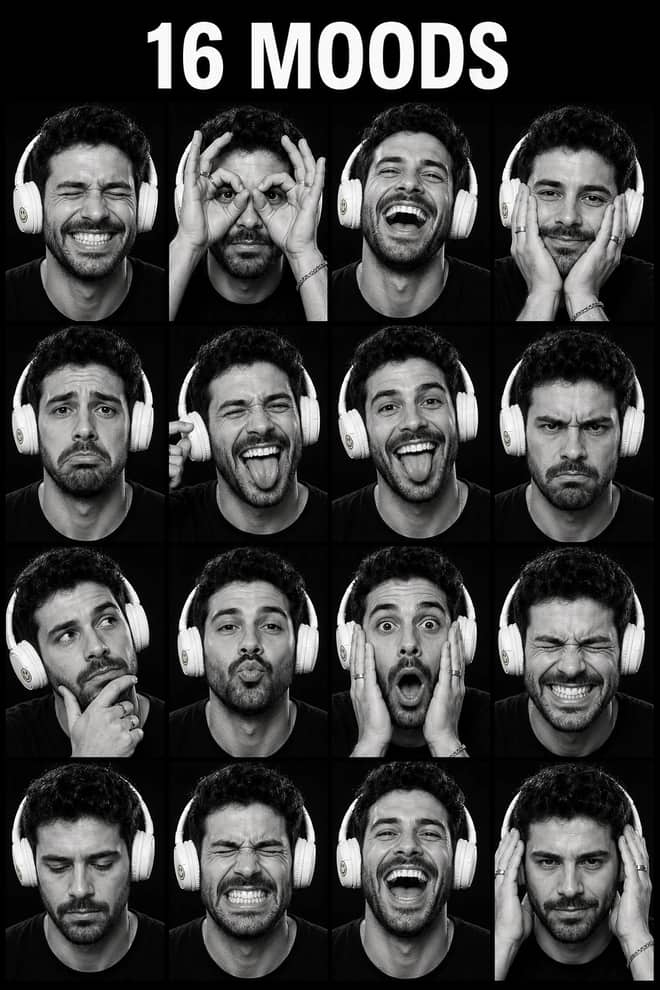
Create a 4x4 monochrome contact sheet with one consistent face across 16 spontaneous expressions, studio flash, textured gray, and Kodak-style grain.
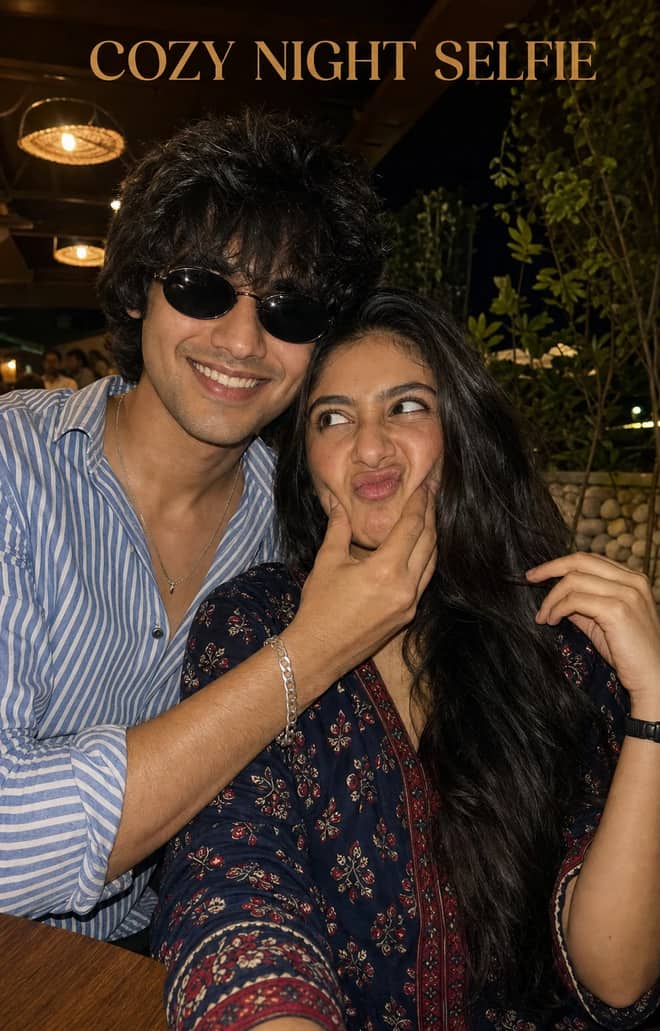
Create a playful close-up couple selfie at a warmly lit outdoor restaurant with natural skin, cheek-squishing expressions, plants, and night bokeh.
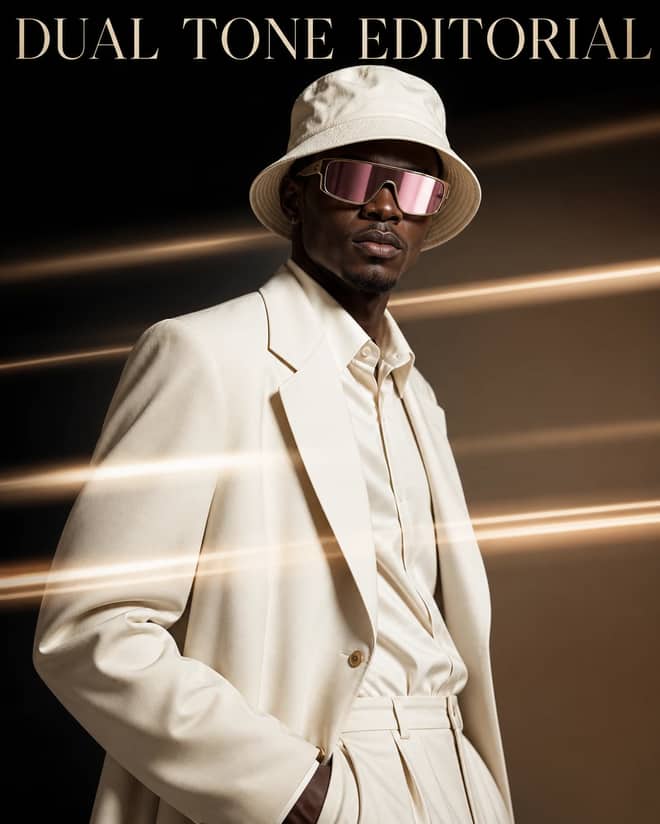
Create a cream luxury fashion portrait with a bucket hat, magenta visor, two-tone studio gradient, and horizontal golden light-streak motion effects.
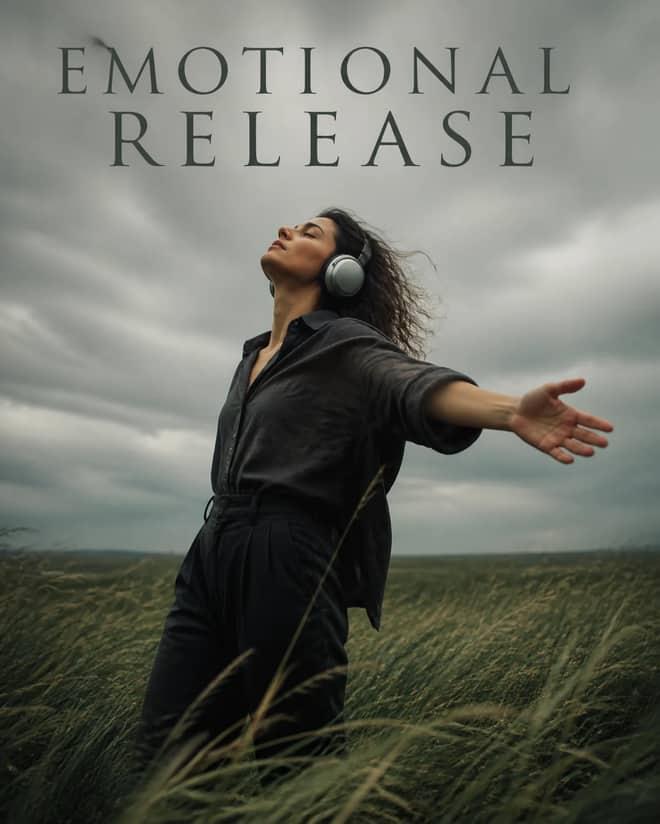
Create a windswept cinematic field portrait with silver headphones, dark clothing, an open-arm pose, overcast light, and a calm emotional-release mood.
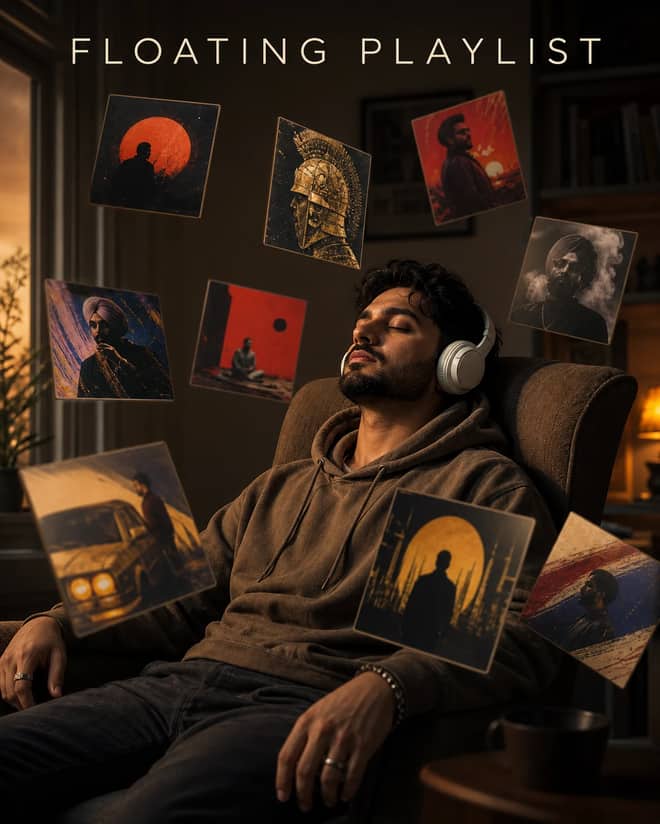
Create a moody indoor headphones portrait surrounded by floating album-style cards, warm side light, shallow focus, and cinematic music storytelling.
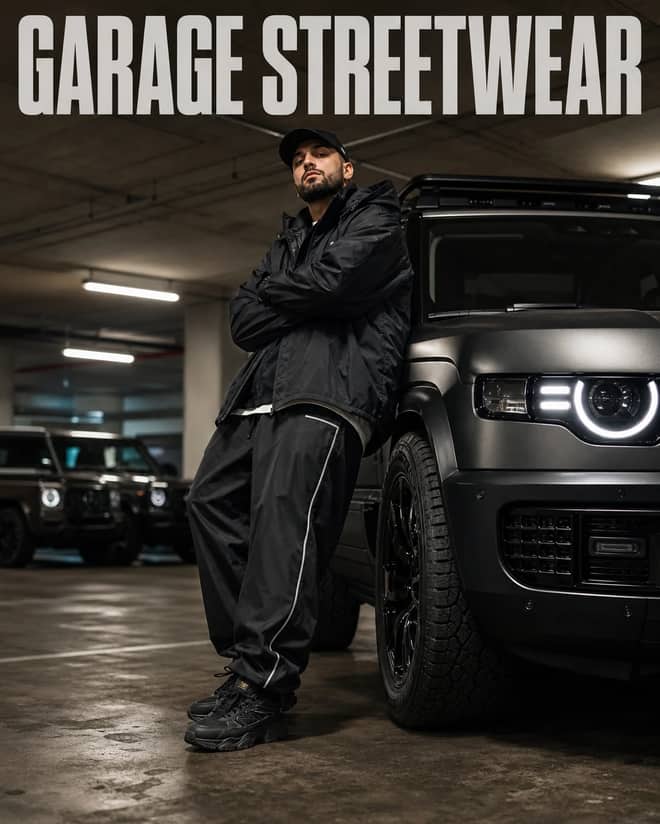
Create a low-angle garage streetwear portrait beside a Land Rover Defender with baggy sportswear, luxury SUV bokeh, and cinematic color grading.
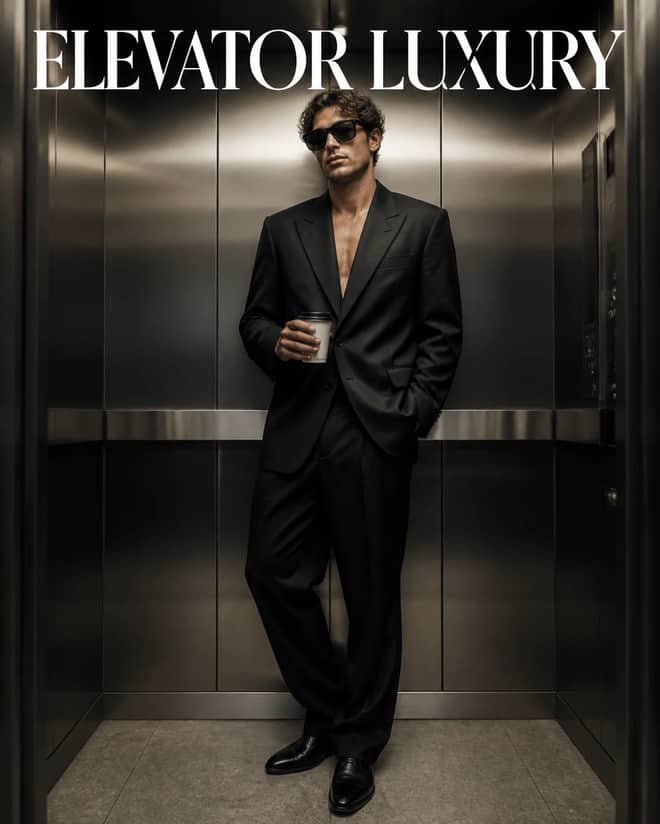
Create a cinematic full-body elevator portrait with an oversized black suit, sunglasses, takeaway coffee, brushed metal, and polished luxury lighting.
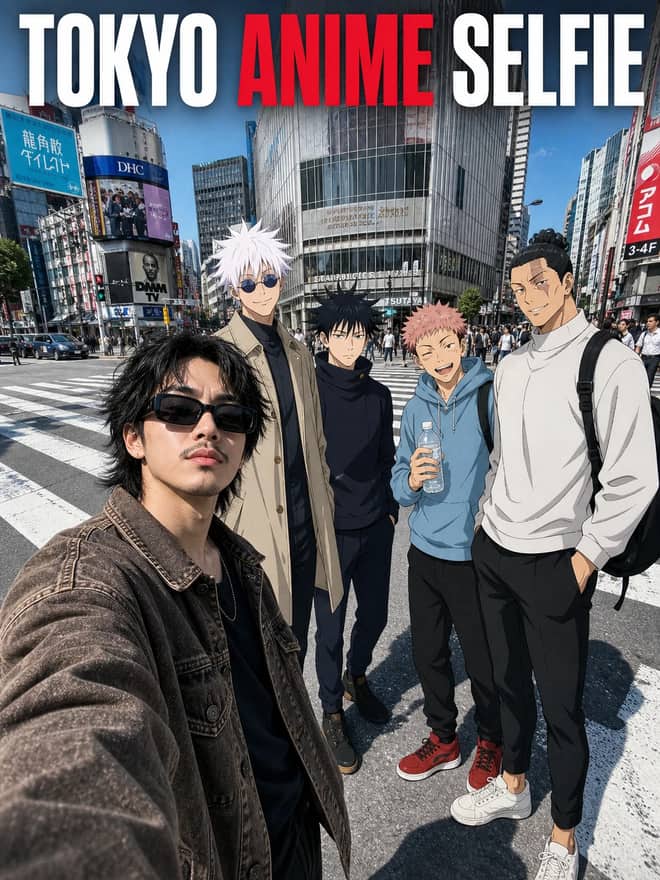
Create a photoreal Tokyo crossing selfie with a streetwear subject and four 2D anime characters blended through matching light, scale, and perspective.
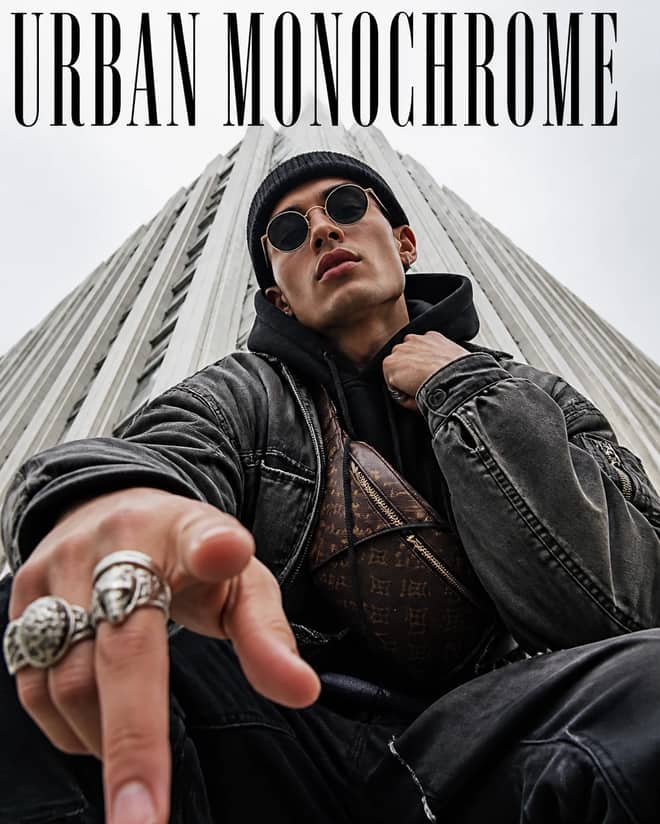
Create an extreme low-angle streetwear portrait with round sunglasses, beanie, utility layers, silver rings, pointing hand, and towering urban lines.
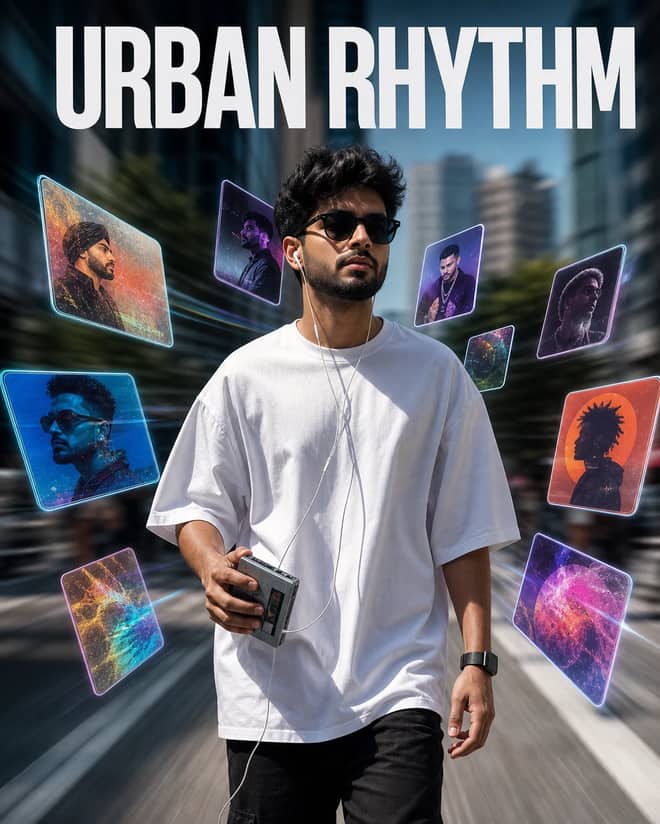
Create a sharp city walking portrait with a Walkman, wired earphones, floating holographic music cards, background motion blur, and music-video energy.
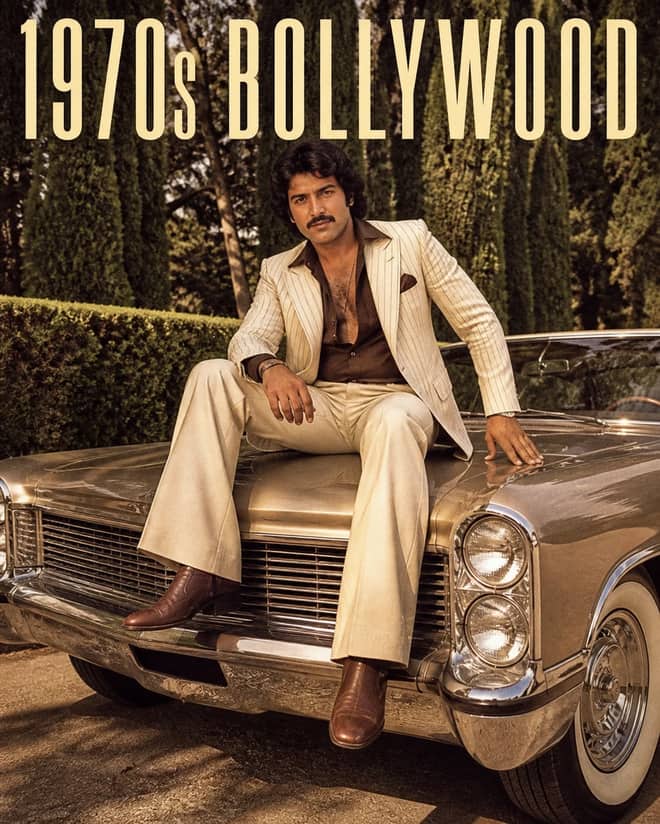
Create a grainy 1970s Bollywood portrait on a classic car with cream pinstripes, bell-bottom trousers, whitewall tires, chrome, and retro mafia style.
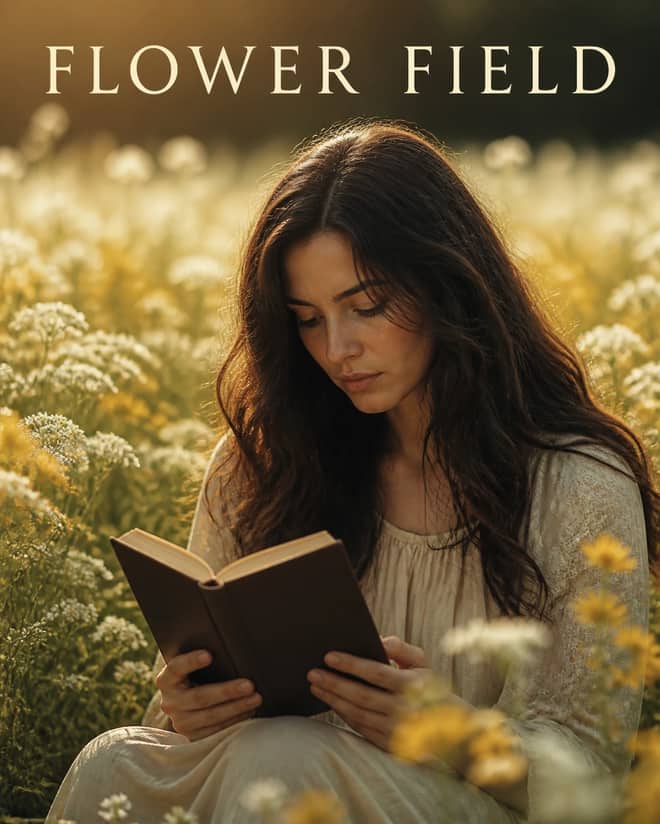
Create a dreamy cinematic film still of a woman holding the Holy Bible among white and yellow blossoms, with warm natural light and shallow focus.
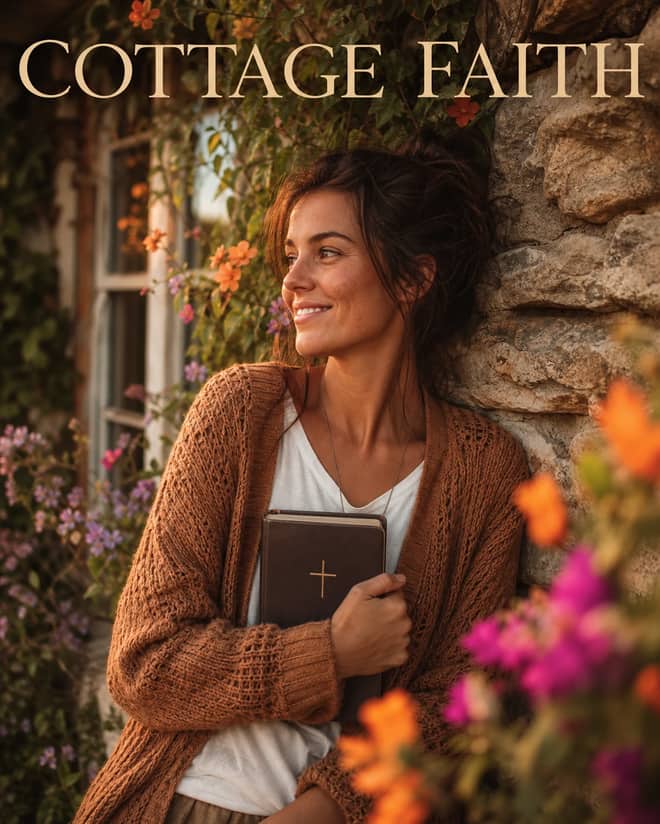
Create an overhead golden-hour cottage portrait with an earth-tone sweater, Holy Bible, ivy-covered stone, colorful blossoms, and soft foreground bokeh.
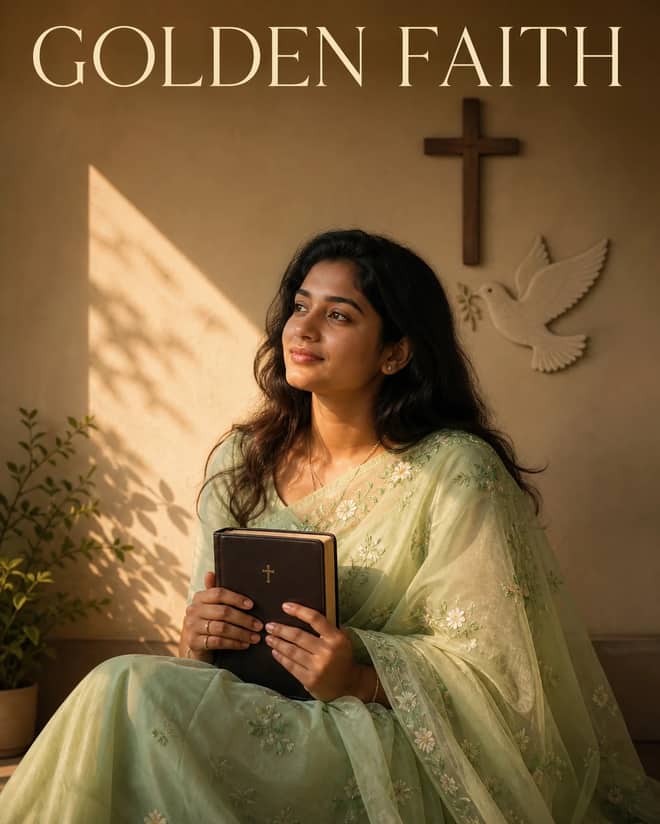
Create a serene Christian portrait with a sheer light-green embroidered saree, Holy Bible, cross-and-dove wall, golden sunlight, and poetic shadows.
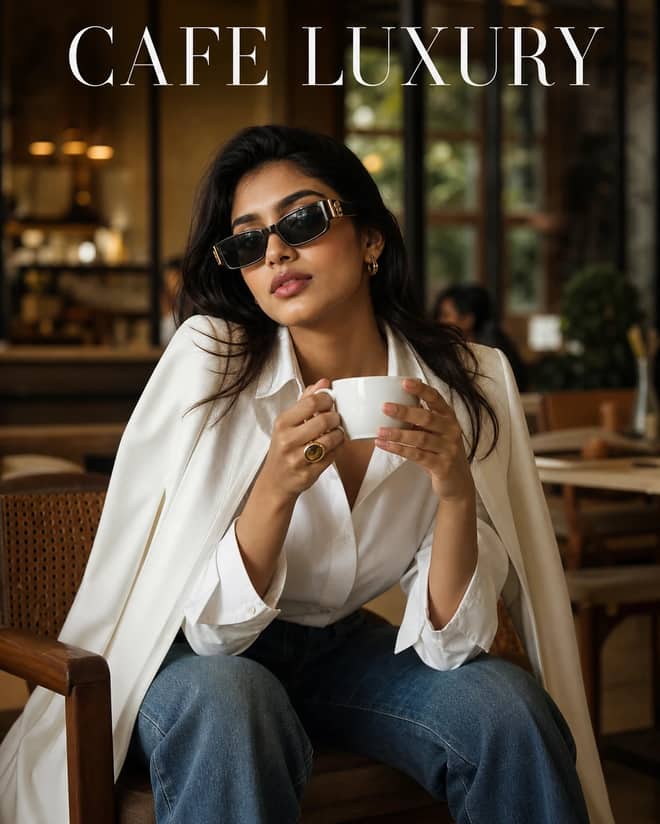
Create a warm high-fashion cafe portrait with a white shirt, shoulder-draped blazer, wide jeans, gold accessories, sunglasses, and a refined coffee pose.
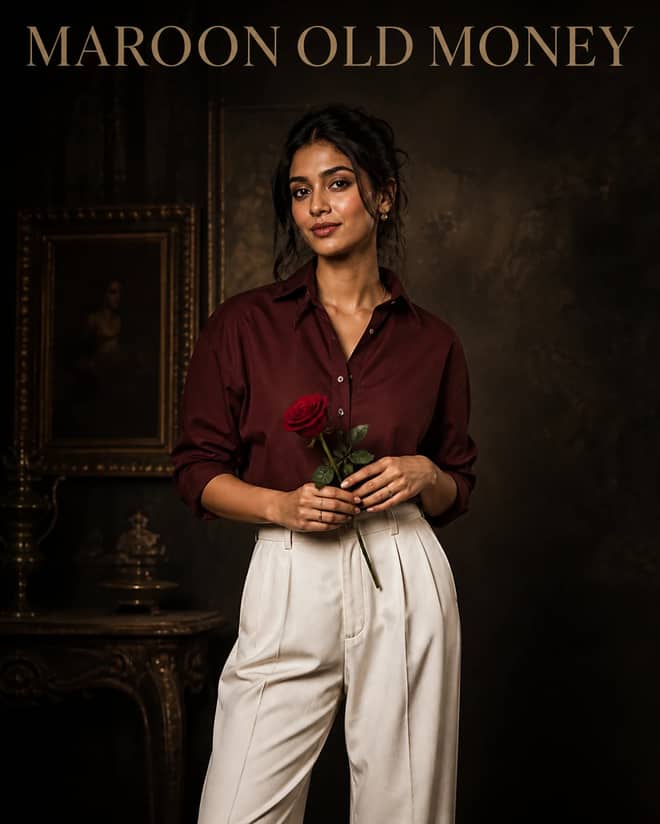
Create a cinematic old-money portrait with a deep maroon shirt, baggy white trousers, a single red rose, vintage textures, and moody DSLR lighting.
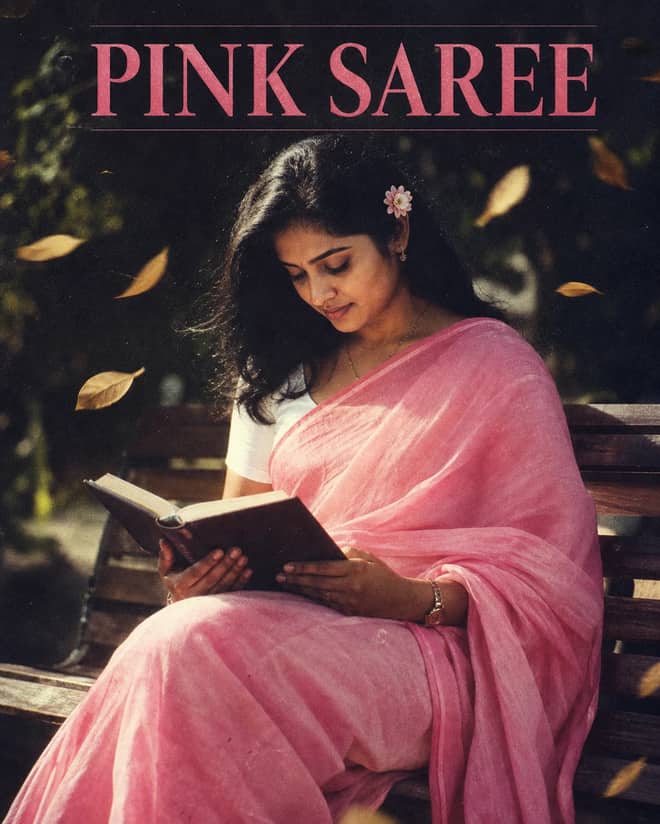
Create a bright grainy 90s portrait with a pink cotton saree, white blouse, flower-tucked hair, wooden bench, blowing leaves, and Holy Bible.
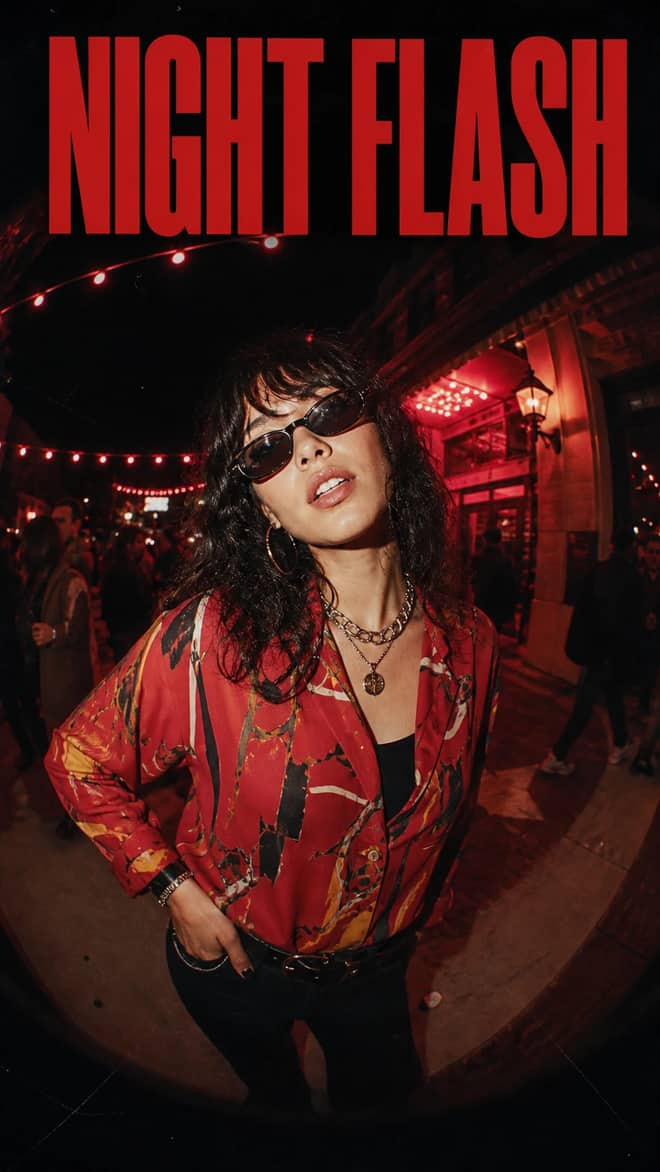
Create a vertical fisheye night portrait with vintage flash, an abstract red shirt, metallic jewelry, sunglasses, film scratches, and warm party lights.
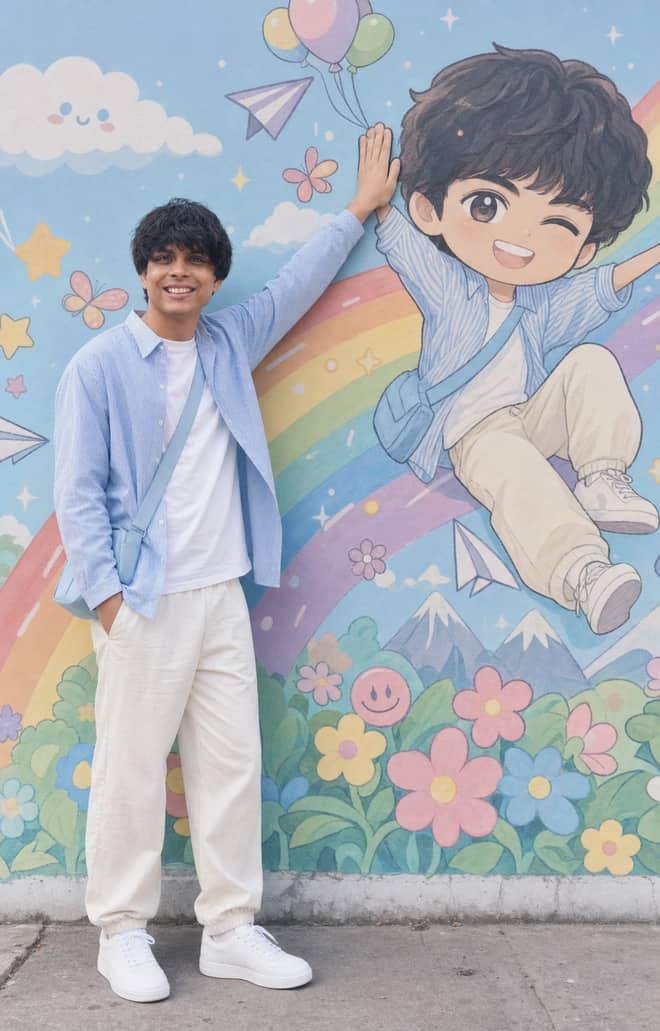
Recreate a colorful outdoor fashion portrait with exact face identity, a locked full-body pose, and a matching anime chibi mural.
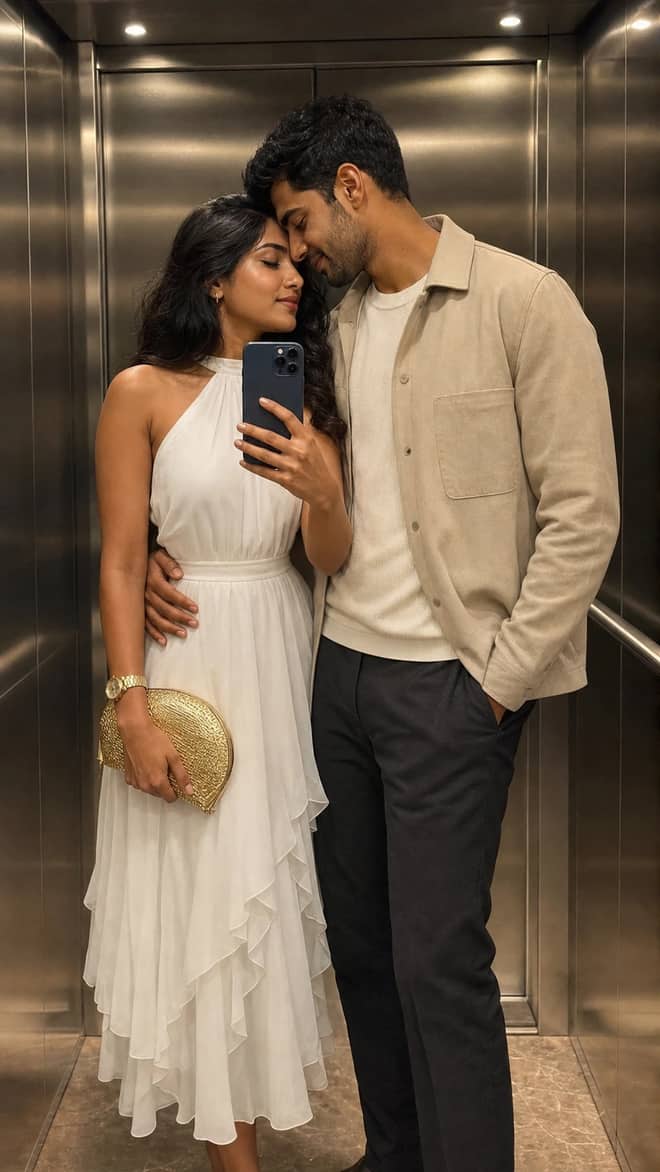
Create a luxury elevator couple mirror selfie while preserving both uploaded facial identities, natural expressions, skin texture, and authentic details.
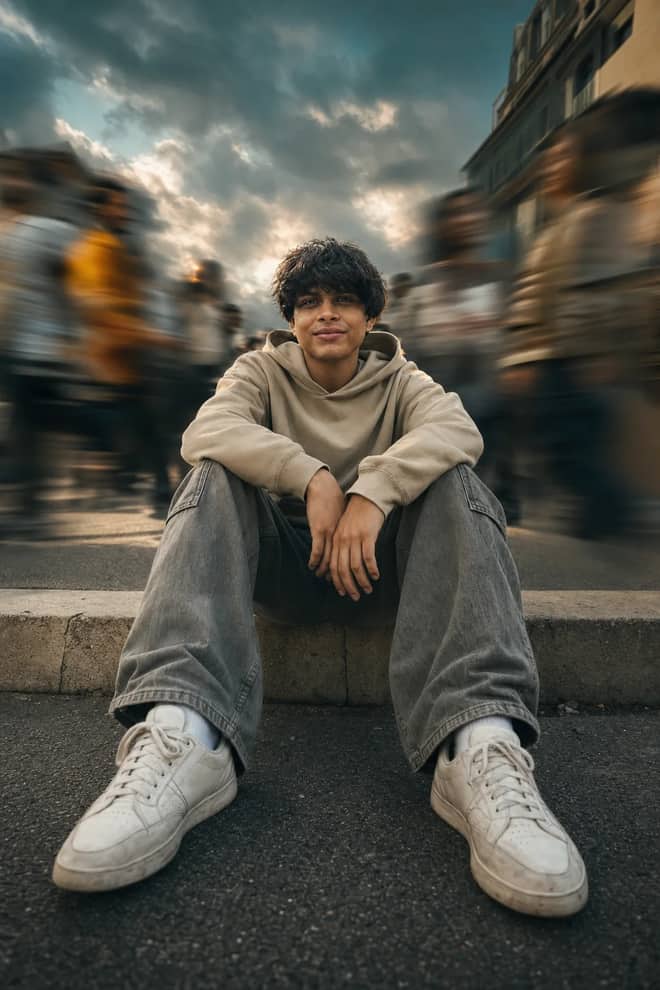
Create a low-angle urban portrait with a sharp seated subject, radial crowd motion blur, golden-hour light, and cinematic orange-and-teal grading.
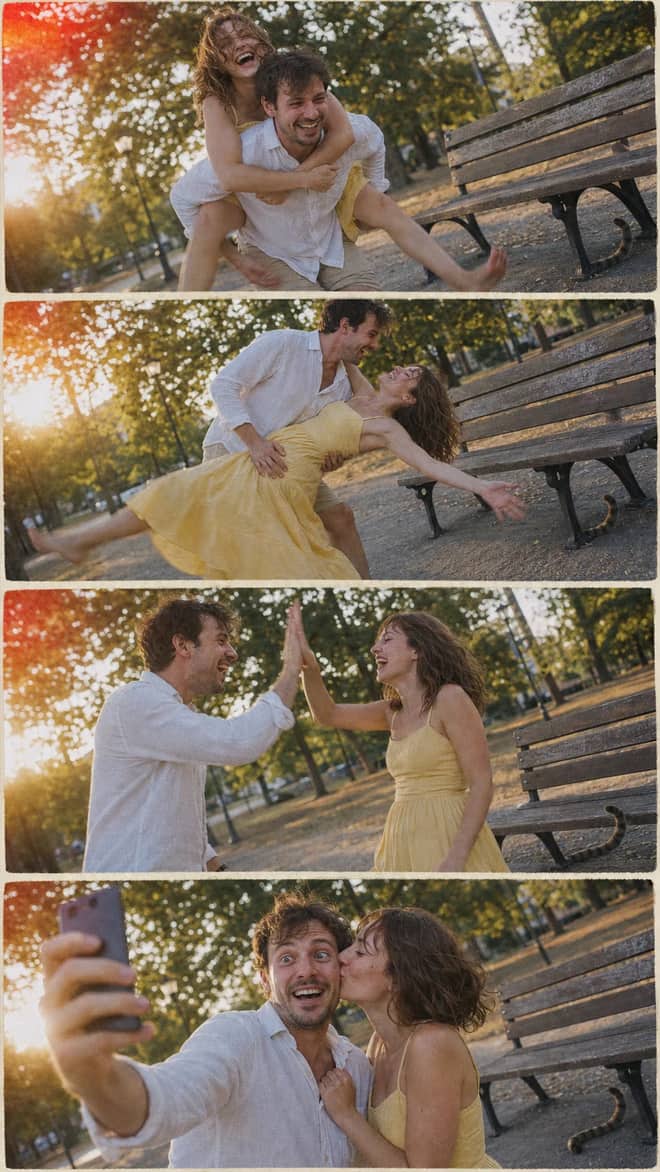
Create a nostalgic four-panel couple photo collage with playful candid moments, golden-hour park light, motion blur, grain, and a 2005 digital-camera look.
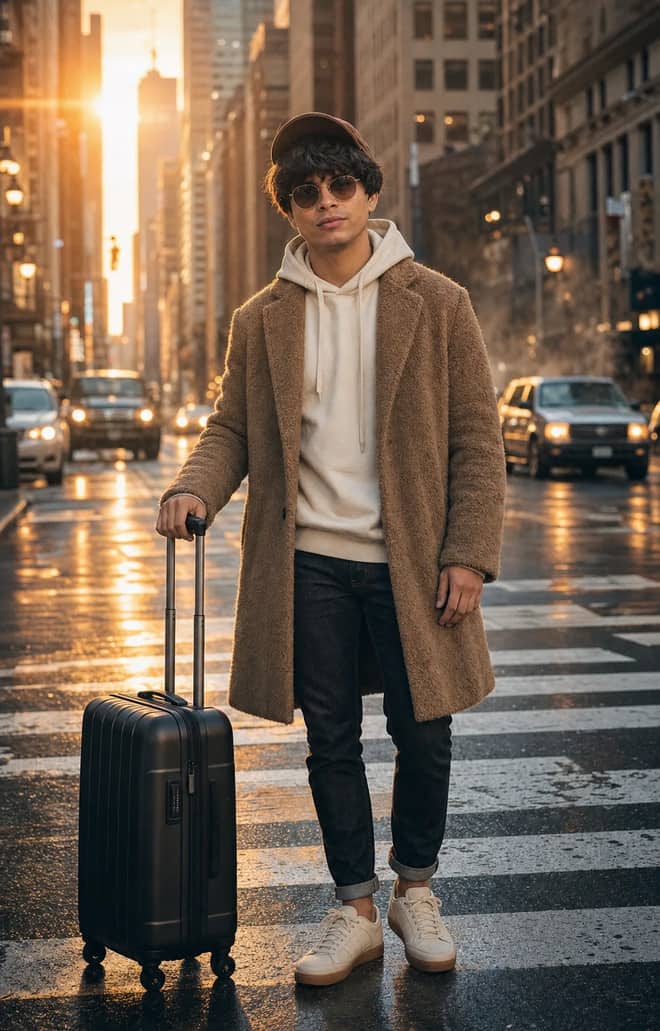
Create an ultra-realistic full-body traveler portrait in a downtown crosswalk with warm sunrise rim light, reflective asphalt, an 85mm look, and cinematic color.
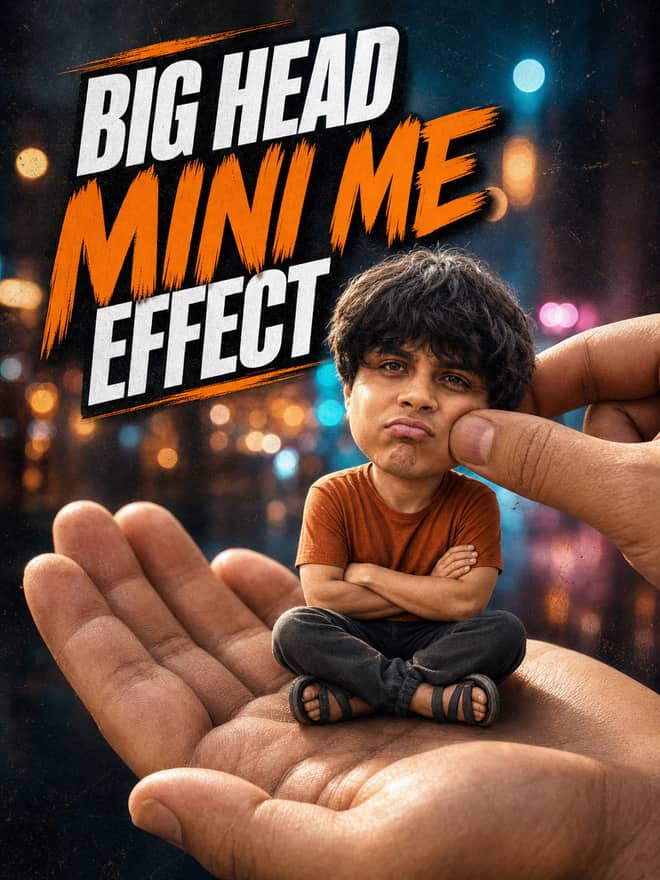
Turn any portrait into a cute big-head miniature seated in a giant hand, with a playful cheek pinch, cinematic night bokeh, and crisp 3:4 framing.
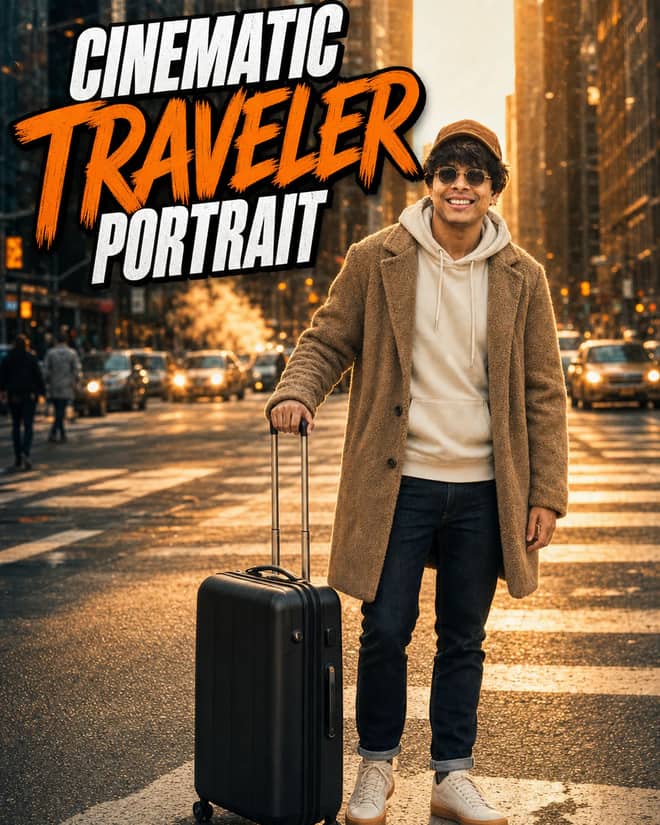
Create an ultra-realistic golden-hour traveler portrait with preserved facial identity, a teddy-fleece coat, reflective city streets, and an 85 mm cinematic look.
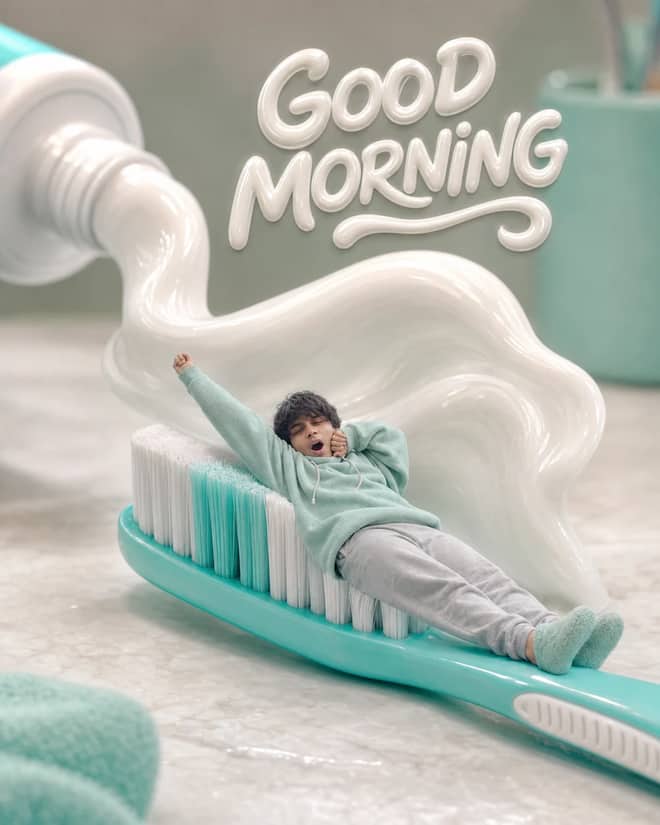
Turn any selfie into a tiny sleepy character lounging on a giant toothbrush, with a foamy toothpaste wave, pastel macro styling, and creamy GOOD MORNING text.
Professional Badge Photo, Ready to Use prompt for writing, editing, translation, and language work. Copy it into ChatGPT, Gemini, Claude, or another AI assistant and tailor it to your task.
Ultra-Detailed Vintage Photo Restoration and Colorization prompt for everyday work and focused problem-solving. Copy it into ChatGPT, Gemini, Claude, or another AI assistant and tailor it to your task.
A prompt that will turn your photo into a scene from a cult 90s movie prompt for everyday work and focused problem-solving. Copy it into ChatGPT, Gemini, Claude, or another AI assistant and tailor it to your task.
Detailed Image Generation Prompt for Fashion and Portrait Photography prompt for a structured task with clear inputs and outputs. Copy it into ChatGPT, Gemini, Claude, or another AI assistant and tailor it to your task.
High-End Beauty Editorial Photo Shoot Specification prompt for a structured task with clear inputs and outputs. Copy it into ChatGPT, Gemini, Claude, or another AI assistant and tailor it to your task.
Surreal CGI-Photography Hybrid Portrait prompt for a structured task with clear inputs and outputs. Copy it into ChatGPT, Gemini, Claude, or another AI assistant and tailor it to your task.
Hyperrealistic Food Photo Creator prompt for everyday work and focused problem-solving. Copy it into ChatGPT, Gemini, Claude, or another AI assistant and tailor it to your task.
Enhance and Beautify Your Photo prompt for writing, editing, translation, and language work. Copy it into ChatGPT, Gemini, Claude, or another AI assistant and tailor it to your task.
Modern Fashion Photography prompt for everyday work and focused problem-solving. Copy it into ChatGPT, Gemini, Claude, or another AI assistant and tailor it to your task.
No prompts match your search.
The guide
The phrase gemini ai photo prompt copy paste trending usually means one thing: you saw a striking AI photo on a reel or a friend's story, you want the exact words behind it, and you would rather paste a finished prompt than write one yourself. The grid at the top of this page is built for that. Every card is a full prompt you can copy in one tap, drop into Gemini, and run with your own photo or idea. This part below the grid is the why and the how, so your results actually look like the ones that made you search.
Two words are doing the heavy lifting. Copy paste means the prompt is finished. You are not supposed to fix grammar or fill in blanks, just copy it, paste it, and add your own face or subject where the prompt points you. Trending means the styles move fast. The figurine look that flooded everyone's feed a few weeks ago is already giving way to the next thing, so the prompts here lean toward what people are posting this month, not a stale list that has sat untouched for a year.
Gemini's image model is the one most people mean when they say Nano Banana. That is just the nickname that stuck for Gemini 2.5 Flash Image. You can try it free inside the Gemini app, and through the API it runs a few cents per image. For copy paste purposes none of that matters much. You open the app, paste, and go.
Most of the trending prompts fall into a handful of families. Knowing the family helps you pick one that fits your photo instead of forcing the wrong style onto the wrong picture.
This one refuses to die. You become a small collectible figure standing on a desk, sometimes sealed in a plastic blister pack with your name printed on the card. It works best with a clear full body or upper body photo and a plain background. If your source is busy, the figure ends up cluttered and the box text turns to mush.
Think 90s film grain, old poster lighting, a faded studio backdrop, warm grainy color. People love it because it flatters almost any face and softens small flaws. Saree and traditional outfit versions are everywhere right now, and so are vintage motorcycle and old car backdrops.
Two people merged into one cinematic frame, matching outfits, a shared backdrop like rain or golden light. These are the fiddly ones, because the model has to hold two faces steady at the same time, so they need the cleanest source photos you have.
A casual snapshot look with slight blur and a bit of flash glare, like someone caught the moment on an old camera. Good for a single relaxed portrait and very forgiving of an imperfect original.
The copy paste part sounds foolproof, and mostly it is, but a few small things trip people up. This is the order that works.
Use this as a quick map. Find the look you want on the left, paste the kind of prompt in the middle, and change the part on the right to make it yours.
| Trending look | Paste a prompt like | Swap in your own |
|---|---|---|
| 3D figurine | Turn this person into a boxed collectible figure on a desk | Your full body photo, your name on the box |
| Retro portrait | Restyle as a 90s film portrait with grain and warm tone | Your face, a saree or outfit you like |
| Couple cinematic | Merge both faces into one rainy golden-hour frame | Two clear photos, matching outfit colors |
| Polaroid candid | Make this a flash polaroid snapshot with slight blur | One relaxed selfie |
| Fresh portrait | Create a photo-real studio portrait of a person | A full written description, since there is no upload |
A prompt that made someone else look amazing can fall flat for you, and it is almost never the prompt alone. The usual culprits:
Fix them one at a time. Re-shoot with soft light facing you, crop in tighter, and run again. Most flops turn into keepers on the second clean attempt.
Trending prompts come in both flavors, and you talk to Gemini differently for each. For an edit, the magic words are keep the face the same, then describe only what changes. For a from-scratch image you have to describe the whole person, because the model is inventing every pixel and will guess if you stay vague. Mixing the two in one paste is the quickest way to land a stranger's face on your outfit.
Tip: if faces come out slightly off, ask for soft natural light and a straight-on angle, then run it twice. Harsh side light and extreme angles are where AI faces wobble most.
The real risk with a copy paste trend is that your photo comes out looking exactly like the thousand others using the same prompt. That sameness is what kills the post. The fix is small and takes one line. Add a single personal detail the prompt did not assume, and the result stops feeling like a template.
Try changing the background to a place you actually know, your street, your terrace, a cafe you go to. Or set the outfit to your own color instead of the default the prompt suggests. You can also nudge the expression, a soft smile instead of a blank stare, or a side glance instead of dead center. The base structure stays the same, so it still works, but the picture reads as yours. I usually run a trend prompt once as written to see the baseline, then add my one detail and run it again. The second one is almost always the one I keep, because it has something the copy paste crowd does not.
When a fresh style shows up, do not pour your best photo into it blind. Run it once on a throwaway selfie first. If the face holds and the style lands, then feed it the good photo. This saves you from burning your one clean portrait on a prompt that turns out to mangle hands or text.
Trends play out on phone screens, so ask for a vertical frame when the prompt does not already specify one. For a profile picture, ask for the subject centered with a little room above the head, so nothing gets cropped in a weird place. And save the prompts that worked for you. Once you have two or three that fit your face, you can ride the next trend by swapping only the style words and keeping the structure you already trust. Pick a prompt from the grid above, paste it, add your own photo, run it twice, and post the better one.
Questions
Tap a prompt above to copy it, then open the Gemini app. If the prompt edits a picture, upload your photo first, then paste the prompt and send. If it builds an image from scratch, just paste and send. Replace any placeholder name or outfit with your own before sending, and run it a couple of times to get the cleanest result.
The popular ones lately are the boxed 3D figurine look, retro and 90s film portraits, saree and traditional outfit restyles, cinematic couple shots, and casual polaroid snapshots. Trends shift every few weeks, so the grid above leans toward what people are actually posting now rather than an old fixed list. Pick the one that suits your source photo.
Usually the source photo is the problem, not the prompt. Dark, blurry, far-away, or busy backgrounds give the model little to work with. Shoot with soft light facing you, crop tighter, and keep the background plain. Change one thing at a time so you can see what fixed it, then run the same prompt again.
Nano Banana is the nickname people use for Google's Gemini image model, Gemini 2.5 Flash Image. When you see a prompt labeled Nano Banana, it is written for Gemini, and you paste it the same way as any other prompt. The name spread online and stuck, but it points to the same tool inside the Gemini app.
Yes. Copying and pasting prompts from this page costs nothing. The Gemini app itself is free to try, and image generation is included for normal use. If you call the model through the API instead, it runs roughly a few cents per image. For copy paste editing on your phone, you will not pay per picture.