
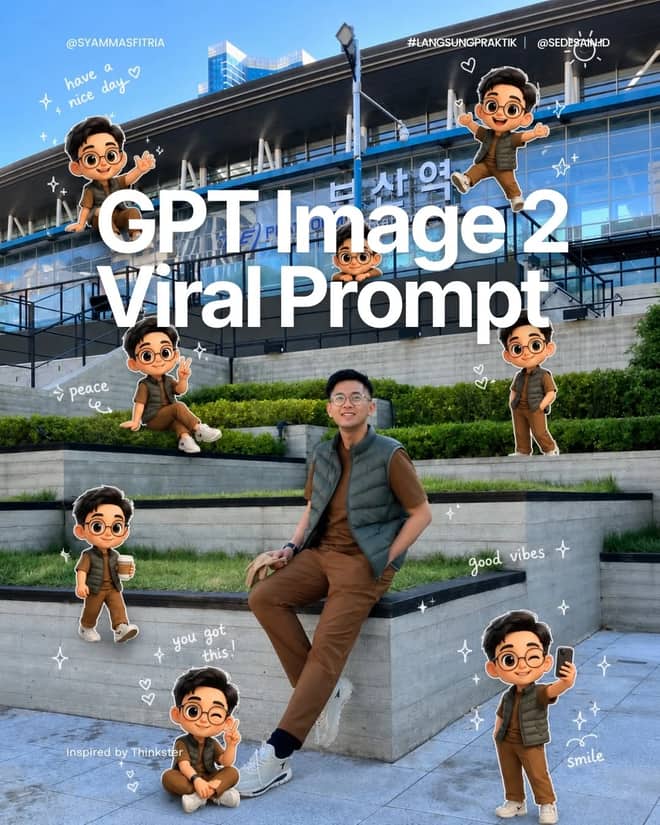
Pixar Chibi Scrapbook Collage – Gemini AI Photo Prompt
Turn one photo into a Pixar chibi scrapbook collage — 3D chibi poses with doodles and stickers. A copy-paste Gemini AI photo prompt for Nano Banana and ChatGPT.
11
AI prompt library
Free gemini ai photo prompts you can copy in one tap. Paste, add your own photo, and create something worth sharing.
60 prompts
Turn one photo into a Pixar chibi scrapbook collage — 3D chibi poses with doodles and stickers. A copy-paste Gemini AI photo prompt for Nano Banana and ChatGPT.
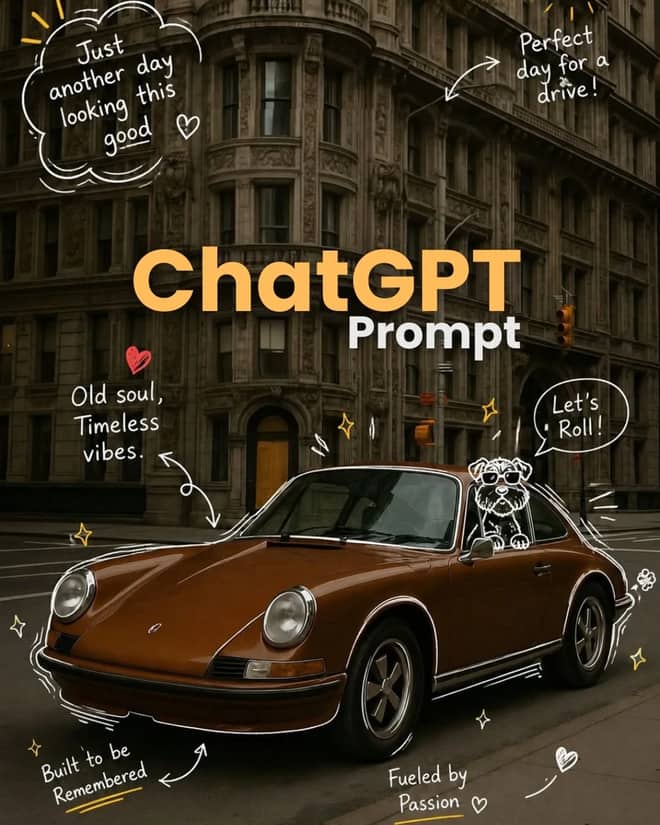
Add playful doodles, motion lines, and captions that react to your subject. A free Gemini AI photo prompt — copy, paste your photo, and run it in Nano Banana or ChatGPT.
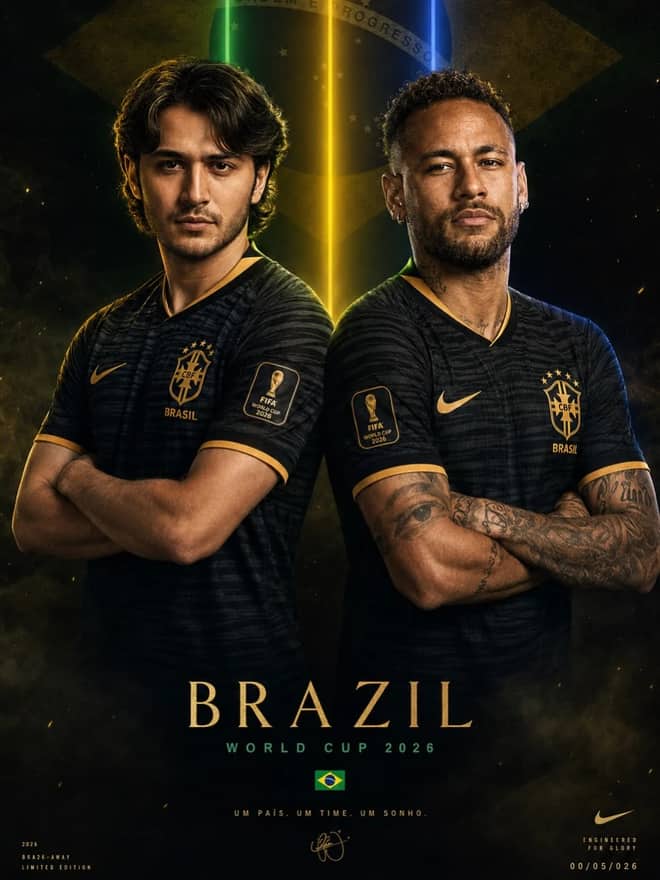
Make a cinematic World Cup poster — two players back-to-back, neon flags, smoky stadium haze. A copy-paste Gemini AI photo prompt for Nano Banana and ChatGPT.
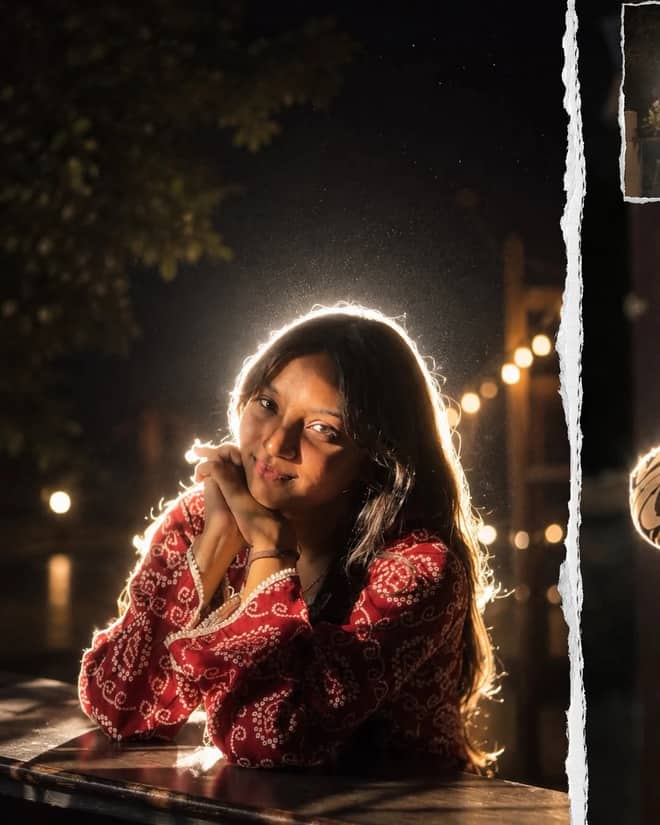
Get the viral night-flash look: a glowing rim-light halo, lens flare, and grainy candid mood. A free Gemini AI photo prompt to copy, paste, and run in Nano Banana.
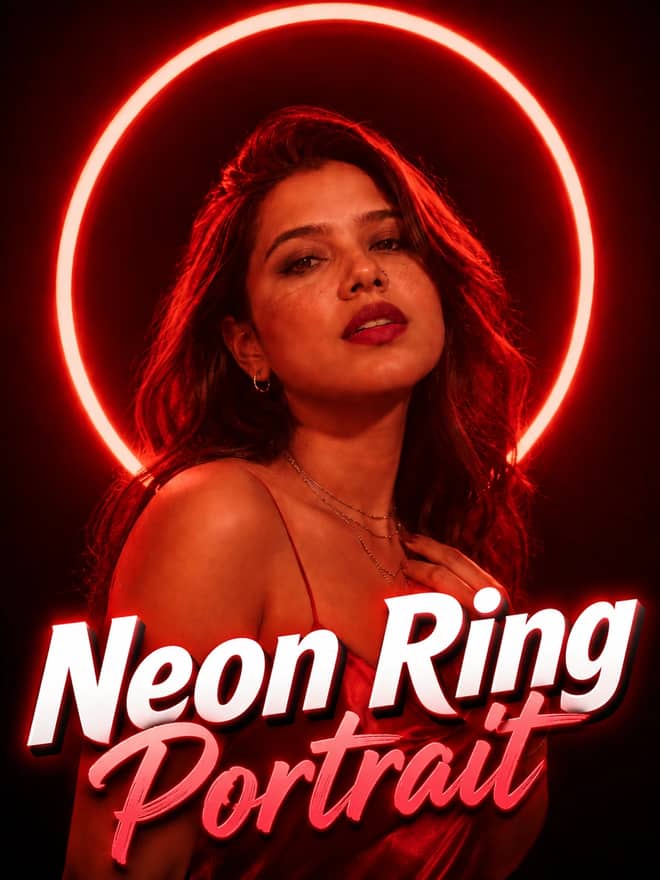
Neon ring portrait prompt — copy this free AI photo prompt on Free Prompt Base and edit it in Gemini & ChatGPT. Paste your photo and create in seconds.
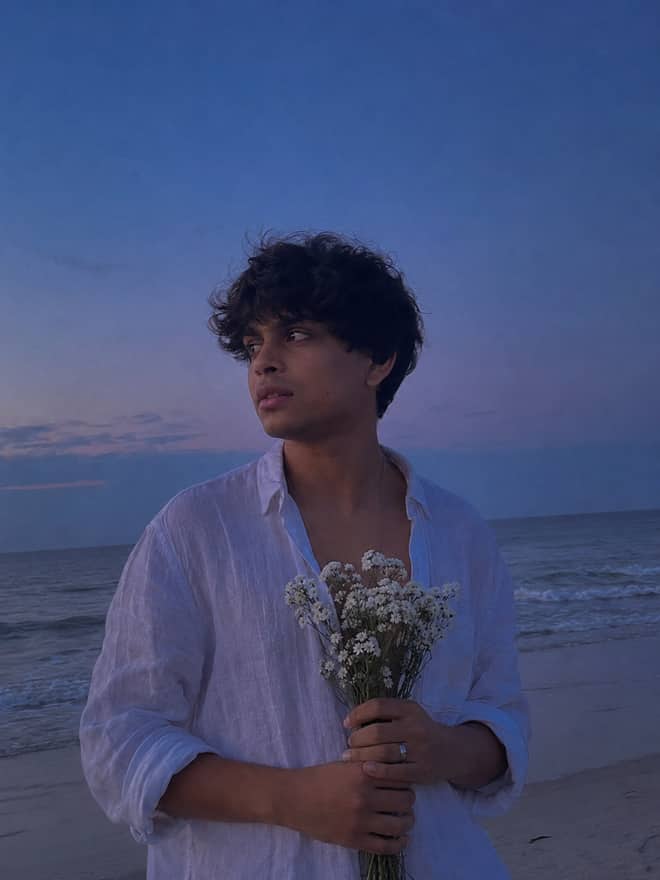
Turn your photo into a man in a white linen shirt holding flowers on a dusk beach. A free Gemini AI photo prompt — copy, paste, and edit in Nano Banana.
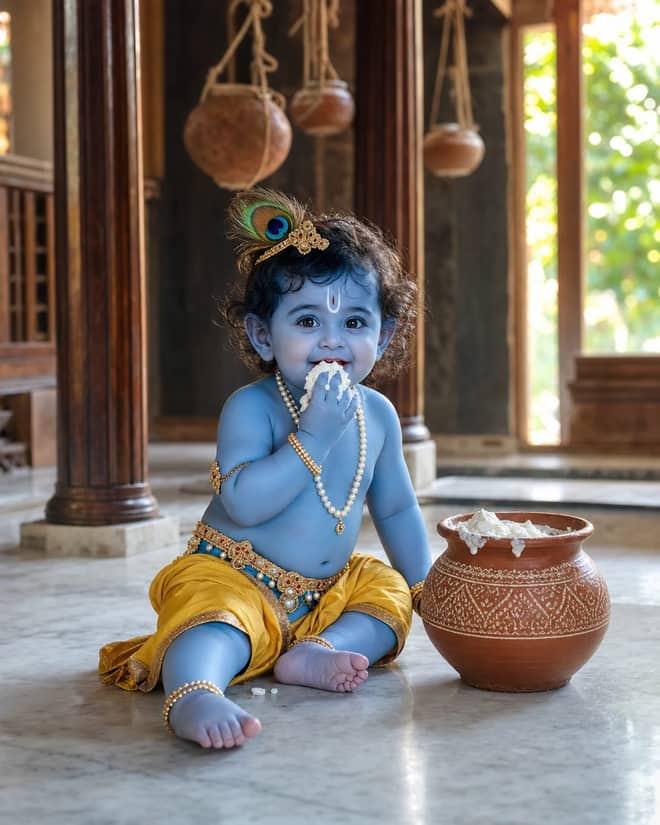
Create a photorealistic Baby Krishna butter-pot portrait in a sunlit Vrindavan home, with a yellow dhoti, peacock feather, marble floor, and natural DSLR detail.
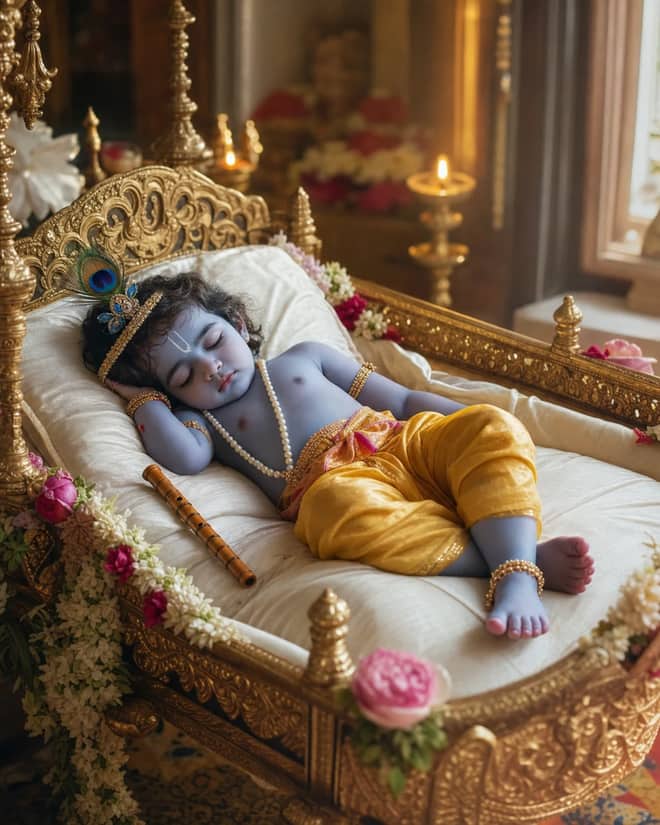
Create a peaceful sleeping Baby Krishna portrait in a flower-trimmed golden cradle, with warm temple lamps, silk cushions, and soft cinematic light.
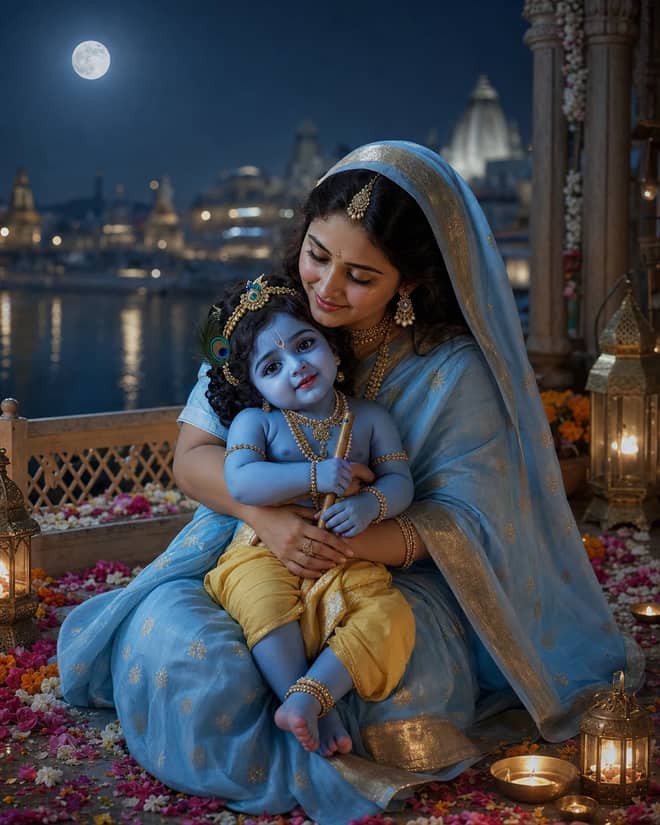
Create a moonlit Maa Yashoda and Baby Krishna portrait on a Vrindavan balcony, with blue silk, warm lamps, the Yamuna, and natural editorial detail.
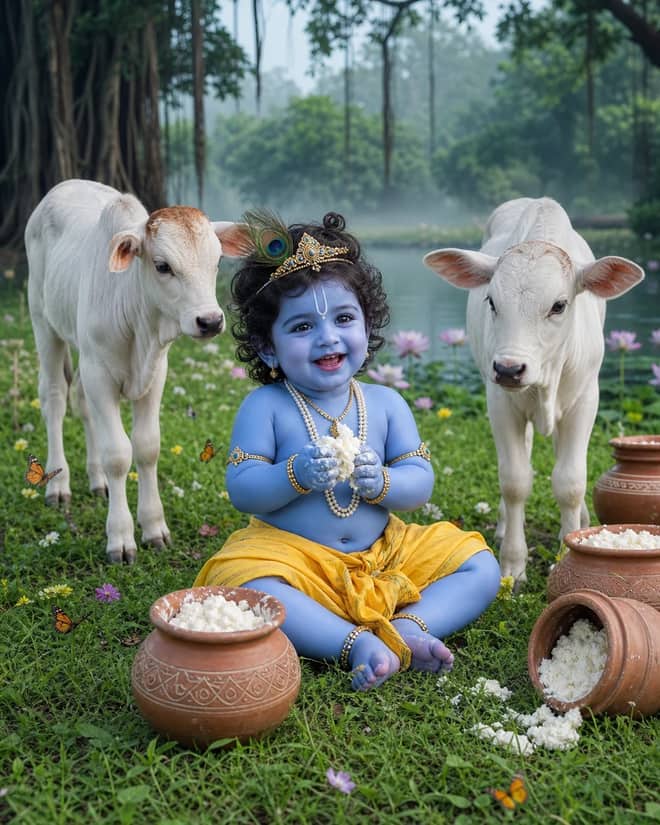
Create a playful Baby Krishna with cow portrait in a misty Vrindavan meadow, with butter pots, white calves, lotus water, and cool natural light.
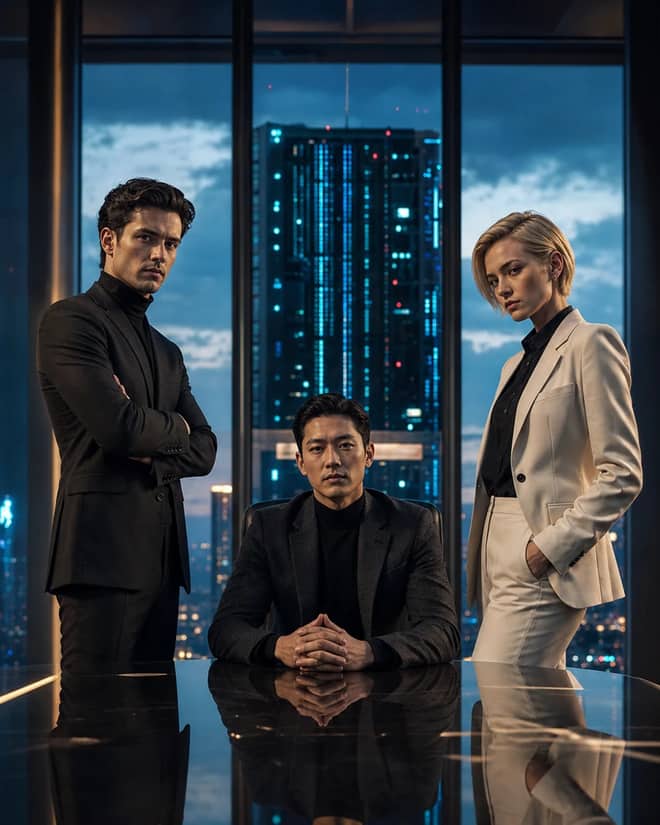
Create a fictional AI rivalry portrait with three executives, dramatic boardroom lighting, clear power dynamics, and premium editorial realism.
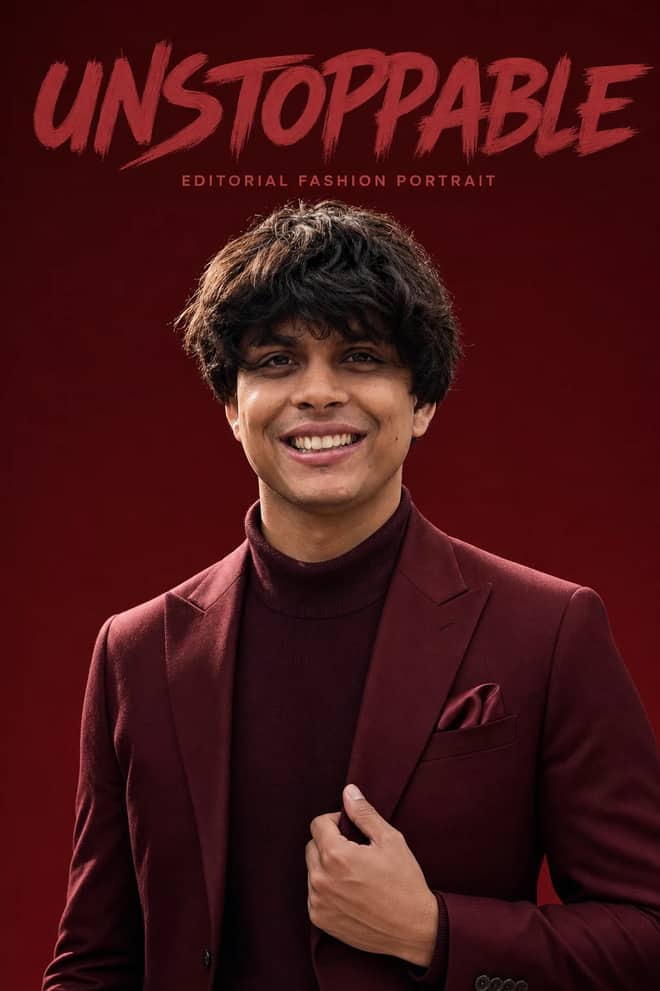
Create an ultra-realistic monochromatic fashion portrait with luxury campaign lighting, natural skin texture, bold brush typography, and clean negative space.
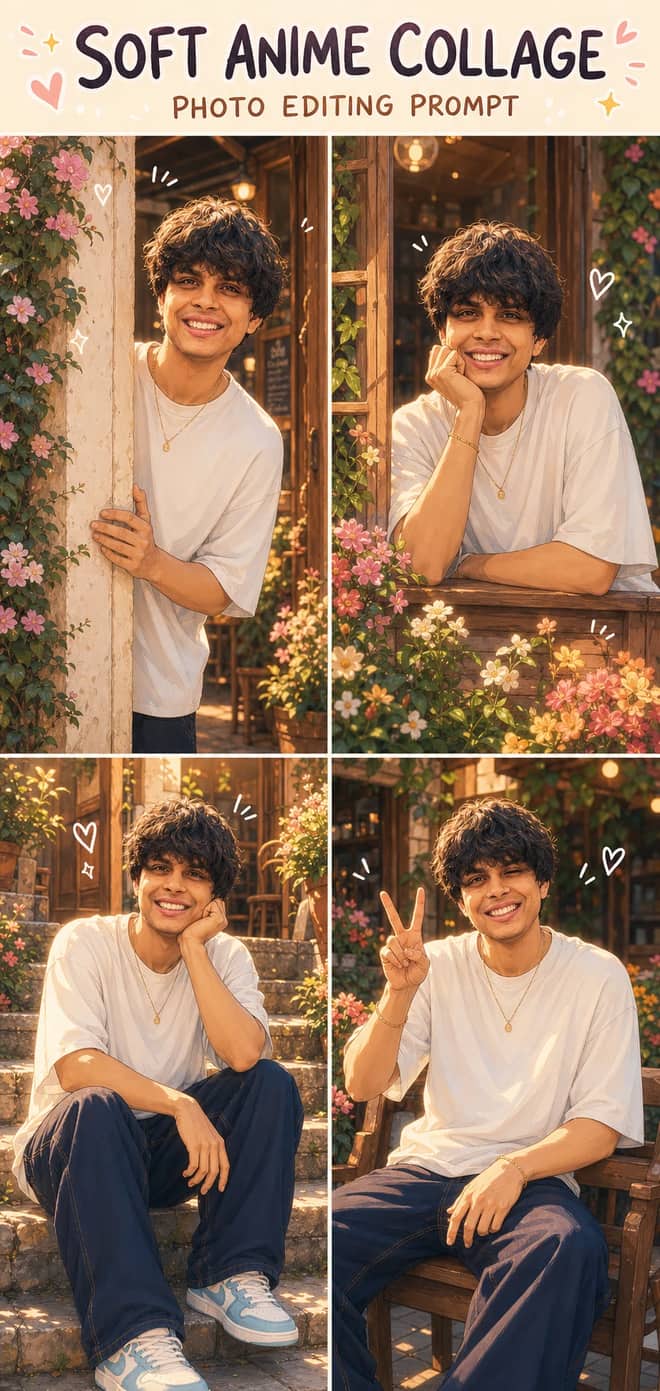
Turn one photo into a dreamy four-panel anime collage with consistent identity, café courtyard poses, golden-hour lighting, floral details, and cute doodles.
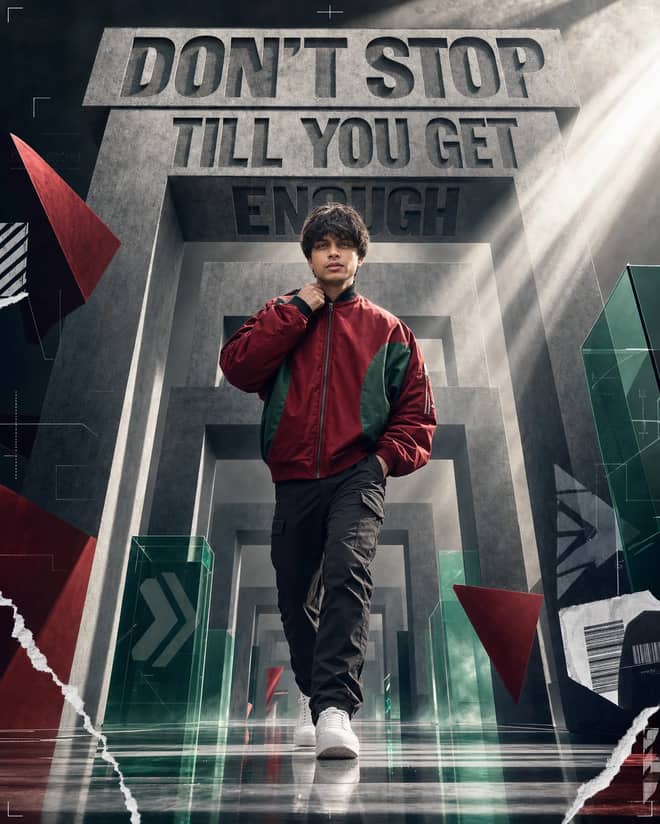
Create a premium sports-fashion poster with a confident model, monumental concrete portals, dramatic typography, low-angle perspective, and cinematic light.
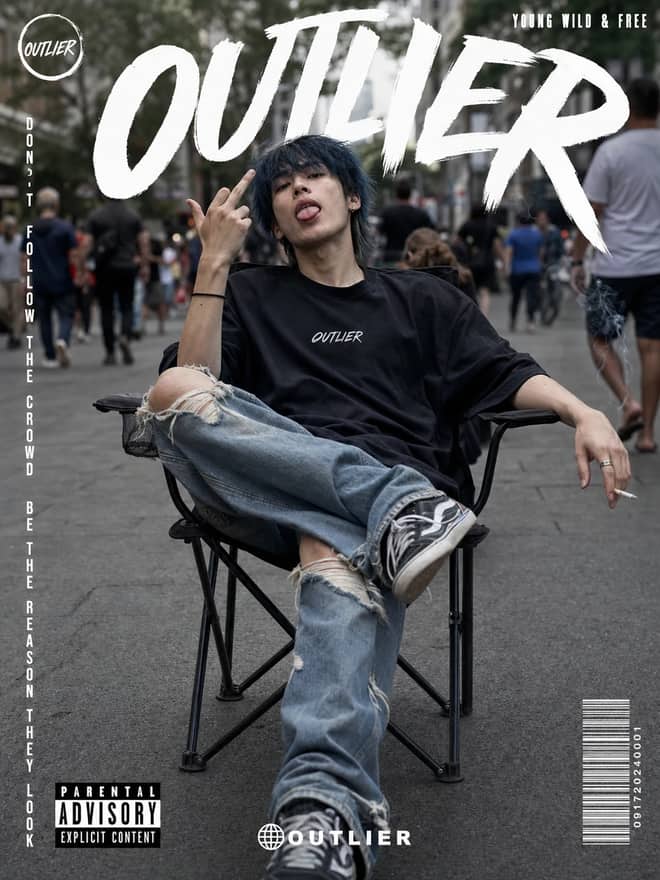
Create a gritty photorealistic streetwear poster with a seated model, blurred city pedestrians, natural skin texture, bold branding, and editorial labels.
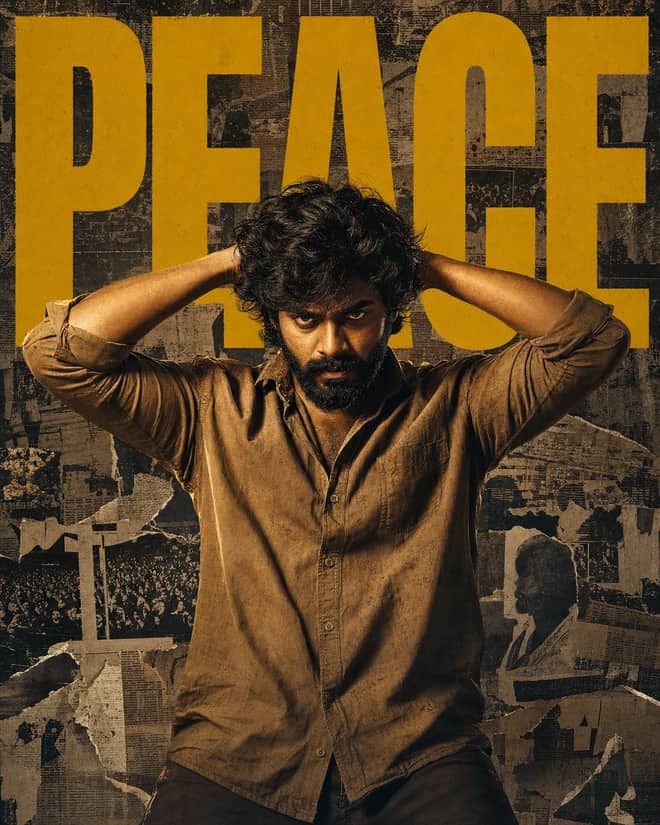
Create a gritty South Indian action poster with a rugged hero, bold PEACE typography, warm tungsten lighting, and a distressed vintage newspaper collage.
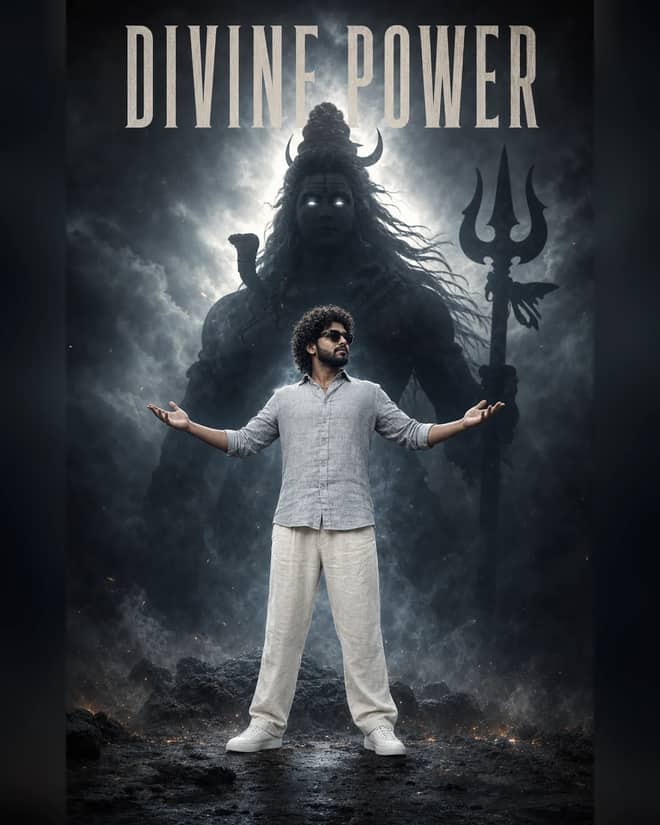
Create a powerful cinematic portrait with a confident man before a colossal smoky Lord Shiva silhouette, dramatic halo lighting, fog, and epic depth.
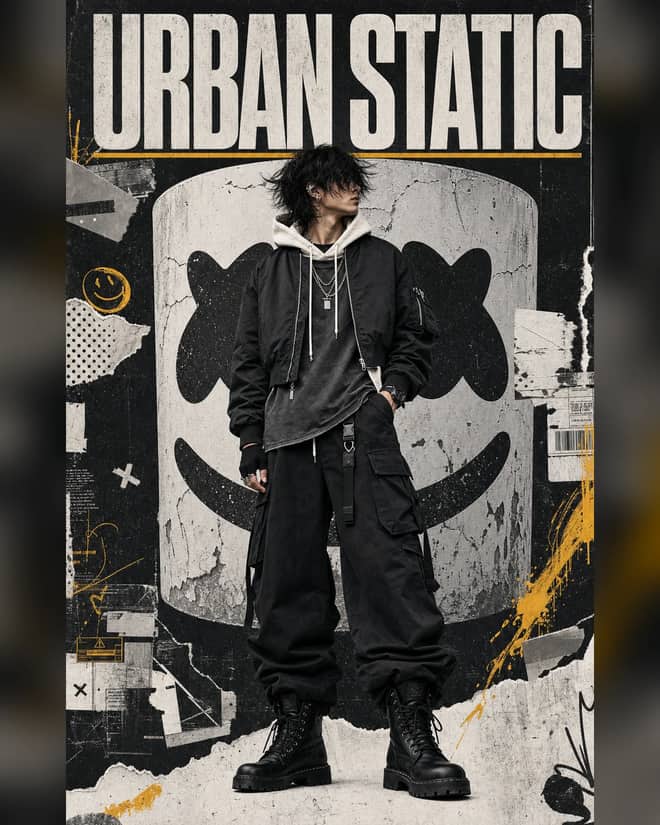
Create a luxury streetwear editorial with oversized black layers, a distressed helmet collage, controlled grunge textures, and muted yellow accents.
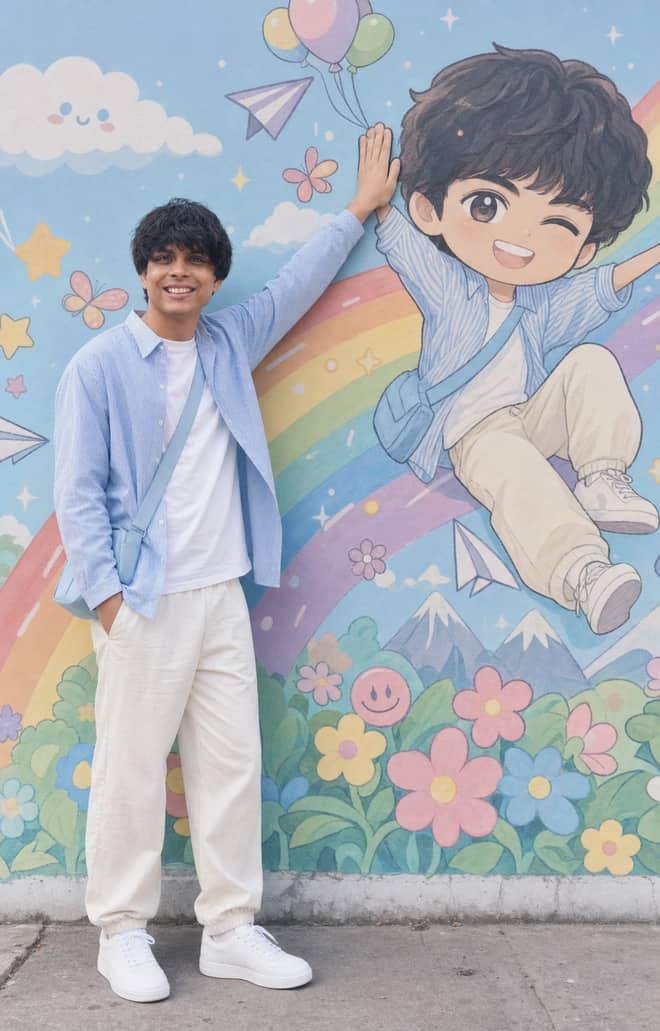
Recreate a colorful outdoor fashion portrait with exact face identity, a locked full-body pose, and a matching anime chibi mural.
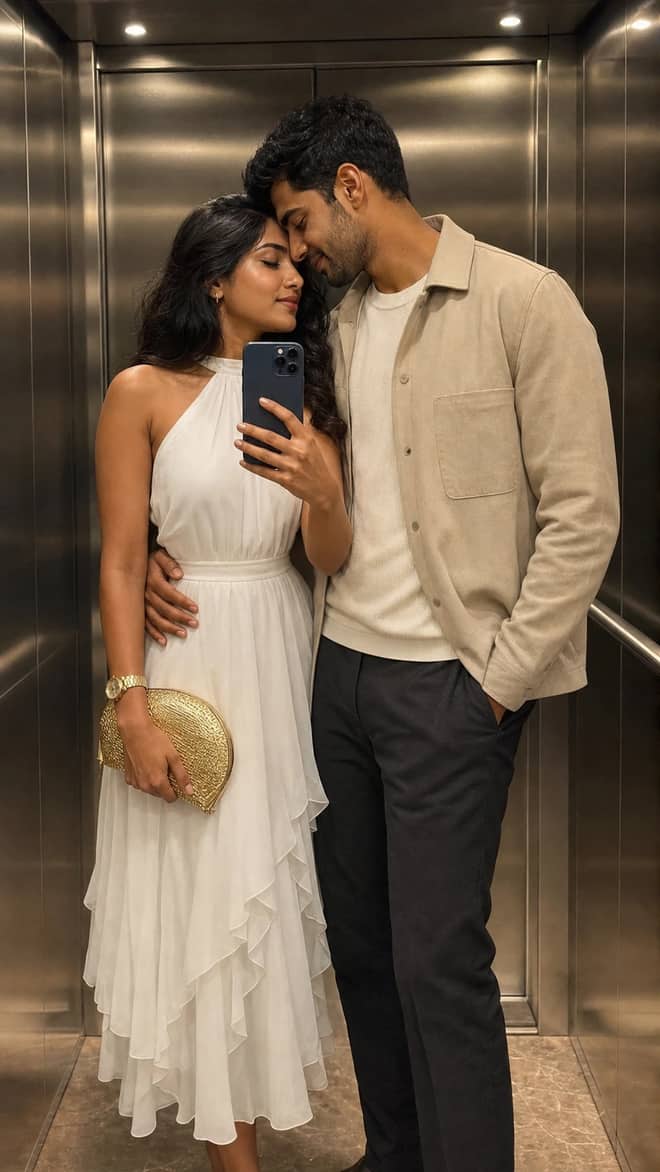
Create a luxury elevator couple mirror selfie while preserving both uploaded facial identities, natural expressions, skin texture, and authentic details.
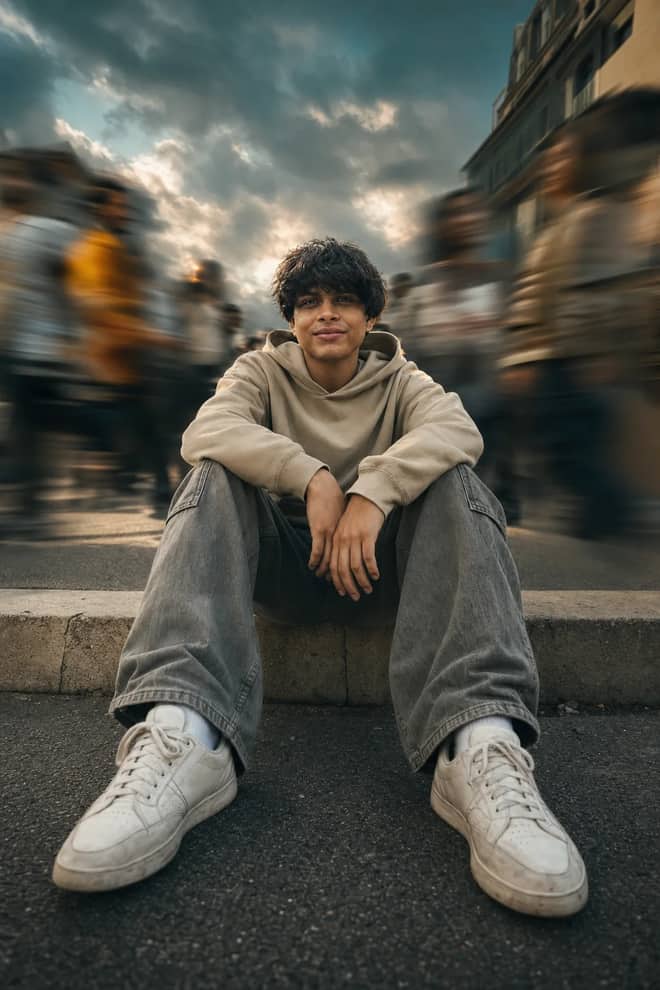
Create a low-angle urban portrait with a sharp seated subject, radial crowd motion blur, golden-hour light, and cinematic orange-and-teal grading.
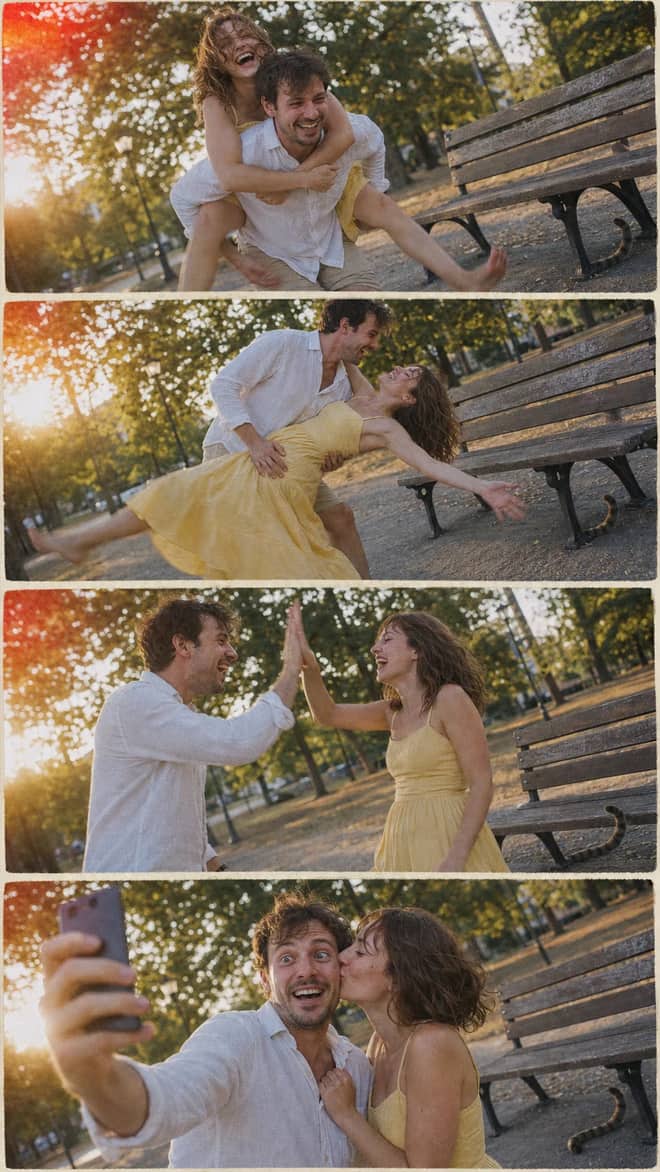
Create a nostalgic four-panel couple photo collage with playful candid moments, golden-hour park light, motion blur, grain, and a 2005 digital-camera look.
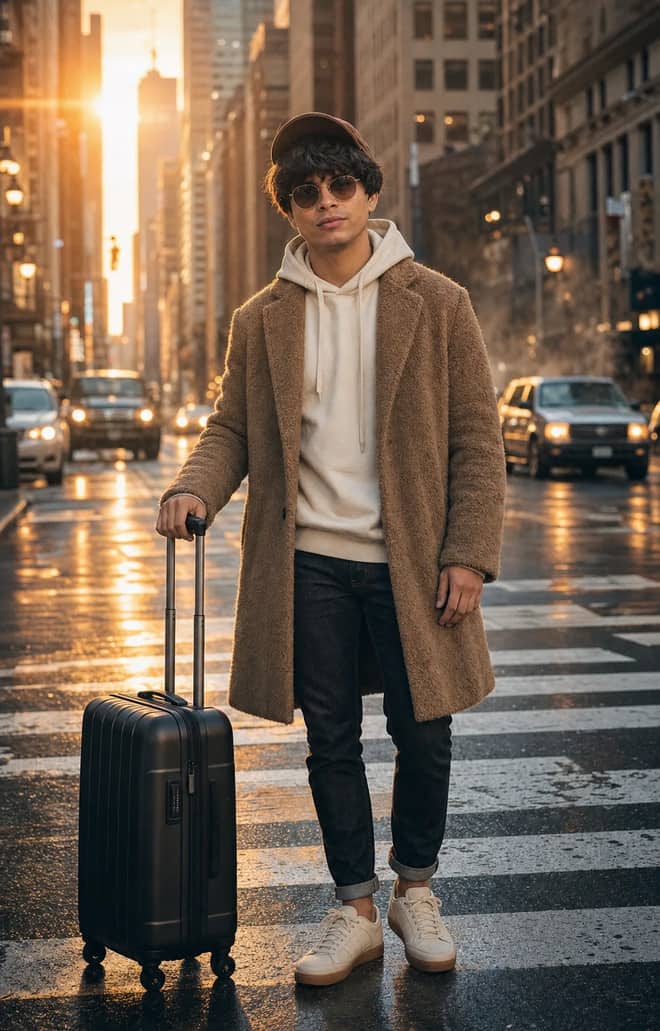
Create an ultra-realistic full-body traveler portrait in a downtown crosswalk with warm sunrise rim light, reflective asphalt, an 85mm look, and cinematic color.
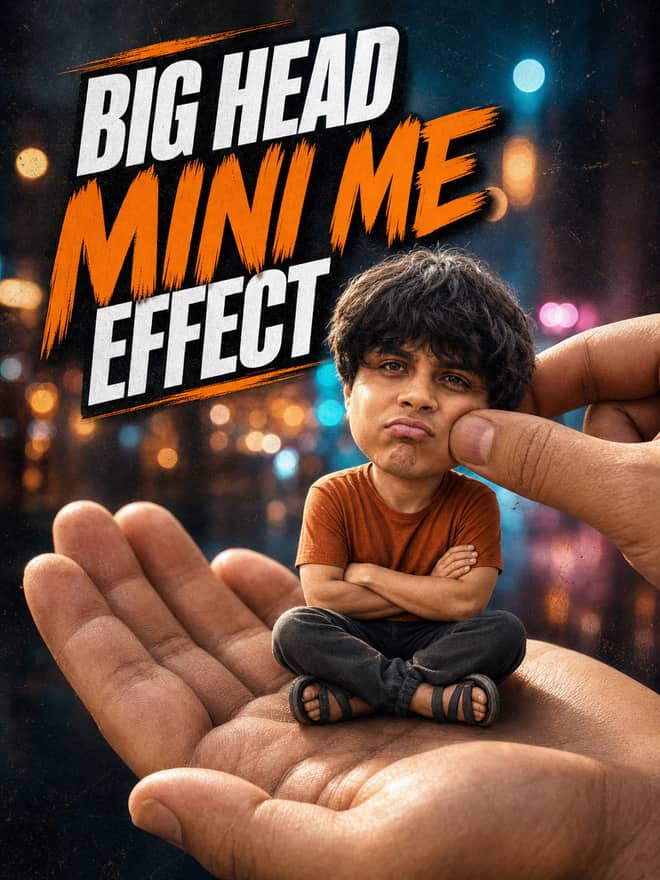
Turn any portrait into a cute big-head miniature seated in a giant hand, with a playful cheek pinch, cinematic night bokeh, and crisp 3:4 framing.
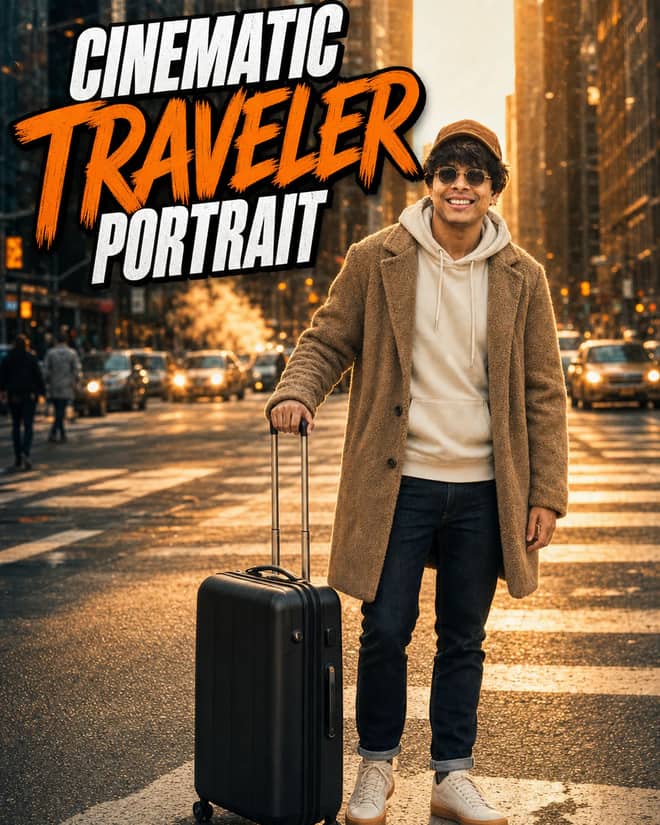
Create an ultra-realistic golden-hour traveler portrait with preserved facial identity, a teddy-fleece coat, reflective city streets, and an 85 mm cinematic look.
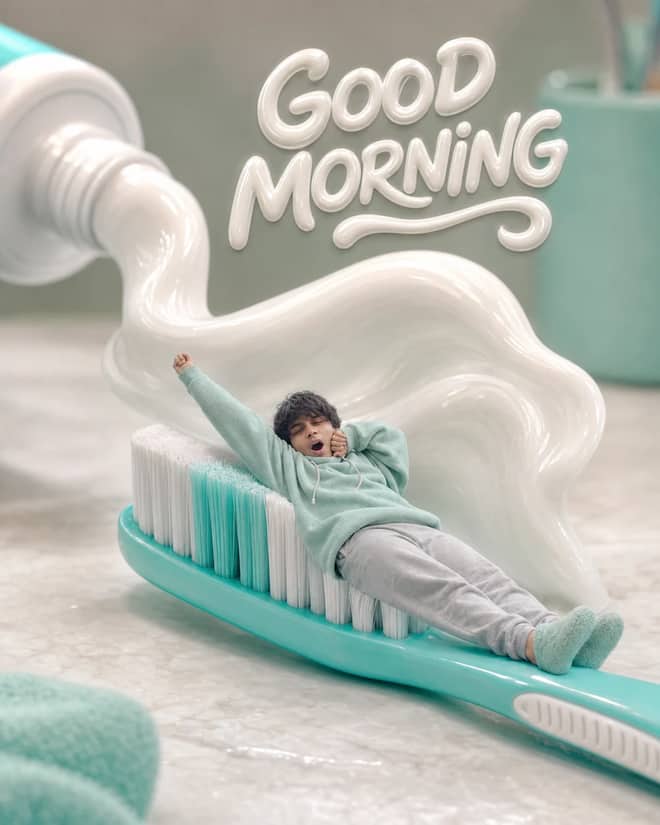
Turn any selfie into a tiny sleepy character lounging on a giant toothbrush, with a foamy toothpaste wave, pastel macro styling, and creamy GOOD MORNING text.
Professional Badge Photo, Ready to Use prompt for writing, editing, translation, and language work. Copy it into ChatGPT, Gemini, Claude, or another AI assistant and tailor it to your task.
Ultra-Detailed Vintage Photo Restoration and Colorization prompt for everyday work and focused problem-solving. Copy it into ChatGPT, Gemini, Claude, or another AI assistant and tailor it to your task.
A prompt that will turn your photo into a scene from a cult 90s movie prompt for everyday work and focused problem-solving. Copy it into ChatGPT, Gemini, Claude, or another AI assistant and tailor it to your task.
Detailed Image Generation Prompt for Fashion and Portrait Photography prompt for a structured task with clear inputs and outputs. Copy it into ChatGPT, Gemini, Claude, or another AI assistant and tailor it to your task.
High-End Beauty Editorial Photo Shoot Specification prompt for a structured task with clear inputs and outputs. Copy it into ChatGPT, Gemini, Claude, or another AI assistant and tailor it to your task.
Surreal CGI-Photography Hybrid Portrait prompt for a structured task with clear inputs and outputs. Copy it into ChatGPT, Gemini, Claude, or another AI assistant and tailor it to your task.
Hyperrealistic Food Photo Creator prompt for everyday work and focused problem-solving. Copy it into ChatGPT, Gemini, Claude, or another AI assistant and tailor it to your task.
Enhance and Beautify Your Photo prompt for writing, editing, translation, and language work. Copy it into ChatGPT, Gemini, Claude, or another AI assistant and tailor it to your task.
Modern Fashion Photography prompt for everyday work and focused problem-solving. Copy it into ChatGPT, Gemini, Claude, or another AI assistant and tailor it to your task.
Mirror Product Photo prompt for everyday work and focused problem-solving. Copy it into ChatGPT, Gemini, Claude, or another AI assistant and tailor it to your task.
Photo-to-Isometric: Reality Slice Generator prompt for everyday work and focused problem-solving. Copy it into ChatGPT, Gemini, Claude, or another AI assistant and tailor it to your task.
Photorealistic Selfie Portrait Description prompt for a structured task with clear inputs and outputs. Copy it into ChatGPT, Gemini, Claude, or another AI assistant and tailor it to your task.
3x3 Grid Storyboarding from Photo prompt for creative ideas, stories, and role-play. Copy it into ChatGPT, Gemini, Claude, or another AI assistant and tailor it to your task.
Extreme Close-up Macro Photography of a Young Woman's Face prompt for everyday work and focused problem-solving. Copy it into ChatGPT, Gemini, Claude, or another AI assistant and tailor it to your task.
Photorealistic Mirror Selfie Analysis prompt for data analysis, research, and clear findings. Copy it into ChatGPT, Gemini, Claude, or another AI assistant and tailor it to your task.
Ultra-Realistic Street Photo Prompt: Turkish Woman in Ankara prompt for marketing, customer work, and business decisions. Copy it into ChatGPT, Gemini, Claude, or another AI assistant and tailor it to your task.
Ultra-Realistic Amateur Street Photo of Ankara Scene prompt for everyday work and focused problem-solving. Copy it into ChatGPT, Gemini, Claude, or another AI assistant and tailor it to your task.
Ultra-Realistic Ankara Street Photo with Surreal Element prompt for lessons, practice, and study support. Copy it into ChatGPT, Gemini, Claude, or another AI assistant and tailor it to your task.
Realistic Photo of a Turkish Woman in a Street Setting prompt for lessons, practice, and study support. Copy it into ChatGPT, Gemini, Claude, or another AI assistant and tailor it to your task.
Ultra Realistic Candid Photo of a Turkish Woman in Istanbul Café prompt for everyday work and focused problem-solving. Copy it into ChatGPT, Gemini, Claude, or another AI assistant and tailor it to your task.
Fashion Photo Pose & Setting Transformation Editor prompt for writing, editing, translation, and language work. Copy it into ChatGPT, Gemini, Claude, or another AI assistant and tailor it to your task.
Nostalgic Road Trip - Atmospheric 35mm Film Photograph Prompt prompt for a structured task with clear inputs and outputs. Copy it into ChatGPT, Gemini, Claude, or another AI assistant and tailor it to your task.
Candid Outdoor Group Photo in Natural Pool prompt for a structured task with clear inputs and outputs. Copy it into ChatGPT, Gemini, Claude, or another AI assistant and tailor it to your task.
Serene Yoga & Mindfulness Lifestyle Photography prompt for coding questions, debugging, and technical guidance. Copy it into ChatGPT, Gemini, Claude, or another AI assistant and tailor it to your task.
Ultra-photorealistic Infographics prompt for everyday work and focused problem-solving. Copy it into ChatGPT, Gemini, Claude, or another AI assistant and tailor it to your task.
Ultra-Photorealistic Romantic Cinematic Scene in the Rain prompt for everyday work and focused problem-solving. Copy it into ChatGPT, Gemini, Claude, or another AI assistant and tailor it to your task.
Photorealistic Cozy Home Scene with Natural Lighting prompt for everyday work and focused problem-solving. Copy it into ChatGPT, Gemini, Claude, or another AI assistant and tailor it to your task.
Photo shoot for branding prompt for everyday work and focused problem-solving. Copy it into ChatGPT, Gemini, Claude, or another AI assistant and tailor it to your task.
Transform the input product image into a professional commercial studio photograph prompt for marketing, customer work, and business decisions. Copy it into ChatGPT, Gemini, Claude, or another AI assistant and tailor it to your task.
Photo Enhancement and Repair with Transparent Background prompt for everyday work and focused problem-solving. Copy it into ChatGPT, Gemini, Claude, or another AI assistant and tailor it to your task.
Professional photo restoration expert prompt for everyday work and focused problem-solving. Copy it into ChatGPT, Gemini, Claude, or another AI assistant and tailor it to your task.
Professional photo editor prompt for writing, editing, translation, and language work. Copy it into ChatGPT, Gemini, Claude, or another AI assistant and tailor it to your task.
1950s Diner Photo Transformation prompt for lessons, practice, and study support. Copy it into ChatGPT, Gemini, Claude, or another AI assistant and tailor it to your task.
Copy this Photorealistic Webcam Bedroom Scene Prompt AI prompt to get a focused structured task response from ChatGPT, Gemini, Claude, or another AI assistant.
No prompts match your search.
The guide
Gemini AI photo is the catch-all phrase people use for making or editing pictures with Google's Gemini, and the prompts in the grid above are built so you can copy one, paste it, attach your own photo, and get a result in seconds. The image side of Gemini runs on a model a lot of people call Nano Banana, the nickname for Gemini 2.5 Flash Image. You do not need to know any of that to use it. You just need a clear photo or a clear idea, and a prompt worth pasting.
There are two different jobs hiding under the same phrase, and it helps to know which one you want before you start. The first is editing a photo you already have. You upload a selfie, a couple shot, an old family scan, and you tell Gemini what to change. The second is generating a new image from text, where you describe a scene and Gemini draws it from nothing. Most of the trending stuff right now is the editing kind, because keeping a real face and restyling everything around it is the trick that looks the most impressive on a phone screen.
The reason this caught on is that the model is genuinely good at holding a likeness. Older tools would smear your features into a generic AI face. Gemini keeps your eyes, your jaw, the shape of your smile, and changes the lighting, outfit, or background around it. That gap is the whole appeal.
From the tutorials and edits going around, a few styles keep coming back. Golden-hour portraits are everywhere, the warm low-sun look that makes a plain headshot feel shot on purpose. Retro film looks are big too, the slightly faded 90s and early-2000s vibe with grain and softer colour. The 3D figurine edit, where your photo becomes a little collectible statue on a desk, had a long run and still gets requests. Couple photos restyled into studio or cinematic scenes are popular for anniversaries. And the plain practical one, turning a messy front-camera selfie into a clean profile picture, never goes away.
The prompts above already work, so this is for when you want to tweak one or write your own. A good Gemini photo prompt names three things: the subject, the change, and the thing to protect. Subject is who or what is in the shot. Change is the new lighting, style, or scene. Protect is the part you do not want touched, almost always the face and skin. Skip that last part and you sometimes get a stranger wearing your outfit.
| What you want | What to add to the prompt | Why it helps |
|---|---|---|
| Warm portrait | 'golden-hour side light, soft background blur, keep my face' | Sets mood without redrawing you |
| Retro film look | '90s film grain, faded colour, slight vignette' | Pins the era so it does not go generic |
| Background swap | 'replace background with a plain studio, person unchanged' | Stops it from restyling the subject |
| Couple photo | 'cinematic lighting, keep both faces the same' | Protects two likenesses at once |
| Figurine edit | 'turn into a small 3D collectible figure on a desk' | Names the object so the style lands |
Start from the sharpest source you can. Wipe the lens, find a window or decent light, and shoot before you edit, because Gemini can restyle a photo but it cannot invent detail that was never captured. Attach the image, paste your prompt, and keep the face-protect line at the end. If the result drifts, run it again with a brighter original. Half the bad edits I have seen came from a dark, blurry source, not from a bad prompt.
Generating from scratch is more forgiving in some ways and harder in others. You have full control of the scene, but no real face to anchor it, so describe specifics: the setting, the time of day, the camera feel, the mood. Vague prompts get vague images. The word 'photo' itself helps here. Asking for a 'candid photo, natural light, 35mm look' reads very differently to the model than just asking for a 'picture of a person'.
Most problems have a one-line fix once you know the pattern.
Tip: change one thing at a time. If you ask Gemini to fix lighting, swap the background, and restyle the outfit in a single prompt, any one of those can drag the whole image off. Stack edits in passes and you keep control.
You can paste these into Gemini, but the same wording works in other tools if that is what you have open. Each one is a bit different in temperament.
For the photo edits most people come here for, the Gemini app is the easy pick because it is free, it is on your phone, and the face handling is the best of the bunch. Use the others when you want pure generation or you are already inside them.
To see how the three-part idea plays out, here are bare-bones versions you can flesh out. For a portrait: 'edit my selfie, golden-hour light from the left, soft blurred background, keep my face and skin natural'. For a retro shot: 'restyle this photo as a 90s film snapshot, grain and faded colour, do not change my face'. For a couple: 'make this a cinematic evening portrait, warm street lights behind us, keep both of our faces exactly the same'. Notice how each one ends by protecting the part that matters.
When something works, save it. Next week you will have a new photo and the same wording will get you there without the guesswork. The prompts in the grid above are a starting point, not a ceiling, so copy the one closest to what you want, swap in your details, and keep the line that protects your face. That single habit is the difference between an edit that looks like you and one that looks like someone the model made up.
Questions
Yes. You can edit and generate photos in the Gemini app on Android, iOS, or the web for free, with daily usage limits. The prompts here are written for the free version, so you do not need a paid plan. If you hit a limit, you can usually wait and continue the next day.
Nano Banana is the nickname people gave Gemini's image model, Gemini 2.5 Flash Image. It is the part that edits and makes pictures. You do not select it by name in the app, it runs behind the photo features. The nickname stuck because it was good at face-accurate edits people kept sharing.
Start from a sharp, well-lit photo and end your prompt with a line like 'keep my real face and skin texture'. Gemini holds a likeness well when the source is clear. If a result drifts, rerun with that line at the very end and a brighter original. A soft, dark source is the usual cause of face changes.
Yes. Describe the scene, the lighting, the time of day, and the camera feel, and Gemini will generate an image from nothing. Be specific, since vague prompts make vague pictures. Adding words like 'candid photo, natural light, 35mm look' steers it toward a real-photo feel instead of an obvious AI render.
The model sometimes over-smooths skin. Add 'natural skin, keep pores and detail, no heavy smoothing' to your prompt and run it again. Also avoid stacking too many changes at once, since each extra request pulls the image further from real. Edit in passes and the result stays believable.