

Pixar Chibi Scrapbook Collage – Gemini AI Photo Prompt
Turn one photo into a Pixar chibi scrapbook collage — 3D chibi poses with doodles and stickers. A copy-paste Gemini AI photo prompt for Nano Banana and ChatGPT.
11
AI prompt library
Free, ready-to-use ai gemini prompts. Copy one, paste it into your favourite AI tool, and get to work.
60 prompts
Turn one photo into a Pixar chibi scrapbook collage — 3D chibi poses with doodles and stickers. A copy-paste Gemini AI photo prompt for Nano Banana and ChatGPT.

Add playful doodles, motion lines, and captions that react to your subject. A free Gemini AI photo prompt — copy, paste your photo, and run it in Nano Banana or ChatGPT.

Make a cinematic World Cup poster — two players back-to-back, neon flags, smoky stadium haze. A copy-paste Gemini AI photo prompt for Nano Banana and ChatGPT.
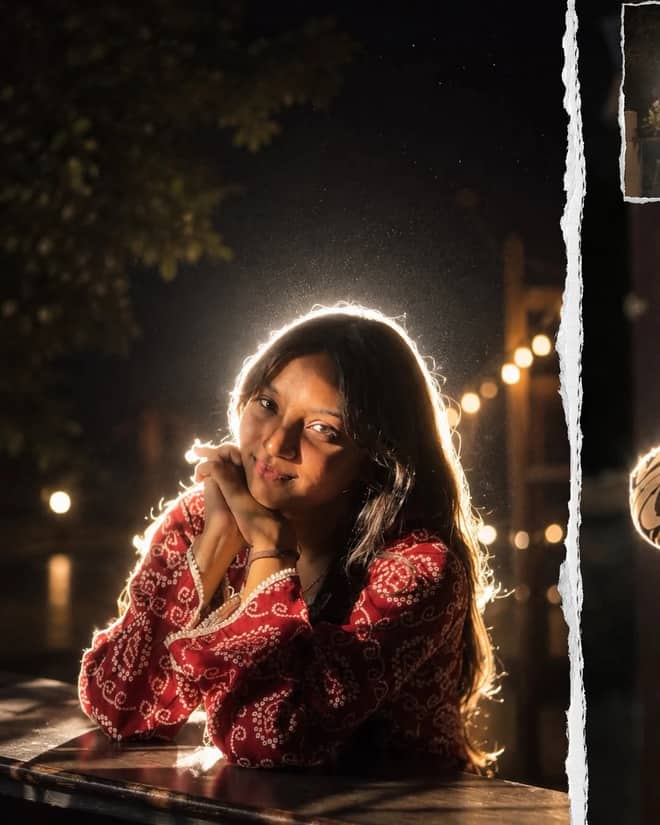
Get the viral night-flash look: a glowing rim-light halo, lens flare, and grainy candid mood. A free Gemini AI photo prompt to copy, paste, and run in Nano Banana.

Neon ring portrait prompt — copy this free AI photo prompt on Free Prompt Base and edit it in Gemini & ChatGPT. Paste your photo and create in seconds.

Turn your photo into a man in a white linen shirt holding flowers on a dusk beach. A free Gemini AI photo prompt — copy, paste, and edit in Nano Banana.
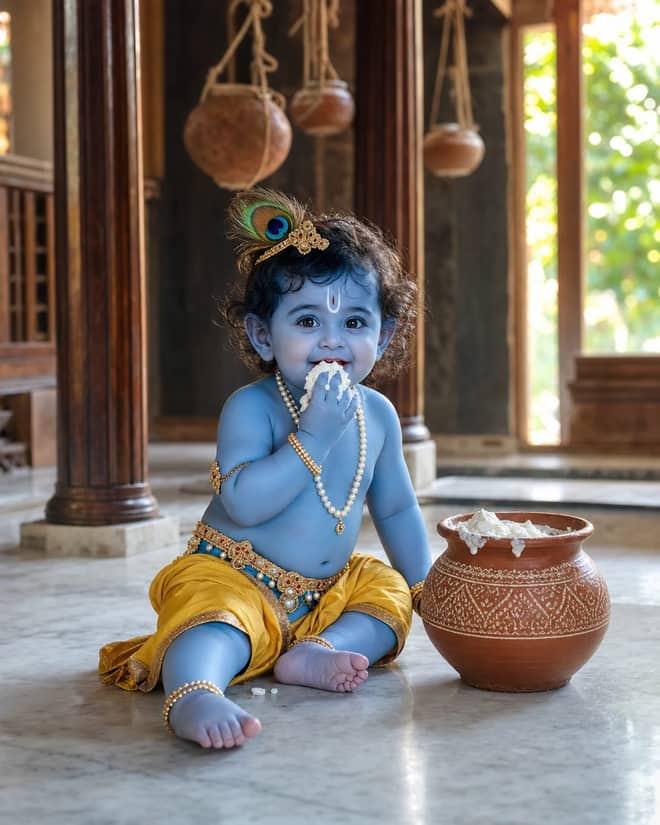
Create a photorealistic Baby Krishna butter-pot portrait in a sunlit Vrindavan home, with a yellow dhoti, peacock feather, marble floor, and natural DSLR detail.
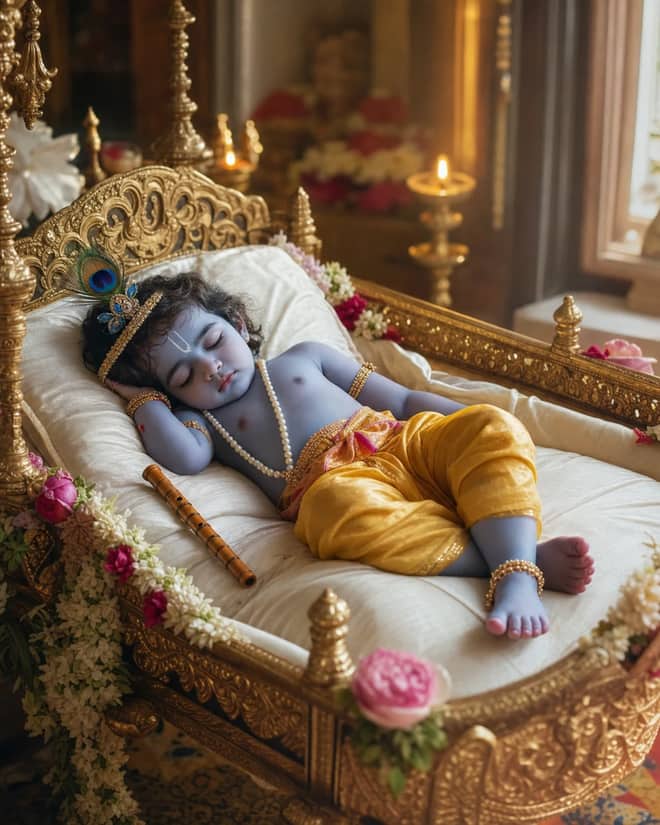
Create a peaceful sleeping Baby Krishna portrait in a flower-trimmed golden cradle, with warm temple lamps, silk cushions, and soft cinematic light.
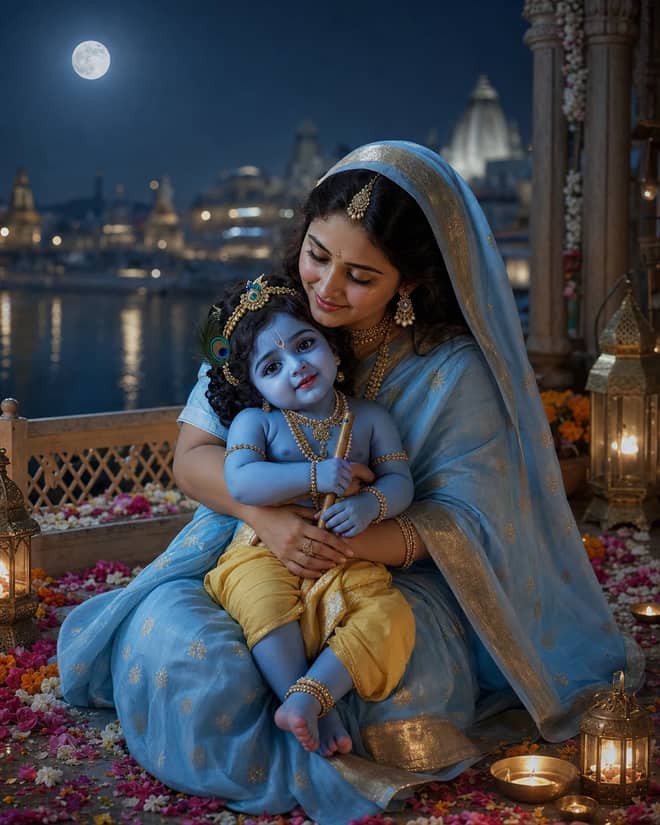
Create a moonlit Maa Yashoda and Baby Krishna portrait on a Vrindavan balcony, with blue silk, warm lamps, the Yamuna, and natural editorial detail.
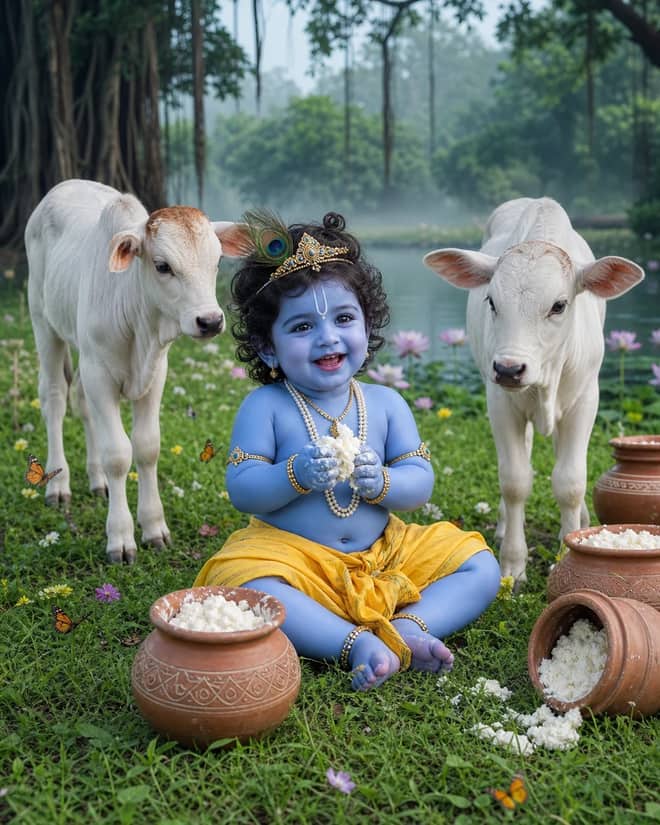
Create a playful Baby Krishna with cow portrait in a misty Vrindavan meadow, with butter pots, white calves, lotus water, and cool natural light.
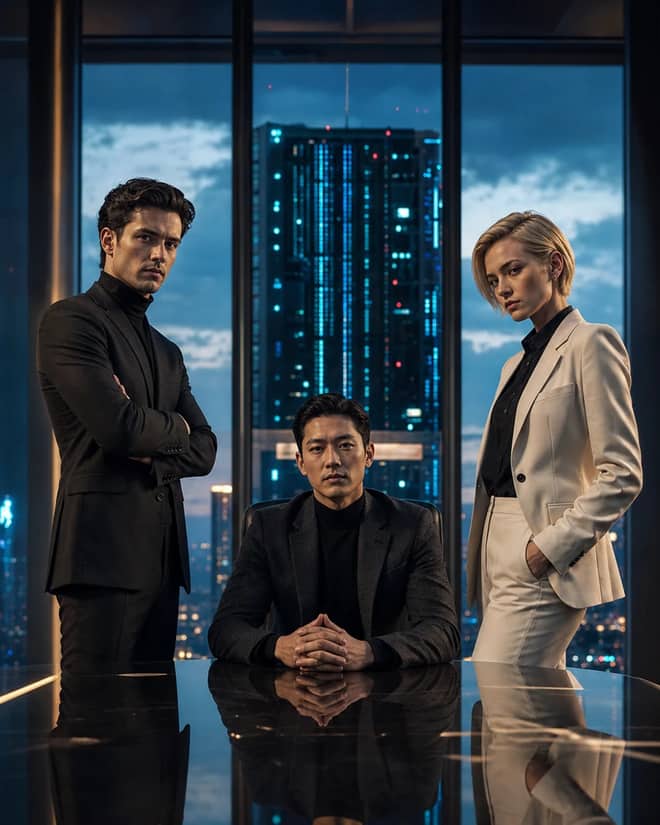
Create a fictional AI rivalry portrait with three executives, dramatic boardroom lighting, clear power dynamics, and premium editorial realism.
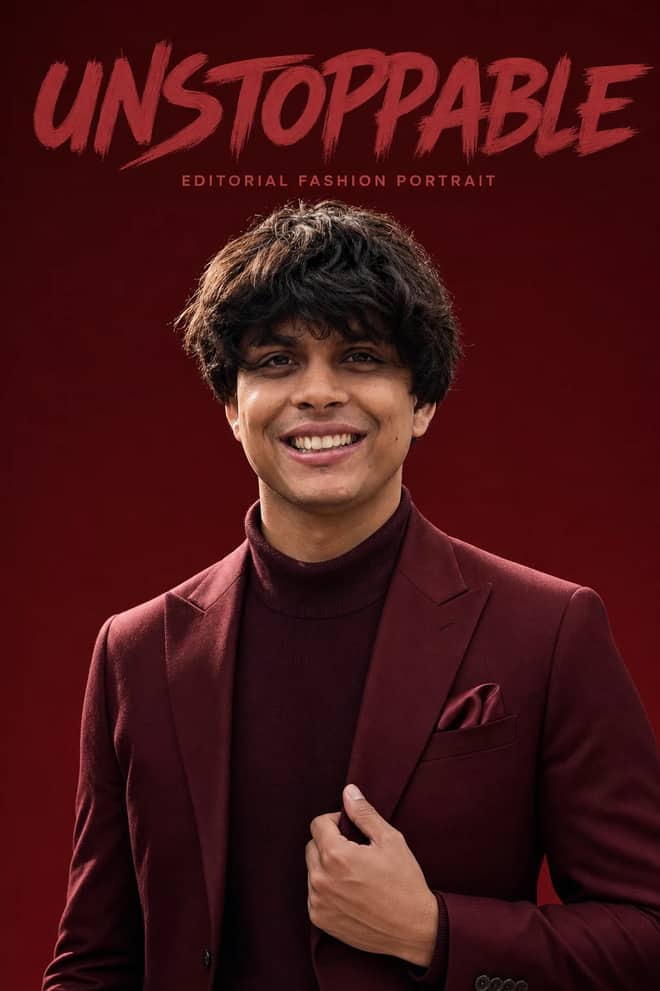
Create an ultra-realistic monochromatic fashion portrait with luxury campaign lighting, natural skin texture, bold brush typography, and clean negative space.
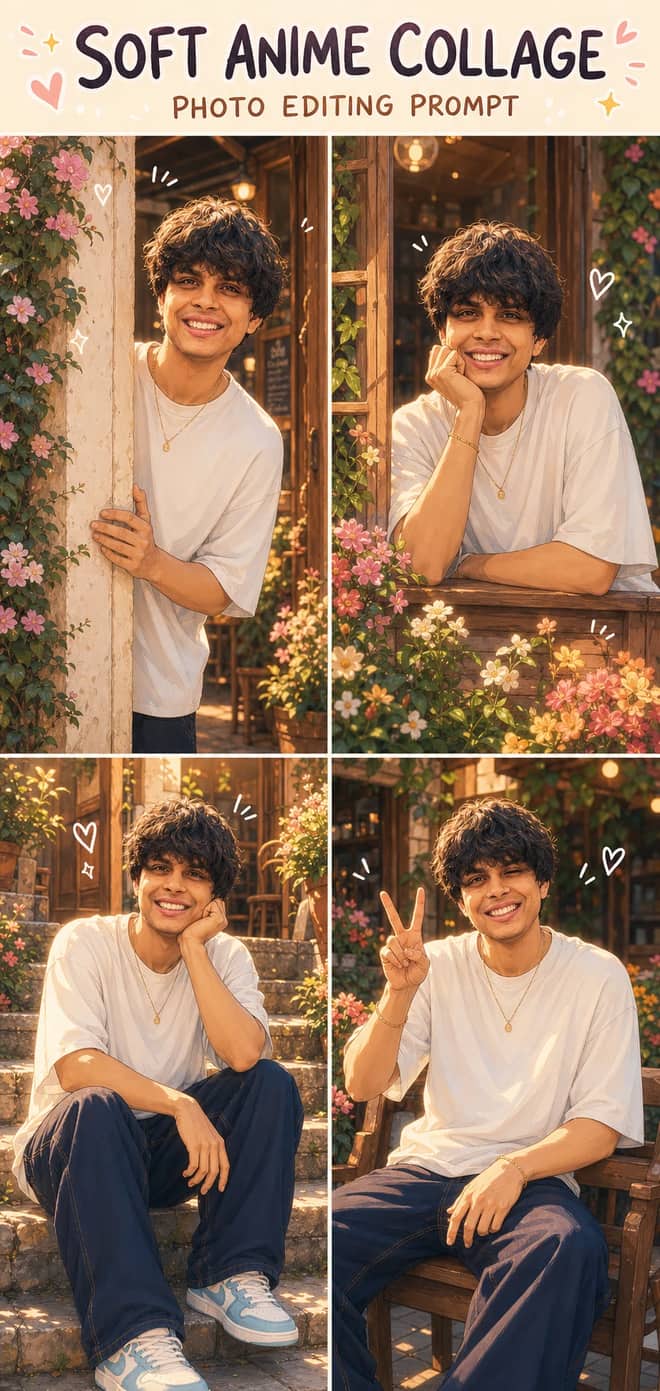
Turn one photo into a dreamy four-panel anime collage with consistent identity, café courtyard poses, golden-hour lighting, floral details, and cute doodles.
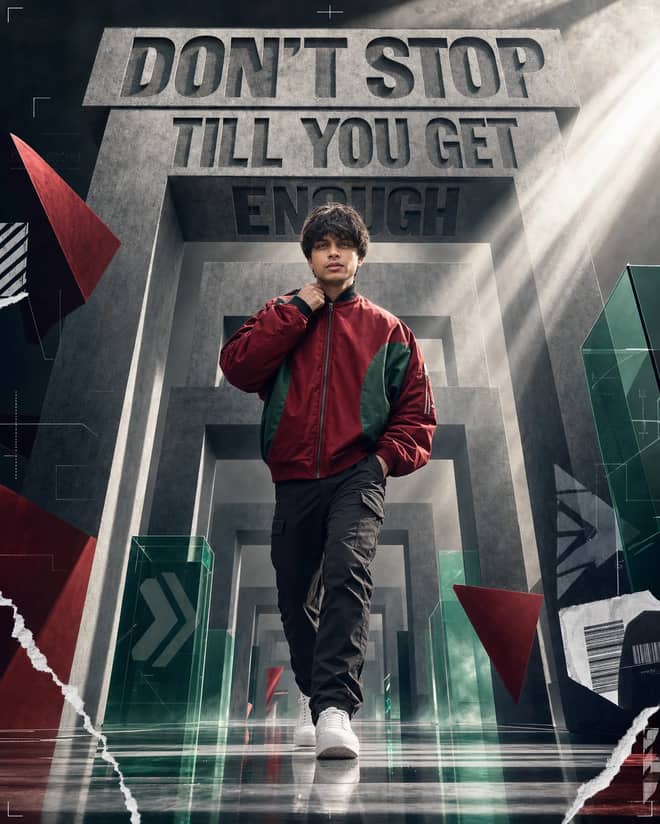
Create a premium sports-fashion poster with a confident model, monumental concrete portals, dramatic typography, low-angle perspective, and cinematic light.
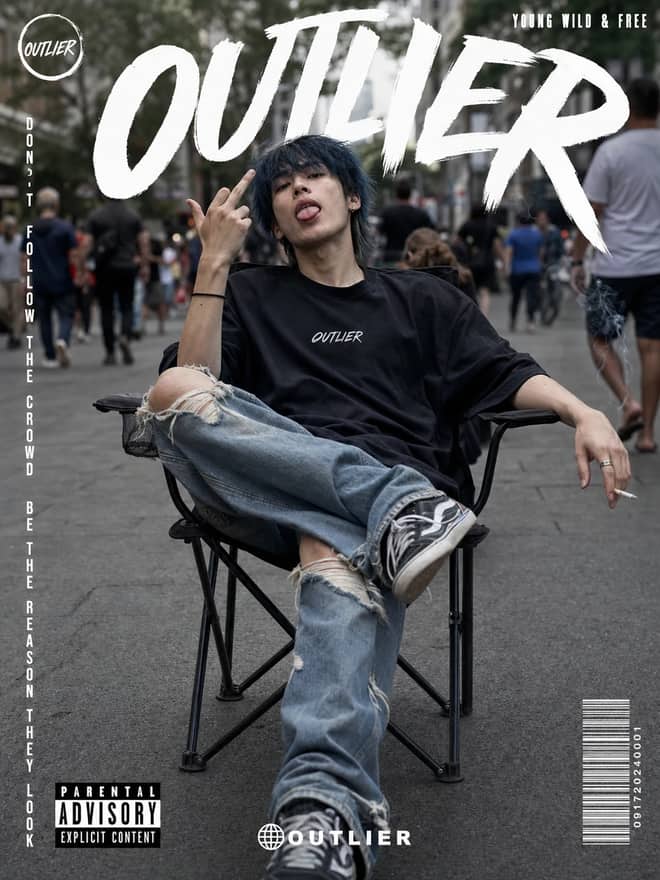
Create a gritty photorealistic streetwear poster with a seated model, blurred city pedestrians, natural skin texture, bold branding, and editorial labels.
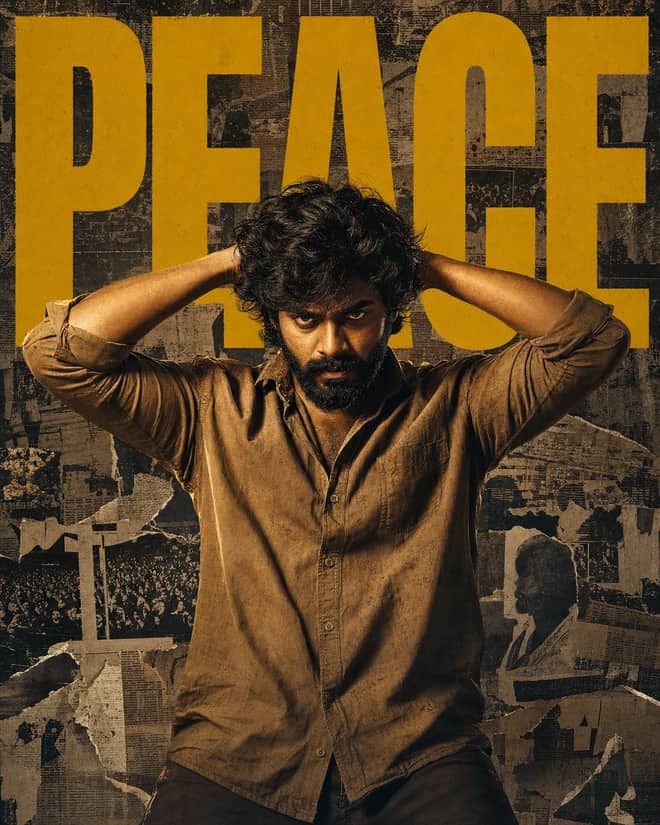
Create a gritty South Indian action poster with a rugged hero, bold PEACE typography, warm tungsten lighting, and a distressed vintage newspaper collage.
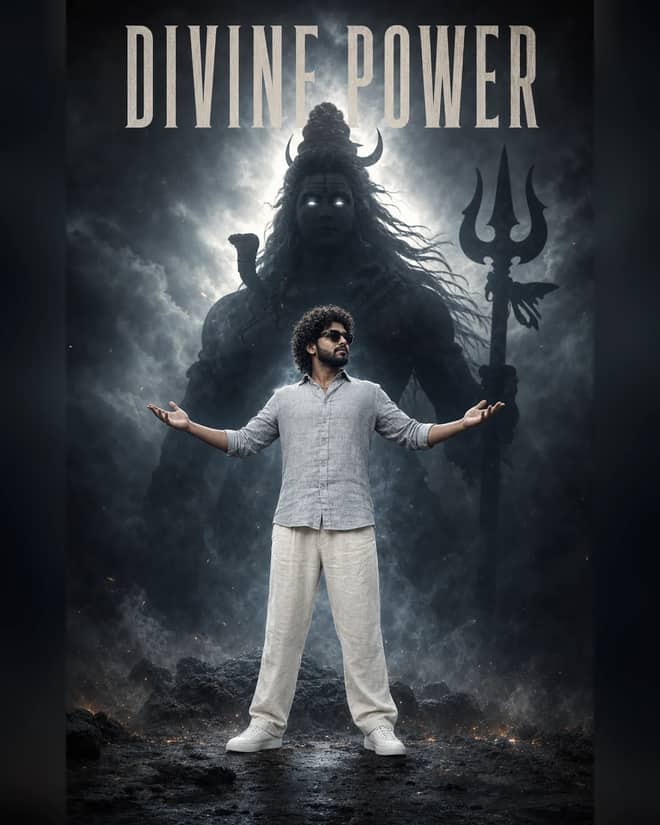
Create a powerful cinematic portrait with a confident man before a colossal smoky Lord Shiva silhouette, dramatic halo lighting, fog, and epic depth.
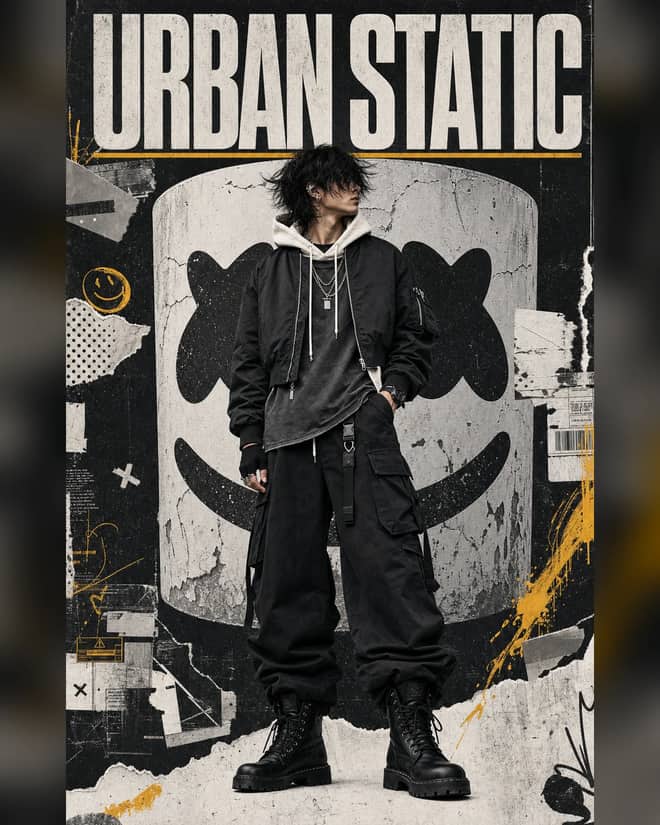
Create a luxury streetwear editorial with oversized black layers, a distressed helmet collage, controlled grunge textures, and muted yellow accents.
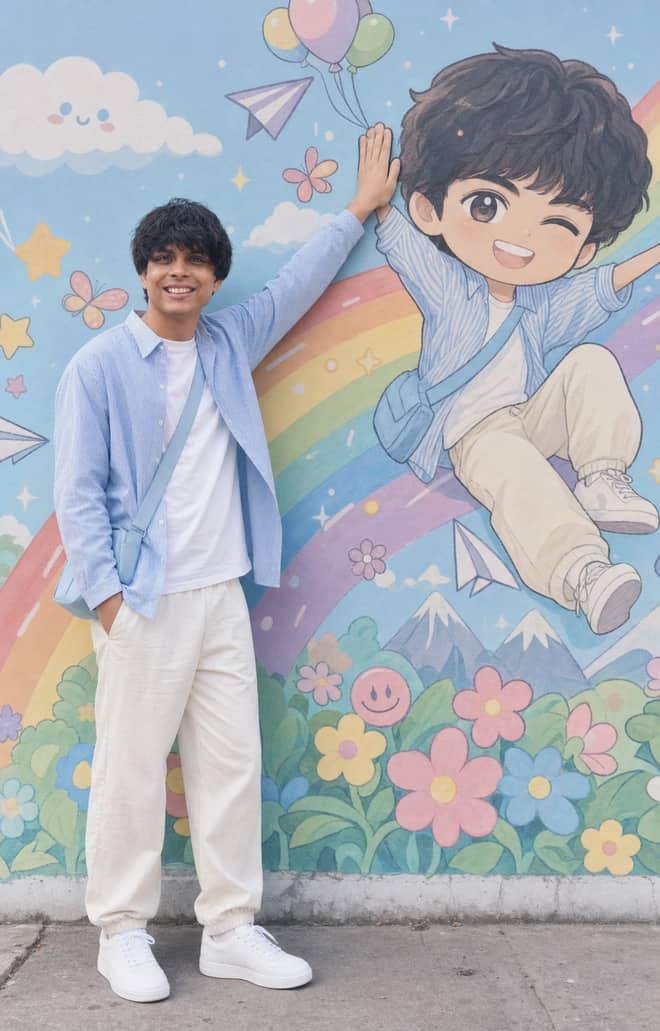
Recreate a colorful outdoor fashion portrait with exact face identity, a locked full-body pose, and a matching anime chibi mural.
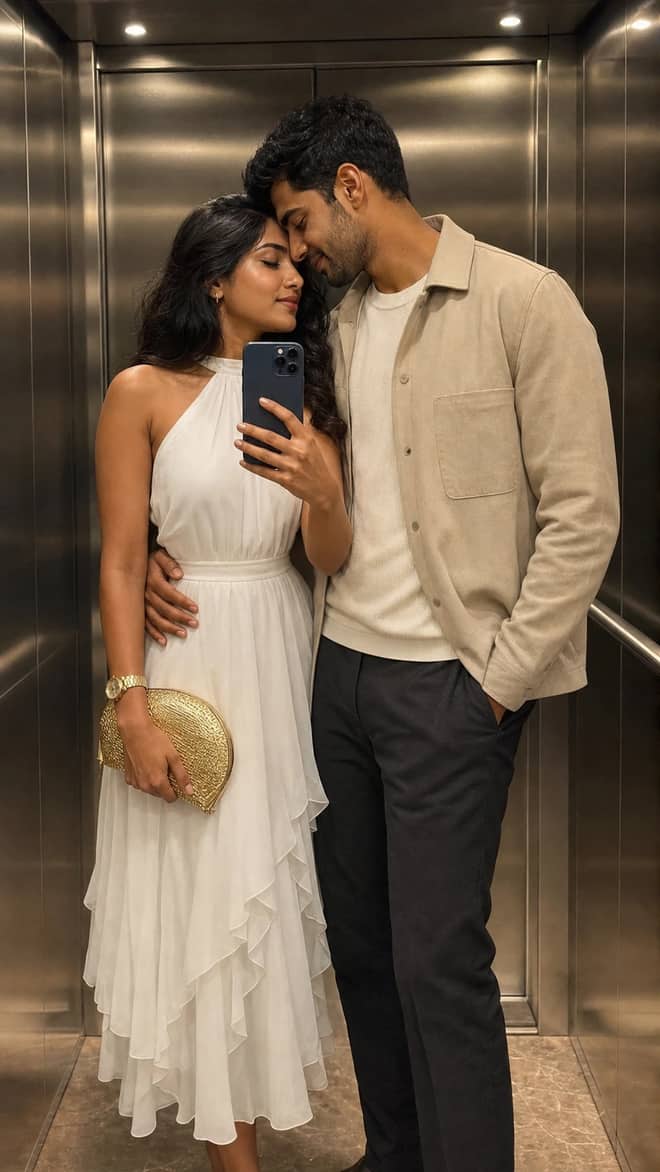
Create a luxury elevator couple mirror selfie while preserving both uploaded facial identities, natural expressions, skin texture, and authentic details.
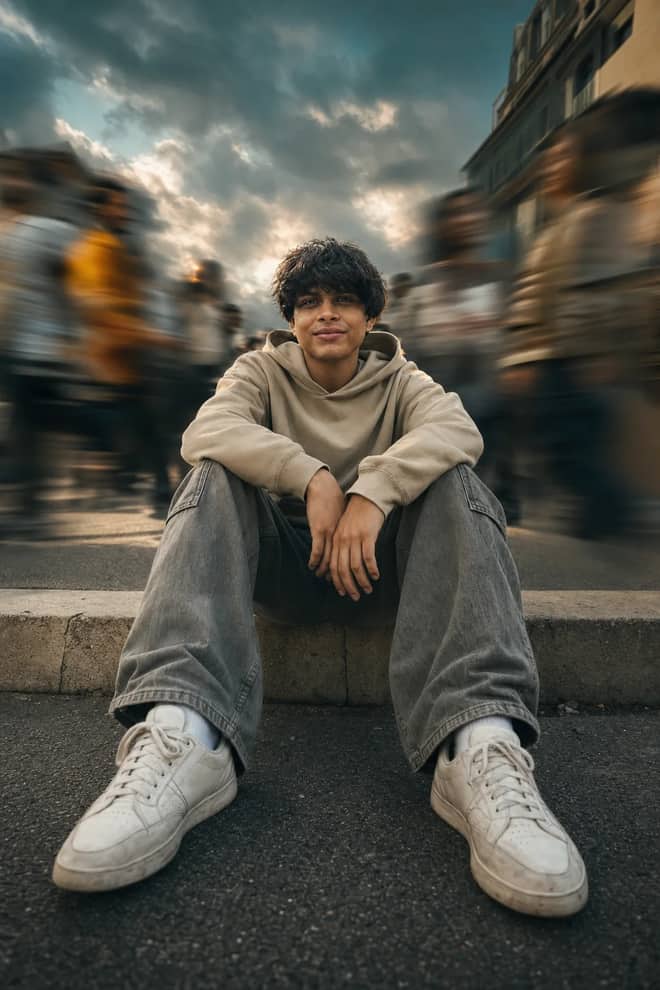
Create a low-angle urban portrait with a sharp seated subject, radial crowd motion blur, golden-hour light, and cinematic orange-and-teal grading.
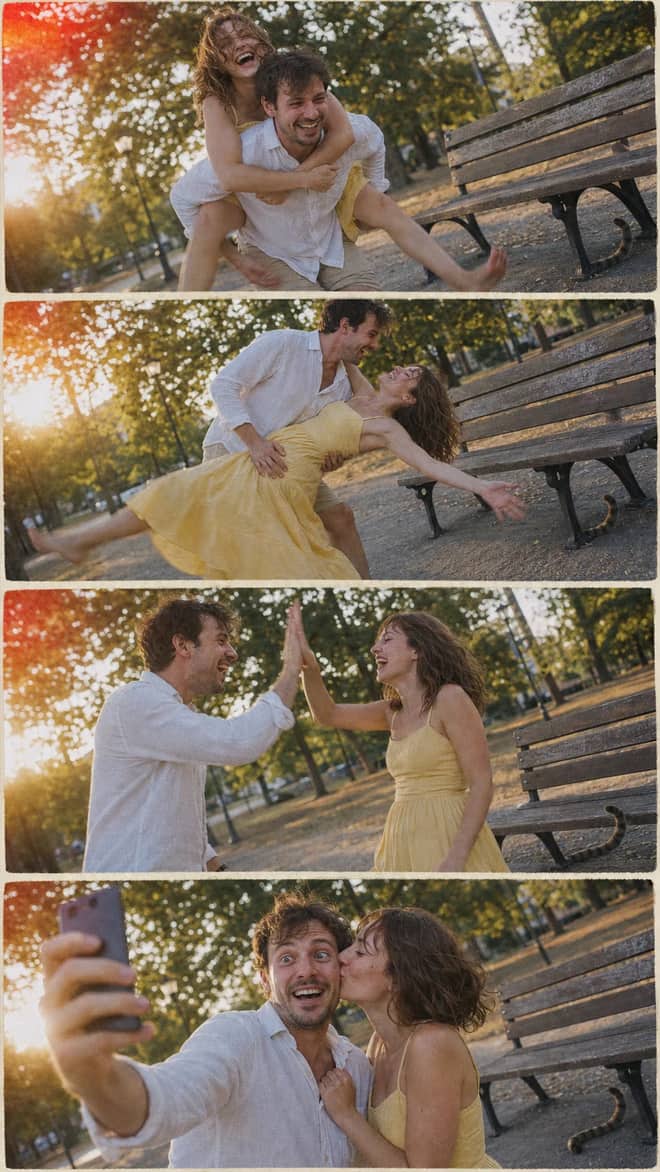
Create a nostalgic four-panel couple photo collage with playful candid moments, golden-hour park light, motion blur, grain, and a 2005 digital-camera look.

Create an ultra-realistic full-body traveler portrait in a downtown crosswalk with warm sunrise rim light, reflective asphalt, an 85mm look, and cinematic color.
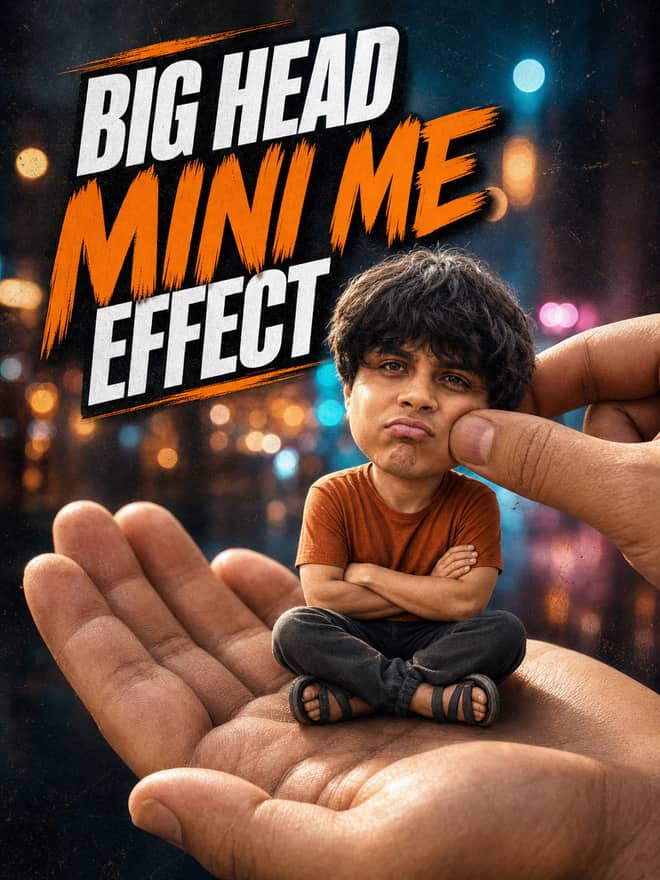
Turn any portrait into a cute big-head miniature seated in a giant hand, with a playful cheek pinch, cinematic night bokeh, and crisp 3:4 framing.
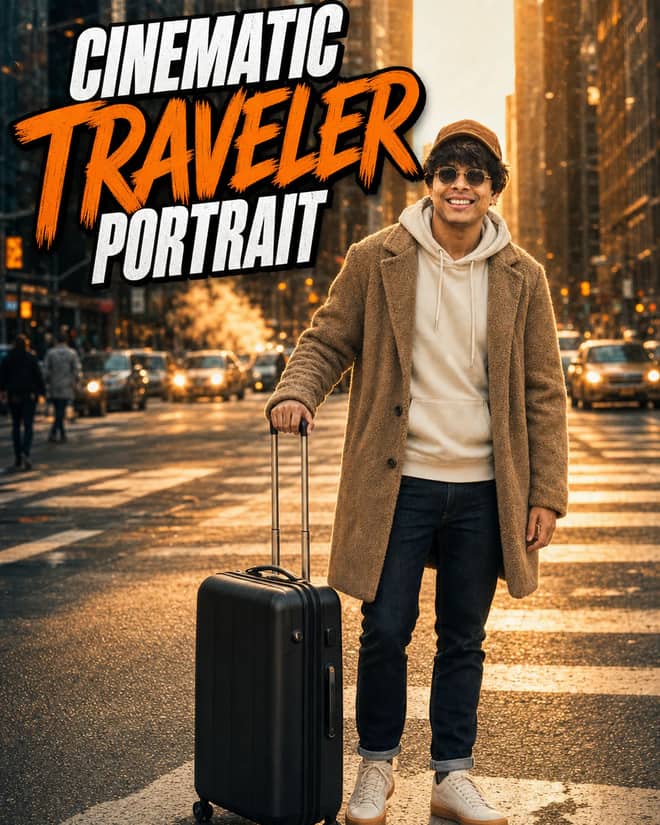
Create an ultra-realistic golden-hour traveler portrait with preserved facial identity, a teddy-fleece coat, reflective city streets, and an 85 mm cinematic look.
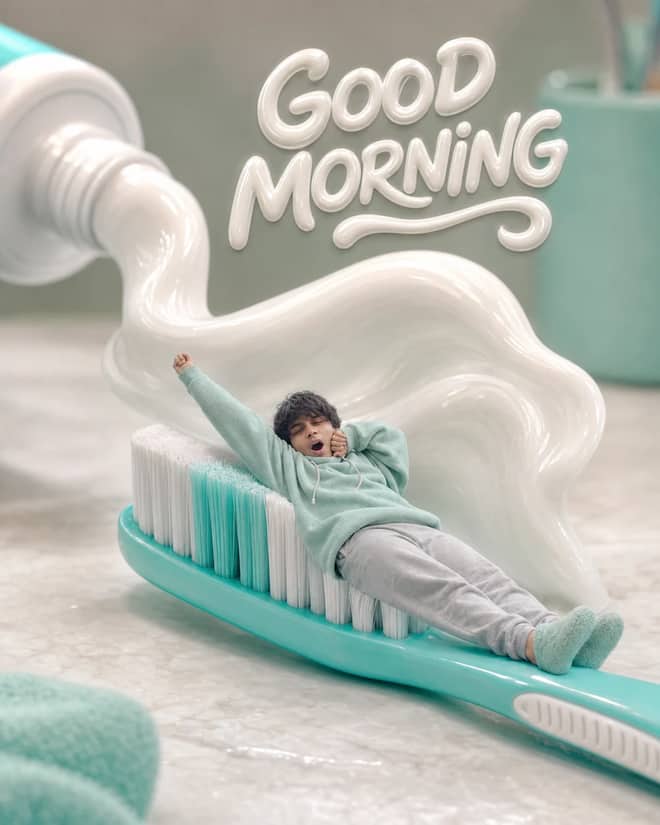
Turn any selfie into a tiny sleepy character lounging on a giant toothbrush, with a foamy toothpaste wave, pastel macro styling, and creamy GOOD MORNING text.
Ethereum Developer prompt for coding questions, debugging, and technical guidance. Copy it into ChatGPT, Gemini, Claude, or another AI assistant and tailor it to your task.
Linux Terminal prompt for coding questions, debugging, and technical guidance. Copy it into ChatGPT, Gemini, Claude, or another AI assistant and tailor it to your task.
English Translator and Improver prompt for writing, editing, translation, and language work. Copy it into ChatGPT, Gemini, Claude, or another AI assistant and tailor it to your task.
Job Interviewer prompt for goals, priorities, and practical next steps. Copy it into ChatGPT, Gemini, Claude, or another AI assistant and tailor it to your task.
JavaScript Console prompt for coding questions, debugging, and technical guidance. Copy it into ChatGPT, Gemini, Claude, or another AI assistant and tailor it to your task.
Excel Sheet prompt for data analysis, research, and clear findings. Copy it into ChatGPT, Gemini, Claude, or another AI assistant and tailor it to your task.
English Pronunciation Helper prompt for lessons, practice, and study support. Copy it into ChatGPT, Gemini, Claude, or another AI assistant and tailor it to your task.
Spoken English Teacher and Improver prompt for lessons, practice, and study support. Copy it into ChatGPT, Gemini, Claude, or another AI assistant and tailor it to your task.
Travel Guide prompt for writing, editing, translation, and language work. Copy it into ChatGPT, Gemini, Claude, or another AI assistant and tailor it to your task.
Character prompt for creative ideas, stories, and role-play. Copy it into ChatGPT, Gemini, Claude, or another AI assistant and tailor it to your task.
Advertiser prompt for everyday work and focused problem-solving. Copy it into ChatGPT, Gemini, Claude, or another AI assistant and tailor it to your task.
Storyteller prompt for creative ideas, stories, and role-play. Copy it into ChatGPT, Gemini, Claude, or another AI assistant and tailor it to your task.
Football Commentator prompt for creative ideas, stories, and role-play. Copy it into ChatGPT, Gemini, Claude, or another AI assistant and tailor it to your task.
Motivational Coach prompt for goals, priorities, and practical next steps. Copy it into ChatGPT, Gemini, Claude, or another AI assistant and tailor it to your task.
Composer prompt for creative ideas, stories, and role-play. Copy it into ChatGPT, Gemini, Claude, or another AI assistant and tailor it to your task.
Debater prompt for goals, priorities, and practical next steps. Copy it into ChatGPT, Gemini, Claude, or another AI assistant and tailor it to your task.
Debate Coach prompt for goals, priorities, and practical next steps. Copy it into ChatGPT, Gemini, Claude, or another AI assistant and tailor it to your task.
Screenwriter prompt for writing, editing, translation, and language work. Copy it into ChatGPT, Gemini, Claude, or another AI assistant and tailor it to your task.
Novelist prompt for writing, editing, translation, and language work. Copy it into ChatGPT, Gemini, Claude, or another AI assistant and tailor it to your task.
Movie Critic prompt for writing, editing, translation, and language work. Copy it into ChatGPT, Gemini, Claude, or another AI assistant and tailor it to your task.
Relationship Coach prompt for goals, priorities, and practical next steps. Copy it into ChatGPT, Gemini, Claude, or another AI assistant and tailor it to your task.
Poet prompt for writing, editing, translation, and language work. Copy it into ChatGPT, Gemini, Claude, or another AI assistant and tailor it to your task.
Rapper prompt for creative ideas, stories, and role-play. Copy it into ChatGPT, Gemini, Claude, or another AI assistant and tailor it to your task.
Motivational Speaker prompt for everyday work and focused problem-solving. Copy it into ChatGPT, Gemini, Claude, or another AI assistant and tailor it to your task.
Philosophy Teacher prompt for lessons, practice, and study support. Copy it into ChatGPT, Gemini, Claude, or another AI assistant and tailor it to your task.
Philosopher prompt for creative ideas, stories, and role-play. Copy it into ChatGPT, Gemini, Claude, or another AI assistant and tailor it to your task.
Math Teacher prompt for lessons, practice, and study support. Copy it into ChatGPT, Gemini, Claude, or another AI assistant and tailor it to your task.
AI Writing Tutor prompt for writing, editing, translation, and language work. Copy it into ChatGPT, Gemini, Claude, or another AI assistant and tailor it to your task.
UX/UI Developer prompt for coding questions, debugging, and technical guidance. Copy it into ChatGPT, Gemini, Claude, or another AI assistant and tailor it to your task.
Cyber Security Specialist prompt for everyday work and focused problem-solving. Copy it into ChatGPT, Gemini, Claude, or another AI assistant and tailor it to your task.
Recruiter prompt for goals, priorities, and practical next steps. Copy it into ChatGPT, Gemini, Claude, or another AI assistant and tailor it to your task.
Life Coach prompt for goals, priorities, and practical next steps. Copy it into ChatGPT, Gemini, Claude, or another AI assistant and tailor it to your task.
Etymologist prompt for everyday work and focused problem-solving. Copy it into ChatGPT, Gemini, Claude, or another AI assistant and tailor it to your task.
Commentariat prompt for writing, editing, translation, and language work. Copy it into ChatGPT, Gemini, Claude, or another AI assistant and tailor it to your task.
No prompts match your search.
The guide
An AI Gemini prompt is just the text you hand to Google's Gemini, and what comes back tracks almost exactly with how much thought went into that text. The grid above is full of prompts that are already shaped to do real work, so you can copy one, drop in your own topic or photo, and send. The rest of this page is the reasoning underneath them. When a ready-made prompt is close but not quite yours, you will know which part to change.
Gemini is happy to answer a one-word request, but a one-word request gets you a one-size-fits-nobody reply. The model fills the gaps you leave with the most average guess it can make. Every concrete detail you add pulls that guess toward what you actually pictured in your head. I treat a prompt like a brief I would hand to a freelancer: who is this for, what do I want back, how long should it be, what tone. A freelancer would ask those questions if I left them out. Gemini does not ask. It just guesses and runs, so it pays to answer them the first time.
The good news is that you rarely need a long prompt. One or two extra sentences of real instruction usually beat a whole paragraph of vague wishing. Say the thing, name the shape you want it in, add one limit, and stop.
Most of the prompts that work follow the same skeleton, even when they look different on the surface. Once you see it, you can build your own in about ten seconds. Walk through these parts in order:
If you only remember one part, remember format. Telling Gemini exactly how the answer should look is the fastest way to stop fighting with it.
It helps to think in jobs rather than topics. You are not really searching for 'a Gemini prompt,' you are trying to fix an email, understand something hard, or make a photo look better. Here are common jobs with a prompt you can adapt and the piece you swap in for your own case.
| The job | A prompt you can adapt | What to swap in |
|---|---|---|
| Fix a clumsy email | Act as a copy editor. Rewrite this email to sound warm but direct, under 120 words, keep my main ask. | Paste your draft below the prompt |
| Understand a hard topic | Explain this to me like I am new to it, with one everyday example, then three questions to test if I got it. | The topic or the text you are stuck on |
| Plan something | Help me plan a 3 day trip. Give a day-by-day list, a rough budget, and one backup option per day. | The place, dates, and your budget |
| Write social captions | Give five caption options for this photo, casual tone, no hashtags, each under 15 words. | A short note on what the photo shows |
| Edit a photo | Keep my face and pose, change the background to a quiet cafe with soft window light, natural colours. | Upload your photo with the prompt |
None of these are clever. They are just specific. That is the whole trick.
People forget that the same prompt behaves a little differently depending on where they type it. There are three main doors into Gemini, and picking the right one saves frustration.
This is the easy front door, on the web or on your phone, and it is free for most casual use. It handles text, it reads images you upload, and it can generate and edit images. If you are copying prompts from a page like this one, the app is almost certainly where you want them. You can keep replying in the same thread, and Gemini remembers the earlier turns.
AI Studio is the tinkerer's room. You get the same models but with dials: a system instruction box where you can pin the role once, a temperature slider that controls how loose or tight the answers run, and a way to save a prompt as a reusable thing. If you find yourself pasting the same setup line over and over, move to AI Studio and set it once.
If you are wiring Gemini into your own app or script, you are on the API, and your prompt becomes part of the code. The same writing rules apply, you just send them as a request instead of typing in a box. Worth knowing it exists even if you never touch it.
A big share of people typing 'gemini prompt' actually want a picture, not paragraphs. Gemini's image model, the one folks nickname nano banana, is the part doing photo edits, portraits, retro looks, and those little figurine shots that keep going around. Image prompts read a bit differently from text ones. Put the subject first, then the setting, then the camera and lighting notes at the end, because the early words carry more weight.
A workable image prompt names four things: who or what is in frame, where they are, how it is lit, and the overall feel. 'A man in a grey coat, standing on a rainy city street at night, lit by neon signs, cinematic and moody' gives the model far more to hold onto than 'cool photo of a guy.' When you are editing your own photo rather than starting fresh, tell Gemini what to keep before you tell it what to change, or it tends to redraw your face.
Pick a prompt from the grid above that is near what you need. Paste it into the Gemini app and swap in your own subject, photo, or topic. Read what comes back, then change exactly one thing and send again. Two or three of those small passes usually lands something you would actually use, post, or send. Save the prompts that work for you somewhere you can find them again, because a personal shortlist of five solid prompts beats hunting for the perfect one every single time.
Questions
It is the text instruction you give Google's Gemini to get an answer, an image, or a photo edit. A good one names the role you want Gemini to take, the task, the format of the reply, and one limit like word count or tone. The prompts above are already written that way, so you can copy one and add your own detail.
Follow a simple order: set a role, state one task, name the format you want back, add a constraint, then paste the material it should act on. Keep it to a single job per message. One or two clear sentences usually beat a long, vague request, and you can always refine in the next reply.
Yes, every prompt on this page is free to copy and paste. You will need a Google account to run them in the Gemini app, which has a free tier that covers most everyday use. Paste the prompt, add your own photo or topic, and send it.
The text prompts move over fine to ChatGPT or Claude, since the structure is the same. Image prompts often work in Midjourney or DALL-E too, but you may need to trim the wording, as each image model reads phrasing a little differently. Try it and adjust one line if the look is off.
Some randomness is built in, so running the same prompt twice rarely gives an identical result. That is handy when you want options to choose from. If you need it steady, add tighter constraints like an exact word count or a fixed structure, and the gap between answers shrinks.