

Pixar Chibi Scrapbook Collage – Gemini AI Photo Prompt
Turn one photo into a Pixar chibi scrapbook collage — 3D chibi poses with doodles and stickers. A copy-paste Gemini AI photo prompt for Nano Banana and ChatGPT.
11
AI prompt library
Free, ready-to-use ai gemini prompts. Copy one, paste it into your favourite AI tool, and get to work.
60 prompts
Turn one photo into a Pixar chibi scrapbook collage — 3D chibi poses with doodles and stickers. A copy-paste Gemini AI photo prompt for Nano Banana and ChatGPT.

Add playful doodles, motion lines, and captions that react to your subject. A free Gemini AI photo prompt — copy, paste your photo, and run it in Nano Banana or ChatGPT.

Make a cinematic World Cup poster — two players back-to-back, neon flags, smoky stadium haze. A copy-paste Gemini AI photo prompt for Nano Banana and ChatGPT.
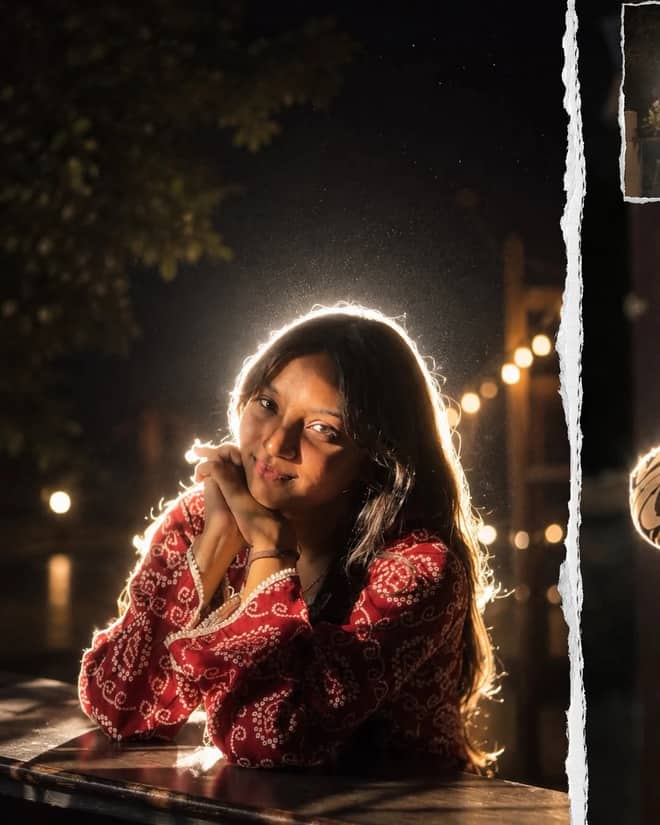
Get the viral night-flash look: a glowing rim-light halo, lens flare, and grainy candid mood. A free Gemini AI photo prompt to copy, paste, and run in Nano Banana.

Neon ring portrait prompt — copy this free AI photo prompt on Free Prompt Base and edit it in Gemini & ChatGPT. Paste your photo and create in seconds.

Turn your photo into a man in a white linen shirt holding flowers on a dusk beach. A free Gemini AI photo prompt — copy, paste, and edit in Nano Banana.
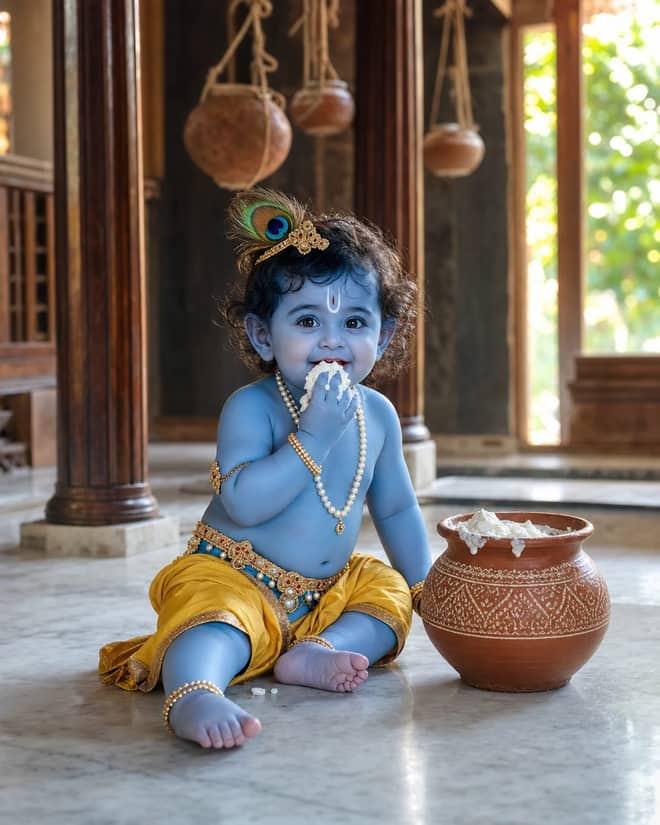
Create a photorealistic Baby Krishna butter-pot portrait in a sunlit Vrindavan home, with a yellow dhoti, peacock feather, marble floor, and natural DSLR detail.

Create a peaceful sleeping Baby Krishna portrait in a flower-trimmed golden cradle, with warm temple lamps, silk cushions, and soft cinematic light.

Create a moonlit Maa Yashoda and Baby Krishna portrait on a Vrindavan balcony, with blue silk, warm lamps, the Yamuna, and natural editorial detail.
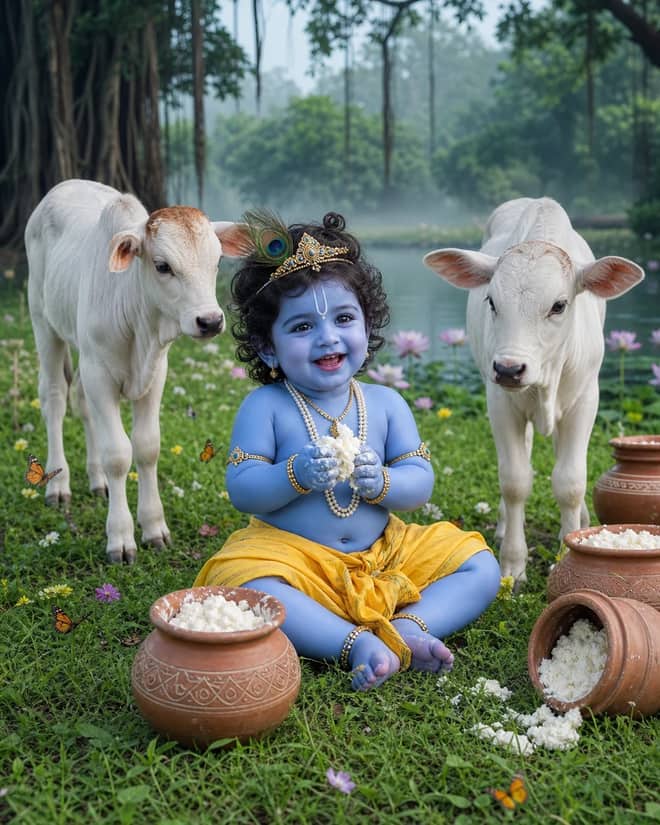
Create a playful Baby Krishna with cow portrait in a misty Vrindavan meadow, with butter pots, white calves, lotus water, and cool natural light.
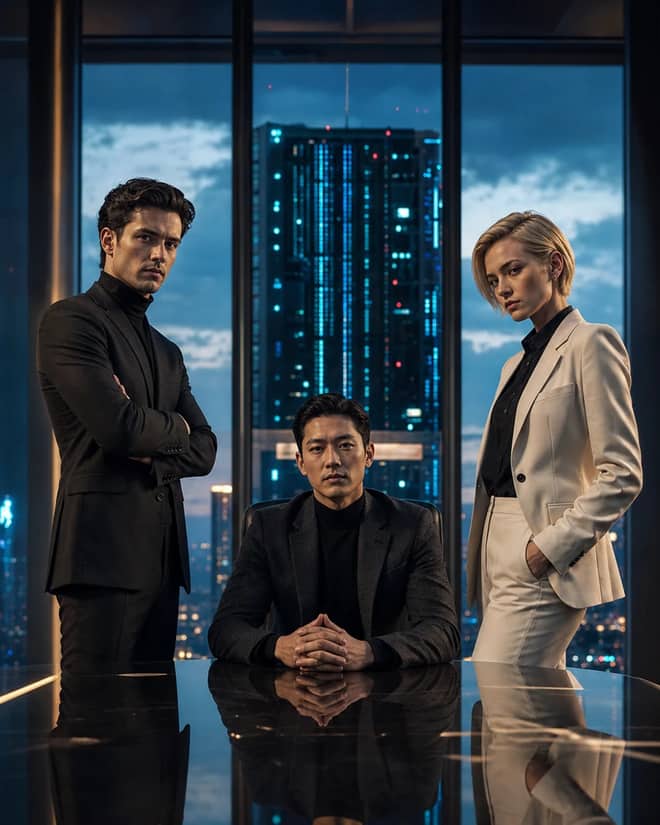
Create a fictional AI rivalry portrait with three executives, dramatic boardroom lighting, clear power dynamics, and premium editorial realism.
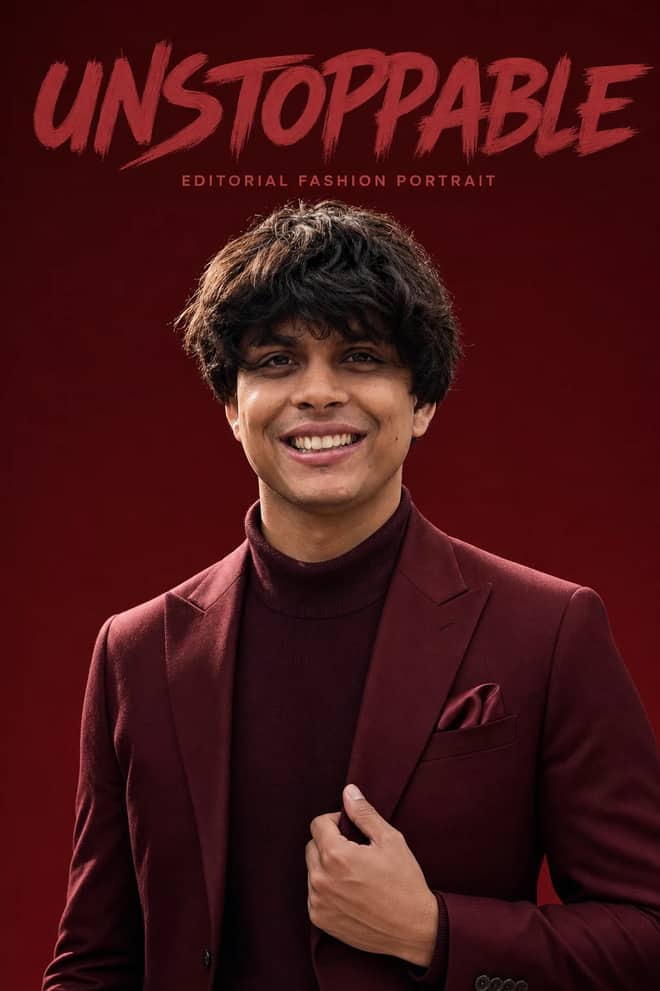
Create an ultra-realistic monochromatic fashion portrait with luxury campaign lighting, natural skin texture, bold brush typography, and clean negative space.
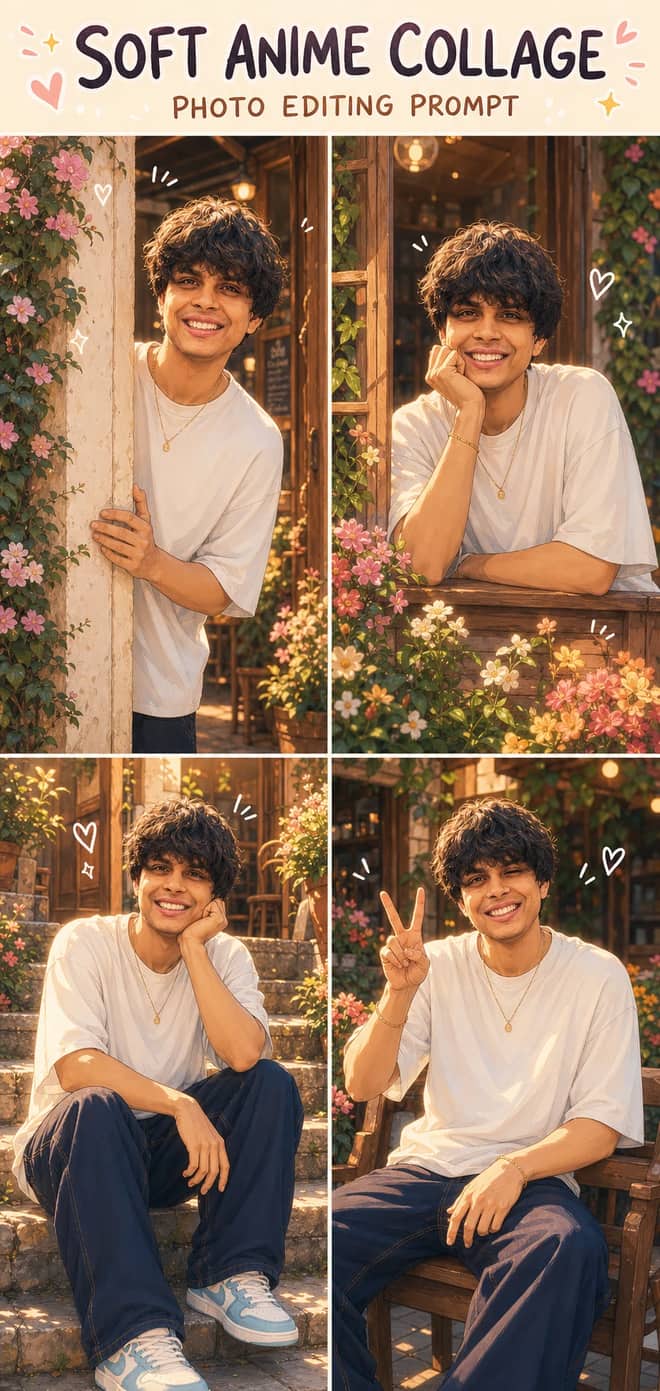
Turn one photo into a dreamy four-panel anime collage with consistent identity, café courtyard poses, golden-hour lighting, floral details, and cute doodles.
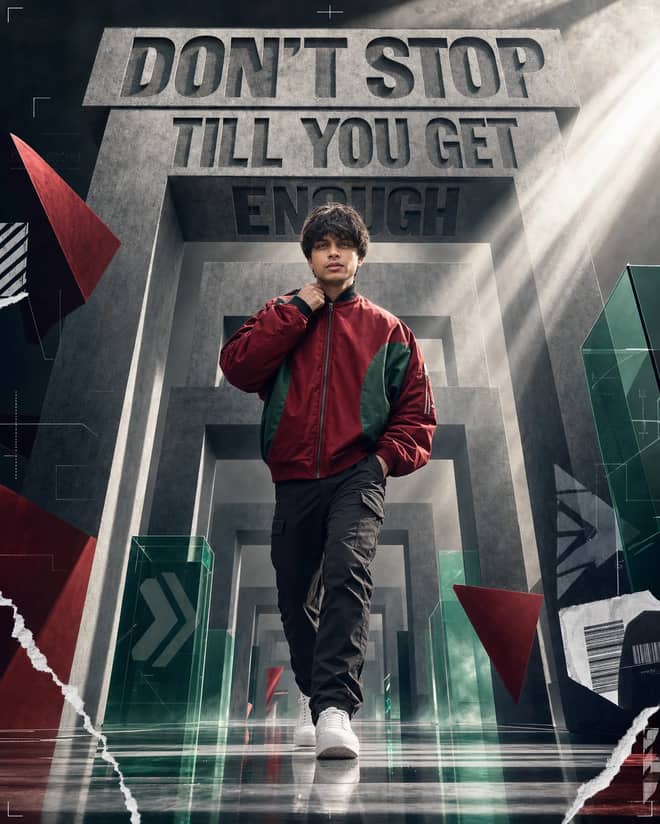
Create a premium sports-fashion poster with a confident model, monumental concrete portals, dramatic typography, low-angle perspective, and cinematic light.
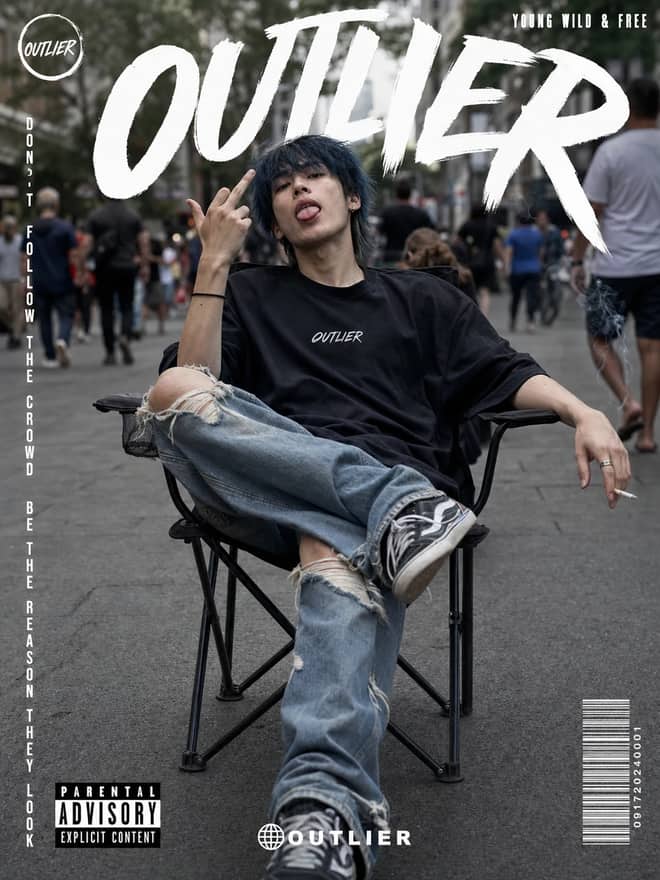
Create a gritty photorealistic streetwear poster with a seated model, blurred city pedestrians, natural skin texture, bold branding, and editorial labels.
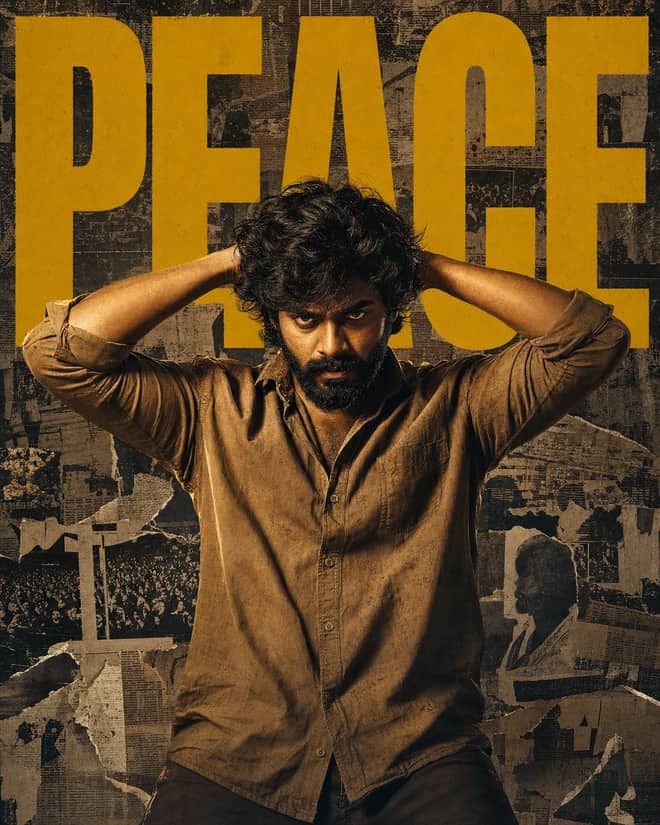
Create a gritty South Indian action poster with a rugged hero, bold PEACE typography, warm tungsten lighting, and a distressed vintage newspaper collage.
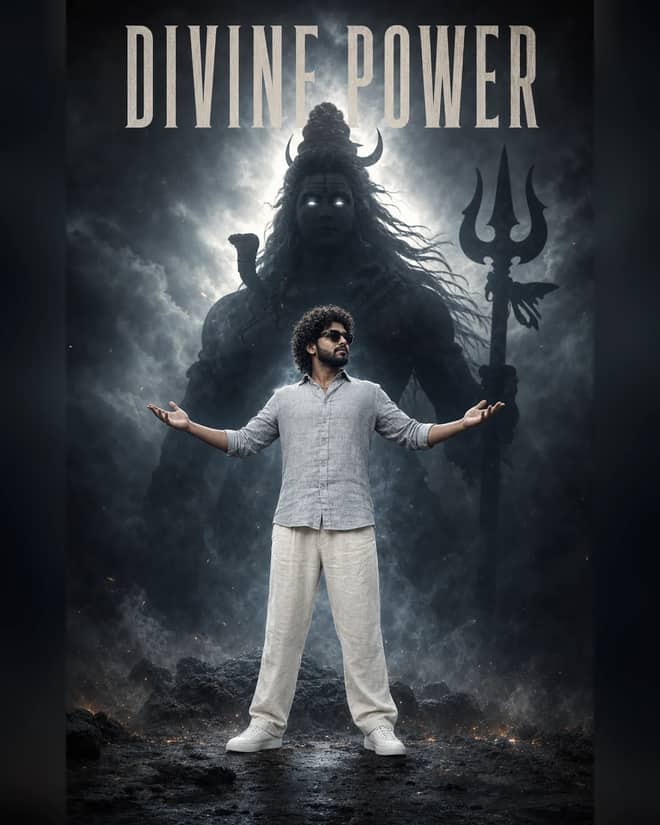
Create a powerful cinematic portrait with a confident man before a colossal smoky Lord Shiva silhouette, dramatic halo lighting, fog, and epic depth.
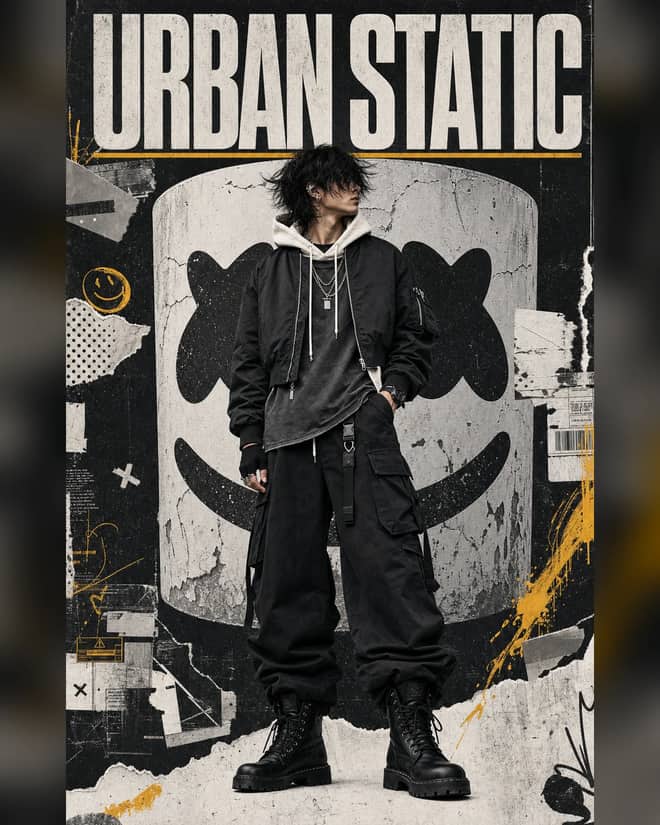
Create a luxury streetwear editorial with oversized black layers, a distressed helmet collage, controlled grunge textures, and muted yellow accents.
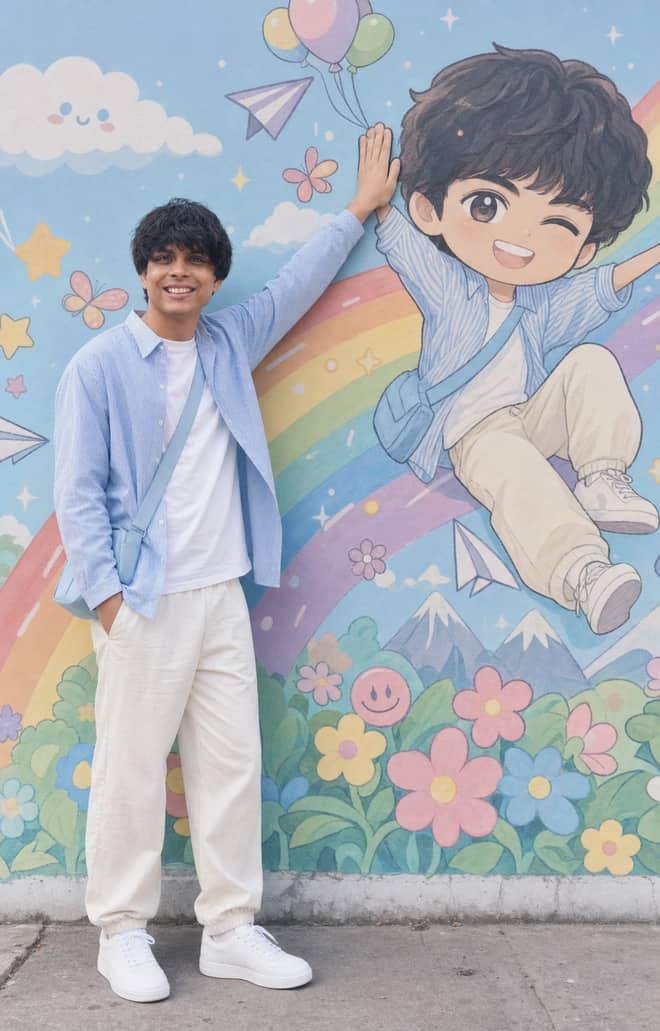
Recreate a colorful outdoor fashion portrait with exact face identity, a locked full-body pose, and a matching anime chibi mural.
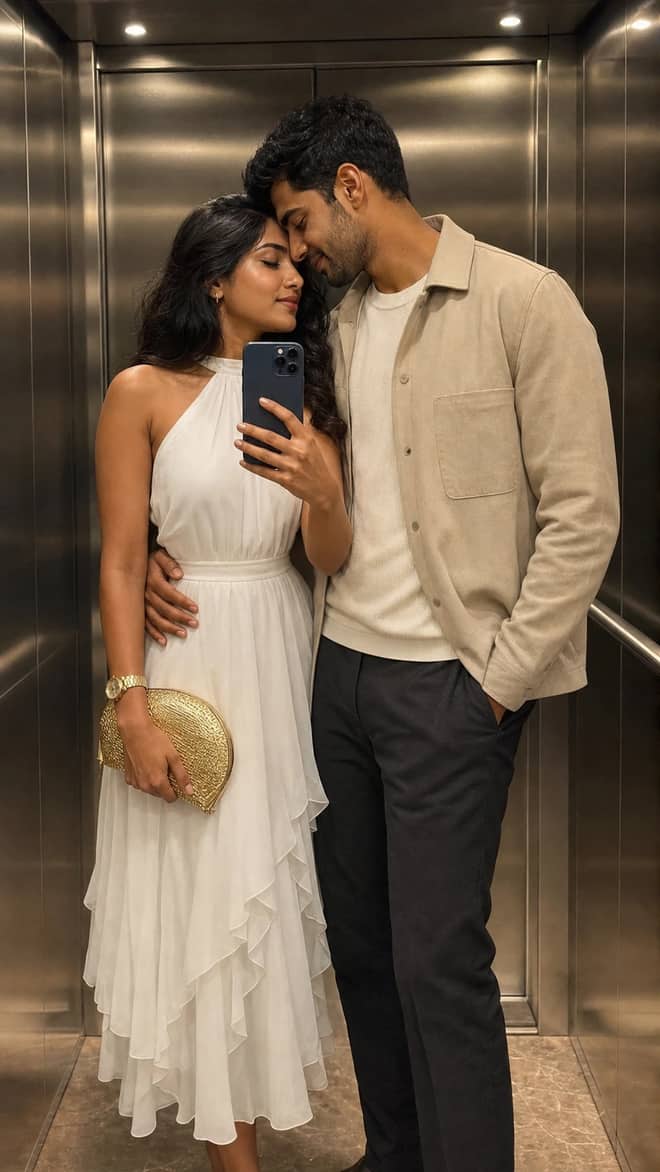
Create a luxury elevator couple mirror selfie while preserving both uploaded facial identities, natural expressions, skin texture, and authentic details.
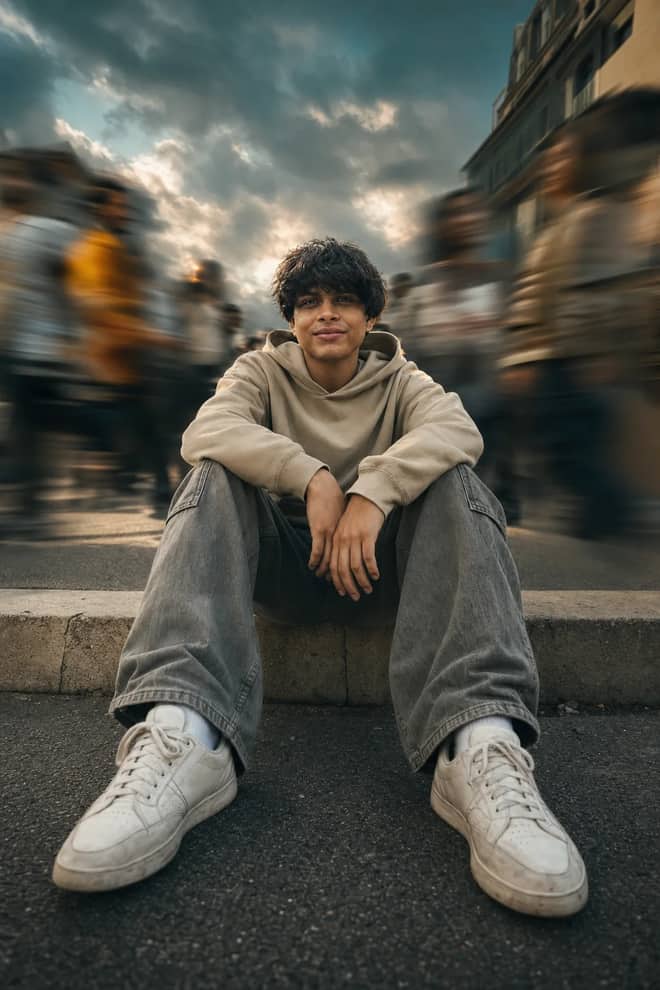
Create a low-angle urban portrait with a sharp seated subject, radial crowd motion blur, golden-hour light, and cinematic orange-and-teal grading.
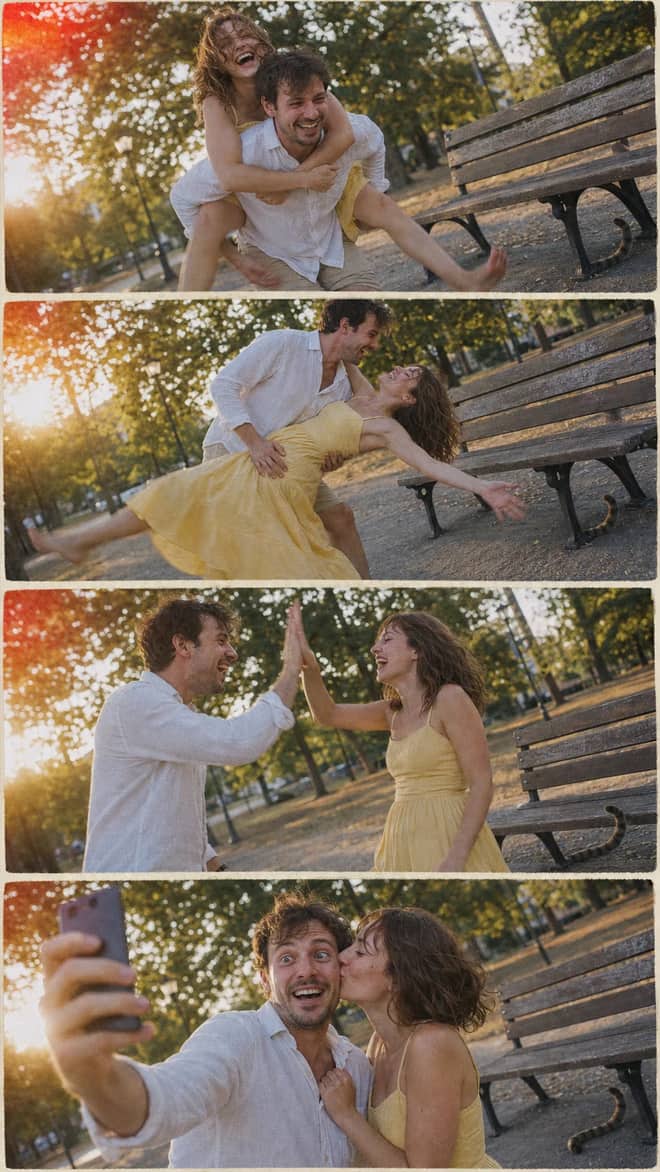
Create a nostalgic four-panel couple photo collage with playful candid moments, golden-hour park light, motion blur, grain, and a 2005 digital-camera look.

Create an ultra-realistic full-body traveler portrait in a downtown crosswalk with warm sunrise rim light, reflective asphalt, an 85mm look, and cinematic color.
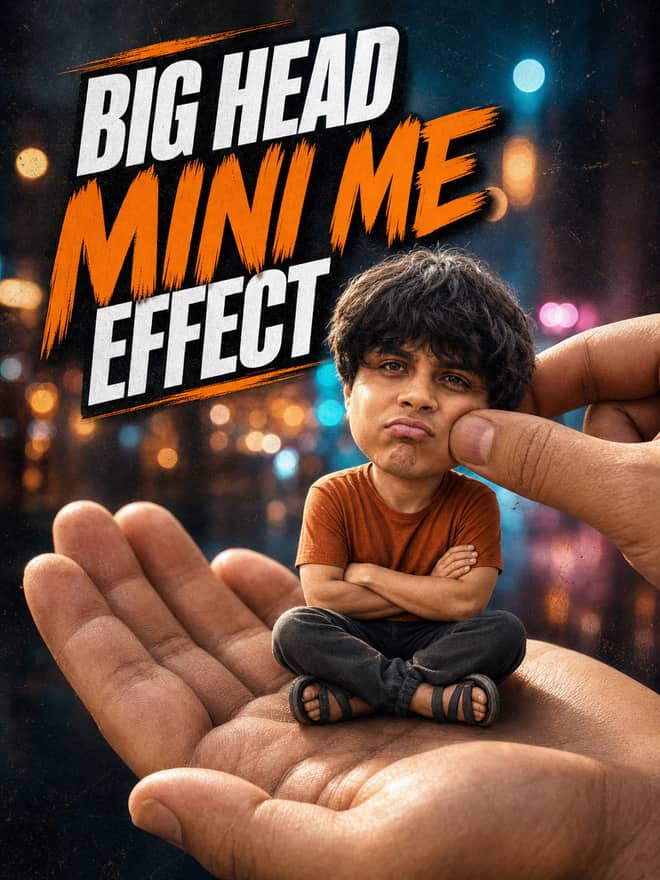
Turn any portrait into a cute big-head miniature seated in a giant hand, with a playful cheek pinch, cinematic night bokeh, and crisp 3:4 framing.
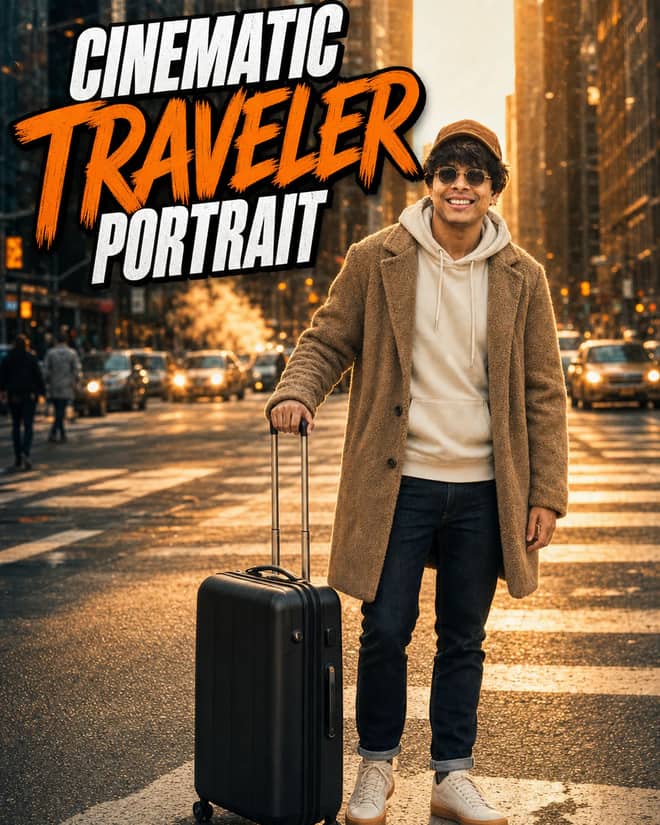
Create an ultra-realistic golden-hour traveler portrait with preserved facial identity, a teddy-fleece coat, reflective city streets, and an 85 mm cinematic look.
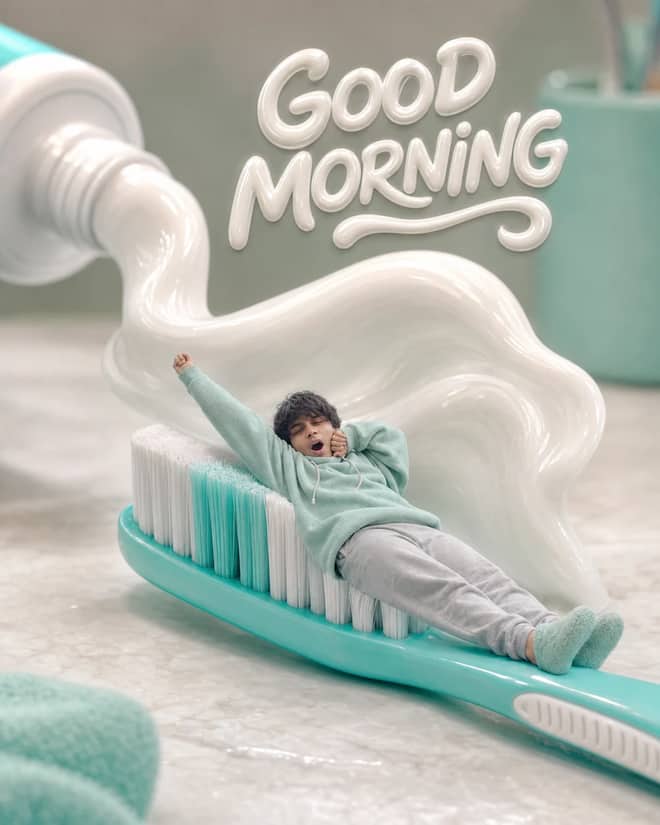
Turn any selfie into a tiny sleepy character lounging on a giant toothbrush, with a foamy toothpaste wave, pastel macro styling, and creamy GOOD MORNING text.
Ethereum Developer prompt for coding questions, debugging, and technical guidance. Copy it into ChatGPT, Gemini, Claude, or another AI assistant and tailor it to your task.
Linux Terminal prompt for coding questions, debugging, and technical guidance. Copy it into ChatGPT, Gemini, Claude, or another AI assistant and tailor it to your task.
English Translator and Improver prompt for writing, editing, translation, and language work. Copy it into ChatGPT, Gemini, Claude, or another AI assistant and tailor it to your task.
Job Interviewer prompt for goals, priorities, and practical next steps. Copy it into ChatGPT, Gemini, Claude, or another AI assistant and tailor it to your task.
JavaScript Console prompt for coding questions, debugging, and technical guidance. Copy it into ChatGPT, Gemini, Claude, or another AI assistant and tailor it to your task.
Excel Sheet prompt for data analysis, research, and clear findings. Copy it into ChatGPT, Gemini, Claude, or another AI assistant and tailor it to your task.
English Pronunciation Helper prompt for lessons, practice, and study support. Copy it into ChatGPT, Gemini, Claude, or another AI assistant and tailor it to your task.
Spoken English Teacher and Improver prompt for lessons, practice, and study support. Copy it into ChatGPT, Gemini, Claude, or another AI assistant and tailor it to your task.
Travel Guide prompt for writing, editing, translation, and language work. Copy it into ChatGPT, Gemini, Claude, or another AI assistant and tailor it to your task.
Character prompt for creative ideas, stories, and role-play. Copy it into ChatGPT, Gemini, Claude, or another AI assistant and tailor it to your task.
Advertiser prompt for everyday work and focused problem-solving. Copy it into ChatGPT, Gemini, Claude, or another AI assistant and tailor it to your task.
Storyteller prompt for creative ideas, stories, and role-play. Copy it into ChatGPT, Gemini, Claude, or another AI assistant and tailor it to your task.
Football Commentator prompt for creative ideas, stories, and role-play. Copy it into ChatGPT, Gemini, Claude, or another AI assistant and tailor it to your task.
Motivational Coach prompt for goals, priorities, and practical next steps. Copy it into ChatGPT, Gemini, Claude, or another AI assistant and tailor it to your task.
Composer prompt for creative ideas, stories, and role-play. Copy it into ChatGPT, Gemini, Claude, or another AI assistant and tailor it to your task.
Debater prompt for goals, priorities, and practical next steps. Copy it into ChatGPT, Gemini, Claude, or another AI assistant and tailor it to your task.
Debate Coach prompt for goals, priorities, and practical next steps. Copy it into ChatGPT, Gemini, Claude, or another AI assistant and tailor it to your task.
Screenwriter prompt for writing, editing, translation, and language work. Copy it into ChatGPT, Gemini, Claude, or another AI assistant and tailor it to your task.
Novelist prompt for writing, editing, translation, and language work. Copy it into ChatGPT, Gemini, Claude, or another AI assistant and tailor it to your task.
Movie Critic prompt for writing, editing, translation, and language work. Copy it into ChatGPT, Gemini, Claude, or another AI assistant and tailor it to your task.
Relationship Coach prompt for goals, priorities, and practical next steps. Copy it into ChatGPT, Gemini, Claude, or another AI assistant and tailor it to your task.
Poet prompt for writing, editing, translation, and language work. Copy it into ChatGPT, Gemini, Claude, or another AI assistant and tailor it to your task.
Rapper prompt for creative ideas, stories, and role-play. Copy it into ChatGPT, Gemini, Claude, or another AI assistant and tailor it to your task.
Motivational Speaker prompt for everyday work and focused problem-solving. Copy it into ChatGPT, Gemini, Claude, or another AI assistant and tailor it to your task.
Philosophy Teacher prompt for lessons, practice, and study support. Copy it into ChatGPT, Gemini, Claude, or another AI assistant and tailor it to your task.
Philosopher prompt for creative ideas, stories, and role-play. Copy it into ChatGPT, Gemini, Claude, or another AI assistant and tailor it to your task.
Math Teacher prompt for lessons, practice, and study support. Copy it into ChatGPT, Gemini, Claude, or another AI assistant and tailor it to your task.
AI Writing Tutor prompt for writing, editing, translation, and language work. Copy it into ChatGPT, Gemini, Claude, or another AI assistant and tailor it to your task.
UX/UI Developer prompt for coding questions, debugging, and technical guidance. Copy it into ChatGPT, Gemini, Claude, or another AI assistant and tailor it to your task.
Cyber Security Specialist prompt for everyday work and focused problem-solving. Copy it into ChatGPT, Gemini, Claude, or another AI assistant and tailor it to your task.
Recruiter prompt for goals, priorities, and practical next steps. Copy it into ChatGPT, Gemini, Claude, or another AI assistant and tailor it to your task.
Life Coach prompt for goals, priorities, and practical next steps. Copy it into ChatGPT, Gemini, Claude, or another AI assistant and tailor it to your task.
Etymologist prompt for everyday work and focused problem-solving. Copy it into ChatGPT, Gemini, Claude, or another AI assistant and tailor it to your task.
Commentariat prompt for writing, editing, translation, and language work. Copy it into ChatGPT, Gemini, Claude, or another AI assistant and tailor it to your task.
No prompts match your search.
The guide
AI Gemini is Google's family of models, and if you found this page you probably want one thing: prompts that make it do something useful on the first try. The grid above is full of ready-to-copy ones. This part fills in the rest, what Gemini actually is, which version does what, and how to phrase a request so you don't waste three attempts getting there.
Gemini is a single app and a set of models behind it. You open the Gemini app or gemini.google.com, type a request, and it answers. It can write and rewrite text, explain things, read documents and images you upload, search the web for fresh answers, and make or edit pictures. One assistant, several jobs. You don't pick a model by name most of the time. The app routes your request, though you can switch between a faster model and a slower, more careful one when it matters.
The part people talk about most right now is the image side. Gemini's image model, officially Gemini 2.5 Flash Image, picked up the nickname Nano Banana because it is unusually good at keeping a face consistent while it changes the background, the outfit, or the whole style. That is why your feed is full of AI portraits, couple shots, retro film looks, and tiny figurine versions of real people. Most of them came out of this exact model.
You will see a few names floating around. Here is the plain version.
For everyday use you genuinely do not need to memorize any of this. Paste a prompt, attach what it asks for, and let the app sort out the rest.
It is honestly strong at photo edits where your face has to stay recognizable. Swapping a messy background for a clean studio one, changing an outfit, turning a daytime shot into golden hour, making a 3D figurine of yourself, those all land well. It is fast at writing too: give it a topic and it will spit out five caption options or a tidy email in seconds. And it is useful for reading things you don't want to read, like a long PDF or a dense article you ask it to summarize in 100 words.
Where it fumbles: exact text inside an image still comes out garbled sometimes, so logos and signs with words can look off. Hands and small jewelry can warp. And if you ask a vague question you get a vague, slightly generic answer back. The fix for most of this is in how you ask, which is the next part.
The single biggest upgrade is to stop writing one-word requests. Gemini does better with a short, specific brief than with a keyword. A simple shape that holds up across almost any task:
For image edits specifically, attach the photo first and then describe only the change. Saying "keep her face exactly the same, change only the background to a sunlit beach at golden hour" works far better than a long paragraph that re-describes the person Gemini can already see. For writing, name the format up front: "write five Instagram captions, casual, under 12 words, no emojis." Naming the format does most of the work.
Gemini keeps the current thread in memory, so you can fix things with one-line replies like "warmer light" or "make it shorter" instead of pasting the whole prompt again.
People usually arrive already using ChatGPT, Midjourney, or DALL-E and want to know where Gemini fits. Quick honest comparison.
| What you want | Best fit | Why |
|---|---|---|
| Edit your own photo, keep your face | Gemini (Nano Banana) | Strongest at face consistency across edits |
| A brand-new artistic image from scratch | Midjourney or Gemini | Midjourney for painterly style, Gemini for fast and literal |
| Long writing or careful reasoning | ChatGPT or Gemini Pro | Both handle depth; pick by which account you have |
| Fresh, up-to-date web answers | Gemini | Tied into Google Search for current info |
| Quick captions and rewrites | Gemini Flash | Fast, free tier covers most of it |
None of these is the one true tool. If a prompt above is written for Gemini, it will read most naturally in Gemini, but the same wording usually works in ChatGPT or another image model with small tweaks.
You were too vague. Add a constraint and a concrete detail. "Write a bio" becomes "write a 40-word bio for a freelance photographer, friendly, first person."
Tell it not to. Add "keep the same face and skin, do not change the person" and start from a clear, well-lit photo. Blurry input gives Gemini room to invent.
Models still struggle with embedded words. Keep the requested text short, or add it yourself afterward in any editor. Don't expect a perfect paragraph baked into a picture.
Rephrase plainly and drop anything that sounds like it involves a real private person's likeness without consent. For your own photos, say it is your own photo.
If you want something to paste this minute, start with one of these and swap in your own details.
Pick a prompt from the grid above instead of starting from a blank box, change the parts that are yours, and refine once. That single habit, copy then nudge, is what separates a result you actually use from one you delete.
Questions
Gemini is Google's family of AI models, used through the Gemini app or gemini.google.com. It answers questions, writes and rewrites text, reads files you upload, searches the web, and makes or edits images. You type a prompt, optionally attach a photo, and it responds. The prompts above are written to paste straight into it.
Yes. Google offers a free tier that covers most everyday writing, answers, and a fair amount of image work. Heavy use, like many edits in a row, can hit a limit that resets daily. A paid plan adds more room, the more careful Pro model, and features like Deep Research.
Nano Banana is the nickname for Gemini's image model, officially Gemini 2.5 Flash Image. It got popular because it keeps a face recognizable while changing the background, outfit, or style. That is why it is the tool behind most AI portraits, couple shots, and figurine edits. Any image prompt here targets it.
For most things, the default Flash model is fine: fast answers, captions, and photo edits. Switch to Pro for long documents, code, or careful reasoning where Flash feels shallow. Image edits route to Nano Banana automatically when you attach a photo, so you rarely have to choose a model by name yourself.
Yes. Attach your photo, then describe only the change you want, like a new background or warmer light. Add a line such as keep my real face so your likeness stays intact. A clear, well-lit starting photo gives the cleanest edit with the fewest retries, since blurry input lets the model invent details.