

Pixar Chibi Scrapbook Collage – Gemini AI Photo Prompt
Turn one photo into a Pixar chibi scrapbook collage — 3D chibi poses with doodles and stickers. A copy-paste Gemini AI photo prompt for Nano Banana and ChatGPT.
11
AI prompt library
Free, ready-to-use add_2 prompts. Copy one, paste it into your favourite AI tool, and get to work.
60 prompts
Turn one photo into a Pixar chibi scrapbook collage — 3D chibi poses with doodles and stickers. A copy-paste Gemini AI photo prompt for Nano Banana and ChatGPT.

Add playful doodles, motion lines, and captions that react to your subject. A free Gemini AI photo prompt — copy, paste your photo, and run it in Nano Banana or ChatGPT.

Make a cinematic World Cup poster — two players back-to-back, neon flags, smoky stadium haze. A copy-paste Gemini AI photo prompt for Nano Banana and ChatGPT.
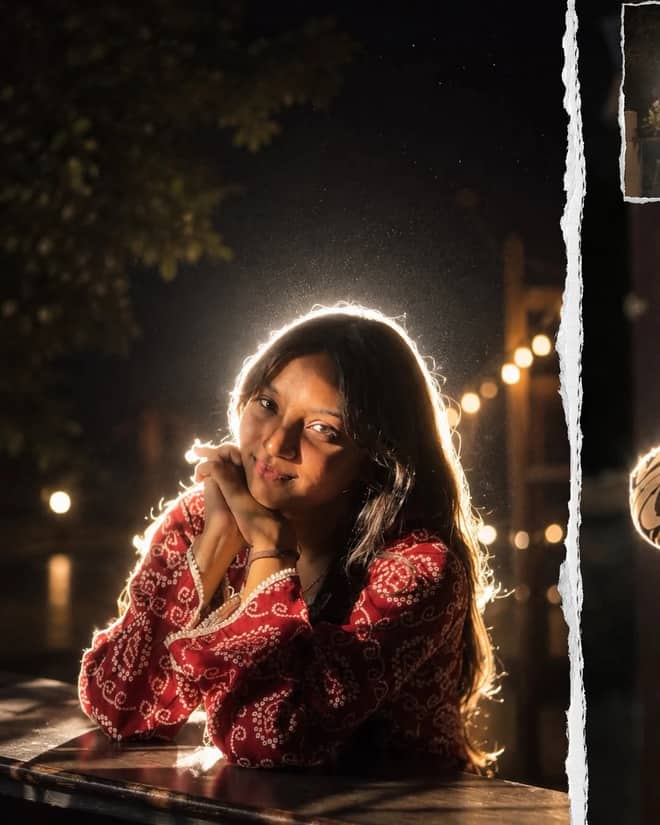
Get the viral night-flash look: a glowing rim-light halo, lens flare, and grainy candid mood. A free Gemini AI photo prompt to copy, paste, and run in Nano Banana.
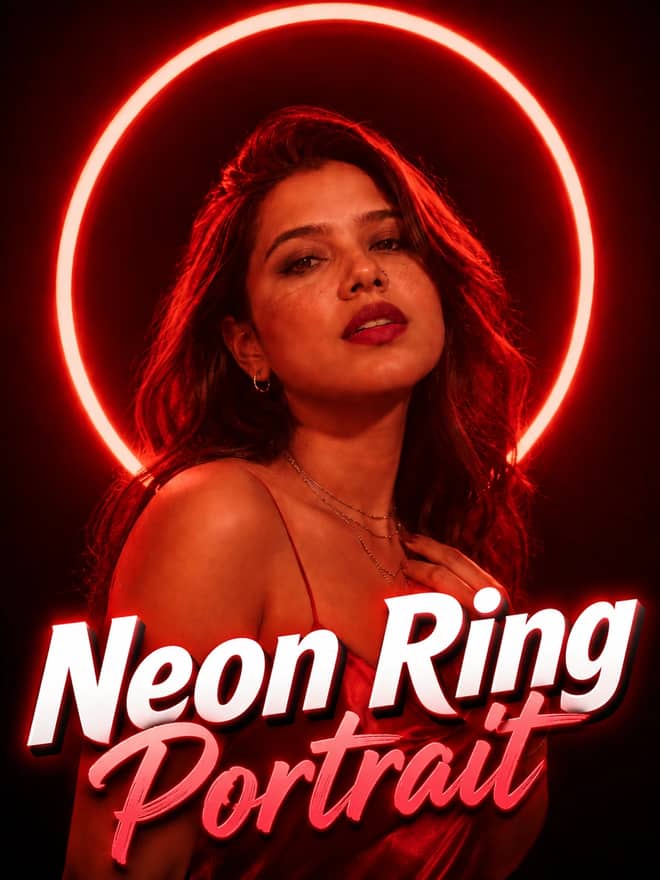
Neon ring portrait prompt — copy this free AI photo prompt on Free Prompt Base and edit it in Gemini & ChatGPT. Paste your photo and create in seconds.
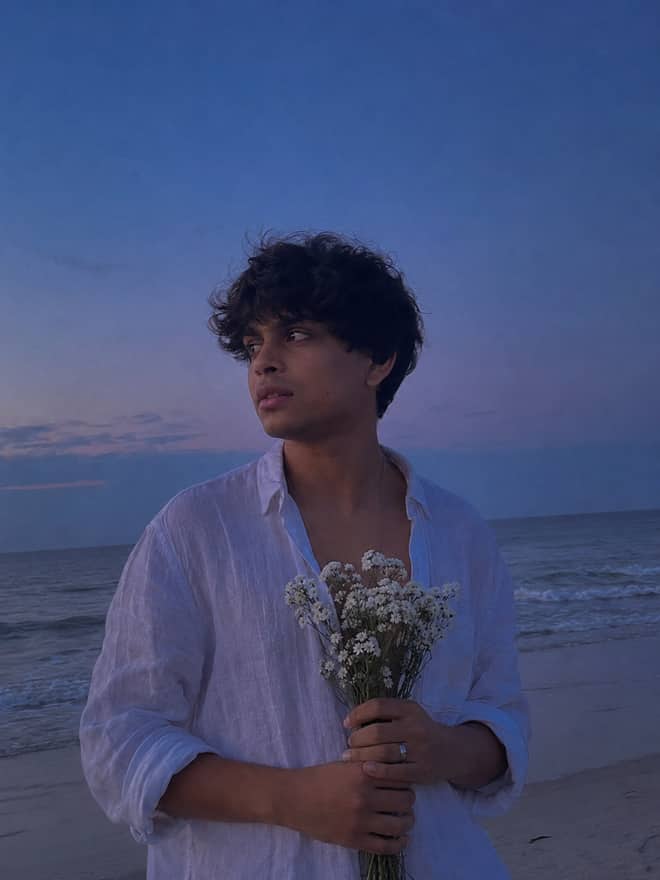
Turn your photo into a man in a white linen shirt holding flowers on a dusk beach. A free Gemini AI photo prompt — copy, paste, and edit in Nano Banana.
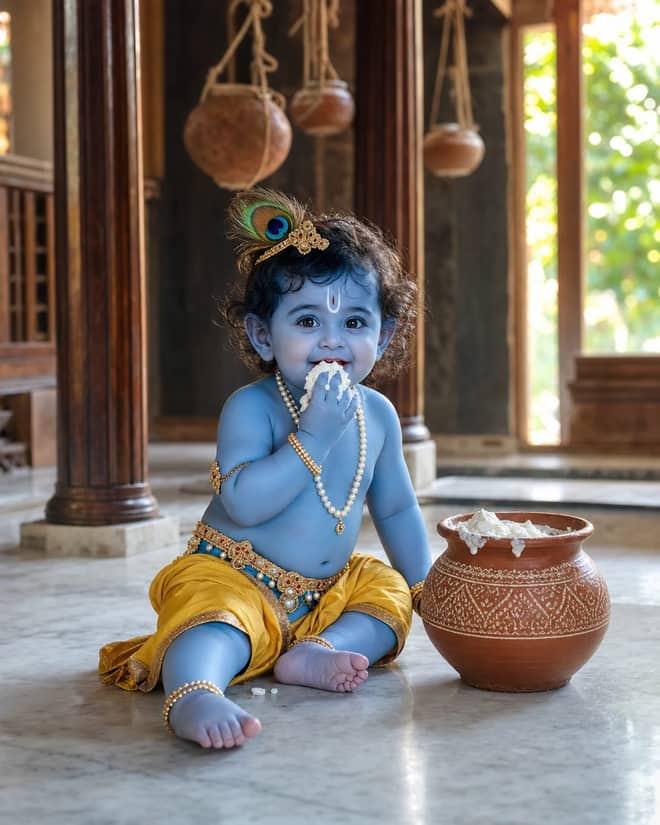
Create a photorealistic Baby Krishna butter-pot portrait in a sunlit Vrindavan home, with a yellow dhoti, peacock feather, marble floor, and natural DSLR detail.
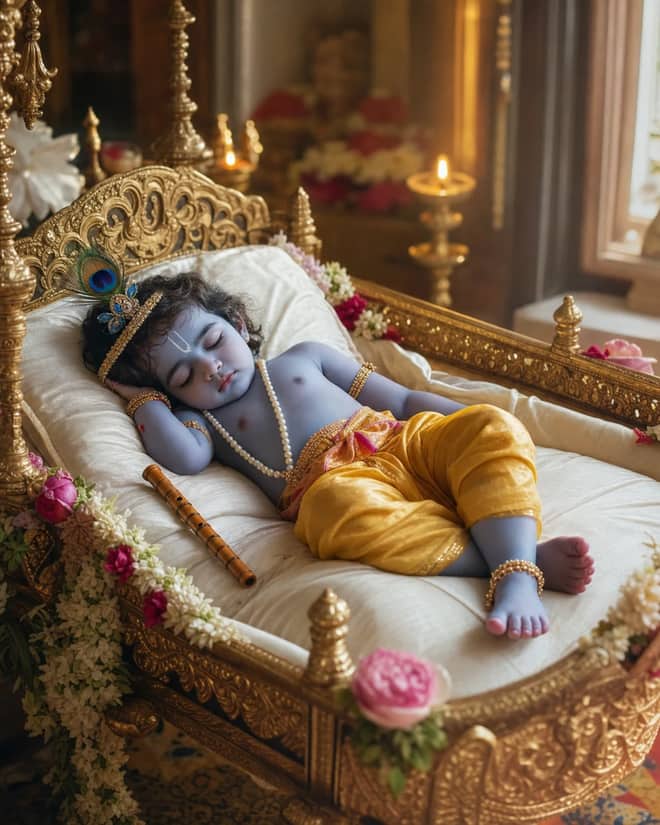
Create a peaceful sleeping Baby Krishna portrait in a flower-trimmed golden cradle, with warm temple lamps, silk cushions, and soft cinematic light.
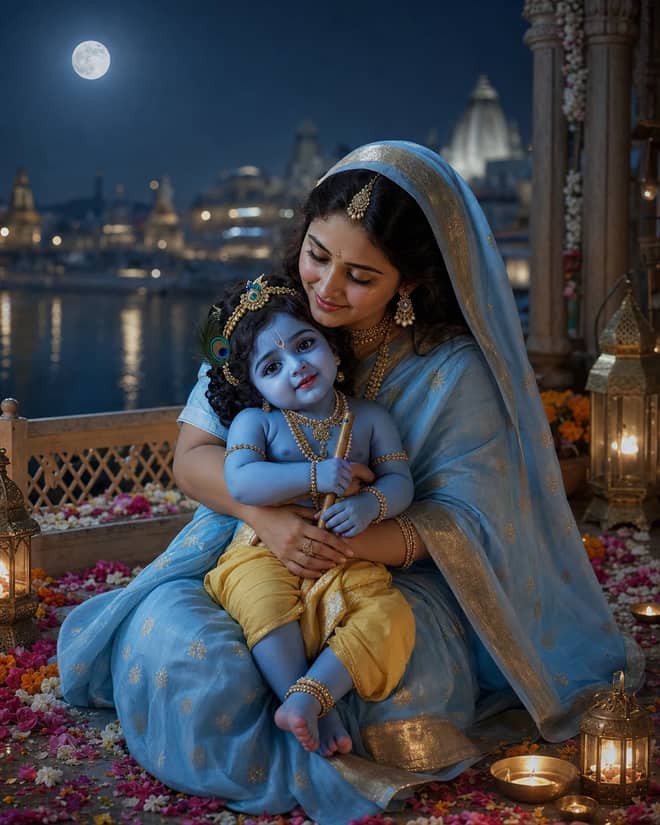
Create a moonlit Maa Yashoda and Baby Krishna portrait on a Vrindavan balcony, with blue silk, warm lamps, the Yamuna, and natural editorial detail.
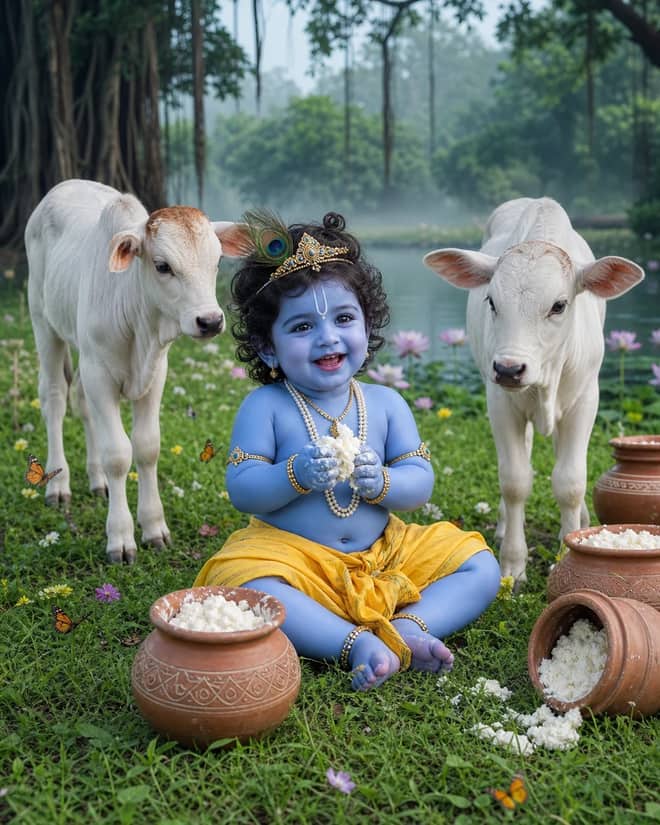
Create a playful Baby Krishna with cow portrait in a misty Vrindavan meadow, with butter pots, white calves, lotus water, and cool natural light.
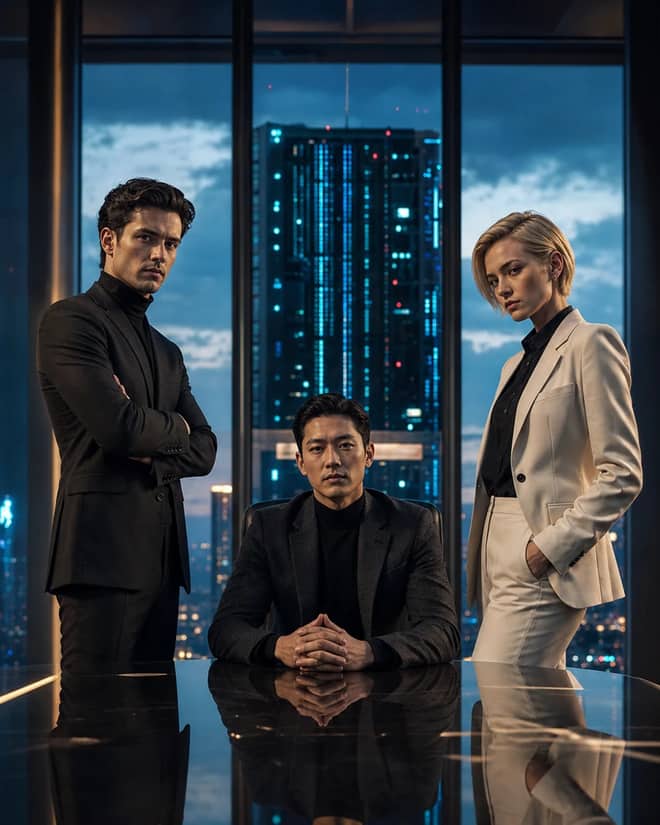
Create a fictional AI rivalry portrait with three executives, dramatic boardroom lighting, clear power dynamics, and premium editorial realism.
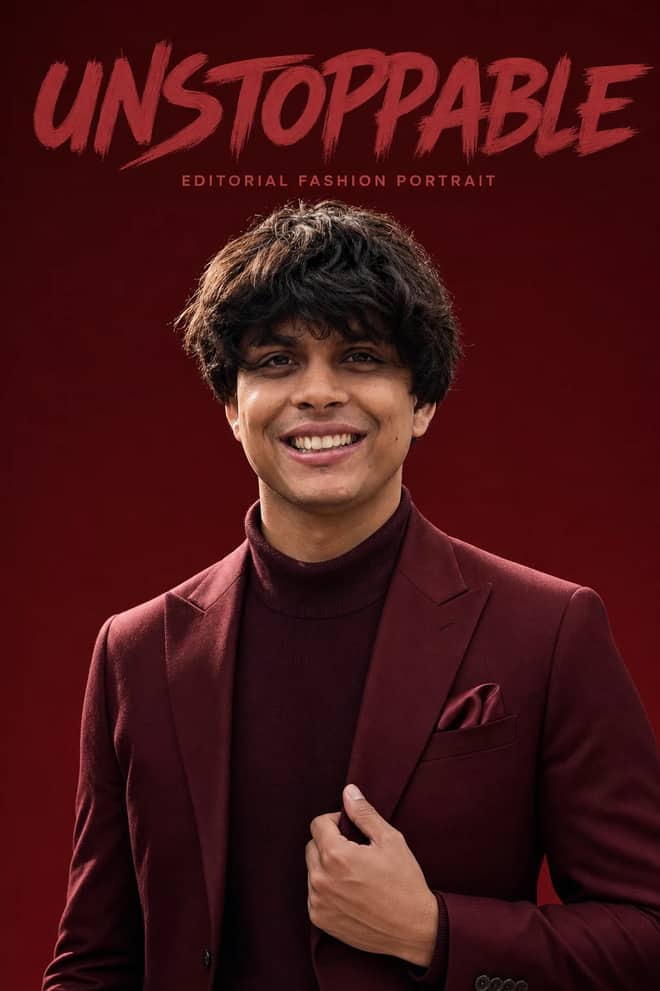
Create an ultra-realistic monochromatic fashion portrait with luxury campaign lighting, natural skin texture, bold brush typography, and clean negative space.
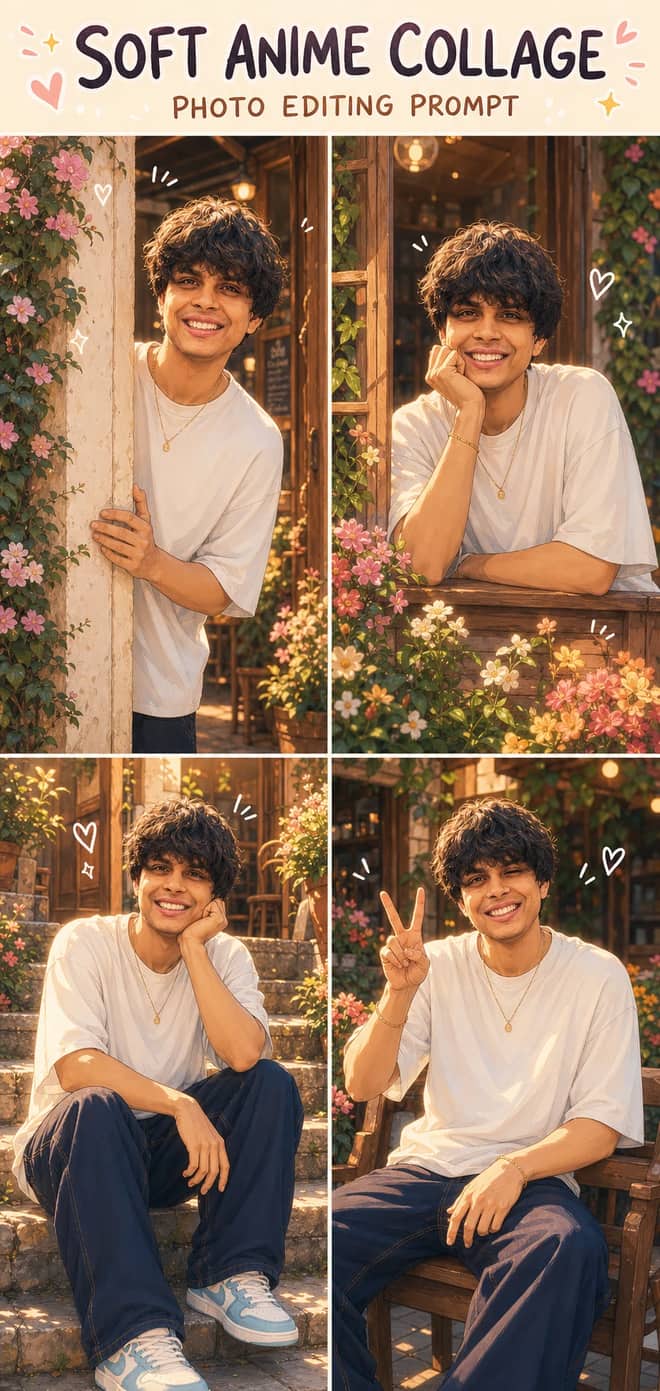
Turn one photo into a dreamy four-panel anime collage with consistent identity, café courtyard poses, golden-hour lighting, floral details, and cute doodles.
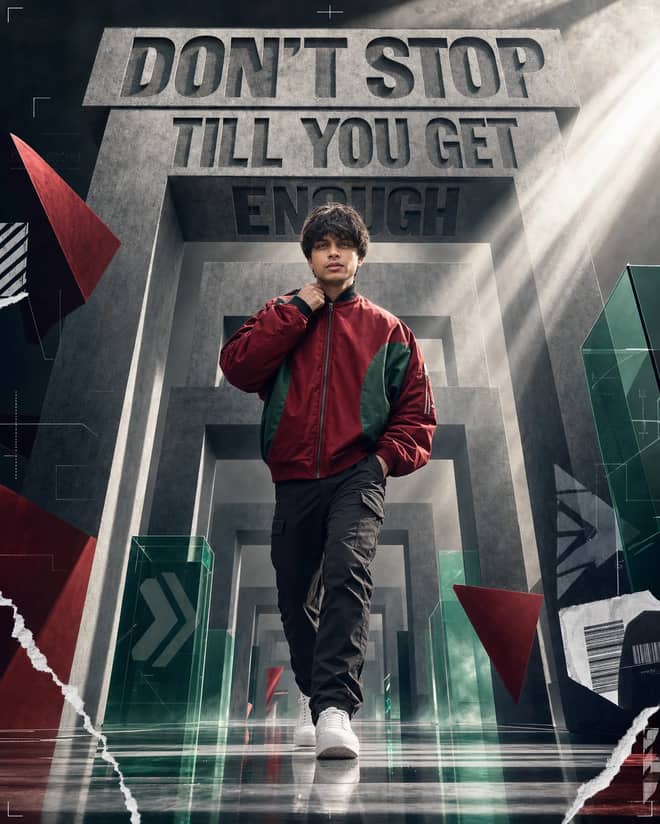
Create a premium sports-fashion poster with a confident model, monumental concrete portals, dramatic typography, low-angle perspective, and cinematic light.
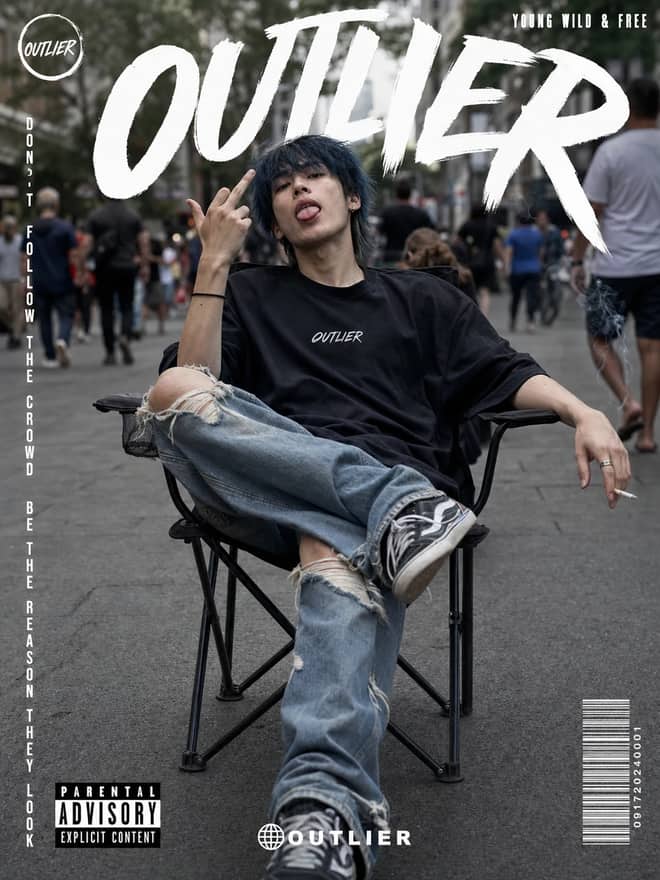
Create a gritty photorealistic streetwear poster with a seated model, blurred city pedestrians, natural skin texture, bold branding, and editorial labels.
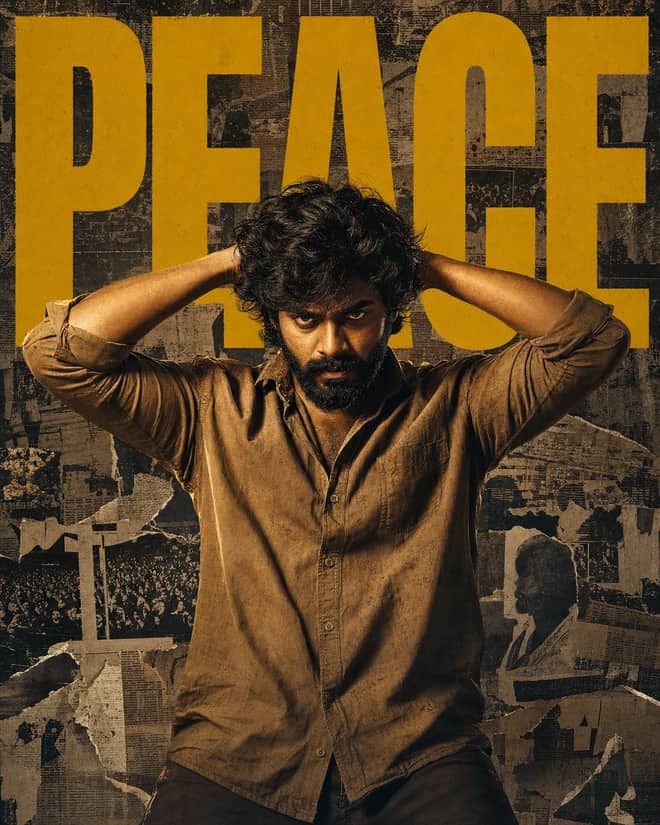
Create a gritty South Indian action poster with a rugged hero, bold PEACE typography, warm tungsten lighting, and a distressed vintage newspaper collage.
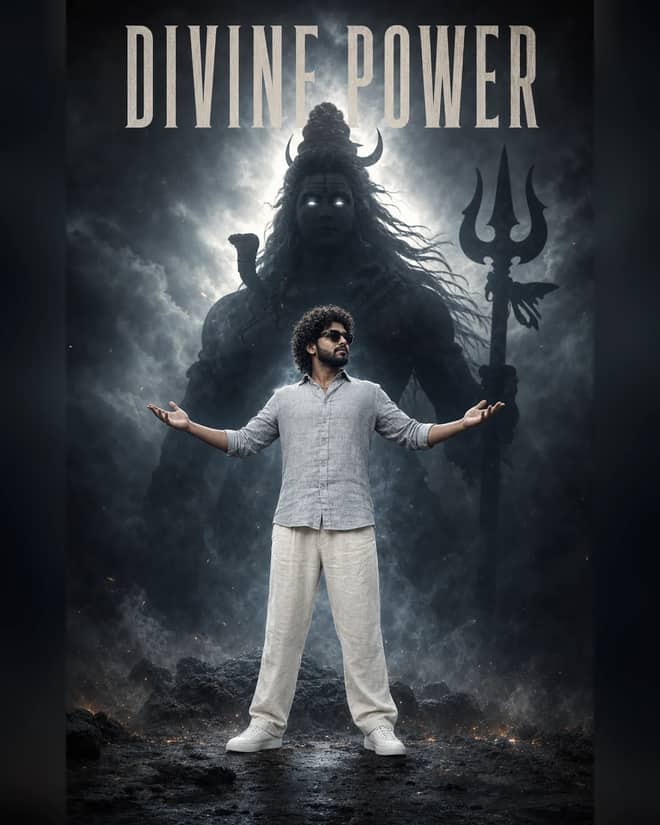
Create a powerful cinematic portrait with a confident man before a colossal smoky Lord Shiva silhouette, dramatic halo lighting, fog, and epic depth.
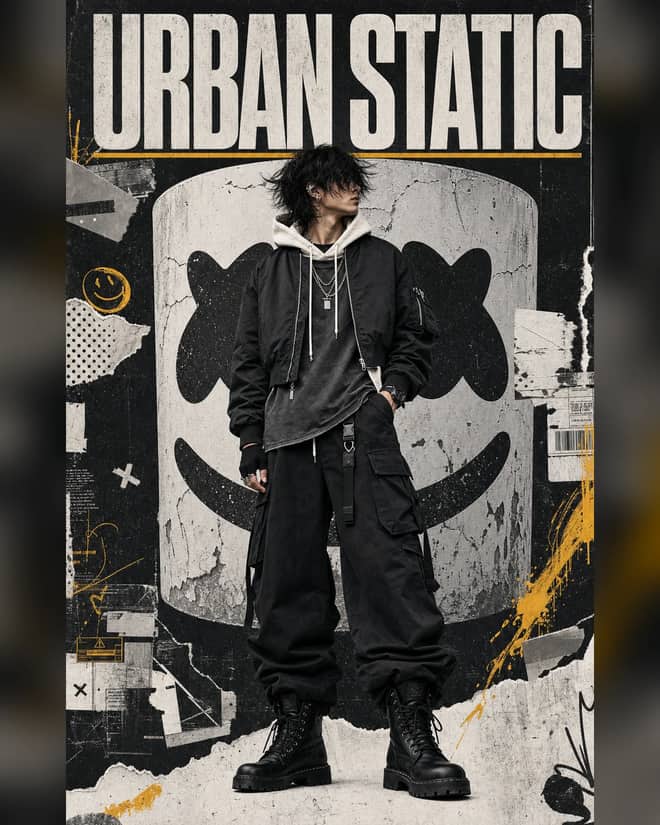
Create a luxury streetwear editorial with oversized black layers, a distressed helmet collage, controlled grunge textures, and muted yellow accents.
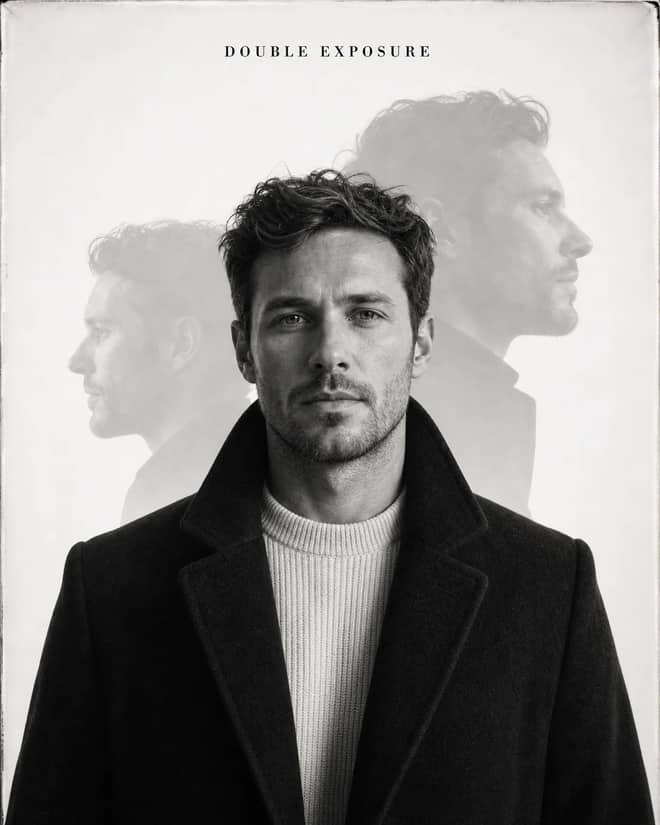
Create an elegant monochrome fashion portrait with a sharp centered face, softly offset ghost profiles, analog grain, and premium studio lighting.
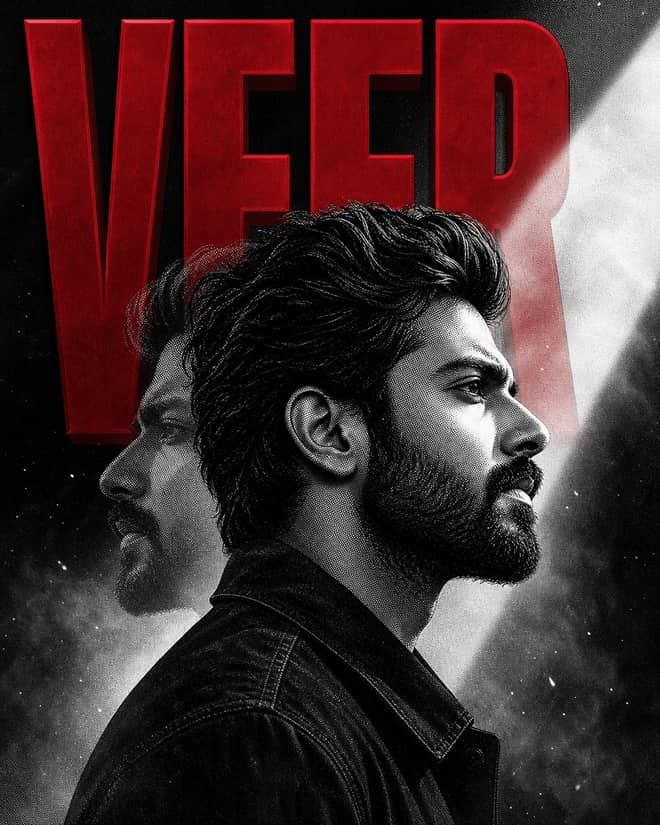
Create a bold VEER poster with a monochrome manga portrait, crimson 3D typography, double exposure, halftone grain, smoke, and cinematic light.
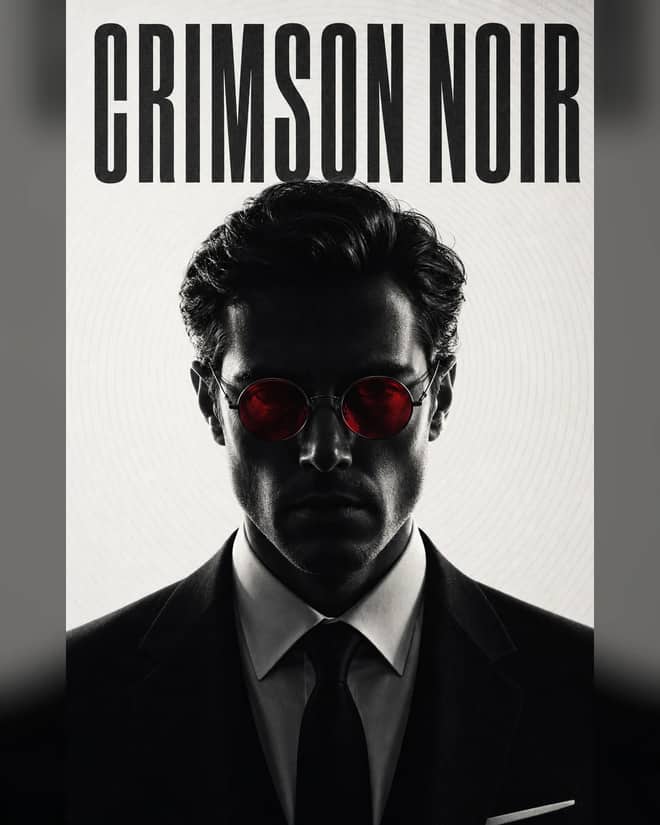
Create a minimal monochrome neo-noir portrait with a shadowed formal subject, glowing crimson round lenses, concentric lines, and crushed blacks.
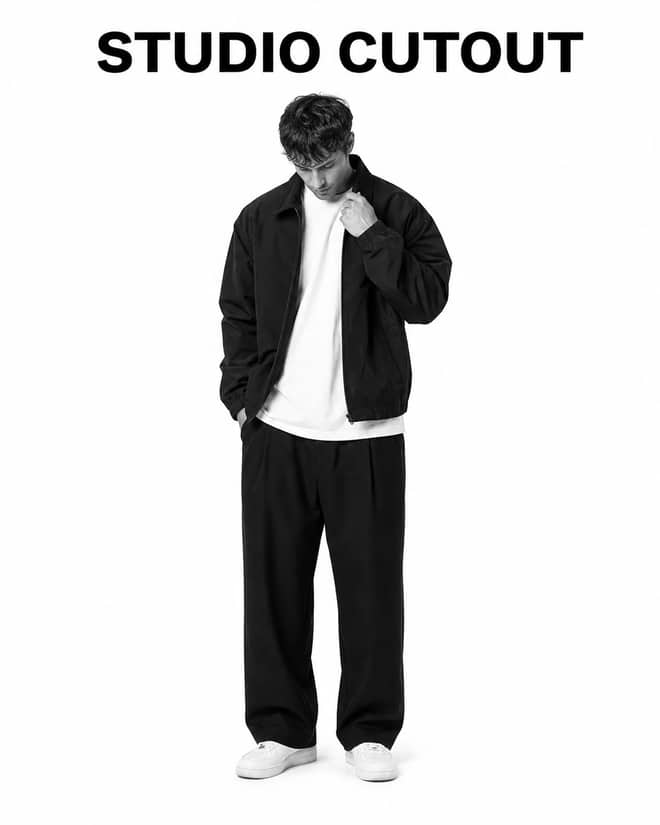
Turn a casual portrait into a clean black-and-white studio cutout with high-key lighting, realistic edges, natural detail, and minimal shadow.
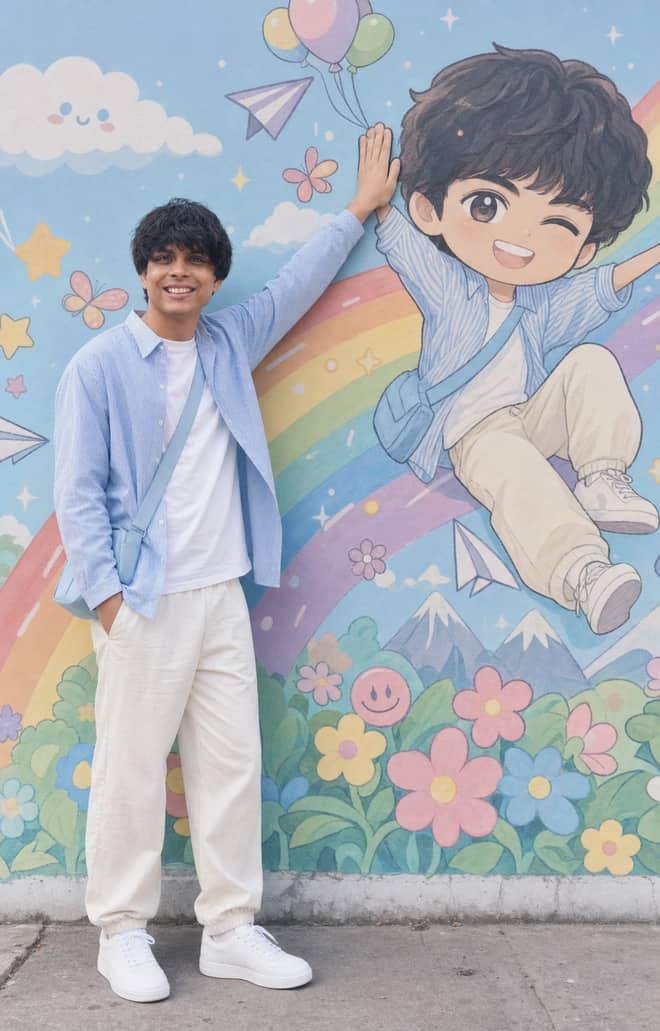
Recreate a colorful outdoor fashion portrait with exact face identity, a locked full-body pose, and a matching anime chibi mural.
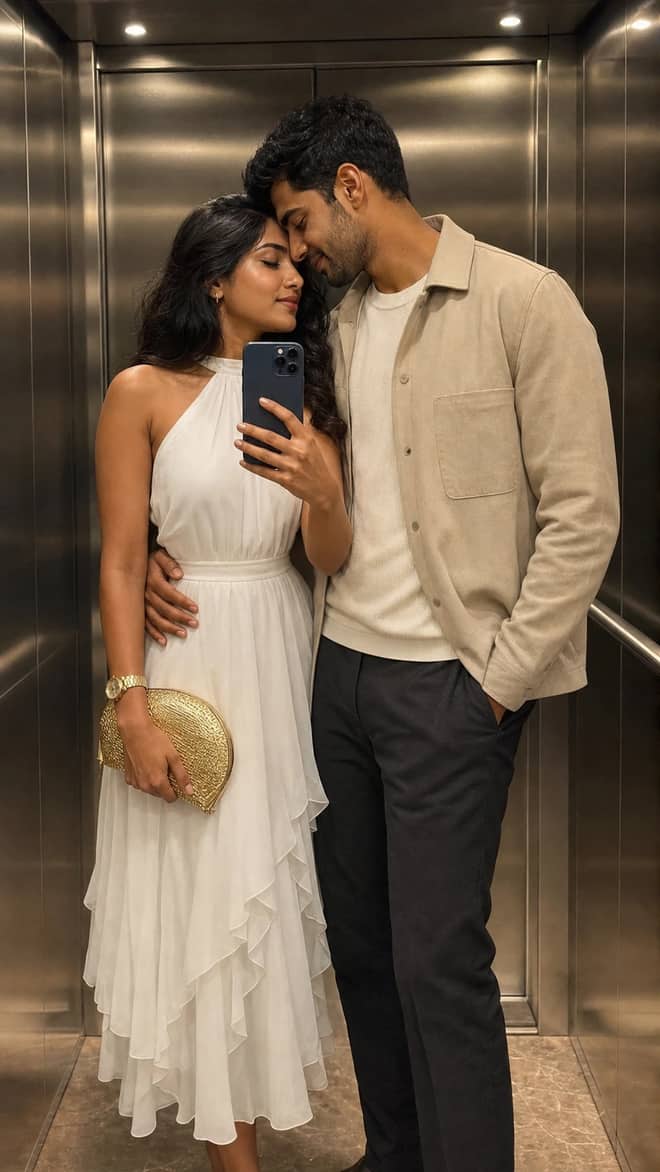
Create a luxury elevator couple mirror selfie while preserving both uploaded facial identities, natural expressions, skin texture, and authentic details.
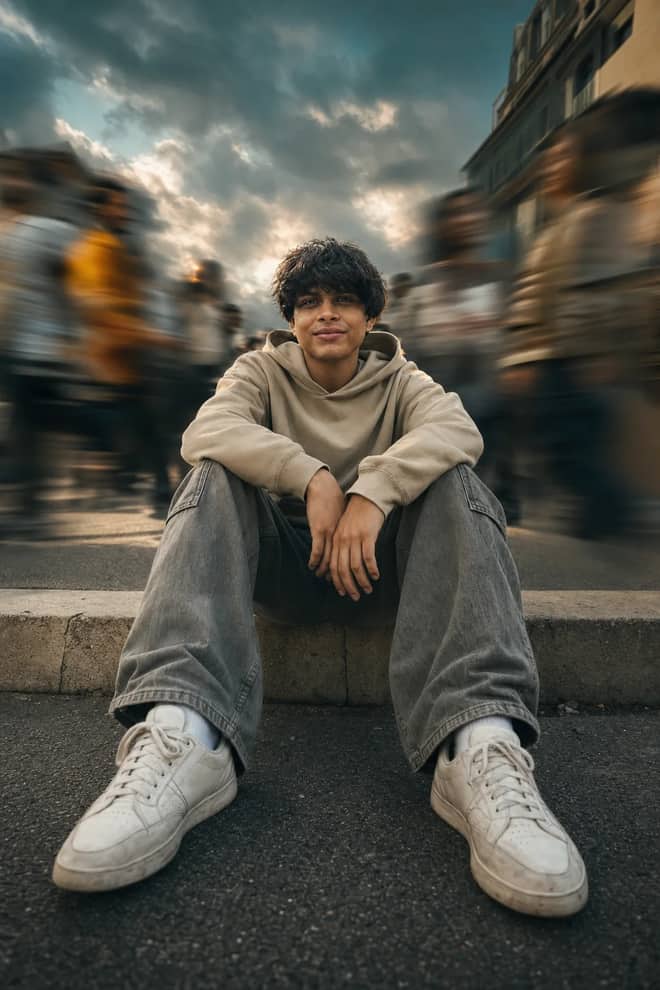
Create a low-angle urban portrait with a sharp seated subject, radial crowd motion blur, golden-hour light, and cinematic orange-and-teal grading.
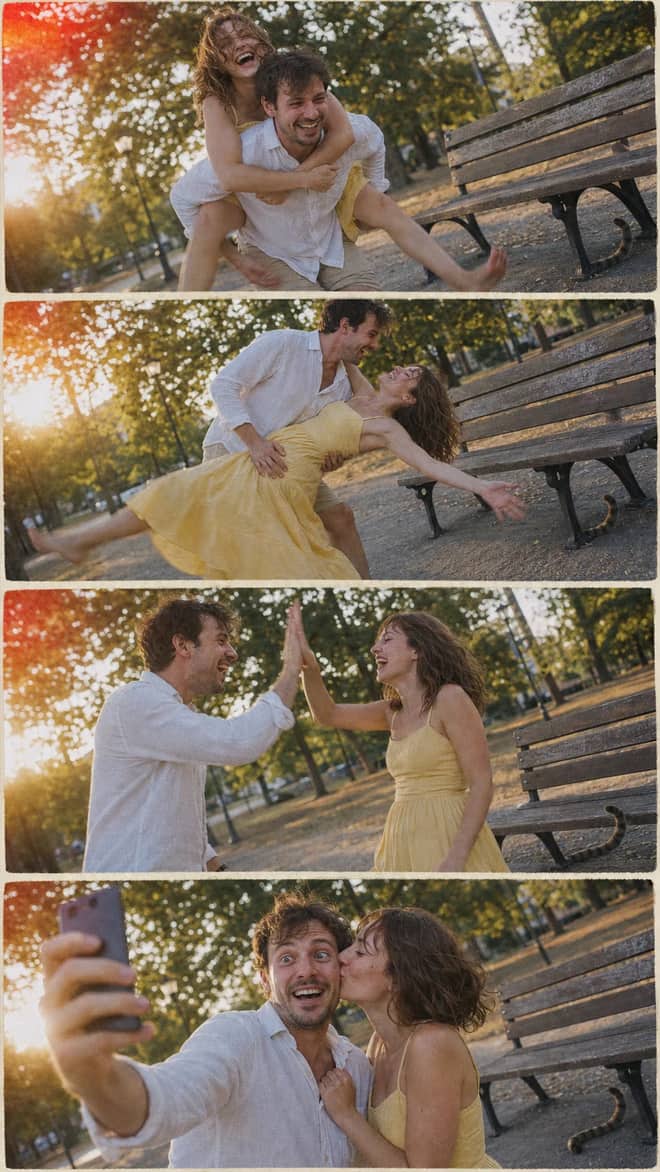
Create a nostalgic four-panel couple photo collage with playful candid moments, golden-hour park light, motion blur, grain, and a 2005 digital-camera look.
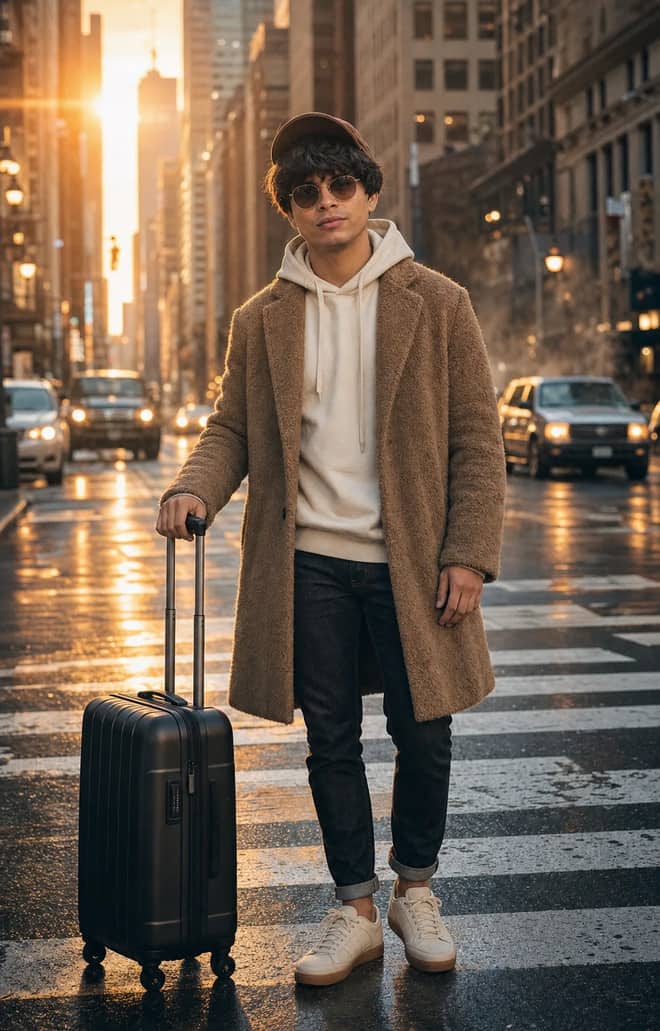
Create an ultra-realistic full-body traveler portrait in a downtown crosswalk with warm sunrise rim light, reflective asphalt, an 85mm look, and cinematic color.
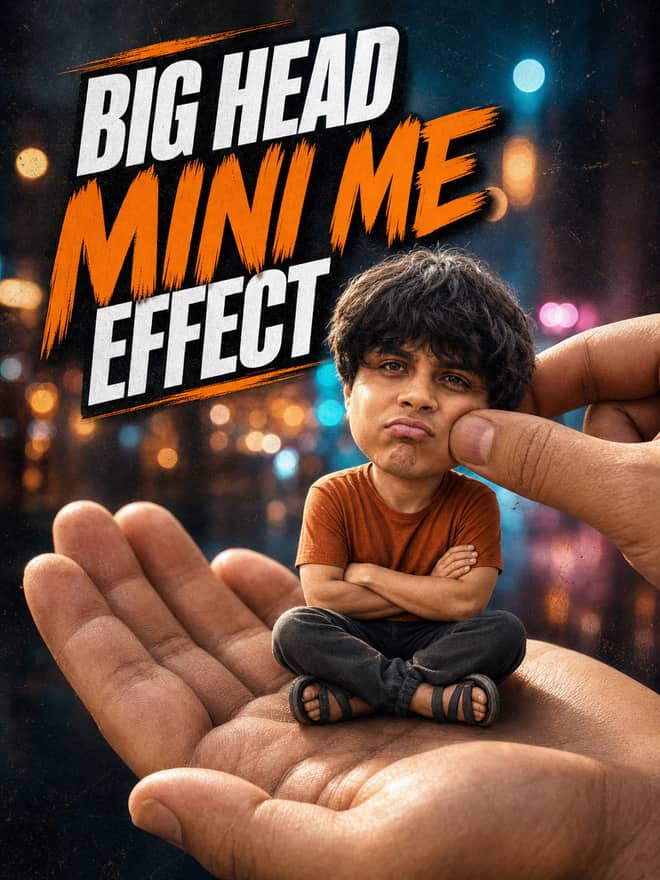
Turn any portrait into a cute big-head miniature seated in a giant hand, with a playful cheek pinch, cinematic night bokeh, and crisp 3:4 framing.
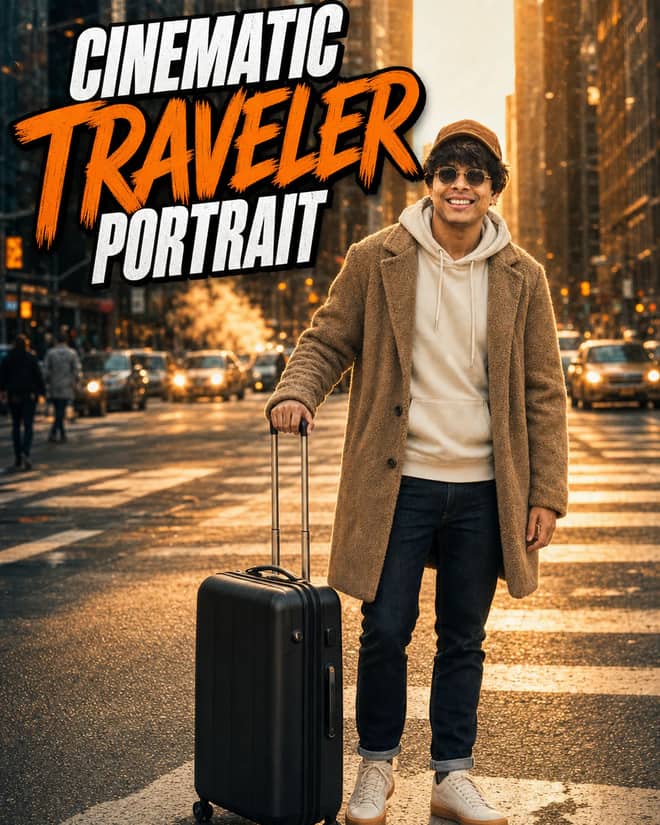
Create an ultra-realistic golden-hour traveler portrait with preserved facial identity, a teddy-fleece coat, reflective city streets, and an 85 mm cinematic look.
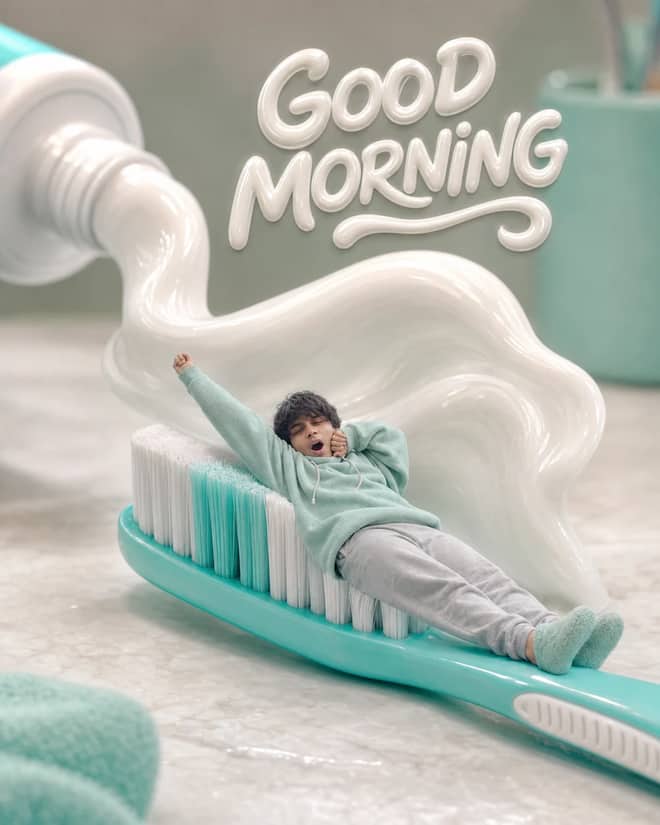
Turn any selfie into a tiny sleepy character lounging on a giant toothbrush, with a foamy toothpaste wave, pastel macro styling, and creamy GOOD MORNING text.
Ethereum Developer prompt for coding questions, debugging, and technical guidance. Copy it into ChatGPT, Gemini, Claude, or another AI assistant and tailor it to your task.
Linux Terminal prompt for coding questions, debugging, and technical guidance. Copy it into ChatGPT, Gemini, Claude, or another AI assistant and tailor it to your task.
English Translator and Improver prompt for writing, editing, translation, and language work. Copy it into ChatGPT, Gemini, Claude, or another AI assistant and tailor it to your task.
Job Interviewer prompt for goals, priorities, and practical next steps. Copy it into ChatGPT, Gemini, Claude, or another AI assistant and tailor it to your task.
JavaScript Console prompt for coding questions, debugging, and technical guidance. Copy it into ChatGPT, Gemini, Claude, or another AI assistant and tailor it to your task.
Excel Sheet prompt for data analysis, research, and clear findings. Copy it into ChatGPT, Gemini, Claude, or another AI assistant and tailor it to your task.
English Pronunciation Helper prompt for lessons, practice, and study support. Copy it into ChatGPT, Gemini, Claude, or another AI assistant and tailor it to your task.
Spoken English Teacher and Improver prompt for lessons, practice, and study support. Copy it into ChatGPT, Gemini, Claude, or another AI assistant and tailor it to your task.
Travel Guide prompt for writing, editing, translation, and language work. Copy it into ChatGPT, Gemini, Claude, or another AI assistant and tailor it to your task.
Character prompt for creative ideas, stories, and role-play. Copy it into ChatGPT, Gemini, Claude, or another AI assistant and tailor it to your task.
Advertiser prompt for everyday work and focused problem-solving. Copy it into ChatGPT, Gemini, Claude, or another AI assistant and tailor it to your task.
Storyteller prompt for creative ideas, stories, and role-play. Copy it into ChatGPT, Gemini, Claude, or another AI assistant and tailor it to your task.
Football Commentator prompt for creative ideas, stories, and role-play. Copy it into ChatGPT, Gemini, Claude, or another AI assistant and tailor it to your task.
Motivational Coach prompt for goals, priorities, and practical next steps. Copy it into ChatGPT, Gemini, Claude, or another AI assistant and tailor it to your task.
Composer prompt for creative ideas, stories, and role-play. Copy it into ChatGPT, Gemini, Claude, or another AI assistant and tailor it to your task.
Debater prompt for goals, priorities, and practical next steps. Copy it into ChatGPT, Gemini, Claude, or another AI assistant and tailor it to your task.
Debate Coach prompt for goals, priorities, and practical next steps. Copy it into ChatGPT, Gemini, Claude, or another AI assistant and tailor it to your task.
Screenwriter prompt for writing, editing, translation, and language work. Copy it into ChatGPT, Gemini, Claude, or another AI assistant and tailor it to your task.
Novelist prompt for writing, editing, translation, and language work. Copy it into ChatGPT, Gemini, Claude, or another AI assistant and tailor it to your task.
Movie Critic prompt for writing, editing, translation, and language work. Copy it into ChatGPT, Gemini, Claude, or another AI assistant and tailor it to your task.
Relationship Coach prompt for goals, priorities, and practical next steps. Copy it into ChatGPT, Gemini, Claude, or another AI assistant and tailor it to your task.
Poet prompt for writing, editing, translation, and language work. Copy it into ChatGPT, Gemini, Claude, or another AI assistant and tailor it to your task.
Rapper prompt for creative ideas, stories, and role-play. Copy it into ChatGPT, Gemini, Claude, or another AI assistant and tailor it to your task.
Motivational Speaker prompt for everyday work and focused problem-solving. Copy it into ChatGPT, Gemini, Claude, or another AI assistant and tailor it to your task.
Philosophy Teacher prompt for lessons, practice, and study support. Copy it into ChatGPT, Gemini, Claude, or another AI assistant and tailor it to your task.
Philosopher prompt for creative ideas, stories, and role-play. Copy it into ChatGPT, Gemini, Claude, or another AI assistant and tailor it to your task.
Math Teacher prompt for lessons, practice, and study support. Copy it into ChatGPT, Gemini, Claude, or another AI assistant and tailor it to your task.
AI Writing Tutor prompt for writing, editing, translation, and language work. Copy it into ChatGPT, Gemini, Claude, or another AI assistant and tailor it to your task.
UX/UI Developer prompt for coding questions, debugging, and technical guidance. Copy it into ChatGPT, Gemini, Claude, or another AI assistant and tailor it to your task.
Cyber Security Specialist prompt for everyday work and focused problem-solving. Copy it into ChatGPT, Gemini, Claude, or another AI assistant and tailor it to your task.
No prompts match your search.
Showing popular prompts you can adapt for “add_2”.
The guide
AI prompts are the fastest way to get those trending photo edits you keep scrolling past, the tiny figurine of yourself, the retro saree portrait, the grainy 90s film look, and the grid above is full of ones you can copy and run in a minute. Most of them are tuned for Google's Gemini image model, the one people online keep calling nano banana, but they also work in ChatGPT, Midjourney, and DALL-E. The idea is simple. You paste a prompt, add your own photo or your own idea, and the tool builds the picture. No editing software, no design background, nothing to install on a laptop. A lot of people doing this are on their phone, trying a trend they saw in a reel an hour ago.
A trending prompt is just a written recipe that lots of people are using right now to get the same look. Someone makes a striking edit, posts it, and the wording behind it spreads. Within a week half your feed has the same style. That is why a tag or a search term can feel mysterious. The picture went viral but the actual prompt got cut off, so you end up hunting for the words. The good news is you do not need the exact original. The tools respond to what you describe, not to a secret phrase. A clear prompt that names the look, the mood, and a few details will get you very close.
Trends also move fast. What was everywhere last month can feel tired now, and a new look takes over. So treat any prompt as a starting point you adjust, not a fixed formula. Copy one that is close, run it, then change a word or two and run again.
If you want to ride a trend, it helps to know which ones are doing the rounds. These are the styles that keep showing up in nano banana and ChatGPT edits, and the grid above has prompts for most of them.
The fastest way to get a result you like is to name the look and then add the two or three details that make it specific. This table pairs common trends with the mood they give and the words worth adding to the prompt.
| Look you want | The feel it gives | What to add to the prompt |
|---|---|---|
| 3D figurine in a box | Playful, collectible, product shot | 'clear plastic box, small stand, soft studio light, keep my face exact' |
| Retro saree portrait | Warm, nostalgic, cinematic | 'film grain, warm tones, soft side light, vintage studio backdrop' |
| 90s film polaroid | Candid, washed, real | 'disposable camera, flash, slight blur, faded colour, date stamp' |
| Tiny miniature world | Cute, surreal, fun | 'shrunk down, sitting inside a coffee cup, shallow depth of field' |
| Professional headshot | Clean, neutral, sharp | 'plain grey background, even lighting, natural skin, sharp focus' |
The order inside a prompt matters more than people think. I usually go subject first, then style, then the small stuff. So it reads like: who is in the shot, what style it should be in, then lighting, background, and aspect ratio. If you are editing your own photo, say plainly that you want the face kept the same, because that is the part most edits get wrong.
Then change one thing at a time. If you swap the background, the lighting, and the outfit all at once and the result is worse, you will not know which change broke it. Small steps win here.
Tip: save one prompt that gives you a result you like, keep it in your notes, and reuse it as a base. Editing the changing parts is far quicker than writing a fresh prompt every time.
For trending photo edits where you upload your own face, Gemini's image model, the nano banana one, is the one most people reach for. It holds a likeness well, it is quick, and it is free to try in the Gemini app, with API use costing only a few cents per image. ChatGPT is the easy starting point if you already have it open, and it handles photo edits and generation in the same chat. Midjourney makes gorgeous images from scratch and is strong on artistic styles, but it is built more for generating new scenes than for editing a selfie you upload. If your goal is a trend that starts with your own photo, start with Gemini or ChatGPT. If you want pure art from a written idea, Midjourney is worth the time.
Most disappointing results come down to a handful of repeat problems.
When I want something usable in a couple of minutes, I run the same loop.
That loop is the whole thing. Trends will keep shifting, and the figurine look or the retro portrait will eventually give way to something new. The skill that lasts is knowing how to grab a close prompt, point it at your own photo, and nudge it until it lands. Start with one from the grid above and run it twice before you judge it.
Questions
Nano banana is the nickname for Google's Gemini image model, used for photo edits like figurines, retro portraits, and couple shots. There is no single magic prompt. People share wording that names a look, then add their own photo. Copy a prompt from the grid above, paste it into the Gemini app, attach your selfie, and adjust.
Upload a clear photo of yourself, then use a prompt that asks for a small collectible figurine of you inside a clear plastic box, with a stand and soft studio light. Add a line telling the tool to keep your face exact. Run it, then tweak the box or label wording until it looks right.
For edits that start with your own face, the Gemini app and its nano banana model hold a likeness well and are free to try. ChatGPT works too and is easy if you already have it open. Midjourney is better for making art from scratch than for editing a selfie you upload.
Most models drift unless you tell them not to. Add a clear instruction like keep my face and features unchanged, and upload a sharp, well-lit photo so the tool has a solid reference. If it still changes, simplify the rest of the prompt so the face is the main thing it focuses on.
Trying them is usually free. The Gemini app lets you test image edits at no cost, and ChatGPT includes some image use on its plans. Heavy use through an API runs only a few cents per image. For casual trend photos on your phone, you can get results without paying anything.