
Prompt Guides
How to Write a Good AI Prompt: The Parts That Matter
Dhananjay Kumar Nirala
On this page 8
Learning how to write a good AI prompt is the difference between getting a useful answer and getting vague filler. The tool isn't reading your mind. It's matching whatever you type, so a lazy prompt gets a lazy result, and a clear one gets something you can actually use.
The good news is that you don't need to memorize tricks or jargon. Almost every strong prompt is built from the same few parts, and once you can see those parts, you can write better prompts for anything: ChatGPT, Gemini, image tools, all of it.
This guide breaks down what a prompt really is, the four pieces that make one work, and a simple template you can fill in every time. There's a quick before-and-after too, so you can see the change with your own eyes.
What a prompt actually is
A prompt is just the instruction you give an AI tool. It's the text you type into the box before you hit enter. That's it. There's no hidden language and no code involved.
The AI responds to what you say, not what you mean. It can't guess the details you left out. If you ask for "a blog intro," it has to invent the topic, tone, and length on its own, and you get something generic. Spell those out and the same tool returns something close to what you pictured.
Think of it like briefing a new freelancer. A skilled freelancer still needs to know the goal, the audience, and the format before they start. Hand them one vague line and they'll guess. Give them a clear brief and the work comes back right. A prompt is that brief.
Better prompts beat a "better" tool. People often blame the AI when the real issue is a thin instruction. Most of the gap between a weak result and a strong one comes down to how you ask, not which app you use.
The four parts of a good prompt
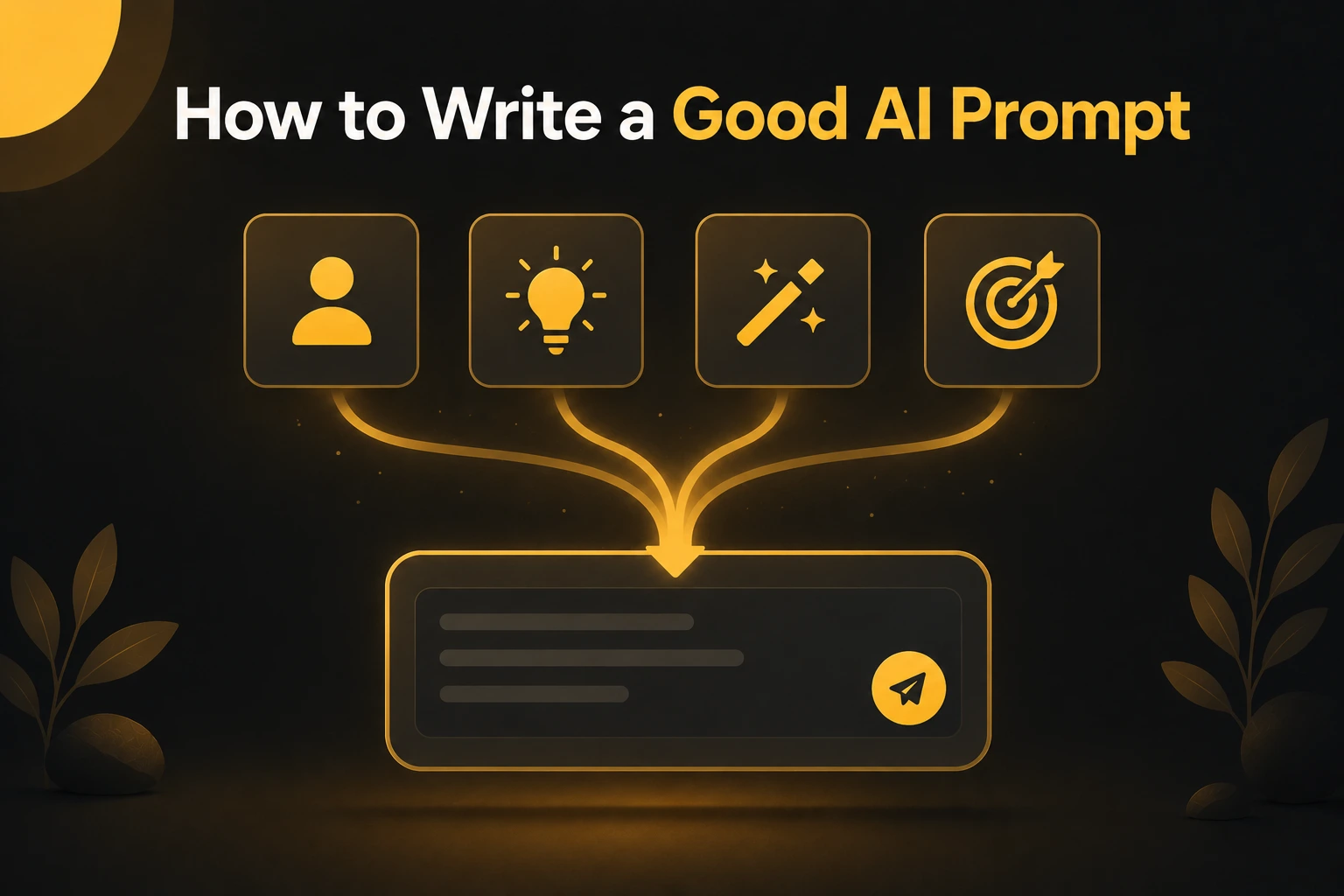
Almost every strong prompt is built from four pieces. You don't always need all four, but the more of them you include, the better the result. An easy way to remember them: Role, Task, Context, Format.
Role: who you want the AI to be. Start by telling it to act as someone. "You are an experienced travel writer." This points the tool at the right tone and knowledge before it begins, and it sharpens the answer right away.
Task: what you actually want. State the job in one clear line. "Write a short intro for a blog post about weekend trips near Mumbai." Vague tasks like "help with my blog" leave too much open.
Context: the background it needs. Add the details that matter. Who's the audience, what's the goal, what should it avoid. "The readers are budget travelers in their 20s. Keep it casual and skip expensive resorts."
Format: how the answer should look. Tell it the shape and length. "Give me three options, each under 40 words." Without this, you get whatever length and structure the AI feels like.
Put together, those four lines become one solid prompt. Stack them and you've gone from "write a blog intro" to a brief the tool can follow without guessing.
Vague vs specific: a quick before and after
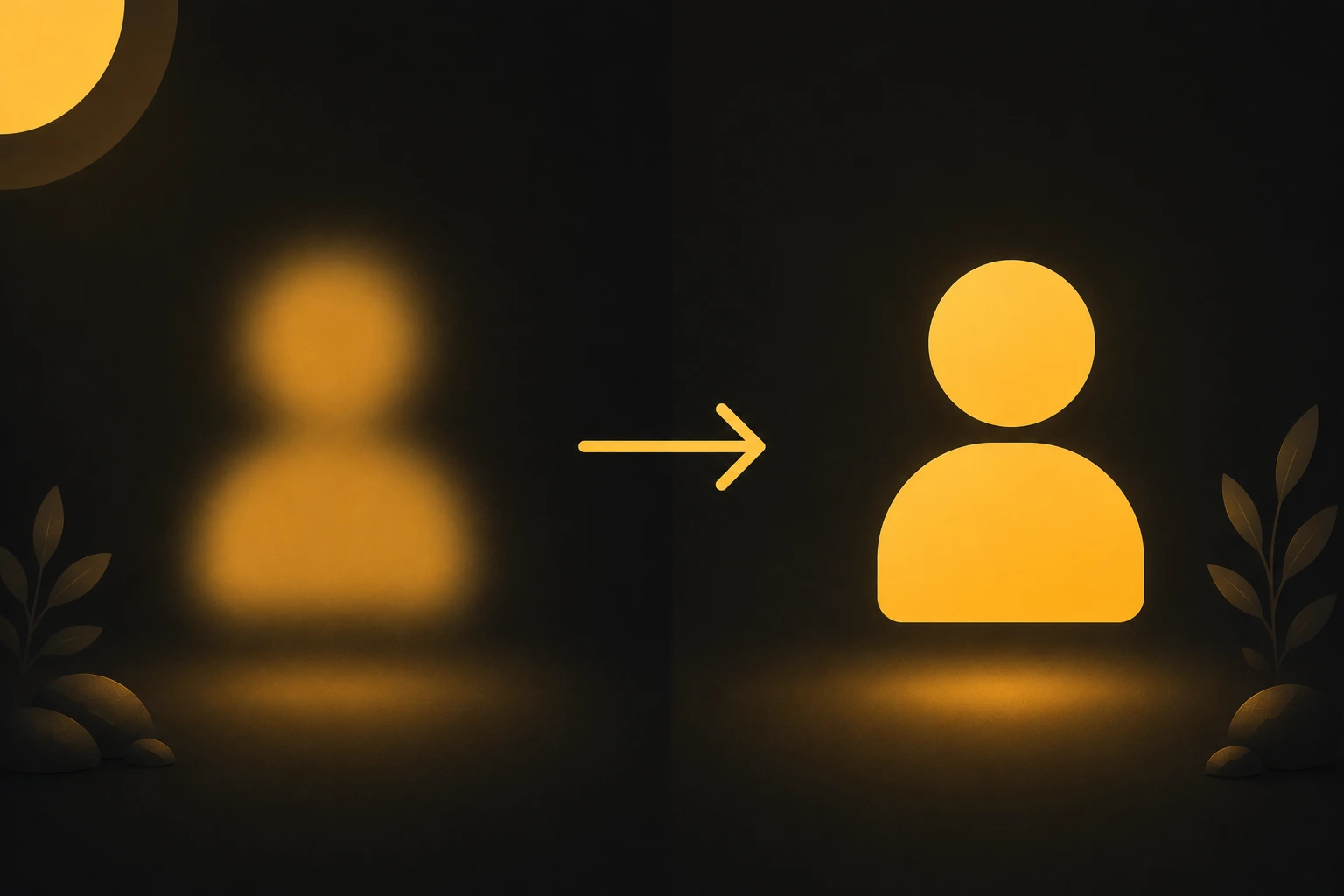
The fastest way to see why this matters is to look at the same request written two ways.
The vague version:
Write a product description for my candle.
The AI has nothing to work with, so it invents everything. You get a bland paragraph that could describe any candle from any shop. Tone, length, and audience are all guesses.
The specific version, built from the four parts:
You are a copywriter for a small home-fragrance brand. Write a product description for a hand-poured lavender soy candle. The buyers care about natural ingredients and a calm, cozy home. Keep it warm and simple, around 50 words, and end with one short line that invites them to buy.
This version names the role, the task, the context, and the format. The result comes back on-brand, the right length, and aimed at the actual buyer. Same product, very different output.
You don't have to get it perfect on the first try. Even the specific prompt can be improved by changing one detail and running it again. The point is to give the tool enough to aim at, then refine from there.
Three tricks that make prompts better
Once you have the four parts down, these three habits push your results further.
Show an example. If you want a certain style, paste one. "Here's a caption I like: [example]. Write three more in this voice." Giving the AI a sample to copy is one of the most reliable ways to get consistent output, since it stops guessing your taste.
Say what to avoid. Constraints help as much as instructions. "No buzzwords, no emojis, don't mention price." Telling the tool what not to do narrows the result and saves you a cleanup round.
Refine instead of restarting. Treat the first answer as a draft. Change one thing, like the tone or the length, and run it again. Most people give up after one try, but two or three small tweaks usually get you there.
A quick warning: don't overload. More words aren't always better. Piling on ten extra details can confuse the tool as much as too few. Add what matters, then stop.
Image prompts work a little differently
The four parts still apply to image tools like Gemini and Midjourney, but the emphasis shifts. With pictures, you're describing a scene instead of asking for an answer. If you're not sure which tool to use, our breakdown of ChatGPT, Gemini, and Midjourney covers what each one is best at.
Swap "role" for "style." Instead of "act as a writer," you name the look: realistic photo, watercolor, 3D render, pixel art. This sets the visual direction the way a role sets the tone in a text prompt.
Be concrete about the visual details. Lighting, camera angle, background, and mood do most of the work in an image prompt. "Soft golden-hour light, close-up, blurred park background, calm mood" gives the tool far more than "a nice photo of me."
Format becomes the frame. Instead of word count, you set the shape: a 4:5 portrait for Instagram, 16:9 for a banner. In Midjourney that's a parameter like --ar 4:5.
Start from a working example. Copy a ready-made prompt and change one detail to see how the picture shifts. The nano banana prompts guide is a good place to grab one built for Gemini.
A simple fill-in template
When you're not sure where to start, fill in this skeleton. It covers all four parts and works for most text tasks.
You are a [role].
Write a [task] about [topic].
The audience is [who], and the goal is [what you want it to do].
Keep it [tone], around [length], formatted as [format].
Avoid [anything you don't want].
A filled-in example:
You are a friendly fitness coach.
Write a short Instagram caption about morning workouts.
The audience is busy beginners, and the goal is to get them to start small.
Keep it warm and motivating, under 30 words, with one question at the end.
Avoid hype and medical claims.
For images, use the shorter version:
A [style] image of [subject], [lighting], [background], [mood], [aspect ratio].
Save the ones that work. Once a template gives you good results, keep it in your notes and reuse it. Most people end up with three or four go-to prompts they tweak for almost everything, which beats writing from scratch each time.
Conclusion
Writing a good AI prompt isn't a special skill. It's just clear instruction. Name the role, state the task, give the context, and set the format, and most tools will meet you where you aimed. Leave those out and you're handing the work to a guess.
Start simple. Take any request you'd normally type in one line, and add the four parts to it. Then run it, change one detail, and run it again. After a handful of tries this becomes automatic, and you'll stop blaming the tool for thin results.
Keep a few prompts that work in your notes and reuse them. When you want ready-made examples to learn from, the free prompt library has plenty you can copy and adjust.
FAQ



Community
Comments
Sign in with Google to join the discussion.
No comments yet. Be the first to share your take.