
AI Photo Prompts
Nano Banana Prompts: What They Are and How to Use Them
Dhananjay Kumar Nirala
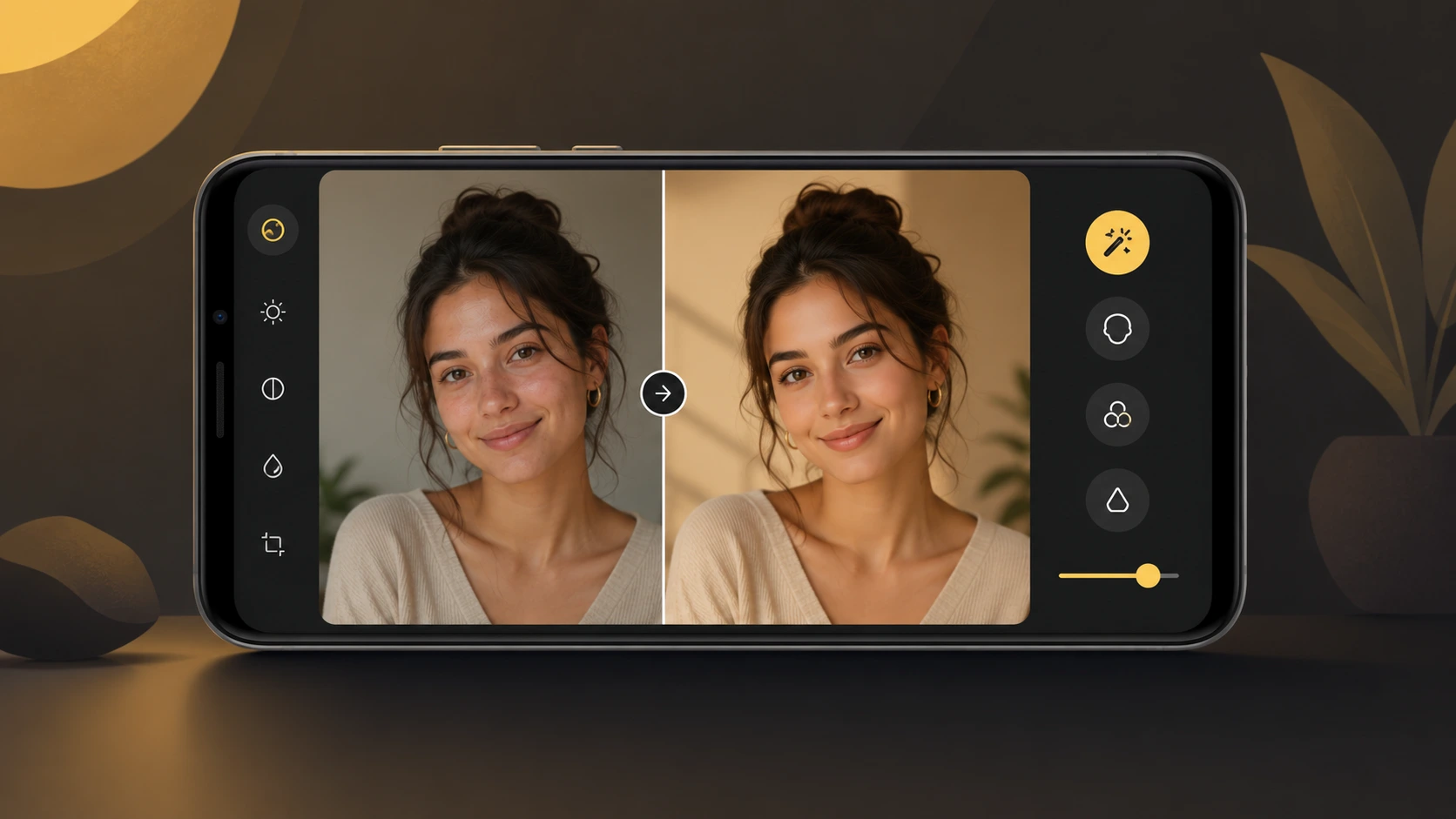
On this page 8
Nano banana prompts are short, copy-paste instructions you hand to Google's Gemini image model to turn an ordinary photo into something polished. Think a clean studio portrait, a cinematic poster, or a chibi sticker version of yourself. "Nano Banana" was the nickname Gemini's image model picked up before Google made it official, and the name stuck because the results felt almost too easy for how good they looked.
Here's the part that trips people up. The model is powerful, but it only does what you tell it. Paste a vague line like "make this cool" and you get something generic back. Paste a well-built prompt that names the lighting, the mood, the framing, and the style, and the same photo suddenly looks like it came out of a real shoot.
This guide breaks down what a nano banana prompt is, how to run one in under a minute, and what separates a prompt that works from one that wastes your generations. You'll also get a few ready-to-copy prompts you can try right now. No signup, no guesswork.
What "Nano Banana" actually means
"Nano Banana" isn't a separate app you download. It's the nickname for Google's image model inside Gemini, the part that creates and edits pictures when you upload a photo or describe one. The name started as a code-name people spotted while testing, it caught on, and Google ended up leaning into it.
A quick map, because the names get confusing fast. The original Nano Banana is Gemini 2.5 Flash Image, which is fast and good for everyday edits. Since then Google has added Nano Banana Pro, built on Gemini 3 Pro Image, which is stronger at detail and at rendering readable text inside an image. There's also Nano Banana 2 (Gemini 3.1 Flash Image), which mixes the Pro quality with Flash speed. For most copy-paste prompts you don't have to care which one you're on. The same prompt works across all of them, and the newer models just give cleaner results.
So when you see "nano banana prompt" on Instagram or here on Free Prompt Base, it just means a prompt written for Gemini's image model. You paste it into the Gemini app, add your photo, and it does the edit. That's the whole idea.
Why people use Nano Banana prompts
You could type your own description every time. Most people don't, for one simple reason. A good prompt has a lot of moving parts, and getting all of them right takes practice. A ready-made nano banana prompt has already done that work for you.
It saves you the hard part. A copy-paste prompt already names the lighting, the camera angle, the outfit, the background, and the mood in the right order. It also tells the model to keep your face recognizable, which beginners often forget. Skip that line and Gemini tends to "beautify" you into a different person.
It keeps your look consistent. Once you find a prompt you like, you can run it on ten different photos and get the same style every time. That's hard to do when you rewrite the description from scratch on each try. It's also why creators reuse the same few prompts across a whole series of posts.
You still get to tweak it. A ready prompt gets you most of the way there, and you adjust the last bit, like the outfit color or the background. That's faster than building every prompt from zero, and the result still feels like yours.
How to use a Nano Banana prompt, step by step
You don't need any editing skills for this. The whole thing takes about a minute once your photo is ready.
1. Open the Gemini app. Use the phone app or gemini.google.com on a computer. Make sure you're on the image option, where you can upload a picture and ask for an edit.
2. Upload a clear photo. Pick one where your face is well lit and easy to see. Blurry, dark, or busy photos give the model less to work with, and the result shows it.
3. Paste the prompt. Copy a nano banana prompt, drop it into the chat box, and send it with your photo attached. Don't change anything on the first run, so you can see what the prompt does on its own.
4. Check the face first. When the image comes back, look at whether it still looks like you. If your features drifted, add the line "keep my face natural and recognizable" and run it again.
5. Tweak one thing at a time. Want a different outfit color, background, or mood? Change a single detail and regenerate. Changing five things at once makes it hard to tell what actually helped.
6. Download and use it. Once you like the result, save it. For Instagram, ask for a vertical 4:5 or square 1:1 frame so it fits the feed without cropping your head off.
That's the full loop. Most people get a result they're happy with in two or three tries, not twenty.
What makes a good Nano Banana prompt
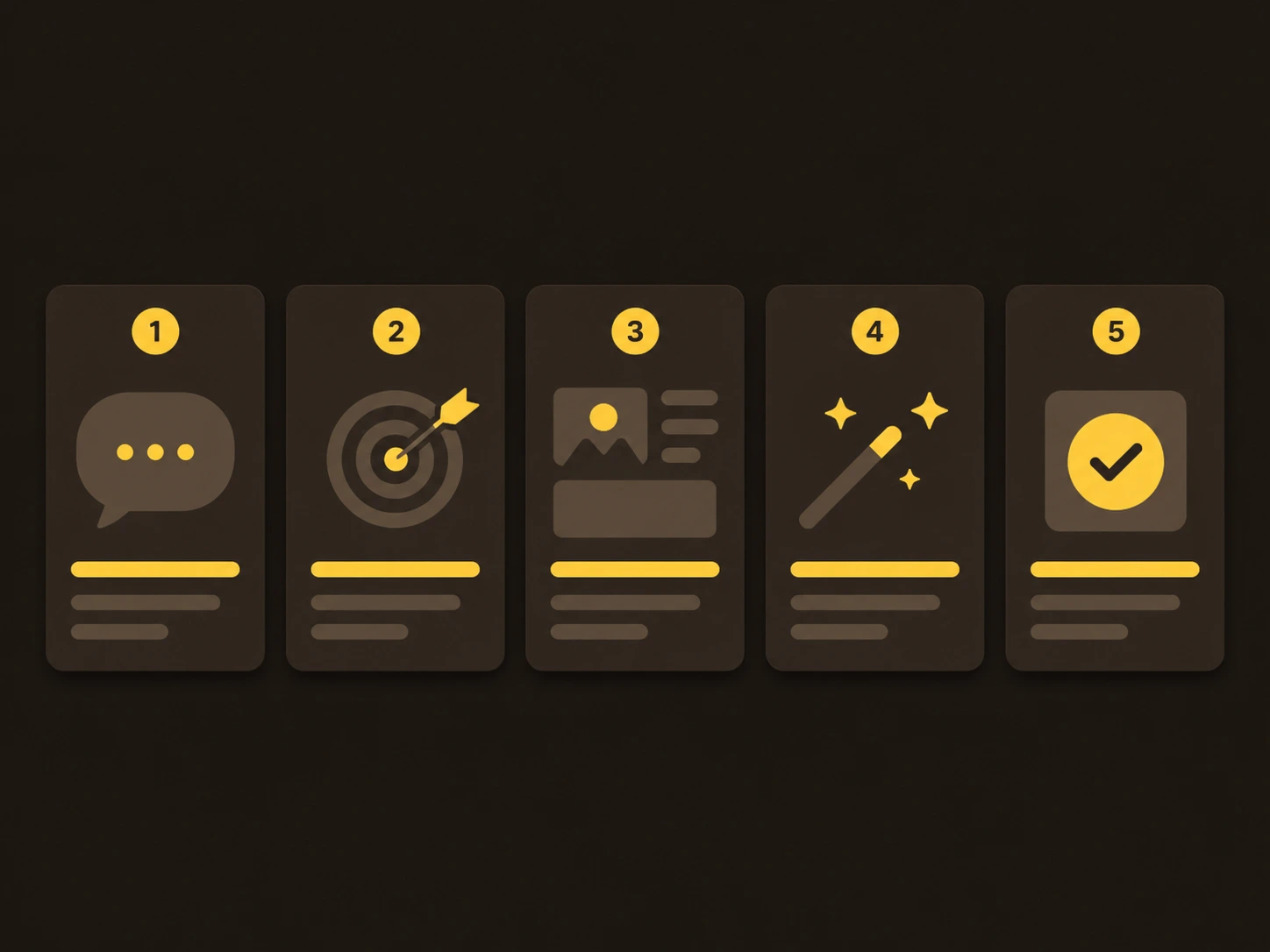
Once you've run a few prompts, you start to see the pattern. The ones that work almost always cover the same handful of parts. Miss one and the result drifts.
The subject and the "keep me recognizable" line. This tells the model who is in the photo and that your face should stay yours. It's the single most important line for selfies and portraits, and the one people leave out most.
The lighting. Soft daylight, golden hour, moody studio light, neon glow. Lighting changes the whole feel of an image more than almost anything else, so name it on purpose instead of leaving it to chance.
The framing and angle. Close-up portrait, half-body, wide shot, eye-level, low angle. This decides how much of you is in the frame and how dramatic it looks.
The background and setting. A blurred park, a plain studio backdrop, a snowy street. A clear background keeps the focus on you and stops the model from inventing something distracting.
The style and mood. Realistic, cinematic, vintage film, cartoon. This is the word that ties everything together, so pick one clear direction rather than stacking five styles on top of each other.
A quick way to remember it: subject, lighting, framing, background, style. If your prompt names all five, it's already better than most. The ready-made prompts on Free Prompt Base are built this way, which is why you can copy one and trust it to hold together.
3 ready-to-copy Nano Banana prompts to try
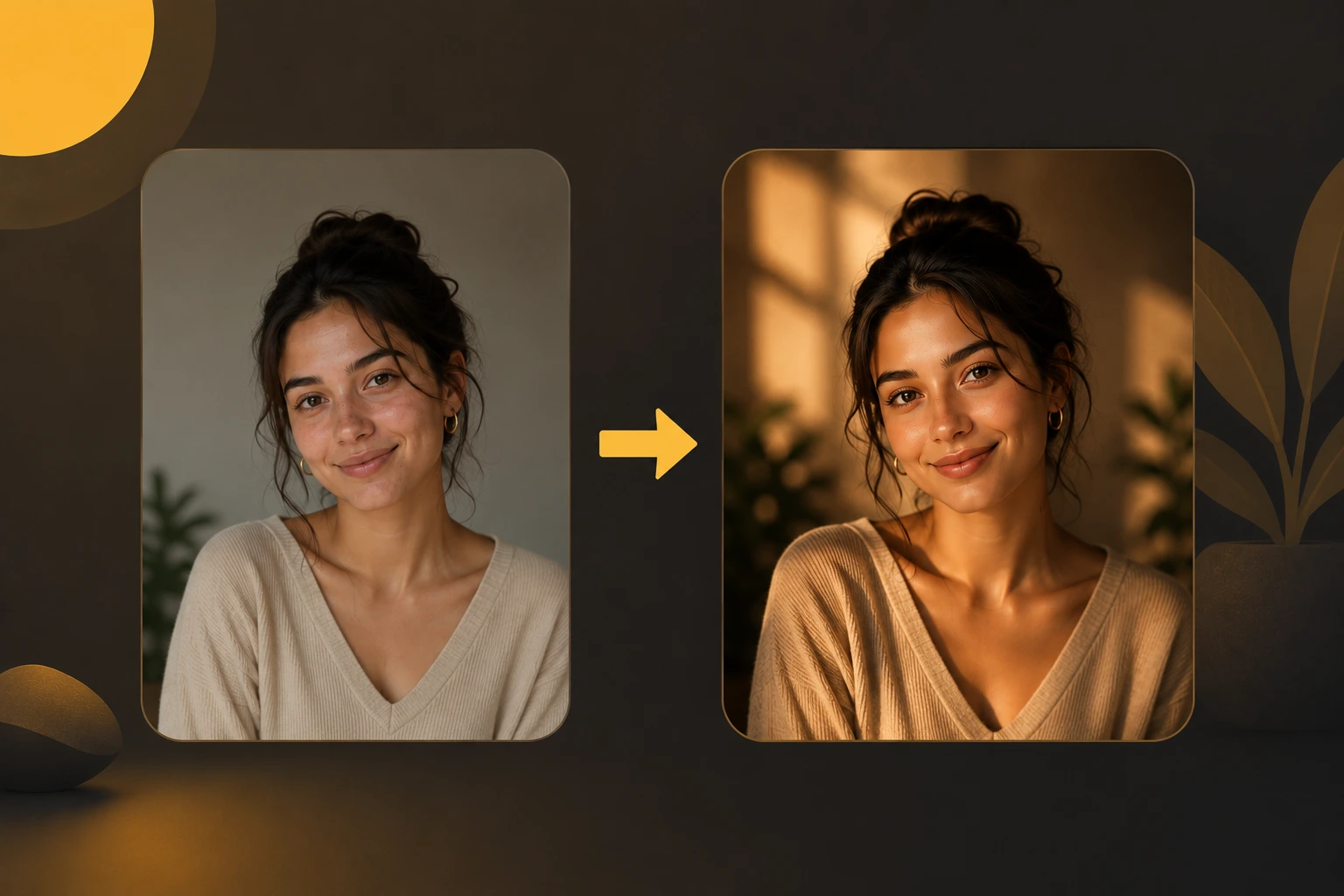
Here are three prompts built on the five-part structure above. Paste one into Gemini with your photo, then change the small details to fit your look.
1. Clean studio portrait. Good for a profile picture or a polished headshot.
Create a realistic studio portrait of me. Keep my face natural and recognizable. Use soft, even studio lighting, a close-up eye-level framing, and a plain dark grey background. Professional, modern, high detail.
2. Cinematic golden-hour shot. Good for a warm, film-like outdoor look.
Turn my photo into a cinematic golden-hour portrait. Keep my face natural and recognizable. Add warm low sunlight, a half-body frame, a softly blurred outdoor background, and a gentle film-style color grade. Premium, atmospheric, sharp detail.
3. Cartoon sticker version. Good for a fun avatar or a social post.
Turn my photo into a clean cartoon sticker of me. Keep my features recognizable. Use bright flat colors, a simple bold outline, a friendly expression, and a plain white background. Playful, modern illustration style.
How to make them yours: swap one detail at a time. Change "dark grey background" to "soft beige," or "golden-hour" to "blue-hour night." Keep the "recognizable" line in place every time, since that's the one holding your likeness together.
Common mistakes (and quick fixes)
Most bad results come from a few repeat mistakes. Here's what goes wrong and how to fix it fast.
The face changes. This is the most common one. Add "keep my face natural and recognizable" to the prompt, and start from a clearer photo where your face is sharp and well lit.
The prompt is too vague. Lines like "make it nice" give random output. Name the lighting, background, and style instead, so the model has something specific to aim for.
Too many ideas at once. Stacking five styles, three backgrounds, and four moods confuses the model. Pick one clear direction per generation, then change details one at a time.
The photo is low quality. A dark, blurry, or cluttered source photo limits how good the result can be. Retake it near a window or in soft daylight before you blame the prompt.
Wrong shape for the platform. A square image looks cropped as an Instagram story. Ask for the frame you actually need, like 4:5 for feed posts, 9:16 for stories, or 1:1 for a profile picture.
Expecting perfection on run one. Even a great prompt usually needs a tweak or two. Treat the first result as a draft, adjust one thing, and run it again.
Conclusion
Nano banana prompts take the hard part out of AI photo editing. Instead of guessing what to type, you copy a prompt that already knows the right lighting, framing, and style, then make small changes until it feels like yours.
The fastest way to learn is to actually run one. Pick a single prompt from above, grab a clear photo of yourself, and try it in Gemini right now. Look at what the prompt does, change one detail, and run it again. After three or four tries you'll understand the pattern better than any guide can explain it.
When you want more, browse the full collection of copy-paste prompts on Free Prompt Base and find a look you like. No signup, no paywall, just paste and create.
FAQ

Community
Comments
Sign in with Google to join the discussion.
No comments yet. Be the first to share your take.