
AI Tools
ChatGPT vs Gemini vs Midjourney: Which Is Best for AI Images?
Dhananjay Kumar Nirala
On this page 8
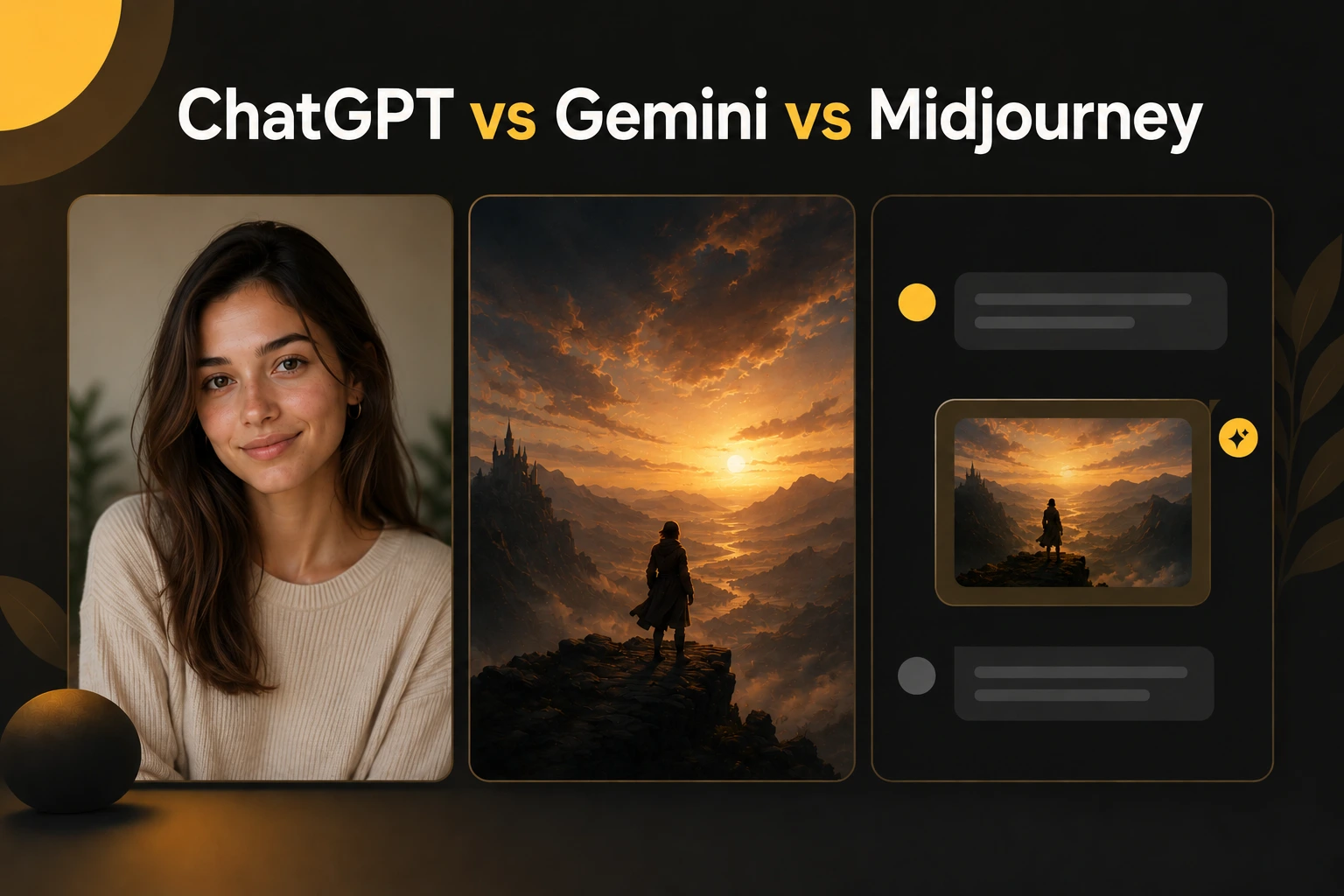
ChatGPT vs Gemini vs Midjourney is the question almost everyone asks before making AI images, and the honest answer is that none of them is "the best" at everything. Each one wins at a different job. Pick wrong and you'll fight the tool. Pick right and the same idea comes out looking far better with less effort.
Here's the quick version. Gemini gives the most realistic, true-to-life photos and follows plain instructions well. Midjourney makes the most artistic, stylish images and leads on concept art. ChatGPT is the quickest option if you already use it and just want an image in the same chat.
This guide breaks down what each tool is actually good at, where each one falls short, and which to reach for depending on what you're making. By the end you'll know exactly which one fits your next image, without testing all three yourself.
The short answer
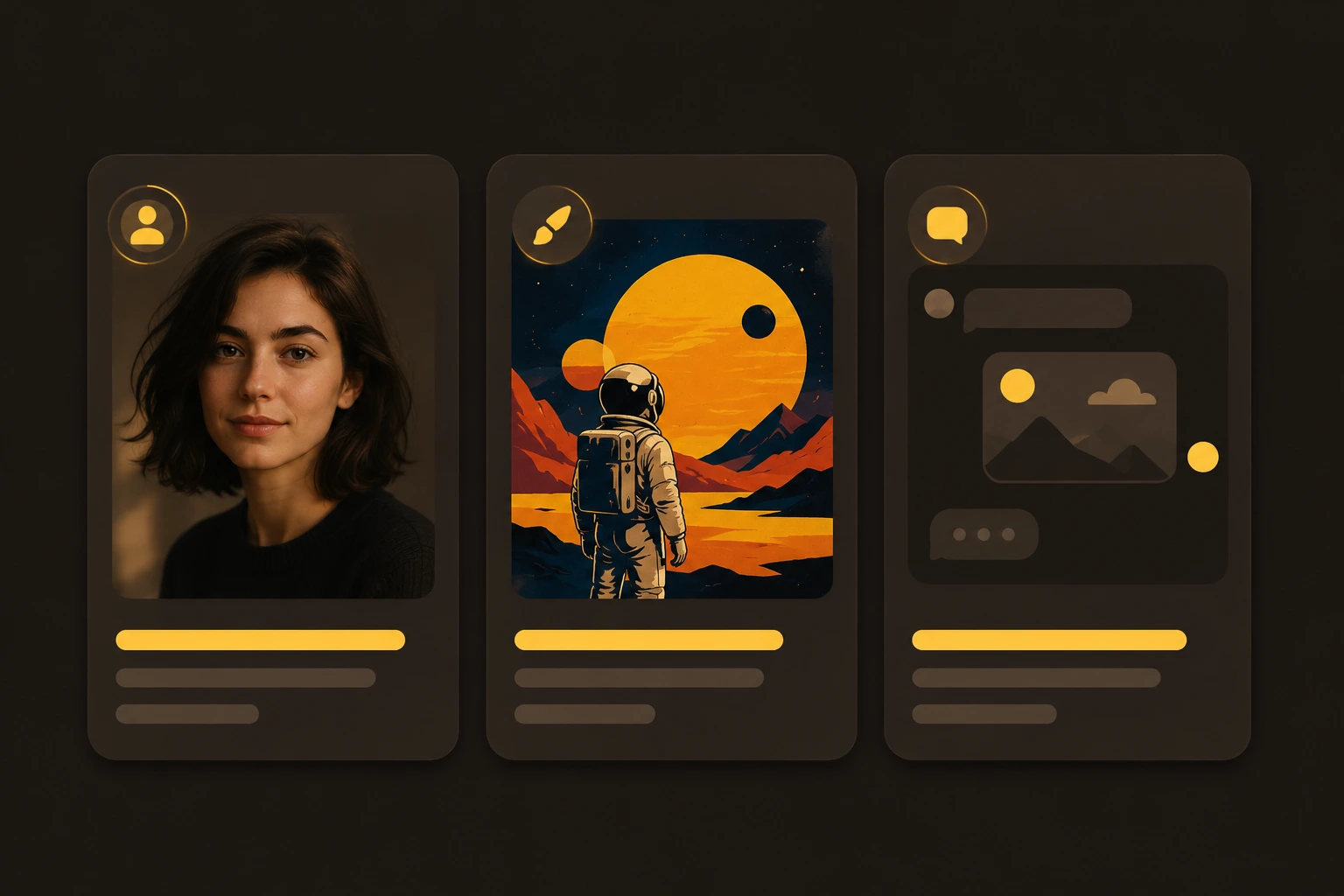
If you just want a quick verdict, here it is. Use Gemini when you want a realistic photo of a real person or product. Use Midjourney when you want art, style, or a poster-like look. Use ChatGPT when you already have it open and just need a fast image without switching apps.
Gemini (Nano Banana): the most lifelike results and the easiest to steer with plain English. Best for portraits, edits of your own photos, and anything where the face has to stay accurate. Most of the nano banana prompts you see online are built for exactly this.
Midjourney: the strongest artistic engine. Best for illustration, concept art, and cinematic scenes where you care more about mood than realism.
ChatGPT (GPT Image): the quickest to reach for, since it works right inside the chat you already use. Handy for fast visuals, though style control is weaker than the other two.
Keep reading for where each one shines and where it gets frustrating, so you can match the tool to the job instead of guessing.
ChatGPT (GPT Image): best when it's already open
ChatGPT makes images through its built-in GPT Image model, right inside the same chat you use for everything else. That's its biggest draw: the picture shows up without leaving the chat.
It's the easiest to start with. There's nothing new to learn. You type what you want in plain language, the same way you'd ask any other question, and the image appears in the conversation. For someone who has never touched an image tool, this is the gentlest way in.
It's strong at text inside images. GPT Image handles short words and labels better than most, so it's handy for things like a simple poster, a mock logo, or a quote graphic where the letters need to come out clean.
It's conversational. You can ask for a change in the next message ("make the background blue," "add glasses") and it edits from there. No settings, no syntax, just a back-and-forth.
Where it falls short: style control and fine detail are weaker than Gemini and Midjourney. Push it toward a very specific artistic look and the results get generic. It's best treated as a solid all-rounder, not a specialist.
Use ChatGPT when: you already pay for it, you need an occasional image, or you want simple text on an image without learning a new tool.
Gemini (Nano Banana): best for realistic photos
Gemini's image side is the one people call Nano Banana, and in 2026 it's the front-runner for anything that needs to look like a real photo. It has caught up to and in many tests passed Midjourney on photorealism.
It's the best at editing your own photo. Upload a selfie and it can change the lighting, outfit, or background while keeping your face recognizable. This is the job Gemini does better than the other two, which is why it powers most of the viral "turn your photo into..." trends.
It follows plain English. You don't need special syntax. Write a normal sentence describing the lighting, framing, and mood, and it usually gets it on the first or second try. That makes it forgiving for beginners.
It handles text inside images well. The newer Nano Banana Pro model is built to render readable words, so posters, thumbnails, and graphics with a few lines of text come out cleaner than they used to.
It's fast and mostly free to start. The standard model is quick and available in the free Gemini app, with daily limits. That's a low bar to just try something.
Where it falls short: for heavily stylized art, like a painted fantasy scene or a bold illustration style, Midjourney still has more character. Gemini leans realistic by default, which is a strength for photos and a limit for art.
Use Gemini when: you want a lifelike portrait, you're editing a real photo of yourself, or you need accurate faces and clean text in the image.
Midjourney: best for creative, eye-catching images
Midjourney is the specialist of the three. It doesn't try to be a chatbot or a photo editor. It exists to make striking, creative images, and that focus shows.
It has the boldest visual style. For illustration, concept art, fantasy scenes, and cinematic posters, Midjourney still leads. Its default output has a polish and mood the others struggle to match when you want art over realism.
It rewards a bit of craft. Midjourney uses small parameters at the end of a prompt, like --ar 16:9 for aspect ratio or --style raw for a less stylized look. There's a slight learning curve, but it gives you real control. A short guide on writing better Midjourney prompts makes this click faster.
It has the deepest community. Years of shared prompts, styles, and references mean you can almost always find a starting point for the look you want.
Where it falls short: it's not built for editing a photo of a specific person, and keeping a real face accurate is not its strength. It also has no free tier, so you pay from day one. The interface takes more getting used to than typing in a chat.
Use Midjourney when: you want art, illustration, or a cinematic style, and you care more about how striking the image looks than whether it matches a real photo.
Which one should you use?
Forget specs for a second and think about what you're actually making. Here's the quick match by job.
What you want | Best tool | Why |
|---|---|---|
Edit a selfie or real photo | Gemini | Keeps your face accurate, easy plain-English edits |
Realistic portrait or product shot | Gemini | Most lifelike output, clean detail |
Illustration or concept art | Midjourney | Strongest style and mood |
Cinematic poster or fantasy scene | Midjourney | bold, cinematic looks |
Quick image without switching apps | ChatGPT | Works inside the chat you already use |
Simple text on an image (poster, quote) | ChatGPT or Gemini | Both render short text cleanly |
Just starting out, want it free | Gemini | Free app, no syntax to learn |
If you only pick one: choose Gemini. It covers the widest range of everyday needs, it's free to start, and it's the most forgiving for beginners. You can add Midjourney later when you specifically want art.
If you create for a living: it's worth using two. Gemini for anything realistic and photo-based, Midjourney for art and design work. They cover each other's weak spots.
Price and access, quickly
You can try two of the three without paying. Here's how access works in 2026.
Tool | Free option | Paid plan | Notes |
|---|---|---|---|
ChatGPT | Yes, limited images | Plus, $20/mo | Images included if you already pay for Plus |
Gemini | Yes, daily limits | AI Pro, ~$20/mo | Free tier is enough to test most prompts |
Midjourney | None | $10–$60/mo | Pay from day one; pick a tier by how much you create |
The takeaway: start free with Gemini or ChatGPT, see if AI images fit what you do, and only pay for Midjourney once you specifically want its creative style. There's no need to subscribe to all three.
Conclusion
There's no single best AI image tool, only the right one for the job in front of you. Gemini gives you realistic photos and easy edits of your own pictures. Midjourney gives you bold, creative art. ChatGPT gives you a quick image without leaving the chat you already use.
If you're just starting, open Gemini first. It's free, it reads plain English, and it handles the most common needs. Add Midjourney later when you want a look only it can make. Keep ChatGPT in mind for fast, in-chat images along the way.
The best way to decide is to try one on a real idea today. Pick a tool, give it a clear prompt, and see what comes back. Once you want ready-made prompts to paste in, browse the free image prompt library and start from something that already works.
FAQ
Community
Comments
Sign in with Google to join the discussion.
No comments yet. Be the first to share your take.