
AI Tools
How to Use Nano Banana AI for Free (Step-by-Step)
Dhananjay Kumar Nirala
On this page 7
Nano Banana is free. It is not a separate app you have to hunt down: it is the image model inside Google Gemini, and the free tier covers everyday editing with a daily limit. If you have a Google account, you are four steps away from your first edit.
Step 1: open Gemini
Go to gemini.google.com in any browser, or install the Gemini app on Android or iPhone. Sign in with a regular Google account. No card, no trial, no separate signup. If someone is selling you "Nano Banana access", close the tab; the real thing is free.
Step 2: upload one good photo
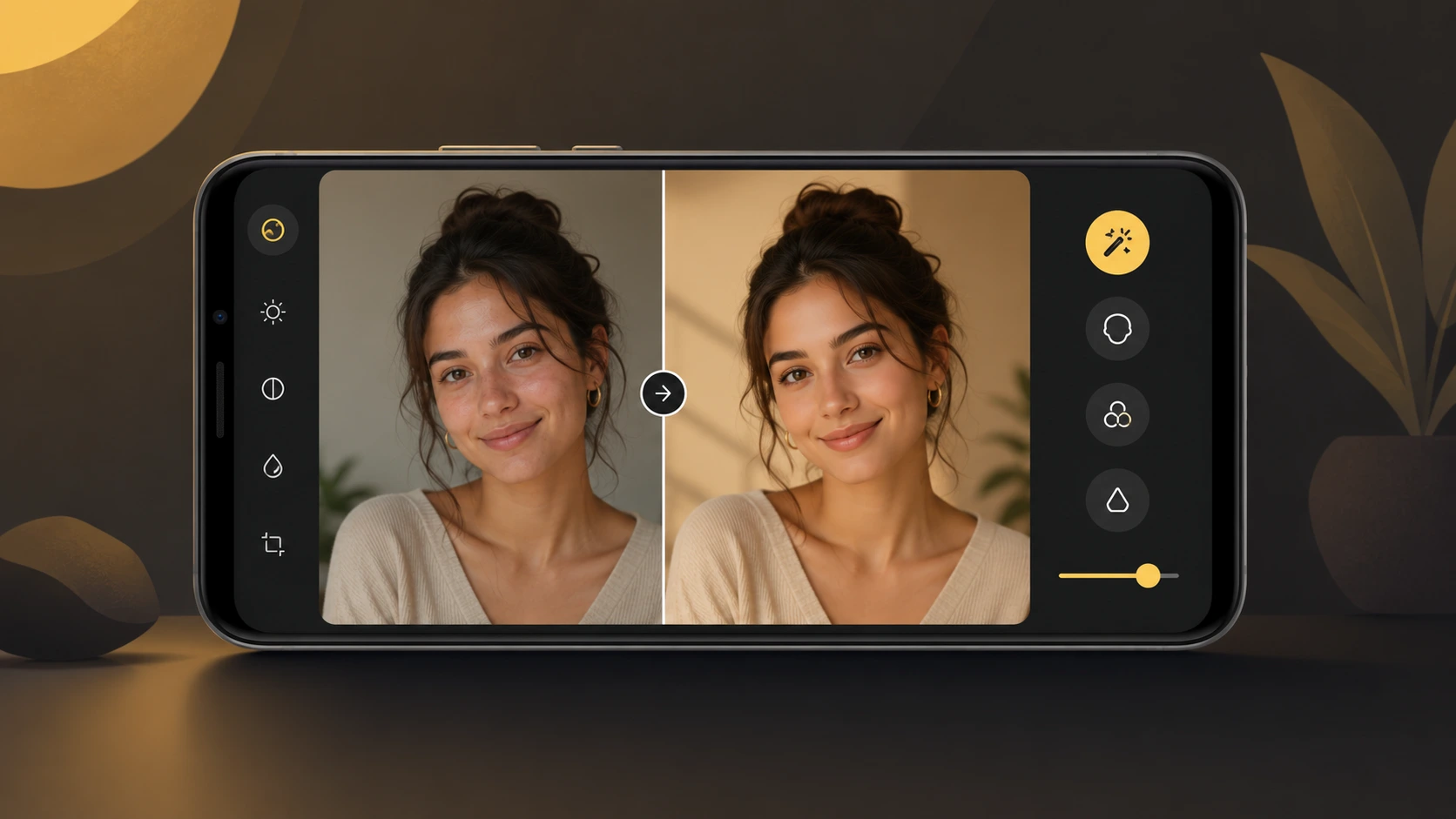
Tap the plus or image icon and pick a photo. This choice matters more than the prompt. Use a sharp, well-lit, front-facing shot where your face is big in the frame. Skip sunglasses, group shots, and anything blurry. The model can only preserve what it can see.
Step 3: paste a prompt
Type what you want changed and what must stay the same. Start with a proven one:
Turn me into a detailed collectible figurine standing on a desk, still in a branded box beside me, studio lighting. Keep my face exactly the same.
Edit my photo into a 90s film portrait: grainy texture, warm faded colors, plain studio backdrop. Keep my face unchanged.
Create a clean professional headshot from my photo: neutral background, soft studio light, formal attire. Keep my face natural and recognizable.
The sentence at the end of each prompt, the keep line, is not decoration. It is what stops the model redrawing your face into a stranger's. Keep it in every prompt you ever run. Hundreds more ready-made lines live on our nano banana prompt page.
Step 4: correct, do not rewrite
First result close but not right? Reply with one correction: "less grain", "warmer light", "keep my glasses". One change per message. If quality degrades after several rounds, start a fresh chat and re-upload the original photo.
What the free tier actually gets you
Google adjusts the exact numbers, but the shape is stable: a daily cap on image generations that resets each day, standard model access, and occasional slowdowns at peak hours. For a few edits a day it is genuinely enough. You hit the ceiling when you batch-produce, need text inside images, or want a matching set of portraits; that is Nano Banana Pro territory, and part of what paid plans buy.
Free-tier tactics
- Decide the edit before you spend a generation. Three thoughtful prompts beat ten vague ones, and the cap stops mattering.
- Rerun your best prompt two or three times and pick the winner; variation between runs is normal.
- Save prompts that worked. A personal list of five reliable lines is worth more than any trend roundup.
- Check the watermark policy where you post; AI-edited images carry invisible SynthID marking either way.
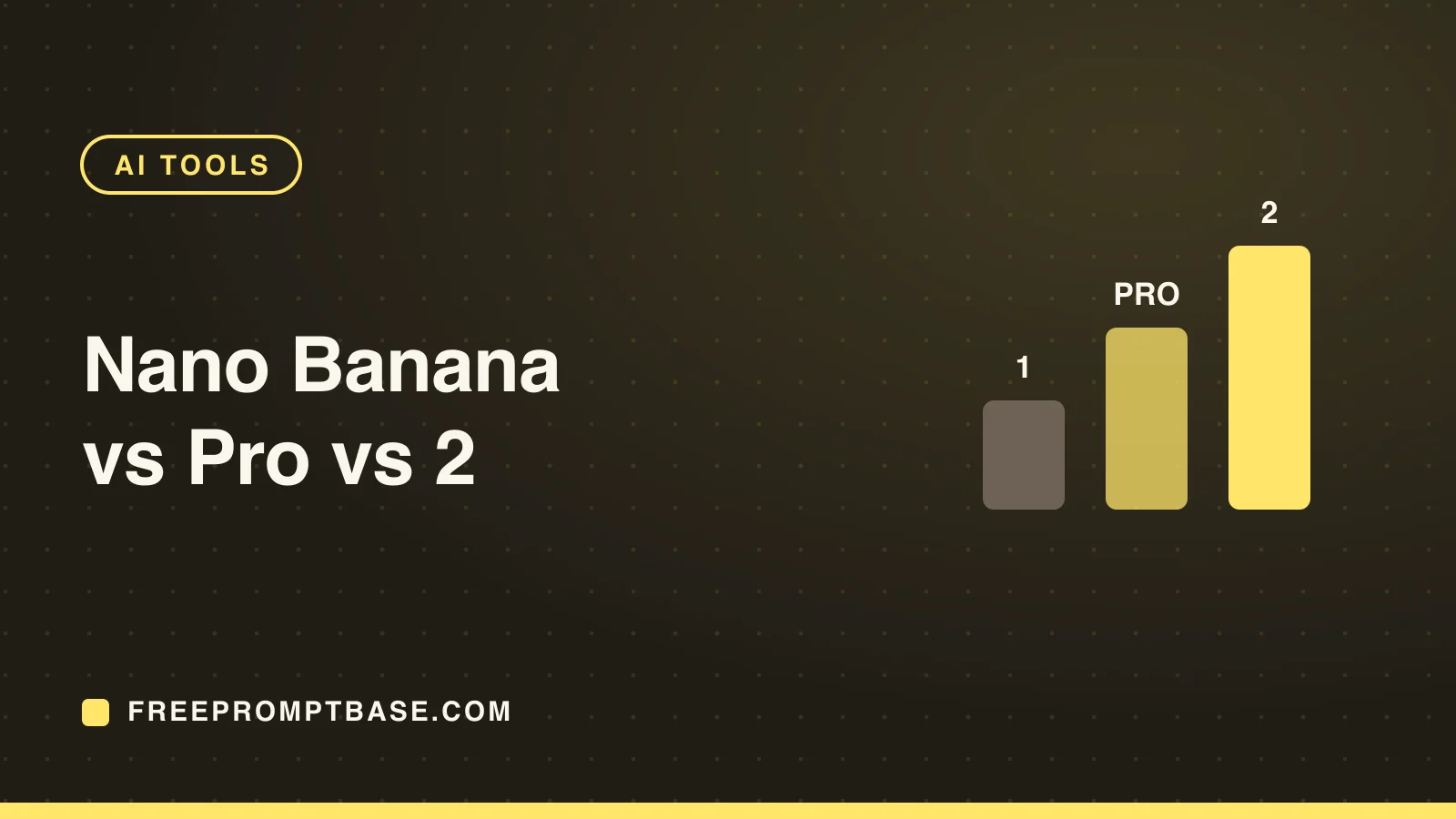
That is the whole setup. Free, no app, four steps. The difference between people who get magazine-grade results and everyone else is not access; it is prompt habits, and those are learnable in an afternoon. If you are curious how the current model compares with the newer releases, we break that down in Nano Banana vs Pro vs 2.
FAQ
Community
Comments
Sign in with Google to join the discussion.
No comments yet. Be the first to share your take.