
Prompt Guides
Common AI Prompt Mistakes (and How to Fix Each One)

Dhananjay Kumar Nirala
On this page 10
Most bad AI results aren't the tool's fault. They come from a few common AI prompt mistakes that are easy to make and just as easy to fix once you spot them. The same prompt that gives you a generic, empty answer can give you something useful with one small change.
This isn't about learning fancy prompt engineering. It's about catching the everyday habits that quietly ruin your results: putting too much into one request, fighting with a messy chat, or asking the tool for something it was never going to do well.
Below are seven mistakes people make again and again, each with a quick fix you can use right now. Run through them once and you'll spot most problems in your own prompts before you hit enter.
Why most prompts fail
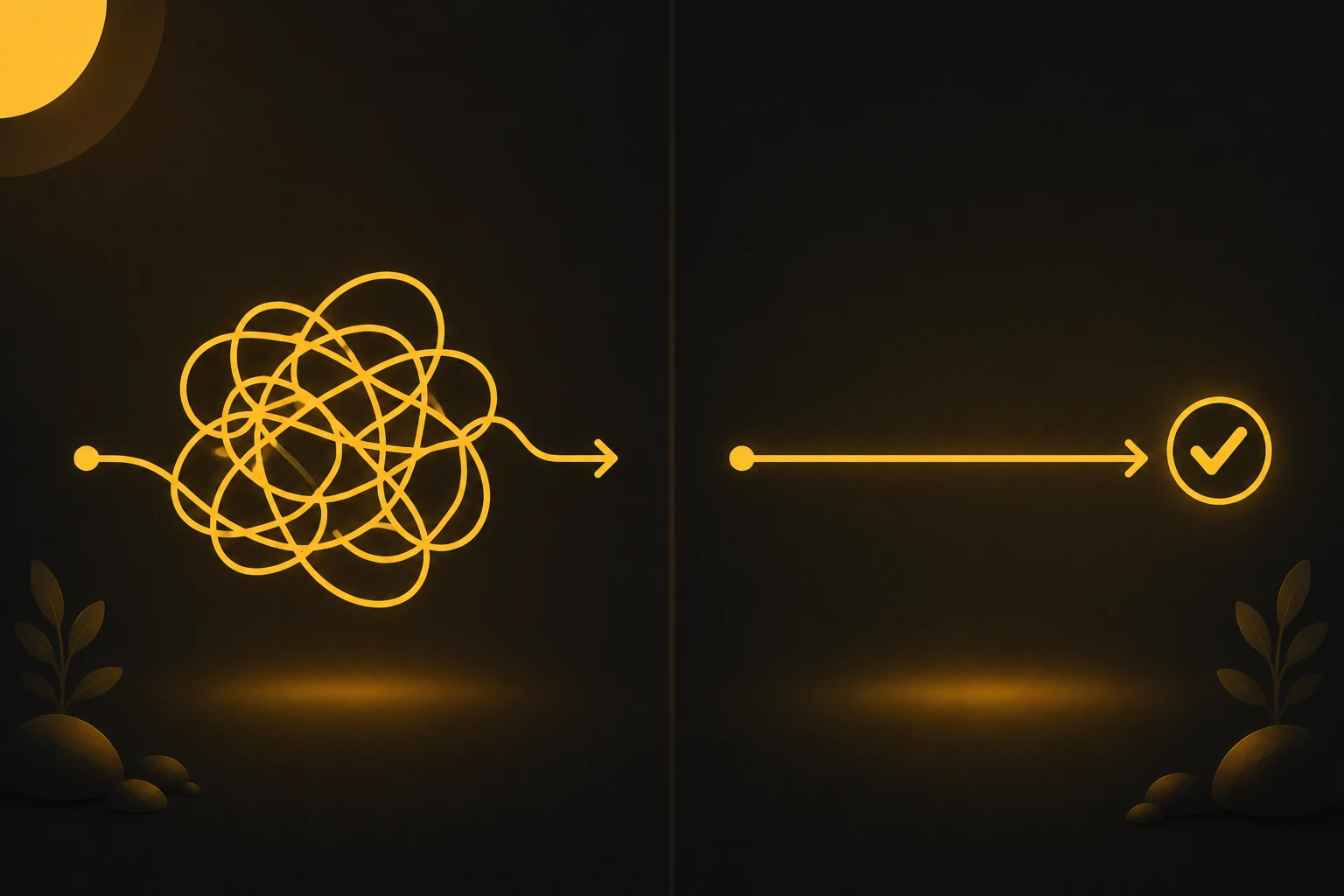
Before the specific mistakes, it helps to see the pattern behind them. A prompt fails for one of two reasons: you gave the tool too little to work with, or you gave it a tangled mess to sort through.
Too little, and it guesses. When your request is thin, the AI fills the gaps with the most average answer it can find. That's where bland, generic output comes from. It isn't being lazy, it just had nothing specific to aim at.
Too tangled, and it loses focus. Put five requests into one prompt, or bury your real question under a long messy chat, and the tool struggles to tell what matters most. Clarity drops, and so does the quality.
Almost every fix below is about balance. Give enough detail to be clear, but keep the request clean and focused. Once you read the mistakes with that in mind, the fixes feel obvious.
Mistake 1: The prompt is too vague
This is the most common one, and it causes most generic results. "Write a bio" or "give me marketing ideas" leaves the tool guessing your topic, audience, and goal, so it returns something safe and dull.
Why it happens: we know what we mean in our head, so we forget the tool can't see that. It only reads the words on the screen.
The fix: add the missing details. Who is it for, what is the goal, and how long should it be. "Write a 40-word Instagram bio for a home bakery, friendly tone, with a call to order" gives the tool a clear target. If you want the full method for this, see our guide on writing a good AI prompt.
Mistake 2: Asking for five things at once
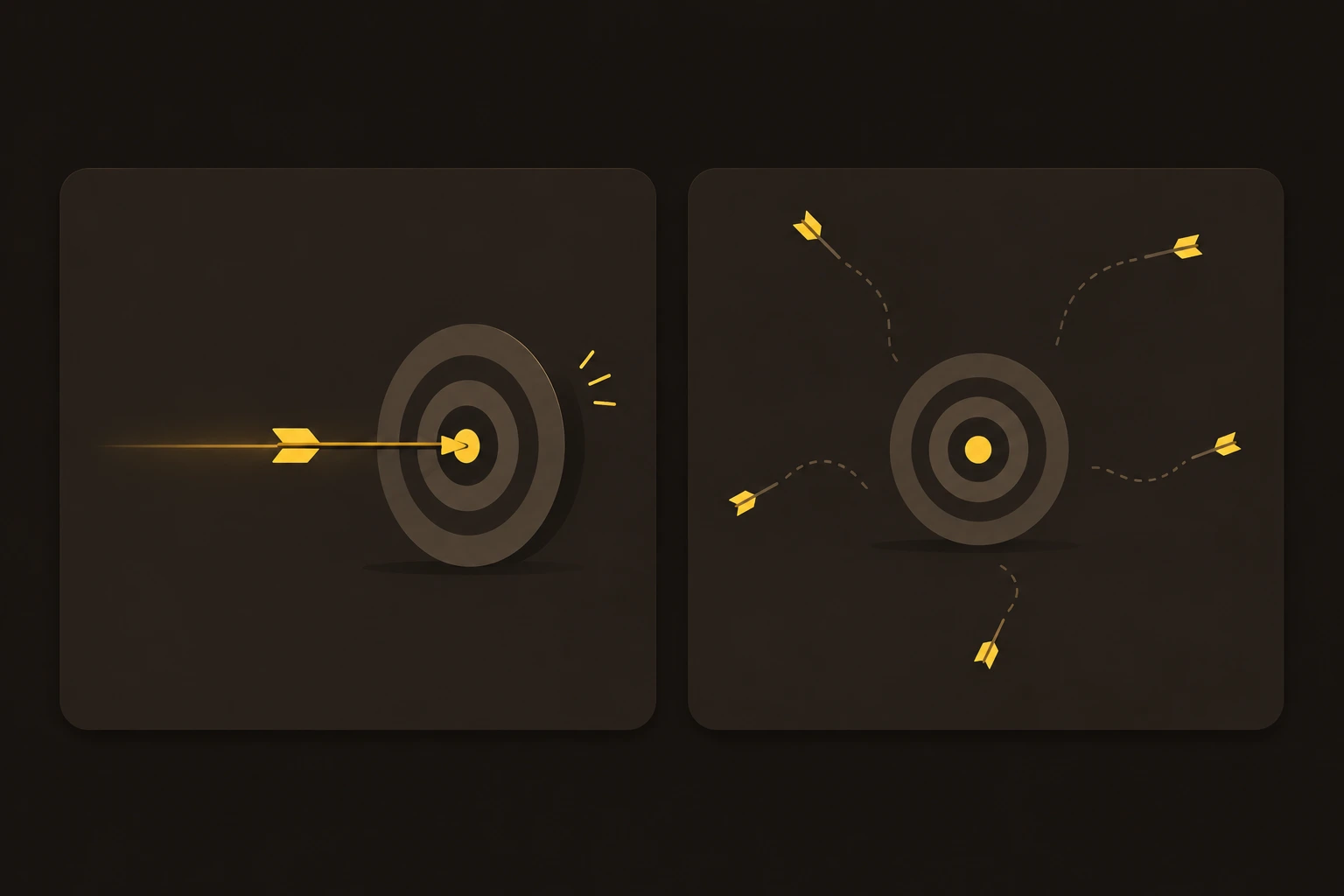
It feels efficient to pack everything into one prompt. "Write a product description, then summarize it in three bullets, and translate it to Hindi." In practice, the tool splits its attention and does each part worse.
Why it happens: you're trying to save time by getting it all in one go. But the AI works best with one clear job at a time, not a stack of them.
The fix: break it into steps. Ask for the product description first. Once it's right, ask for the bullets, then the translation. Each request stays focused, and the quality stays high.
Mistake 3: Stacking fixes instead of editing the prompt
When a result is close but not right, most people type a correction at the bottom of the chat, then another, then another. Each fix sits on top of the last, and the tool now has to juggle the first request, its old answer, and your new notes all at once.
Why it happens: adding a quick correction feels faster than rewriting. Over a few rounds, though, the chat gets cluttered and the answers get less reliable.
The fix: edit your original prompt instead. Most tools let you hover over your message and click an edit icon. Rewrite that first instruction to be clearer, then send it again. The tool starts fresh with a clean, single request.
Mistake 4: Mixing topics in one long chat
It's tempting to keep one chat open for everything: a work email, then a recipe, then a coding question. The problem is that the tool carries the earlier context forward, so your recipe chat can quietly color the answer to your next, unrelated question.
Why it happens: starting a new chat feels like extra effort, so we keep typing in the same one.
The fix: start a fresh chat when the topic changes. If the subject, audience, or goal is different, give it a clean slate. Short, focused chats almost always give better answers than one long mixed thread.
Mistake 5: Expecting facts it doesn't have
People often ask a chatbot for today's prices, recent news, or live stats, then trust whatever comes back. Many models have a knowledge cutoff and don't browse the web by default, so they can answer with old or made-up information that sounds confident.
Why it happens: the tool replies smoothly either way, so it's hard to tell when it's guessing.
The fix: for anything current, turn on the tool's web search or browsing option if it has one, and check the source. For facts that don't change, like grammar or general how-to, the model is usually fine on its own. When something sounds too specific to be true, verify it elsewhere before you use it.
Mistake 6: No example of the style you want
You can describe a tone in words, but the tool still has to interpret what "casual" or "professional" means to you. Two people asking for a "friendly" caption can want very different things, so the result often misses your taste.
Why it happens: we assume the AI pictures the same style we do. It doesn't, unless we show it.
The fix: paste an example. "Here's a caption I like: [your example]. Write three more in this voice." One sample teaches the tool your style faster than a paragraph of description. This works for writing and for images, where a reference look guides the result.
Mistake 7: Using the wrong tool for the job
Some results disappoint because the prompt went to the wrong tool. Asking a text-first chatbot for a polished art piece, or asking an image tool to reason through a long document, sets you up for a weak result no matter how good the prompt is.
Why it happens: it's easy to default to whatever app is already open, instead of the one built for the task.
The fix: match the tool to the job. Use an image model for pictures, a strong text model for writing and analysis, and a tool with web access for current facts. If you're not sure which image tool fits, our comparison of ChatGPT, Gemini, and Midjourney breaks down what each one does best.
Conclusion
None of these mistakes need fixing all at once. Pick the one you recognize most in your own prompts, fix that, and watch your results change. The rest get easier from there.
The thread running through all seven is simple: be clear, stay focused, and treat the first answer as a draft. Give the tool enough to work with, keep each request clean, and refine instead of starting over. Do that and you'll get more out of any AI tool, whatever you're using it for.
When you want prompts that already avoid these traps, browse the free prompt library and start from one that works.
FAQ



Community
Comments
Sign in with Google to join the discussion.
No comments yet. Be the first to share your take.