
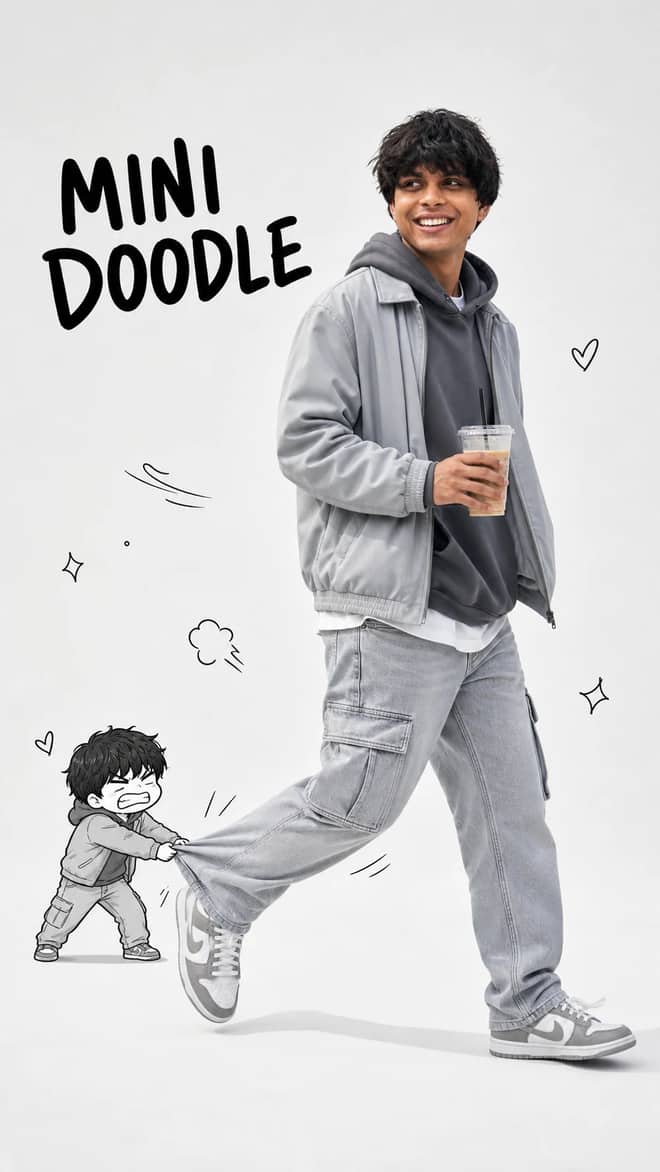
Walking with Mini Doodle Character Photo Prompt
Create a playful 9:16 editorial photo where a realistic walking man meets his tiny angry doodle double in a clean studio fashion scene.
9
Open Walking with Mini Doodle Character Photo Prompt Turn a portrait into a polished lock-screen wallpaper with a readable clock, useful widgets, notification cards, playful doodles, and a soft outline.
Use my uploaded photo as the wallpaper without changing anything in the original photograph. Transform it into a realistic iPhone lock screen by adding an authentic iPhone interface including a large Apple-style clock, date, status bar, battery icon, signal icons, weather widget, alarm widget, AQI widget, notification cards, reminder widgets, lock icon, flashlight shortcut, camera shortcut, and swipe indicator.

Decorate the wallpaper with subtle doodle hearts, flowers, stars, sparkles, and soft yellow outlines around my body without modifying the actual photograph.

Everything should look identical to a genuine iPhone lock screen screenshot while preserving my original image perfectly.
Open in
The prompt is copied to your clipboard — just paste it in.
More like this
Create a playful 9:16 editorial photo where a realistic walking man meets his tiny angry doodle double in a clean studio fashion scene.

Create an ultra-realistic monochromatic fashion portrait with luxury campaign lighting, natural skin texture, bold brush typography, and clean negative space.
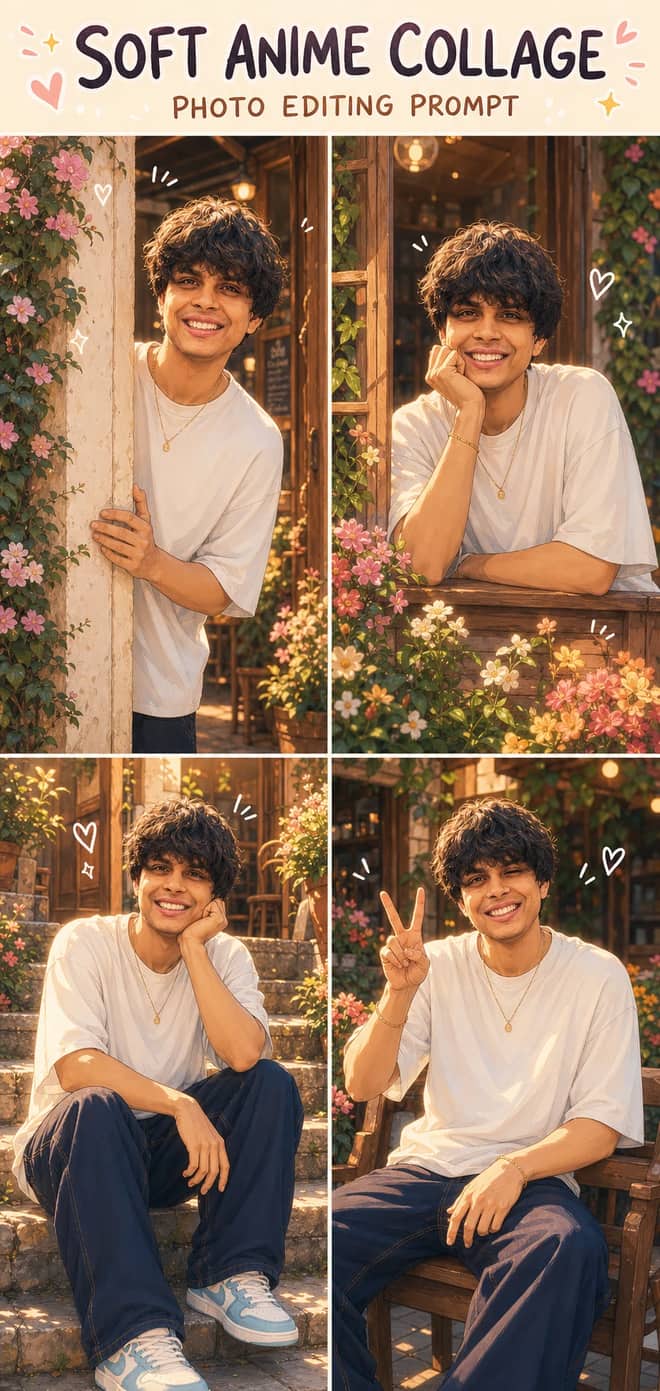
Turn one photo into a dreamy four-panel anime collage with consistent identity, café courtyard poses, golden-hour lighting, floral details, and cute doodles.