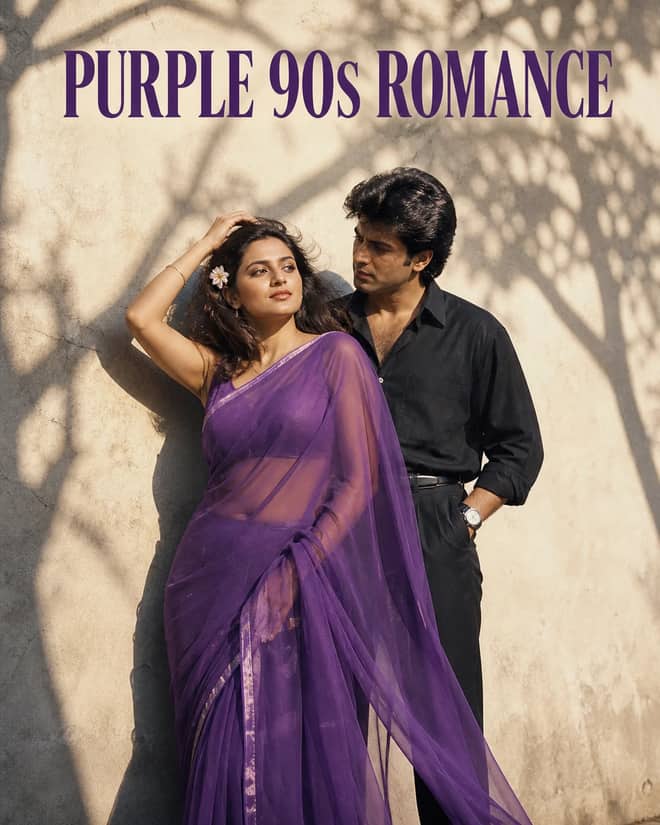
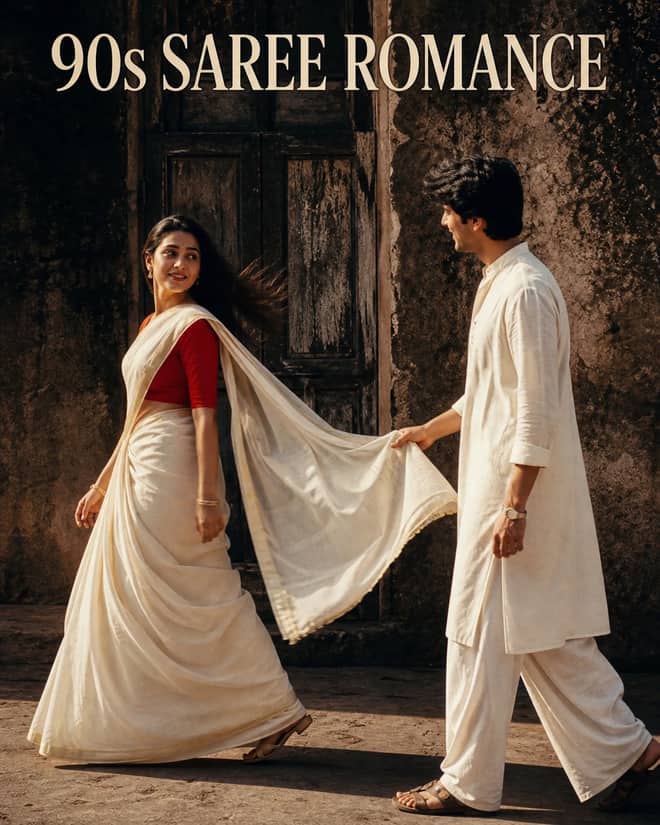
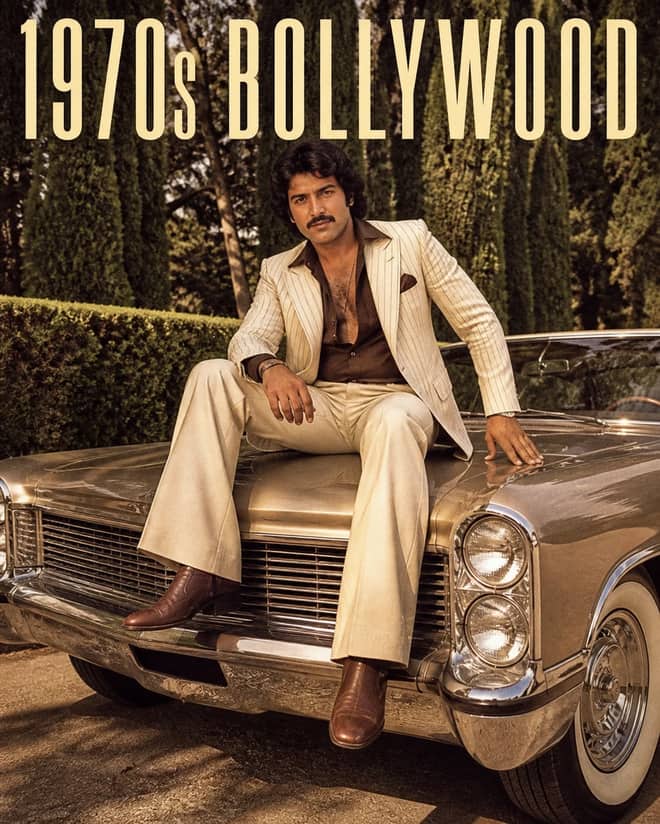
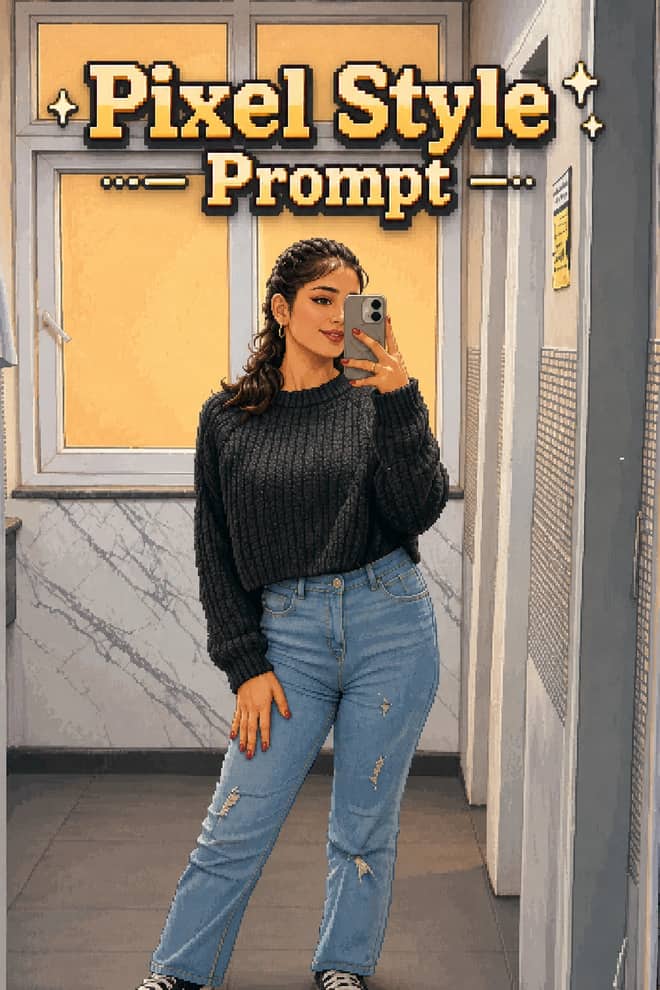
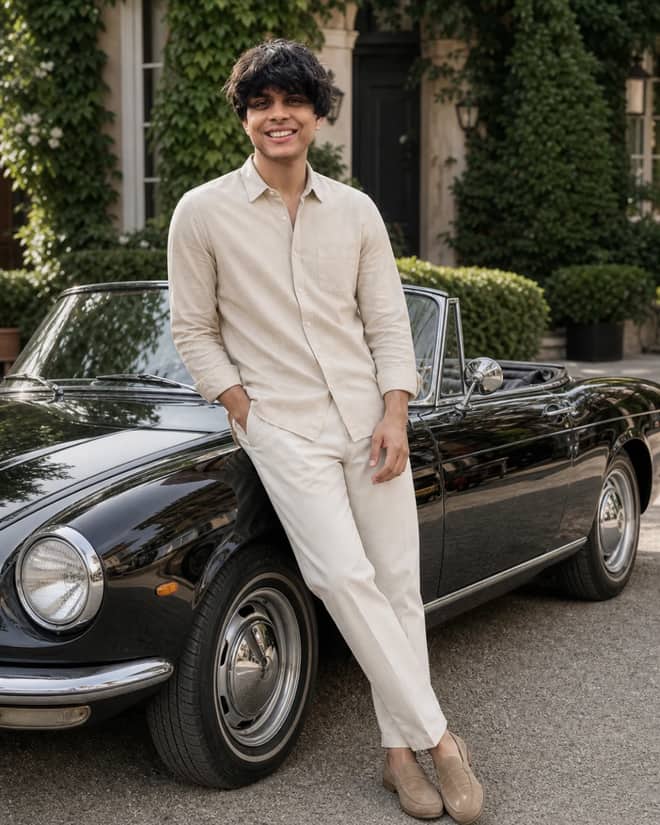
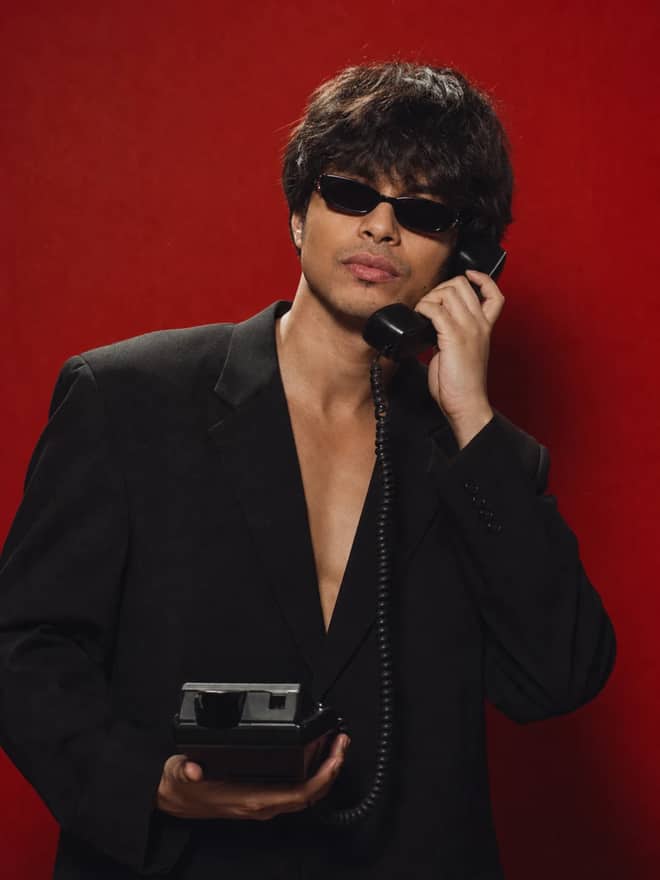
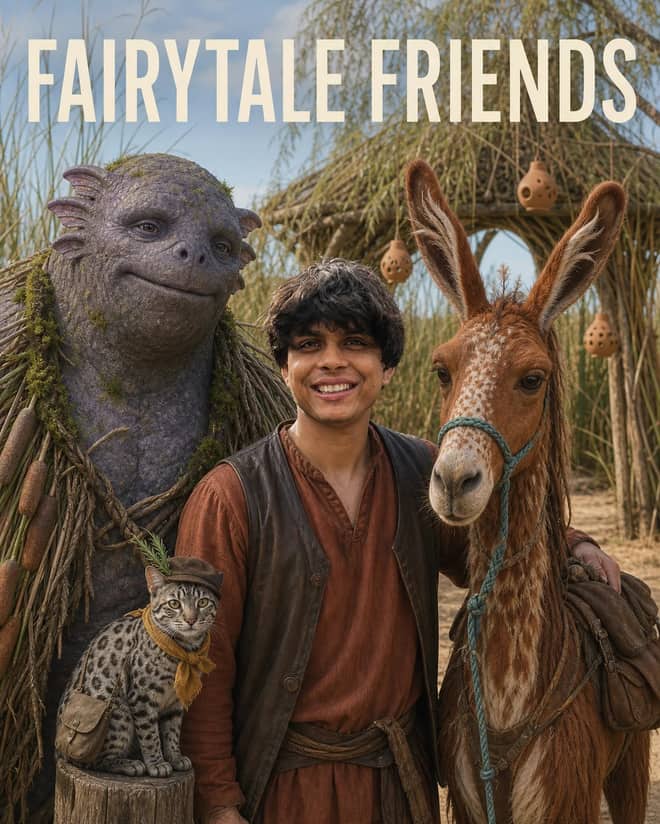
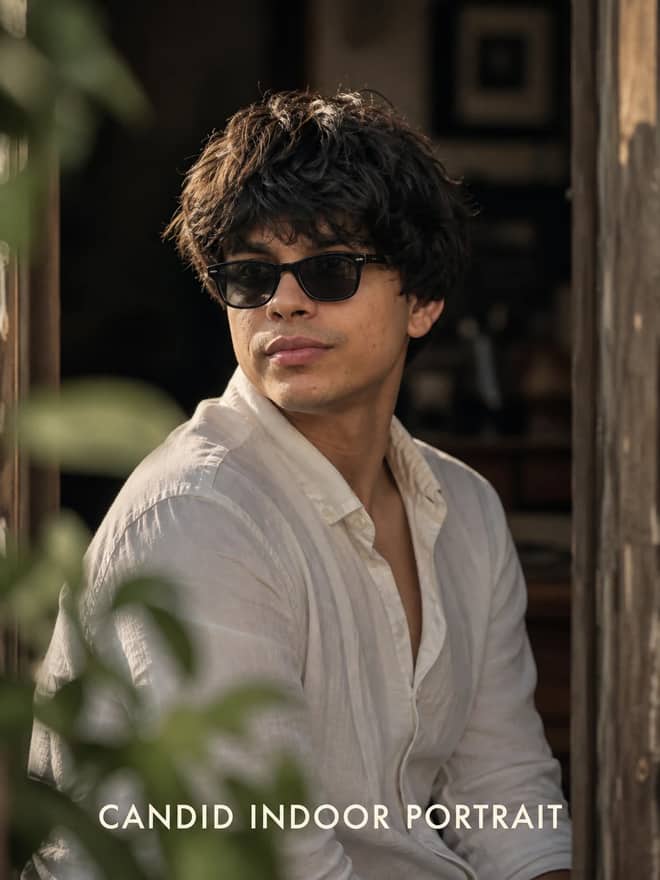
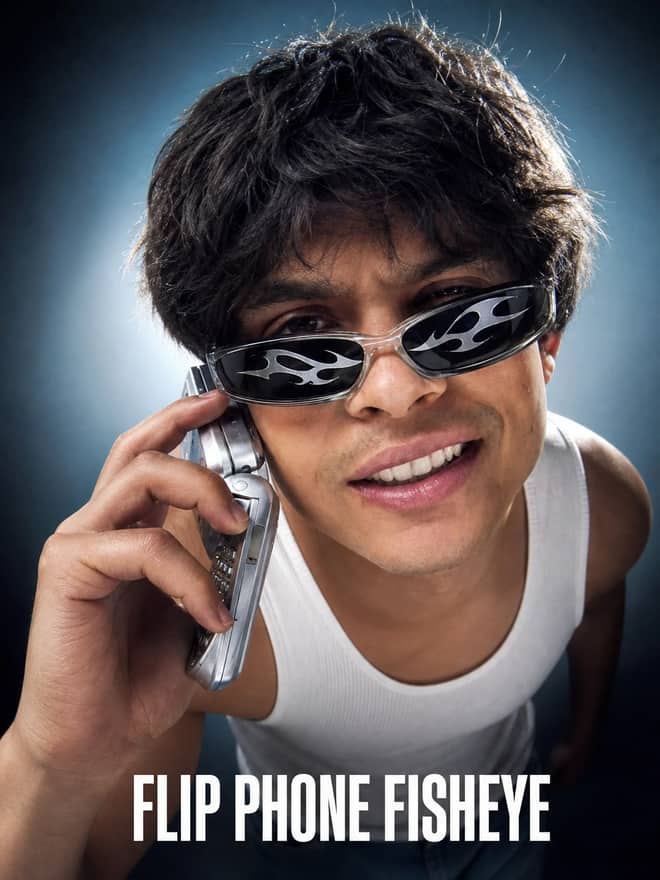
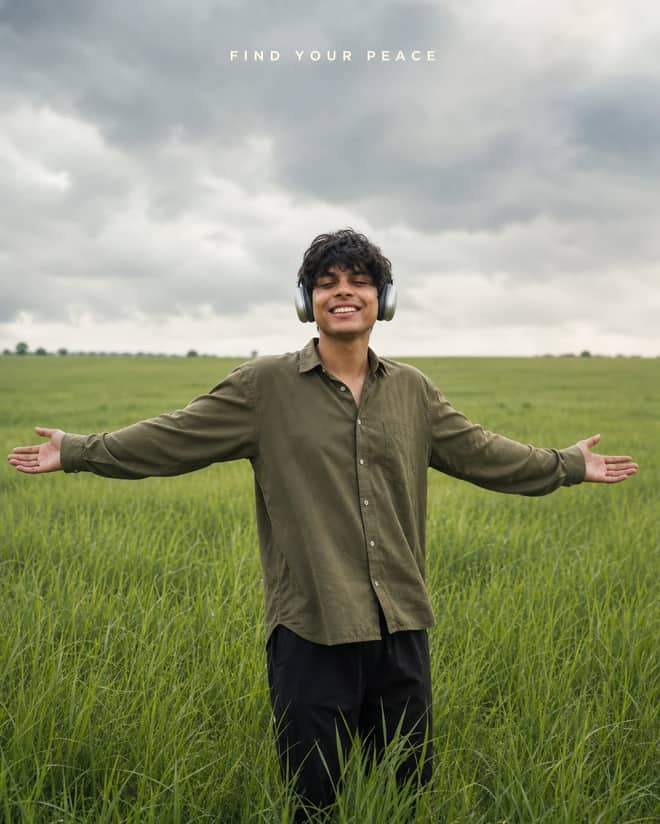
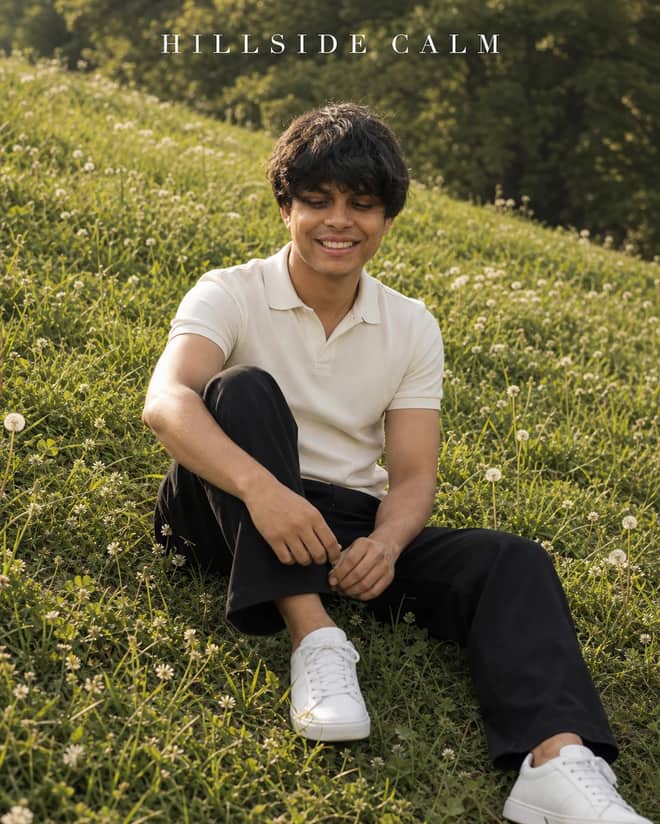
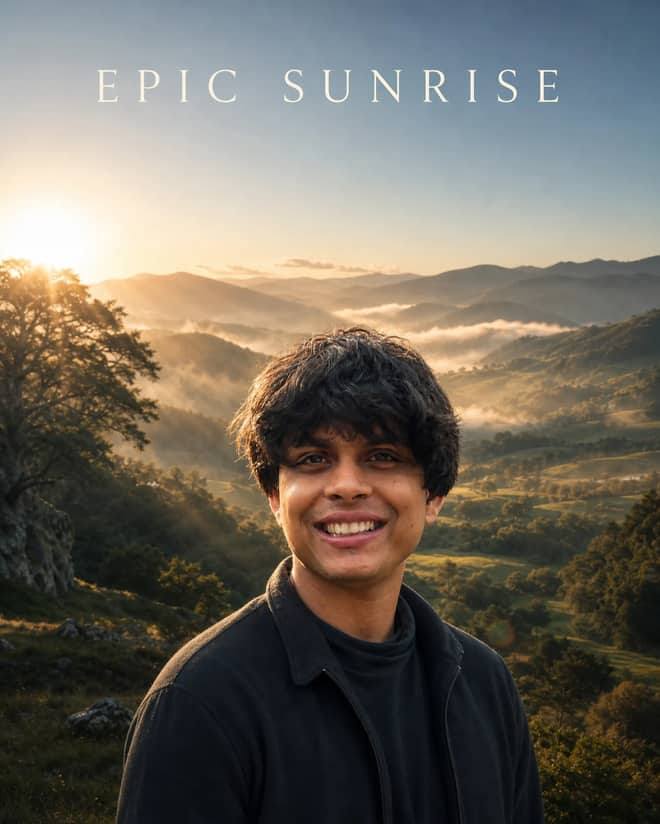
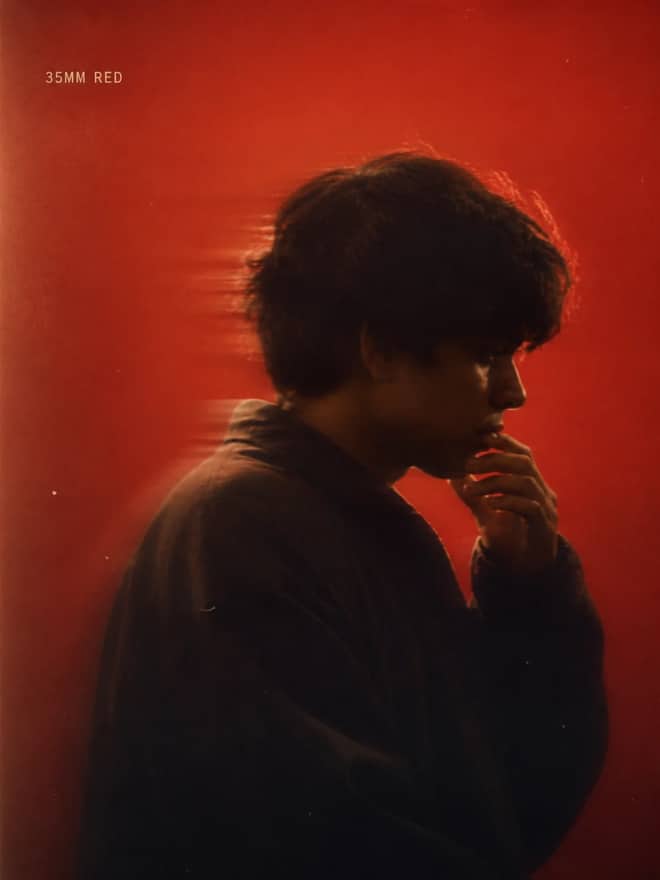
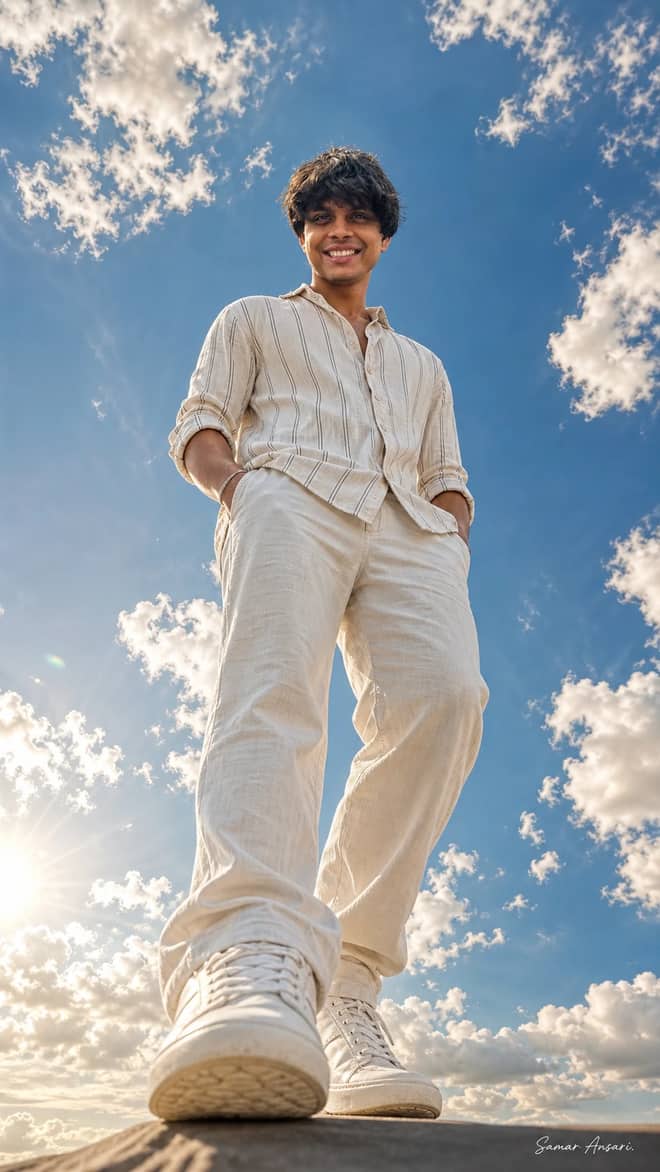
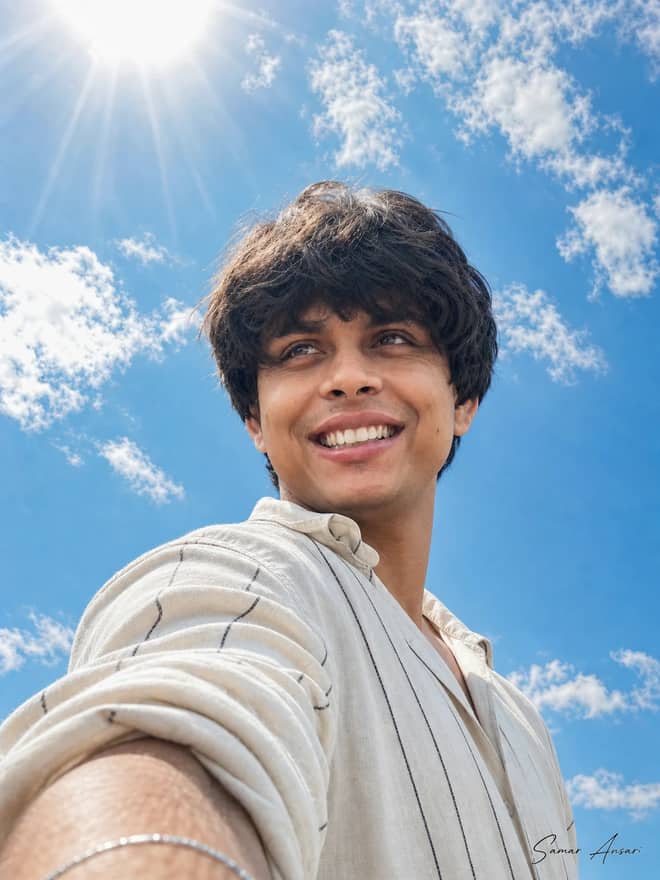
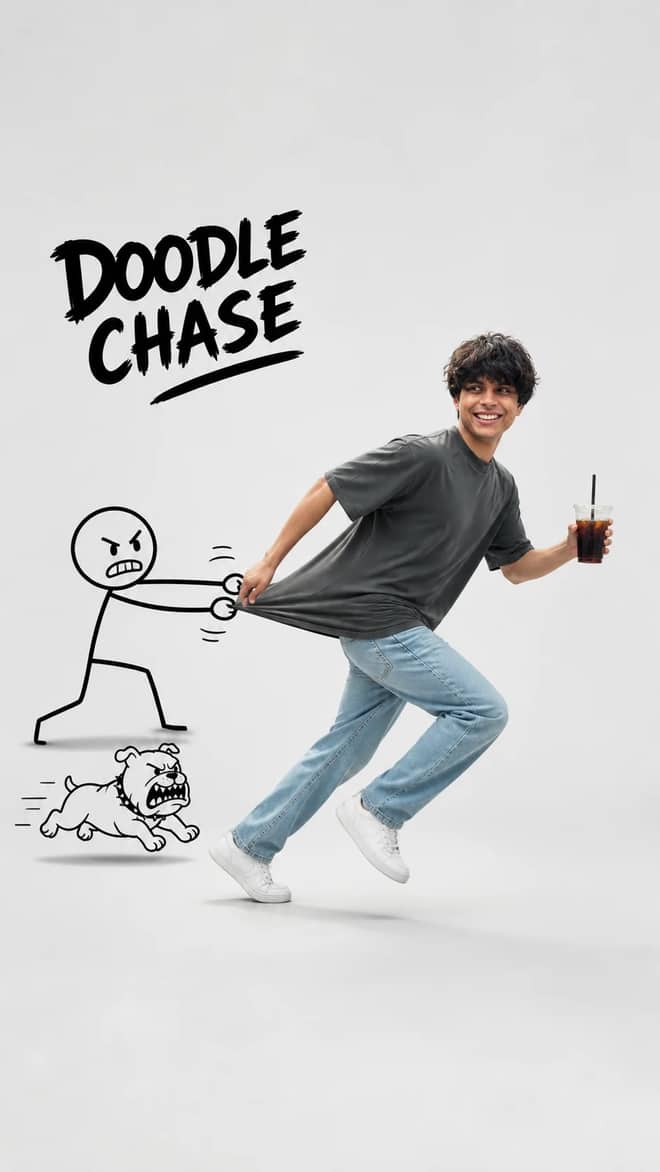
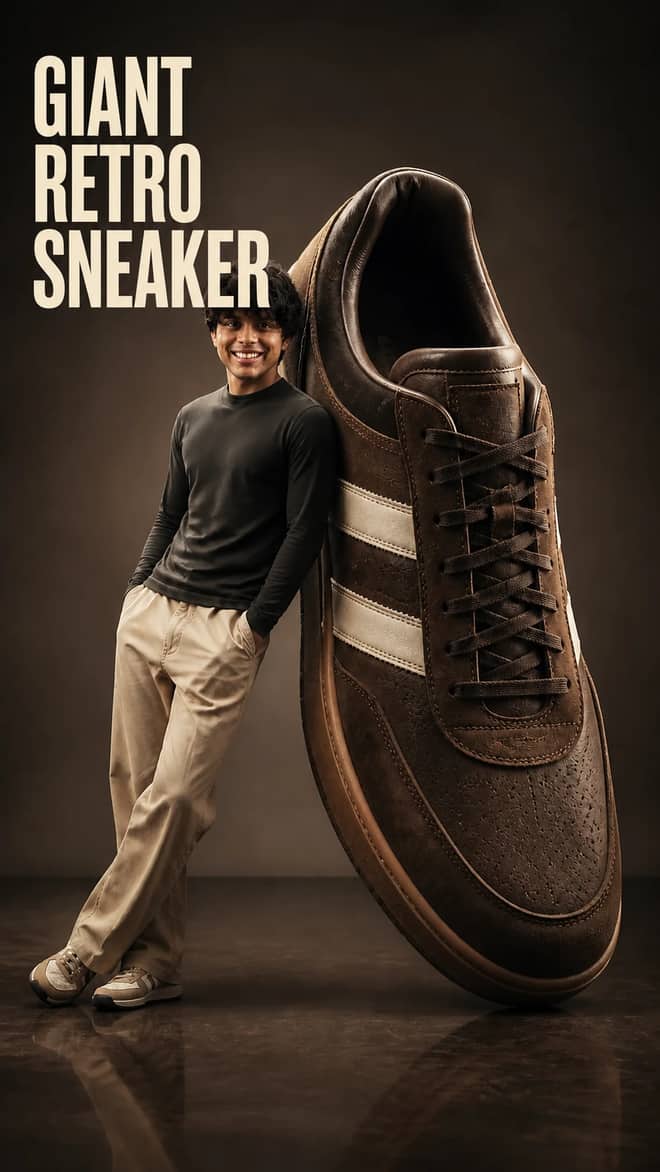
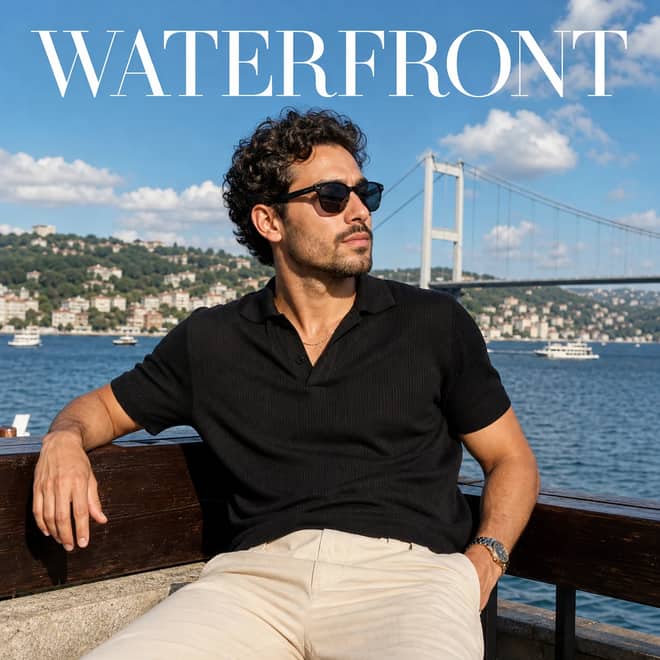
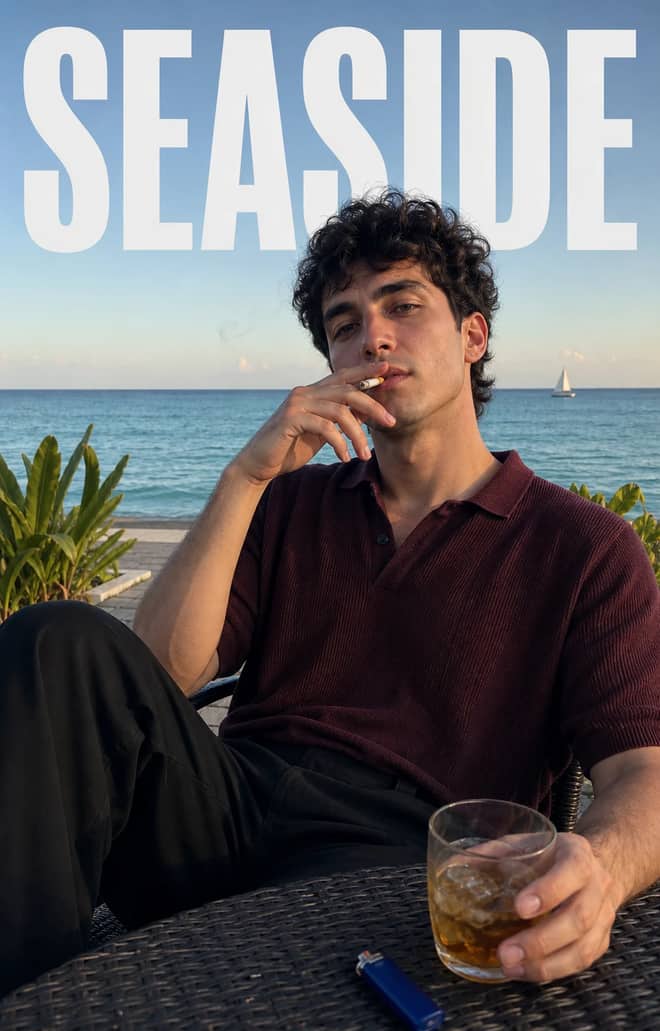
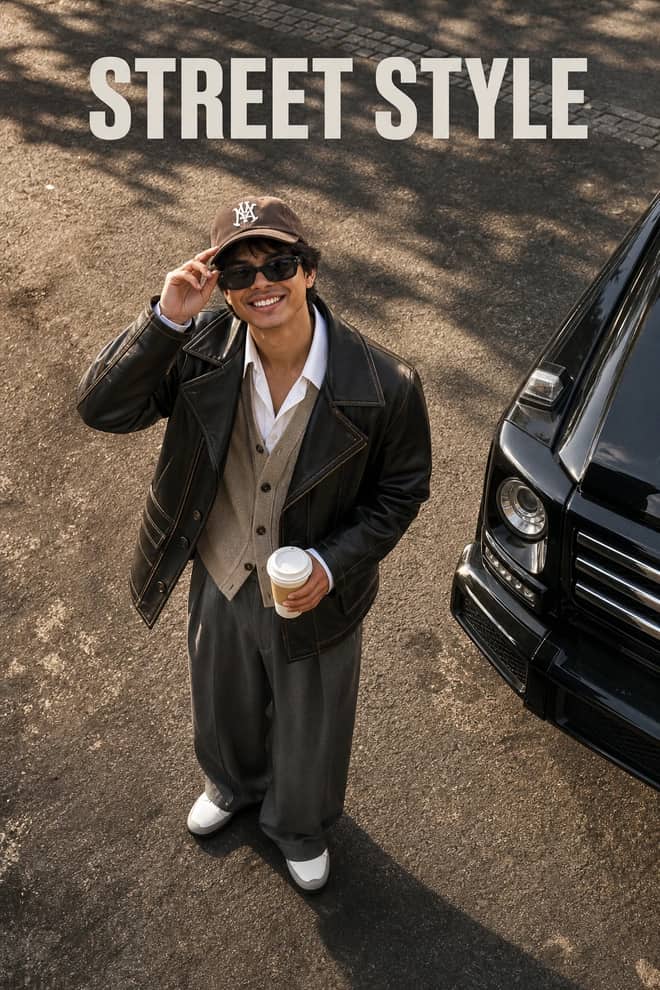
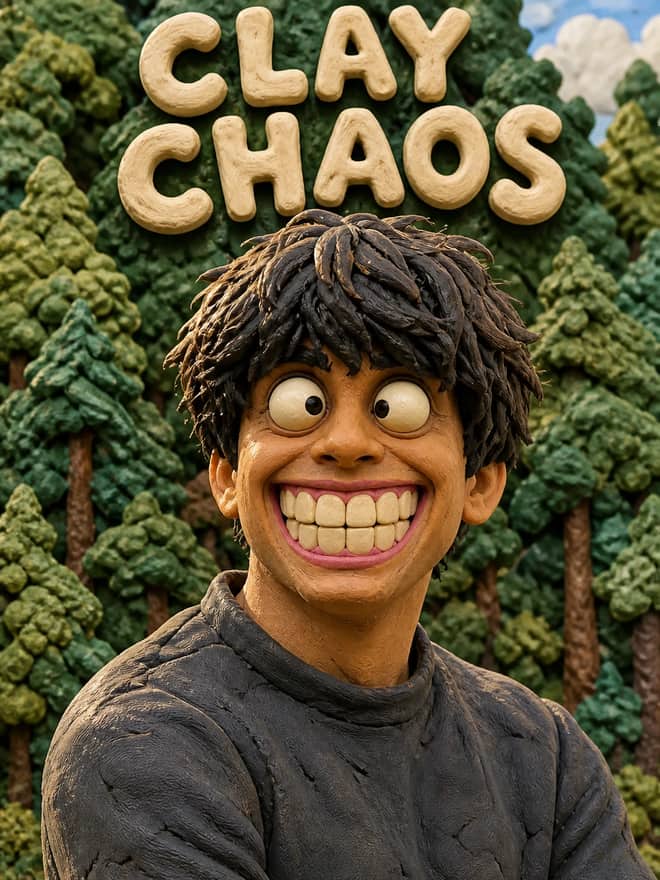
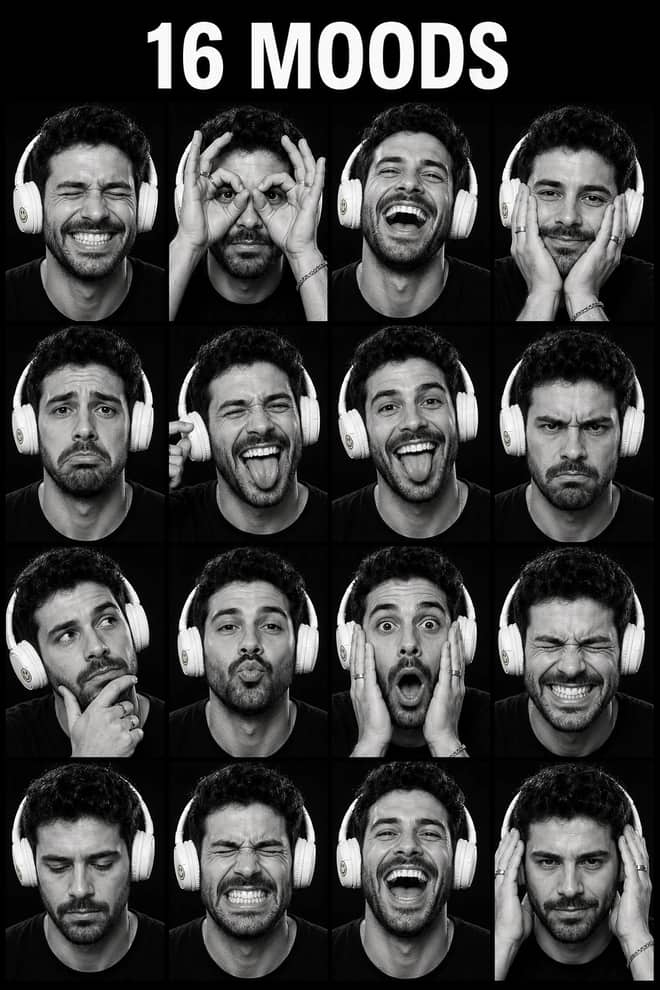
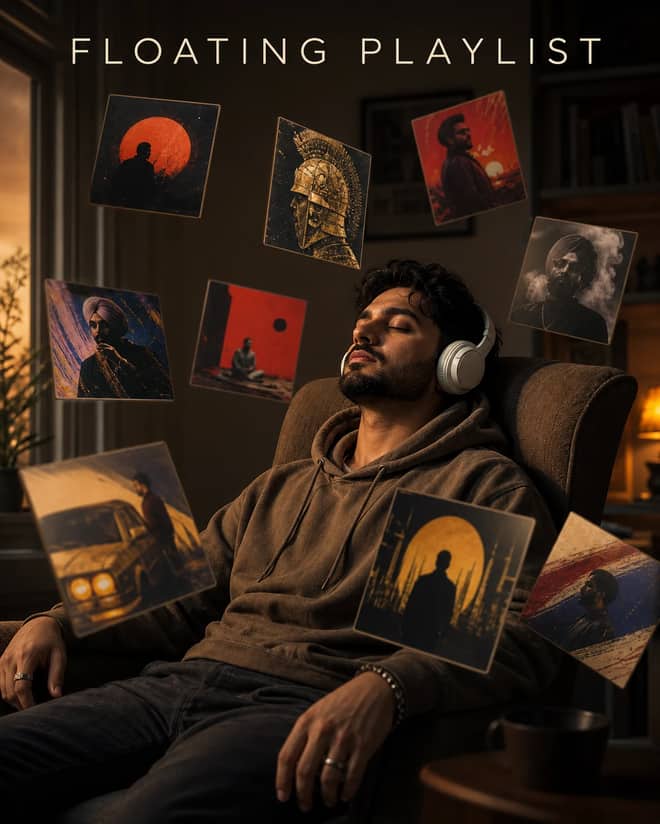
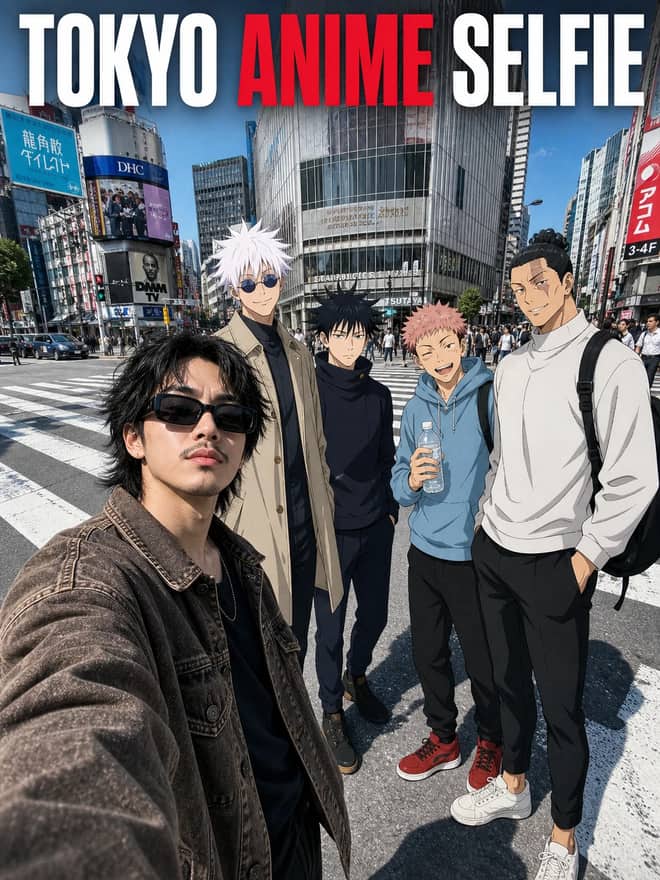
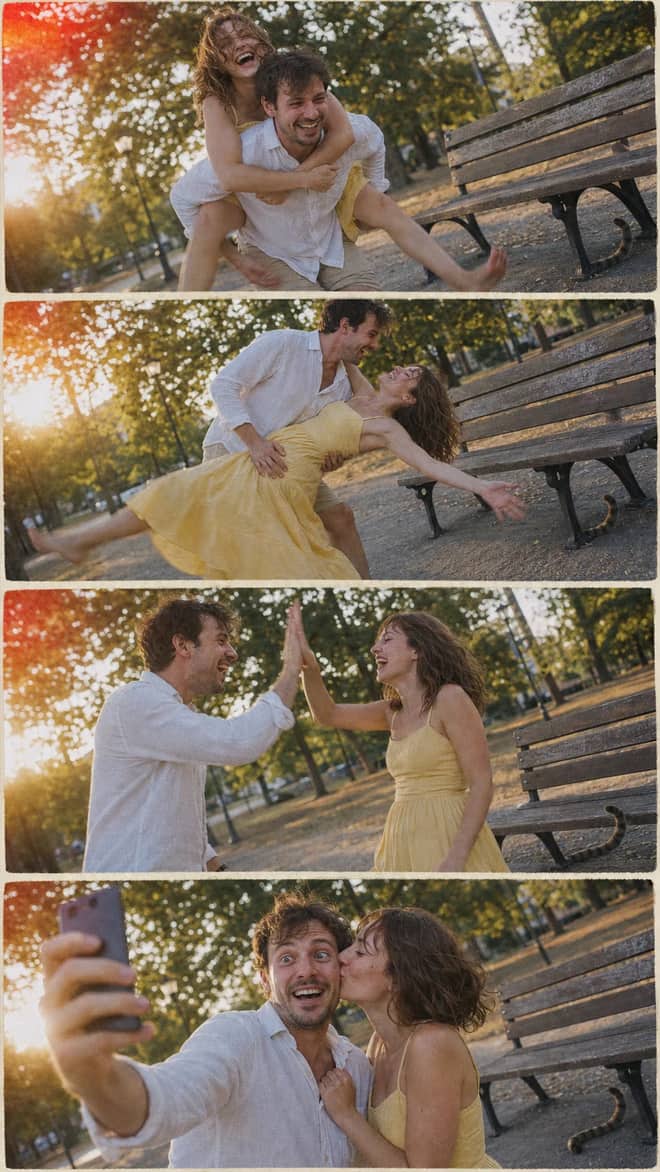
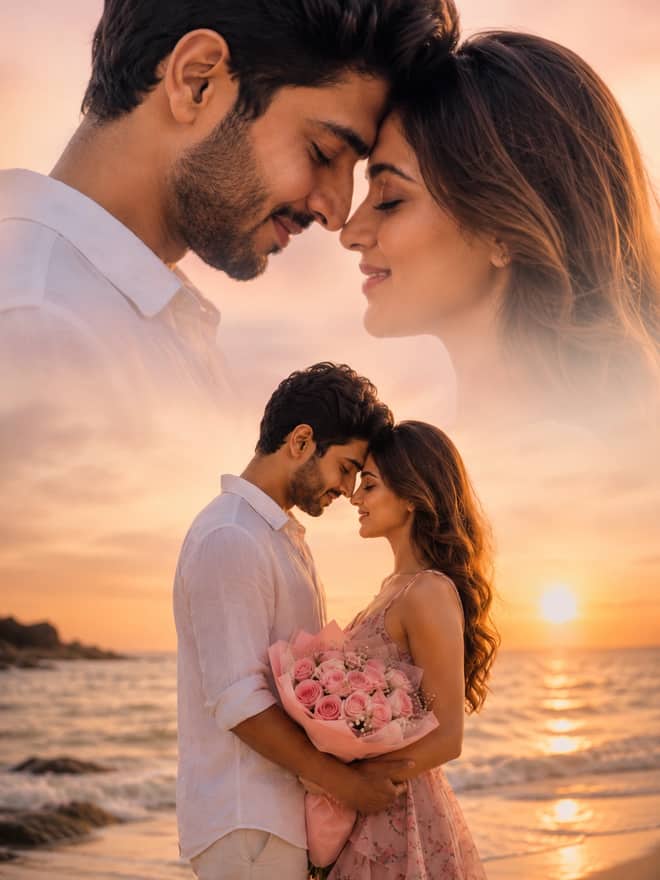
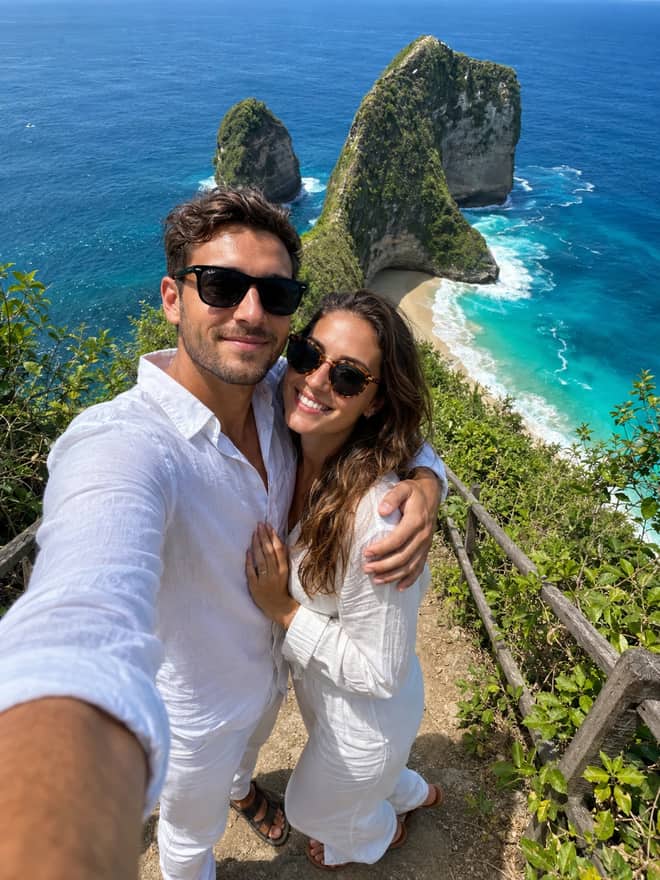
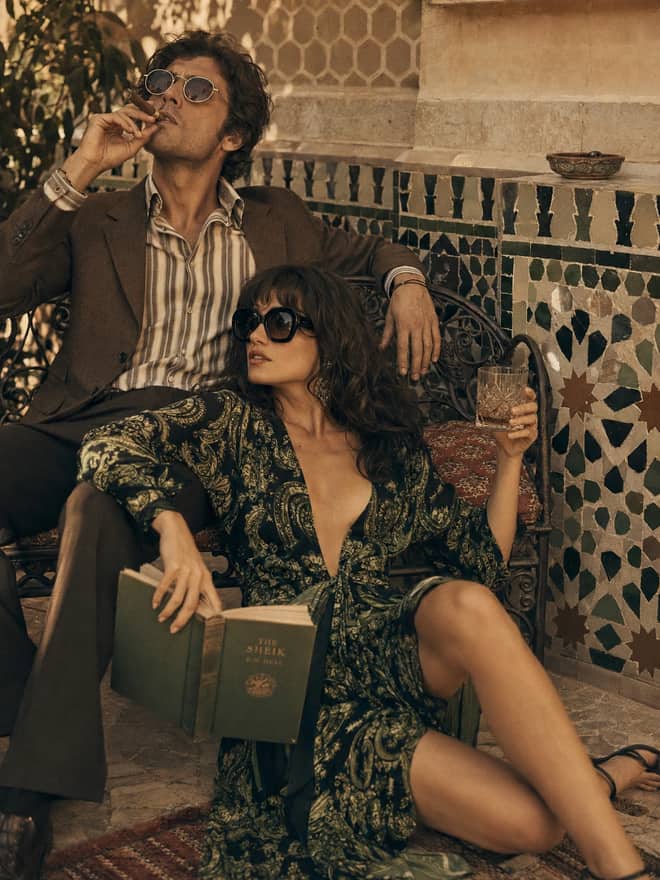
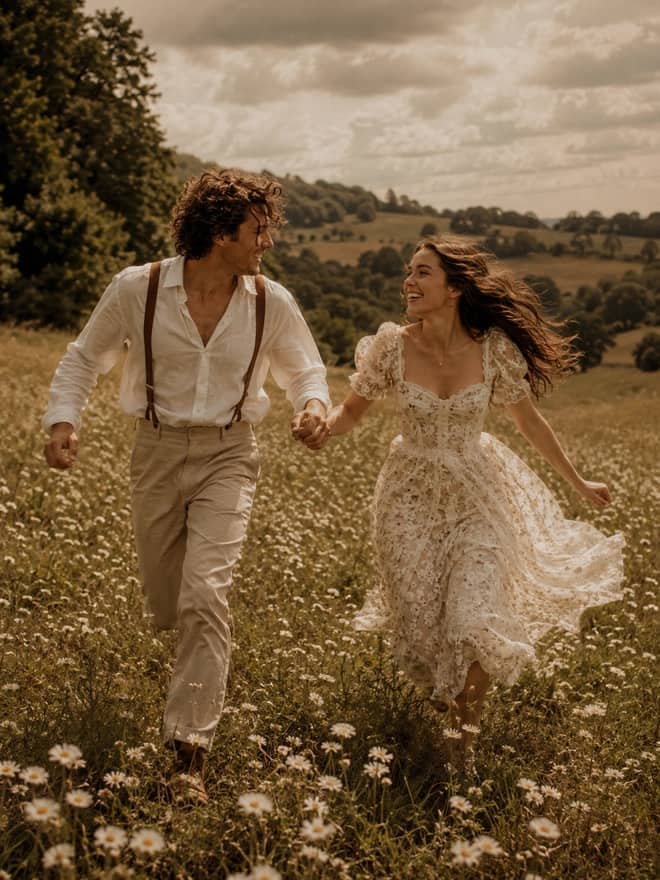
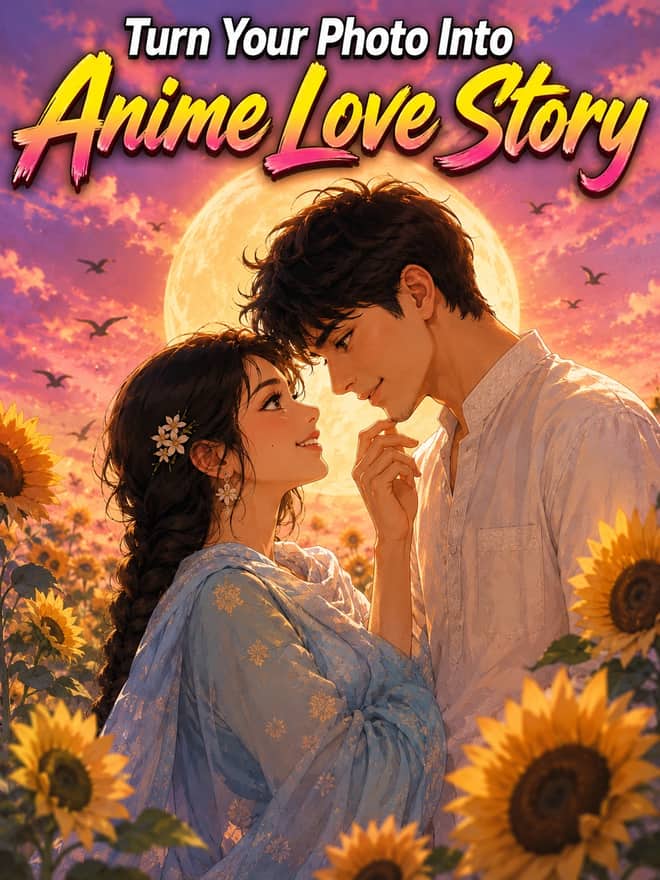
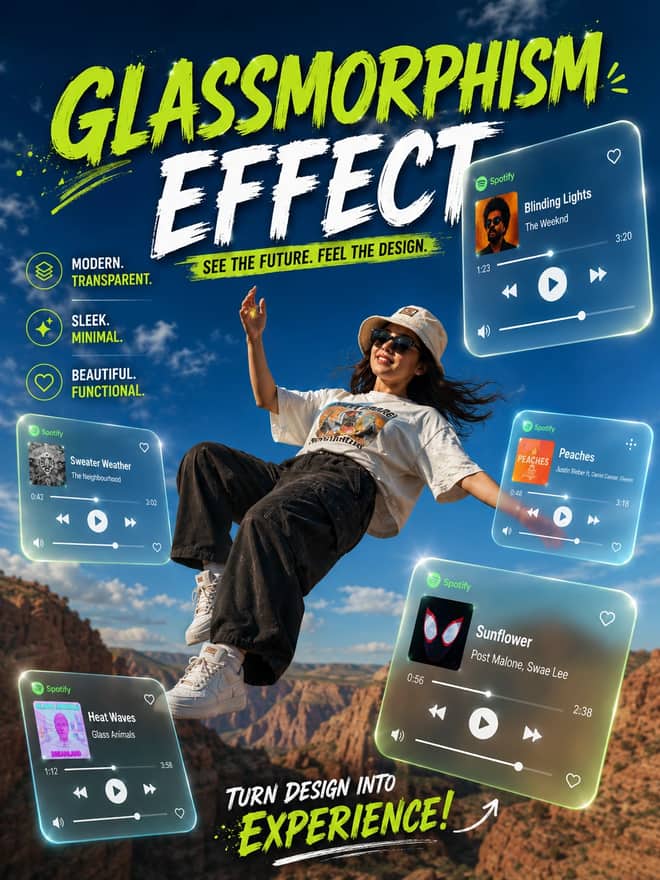
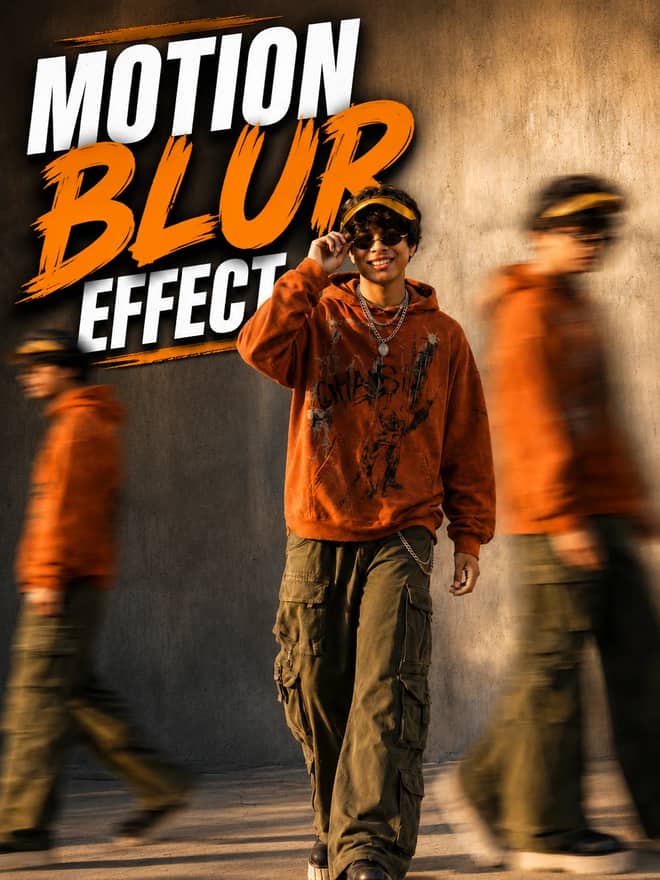
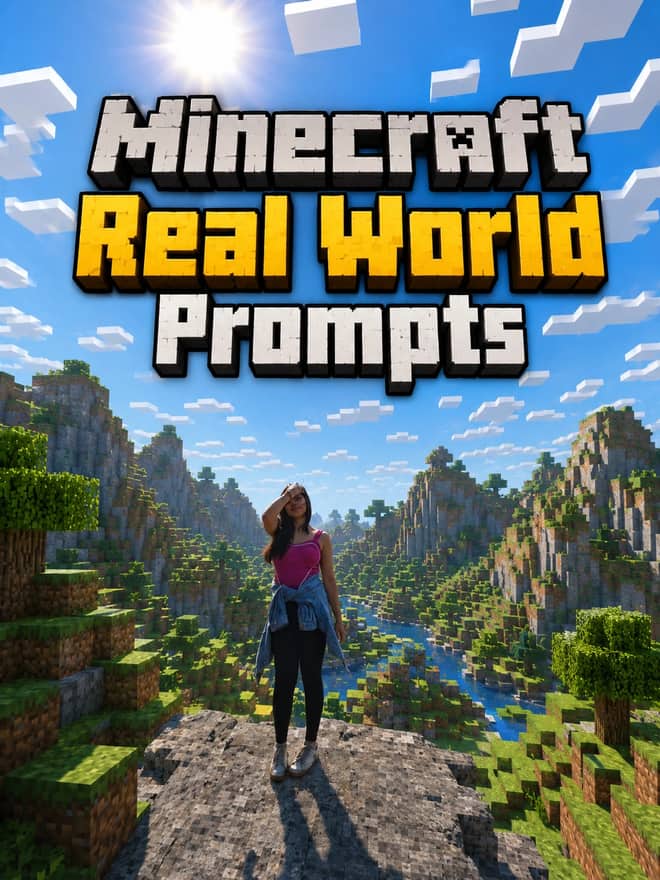
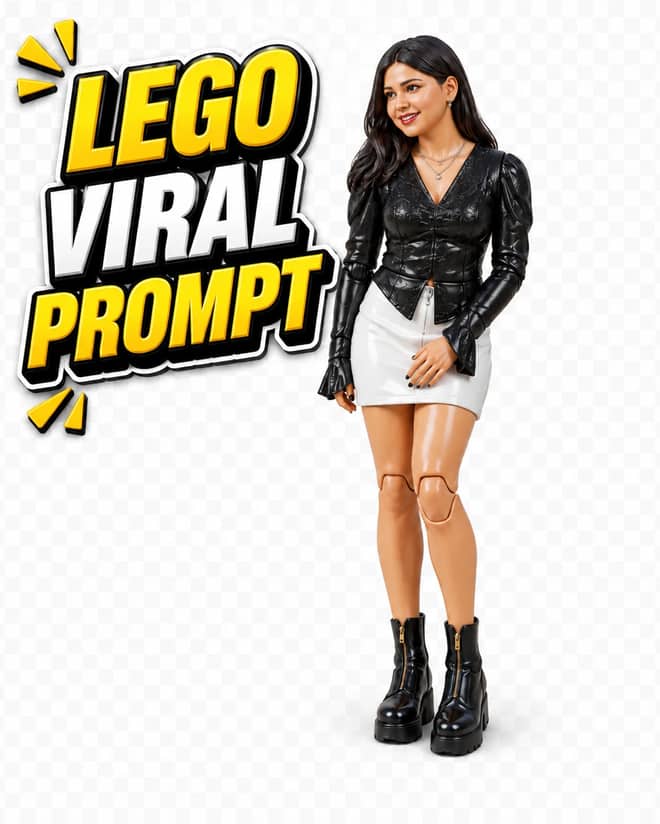
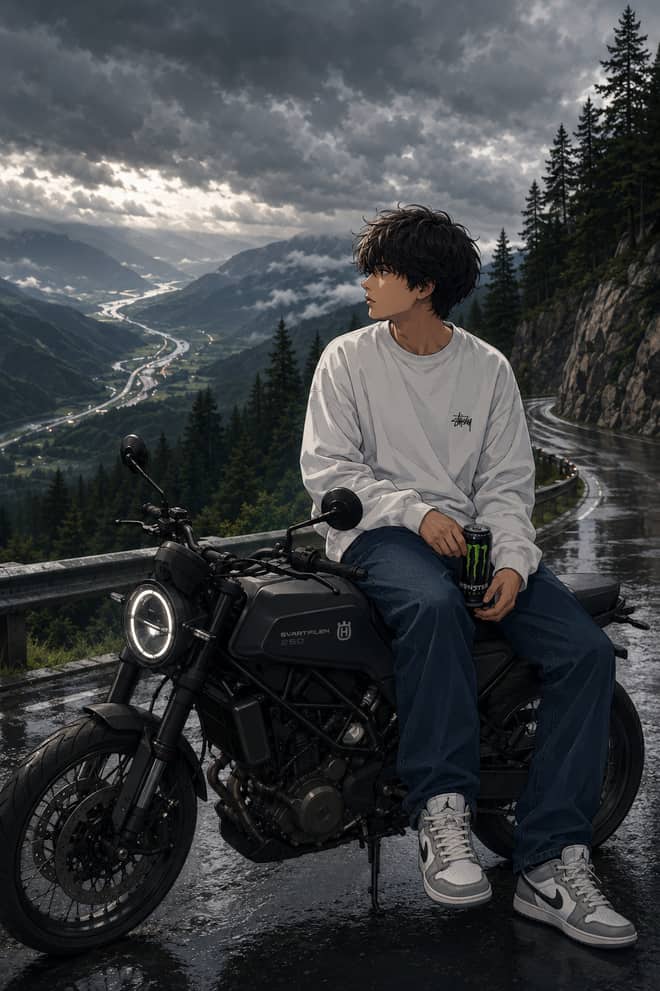
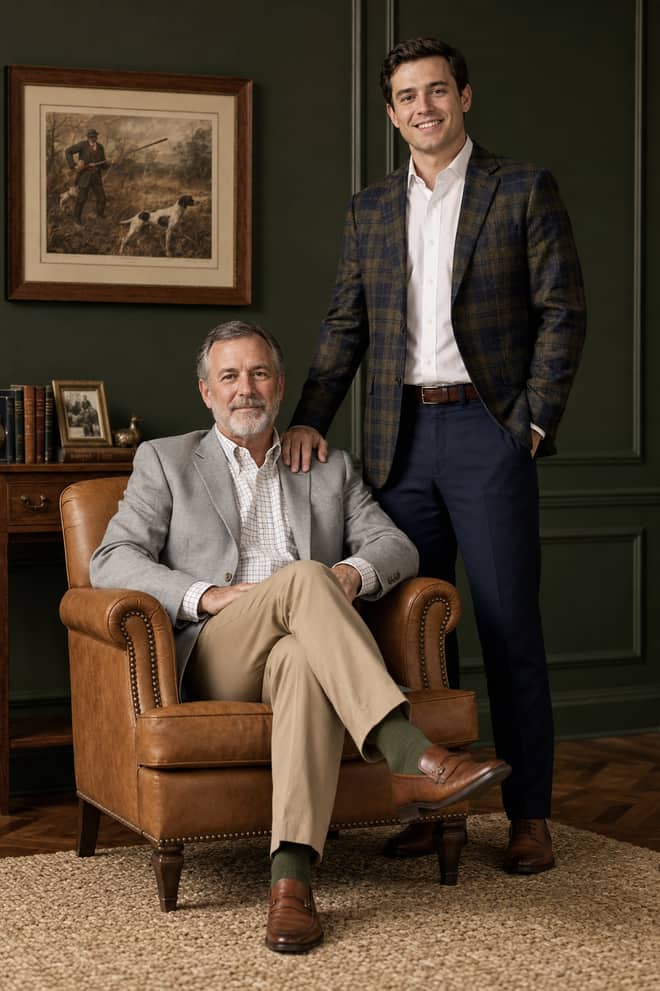
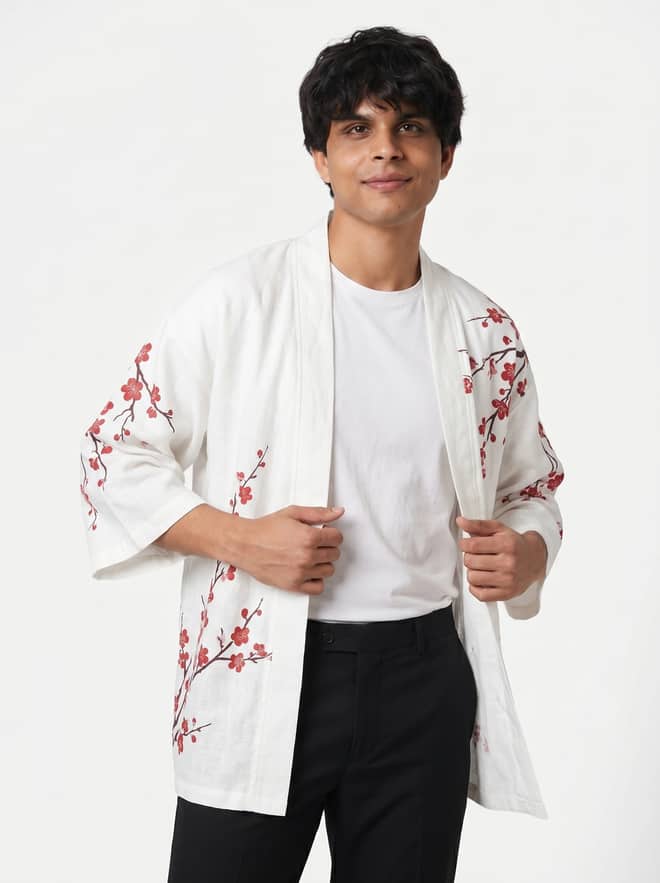
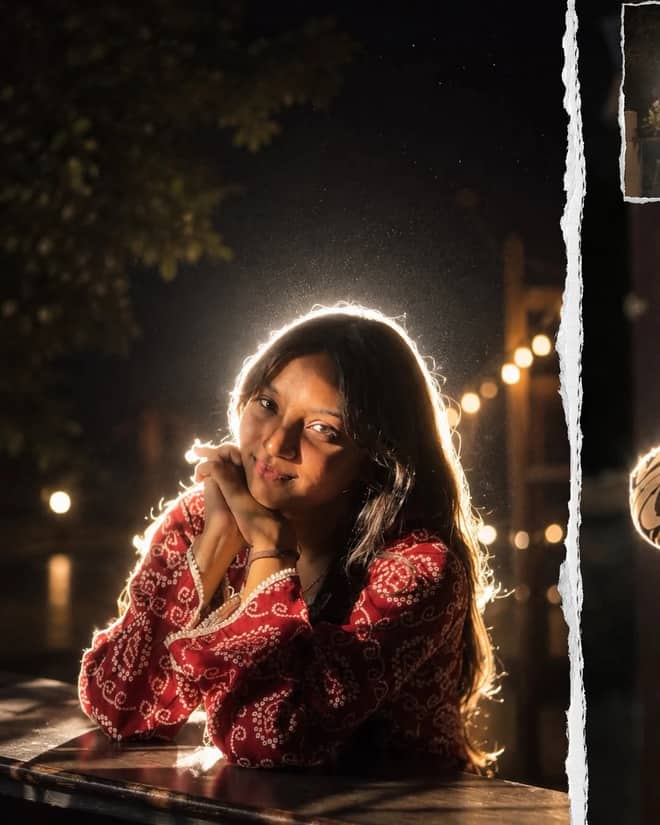
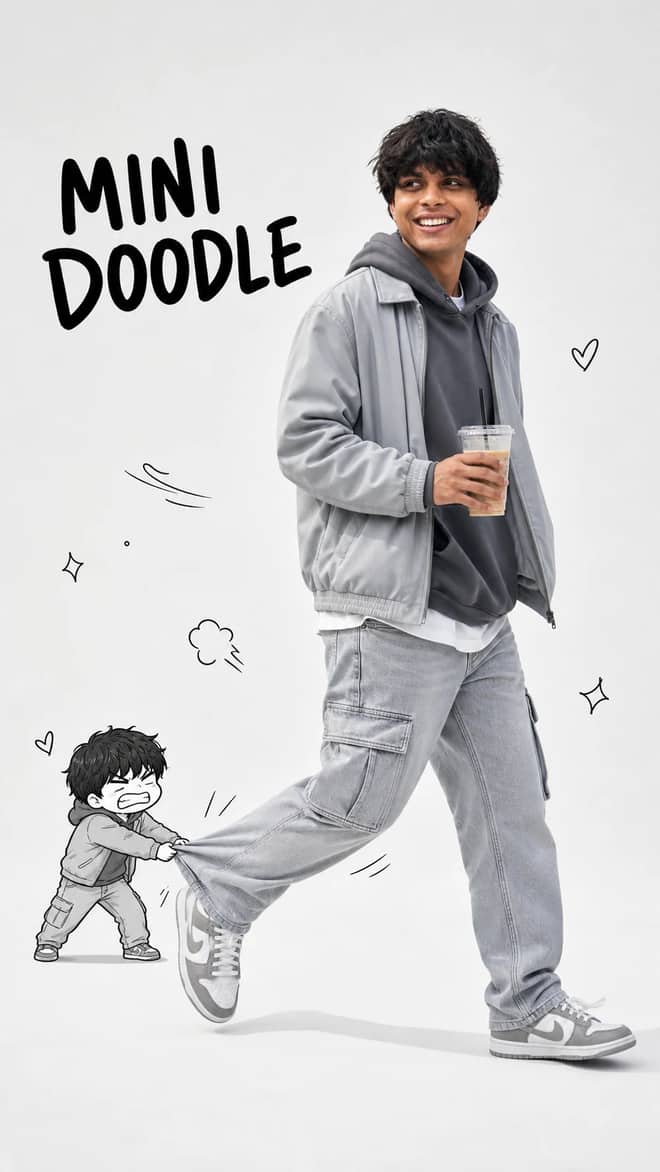
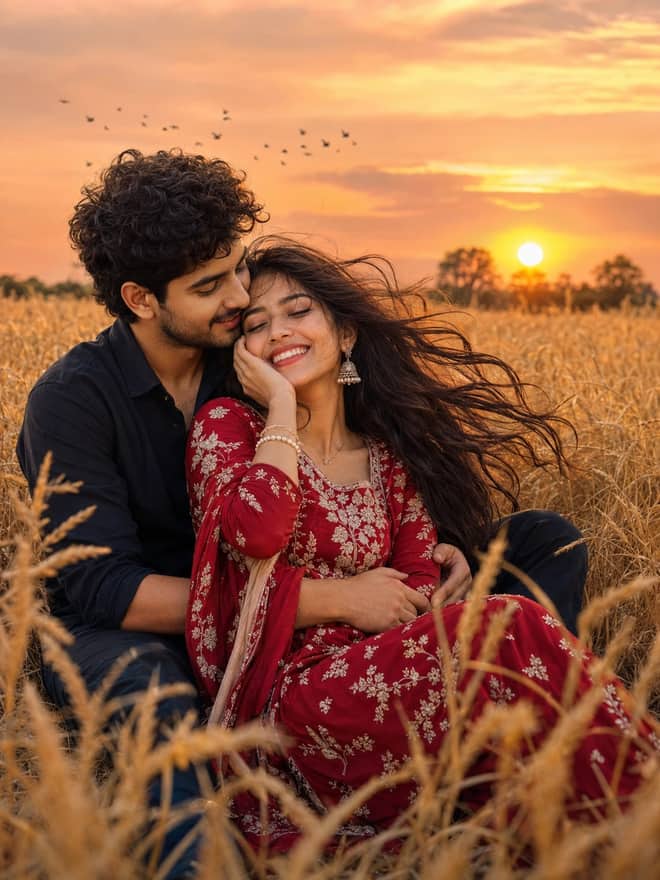
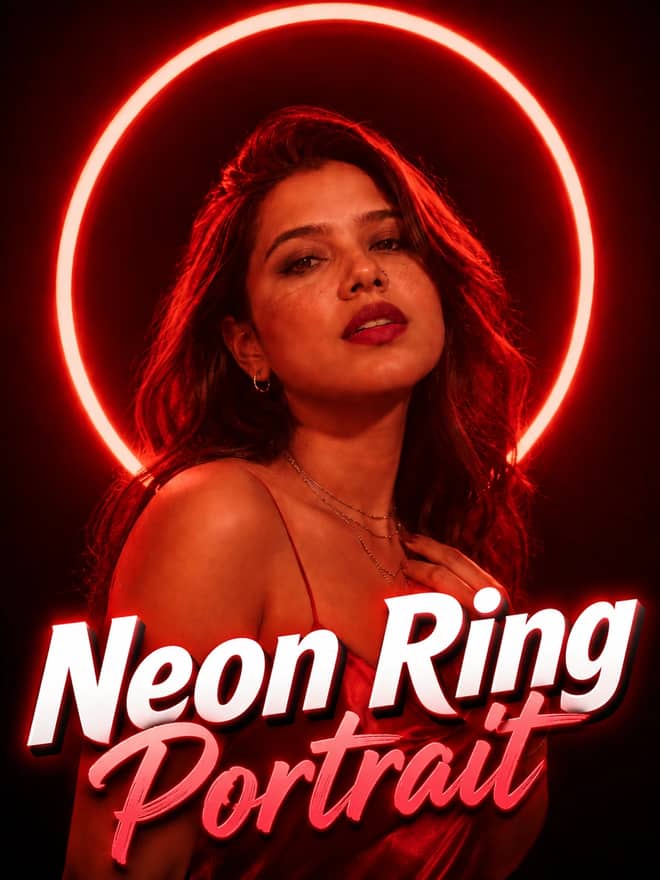
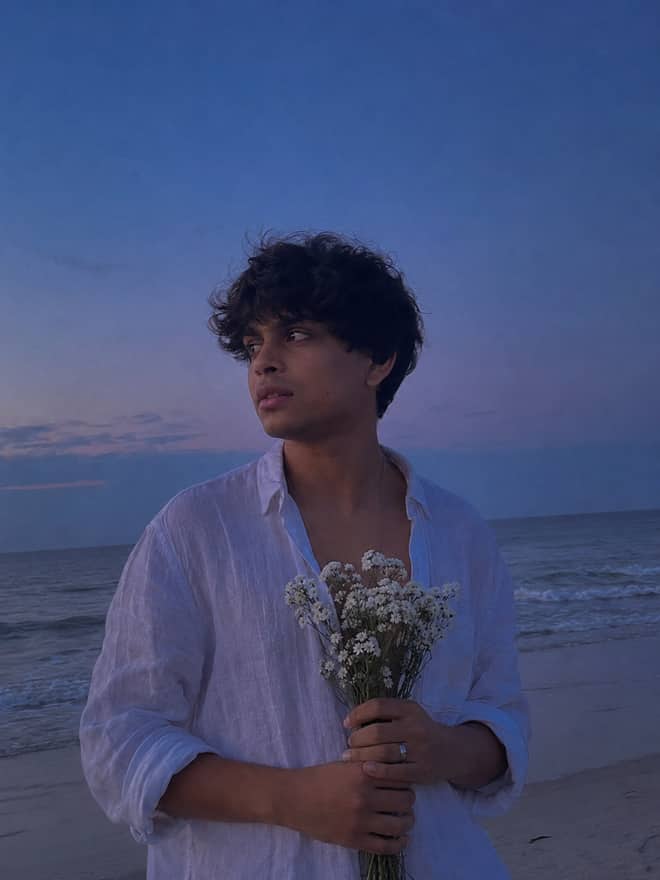
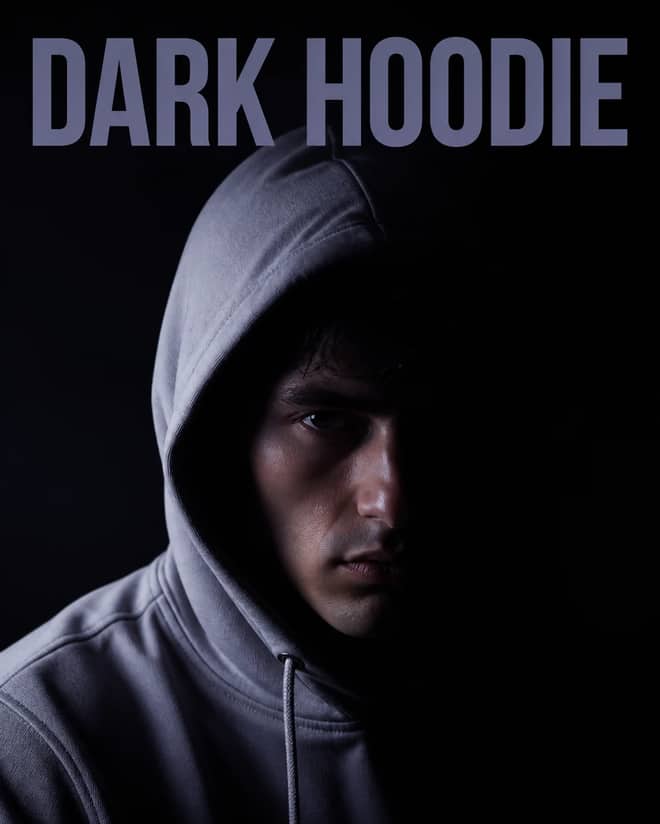
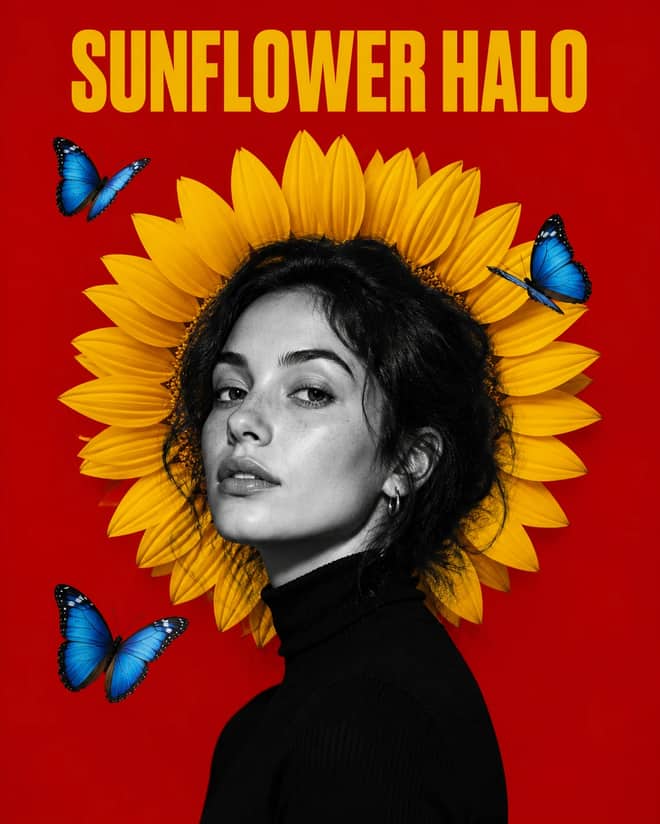
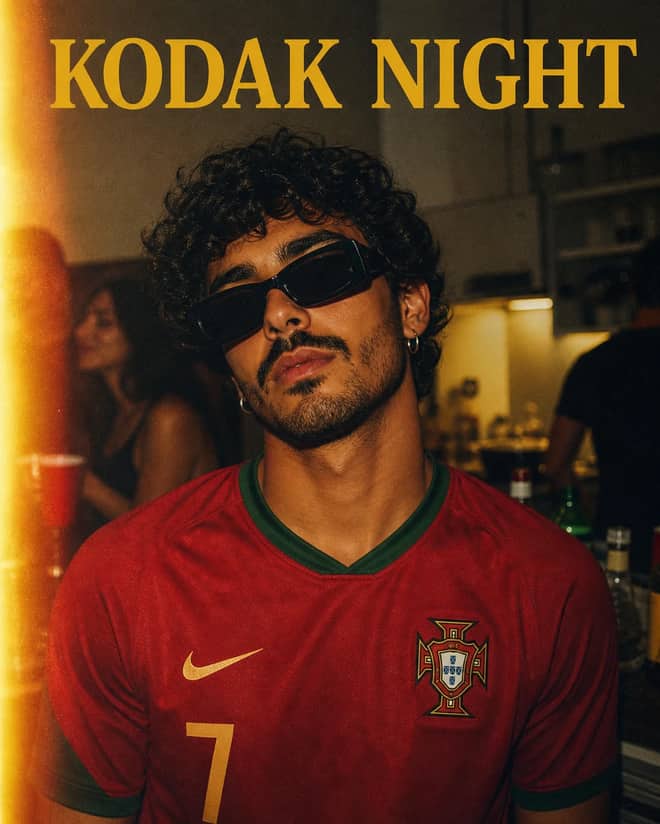
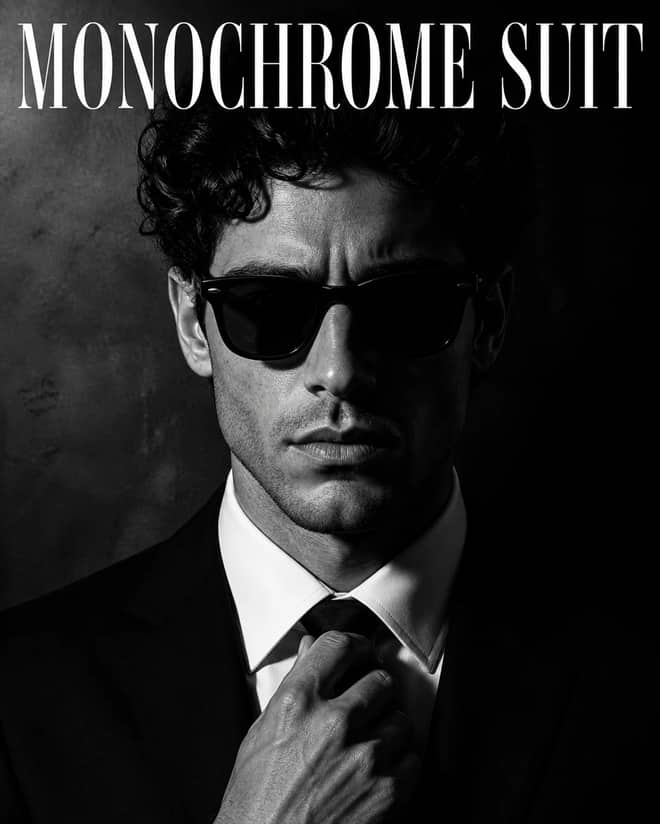
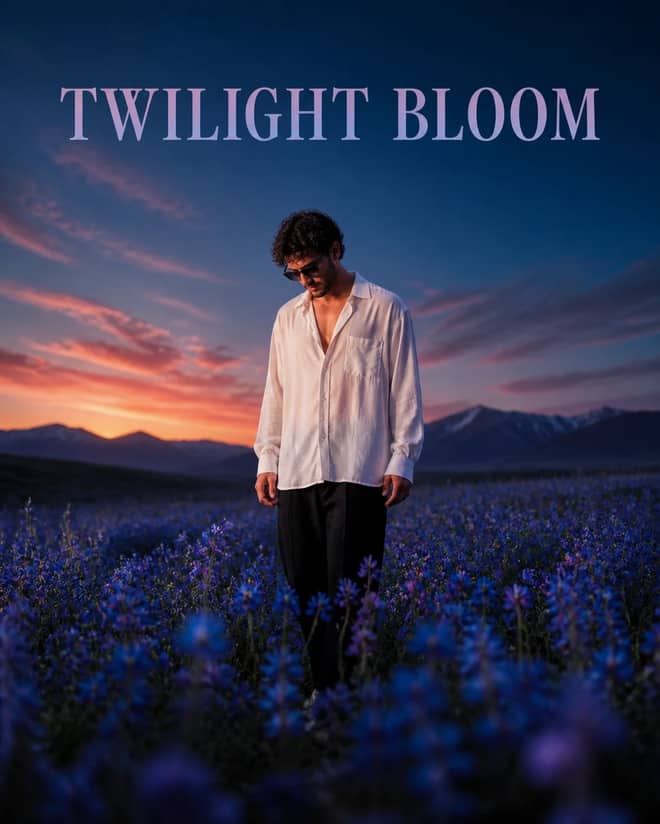
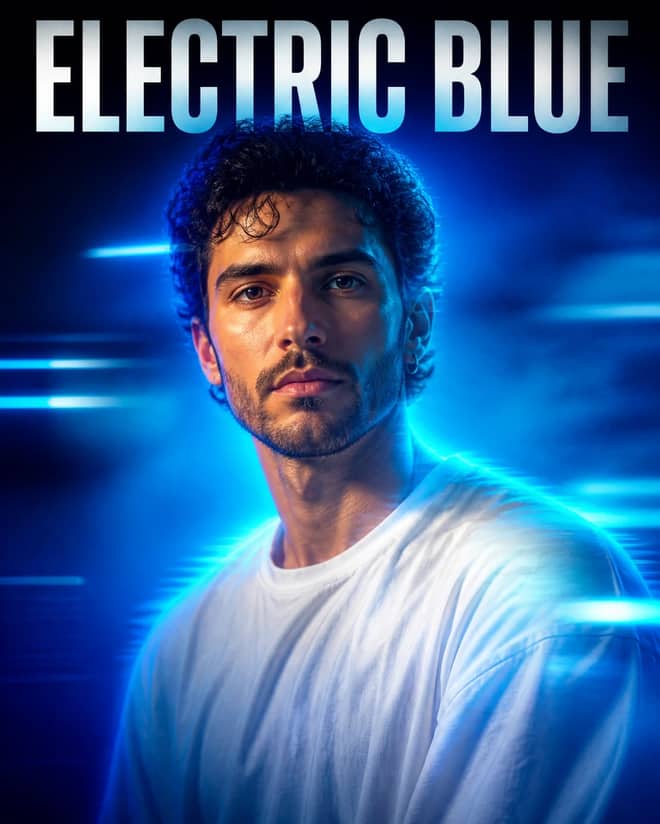
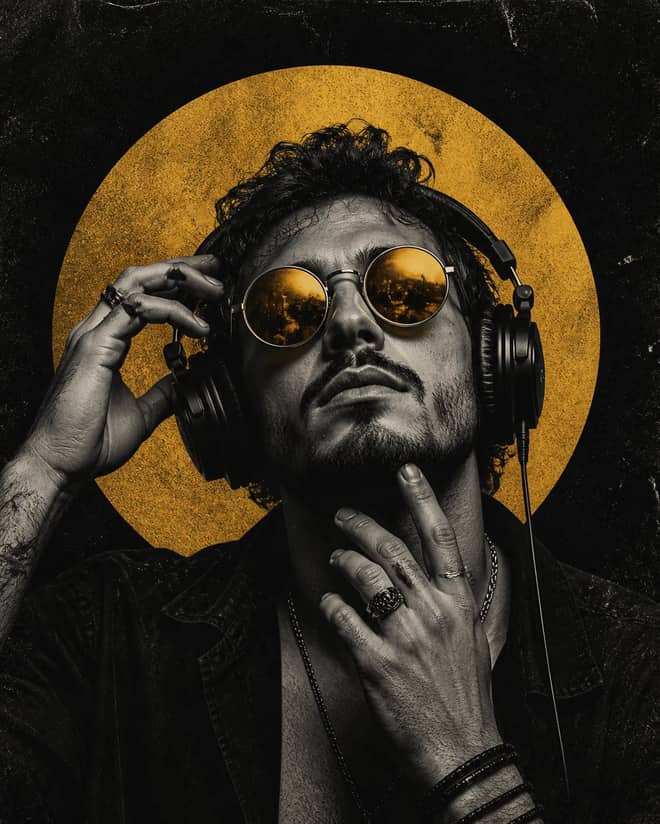
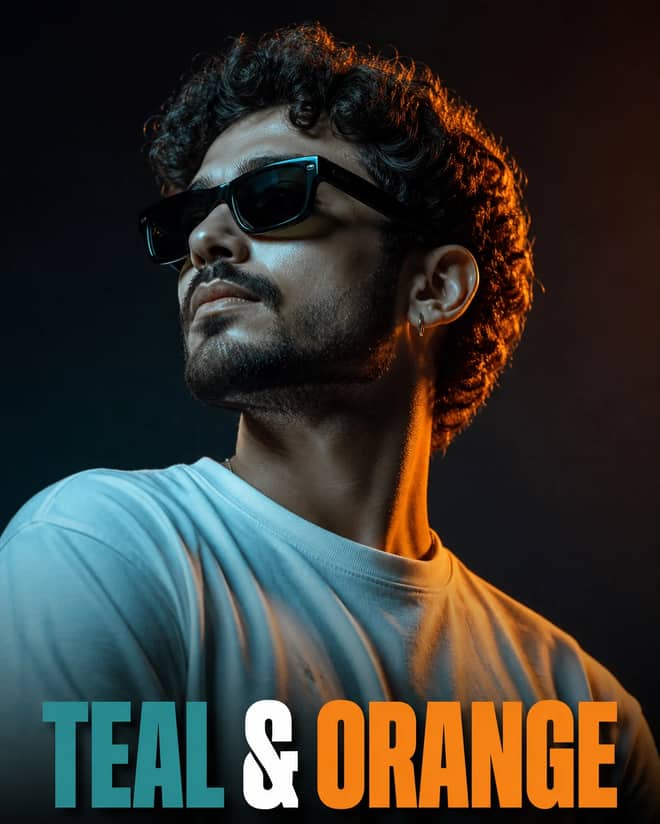
A prompt for gemini ai retro style is the set of words that tells Google's Gemini image model to age your photo down: faded color, film grain, a warm cast, and clothes or props that read like an older decade. The grid above hands you ready-made ones to copy. Below I'll walk through what actually makes a retro prompt work in Gemini, which looks are going around right now, and how to change the wording so your photo doesn't come out looking exactly like everyone else's.
What a prompt for Gemini AI retro style actually means
Most people now run these edits through Gemini 2.5 Flash Image, the model a lot of folks call Nano Banana. It is good at taking a photo you upload and rebuilding it in a new style, which is the whole point with retro. You are rarely making something from scratch here. You give it your selfie or a couple shot, then ask it to repaint that same face and pose in an old-film mood.
The catch is that retro is vague to a model unless you spell it out. The word vintage on its own can land anywhere from 1950s sepia to a faded 1998 disposable camera shot. So a good retro prompt names the era, the grain, the color, the clothing, and the light. The more of those you pin down, the closer you get to the look in your head instead of a generic warm filter.
Gemini AI retro style looks worth copying right now
Watching what is getting shared, a handful of retro styles keep showing up on Gemini, mostly out of the Instagram and reels crowd. These are the ones people copy most:
- The 90s film grain portrait, with slightly faded color, soft grain, and a warm or green-ish cast like an old photo print.
- The grainy but bright vintage edit, where the image stays light and clear but still has visible grain and period styling.
- The vintage saree or traditional-outfit edit, popular for women's portraits, often with warm indoor light and an old-studio feel.
- The golden hour cinematic portrait, a young man or woman leaning against a wall in soft sunset light, shot to look like a film still.
- The retro couple shot, often a 90s pin-up or old-Bollywood mood, sometimes turned into a short video afterward.
- Straight black-and-white or sepia old-photograph looks, for a more classic, pre-color feel.
None of these need you to be clever. They work because the wording is specific about the decade and the texture. That is the part you keep when you copy a prompt, and the part beginners tend to delete by accident.
Advertisement
Gemini retro style looks and the wording that triggers them
| Retro look | The mood it gives | Wording to drop into your prompt |
|---|
| 90s film portrait | Faded, grainy, nostalgic | 'retro 90s film photo, faded colors, soft film grain, warm tone' |
| Grainy but bright | Clear yet clearly old | 'vintage grainy but bright image, visible grain, soft daylight' |
| Vintage saree edit | Classic, warm, indoor | 'draped in a vintage saree, warm studio light, old film look' |
| Golden hour cinematic | Like a movie still | 'cinematic ultra-realistic portrait, golden hour, leaning against a wall' |
| Retro couple | Old romance, pin-up | 'retro 90s couple photo, warm vintage color, film grain' |
| Sepia old photograph | Pre-color, antique | 'sepia toned old photograph, slight scratches, soft focus' |
How to write a Gemini AI retro style prompt that lands
If you want to build your own instead of copying, the structure is simple. Walk through these in order and you cover almost everything the model needs:
- Say what the image is and that it should keep your face: a portrait of the person in the reference photo.
- Name the decade or era, like 1990s, late 70s, or old 1960s studio.
- Add the texture: film grain, faded color, slight scratches, soft focus.
- Set the color cast: warm, sepia, faded green, or muted pastel.
- Describe the clothing if it matters, since outfit sells the era fast.
- Set the light: golden hour, soft window light, harsh flash for that disposable-camera feel.
- End with the setting and the frame, like a plain wall, a vintage room, or a film-still aspect.
You do not need fancy language. Plain, concrete words beat poetic ones every time. The model responds to nouns it can picture, not adjectives like beautiful or stunning.
Tip: keep your reference face the main instruction. Add a line like 'keep the same face and features as the uploaded photo' so the retro styling does not quietly turn you into a different person, which is the most common complaint with these edits.
Make a copied Gemini retro style prompt feel like yours
Here is the honest problem. When a retro prompt goes around, thousands of people run the same wording, and the results start to blur together. The 90s saree edit looked fresh for about a week, then every feed had it. If you just paste and post, you blend in.
The fix is one or two personal swaps. Change the era to one nobody else is using, like a faded 80s neon look instead of the usual 90s. Swap the outfit to something specific to you. Change the setting from a plain wall to a place you know, an old scooter, a tea stall, a staircase. Same retro bones, different photo. I usually run the prompt twice, since Gemini gives a slightly different result each time, then keep the stronger one.
Gemini retro style versus other tools
Gemini is the easy choice for this because it edits your actual photo and keeps your likeness fairly well, and you can try it free in the Gemini app. Through the API the same model costs only a few cents per image, which is why so many editing channels lean on it.
ChatGPT with its image tool can do retro looks too, and it sometimes follows long instructions more literally, but it can drift further from your real face. Midjourney makes lovely film-style images, but it is built more for generating from a description than faithfully restyling your selfie, so it is better when you do not need to look like yourself. DALL-E sits in the middle and is fine for casual retro scenes. For an edit of your own photo where the face has to stay yours, Gemini is usually the least fussy.
Gemini retro style mistakes and quick fixes
Most retro edits fail for small, fixable reasons:
- The face changes. Add the line that locks the face to your reference, and upload a clear, well-lit photo to start with.
- It looks like a plain orange filter, not film. You skipped grain and era. Put both back in.
- The outfit is wrong for the decade. Name the exact clothing instead of just saying vintage.
- Colors come out muddy. Ask for faded but bright, or specify the cast you want, rather than letting the model guess.
- You pasted half the prompt. Grab the whole thing, since the texture and lighting lines are usually at the end.
Start with the closest ready-made prompt from the grid above, change one detail to make it yours, lock your face in the wording, and run it twice. That is the whole loop, and it gets you a clean retro shot in a couple of minutes without learning a thing about prompt writing.