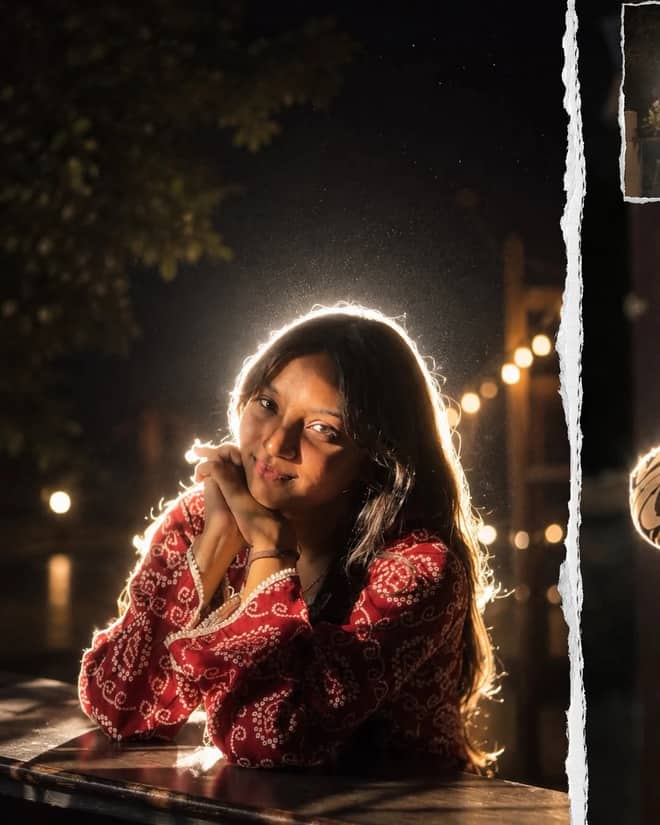
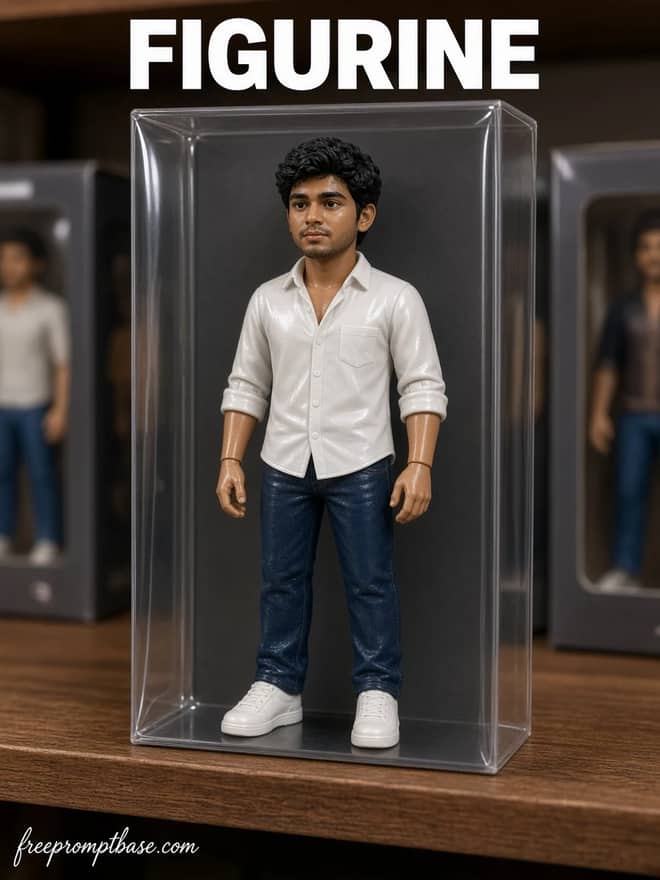
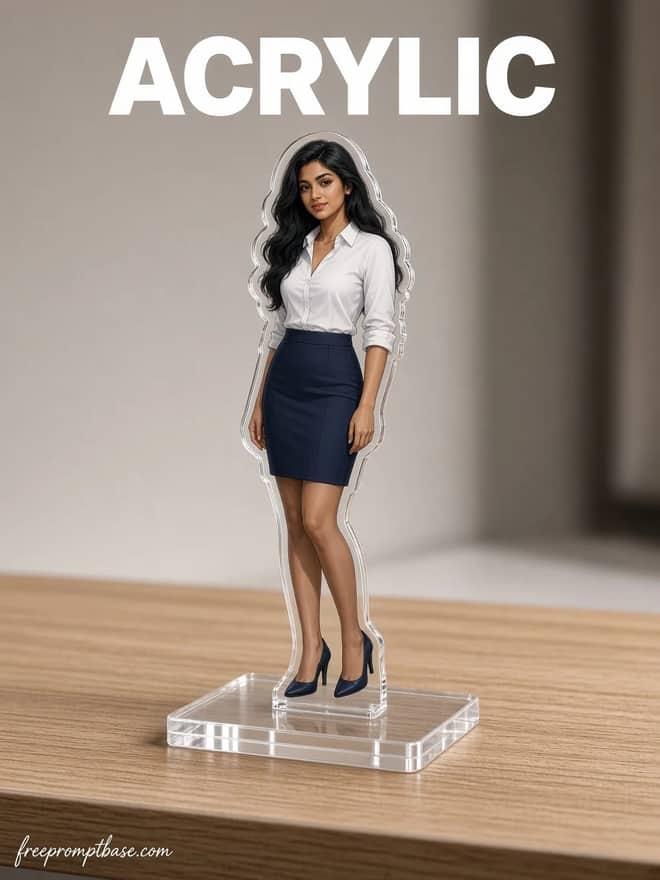
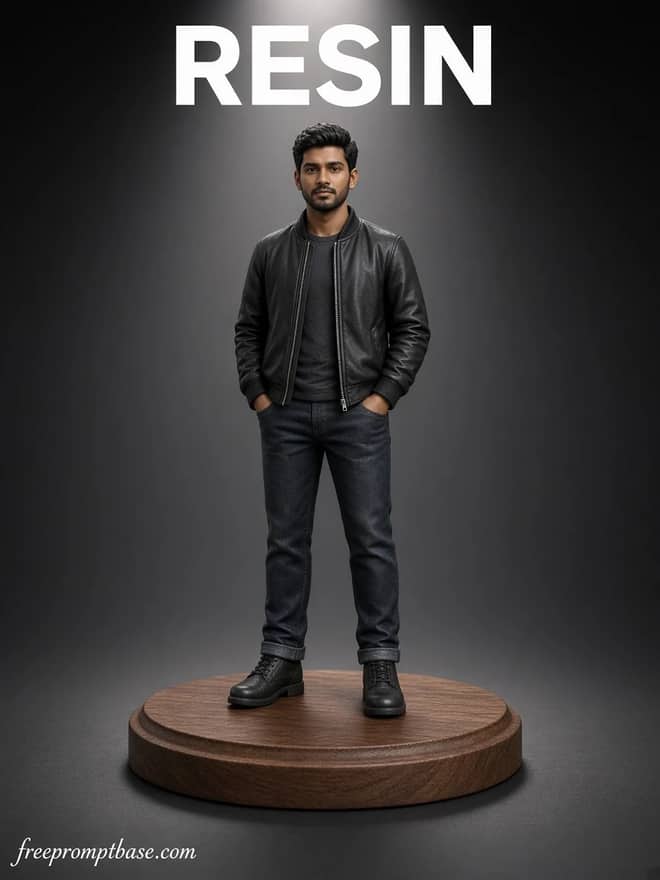
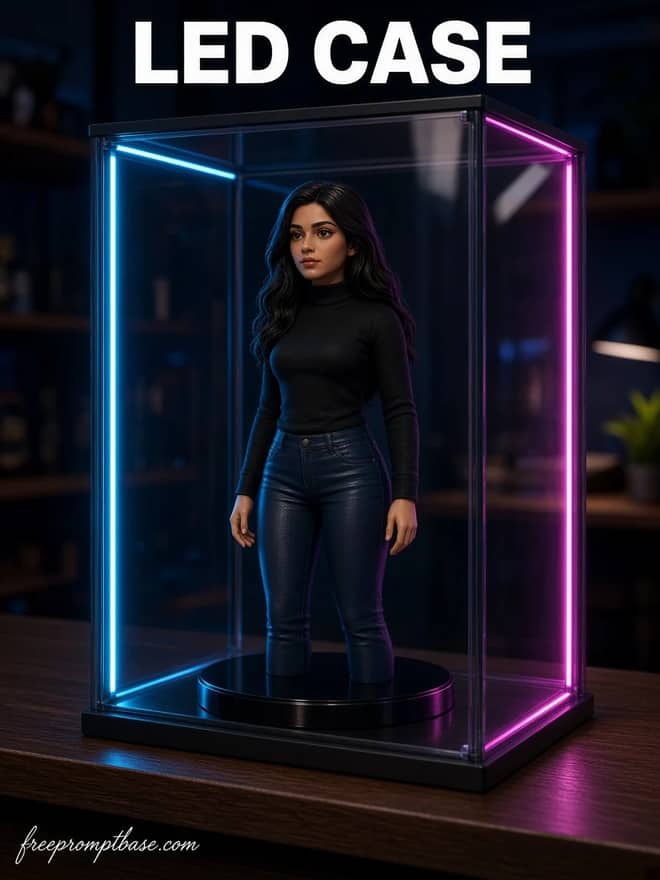
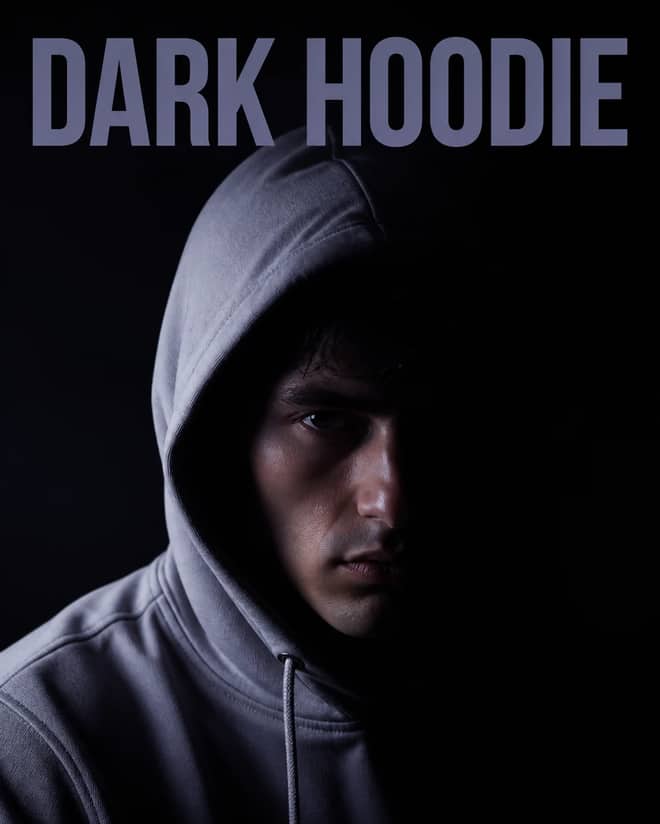
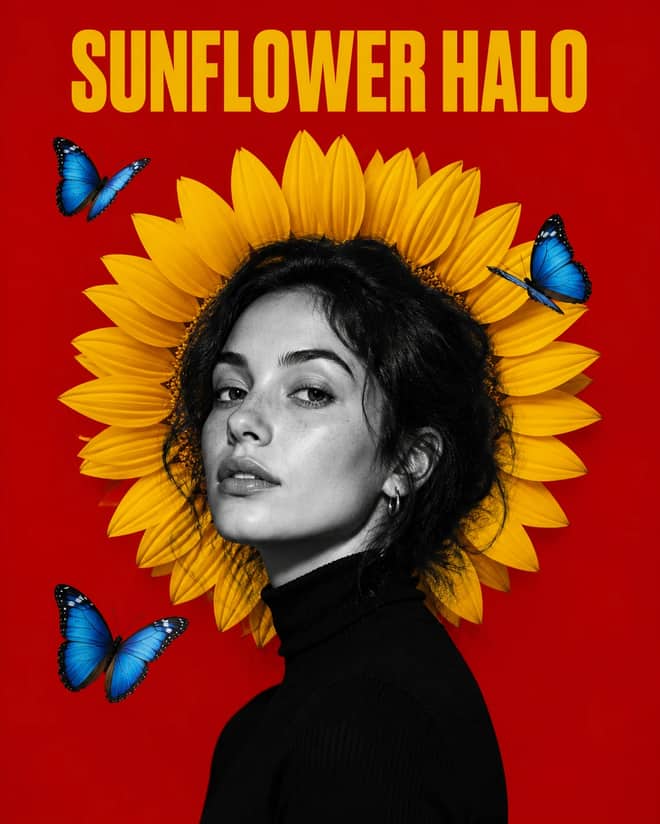
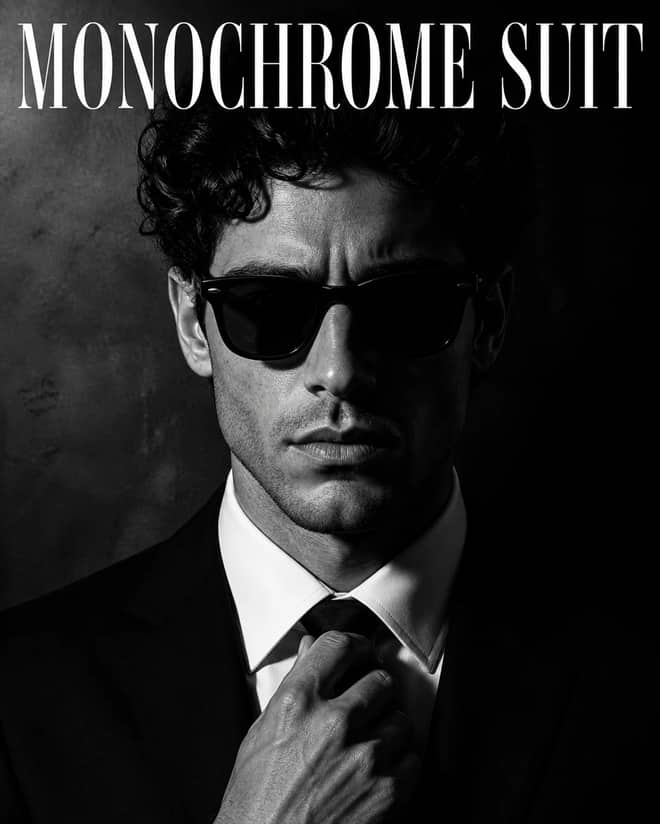
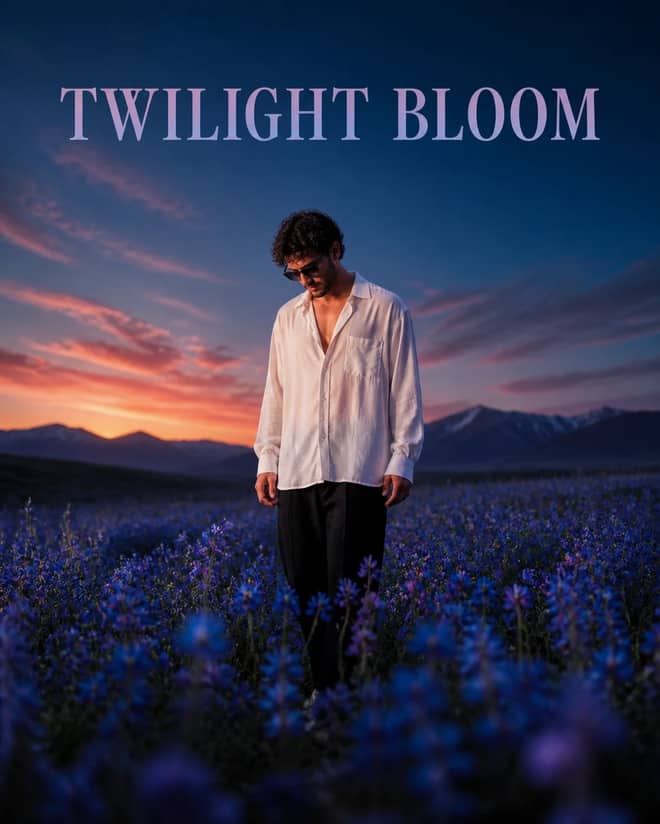
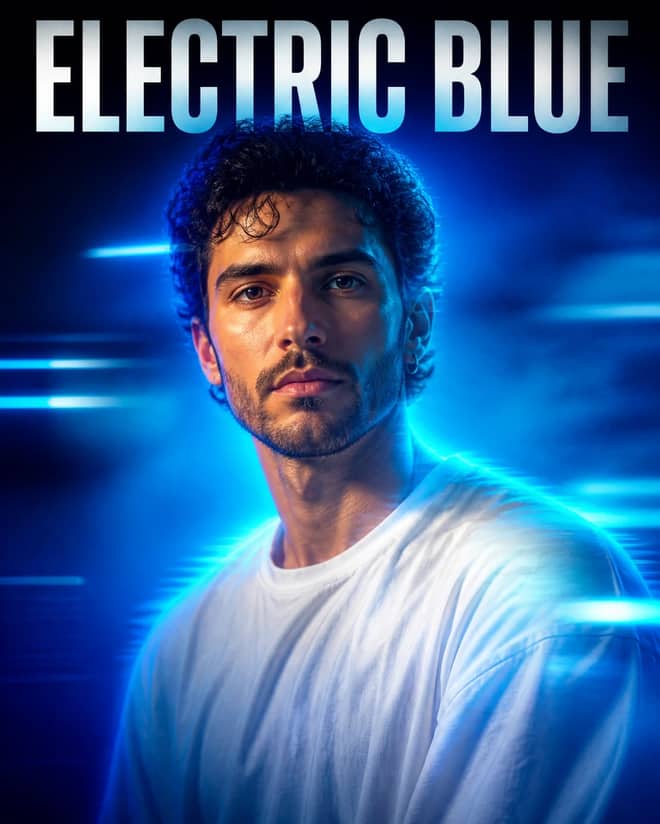
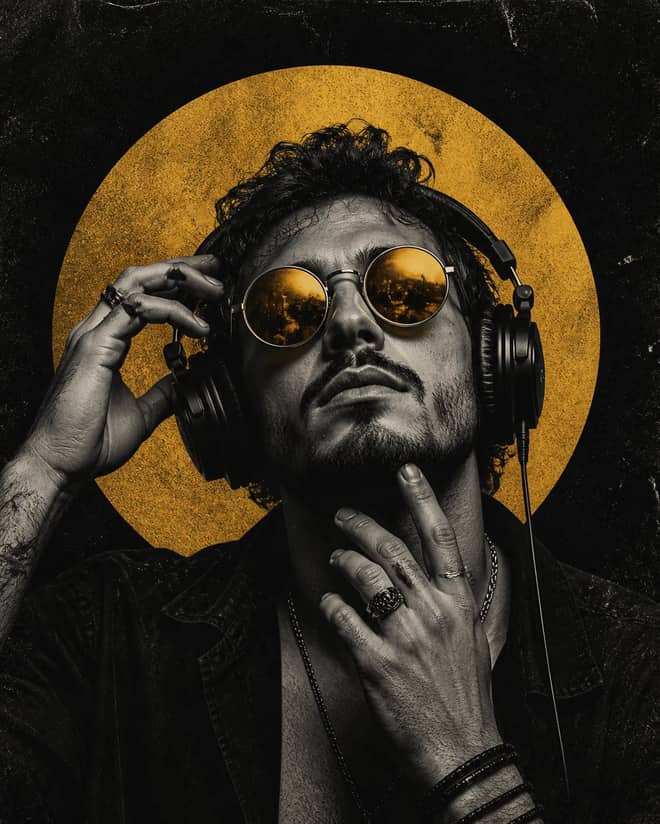
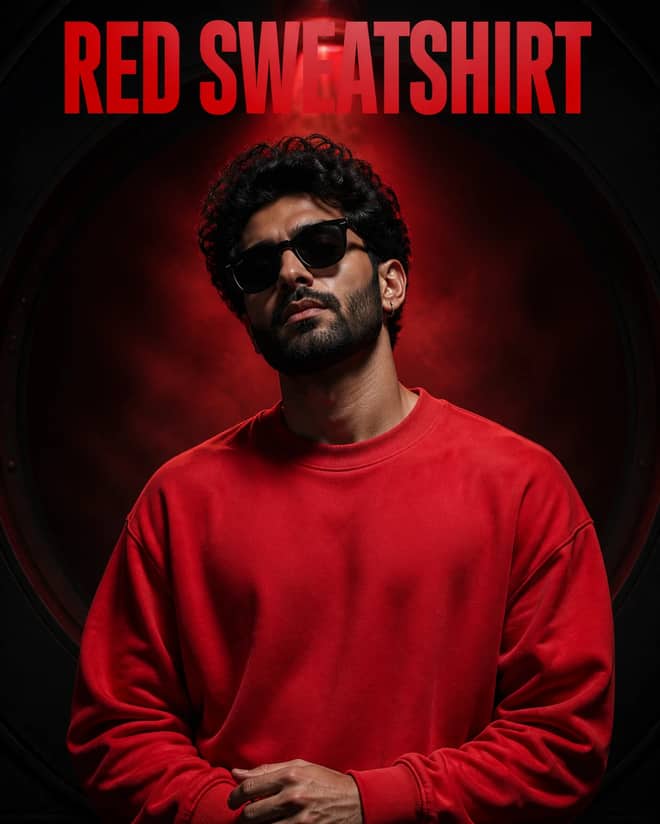
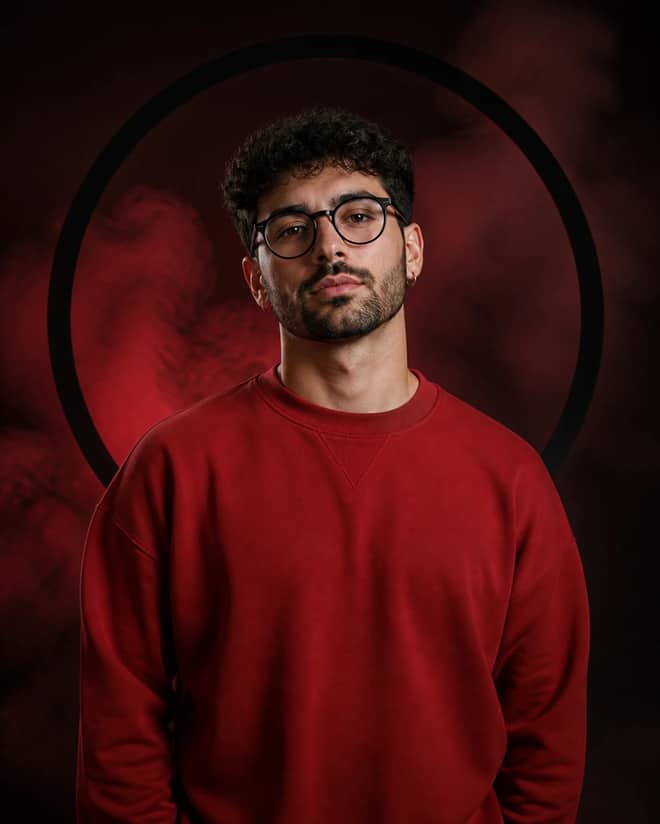
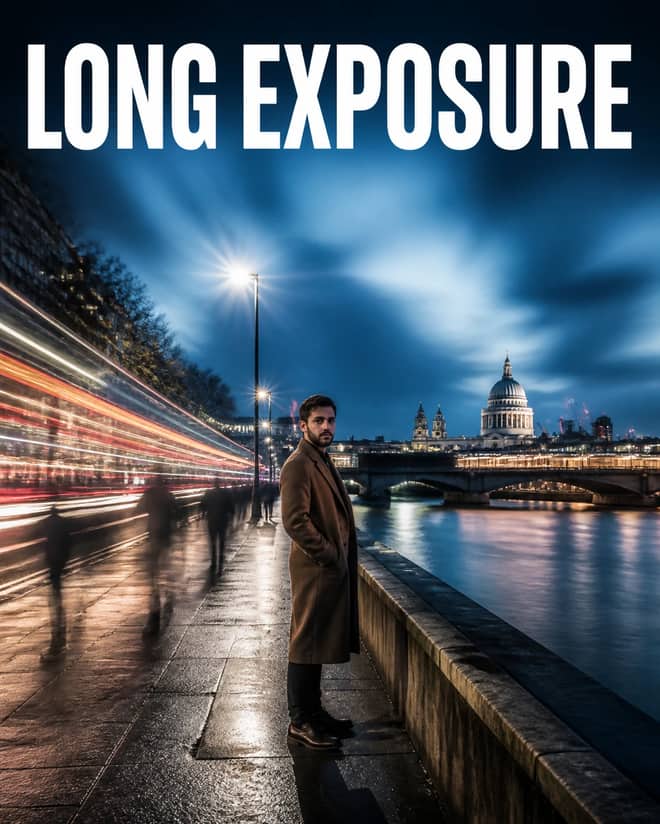
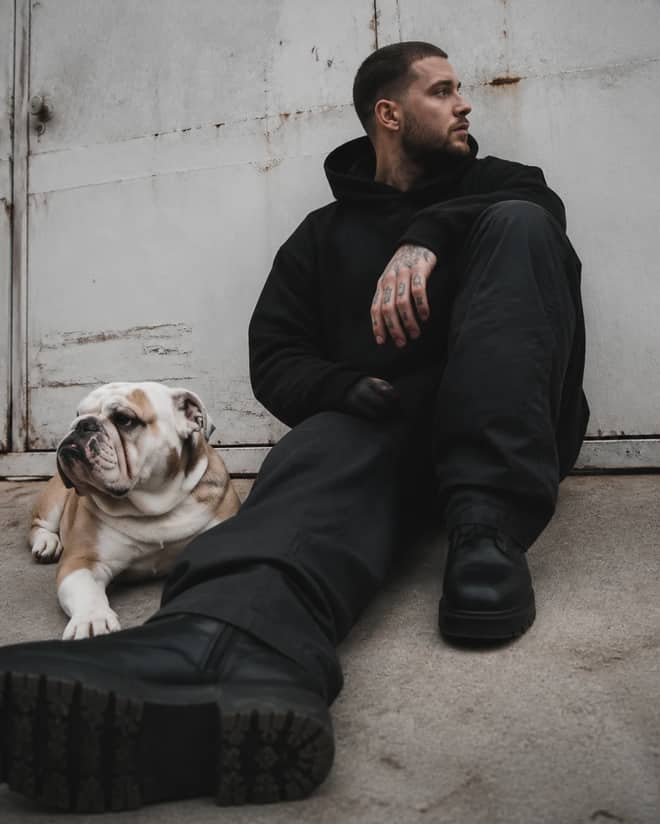
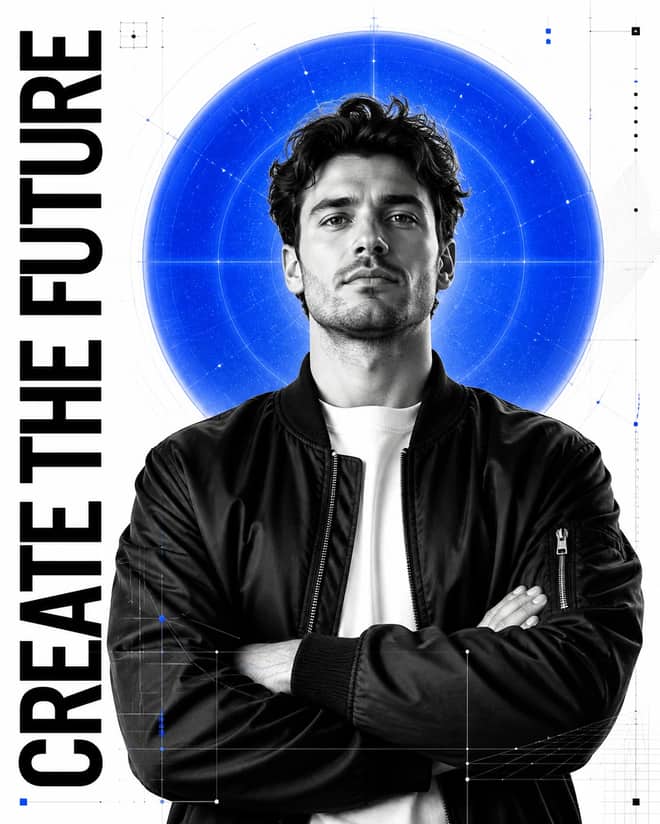
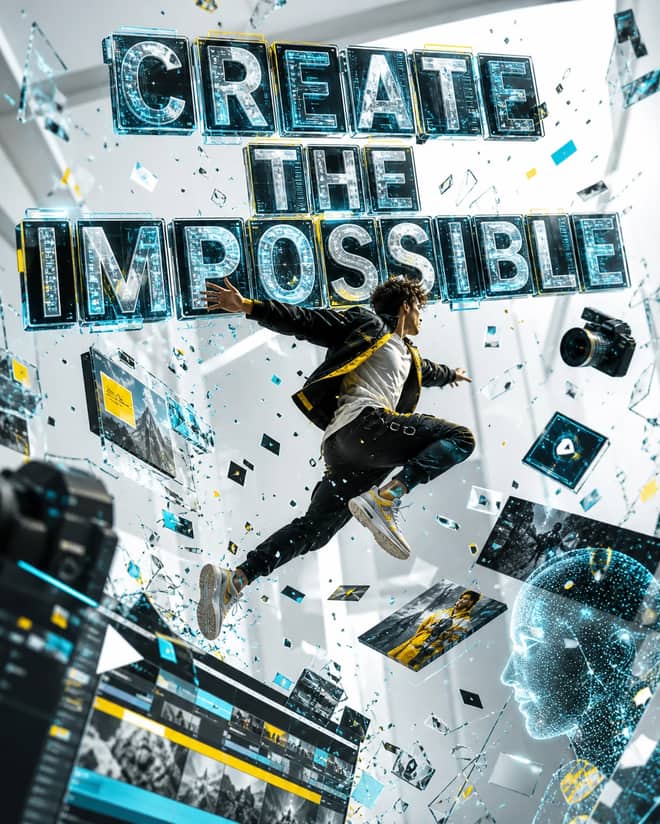
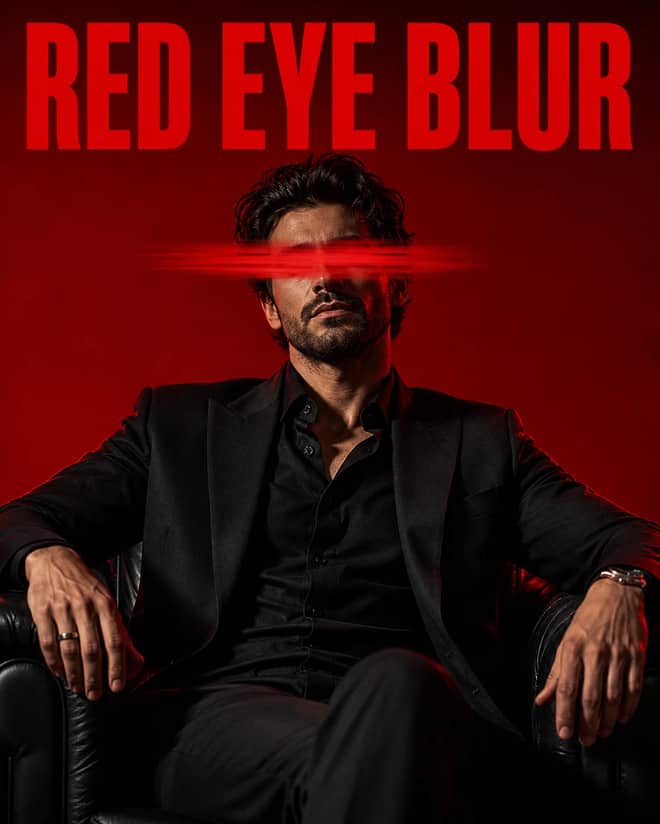
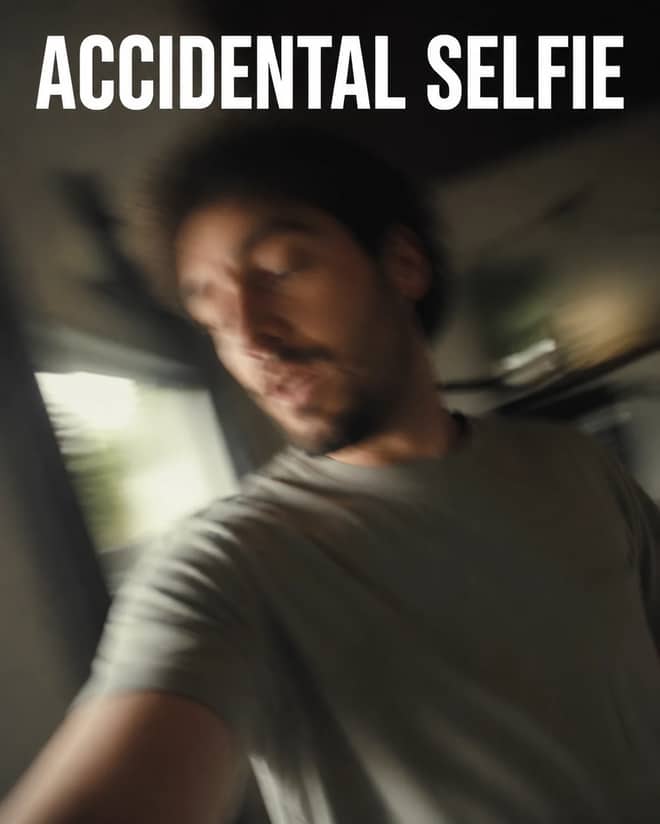
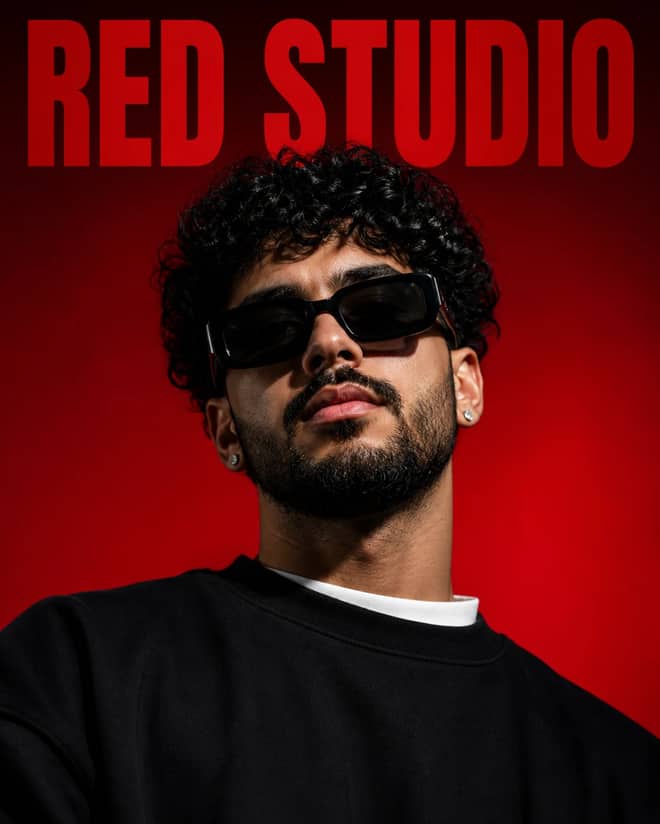
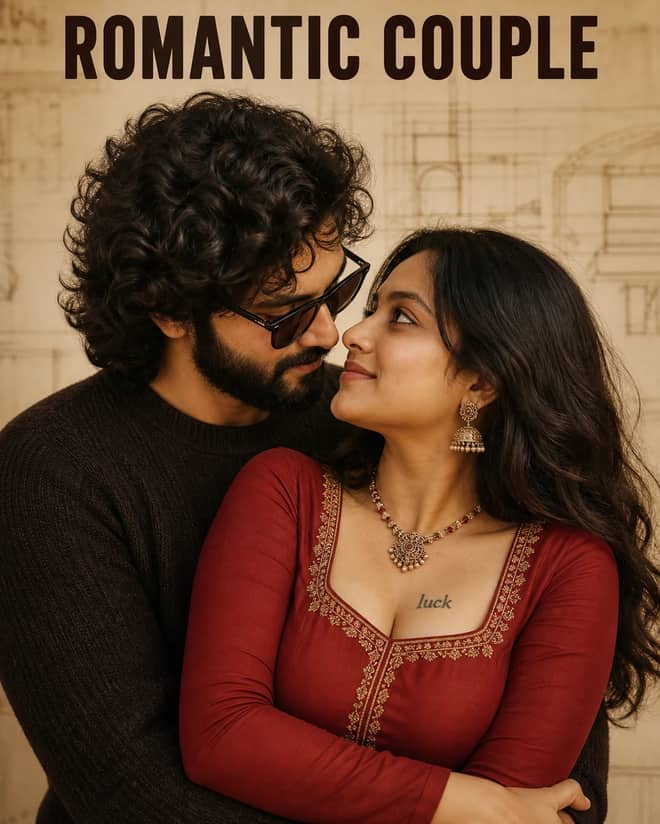
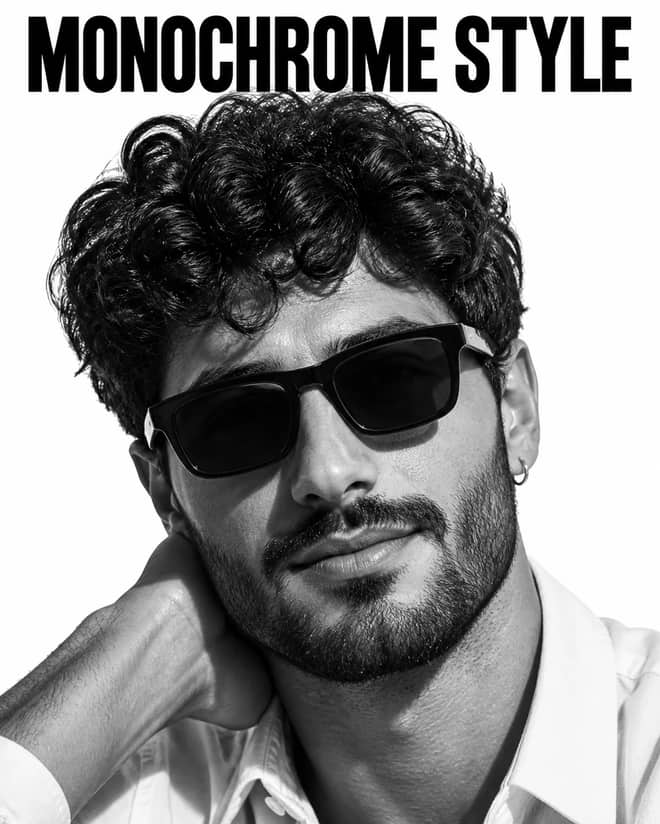
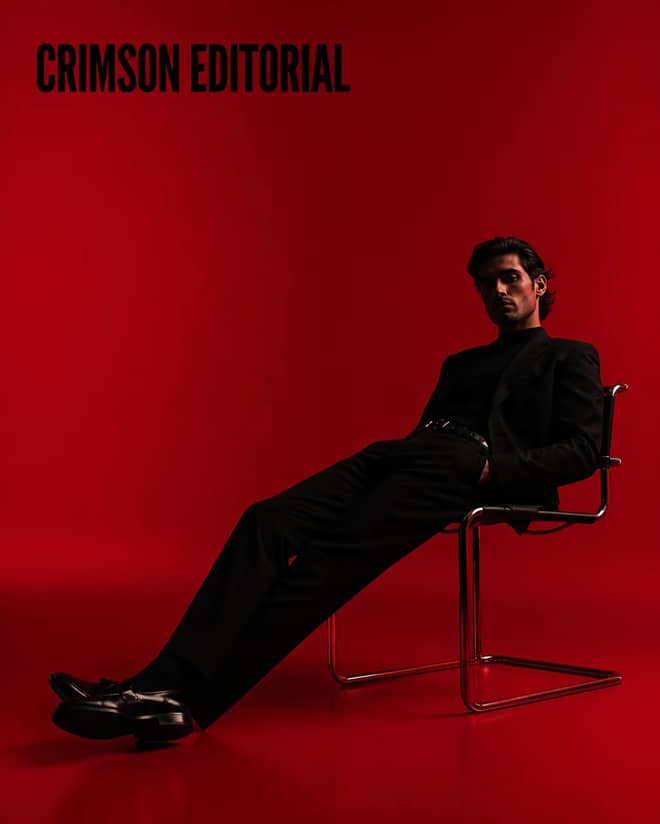
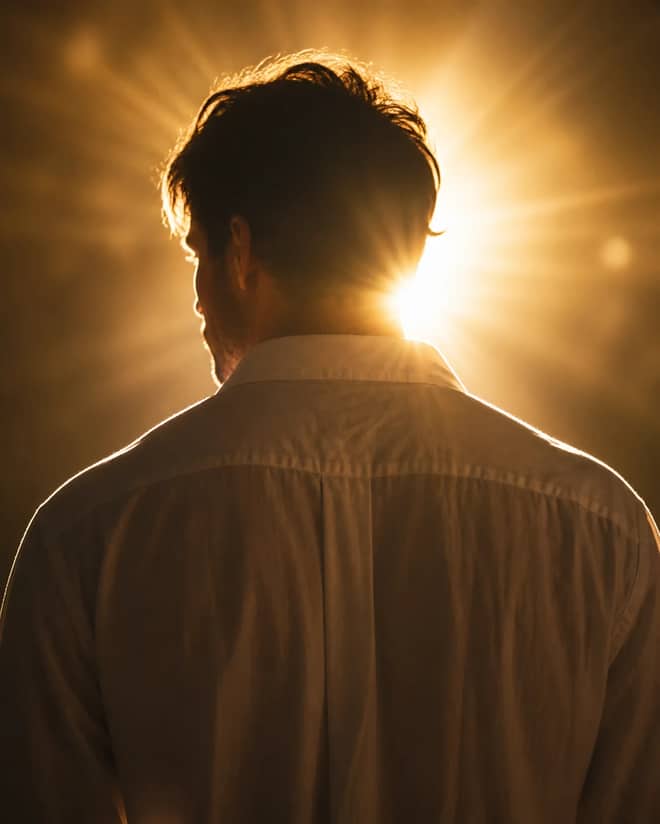
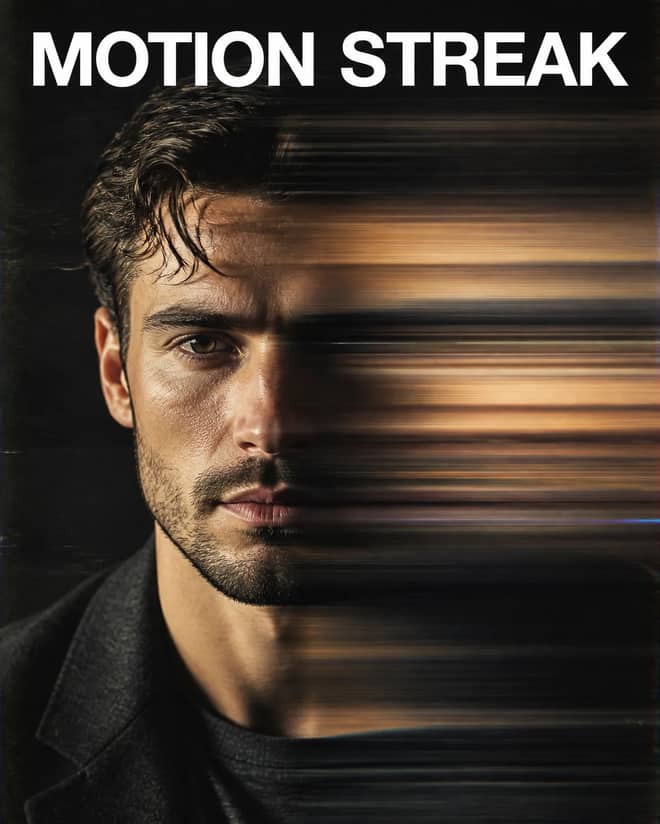
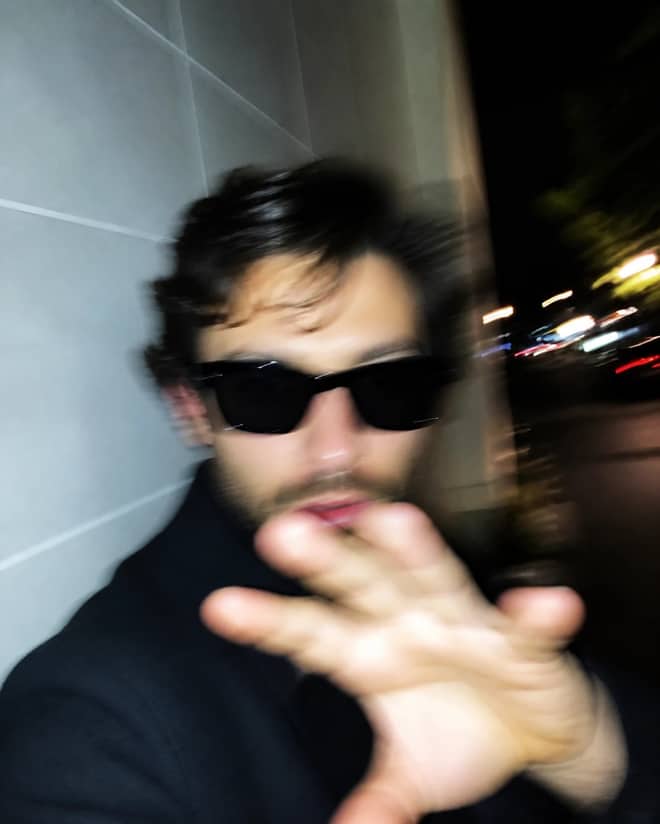
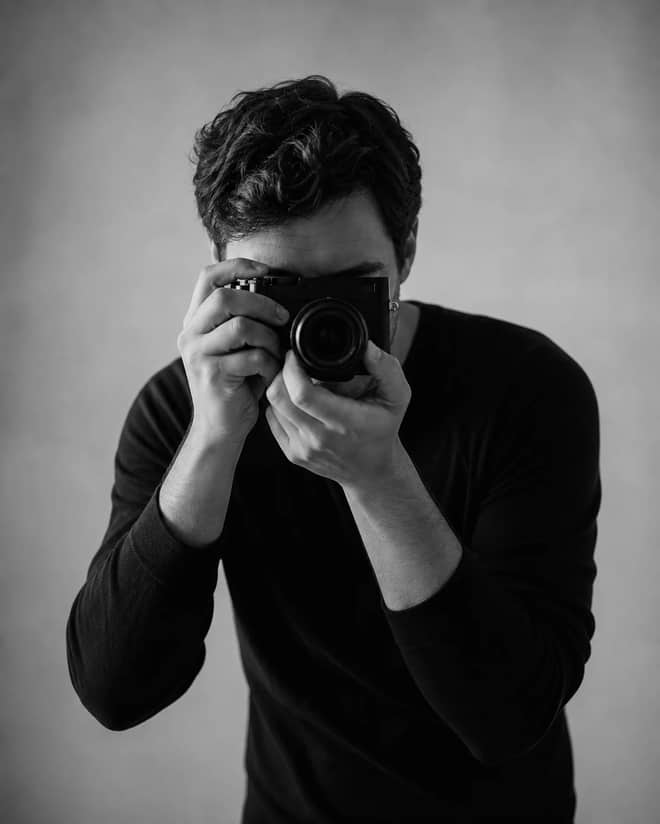
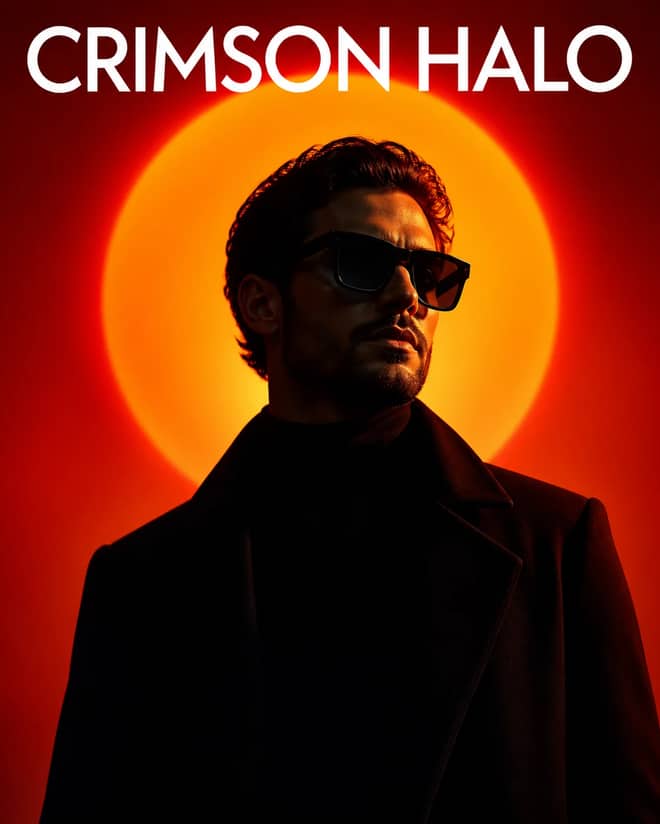
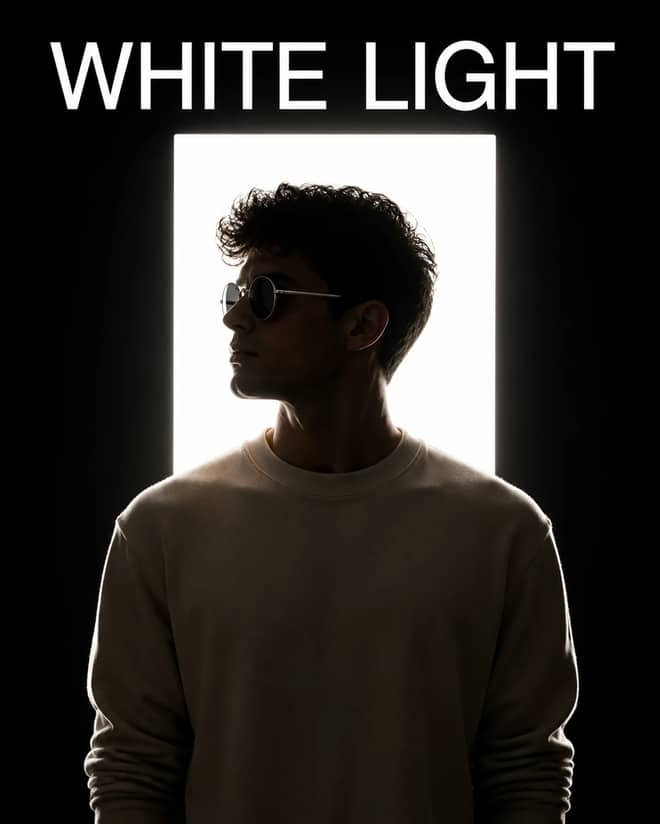
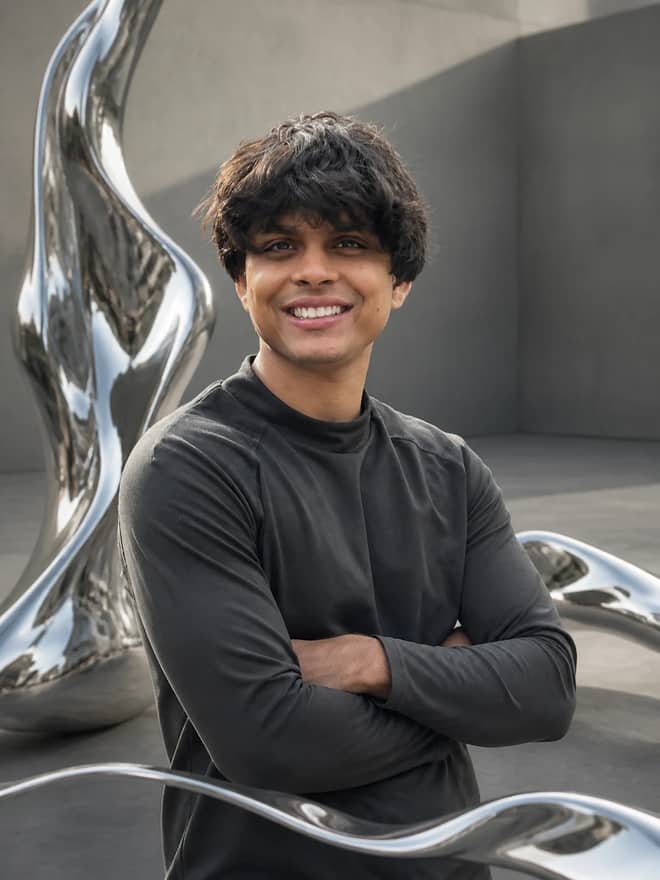
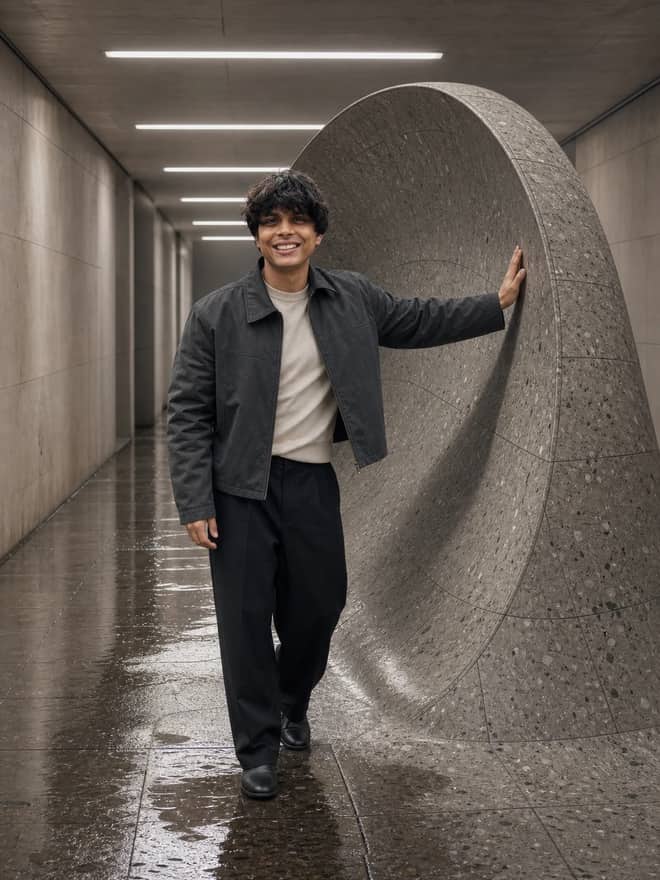
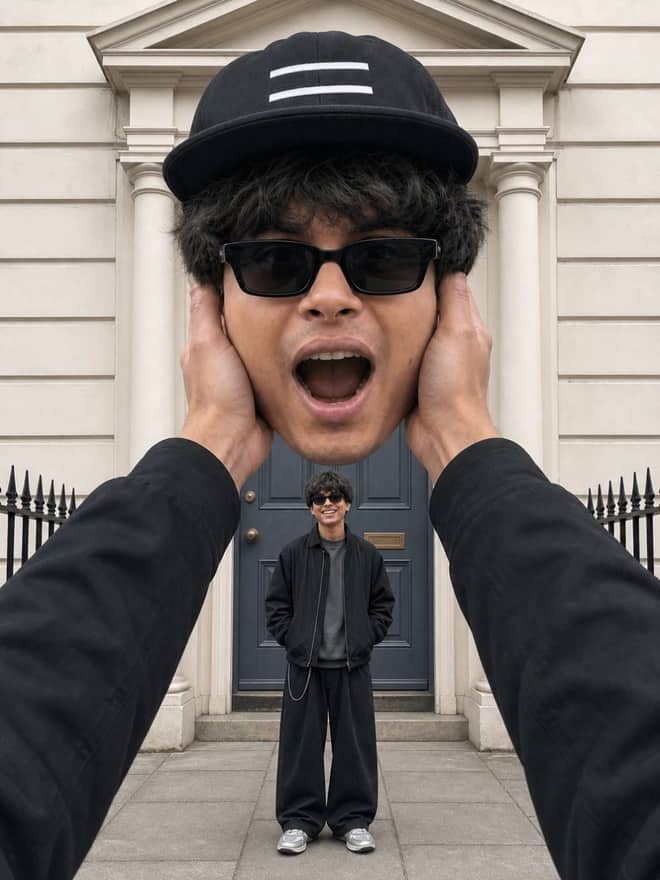
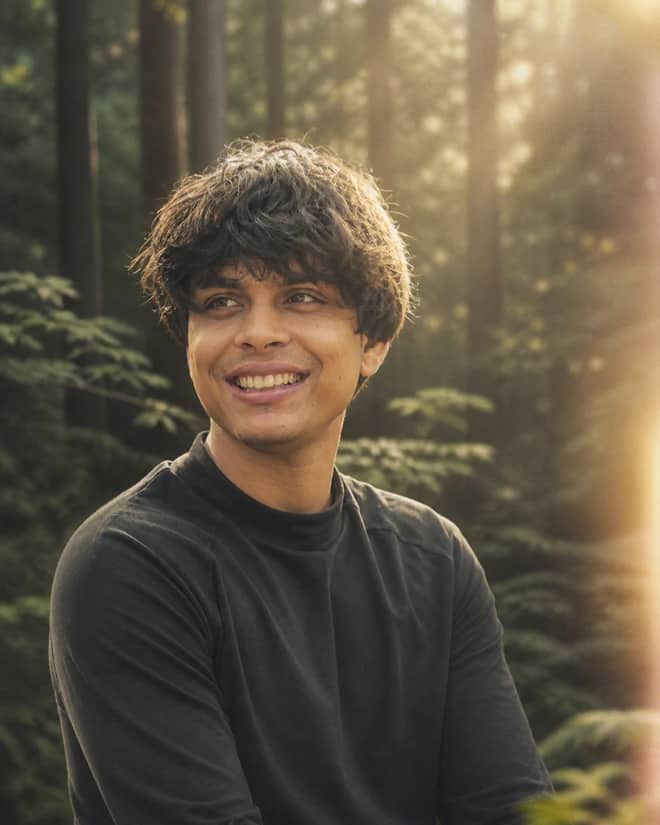
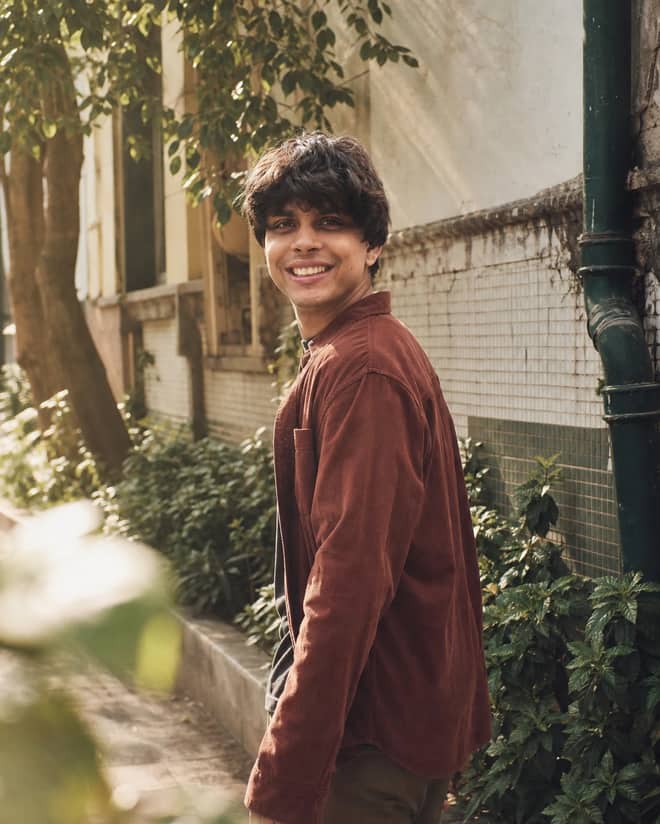
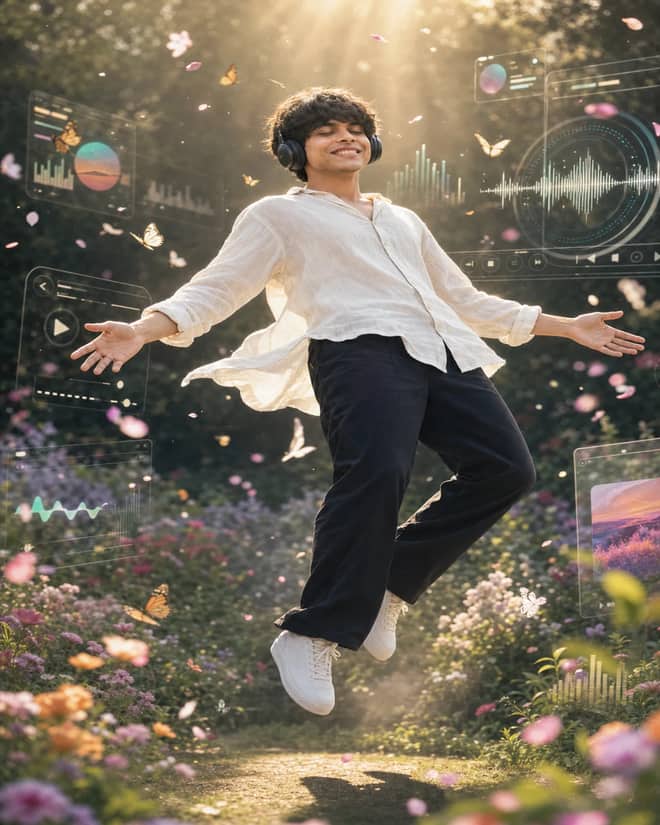
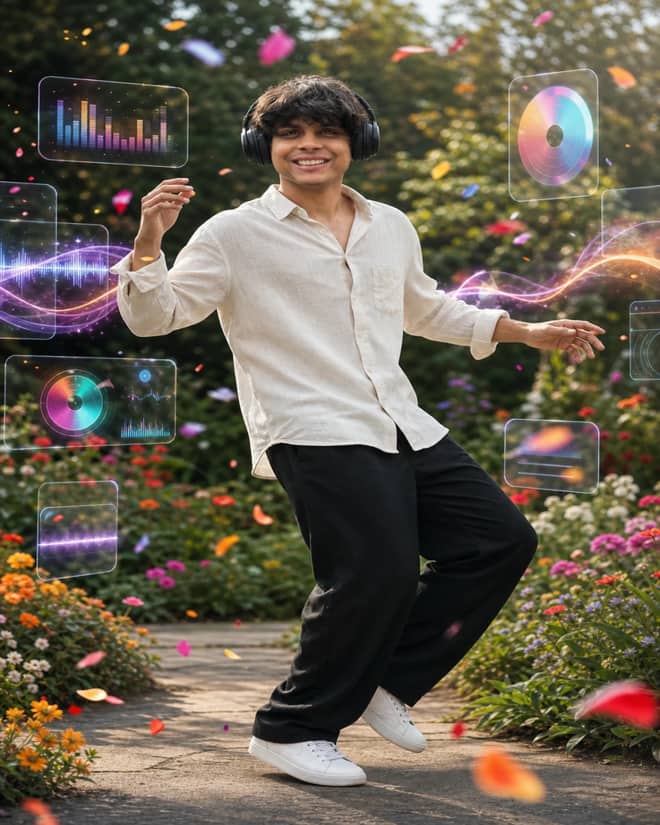
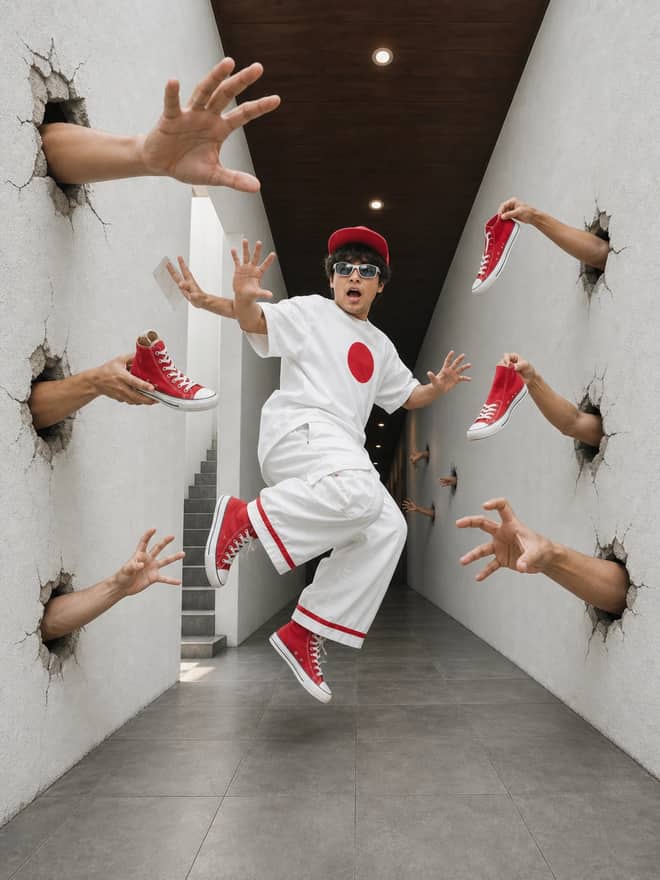
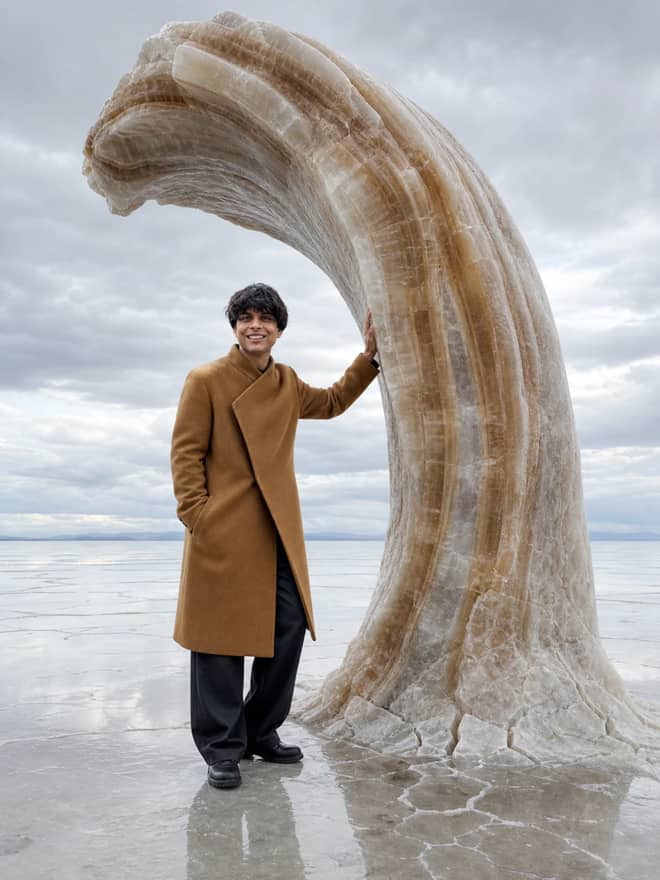
Gemini AI foto is the phrase people reach for when they want to fix or restyle a photo using Google's Gemini, the model a lot of folks online call Nano Banana. The grid above is a stack of ready prompts built for exactly that. You open Gemini on your phone, upload a foto, paste a line, and get back something cleaner or more interesting while your face stays your face. No design skills, no desktop editor, no subscription needed for the basics.
What gemini ai foto actually means
The word foto is just photo in Indonesian, Malay, Spanish, Italian, and a few other languages, so a lot of the people searching this are on a phone, often new to AI, and they want a quick win. That shapes how I'd use these prompts. You are not building a poster from nothing. Most of the time you are handing Gemini a real foto, usually a selfie or foto sendiri, and asking it to change one or two things. The model is good at this because it can look at your picture and keep your features while it works on the lighting, the background, or the style.
There is a second mode too, where you describe an image that does not exist yet and Gemini draws the whole thing. Both live in the same app. The prompts above are split between the two, so read the first line before you paste. If it says upload your foto, it edits. If it describes a scene full of detail, it generates from scratch.
The gemini ai foto looks people keep making right now
The current Gemini image model is fast and cheap, and that has pushed a wave of foto trends across phones in the last while. A few keep coming back, and they are worth knowing because they are easy to copy.
- The 3D figurine or collectible look, where your foto becomes a small posable figure in a box, sometimes on a desk next to a computer.
- Retro and vintage edits, like a grainy 90s film photo, an old film-camera color cast, or a saree and soft studio light for a classic portrait.
- Restoring old family fotos, where you upload a scratched or faded print and ask Gemini to clean it up and bring back color.
- Clean professional headshots from a plain selfie, with a neutral background and even light for a profile or resume.
- Couple and group fotos restyled into a matching scene, a travel backdrop, or a soft cinematic mood.
The thread running through all of these is that the model keeps your likeness. That is the part people care about. A filter app smooths your face into someone else. Gemini, when you ask it the right way, leaves you recognizable and just changes the world around you.
Advertisement
How to write a gemini ai foto prompt that works
A good Gemini foto prompt is short, specific, and protective of your face. I think of it in three parts: what to keep, what to change, and the mood. Keeping is the line that saves you. Something like keep my face and skin texture exactly the same stops the model from quietly turning you into a stranger. Changing is the actual job, the new background or outfit or style. Mood is the finishing touch, the light and color that make it feel like a real photo instead of a render.
One change at a time beats a wall of instructions. If you ask for a new background, a new outfit, brighter light, a film look, and a smile all at once, the model usually nails one and fumbles the rest. Stack your edits instead. Get the background right, then run it again to fix the light. It is slower by a minute but the results are far more controllable.
Tip: front cameras shoot soft, especially indoors. Add a line like enhance sharpness slightly with natural detail so the result looks crisp without turning plastic or over-processed.
Match the gemini ai foto edit to your photo
Not every foto suits every edit. A tight selfie has no room for an outfit change. A full-body shot does. Here is a quick map from what you have to what works and what to add to the prompt.
| Your foto | Edit that fits | Line to add |
|---|
| Close-up selfie | Clean portrait or headshot | 'soft daylight, plain background, keep my face the same' |
| Half or full body | Outfit and scene swap | 'new outfit and setting, same face and body shape' |
| Old printed photo | Restore and recolor | 'remove scratches, restore natural color, keep the original faces' |
| Couple or group | Background swap only | 'replace background, keep every face unchanged' |
| Dim indoor shot | Lighting fix | 'brighten evenly, warm tone, no change to my face' |
A simple gemini ai foto routine, step by step
If you are doing this for the first time, this is the routine that gives the fewest surprises.
- Start with the sharpest foto you have. Wipe the lens, find a window, and reshoot if the original is dark.
- Pick a prompt above that matches what you want, edit or generate.
- Upload your foto first, then paste the prompt and swap in your own details.
- Send it, then send the same prompt again to get a second version. They differ each time.
- Keep the better one. If it is close but off, change one word, not the whole prompt, and run again.
Where gemini ai foto edits get stuck, and the fixes
The most common complaint is that the result comes back almost right. The fix is patience with single edits. If the mood is wrong, touch only the light line. If the face drifted, add or strengthen the keep line and use a brighter, sharper original. The model holds your likeness best when the source foto is clear, so a lot of face problems are really input problems.
Blurry output is the next one. That is usually the original again, since phone front cameras lose detail fast in low light. A crisp input plus a gentle sharpening line solves most of it. Then there are hands, teeth, and text in the background, which are the classic tells of an AI image. If those come out strange, just regenerate. Each run is a fresh roll, and the second or third attempt is often clean.
One more thing worth saying plainly. These edits look best when they do not announce themselves. A foto that quietly looks like a great photo of you beats a heavily stylized one that screams AI, unless a bold stylized look is the whole point. Lean toward natural light and real skin as your default, and reach for the dramatic styles on purpose, not by accident.
Gemini ai foto is free to try, and where to do it
You can do all of this in the Gemini app on Android or iPhone, or on the web, with a free tier that has daily limits. The image model behind it, the one people nickname Nano Banana, is the same one developers pay a few cents per image to use through the API, but for casual foto edits the free app is plenty. No need for a paid plan to clean up a selfie or restyle a portrait.
Think about where the foto will end up before you edit. A profile picture wants a tight crop and a clean background so your face reads at a small size. A foto for a story or status can carry a louder scene and stronger color. Save the prompts that work for you in a notes app, because next week you will have a new foto and the same wording will save you the guesswork. Pick one prompt above, run it twice, compare, and you will get the hang of it faster than reading any guide.