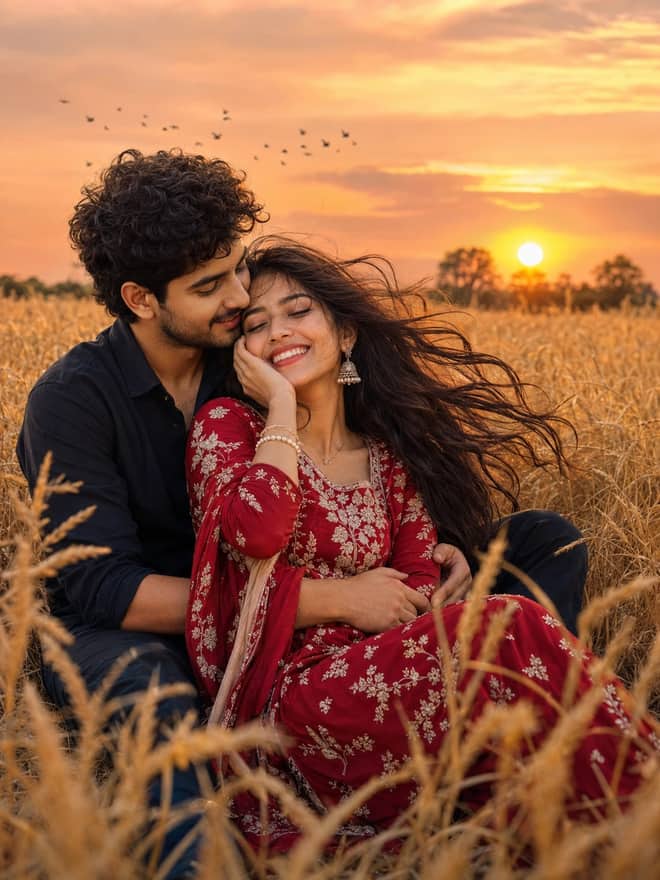
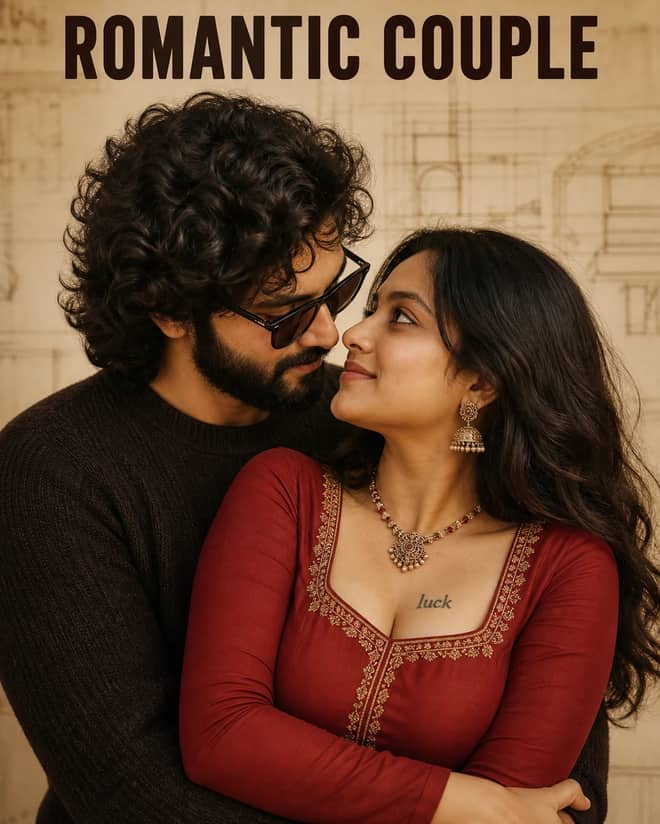
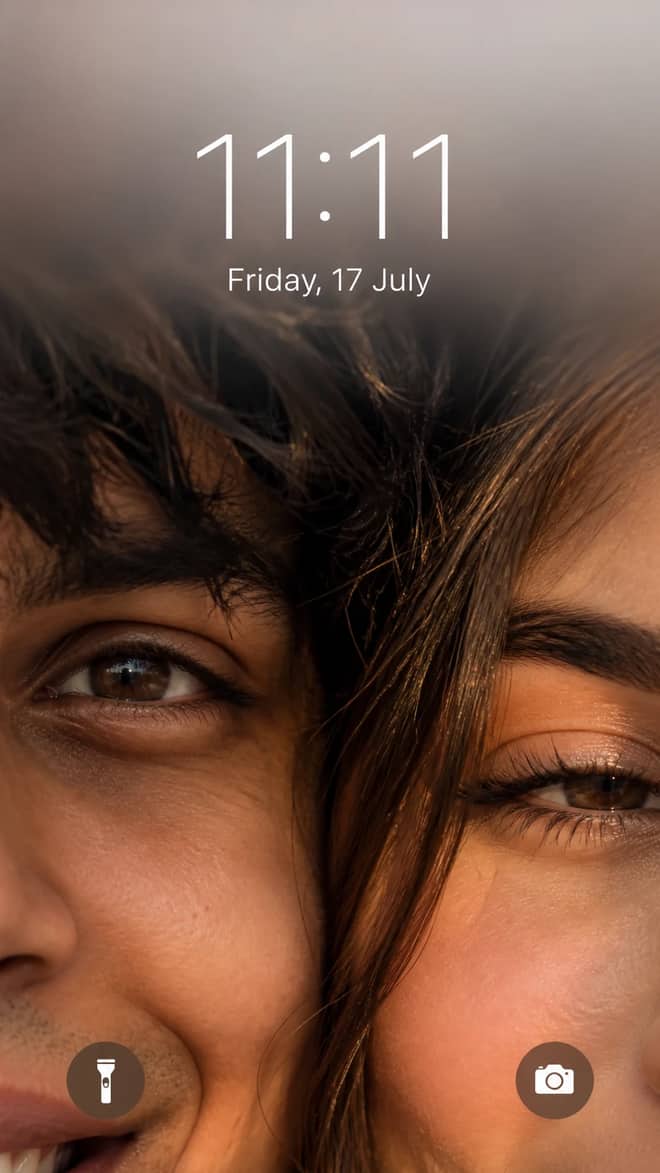
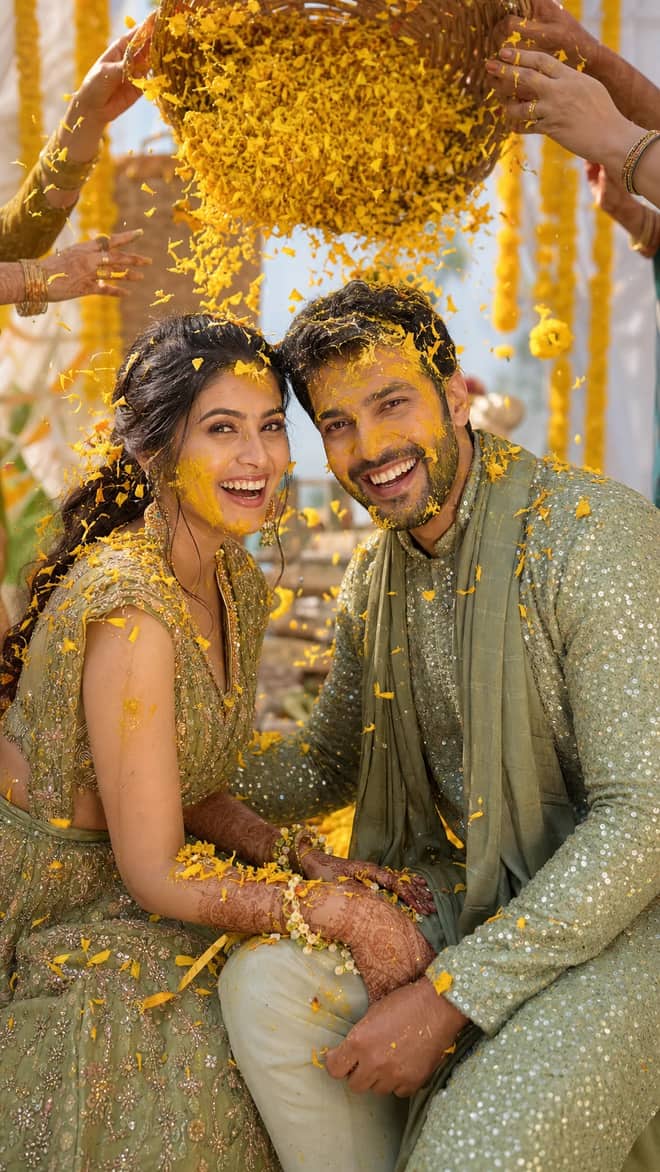
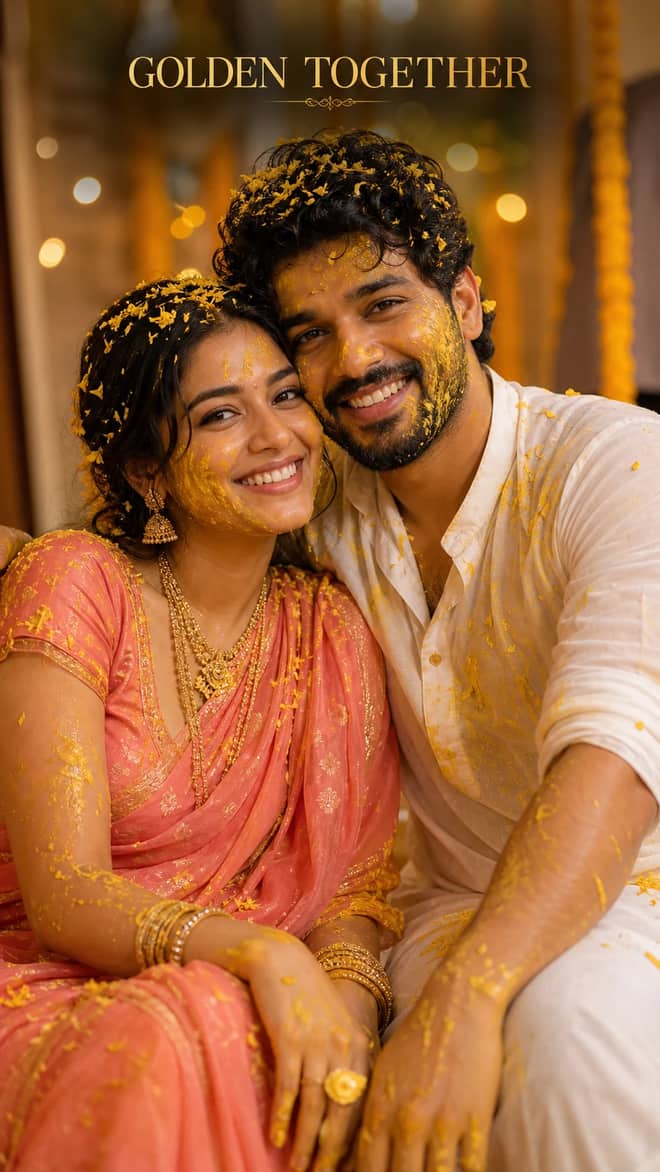
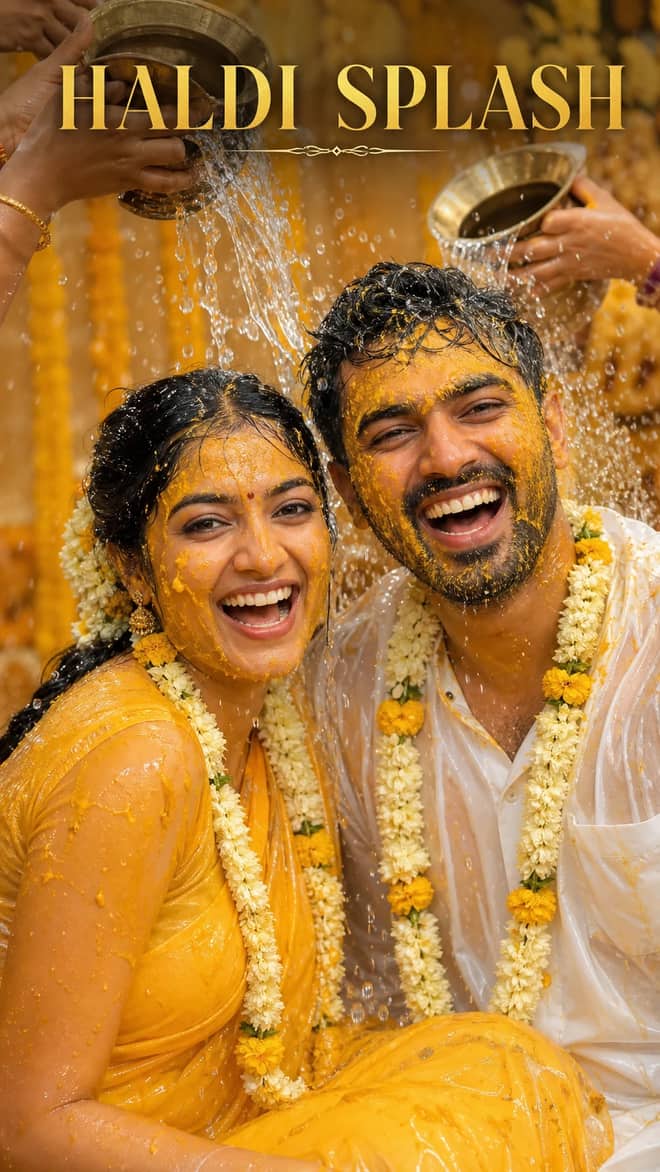
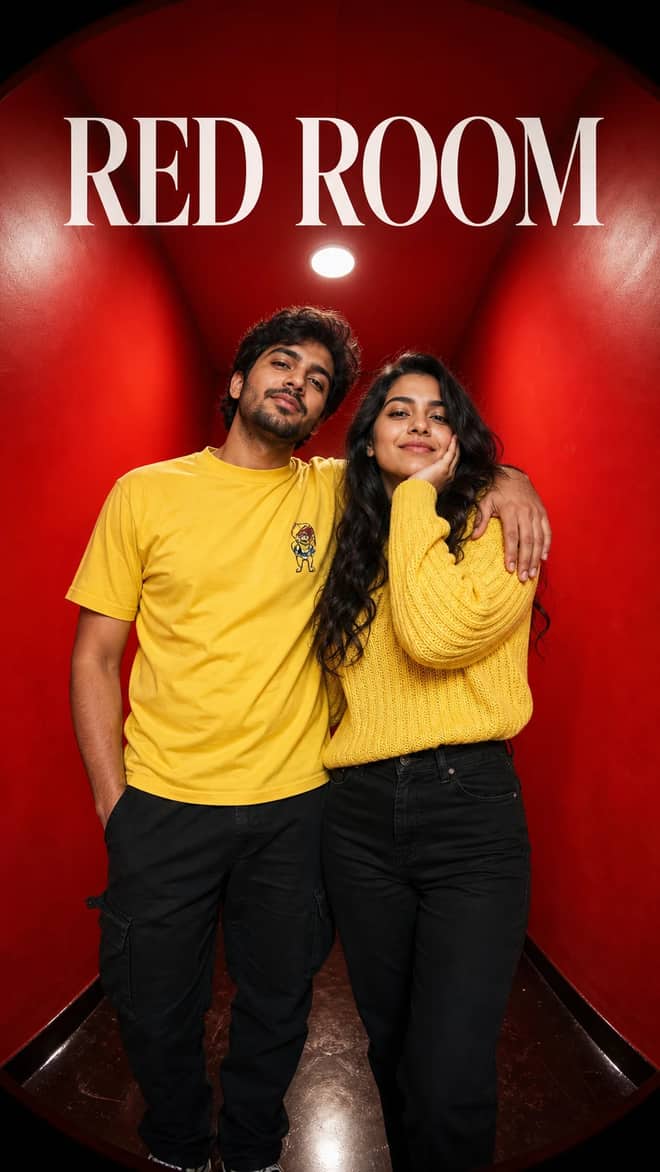
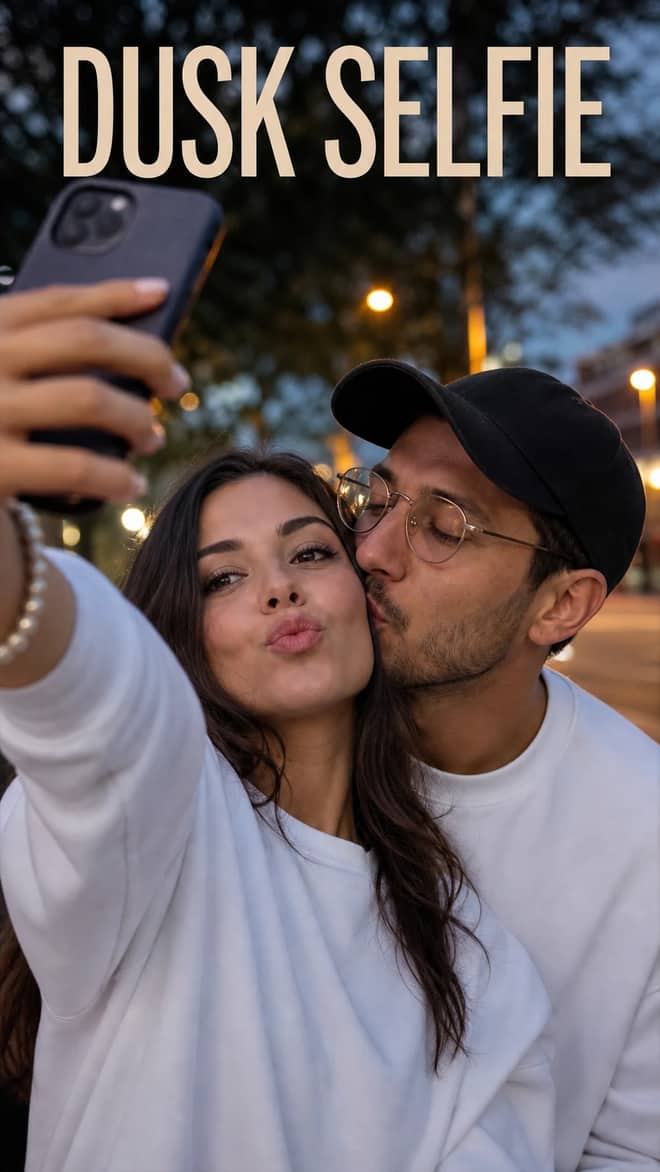
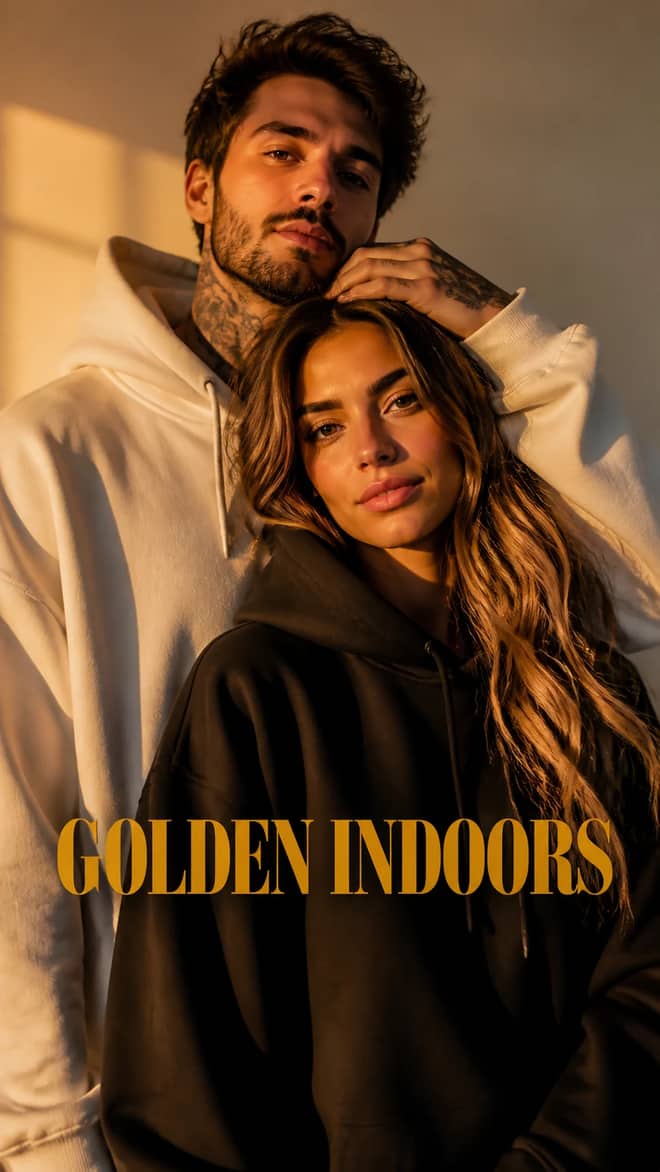
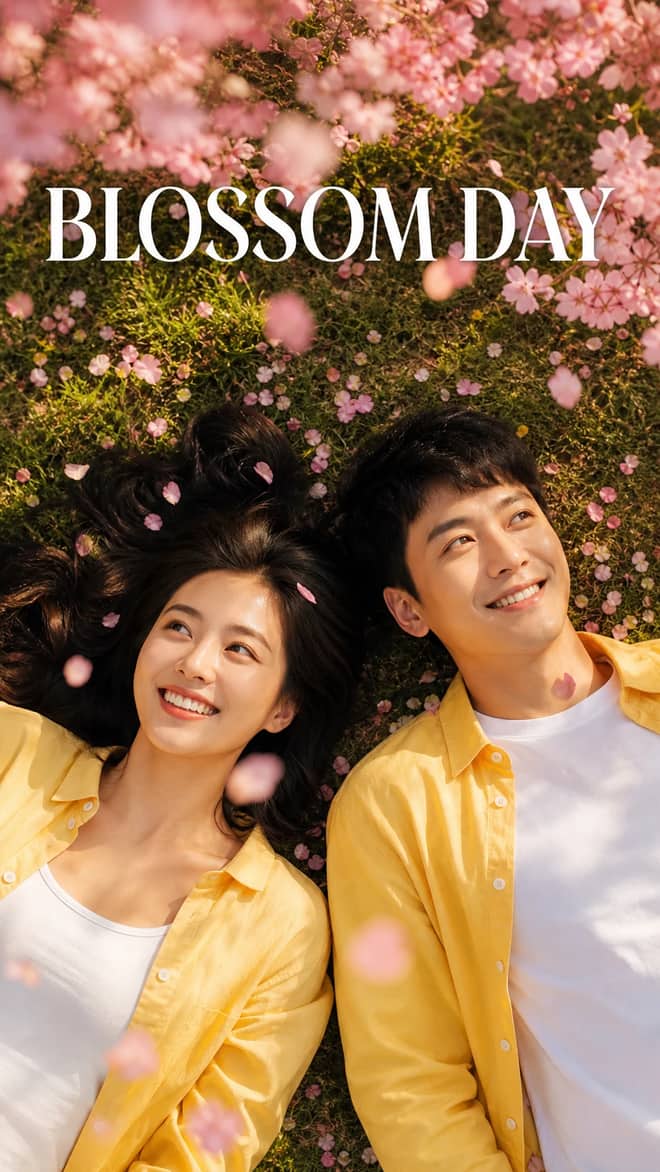
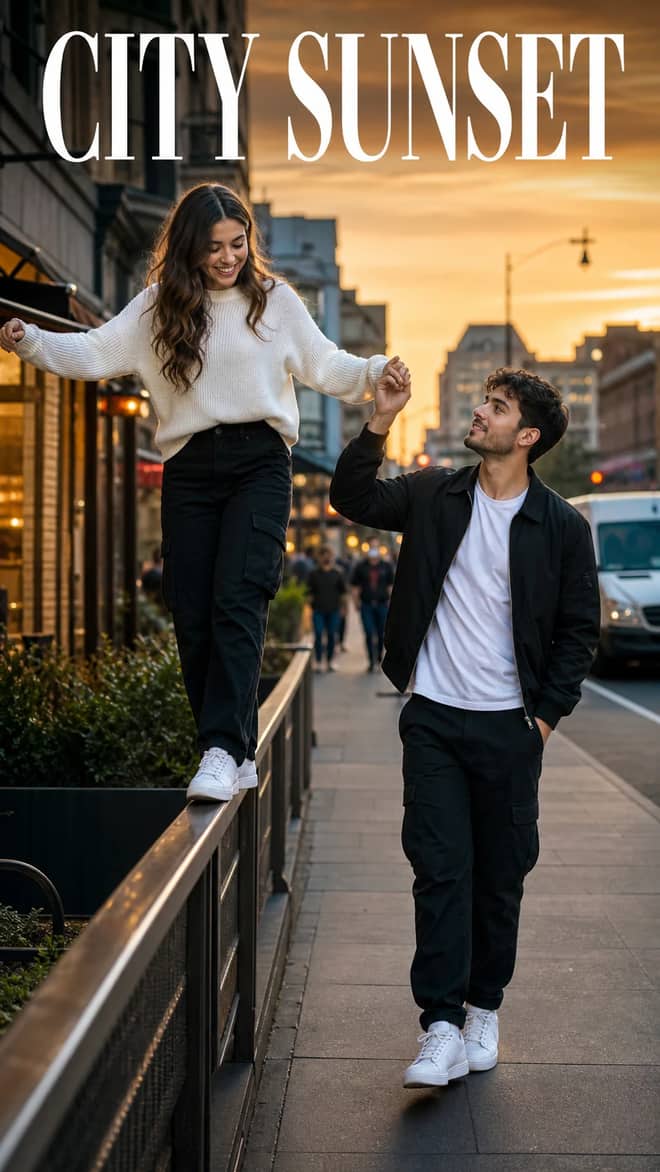
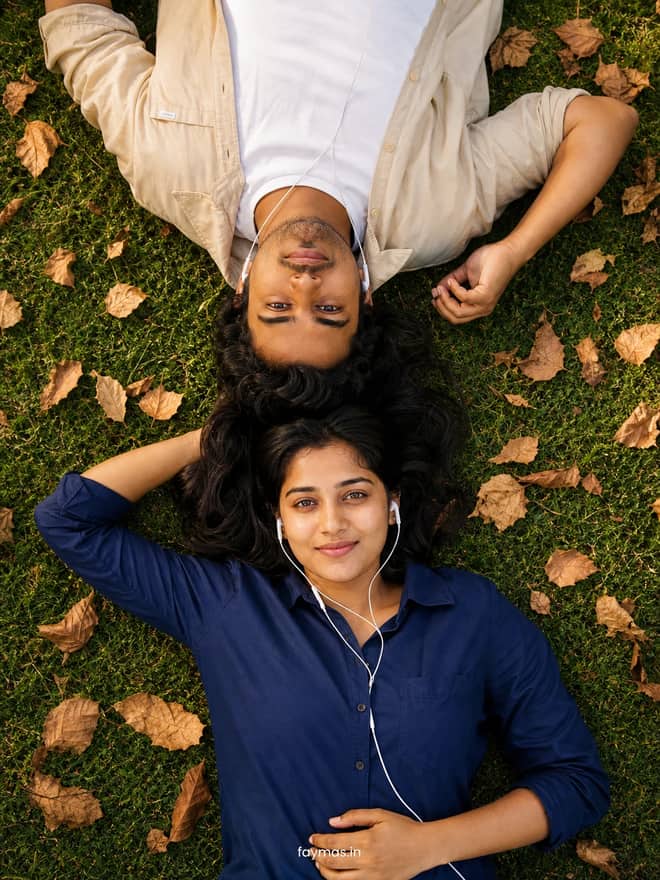
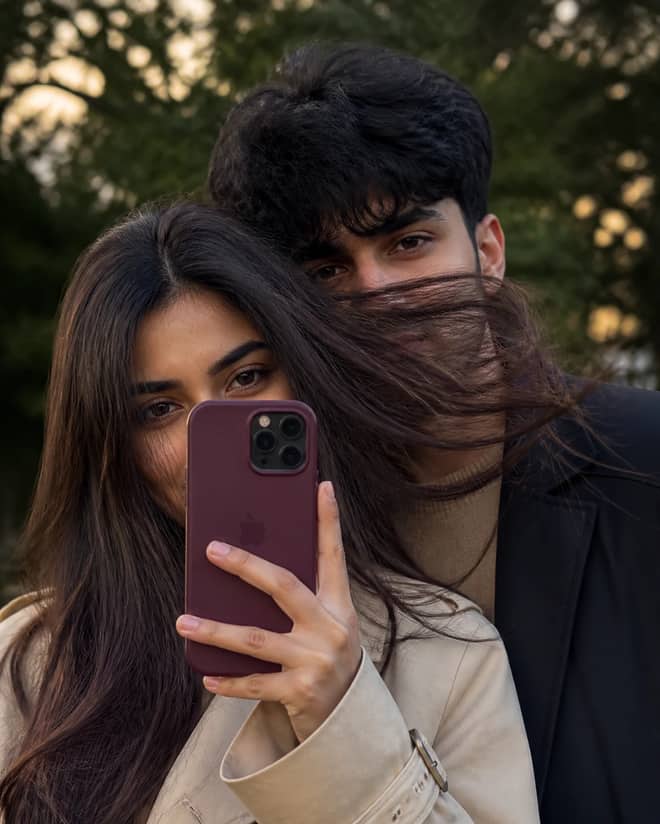
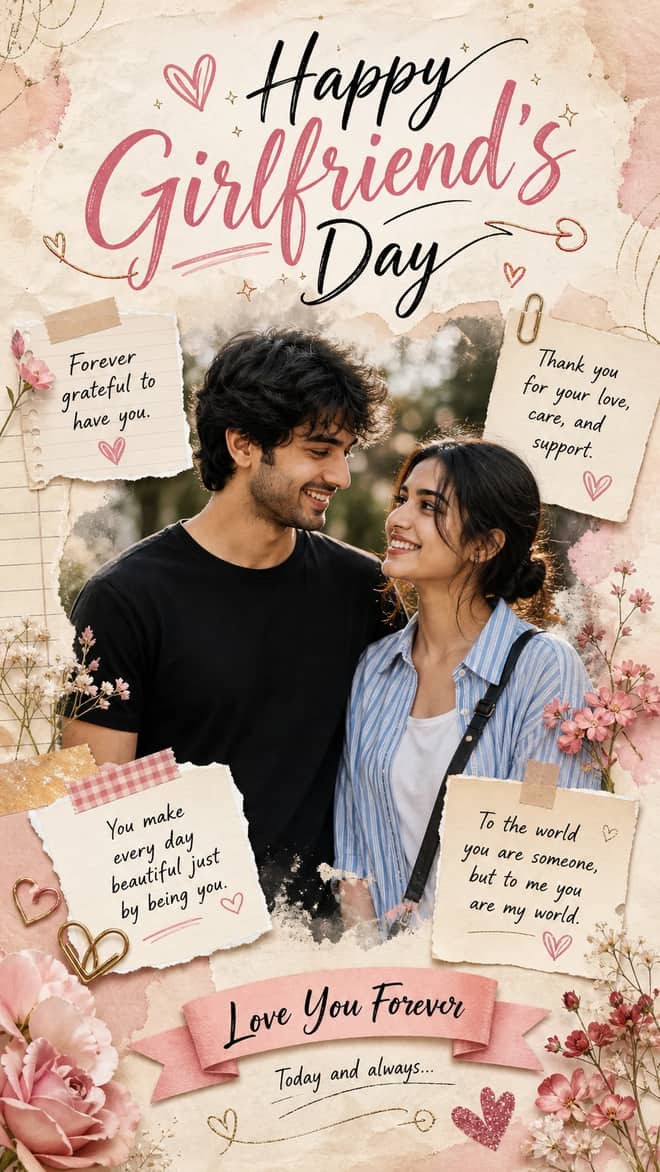
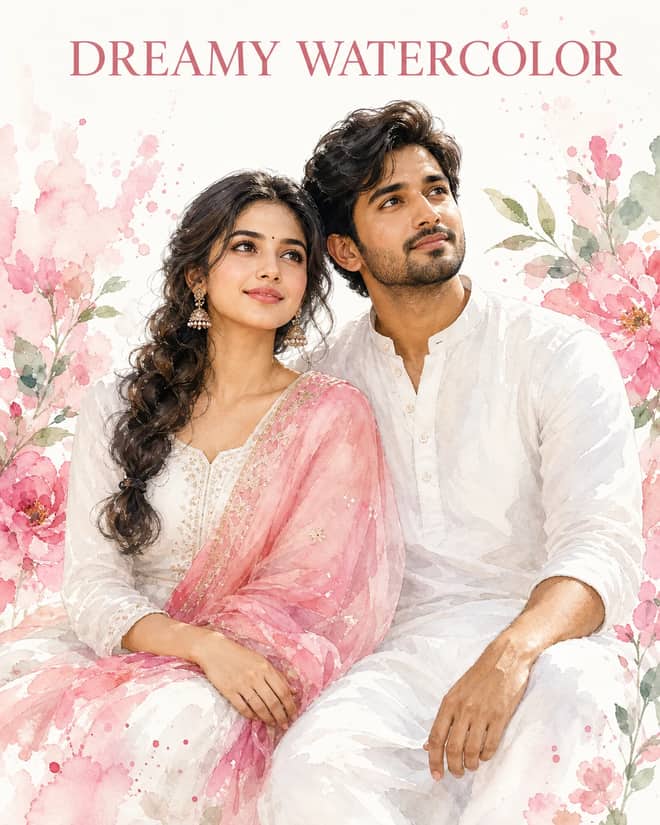
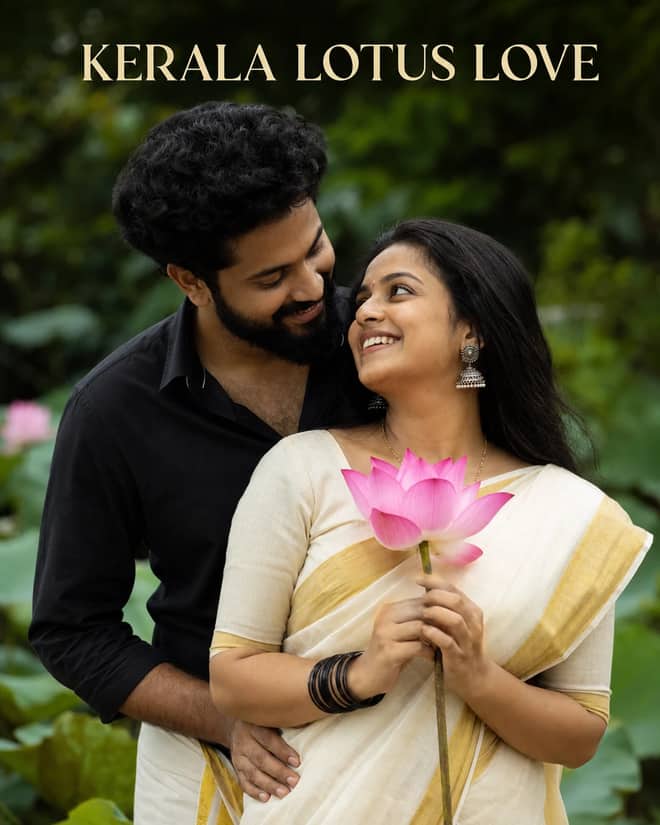
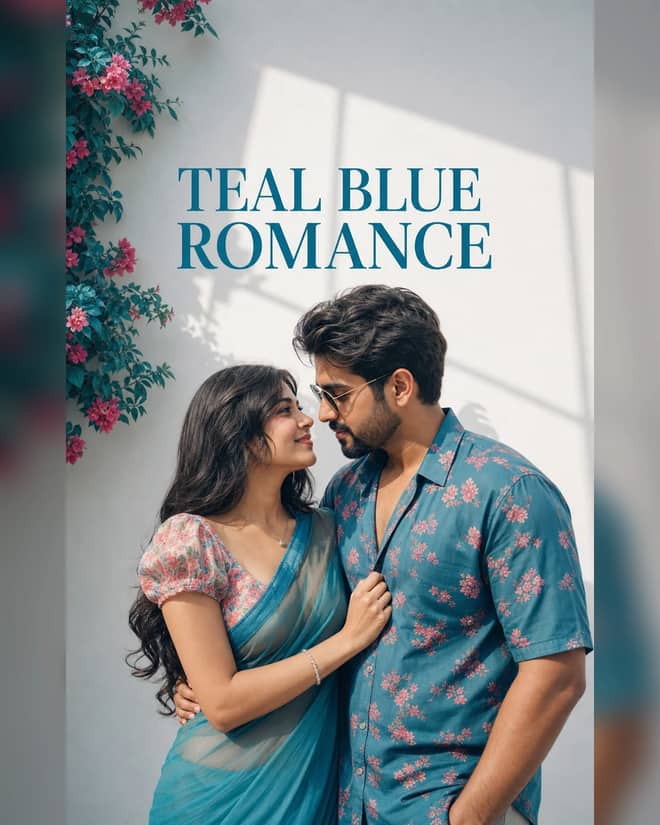
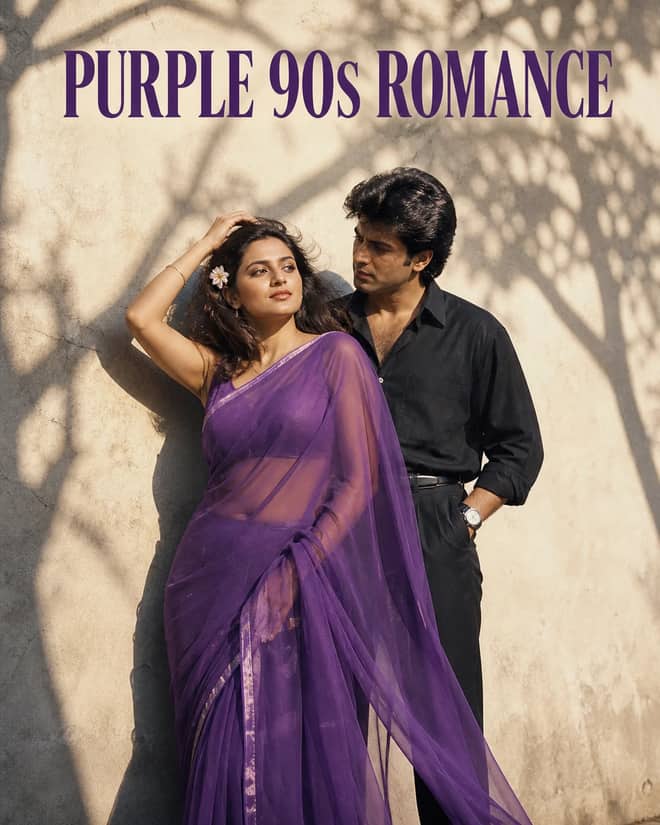
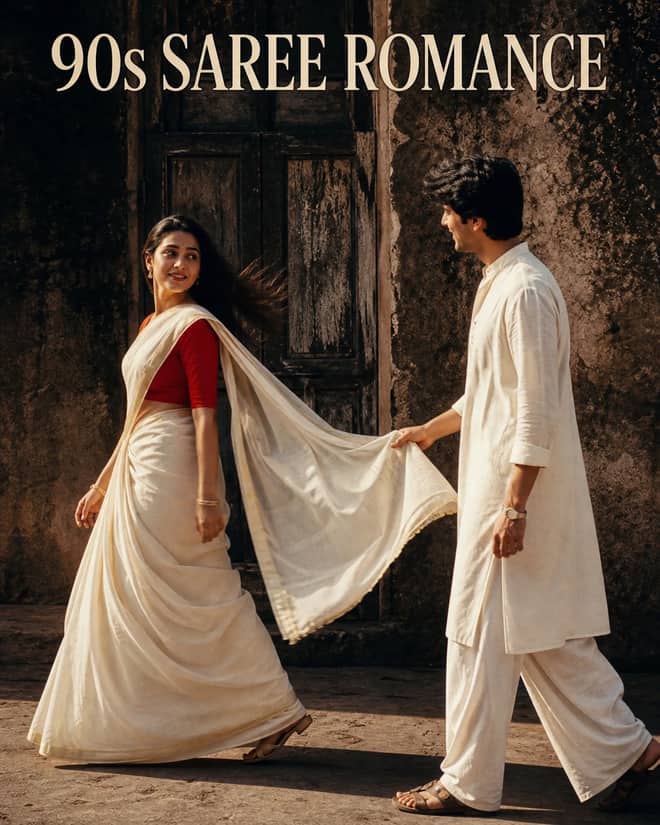
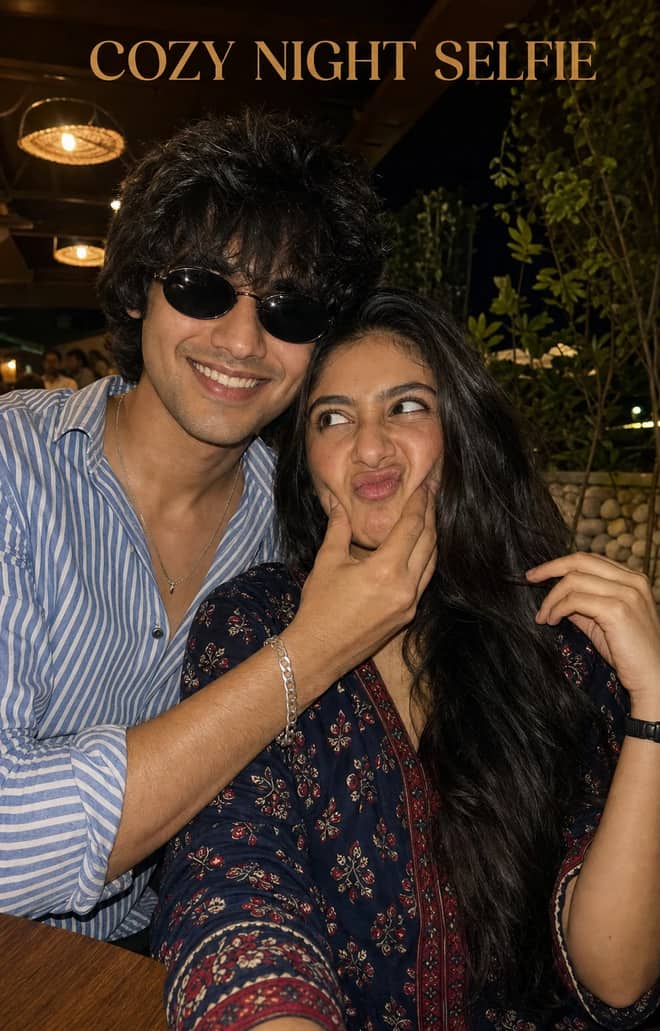
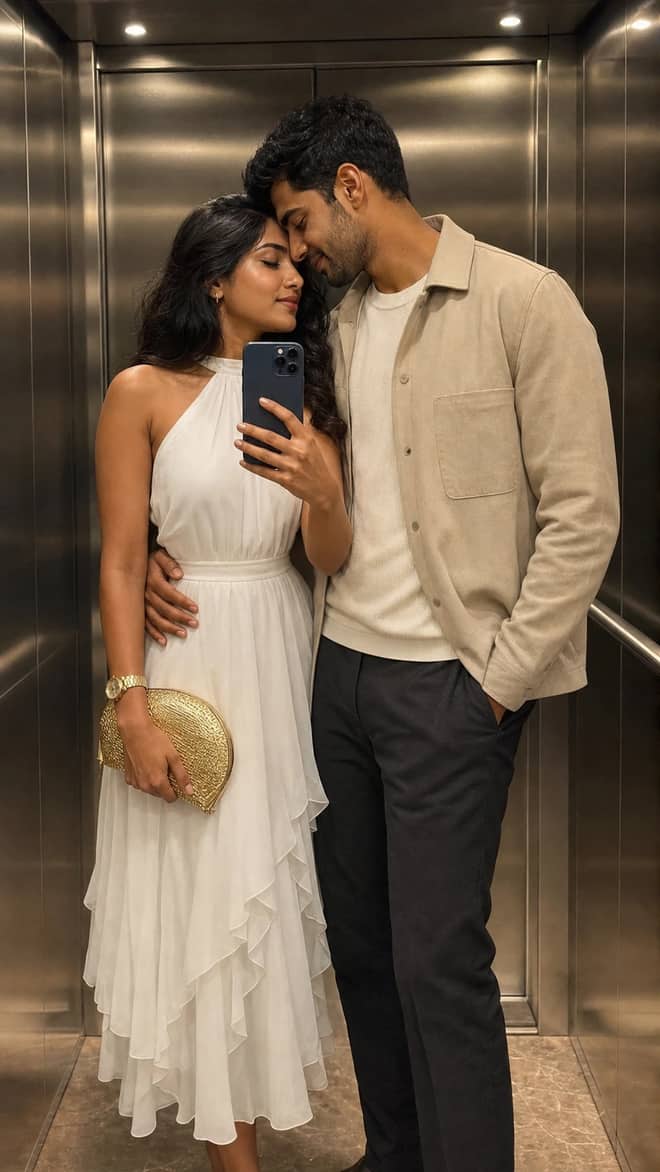
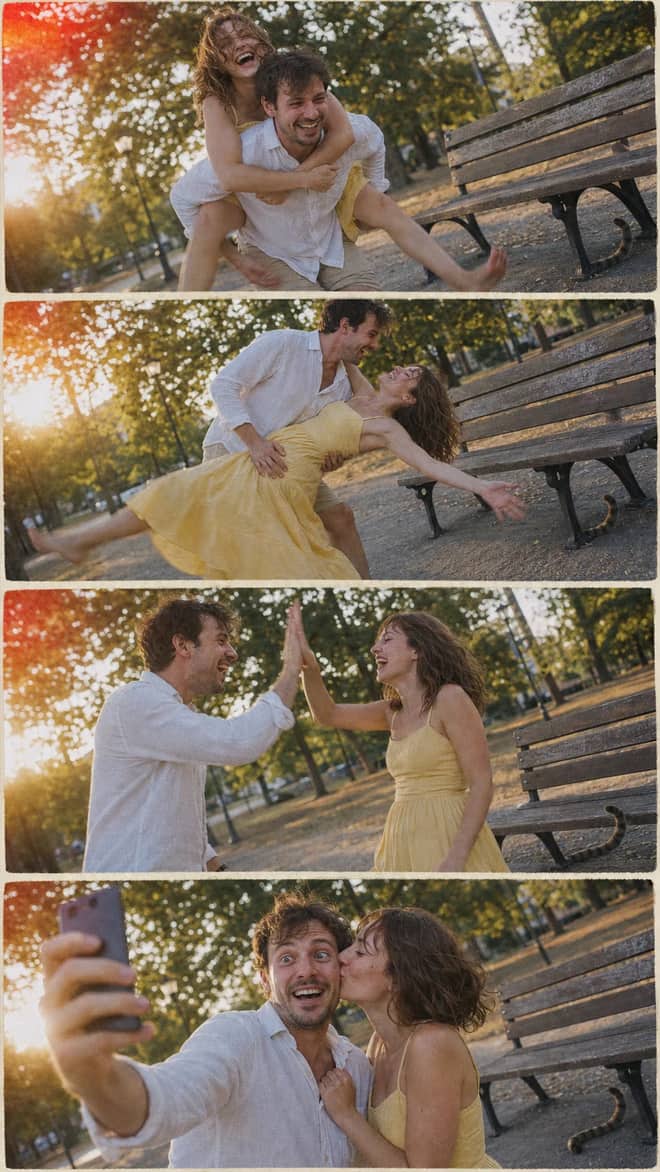
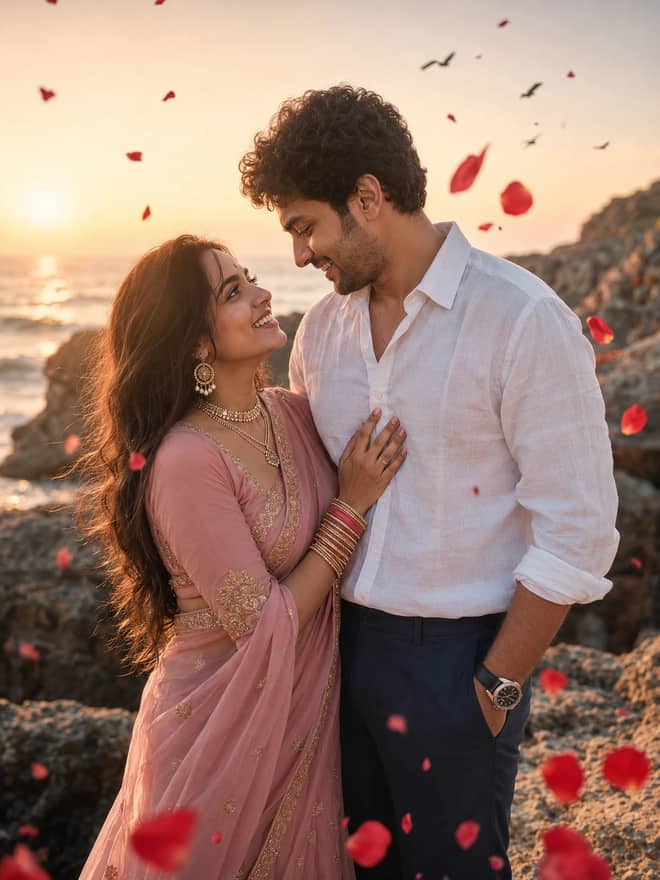
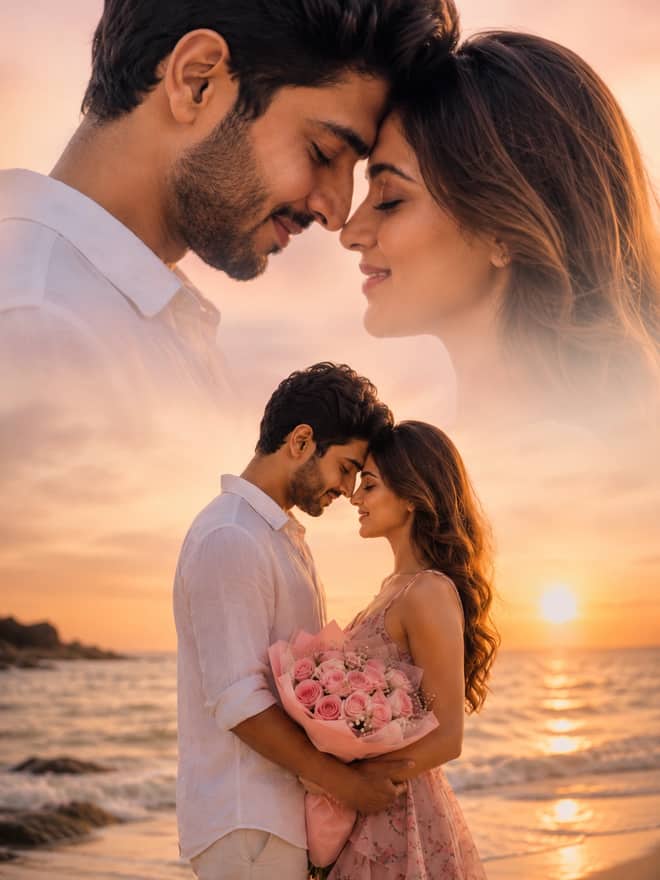
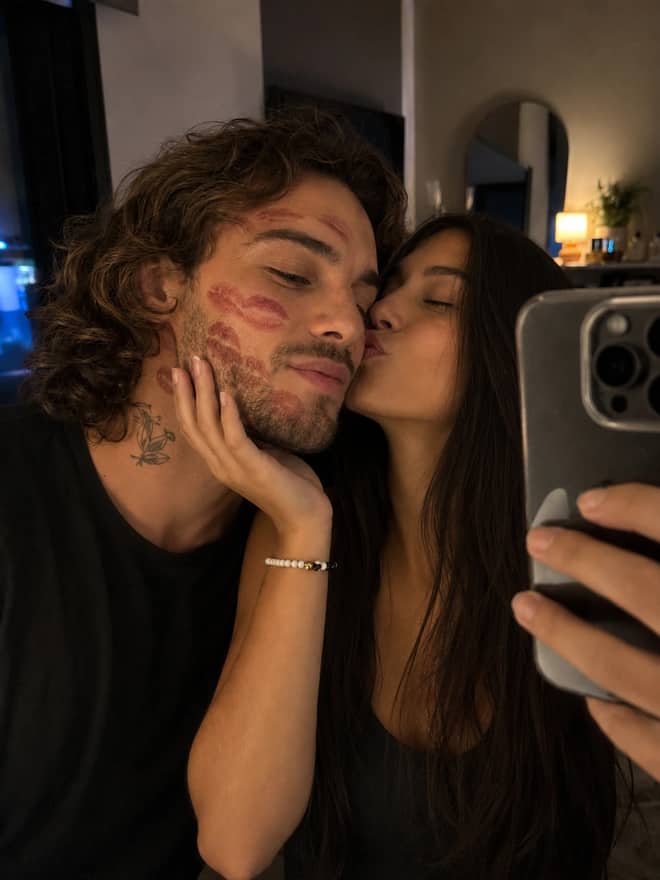
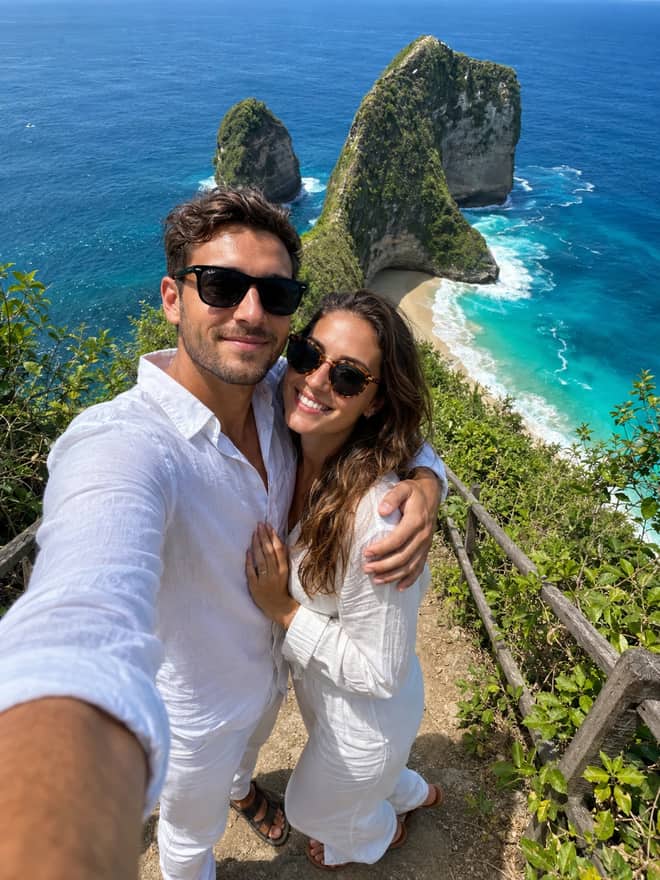
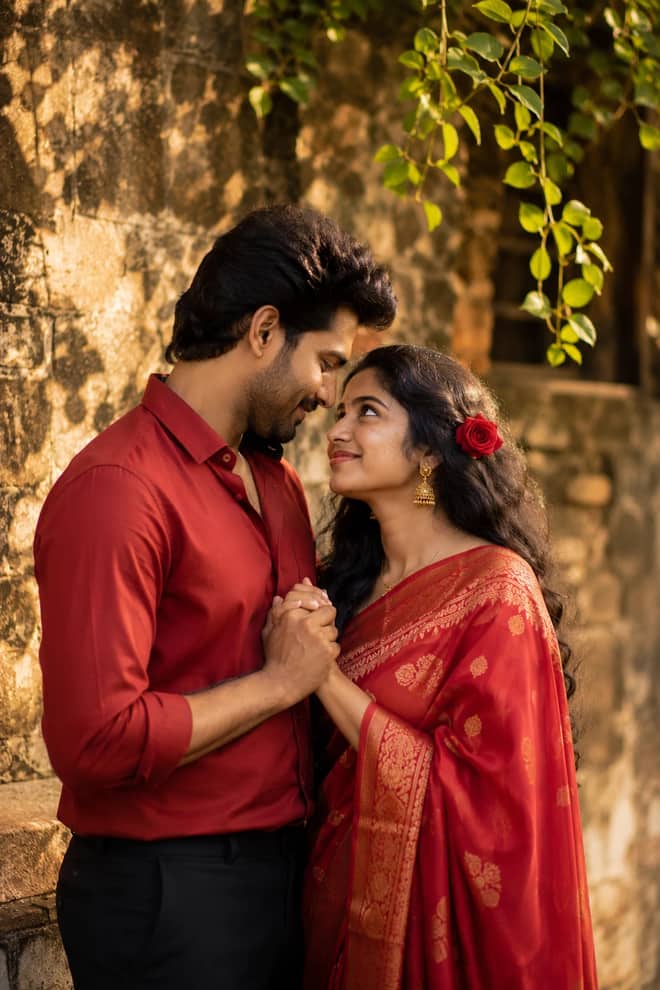
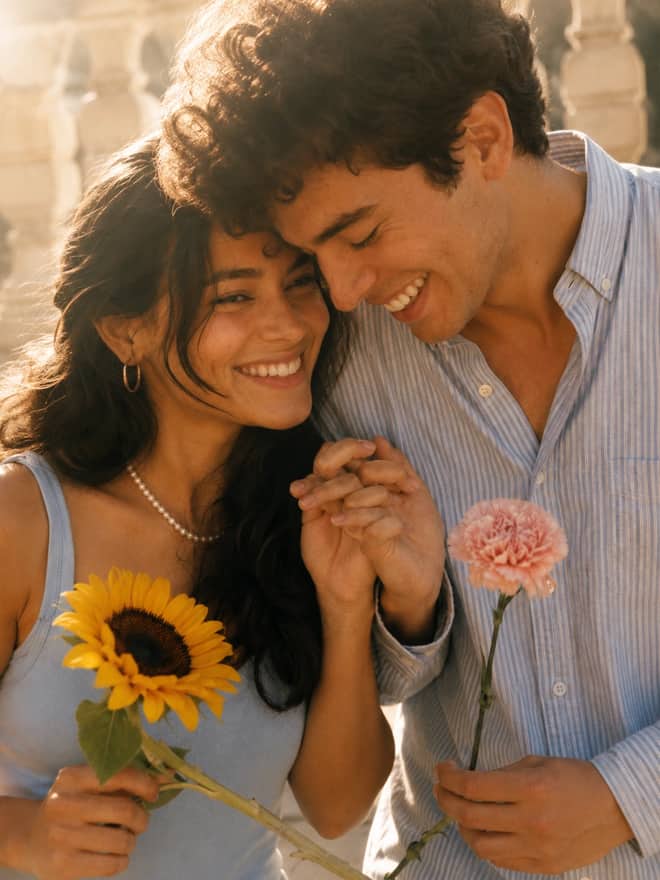
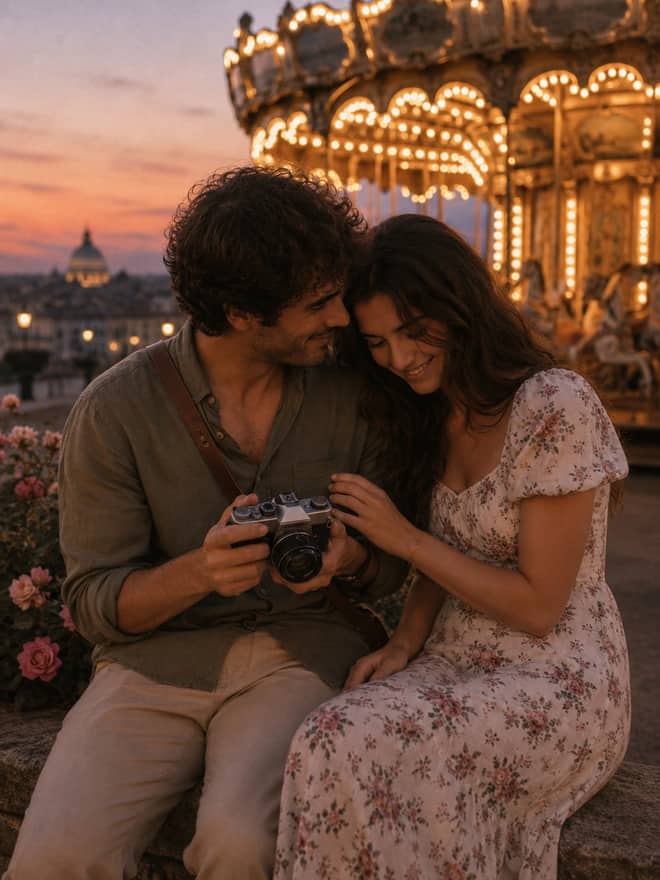
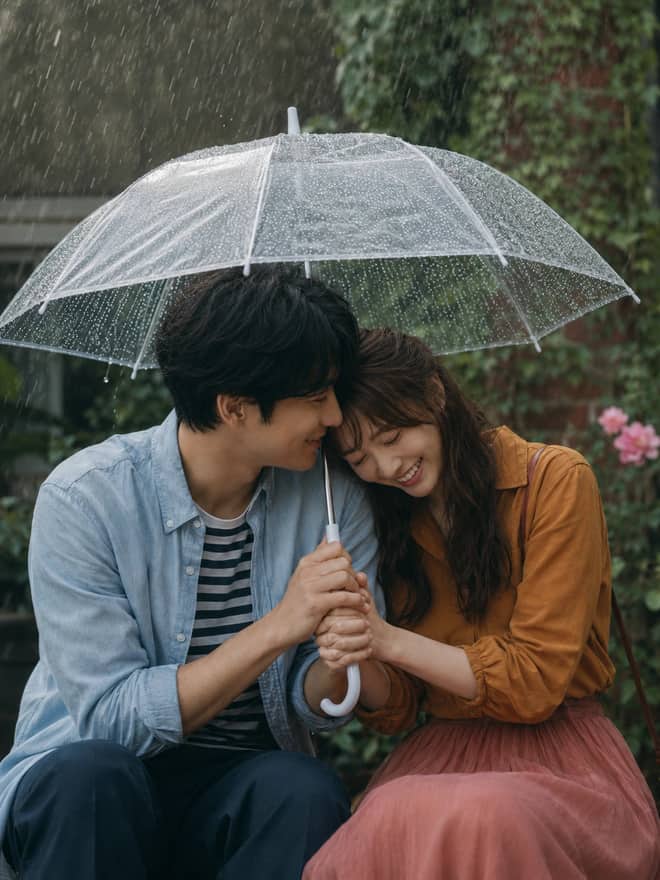
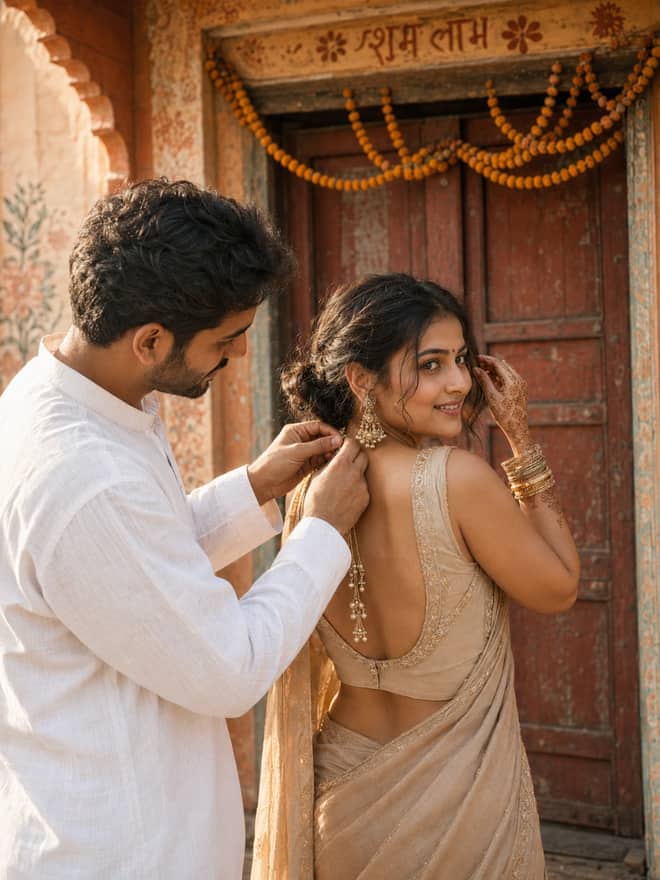
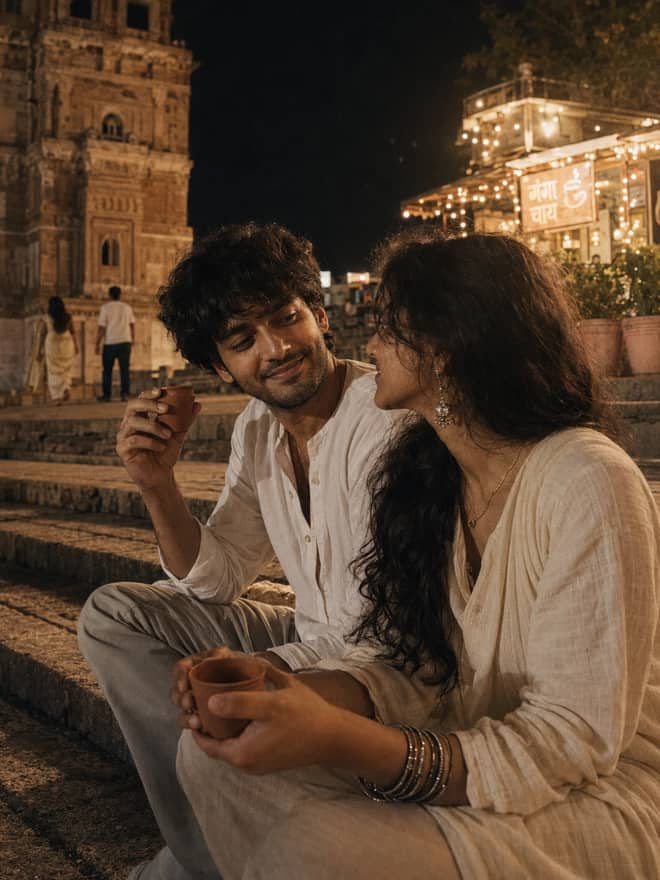
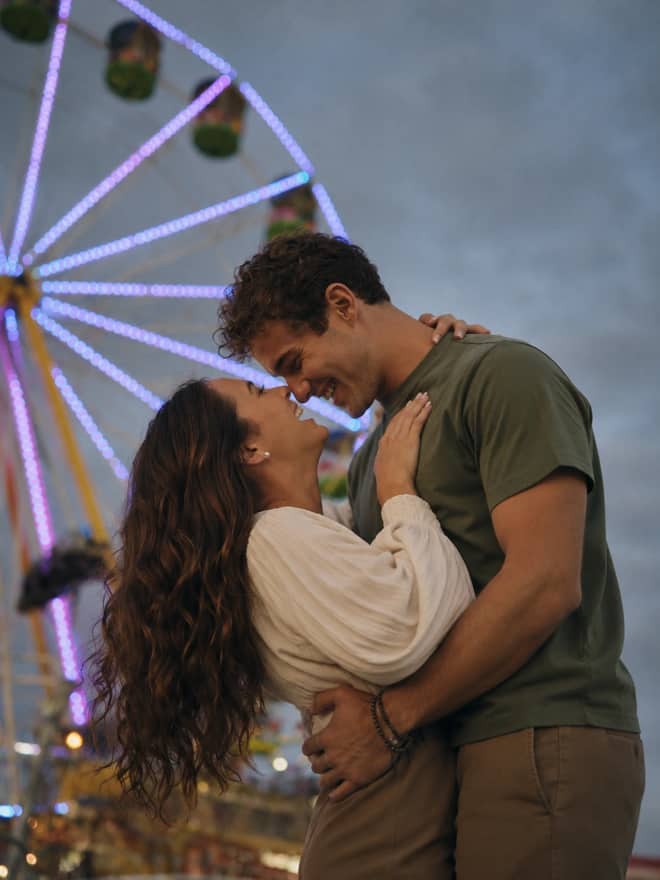
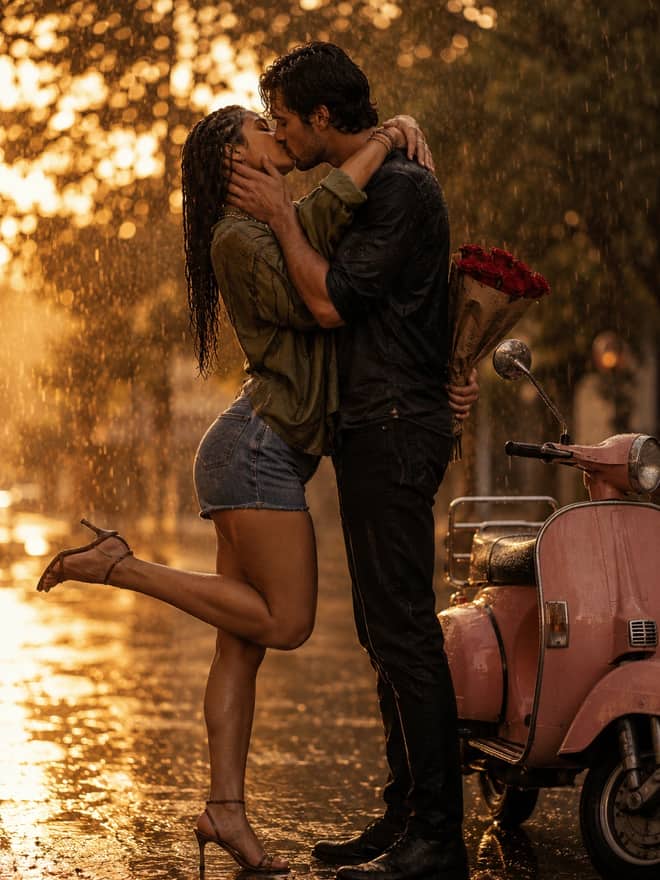
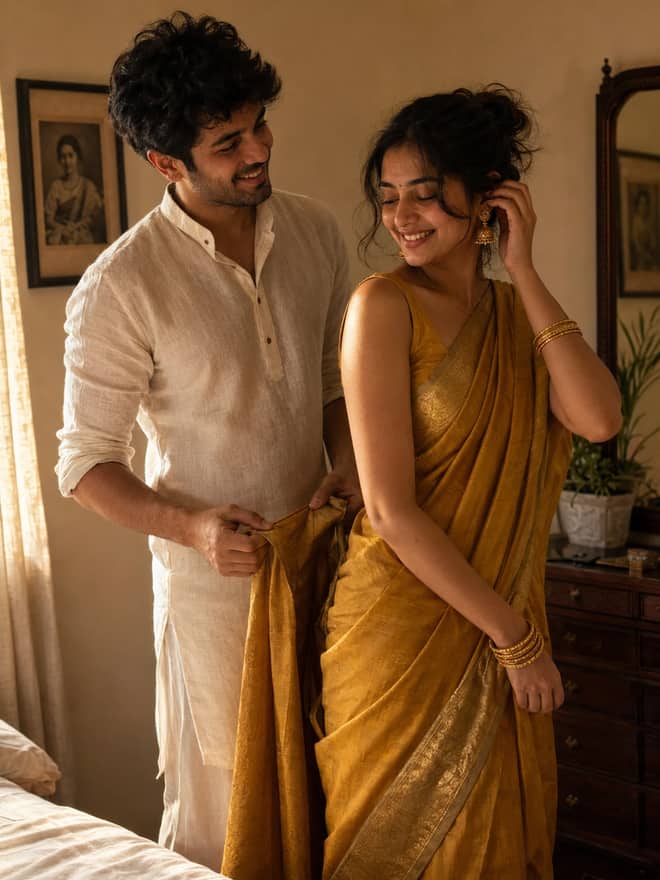
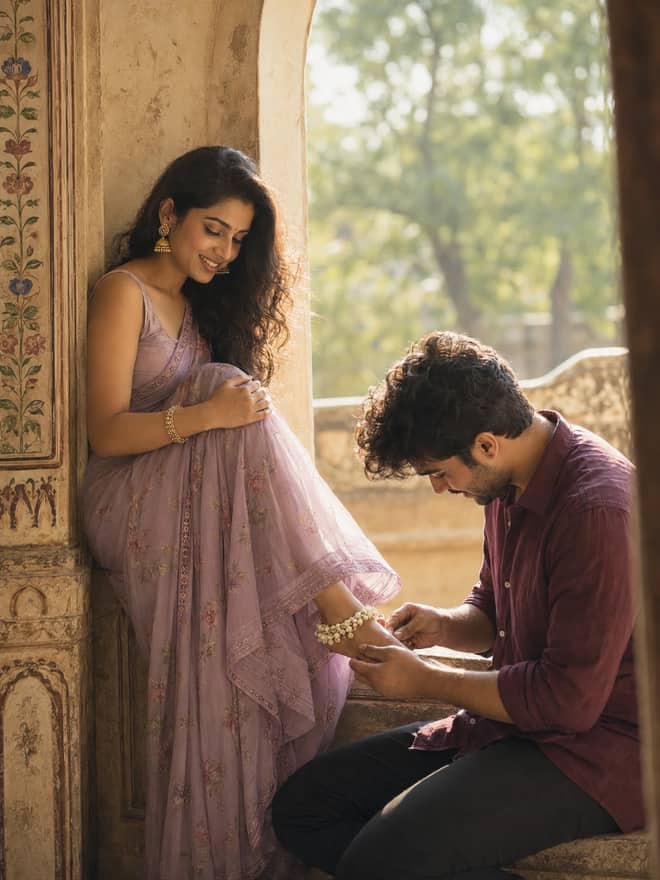
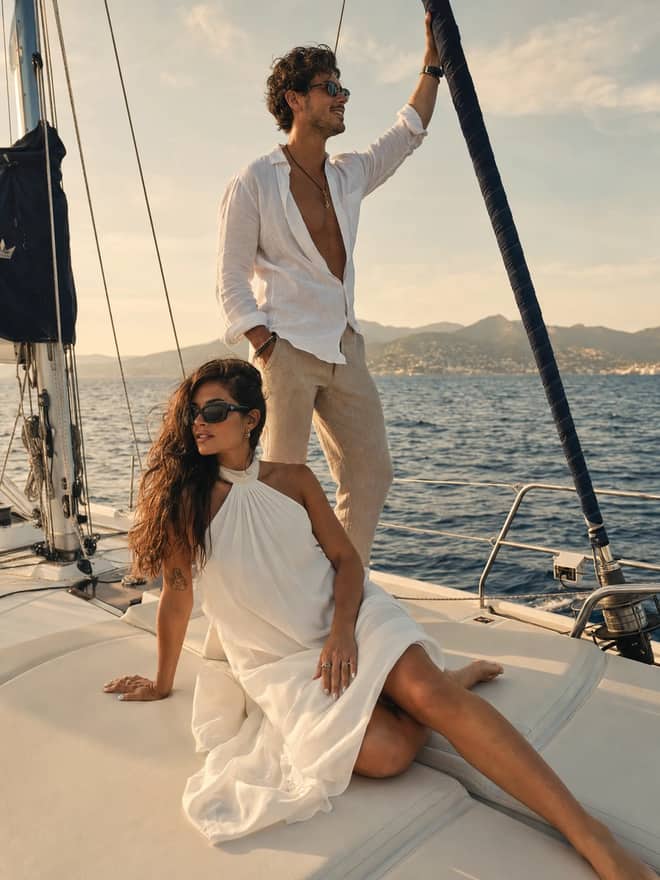
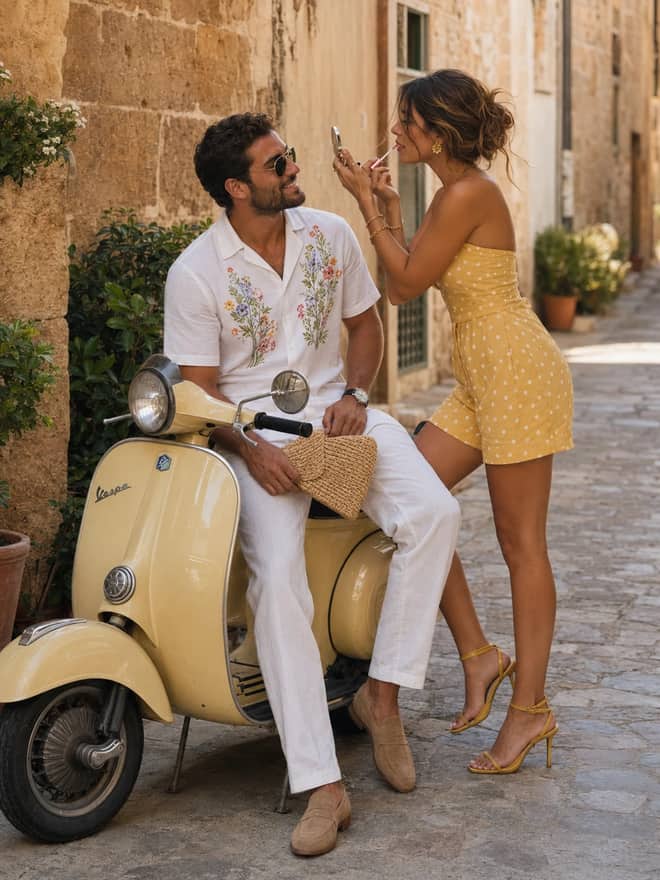
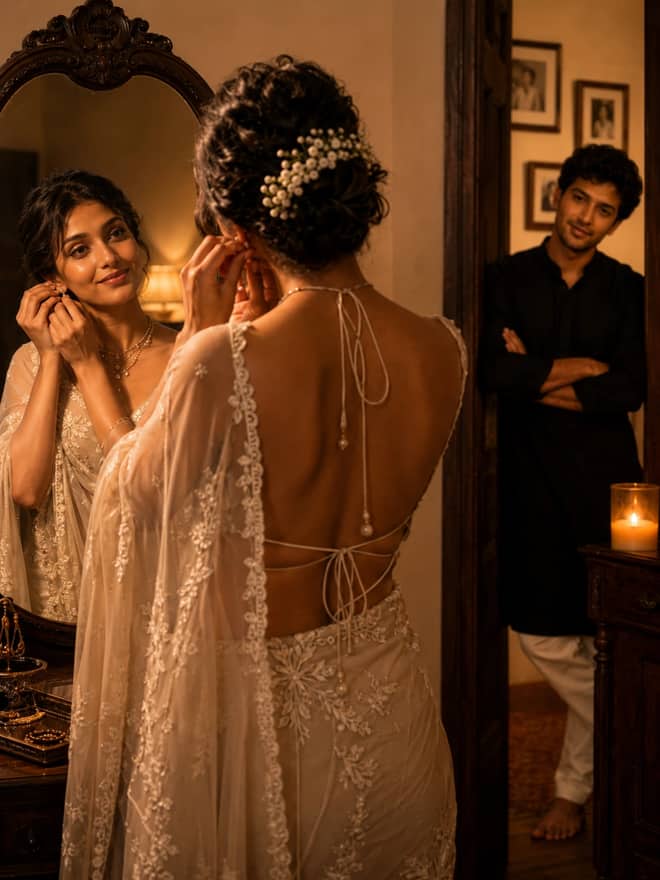
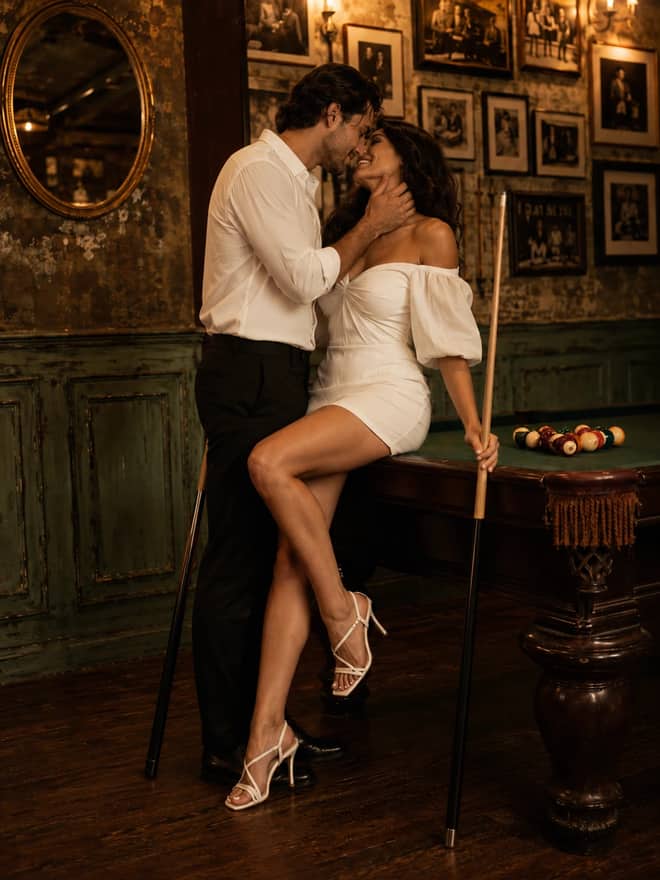
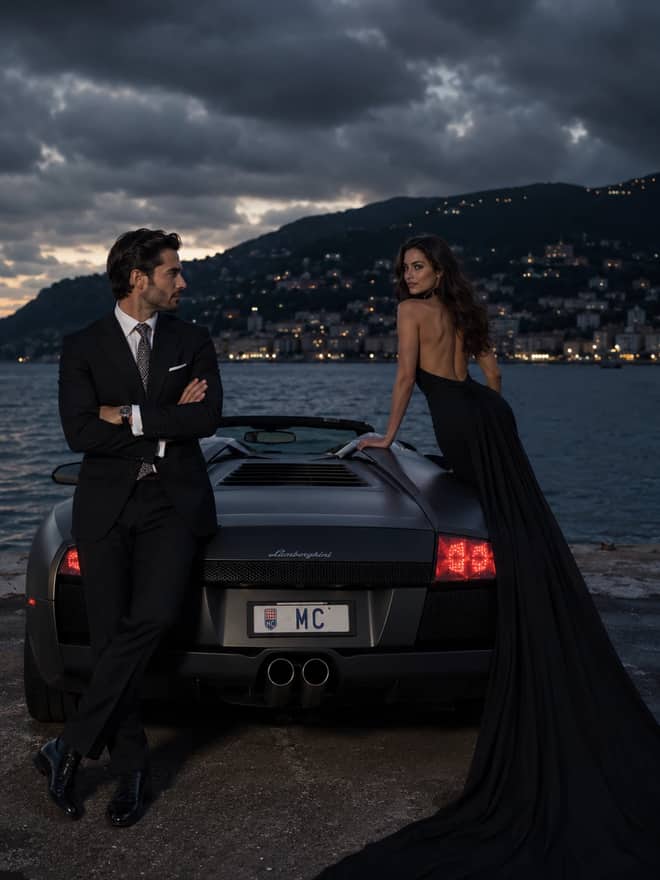
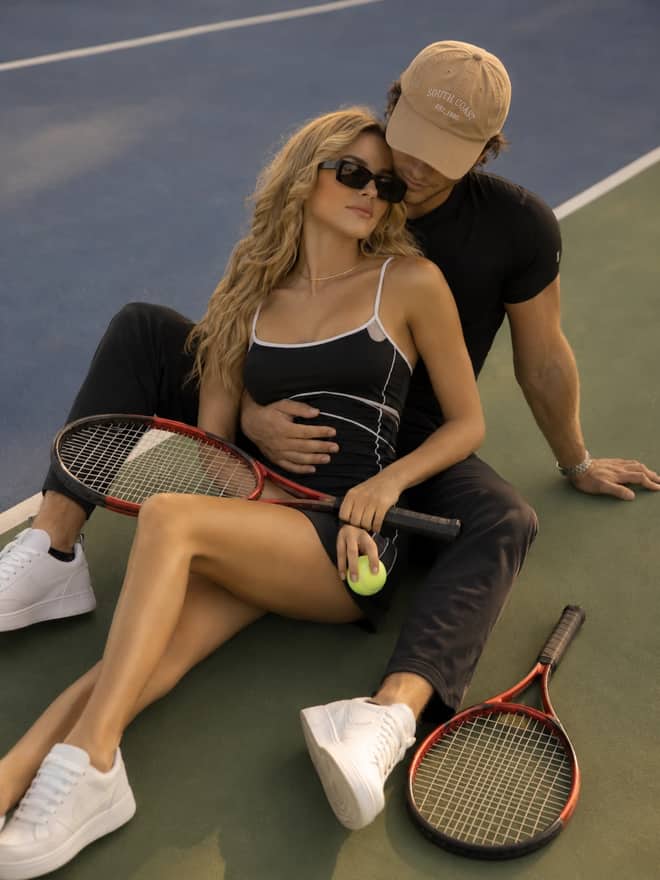
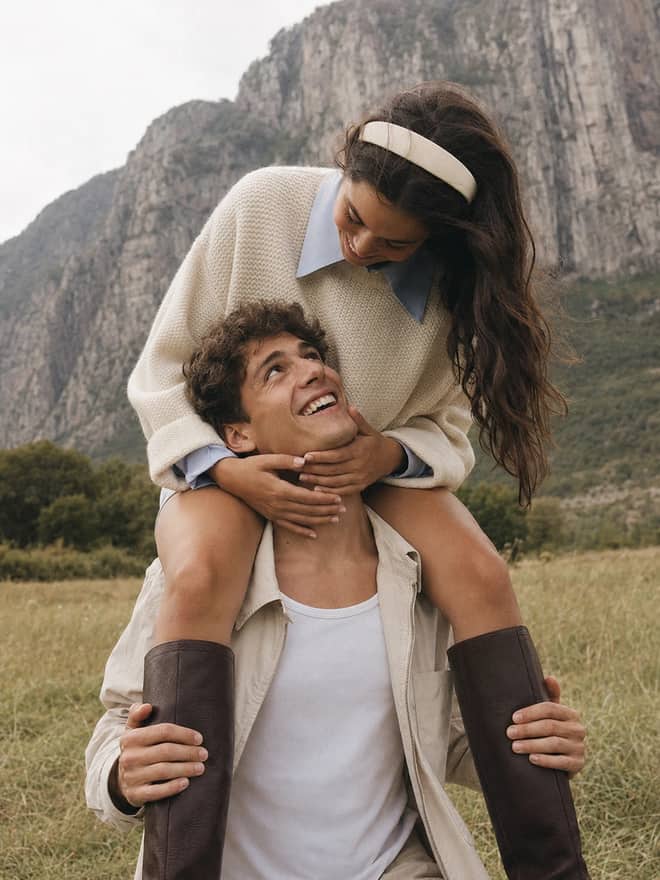
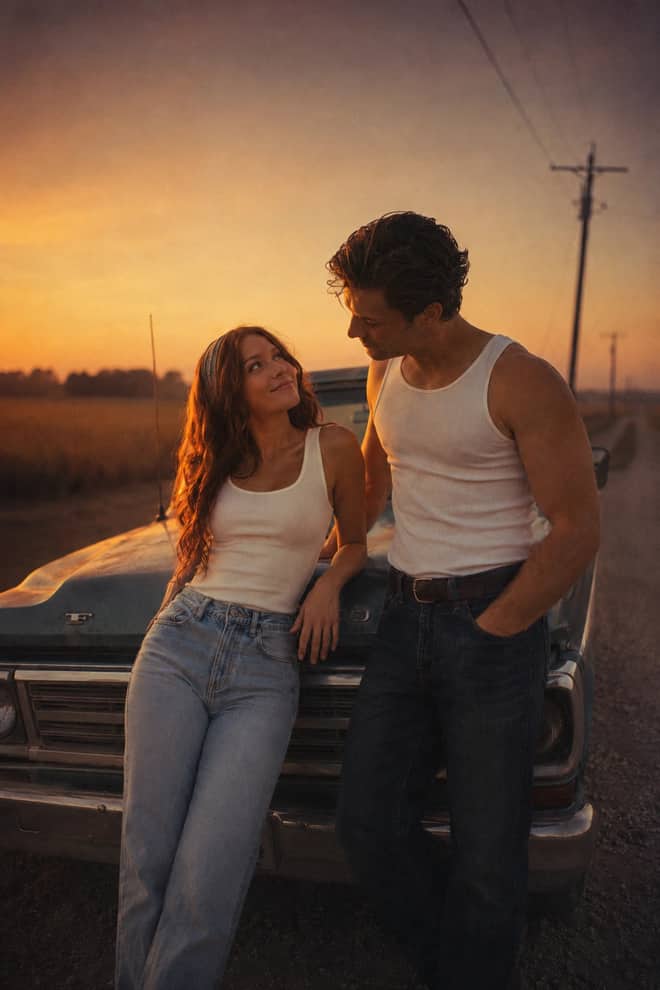
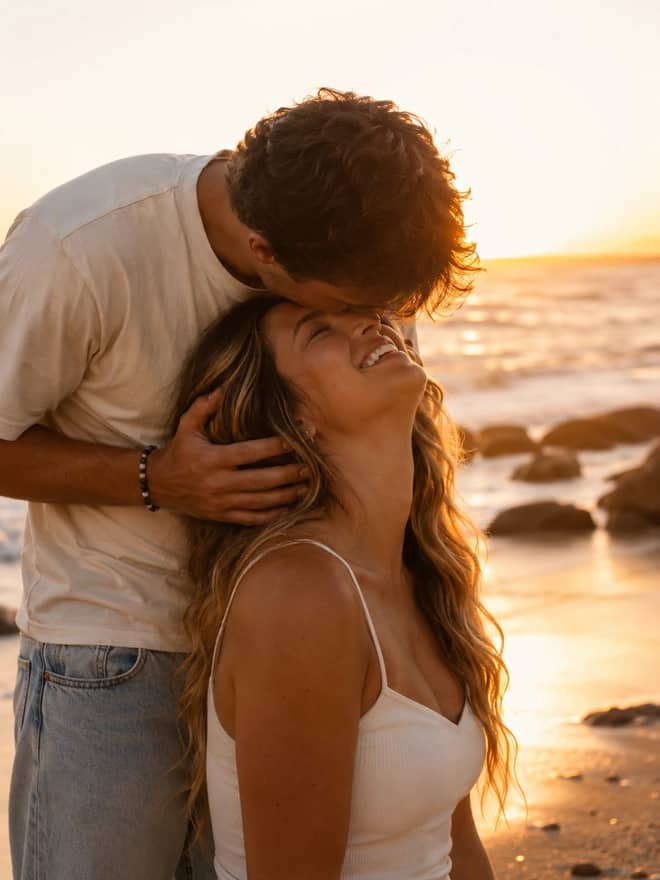
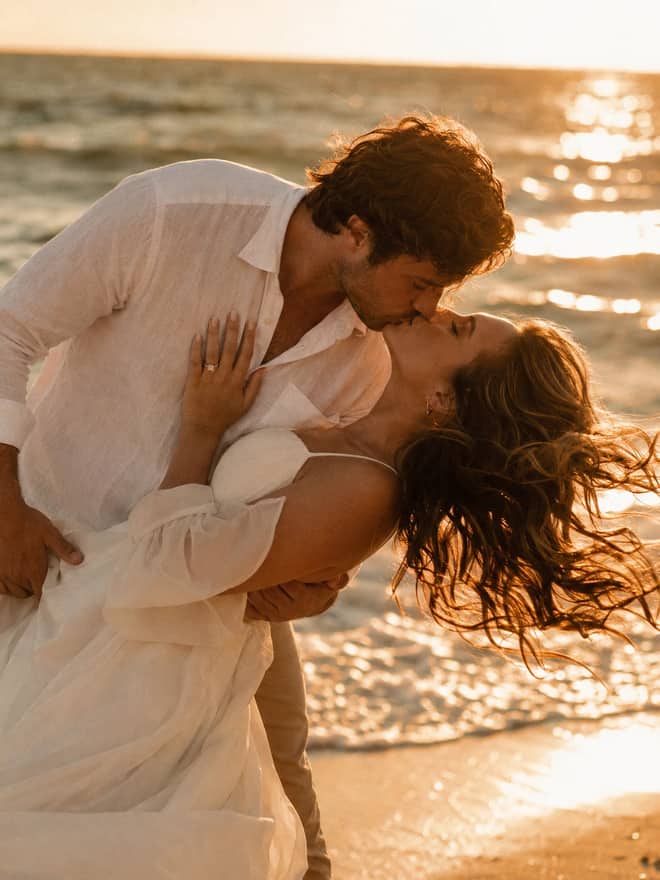
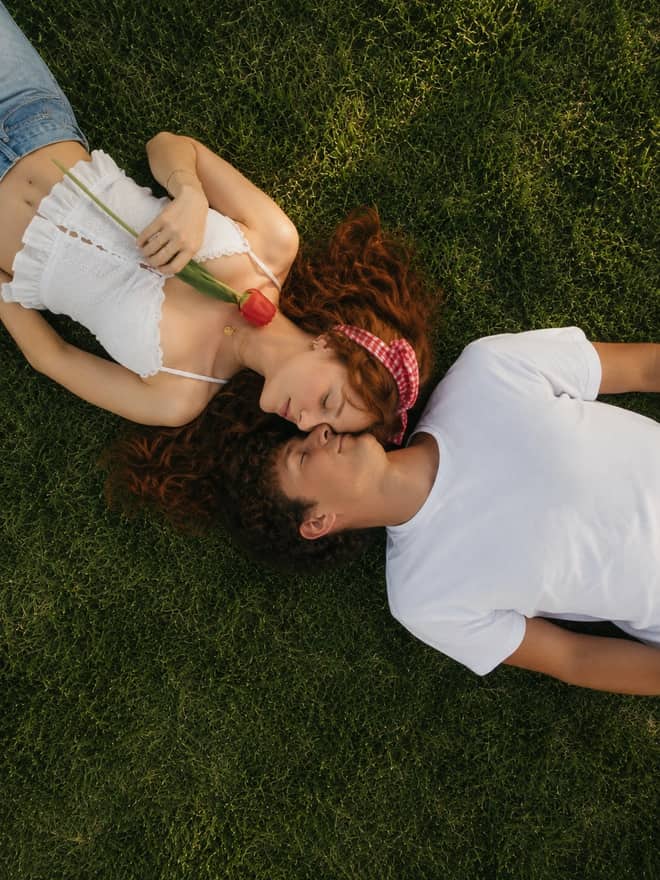
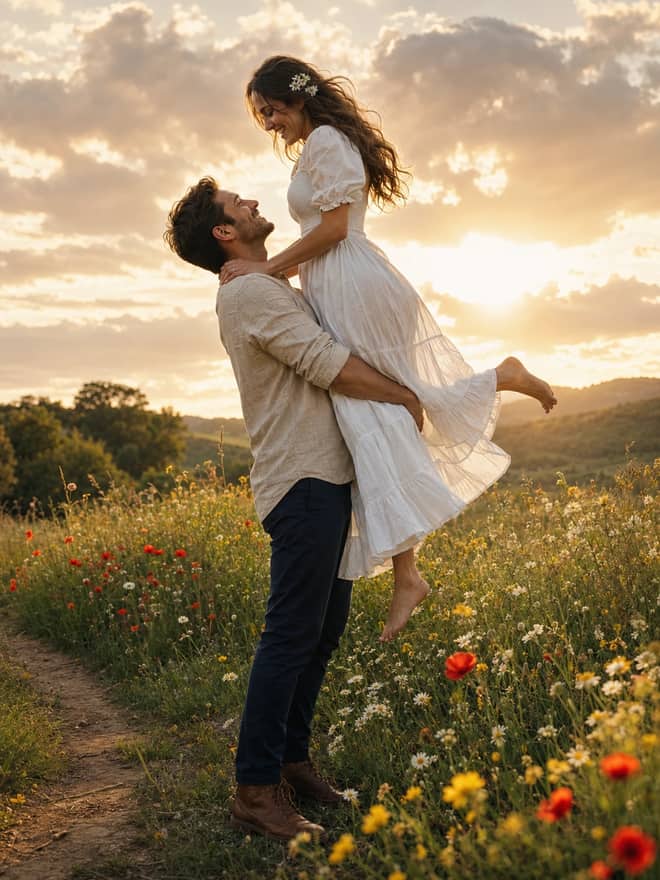
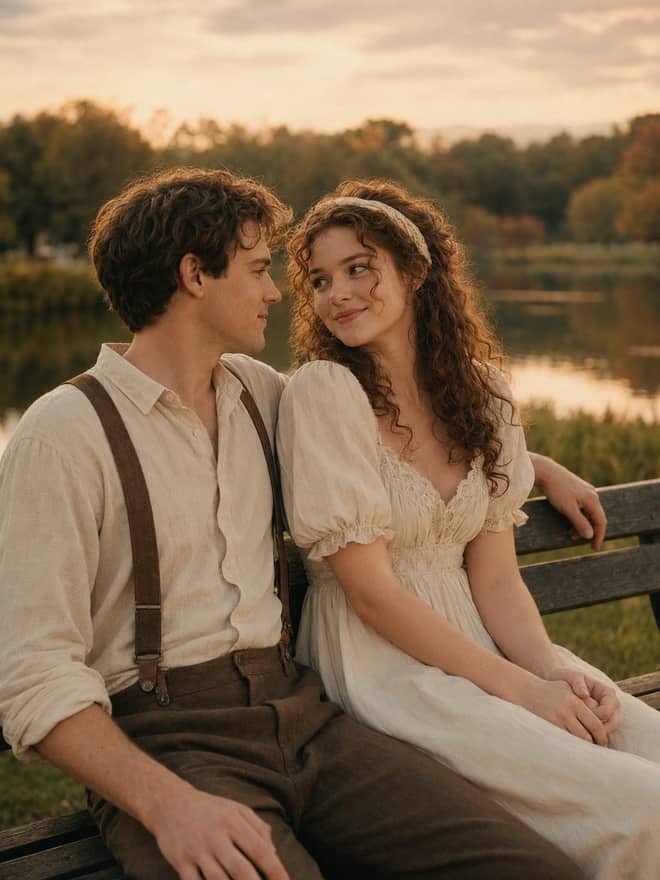
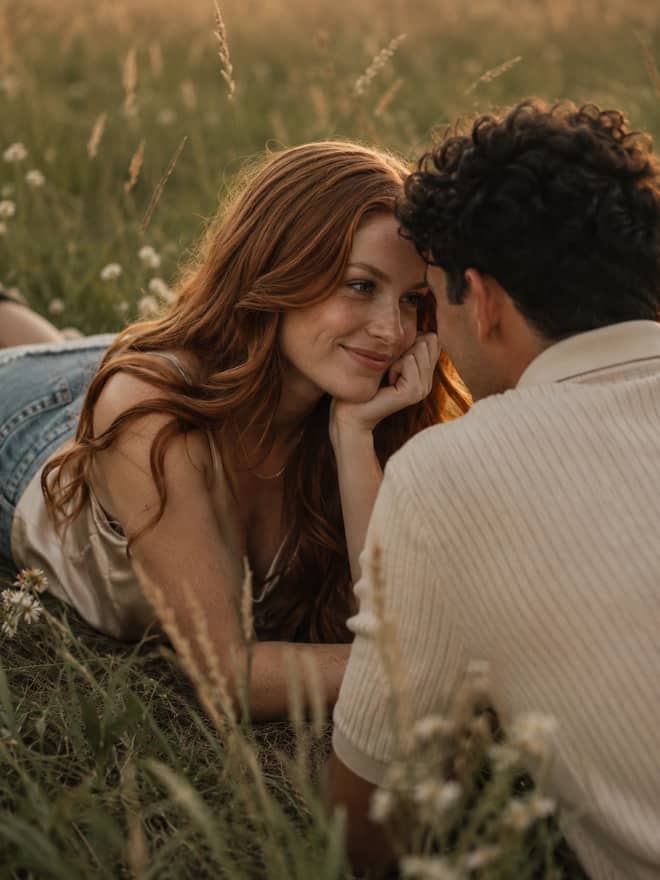
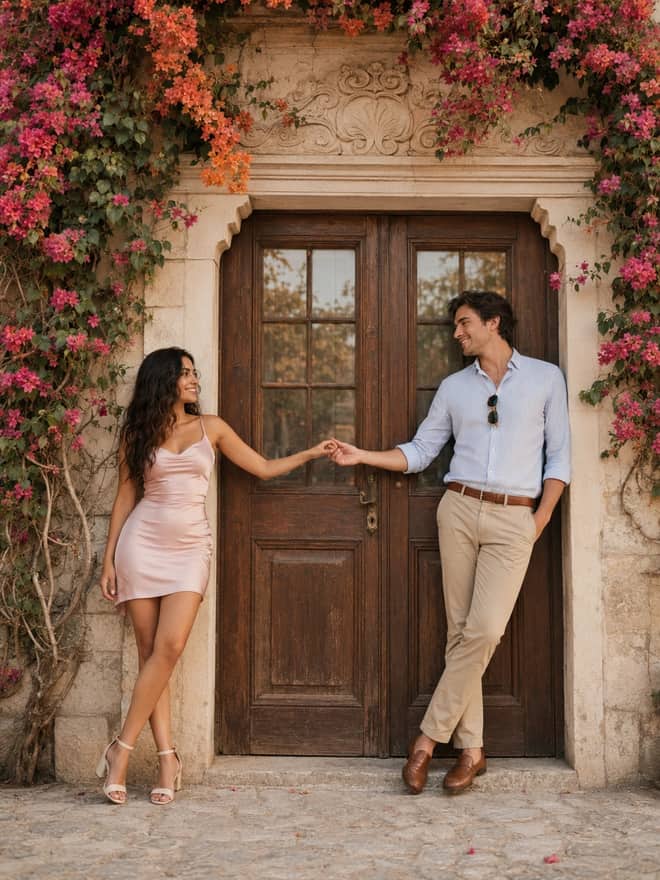
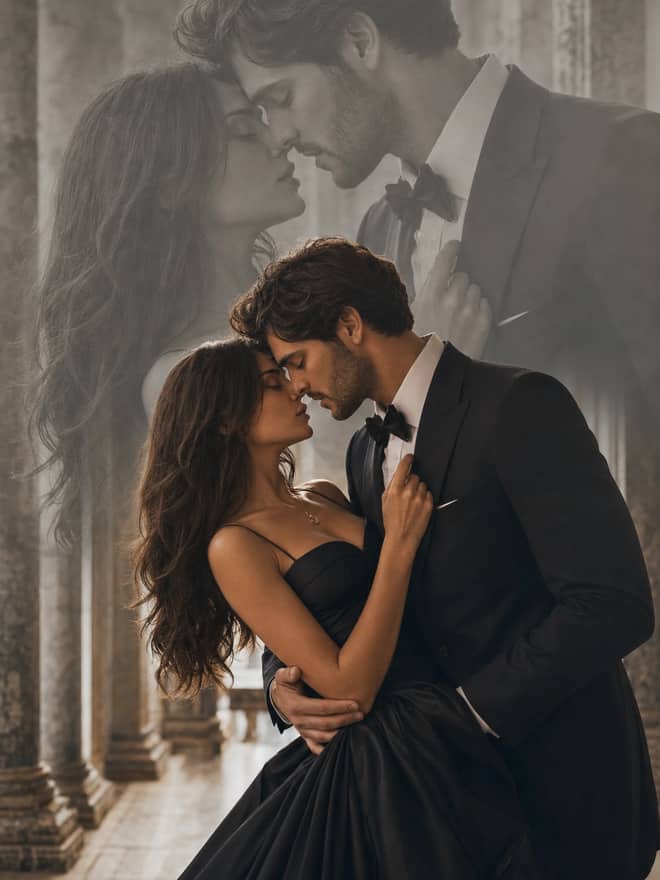
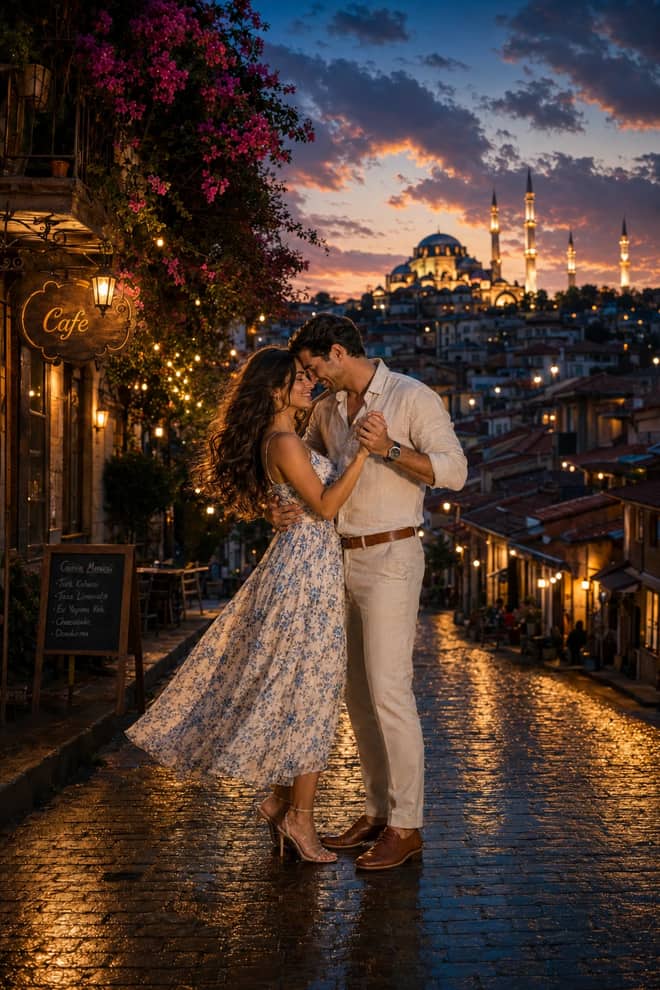
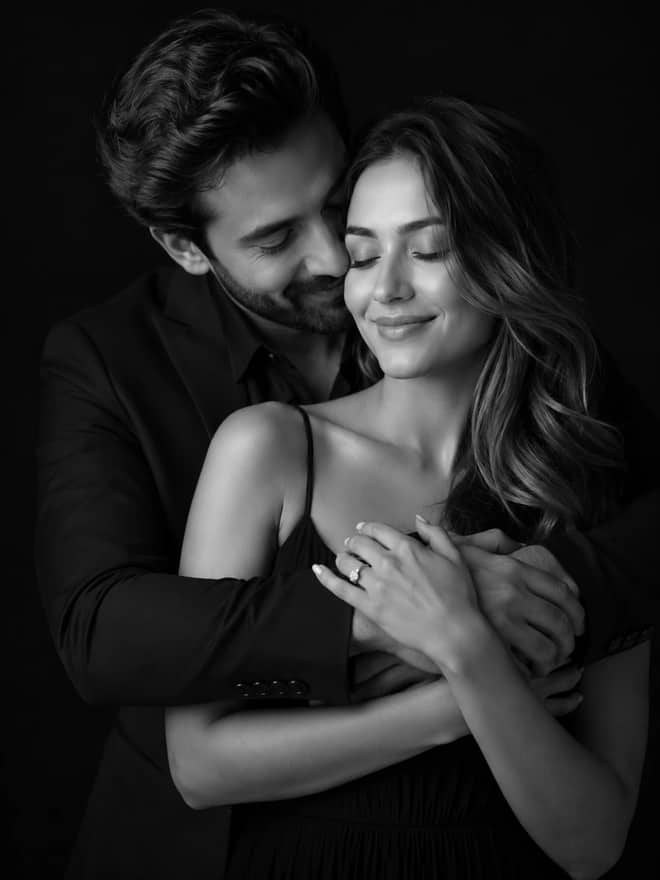
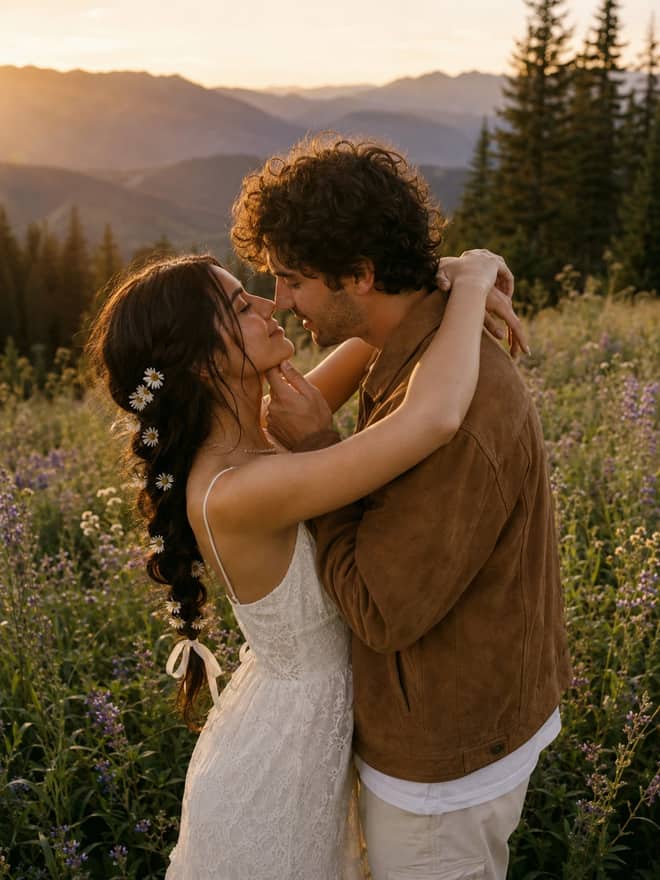
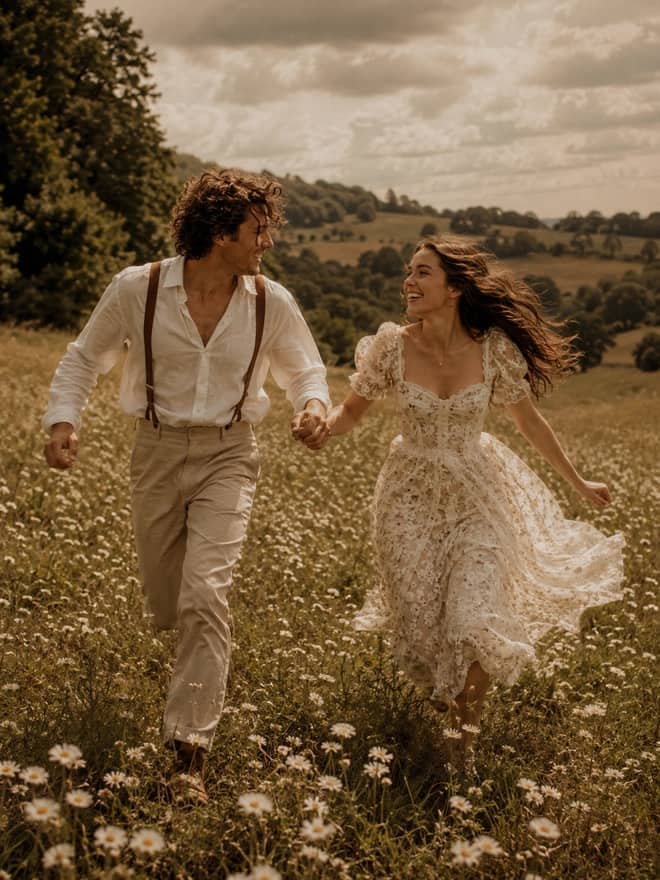
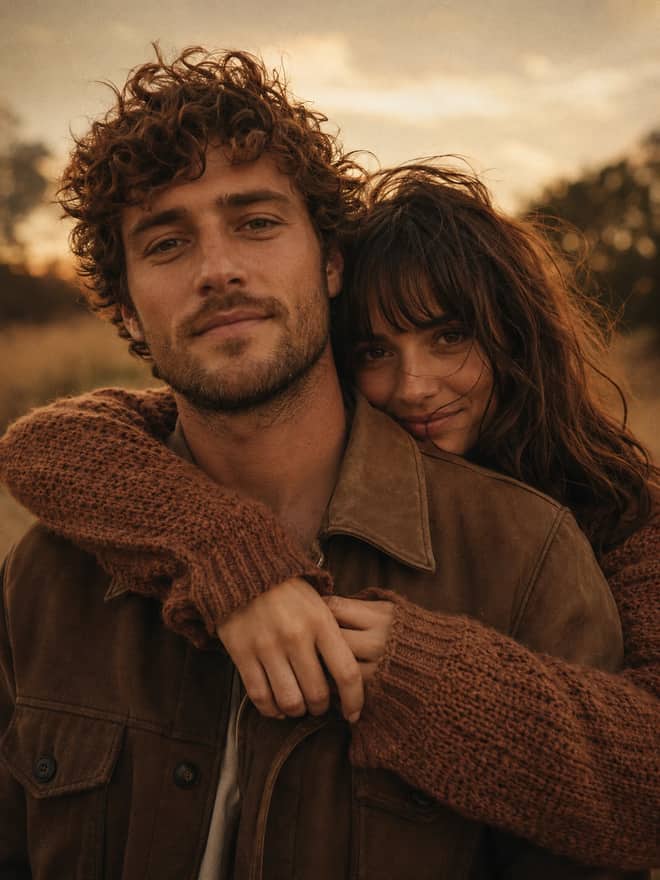
A couple prompt for Gemini AI is the wording you paste in when you want two people in one frame to look styled and connected, not pasted together at the last second. The prompts above are built for that job: matching romantic portraits, pre-wedding shoots, retro film looks for two, Korean clean-aesthetic edits, and the case most people actually want, where you upload a real photo of you both and only change the scene. Couples are the hard mode of AI photos, so the rest of this page is about getting them right.
What a couple prompt for Gemini AI actually does
Gemini's image work runs on its image model, Gemini 2.5 Flash Image, the one people online keep calling nano banana. You can try it free in the Gemini app, and through the API it costs only a few cents per picture. The model is good at two things couples need: editing a photo you give it, and generating a fresh scene from a written description. A couple prompt just hands it a clear plan so you are not typing 'a couple, romantic' and hoping. The more you name, the less it guesses, and guessing is where two people turn into a four-armed mess.
I think of a couple prompt as four parts: who is in the shot, how they are posed, where they are, and the light. Skip any one and Gemini fills the gap with its own idea, which is usually generic. Name all four and the result starts to look like a real moment.
The couple prompt looks people are copying right now
Search couple edits on Instagram or YouTube and the same handful of styles keep going viral. These are worth knowing because they are what your friends will recognize, and because the model already understands the references.
Korean clean aesthetic
Soft skin, muted colors, simple outfits, a plain or pastel backdrop. This is the most copied couple look at the moment. Ask for 'soft natural skin, minimal makeup, muted color grade, clean studio or pastel wall, gentle even light.' It reads modern and calm, and it forgives a slightly imperfect source photo because there is not much busy detail to go wrong.
Retro film couple
Think 80s and 90s film grain, faded color, a scooter or an old doorway, vintage clothes. People love this one for anniversaries. Add '90s film photo, warm faded grain, slight blur, vintage outfits, sitting close.' The grain actually hides small AI artifacts, so it is a forgiving style to start with.
Pre-wedding and romantic
Golden hour, formal or semi-formal clothes, a close pose. This is the classic. 'Golden hour light, his hand at her waist, foreheads almost touching, soft focus garden behind' gets you most of the way. Name a real place you would go, like a field or a quiet city street at dusk, so the backdrop is not a flat studio.
Realistic 4K couple portraits
A lot of the viral packs promise realistic 4K results. You get closer to that by asking for 'sharp detail, natural skin texture, realistic lighting, high resolution' and by giving a clear, well-lit source photo. Do not expect a printed-billboard file, but the on-screen sharpness is real if your input is sharp.
Advertisement
How to write a couple prompt for Gemini AI that holds both faces
With one person, the model has a single face to keep steady. Add a second and it has to hold both, keep their hands from merging, and make the light agree across the pair. So I give couple prompts more structure than solo ones.
- Describe each person separately: her outfit, his outfit, hair, and expression. Two short clauses beat one vague 'a couple.'
- State the pose plainly: holding one hand, her head on his shoulder, standing back to back, walking and laughing.
- Set the distance: close together, foreheads touching, or a relaxed arm's length apart.
- Give one shared light and setting so both people read as the same moment, not two cutouts.
- If you are editing a real photo, start the prompt with 'keep both faces exactly the same' before anything else.
That last line matters more than people expect. Gemini will happily redraw a face it was only meant to relight. Telling it up front what to protect saves you most reruns.
Pick the shot, then steal the couple prompt wording
Here is a quick map from the kind of couple image you want to the pose and mood lines that get you there. Mix and match, and swap in your own colors and place.
| Couple shot you want | Pose to write in | Add this for the mood |
|---|
| Romantic and soft | Foreheads touching, eyes closed, gentle smile | Golden hour, warm light, soft blurred background |
| Korean clean look | Standing close, slight turn toward each other | Muted colors, pastel wall, even soft light |
| Retro film couple | Sitting close on a scooter or bench | 90s film grain, faded color, vintage outfits |
| Fun and candid | Laughing, one giving the other a piggyback | Daylight, slight motion blur, natural feel |
| Formal pre-wedding | His hand at her waist, both facing the camera | Evening light, elegant clothes, clean backdrop |
Editing or generating with a couple prompt for Gemini AI
There are two paths and they behave differently. If you already have a photo of the two of you, upload it and edit. Tell Gemini to keep both faces and skin tones, then describe only the change, like a new backdrop or outfit. This beats generating two strangers and praying they look like you. Keep the original pose if you like it and just swap the world around you.
If you are starting from nothing, you are asking the model to invent two people, which is fine for a stylized card but will not look like any real couple. You can also combine two separate solo photos into one frame. That is the hardest ask. Upload both, say clearly you want them placed together in one scene, and match details like camera angle and light direction or they will sit side by side like a collage. Expect a few tries on that one.
The glitches every couple prompt hits, and quick fixes
Hands are the classic couple problem. Tangled or extra fingers show up when the pose is too complex for the model to resolve. Simplify it. Holding one hand is much cleaner than an interlaced two-hand grip. If one face comes out great and the other looks off, just run it again, since the second generation often balances out. If their skin tones glow at different temperatures, name a single light source so both sit in the same scene. And if the whole thing looks plastic, ask for natural skin texture and a touch of grain.
Ask for both people facing slightly toward each other instead of dead straight at the lens. That small angle is what makes an image read as a couple rather than two separate portraits stuck together.
A simple couple prompt for Gemini AI workflow you will keep
Start with a prompt above that matches your occasion. If you have a real photo, upload it and lock both faces first. Generate two or three versions rather than one, because the variation between runs is wide and the best of three is usually clearly better. Then change exactly one thing at a time: the light, the outfit color, the distance between you. Chasing several changes at once makes it impossible to tell what helped. Within a few rounds you land on a version that looks less like AI and more like a photo a friend took of you both, which is the whole point. Save the wording that worked so your next anniversary or trip starts from a prompt you already trust.