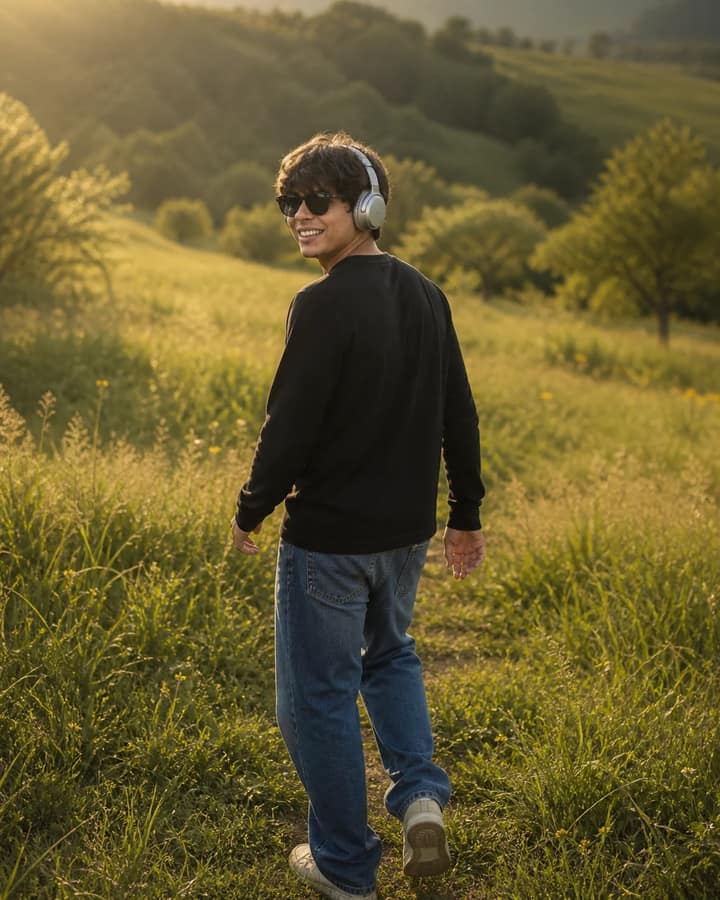
Apply a soft cinematic golden-hour glow while preserving the original composition exactly. Enhance the sky, clouds, and sea with rich yet natural deep blue, soft pink, warm orange, and golden sunlight, creating a realistic sunset with smooth color transitions. Add a subtle warm light wrap around the subject without changing their pose, facial features, hairstyle, clothing, body shape, or any original details. Add elegant glowing serif text "Golden Hour" centered slightly above and behind the subject's head, naturally blended into the sky with soft white luminous lettering, subtle bloom, and a refined luxury aesthetic. Keep it realistic, premium, and unobtrusive. Do not add, remove, reposition, or modify any objects. Maintain the original perspective and composition. Render in ultra-high-resolution 8K. Subtly enhance color depth, dynamic range, soft film finish, blur, and fine film grain.