
AI Photo Prompts
60+ AI Photo Prompt Ideas to Create Stunning Pictures (ChatGPT & Gemini)

Dhananjay Kumar Nirala
On this page 15
Stuck on what to type into ChatGPT or Gemini to get a great photo? You're not alone. The right prompt makes all the difference, and the wrong one gives you a mess.
That's why we've put together 60+ AI photo prompt ideas you can use right now. From portraits and selfies to couples, editing, and aesthetic shots, there's an idea here for every kind of picture.
Every prompt is ready to copy and paste. Just pick one, add your photo or idea, and let the AI do the work. No skills needed.
Whether you use ChatGPT, Gemini, or any other AI image tool, these prompt ideas will help you create photos that actually look good. Here are the best ones to start with.
How to Use These AI Photo Prompt Ideas
Using these prompts is easy. Open any AI image tool, ChatGPT, Gemini, or Midjourney all work fine. If you want to edit your own photo, upload it first. Then copy a prompt from below, paste it, and hit enter.
Want a different look? Just change a few words in the prompt, the outfit, background, or mood. Small changes can give you completely new results. Use a clear, well-lit photo for the best output.
Tips for Better AI Photos
Keep your prompt clear and specific. Mention the style (realistic, cartoon, cinematic), the lighting, and the background you want. The more detail you add, the better the AI understands you. Avoid vague prompts like "make a nice photo" they give random results.
Best AI Photo Prompt Ideas
These are our top all-purpose prompt ideas. They work for almost any photo and any AI tool. Just copy, paste, and tweak as you like.
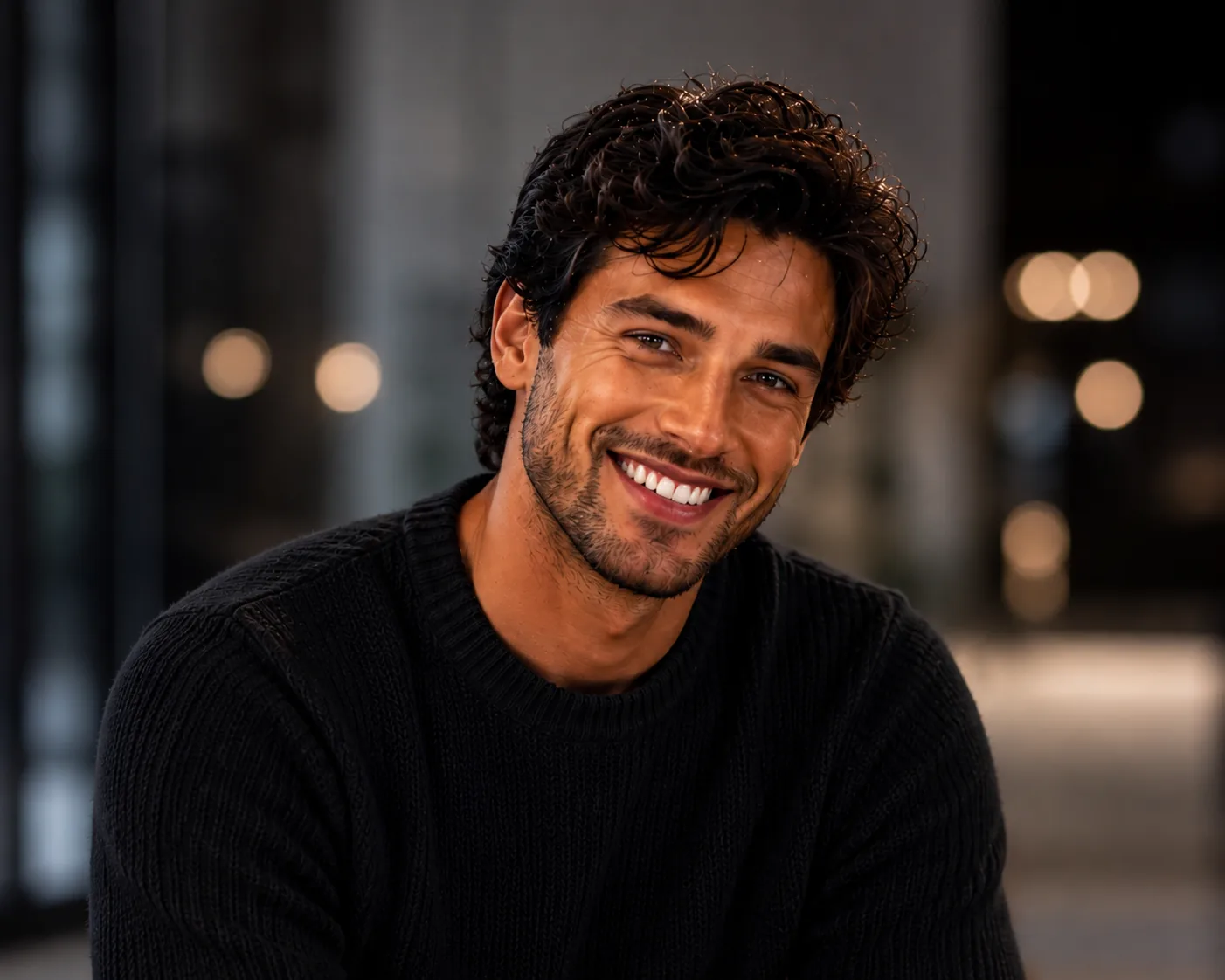
Create a high-quality, realistic portrait of me with soft natural lighting, a clean blurred background, and sharp facial details. Professional and modern look.
Turn my photo into a cinematic shot with warm lighting, a shallow depth of field, and a film-style color grade. Make it look premium and detailed.
Generate a bright, aesthetic photo of me with pastel tones, soft shadows, and a clean minimal background. Instagram-ready style.
Edit my photo into a golden-hour outdoor portrait with warm sunlight, a soft glow, and a natural blurred background.
AI Photo Prompt Examples for ChatGPT
If you're using ChatGPT (with image features), these prompt examples are made for you. They're simple, detailed, and give clean results.
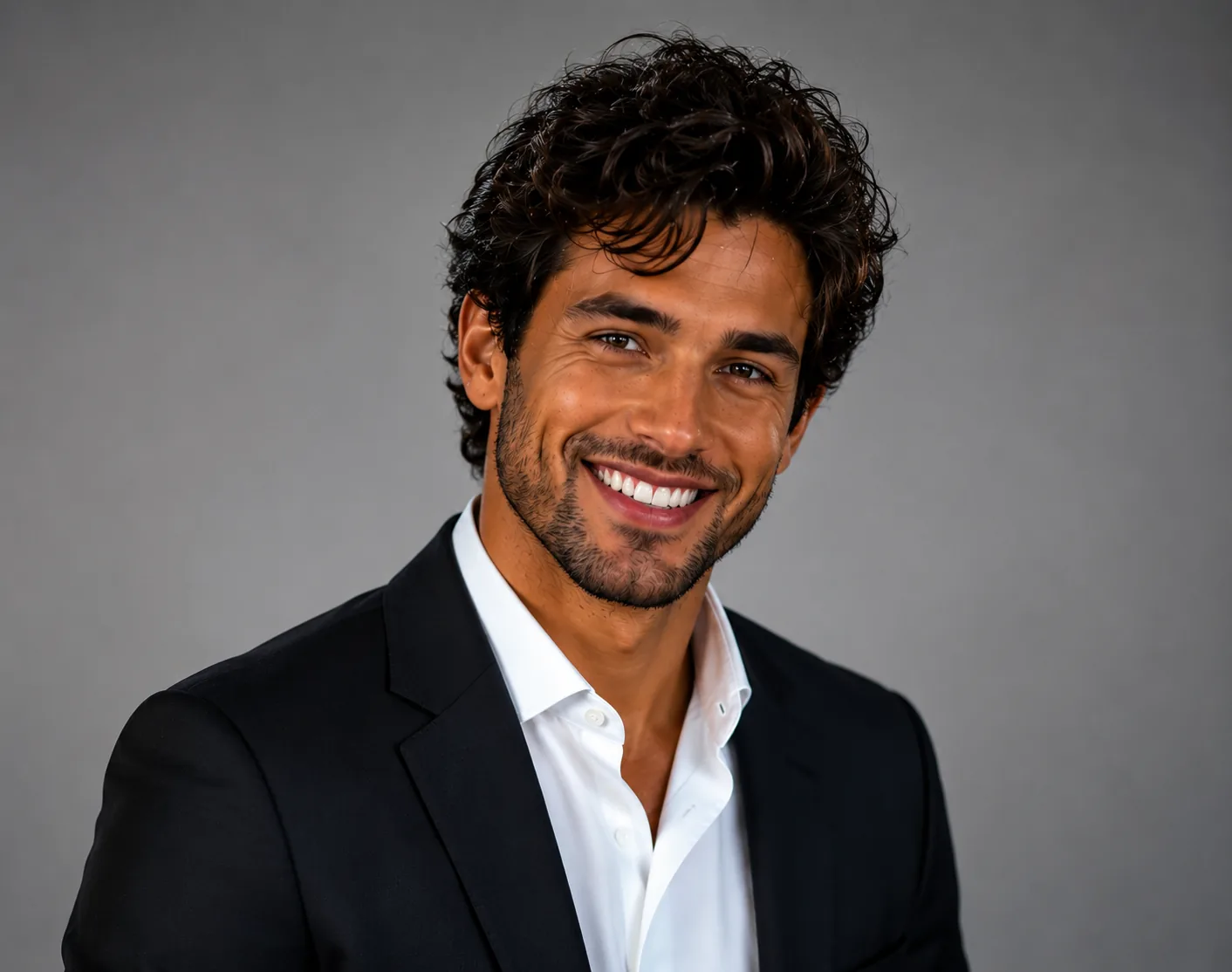
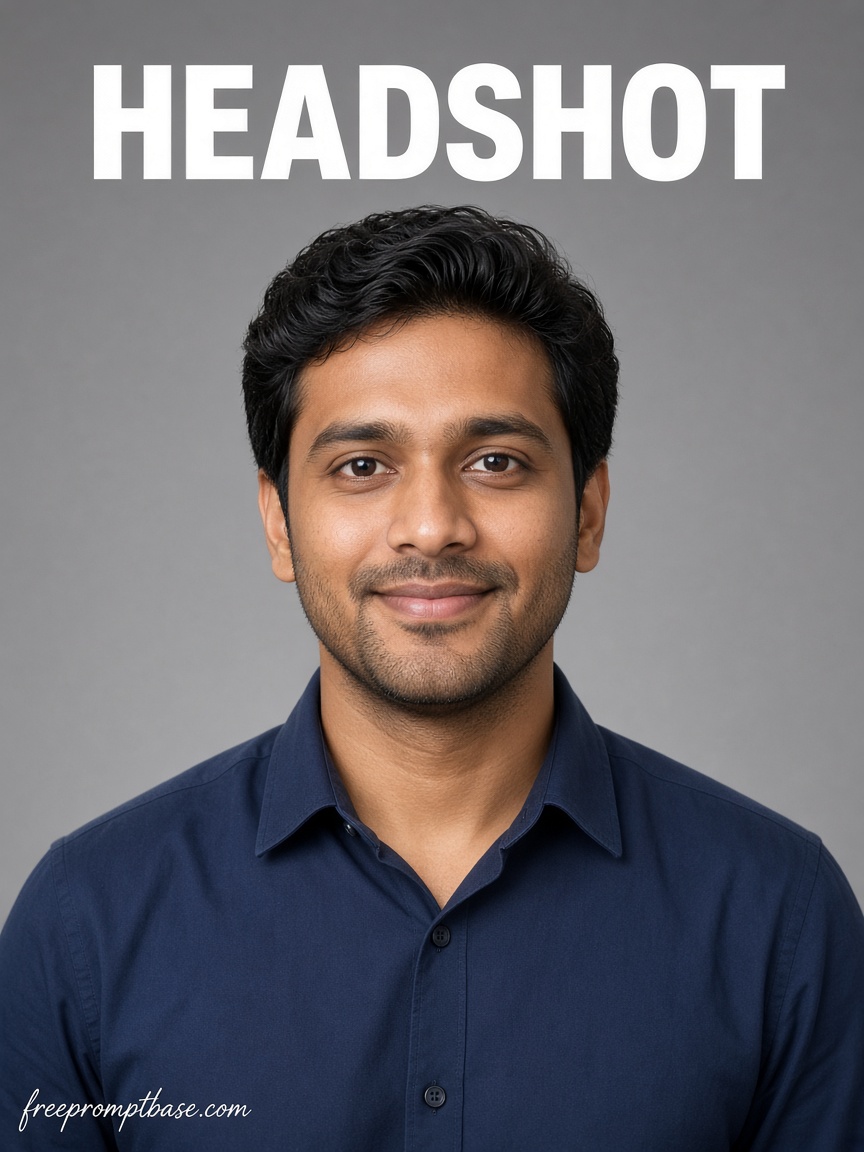
Using my uploaded photo, create a professional LinkedIn-style headshot. Add a neutral background, soft studio lighting, and formal attire. Keep my face natural and recognizable.
Transform my photo into a fun cartoon-style illustration while keeping my features recognizable. Bright colors and a clean modern art style.
Create a studio fashion photo of me with dramatic lighting, a bold background, and a confident pose. Magazine-quality look.
Edit my photo to look like a vintage film picture from the 1990s. Add warm grain, faded colors, and a nostalgic mood.
ChatGPT Photo Prompt Ideas for Beginners
New to AI photos? Start with these simple prompts. They're short, easy, and still give great results.
Make my photo look more professional with better lighting and a clean background.
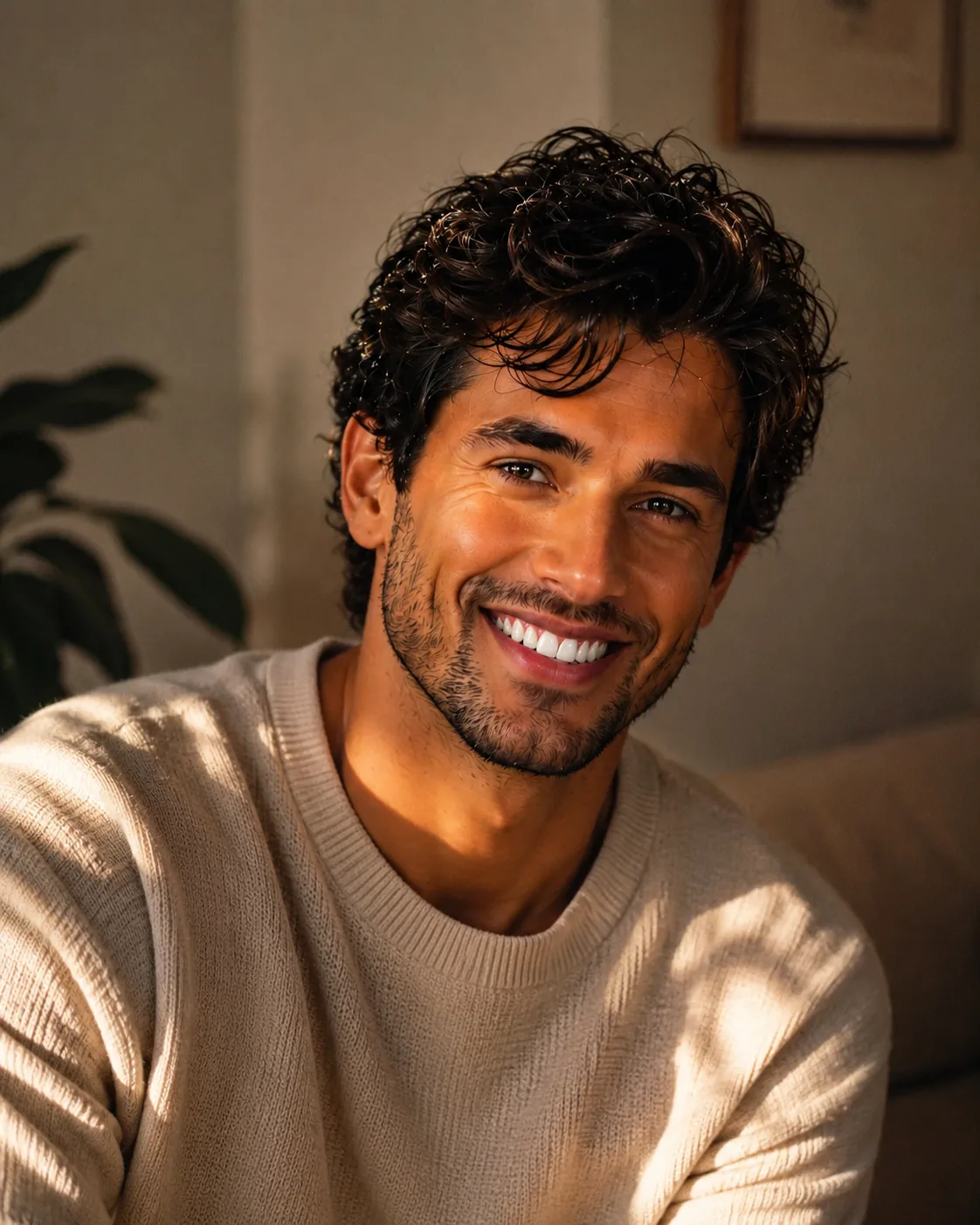
Turn my selfie into a soft, aesthetic portrait with warm tones.
Give my photo a cozy, natural look with golden lighting.
Gemini AI Photo Prompt Ideas
Google Gemini is great for realistic, natural-looking photos. These Gemini AI photo prompt ideas work especially well with it.
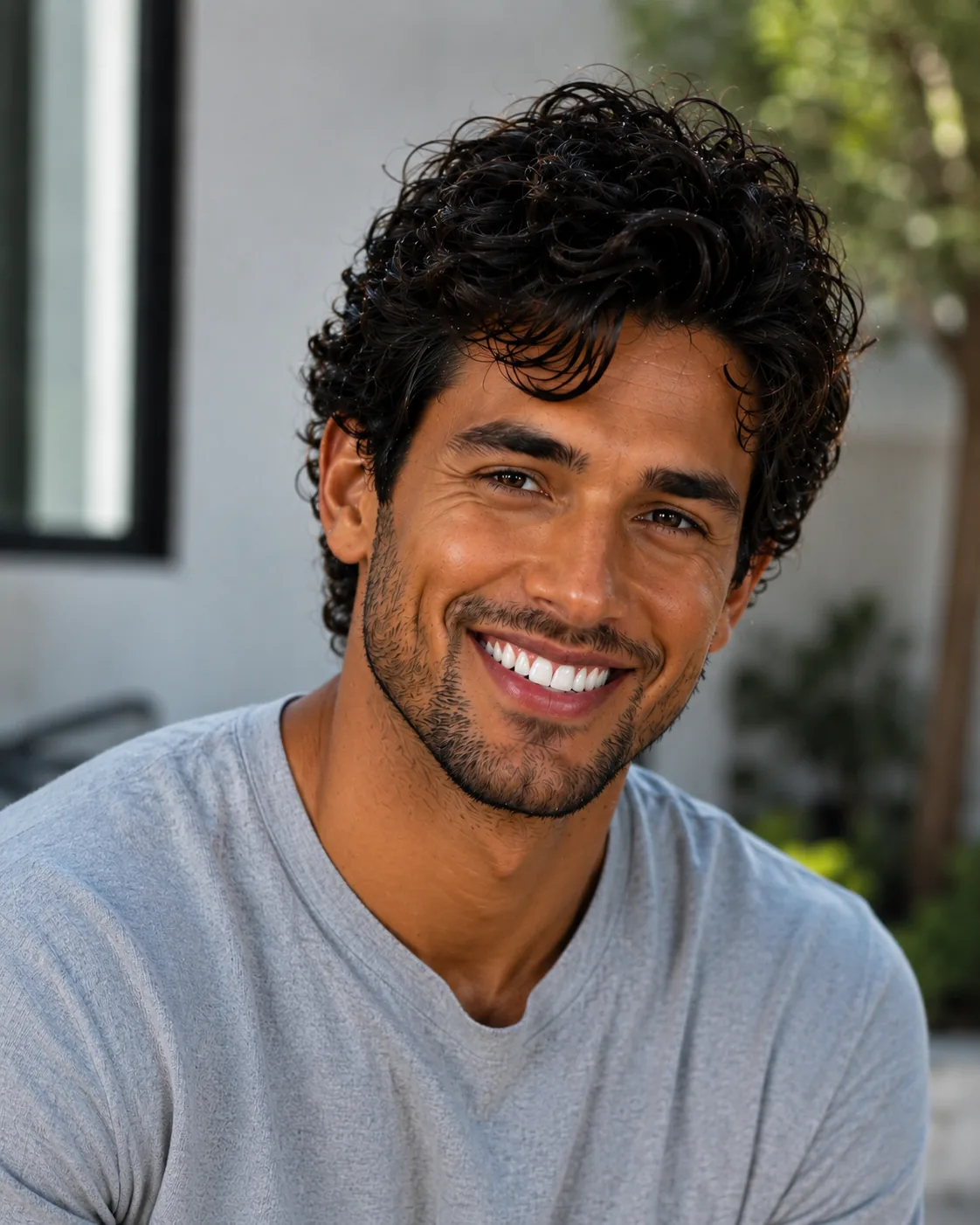
Create a realistic portrait of me with natural skin tones, soft daylight, and a simple outdoor background. Lifelike and detailed.
Edit my photo into a clean corporate headshot with a neutral grey background and professional lighting.
Generate a candid lifestyle photo of me walking in a city street, natural light, casual outfit, realistic style.
Transform my photo into a soft, dreamy portrait with gentle lighting and a pastel background.
AI Photo Prompt Ideas by Category
Looking for something specific? Here are prompt ideas sorted by type, pick the one that fits your photo.
Couple Photo Prompt Ideas
Perfect for romantic or fun photos together.
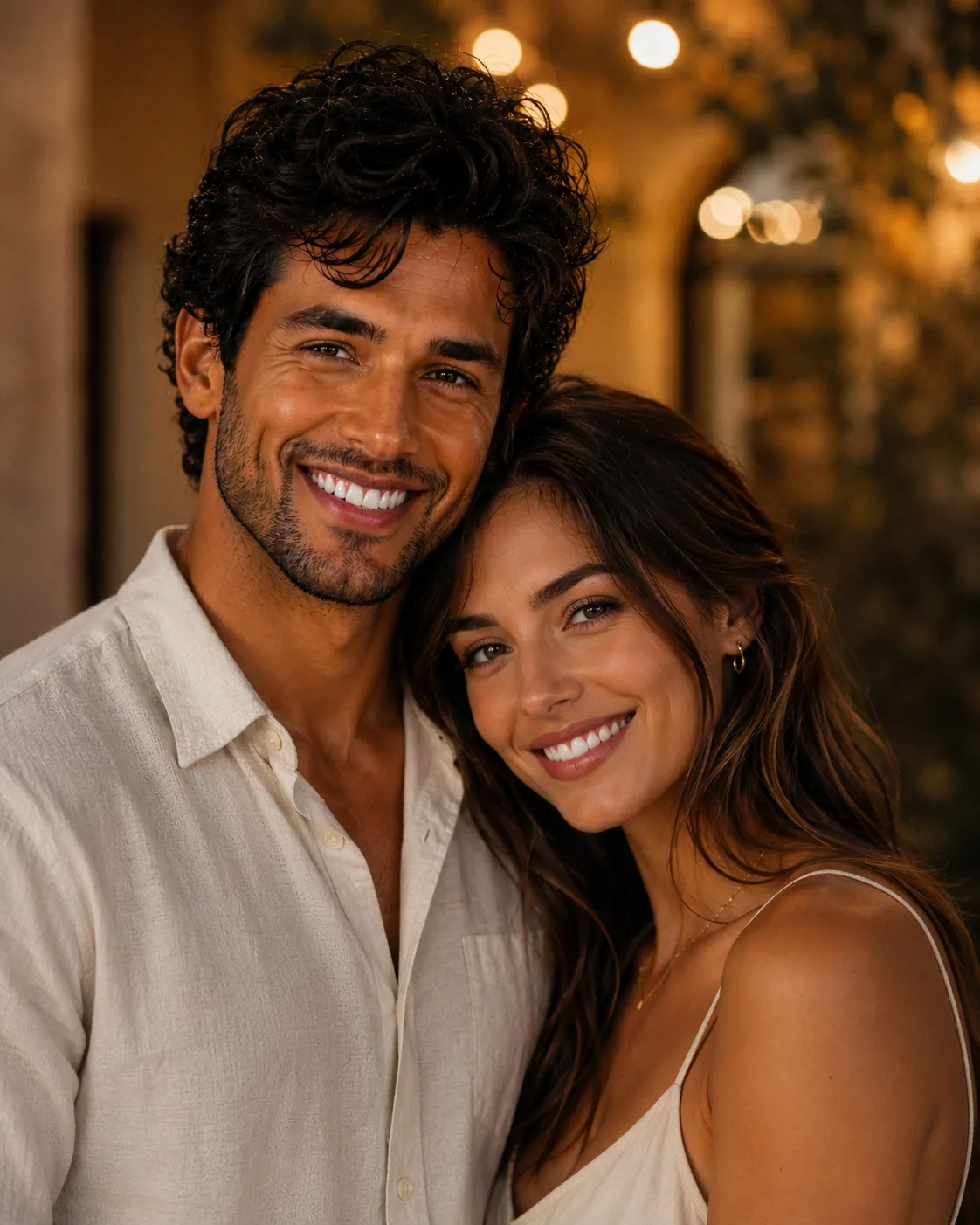
Create a romantic portrait of us as a couple with warm lighting, a soft blurred background, and a natural, loving mood. Keep both faces recognizable.
Turn our photo into an aesthetic couple shot at sunset, golden tones, gentle glow, cinematic feel.
Photo Prompt Ideas for Men
Stylish, clean prompt ideas made for men.
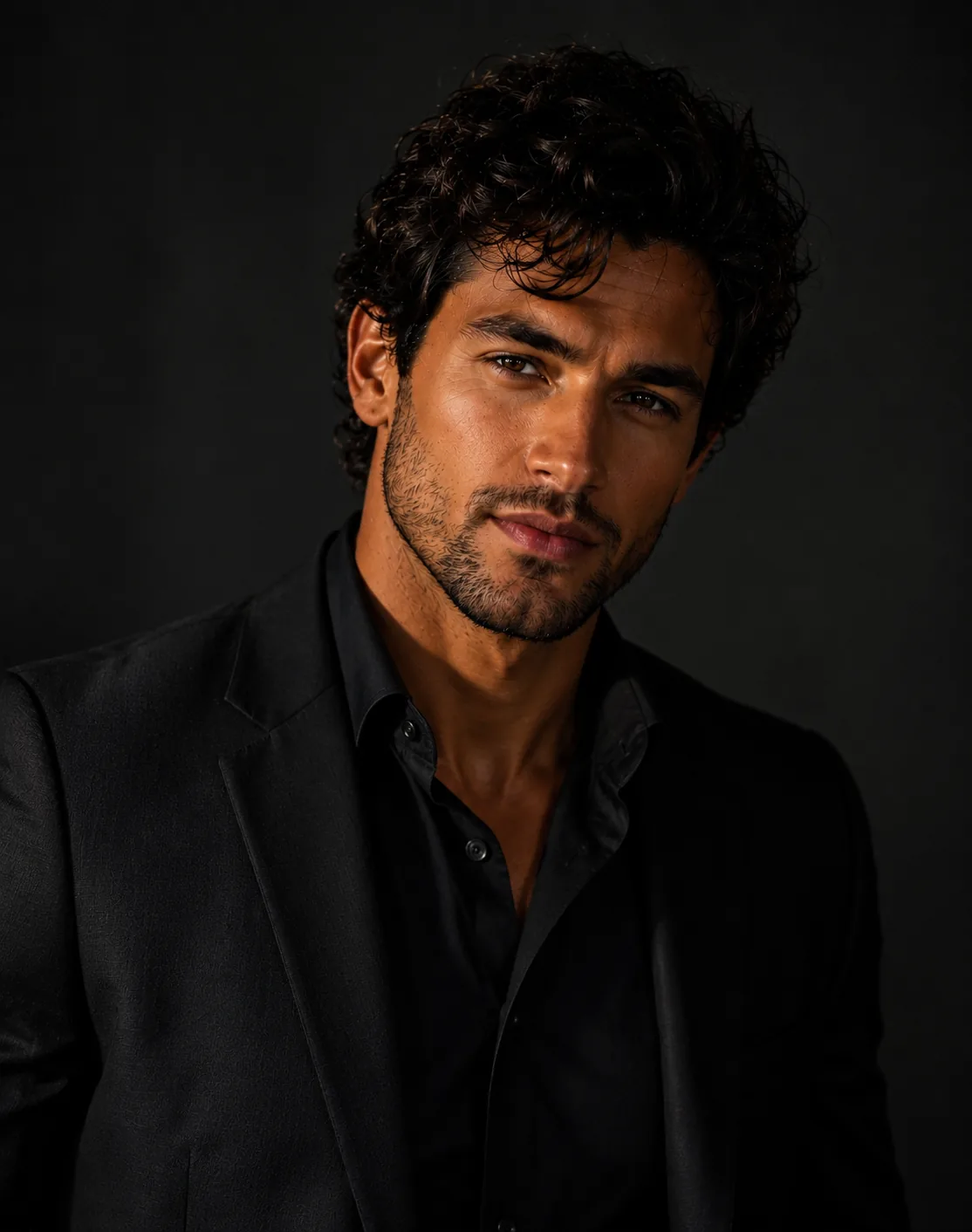
Create a sharp, masculine portrait of me with moody lighting, a dark background, and a confident expression. Premium editorial style.
Edit my photo into a rugged outdoor shot with natural light, casual style, and a cinematic tone.
Photo Prompt Ideas for Women
Elegant and creative prompt ideas for women.
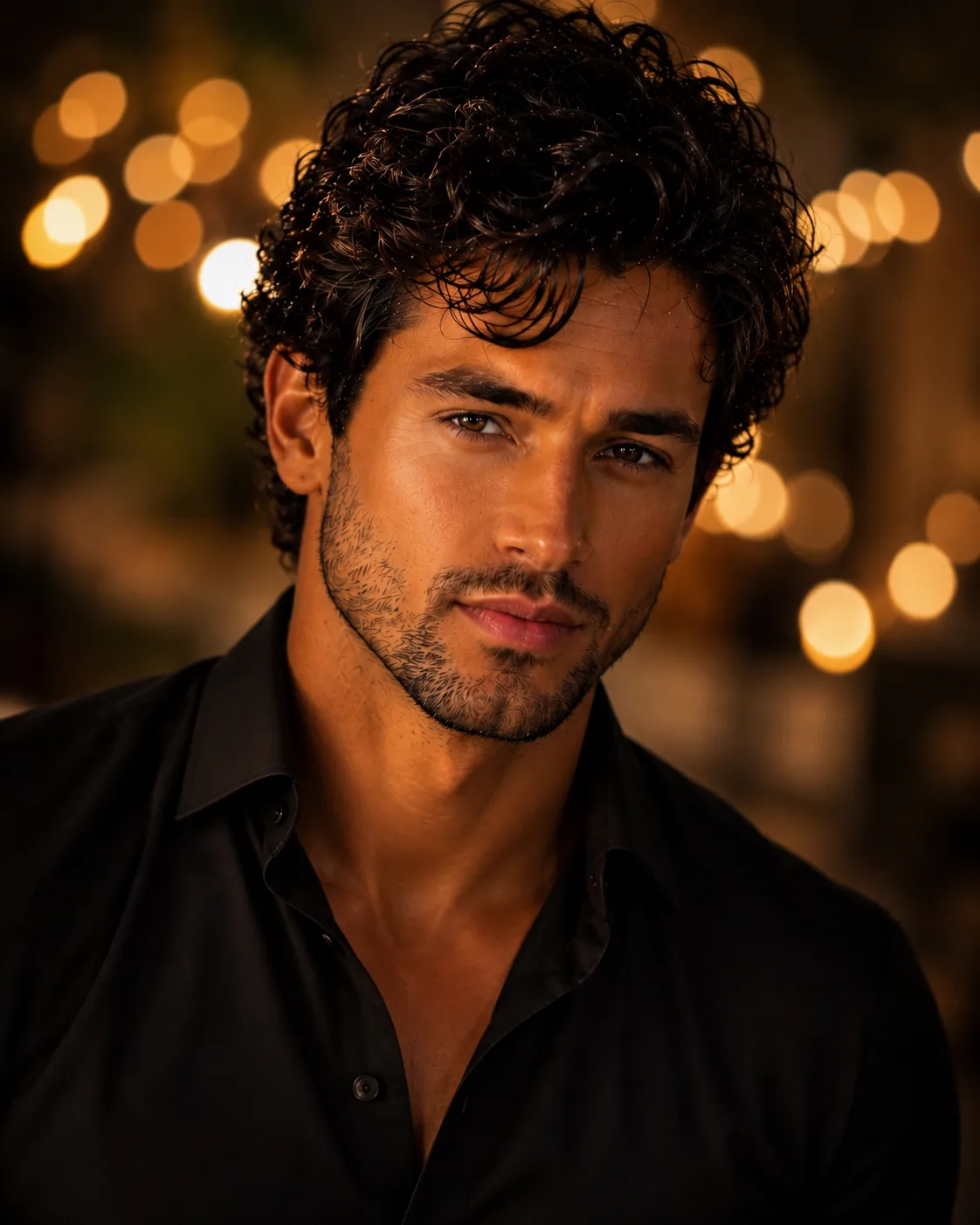
Create a soft glam portrait of me with warm lighting, smooth skin tones, and a dreamy bokeh background.
Turn my photo into an aesthetic fashion shot with pastel colors, soft shadows, and an editorial style.
Selfie Prompt Ideas
Quick prompt ideas to upgrade any selfie.
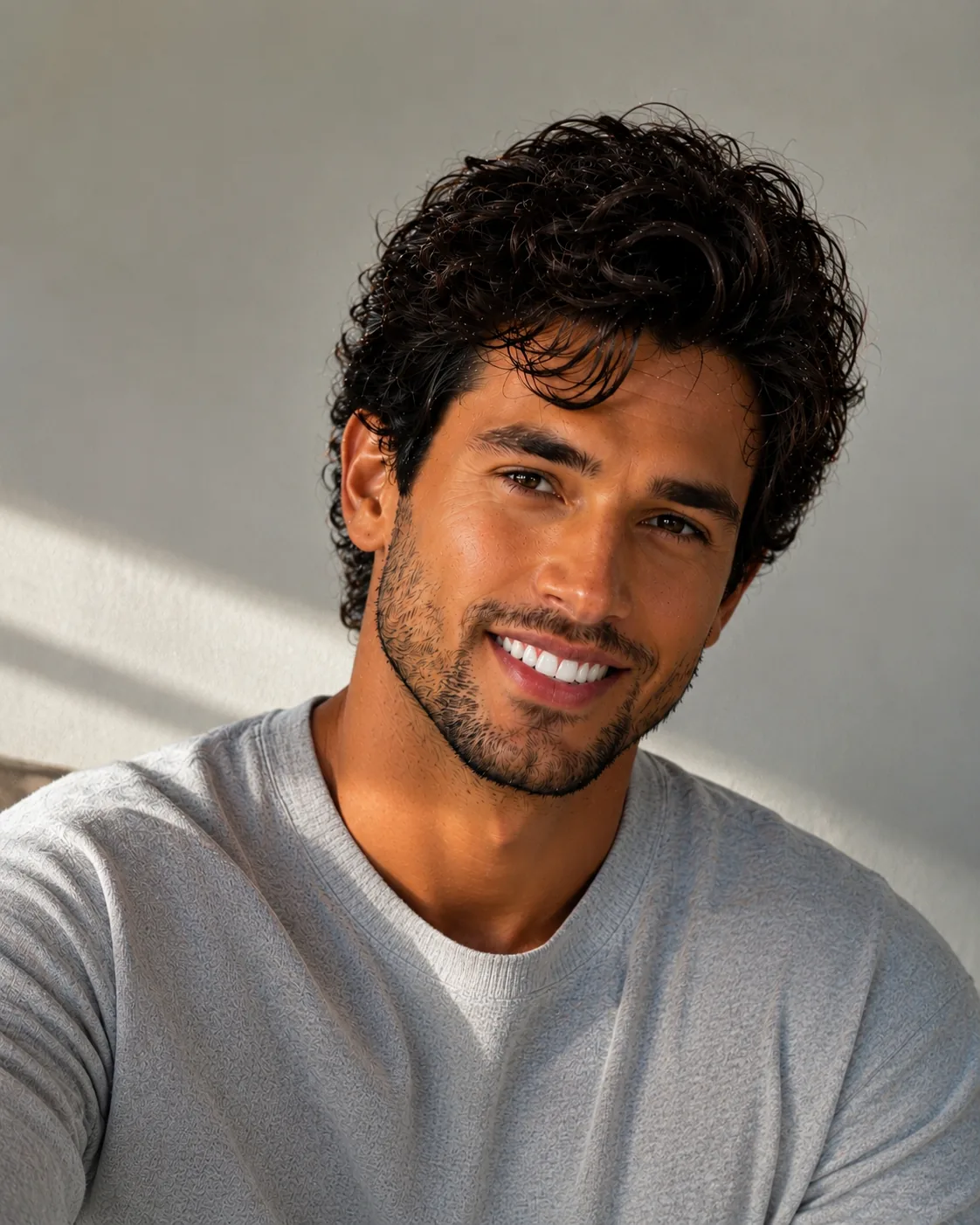
Enhance my selfie with better lighting, a clean background, and a natural, glowing skin look.
Turn my selfie into a stylish portrait with soft studio lighting and a blurred background.
AI Photo Editor & Generator Prompt Ideas
Want to edit an existing photo or generate a new one from scratch? These prompt ideas cover both.
Remove the background from my photo and replace it with a clean studio backdrop.
Enhance the quality of my photo, sharpen details, fix lighting, and make colors more vibrant.
Generate a brand-new portrait based on this description: a young person in a cozy autumn outfit, sitting in a café, warm natural light, realistic style.
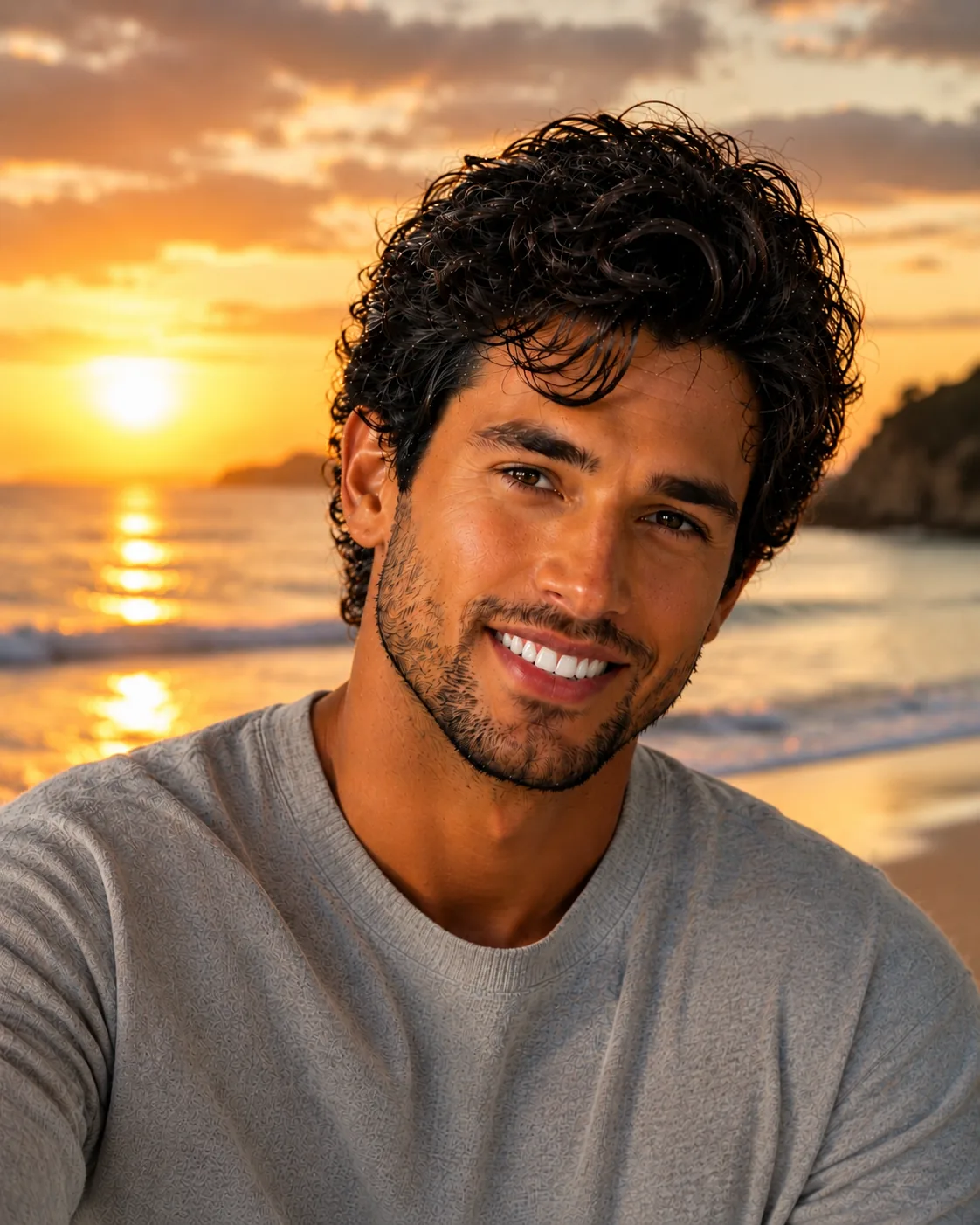
Edit my photo to change the background to a beautiful beach at sunset, keeping me natural and well-lit.
How to Write Your Own AI Photo Prompts
Once you get the hang of it, you can write your own prompts. Just follow a simple formula: subject + style + lighting + background + mood.
A portrait of me (subject), realistic style (style), soft daylight (lighting), blurred park background (background), calm and happy mood (mood).
The clearer you are, the better the AI performs. Start with one of the ideas above, then change the details to make it your own.
Final Thoughts on AI Photo Prompt Ideas
Great AI photos start with great prompts. With these 60+ AI photo prompt ideas, you now have a ready-to-use library for portraits, selfies, couples, editing, and more.
Pick any prompt, paste it into ChatGPT or Gemini, and start creating. Don't be afraid to tweak the words, that's how you get a look that's truly yours.
Want more ideas? Browse our full image prompt library, grab some couple prompts, or dig through the keyword index, we add fresh prompts every week.
FAQ
Community
Comments
Sign in with Google to join the discussion.
No comments yet. Be the first to share your take.