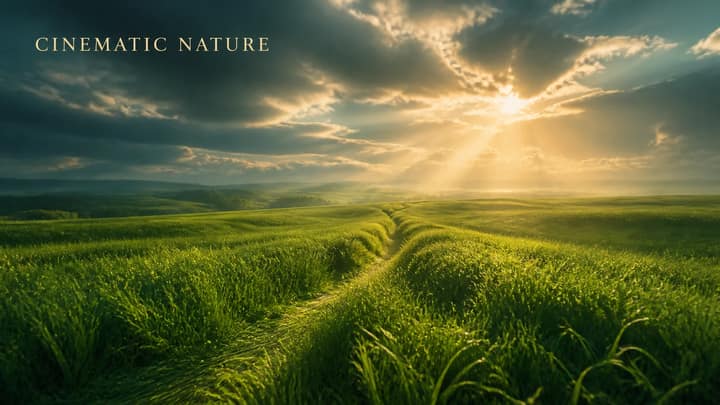
IMAGE EDIT ONLY.

First, intelligently analyze the scene and determine whether it can naturally support a rare atmospheric twilight phenomenon.

If physically believable, recreate the extremely rare "After-Rain Twilight Spectrum" that appears only under perfect humidity shortly after sunset. Blend deep cobalt blue, rich sapphire, soft periwinkle, muted violet, lavender haze, cool moonlit cyan, and a subtle champagne-peach glow near the horizon. Keep the transitions seamless, natural, and scientifically believable. Apply ultra-soft optical bloom only around naturally bright areas, realistic sea humidity, gentle atmospheric diffusion, premium shadow separation, and smooth highlight roll-off.

Preserve realistic colors, natural dynamic range, and authentic iPhone 17 Pro Apple ProRAW rendering with subtle Lightroom-grade finishing. The result must feel like an award-winning photograph captured during one of those exceptionally rare evenings photographers wait months to witness. Avoid oversaturation, fake HDR, artificial glow, or any visible AI-generated look.